Customer Ratings & Reviews
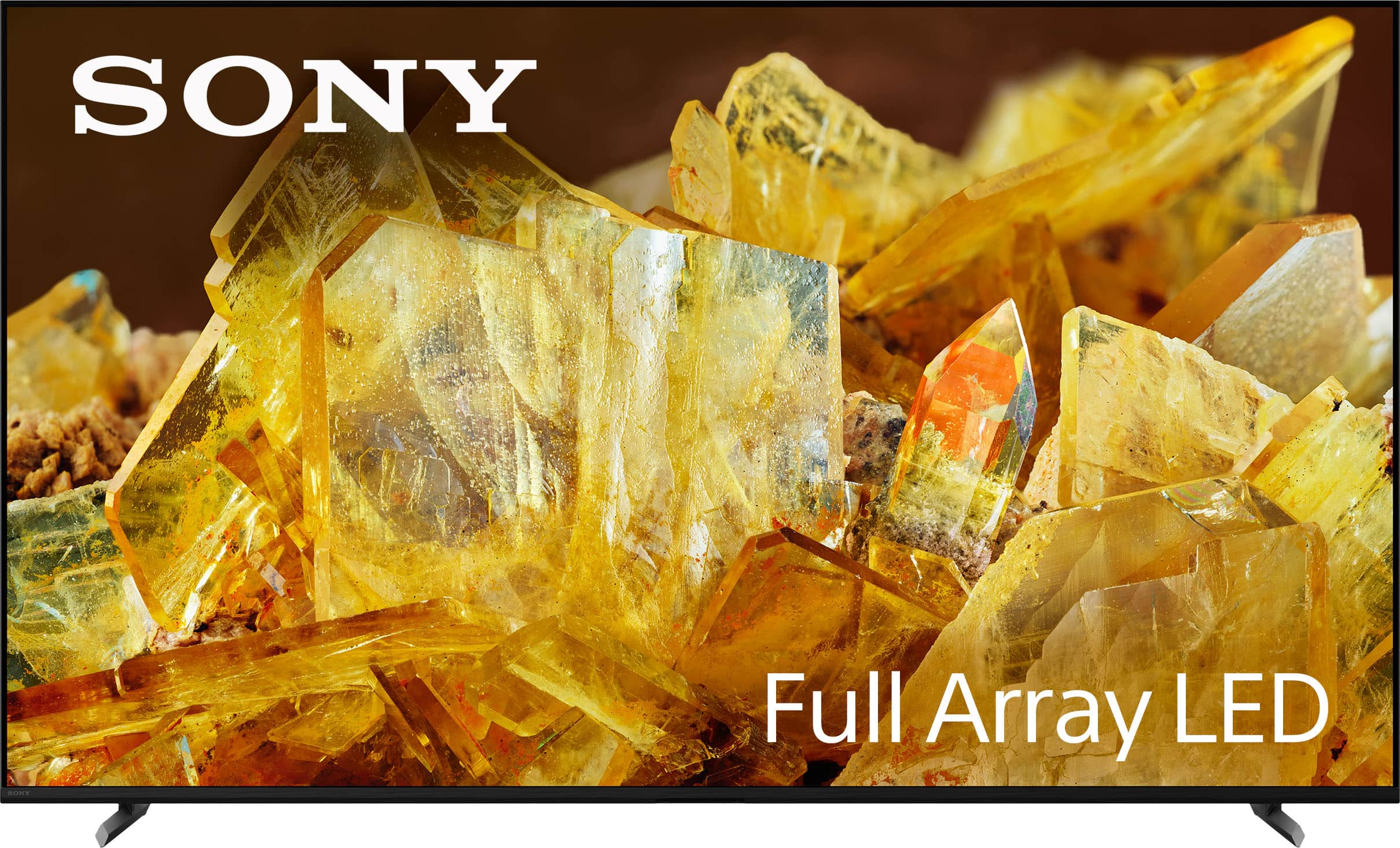
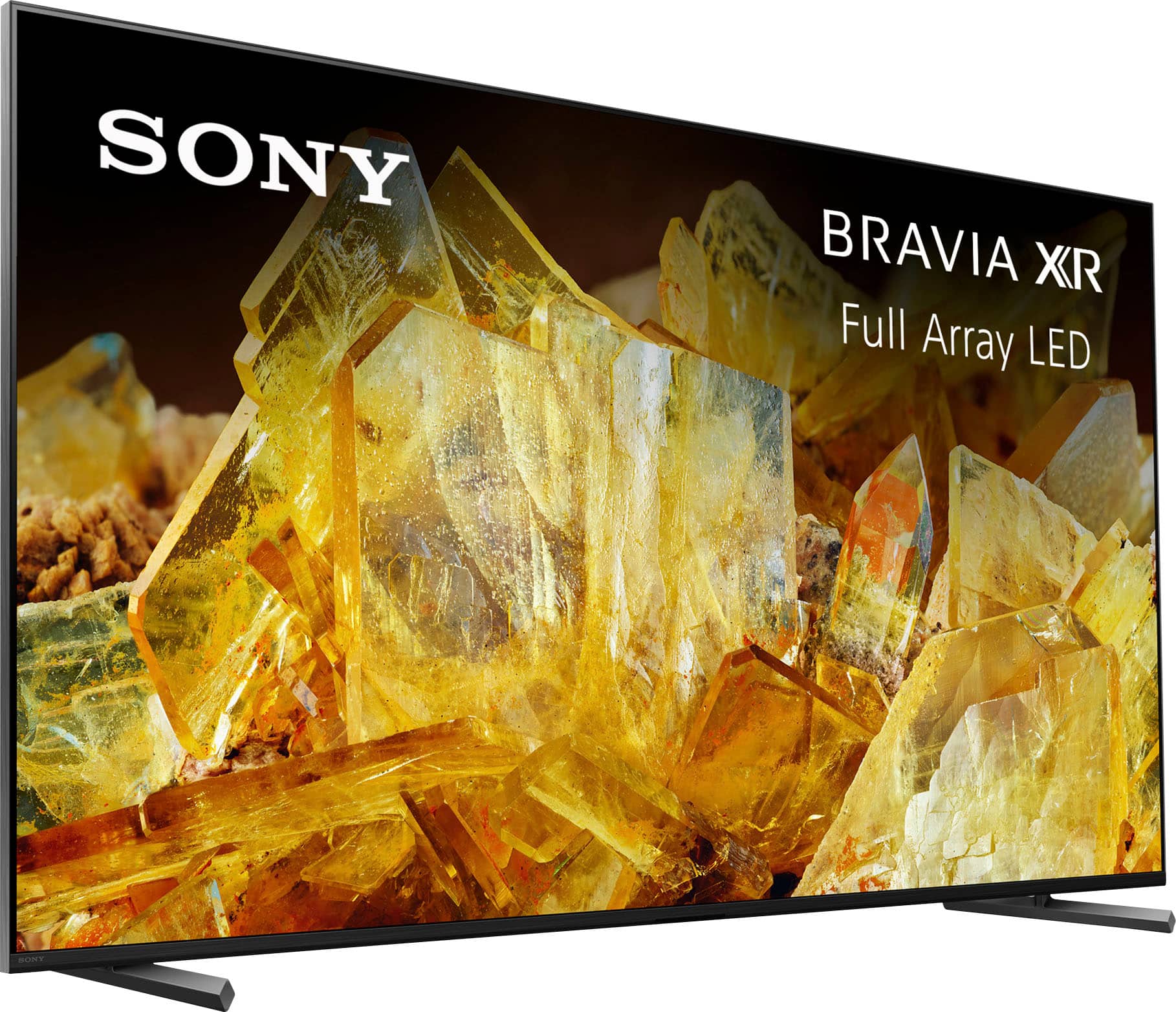
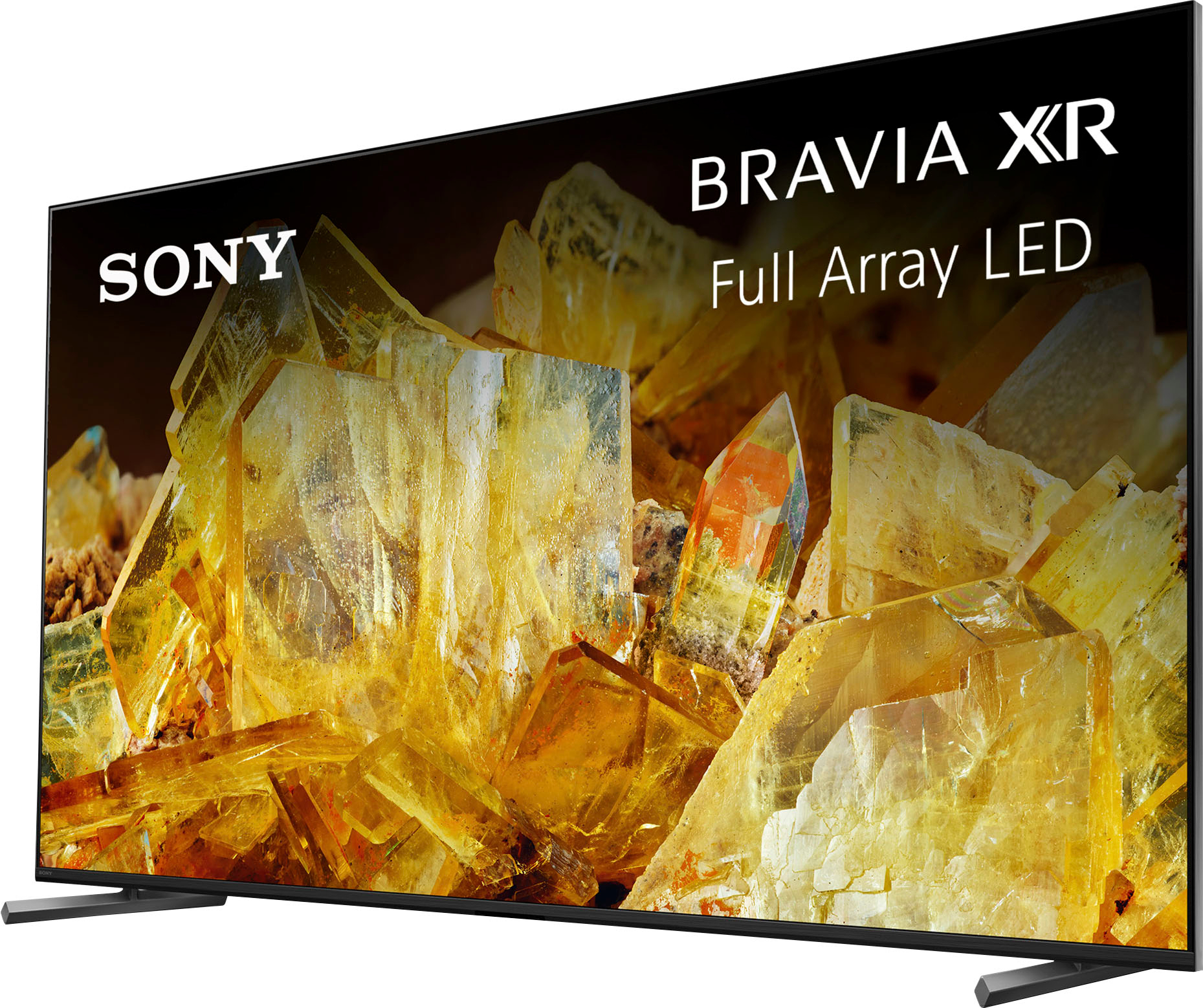
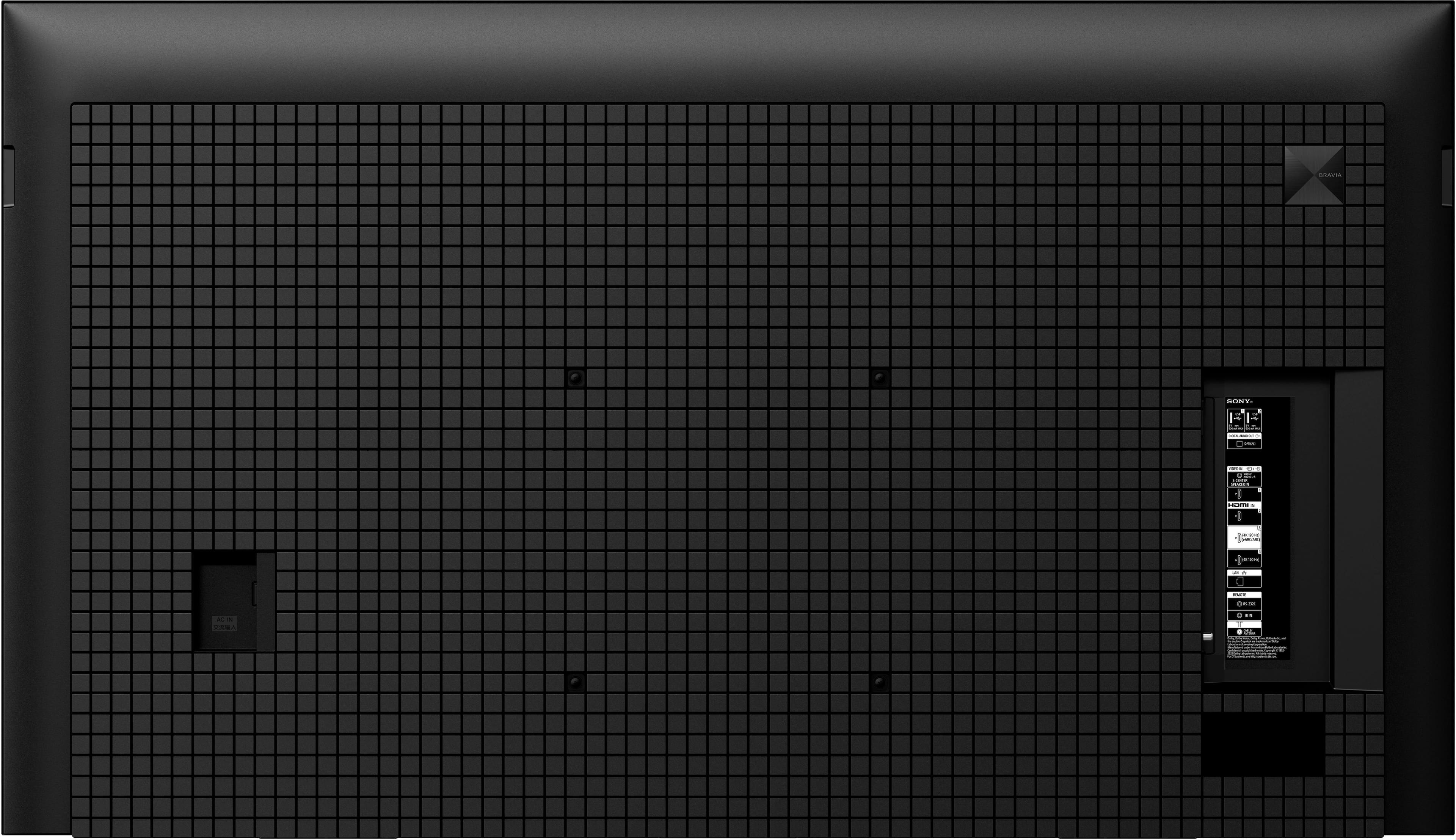
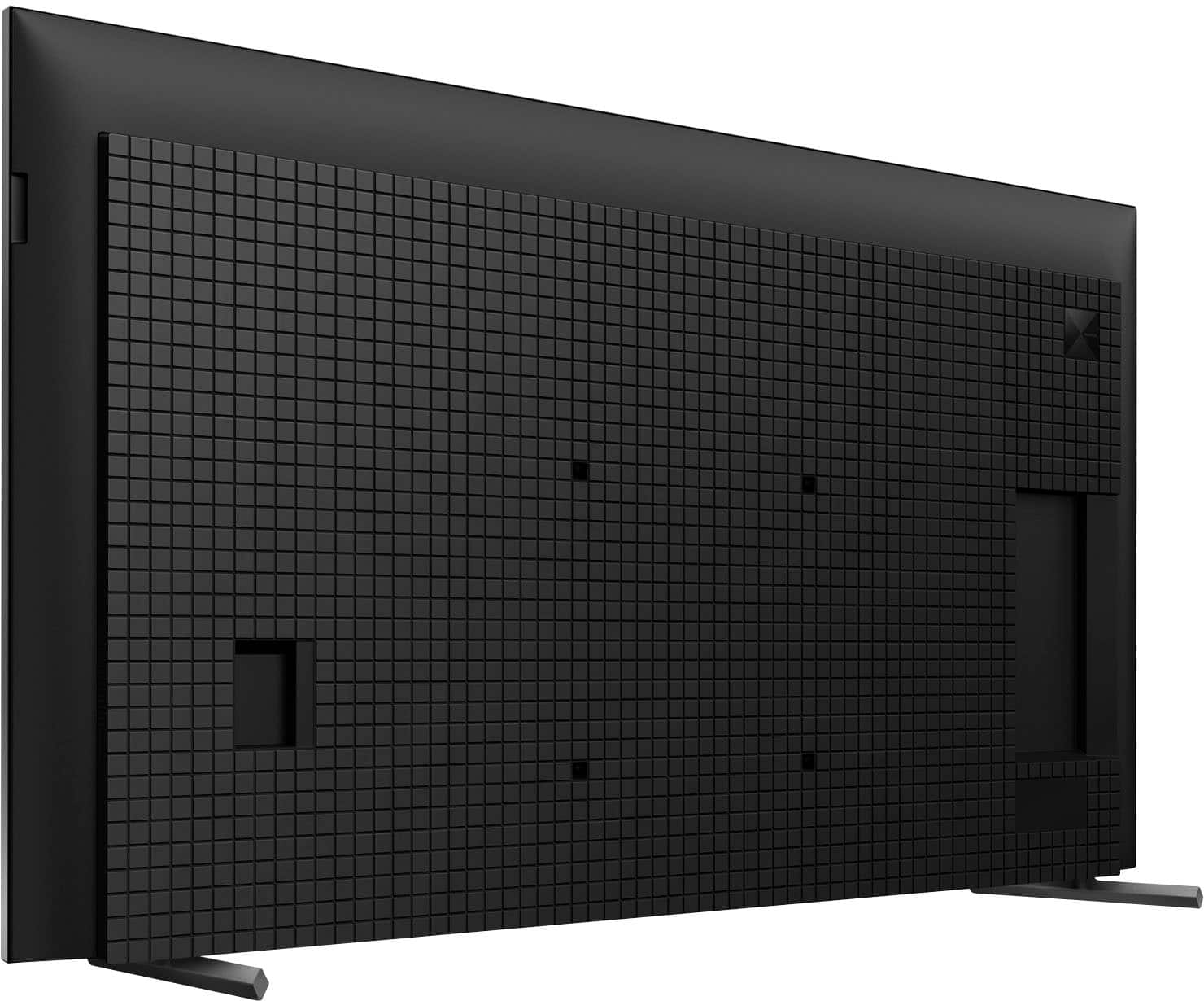
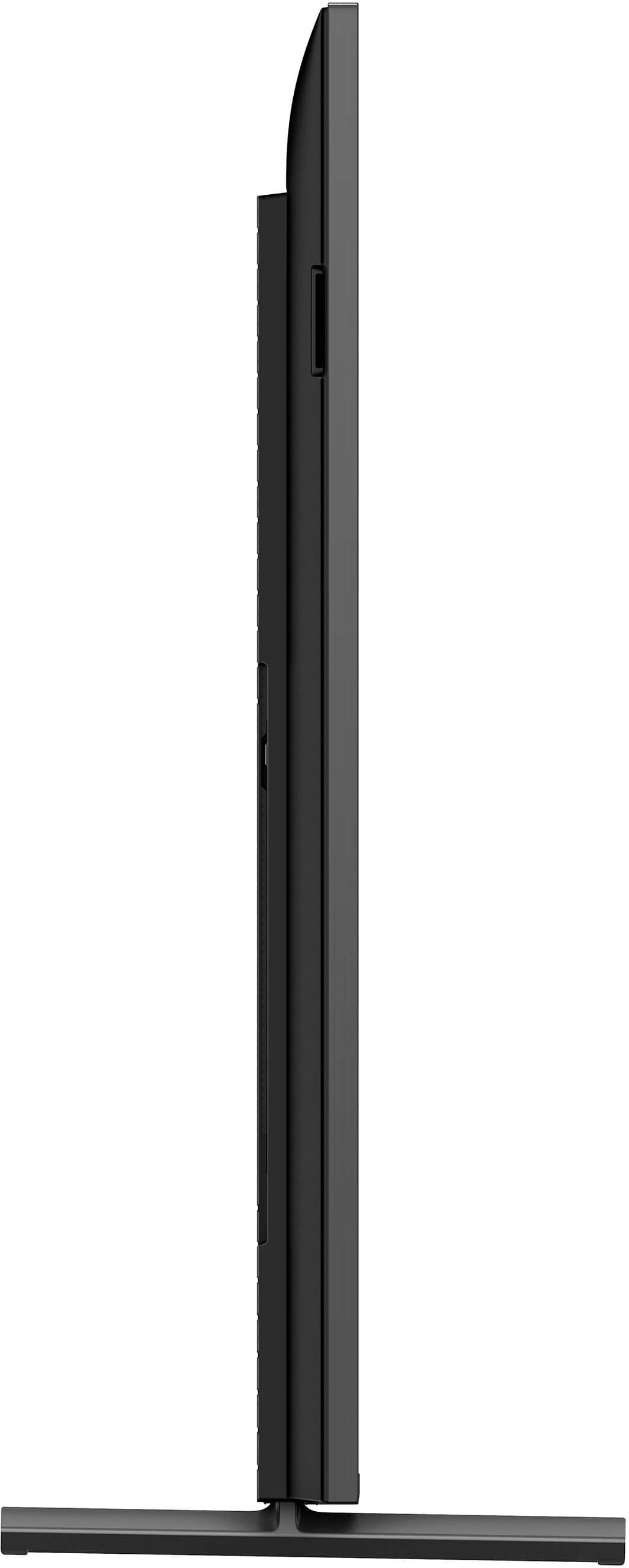
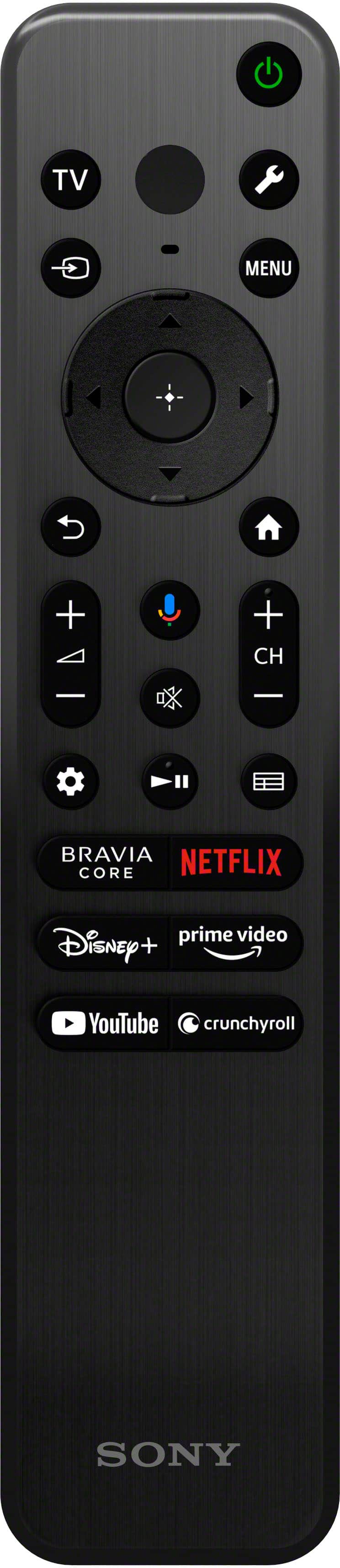
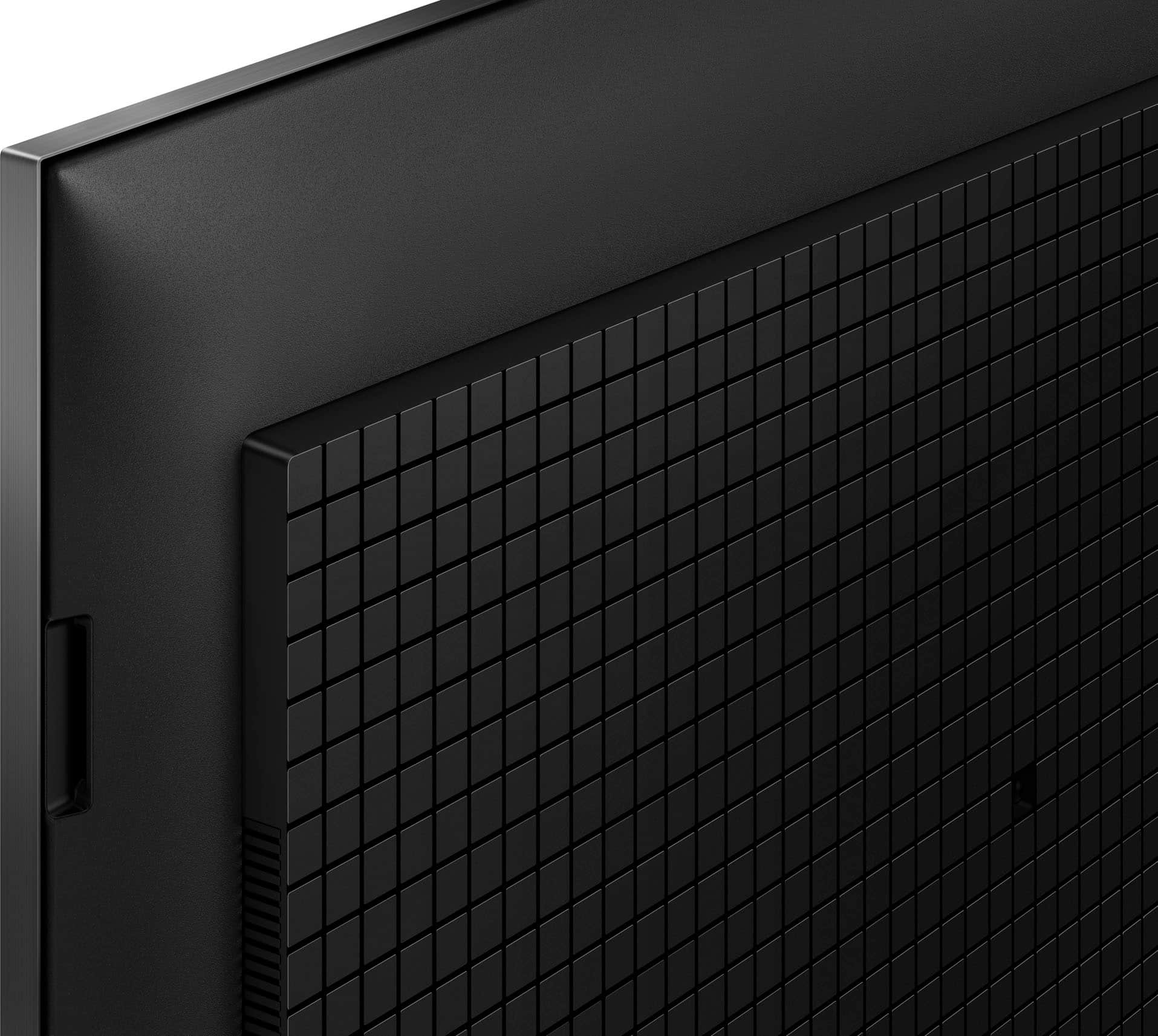

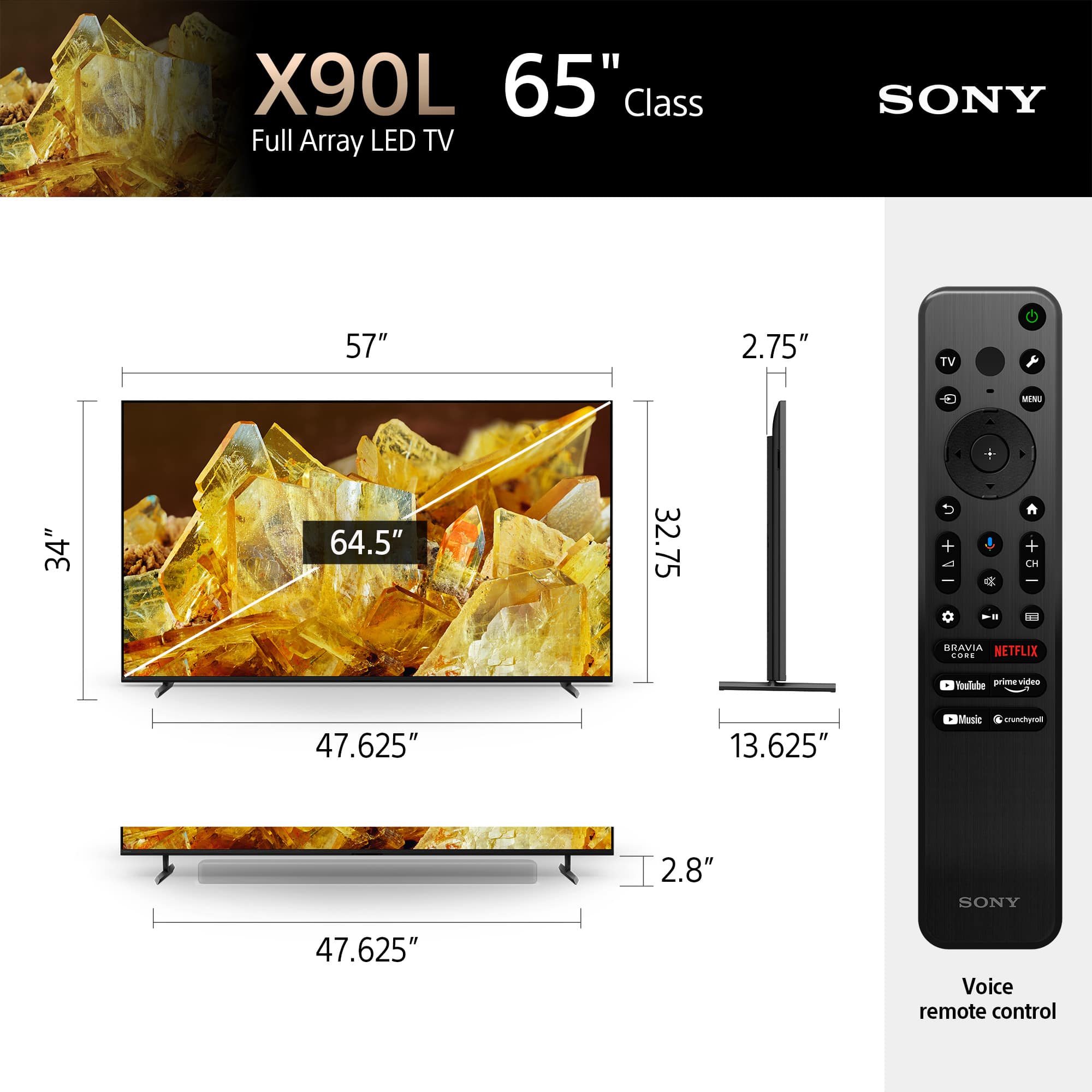
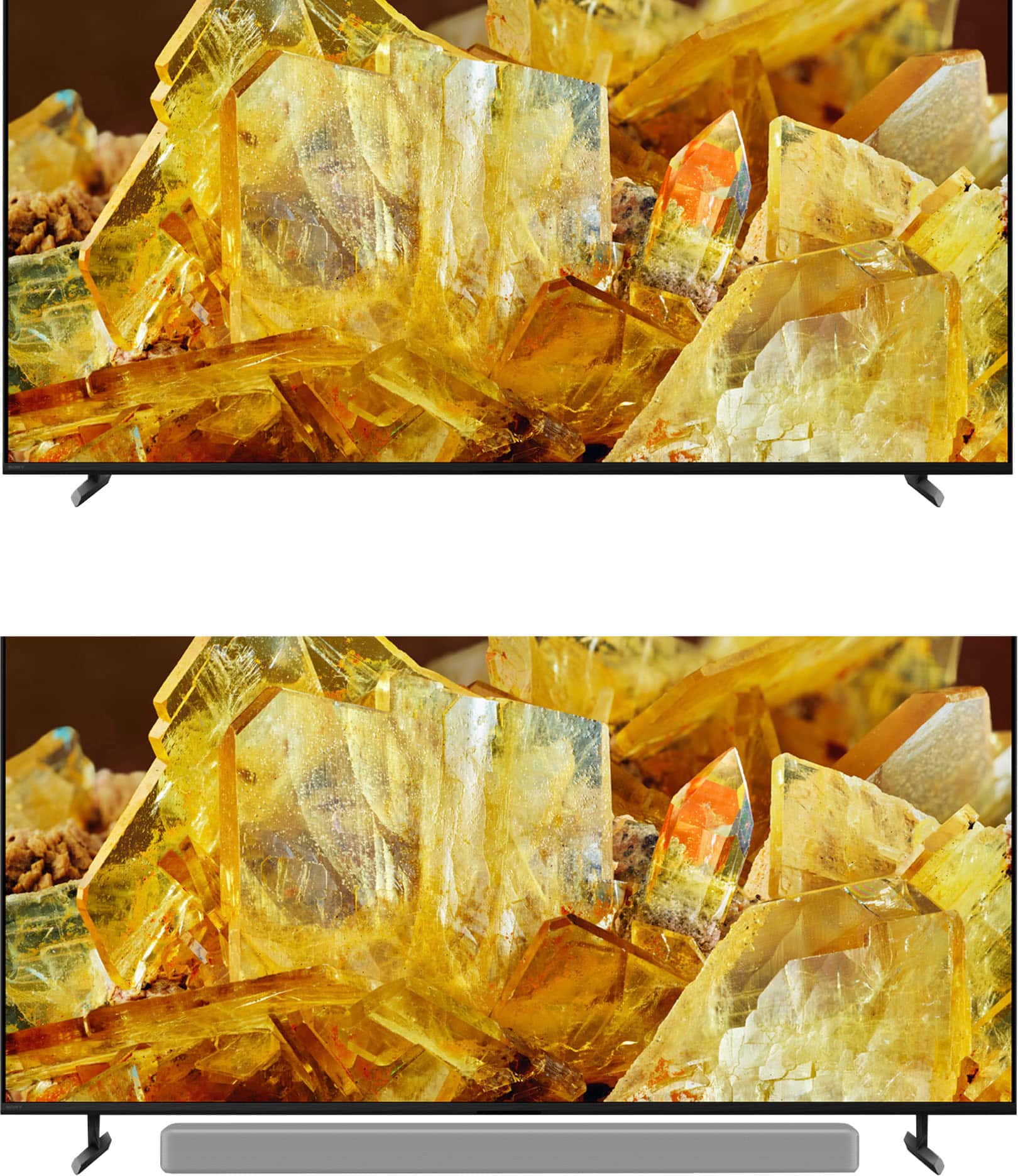









- Model:
- XR65X90L
- SKU:
- 6544733
Rating by feature
- Picture Quality
Rating 4.9 out of 5 stars
- Sound Quality
Rating 4.6 out of 5 stars
- Brightness
Rating 4.9 out of 5 stars
Customers are saying
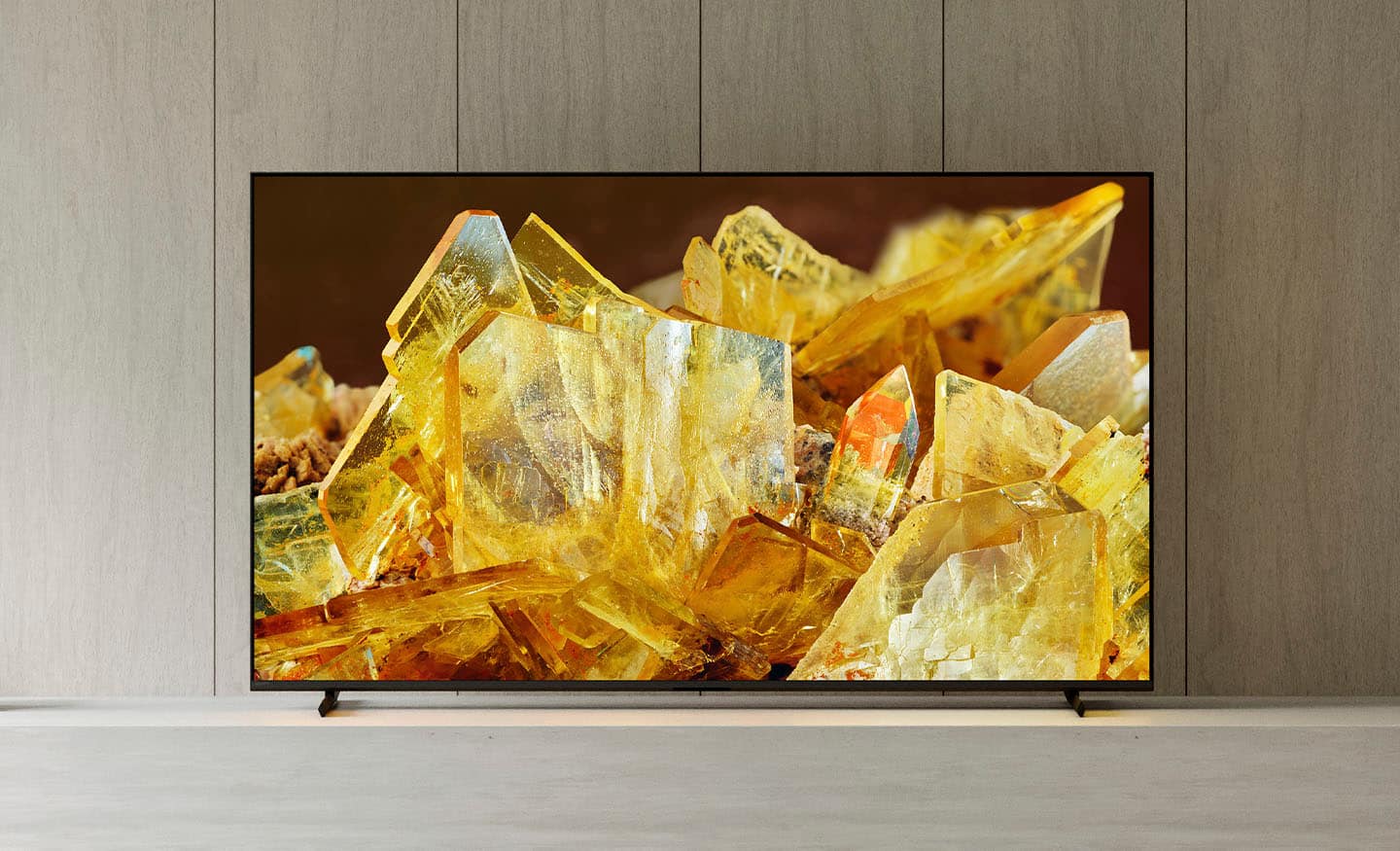
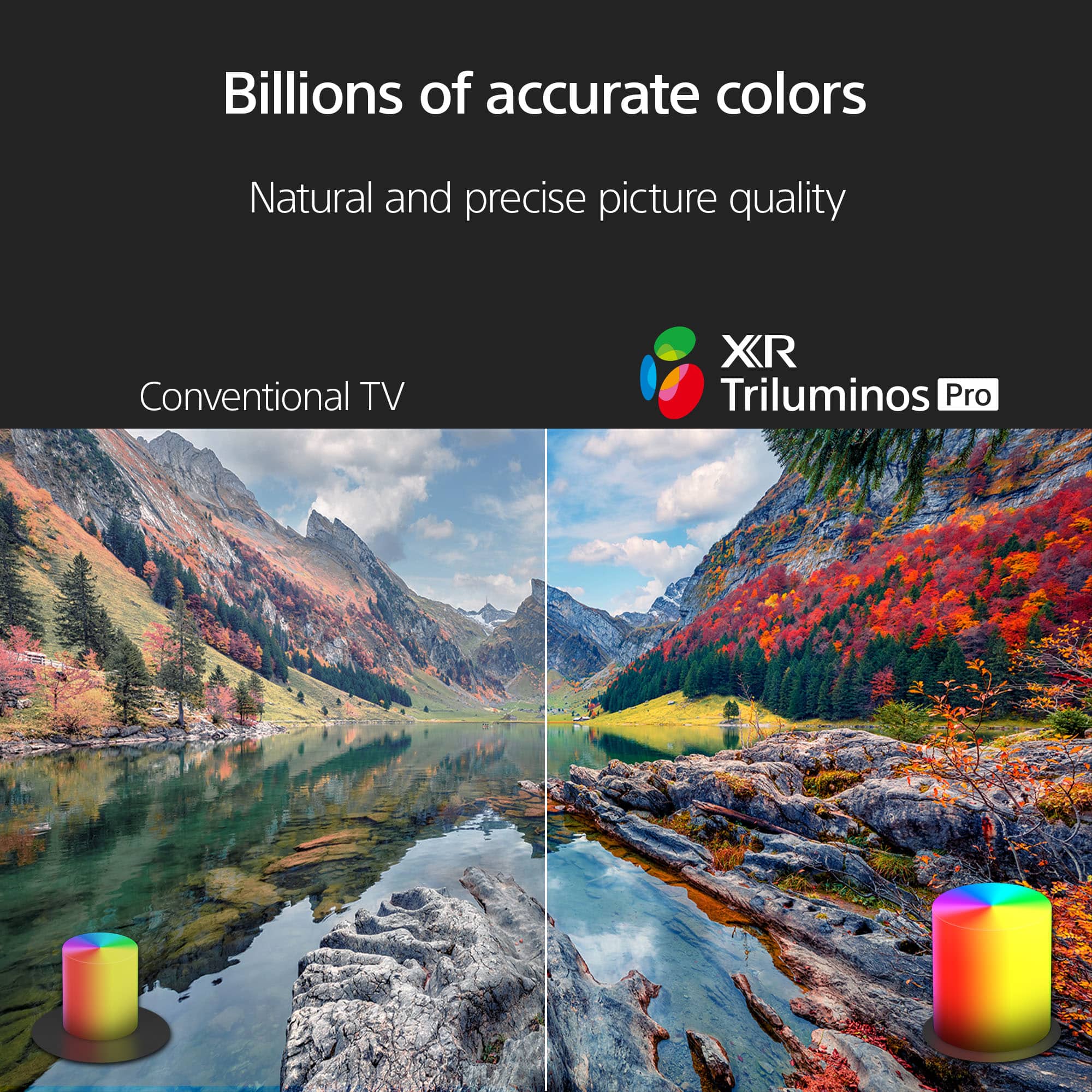
Customers regard the 65" Class BRAVIA XR X90L LED 4K UHD Smart Google TV (2023) highly for its excellent picture quality, realistic color, and ease of use. Many find the setup process straightforward and appreciate the overall TV quality, especially considering the reasonable price. Some customers have noted minor drawbacks such as the remote control lacking a number pad, minimal glare, and occasional slight blooming. A few have also mentioned concerns about contrast and occasional lag when opening apps.
This summary was generated by AI based on customer reviews.
sony tv review
||Posted . Owned for 1 month when reviewed.This reviewer received promo considerations or sweepstakes entry for writing a review.easy to install good on the site service during the purchase
I would recommend this to a friendBrand response from SonyListens
Posted .Hi NobleJ,
Perfect! We're glad that you had an easy time purchasing and installing the TV. Thank you for choosing Sony!
-Ralph
Sony not great
||Posted .This reviewer received promo considerations or sweepstakes entry for writing a review.Top rated TV it's doesn't a great setting to use and really have to look so hard just to change things the way I want them.
No, I would not recommend this to a friendBrand response from SonyListens
Posted .Hi Larry,
Thanks for reaching out and sharing your feedback about the settings on your XR-65X90L.
We're truly sorry to hear that you're having trouble navigating the menu and finding the adjustments you want. That's definitely not the experience we want you to have and we appreciate you taking the time to let us know.
If you feel like you need more personalized help with getting your specific picture settings just right, please don't hesitate to reach out to our support team at https://us.esupport.sony.com/support/s/support-contact?language=en_US&category=tv
Thanks for considering Sony and for your feedback.
Sincerely,
Estefany
Love this TV
||Posted . Owned for 1 month when reviewed.This reviewer received promo considerations or sweepstakes entry for writing a review.Awesome TV. Great screen. It works really well with our XBox.
I would recommend this to a friendBrand response from SonyListens
Posted .Hi StevenG, Choosing this TV will definitely be worth it! Thank you for taking the time to write such an amazing review of your experience with your X90L Full Array LED 4K Ultra HD Smart Google TV! We are extremely pleased to hear you are having an enjoyable gaming experience with this great TV. Glad to know it works great with your gaming console. Thank you for purchasing the 65" X90L and for choosing Sony! -Jess
Sony Bravia TV
||Posted . Owned for 1 month when reviewed.This reviewer received promo considerations or sweepstakes entry for writing a review.The Sony Bravia LED tv was a great value and thus far has performed well.
I would recommend this to a friendBrand response from SonyListens
Posted .Hi DonaldW,
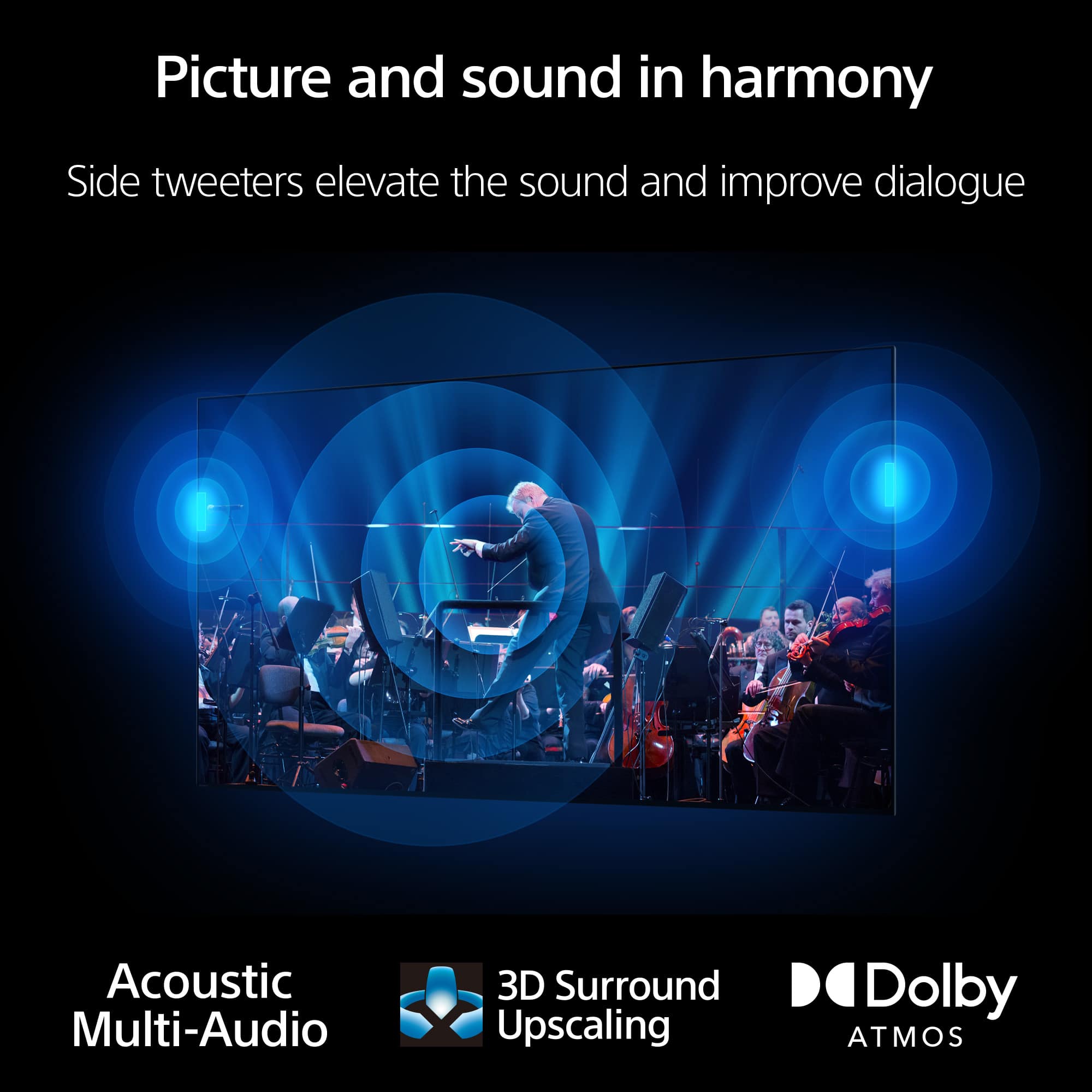
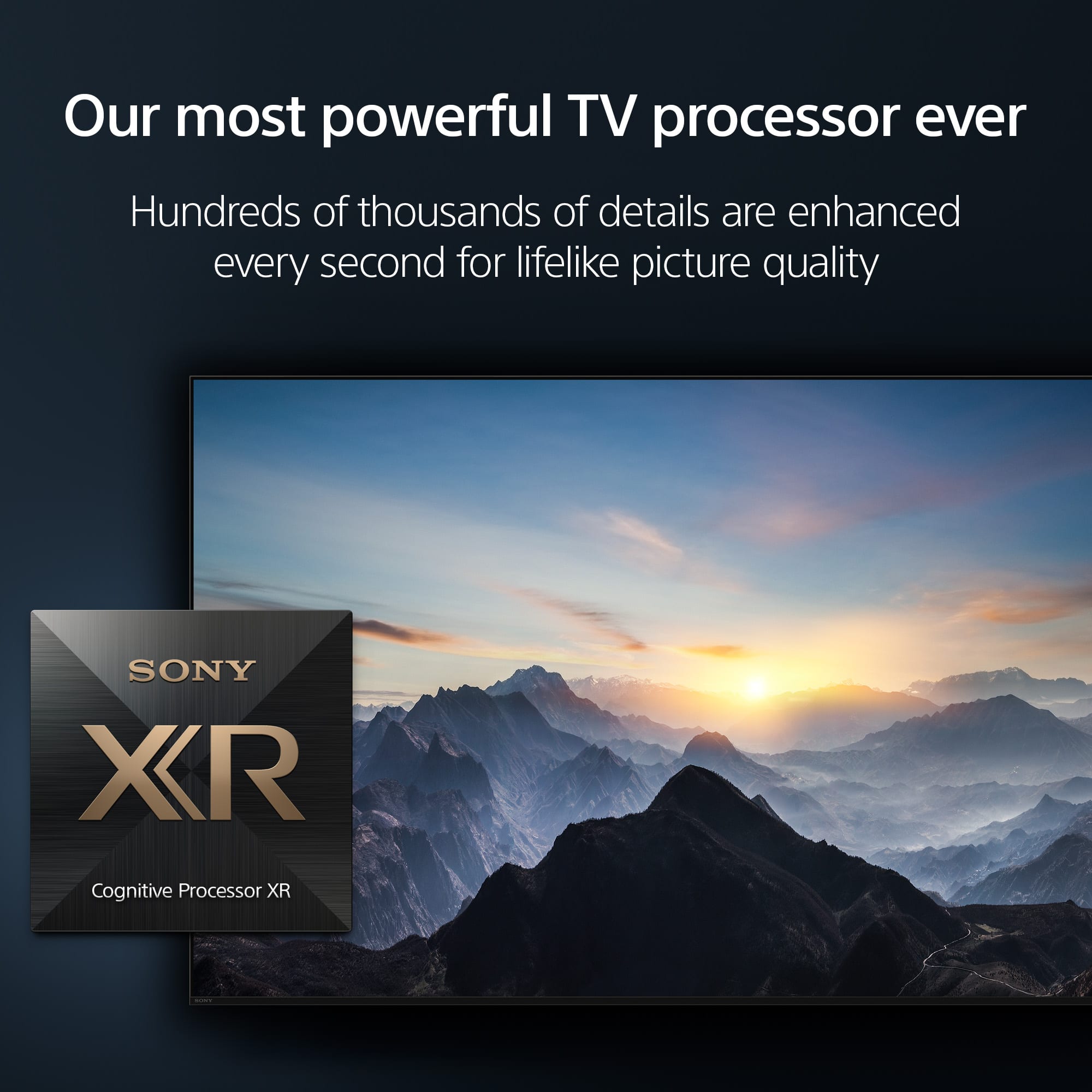
You made the right choice! See a vivid, crisp picture while you watch and game, all enhanced by Full Array LED and powered by the intelligent Cognitive Processor XR™️. Sound positioning tweeters, in additional to the TV speakers, elevates the sound so what you hear matches the picture you see. Take entertainment further by pairing your BRAVIA XR™️ TV with Sony audio equipment. You’ll discover an unmatched audio-visual experience with outstanding XR picture and sound quality. Thank you for choosing Sony!
-Ralph
dave
||Posted . Owned for 3 weeks when reviewed.This reviewer received promo considerations or sweepstakes entry for writing a review.i would recommed this brand to anyone. this brand is a good value for its class.
I would recommend this to a friendBrand response from SonyListens
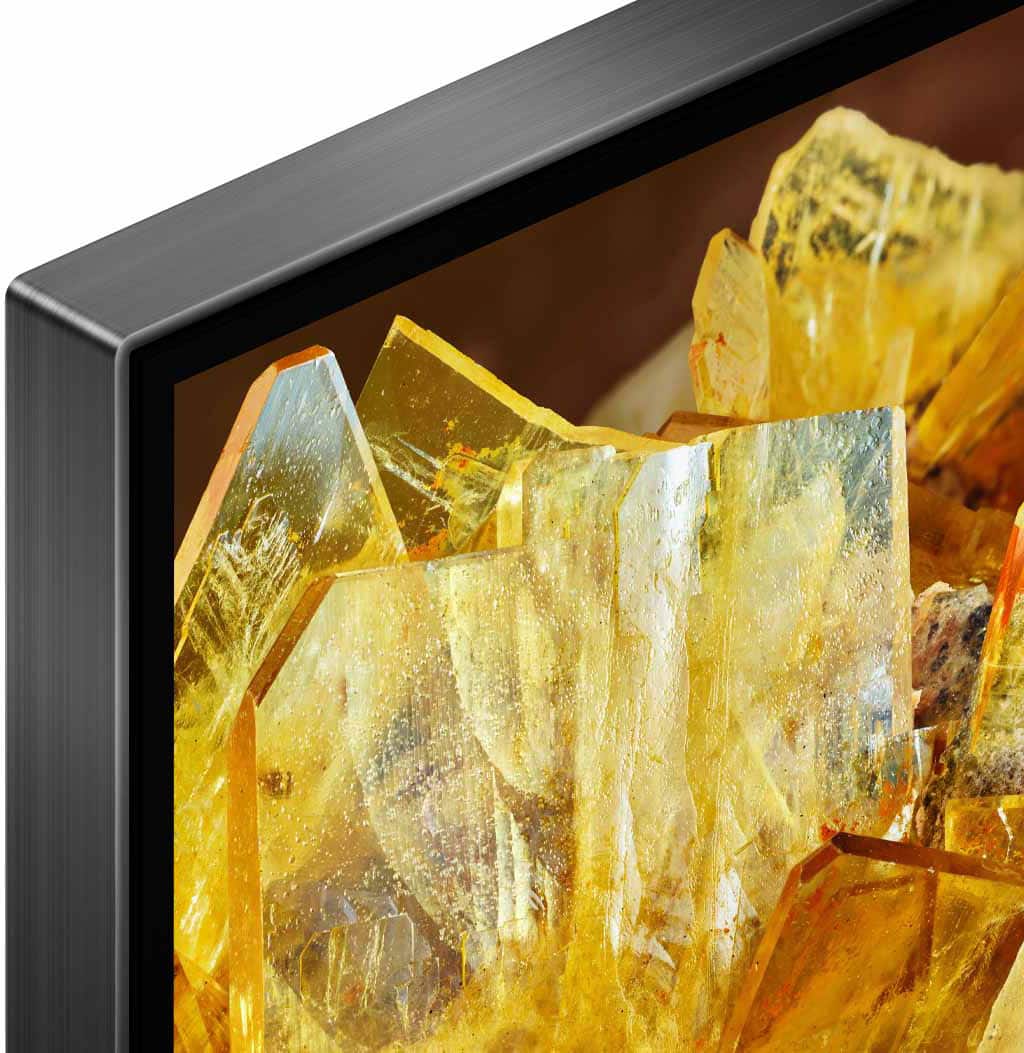
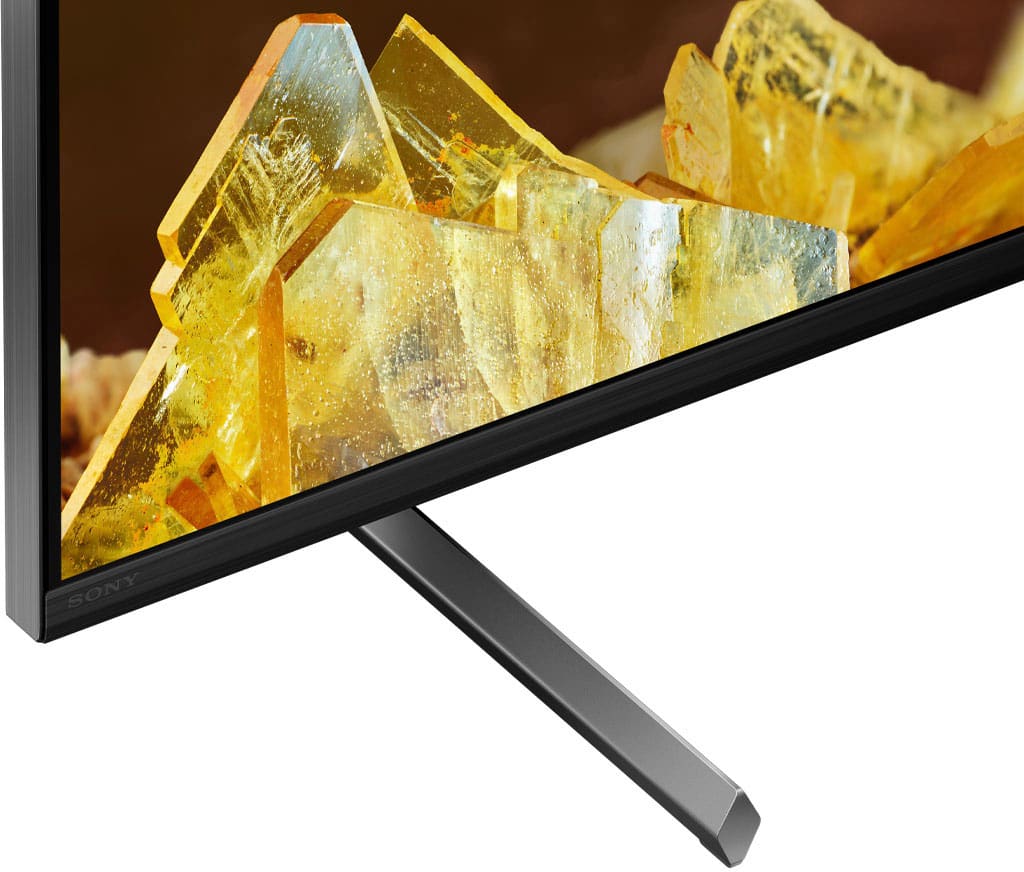
Posted .Hi DavidB, we're glad you like our newest product. See a vivid, crisp picture while you watch and game, all enhanced by Full Array LED and powered by the intelligent Cognitive Processor XR. Hear sound straight from the screen, perfectly matching the action. Cognitive Processor XR™ turns any sound immersive with more precise sound position. Our minimalist One Slate design fuses screen and bezel into a single slate, minimizing noise and maximizing your viewing experience. Seamless Edge, available for the first time in this class of BRAVIA™, gives the TV an extremely slim, sophisticated look. Thanks for choosing Sony. ~Earl
Sony tv
||Posted . Owned for 2 months when reviewed.This reviewer received promo considerations or sweepstakes entry for writing a review.This tv is awesome and the staff at the store was great
I would recommend this to a friendBrand response from SonyListens
Posted .Hi StevenB, We are happy that you now have an awesome smart Google TV. It's great to hear that you were assisted well by our local dealer. Thank you for choosing Sony! Enjoy! Vincent
- Pros mentioned:Picture quality
Tinker
||Posted . Owned for 1 month when reviewed.This reviewer received promo considerations or sweepstakes entry for writing a review.Picture quality is good. Sound for different streaming apps seems to be louder for some than others.
No, I would not recommend this to a friendBrand response from SonyListens
Posted .Hi there, Thank you for the positive review! We're pleased to hear you like the great picture quality of your new Sony X90L. If the volume level is uneven from different streaming apps, please make sure to check the setting on the app itself. Also, please make sure that the TV's firmware and the app's firmware are all up to date. Thanks for choosing Sony! -Sam
Sony
||Posted . Owned for 2 months when reviewed.This reviewer received promo considerations or sweepstakes entry for writing a review.think there might be better than this out there especially for the high price of this one compared to some of the great prices out there.
No, I would not recommend this to a friendBrand response from SonyListens
Posted .Hi Chelle,
Thanks for sharing your review and experience with the X90L. Your feedback is extremely important to us and is very much appreciated. We would like to know more about your review and turn your experience around. Please email us at socialsupport@am.sony.com with the following details:
Name:
Username:
Model Number:
Issue:
Telephone Number:
Sincerely,
-Ralph
DaveG
||Posted . Owned for 3 weeks when reviewed.This reviewer received promo considerations or sweepstakes entry for writing a review.Excellent service, sales person very knowledgeable
I would recommend this to a friendBrand response from SonyListens
Posted .Hi DavidG, It's great to hear that you were assisted well by our local dealer. We hope that you also like your new Sony BRAVIA smart Google TV. Thank you for trusting Sony! Vincent
Go for it
||Posted . Owned for 3 weeks when reviewed.This reviewer received promo considerations or sweepstakes entry for writing a review.Had to go with Sony for durability. Worth the investment. Needs a soundbar
I would recommend this to a friendBrand response from SonyListens
Posted .Hi Nice, thanks for choosing and purchasing our product. We hope you are enjoying your new TV! See a vivid, crisp picture while you watch and game, all enhanced by Full Array LED and powered by the intelligent Cognitive Processor XR. Hear sound straight from the screen, perfectly matching the action. Cognitive Processor XR™ turns any sound immersive with more precise sound position. Our minimalist One Slate design fuses screen and bezel into a single slate, minimizing noise and maximizing your viewing experience. Seamless Edge, available for the first time in this class of BRAVIA™, gives the TV an extremely slim, sophisticated look. Thanks for choosing Sony! ~Earl
Screeen quality is very good
||Posted . Owned for 3 months when reviewed.This reviewer received promo considerations or sweepstakes entry for writing a review.It was good experience for watching on this screen.. I loved it
I would recommend this to a friendBrand response from SonyListens
Posted .Hi SamK,
Great! We're glad that you are enjoying the picture quality of the X90L TV. See a vivid, crisp picture while you watch and game, all enhanced by Full Array LED and powered by the intelligent Cognitive Processor XR™️. Sound positioning tweeters, in additional to the TV speakers, elevates the sound so what you hear matches the picture you see. Take entertainment further by pairing your BRAVIA XR™️ TV with Sony audio equipment. You’ll discover an unmatched audio-visual experience with outstanding XR picture and sound quality. Thank you for choosing Sony!
-Ralph
Sony 65inch TV
||Posted . Owned for 1 month when reviewed.This reviewer received promo considerations or sweepstakes entry for writing a review.TV has been great, great customer service who recommended this sony Tv
I would recommend this to a friendBrand response from SonyListens
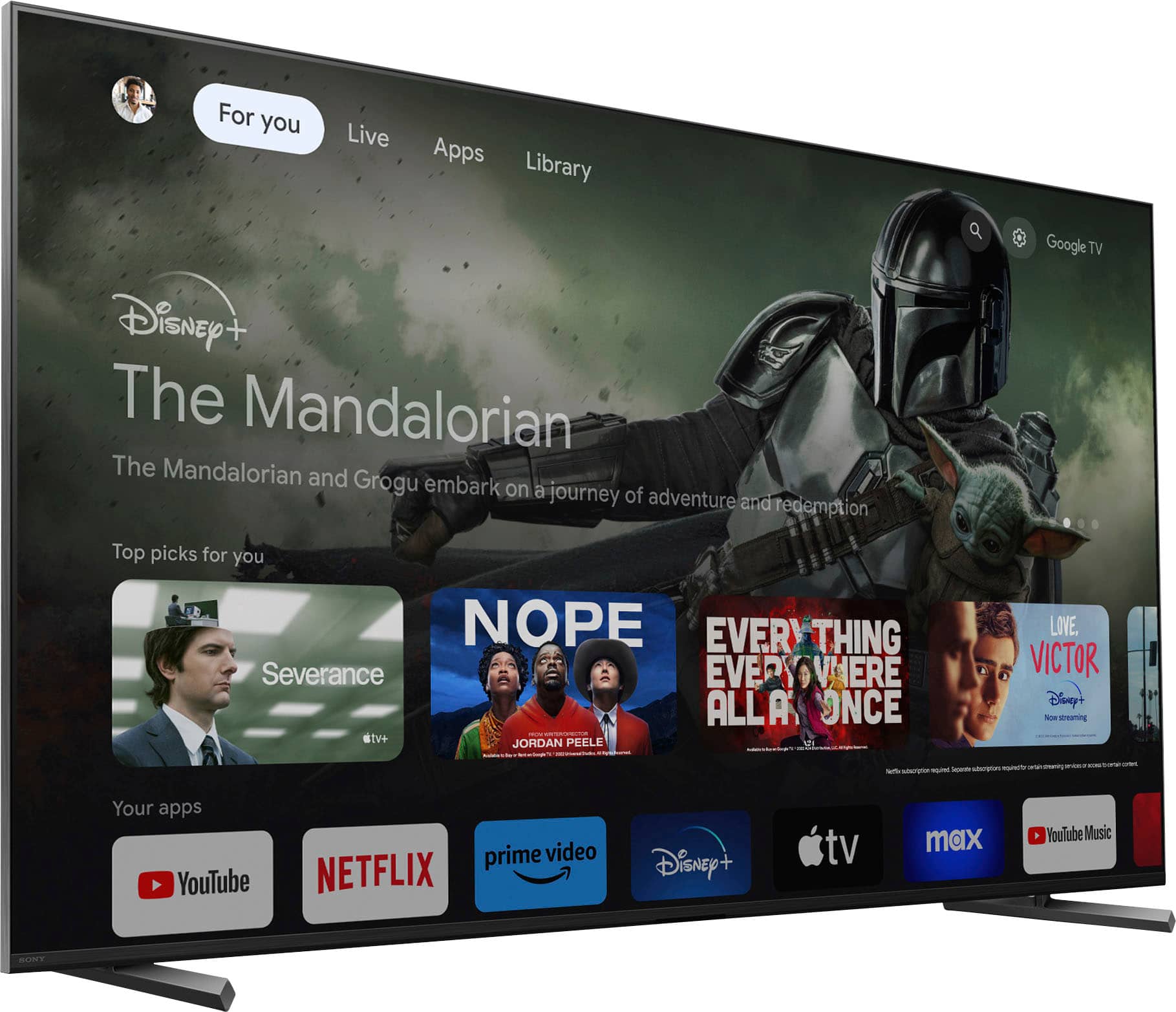
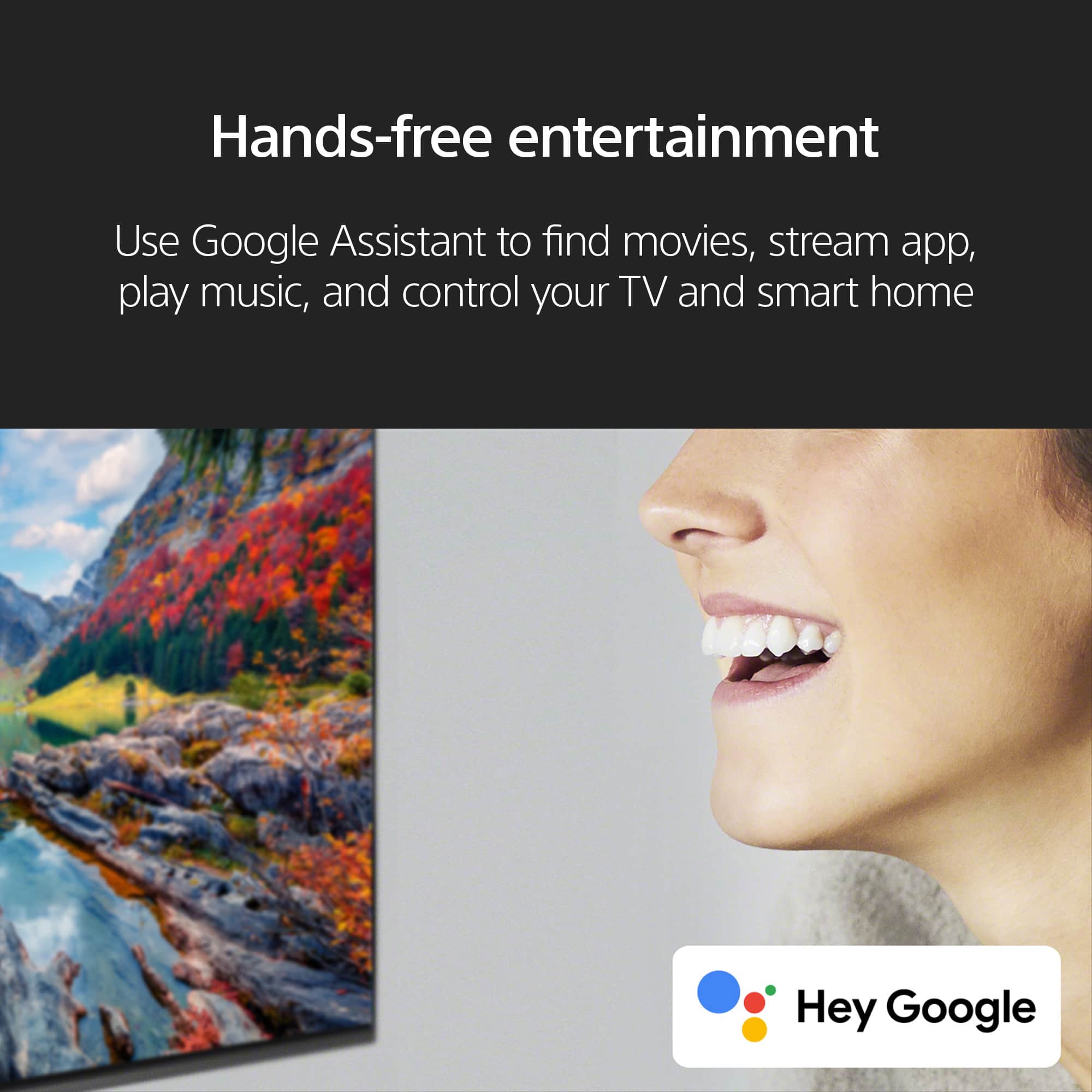
Posted .Hi AaronV, We are happy that you now have a great smart Google TV. With our BRAVIA X90L, you will see a vivid, crisp picture while you watch and game, all enhanced by Full Array LED and powered by the intelligent Cognitive Processor XR. It has Sound positioning tweeters, in additional to the TV speakers, which elevates the sound so what you hear matches the picture you see. It also supports Google TV, which brings your favorite content from across your apps and subscriptions and organizes them just for you. Thank you for trusting Sony! Vincent
Don’t buy from Best Buy!
||Posted . Owned for 2 weeks when reviewed.This reviewer received promo considerations or sweepstakes entry for writing a review.Love the tv - my only mistake was purchasing from Best Buy!
I would recommend this to a friendBrand response from SonyListens
Posted .Hi GregB, We are happy to hear that you love your new Sony BRAVIA 4K smart Google TV. With our BRAVIA X90L, you will see a vivid, crisp picture while you watch and game, all enhanced by Full Array LED and powered by the intelligent Cognitive Processor XR. It has Sound positioning tweeters, in additional to the TV speakers, which elevates the sound so what you hear matches the picture you see. It also supports Google TV, which brings your favorite content from across your apps and subscriptions and organizes them just for you. For any dealer-related concerns, we highly recommend contacting them directly for best assistance. Thank you for choosing Sony! Vincent
Worth it in everyway
||Posted . Owned for 1 month when reviewed.This reviewer received promo considerations or sweepstakes entry for writing a review.Way better than what I was expecting for the money I spent
I would recommend this to a friendBrand response from SonyListens
Posted .Hello Maestroo7,
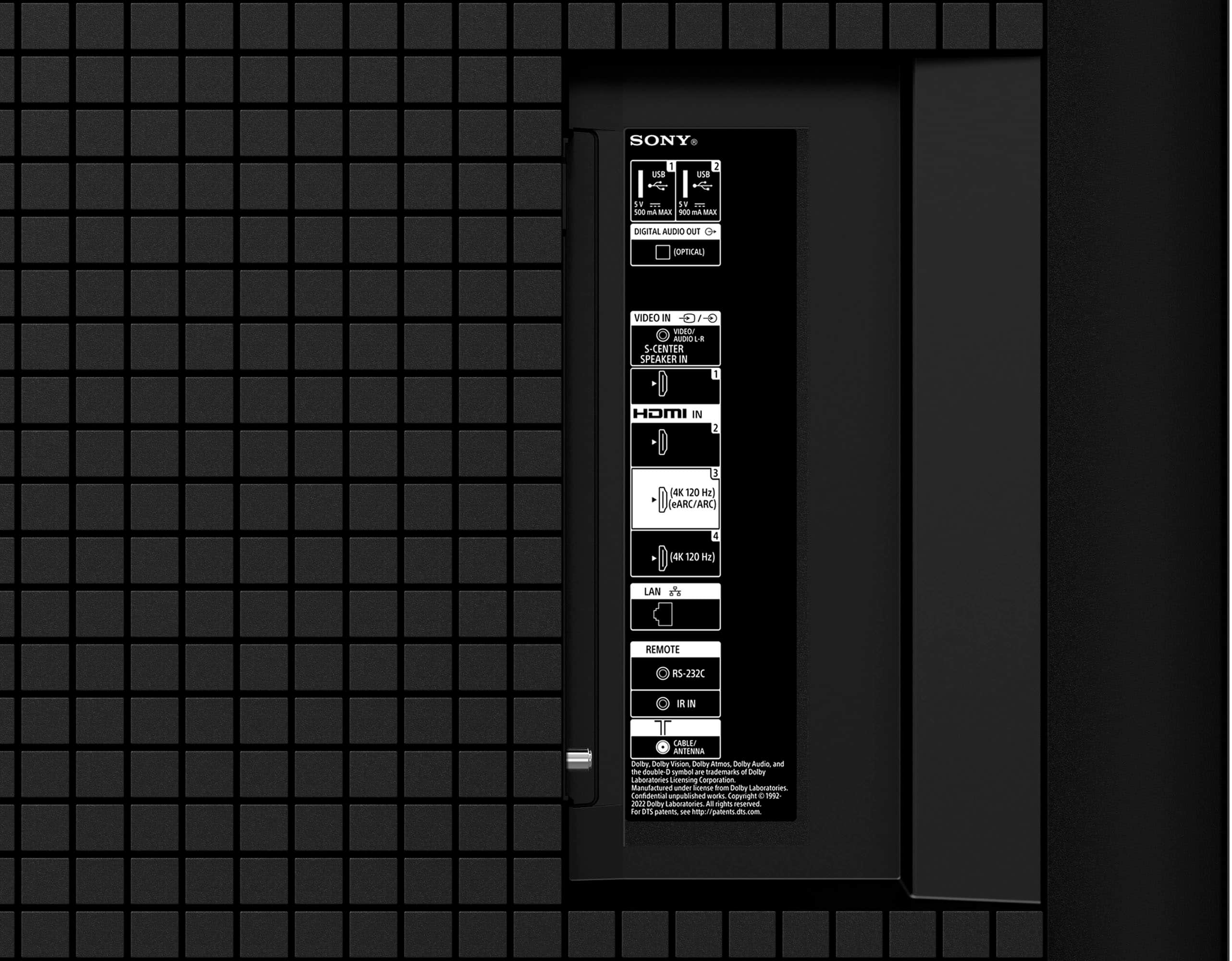
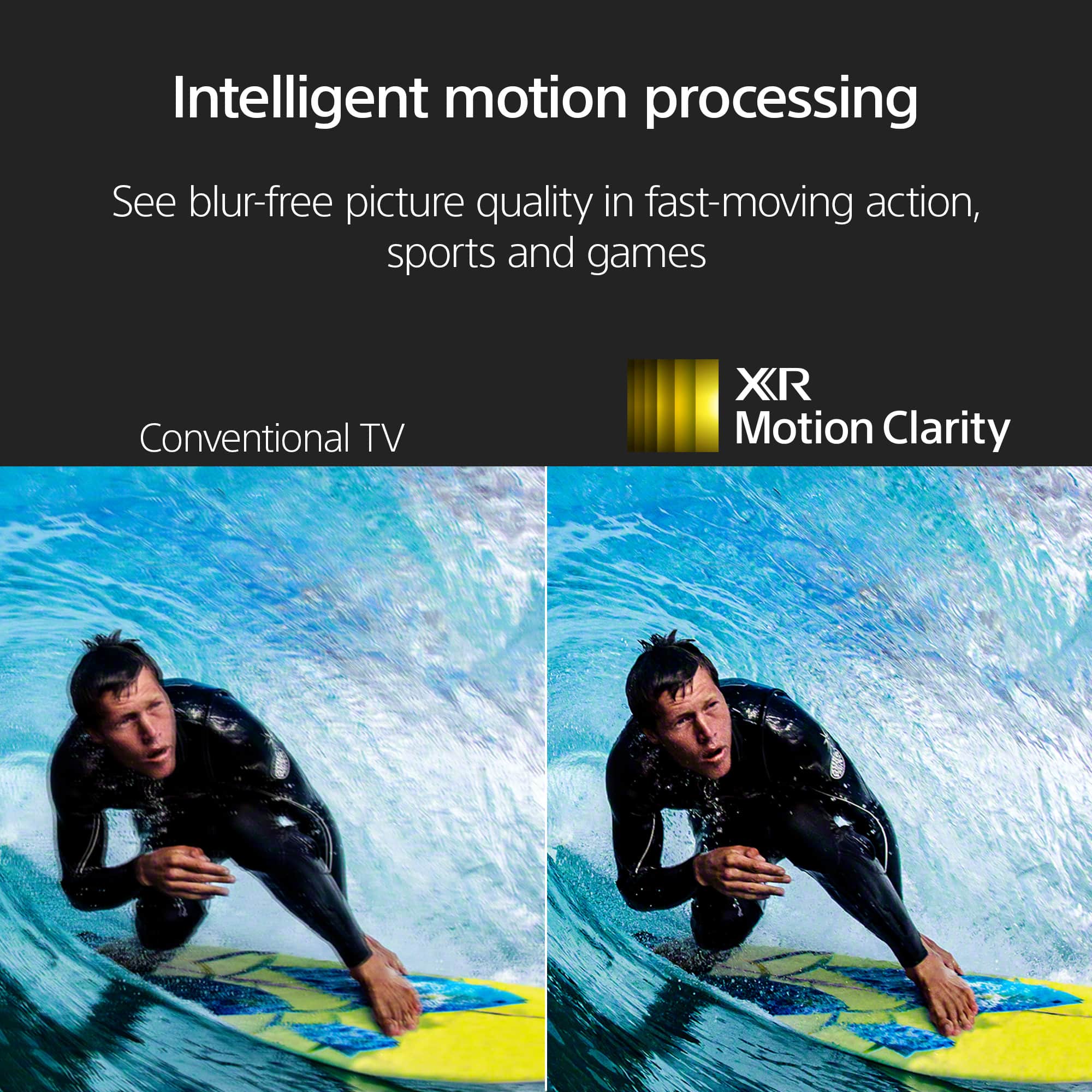
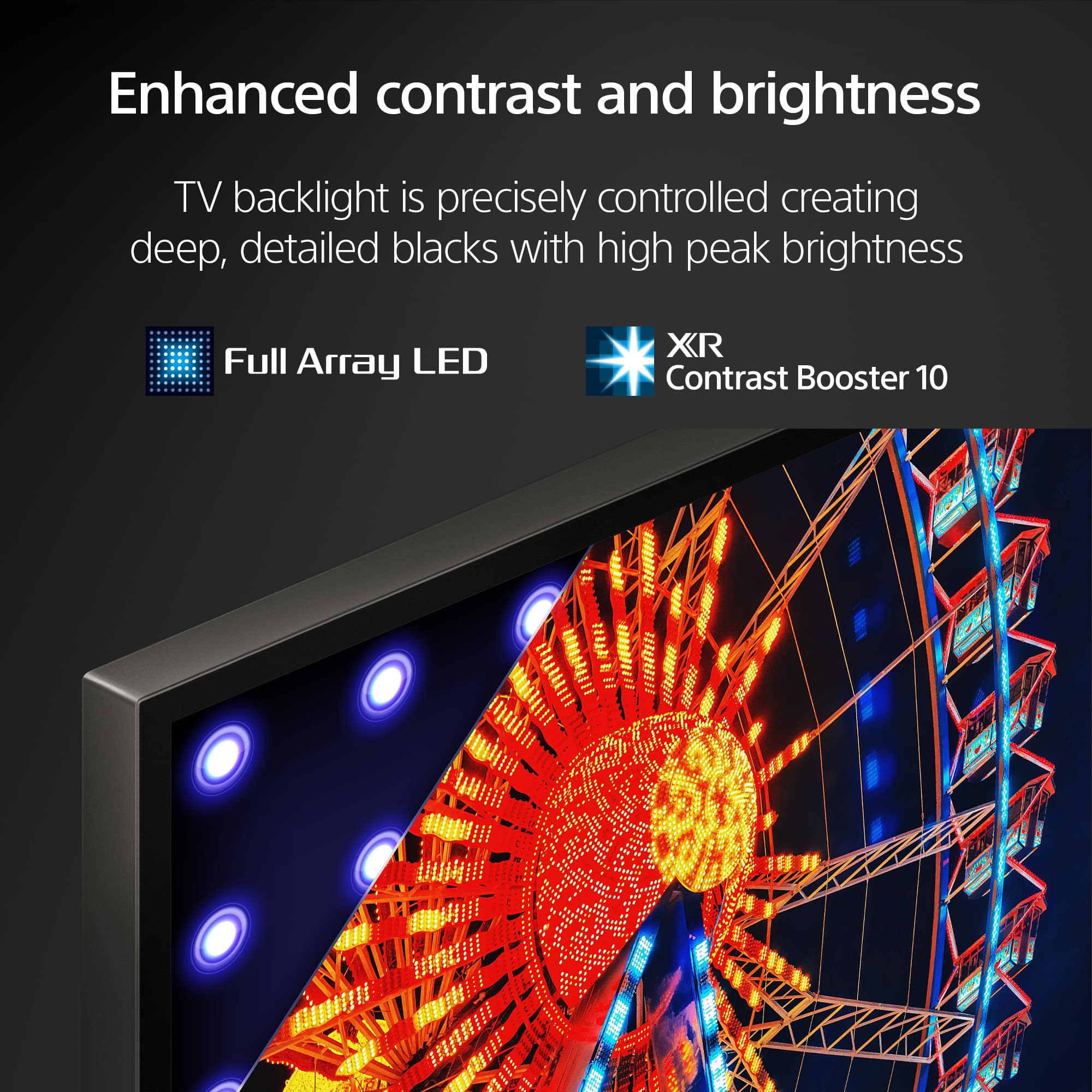
Worth every penny, right?! You will surely not regret getting this one. We're glad that you are satisfied with your new Sony XR65X90L TV. See a vivid, crisp picture while you watch and game, all powered by the intelligent Cognitive Processor XR™. Full Array LED and XR Contrast Booster precisely controls zones of LEDs expanding the contrast range for deep, detailed blacks and increased peak brightness. HDMI 2.1 VRR, 4K120, and ALLM support lets you unlock the full potential of your favorite games for smooth and clear gameplay. Thank you for choosing Sony! - Marco
Sony tv
||Posted . Owned for 3 weeks when reviewed.This reviewer received promo considerations or sweepstakes entry for writing a review.We love the Sony tv we recently purchased from the Columbia MO Best Buy.
I would recommend this to a friendBrand response from SonyListens
Posted .Hi RobertT, we're glad you love our newest product! See a vivid, crisp picture while you watch and game, all enhanced by Full Array LED and powered by the intelligent Cognitive Processor XR. Hear sound straight from the screen, perfectly matching the action. Cognitive Processor XR™ turns any sound immersive with more precise sound position. Our minimalist One Slate design fuses screen and bezel into a single slate, minimizing noise and maximizing your viewing experience. Seamless Edge, available for the first time in this class of BRAVIA™, gives the TV an extremely slim, sophisticated look. Thanks for choosing Sony. ~Earl
JoseC
||Posted . Owned for 2 weeks when reviewed.This reviewer received promo considerations or sweepstakes entry for writing a review.I appreciate the driver texting us when he was on his way
I would recommend this to a friendBrand response from SonyListens
Posted .Hi JoseC, It's great to hear that you were assisted well by our local dealer. We hope that you also like your new Sony TV. With our BRAVIA X90L, you will see a vivid, crisp picture while you watch and game, all enhanced by Full Array LED and powered by the intelligent Cognitive Processor XR. It has Sound positioning tweeters, in additional to the TV speakers, which elevates the sound so what you hear matches the picture you see. It also supports Google TV, which brings your favorite content from across your apps and subscriptions and organizes them just for you. Thank you for your purchase. Enjoy! Vincent
Great Value
||Posted . Owned for 1 month when reviewed.This reviewer received promo considerations or sweepstakes entry for writing a review.Great value and alternative for the higher cost TVs with OLED and such.
I would recommend this to a friendBrand response from SonyListens
Posted .Hi JamesR, incredible! We're glad you like our newest TV! See a vivid, crisp picture while you watch and game, all enhanced by Full Array LED and powered by the intelligent Cognitive Processor XR. Hear sound straight from the screen, perfectly matching the action. Cognitive Processor XR™ turns any sound immersive with more precise sound position. Our minimalist One Slate design fuses screen and bezel into a single slate, minimizing noise and maximizing your viewing experience. Seamless Edge, available for the first time in this class of BRAVIA™, gives the TV an extremely slim, sophisticated look. Thanks for choosing Sony. ~Earl
Sony TV
||Posted . Owned for 1 month when reviewed.This reviewer received promo considerations or sweepstakes entry for writing a review.Great visuals on the TV and the customer service was great as well.
I would recommend this to a friendBrand response from SonyListens
Posted .Hi Lety, We are glad to hear that. We always strive to deliver the best picture and sound quality with our TVs. With our BRAVIA X90L, you will see a vivid, crisp picture while you watch and game, all enhanced by Full Array LED and powered by the intelligent Cognitive Processor XR. It has Sound positioning tweeters, in additional to the TV speakers, which elevates the sound so what you hear matches the picture you see. It also supports Google TV, which brings your favorite content from across your apps and subscriptions and organizes them just for you. It's great to hear that you were assisted well by our local dealer. Thank you for your purchase. Enjoy! Vincent
New tv
||Posted . Owned for 1 month when reviewed.This reviewer received promo considerations or sweepstakes entry for writing a review.Nice tv. Fit perfectly in the space we had for it.
I would recommend this to a friendBrand response from SonyListens
Posted .Hi CraiglA,
That's great! We're glad to hear that the TV fits well with your space. We appreciate the 5-star rating and thank you for choosing Sony!
-David
I will buy Sony again
||Posted . Owned for 3 weeks when reviewed.This reviewer received promo considerations or sweepstakes entry for writing a review.Sony remains best product in the world. It surpasses all other brands.
I would recommend this to a friendBrand response from SonyListens
Posted .Hi AnthonyA, we're glad you are enjoying your new TV! See a vivid, crisp picture while you watch and game, all enhanced by Full Array LED and powered by the intelligent Cognitive Processor XR. Hear sound straight from the screen, perfectly matching the action. Cognitive Processor XR™ turns any sound immersive with more precise sound position. Our minimalist One Slate design fuses screen and bezel into a single slate, minimizing noise and maximizing your viewing experience. Seamless Edge, available for the first time in this class of BRAVIA™, gives the TV an extremely slim, sophisticated look. Thanks for choosing Sony. ~Earl