Customer Ratings & Reviews
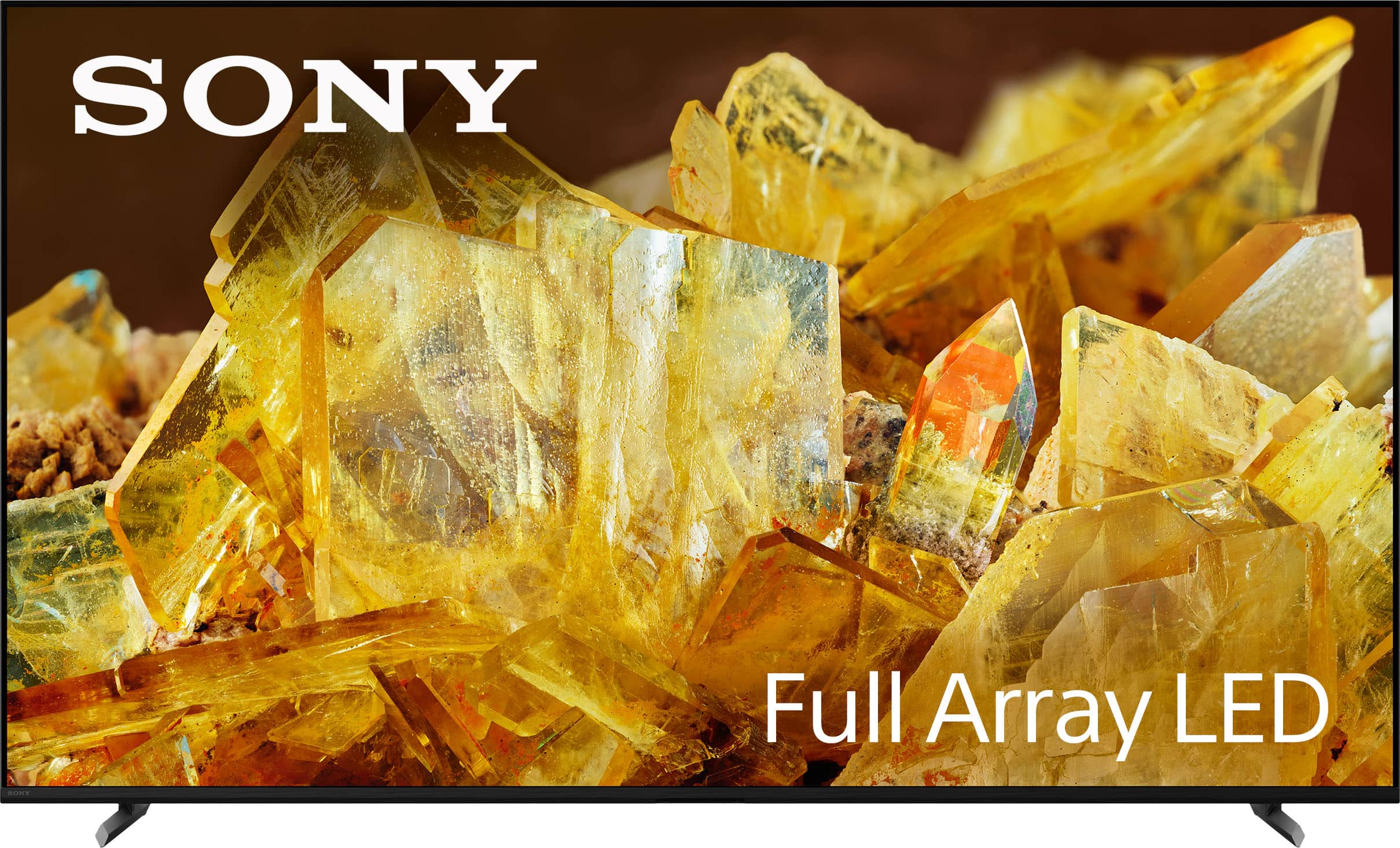
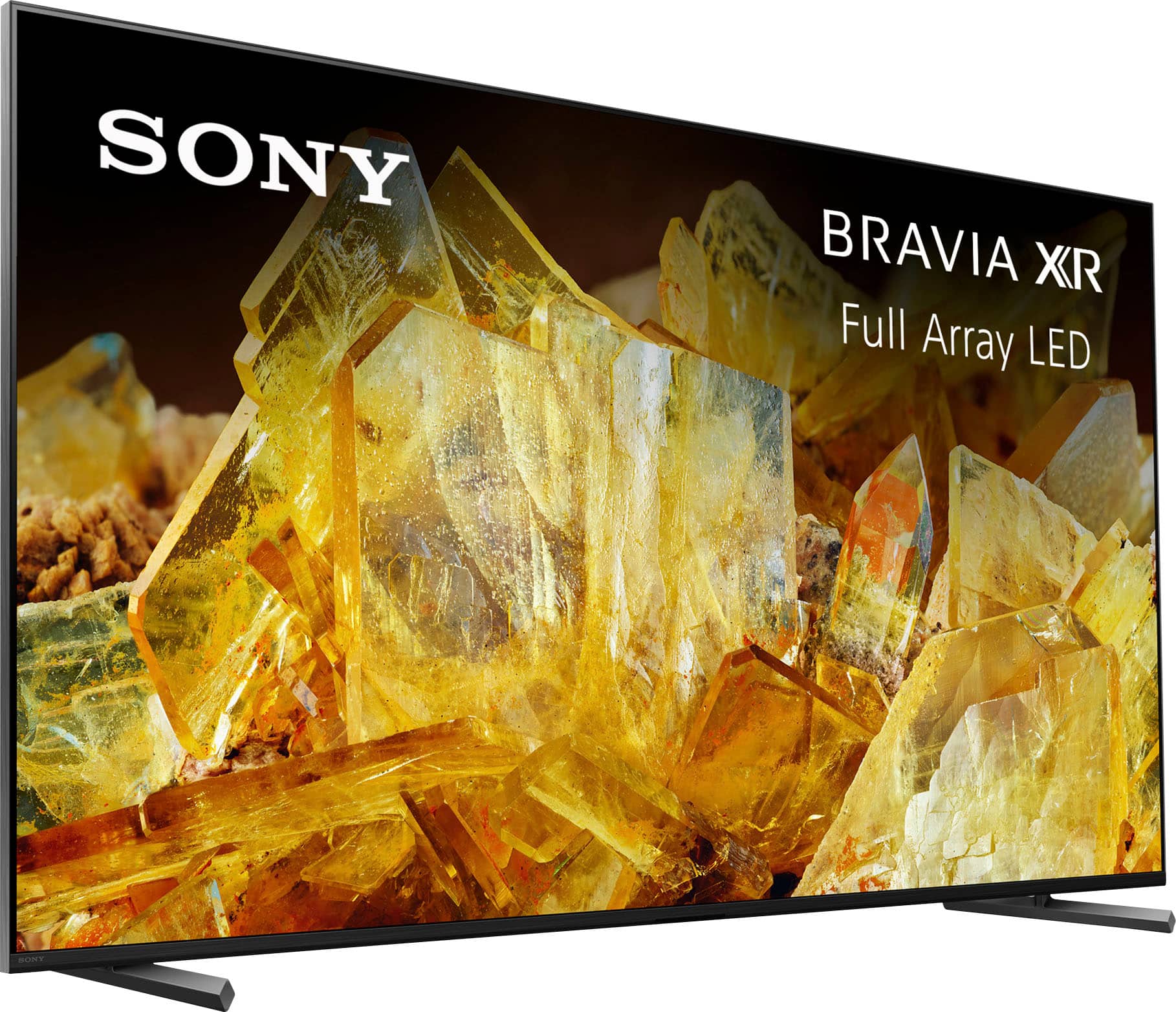
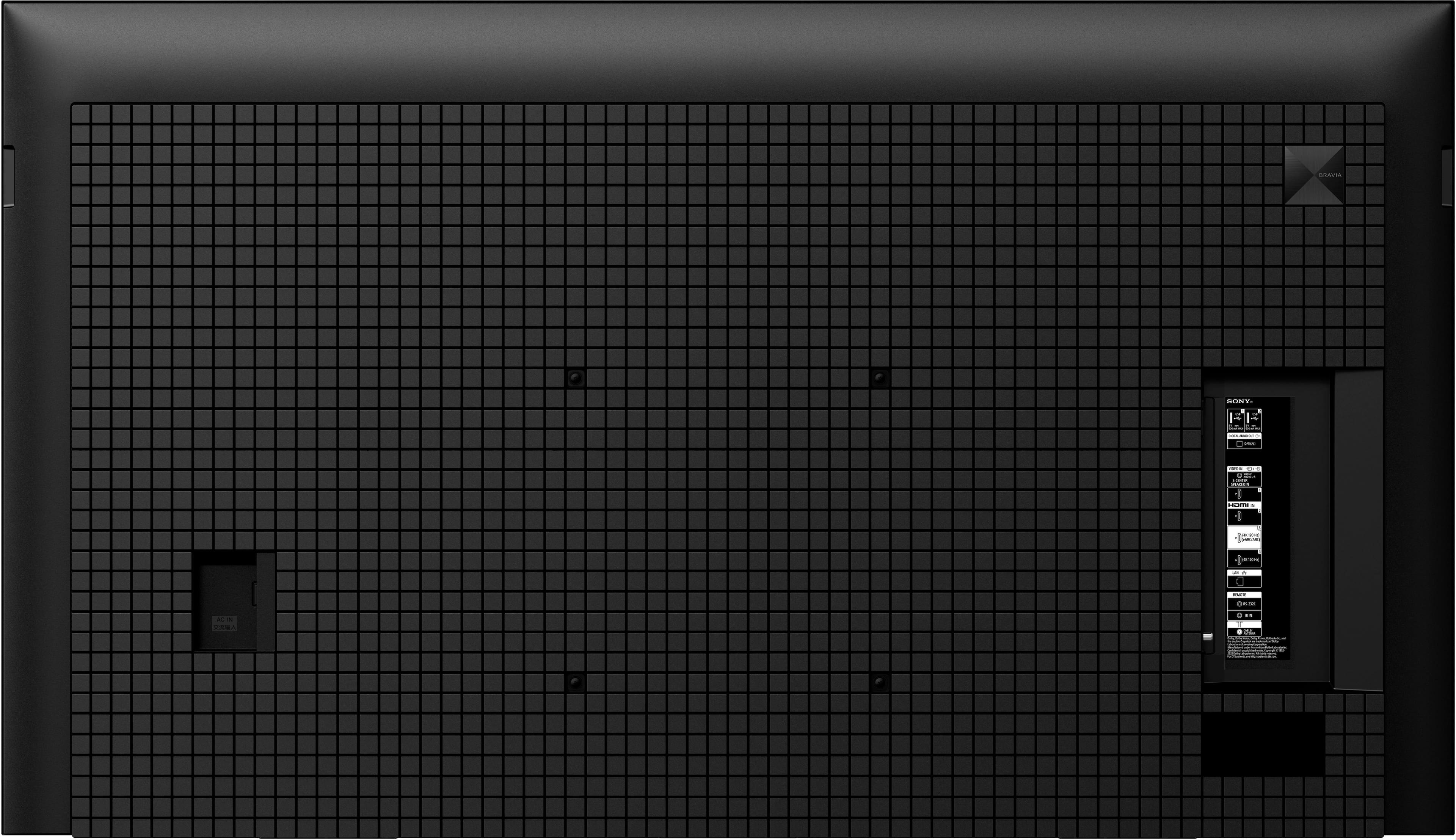
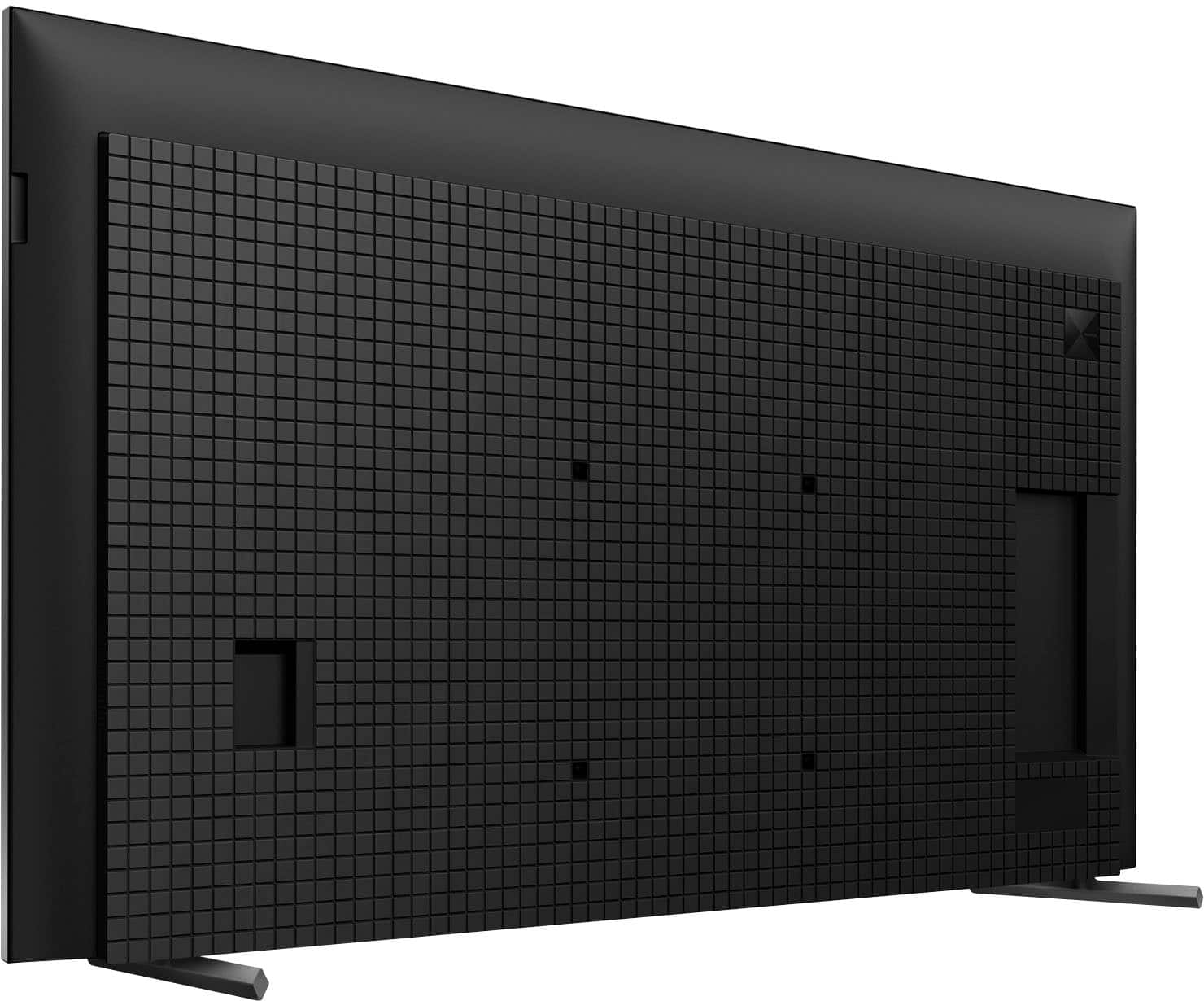
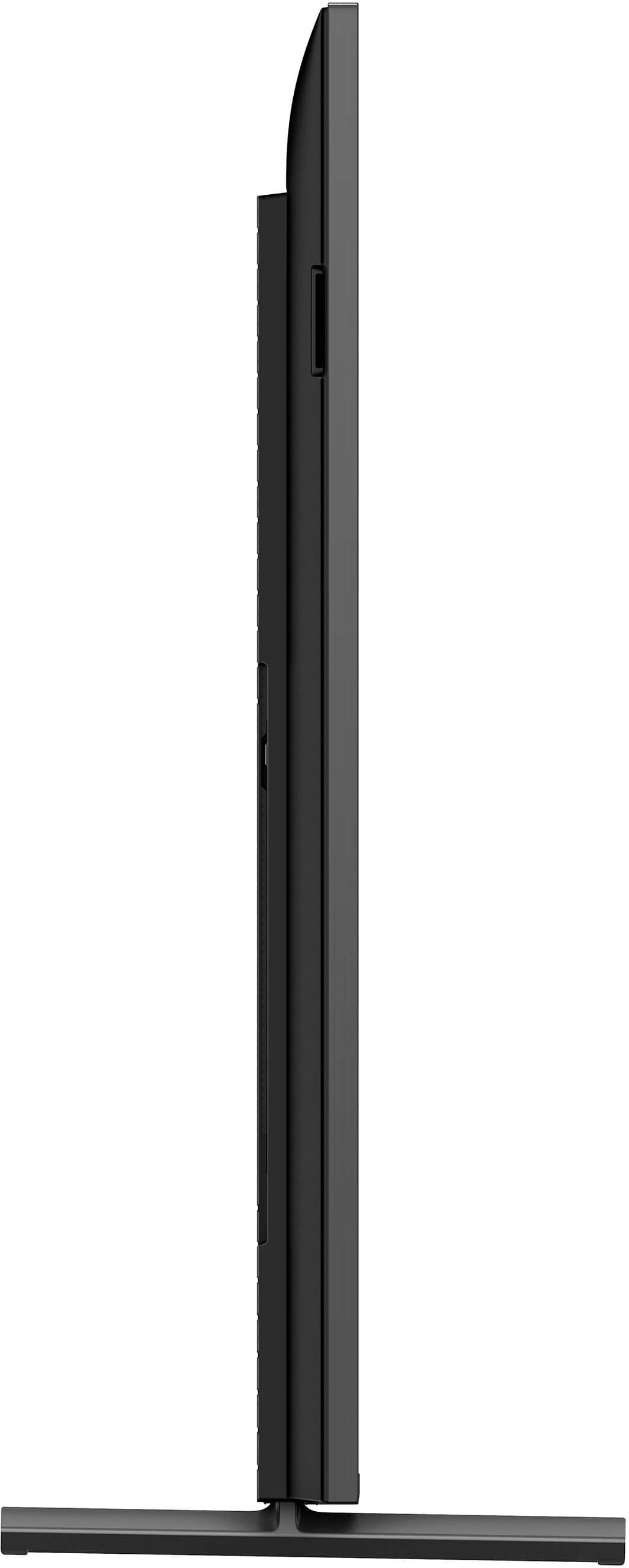
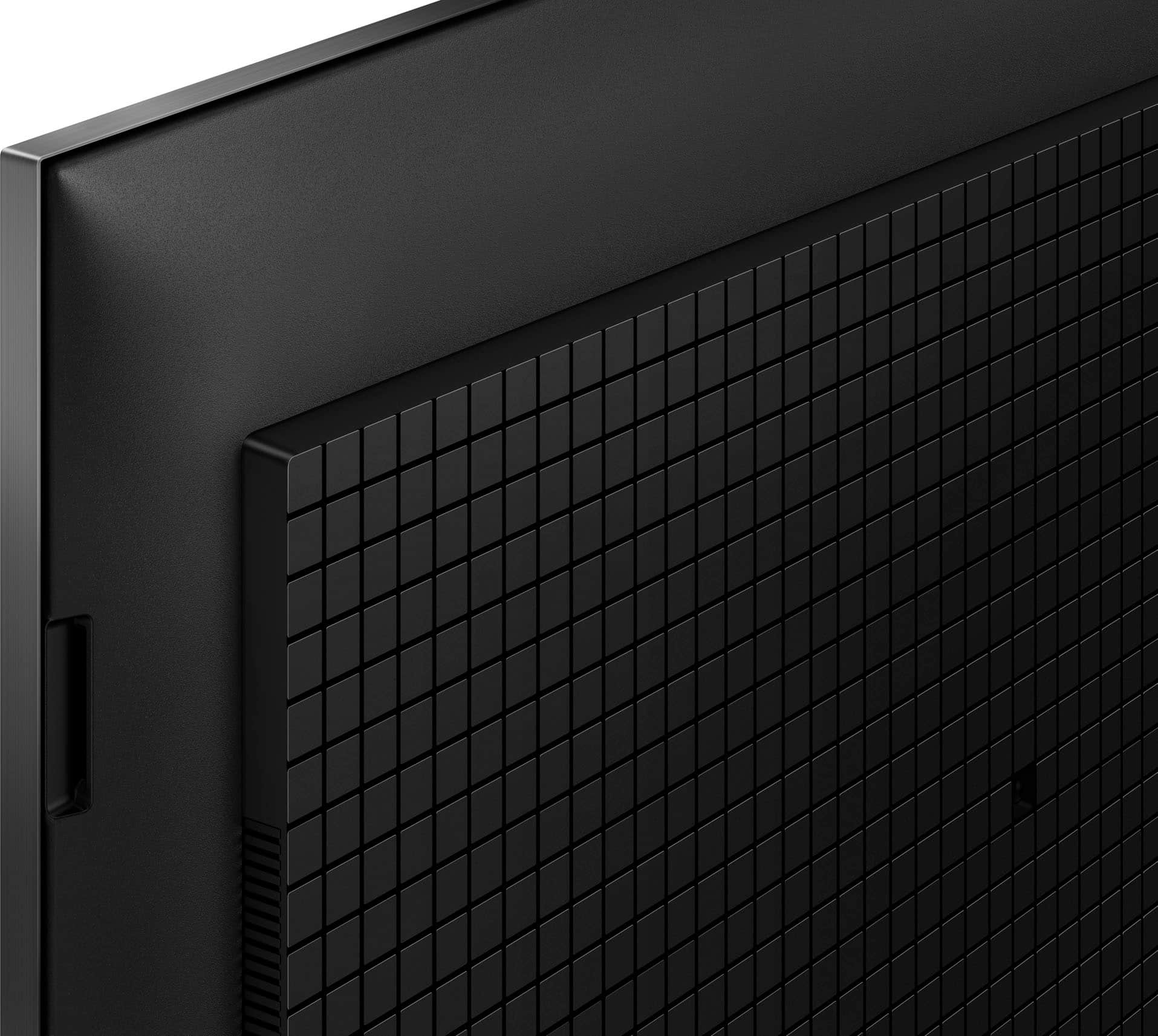

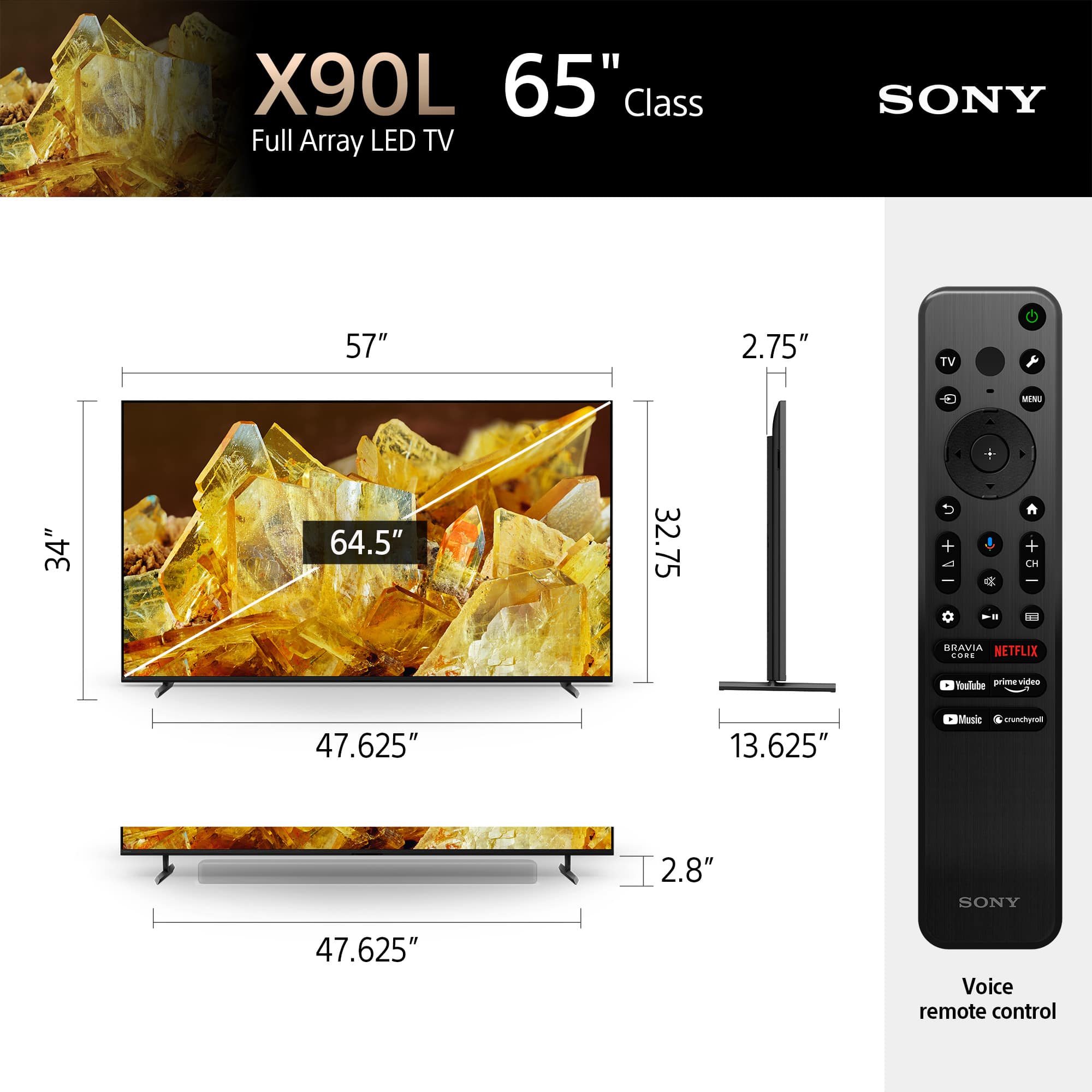









- Model:
- XR65X90L
- SKU:
- 6544733
Rating by feature
- Picture Quality
Rating 4.9 out of 5 stars
- Sound Quality
Rating 4.6 out of 5 stars
- Brightness
Rating 4.9 out of 5 stars
Customers are saying
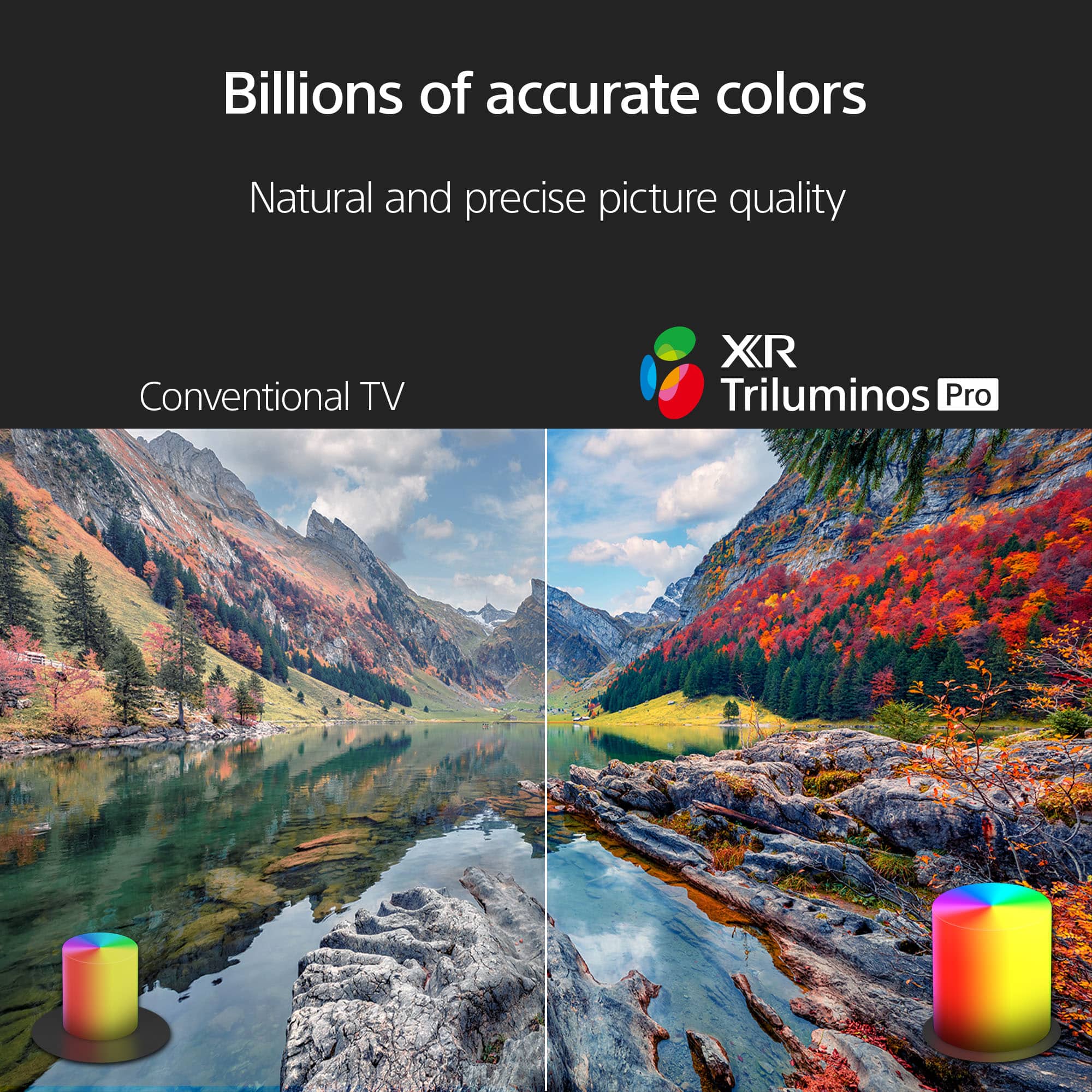
Customers regard the 65" Class BRAVIA XR X90L LED 4K UHD Smart Google TV (2023) highly for its excellent picture quality, realistic color, and ease of use. Many find the setup process straightforward and appreciate the overall TV quality, especially considering the reasonable price. Some customers have noted minor drawbacks such as the remote control lacking a number pad, minimal glare, and occasional slight blooming. A few have also mentioned concerns about contrast and occasional lag when opening apps.
This summary was generated by AI based on customer reviews.
Keeps Freezing.
||Posted . Owned for 1 month when reviewed.This reviewer received promo considerations or sweepstakes entry for writing a review.Do not buy. It started freezing 2 weeks after I bought it. I have to unplug it and plug it back in every day or sometimes twice a day. Sony knew about this problem 2 years ago and still has not come up with a fix. It looks like they don't have a fix for it. You can use amzn fire stick as a work around but the picture quality will not be the same so why pay so much for a Sony that has a fire tv picture quality. Ridiculous
No, I would not recommend this to a friendBrand response from SonyListens
Posted .Thank you for sharing your feedback, Unhappy.
We are truly sorry to hear about the freezing issues you are experiencing with your XR65X90L television so soon after purchase, and we sincerely apologize for the frustration this is causing. Having to unplug and replug your TV daily is certainly not the seamless experience we intend to deliver.
We understand your concern regarding known software behaviors. While occasional freezing can be related to a number of factors, including third-party app performance or temporary network issues, we are committed to providing reliable products and continually issue software updates to improve stability and performance.
We would like to help you resolve this so you can enjoy the premium picture quality you paid for. Please contact our support team directly at https://us.esupport.sony.com/support/s/support-contact?language=en_US&category=tv so our specialists can guide you through specific troubleshooting steps, such as performing a factory reset or checking for the latest firmware update, which often resolves persistent freezing issues.
We take your satisfaction seriously and regret that we have not met your expectations in this instance. Thank you for bringing this to our attention.
Best regards, Gus, Sony Social Media Team
Nice TV, poor service from BestBuy
||Posted . Owned for 2 weeks when reviewed.This reviewer received promo considerations or sweepstakes entry for writing a review.The TV itself is great, but the service from BestBuy was terrible. I was sold things that I didn't need, and not sold things that I needed. The customer phone line and chat lines were worthless and provided contradictory information regarding sound bars, HDMI cables, stands, etc. It's extremely frustrating that you can't call in to the store where you made your purchase, you actually have to go to the store or else rely on the idiots in chat and customer "help" line. On top of it all, the first TV arrived with a huge crack on the screen, at least I got a new TV without too much hassle, although the reschedule took 2 weeks. And, don't believe the prices that BestBuy posts regarding savings, they are rather bogus.
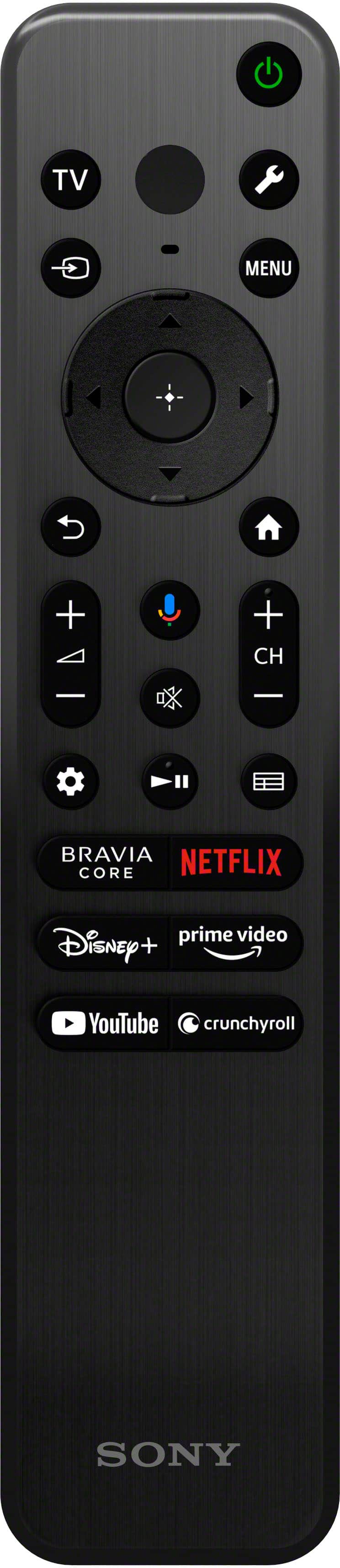
I would recommend this to a friend- Cons mentioned:Remote control
Poor quality - disappointing purchase
||Posted . Owned for 3 weeks when reviewed.This reviewer received promo considerations or sweepstakes entry for writing a review.TV does not display non-HD in viewable format, way to blurry, no one tells you when purchasing a $1200. item- remote does not have numbers and the buttons are too small
No, I would not recommend this to a friendBrand response from SonyListens
Posted .Hi DebbieM, Thanks for sharing your experience with us. We're sad to hear that you are not happy with the picture quality of the TV.
When watching a movie (720x480) or another video source with SD quality on an HDTV (1920x1080), upscaling the video to something resembling 1920x1080 can cause the quality to look poor. The same condition exists when watching HD or lower content on a 4K TV.
Kindly check the link below. There are information that can help better explain the situation you're having and steps you can take to improve your viewing experience.
https://www.sony.com/electronics/support/articles/00026355
We also apologize for the remote. We take this as feedback as it can help us in the future.
Hope this helps. If you need further assistance with your device, you may reach us at socialsupport@am.sony.com with the following details :
Full Name:
Best Buy Username:
Telephone Number:
Sony Model Number:
Additional Information regarding your experience with the unit:
We are sorry for the inconvenience and hope to speak to you to resolve this matter.
Sincerely,
-Craig
Sony 72
||Posted . Owned for 1 month when reviewed.This reviewer received promo considerations or sweepstakes entry for writing a review.TV is good. Delivery took a little longer than anticipated.
I would recommend this to a friendBrand response from SonyListens
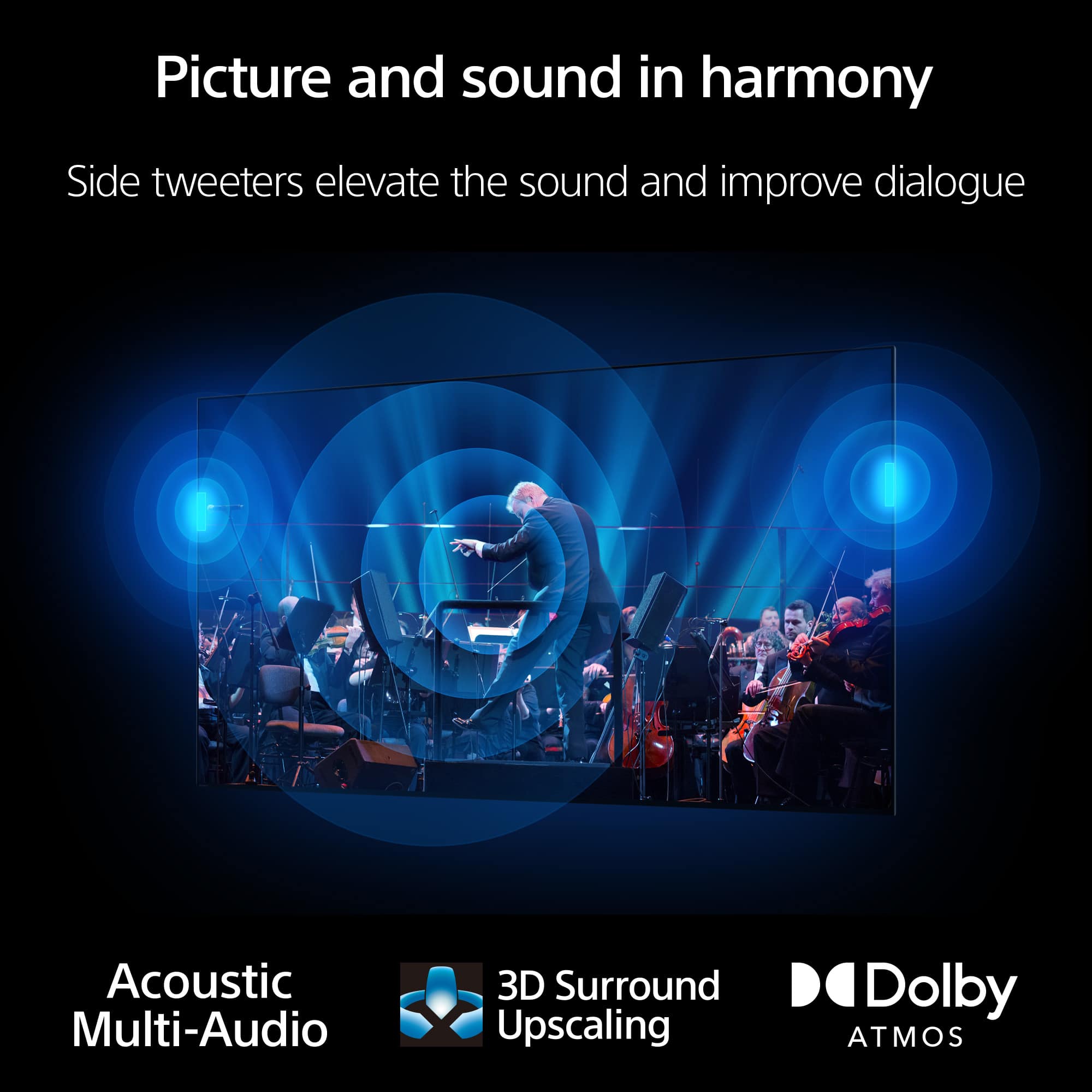
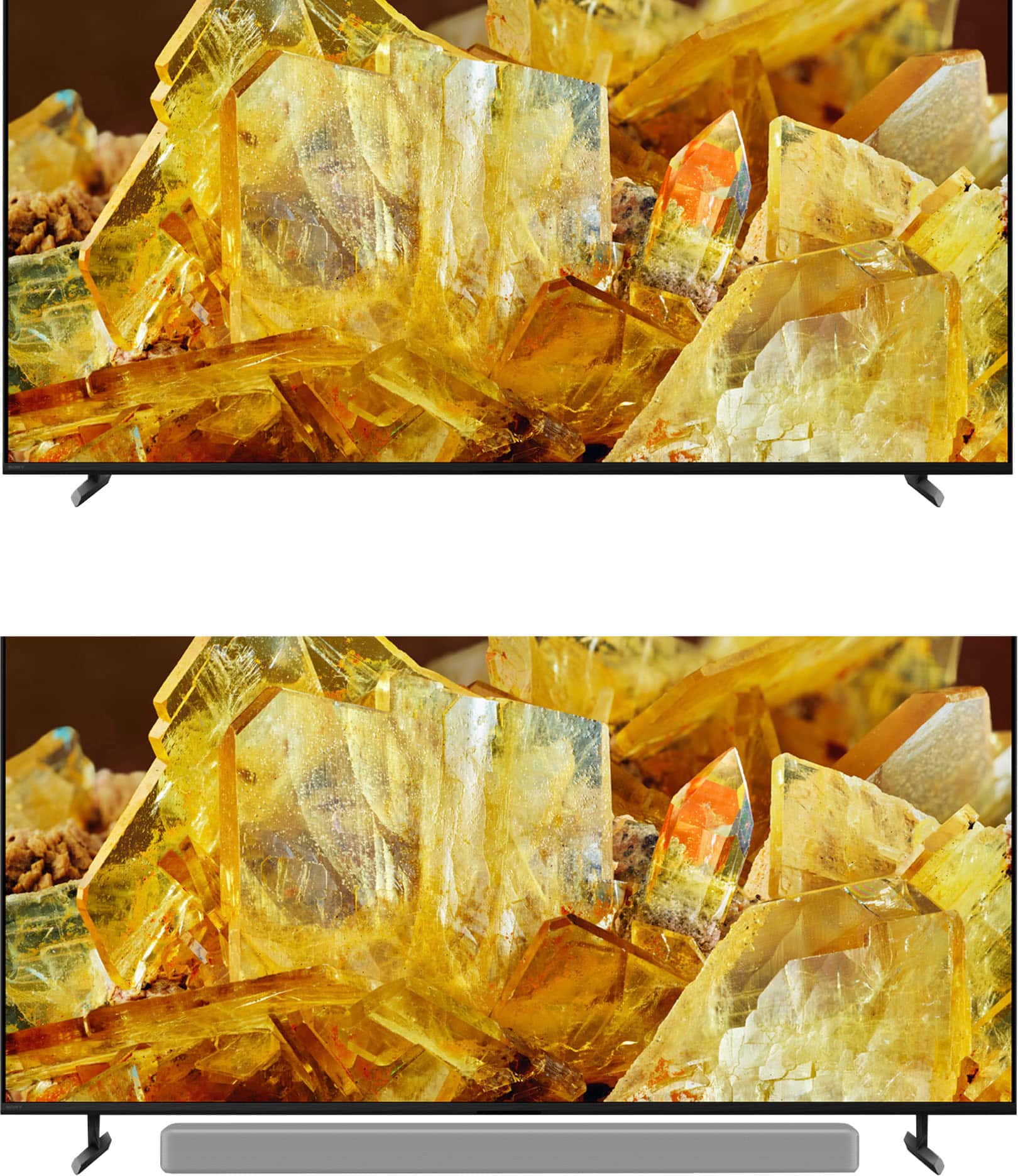
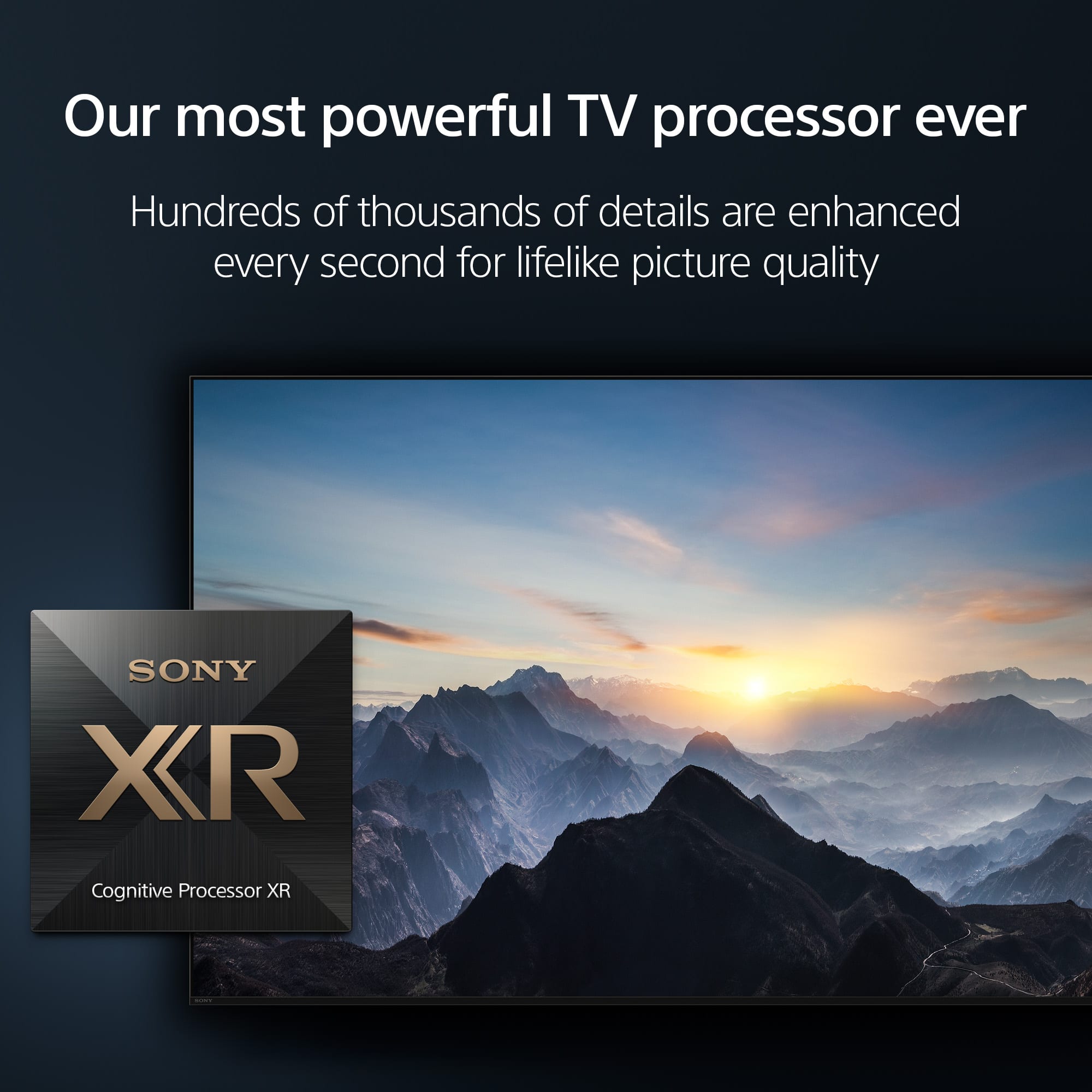
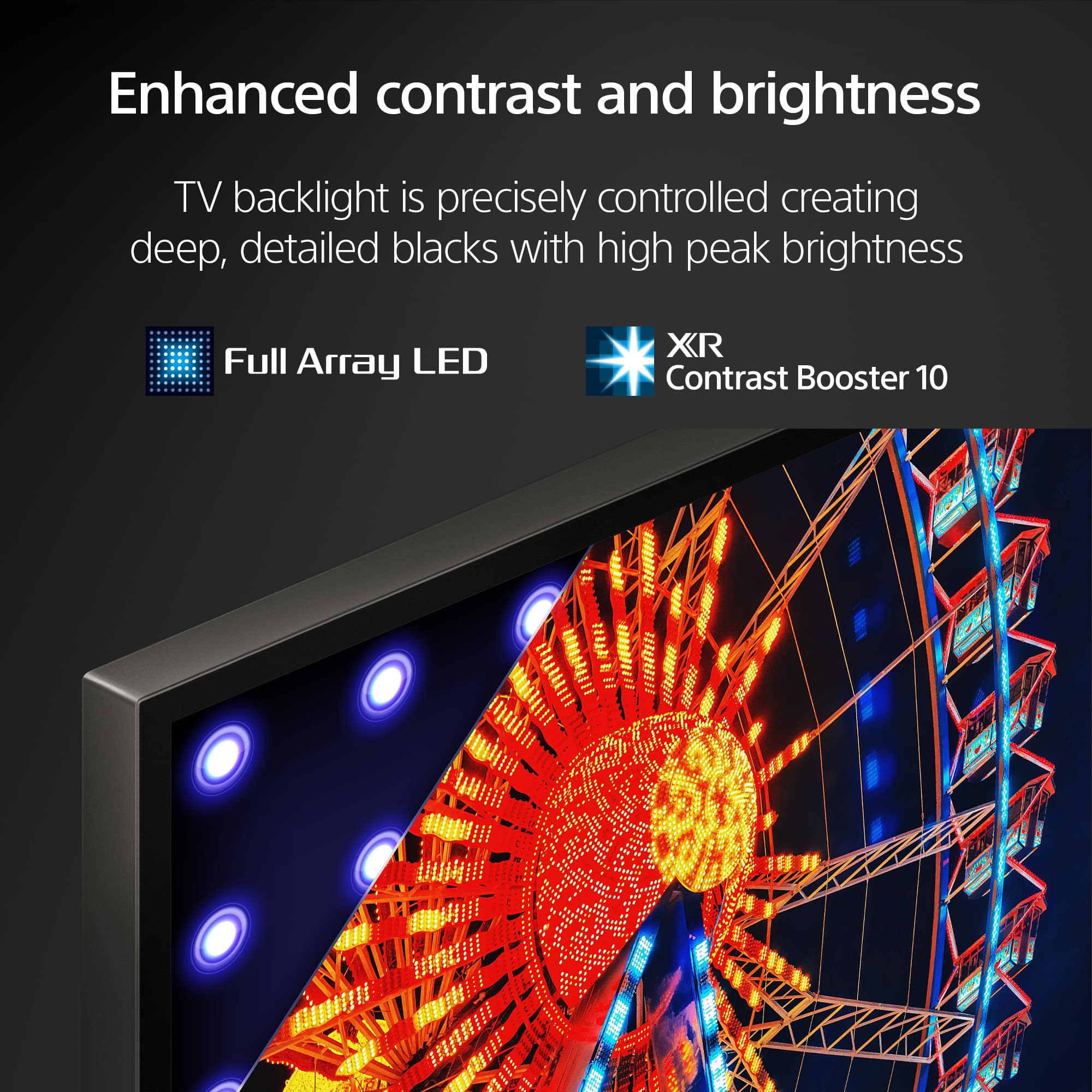
Posted .Hi AlonzoM, great! We're glad you like our product! See a vivid, crisp picture while you watch and game, all enhanced by Full Array LED and powered by the intelligent Cognitive Processor XR. Hear sound straight from the screen, perfectly matching the action. Cognitive Processor XR™ turns any sound immersive with more precise sound position. Our minimalist One Slate design fuses screen and bezel into a single slate, minimizing noise and maximizing your viewing experience. Seamless Edge, available for the first time in this class of BRAVIA™, gives the TV an extremely slim, sophisticated look. Thanks for choosing Sony. ~Earl
- Pros mentioned:Picture quality
So disappointed with our new set!
||Posted . Owned for 4 months when reviewed.This reviewer received promo considerations or sweepstakes entry for writing a review.Another Sony Bravia within a couple months that keeps freezing! We constantly need to unplug the TV to reset and restart. We want to like it, because the picture quality is excellent.
No, I would not recommend this to a friendBrand response from SonyListens
Posted .Hi TonyP, we're sorry to hear that you have an issue with your new TV. This is not the experience we want your to have. Please make sure your TV has the latest firmware installed:
https://www.sony.com/electronics/support/televisions-projectors-lcd-tvs-android-/xr-65x90l/downloads
Please reset your TV to factory default by following this link:
https://www.sony.com/electronics/support/articles/00159487?utm_source
May we contact you to help? If so, please email the below information to socialsupport@am.sony.com .
Apologies if you disclosed some of this information in your review and to customer service, we just want to ensure that we have your accurate details at the time of communication.
Full Name:
Best Buy Username:
Telephone Number:
Sony TV Model Number:
Additional Information regarding your experience with the X90L
Sincerely,
~Earl
Great TV installation did not go as planned
||Posted . Owned for 1 month when reviewed.This reviewer received promo considerations or sweepstakes entry for writing a review.The TV is great and installation on the wall went well. I expected more help installing to WiFi and spectrum. Perhaps a misunderstanding on my part but I would have thought that was part of the installation
I would recommend this to a friendBrand response from SonyListens
Posted .Hi MaryanneF, Thanks for sharing your experience with us. We're glad you like the TV. We're sorry to hear that you have some concerns during the installation. To connect your TV to your internet, kindly check the link below. https://helpguide.sony.net/tv/kusltn1/v1/en-003/10-01.html Make sure to follow the steps depending on your type of connection. As for Spectrum, unfortunately it is not available through the Google Play store however you can use Google Cast to display from a external device like a phone or tablet to your X90L Google TV. Hope this helps. Enjoy and thanks for choosing Sony. -Craig
Dont buy
||Posted . Owned for 1 month when reviewed.This reviewer received promo considerations or sweepstakes entry for writing a review.Broke at 30 days! Screen comes on for 10 sec then shuts off and indicator light blinks 4 times
No, I would not recommend this to a friendBrand response from SonyListens
Posted .Hi DanielR,
We are genuinely sorry to hear that you are experiencing this issue with your BRAVIA X90L. We understand how disappointing it is to have your viewing interrupted, especially so soon after purchase, and we would like to help you resolve this immediately.
The 4-blink indicator light is a diagnostic code, and before determining the next steps, we recommend trying the following troubleshooting steps to see if the error can be cleared:
1- Power Cycle the TV: Unplug the power cord from the electrical outlet for approximately 2 minutes, then plug it back in.
2- Isolate the TV: Disconnect all external devices (such as cable boxes, gaming consoles, or soundbars) from the back of the TV and attempt to power it on again.
If the issue persists after these steps, please contact our technical support team immediately. We want to evaluate the diagnostic code and take care of this situation for you as a priority:
https://us.esupport.sony.com/support/s/support-contact?language=en_US&category=tv
Thank you for considering Sony.
Regards,
Dominick
RSRUS
||Posted .This reviewer received promo considerations or sweepstakes entry for writing a review.TV is defective, I usually buy protection but some how it slipped me, when you turn theTV off it doesn’t turn back on..have to plug and unplg several times to get it to work
No, I would not recommend this to a friendBrand response from SonyListens
Posted .Hi SusanL,
We apologize for the power issue you are experiencing with your new X90L TV. This sounds like a software glitch preventing the TV from exiting standby cleanly. Please try a forced restart by pressing and holding the power button on your remote for about five seconds until the TV turns off and then restarts automatically. If the problem continues, perform a power reset by unplugging the TV for a full two minutes before plugging it back in. If this does not resolve the defect, please contact our support team immediately: https://us.esupport.sony.com/support/s/support-contact?language=en_US
Thanks for choosing Sony.
Best regards,
Eliab
- Pros mentioned:Picture quality
Eh
||Posted . Owned for 3 weeks when reviewed.This reviewer received promo considerations or sweepstakes entry for writing a review.Picture is good, but it freezes often and has to br unplugged to reset. I barely had it a month and would return it but the stores return period is really short.
No, I would not recommend this to a friendBrand response from SonyListens
Posted .Hi KeithW, We regret to hear about the freezing issue that you're experiencing with your Sony X90L. This is definitely not the news that we would like to hear. Let's try to isolate and resolve your concern by following the troubleshooting steps on this link:
https://www.sony.com/electronics/support/articles/00167132
https://www.sony.com/electronics/support/articles/00141896
If you are unable to resolve your concern, please email us at socialsupport@am.sony.com with the following details:
Name:
Username:
Model Number:
Issue:
Telephone Number:
Sincerely,
Sam
customer
||Posted . Owned for 2 weeks when reviewed.This reviewer received promo considerations or sweepstakes entry for writing a review.it doesn't have the features that my old Sony TV has. for example, my old TV Sony TV has picture and picture when I go to my internet browser that Sony internet browser.
No, I would not recommend this to a friendBrand response from SonyListens
Posted .Hi MichaelL,
We regret to hear that you are not satisfied with the TV. Unfortunately, the X90L does not have Picture-in-Picture (PIP), Picture & Picture (P&P), or Twin Picture (split screen) capability. These features aren't included with this TV model as well as 2021 or later Google TV/Android TV models, and X75H series. However, similar functionality may be available through a third-party service or channel for sports, videos, etc. Check with your cable or satellite TV provider for options.
You will still enjoy the new features of this amazing TV. For more information, please refer to this link:
https://www.sony.com/electronics/support/articles/00256290
Hope this helps. In case you need further assistance, please email us at socialsupport@am.sony.com with the following details:
Name:
Username:
Model Number:
Issue:
Telephone Number:
Or contact our product support team via phone call or chat through this link:
https://us.esupport.sony.com/support/s/support-contact?language=en_US&category=tv
Sincerely,
-Ralph
Mehhh
||Posted . Owned for less than 1 week when reviewed.This reviewer received promo considerations or sweepstakes entry for writing a review.TV kept loosing connection to internet. I’ll be getting a replacement in the next few days and fingers crossed that I have a better experience.
No, I would not recommend this to a friendBrand response from SonyListens
Posted .Hi AlishaM,
We are really sorry if you had encountered a network connection issue with your XR65X90L and it needs to be replaced. This is certainly not the experience we were hoping you would have. Please be assured that we take this very seriously and continuously strive to improve our products. We are hoping that you'll have a great experience this time with the replacement TV. For any network connection issues with the TV, we always recommend performing our suggested troubleshooting steps on these articles:
https://www.sony.com/electronics/support/articles/00184183
https://www.sony.com/electronics/support/articles/00151038
If there's something we can do to help or you may need more information/technical assistance with our product, please feel free to message us and we'll be more than happy to assist you. You may send us an email at socialsupport@am.sony.com with the following:
Name:
BestBuy Username:
Model Number:
Issue:
Telephone Number:
We value you, and thank you for choosing Sony.
Sincerely,
Romeo
Sony Social Support
Do not buy Sony Bravia 65 inch TV
||Posted . Owned for 7 months when reviewed.This reviewer received promo considerations or sweepstakes entry for writing a review.We had the 45in ? Bravia Sony for years with no problem. We purchased the 65 in Sony Bravia and it's been replaced twice already Within a couple of months. Sony came out but could not replace the motherboard. We had to get another 65 inch. There was so much difficulty in communication that we have had to make numerous Communications with Sony. We did not purchase Best Buy insurance. I personally do not recommend Best Buy insurance. The 3rd TV that Sony brought to us has had to be rebooted about five times! I would definitely not recommend this product. Not a fault of Best Buy. They're great.
No, I would not recommend this to a friendBrand response from SonyListens
Posted .Hello SusieQ,
Thanks for bringing this out to our attention.
We're truly sorry to hear about the ongoing issues you've experienced with your 65-inch X90L. It's definitely not the experience we want for our customers–especially after having such a positive history with your previous Sony TV!
We understand how frustrating it must be to have multiple replacements and encounter persistent problems like the need to constantly reboot. This is certainly not typical performance for our products.
To prevent your TV from randomly rebooting, ensure that it has the latest software update downloaded and installed correctly. Additionally, disconnect any external devices, such as cable boxes, gaming consoles, or streaming devices like Fire Stick or Roku. After doing this, test your TV to see if the rebooting issue persists without any external connections.
If you're still facing any issues, please reach out to us at socialsupport@am.sony.com for personalized assistance. Kindly include you name, Best Buy username, TV’s model number, issue and telephone number. We’re here to help!
Thanks for giving Sony the opportunity to change your experience.
Sincerely,
Jenn.
Not my favorite
||Posted . Owned for 2 weeks when reviewed.This reviewer received promo considerations or sweepstakes entry for writing a review.I changed this TV to another one since I was looking for something with a brighter screen and better resolution.
No, I would not recommend this to a friendBrand response from SonyListens
Posted .Hi JackelynT, We're sorry that you are not impressed with the TV's picture quality. We hope that you'd still consider our product in your future purchases. Thanks and regards, -Craig
Not impressed
||Posted . Owned for 1 month when reviewed.This reviewer received promo considerations or sweepstakes entry for writing a review.Was not happy or impressed with the picture. Did nut live up to its billing, to me.
No, I would not recommend this to a friendBrand response from SonyListens
Posted .Hi OdusS,
We apologize if our XR65X90L didn't live up to your expectations. This is certainly not the news we'd like to hear from you. The picture quality usually depends on the signal and content. You may experience a lower quality picture than specified for your TV for several reasons. To experience the highest quality picture on your TV, the video source should be the same quality (HD, 4K, etc.) as specified for your TV. While we are not sure what device/streaming application you are watching, you may try adjusting the picture settings of the TV according to your preferences and see if it improves your overall viewing experience. For instructions, please refer to the following links:
https://helpguide.sony.net/tv/kusltn1/v1/en-003/01-03-09_01.html
https://www.sony.com/electronics/support/articles/00190409
I hope this helps.
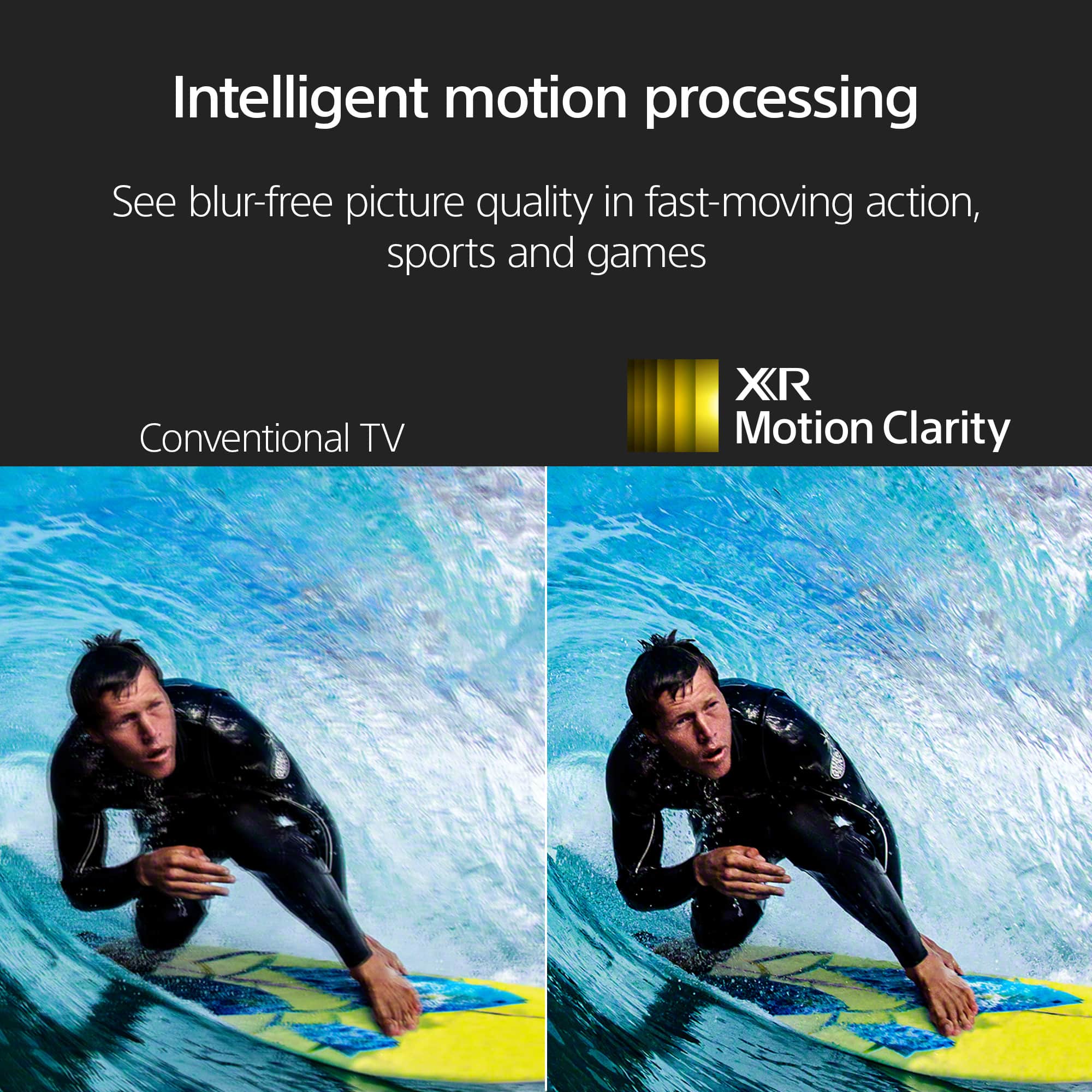
With Sony X90L, you'll see breathtakingly beautiful pictures full of realistic depth on our Full Array LED screen powered by Cognitive Processor XR. Hear sound straight from the screen, perfectly matching the action. Cognitive Processor XR™ turns any sound immersive with more precise sound position. And with 4K/120fps, a Variable Refresh Rate and Auto Low Latency Mode, our TVs give you smooth and clear movement for responsive gameplay.
Should you need more assistance, please feel free to contact us and we'll be more than happy to assist you. You may send us an email at socialsupport@am.sony.com with the following:
Name:
BestBuy Username:
Model Number:
Issue:
Telephone Number:
Thank you for choosing Sony!
Best regards,
Romeo
Sony Social Support
TV Quite after 78 days
||Posted . Owned for 3 months when reviewed.This reviewer received promo considerations or sweepstakes entry for writing a review.Quit working after 60 some days.....Best Buy did not step up and replace it sine it was over 60 days. I have Best Buy Total Tech Warranty and they only allow up to 60 days for an exchange. Sad since I bought brand new dishwasher, stove, refrigerator, washer, drawer, 2 TV's a new Pioneer receiver etc. A ton of money all bought at Best Buy only to find out I have to go through Sony now. I will NEVER buy anything again from Best Buy.
No, I would not recommend this to a friendBrand response from SonyListens
Posted .Hi AllanS,
Thank you for your time writing this review. We're sorry to hear the trouble that you are experiencing with your BRAVIA 8 TV not working properly after 78 days from the purchased date. This is not the buying experience that we want our customer to have. We'd like to review your file to know a little bit more detail about the situation you faced with the TV and best assist you. Many issues can be fixed without a repair.
If you haven't yet, we do have troubleshooting steps that may help resolve some issues, especially if your TV has no picture, no power, or the LED light blinks or flashes red. You may refer to the helpful link below. Test if your TV functions properly after performing each step.
https://www.sony.com/electronics/support/articles/00153674
Sony commitment to customer satisfaction is our top priority. Please note we have a customer hotline that is happy to assist you and help troubleshoot any concerns you have, and your TV has a 1-year warranty from the date of purchase.
May we contact you to help? If so, please email the below information to socialsupport@am.sony.com.
Apologies if you disclosed some of this information in your review and to customer service, we just want to ensure that we have your accurate details at the time of communication.
Full Name:
Best Buy Username:
Telephone Number:
Sony TV Model Number:
Additional Information regarding your experience with the X90L:
We are sorry for the inconvenience and hope to speak to you to resolve this matter.
Sincerely,
Jess
Quit in 38 days
||Posted . Owned for 1 month when reviewed.This reviewer received promo considerations or sweepstakes entry for writing a review.Replaced a Sony tv that was only one year old and quit , with this tv and I bought it on Jan17 , on feb 25 sound quit on it , so I unplugged it then plugged back in now it won’t come on at all. Right red flashing lights, called Sony said there was no reset for it probably a bad board. Going to store today to talk to store manger and see about getting replacement. So two Sony tvs quit in 13 month period . Sony used to be my go to on electronics , but there quality is definitely not what I’m used to.
No, I would not recommend this to a friendBrand response from SonyListens
Posted .Hi AnthonyR,
This is not the experience that we want you to have. We would like to know more about what happened and review your file. We also want to make sure that everything is handled accordingly. Please email us at socialsupport@am.sony.com with the following details:
Name:
Username:
Model Number:
Issue:
Telephone Number:
Case Number:
Sincerely,
-Ralph
Disgusted
||Posted . Owned for 1 month when reviewed.This reviewer received promo considerations or sweepstakes entry for writing a review.TV is great if I got any channels. I went from 69 down to 8. Best Buy wants to charge me every time to fix the problem. Disgusted and won’t buy from them again
I would recommend this to a friendOver rated
||Posted . Owned for 3 weeks when reviewed.This reviewer received promo considerations or sweepstakes entry for writing a review.My channels freezes up..some the picture is clear n vibrate,other channels it awful.
No, I would not recommend this to a friendBrand response from SonyListens
Posted .Hello ViggieC,
We regret to hear that you're not pleased with the TV. We appreciate you for providing this feedback. This will help us improve our products. Please allow us to help and turn this to a better one. For optimum performance, it is recommended to keep the software version of the TV up-to-date. Does this happen to your cable channels or over the air antenna channels. You may find this link helpful.
https://www.sony.com/electronics/support/articles/00167132?utm_source=glean
We'd like to make sure you are taken care of. May we contact you to help and get more information? If so, please email the below information to socialsupport@am.sony.com. Apologies if you disclosed some of this information in your review and to customer service, we just want to ensure that we have your accurate details at the time of communication.
Full Name:
BBY Username:
Telephone Number:
Model Number:
Additional Information regarding your experience with the X90L:
We are sorry for the inconvenience and hope to speak to you to resolve this matter.
Sincerely,
Marco
Terrible for Video Games/Panning shots
||Posted . Owned for 10 months when reviewed.This reviewer received promo considerations or sweepstakes entry for writing a review.For what I paid, I should have chosen the cheaper TV. This Full Array screen has so much clouding, uneven greys, like weirdness in skies and panning shots. I've seen people call it a dirty screen, I don't know what it's called, but panning shots and video games are non playable on this. It's a mess. Technically the TV is operating, but it is NOT a clean picture when it comes to clear skies and a moving shot. Any video game you rotate, it pans the video and you see the smudgey uneven splotchy brightness in the background. I've tried every setting, everything I could feasably do and it's not better. Everything else about the tv is okay, the software is not laggy.
No, I would not recommend this to a friendBrand response from SonyListens
Posted .Hi AndrewR, We're sorry to hear about picture quality issues you're experiencing with your Sony X90L. This is definitely not the news that we would like to hear. Please allow us to help you and turn this into a better experience. Let's try to isolate and resolve this issue by following the troubleshooting steps on this link:
https://www.sony.com/electronics/support/articles/00030311
If you are unable to resolve your concern, please email us at socialsupport@am.sony.com with the following details:
Name:
Username:
Model Number:
Issue:
Telephone Number:
Sincerely,
Sam
Gray clouds - SONY TV
||Posted . Owned for 1 year when reviewed.This reviewer received promo considerations or sweepstakes entry for writing a review.After owning this TV FOR 1 YEAR a gray clouding appears on different spots on the screen when in use. SONY support diagnosed it and said it was DUST INSIDE the screen. They had no remedy for this and would not cover it under warranty.
No, I would not recommend this to a friendBrand response from SonyListens
Posted .Hello DenisK,
Thank you for considering Sony products.
We sincerely apologize for your experience with the XR65X90L TV. We understand how frustrating it can be to discover dust on the screen, and we genuinely appreciate your patience while working with our team regarding the warranty coverage.
In order to help us gather further information about this matter and explore additional options, we encourage you to contact us via email at socialsupport@am.sony.com. We would greatly appreciate it if you could include the following details in your message:
- Name:
- BestBuy Username:
- Model Number:
- Description of the Issue:
- Telephone Number:
Thank you for your patience, and we look forward to assisting you further.
Best regards,
-Fred