Customer Ratings & Reviews
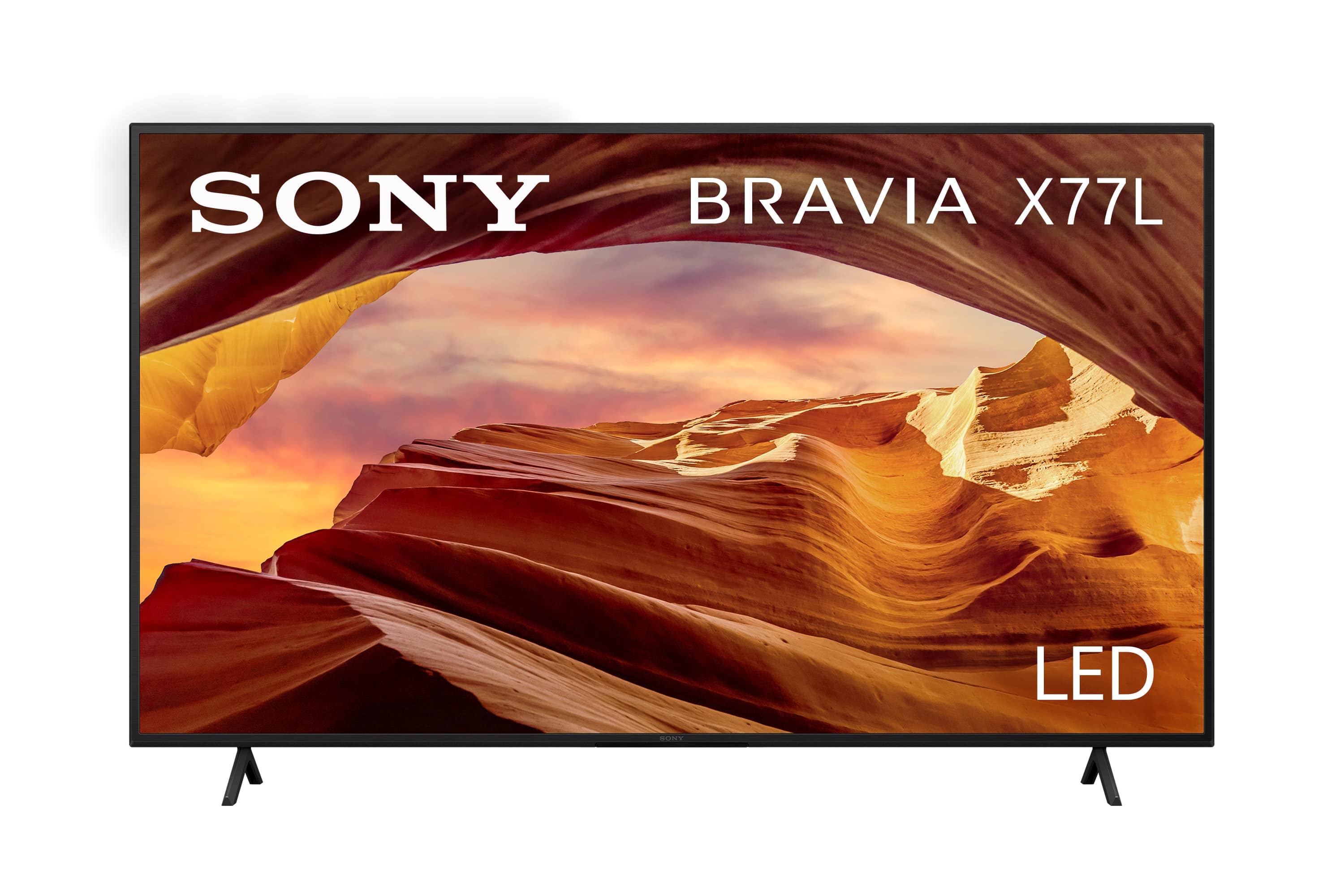
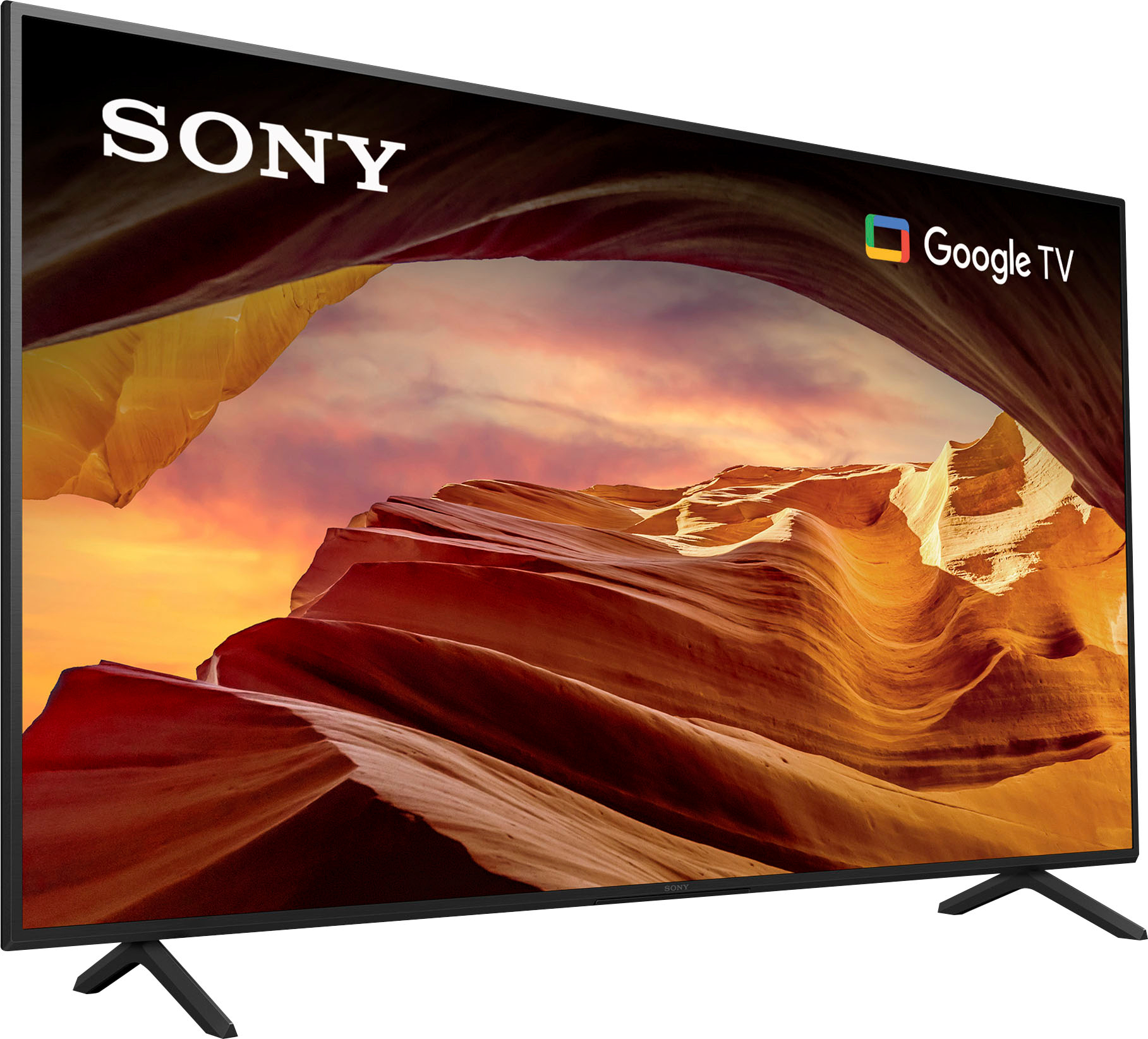

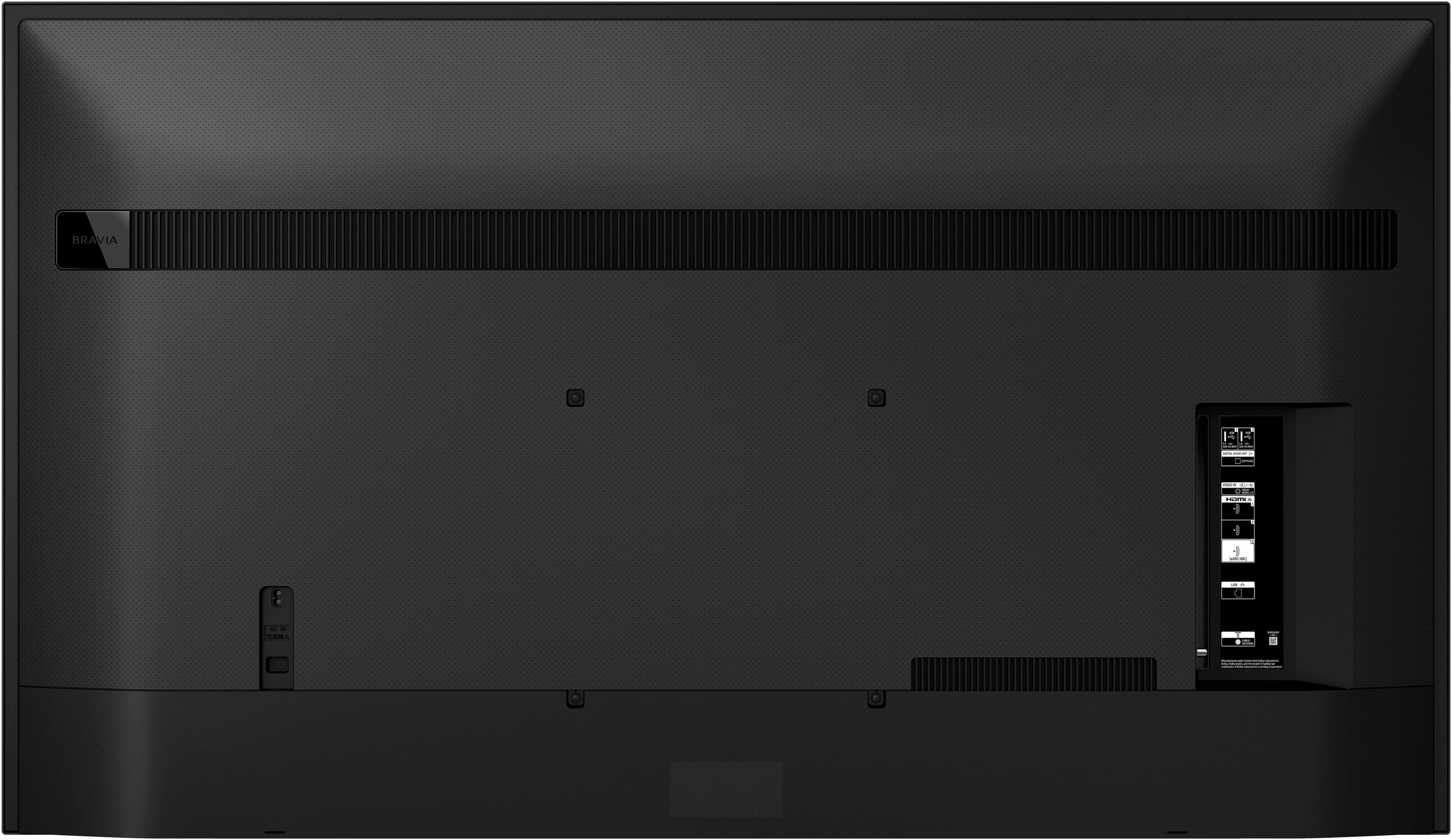
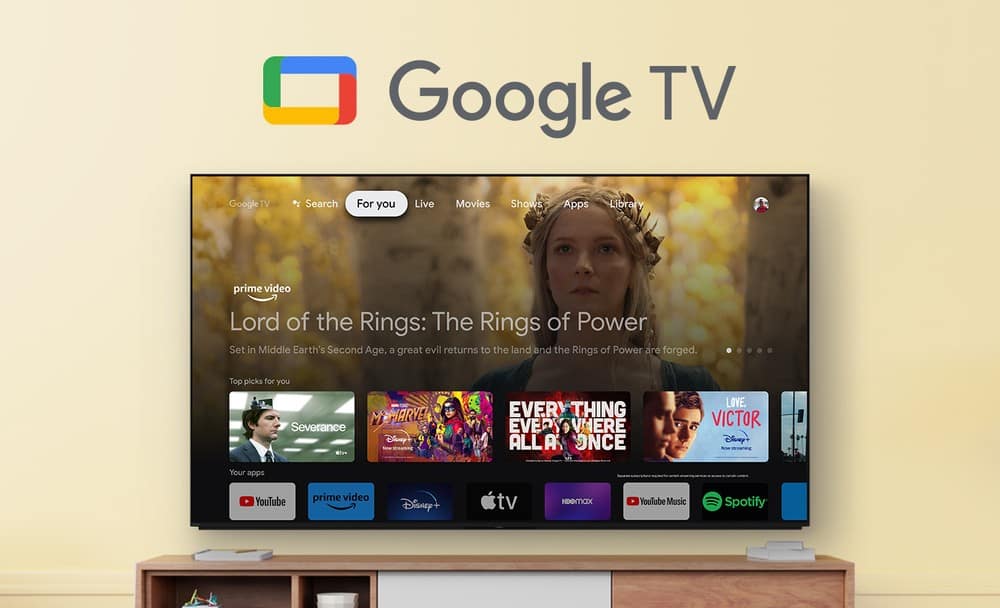
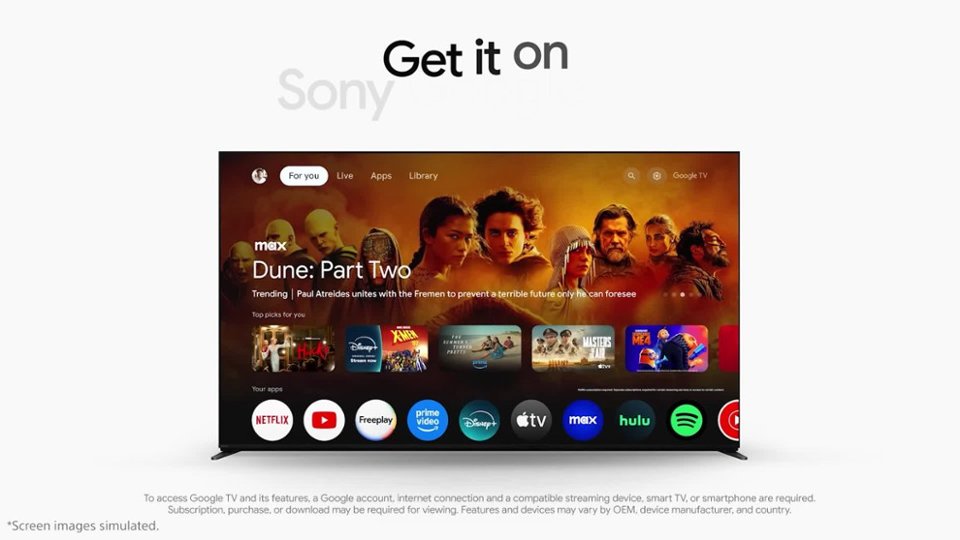




- Model:
- KD65X77L
- SKU:
- 6544131
Rating by feature
- Picture Quality
Rating 4.8 out of 5 stars
- Sound Quality
Rating 4.6 out of 5 stars
- Brightness
Rating 4.8 out of 5 stars
Customers are saying
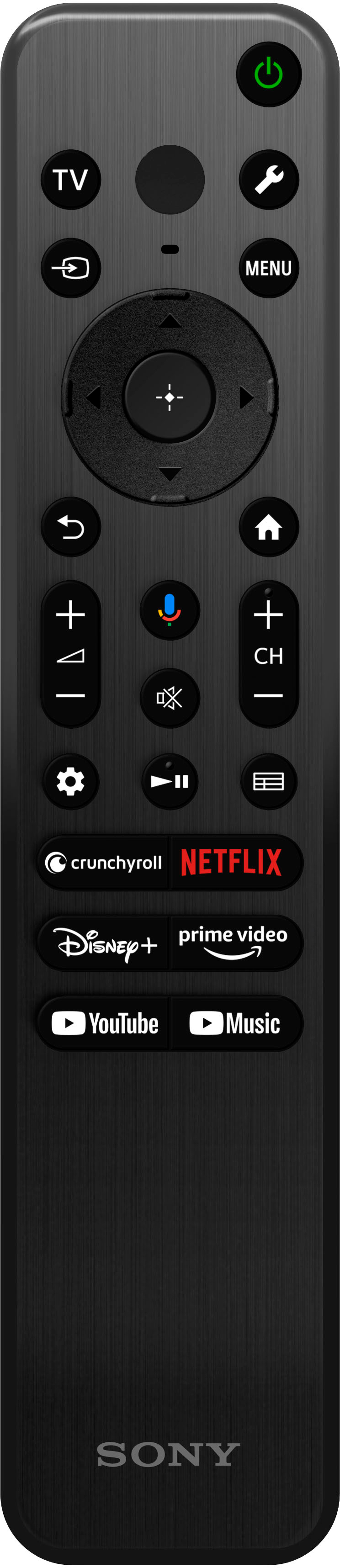
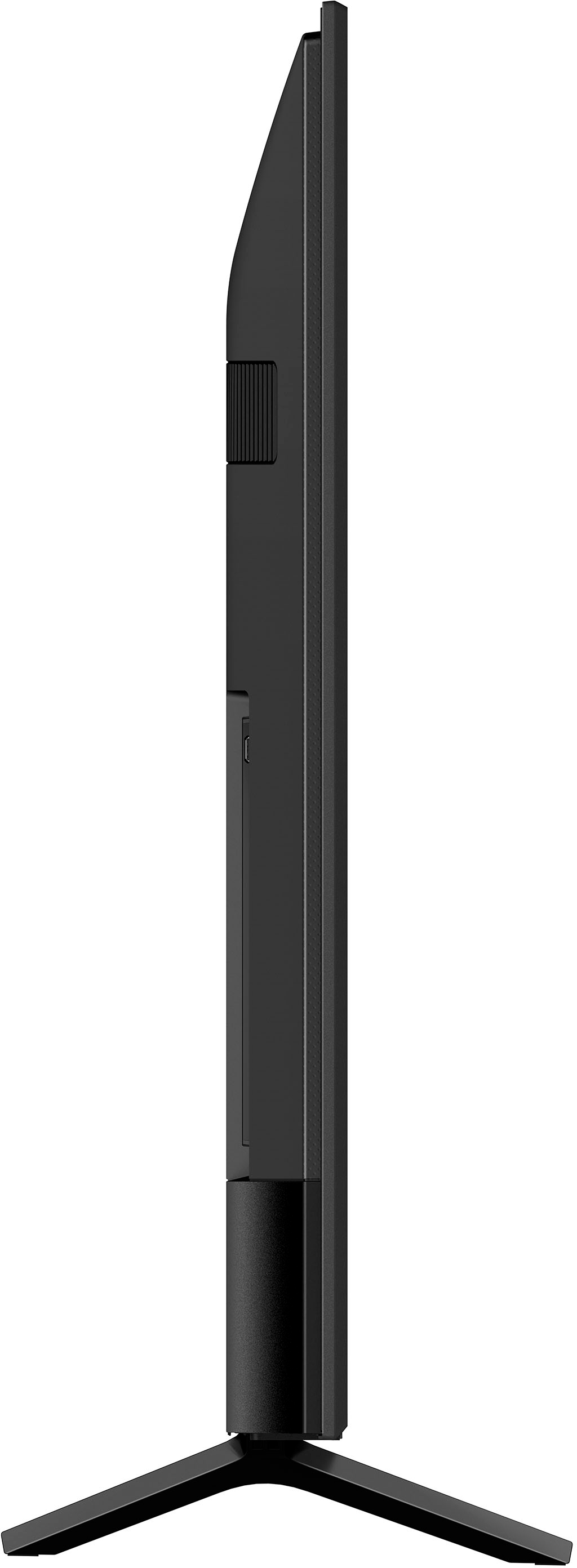
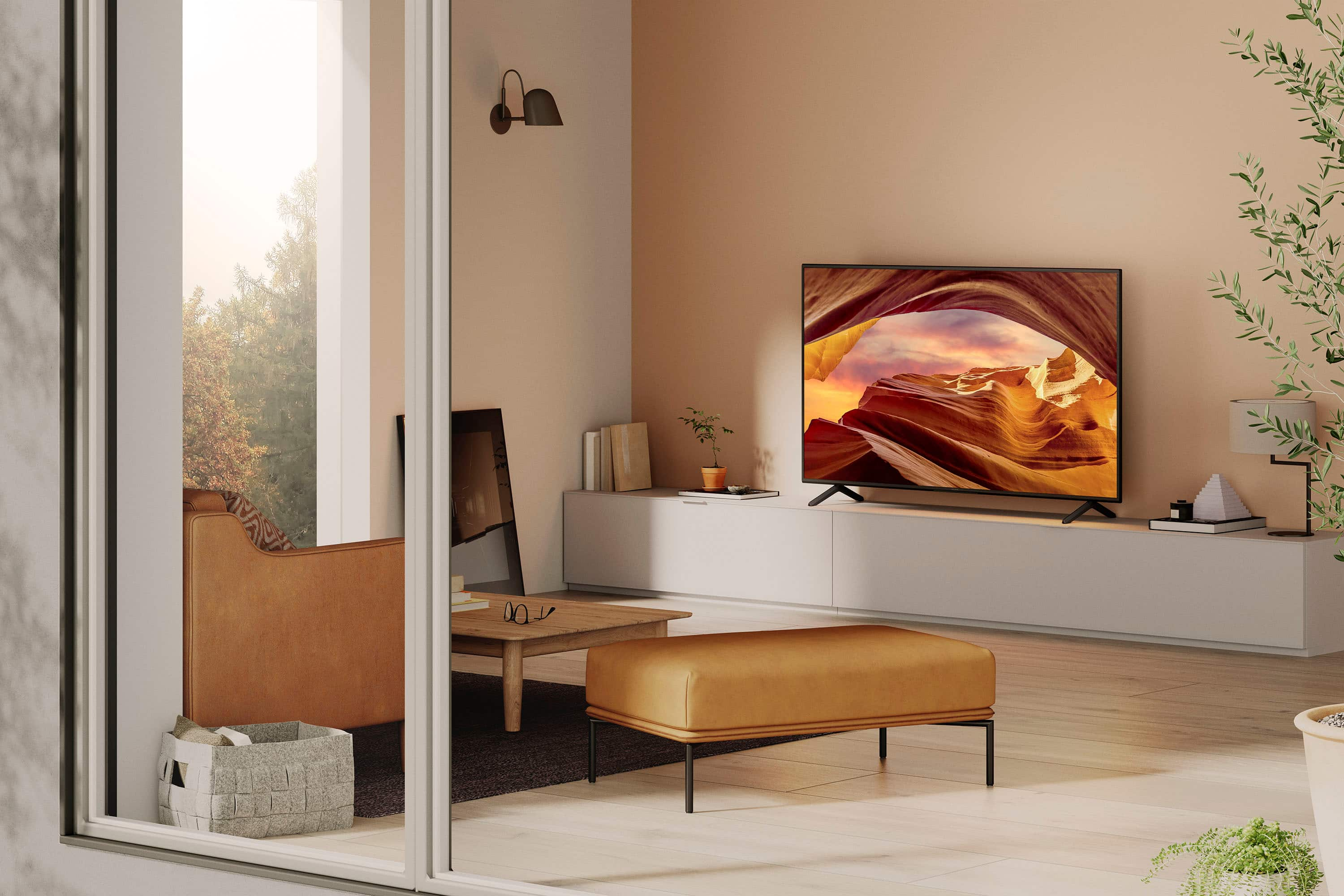
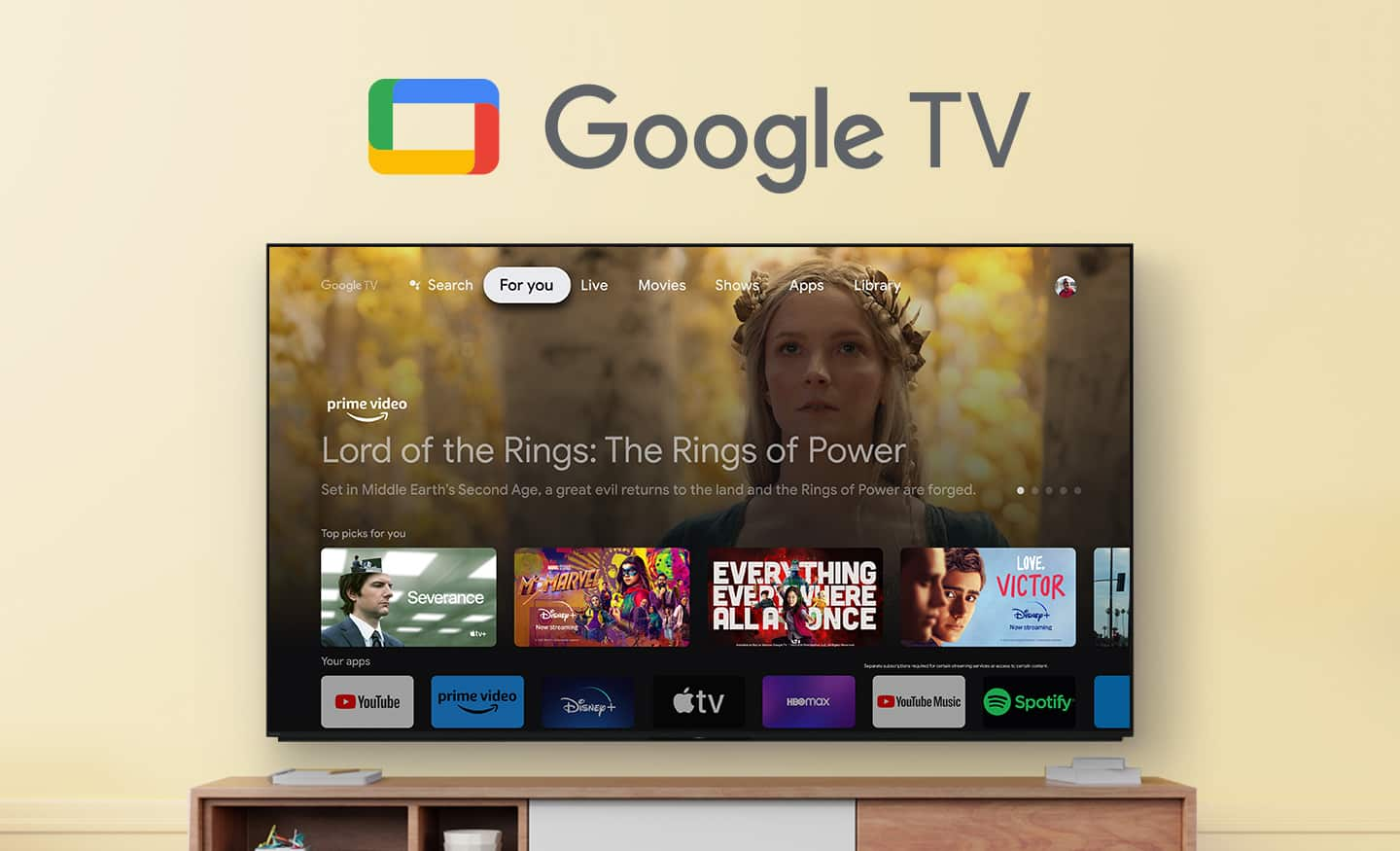
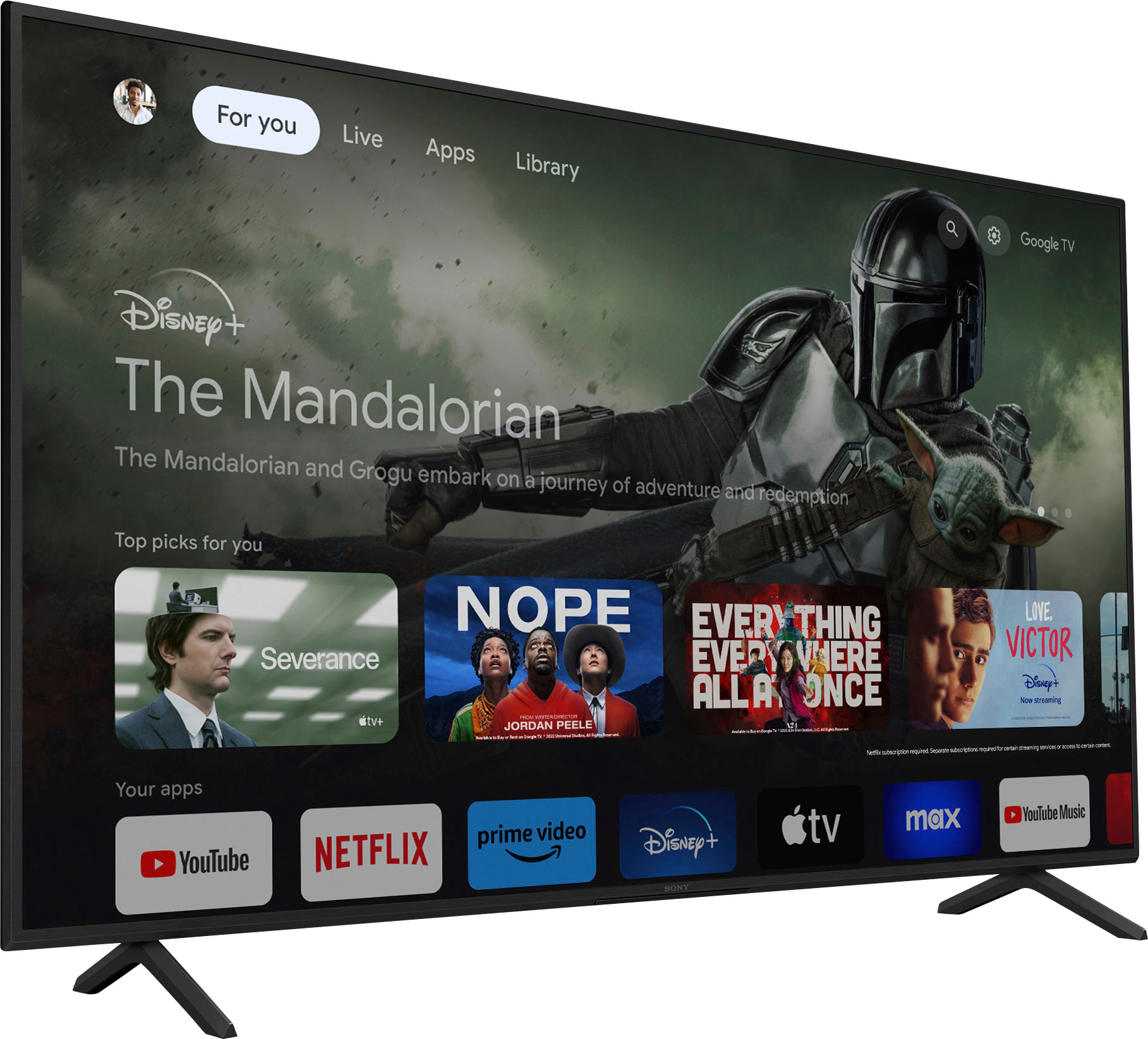
Customers recognize the 65" Class X77L LED 4K UHD Smart Google TV (2023) for its excellent picture quality, superb color and contrast, and overall design. Many find it easy to set up and appreciate features like the user-friendly remote control and Bluetooth connectivity. However, some customers have expressed concerns regarding the Google TV interface and the TV's responsiveness. Despite these concerns, many feel it offers good quality for the price.
This summary was generated by AI based on customer reviews.
Not satisfactory
Posted .This reviewer received promo considerations or sweepstakes entry for writing a review.This TV is a replacement for one that had red spots on the screen - however this one has one red spot and therefor likely to have more so, sadly, it looks as if it will also need replacing. I am yet to take my paperwork back to Best Buy.
No, I would not recommend this to a friendBrand response from SonyListens
Posted .Hi SylvienneM,
Thanks for reaching out to us with your concern. We regret to learn red spots/dots appear on the screen of your TV. This definitely not the buying experience we want our customers to have. Please refer to the link below and check the information about the red dots (also known as pixels) that you may be seeing:
https://www.sony.com/electronics/support/televisions-projectors-lcd-tvs/kd-65x77l/articles/00026287
We want to make sure that you’re taken care of. Also, please verify if the issue occurs when on the TV's home screen and other video sources (e.g., Cable box, Blu-ray Player, or any other external input).
For us to better assist you, please email the below information to socialsupport@am.sony.com.
Apologies if you disclosed some of this information in your review and to customer service, we just want to ensure that we have your accurate details at the time of communication.
Full Name:
Best Buy Username:
Issue:
Telephone Number:
Sony TV Model Number:
We value you being a Sony customer. We are sorry for the inconvenience and hope to speak to you to resolve this matter.
Thank you for letting us help assist you.
Sincerely,
Jess
Don’t waste your money.
Posted .This reviewer received promo considerations or sweepstakes entry for writing a review.Tv is garbage. I’ve had Roku tvs with better picture and sound. This tv is absolutely garbage. The picture quality is junk. The sound is horrific. Wasted good money. Granted this isn’t the most expensive tv but a Roku tv should not be better than this one’s.
No, I would not recommend this to a friendBrand response from SonyListens
Posted .Hi Jdoggalize1, We regret to hear that the picture and sound quality of the TV did not meet your expectations. This is definitely not the viewing experience we'd like you to have. We'd love to help you troubleshoot your problem and turn your experience around.
You can customize the Display and Sound settings to suit your viewing preferences. Press the Quick Settings button on the remote control, then select Settings — Display & Sound — the desired option.
Ref: https://helpguide.sony.net/tv/kusltnr1/v1/en-003/07-01_08.html
May we also contact you to help and get more information? If so, please email the below information to socialsupport@am.sony.com.
Apologies if you disclosed some of this information in your review and to customer service, we just want to ensure that we have your accurate details at the time of communication.
Full Name:
BBY Username:
Telephone Number:
Additional Information regarding your experience with the X77L
We are sorry for the inconvenience and hope to speak to you to resolve this matter.
Sincerely,
Erin