Customer Ratings & Reviews






- Model:
- cl
- SKU:
- 6451294
Rating by feature
- Picture Quality
Rating 4.7 out of 5 stars
- Sound Quality
Rating 4.6 out of 5 stars
- Brightness
Rating 4.7 out of 5 stars
Customers are saying
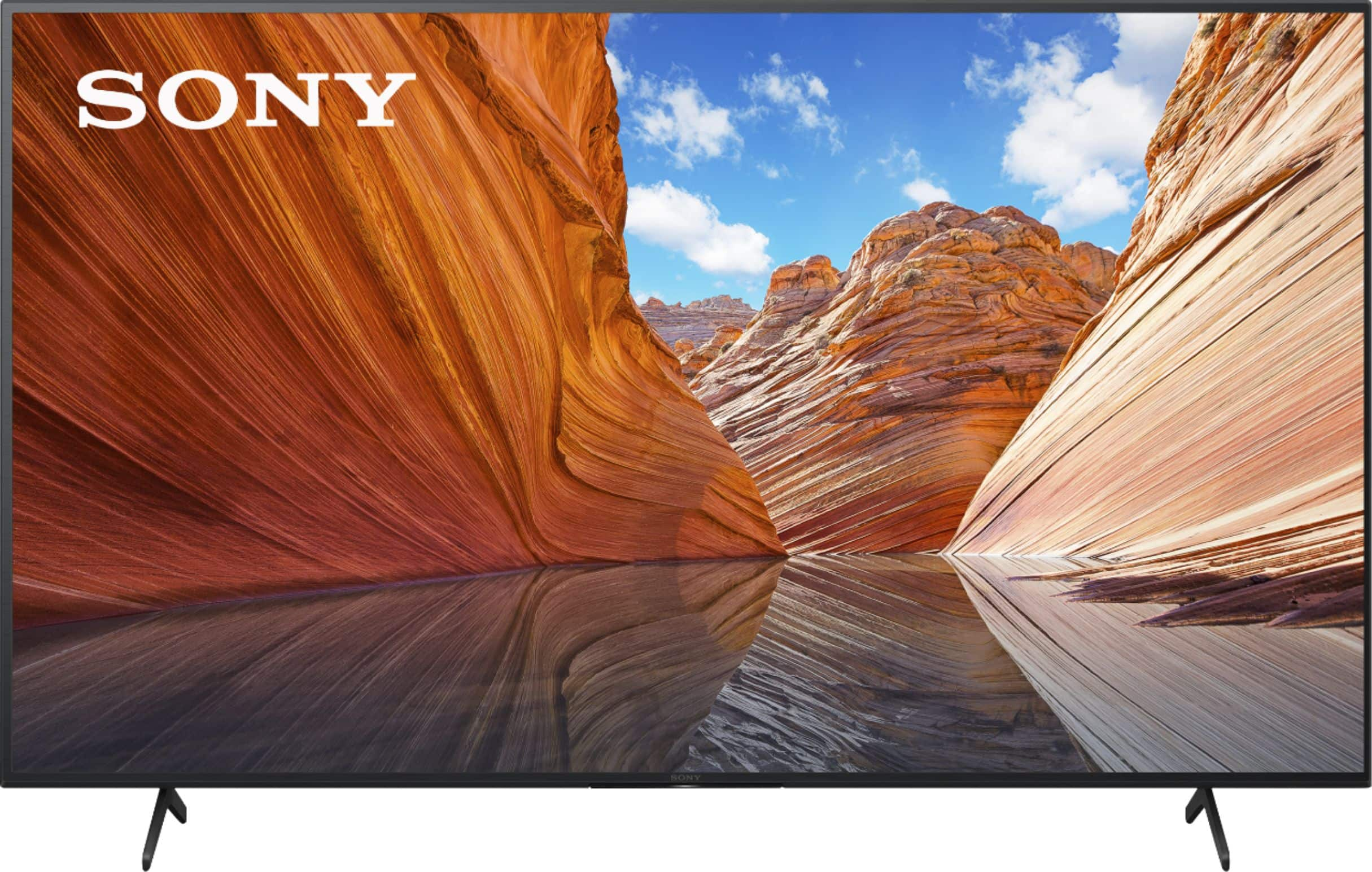
Customers praise the 65" Class X80J Series LED 4K UHD Smart Google TV for its exceptional picture quality, easy setup, and affordable price. Many users are impressed with the vibrant colors and crisp images, while others appreciate the user-friendly interface and hassle-free installation. However, a few customers have encountered minor issues with the remote control and internet connectivity.
This summary was generated by AI based on customer reviews.
Cool
||Posted . Owned for 3 weeks when reviewed.This reviewer received promo considerations or sweepstakes entry for writing a review.Fine tv for the money. Glad I bought it. U will be glad too.
I would recommend this to a friendBrand response from SonyListens
Posted .Hi OmaOma, Thank you for taking the time to review the X80J. Enjoy an intuitive smart TV experience with natural color and clear sound with the BRAVIA X80J LED TV. The powerful 4K HDR Processor X1 reduces digital noise and boosts details for lifelike picture quality. Google TV gives you access to all your favorite streaming apps, while Google Assistant easily searches for content and controls your smart home simply by using your voice. Thanks for sharing this feedback. Jay

just OK
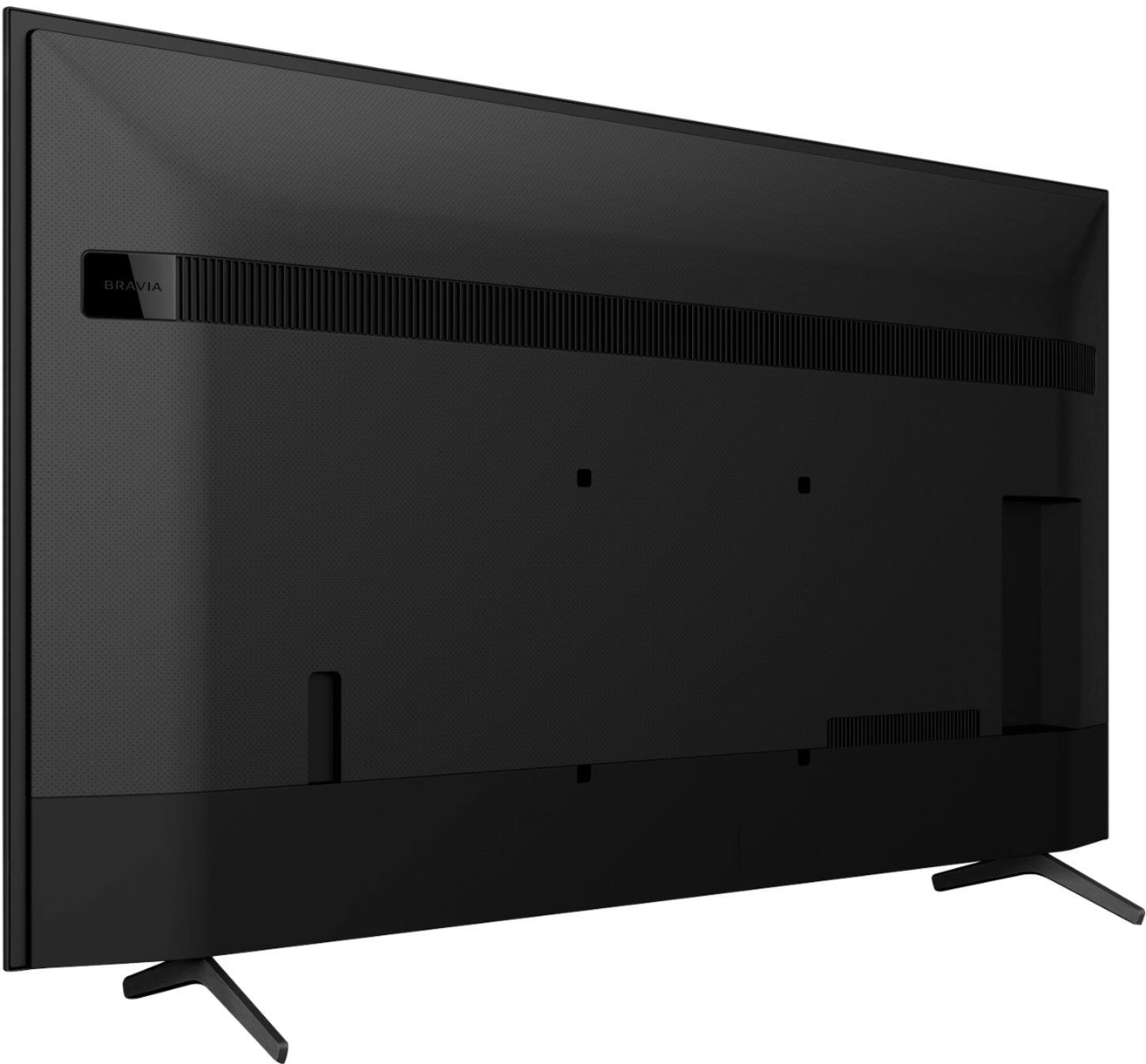
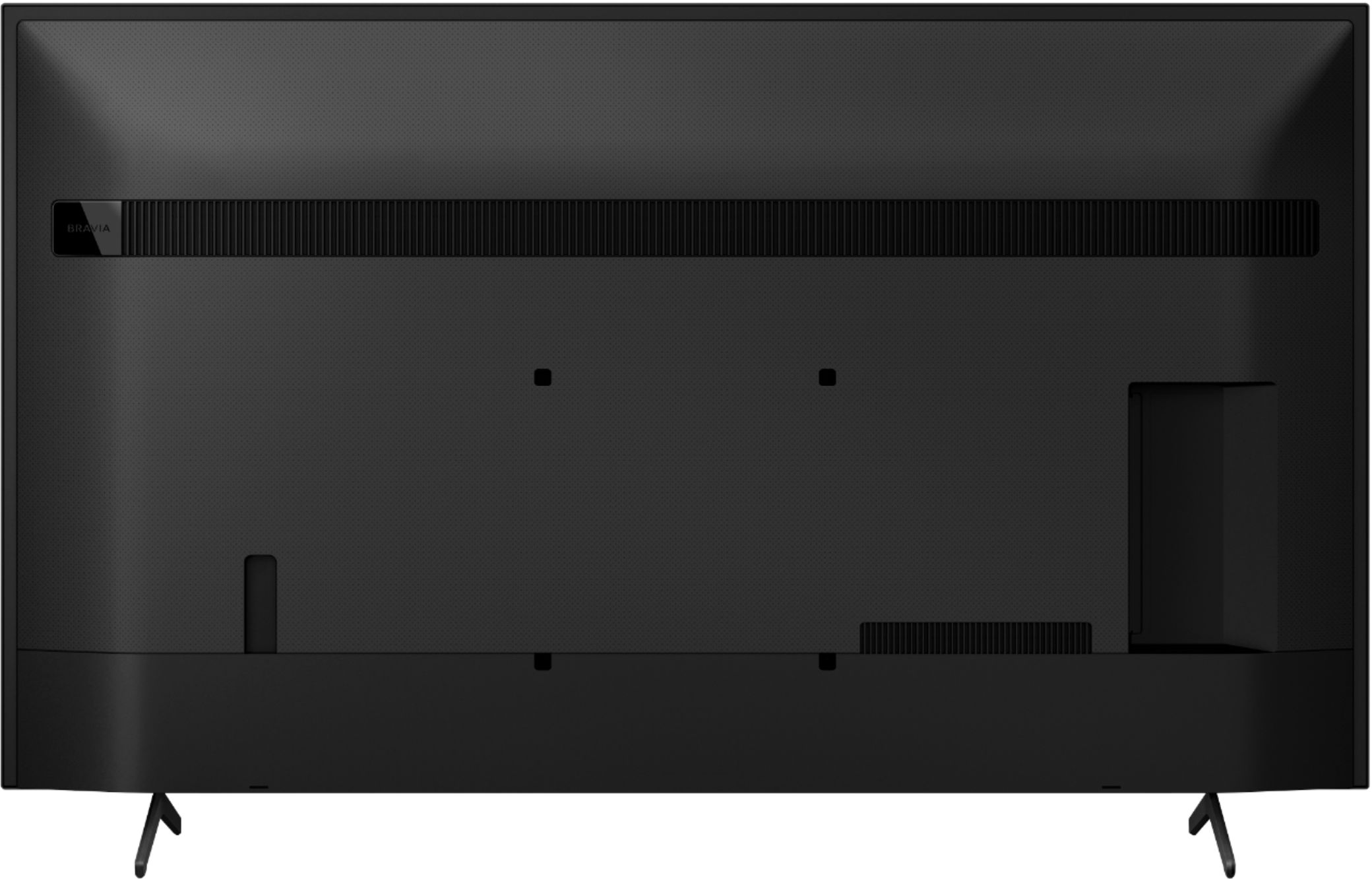
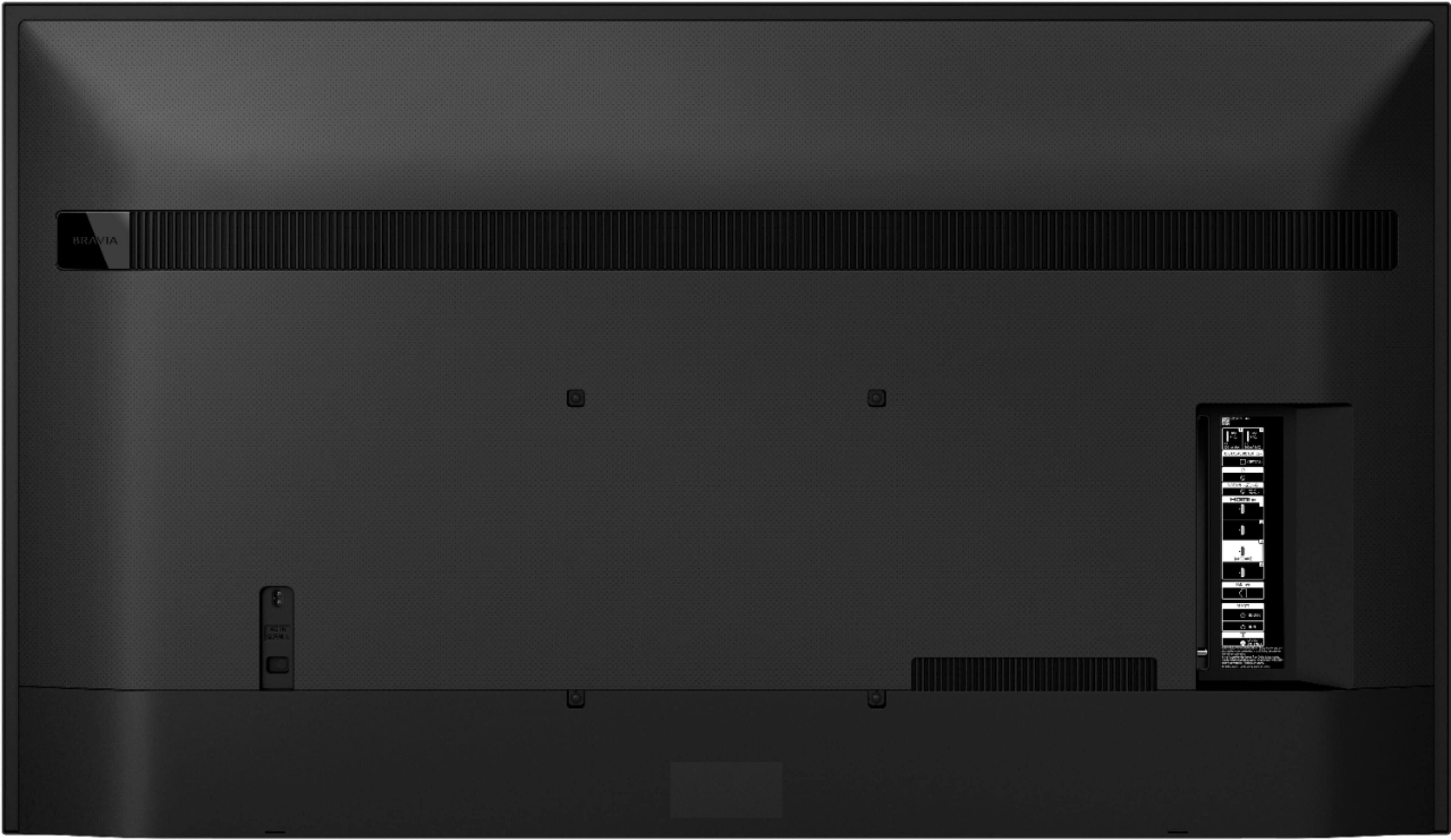
||Posted . Owned for 1 month when reviewed.This reviewer received promo considerations or sweepstakes entry for writing a review.The picture is just OK, definitely not as sharp as my other Sony 65" which we love. In addition we were frustrated by the fact that the mounting points on the back were well below the centerline of the television resulting in the television now being significantly higher on the wall.
No, I would not recommend this to a friendBrand response from SonyListens
Posted .Hi BobWhite,
Thank you
For product protection and safety reasons, Sony strongly recommends that installation of your TV be performed by Sony dealers or licensed contractors. Do not attempt to install it yourself. For more details, please refer to the link below for the reference guide:
https://www.sony.com/electronics/support/res/manuals/5025/d995fadd42cf14f7c39cb3740a5373ae/50250481M.pdf
In any case that you need our assitance, please email the below information to socialsupport@am.sony.com or chat with us from Sony’s e-support webpage. Apologies if you disclosed some of this information in your review and to customer service, we just want to ensure that we have your accurate details at the time of communication.
Full Name:
Best Buy Username:
Telephone Number:
Sony Model Number:
Additional Information regarding your experience with the X80J:
We are sorry for the inconvenience and hope to speak to you to resolve this matter. We appreciate you and thanks again for shopping Sony!
Sincerely,
Jay
Tennis
||Posted . Owned for 3 weeks when reviewed.This reviewer received promo considerations or sweepstakes entry for writing a review.So far,,,so good! I’m enjoying the US Open tennis very much!
I would recommend this to a friendBrand response from SonyListens
Posted .Hi Sheila, We're glad that you enjoying watching to this TV. Enjoy an intuitive smart TV experience with natural color and clear sound with the BRAVIA X80J LED TV. The powerful 4K HDR Processor X1 reduces digital noise and boosts details for lifelike picture quality. Google TV gives you access to all your favorite streaming apps, while Google Assistant easily searches for content and controls your smart home simply by using your voice. Thanks for choosing Sony! Jay
Not top of the line, but not bad.
||Posted . Owned for 1 month when reviewed.This reviewer received promo considerations or sweepstakes entry for writing a review.For the price its a nice TV. But my older Samsung Plasma has a much better picture and better sound. But it cost 4X more money. IMO, this TV needs a sound bar at minimum. If you want a better picture, expect paying at least double, if not triple the price of this TV.
I would recommend this to a friendBrand response from SonyListens
Posted .Hi jimm, Thank you for purchasing the X80J. We appreciate your feedback about the picture and sound quality. There are also various settings for the features you can configure in [Picture] settings to match the picture quality depending on your personal preference. Enjoy an intuitive smart TV experience with natural color and clear sound with the BRAVIA X80J LED TV. The powerful 4K HDR Processor X1 reduces digital noise and boosts details for lifelike picture quality. Google TV gives you access to all your favorite streaming apps, while Google Assistant easily searches for content and controls your smart home simply by using your voice. Thanks for choosing Sony! -Sam
Good
||Posted .This reviewer received promo considerations or sweepstakes entry for writing a review.So far so good............. .......... .....
I would recommend this to a friendBrand response from SonyListens
Posted .Hi Yupp, That's great! Thank you for giving the product a perfect rating! We're glad that your investment is worth it! It is nice to hear you're having an enjoyable watching experience with your new X80J 4K HDR Smart Google TV. The powerful 4K HDR Processor X1 reduces digital noise and boosts details for lifelike picture quality. Enjoy all your favorite Google TV entertainment in glorious 4K HDR with the high color, contrast, and clarity of BRAVIA. Discover worlds of entertainment on this Google™ TV, brought to life in beautiful color by the realism of our picture and sound technology. Thank you for choosing Sony! -Jess
Backlight bleeding
||Posted . Owned for 1 year when reviewed.This reviewer received promo considerations or sweepstakes entry for writing a review.Barely got the tv 8 months and the tv has white spots on it looks like clouds on the bottom and corners ot the tv very disappointed.
No, I would not recommend this to a friendRed spot
||Posted . Owned for 3 weeks when reviewed.This reviewer received promo considerations or sweepstakes entry for writing a review.The pictures of the tv was really beautiful. Really colorful. It was look like a great tv but when I turn on at home noticed that a have a red spot on the screen and have to returned.
No, I would not recommend this to a friendBrand response from SonyListens
Posted .Hi Anna, thank you for your review. While we are pleased you are satisfied with the exceptional picture quality of our X80J, we are really sorry you have encountered a red spot issue and that it needs to be returned. This is usually not the case and the experience we wanted you to have on our premium TV. You may refer to the link below for information about One or more dots or pixels on the LCD or OLED screen appear as dark spots or as bright red, green, or blue dots:
https://www.sony.com/electronics/support/televisions-projectors-lcd-tvs-android-/kd-65x80j/articles/00026287
We appreciate you, and we are hoping you will consider Sony again in your future purchase!
Best regards,
Romeo
Not worth it
||Posted . Owned for less than 1 week when reviewed.This reviewer received promo considerations or sweepstakes entry for writing a review.Very disappointed with this tv purchase. It will be returned. I listened to the sales associates rave about Sony tv's and gave it a try. Highly overrated and over priced. I have had better Samsung tv's.
No, I would not recommend this to a friendBrand response from SonyListens
Posted .Hi MrJM,
We regret to hear that you're having issue with this TV. Let me know about the issue of the TV to further assist you. Please email the below information to socialsupport@am.sony.com or chat with us from Sony’s e-support webpage. Apologies if you disclosed some of this information in your review and to customer service, we just want to ensure that we have your accurate details at the time of communication.
Full Name:
Best Buy Username:
Telephone Number:
Sony Model Number:
Additional Information regarding your experience with the X80J:
We are sorry for the inconvenience and hope to speak to you to resolve this matter. We appreciate you and thanks again for shopping Sony!
Sincerely,
Jay
Poor Streaming Quality
||Posted . Owned for 3 weeks when reviewed.This reviewer received promo considerations or sweepstakes entry for writing a review.Not very clear/hood for streaming. YouTube TV is especially blurry. Not out connection bc it works on other devices. Would not recommend this tv if you use anything other than cable.
No, I would not recommend this to a friendBrand response from SonyListens
Posted .Hi Poor,
We're sorry to hear about this issue. This is definitely not the experience we wanted you to have on our products. We apologize for the inconvenience. Video streaming performance is often related to your internet speed and network connection. Please check the troubleshooting steps to resolve the issue: https://www.sony.com/electronics/support/televisions-projectors-lcd-tvs-android-/kd-65x80j/articles/00013427
If you are unable to resolve your concern, may we contact you to help? If so, please email the below information to socialsupport@am.sony.com or chat with us from Sony’s e-support webpage. Apologies if you disclosed some of this information in your review and to customer service, we just want to ensure that we have your accurate details at the time of communication.
Full Name:
Best Buy Username:
Telephone Number:
Sony Model Number:
Additional Information regarding your experience with the X80J:
We are sorry for the inconvenience and hope to speak to you to resolve this matter. We appreciate you and thanks again for shopping Sony!
Sincerely,
Jay
Sony x80j
||Posted . Owned for 2 weeks when reviewed.This reviewer received promo considerations or sweepstakes entry for writing a review.Tv did not do what I was told it would do and is some what of a hassle to setup. Me recommending this tv would depend on what the person buying it was looking for in a tv.
I would recommend this to a friendBrand response from SonyListens
Posted .Hi Sonyx80j,
We apologize for the inconvenience this may have caused you. We're uncertain of the issues that you faced with the TV, particularly during the set up and the TV features, and would like to know more about the situation. Please note we have a customer hotline that is happy to assist you and help troubleshoot any concerns you have.
We want to make sure that you’re taken care of and go through some troubleshooting with you to make sure your TV is great.
In the meantime, refer to this link for troubleshooting information with common TV issues: https://www.sony.com/electronics/support/televisions-projectors-lcd-tvs-android-/kd-65x80j/articles/00200862
If there is something that we can help you with, please email us at socialsupport@am.sony.com with the following details:
Apologies if you disclosed some of this information in your review and to customer service, we just want to ensure that we have your accurate details at the time of communication.
Full Name:
Best Buy Username:
Telephone Number:
Sony TV Model Number:
Additional Information regarding your experience with the X80J:
We are sorry for the inconvenience and hope to speak to you to resolve this matter.
Sincerely,
Jess
Don’t Google TV?
||Posted . Owned for 1 month when reviewed.This reviewer received promo considerations or sweepstakes entry for writing a review.Trying to figure out how to use a google tv is daunting. I didn’t know it would be so complicated to figure out by myself. I should have called tech support for help. Even my son was confused.
No, I would not recommend this to a friendBrand response from SonyListens
Posted .Hi Noway
Thank you for purchasing X80J Series LED 4K UHD Smart Google TV. We're sorry to hear about your issue with this TV. Use this Help Guide if you have any questions on how to use your TV. For detailed information, refer to “Using the Help Guide”.
In any case that you need our assistance, please email the below information to socialsupport@am.sony.com or chat with us from Sony’s e-support webpage. Apologies if you disclosed some of this information in your review and to customer service, we just want to ensure that we have your accurate details at the time of communication.
Full Name:
Best Buy Username:
Telephone Number:
Sony Model Number:
Additional Information regarding your experience with the X80J:
We are sorry for the inconvenience and hope to speak to you to resolve this matter. We appreciate you and thanks again for shopping Sony!
Sincerely,
Jay
Don't buy this TV
||Posted . Owned for 3 months when reviewed.This reviewer received promo considerations or sweepstakes entry for writing a review.TV iat max setting viewing of darker scenes is impossible. Side by side with my Sansung, the Sony can't compare. Google TV has been quite intrusive and worst it doesn't really get the job done. What I expected was reading all of my owned videos and latest videos accessed by me on video rentals (ncl Netflix). And it BARELY touches the surface and worst of all it never updates when I purchase new videos! OK TV for over half the videos I have, but I need a TV that'll to 100% of them. I auggest not buyiing this TV.
No, I would not recommend this to a friendBrand response from SonyListens
Posted .Hi TDandF,
We regret to hear that you're having an issue with the TV. This is definitely not the experience we wanted you to have with our products. We apologize for the inconvenience.
Our TVs with a wide color gamut and unique TRILUMINOS PRO™ algorithm can detect color from saturation, hue, and brightness to reproduce natural shades in every detail. You’ll enjoy colors that are closer to those seen in the real world. This TV includes a light sensor that optimizes picture brightness to room conditions, boosting brightness in light rooms and reducing it to dark ones so you get the perfect view. With an even clearer 4K signal, everything you watch is closer to 4K resolution, full of lifelike color and contrast.
If you are unable to resolve your concern, may we contact you to help? If so, please email the below information to socialsupport@am.sony.com or chat with us from Sony’s e-support webpage. Apologies if you disclosed some of this information in your review and to customer service, we just want to ensure that we have your accurate details at the time of communication. Images filmed in 2K and even Full HD are upscaled close to 4K resolution by 4K X-Reality™ PRO using a unique 4K database.
Please ensure your TV has the latest firmware installed by going to Help > System Software Update > Software Update.
Full Name:
Best Buy Username:
Telephone Number:
Sony Model Number:
Additional Information regarding your experience with the X80J:
We are sorry for the inconvenience and hope to speak to you to resolve this matter. We appreciate you and thanks again for shopping Sony!
Sincerely,
Jay
Had issues
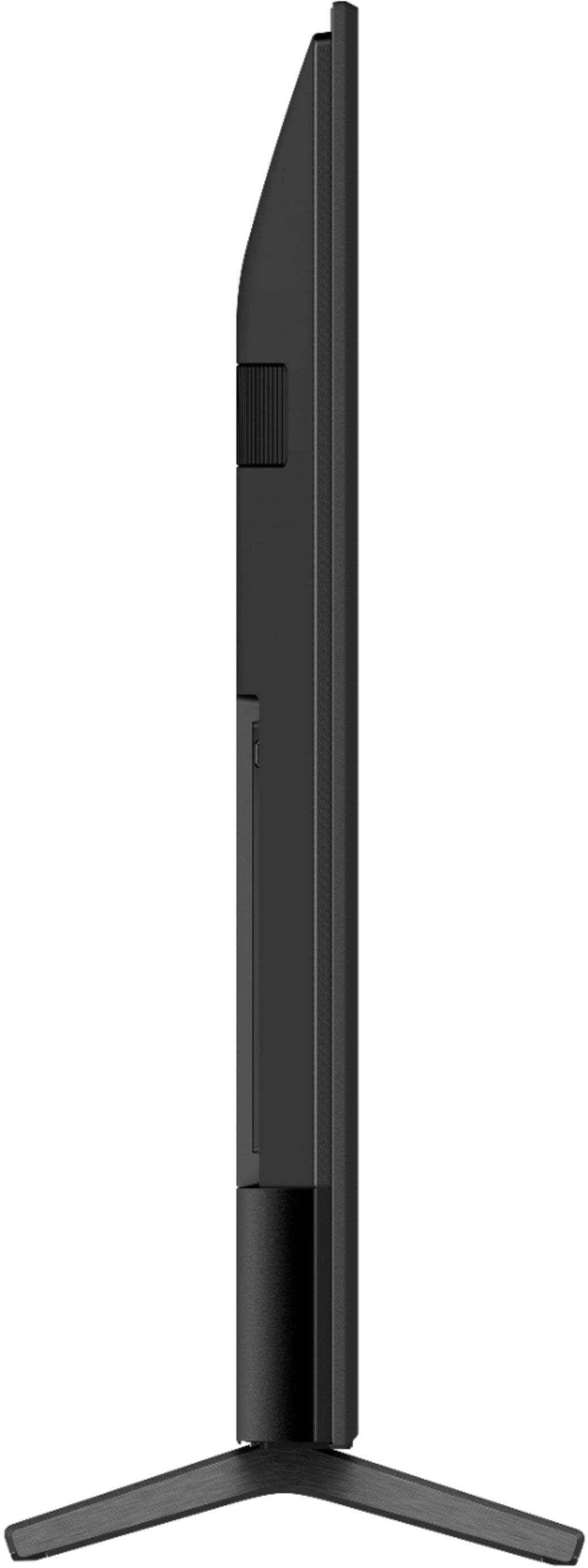
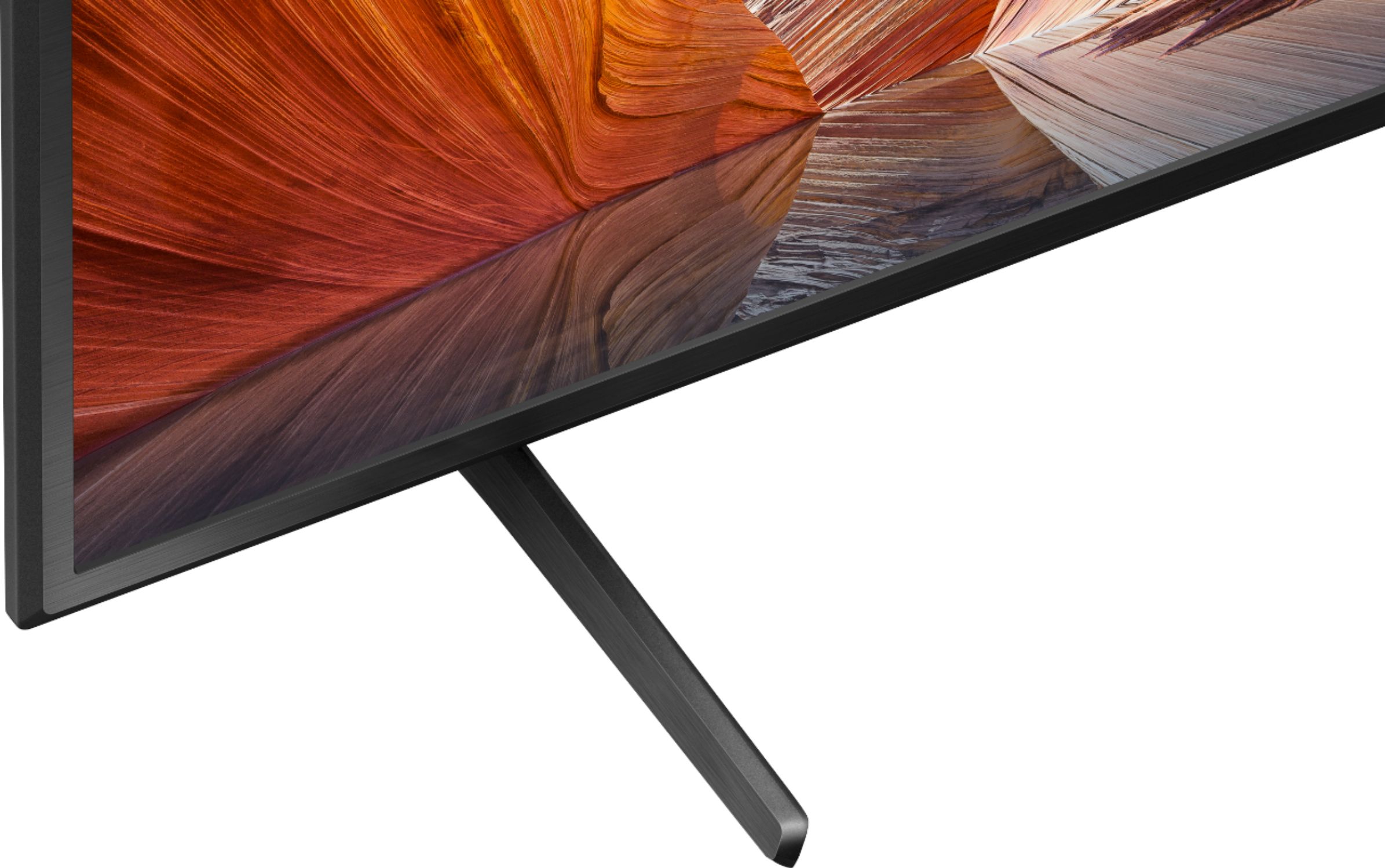
||Posted . Owned for 2 weeks when reviewed.This reviewer received promo considerations or sweepstakes entry for writing a review.The tv initially was good. I loved the way the stands are designed without any screws. But it had issues like it turns off very frequently and automatically.
No, I would not recommend this to a friendBrand response from SonyListens
Posted .Hi Tvguy,
We regret to hear that the TV turn off intermittently. This is definitely not the experience we wanted you to have on our products. We apologize for the inconvenience. In this case, please follow the troubleshooting steps from this link to isolate this issue: https://www.sony.com/electronics/support/televisions-projectors-lcd-tvs-android-/kd-65x80j/articles/00202018?cpint=spt-tv_triage_00200862_restart
If you are unable to resolve your concern, may we contact you to help? If so, please email the below information to socialsupport@am.sony.com or chat with us from Sony’s e-support webpage. Apologies if you disclosed some of this information in your review and to customer service, we just want to ensure that we have your accurate details at the time of communication.
Full Name:
Best Buy Username:
Telephone Number:
Sony Model Number:
Additional Information regarding your experience with the X80J:
We are sorry for the inconvenience and hope to speak to you to resolve this matter. We appreciate you and thanks again for shopping Sony!
Sincerely,
Jay
chepear plastic tv
||Posted . Owned for 1 year when reviewed.This reviewer received promo considerations or sweepstakes entry for writing a review.the tv does not good quality , the screen may me headache
No, I would not recommend this to a friendSolid but nothing Special
||Posted . Owned for 3 months when reviewed.This reviewer received promo considerations or sweepstakes entry for writing a review.If you don't mind edge lit displays or primarily watch tv with your lights on this is a great option.
No, I would not recommend this to a friendBrand response from SonyListens
Posted .Hi CTYM,
Thank you for sharing your feedback. You can enjoy all your favourite Google TV entertainment in glorious 4K HDR with the high colour, contrast and clarity of BRAVIA. In any case that you need our assistance, please email the below information to socialsupport@am.sony.com or chat with us from Sony’s e-support webpage. Apologies if you disclosed some of this information in your review and to customer service, we just want to ensure that we have your accurate details at the time of communication.
Full Name:
Best Buy Username:
Telephone Number:
Sony Model Number:
Additional Information regarding your experience with the KD65X80J:
We are sorry for the inconvenience and hope to speak to you to resolve this matter. We appreciate you and thanks again for shopping Sony!
Sincerely,
Jay
No netflix
||Posted . Owned for 3 months when reviewed.This reviewer received promo considerations or sweepstakes entry for writing a review.Netflix will not work with this tv. The app constantly force closes. Sony support says it's a known issue with this model and there isn't a fix for it. Other than that it's an ok TV. I'm not a fan of the google tv features though. I should have stayed with the roku system.
No, I would not recommend this to a friendBrand response from SonyListens
Posted .Hi Chad,
We regret to hear that you're having an issue with the Netflix app on this TV. In this case, please follow the troubleshooting steps from the link below to isolate and resolve this issue:
https://www.sony.com/electronics/support/televisions-projectors-lcd-tvs-android-/kd-65x80j/articles/00094005
If you are unable to resolve your concern, may we contact you to help? If so, please email the below information to socialsupport@am.sony.com or chat with us from Sony’s e-support webpage. Apologies if you disclosed some of this information in your review and to customer service, we just want to ensure that we have your accurate details at the time of communication.
Full Name:
Best Buy Username:
Telephone Number:
Sony Model Number:
Additional Information regarding your experience with the X80J:
We are sorry for the inconvenience and hope to speak to you to resolve this matter. We appreciate you and thanks again for shopping Sony!
Sincerely,
Jay
Horrible "HD" graphics when using cable
||Posted . Owned for 3 weeks when reviewed.This reviewer received promo considerations or sweepstakes entry for writing a review.Extremely disappointed with this TV for its price. I bought this TV so that I would have 4K graphics for YouTube and other apps, and at the very least, HD (1080p/i) for cable. Alas, the "HD" when using cable on this television is horrible. It's very blurry and no matter what channel you use, it's the same issue. I have tried 4 cable boxes, as well as two different cable companies (!) - two cable boxes for each. The problem is still persistent. Further, when you click the TV guide and the screen becomes much smaller, the graphics are actually incredible - but as soon as you go back full screen, it's blurry again. Sony's customer support was useless as well. I will never purchase Sony again.
No, I would not recommend this to a friendBrand response from SonyListens
Posted .Hi NYC111,
Thank you for reaching out with your concern, and we are really sorry for the inconvenience. It is really unfortunate to hear that you are having a blurry picture issue when watching TV programs. This is usually not the case and definitely not the experience we wanted you to have on our premium TV. We are also sorry if our customer support did not live up to your expectations.
For picture issue when watching regular broadcast tv or digital channels, please try following the steps provided on this article to isolate the problem:
https://www.sony.com/electronics/support/televisions-projectors-lcd-tvs-android-/kd-65x80j/articles/00141958
And as a general recommendation, to ensure you are getting the most out of our X80J, we highly recommend updating its firmware to the latest version. The software includes key features, applications, bug fixes, and feature improvements. For more information, please visit the link below:
https://www.sony.com/electronics/support/televisions-projectors-lcd-tvs-android-/kd-65x80j/articles/00119543
We want to make sure you’re taken care of and help check on your TV.
May we contact you directly to assist you? If so, please email the below information to socialsupport@am.sony.com.
Apologies if you disclosed some of this information in your review and to customer service, we just want to ensure that we have your accurate details at the time of communication.
Case Number:
Full Name:
Best Buy Username:
Telephone Number:
Sony TV Model Number:
Additional Information regarding your experience with the X80J:
We value you being a Sony customer. Sorry for the inconvenience and hope to speak directly to try to resolve this matter.
Thank you for letting us help assist you.
Sincerely,
Romeo
Sony Social Support
- Pros mentioned:Google tv
Priced way too high for level of quality
||Posted . Owned for 1 month when reviewed.This reviewer received promo considerations or sweepstakes entry for writing a review.Picture quality was just not to a level expected of a thousand dollar tv in today's market. - Massive vignetting - huge ugly bezels in 2021, - contrast was at the level of tvs almost half the price lm + Google tv is excellently implemented on this tv.
No, I would not recommend this to a friendBrand response from SonyListens
Posted .Hi Migs,
We regret to hear that you're having issue with the design and contrast of this TV. We apologize for the inconvenience. The Bezel Design of the TV is Narrow Bezel. With Object-based HDR remaster, the color in individual objects on-screen is analyzed and the contrast adjusted, unlike most TVs where contrast is only adjusted along one black-to-white contrast curve. Because objects are remastered individually, this TV can reproduce greater depth, textures and more realistic pictures. With an even clearer 4K signal, everything you watch is closer to 4K resolution, full of lifelike color and contrast.
In any case that you need our assistance, please email the below information to socialsupport@am.sony.com or chat with us from Sony’s e-support webpage. Apologies if you disclosed some of this information in your review and to customer service, we just want to ensure that we have your accurate details at the time of communication.
Full Name:
Best Buy Username:
Telephone Number:
Sony Model Number:
Additional Information regarding your experience with the X80J:
We are sorry for the inconvenience and hope to speak to you to resolve this matter. We appreciate you and thanks again for shopping Sony!
Sincerely,
Jay
Disappointed
||Posted . Owned for 9 months when reviewed.This reviewer received promo considerations or sweepstakes entry for writing a review.Disappointed. The audio drifts out of sync with the video when using some apps even with internal speakers. “Auto Sync” works for only 5 or 10 minutes before drifting. No such issue with my TCL. My son’s similar Sony with Google TV has the same problem. Because of this issue I regret this purchase, even though the TV is fine otherwise.
No, I would not recommend this to a friendBrand response from SonyListens
Posted .Hi Recommended,
We're sorry to hear about the issue with the TV. This is definitely not the experience we wanted you to have on our products. We apologize for the inconvenience. You can follow the troubleshooting steps from this link to isolate and resolve this issue: https://www.sony.com/electronics/support/articles/00200862
If you are unable to resolve your concern, may we contact you to help? If so, please email the below information to socialsupport@am.sony.com or chat with us from Sony’s e-support webpage. Apologies if you disclosed some of this information in your review and to customer service, we just want to ensure that we have your accurate details at the time of communication.
Full Name:
Best Buy Username:
Telephone Number:
Sony Model Number:
Additional Information regarding your experience with the X80J:
We are sorry for the inconvenience and hope to speak to you to resolve this matter. We appreciate you and thanks again for shopping Sony!
Sincerely,
Jay
Few issues
||Posted . Owned for 4 months when reviewed.This reviewer received promo considerations or sweepstakes entry for writing a review.Mine is still new and it exits out if all apps alone after a few minutes of using. Might have geek squad look at it.
I would recommend this to a friendBrand response from SonyListens
Posted .Hi JayVee,
Thank you for sharing your feedback on using your new X80J 4K HDR TV. We do apologize for the inconvenience his have caused you. If Netflix or other streaming apps drop back to the home screen after 10 minutes of streaming, perform a Factory data reset (FDR) on the TV.
Please visit this link for more details: https://www.sony.com/electronics/support/televisions-projectors-lcd-tvs-android-/kd-65x80j/articles/00264120
Should you need further assistance, please let us know so we can turn your experience around.
May we contact you to help? If so, please email the below information to socialsupport@am.sony.com.
Apologies if you disclosed some of this information in your review and to customer service, we just want to ensure that we have your accurate details at the time of communication.
Full Name:
Best Buy Username:
Telephone Number:
Sony TV Model Number:
Additional Information regarding your experience with the X80J:
We are sorry for the inconvenience and hope to speak to you to resolve this matter.
Sincerely,
Jess