Customer Ratings & Reviews









- Model:
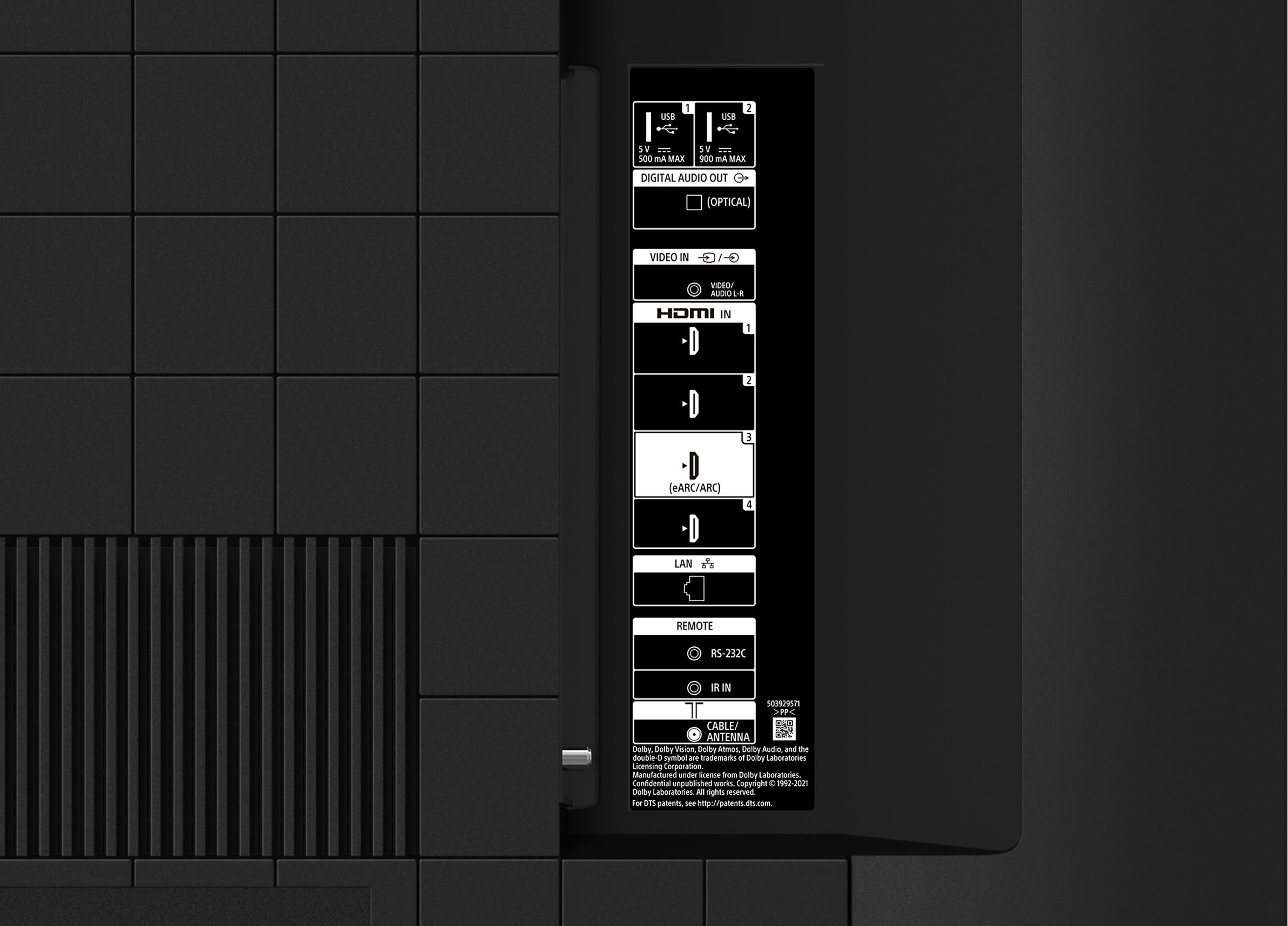
- KD65X80K
- SKU:
- 6499677
Rating by feature
- Picture Quality
Rating 4.8 out of 5 stars
- Sound Quality
Rating 4.6 out of 5 stars
- Brightness
Rating 4.8 out of 5 stars
Customers are saying
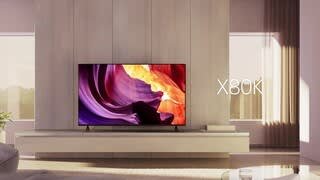
Customers often highlight the superb picture quality and ease of use of the 65" Class X80K LED 4K UHD Smart Google TV (2023). Many also praise the vibrant colors and find the TV to be a great value for its price. However, some users have reported issues with the remote control and occasional internet connectivity problems. A few also mentioned concerns about the backlight and refresh rate.
This summary was generated by AI based on customer reviews.
- Pros mentioned:Picture quality
Sony quality
||Posted . Owned for 1 month when reviewed.This reviewer received promo considerations or sweepstakes entry for writing a review.Good picture quality, good sound quality, great price. Best Buy delivered and took my old, defective tv. Great service.
I would recommend this to a friendBrand response from SonyListens
Posted .Hi ThinkBlink,
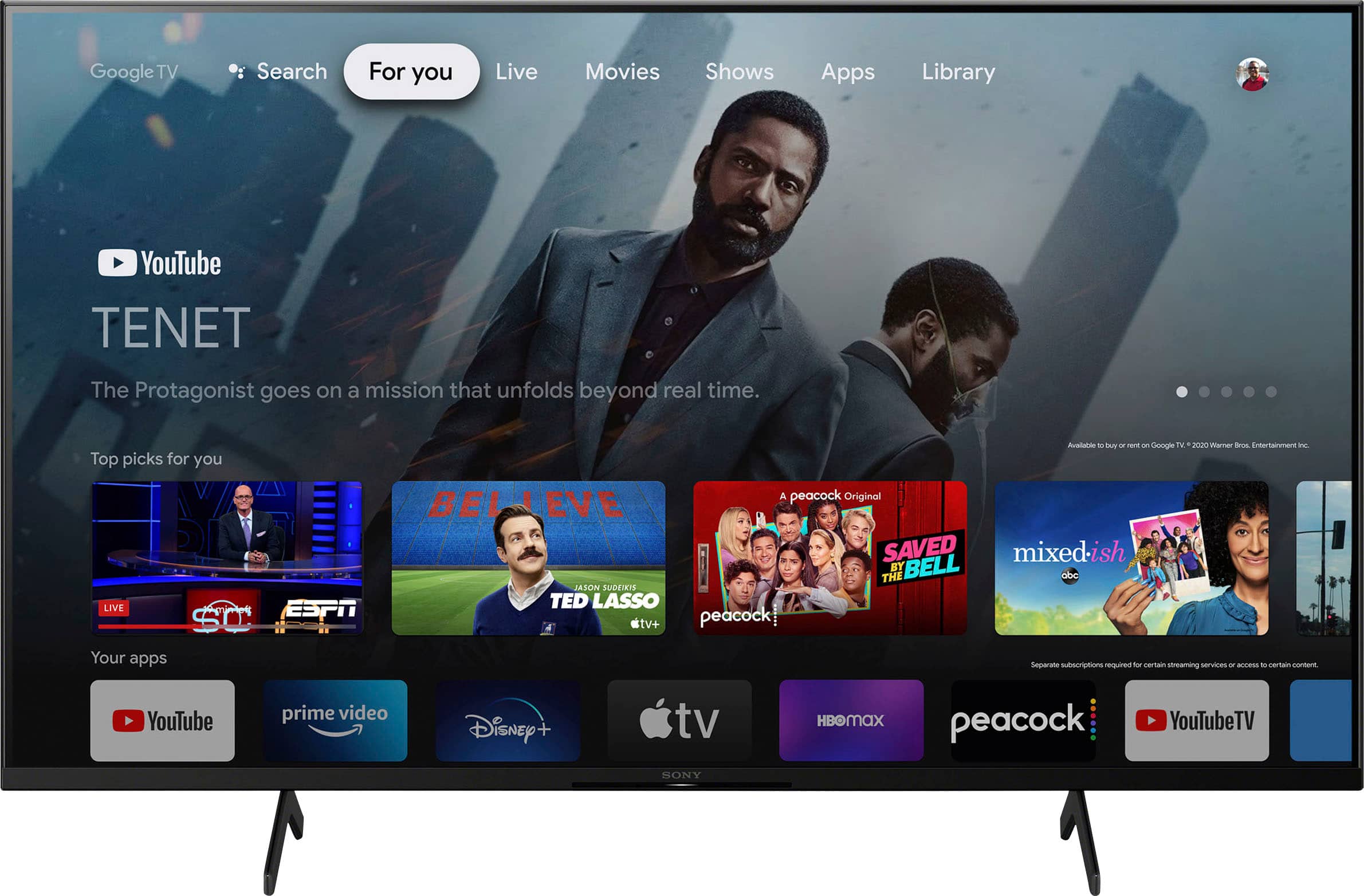
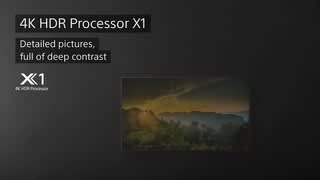
Awesome! We're glad you like the incredible picture, sound, and reasonable price of your new TV. Nice to hear your great customer service experience. Enjoy an intuitive smart TV experience with natural color and clear sound with the BRAVIA X80K LED TV. The powerful 4K HDR Processor X1 reduces digital noise and boosts details for lifelike picture quality. Google TV gives you access to all your favorite streaming apps, while Google Assistant easily searches for content and controls your smart home simply by using your voice. Thank you for choosing Sony! - Kris
Sony tv
||Posted . Owned for 3 weeks when reviewed.This reviewer received promo considerations or sweepstakes entry for writing a review.Great tv and excellent service by the Best but staff
I would recommend this to a friendBrand response from SonyListens
Posted .Hi EllenS,
Thank you for such a great review! We're happy to hear you like your new TV and great shopping experience. Enjoy an intuitive smart TV experience with natural color and clear sound with the BRAVIA X80K LED TV. The powerful 4K HDR Processor X1 reduces digital noise and boosts details for lifelike picture quality. Google TV gives you access to all your favorite streaming apps, while Google Assistant easily searches for content and controls your smart home simply by using your voice. Thanks for choosing Sony! - Kris
- Pros mentioned:Picture quality
Sony TV
||Posted . Owned for 1 month when reviewed.This reviewer received promo considerations or sweepstakes entry for writing a review.Displays a beautiful picture. Very pleased with It.
I would recommend this to a friendBrand response from SonyListens
Posted .Hi Edwin, That's cool! We're extremely pleased to hear our X80K LED 4K HDR Google TV meets your needs, and you are very pleased with its superb picture quality. We always strive to deliver the best picture quality with our TVs. Enjoy an intuitive smart TV experience with natural color and clear sound with the BRAVIA X80K LED TV. The powerful 4K HDR Processor X1 reduces digital noise and boosts details for lifelike picture quality. Google TV gives you access to all your favorite streaming apps, while Google Assistant easily searches for content and controls your smart home simply by using your voice. Thank you for your purchase and for giving the product a perfect rating! -Jess
- Pros mentioned:Picture quality
Great picture
||Posted . Owned for 1 month when reviewed.This reviewer received promo considerations or sweepstakes entry for writing a review.Works great. Great picture. Exactly as described
I would recommend this to a friendBrand response from SonyListens
Posted .Hi ThomasO, Awesome! We are so glad to hear that you are happy with your new TV! Enjoy an intuitive smart TV experience with natural color and clear sound with the BRAVIA X80K LED TV. The powerful 4K HDR Processor X1 reduces digital noise and boosts details for lifelike picture quality. Google TV gives you access to all your favorite streaming apps, while Google Assistant easily searches for content and controls your smart home simply by using your voice. Thank you for choosing Sony! -Carl
TV
||Posted . Owned for 1 month when reviewed.This reviewer received promo considerations or sweepstakes entry for writing a review.Good TV. Not the best picture but decent. Like that it is Google but took a little getting familiar. Got it for a good price.
I would recommend this to a friend- Cons mentioned:Remote control
Sony 65” tv
||Posted . Owned for 3 weeks when reviewed.This reviewer received promo considerations or sweepstakes entry for writing a review.Remote control sucks considering the price of tv. First Sony purchase thinking it’s better all around. Maybe not.
I would recommend this to a friendBrand response from SonyListens
Posted .Hi AlfonsoB,
We regret to hear that you are not satisfied with the X80K particularly the supplied remote. We would like to know more about your review and turn your experience around. Please email us at socialsupport@am.sony.com with the following details:
Name:
Username:
Model Number:
Issue:
Telephone Number:
Sincerely,
-Ralph
- Cons mentioned:Connectivity
Teresa
||Posted . Owned for 1 month when reviewed.This reviewer received promo considerations or sweepstakes entry for writing a review.Tv is great except having trouble with the tv and cable box. Not as easy to turn on with this issue.
I would recommend this to a friendBrand response from SonyListens
Posted .Hi TeresaS, Thanks for sharing your experience with the new Sony 65 X80K TV. We're sorry if you are having issues with it together with the cable box. We'd like to know more details about your concern so we can assist. Are you trying to use the cable box remote control or to power on your TV? Is your cable box connected to the TV using an HDMI cable? If you are trying to use the TV remote , kindly check the link below. This can help your resolve the issue : https://www.sony.com/electronics/support/articles/00231346 Again,thanks for choosing Sony
Not as great as i hoped
||Posted . Owned for 3 weeks when reviewed.This reviewer received promo considerations or sweepstakes entry for writing a review.Not as impressive as i had hoped. Especially for the price. It will get cught up and not respond to selections.
No, I would not recommend this to a friendBrand response from SonyListens
Posted .Hi SarahW, thanks for choosing and purchasing our product. We're sorry to hear your feedback regarding your SONY unit. We have our Support team that is always happy to assist. You can email us anytime at socialsupport@am.sony.com with the following details: Name: Username: Model Number: Issue: Telephone Number:
Enjoy an intuitive smart TV experience with natural color and clear sound with the BRAVIA X80K LED TV. The powerful 4K HDR Processor X1 reduces digital noise and boosts details for lifelike picture quality. Google TV gives you access to all your favorite streaming apps, while Google Assistant easily searches for content and controls your smart home simply by using your voice. Thank you for choosing SONY! ~Earl
- Pros mentioned:Picture quality
.
||Posted . Owned for 1 month when reviewed.This reviewer received promo considerations or sweepstakes entry for writing a review.Overall, It has good quality. But brightness is poor.
No, I would not recommend this to a friendBrand response from SonyListens
Posted .Hi MingooK,
Thank you for choosing and purchasing our X80K Series LED 4K UHD HDR Smart Google TV. This is definitely not the news that we would like to hear. Please allow us to help you and turn this into a better experience.
The brightness will depend on how and where the TV is located. The good news is the brightness of the TV is fully adjustable under the picture settings of the TV. The picture settings allow a wide array of color, contrast, motion settings, and brightness changes that can improve the viewed content on your TV. Please check this link for more troubleshooting guidelines.
https://www.sony.com/electronics/support/articles/00190409
For further assistance, please email the below information to socialsupport@am.sony.com. Apologies if you disclosed some of this information in your review and to customer service, we just want to ensure that we have your accurate details at the time of communication.
Full Name:
Best Buy Username:
Telephone Number:
Sony TV Model Number:
Additional Information regarding your experience with the X80K
We are sorry for the inconvenience and hope to speak to you to resolve this matter.
Regards,
David
Good TV HORRIBLE DELIVERY & CUSTOMER SERVICE
||Posted . Owned for 2 months when reviewed.This reviewer received promo considerations or sweepstakes entry for writing a review.The delivery & customer care service was so horrible!! The TV is ok, I guess. Haven’t had any issues with it yet.
No, I would not recommend this to a friendBrand response from SonyListens
Posted .Hi CarlaS, We're sorry to hear about what happened. To best assist you with regarding your concern, please contact best buy. We're glad that you like your new BRAVIA X80K TV and you're enjoying its overall performance. Enjoy an intuitive smart TV experience with natural color and clear sound with the BRAVIA X80K LED TV. The powerful 4K HDR Processor X1 reduces digital noise and boosts details for lifelike picture quality. Google TV gives you access to all your favorite streaming apps, while Google Assistant easily searches for content and controls your smart home simply by using your voice. Thank you for sharing your feedback and for choosing Sony! -Jess
Buyer beware
||Posted . Owned for 1 year when reviewed.This reviewer received promo considerations or sweepstakes entry for writing a review.Bought this tv after one update neither the bluetooth nor the wifi works
No, I would not recommend this to a friendBrand response from SonyListens
Posted .Hi EricMung,
Thank you for sharing your feedback with us.
We sincerely apologize for the difficulties you've encountered with your X80K following the software update, specifically regarding Bluetooth and Wi-Fi connectivity. To help you troubleshoot this issue, please refer to the resources linked below:
(https://www.sony.com/electronics/support/articles/00175078)
(https://www.sony.com/electronics/support/articles/00184183)
(https://www.sony.com/electronics/support/articles/00151038)(https://www.sony.com/electronics/support/articles/00184280)
If the problem persists after following these steps, please reach out to us via email at socialsupport@am.sony.com. Be sure to include your name, username, model number, a description of the issue, the steps you've taken, and your telephone number.
Thanks for considering Sony products, your experience matters to us and we’re committed to resolve this issue.
Gus
Sony TV
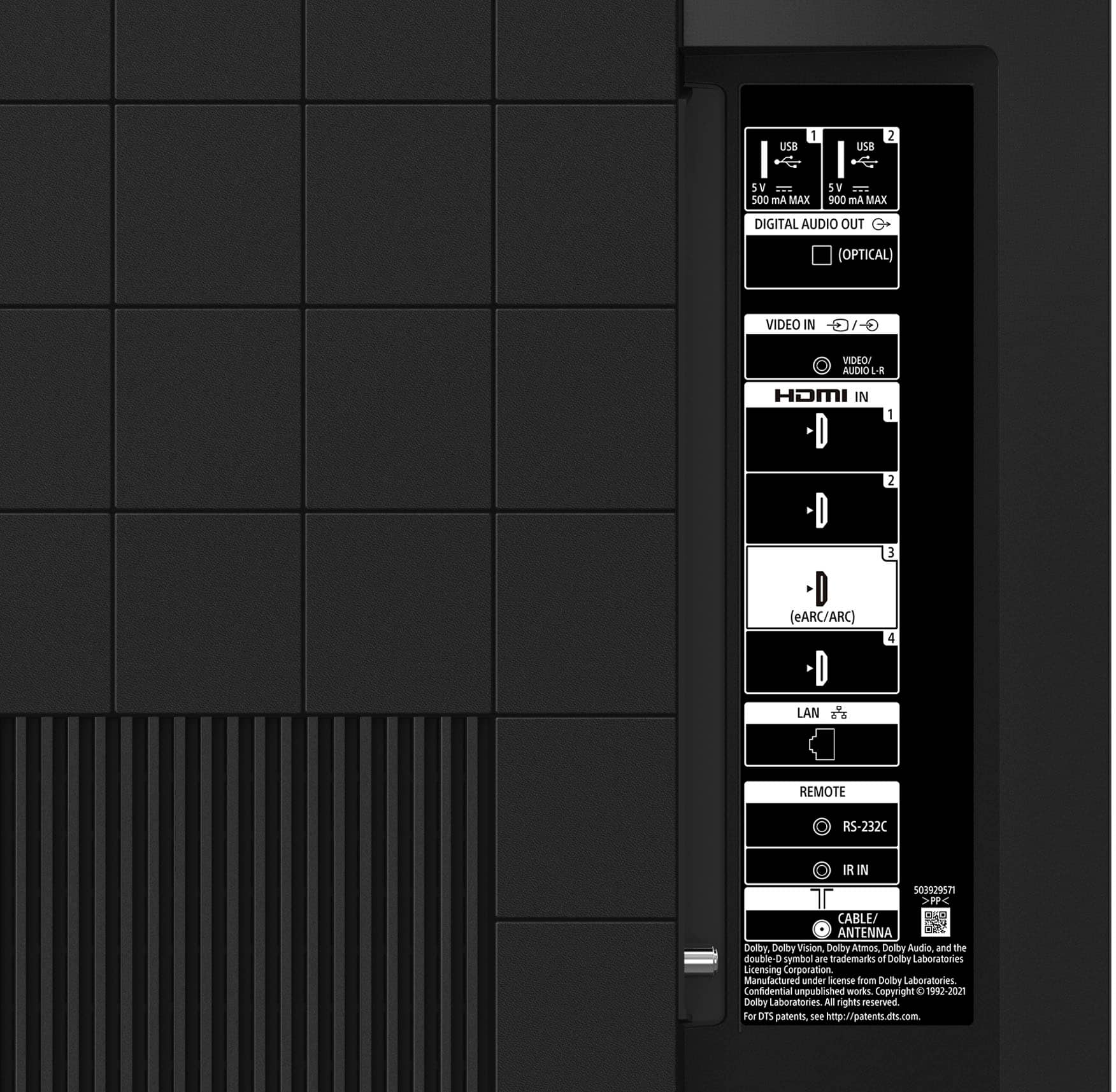
||Posted . Owned for 3 weeks when reviewed.This reviewer received promo considerations or sweepstakes entry for writing a review.Setup procedures are a pain. Sound quality is OK but could be better really need a sound bar to use this in the proper way
I would recommend this to a friendBrand response from SonyListens
Posted .Hi Dave,
Thank you for the review and we're sorry for your experience. If you need further assistance, we're more than happy to help you out. please email us at socialsupport@am.sony.com with the following details:
Name:
Best Buy Username:
Model Number:
Issue:
Telephone Number:
Enjoy an intuitive smart TV experience with natural color and clear sound with the BRAVIA X80K LED TV. The powerful 4K HDR Processor X1 reduces digital noise and boosts details for lifelike picture quality. Google TV gives you access to all your favorite streaming apps, while Google Assistant easily searches for content and controls your smart home simply by using your voice. Thank you for choosing Sony!
Regards,
David
- Pros mentioned:Picture quality
Sony smart tv
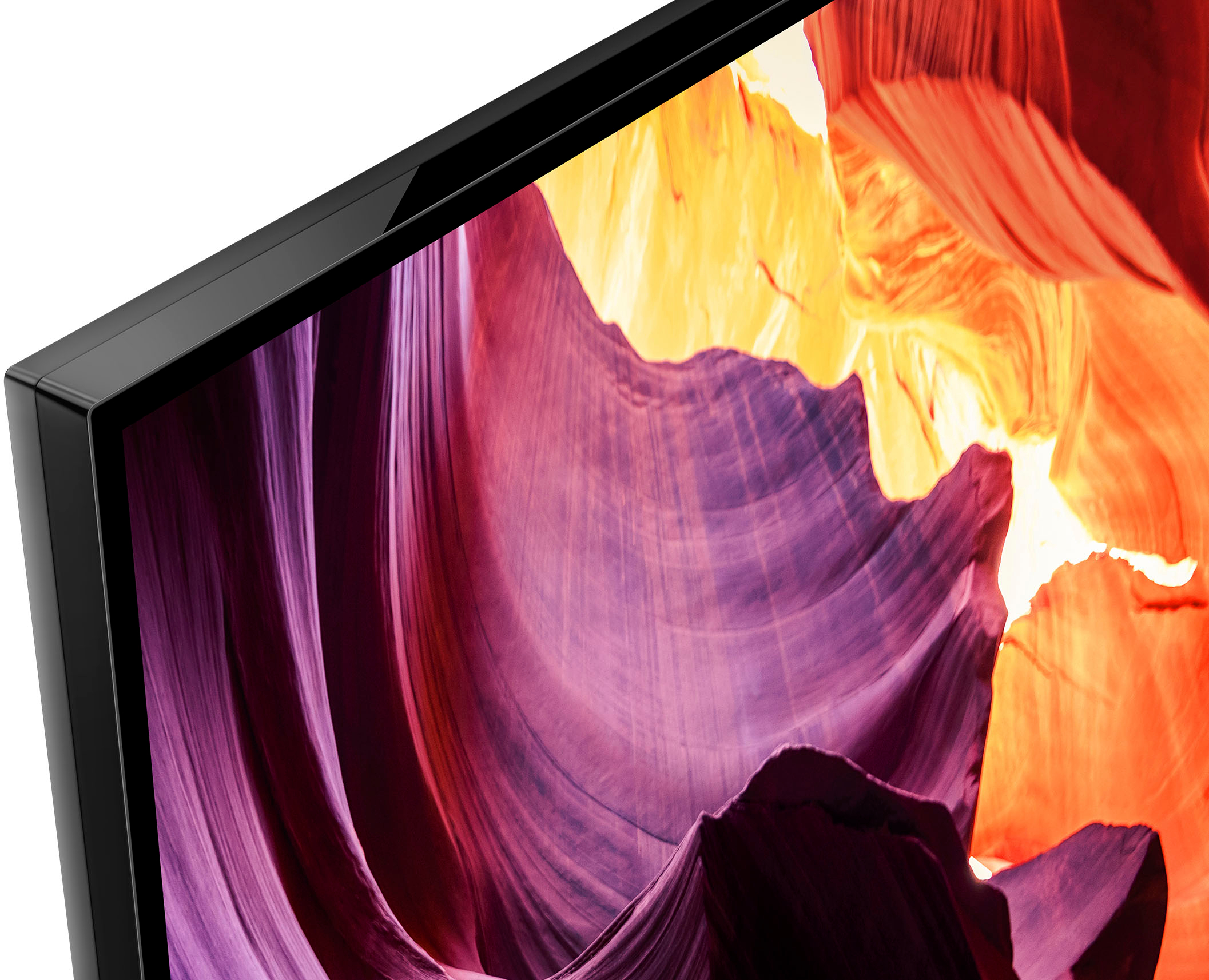
||Posted . Owned for 1 month when reviewed.This reviewer received promo considerations or sweepstakes entry for writing a review.Wonderful picture from this smart television and no reflection
I would recommend this to a friendBrand response from SonyListens
Posted .Hi Tvmane,
Fabulous! We're thrilled to hear you are enjoying the incredible picture quality of your new TV. Enjoy an intuitive smart TV experience with natural color and clear sound with the BRAVIA X80K LED TV. The powerful 4K HDR Processor X1 reduces digital noise and boosts details for lifelike picture quality. Google TV gives you access to all your favorite streaming apps, while Google Assistant easily searches for content and controls your smart home simply by using your voice. Thank you for choosing Sony! - Kris
- Pros mentioned:Picture quality
Don't know what your asking..
||Posted .This reviewer received promo considerations or sweepstakes entry for writing a review.Very. Good. So far so good .Sony Tv 65 inch Great Picture.
I would recommend this to a friendBrand response from SonyListens
Posted .Hi MartinC,
Fabulous! We are so happy to know that you are satisfied with the exceptional picture quality and superb performance of the KD-65X80K.
Enjoy an intuitive smart TV experience with natural color and clear sound with the BRAVIA X80K LED TV. The powerful 4K HDR Processor X1 reduces digital noise and boosts details for lifelike picture quality. Google TV gives you access to all your favorite streaming apps, while Google Assistant easily searches for content and controls your smart home simply by using your voice.
Thank you for your positive review and for choosing Sony!
- Romeo
It's fine
||Posted . Owned for 1 month when reviewed.This reviewer received promo considerations or sweepstakes entry for writing a review.Picture is not as brilliant as I was hoping for but it's ok
No, I would not recommend this to a friendBrand response from SonyListens
Posted .Hi Happy,
Thank you for your time writing this review. We appreciate you like your new TV. However, we're sorry to hear we were not able to meet your full expectations with the picture quality. The actual display may vary depending on the source, device, connection and the content you are watching. You can configure various settings related to the TV display such as color and brightness for picture quality, or screen size. You may check this link on how to adjust the picture settings according to your preference and enhance your viewing experience: https://www.sony.com/electronics/support/televisions-projectors-lcd-tvs-android-/kd-65x80k/articles/00263533
Should you need further assistance, feel free to contact us by sending an email to socialsupport@am.sony.com with the following:
Name:
Best Buy Username:
Telephone Number:
Model Number:
Issue:
Enjoy an intuitive smart TV experience with natural color and clear sound with the BRAVIA X80K LED TV. The powerful 4K HDR Processor X1 reduces digital noise and boosts details for lifelike picture quality. Google TV gives you access to all your favorite streaming apps, while Google Assistant easily searches for content and controls your smart home simply by using your voice. We do apologize for the inconvenience and thanks again for purchasing Sony! - Kris
- Pros mentioned:Picture qualityCons mentioned:Connectivity
Sharp but has wifi issues
||Posted . Owned for 1 month when reviewed.This reviewer received promo considerations or sweepstakes entry for writing a review.Nice tv, sharp, great colors. Has an issue with wifi connecting. It likes to disconnect often and freezes Netflix/online viewing. I’ll have to try connecting it direct to my router. My Samsung never had this issue.
No, I would not recommend this to a friendBrand response from SonyListens
Posted .Hi MauricioR, while we're glad that you like the picture quality of your TV, we regret that you're having an issue with Wi-Fi and often disconnect and freezes when streaming Netflix. This is definitely not the news we'd like to hear. We'd love to help you troubleshoot your problem and turn your experience around.
If the Wi-Fi® signal on your TV device drops or intermittently disconnects, try a power restart or reset of your TV and your modem/router first. A power cycle or reset of your devices often resolved these issues. Then if needed, check your network connection status and the troubleshooting steps provided.
Before you start, it's recommended that you keep your TV software updated to the latest version. These updates include key features, applications, bug fixes, and feature improvements. Your TV may receive these updates automatically. Check this article for additional information to perform a software update on an Android TV™ or Google TV™.
Ref: https://www.sony.com/electronics/support/articles/00119543
Additional steps to follow is available here: https://www.sony.com/electronics/support/televisions-projectors-lcd-tvs-android-/kd-65x80k/articles/00184183
If the TV freezes or displays a blank screen when streaming video on Android TV or Google TV, please try the following:
Check your streaming app for resolution after each step.
Power reset the Android TV™/Google TV.
Install all pending updates from Google Play™ Store.
Clear the data and cache of the app.
If the issue still occurs, perform a factory data reset.
Ref: https://www.sony.com/electronics/support/televisions-projectors-lcd-tvs-android-/kd-65x80k/articles/00141896
Apologies if you disclosed some of this information in your review and to customer service, we just want to ensure that we have your accurate details at the time of communication.
Full Name:
Best Buy Username:
Telephone Number:
Sony TV Model Number:
Additional Information regarding your experience with the X80K:
We are sorry for the inconvenience and hope to speak to you to resolve this matter.
We appreciate you and thanks again for shopping Sony!
Sincerely,
Erin
Okay not alexa compatible
||Posted . Owned for 1 week when reviewed.This reviewer received promo considerations or sweepstakes entry for writing a review.Was do not be deceived does not work with alexa or eing in us
I would recommend this to a friendBrand response from SonyListens
Posted .Hi Shamu,
Thank you for reaching out to us and we do apologize for the inconvenience. The X80K works with Amazon Alexa. This app runs on Alexa-enabled devices. It is voice-driven which allows you to control functions on your Google TV, such as turn on or off, change channels, control volume, and more. To know more about this feature and how to connect this TV to the Amazon Alexa app, please refer to these links:
https://www.sony.com/electronics/support/televisions-projectors-lcd-tvs-android-/kd-65x80k/articles/00178845
https://www.sony.com/electronics/support/televisions-projectors-lcd-tvs-android-/kd-65x80k/articles/00178939
May we contact you to help? If so, please email the below information to socialsupport@am.sony.com:
Name:
Best Buy Username:
Telephone Number:
Model Number:
Issue:
Our BRAVIA X80K has an intelligent TV processing technology powered by 4K HDR Processor X1 that delivers picture quality full of rich colors and detailed contrast. You will also enjoy the Google TV with Google Assistant which organizes your content all in one place. You can also stream from your Apple device with AirPlay 2 support. This TV has Motionflow XR technology which allows you to see blur-free picture quality in fast-moving sports and movies. Thanks again for purchasing Sony! - Kris
- Pros mentioned:Picture quality
Tv
||Posted .This reviewer received promo considerations or sweepstakes entry for writing a review.Good quality for the price crispy clear picture!!!
I would recommend this to a friendBrand response from SonyListens
Posted .Hello Bose, We are happy that you like the picture quality of your new Sony BRAVIA LED TV. Our BRAVIA X80K has an intelligent TV processing technology powered by 4K HDR Processor X1 that delivers picture quality full of rich colors and detailed contrast. You will also enjoy the Google TV with Google Assistant which organizes your content all in one place. You can also stream from your Apple device with AirPlay 2 support. This TV has Motionflow XR technology which allows you to see blur-free picture quality in fast-moving sports and movies. Thank you for your purchase. Enjoy! Vincent
Manuals missing
||Posted . Owned for 1 month when reviewed.This reviewer received promo considerations or sweepstakes entry for writing a review.I did not receive any manuals with the TV. I need it for troubleshooting.
I would recommend this to a friendBrand response from SonyListens
Posted .Hi PanuB,
Thank you for reaching out to us and we do apologize for the inconvenience. Our KD65X80K comes with Operating instructions and Quick setup Guide. May we know if you have you tried to contact the store regarding this missing manuals? For the meantime, Manuals and Help Guides can be access though our Sony Support page for free. You may save it on your smartphone or on your computer to access it anytime. Please go to the Manuals & Warranty tab through this link:
https://www.sony.com/electronics/support/televisions-projectors-lcd-tvs-android-/kd-65x80k
May we contact you to help with your concerns/issues with the TV? If so, please email the below information to socialsupport@am.sony.com:
Name:
Best Buy Username:
Telephone Number:
Model Number:
Issue:
Hope to speak to you to resolve this matter and thanks again for purchasing Sony. - Kris
- Cons mentioned:Connectivity
Lasted for about 30 seconds, then died.
||Posted .This reviewer received promo considerations or sweepstakes entry for writing a review.I managed to select my language and input half of my wifi password before the TV died with the dreaded red-flashing-light issue that I wish I had known about before purchasing. Will be returning it ASAP.
No, I would not recommend this to a friendBrand response from SonyListens
Posted .Hi KevinG,
Thank you for bringing this to our attention. It is unfortunate to know that you are having an issue with your KD65X80K. This is usually not the case and definitely not the experience we wanted you to have. For no power or red LED light flashing issue, some of these problems can be fixed by following the troubleshooting steps on this article:
https://www.sony.com/electronics/support/televisions-projectors-lcd-tvs-android-/kd-65x80k/articles/00153674
We want to make sure you’re taken care of and help check on your TV. May we contact you directly to assist you? If so, please email the below information to socialsupport@am.sony.com.
Apologies if you disclosed some of this information in your review and to customer service, we just want to ensure that we have your accurate details at the time of communication.
Full Name:
BestBuy Username:
Telephone Number:
Sony TV Model Number:
Additional Information regarding your experience with the TV:
We value you being a Sony customer. Sorry for the inconvenience and hope to speak directly to try to resolve this matter.
Thank you for letting us help assist you.
Sincerely,
Romeo
Sony Social Support