Customer Ratings & Reviews
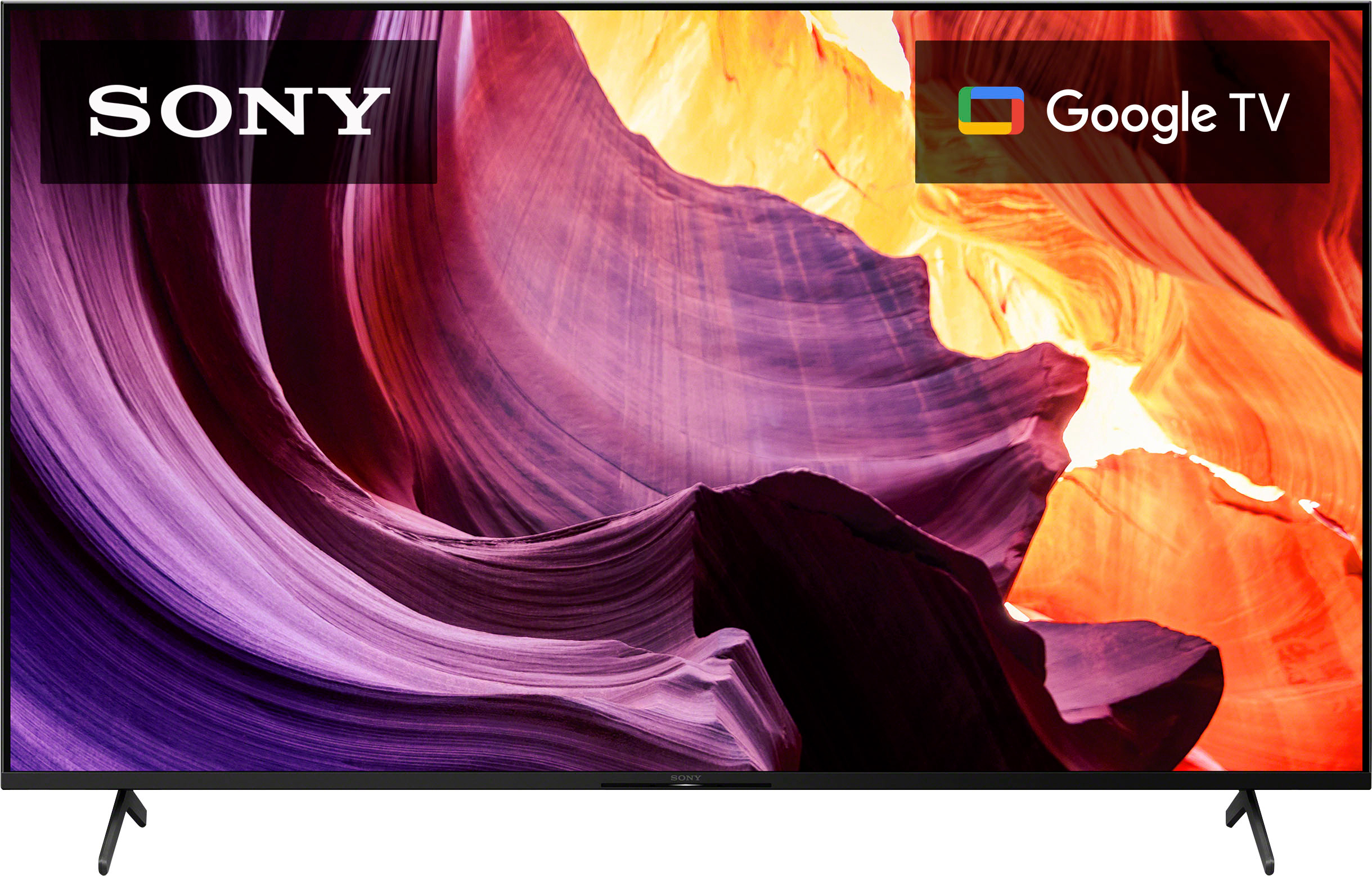


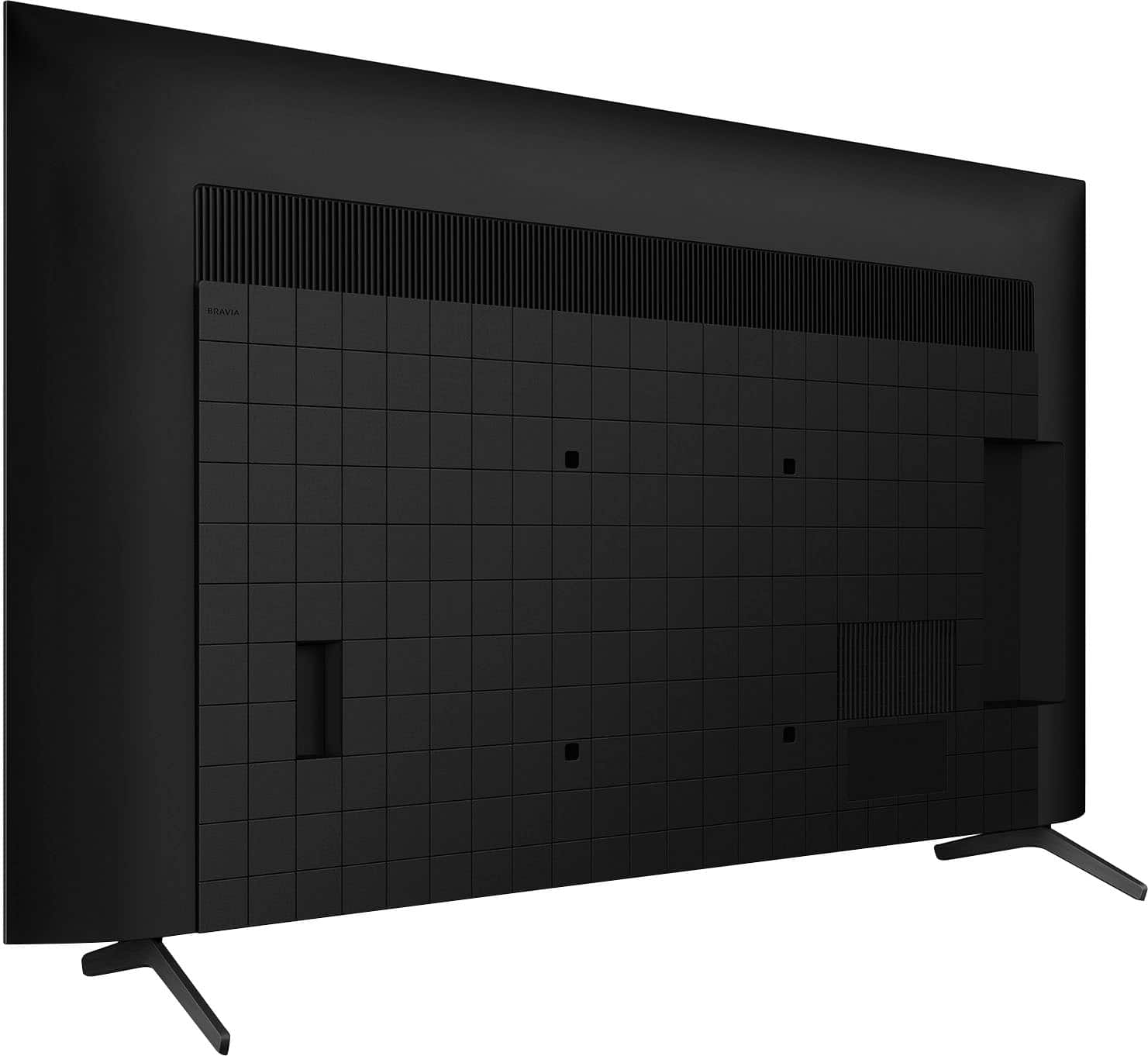







- Model:
- KD65X80K
- SKU:
- 6499677
Rating by feature
- Picture Quality
Rating 4.8 out of 5 stars
- Sound Quality
Rating 4.6 out of 5 stars
- Brightness
Rating 4.8 out of 5 stars
Customers are saying
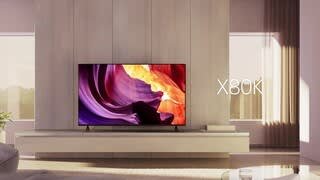
Customers often highlight the superb picture quality and ease of use of the 65" Class X80K LED 4K UHD Smart Google TV (2023). Many also praise the vibrant colors and find the TV to be a great value for its price. However, some users have reported issues with the remote control and occasional internet connectivity problems. A few also mentioned concerns about the backlight and refresh rate.
This summary was generated by AI based on customer reviews.
Tv
||Posted . Owned for 1 month when reviewed.This reviewer received promo considerations or sweepstakes entry for writing a review.It was not the tv i wanted, i felt pushed by all the salesman. I have no one to help bring it back all i wanted was a fire tv again if someone could help id give 5 stars
No, I would not recommend this to a friendBrand response from SonyListens
Posted .Hi Nancy,
Thank you for sharing your experience with us, and we are really sorry if our X80K didn't live up to your expectations. Your feedback is extremely important to us and is very much appreciated. We would like to know a little bit more detail about the situation you faced with the TV.
In the meantime, we have some good information on how to enjoy 4K and HDR content depending on the content source in this helpful article link: https://www.sony.com/electronics/support/televisions-projectors-lcd-tvs-android-/kd-65x80k/articles/00245141
It's unfortunate that you're not having the best experience with this TV and you are considering returning the unit. We want to make sure you’re taken care of.
If you still have the unit, may we contact you to help? If so, please email the below information to socialsupport@am.sony.com.
Apologies if you disclosed some of this information in your review and to customer service, we just want to ensure that we have your accurate details at the time of communication.
Full Name:
Best Buy Username:
Telephone Number:
Sony TV Model Number:
Additional Information regarding your experience with the X80K.
We appreciate you and thanks for letting us help assist you.
Sincerely,
Jess
- Cons mentioned:Connectivity
AirPlay!??!?
||Posted . Owned for 3 months when reviewed.This reviewer received promo considerations or sweepstakes entry for writing a review.AirPlay stays not working and only way to get it to work is to do a reset on the tv I have 2 of these and both do the same thing
No, I would not recommend this to a friendBrand response from SonyListens
Posted .Hi Mahmoud,
Thanks for reaching out to us. We're sorry to hear you're unable to access the Apple TV app on your TV. Please allow us to help you and turn this into a better experience. To use the Apple TV app, AirPlay, and HomeKit, you will need to enable the Sony Smart TV services via the BRAVIA™ TV Privacy Policy. If you experience Apple TV access or connection issues when pairing to an Apple device using the AirPlay app, follow the steps from the link below to resolve this issue.
https://www.sony.com/electronics/support/televisions-projectors-lcd-tvs-android-/kd-65x80k/articles/00260396
To make sure your TV runs as smooth as possible, we highly recommend downloading and installing the latest software for the TV. We want to make sure you’re taken care of.
If you are still having the same issue, you can email us at socialsupport@am.sony.com with the following details:
Apologies if you disclosed some of this information in your review and to customer service, we just want to ensure that we have your accurate details at the time of communication.
Full Name:
Best Buy Username:
Telephone Number:
Sony TV Model Number:
Additional Information regarding your experience with the X80K:
We are sorry for the inconvenience and hope to speak to you to resolve this matter.
Sincerely,
Jess
Sony 65" H80K
||Posted . Owned for 2 weeks when reviewed.This reviewer received promo considerations or sweepstakes entry for writing a review.The picture qualityis less than what i would except from Sony.
No, I would not recommend this to a friendBrand response from SonyListens
Posted .Hi Sony65H80k,
Thank you for reaching out to us with your concern. We are so sorry to hear if you feel the picture quality on your Google TV hasn't meet your standards. Picture quality depends on the signal and content. In addition to adjusting the different picture modes, you can also configure various settings related to the TV display such as color and brightness for picture quality, or screen size. Select the appropriate picture setting for your Google TV which best suits you. The picture quality may improve if you change it in [Picture] under [Settings].
For more information, please visit the link here: https://www.sony.com/electronics/support/televisions-projectors-lcd-tvs-android-/kd-65x80k/articles/00263533
If you want to take advantage of higher refresh rates or high definition 4K HDR content (4K120Hz signal) from external devices, use a Premium High-Speed HDMI cable which supports 18Gbps, and then change the setting to Enhanced format.
To change the HDMI signal format setting, press the (Quick Settings) button on the remote control, then select [Settings] — [Channels & Inputs] — [External inputs] — [HDMI signal format] — [Enhanced format], and set the HDMI signal format from the HDMI input terminal to a suitable format here: https://helpguide.sony.net/tv/jusltn1/v1/en-003/04-09_02.html
If you need further assistance, may we contact you to help? If so, please email the below information to socialsupport@am.sony.com.
Apologies if you disclosed some of this information in your review and to customer service, we just want to ensure that we have your accurate details at the time of communication.
Full Name:
Best Buy Username:
Telephone Number:
Sony TV Model Number:
Additional Information regarding your experience with the X80K:
We are sorry for the inconvenience and hope to speak to you to resolve this matter.
Sincerely,
Jess
- Cons mentioned:Connectivity
Sony tv
||Posted . Owned for 1 month when reviewed.This reviewer received promo considerations or sweepstakes entry for writing a review.poor quality, it wont connect to my wifi and everything else even my other tvs all work, this is a defective tv, i hope you make best buy give me a new
No, I would not recommend this to a friend Tv
||Posted . Owned for 3 weeks when reviewed.This reviewer received promo considerations or sweepstakes entry for writing a review.Like last model better this was to confusing to learn
No, I would not recommend this to a friendBrand response from SonyListens
Posted .Hi Ptmp,
Thank you for the feedback and we do apologize for the inconvenience. You may find these link helpful if you have any questions on how to use your TV.
https://helpguide.sony.net/tv/jusltn1/v1/en-003/index.html
https://www.sony.com/electronics/support/res/manuals/5037/77be3909e90b137a985df258e7672a1c/50373251M.pdf
If you need further assistance, please email us at socialsupport@am.sony.com with the following details:
Name:
Best Buy Username:
Model Number:
Issue:
Telephone Number:
Regards,
David
Junk - lasted less than a year and a half
||Posted . Owned for 1 year when reviewed.This reviewer received promo considerations or sweepstakes entry for writing a review.Bottom half of screen went dark, glitchy software, not bright enough. Would not purchase again and probably done shopping for appliances and TVs at BestBuy. This TV costed $679 in 2023 and $800 in 2024. I purchased the 5 year warranty for $140 and it does not even cover a like for like replacement a year and a half later.. on top of it, it's $180 for the new warranty..
No, I would not recommend this to a friendBrand response from SonyListens
Posted .Hi Shaun, We're sorry to hear about the issues you're experiencing with your KD65X80K and the challenges you've faced with the warranty service. . This is definitely not the news that we would like to hear. Please allow us to help you and turn this into a better experience. For picture quality issues, please follow the troubleshooting steps on this link: https://www.sony.com/electronics/support/articles/00032635 If the picture is not bright enough, please refer to the steps on this link: https://www.sony.com/electronics/support/articles/00024643?utm_source=glean Also, make sure your TV has the latest software installed. Software updates can often resolve performance issues and glitches. If the issues persist and are not resolved by the above steps, contacting Sony customer support for further assistance might be necessary. They can provide more specific guidance and potential repair options. You can contact our product support team through this link: https://us.esupport.sony.com/support/s/service?language=en_US. Or email us at socialsupport@am.sony.com with the following details: Name: Username: Model Number: Issue: Telephone Number: Sincerely, Sam
- Cons mentioned:Connectivity
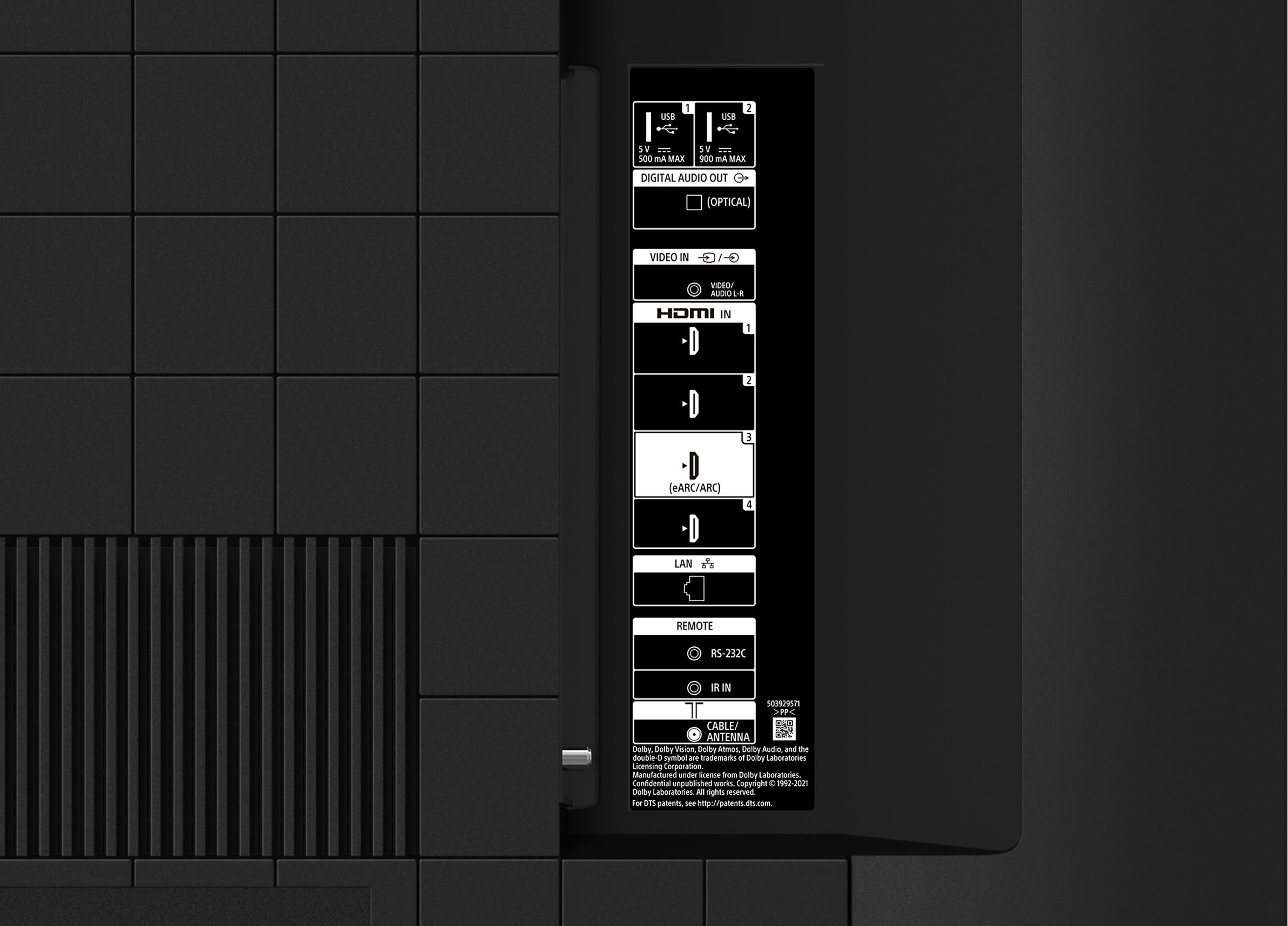
HDMI inputs do not work! Only owned for 8 months!
||Posted . Owned for 8 months when reviewed.This reviewer received promo considerations or sweepstakes entry for writing a review.Bought this TV in Dec. HDMI inputs have no signal for the 3rd time. Garbage.
No, I would not recommend this to a friendBrand response from SonyListens
Posted .Hi LisaC, We are sorry to hear that you are experiencing issues with the HDMI inputs of your Sony X80K TV. We'd love to troubleshoot the issue and make this a better experience for you. In the meantime, please follow our related TV article to try and troubleshoot the issue first: https://www.sony.com/electronics/support/articles/00030375
May we contact you to help? If so, please email the below information to socialsupport@am.sony.com
Apologies if you disclosed some of this information in your review and to customer service, we just want to ensure that we have your accurate details at the time of communication.
Full Name:
Username:
Telephone Number:
Model Number:
Issue:
Regards,
Carl
Horrible Software
||Posted . Owned for more than 2 years when reviewed.This reviewer received promo considerations or sweepstakes entry for writing a review.The software on this TV is extremely laggy and inconsistent. The interface is very slow, AirPlay seems to always be a pain, and Spotify just doesn’t work on it for some reason. I’ve done way too much troubleshooting on this TV for things as simple as watching Netflix with my family, watching sports, or listening to music.
No, I would not recommend this to a friendBrand response from SonyListens
Posted .Hi Kenny, Thank you for reaching us with your concern.
We sincerely apologize for the inconvenience caused by the lagging and inconsistency of your Sony BRAVIA X80K. We truly appreciate the troubleshooting steps you have taken to resolve the issue. This is not the experience we aim to provide, and we are committed to making it right for you.
To assist you further, we would like to gather more details about the problem you are facing. Are you experiencing similar issues with other streaming apps on your TV, such as YouTube or Amazon Prime? Additionally, have you encountered any error messages?
For the meantime, you may try performing a power reset on your Sony TV by following these steps.
1.To perform a power reset or restart: Turn off the TV, unplug the power cord for two minutes, then turn on the TV. Note: Skip this step if your power cord is not accessible.
2. Restart the TV by selecting the option depending on your TV:
2. a. Restart the TV with the supplied remote control:
Press and hold the POWER button until Power off appears on the screen.
Press and hold the POWER button until a menu appears → select Restart.
2. b. Restart the TV using the menu:
*On the supplied remote, press the Quick Settings gear icon button, then select Settings → System → Restart → Restart.
*On the supplied remote, press the press HOME button, then select Settings → About → Restart → Restart.
*On the supplied remote, press the press HOME button, then select Settings → Device Preferences → About → Restart → Restart.
Hope this information helps!
If you need further assistance, may we contact you to help? If so, please email the below information to socialsupport@am.sony.com.
Apologies if you disclosed some of this information in your review and to customer service, we just want to ensure that we have your accurate details at the time of communication.
Full Name:
Best Buy Username:
Telephone Number:
Sony TV Model Number:
Additional Information regarding your experience with the BRAVIA X80K:
Thank you for your patience, and we look forward to resolving this for you!
Sincerely,
Maria
Would not recommend
||Posted . Owned for 7 months when reviewed.This reviewer received promo considerations or sweepstakes entry for writing a review.I would not recommend this TV unless you have a ton of patience. On a daily basis we have the apps freeze up forcing us to go into the settings, clear the cache and force stop the app in order for it to start working properly. We always ensure the TV is updated with the current software version but continue to encounter the same issues.
No, I would not recommend this to a friendBrand response from SonyListens
Posted .Hi HeathH,
We're sorry to hear about the TV randomly freezes, lags, or responding slow to input from remote. This is definitely not the buying experience we want our customers to have. Your feedback is extremely important to us and is very much appreciated. To make sure your TV runs as smooth as possible, we highly recommend downloading and installing the latest software for the TV.
If you experience slow, unresponsive or freezes with the TV, please follow the steps from this link to resolve this issue: https://www.sony.com/electronics/support/televisions-projectors-lcd-tvs-android-/kd-65x80k/articles/00202120
We also recommend performing a factory data reset on the TV to resolve the issue. For steps on how to perform factory data reset, please visit the link below.
https://www.sony.com/electronics/support/televisions-projectors-lcd-tvs-android-/kd-65x80k/articles/00159487
Please note we have a customer hotline that is happy to assist you and help troubleshoot any concerns you have, and your TV has a 1-year warranty from the date of purchase.
We want to make sure you’re taken care of. For us to better assist you, may we contact you to help? If so, please email the below information to socialsupport@am.sony.com.
Apologies if you disclosed some of this information in your review and to customer service, we just want to ensure that we have your accurate details at the time of communication.
Full Name:
Best Buy Username:
Telephone Number:
Sony TV Model Number:
Additional Information regarding your experience with the X80K:
We are sorry for the inconvenience and hope to speak to you to resolve this matter.
Sincerely,
Jess
Defective tv
||Posted . Owned for less than 1 week when reviewed.This reviewer received promo considerations or sweepstakes entry for writing a review.I bough these tv a few weeks ago everything was working fine till a week later I started to have color flashes in the middle of the screen and on the bottom. Went to Best Buy to exchange the tv for a new one and after a few days I started to have the same issues with color flashings on the screen, as of today a planning in going back to Best Buy to return the tv and get a different brand. I thing Sony needs to look into that problem it’s the Sony Bravia X80k.
No, I would not recommend this to a friendBrand response from SonyListens
Posted .Hi JorgeT, We are sorry to hear that you are experiencing issues with your Sony TV. This is usually not the case with our premium TV's and we'd love to troubleshoot the issue and make this a better experience for you. In the meantime, please follow our article link to isolate and further troubleshoot the issue. https://www.sony.com/electronics/support/televisions-projectors-lcd-tvs-android-/kd-65x80k/articles/00032635
May we contact you to help? If so, please email the below information to socialsupport@am.sony.com
Apologies if you disclosed some of this information in your review and to customer service, we just want to ensure that we have your accurate details at the time of communication.
Full Name:
Best Buy Username:
Telephone Number:
Model Number:
Issue:
Regards,
Carl
Great TV
||Posted . Owned for 3 weeks when reviewed.This reviewer received promo considerations or sweepstakes entry for writing a review.Sony electronics at its best. Perfect for best quality screen and pricing. Excellent to play video games.
I would recommend this to a friendBrand response from SonyListens
Posted .Hi ManikantaK,
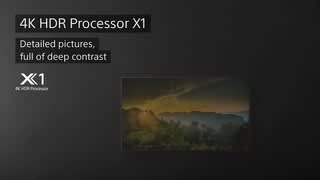
Thank you for your kind words! We're glad to hear we were able to give you a good match for your viewing and gaming needs. Enjoy an intuitive smart TV experience with natural color and clear sound with the BRAVIA X80K LED TV. The powerful 4K HDR Processor X1 reduces digital noise and boosts details for lifelike picture quality. Google TV gives you access to all your favorite streaming apps, while Google Assistant easily searches for content and controls your smart home simply by using your voice. Thank you for choosing Sony! - Kris
- Cons mentioned:Durability
Sony
||Posted . Owned for 1 week when reviewed.This reviewer received promo considerations or sweepstakes entry for writing a review.I bought the TV the next day doesn’t work that was my Experian
No, I would not recommend this to a friendBrand response from SonyListens
Posted .Hi Yess,
This is not the experience that we want you to have. We would like to know more about what happened and help you out. Please email us at socialsupport@am.sony.com with the following details:
Name:
Username:
Model Number:
Issue:
Telephone Number:
Sincerely,
-Ralph
Sony tv
||Posted . Owned for 3 weeks when reviewed.This reviewer received promo considerations or sweepstakes entry for writing a review.Can not download the Xfinity app in order to use Xfinity tv services. I will exchange this tv with 85” Samsung smart tv
No, I would not recommend this to a friendBrand response from SonyListens
Posted .Hi MohammedA,
Thank you for sharing your experience with us, and we are really sorry if our X80K didn't live up to your expectations. Unfortunately, the Xfinity app is not natively supported in the Google Play Store of this TV. As an alternative, you may consider connecting an external device that supports the Xfinity app to the available input of the TV or if your phone/tablet supports Chromecast built-in or Airplay, then you can also use this feature from the Xfinity app to cast your content to this TV. You may refer to the following links for more details:
https://helpguide.sony.net/tv/jusltn1/v1/en-003/05_04.html
https://www.sony.com/electronics/support/televisions-projectors-lcd-tvs-android-/kd-65x80k/articles/00044409
It's unfortunate that you consider returning the X80K TV. If you still have the unit and you need help or more information/technical assistance with our product, please feel free to contact us and we'll be more than happy to assist you. You may send us an email at socialsupport@am.sony.com with the following:
Name:
Best Buy Username:
Model Number:
Issue:
Telephone Number:
We value you and thank you for choosing Sony.
Sincerely,
Jess
Horrible TV for semi-dark rooms.
||Posted . Owned for 2 months when reviewed.This reviewer received promo considerations or sweepstakes entry for writing a review.This TV is absolutely horrible for the money. It's in a dark room and the black levels on this screen are so bad that everything dark just looks washed out and grey. Including the extended warranty, this TV costs just a few dollars shy of $1000, and for that money I really regret the purchase. I've owned it too long to return it, so I'm just stuck with it.
No, I would not recommend this to a friendBrand response from SonyListens
Posted .Hi LeMMingSlayeR,
Thank you for reaching out to us. We're sorry to hear some issues that you are experiencing with the TV. Allow us to help make this a better for you. The actual display may vary depending on source and content you are watching. However, this TV has picture settings which allows a wide array of changes to color, contrast, motion settings, and brightness that can improve the viewed content on your TV. You may try some solutions on this link to adjust the picture settings and enhance your viewing experience: https://www.sony.com/electronics/support/televisions-projectors-lcd-tvs-android-/kd-65x80k/articles/00263533
May we contact you to help? If so, please email the below information to socialsupport@am.sony.com:
Name:
Best Buy Username:
Telephone Number:
Model Number:
Issue:
We are sorry for the inconvenience and hope to speak to you to resolve this matter. We appreciate you and thanks again for shopping Sony. - Kris
- Cons mentioned:Connectivity
Sony remote issue
||Posted . Owned for 2 months when reviewed.This reviewer received promo considerations or sweepstakes entry for writing a review.Remote issue, doesn’t have all the functionalities. Rep never call you back.
No, I would not recommend this to a friendBrand response from SonyListens
Posted .Hi MehwishB, We're sorry to hear about the remote control issue you're having. This is definitely not the news that we would like to hear. Please allow us to help you turn this into a better experience. May we contact you to help and get more information? If so, please email the below information to socialsupport@am.sony.com. Apologies if you disclosed some of this information in your review and to customer service, we just want to ensure that we have your accurate details at the time of communication.
Full Name:
Case ID (if any):
Best Buy Username:
Telephone Number:
Sony Model Number:
Additional Information regarding your experience with the KD65X80K:
We are sorry for the inconvenience and hope to speak to you to resolve this matter.
Sincerely,
Sam
Joke to use-get a Roku instead
||Posted . Owned for 3 weeks when reviewed.This reviewer received promo considerations or sweepstakes entry for writing a review.Way too complicated to use. Nothing logical. Has minimal storage to load apps. We only have a few apps loaded and it is out of storage for more. Google TV is not as user friendly as Roku. Extremely disappointed. Wish we could return it. We put Roku Ultra LT on 5 other TV’s, and the Setup and use is much easier and better. Our old TV’s are way better than this Sony. Google is junk service. Just goes in loops with no way out. Wasted money on the most expensive tv we’ve ever bought.
No, I would not recommend this to a friendBrand response from SonyListens
Posted .Hi GManTN,
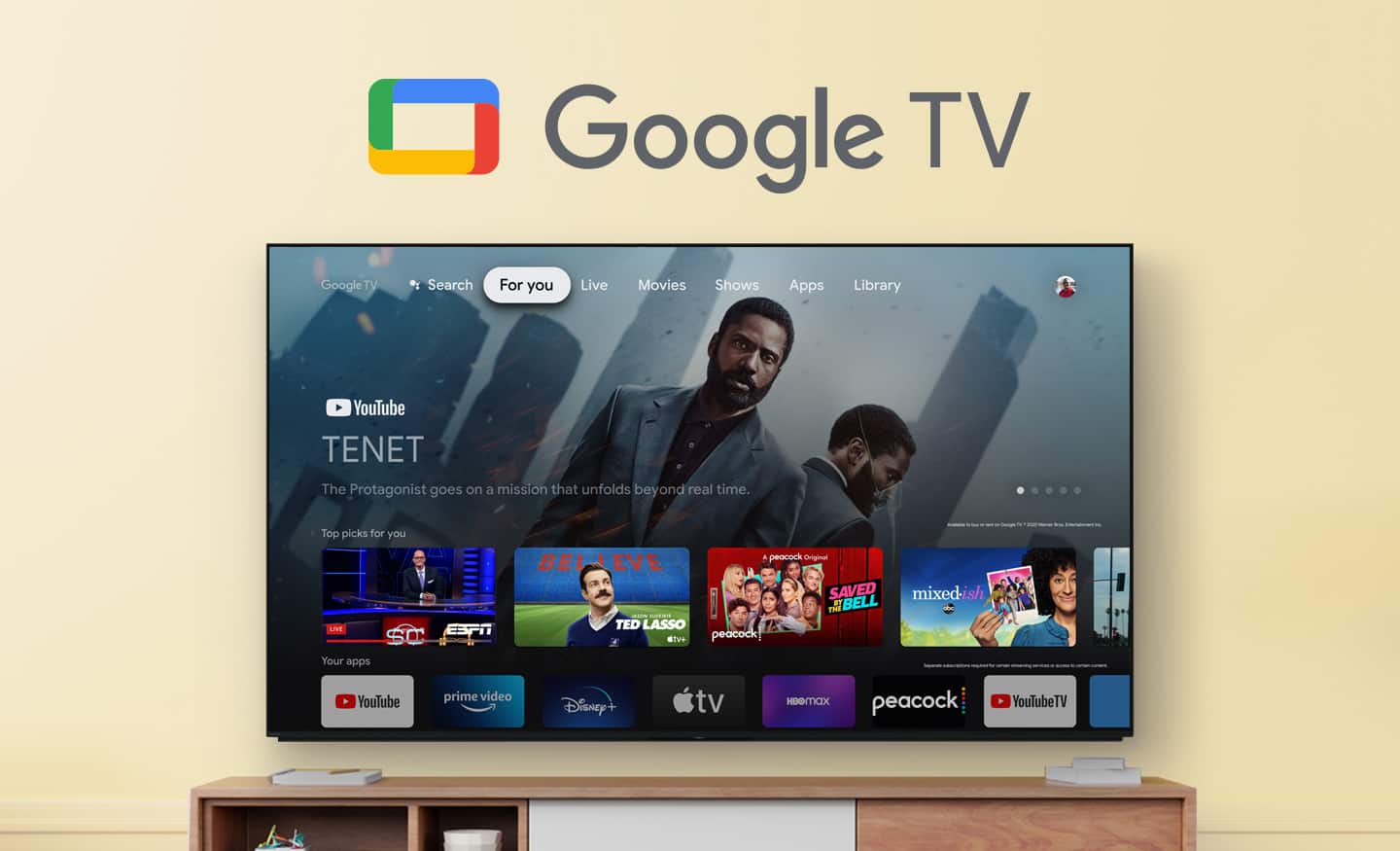
Thank you for reaching out to us. We're sorry to hear your difficulties and some issues that you are experiencing with the TV. This is definitely not the experience we want you to have. Allow us to help turn this experience around. If the storage capacity of your TV is insufficient, you can move downloaded apps to an optional USB storage device to free up space. Please check these links with information and steps on how to expand storage on your BRAVIA TV with Google TV:
https://www.sony.com/electronics/support/televisions-projectors-lcd-tvs-android-/kd-65x80k/articles/00278640
https://www.sony.com/electronics/support/televisions-projectors-lcd-tvs-android-/kd-65x80k/articles/00223285
You may also find this helpful about the featured function of a Google TV:
https://www.sony.com/electronics/support/televisions-projectors-lcd-tvs-android-/kd-65x80k/articles/00256290
May we contact you to help and get more information? If so, please email the below information to socialsupport@am.sony.com:
Name:
Best Buy Username:
Telephone Number:
Model Number:
Issue:
We are sorry for the inconvenience and hope to speak to you to resolve this matter. We appreciate you and thanks again for purchasing Sony. - Kris
Jonesy
||Posted . Owned for 3 weeks when reviewed.This reviewer received promo considerations or sweepstakes entry for writing a review.Great machine. The geek squad was amazing and thorough. I would but again.
I would recommend this to a friendBrand response from SonyListens
Posted .Hi JillJ,
Thank you for the 5-star rating! We're happy to hear that you had a great experience with our customer service. Enjoy an intuitive smart TV experience with natural color and clear sound with the BRAVIA X80K LED TV. The powerful 4K HDR Processor X1 reduces digital noise and boosts details for lifelike picture quality. Google TV gives you access to all your favorite streaming apps, while Google Assistant easily searches for content and controls your smart home simply by using your voice. Thank you for choosing Sony!
Regards,
David
lots of glare
||Posted . Owned for 7 months when reviewed.This reviewer received promo considerations or sweepstakes entry for writing a review.This TV has tons of glare, even with one light on behind you it makes the screen very hard to see.
No, I would not recommend this to a friendBrand response from SonyListens
Posted .Hi PatrickC,
Thank you for choosing and purchasing our X80K Series LED 4K UHD HDR Smart Google TV. This is definitely not the news that we would like to hear. Please allow us to help you and turn this into a better experience.
The TV has a combination of a Glossy with a semi matte finish look to help with room reflection but does not have Sony's anti-glare. For best picture quality, we do not recommend exposing the screen to direct illumination or sunlight.
For further assistance, please email the below information to socialsupport@am.sony.com. Apologies if you disclosed some of this information in your review and to customer service, we just want to ensure that we have your accurate details at the time of communication.
Full Name:
Best Buy Username:
Telephone Number:
Sony TV Model Number:
Additional Information regarding your experience with the X80K
We are sorry for the inconvenience and hope to speak to you to resolve this matter.
Regards,
David
Bad tv
||Posted . Owned for 1 year when reviewed.This reviewer received promo considerations or sweepstakes entry for writing a review.Very unhappy. I bought this tv only a year and a couple months ago. Wish I paid for the protection plan because now the screen has lines through it. It’s never been dropped or hit with anything. Ive had off brand tvs last 10 times longer than this.
No, I would not recommend this to a friendBrand response from SonyListens
Posted .Hi MatthewN,
Thank you for bringing this to our attention, and we are really sorry for the inconvenience. It is unfortunate that you are having a picture issue with your KD65X80K. This is definitely not the experience we were hoping you would have. If the lines also appear on the menu screen, there may be an issue with your TV and a repair is required. But if the lines are not visible on the menu screen, check if the issue is resolved while watching TV. If the issue continues, an external source (such as a cable or satellite box, internet video device, or other devices like a DVD player) or cable connections could be the cause of the issue. Please check the following link to resolve this problem:
https://www.sony.com/electronics/support/televisions-projectors-lcd-tvs-android-/kd-65x80k/articles/00032635
I hope this helps.
Should you need more information/assistance, please feel free to message us and we'll be more than happy to assist you. You may send us an email at socialsupport@am.sony.com with the following:
Name:
BestBuy Username:
Model Number:
Issue:
Telephone Number:
We value you, and thanks for choosing Sony.
Sincerely,
Romeo
Sony Social Support
Excellent buy!
||Posted . Owned for 1 month when reviewed.This reviewer received promo considerations or sweepstakes entry for writing a review.Delivery was on schedule. excellent product and service.
I would recommend this to a friendBrand response from SonyListens
Posted .Hi DilipG,
Awesome! We're glad we were able to give you a great deal. Nice to hear you like your new TV, on-time delivery and great customer service from the store. Enjoy an intuitive smart TV experience with natural color and clear sound with the BRAVIA X80K LED TV. The powerful 4K HDR Processor X1 reduces digital noise and boosts details for lifelike picture quality. Google TV gives you access to all your favorite streaming apps, while Google Assistant easily searches for content and controls your smart home simply by using your voice. Thanks for choosing Sony! - Kris