Customer Ratings & Reviews
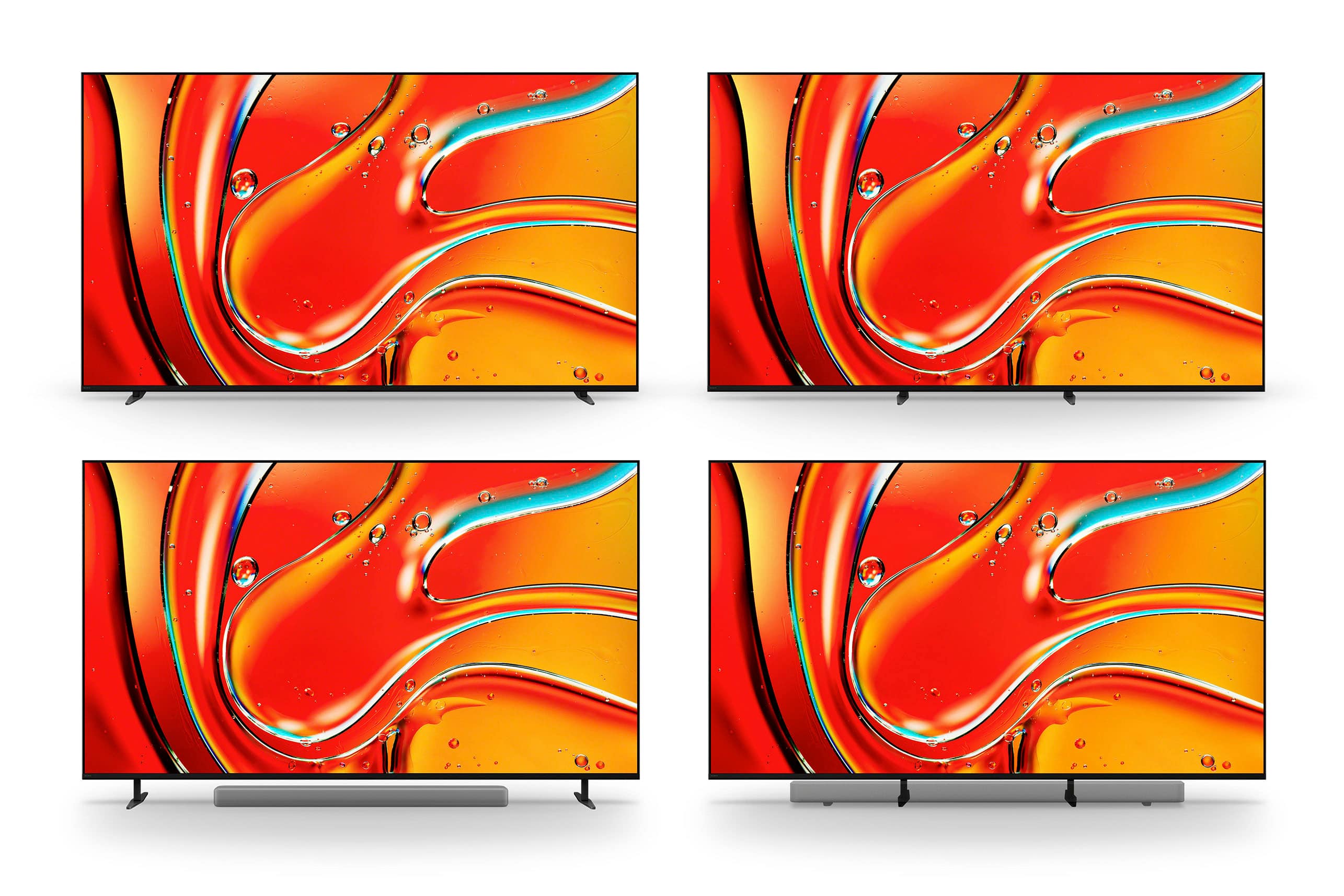
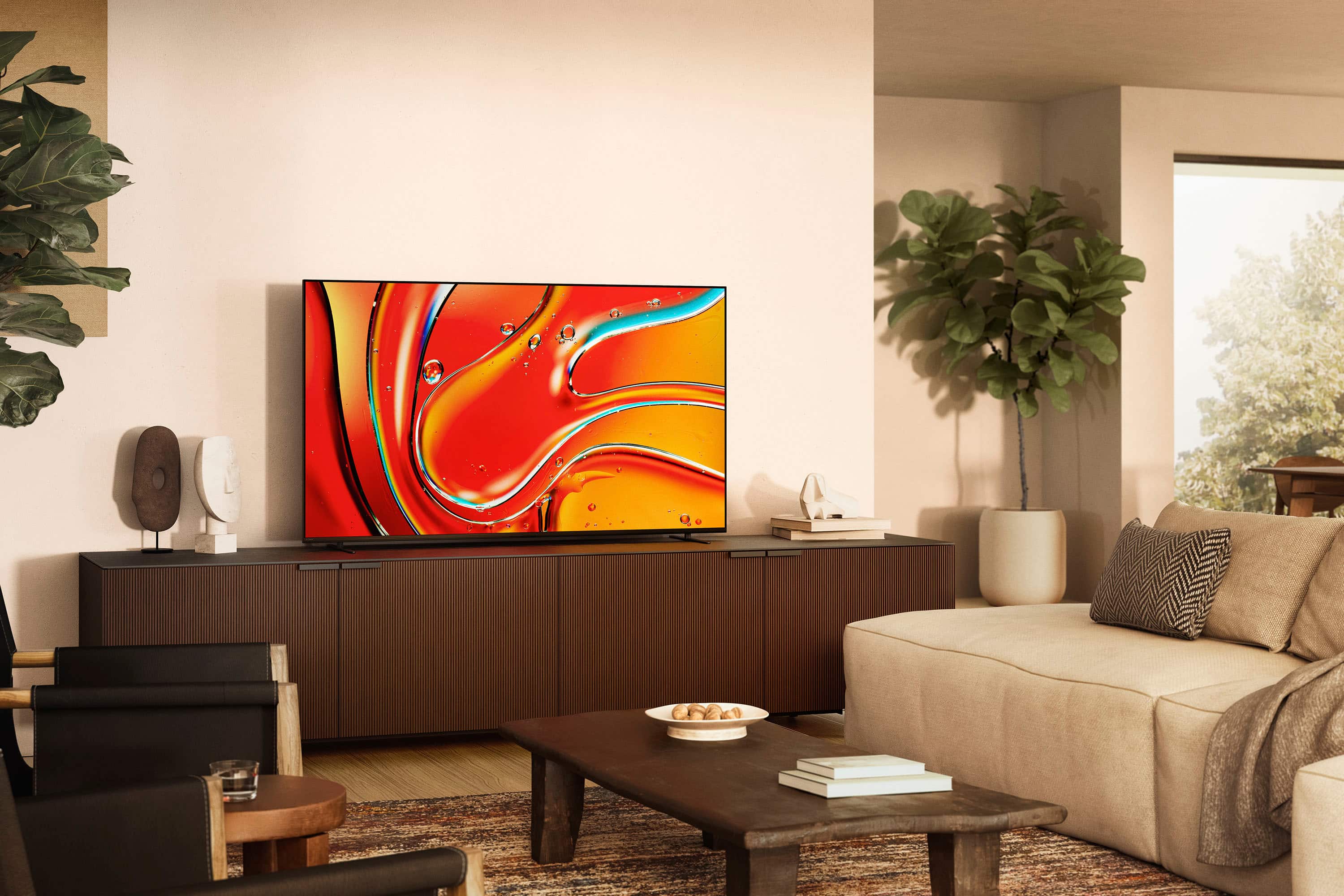

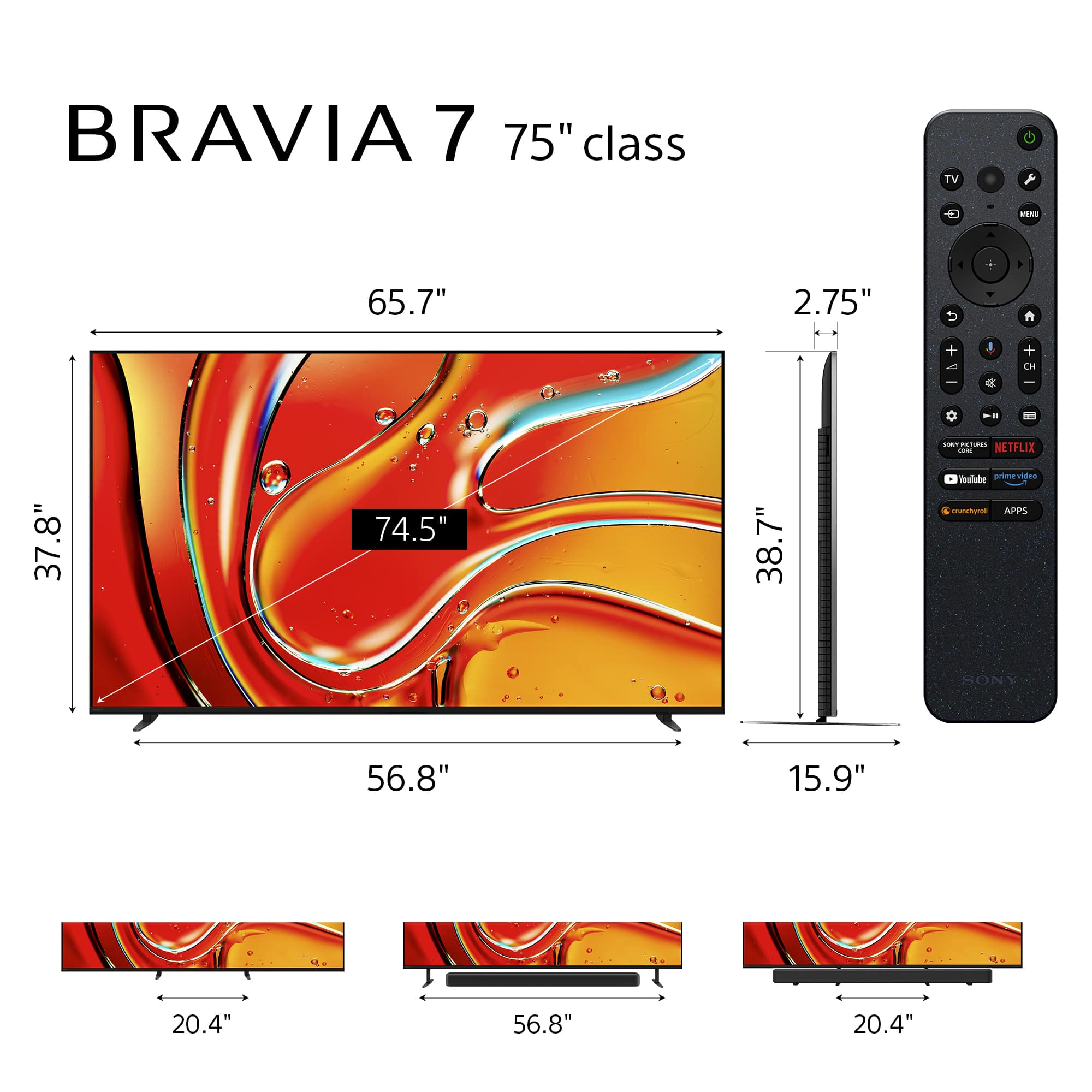
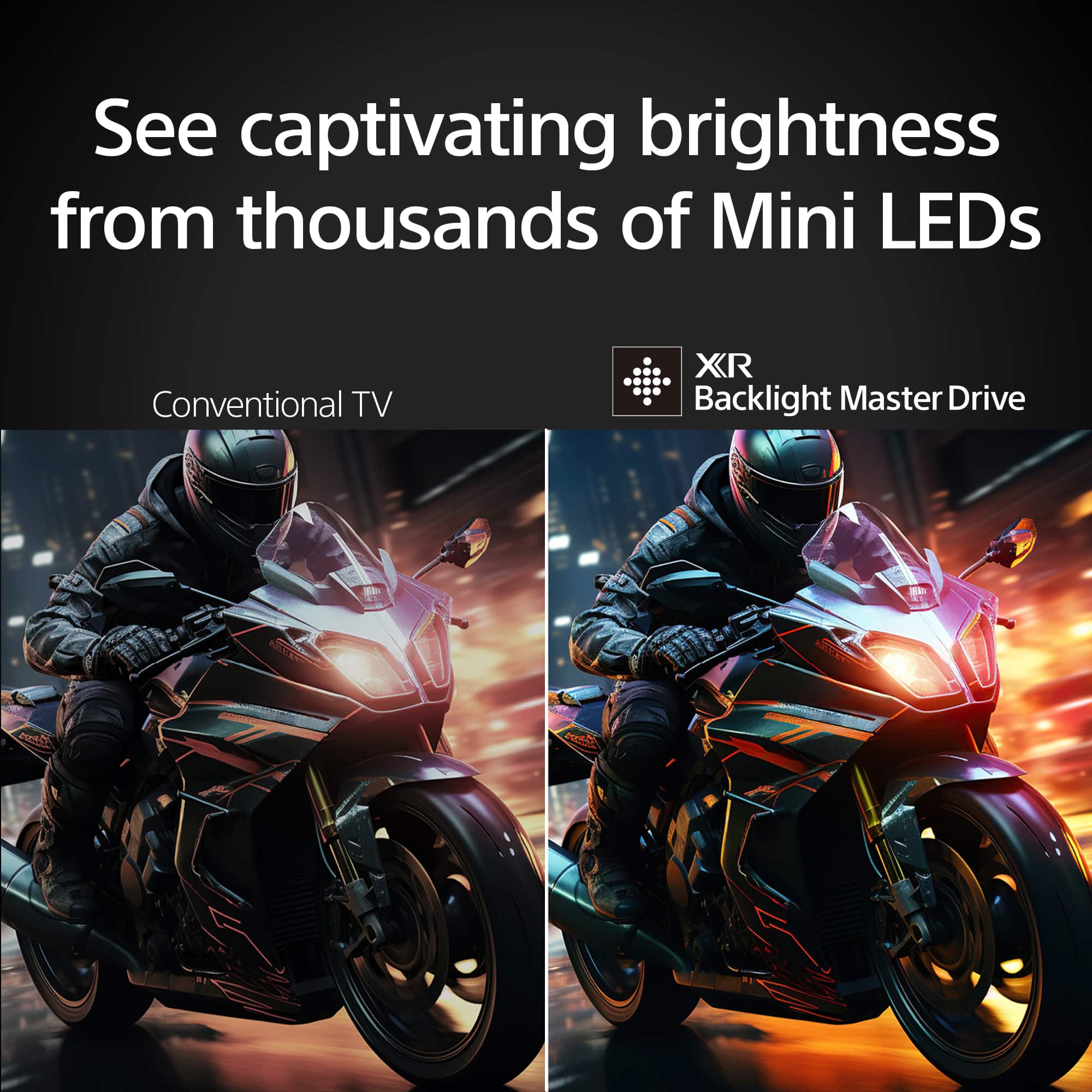







- Model:
- K75XR70
- SKU:
- 10314445
Rating by feature
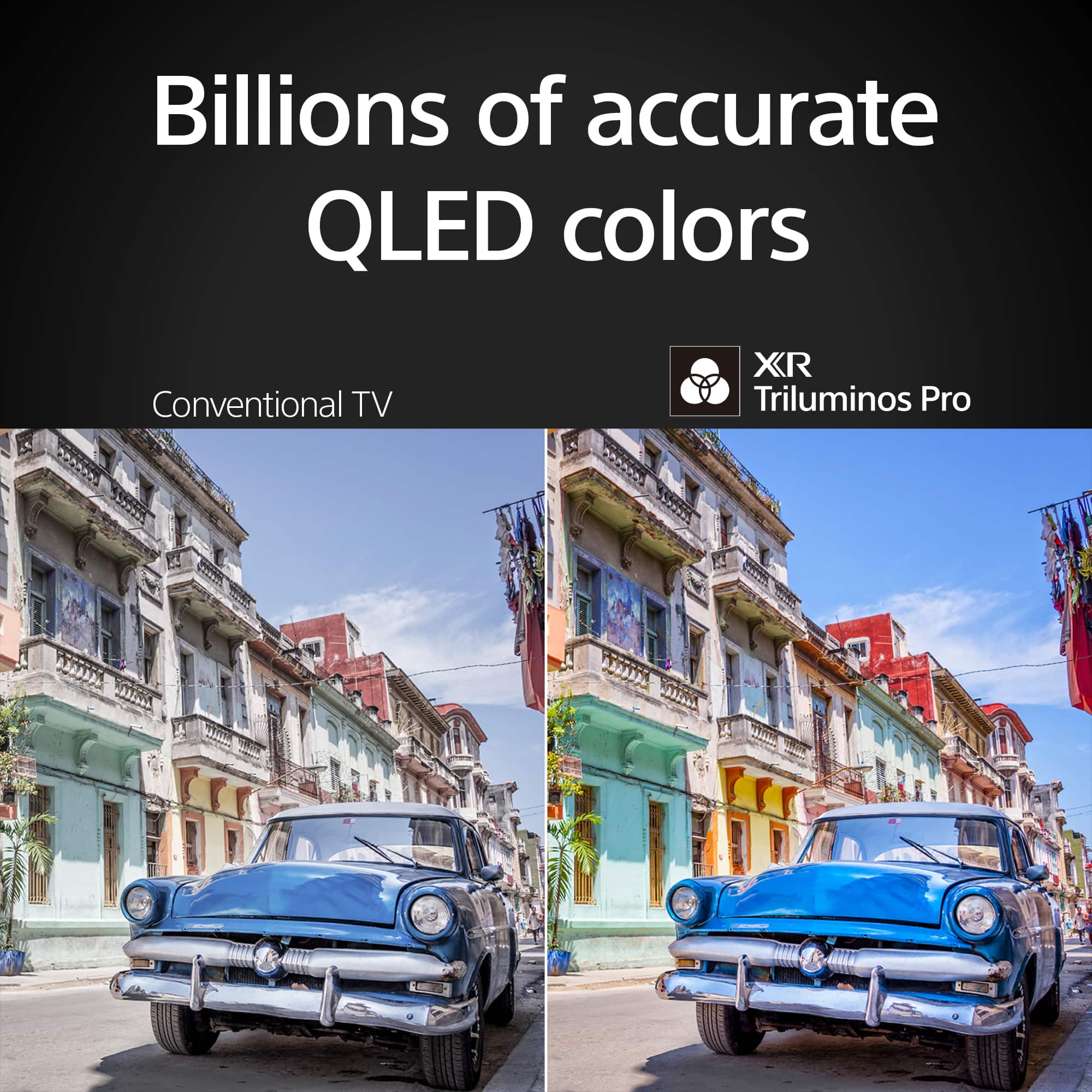
- Picture Quality
Rating 4.9 out of 5 stars
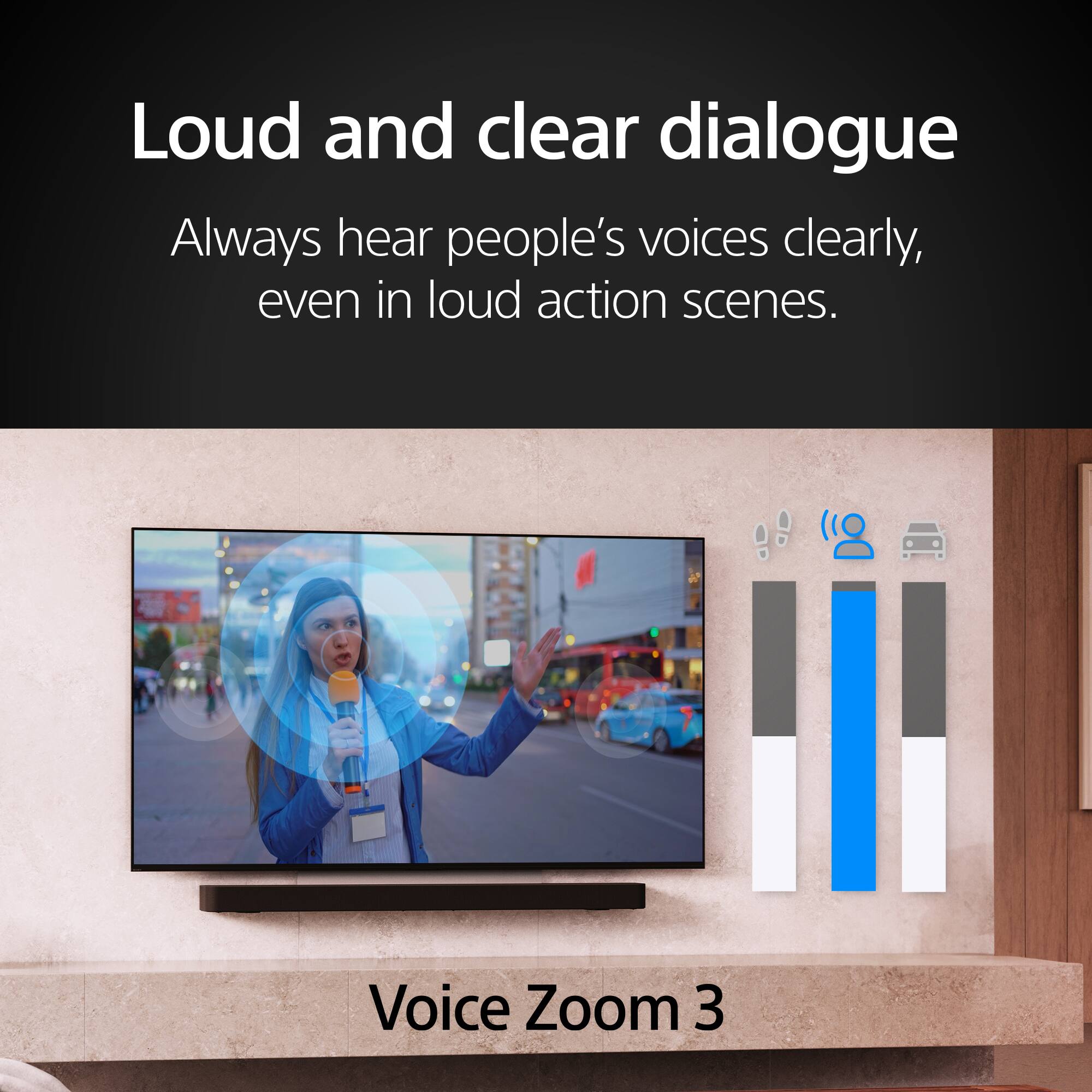
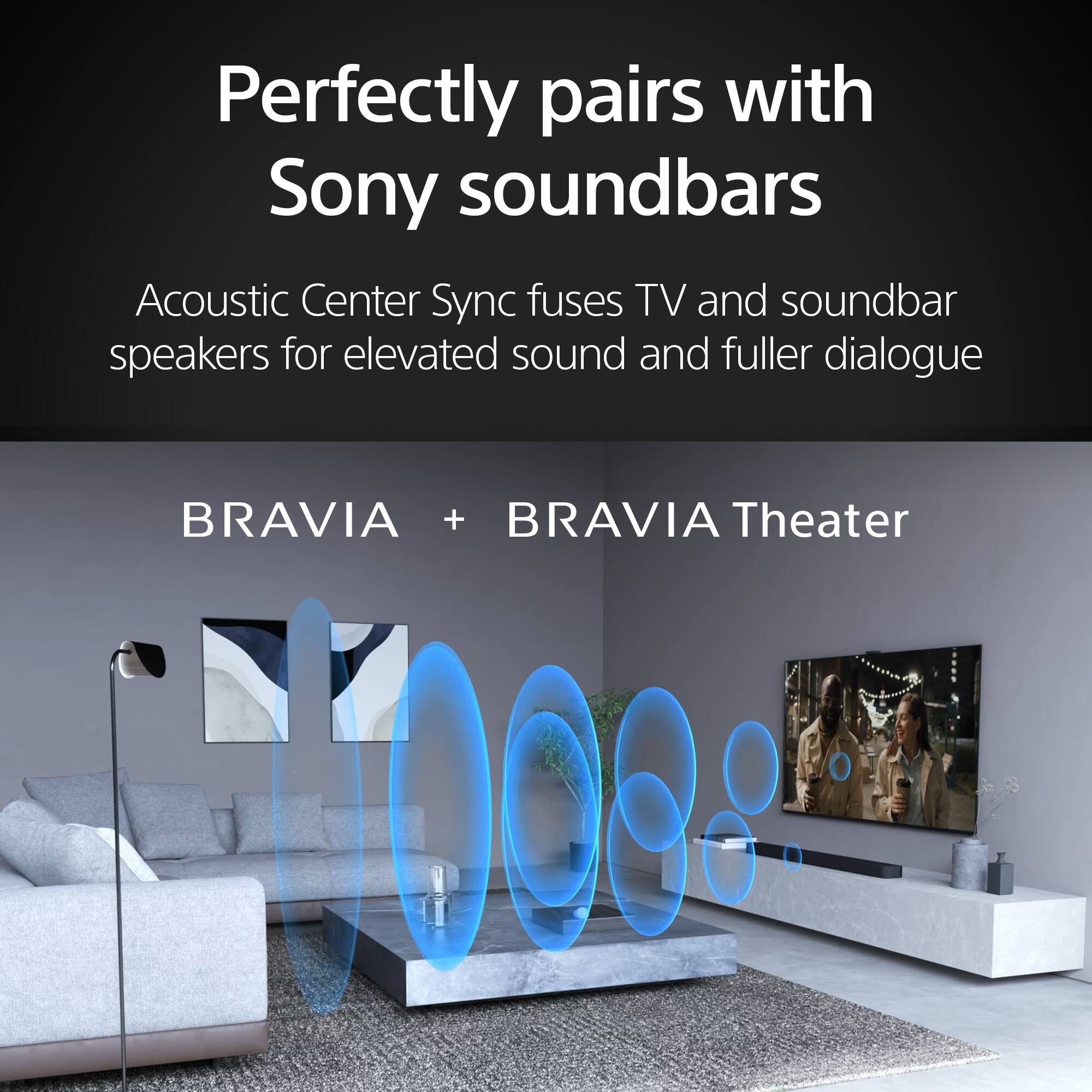
- Sound Quality
Rating 4.7 out of 5 stars
- Brightness
Rating 4.9 out of 5 stars
to a friend
Great HDR, SoSo HD
Posted .This reviewer received promo considerations or sweepstakes entry for writing a review.Great HDR picture, but regular HD could be improved.
I would recommend this to a friendBrand response from SonyListens
Posted .Thank you for sharing your feedback, FLTC!
We are glad to hear you’re enjoying the great HDR picture on your BRAVIA 7. We appreciate your honest input regarding regular HD content, as we’re always looking for ways to refine our upscaling technology. It is wonderful to know that the K-75XR70 is delivering a premium experience where it counts most.
Thank you for choosing Sony!
Best regards,
Gus, Sony Social Media Team
Great tv
Posted .This reviewer received promo considerations or sweepstakes entry for writing a review.This Sony Bravia TV is outstanding. The picture is absolutely stunning and I love all the features especially Google TV I would highly recommend this tv
I would recommend this to a friendBrand response from SonyListens
Posted .Hi JeffreyS,
We are absolutely thrilled to hear that you are loving your new TV! It is wonderful to know that you are enjoying the stunning picture quality and the Google TV features, and we truly appreciate your high recommendation.
Thanks for choosing Sony.
Best regards,
Eliab
Sony TV
Posted .This reviewer received promo considerations or sweepstakes entry for writing a review.Never bought Sony before, great quality and sound.
I would recommend this to a friendBrand response from SonyListens
Posted .Hello Kiks2026,
Thank you for choosing Sony!
We couldn't be happier to hear that your first Sony purchase, the K75XR70 TV, is delivering great quality and sound. It means a lot to us to welcome you to the Sony family with a product that enhances your viewing experience.
Best regards,
-Fred
New Sony TV with Sound Bar
Posted .This reviewer received promo considerations or sweepstakes entry for writing a review.Great Picture. Fit our space perfectly!. Installation was great also.
I would recommend this to a friendBrand response from SonyListens
Posted .Hi user405456,
We are thrilled to hear that your new BRAVIA 7 fits your space perfectly and that you're enjoying the great picture quality! It’s also wonderful to know you had a positive experience with the installation process.
Thanks for choosing Sony.
Best regards,
Eliab
Sony Oled
Posted .This reviewer received promo considerations or sweepstakes entry for writing a review.Great TV. Enjoying every moment. In line with promises made in store
I would recommend this to a friendBrand response from SonyListens
Posted .Hello AlexandreD,
Thank you for choosing Sony!
We couldn't be happier to hear that your K75XR70 TV is bringing you enjoyment and living up to the promises made in store. Your positive experience encourages us to continue providing reliable products that enhance your everyday moments.
Best regards,
-Fred
Sony Fan
Posted .This reviewer received promo considerations or sweepstakes entry for writing a review.Sony has not disappointed me on quality or reliability.
I would recommend this to a friendBrand response from SonyListens
Posted .Hi BernardoC,
We truly appreciate your continued trust in our brand! It’s wonderful to hear that the quality and reliability of the BRAVIA 7 Mini LED are living up to your expectations. Thanks for choosing Sony.
Best regards,
Eliab
AWESOME TV
Posted .This reviewer received promo considerations or sweepstakes entry for writing a review.AWESOME TV!! Beautiful picture, user friendly, sound is great!
I would recommend this to a friendBrand response from SonyListens
Posted .Hello AmyM,
Thank you for choosing Sony!
We couldn't be happier to hear that the K75XR70 TV impresses you with its beautiful picture, user-friendly features, and great sound. It’s rewarding to know our product is providing a well-rounded and enjoyable viewing experience.
Best regards,
-Fred
Nothing Beats a SINY
Posted .This reviewer received promo considerations or sweepstakes entry for writing a review.Extraordinarily great picture! Nothing beats a SONY.
I would recommend this to a friendBrand response from SonyListens
Posted .Hello Mike,
Thank you for choosing Sony!
We couldn't be happier to hear that your K75XR70 TV delivers extraordinarily great picture quality. Your confidence in Sony means a great deal to us, and we're committed to continuing to provide exceptional viewing experiences for our customers.
Best regards,
-Fred
1-year review
Posted .This reviewer received promo considerations or sweepstakes entry for writing a review.1-year review, I love the product, and Best Buy is my go-to place for electronic gadgets. You will not find any cheap and good quality anywhere. Plus, don't forget about their price-match deal for members, even after purchase.
I would recommend this to a friendpicture quality is okay
Posted .This reviewer received promo considerations or sweepstakes entry for writing a review.Purchased because of the picture quality. It is ok
I would recommend this to a friendBrand response from SonyListens
Posted .Hello BeilttaC,
Thank you for choosing Sony!
We're excited to hear that the picture quality was the primary reason you chose the K75XR70 TV for your home. We are glad that the display is working well for you so far, as we put a great deal of innovation into our panel technology to ensure every scene looks clear and vibrant. We hope you enjoy many great movie nights and high-definition moments with your new TV.
Best regards,
-Fred
Streaming is great
Posted .This reviewer received promo considerations or sweepstakes entry for writing a review.Excellent picture quality fits right into my entertainment center. Couldn’t ask for better definitely worth the money.
I would recommend this to a friendBrand response from SonyListens
Posted .Hi Mikie,
Thank you for the excellent review! We are thrilled to hear that the BRAVIA 7 fits perfectly into your entertainment center and that the picture quality has exceeded your expectations. It’s great to know you feel it was well worth the investment.
Thanks for choosing Sony.
Best regards,
Eliab
Dream TV made possible by Dream Staff of Best Buy
Posted .This reviewer received promo considerations or sweepstakes entry for writing a review.The best buy team was so helpful in assisting me with this purchase which has been a dream of mine for a long time now. Thank you so much!
I would recommend this to a friend75” Sony Bravia 7
Posted .This reviewer received promo considerations or sweepstakes entry for writing a review.Great tv the colors and blacks are amazing. For a mid priced 75” tv I feel that it was a great buy
I would recommend this to a friendBrand response from SonyListens
Posted .Hi JamesS,
Thank you for the great review! We are happy to hear that the BRAVIA 7 is delivering those amazing colors and deep blacks you were looking for. It’s wonderful to know you feel it was a great value for your 75” display.
Thanks for choosing Sony.
Best regards,
Eliab
GREAT TV.
Posted .This reviewer received promo considerations or sweepstakes entry for writing a review.LOVE THE TV. Fits Perfectly In My Living Room. The GEEK SQUAD Guys Who Installed It WERE TERRIFIC.
I would recommend this to a friendBrand response from SonyListens
Posted .Thank you for the fantastic review, Mikey!
We are absolutely thrilled to hear that you are loving your new BRAVIA 7 and that it fits perfectly in your home! It’s wonderful to know that the Geek Squad team provided such a terrific installation experience for you. We strive to make the process as seamless as possible, from purchase to setup.
Thank you for choosing Sony!
Best regards, Gus, Sony Social Media Team
65” Sony
Posted .This reviewer received promo considerations or sweepstakes entry for writing a review.Love this TV in every way. Only downside is that the color is not as good in a sunny bright room.
I would recommend this to a friendBrand response from SonyListens
Posted .Hi Petunia,
It makes us really happy to hear that you are loving your new television in every way!
We are so glad that the overall performance is hitting the mark for you. Regarding the brightness, while the BRAVIA 7 is designed to deliver incredible depth and contrast, we appreciate you sharing your experience with how it handles high-sunlight environments. Your feedback helps us as we continue to push the boundaries of picture technology for every living room setting.
Thank you for making Sony the centerpiece of your home entertainment!
Regards,
Dominick
Good Purchase
Posted .This reviewer received promo considerations or sweepstakes entry for writing a review.We love our new Sony tv. Daryl and his crew were fantastic with the delivery and setup.
I would recommend this to a friendBrand response from SonyListens
Posted .Hi WendellS,
We are so glad to hear you love your new BRAVIA 7! It is also wonderful to know that Daryl and his crew provided such fantastic delivery and setup service.
Thanks for choosing Sony.
Best regards,
Eliab
Good but not great.
Posted .This reviewer received promo considerations or sweepstakes entry for writing a review.Great picture for most inputs, however some antenna channels look pixelated. Voice sync is delayed for the dvd player.
No, I would not recommend this to a friendBrand response from SonyListens
Posted .Hi Gamer123,
Thank you for sharing your feedback on the BRAVIA 7. While we are glad to hear you are enjoying the picture quality for most inputs, we would like to provide some clarity regarding the antenna and sync concerns you mentioned.
Regarding the pixelation on certain antenna channels, this is often related to the source signal rather than the television itself. Many stations still broadcast in 720p or 1080p; when this lower-resolution signal is displayed on a high-definition 4K screen, a drop in perceived quality can occur. Additionally, over-the-air signals are susceptible to environmental interference. If the signal strength is inconsistent, pixelation is likely to happen. We recommend placing your antenna closer to a window or exploring an outdoor antenna option to improve signal stability.
For the audio delay with your DVD player, we recommend performing a power reset on both the TV and the player. Unplug both devices from the power outlet for approximately two minutes before reconnecting them. This refreshes the handshake between the units and commonly resolves synchronization issues.
If you require further assistance, please contact our technical support team through the following link: https://us.esupport.sony.com/support/s/support-contact?language=en_US&category=tv
Thank you for considering Sony!
Best regards,
Dominick
Bravia 7 75 inch
Posted .This reviewer received promo considerations or sweepstakes entry for writing a review.Great tv just has some glare from lights . Apps and processor are great
I would recommend this to a friendBrand response from SonyListens
Posted .Hi MackenzieC,
We are pleased to hear that you are enjoying the performance of the processor and the apps on your new BRAVIA 7! We apologize for the inconvenience caused by the glare from your lights. To help minimize reflections, we recommend adjusting the "Peak Luminance" to High and ensuring that "Ambient Optimization" is turned on in the Picture settings, as this allows the TV to automatically adjust brightness based on your room's lighting.
Thanks for choosing Sony.
Best regards,
Eliab
Sony Bravia 7
Posted .This reviewer received promo considerations or sweepstakes entry for writing a review.Love the Sony Bravia 7. Would recommend to anyone
I would recommend this to a friendBrand response from SonyListens
Posted .Hi user479663,
We’re thrilled to hear that you love your BRAVIA 7 and appreciate the recommendation! It’s great to know the Mini LED experience is hitting the mark for you.
Thanks for choosing Sony.
Best regards,
Eliab
FANTASTIC TV !!!
Posted .This reviewer received promo considerations or sweepstakes entry for writing a review.This TV is great. The 2 Geek Squad techs were the BEST!
I would recommend this to a friendBrand response from SonyListens
Posted .Hi DarleneR!
Thanks so much for taking the time to leave a review.
It is fantastic to know that you’re having such a great experience with your new K-75XR70 TV.
We appreciate you choosing Sony!
Best regards,
Estefany