Customer Ratings & Reviews
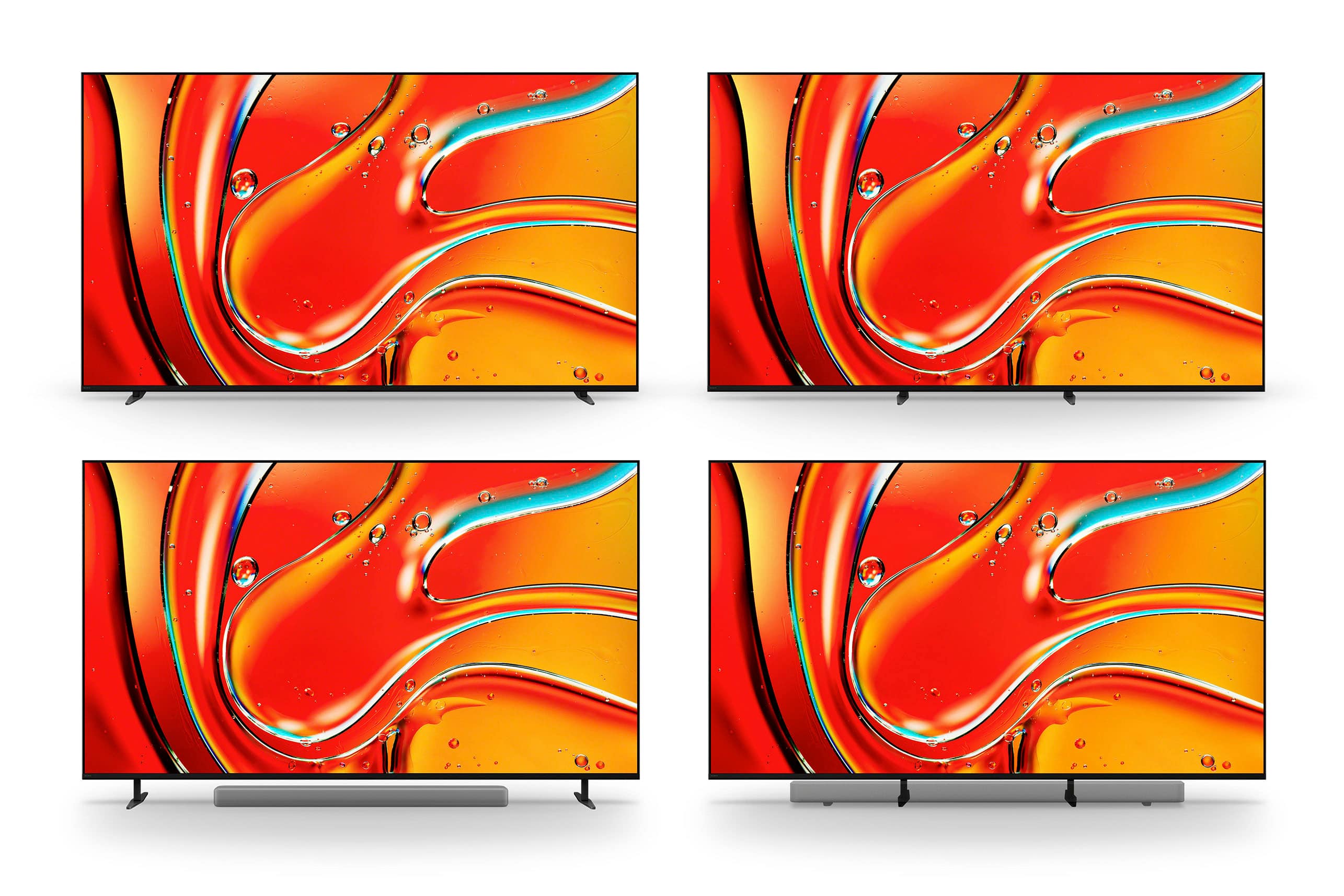
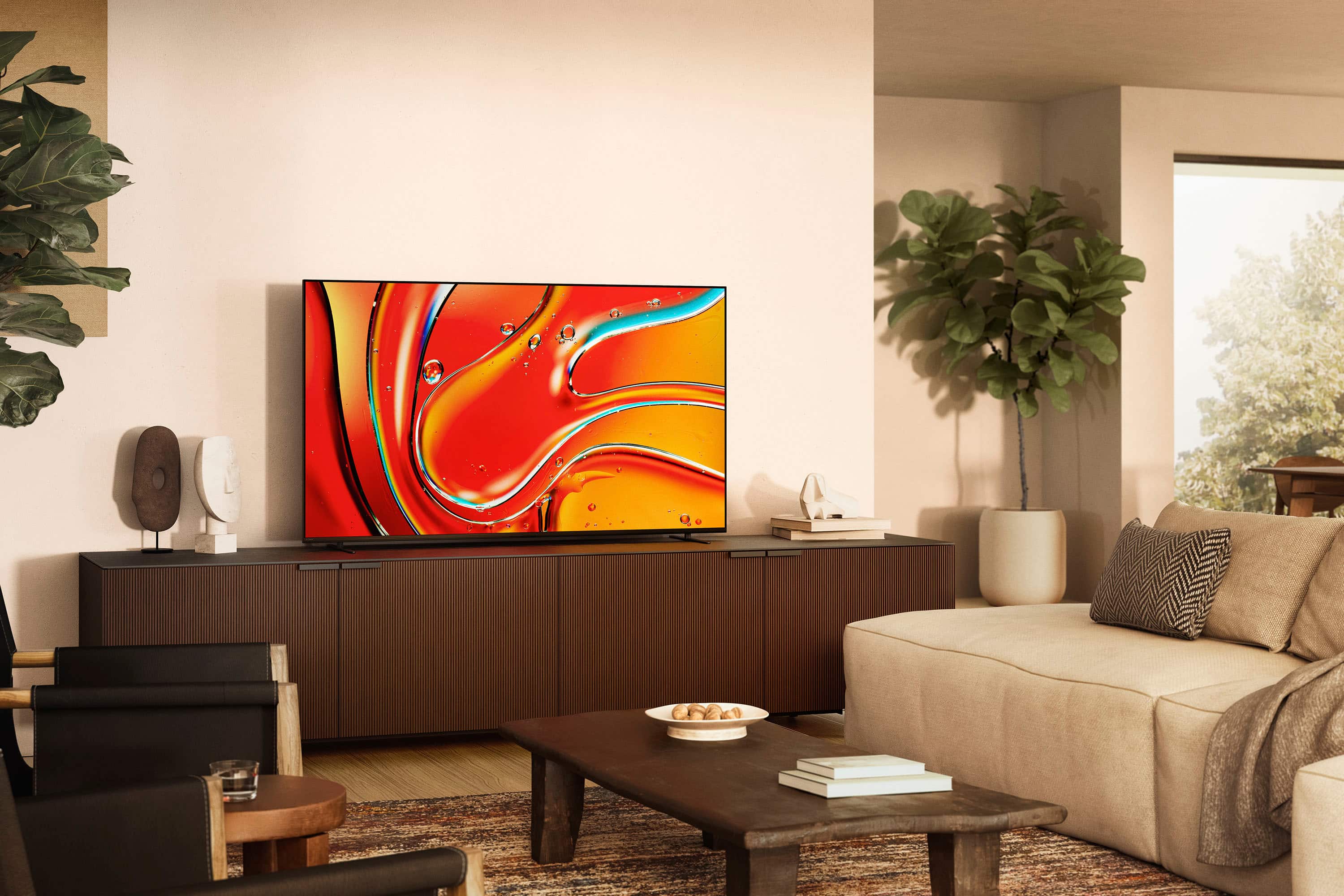

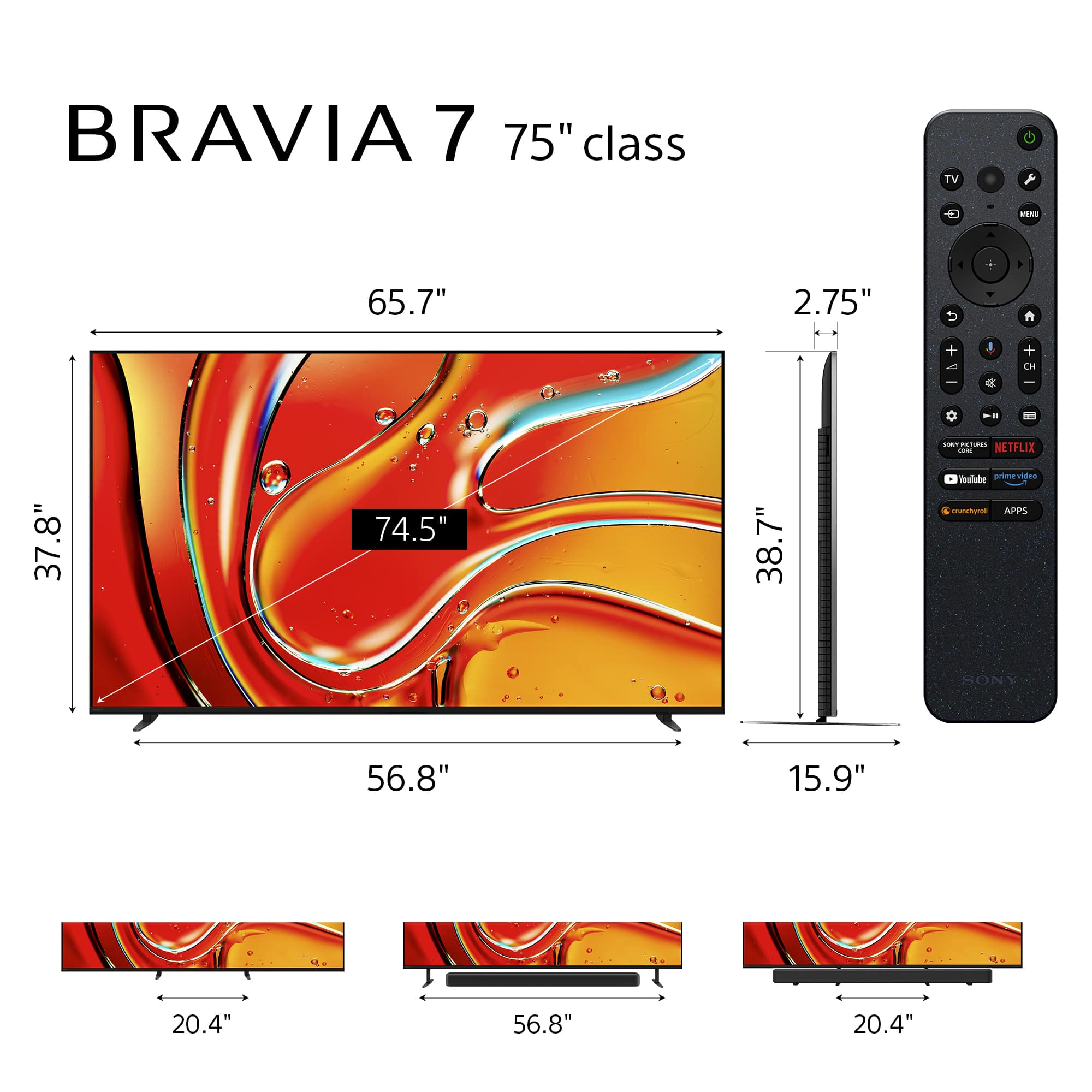
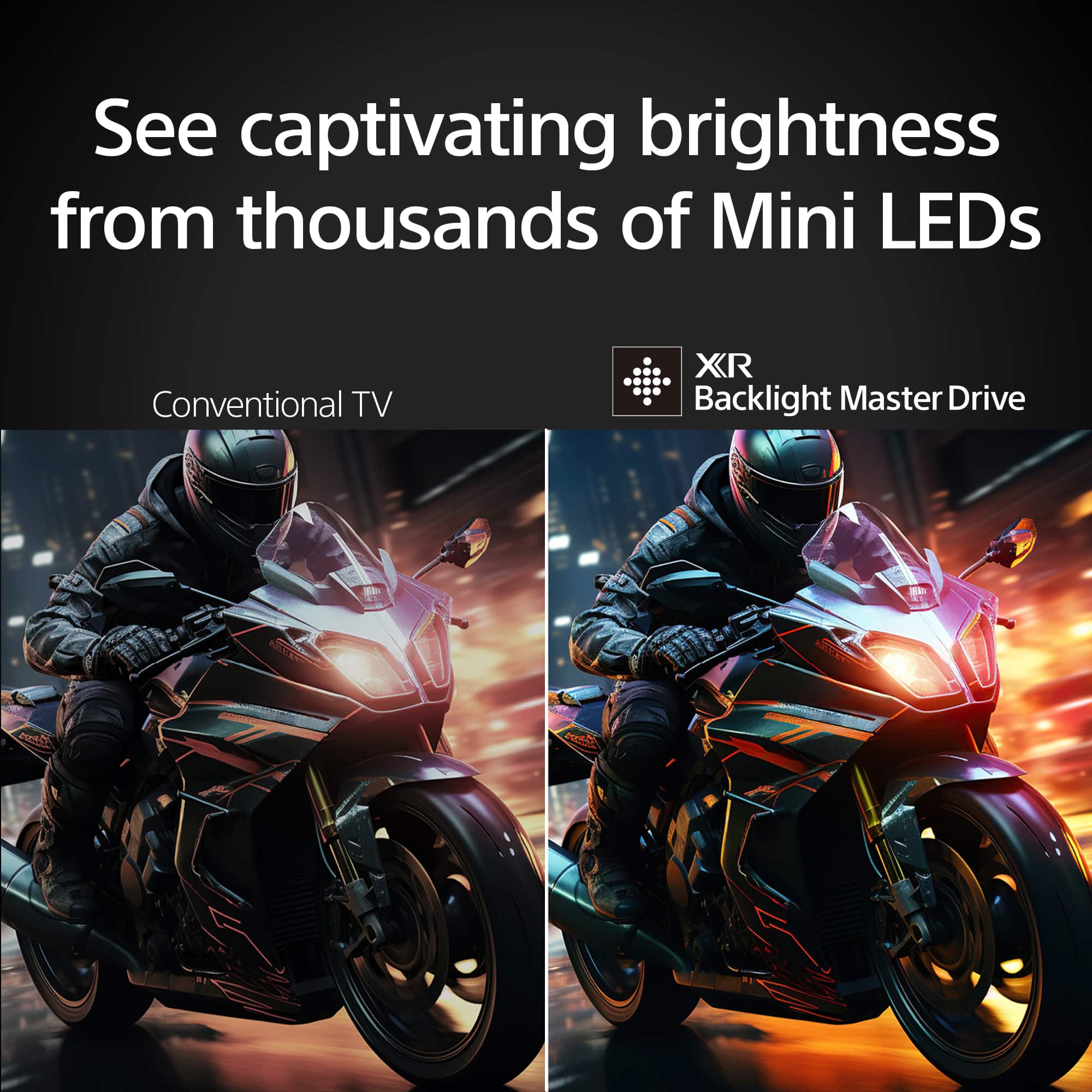







- Model:
- K75XR70
- SKU:
- 10893324
Rating by feature
- Picture Quality
Rating 4.9 out of 5 stars
- Sound Quality
Rating 4.7 out of 5 stars
- Brightness
Rating 4.9 out of 5 stars
Customers are saying
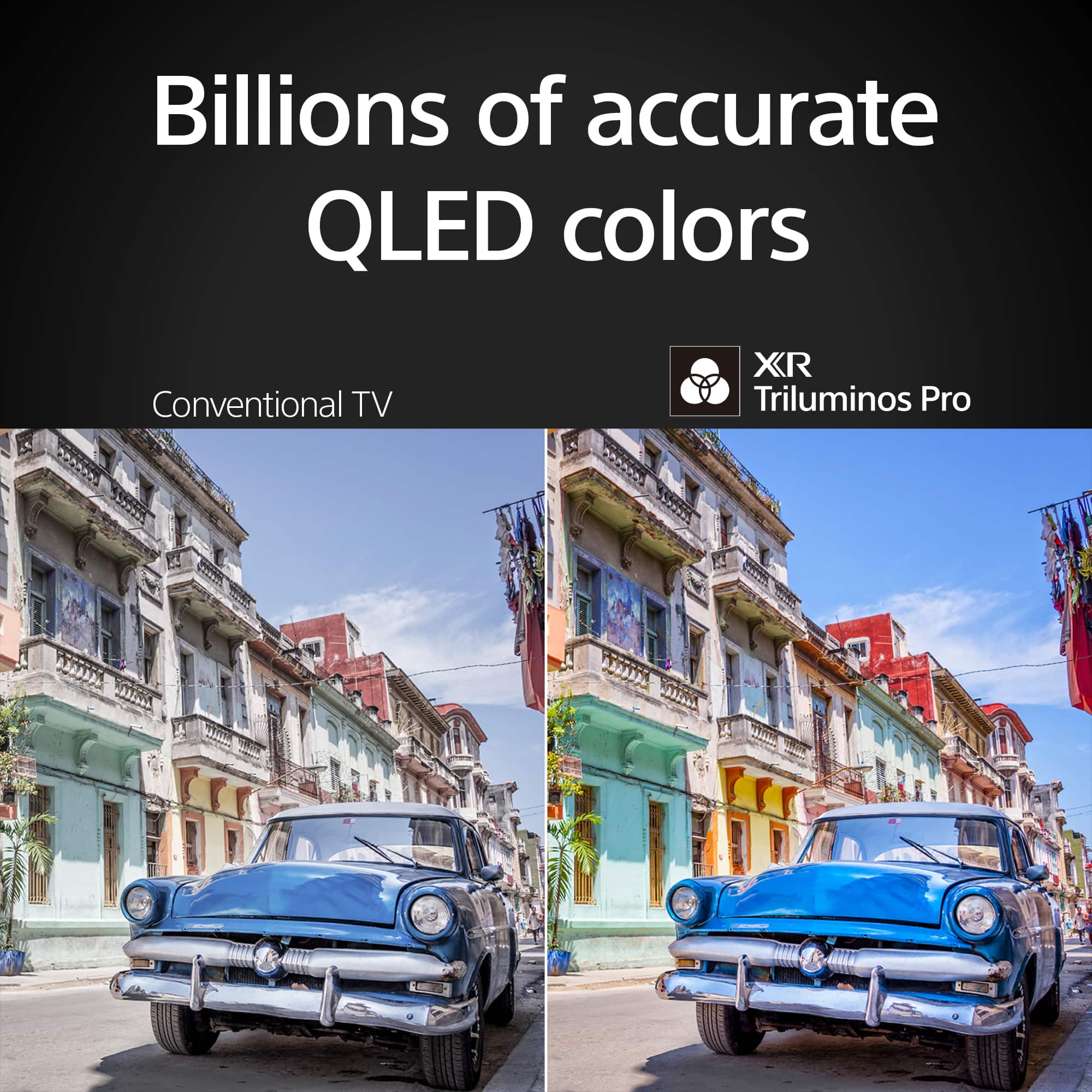
Customers admire the outstanding picture quality, noting its top-tier brightness and impressive black levels. They also appreciate the ease of use, better user interface, and the smooth 120Hz refresh rate. However, some customers have mentioned that the viewing angles could be improved and that the product is quite heavy.
This summary was generated by AI based on customer reviews.
Great all-rounder
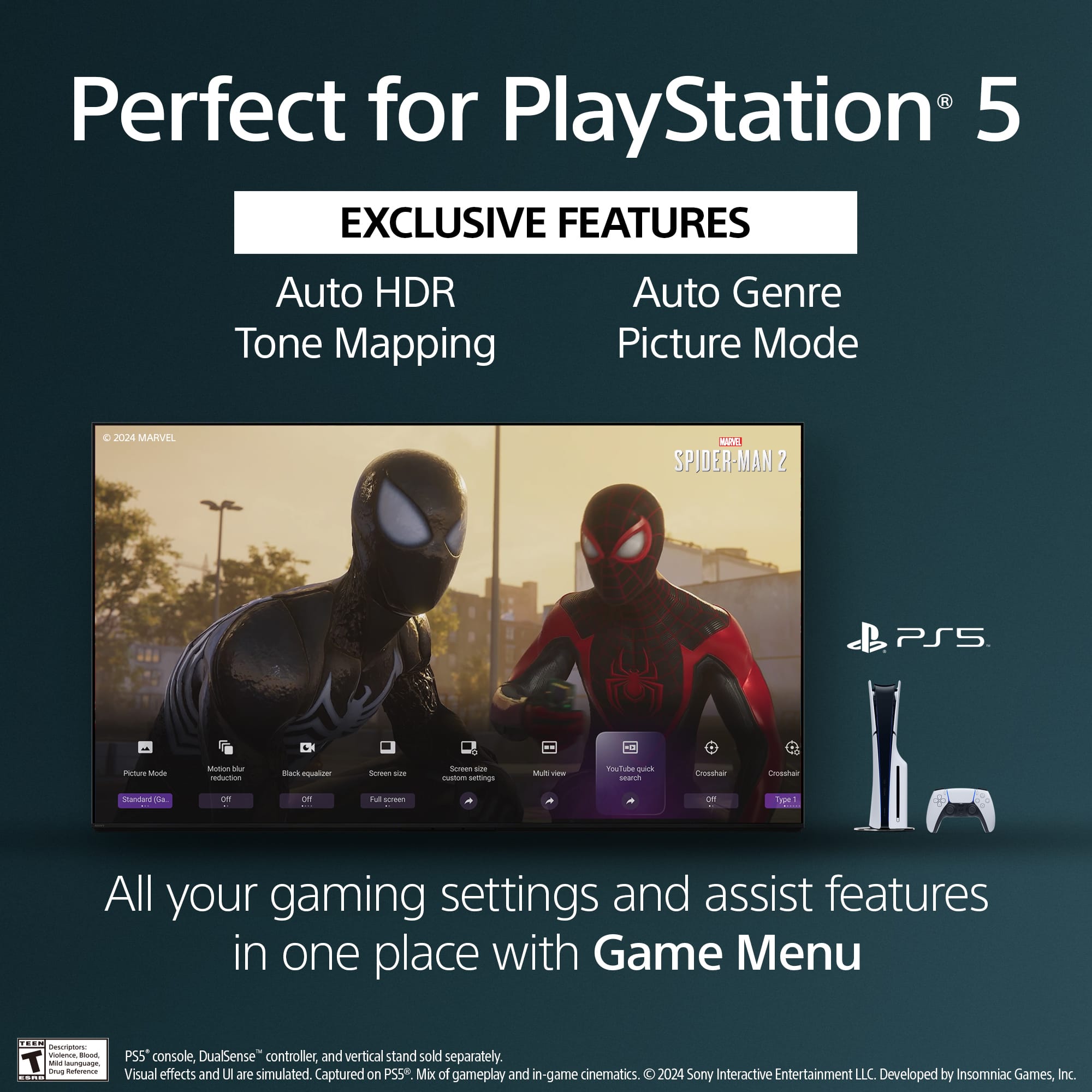
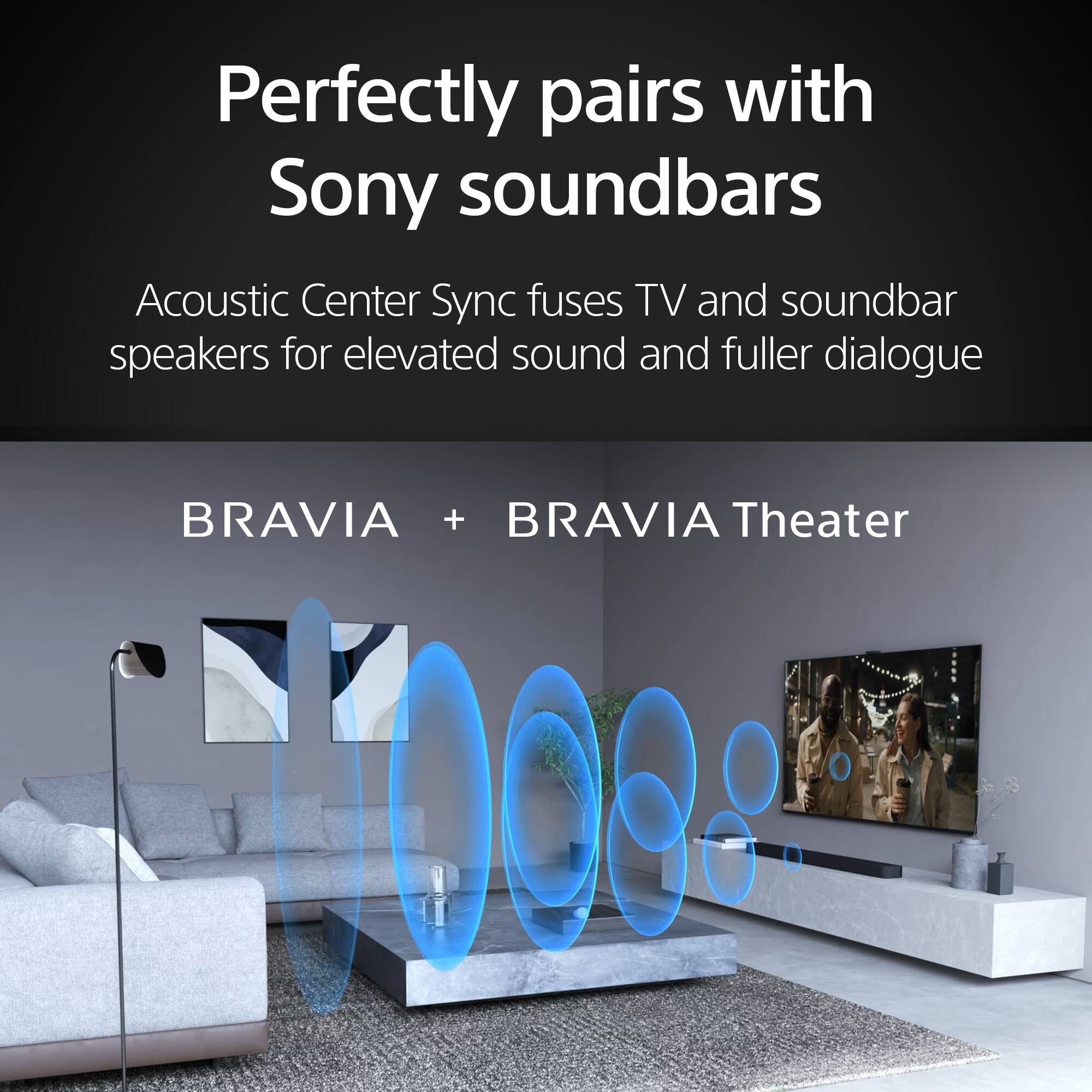
||Posted . Owned for 1 week when reviewed.This reviewer received promo considerations or sweepstakes entry for writing a review.Very responsive. No lag at all. Great for gaming and watching movies. I paired it with a sound bar and I am super happy with it.
I would recommend this to a friendBrand response from SonyListens
Posted .Thank you for the fantastic review, EmKey!
We’re thrilled to hear that your K-75XR70 is delivering that responsive, lag-free performance you need for gaming and movies. It sounds like you’ve created an amazing home theater setup with your soundbar! Thank you for choosing Sony!
Best regards, Gus, Sony Social Media Team
Manager
||Posted . Owned for 2 weeks when reviewed.This reviewer received promo considerations or sweepstakes entry for writing a review.Great!!service quality price and the products are very good
I would recommend this to a friendBrand response from SonyListens
Posted .Hi VicenteD,
That is wonderful to hear! We are delighted that you are highly satisfied with the service, quality, and price of your new 75" Class BRAVIA 7 Mini LED QLED 4K TV.
Thanks for choosing Sony.
Best regards, Eliab
- Pros mentioned:Picture quality
TV
||Posted . Owned for 3 weeks when reviewed.This reviewer received promo considerations or sweepstakes entry for writing a review.I am pleased and fond the best Best Buy staff helpful.
I would recommend this to a friendBrand response from SonyListens
Posted .Hello Jimbo, thank you for giving us a good score. We're glad to hear you're satisfied with your purchase and are enjoying your new BRAVIA 7. Thank you for choosing Sony. Best regards, -Jenn.
- Pros mentioned:Brightness
Bravia 7
||Posted . Owned for 1 month when reviewed.This reviewer received promo considerations or sweepstakes entry for writing a review.Great tv to watch. If you are sitting directly in front very bright but loses color if you are sitting on the side
I would recommend this to a friendBrand response from SonyListens
Posted .Hi Great,
Amazing! It's wonderful to learn that you love the smart Google TV features, excellent performance, and overall picture quality of our BRAVIA 7. We always strive to deliver the best picture and sound quality with our TVs. Your feedback regarding reflection of the screen while watching TV or gaming is extremely important to us and is very much appreciated. This TV doesn't feature X-Wide Angle and X-Anti Reflection like other Sony Models do. However, if you really want the best viewing experience, it's a good idea to turn off all lighting sources as Sony TVs look the best in the darkest environment possible. Light from windows and lamps may cause glare on the TV screen. Using a brighter Picture Mode, like Vivid or Standard, will also help reduce reflection while watching TV or gaming.
Picture settings also allow a wide array of changes to color, contrast, clarity, and brightness that can improve the viewed content on your Google TV. For more information, please visit the link here:
https://www.sony.com/electronics/support/televisions-projectors-lcd-tvs-android-/k-75xr70/articles/00190409
Thank you for choosing Sony!
-Jess
Bravo
||Posted .This reviewer received promo considerations or sweepstakes entry for writing a review.Amazing tv bigger than I thought no way I can hang it.
I would recommend this to a friendBrand response from SonyListens
Posted .HI Michaelkayler,
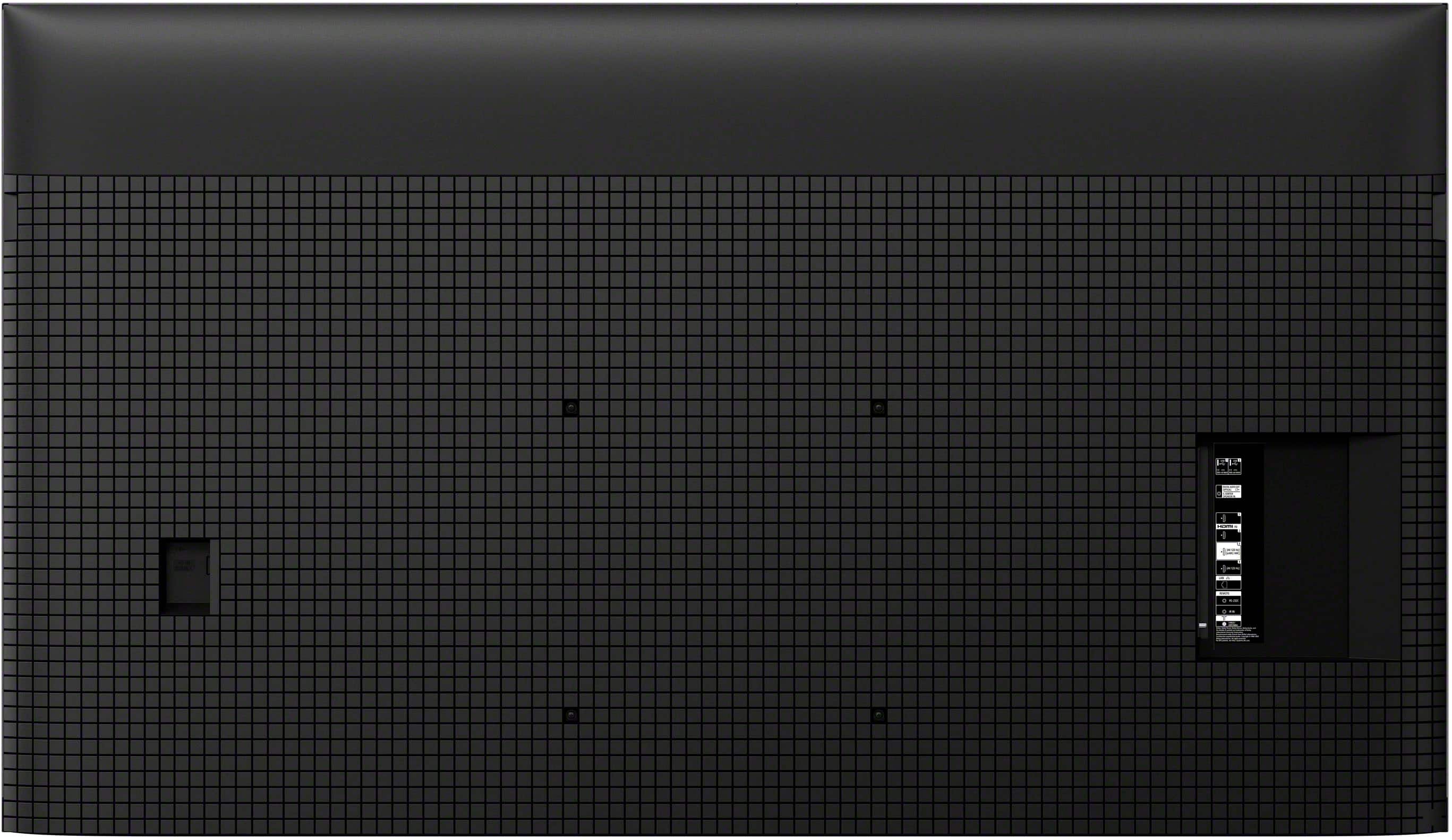
We're thrilled to hear how much you love the amazing picture and impressive size of your 75" BRAVIA 7 TV! We appreciate your excitement. For your reference, if you ever do decide to hang it, the TV utilizes a VESA 300 x 300 mm mounting pattern and weighs approximately 84.4 lbs (38.3 kg) without the stand, which are the key specifications for selecting the proper wall mount.
Thanks for choosing Sony.
Best regards, Eliab
Perfect TV for my room.
||Posted . Owned for 1 week when reviewed.This reviewer received promo considerations or sweepstakes entry for writing a review.The TV was perfect for my room, I had a gentleman from Best Buy David Rose come out and major and evaluate with TV would be good for the light and size of the space in my Condo, and he was 100% right. Also I got $ 200 back on a price match WOW no hassle!
I would recommend this to a friendBrand response from SonyListens
Posted .Hi Mike45, Thank you for the amazing review! We're glad to hear that your new BRAVIA 7 fits perfectly in your room and you had an excellent shopping experience. Thanks for choosing Sony! -Sam
Entertainment Upgrade
||Posted . Owned for 1 week when reviewed.This reviewer received promo considerations or sweepstakes entry for writing a review.The installer had some difficulty with the current mounting bracket on my living room wall, but kept at it till we resolved the issue! My wife and I are very happy with the new TV and hope to utilize your services in the future! Also, Allo was able to resolve the TV Controller Set-up procedure. Thanks Randy & Pam Kendall
I would recommend this to a friendBrand response from SonyListens
Posted .Hi RandallK, we're glad you are enjoying your new TV. We're sorry to hear that you have an issue with the installation of your new Sony unit. For delivery and installation issues, please coordinate with your dealer/installer.
Thanks for choosing Sony. ~Earl
Sony with the win!
||Posted . Owned for 1 month when reviewed.This reviewer received promo considerations or sweepstakes entry for writing a review.Excellent purchase, beautiful TV, Sony rep spent so much tim explaining the features. Will buy again.
I would recommend this to a friendBrand response from SonyListens
Posted .HI JasonM,
Thank you for your excellent review! We are so glad to hear you are loving your new Sony BRAVIA TV and that our representative was so helpful in explaining its features to you. We'll be sure to pass along your kind words to them.
The XR Picture Processor is the brain behind the beautiful visuals you're seeing. This powerful processor intelligently analyzes and enhances thousands of on-screen elements to deliver a lifelike picture with incredible depth and vibrant colors.
Thanks for choosing Sony, and have a beautiful day!
DiegoV
Sales person very helpful
||Posted . Owned for 1 week when reviewed.This reviewer received promo considerations or sweepstakes entry for writing a review.Great service at Best Buy! Staff was helpful, answered all my questions, and made the TV buying process easy. Super happy with my purchase!
I would recommend this to a friendBrand response from SonyListens
Posted .Hello JesusD,
Thank you for choosing Sony!
We are thrilled to hear that the Best Buy team delivered a smooth and enjoyable experience during your purchase of the K75XR70 TV. We are equally delighted that you are so pleased with your new Sony TV. It’s wonderful to know that the product has exceeded your expectations.
Best regards,
-Fred
Excellent find
||Posted . Owned for 3 weeks when reviewed.This reviewer received promo considerations or sweepstakes entry for writing a review.Excellent service from staff and wonderful performance from our new Sony 75’ TV. I am 86 hrs old and it is great to be in the Fall of One’s Life with a Sony 75’ TV.
I would recommend this to a friendGood process
||Posted . Owned for 1 week when reviewed.This reviewer received promo considerations or sweepstakes entry for writing a review.Easy process from the start don’t understand why it needs a certain number of letters.
I would recommend this to a friendGreat tv
||Posted . Owned for 1 month when reviewed.This reviewer received promo considerations or sweepstakes entry for writing a review.Great picture and sound right out of the box.lot’s of picture options
I would recommend this to a friendBrand response from SonyListens
Posted .Hi Kevinindy,
Thank you for your 5-star review of the Sony - BRAVIA 7! It brings us great joy to hear you're pleased with the great picture and sound quality right out of the box, along with the wide range of picture options. It's wonderful to know your new BRAVIA 7 is delivering the experience you were looking for.
Thank you for choosing Sony!
Best regards,
Dominick
Smart Tv
||Posted . Owned for 1 month when reviewed.This reviewer received promo considerations or sweepstakes entry for writing a review.Salesperson was very knowledgeable and helpful. Would recommend to friends and family
I would recommend this to a friendBrand response from SonyListens
Posted .Hi MichaelT,
Thank you for choosing Sony!
We're truly heartened to learn that your experience at BestBuy was so positive and that the K75XR70 TV is something you'd recommend to friends and family. Knowing our products have earned your trust means a lot to us.
Best regards,
-Fred
Sony #7 purchased
||Posted . Owned for 3 weeks when reviewed.This reviewer received promo considerations or sweepstakes entry for writing a review.Very nice 75" TV, was surprised to get the sale price. My 65 Sony went completely dark after only 5 years. This is my 7th Sony "the one and only"!
I would recommend this to a friendBrand response from SonyListens
Posted .Hi NEIL, we're glad you like your new TV! Thanks for choosing Sony. ~Earl
Thank you for suggest me tv according to my need.
||Posted . Owned for 3 months when reviewed.This reviewer received promo considerations or sweepstakes entry for writing a review.It was amazing watching television with family on Sony’s best quality. Thank you for your best service. Best wishes to all best buy employees.
I would recommend this to a friendBrand response from SonyListens
Posted .Hi Navneetk, Thank you for the 5-star rating! We're very happy to hear that you and your family are enjoying the Sony BRAVIA 7. Thanks for choosing Sony! -Sam
THE ONE AND ONLY " SONY BRAVIA 7 75"
||Posted . Owned for 3 weeks when reviewed.This reviewer received promo considerations or sweepstakes entry for writing a review.Visitors are captivated by my SONY BRAVIA 75" to the point they want to extend their visit watching this master piece of television.
I would recommend this to a friendBrand response from SonyListens
Posted .Hi Sonytheoneandonly, Great! We’re thrilled to hear that your visitors are captivated by your new Sony BRAVIA 7 TV. Thanks for choosing Sony! -Sam
75 inch TV by Sony
||Posted . Owned for 1 month when reviewed.This reviewer received promo considerations or sweepstakes entry for writing a review.Very happy with product and service they came when they said and did a great job
I would recommend this to a friendBrand response from SonyListens
Posted .Hi JeffF,
Thank you so much for your kind words! We're thrilled to hear you're very happy with your Bravia 7 and the service you received.
Thanks for choosing Sony!
Sincerely,
Jenn.
TV review
||Posted . Owned for 1 month when reviewed.This reviewer received promo considerations or sweepstakes entry for writing a review.Very nice TV with good contrast and reliable. I would suggest to anyone.
I would recommend this to a friendBrand response from SonyListens
Posted .Hello PeterK,
We're please to learn you're enjoying your BRAVIA 7 and find its contrast to be good and its performance reliable. It's wonderful to know you'd recommend it to others!
Thanks for choosing Sony.
Sincerely,
Jenn | Sony Social Media Team.
Sony Bravia 7
||Posted . Owned for 1 month when reviewed.This reviewer received promo considerations or sweepstakes entry for writing a review.I love this tv. It’s very accurate and very clear. The local dimming could be a little better but overall a great tv!
I would recommend this to a friendBrand response from SonyListens
Posted .Hi Mitchell. Thank you so much for your positive comment about our Sony Bravia TV!. Your trust in us inspires us to keep delivering the best products as possible. As always, your feedback is really important to us, we appreciate it too. Thanks for choosing Sony!. -Milton
Enjoy the view.
||Posted . Owned for 2 weeks when reviewed.This reviewer received promo considerations or sweepstakes entry for writing a review.Been waiting on a good deal and finally got it in Black Friday sale. Hasn’t been installed yet, but will soon be after the holidays.
I would recommend this to a friendBrand response from SonyListens
Posted .Hi BarbaraL, Thank you for sharing your outstanding shopping experience with us. We are delighted to hear that your purchase went smoothly, and we can't wait for you to enjoy its features and capabilities. We always strive to deliver the best picture and sound quality with our TVs. Thank you for choosing Sony! Happy Holidays! -Jess