Customer Ratings & Reviews

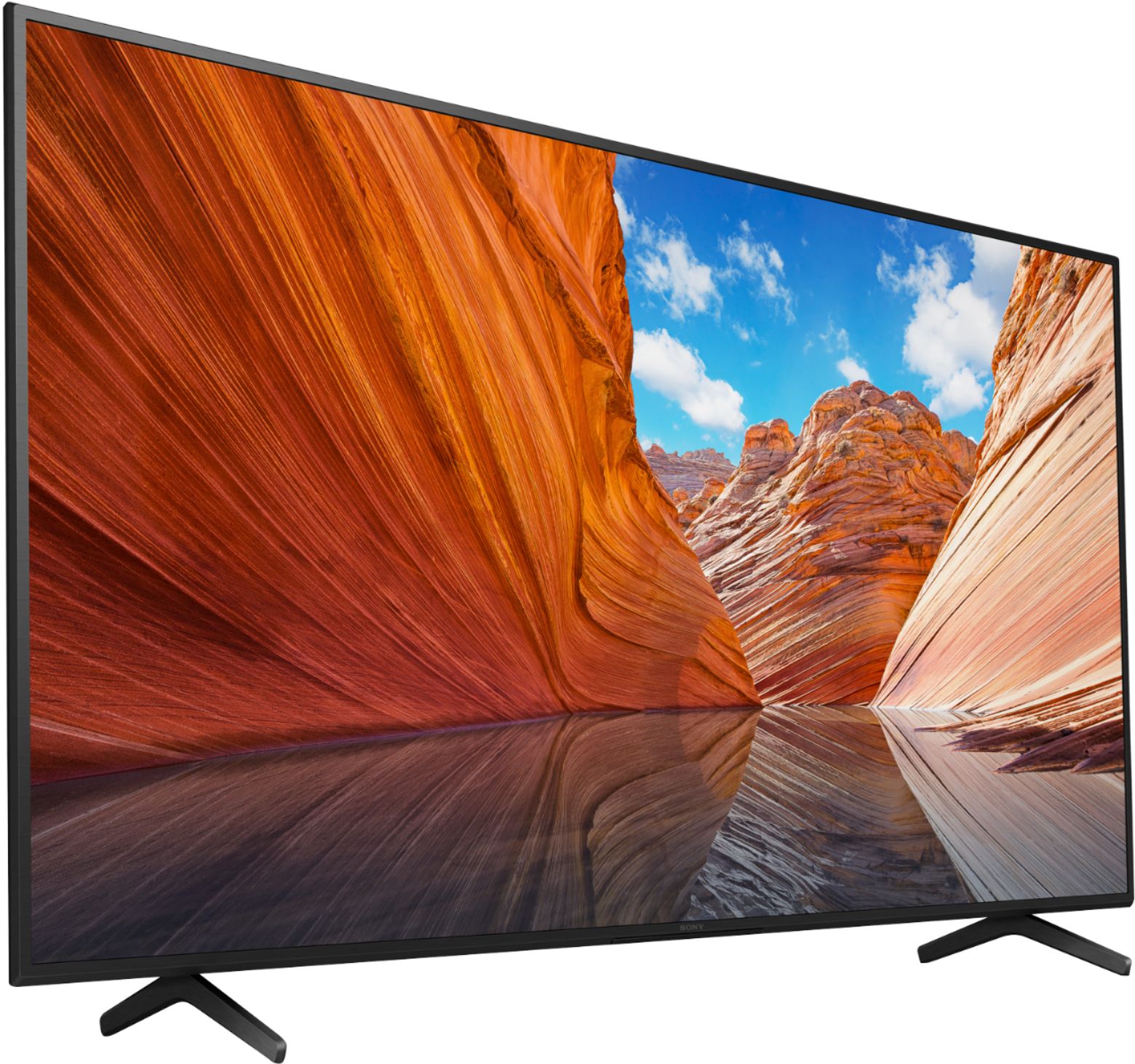
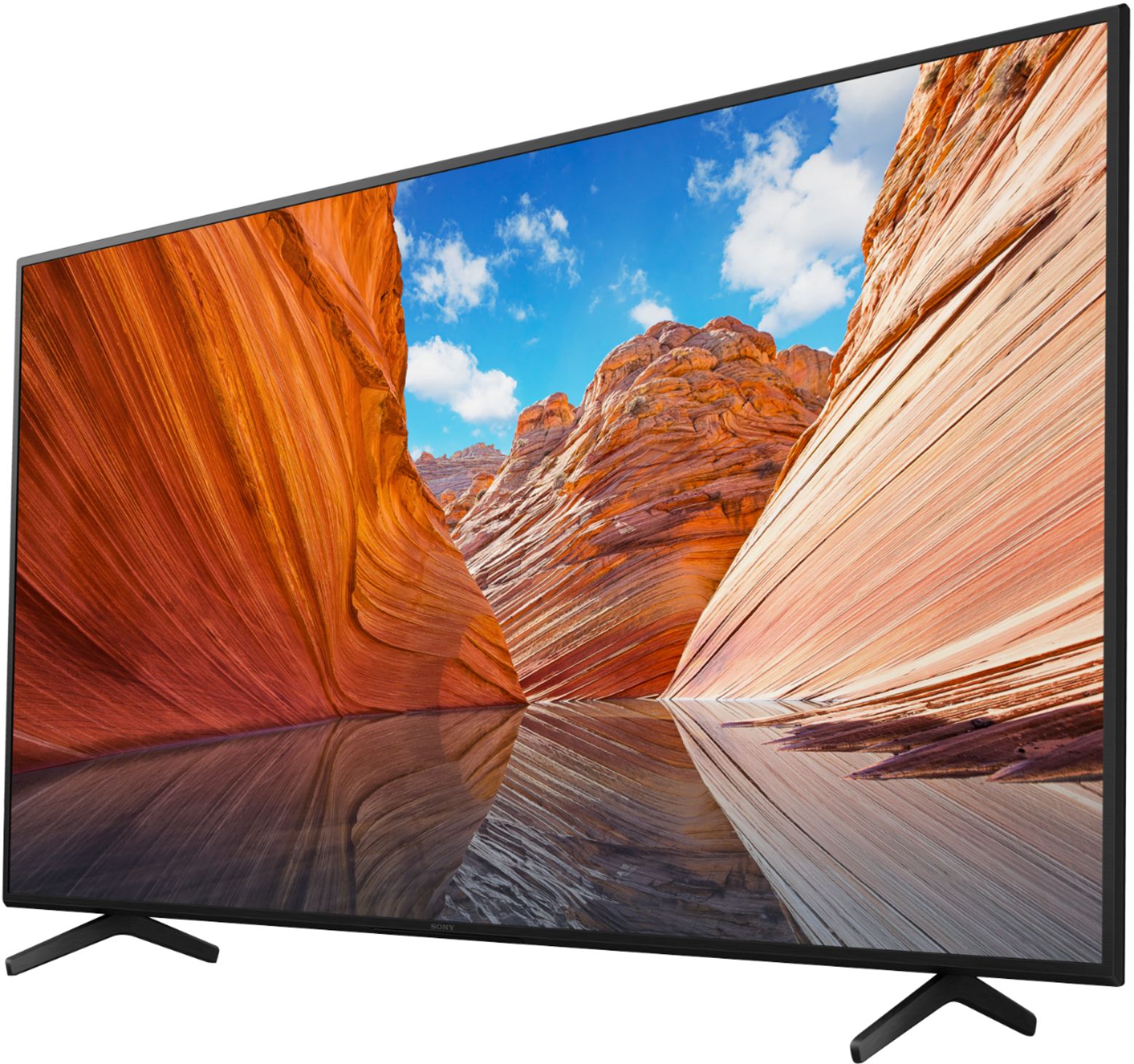

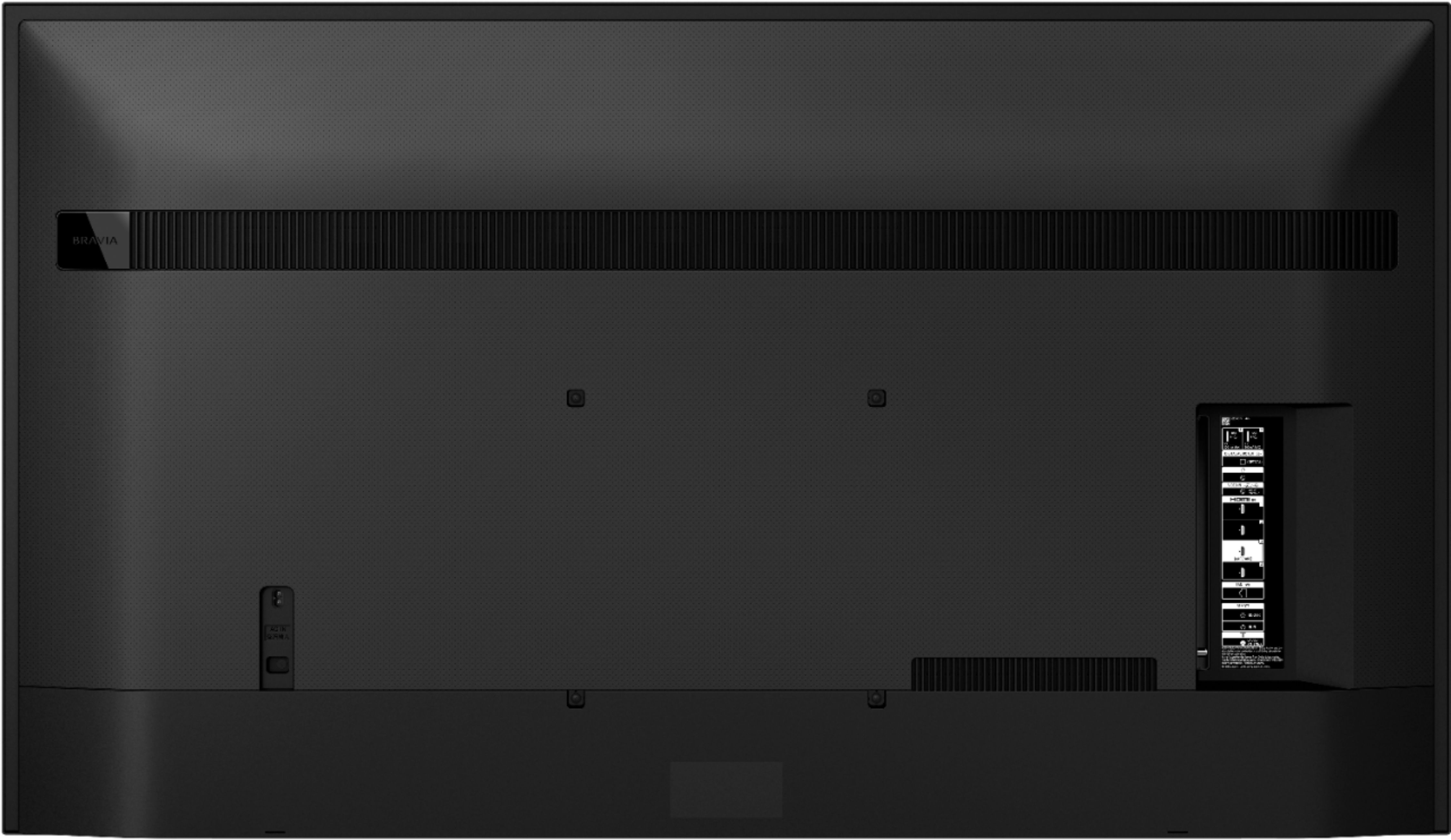

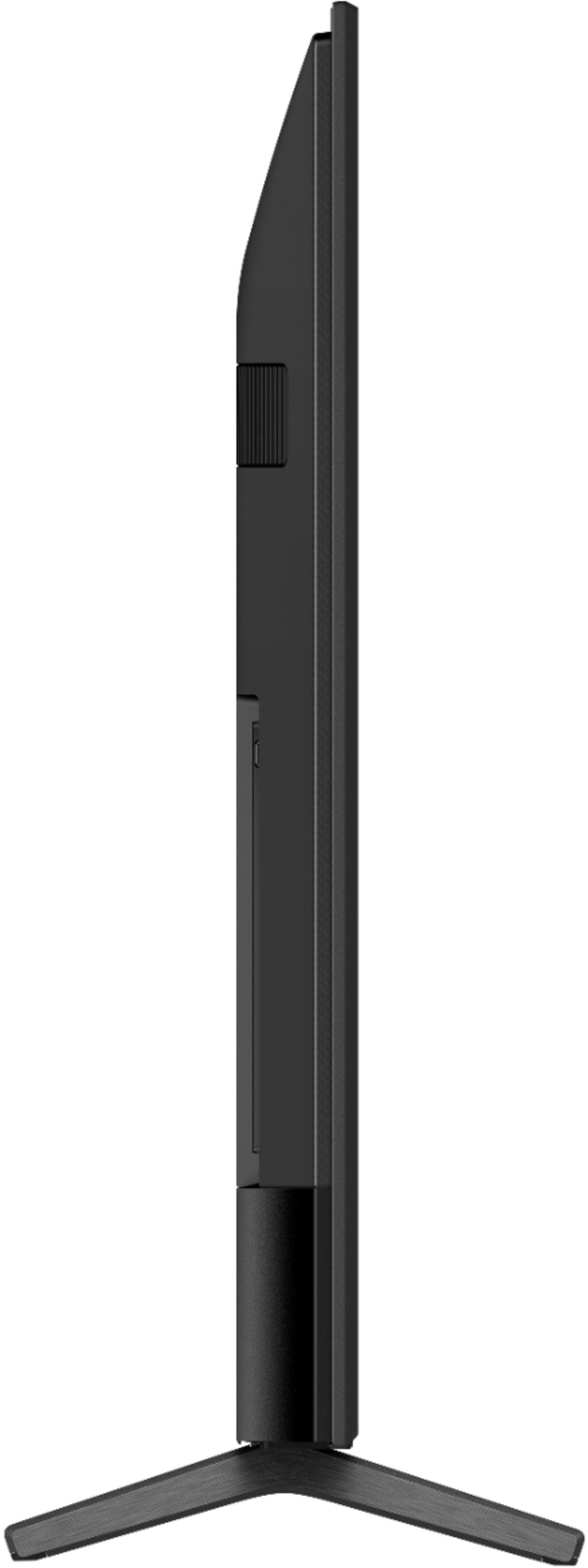






- Model:
- KD75X80J
- SKU:
- 6451296
Rating by feature
- Picture Quality
Rating 4.8 out of 5 stars
- Sound Quality
Rating 4.6 out of 5 stars
- Brightness
Rating 4.7 out of 5 stars
Customers are saying
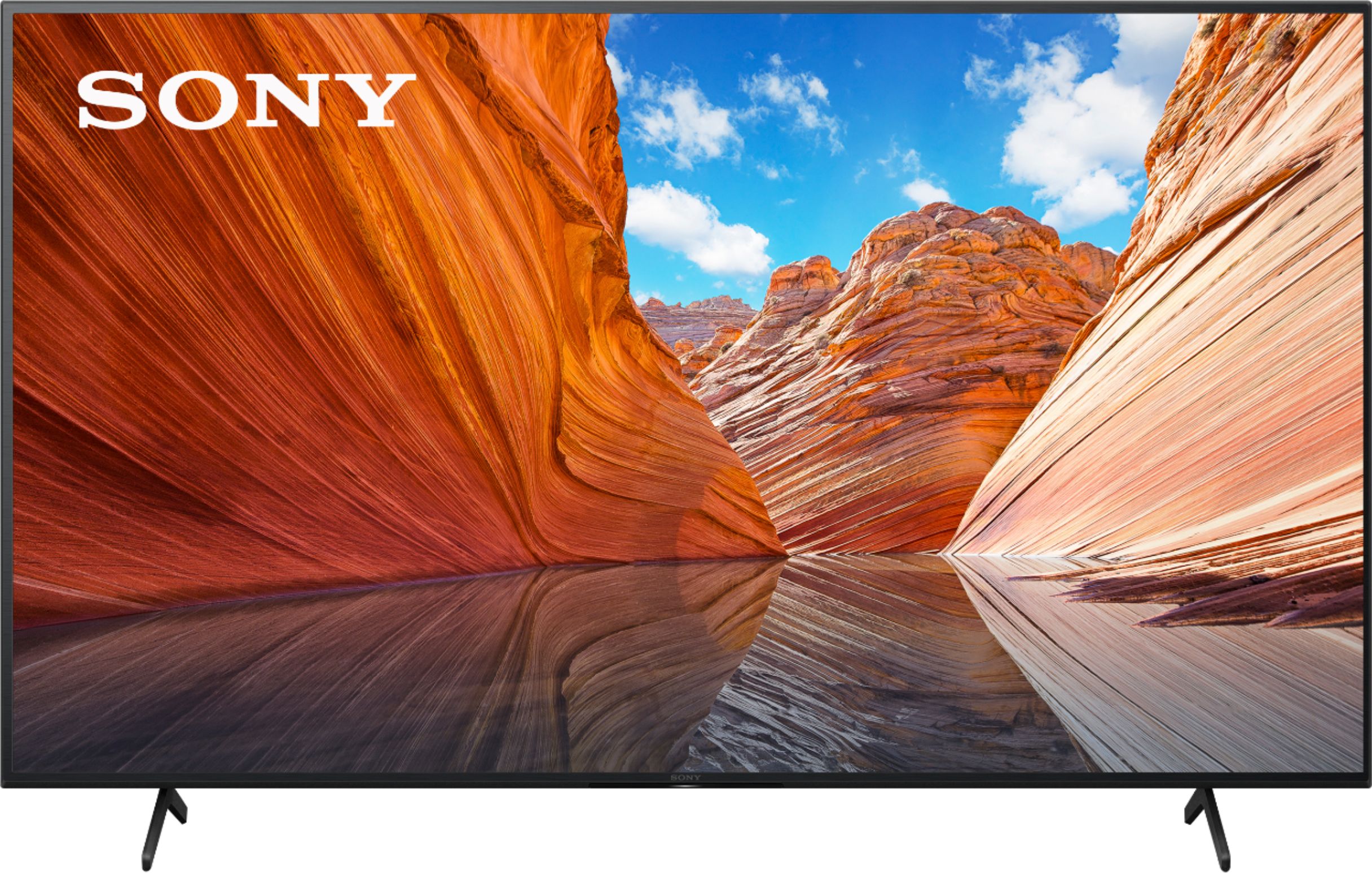
Customers commend the 75" Class X80J Series LED 4K UHD Smart Google TV for its exceptional picture quality, describing it as crystal clear and enjoyable. The large screen size is also well-received, providing an immersive viewing experience. The TV's user-friendly setup process and reasonable price point are additional advantages highlighted by customers.
This summary was generated by AI based on customer reviews.
- Pros mentioned:Picture quality
Great - but a dark spot appeared in just 6 months!
||Posted . Owned for 1.5 years when reviewed.This reviewer received promo considerations or sweepstakes entry for writing a review.Reasonably priced TV for a very high quality image. Why the 2 stars, you ask? Because a dark shadow formed at the top edge after just 6 months of use. 6 months is a very short amount of time for a TV to malfunction so substantially,
No, I would not recommend this to a friend - Pros mentioned:Picture quality
Great picture... BUT...
Posted .This reviewer received promo considerations or sweepstakes entry for writing a review.I may change my rating later. I have only had this tv for a week. Picture is amazing, easy setup, etc.. The iss I have is it already has screen issues. The backlighting is totally messed up an is blooming in the bottom left, and top right, making it almost unwatchable. We shall see how it gets resolved. Once resolved I may update my review
No, I would not recommend this to a friendBrand response from SonyListens
Posted .Hi Eric,
Thank you for sharing your thoughts and experience using your X80J LED 4K Ultra HD Google TV. While we're glad that you like the picture quality, we are sorry to learn you are experiencing issues with your unit. Please allow us to help you and turn this into a better experience. If you get a TV with that much clouding and blooming, this is related to a normal technological variance inherent to all LCD/LED TVs. If it bothers you, there are few adjustments that you can do to minimize this condition. In the meantime, please refer to the link below for some helpful information.
https://www.sony.com/electronics/support/televisions-projectors-lcd-tvs-android-/kd-75x80j/articles/00030311
In any case that you need our assistance, please follow the instruction below on how to contact us.
May we contact you to help? If so, please email the below information to socialsupport@am.sony.com.
Apologies if you disclosed some of this information in your review and to customer service, we just want to ensure that we have your accurate details at the time of communication.
Full Name:
Best Buy Username:
Telephone Number:
Sony TV Model Number:
Additional Information regarding your experience with the X80J:
We are sorry for the inconvenience and hope to speak to you to resolve this matter.
Sincerely,
Jess
WiFi problems
||Posted . Owned for 5 months when reviewed.This reviewer received promo considerations or sweepstakes entry for writing a review.Had this for a few months now and it’s an average tv. It has problems connecting to my wi-fi a few times every month so I have to unplug the tv and plug it back in. Kind of ridiculous given that it’s 2023 and the tv is having problems connecting to Wi-Fi. Not many great settings to customize the tv.
No, I would not recommend this to a friend- Pros mentioned:Picture quality
TV is great but installation was/is a problem
||Posted . Owned for 1 month when reviewed.This reviewer received promo considerations or sweepstakes entry for writing a review.The Sony 75” TV is excellent. Quite happy with the picture and the sound bar. Very disappointed in the Geek Squad installation. First it was a subcontracted Geek Squad team not the real Geek Squad. They were more worried about doing the work fast than doing the work right. They mounted the TV off center. It wasn’t close to being right. I had to stop them and insist that they do it right. Still not happy with the installation
No, I would not recommend this to a friend Bad for football and sports!!
||Posted . Owned for less than 1 week when reviewed.This reviewer received promo considerations or sweepstakes entry for writing a review.Bad for Football!! Blurry screen when the ball is in the air. The players move in blocks if they move to fast. The picture is worse then my LG 55in I bought in 2017... probably worse than my Samsung plasma I bougt in 2009. I watched one movie on it too. My 2009 plasma has a better picture. I cannot believe how bad the picture is on this TV. No wonder it was on sale, please dont waste your time. Its so big and difficult to return. I'm very disappointed.
No, I would not recommend this to a friendBrand response from SonyListens
Posted .Hi TreyButler,
Thank you for choosing and purchasing our Bravia X80J LED TV.
We're sorry to hear that the picture quality did not meet your expectations. This is definitely not the viewing experience we'd like you to have. We'd love to help you troubleshoot your problem and turn this into a better experience.
We recommend adjusting the Motionflow settings when watching fast-moving scenes or sports.
Open the Settings menu. These options vary depending on the model of your TV.
Using the Quick Settings button (For models released in 2019 or later):
On the supplied remote, press the Quick Settings button.
Select the Settings icon.
Using the HOME menu button:
On the supplied remote, press the HOME button.
Select the Settings icon.
You can also adjust the picture quality to suit your viewing preference. https://helpguide.sony.net/tv/iusltn1/v1/en-003/01-03-09_01.html
Should you need further assistance, you can email us with the below information to socialsupport@am.sony.com.
Apologies if you disclosed some of this information in your review and to customer service, we just want to ensure that we have your accurate details at the time of communication.
Full Name:
Best Buy Username:
Telephone Number:
Sony TV Model Number:
Additional Information regarding your experience with the X80J:
We are sorry for the inconvenience and hope to speak to you to resolve this matter.
We appreciate you and thanks again for shopping Sony!
Sincerely,
Erin
Backlight bleed and faulty remote
||Posted . Owned for less than 1 week when reviewed.This reviewer received promo considerations or sweepstakes entry for writing a review.Backlight bleed was horribly noticeable and got worse within a week, also had issues with home and settings button not wanting to respond. Could have been just the one I got but had the potential to be a good TV for the price. Ended up returning and splurging a little more for the LG oled.
No, I would not recommend this to a friendBrand response from SonyListens
Posted .Hi JosephG,
Thank you for the feedback on your experience with your Sony X80J LED 4K Ultra HD Google Android TV. We're sorry to hear you had some display issues with your unit, and some buttons on the remote control doesn't work properly. We value your input and appreciate the feedback. The issues with the remote control can be fixed by simply restarting the TV. To do that, simply press the power button for about 5-10 secs while the TV is on, then select Restart.
The LCD screen is made with high-precision technology to achieve a high level of performance and picture quality. To achieve this level of performance, the backlight setting of the TV is set to maximize the screen brightness. However, you may notice uneven brightness on the TV when watching in a dark environment or when the screen is blank. This condition is normal and not a malfunction of the TV. If it bothers you, there are few adjustments that you can do to minimize this condition. Please refer to the link below for more information.
https://www.sony.com/electronics/support/televisions-projectors-lcd-tvs-android-/kd-75x80j/articles/00030311
We regret to know that the unit had to be returned. Please note we have a customer hotline that is happy to assist you and help troubleshoot any concerns you have, and your headphones has a 1-year warranty from the date of purchase.
We do hope you will reconsider our brand and give us another chance at bringing the theater experience to your home.
Sincerely,
Jess
Poor Picture Quality for the Price
||Posted . Owned for less than 1 week when reviewed.This reviewer received promo considerations or sweepstakes entry for writing a review.Can’t use it with any gaming systems except in game mode, which is crap quality. Audio is decent. Overall image is subpar. Spend an extra $100 and get the Samsung QLED A60.
No, I would not recommend this to a friendBrand response from SonyListens
Posted .Hi BusinessMan1,
Thank you for taking the time to review your X80J 4K HDR Google TV. We're sorry to hear about your experience with your new Bravia TV. We would like to know more about the situation you faced with the TV and turn this into a better experience. We'd also like to clarify if the issue happen when viewing content from streaming apps? or even from a HDMI device connected to the TV? Regarding the picture quality, it will depend on the signal and content. As a workaround, you can adjust the picture settings of the TV to tailor-fit the picture quality to your needs.
You may find this link helpful: https://www.sony.com/electronics/support/televisions-projectors-lcd-tvs-android-/kd-75x80j/articles/00263533
When you watch 4K picture with High-Quality, use a Premium High-Speed HDMI cable which supports 18Gbps, and then change the setting to Enhanced format to display a picture from a device connected to the HDMI input terminal in a higher quality HDMI format. If the picture quality from streaming apps is poor, refer to the link below to isolate the issue.
https://helpguide.sony.net/tv/iusltn1/v1/en-003/08-06_01.html
Should you need further assistance, please follow the instruction below on how to contact us.
May we contact you to help? If so, please email the below information to socialsupport@am.sony.com.
Apologies if you disclosed some of this information in your review and to customer service, we just want to ensure that we have your accurate details at the time of communication.
Full Name:
Best Buy Username:
Telephone Number:
Sony TV Model Number:
Additional Information regarding your experience with the X80J:
We are sorry for the inconvenience and hope to speak to you to resolve this matter.
Sincerely,
Jess