Customer Ratings & Reviews










- Model:
- KD75X80J
- SKU:
- 6451296
Rating by feature
- Picture Quality
Rating 4.8 out of 5 stars
- Sound Quality
Rating 4.6 out of 5 stars
- Brightness
Rating 4.7 out of 5 stars
Customers are saying
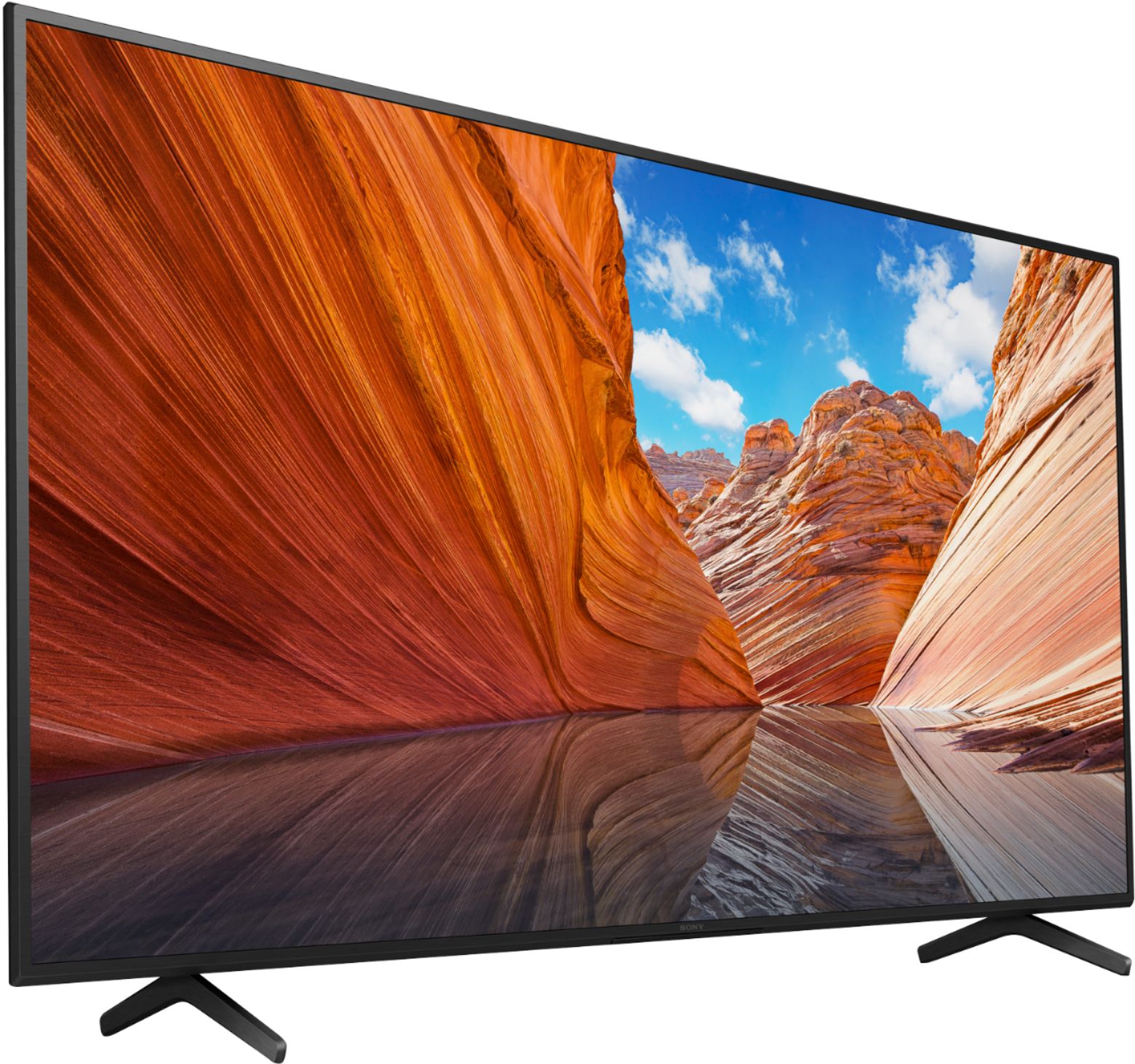
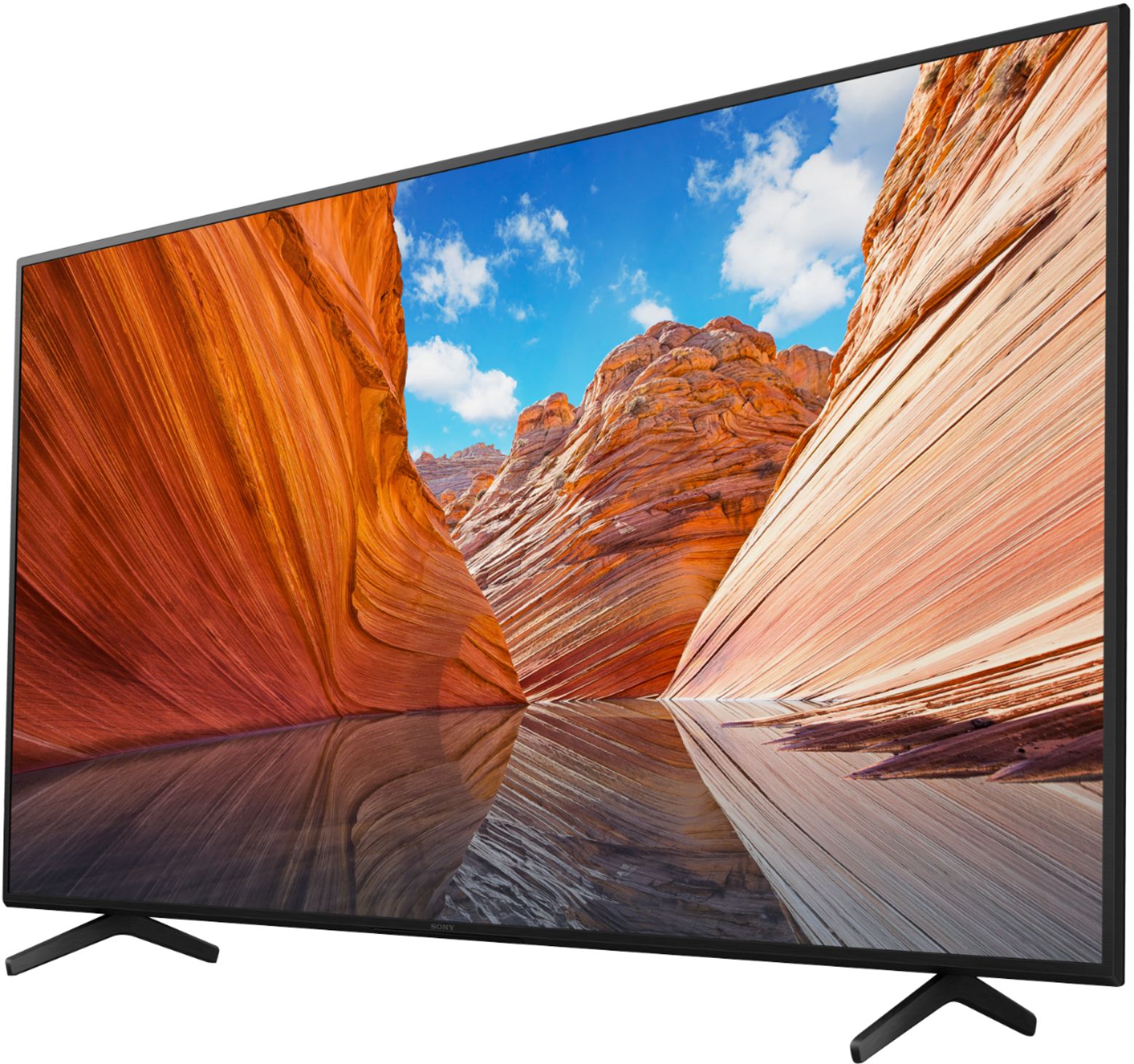
Customers commend the 75" Class X80J Series LED 4K UHD Smart Google TV for its exceptional picture quality, describing it as crystal clear and enjoyable. The large screen size is also well-received, providing an immersive viewing experience. The TV's user-friendly setup process and reasonable price point are additional advantages highlighted by customers.
This summary was generated by AI based on customer reviews.
- Pros mentioned:Price
t was cheap, hated the edge lit, so traded in TV
||Posted . Owned for 1 year when reviewed.This reviewer received promo considerations or sweepstakes entry for writing a review.It was cheap, hated the edge lit, so traded in TV for a smaller, more expensive, better quality tv, but for the price wasn't bad. Best Buy's customer service was amazing trading this.
No, I would not recommend this to a friend - Pros mentioned:Picture quality
Beware Netflix users
||Posted . Owned for 1 week when reviewed.This reviewer received promo considerations or sweepstakes entry for writing a review.The picture is amazing. I am having a hard time with the Netflix app on this tv which I mostly like to watch. I will be starting a movie/show and then about 5 to 10 mins later it kicks me out back to the Sony Home screen. A lot! Every other streaming movie app works fine. I google it and seems to be a major issue wiht a lot of people who purchased this Sony Bravia tv. Also I wish the remote would light up hard to see it at night when watching a movie. I will be return this tv unfortunately.
No, I would not recommend this to a friendBrand response from SonyListens
Posted .Hi Airamangel,
Thank you sharing your feedback on using your X80J LED 4K Ultra HD Smart Google TV. While we're happy you like the picture quality of this TV, we're sorry you've been running into difficulty with the Netflix app going back to the Home screen during playback. It's unfortunate that you consider returning the unit. Your feedback about the remote is greatly appreciated.
If you still have the unit, make sure that the Netflix app is updated. Perform a power reset on the TV. Press and hold the POWER button until a menu appear, then select Restart.
This article will help you resolve some issues that may occur when you watch movies or videos: https://www.sony.com/electronics/support/televisions-projectors-lcd-tvs-android-/kd-75x80j/articles/00094005.
If this does not help, please follow the steps below for ways to contact us.
For us to better assist you, please email the below information to socialsupport@am.sony.com.
Apologies if you disclosed some of this information in your review and to customer service, we just want to ensure that we have your accurate details at the time of communication.
Full Name:
Best Buy Username:
Telephone Number:
Sony TV Model Number:
Additional Information regarding your experience with the X80J:
We are sorry for the inconvenience and hope to speak to you to resolve this matter.
Sincerely,
Jess
- Pros mentioned:Picture quality
Not ideal for darkened theater room
||Posted . Owned for 3 weeks when reviewed.This reviewer received promo considerations or sweepstakes entry for writing a review.This is an entry level Sony 4k TV, so your expectations should be set accordingly. Start with the pros: vibrant color representation and sound quality is above average. Now, the cons: huge clouding effect and light bleeds around the edge. Horrible black level - it's dark gray! If you have this TV set up in a brightly lit room, then you wouldn't be able to see much of these light bleeds and clouding. However, I have this TV set up in a darkened theater room, so these shortcomings are amplified on dark scenes.
I would recommend this to a friendBrand response from SonyListens
Posted .Hi GadgetGuy,
We're sorry to hear about this issue. We apologize for the inconvenience. In this case, you can isolate this issue by following the troubleshooting steps from this link: https://www.sony.com/electronics/support/televisions-projectors-lcd-tvs-android-/kd-75x80j/articles/00200862.
If you are unable to resolve your concern, may we contact you to help? If so, please email the below information to socialsupport@am.sony.com or chat with us from Sony’s e-support webpage. Apologies if you disclosed some of this information in your review and to customer service, we just want to ensure that we have your accurate details at the time of communication.
Full Name:
Best Buy Username:
Telephone Number:
Sony Model Number:
Additional Information regarding your experience with the X80J:
We are sorry for the inconvenience and hope to speak to you to resolve this matter. We appreciate you and thanks again for shopping Sony!
Sincerely,
Jay
- Pros mentioned:Picture quality, Price
Sony 4K
||Posted . Owned for 1 month when reviewed.This reviewer received promo considerations or sweepstakes entry for writing a review.Nice picture good value for the price. Easy instructions on how to set up. Audio is a little muffled especially when watching sporting events
I would recommend this to a friendBrand response from SonyListens
Posted .Hi CentralCalSportsDude,
Thank you for sharing your feedback on your experience using our X80J LED 4K HDR Google TV. We value your input regarding the sound quality and appreciate the feedback. Good to know that you like most of the features especially the picture quality.
We recommend doing a soft reset. Hold down the power button for 5-10 seconds until the restart screen option comes up, select restart and let the TV shutdown and restart itself and see if the problem is still there.
As a suggestion, you can configure various settings related to the TV’s sound such as sound quality and sound mode. Select the appropriate sound setting for your Android TV which best suits you. For more information on how you can enhance your listening experience check the Adjust Sound Settings on your Google TV.
The sound quality may improve if you change it in [Sound] under [Settings].
Press the HOME button, and select [Settings] — [Display & Sound] — [Sound] — [Sound mode], and adjust [Sound mode] or [Sound customization].
For more information, please visit the link here: https://helpguide.sony.net/tv/iusltn1/v1/en-003/01-03-09_02.html
If the issue persists, please email the below information to socialsupport@am.sony.com.
Apologies if you disclosed some of this information in your review and to customer service, we just want to ensure that we have your accurate details at the time of communication.
Full Name:
Best Buy Username:
Telephone Number:
Sony TV Model Number:
Additional Information regarding your experience with the X80J:
We are sorry for the inconvenience and hope to speak to you to resolve this matter.
Sincerely,
Jess
Sony average tv
||Posted . Owned for 11 months when reviewed.This reviewer received promo considerations or sweepstakes entry for writing a review.Sensor worn out and remote stop working. Voice quality is ok. Need sound bar for better audio.
No, I would not recommend this to a friend- Pros mentioned:Picture quality
Good colors awful black levels
||Posted . Owned for 1 month when reviewed.This reviewer received promo considerations or sweepstakes entry for writing a review.Bought the tv to replace my tcl 65” that was under $500 and I’ll tell you, it’s a shame. The 75” Sony has better colors but the black levels are absolutely awful, bleed through all over the edges. If it wasn’t such a pain to load/unload it would have been taken back and traded for a 75” tcl, I never would have thought a tcl would have a better picture than the Sony.
No, I would not recommend this to a friendBrand response from SonyListens
Posted .Hi Shel, We're sorry to hear that you're having issue with this TV. We apologize for the inconvenience. You can configure various settings related to the TV display such as color and brightness for picture quality, or screen size.The actual display may vary or some settings may not be available depending on your model/country/region and the content you are watching. Press the (Quick Settings) button on the remote control, then select [Settings] — [Display & Sound] — the desired option.
If you are unable to resolve your concern, may we contact you to help? If so, please email the below information to socialsupport@am.sony.com or chat with us from Sony’s e-support webpage. Apologies if you disclosed some of this information in your review and to customer service, we just want to ensure that we have your accurate details at the time of communication.
Full Name:
Best Buy Username:
Telephone Number:
Sony Model Number:
Additional Information regarding your experience with the X80J:
We are sorry for the inconvenience and hope to speak to you to resolve this matter. We appreciate you and thanks again for shopping Sony!
Sincerely,
Jay
Great TV, issues with the remote control
||Posted . Owned for 7 months when reviewed.This reviewer received promo considerations or sweepstakes entry for writing a review.This remote control is horrible when you use it with the cable.
I would recommend this to a friend- Pros mentioned:Picture quality
Great Picture, flaky firmware
||Posted . Owned for 3 months when reviewed.This reviewer received promo considerations or sweepstakes entry for writing a review.Great picture as you would expect from Sony. However, the firmware seems a bit flaky. Turning the system on sometimes results in the TV getting confused, DIRECTV box turns on, surround sound turns on, and the monitor turns on them off. Typical turn it off and on again to get it to work….
No, I would not recommend this to a friendBrand response from SonyListens
Posted .Hi WhiteWizard,
We regret to hear about the issue of the TV. We apologize for the inconvenience. We recommend following the troubleshooting steps from this link and follow the guidelines to establish the HDMI connection of the TV.
Follow the steps below if the HDMI® connection between your TV and other devices.
1. Make sure both the TV and other device are turned on.
2. While turned on, unplug the power cords for the TV and device from the electrical outlet.
3. Disconnect the HDMI cables from the TV and other product.
4. Wait 60 seconds.
5. While the HDMI cables are disconnected, plug the power cords back into the electrical outlet.
6. Turn on the TV.
7. Re-connect the HDMI cables.
8. Turn on the HDMI-connected product.
The TV should now detect the HDMI signal from the connected device and operate normally. If there is still a problem, disconnect the HDMI cable from both products and then reconnect it in the opposite direction. In some situations this has been reported to resolve connection issues.
BRAVIA TV troubleshooting guide:
https://www.sony.com/electronics/support/televisions-projectors-lcd-tvs-android-/kd-75x80j/articles/00200862.
BRAVIA Sync (HDMI-CEC) overview and troubleshooting information:
https://www.sony.com/electronics/support/televisions-projectors-lcd-tvs-android-/kd-75x80j/articles/00161073.
If you are unable to resolve your concern, may we contact you to help? If so, please email the below information to socialsupport@am.sony.com or chat with us from Sony’s e-support webpage. Apologies if you disclosed some of this information in your review and to customer service, we just want to ensure that we have your accurate details at the time of communication.
Full Name:
Best Buy Username:
Telephone Number:
Sony Model Number:
Additional Information regarding your experience with the X80J:
We are sorry for the inconvenience and hope to speak to you to resolve this matter. We appreciate you and thanks again for shopping Sony!
Sincerely,
Jay
- Pros mentioned:Picture quality
Good price
||Posted . Owned for 3 weeks when reviewed.This reviewer received promo considerations or sweepstakes entry for writing a review.This tv is great especially with the price but it does freezes sometimes and other times,you have to press the remote a couple of time for it to respond. But sound is amazing n picture quality is ok for that price
I would recommend this to a friendBrand response from SonyListens
Posted .Hi Nice,
We're sorry to hear about the issue with this TV. We apologize for the inconvenience. You can isolate and diagnose the issue by following the troubleshooting steps from this link: https://www.sony.com/electronics/support/televisions-projectors-lcd-tvs-android-/kd-75x80j/articles/00159487
If you are unable to resolve your concern, may we contact you to help? If so, please email the below information to socialsupport@am.sony.com or chat with us from Sony’s e-support webpage. Apologies if you disclosed some of this information in your review and to customer service, we just want to ensure that we have your accurate details at the time of communication.
Full Name:
Best Buy Username:
Telephone Number:
Sony Model Number:
Additional Information regarding your experience with the KD75X80J:
We are sorry for the inconvenience and hope to speak to you to resolve this matter. We appreciate you and thanks again for shopping Sony!
Sincerely,
Jay
- Pros mentioned:Picture quality
75in tv
||Posted . Owned for 1 year when reviewed.This reviewer received promo considerations or sweepstakes entry for writing a review.The size of the tv is perfect but the picture quality is not quite what I was expecting, but for the price it’s a good tv .
No, I would not recommend this to a friendBrand response from SonyListens
Posted .Hi Dogmom, We're glad that the size of the TV fits perfectly. We're also sorry if the picture quality did not meet your expectations. You can customize the picture quality to suit your viewing preferences.
Press the (Quick Settings) button on the remote control, then select [Settings] — [Display & Sound] — the desired option.
https://helpguide.sony.net/tv/iusltn1/v1/en-003/07_08.html
Should you need further assistance, you can email us with the below information to socialsupport@am.sony.com.
Apologies if you disclosed some of this information in your review and to customer service, we just want to ensure that we have your accurate details at the time of communication.
Full Name:
Best Buy Username:
Telephone Number:
Sony TV Model Number:
Additional Information regarding your experience with the X80J:
We are sorry for the inconvenience and hope to speak to you to resolve this matter.
We appreciate you and thanks again for shopping Sony!
Sincerely,
Erin
- Pros mentioned:Picture quality
Can't program remote to control audio
||Posted . Owned for 9 months when reviewed.This reviewer received promo considerations or sweepstakes entry for writing a review.Can't program the remote to control sound bar. Good picture.
No, I would not recommend this to a friendBrand response from SonyListens
Posted .Hi NJoy,
We're sorry to hear about the issue. We apologize for the inconvenience. You can isolate the issue by following the troubleshooting steps from this link: https://www.sony.com/electronics/support/televisions-projectors-lcd-tvs-android-/kd-75x80j/articles/00161073
If you are unable to resolve your concern, may we contact you to help? If so, please email the below information to socialsupport@am.sony.com or chat with us from Sony’s e-support webpage. Apologies if you disclosed some of this information in your review and to customer service, we just want to ensure that we have your accurate details at the time of communication.
Full Name:
Best Buy Username:
Telephone Number:
Sony Model Number:
Additional Information regarding your experience with the X80J:
We are sorry for the inconvenience and hope to speak to you to resolve this matter. We appreciate you and thanks again for shopping Sony!
Sincerely,
Jay
- Cons mentioned:Stand
It ok
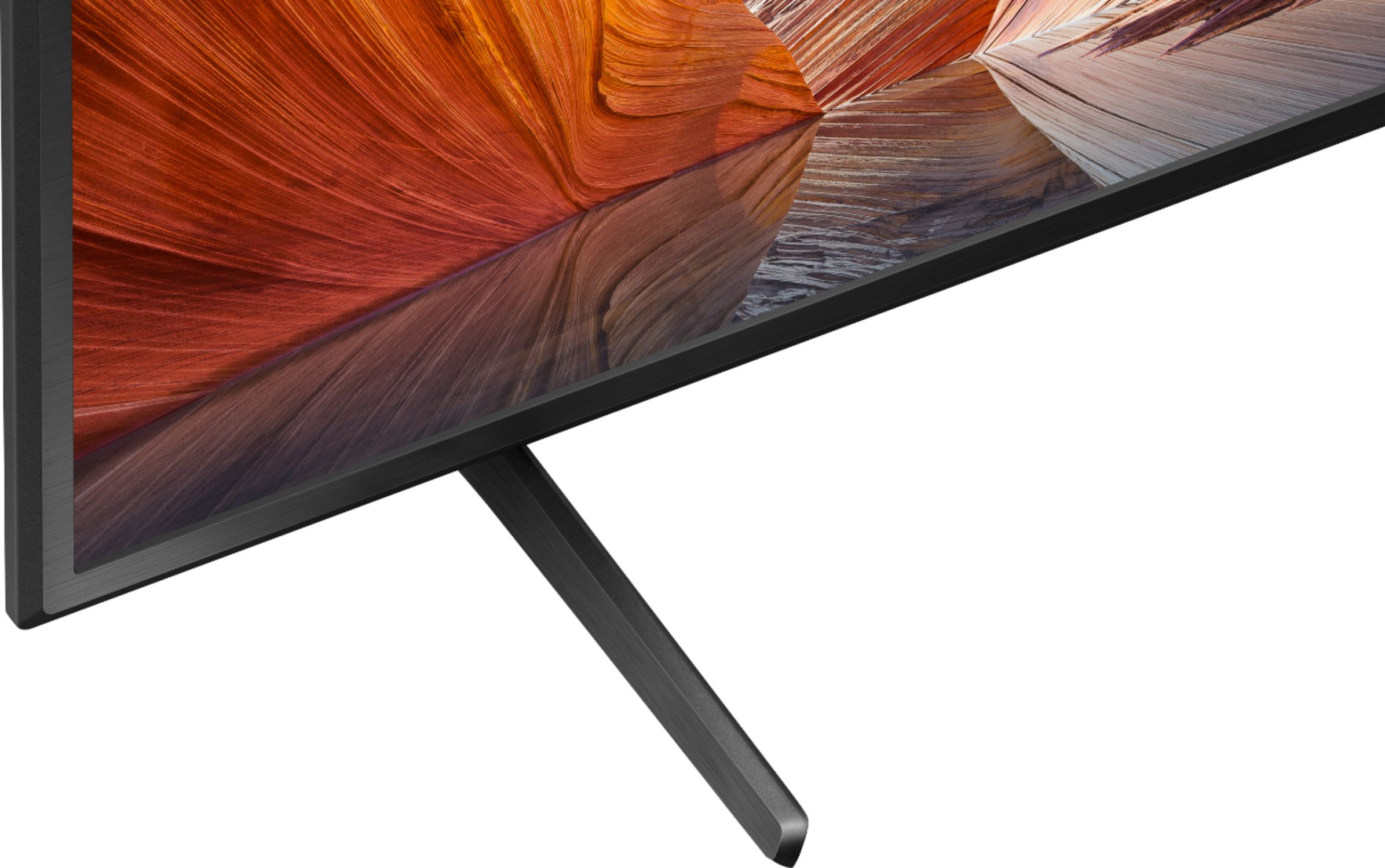
||Posted . Owned for 3 weeks when reviewed.This reviewer received promo considerations or sweepstakes entry for writing a review.Great for the price. Dont like the stand, seems weak...
I would recommend this to a friendBrand response from SonyListens
Posted .Hi MaxStik,
We're sorry to hear that you're having issue with the TV stand of the TV. We apologize for the inconvenience. The Table-top stand has good quality that can support the weight of the TV. This TV comes with the following manuals. Please check the Setup Guide for the TV installation and setup.
In any case that you need our assistance, please email the below information to socialsupport@am.sony.com or chat with us from Sony’s e-support webpage. Apologies if you disclosed some of this information in your review and to customer service, we just want to ensure that we have your accurate details at the time of communication.
Full Name:
Best Buy Username:
Telephone Number:
Sony Model Number:
Additional Information regarding your experience with the X80J:
We are sorry for the inconvenience and hope to speak to you to resolve this matter. We appreciate you and thanks again for shopping Sony!
Sincerely,
Jay
Sony TV
||Posted . Owned for 4 months when reviewed.This reviewer received promo considerations or sweepstakes entry for writing a review.This TV has been ok so far. Our other TV gave out so we got this as a replacement. We have a different Samsung in our bedroom and picture quality wise, this doesn't match up the same.
I would recommend this to a friendBrand response from SonyListens
Posted .Hi Imac, we're glad you like our product. We' understand your concern with the picture quality of your SONY unit. You can configure various settings related to the TV display such as color and brightness for picture quality, or screen size. Please follow this link for more details:
https://helpguide.sony.net/tv/iusltn1/v1/en-003/01-03-09_01.html
May we contact you to help? If so, please email the below information to socialsupport@am.sony.com.
Apologies if you disclosed some of this information in your review and to customer service, we just want to ensure that we have your accurate details at the time of communication.
Full Name:
Best Buy Username:
Telephone Number:
Sony TV Model Number:
Additional Information regarding your experience with the X80J
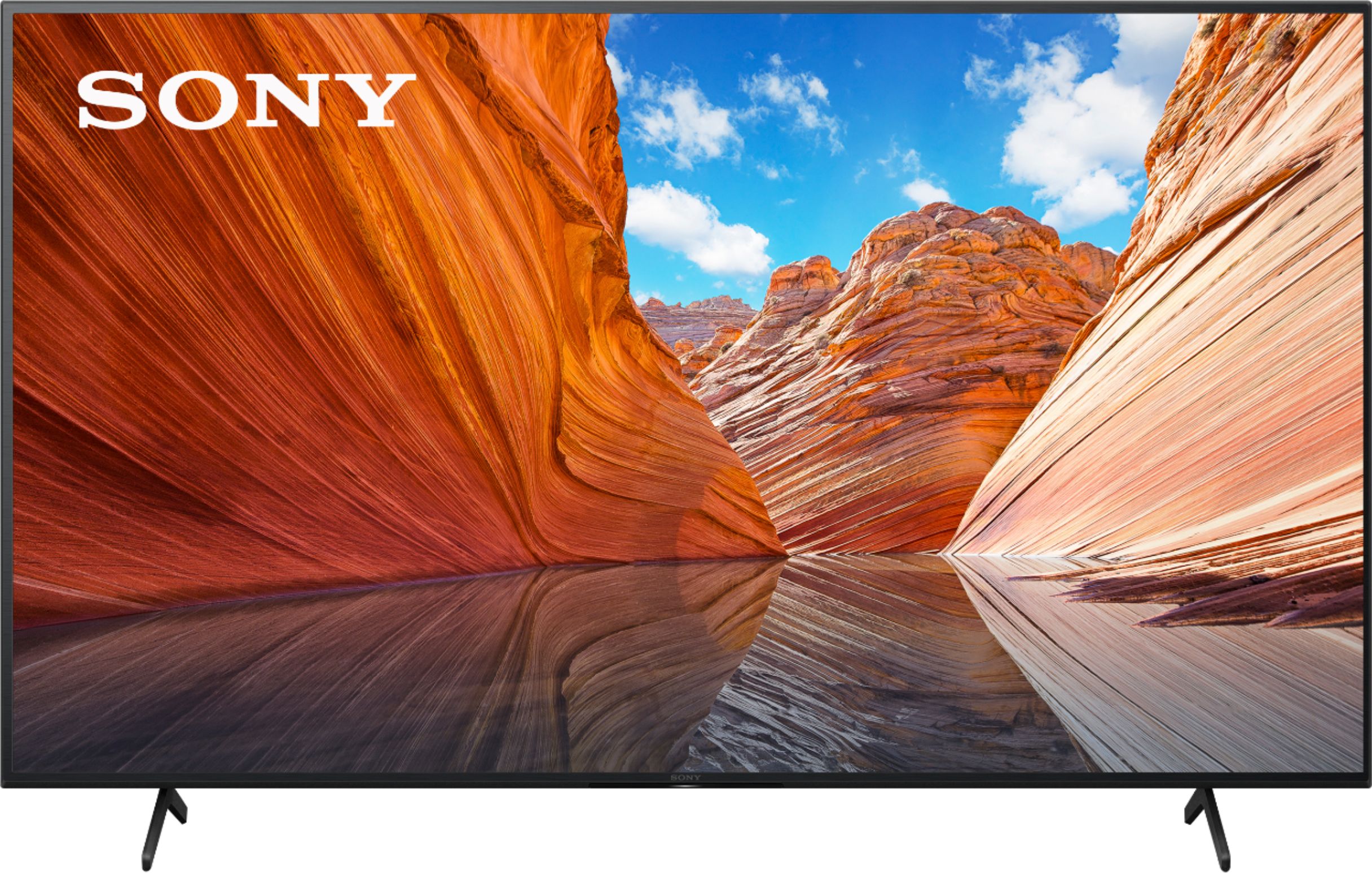
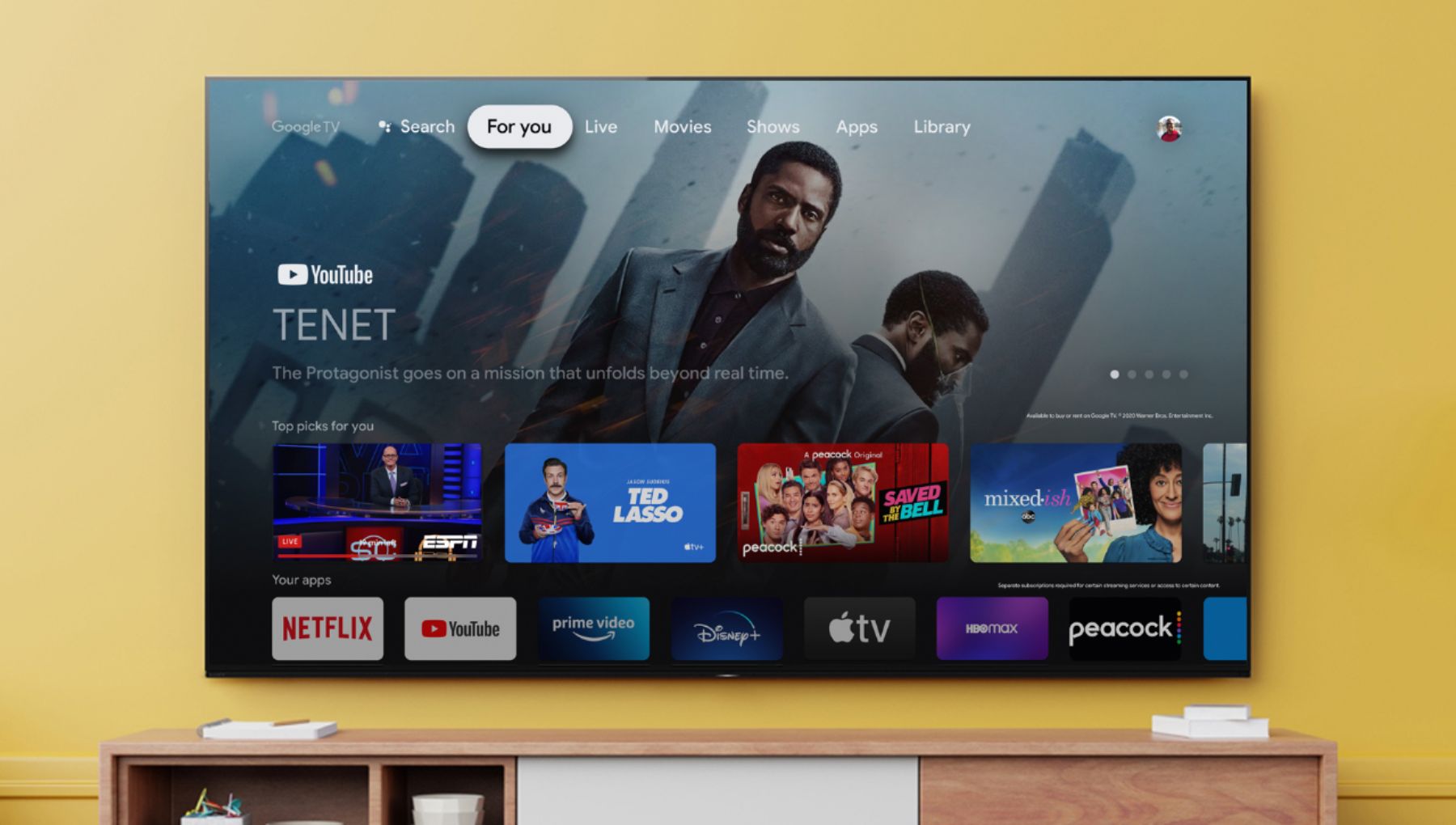
Enjoy an intuitive smart TV experience with natural color and clear sound with the BRAVIA X80J LED TV. The powerful 4K HDR Processor X1 reduces digital noise and boosts details for lifelike picture quality. Google TV gives you access to all your favorite streaming apps, while Google Assistant easily searches for content and controls your smart home simply by using your voice. Thank you for choosing SONY. ~Earl
Decent quality
||Posted . Owned for 1 month when reviewed.This reviewer received promo considerations or sweepstakes entry for writing a review.Decent quality. Don't like you have to signup for Google- Wish had easier options.
I would recommend this to a friendBrand response from SonyListens
Posted .Hi Decent,
Thank you for purchasing our X80J 4K Ultra HD Smart Google TV. We are glad you like the quality of the TV. We value your input and appreciate the feedback. Signing into your Google account to setup the TV is optional. You can still use the TV without a Google account. Please visit this link for more information: https://helpguide.sony.net/tv/iusltn1/v1/en-003/07_12.html. During the initial setup, you can select SKIP if the Set up your TV with an Android phone or tablet or Do you have an Android phone or tablet? screen is displayed. Hope this helps.
Enjoy an intuitive smart TV experience with natural color and clear sound with the BRAVIA X80J LED TV. The powerful 4K HDR Processor X1 reduces digital noise and boosts details for lifelike picture quality. Google TV gives you access to all your favorite streaming apps, while Google Assistant easily searches for content and controls your smart home simply by using your voice. Thank you for sharing your feedback. -Jess
It’s okay
||Posted . Owned for 1 month when reviewed.This reviewer received promo considerations or sweepstakes entry for writing a review.It’s alright. I already own a oled tv, so I am a little spoiled. Also ty Stand is a little wobbly. I’ll be hanging it up as soon as I can.
I would recommend this to a friendBrand response from SonyListens
Posted .Hi Gabbiepreuss, Thank you for the feedback on your experience with your new Sony TV. You've made the right choice picking this one for its powerful 4K HDR Processor X1 reduces digital noise and boosts details for lifelike picture quality. The supplied TV legs are designed to support the overall weight of your 75" TV. It is also sturdy and sufficient to hold it in place. Also, it has Google TV gives you access to all your favorite streaming apps, while Google Assistant easily searches for content and controls your smart home simply by using your voice. Thanks for choosing Sony! -Sam
New Sony TV
||Posted . Owned for 3 weeks when reviewed.This reviewer received promo considerations or sweepstakes entry for writing a review.having issues with interaction with my surround sound system and my Sony 75 inch TV cannot get resolved.
I would recommend this to a friendBrand response from SonyListens
Posted .Hi Lesliet,
Thank you for sharing your thoughts and experience using your X80J. We regret to know you're having some audio issues with your TV and sound system. We would like to know more about the situation that you faced with the speaker. We value your input and appreciate the feedback. In the meantime, you may follow the steps from the link below to troubleshooting the issue between your TV and sound system.
https://www.sony.com/electronics/support/televisions-projectors-lcd-tvs-android-/kd-75x80j/articles/00191214
We want to make sure you’re taken care of. For us to better assist you, please email the below information to socialsupport@am.sony.com.
Apologies if you disclosed some of this information in your review and to customer service, we just want to ensure that we have your accurate details at the time of communication.
Full Name:
Best Buy Username:
Telephone Number:
Sony TV Model Number:
Additional Information regarding your experience with the A80J:
We are sorry for the inconvenience and hope to speak to you to resolve this matter.
Sincerely,
Jess
Decent for the price!
||Posted . Owned for 1 week when reviewed.This reviewer received promo considerations or sweepstakes entry for writing a review.Good TV for the price. Good amount of options and inputs. It has a great remote with Google assistant built-in
I would recommend this to a friendBrand response from SonyListens
Posted .Hi 75x80j, We're glad to hear that you appreciate the price, options, inputs, and remote control with Google Assistant. Enjoy an intuitive smart TV experience with natural color and clear sound with the BRAVIA X80J LED TV. The powerful 4K HDR Processor X1 reduces digital noise and boosts details for lifelike picture quality. Google TV gives you access to all your favorite streaming apps, while Google Assistant easily searches for content and controls your smart home simply by using your voice. Thank you for choosing Sony. Jay
TV
||Posted . Owned for 3 weeks when reviewed.This reviewer received promo considerations or sweepstakes entry for writing a review.Great TV. sales rep fair. In fact; never even mentioned information about extended warranties.
I would recommend this to a friendBrand response from SonyListens
Posted .Hello TVREVIEW,
We do apologize for the inconvenience. If you need further assistance with the warranty, please email us at socialsupport@am.sony.com with the following details:
Name:
Best Buy Username:
Model Number:
Issue:
Telephone Number:
Regards,
David
Sony 75 inch Review
||Posted . Owned for 1 week when reviewed.This reviewer received promo considerations or sweepstakes entry for writing a review.Good value at the price I got it for ! Pictures seem to be Ok
I would recommend this to a friendBrand response from SonyListens
Posted .Hi Friscoman, Awesome! We're glad to hear you feel that the X80J is worth its price. Enjoy an intuitive smart TV experience with natural color and clear sound with the BRAVIA X80J LED TV. The powerful 4K HDR Processor X1 reduces digital noise and boosts details for lifelike picture quality. Google TV gives you access to all your favorite streaming apps, while Google Assistant easily searches for content and controls your smart home simply by using your voice. Thanks for choosing Sony! -Sam