Customer Ratings & Reviews










- Model:
- K77XR80
- SKU:
- 6578574
Rating by feature
- Picture Quality
Rating 4.9 out of 5 stars
- Sound Quality
Rating 4.6 out of 5 stars
- Brightness
Rating 4.7 out of 5 stars
Customers are saying
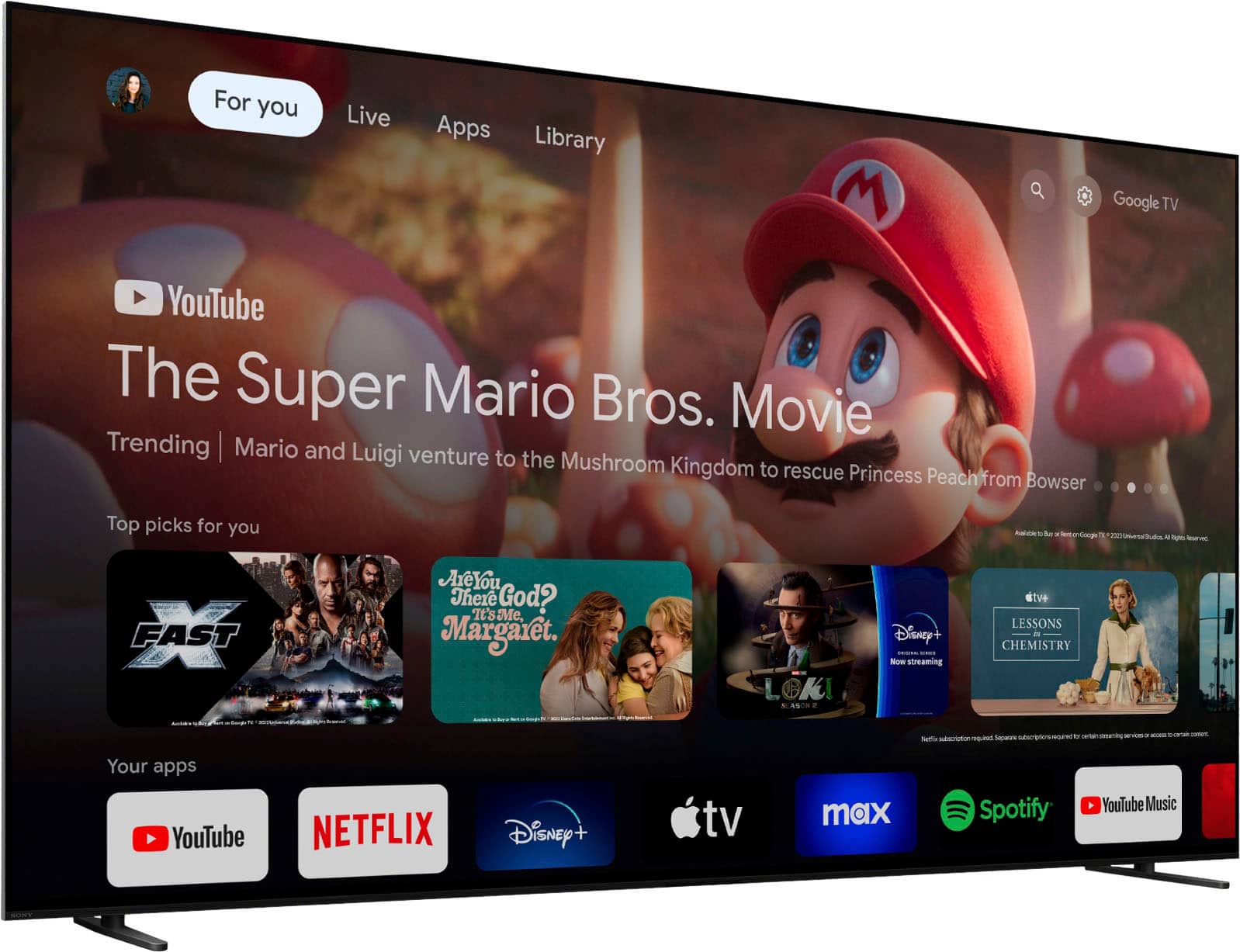
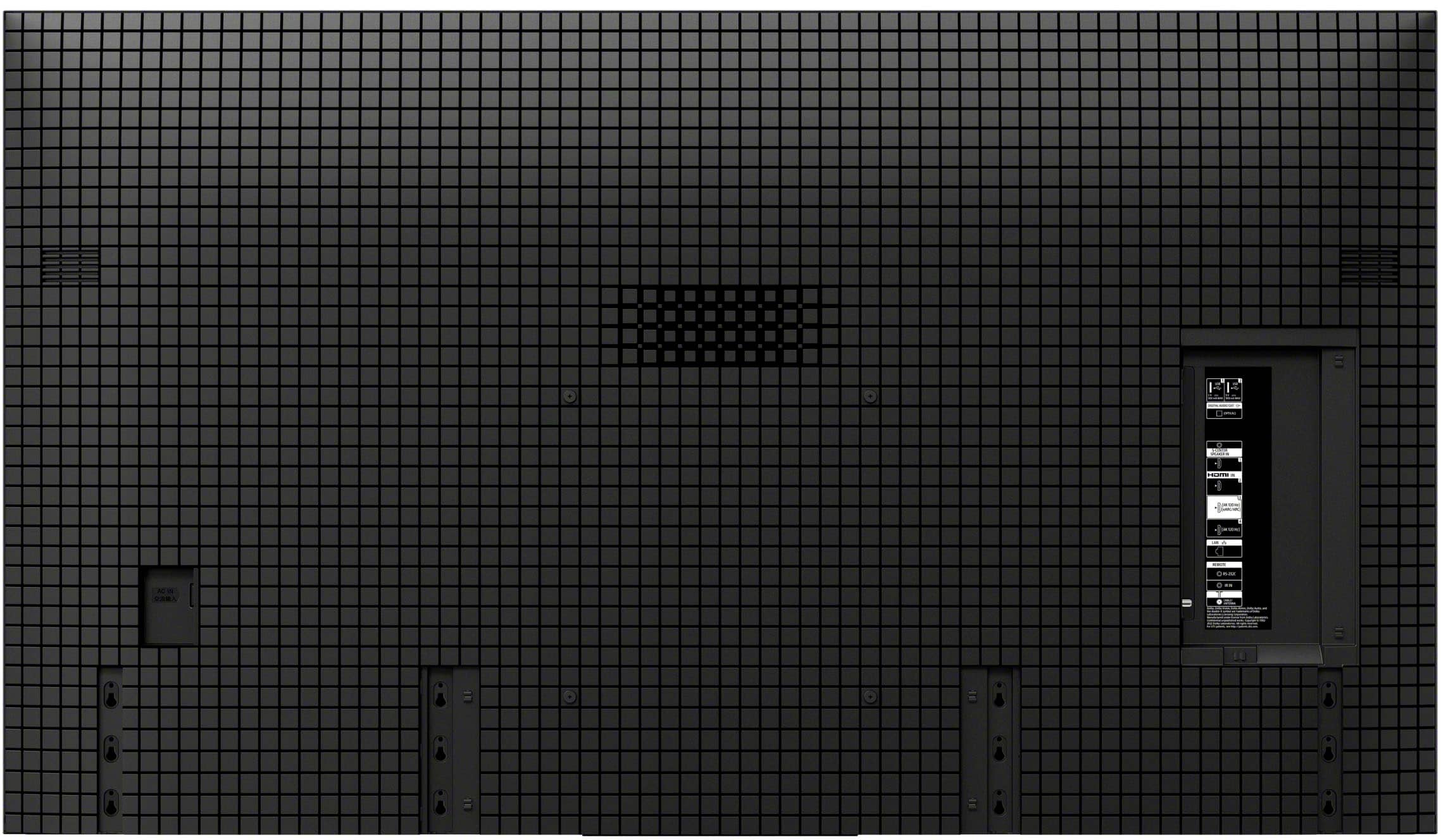
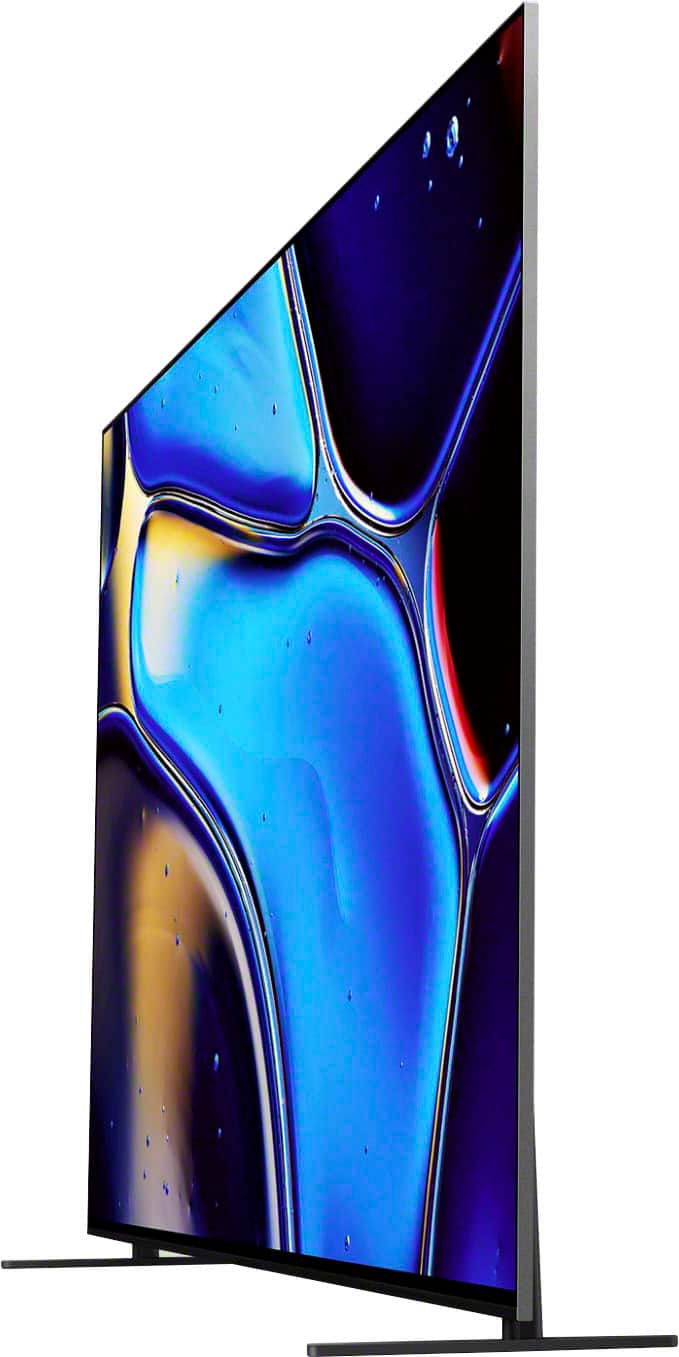
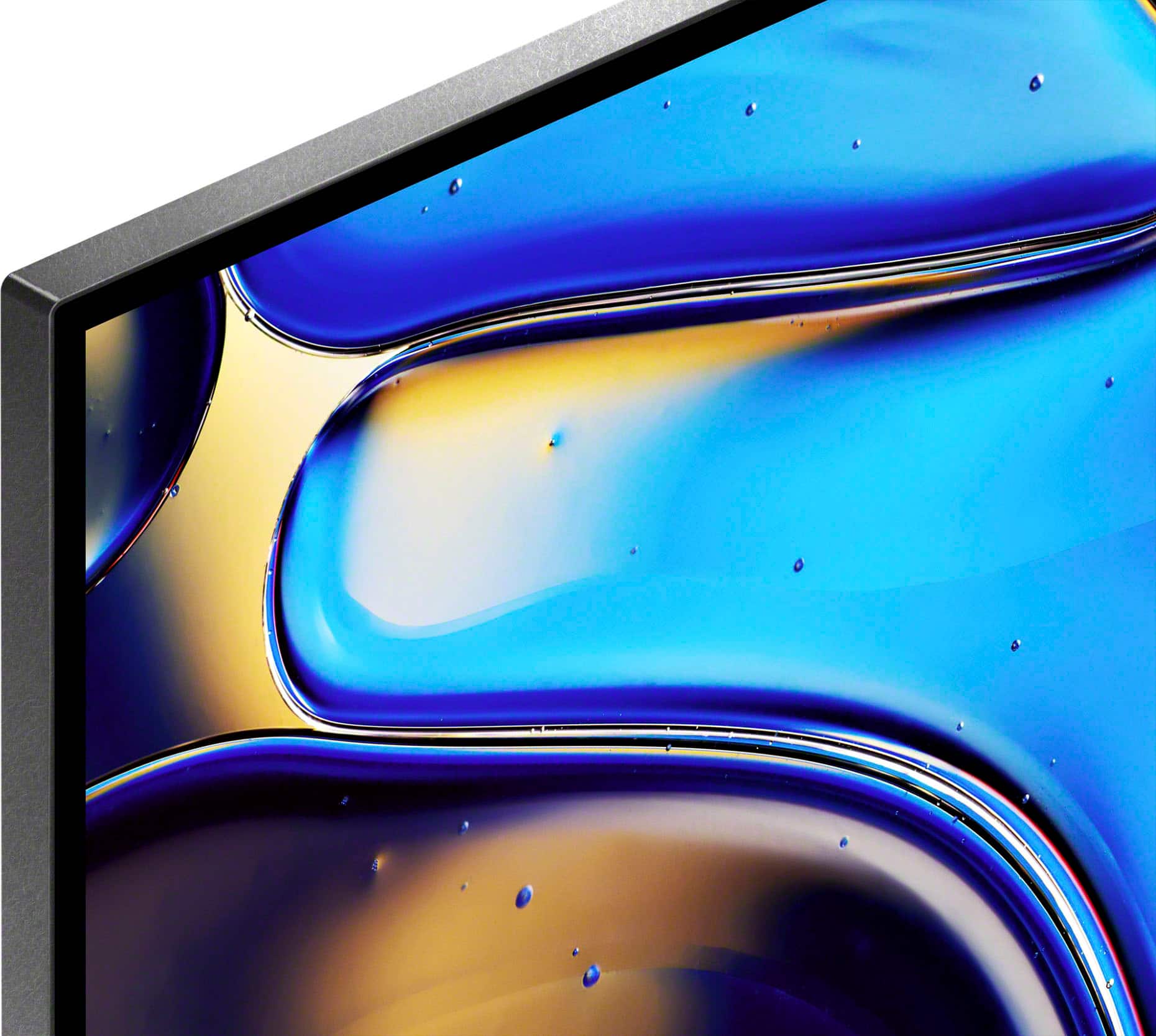
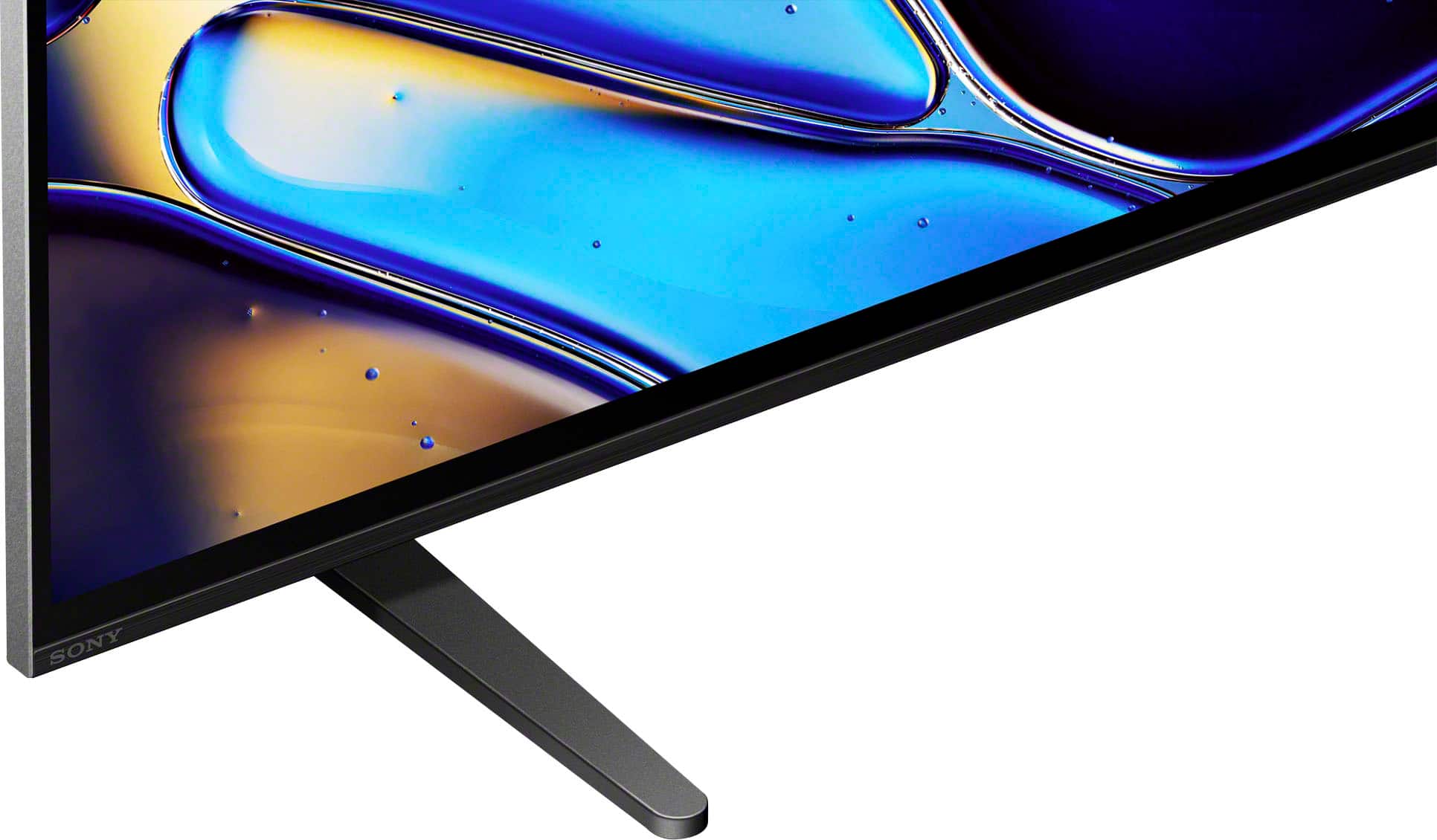
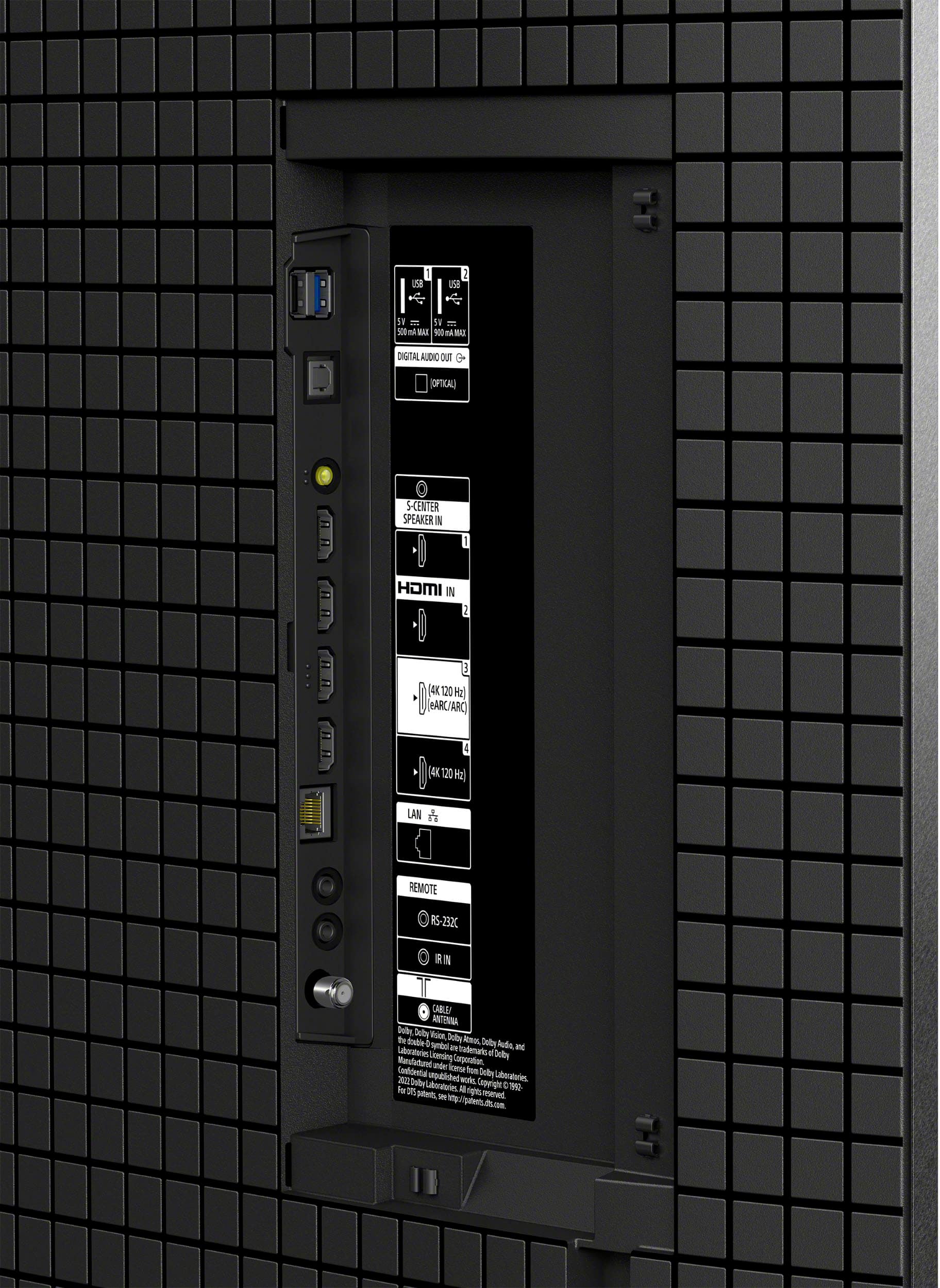
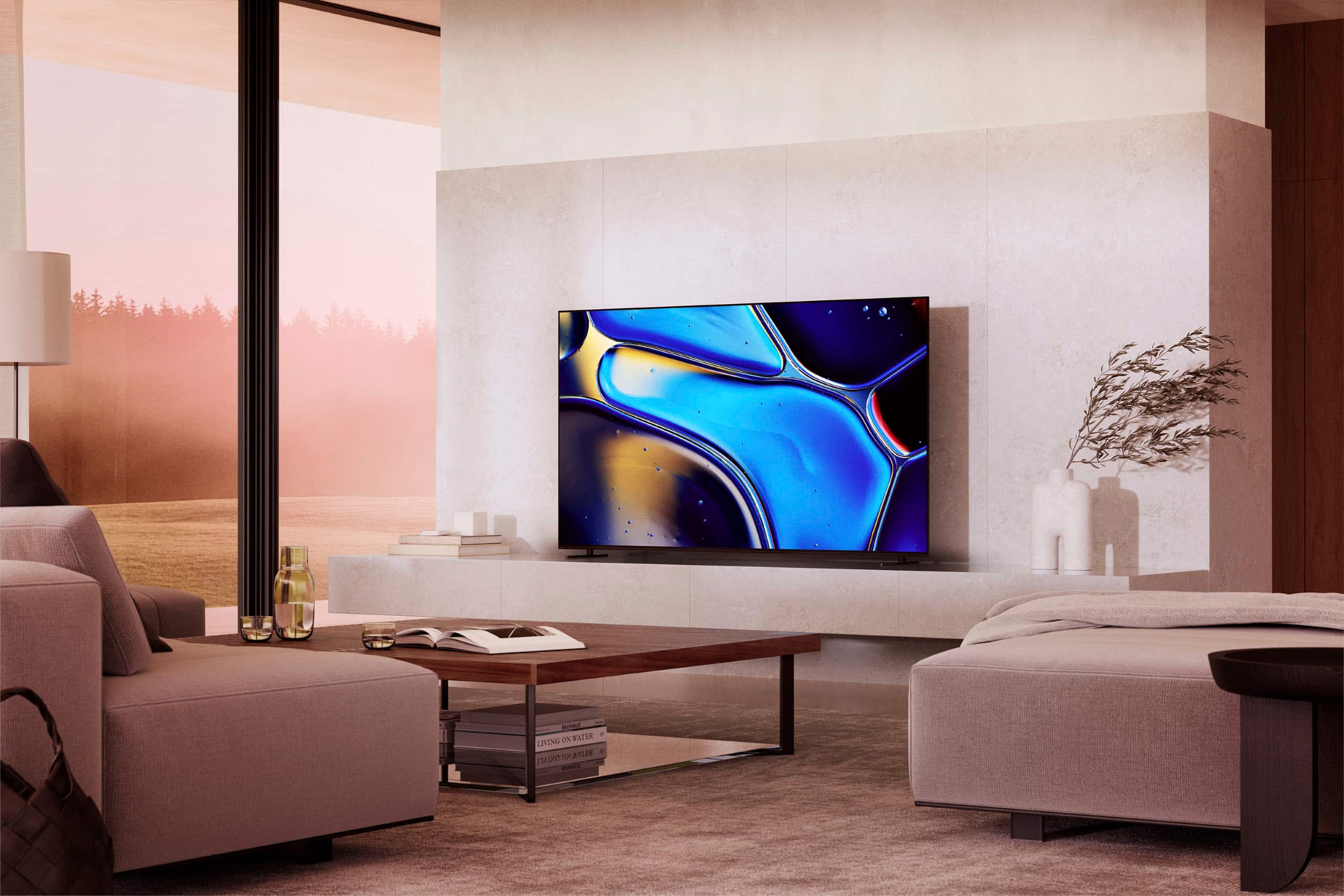
Customers regard the 77" Class BRAVIA 8 OLED 4K UHD Smart Google TV (2024) highly for its exceptional picture quality and vibrant colors. Users find the TV very easy to set up. Some customers have expressed concerns regarding connectivity, specifically mentioning HDMI ports.
This summary was generated by AI based on customer reviews.
- Pros mentioned:Picture qualityCons mentioned:Software
Phenomenal picture quality, poor user experience
||Posted . Owned for 1 week when reviewed.This reviewer received promo considerations or sweepstakes entry for writing a review.Coming from an LG C1, the picture quality of this TV is top tier, when it's working. In the 2 weeks since I've purchased this TV, I've had several instances of the TV automatically restarting...in the middle of watching a show. This occurred when viewing via a connected device (Apple TV 4K 3rd Gen), an internal TV app (Prime Video), and via antenna. Picture quality is phenomenal, Sony Pictures Core is great, Prime Video calibration is fantastic. All of that means nothing if the software is limiting the viewing experience. Lately I've noticed a quick flash of the screen when changing in-between scenes. Maybe it's this model, not sure. Back to LG I go.
No, I would not recommend this to a friendBrand response from SonyListens
Posted .Hi MarvelMax,
Thanks for sharing your review and experience with the BRAVIA 8. We're glad that you like the picture quality and supported apps of the TV. It's unfortunate that you are experiencing issues with the TV. For optimum performance, it is recommended to install the latest software version of the TV. Resetting the TV may also help resolve those issues. For more information, please refer to these links:
https://www.sony.com/electronics/support/articles/00028577
https://www.sony.com/electronics/support/articles/00159487
Hope this helps. If still not resolved or you need further assistance, please email us at socialsupport@am.sony.com with the following details:
Name:
Username:
Model Number:
Issue:
Telephone Number:
Or contact our product support team via phone call or chat through this link:
https://us.esupport.sony.com/support/s/support-contact?language=en_US&category=tv
Sincerely,
-Ralph
- Pros mentioned:Picture quality
Audio Problems
||Posted . Owned for 6 months when reviewed.This reviewer received promo considerations or sweepstakes entry for writing a review.Great TV, love the picture quality but audio is out of sync regularly (once or more per day). A reboot is required, not just powering the TV off and back on. The issue is across all streaming sources, very frustrating.
No, I would not recommend this to a friendBrand response from SonyListens
Posted .Hi Erik,
Thank you so much for sharing your feedback with us. We are thrilled to hear that you’re loving the picture quality on your new K-77XR80.
However, we are very sorry to hear about the audio sync issues you’ve been experiencing.
To help get this fixed, we recommend trying these steps:
-Please ensure your TV software is fully up to date. https://www.sony.com/electronics/support/oled-tvs-android-bravia-8-xr80-/k-77xr80/software/00346878
-Adjust A/V Sync: You can manually calibrate the timing by following the steps in our website https://helpguide.sony.net/tv/musltn1/v1/en-003/contents/TP1001675606.html
For more details on why this happens and a few extra troubleshooting tips, please check out this helpful article: https://www.sony.com/electronics/support/articles/00026069
If the issue keeps happening after trying those steps, please don't hesitate to reach out to our support team directly so we can take a closer look: https://us.esupport.sony.com/support/s/support-contact?language=en_US&category=tv
Thanks for considering Sony and letting us know about this issue.
Warm regards,
Estefany
- Pros mentioned:Picture quality
Super picture- reliability of product questionable
||Posted . Owned for 1 month when reviewed.This reviewer received promo considerations or sweepstakes entry for writing a review.Great picture. However our first one of this product lasted 5 months. Sony were not the greatest to deal with Go Best Buy for taking the reins and securing us a new TV.
No, I would not recommend this to a friendBrand response from SonyListens
Posted .Hi Janec,
Thank you for taking the time to share your feedback with us. While we are pleased that you are enjoying the great picture quality of the BRAVIA 8, we sincerely regret that your first unit did not last as long as it should have.
We truly appreciate your comments, as they help us continue improving our products to deliver the best possible experience to our customers. We are glad to hear that you have secured a new TV now, and we are confident it will provide you with many years of high-quality entertainment.
Thank you for your patience and for considering Sony!
Regards,
Dominick
- Pros mentioned:Picture quality
Happy, but not Estactic
||Posted . Owned for 2 weeks when reviewed.This reviewer received promo considerations or sweepstakes entry for writing a review.I do not like that i have to hold down the fast forward or reverse button. Unlike my other tv's you simply click it to the speed to fast forward then hit play to continue. Is the color great. I think after getting it home i would have been more pleased with the other 77" oled option i was looking at. I purchased because of the brand and reputation, but think i should have gone with my first intuition and purchased the samsung oled, the same brand as my other tv's. Happy, but not overjoyed. Oh, ive had the tv for a few weeks now! I may return it, still contemplating.
No, I would not recommend this to a friendBrand response from SonyListens
Posted .Hi Lesley,
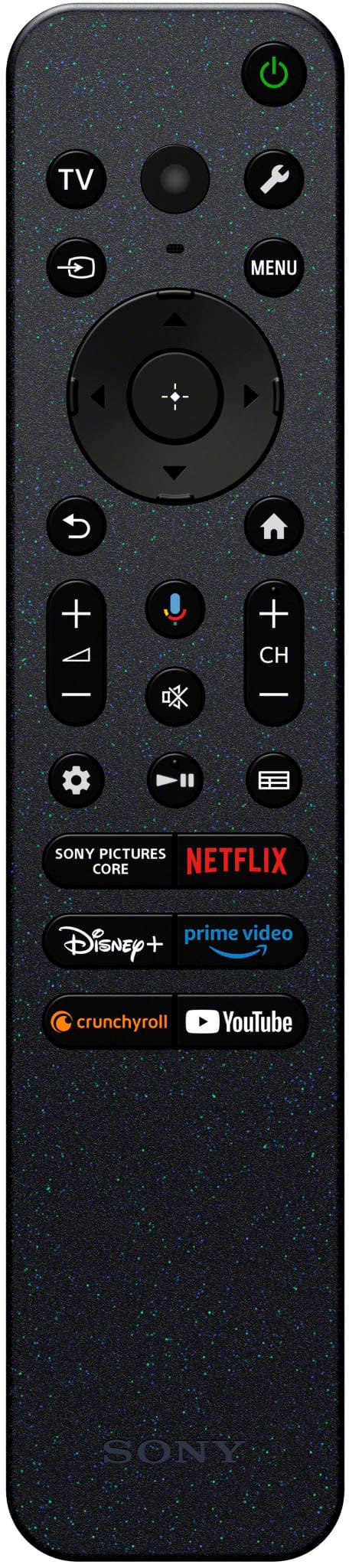
Thank you for sharing your thoughts and experience using your BRAVIA 8 OLED 4K Ultra HD Google TV. We apologize for any disappointment you may have experienced with its performance. Your feedback is highly valued as we aim to enhance our products and the overall user experience. We also understand your need for a forward or back functions on the TV. If you are inside an app/streaming app, rewind and fast forward can be controlled either by pressing the left or right directional buttons. However, we cannot guarantee if these buttons will also work if you're watching from another source/input device. Some sources/input devices will have a built-in fast forward or rewind option within the app.
It's unfortunate that you are considering returning the unit. If you need more information or technical assistance with your product, please feel free to contact us and we'll be more than happy to assist you. For future reference, we can offer assistance on how to set up or operate the features and functions of your Sony Home audio system by visiting our Sony Support website to download the help guide and look for additional information about your product. Also, you can chat with one of our agents who would be glad to help.
You may also send us an email at socialsupport@am.sony.com with the following:
Name:
Best Buy Username:
Model Number:
Issue:
Telephone Number:
Sincerely,
Jess
- Cons mentioned:Connectivity
Auto off
||Posted . Owned for 5 months when reviewed.This reviewer received promo considerations or sweepstakes entry for writing a review.Keeps cutting off while watching all setting have been adjusted like it said
I would recommend this to a friendBrand response from SonyListens
Posted .Hello JenaS, thank you for bringing this to our attention! We sincerely apologize for the inconvenience you're experiencing with your BRAVIA 8 turning off unexpectedly. To offer you personalized assistance, please send us an email at socialsupport@am.sony.com. In your message, kindly include your name, Best Buy username, TV model number, a description of the issue, and your telephone number. We look forward to assisting you! Sincerely, -Jenn.
Disappointed
||Posted . Owned for less than 1 week when reviewed.This reviewer received promo considerations or sweepstakes entry for writing a review.Good TV I guess, picture is not worth the difference I paid. Probably could have bought a TV with as good a picture for a lot less.
No, I would not recommend this to a friendBrand response from SonyListens
Posted .Hi MarkB,
Thanks so much for sharing your feedback about the BRAVIA 8. We're sorry to hear that the picture quality hasn’t quite matched up to your expectations.
BRAVIA 8 is designed to deliver sharp images, vibrant color and smart features to make watching just about anything simple and enjoyable. That said, we know it’s important that you feel the value is there.
If there’s anything we can help out with; tips to tweak the picture settings or more info about what might improve your viewing experience, our support team is always here for you. You can find their contact information here: https://us.esupport.sony.com/support/s/support-contact?language=en_US&category=tv
Thanks for considering Sony products. We truly appreciate you taking the time to let us know how you feel.
Sincerely,
Estefany
OK- not worth the price
||Posted . Owned for 1 month when reviewed.This reviewer received promo considerations or sweepstakes entry for writing a review.We have had this for 6 weeks and the picture is so dark- we have messed with all million of the settings and it’s just OK. Sport streaming isnt very good and the apps feeeze and close out of nowhere. Returning this to stay in the samsung family. Not worth thr price tag
No, I would not recommend this to a friendBrand response from SonyListens
Posted .Hi Alid,
We regret to hear that you are not satisfied with the picture quality of the TV. Sony's commitment to customer satisfaction is our top priority.
For optimum performance, make sure that the software version of the TV is up-to-date. You may find this link helpful:
https://www.sony.com/electronics/support/articles/00028577
Picture quality may vary depending on the source content. You have the option to adjust the settings of the TV to fine-tune the picture quality depending your needs. You may find these links helpful:
https://helpguide.sony.net/tv/lusltn1/v1/en-003/01-03-09_01.html
https://www.sony.com/electronics/support/articles/00245141
Hope this helps. If still not resolved or you need further assistance, please contact our product support team via phone call or chat through this link:
https://us.esupport.sony.com/support/s/support-contact?language=en_US&category=tv
Sincerely,
-Ralph
Streaming Problem
||Posted . Owned for 2 months when reviewed.This reviewer received promo considerations or sweepstakes entry for writing a review.Dont buy Sony if you are going to use Directv streaming. There is a compatibility problem between the Sony and the Google Gemini that Sony uses. There is no fix and neither company is working on it. The TV will reboot everytime you turn it on and that is a real Pain.
No, I would not recommend this to a friendBrand response from SonyListens
Posted .Hi Billil70,
We regret to hear that you are not satisfied with the TV. Sony's commitment to customer satisfaction is our top priority. For optimum performance, make sure that the software version of the TV is up-to-date.
For app related issues, please refer to the troubleshooting steps on this link:
https://www.sony.com/electronics/support/articles/00108468
Resetting the TV to factory settings may also help resolve those issues including the rebooting issue. You may find this link helpful:
https://www.sony.com/electronics/support/articles/00159487
Hope this helps. If still not resolved or you need further assistance, please email the below information to socialsupport@am.sony.com.
Name:
Username:
Model Number:
Issue:
Telephone Number:
Or contact our product support team via phone call or chat through this link:
https://us.esupport.sony.com/support/s/support-contact?language=en_US&category=tv
Sincerely,
-Ralph
Sony tv
||Posted . Owned for 1 month when reviewed.This reviewer received promo considerations or sweepstakes entry for writing a review.The biggest issue is the brightness of the picture. Not worth the extra money I paid.
No, I would not recommend this to a friendBrand response from SonyListens
Posted .Hi Applewatch, we're truly sorry to hear you're not satisfied with your BRAVIA 8 TV. We understand how important picture quality is. We've noted your feedback regarding the brightness of the television. Your input is invaluable as we continuously strive to improve our products.
If you require any assistance with your television or would like to explore potential solutions to optimize your picture settings, please don't hesitate to contact our technical support team at https://us.esupport.sony.com/support/s/support-contact?language=en_US&category=tv
Thanks for considering Sony products and for your feedback.
Best regards,
Estefany
Review
||Posted . Owned for 2 weeks when reviewed.This reviewer received promo considerations or sweepstakes entry for writing a review.Had issues with enlarged pixels during darker scenes. Was really excited for this tv but had to return unfortunately. I did really enjoy the dashboard layout and Google functionality.
No, I would not recommend this to a friendBrand response from SonyListens
Posted .Hi MichaelV,
Thanks for sharing your review and experience with the BRAVIA 8 TV. We're glad that you like the user-interface and Google software of the TV. Your feedback about the TV screen is greatly appreciated.
The LCD screen is made with high-precision technology to achieve a high level of performance and picture quality. To achieve this level of performance, the backlight setting of the TV is set to maximize the screen brightness. However, you may notice uneven brightness on the TV when watching in a dark environment or when the screen is blank. This condition is normal and not a malfunction of the TV. Adjustments using the TV settings can be done to minimize this condition. It is also recommended to install the latest software version of the TV for optimum performance.
Thanks again for sharing your review and we hope you will consider Sony for your future purchases.
-Ralph
Pretty good tv.
||Posted .This reviewer received promo considerations or sweepstakes entry for writing a review.Pkcture quality could be better for the price. I have always loved sony tvs. My last one lasted me 18 years and its still going in the basement.
I would recommend this to a friendBrand response from SonyListens
Posted .Hi KIMBERLY,
Thanks for sharing your review and experience with the BRAVIA 8 TV. Your feedback about its picture quality is greatly appreciated. For optimum performance, make sure that the software version of the TV is up-to-date. Picture quality may vary depending on the source content. You have the option to adjust the settings of the TV to fine-tune the picture quality to your needs. For more information, please refer to these links:
https://www.sony.com/electronics/support/articles/00028577
https://helpguide.sony.net/tv/lusltn1/v1/en-003/01-03-09_01.html
https://www.sony.com/electronics/support/articles/00245141
Hope this helps. In case you need further assistance, please email us at socialsupport@am.sony.com with the following details:
Name:
Username:
Model Number:
Issue:
Telephone Number:
Or contact our product support team via phone call or chat through this link:
https://us.esupport.sony.com/support/s/support-contact?language=en_US&category=tv
Sincerely,
-Ralph
A bit disappointed
||Posted . Owned for 1 month when reviewed.This reviewer received promo considerations or sweepstakes entry for writing a review.Not as delighted with this purchase as I initially thought I would be.
No, I would not recommend this to a friendBrand response from SonyListens
Posted .Hi Printer,
Thank you for sharing your feedback, and we're truly sorry to hear that you're not as delighted with your BRAVIA 8 OLED as expected. We’d love to help make your experience better. If you have any specific concerns or issues, please let us know, and we can assist with adjustments or settings to improve your viewing experience. Please email the following information to socialsupport@am.sony.com. Apologies if you've already shared this information with customer service — we just want to ensure we have your most accurate details:
Full Name:
Best Buy Username:
Telephone Number:
Additional Information regarding your experience with the BRAVIA 8.
Thank you for your patience, and we look forward to improving your experience!
Sincerely,
Maria