Customer Ratings & Reviews
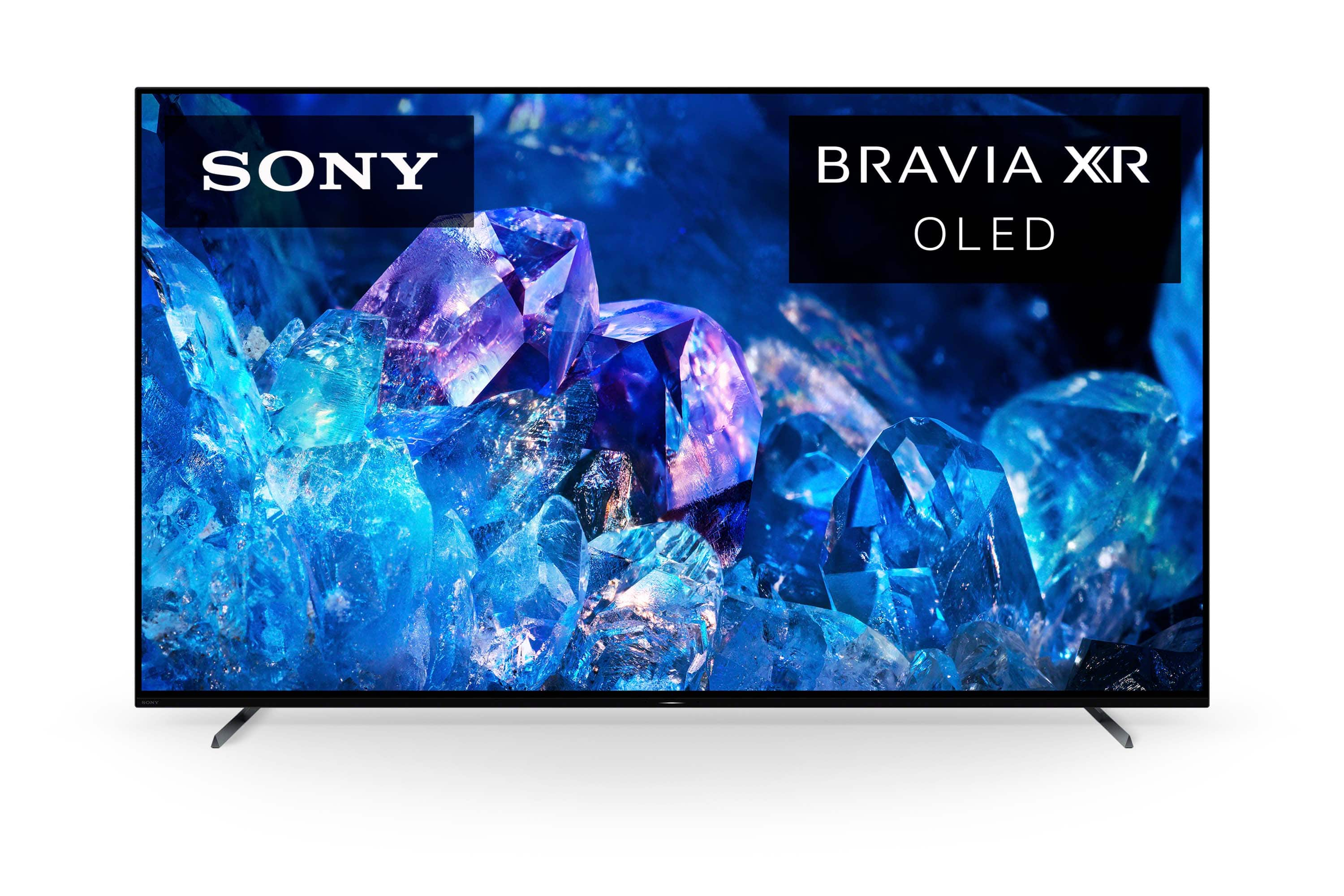
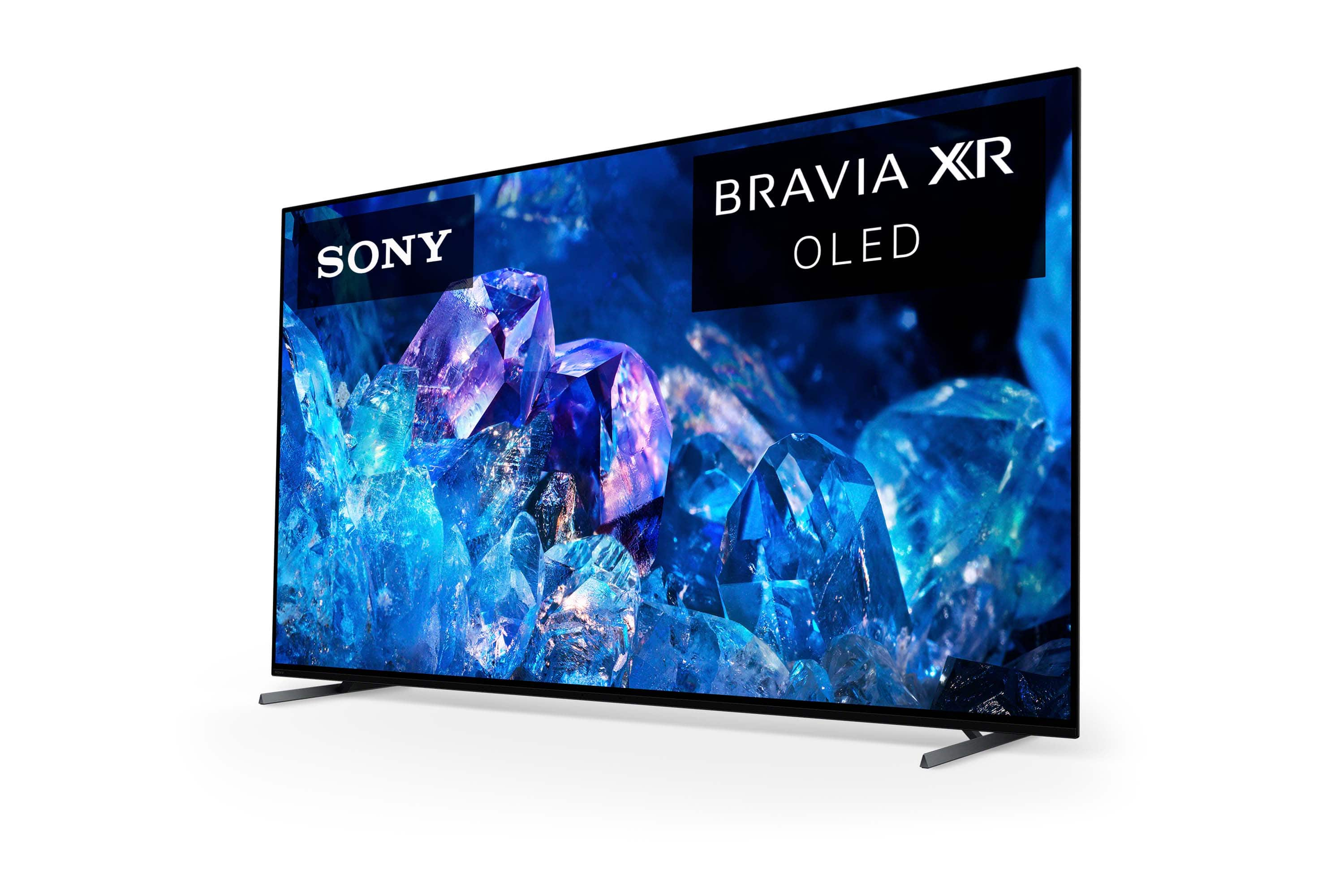
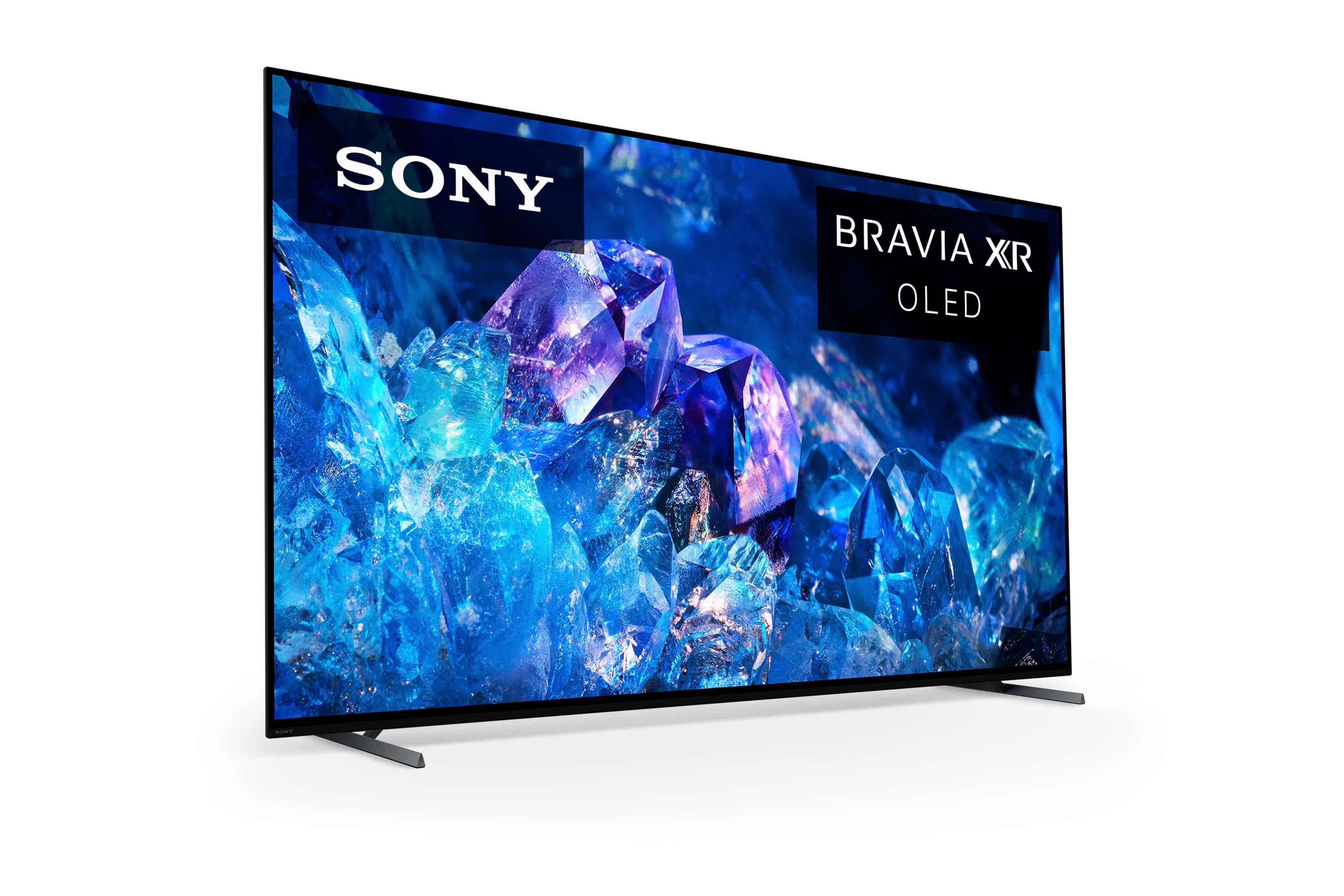
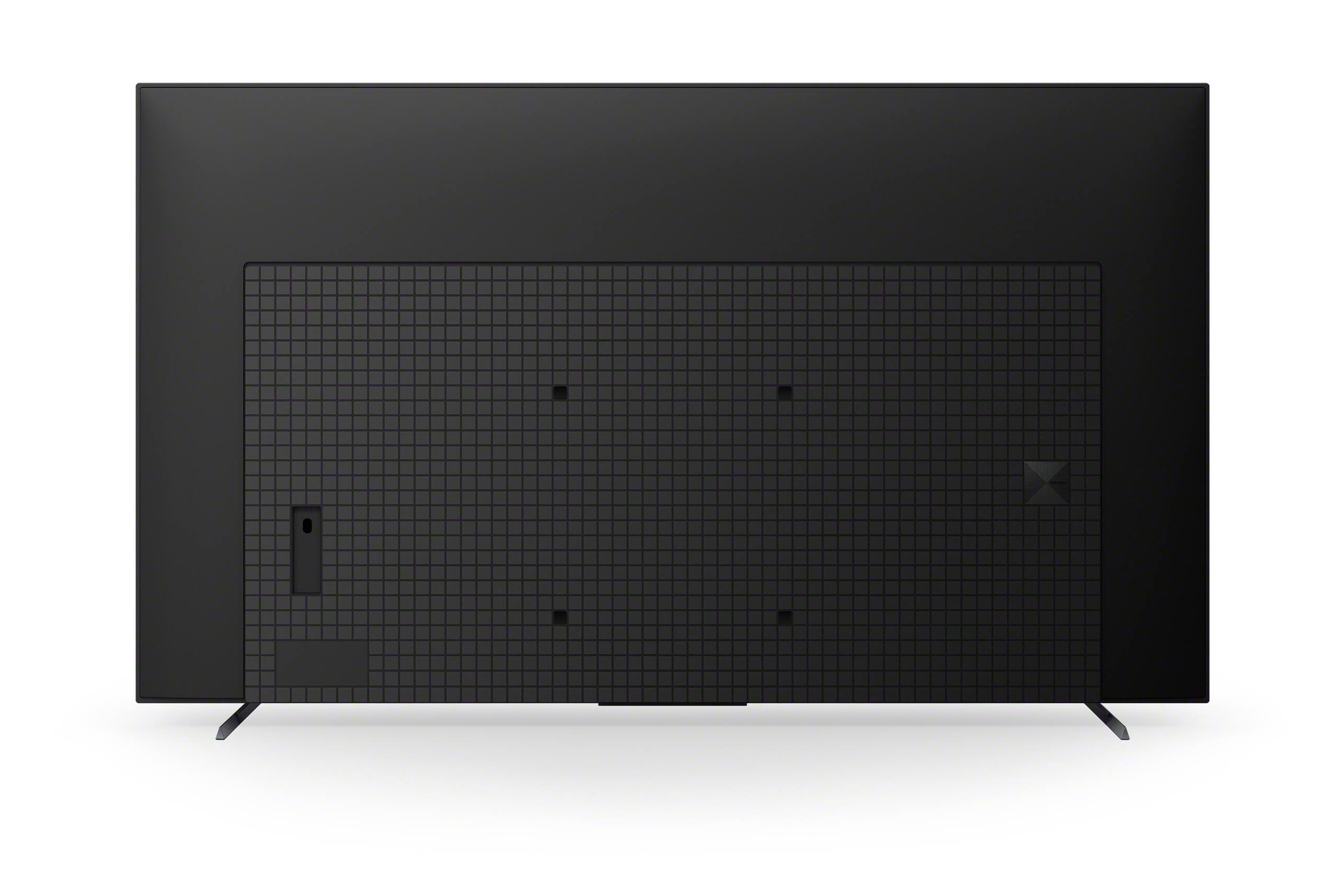






- Model:
- XR77A80K
- SKU:
- 6502608
Rating by feature
- Picture Quality
Rating 4.8 out of 5 stars
- Sound Quality
Rating 4.6 out of 5 stars
- Brightness
Rating 4.8 out of 5 stars
Customers are saying
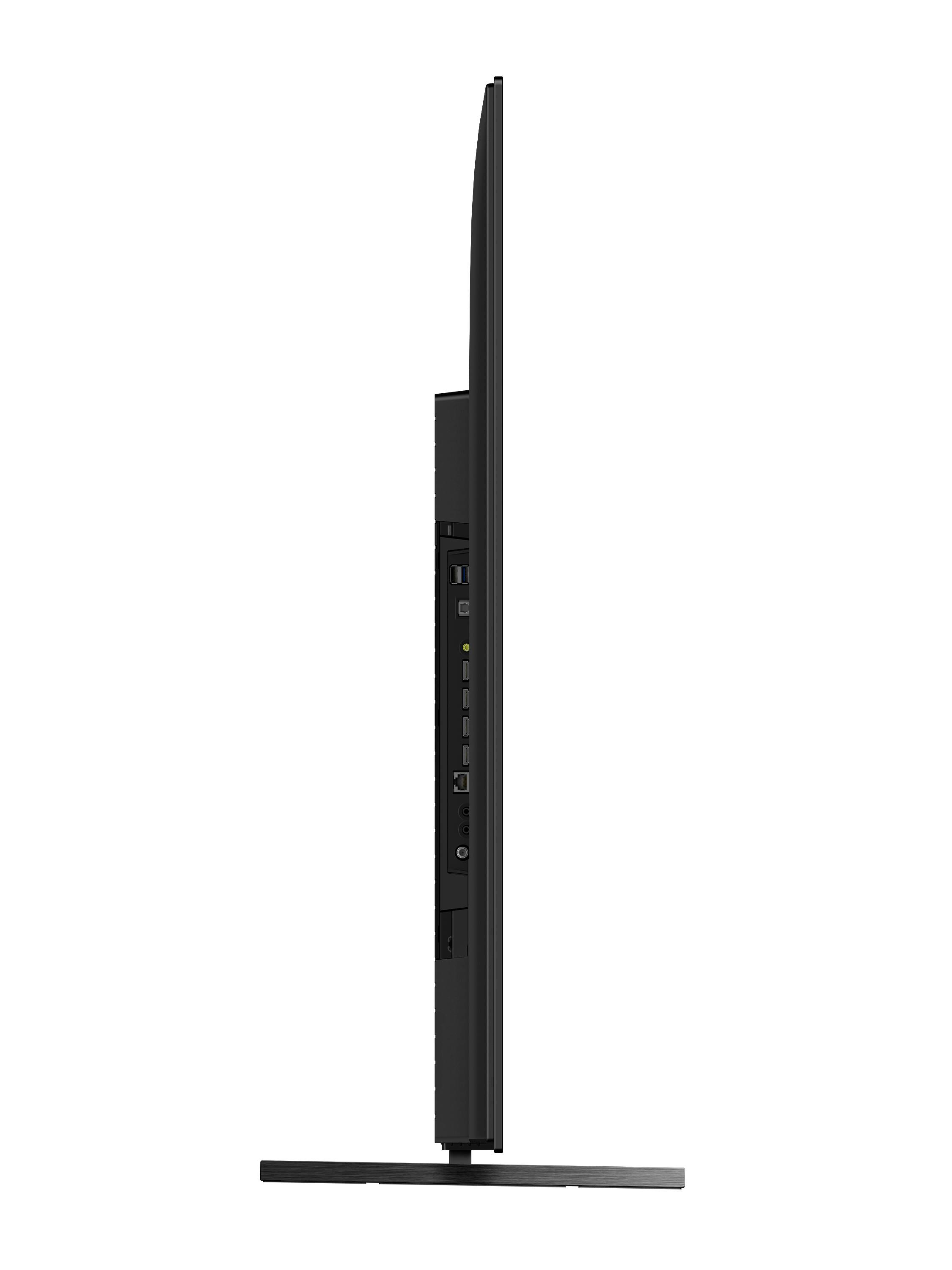
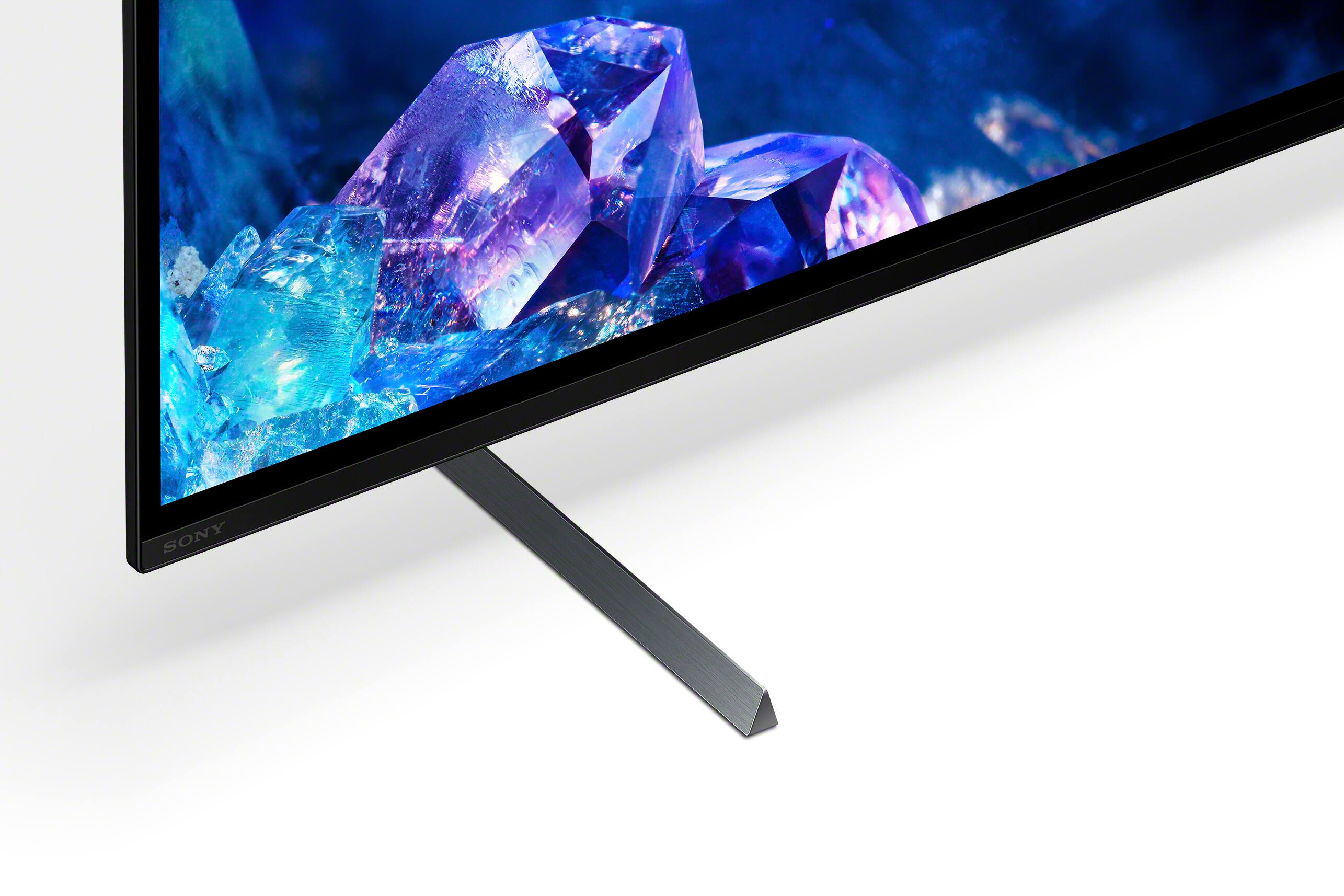
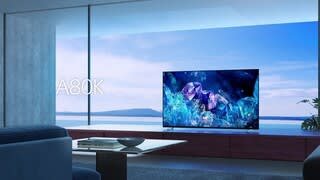
Customers have good things to say about the picture quality, color, and OLED display of the 77" Class BRAVIA XR A80K OLED 4K UHD Smart Google TV. They describe the picture quality as fantastic, with excellent clarity and vibrant colors. Customers also appreciate the deep blacks and top-tier contrast of the OLED display. However, some customers find the TV to be expensive and express disappointment with the installation service.
This summary was generated by AI based on customer reviews.
2022 picture, 1988 sound choices
Posted .This reviewer received promo considerations or sweepstakes entry for writing a review.What I find incredible about today's televisions, and especially the 83" OLED 4K Sony we paid nine grand for: there's only one sound source at a time, no matter what. So, if I'm wearing bluetooth hearing aids because I can't bloody hear, and my wife's hearing is just fine, I can't listen on my hearing aids because then she won't be able to hear speakers, sound bar -- anything. Any one choice of audio source blocks every other audio source. In today's tech context, this makes absolutely no sense.
I would recommend this to a friendBrand response from SonyListens
Posted .Hi SayWhat, Thank you for taking the time to review the BRAVIA XR A80K TV! We apologize for any inconvenience. The XR77A80K supports wireless Bluetooth Audio (A2DP) pairing with compatible wireless headphones and speakers. However, the operation of hearing aids is not guaranteed. Please check this link on how to listen to your TV through headphones and the TV speakers, soundbar, or another audio device at the same time: https://www.sony.com/electronics/support/televisions-projectors-oled-tvs-android-/xr-77a80k/articles/00201347.
If you are unable to resolve your concern, please chat with us from Sony’s e-support webpage. Hope this helps! Jay
Sony 77 inch.
Posted .This reviewer received promo considerations or sweepstakes entry for writing a review.Great tv would buy another one awesome highly recommend geek squad done a excellent job on installing highly recommend them also.
I would recommend this to a friendBrand response from SonyListens
Posted .Hi Readyforfootnall, That's great! We're glad to hear that! With the BRAVIA XR A80K you will enjoy a premium OLED picture with contrast and color that feels deep, natural, and real. The revolutionary Cognitive Processor XR™ reproduces content the way humans see and hear for an incredibly lifelike experience. Thank you for the recommendation! Jay
Not worth the hassle!
Posted .This reviewer received promo considerations or sweepstakes entry for writing a review.Two hardware failures in 16 months and of course, right after 1yr manufacturer warranty. Ensure you get the Best Buy membership for extended warranty, which somehow got cancelled without my knowledge.
No, I would not recommend this to a friend- Cons mentioned:Screen
$3,000 TV has BLACK SCREEN OF DEATH in just 2 days
Posted .This reviewer received promo considerations or sweepstakes entry for writing a review.I had this tv for 2 days and the screen started to freak out and all of a sudden went black. I could still hear sound but the screen never came back on. I have a video but BestBuy only allows pictures
No, I would not recommend this to a friendBrand response from SonyListens
Posted .Hi Matt,
We're sorry to hear about what happened to the TV. We apologize for the inconvenience. What are the devices connected? What is the current source? Please disconnect the HDMI devices and perform a power reset. Restart the TV with the supplied remote control: Press and hold the POWER button until Power off appears on the screen or Press and hold the POWER button until a menu appears → select Restart.
If you are unable to resolve your concern, you can isolate and resolve the issue by following the troubleshooting steps from this link: https://www.sony.com/electronics/support/televisions-projectors-oled-tvs-android-/xr-77a80k/articles/00200862
In any case that you need our assistance, please email the below information to socialsupport@am.sony.com or chat with us from Sony’s e-support webpage. Apologies if you disclosed some of this information in your review and to customer service, we just want to ensure that we have your accurate details at the time of communication.
Full Name:
Best Buy Username:
Telephone Number:
Sony Model Number:
Additional Information regarding your experience with the A80K:
We are sorry for the inconvenience and hope to speak to you to resolve this matter. We appreciate you and thanks again for shopping Sony!
Sincerely,
Jay