Customer Ratings & Reviews
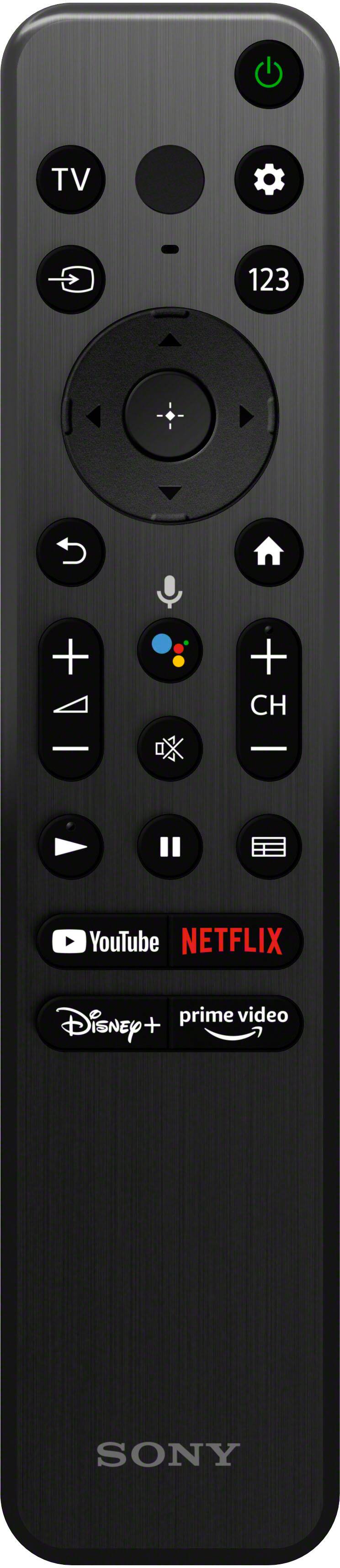
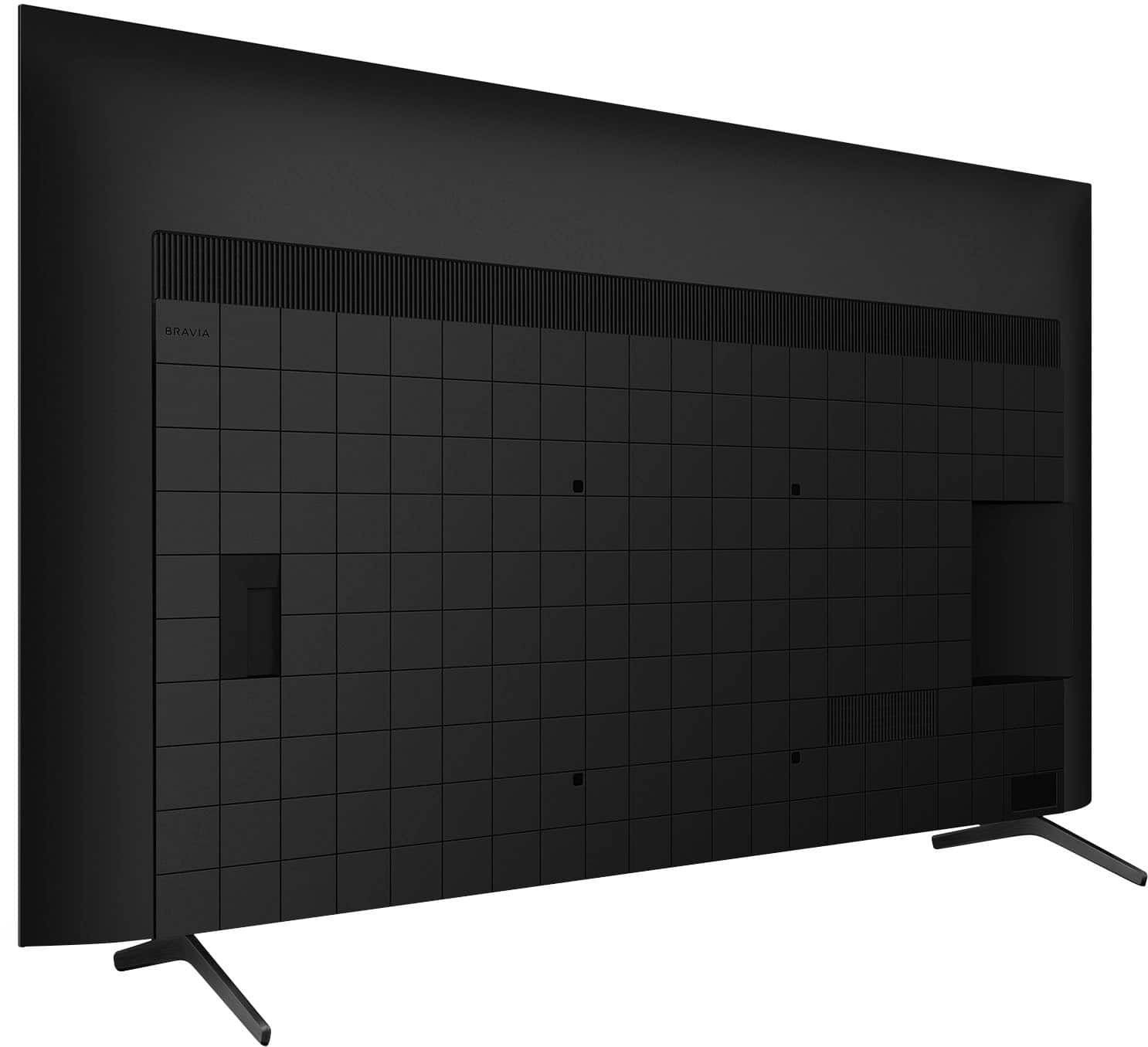
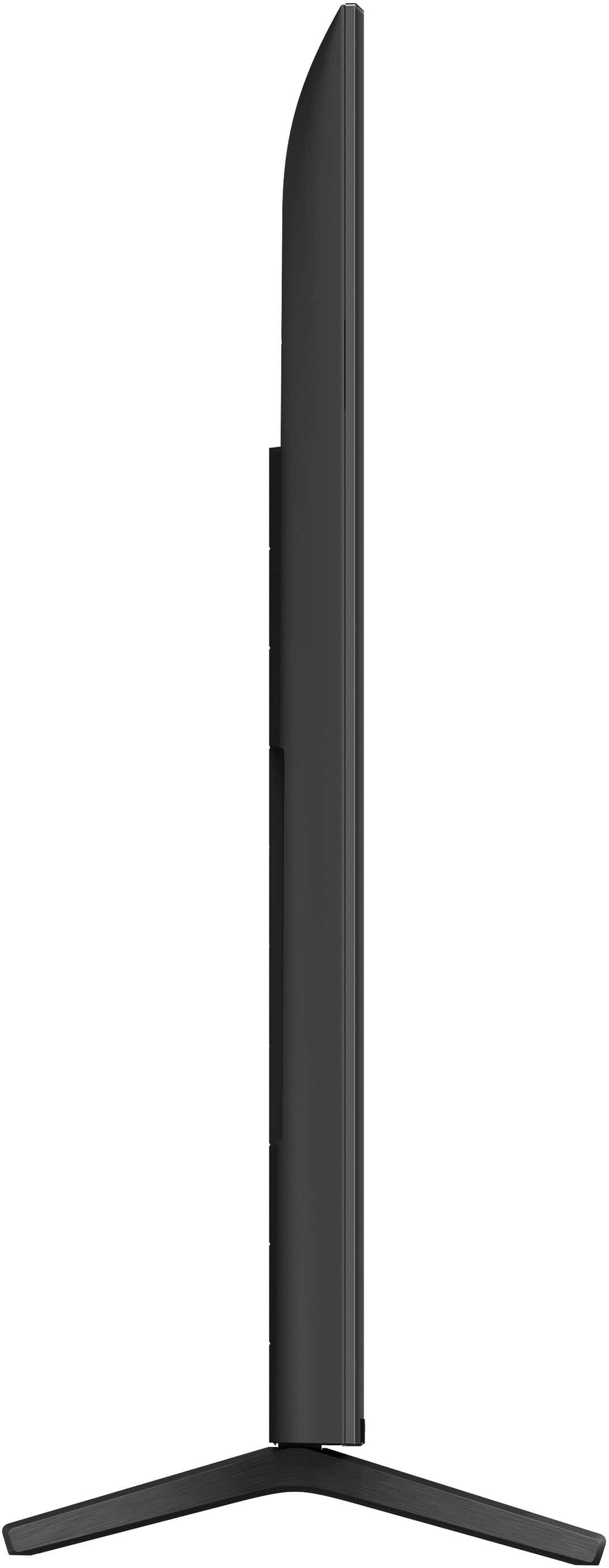
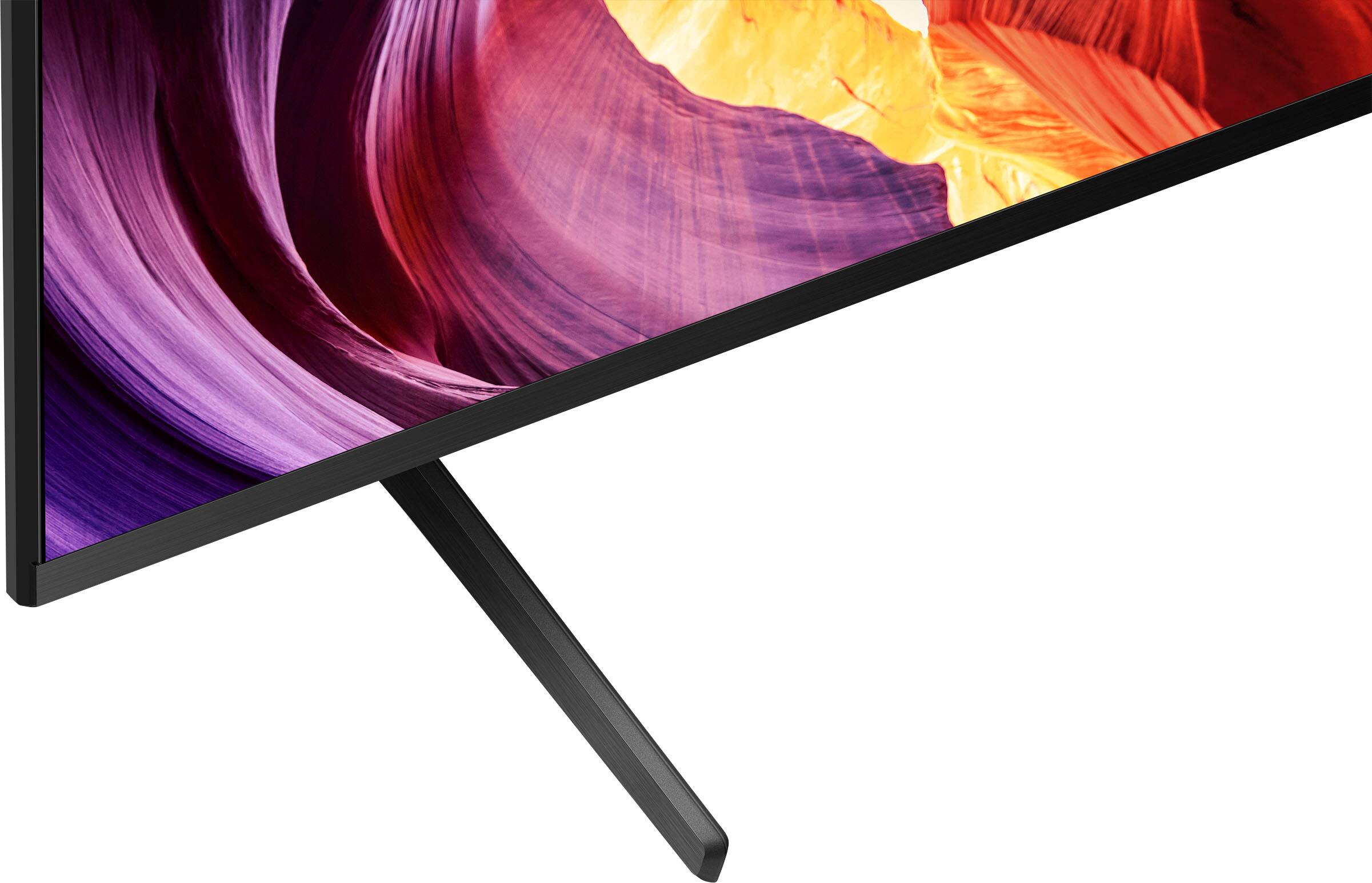








- Model:
- KD85X80K
- SKU:
- 6501505
Rating by feature
- Picture Quality
Rating 4.8 out of 5 stars
- Sound Quality
Rating 4.7 out of 5 stars
- Brightness
Rating 4.8 out of 5 stars
Customers are saying
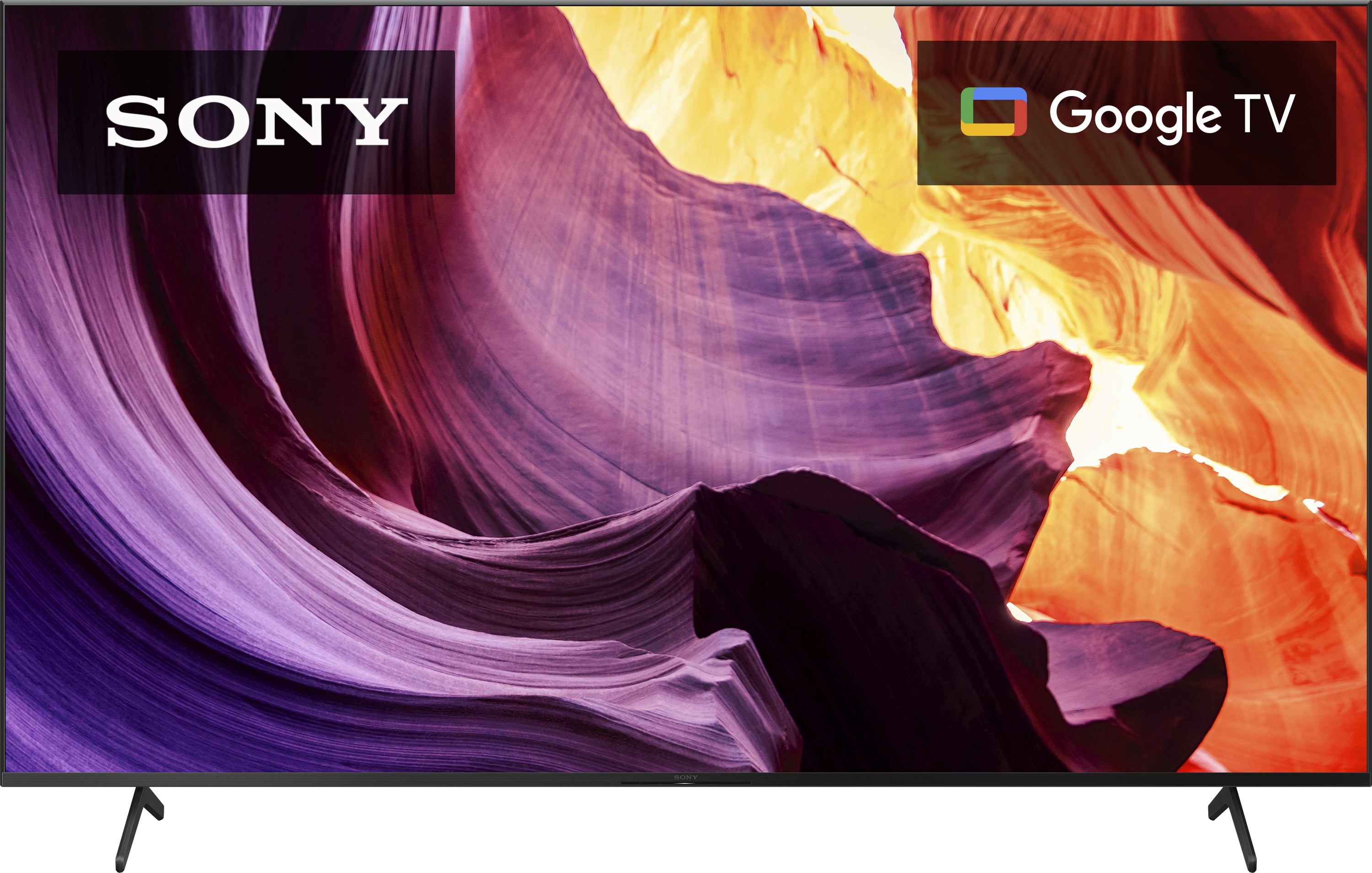
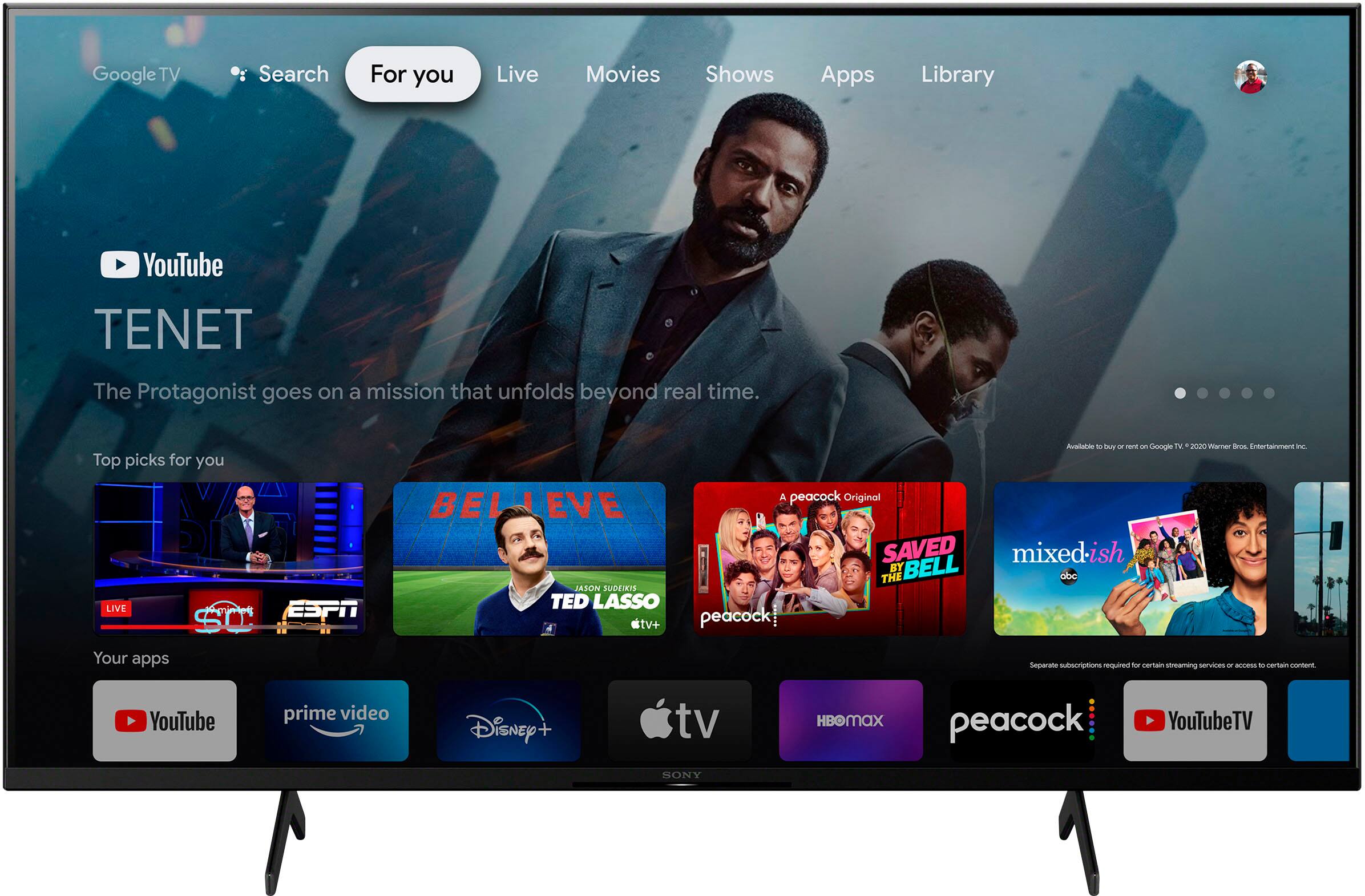
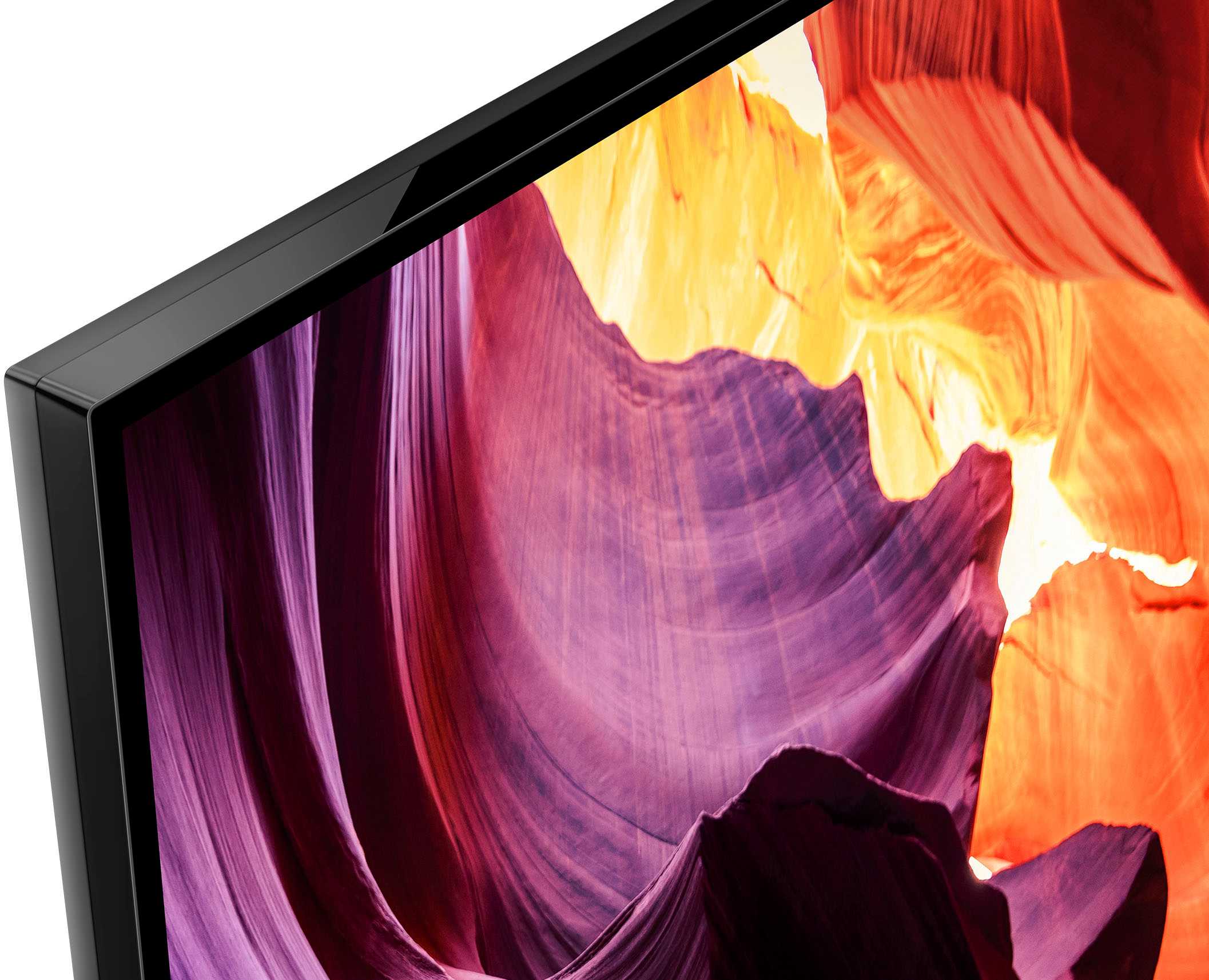
Customers highly value the 85" Class X80K LED 4K UHD Smart Google TV's exceptional picture quality, citing its vibrant colors and cinema-like viewing experience. The TV's ease of use and competitive price point are also frequently praised. While some users noted the weight and a less-than-intuitive remote, the overwhelmingly positive feedback centers on the impressive display and user-friendly interface.
This summary was generated by AI based on customer reviews.
- Pros mentioned:Picture quality
SONY TV set
Posted .This reviewer received promo considerations or sweepstakes entry for writing a review.One of my better television set, very good buy. I'm happy with the product.
I would recommend this to a friendBrand response from SonyListens
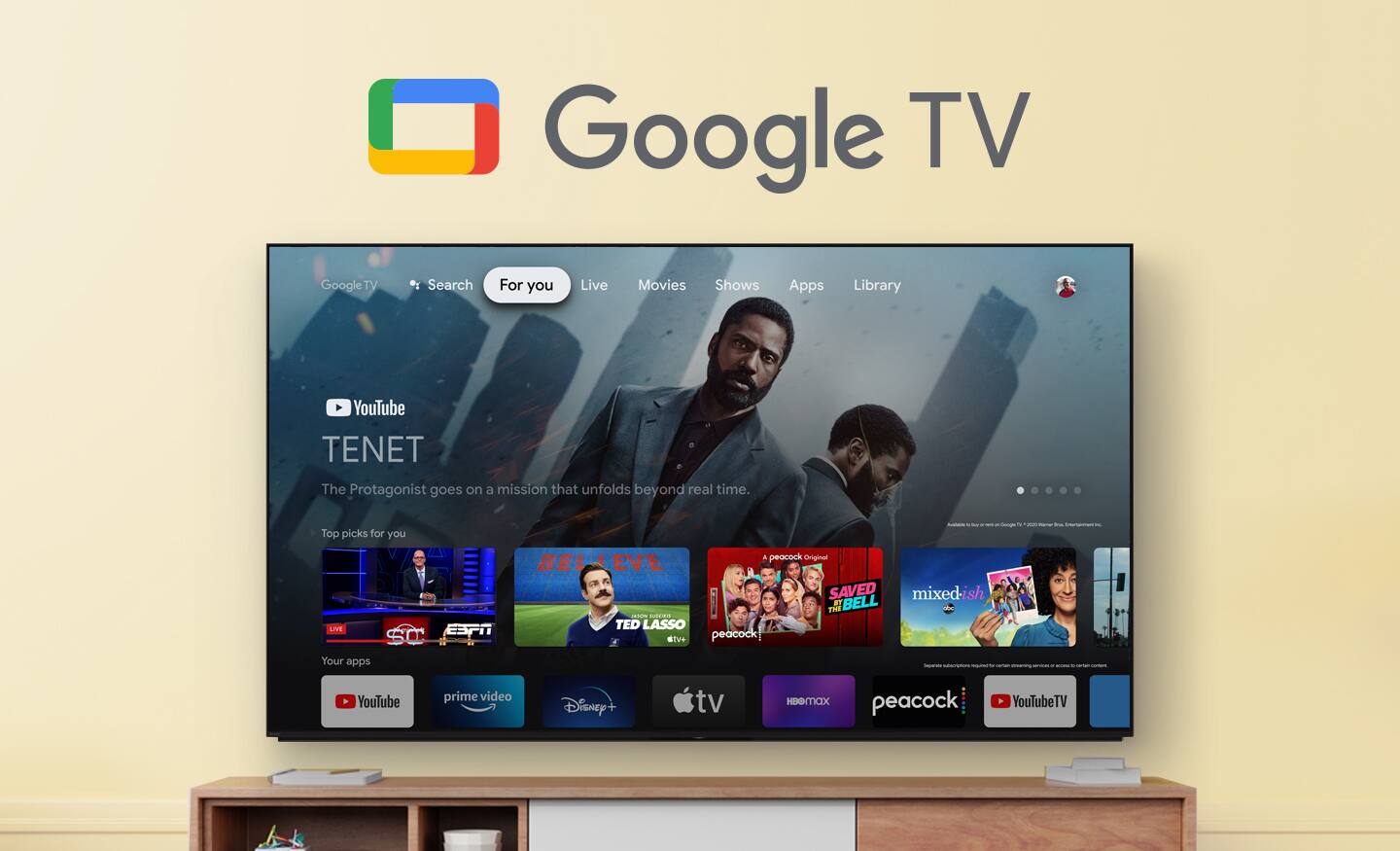
Posted .Hi NigelC, You've made an excellent choice! We're thrilled to hear that you're satisfied with your purchase. Enjoy an intuitive smart TV experience with natural color and clear sound with the BRAVIA X80K LED TV. The powerful 4K HDR Processor X1 reduces digital noise and boosts details for lifelike picture quality. Google TV gives you access to all your favorite streaming apps, while Google Assistant easily searches for content and controls your smart home simply by using your voice. Thanks for choosing Sony! -Sam

Very Happy!
Posted .This reviewer received promo considerations or sweepstakes entry for writing a review.Great customer service, delivery and setup was flawless and they even price matched after the fact !
I would recommend this to a friendBrand response from SonyListens
Posted .Hi LawrenceJ, You've made an amazing choice! Good to know you had an excellent customer service experience. Thanks for choosing Sony! -Sam
Sony 85”
Posted .This reviewer received promo considerations or sweepstakes entry for writing a review.Geek Squad did a great job with delivery and setup. We are pleased with our purchase.
I would recommend this to a friendBrand response from SonyListens
Posted .Hi GuyD,
Awesome! We're glad to hear you like how TV was delivered and professionally setup by the Tech Team. Nice to know your investment with your new TV is worth it. Enjoy an intuitive smart TV experience with natural color and clear sound with the BRAVIA X80K LED TV. The powerful 4K HDR Processor X1 reduces digital noise and boosts details for lifelike picture quality. Google TV gives you access to all your favorite streaming apps, while Google Assistant easily searches for content and controls your smart home simply by using your voice. Thanks for choosing SONY! - Kris
Sony 85” tv
Posted .This reviewer received promo considerations or sweepstakes entry for writing a review.I ordered and picked up same day. The staff helped me load it on my truck. Product is great.
I would recommend this to a friendBrand response from SonyListens
Posted .Hi Great, Excellent choice! We're happy to hear that you are like your new TV. Enjoy an intuitive smart TV experience with natural color and clear sound with the BRAVIA X80K LED TV. The powerful 4K HDR Processor X1 reduces digital noise and boosts details for lifelike picture quality. Google TV gives you access to all your favorite streaming apps, while Google Assistant easily searches for content and controls your smart home simply by using your voice. Thanks for choosing Sony! Erin
- Pros mentioned:Ease of use
Movies are not that great
Posted .This reviewer received promo considerations or sweepstakes entry for writing a review.Decent for sports, disappointing for movies. Easy to set up.
No, I would not recommend this to a friendBrand response from SonyListens
Posted .Hi RobertB, We appreciate your feedback. Please take note that you can always adjust the picture quality of your BRAVIA according to your preference by going to Picture mode under Picture setting of your TV: https://helpguide.sony.net/tv/jusltn1/v1/en-003/01-03-09_01.html. We take all user input seriously and will make sure your comments reach the appropriate person. Should you need further assistance, you can email us at socialsupport@am.sony.com. Thank you for choosing Sony! Vincent