Customer Ratings & Reviews

- Model:
- BDPS1500
- SKU:
- 2548093
to a friend
Customers are saying
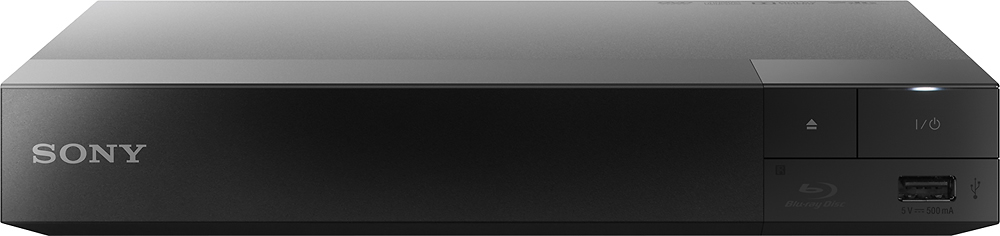
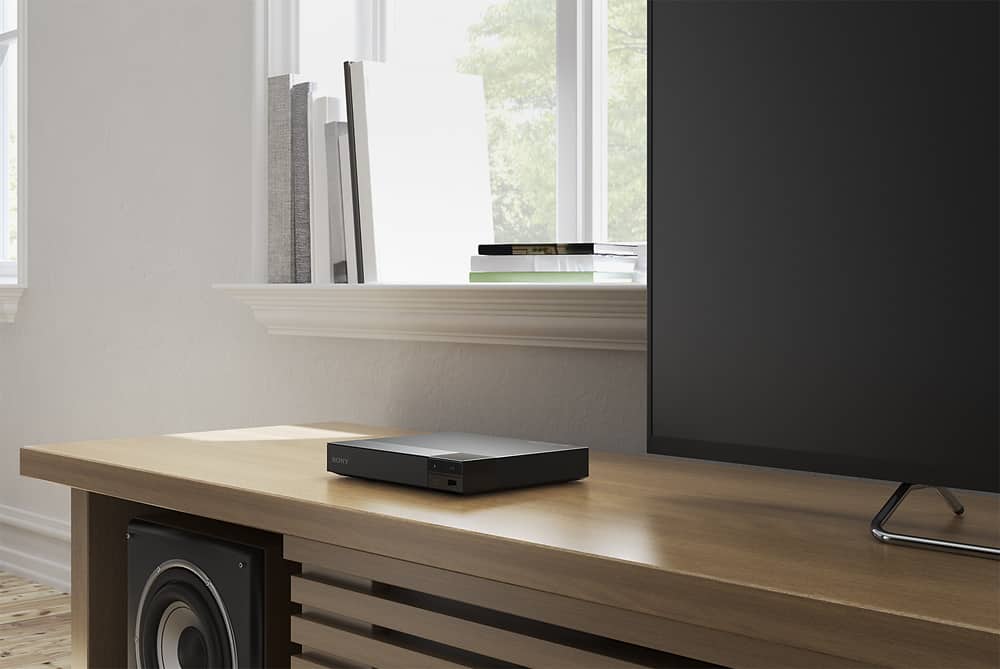
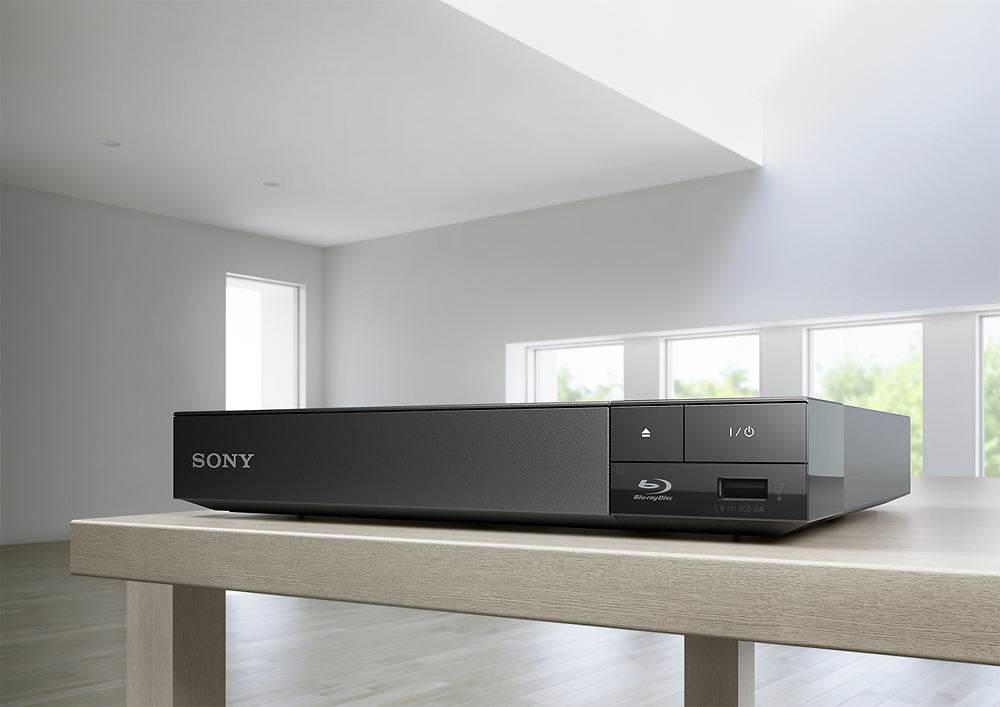
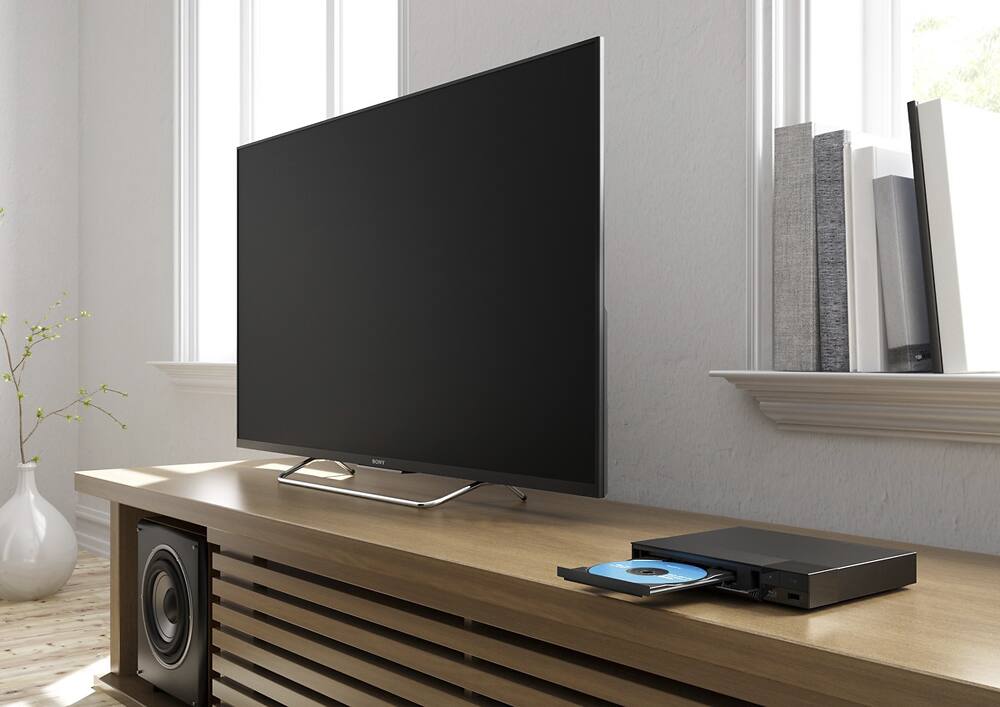
Customers are enthusiastic about the BDPS1500 Streaming Blu-ray Player's ease of use, picture quality, and compact size. Many appreciate its affordability and the inclusion of streaming capabilities, along with its reliable performance. Positive feedback also highlights the player's features. A common negative comment is the lack of wireless connectivity.
This summary was generated by AI based on customer reviews.
Flawed Audio Mechanism
Posted .This reviewer received promo considerations or sweepstakes entry for writing a review.I have now tried 2 of the BDPS1500 units and they both have the same problem. The audio cuts out for a couple of seconds several times during the course of playing a DVD. At first I thought perhaps my DVDs were the problem, but when I got the second unit, I realized it is not my DVDs as the same thing happened regardless of the DVD that we were playing.
No, I would not recommend this to a friendvery bad!
Posted .This reviewer received promo considerations or sweepstakes entry for writing a review.it will not connect to the internet unless you use a cable to hook up to the player, what is the point of having wifi if it wont work. i know its not my wifi, i have a smart t.v. in another room and it works just fine on my network. this is going back today!!!
No, I would not recommend this to a friendBrand response from SonyListens
Posted .Hi jay91874, we regret to hear that this unit failed to meet your expectations. However, this specific unit doesn't have WiFi capabilities. It can only be connected to the network using a wired-connection. You may check BDPS3500, it supports WiFi connectivity. We appreciate your time giving us this feedback. Thanks! ^Ron

BEWARE OF UPDATES
Posted .This reviewer received promo considerations or sweepstakes entry for writing a review.I bought this at the end of January and it'd been working perfectly until a recent mandatory software update. Now my Hulu keeps crashing and sometimes won't open at all. It keeps saying the file is too large. Shows won't even play for 2 minutes before I get the error message. I'm going to try to contact them to figure out what the issue is. But I'm extremely annoyed that I have to go through this with a product that I haven't even had that long. I'd read that some other people had issues but I figured I would discover them within the return period, now I'm stuck with this.
No, I would not recommend this to a friendBrand response from SonyListens
Posted .Hi Sydd,
Please get in touch with our Technical Support team for further assistance.
https://esupport.sony.com/US/p/select-system.pl?DIRECTOR=CONTACT
Thanks,
>Joffrey
Maybe just my luck
Posted .This reviewer received promo considerations or sweepstakes entry for writing a review.Just came home with it and it doesn't work out of the box, turns on and shows the blu ray logo but then no picture, no sound, nothing
No, I would not recommend this to a friendBrand response from SonyListens
Posted .Hi vngks, I can see that this really upset you. Please try the following:
Turn the player off and on again.
Turn the connected equipment off and on again.
Disconnect and then reconnect the HDMI cable. Please check this manual on page 34 for addition troubleshooting steps with regard to your concern: https://docs.sony.com/release/BDPBX350_EN.pdf. Dave
Regret
Posted .This reviewer received promo considerations or sweepstakes entry for writing a review.Broken within 1 day of purchase. Was working one day, and then could only display a blue screen the next day.
No, I would not recommend this to a friendBrand response from SonyListens
Posted .Hi Sally, Sorry for the inconvenience. We recommend you to try the troubleshooting steps listed on the link below. https://us.en.kb.sony.com/app/answers/detail/a_id/41851/kw/no%20display/p/47329,47564,95482/c/65,66/related/1 - Jerome