Customer Ratings & Reviews





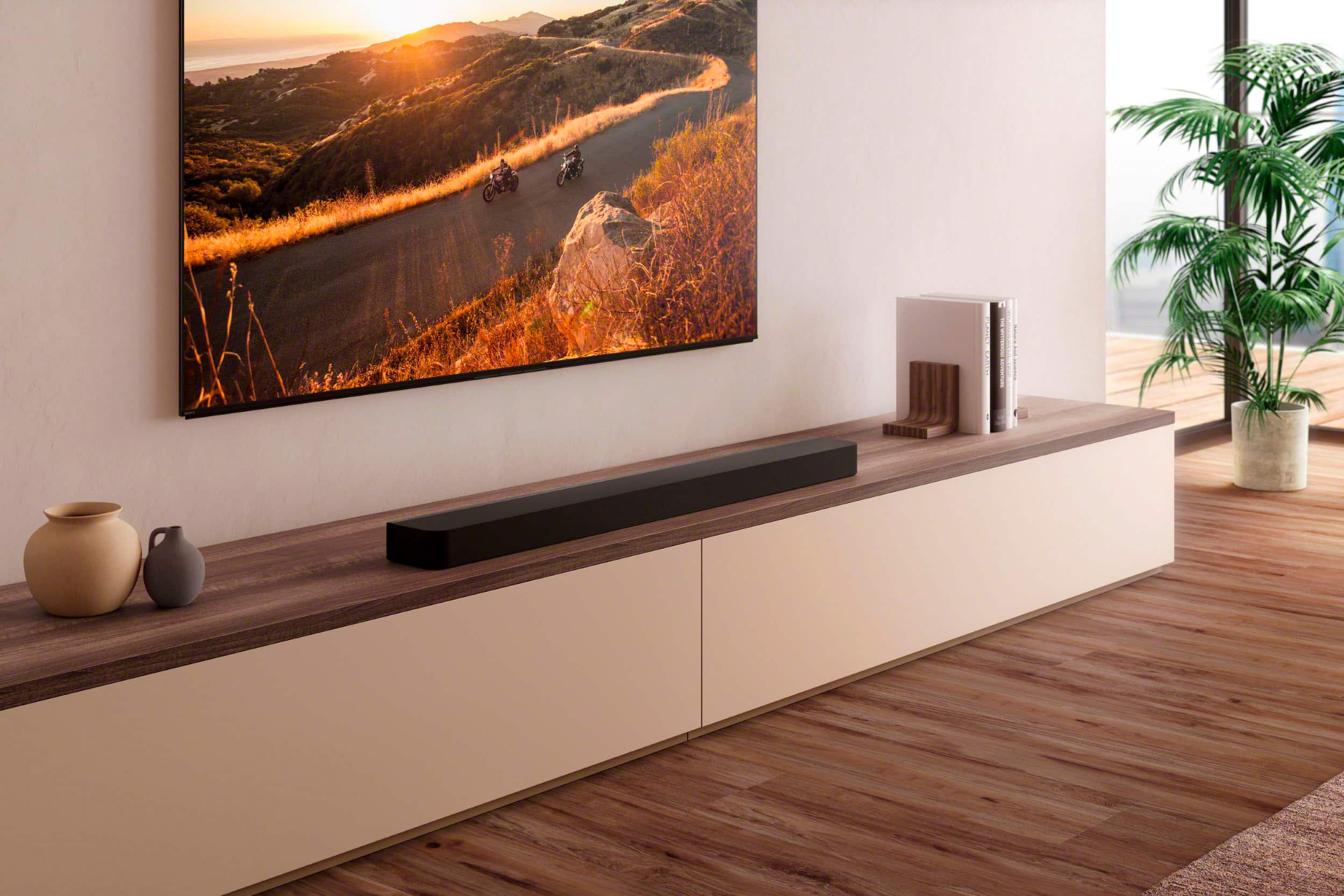
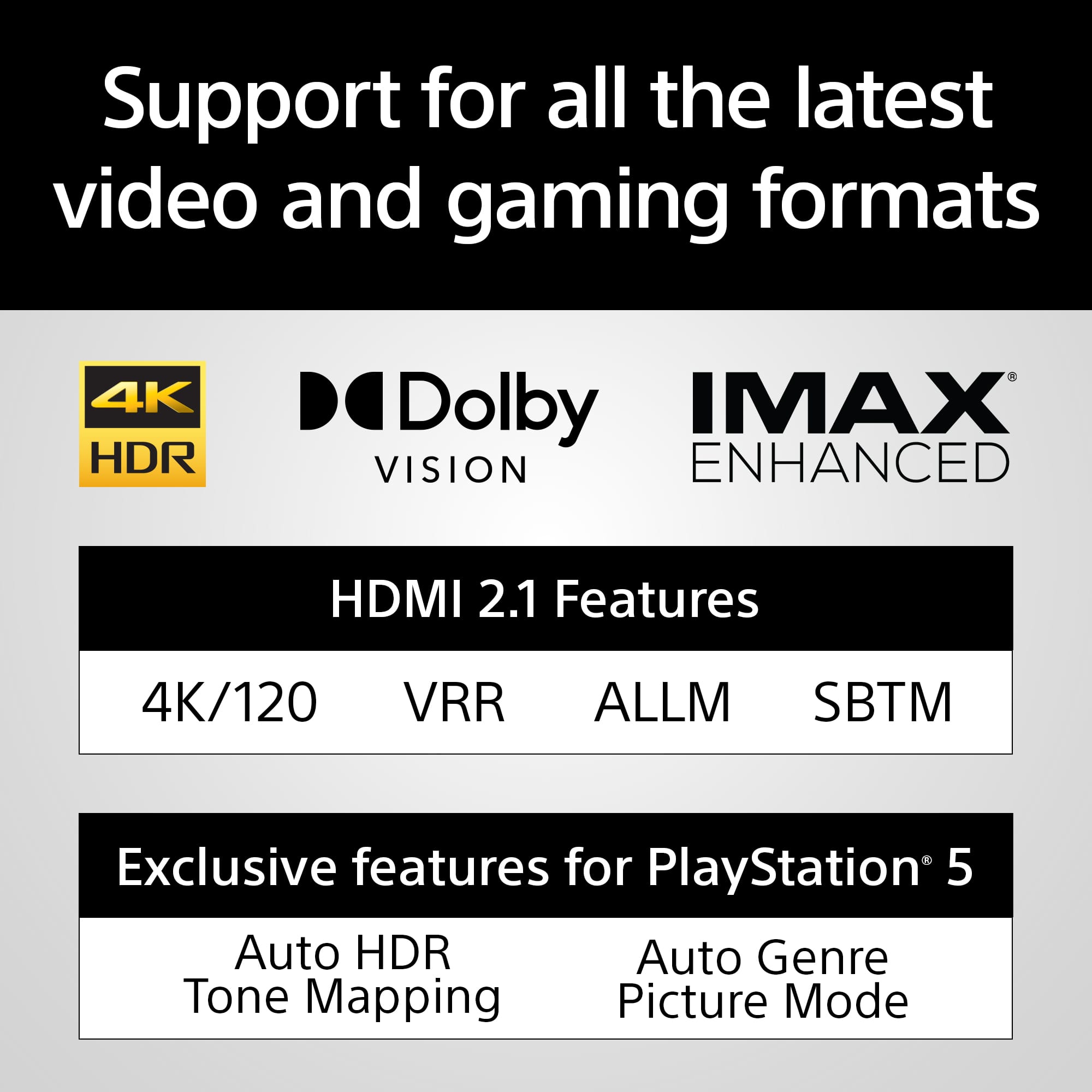
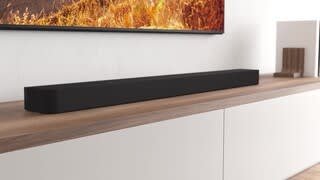
- Model:
- HTA8000
- SKU:
- 6577858
Rating by feature
- Value
Rating 4.2 out of 5 stars
- Quality
Rating 4.5 out of 5 stars
- Ease of Use
Rating 4.4 out of 5 stars
Customers are saying
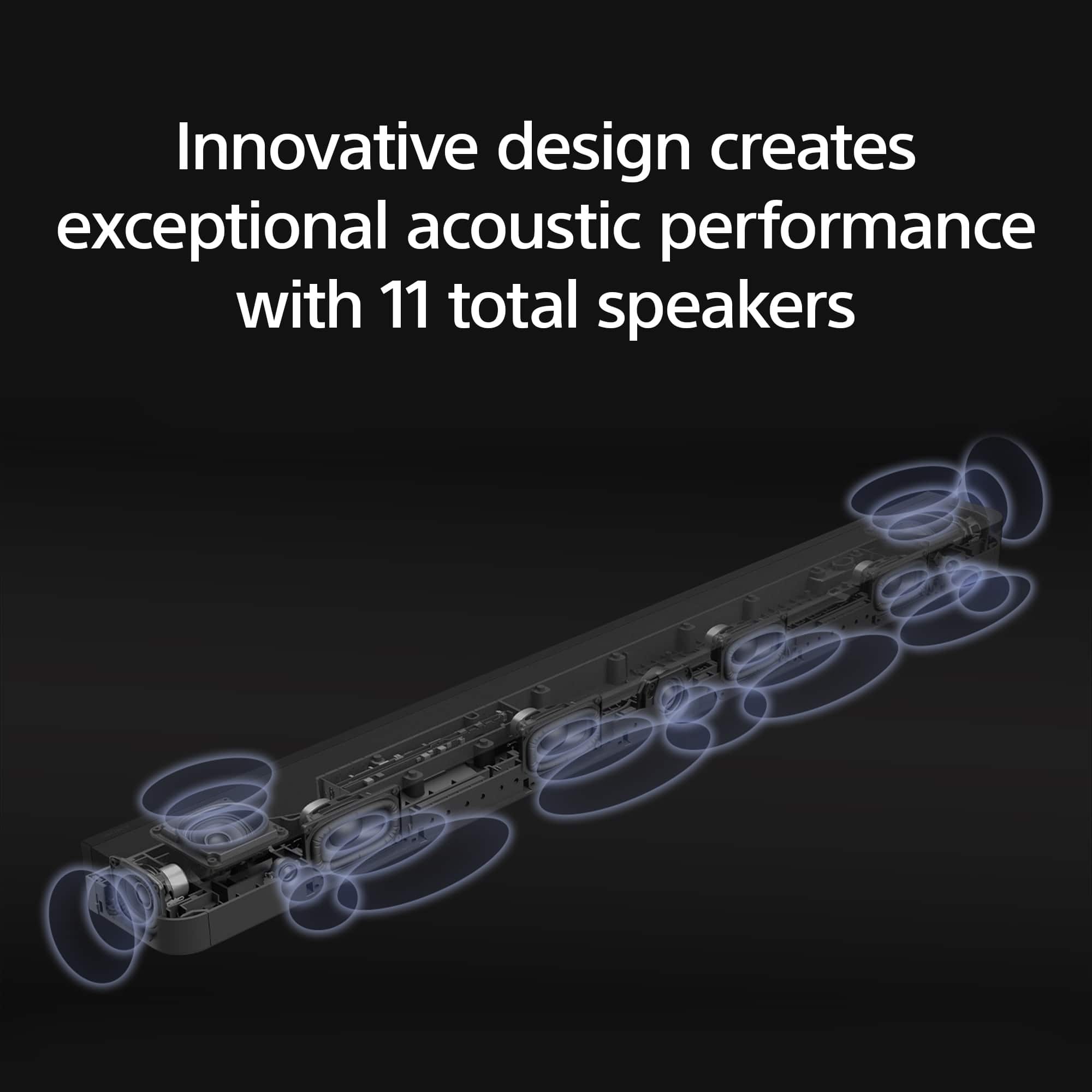
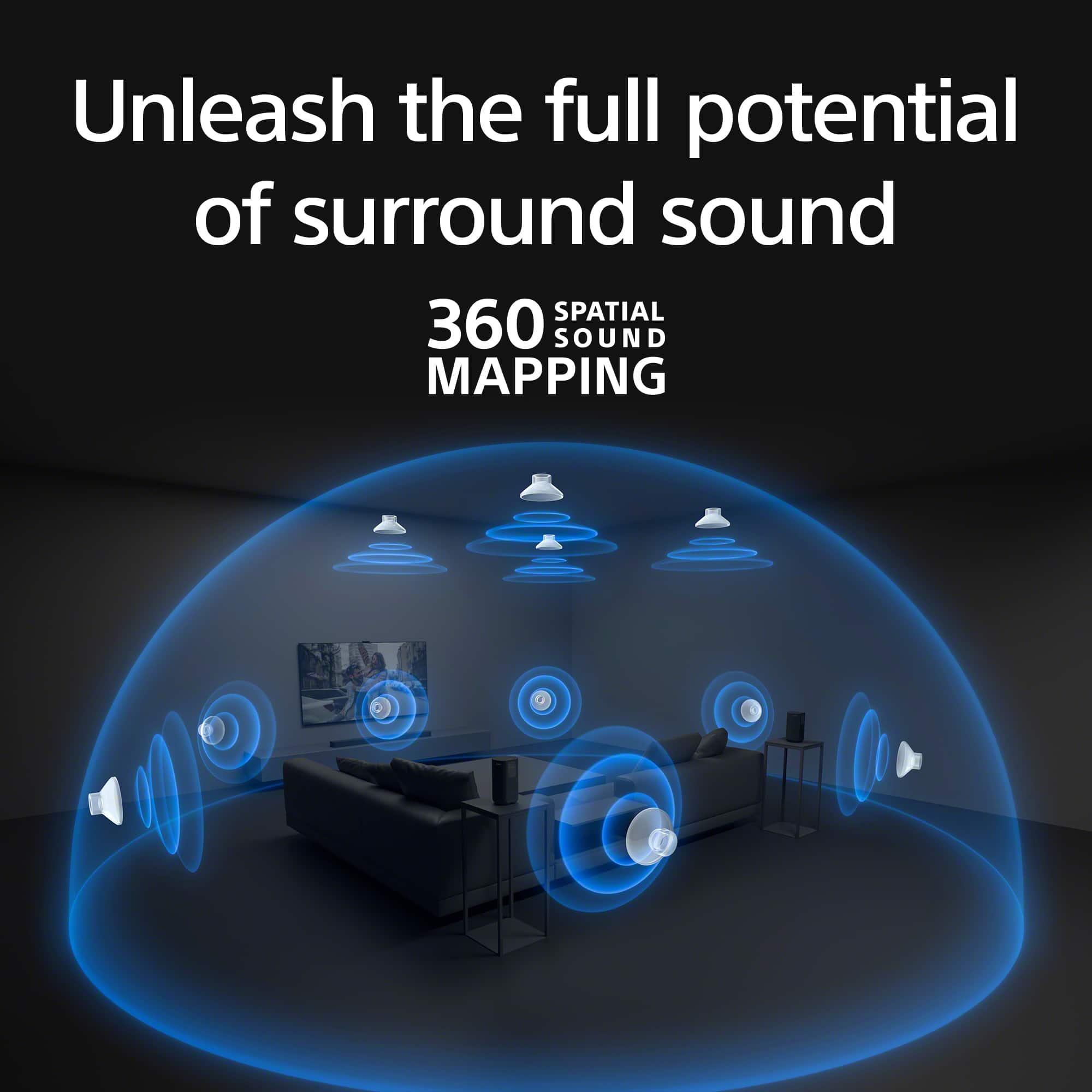
Customers commend the BRAVIA Theater Bar 8's exceptional sound quality, frequently praising its immersive surround sound and clarity for both music and TV audio. The ease of setup and installation is another frequently cited positive aspect. No significant negative feedback was reported.
This summary was generated by AI based on customer reviews.
Great addition to your TV!
||Posted . Owned for 1 week when reviewed.This reviewer received promo considerations or sweepstakes entry for writing a review.Excellent product. It goes nicely with my TV. Looking forward to buying another one for the basement home theater.
I would recommend this to a friendBrand response from SonyListens
Posted .Hi Joshua, Awesome! We're very pleased to hear it goes well with your TV. We're looking forward to your next purchase, thanks for choosing Sony! -Sam

Sony Sound System
||Posted . Owned for 2 weeks when reviewed.This reviewer received promo considerations or sweepstakes entry for writing a review.Entire experience with Best Buy employees was great from research, purchase and installation.
I would recommend this to a friendBrand response from SonyListens
Posted .Hi HaleyH, we're glad you had a great experience with your purchase. Hope you enjoy your new soundbar! Thanks for choosing Sony. ~Earl
Okay, not worth the money. Get a different brand.
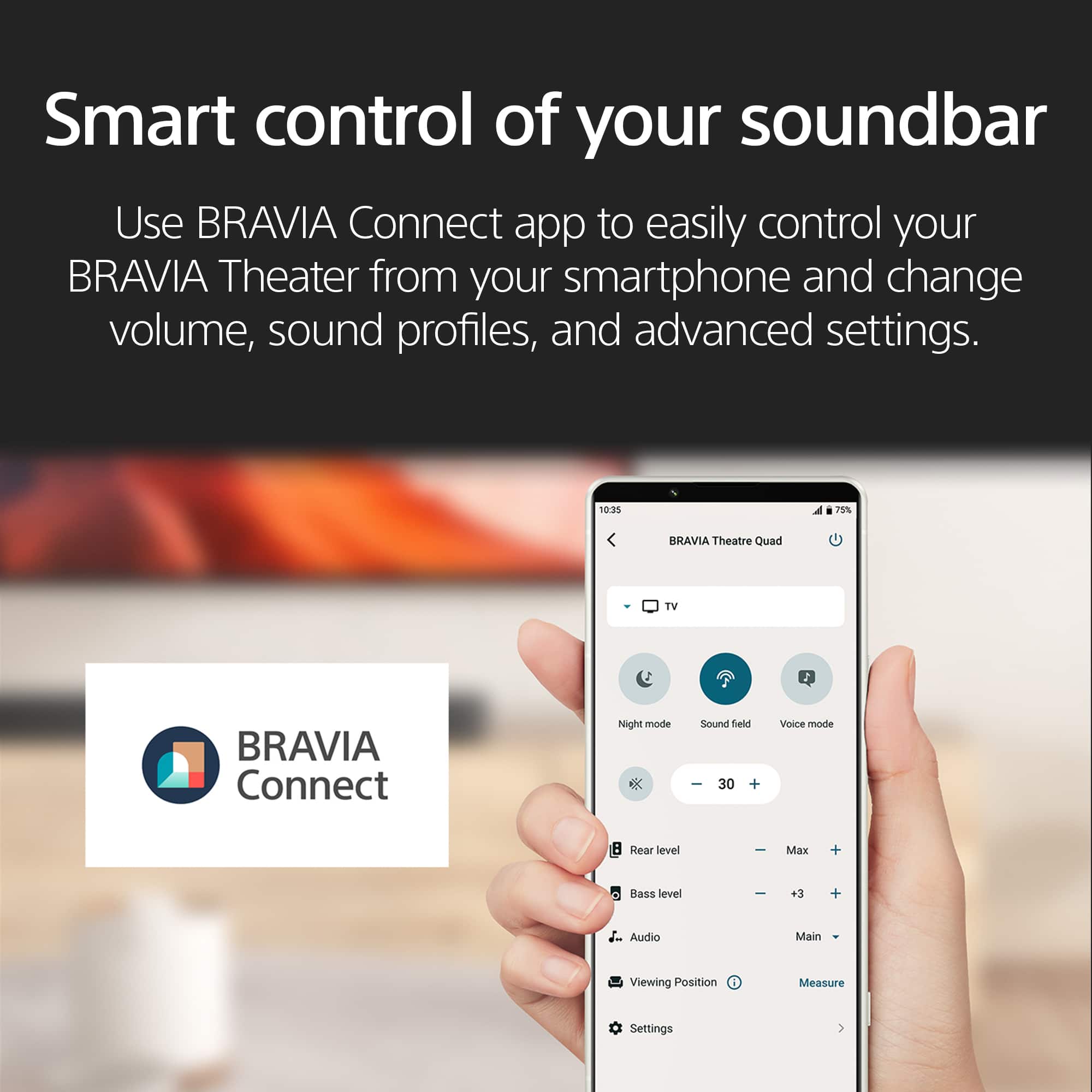
||Posted .This reviewer received promo considerations or sweepstakes entry for writing a review.Sounds okay, not the best and not the worse. Don’t like you have to use an app to set everything up. Also, when changing sound or other options on remote doesn’t show up on TV and have to have app open to see what mode it’s switching to.
No, I would not recommend this to a friendBrand response from SonyListens
Posted .Hi Jaxilm, we're glad you like the sound quality of our product. We appreciate your feedback regarding using the app for changing settings and control of your Sony unit. The HTA8000 soundbar requires the Sony | BRAVIA Connect app for initial setup and configuration. This is designed to provide a more comprehensive and user-friendly setup experience. Unfortunately, this is a necessary step and cannot be bypassed. HTA8000 does not display sound mode changes directly on the TV screen when using the remote. This means you need to have the app open to see which mode the soundbar is switching to. Feedback like yours is valuable for future product improvements. Thanks for choosing Sony. ~Earl
Open box Sony Theater Bar 9
||Posted . Owned for 2 weeks when reviewed.This reviewer received promo considerations or sweepstakes entry for writing a review.Open box description was spot on it showed up look like brand new.
I would recommend this to a friendBrand response from SonyListens
Posted .Hi WilliamB, Thank you for giving the BRAVIA Theater Bar 9 a perfect rating! We're glad you're satisfied with your purchase. Thanks for choosing Sony! -Sam
Poor sound quality
||Posted . Owned for 1 month when reviewed.This reviewer received promo considerations or sweepstakes entry for writing a review.For the price I have gotten better that was less expensive. The sound quality was very poor. I had to max out the volume just to compete with a lower level sound bar. I would not recommend this product. I had to return it and get something better.
No, I would not recommend this to a friendBrand response from SonyListens
Posted .Hello PedroD,
Thanks for your candid feedback regarding the BRAVIA Theater Bar 8. We are truly sorry to hear that your experience with our product did not meet your expectations and that you were disappointed with the sound quality.
We take all customer feedback seriously, as it helps us understand where we can improve. It's concerning to hear that you had to max out the volume and that the performance didn't live up to what you’ve experienced with less expensive alternatives.
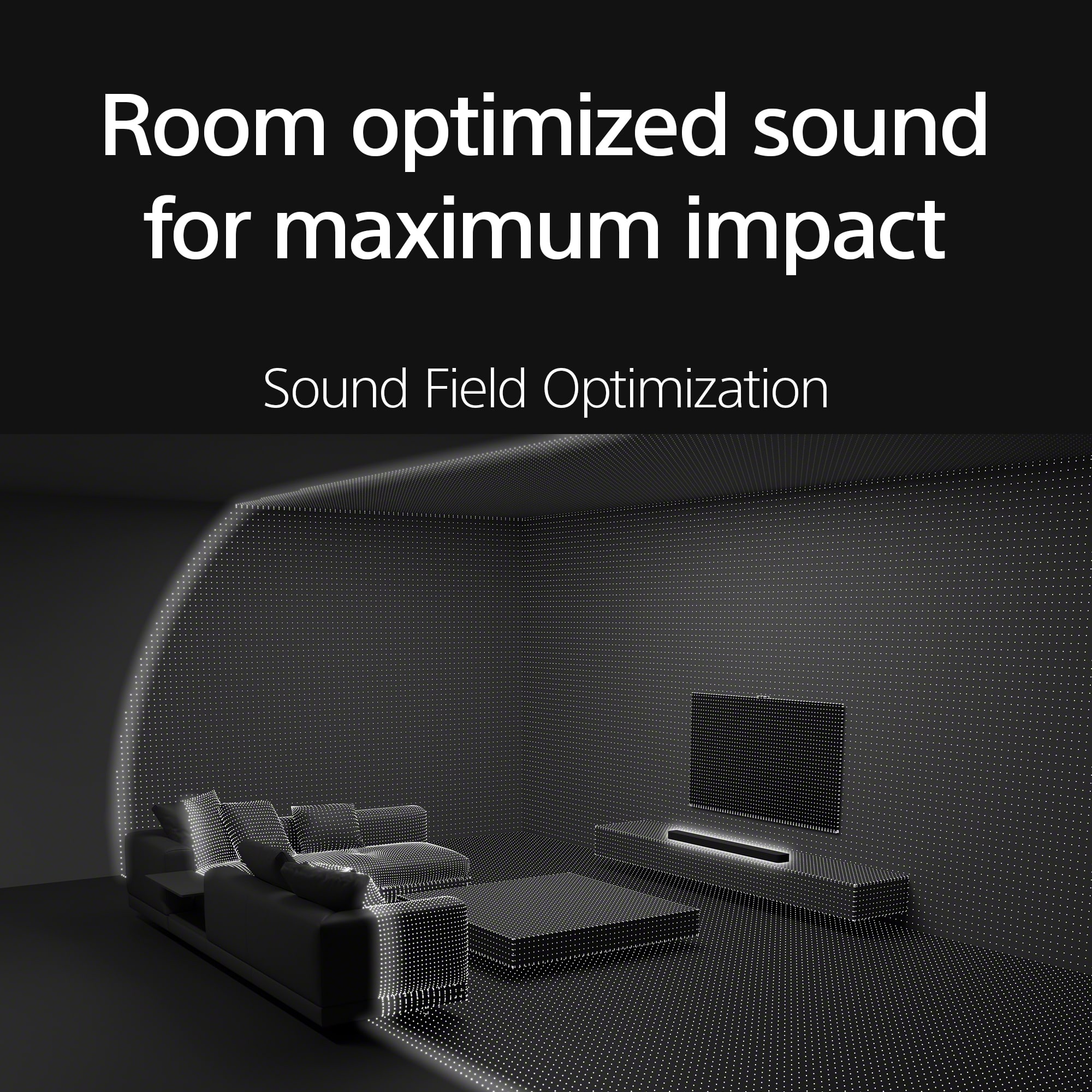
For future reference, our Theater Bars are designed to be calibrated and controlled through the BRAVIA Connect app, which optimizes the sound to your specific room and setup. We believe using the app would have significantly improved your listening experience.
We're sorry that you had to go through the process of returning the product. While we understand you have already found a replacement, your insights are incredibly valuable. We hope you will give us another chance in the future, and we encourage you to contact our support team directly next time so we can help you get the best possible performance from our products.
Thanks for choosing Sony.
Sincerely,
Jenn | Sony Social Media Team.
- Pros mentioned:Sound quality
Defective
||Posted . Owned for 1 week when reviewed.This reviewer received promo considerations or sweepstakes entry for writing a review.The Bravia sound bar sounds good, but the Geek Squad (and I) were unable to get it to reliably control the sound, both on/off and volume. And we tried replacing the Sony Bravia TV, too. Their assessment was that the sound bar (and we actually tried two of them) was defective.
No, I would not recommend this to a friendBrand response from SonyListens
Posted .Hello RobertP, thank you for bringing this out to our attention! We’re sorry to hear that you’re having trouble controlling the BRAVIA Theater Bar 8. It’s great to know that the sound bar is functioning well, which suggests that the issue may be related to the installation. We’d be happy to assist you through this process! Please contact the Sony support team directly via phone or chat using the following link: https://us.esupport.sony.com/support/s/support-contact?language=en_US&category=ht. We’re here to help! Sincerely, -Jenn
Snap crackle & pop
||Posted . Owned for 4 months when reviewed.This reviewer received promo considerations or sweepstakes entry for writing a review.Was happy to match this sound bar with my Sony tv, couldn’t use the center option don’t a lot of hissing, trouble shouted everything and just used it without that option. Have to keep the Bass at minimum because speakers can’t handle it and cracks and pops . It is pretty loud but sucks without the Bass
No, I would not recommend this to a friendBrand response from SonyListens
Posted .Hi MarkG,
While it's good to know it can get loud, we're sorry to hear about the lack of bass at higher volumes and there is hissing noise when connecting the BRAVIA Theater Bar 8 and your Sony TV with the Center Speaker Mode enabled. We would like to discuss this with you further to ensure proper connection and settings. In the meantime, we highly recommend downloading and installing the latest software for the TV and Soundbar. These updates include key features, applications, bug fixes, and feature improvements.
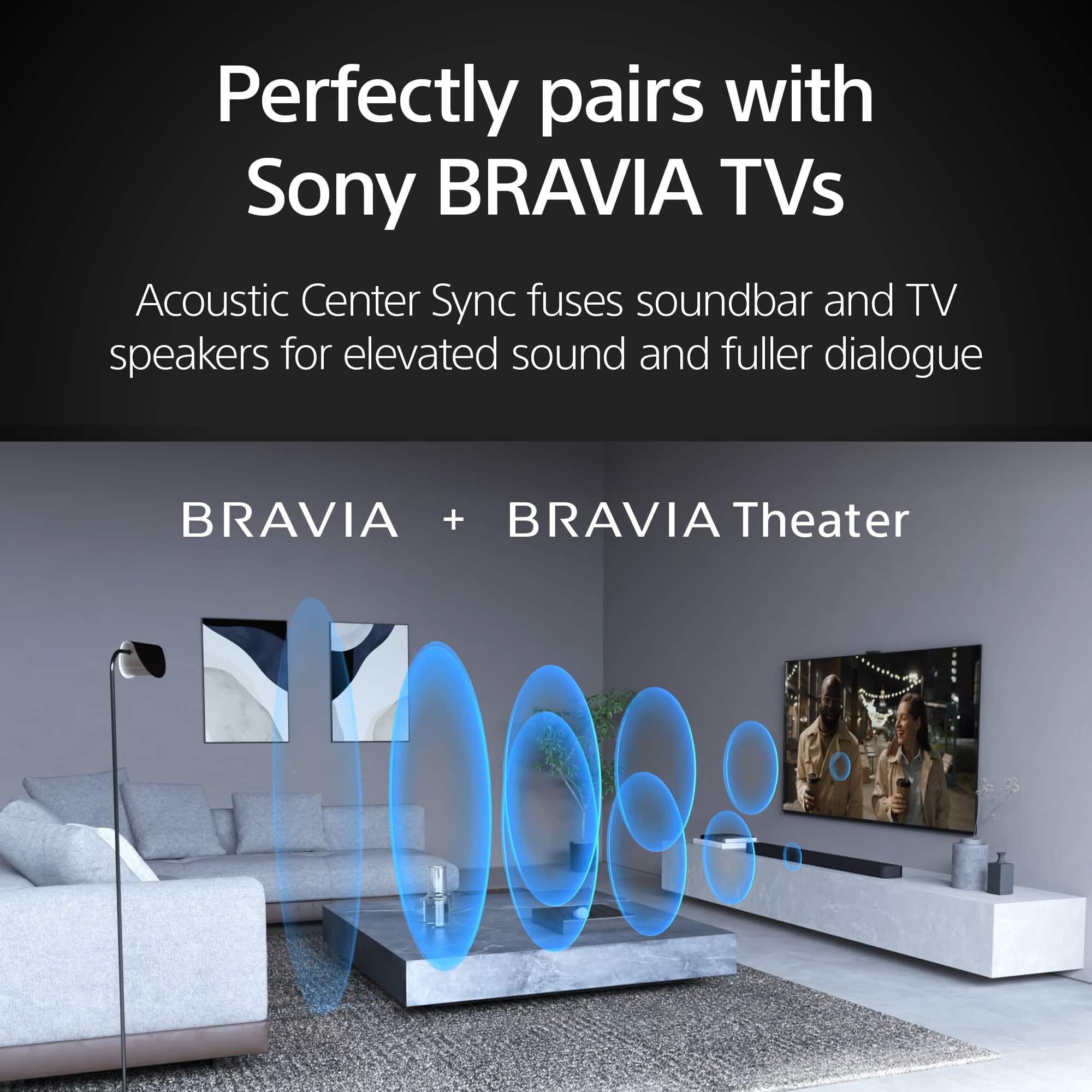
You may hear a hissing sound when using the TV's Acoustic Center Sync function. If this happens, in the area where the power cable comes out of the back of the TV and the area around other external devices, make sure to keep the cables of the Acoustic Center Sync device away from those cables.
Note: Due to the nature of electronic devices, you may hear a slight noise when you're very close to the TV speakers. This is not a malfunction. When watching TV from an appropriate viewing distance, this should not be audible. Additionally, there may be cases where the audio signal of the content being played contains components that sound like noise.
If the issue persists, reset the speaker system by following the steps here: https://www.sony.com/electronics/support/sound-bars-home-theater-systems-sound-bars-surround-speakers/ht-a8000/articles/00250225
Should you need further assistance regarding your concern, you can email us at socialsupport@am.sony.com with the following details:
Name:
Best Buy Username:
Model Number:
Issue:
Telephone Number:
Sincerely,
Jess
Sony Bravia sound bar sounded cheap
||Posted . Owned for 1 month when reviewed.This reviewer received promo considerations or sweepstakes entry for writing a review.Sony Bravia sound bar has terrible sound quality. We returned it right away. Bose Ultra sound bar was so much better that we went back and got the Bose rear speakers and base. We love the Bose equipment. It has more connectivity capabilities, Chromecast, and sounds fantastic for music. Glad we returned the Sony Bravia sound bar. Bose is much better.
No, I would not recommend this to a friendBrand response from SonyListens
Posted .Hello JoeK,
Thank you for considering Sony products.
We sincerely apologize for the sound quality issues you encountered with your HTA8000, which led to your decision to return the product.
This is certainly not up to the quality standards we strive for, and we appreciate you taking the time to share your feedback. Rest assured, we will forward your comments to our dedicated Sony team for their review as we continue to work diligently to improve our products.
Best regards,
-Fred
Not happy
||Posted . Owned for 1 month when reviewed.This reviewer received promo considerations or sweepstakes entry for writing a review.It’s ok. Sounds fantastic in-store. Not the same at home. Not worth the cost. Other surround sounds that cost way less are just as effective.
No, I would not recommend this to a friendBrand response from SonyListens
Posted .Hello Notasgoodasexpected, thank you for your feedback on the BRAVIA Theater Bar 8.
We understand it is not delivering the quality you expected at home–room acoustics can greatly affect sound, and we want to help you achieve the fantastic audio you heard in-store.
Please try these key steps:
(1) Re-run Sound Field Optimization: This recalibrates the sound to your room.
(2) Check Placement: Ensure the soundbar is unobstructed.
(3) Adjust Settings: Use the Sony | BRAVIA Connect app to fine-tune sound modes and EQ.
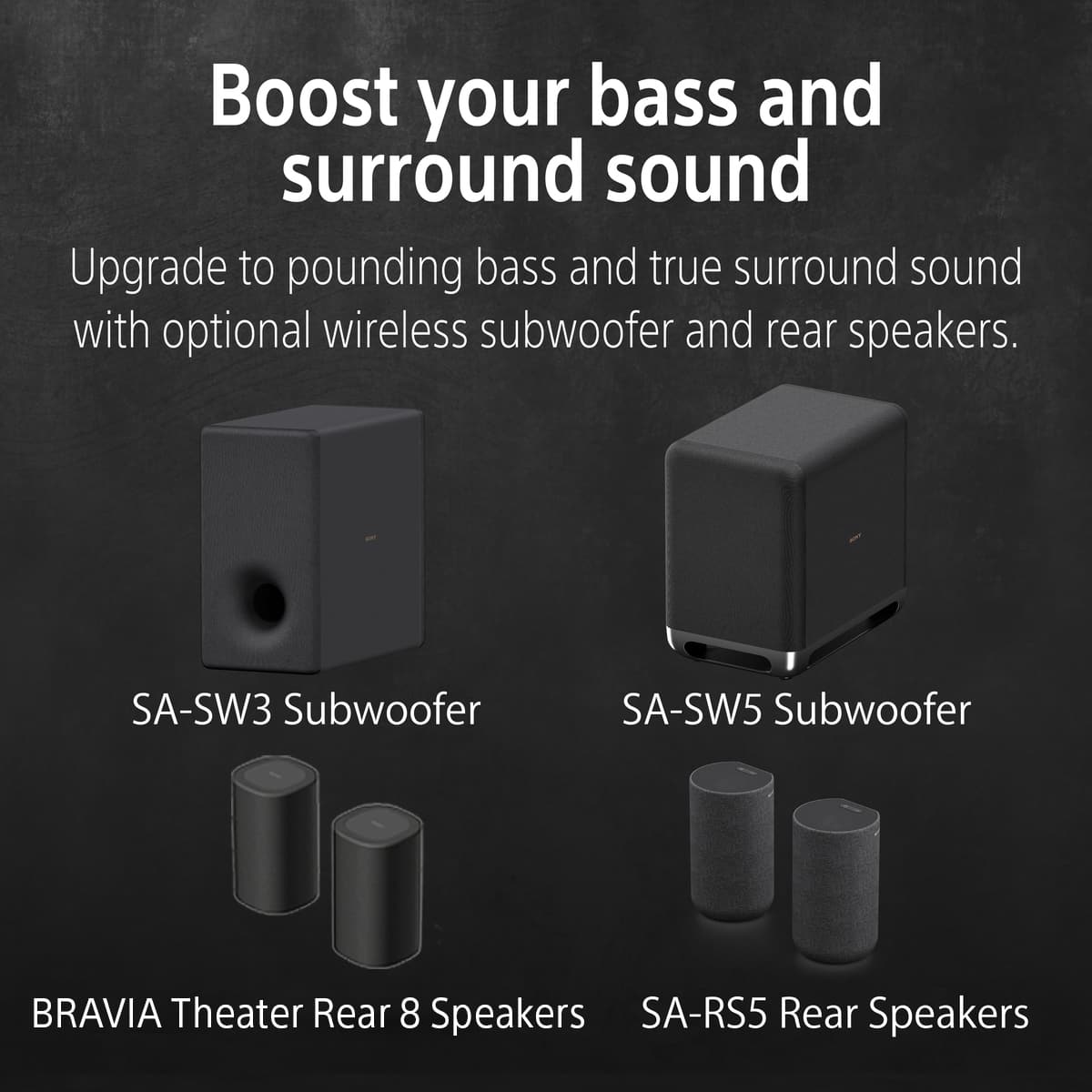
(4) Consider Optional Add-ons: A wireless subwoofer or rear speakers can dramatically enhance the experience.
(5) Update Firmware: Ensure your soundbar has the latest software.
We're committed to your satisfaction–may you want to receive personalized assistance, please contact our Sony Support team at https://us.esupport.sony.com/support/s/support-contact?language=en_US&category=ht
Thanks for choosing Sony and for giving us the chance to improve your experience!
Sincerely,
Jenn.
Speaker
||Posted . Owned for less than 1 week when reviewed.This reviewer received promo considerations or sweepstakes entry for writing a review.The soundbar should included the manual instruction
I would recommend this to a friendBrand response from SonyListens
Posted .Hi ThuyN, Thank you for the 5-star rating! We appreciate your feedback with our product. For the manual, please check on our link: https://helpguide.sony.net/ht/208283c/v1/en/index.html
Thank you for choosing Sony! -Carl
Soundbar
||Posted . Owned for 1 week when reviewed.This reviewer received promo considerations or sweepstakes entry for writing a review.I have a sound bar and subwoofer in another room that costs half the price and sounds twice as good. I was led to beleive that a subwoofer was included because that is how the system was demonstrated. Very disappointed and will probably return it.
No, I would not recommend this to a friendBrand response from SonyListens
Posted .Hi JosephS, We're sorry to hear about your disappointment. Unfortunately, the Sony HTA9000 does not come with an external subwoofer. However, it has built-in quad woofers and passive radiators, the Bar 9 generates the type of deep, resonant bass you’d expect from much larger speakers. We hope you'd still consider our other products in your next purchase. Regards, -Craig
Bravo 77 with complete surround sound
||Posted . Owned for less than 1 week when reviewed.This reviewer received promo considerations or sweepstakes entry for writing a review.My TV and sound system won’t be delivered until 11 December
I would recommend this to a friendBrand response from SonyListens
Posted .Hi Colt, Thanks for purchasing our products. You may reach out to your dealer to determine the status of the delivery. Thank you and regards, -Craig
Good product, poor Best Buy support
||Posted . Owned for less than 1 week when reviewed.This reviewer received promo considerations or sweepstakes entry for writing a review.The poor Overall Rating is not due to the product itself, it reflects the poor (or non existing) customer support from Best Buy. I ordered an Open Box product which was categorized as being in "Excellent" condition. According to the Best Buy website, Open Boxes ship with all parts that belong to the product. In my case, all hardware (wall fixtures and stands) as well as the cable that allows to use the TV as center speaker were missing. When I called support, I was told that yes, Excellent means all parts should be there but if not, the Best Buy policy is not to do anything - it's the customer's problem to fix, they are not willing to do anything. I spoke with a supervisor as well, same poor answer. I understand that mistakes can happen, but a company interested in customer satisfaction would be willing to correct their mistakes. So if you are looking to buy the bar, make sure to get it from a company that stands behind their promises.
I would recommend this to a friendPretty good sound, when it works!
||Posted . Owned for 1 year when reviewed.This reviewer received promo considerations or sweepstakes entry for writing a review.I purchased this from Best Buy in Nov 2024. Earlier in 2025 I started experiencing a sort of “brick mode” from the soundbar. Sony has failed to properly diagnose the issue now 3 times. When the soundbar has been shipped to Sony it was no longer bricked, and they shipped it back. It was working for 1-2 weeks upon receiving it back and then bricks again. As of this review it has now bricked for the 4th time. Sony has indicated exchange is likely, but I would not be surprised if this happens on the new one as I have read of several orher users experiencing the same exact issue. Good luck!
No, I would not recommend this to a friendBrand response from SonyListens
Posted .Hello Ekjorg,
Thank you for considering Sony products.
We’re very sorry to hear about the ongoing issues you’ve faced with your HTA9000 soundbar and the frustration it has caused. This situation does not reflect the quality and service standards we aim to deliver. We understand how disappointing it is to have the problem persist even after multiple repairs, and we sincerely apologize for the inconvenience. Please be assured that your feedback is being shared with our specialized team for thorough review as we continue to work on improving our products and support. Thank you for your patience and for bringing this to our attention.
Best regards,
-Fred
Review
||Posted . Owned for 1 month when reviewed.This reviewer received promo considerations or sweepstakes entry for writing a review.Very happy. installers were very careful and clean
I would recommend this to a friendBrand response from SonyListens
Posted .Hi DennisA, we're glad you are happy with your new soundbar! Thanks for choosing Sony! ~Earl
B a h of b i d a
||Posted .This reviewer received promo considerations or sweepstakes entry for writing a review.Not yet sure of how well it works on my systemYet need more time to evaluate
I would recommend this to a friendBrand response from SonyListens
Posted .Hi Bahobida,
Thank you for your initial feedback. We understand you need more time to evaluate your new BRAVIA Theater Bar 8, and we're here to help if any questions come up as you get to know the system. We hope you'll be as thrilled with the performance as we are!
Thanks for choosing Sony.
Best regards,
Eliab
Great Add On
||Posted . Owned for 2 months when reviewed.This reviewer received promo considerations or sweepstakes entry for writing a review.Sounds bar was a great add on to our new Bravia tv
I would recommend this to a friendBrand response from SonyListens
Posted .Hello SEagle, thank you for your fantastic review! We are delighted to learn that the HT-A8000 BRAVIA Theatre Bar 8 has enhanced your experience with your new BRAVIA TV. Your satisfaction with the exceptional performance of this soundbar means a lot to us. We sincerely appreciate your choice of Sony! - Romeo
Nice sounding bar
||Posted . Owned for 1 week when reviewed.This reviewer received promo considerations or sweepstakes entry for writing a review.I got a good deal for 750, but I would not pay the full 1000 dollars for it.
I would recommend this to a friendBrand response from SonyListens
Posted .Hi TOJC, we're glad you like your purchase. Hope you enjoy your new soundbar. Thanks for choosing Sony. ~Earl
Ms
||Posted . Owned for 1 week when reviewed.This reviewer received promo considerations or sweepstakes entry for writing a review.Excellent system. Salesperson very knowledgeable and pleasant to work with
I would recommend this to a friendBrand response from SonyListens
Posted .Hi SusanW, Awesome! We are so glad to hear that you are enjoying your new HTA9000! Thank you for choosing Sony! -Carl

Pretty neat soundbar
|Posted . Owned for 2 weeks when reviewed.This reviewer received promo considerations or sweepstakes entry for writing a review.[Employee of bestbuy] This soundbar is pretty tough :D would recommend :D
I would recommend this to a friendBrand response from SonyListens
Posted .Hi BrandonL, nice! We're glad you like your new soundbar! Thanks for choosing Sony! ~Earl