Customer Ratings & Reviews





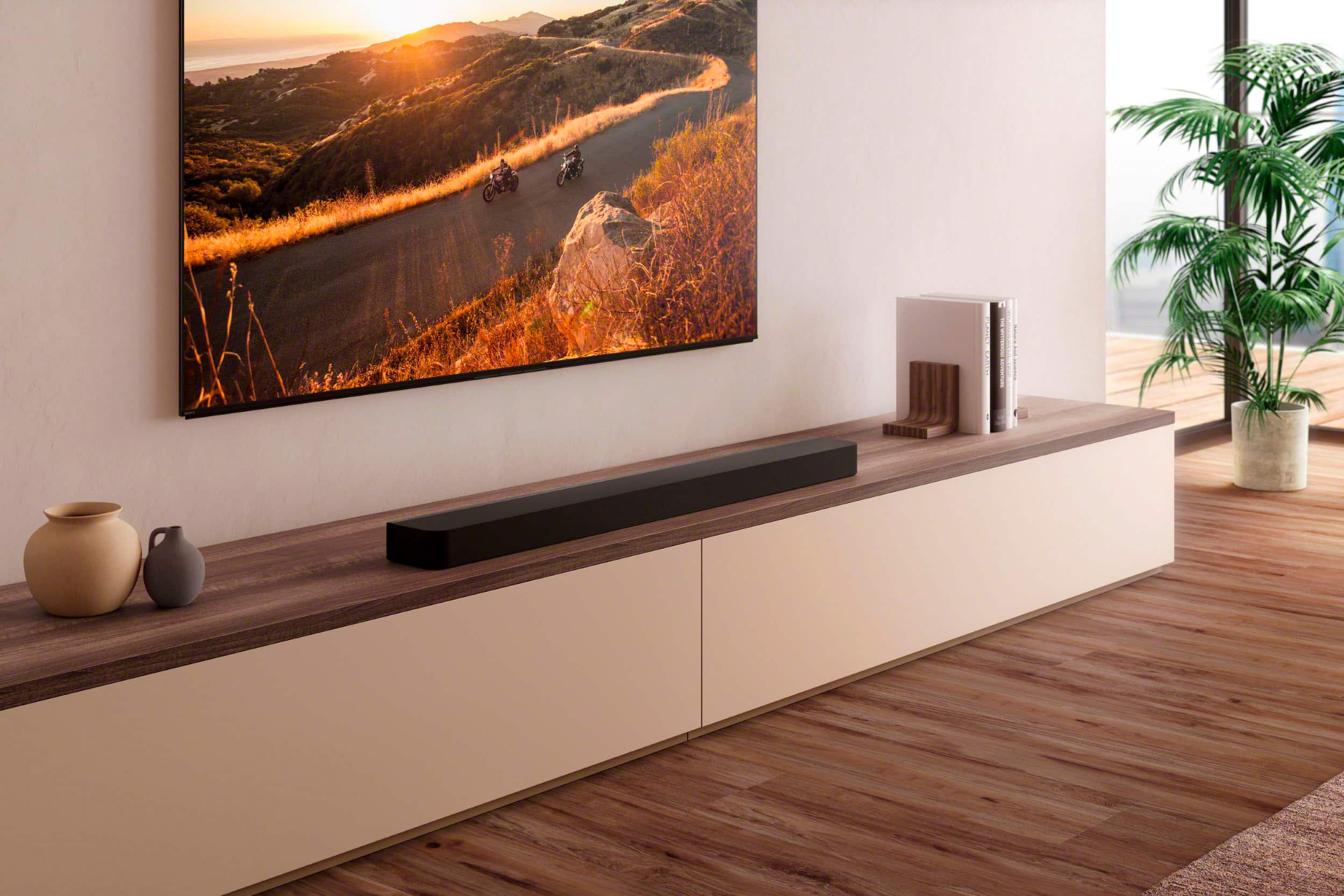
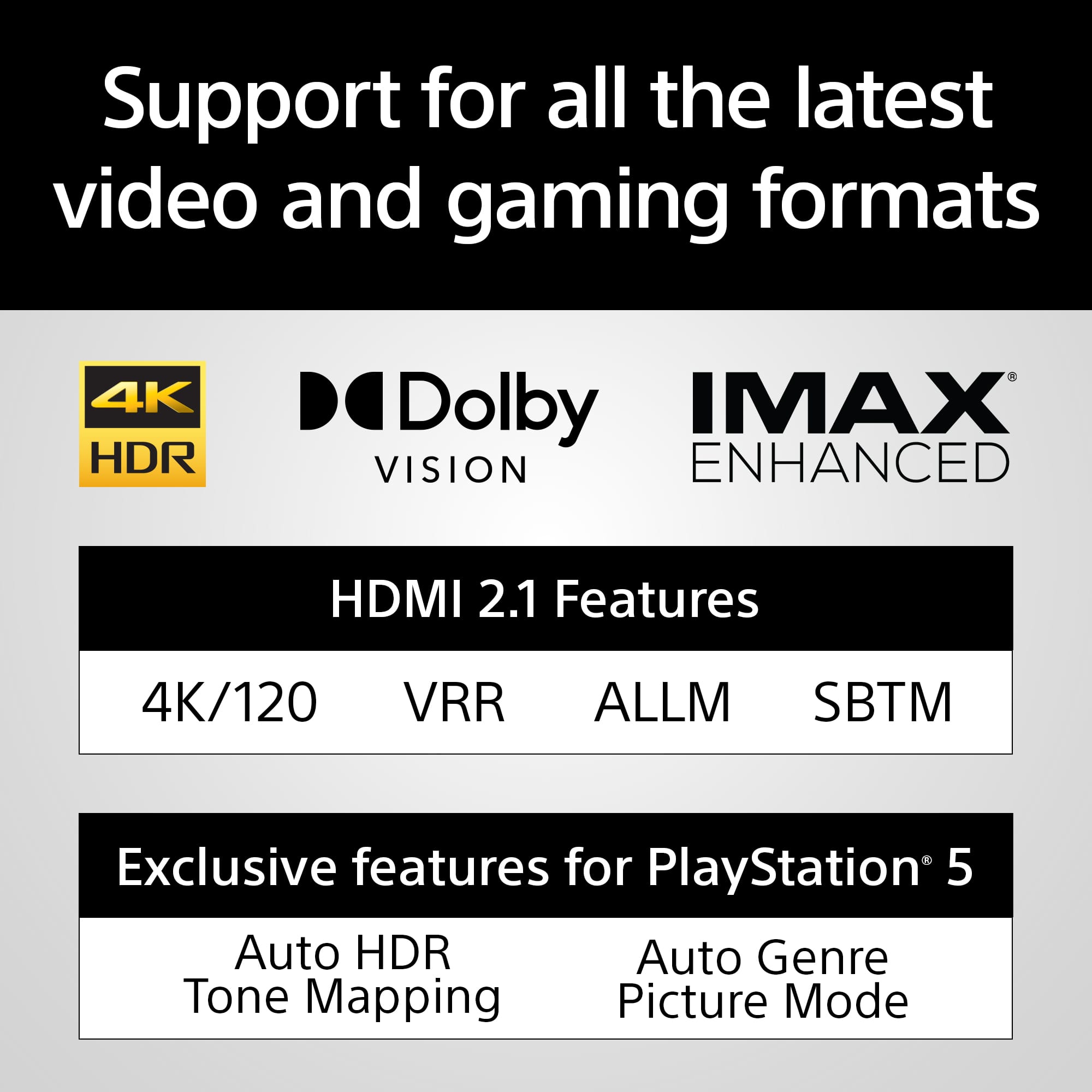
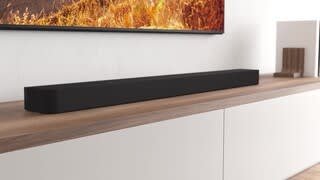
- Model:
- HTA8000
- SKU:
- 6577858
Rating by feature
- Value
Rating 4.2 out of 5 stars
- Quality
Rating 4.5 out of 5 stars
- Ease of Use
Rating 4.4 out of 5 stars
Customers are saying
Customers commend the BRAVIA Theater Bar 8's exceptional sound quality, frequently praising its immersive surround sound and clarity for both music and TV audio. The ease of setup and installation is another frequently cited positive aspect. No significant negative feedback was reported.
This summary was generated by AI based on customer reviews.
It’s decent
||Posted . Owned for 5 months when reviewed.This reviewer received promo considerations or sweepstakes entry for writing a review.It’s ok. Def not worth $1200 but 700 maybe be more in the price point. Using app is easy but the surround doesn’t work all that well
I would recommend this to a friendBrand response from SonyListens
Posted .Hi Jy1921, Thanks for feedback! We're glad you find the app easy to use. You may reach out to your dealer for discounts and promos. Enjoy and thanks for choosing Sony. -Craig

- Pros mentioned:Sound quality
What a bummer....
||Posted . Owned for 1 month when reviewed.This reviewer received promo considerations or sweepstakes entry for writing a review.Worked great for about 1 month with our Sony Bravia TV. Great sound, I was impressed. But then, it became very muted when I initially turned on the TV, and now I have to turn the TV off, and back on to get it to work. Of course, it is too late to return. I reinstalled the soundbar, didn't help. Now what?
No, I would not recommend this to a friendBrand response from SonyListens
Posted .Hi HarmonicaJo, we're glad you like the sound quality of our product. We're sorry to hear that you have an issue with your Sony unit. Please make sure that both your TV and the HTA8000 soundbar have the latest software updates installed. Please check this link for more details:
https://www.sony.com/electronics/support/sound-bars-home-theater-systems-sound-bars-surround-speakers/ht-a8000/downloads
Perform a power reset on both your TV and the HTA8000 soundbar. Turn off both devices, unplug them from the power outlet, wait for about 60 seconds, and then plug them back in and turn them on. If the issue persists, you might want to try resetting the TV and the soundbar to their factory settings. You can follow this link for more details:
https://helpguide.sony.net/ht/208283c/v1/en/contents/117_Resetting_the_Speaker_System.html
If you require any additional support with regard to this product, please email us at socialsupport@am.sony.com with the following details: Name: Username: Model Number: Issue: Telephone Number:
~Earl
Amazing
||Posted . Owned for less than 1 week when reviewed.This reviewer received promo considerations or sweepstakes entry for writing a review.Havent even used it yet… just bought cuz my coworker told me to.
I would recommend this to a friendBrand response from SonyListens
Posted .Hi Abz12, Awesome! We are so glad to hear that you are enjoying your new HTA9000! Thank you for choosing Sony! -Carl
soundbar
||Posted . Owned for less than 1 week when reviewed.This reviewer received promo considerations or sweepstakes entry for writing a review.This does not perform as well as the sales associate lead us to believe
No, I would not recommend this to a friendHappy
||Posted . Owned for 1 week when reviewed.This reviewer received promo considerations or sweepstakes entry for writing a review.Good……………..,,..,,,,,.…………………………………Glad I bought it
I would recommend this to a friendBrand response from SonyListens
Posted .Hi JBweld, we're glad you like your new soundbar! Thanks for choosing Sony. ~Earl
Sony sound bar.
||Posted . Owned for 3 weeks when reviewed.This reviewer received promo considerations or sweepstakes entry for writing a review.This item is ok but not even close in sound and quality compared to Bose and Sonos.
No, I would not recommend this to a friendBrand response from SonyListens
Posted .Hello Complaint,
Thank you for choosing Sony!
We sincerely apologize for any inconvenience caused by the sound quality issues you have experienced with the HTA8000 unit. Your feedback is vital, and we're committed to addressing your concerns. We're working to improve our products, so kindly reach out to our support team for assistance with your issue.
For technical support information, please visit the following link: https://us.esupport.sony.com/support/s/support-contact?language=en_US&category=tv
Best regards,
-Fred
Weak
||Posted . Owned for 1 month when reviewed.This reviewer received promo considerations or sweepstakes entry for writing a review.Returned this soundbar, it is very weak across the board. Absolutely not worth the money, I bought solid edifier r2850db speakers instead, they sound and give massive sound 5 times better! And they cost 2 times cheaper. Never buy soundbars! Translated with DeepL https://www.deepl.com/app/?utm_source=android&utm_medium=app&utm_campaign=share-translation
No, I would not recommend this to a friendBrand response from SonyListens
Posted .Hi SanyaInsolent,
Thank you for your time writing this review. We're sorry to hear that we were not to meet your expectations with the sound quality of the BRAVIA Theater Bar 8 and that you returned the unit. This is definitely not the news nor experience we want you to have. There are steps that you can perform on the unit to adjust the settings and improve the sound quality. We appreciate your feedback and hope that will still shop Sony again in the future. Thanks again for shopping Sony. - Kris
Un happy
||Posted . Owned for 1 week when reviewed.This reviewer received promo considerations or sweepstakes entry for writing a review.Not what i expected did not map the room easily going back to Bose system. Paid for Geek squad to instal still havent got the sound im looking for
No, I would not recommend this to a friendBrand response from SonyListens
Posted .Hi Sroy, thanks for choosing and purchasing our product. We hope you are enjoying your new soundbar. We're sorry to hear that you are not satisfy with the sound quality of the BRAVIA Theater Bar 8. We would like to turn your opinion around regarding this soundbar. You can adjust the sound quality by checking this link:
https://helpguide.sony.net/ht/208283c/v1/en/contents/022_Adjusting_Sound_Quality.html?search=sound%20quality
If you require any additional support with regard to this product, please email us at socialsupport@am.sony.com with the following details: Name: Username: Model Number: Issue: Telephone Number:
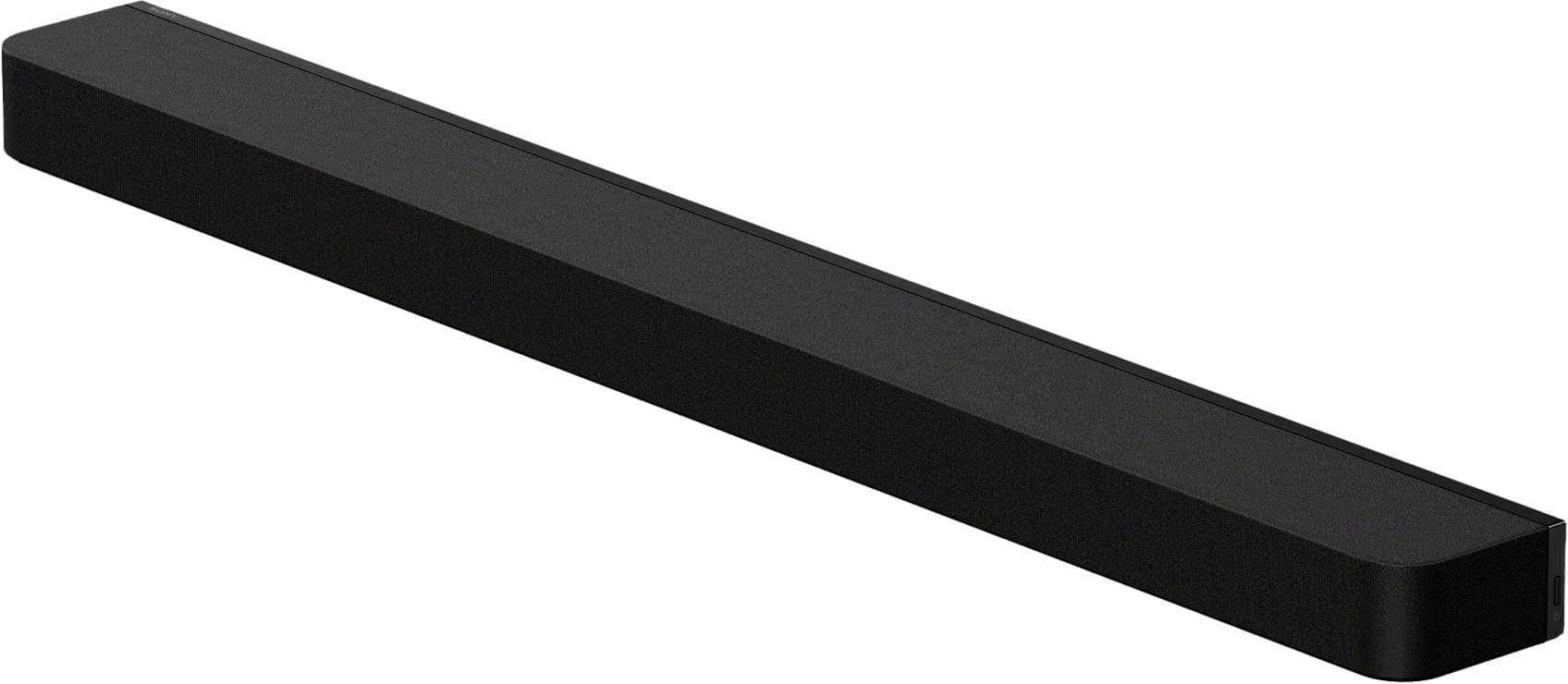
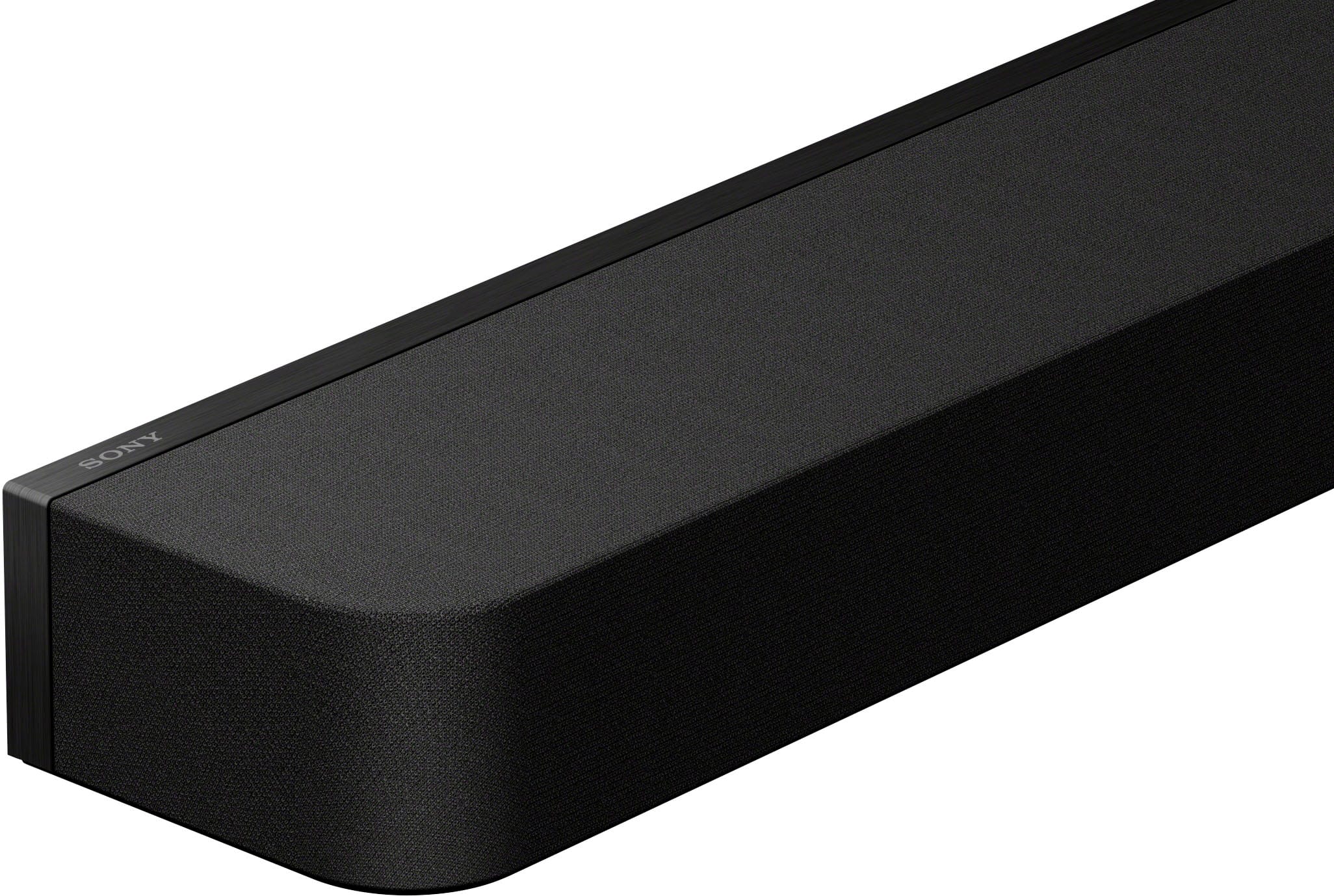
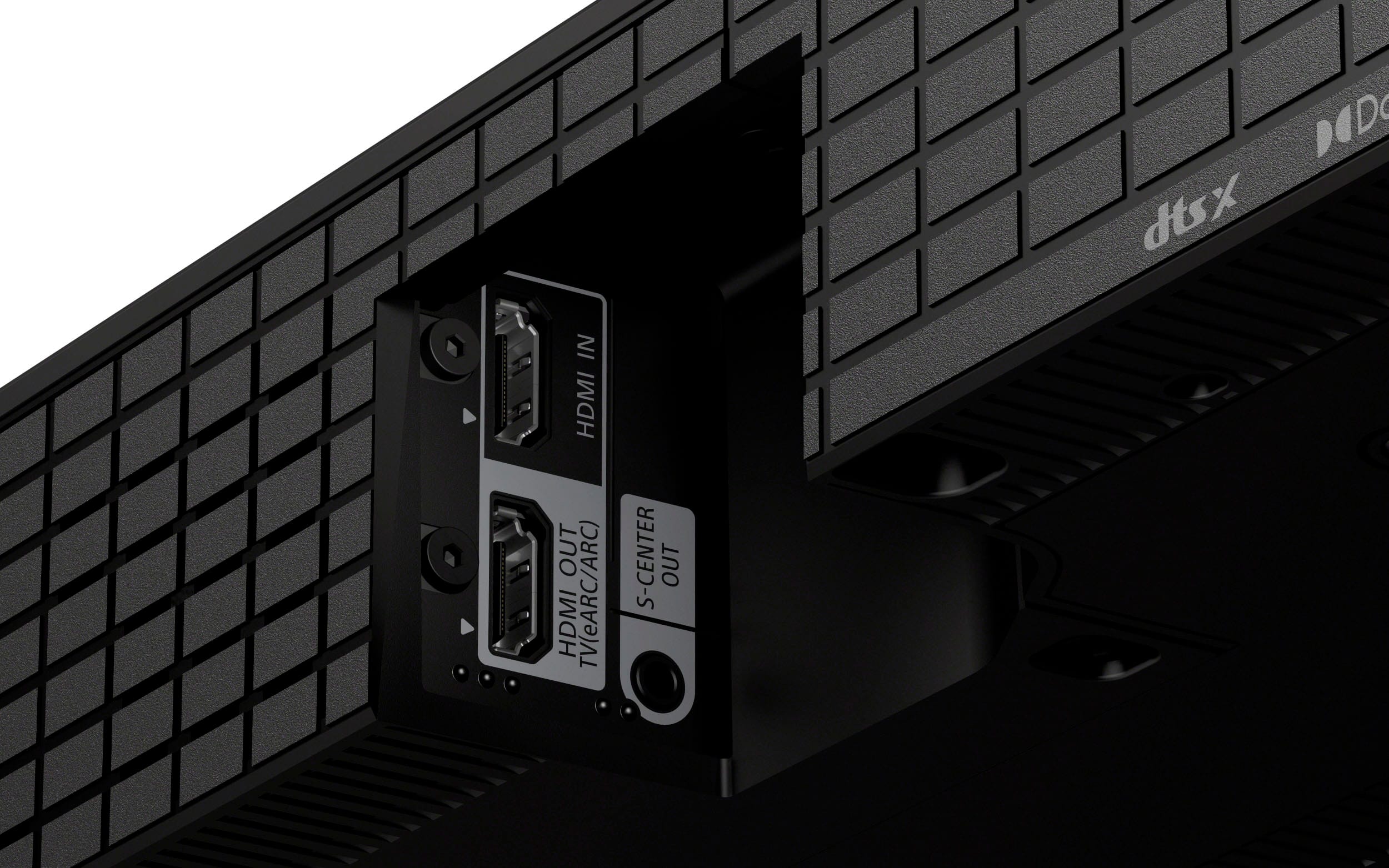
The Sony HTA8000 is a high-performance soundbar that offers an immersive audio experience. It features advanced technologies such as Dolby Atmos and DTS:X, which create a three-dimensional sound field, making you feel like you're in the middle of the action. The HTA8000 also supports 360 Reality Audio, providing a more lifelike and spatial sound experience.
~Earl
Stopped working after 6 months
||Posted .This reviewer received promo considerations or sweepstakes entry for writing a review.Bought this on aug 2025 and it stopped working all of a sudden feb 14 2026. I would not go for this i should have stuck to sonos.
No, I would not recommend this to a friendBrand response from SonyListens
Posted .Thank you for contacting Sony.
We are truly sorry to hear that your BRAVIA Theater Bar 8 stopped working after only a few months of use. We understand your frustration, especially when comparing it to other premium systems, and we want to help you get your home theater back up and running.
Before considering other brands, we recommend trying a power reset: unplug the unit for at least 60 seconds and then plug it back in. If it still doesn't power on, you can perform a factory reset by holding the Power button on the bar itself for more than 10 seconds.
If these steps do not resolve the issue, please contact our specialized support team. They can help you with warranty options to ensure you get the high-quality experience you paid for.
https://us.esupport.sony.com/support/s/support-contact?language=en_US&category=ht
Thank you for considering Sony.
Best regards, Gus, Sony Social Media Team
Just ok
||Posted . Owned for 1 year when reviewed.This reviewer received promo considerations or sweepstakes entry for writing a review.Can't sync the lips to the words . It doesn't fit in the spot under the tv but whatever.
No, I would not recommend this to a friendBrand response from SonyListens
Posted .Hi Papa,
We apologize that you are experiencing lip-sync issues with your BRAVIA Theater Bar 8. This problem is usually resolved with a simple reset or update. Please first perform a Power Restart by unplugging the soundbar and TV for a minute, then plug them back in. If the delay continues, ensure the soundbar has the latest software update and, as a final step, try a Factory Reset by holding the Power button on the soundbar for more than 10 seconds. You can find detailed instructions and A/V sync adjustments in the official Help Guide: https://helpguide.sony.net/ht/208283c/v1/en/contents/075_Troubleshooting.html
Thanks for choosing Sony.
Best regards,
Eliab
- Pros mentioned:Sound quality

Awesome sound, look, and value media bar!!
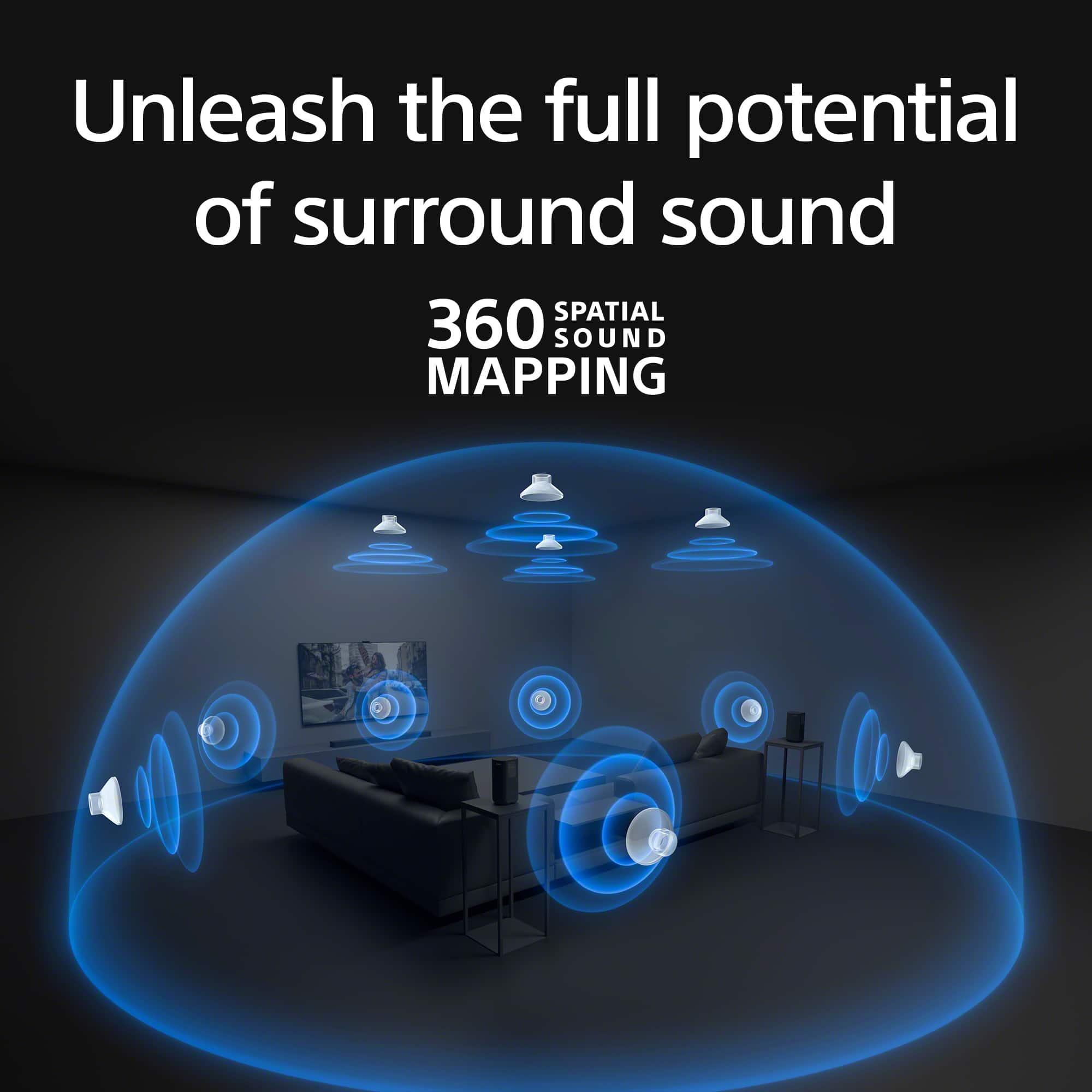
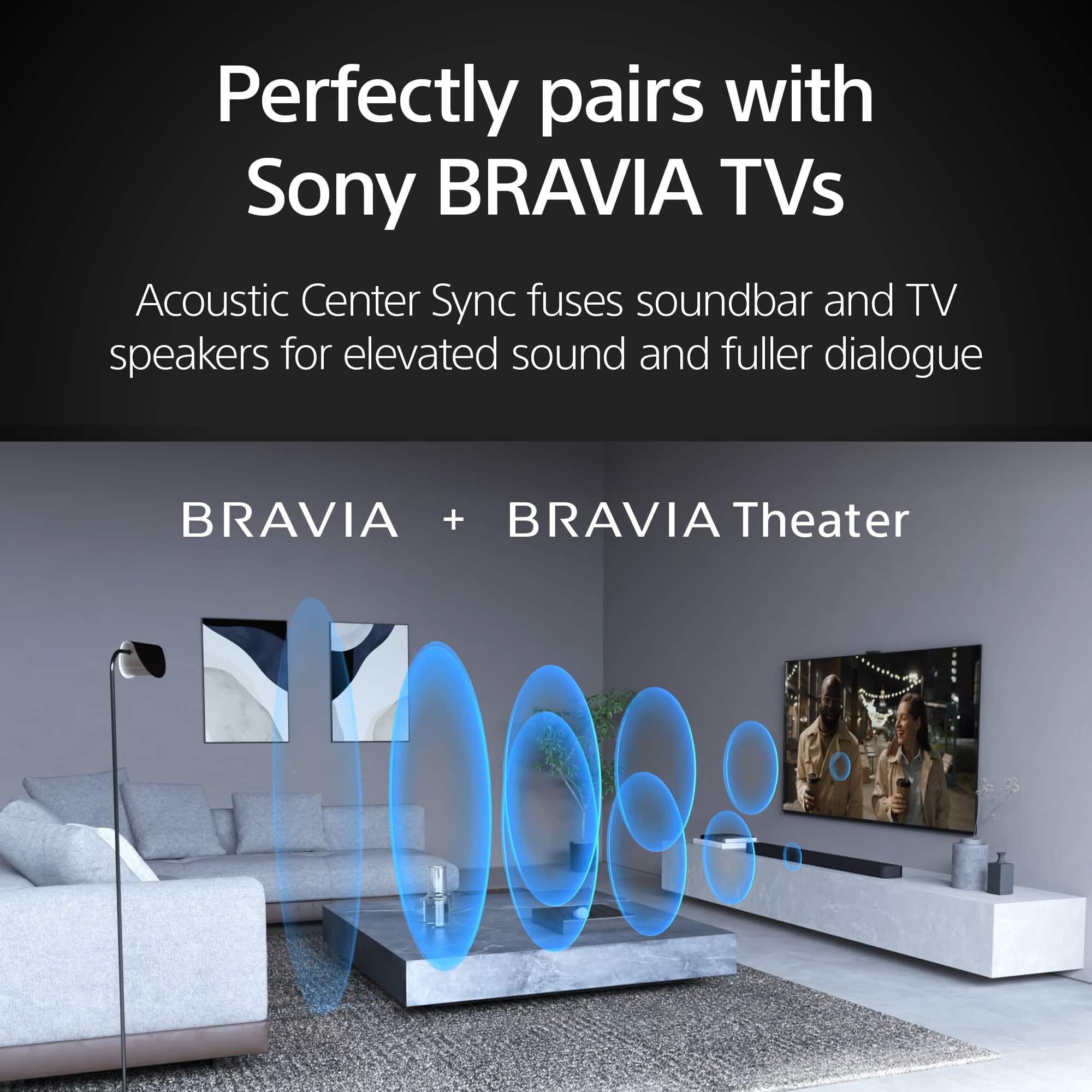
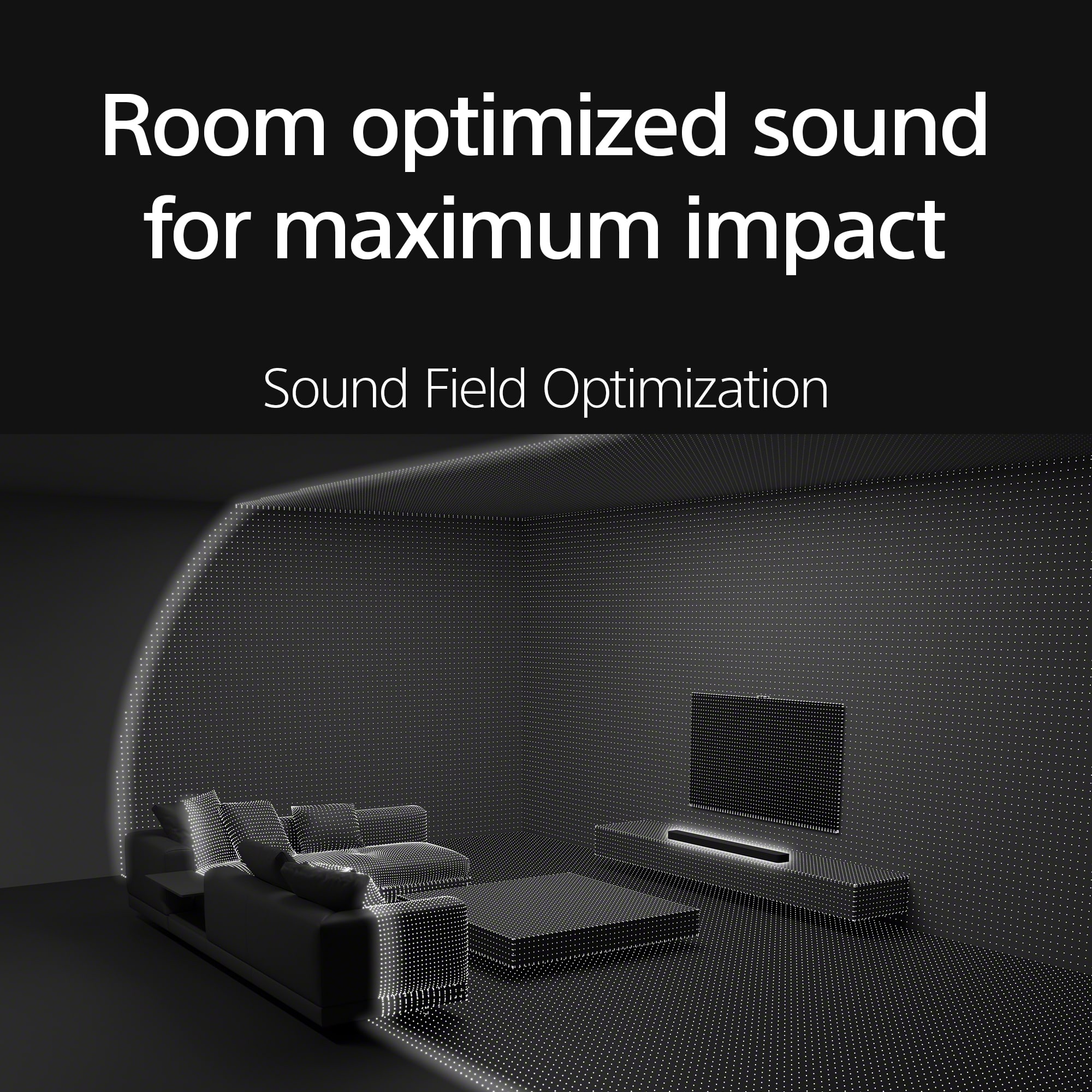
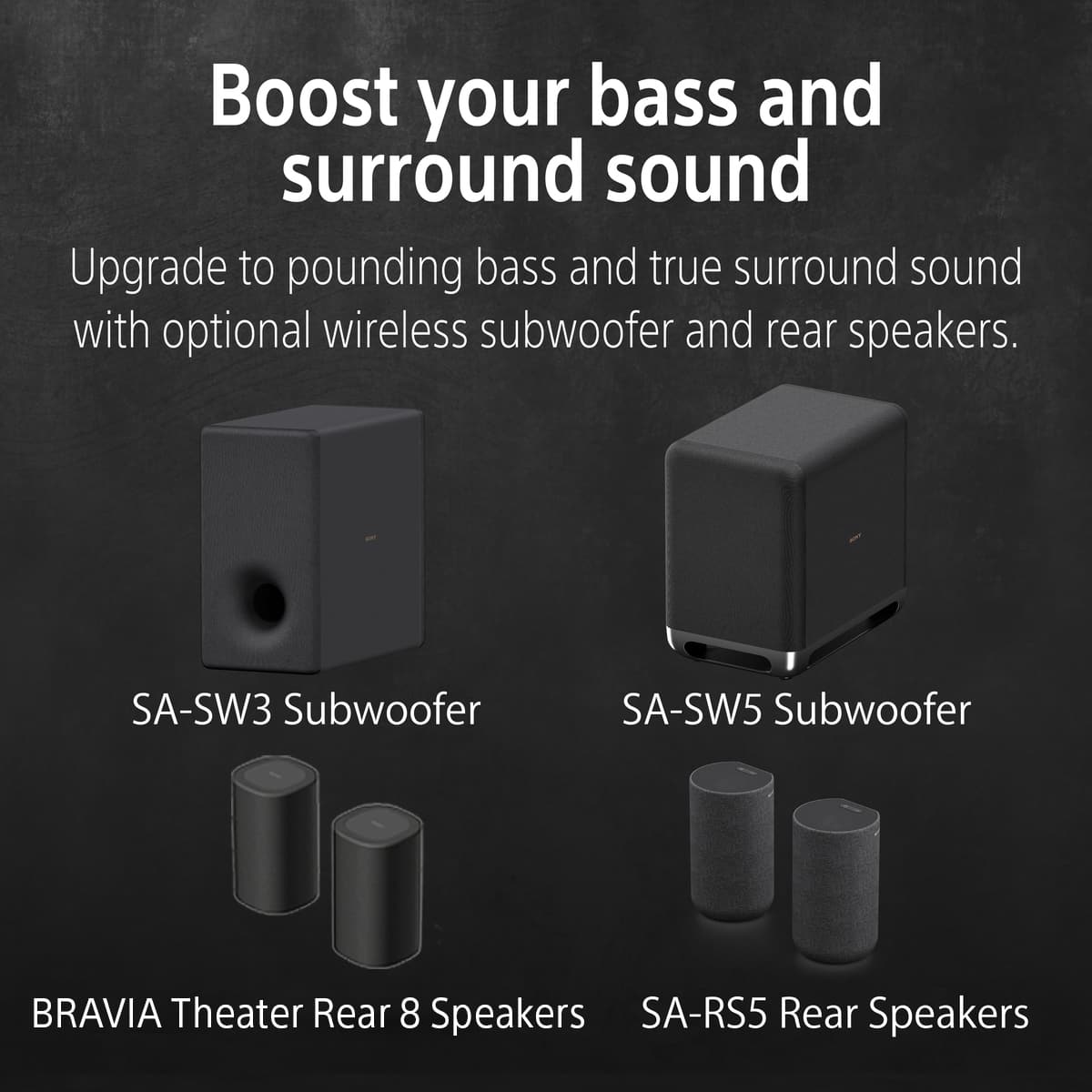
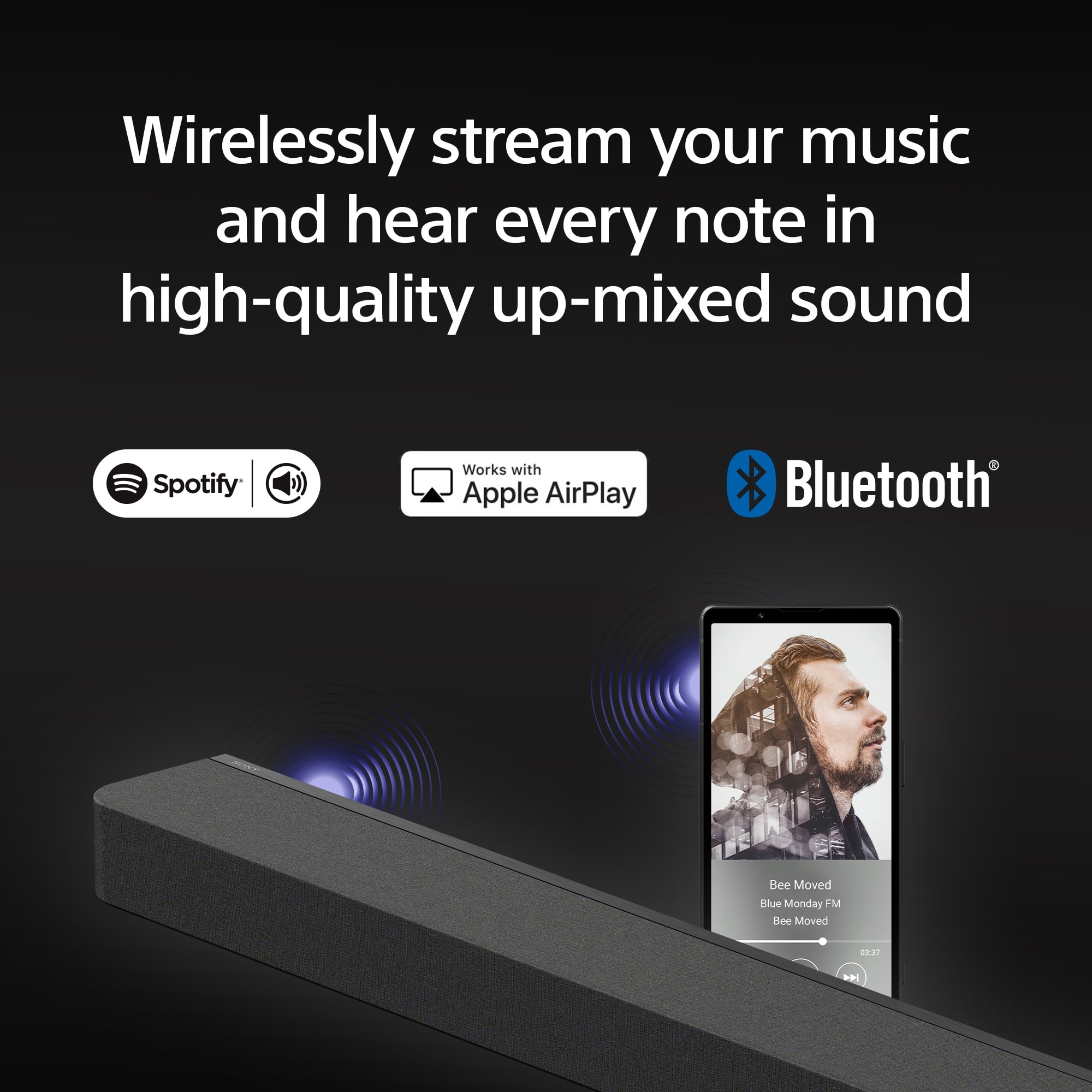
|Posted .This reviewer received promo considerations or sweepstakes entry for writing a review.This Sony BRAVIA Theater Bar 9 is an incredible all in one sound solution for pretty much any audiophile out there. This high-end soundbar has impeccable design and delivers a premium home theater experience from a single unit right out of the box! This unit boasts an incredible collection of 13 built-in speakers, including dedicated side-firing and up-firing drivers. The unit works with Dolby Atmos and DTS for amazing sound reproduction all around and creates an immersive audio environment for everyone in the room. The unit utilizes Sony's “360 Spatial Sound Mapping technology” in order to simulate virtual surround speakers which enhances surround sound without the need for adding rear/surround speakers to the system. Sound quality is simply stunning when considering the size and speaker setup of this bar. Crystal mids and highs and impressive bass response without any actual sub-woofer needed – although true home theater medial setups with probably want to add a sub to this bar to complete the package. I really appreciated Sony’s Sound Field Optimization, which quickly and effortlessly calibrates the soundbar for the best performance in my specific room space. Pretty neat feature that makes setup so much easier than trying to do it by ear. Makes for a perfect setup everytime. Design-wise the Theater Bar 9 is simple and beautiful. Elegant lines and color to fit seamlessly into any room and setup. This bar is impressively compact and lightweight for the sound it produces. You’ll find yourself looking around trying to find where the “other” speakers are, even though there are no more. Again, the overall size and footprint are small making this easy to fit anywhere you need it. For connectivity, the Theater Bar 9 offers a range of options, including HDMI eARC for lossless audio, Bluetooth 5.2, Apple AirPlay 2, and Spotify Connect. Makes this bar perfect for different streaming needs and compatible with a wide array of devices. Overall, this Sony BRAVIA Theater Bar 9 has been awesome. Fantastic advanced audio features, super easy to use especially when integrated with other Sony products. Design is top notch if you enjoy small and sleek appearance.
I would recommend this to a friendBrand response from SonyListens
Posted .Hi Steven, Thanks for sharing your review on the new Sony Bravia 9 soundbar. We're glad you're happy with your purchase. Make sure to keep your device's firmware up to date to enjoy all its features. Thanks for choosing Sony! -Craig
Not for $1000
||Posted . Owned for 2 weeks when reviewed.This reviewer received promo considerations or sweepstakes entry for writing a review.I was expecting more from a Sony $1000 speaker. The sound wasn’t great at all. Didn’t fill the room and music wasn’t great also.
No, I would not recommend this to a friendBrand response from SonyListens
Posted .Hi JNP19,
We're sorry to hear about your experience. This is definitely not what we wanted you to go through. Kindly check the link below. There are steps you can perform to improve the sound quality. https://helpguide.sony.net/ht/a7000/v1/en/contents/TP1000070985.html
If you need further assistance with your device, you may reach us at socialsupport@am.sony.com with the following details :
Full Name:
Best Buy Username:
Telephone Number:
Sony Model Number:
Additional Information regarding your experience with the unit:
We are sorry for the inconvenience and hope to speak to you to resolve this matter.
Sincerely,
-Craig
Do not even think about this one
||Posted . Owned for less than 1 week when reviewed.This reviewer received promo considerations or sweepstakes entry for writing a review.So disappointed with this. It will be going back right when I am done typing this review along with the sub and rear speakers. I bought open box and even with the deep discount, it is not worth the money. The tv speakers almost go louder and sound better. Triple checked all the settings and it still sounds like crap.
No, I would not recommend this to a friendBrand response from SonyListens
Posted .Hi RobertS, we are sorry to hear that the Sony - BRAVIA Theater Bar 8 did not meet your expectations. We are committed to improve our products so that they exceed our best consumer satisfaction, your feedback is very much appreciated. Thanks for considering Sony. Best regards, Dominick.
Good but nothing to Wow
||Posted . Owned for 2 weeks when reviewed.This reviewer received promo considerations or sweepstakes entry for writing a review.Sounds decent, but nothing mind blowing. In the store it sounded so much better.
I would recommend this to a friendBrand response from SonyListens
Posted .Hi SamiH, thanks for choosing and purchasing our product. We hope you are enjoying your new soundbar. We understand your feedback regarding the sound quality of our your Sony unit. Please try adjusting the sound quality of your soundbar. Sound quality adjustments can be performed on the remote control screen on the app or on the supplied remote control. Please follow this link for more details:
https://helpguide.sony.net/ht/208283c/v1/en/contents/022_Adjusting_Sound_Quality.html?search=sound%20quality
If you require any additional support with regard to this product, please email us at socialsupport@am.sony.com with the following details: Name: Username: Model Number: Issue: Telephone Number:
~Earl
It’s ok
||Posted . Owned for 1 month when reviewed.This reviewer received promo considerations or sweepstakes entry for writing a review.Like but don’t love it. They never sound like they do in the store.
No, I would not recommend this to a friendBrand response from SonyListens
Posted .Hi RJWSR27,
Thank you for the review. We do apologize for the inconvenience. The sound quality of the soundbar will depend in the source and environment that you're playing. For sound quality issue, please check this artilce on how to resolve your issue.
https://www.sony.com/electronics/support/sound-bars-home-theater-systems-sound-bars-surround-speakers/ht-a8000/articles/00250222
If you need further assistance, please email us at socialsupport@am.sony.com with the following details:
Name:
Best Buy Username:
Model Number:
Issue:
Telephone Number:
-David
Not worth it!
||Posted . Owned for 1 month when reviewed.This reviewer received promo considerations or sweepstakes entry for writing a review.Sounds pathetic for a $1,000 speaker. Apparently, you have to have a tv with a good sound output. I paired this with a Samsung tv and it definitely doesn't sound like the one in the store.
No, I would not recommend this to a friendBrand response from SonyListens
Posted .Hi JenniferM,
We're sorry to hear about your experience with the BRAVIA Theater Bar 8 and appreciate you sharing your feedback. We understand how frustrating it is when the in-store sound quality doesn't match your home setup.
It sounds like there may be an optimization issue between the soundbar and your Samsung TV. The Theater Bar 8 is designed to deliver incredible sound, and we have a few recommendations to help enhance your audio experience:
1. Use High-Speed HDMI: Ensure you are using a high-speed HDMI cable between your TV and the soundbar to guarantee full compatibility with the latest sound formats. You can use the one that is included in the box.
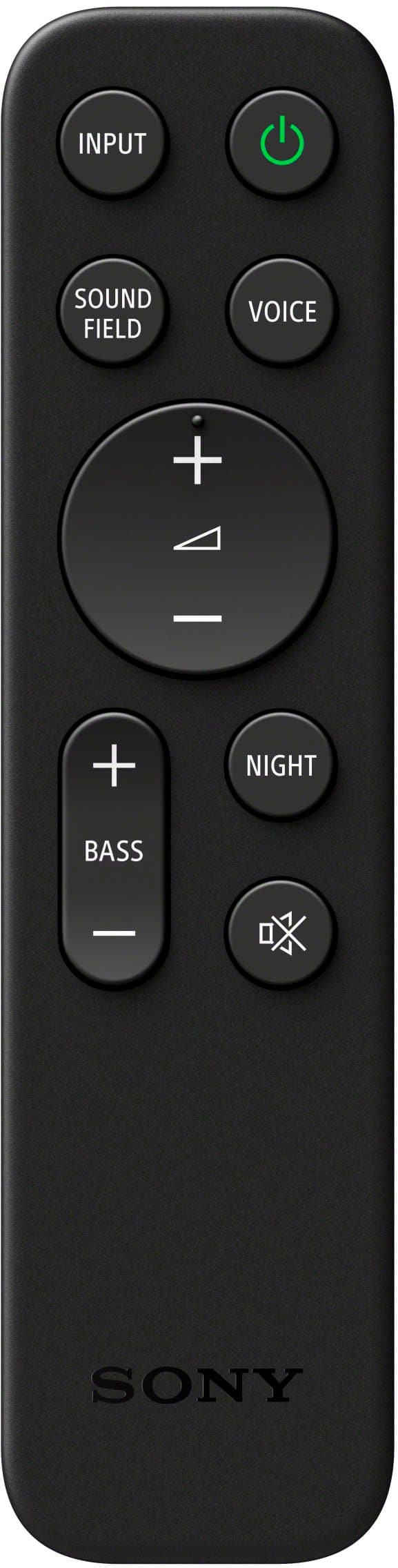
2. Activate Sound Field: On the soundbar remote, press the Sound Field button. This outputs sound with the full surround effect, significantly increasing the sense of presence.
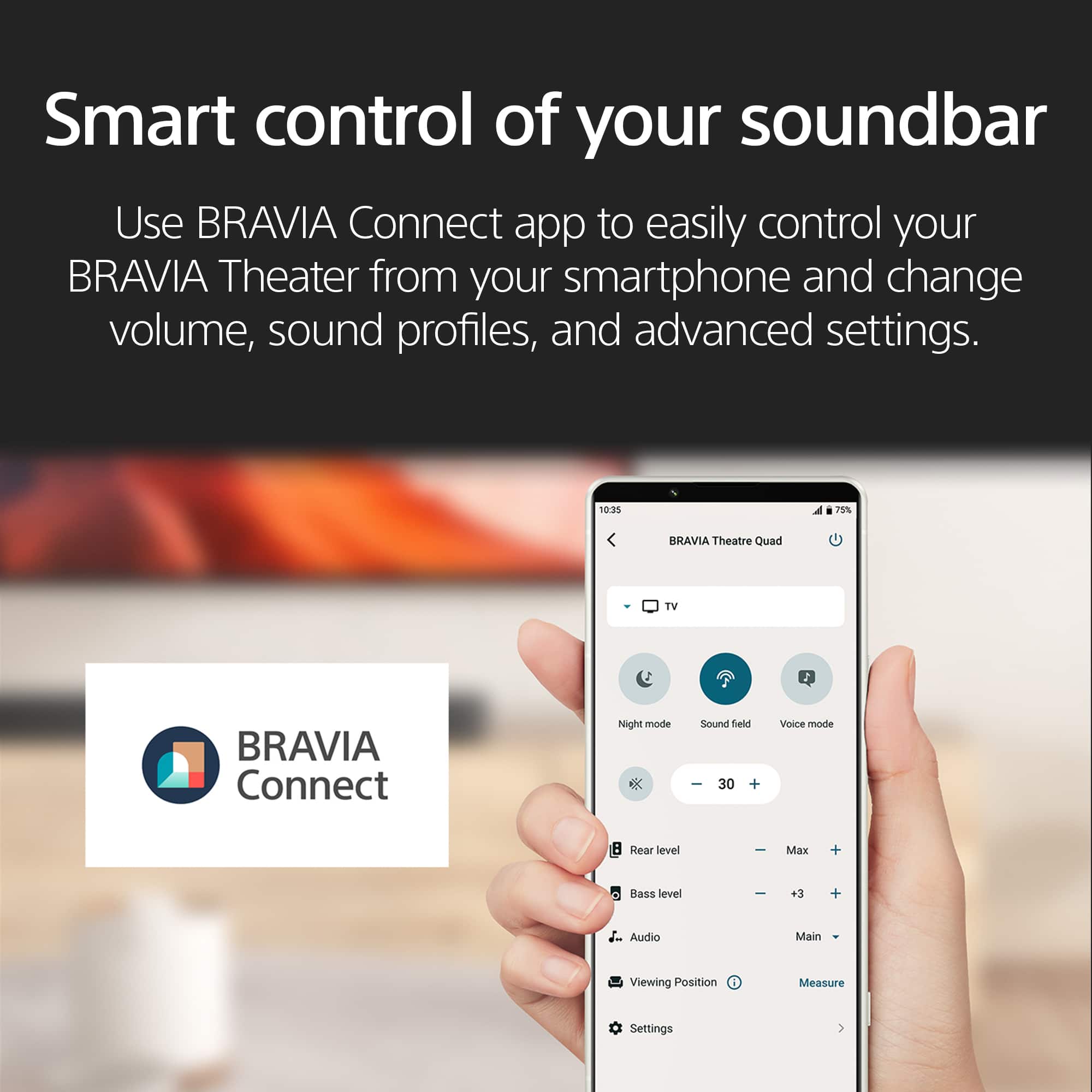
3. Perform Sound Field Optimization: Use the BRAVIA Connect app, go to Settings > Sound Settings > Sound Field Optimization. This process will fine-tune the surround effects for your specific room.
If you continue to experience issues or would like personalized assistance to ensure your new soundbar is set up for the best sound, please contact our dedicated technical support team here:
https://us.esupport.sony.com/support/s/support-contact?language=en_US&category=ht
We hope you find these steps useful and thank you for considering Sony!
Regards,
Dominick
Sound bar blues
||Posted . Owned for 1 month when reviewed.This reviewer received promo considerations or sweepstakes entry for writing a review.Very complicated setup. Expectations were for easy setup
No, I would not recommend this to a friendBrand response from SonyListens
Posted .Hi Wpbracco32,
We’re sorry to hear that the setup process for your BRAVIA Theater Bar 8 was more complicated than expected. Your feedback is valuable, and we’d like to help make things easier for you.
If you need further assistance or have additional concerns, may we contact you directly? If so, please email the following information to socialsupport@am.sony.com. Apologies if you've already shared this information with customer service — we just want to ensure we have your most accurate details:
Full Name:
Username:
Telephone Number:
Additional Information regarding your experience with the Sony BRAVIA Theater Bar 8.
Thank you for your patience!
Sincerely,
Maria
Bravia bar 8
||Posted . Owned for 2 weeks when reviewed.This reviewer received promo considerations or sweepstakes entry for writing a review.Lot of sound just not to impressed with the surround effects.
No, I would not recommend this to a friendBrand response from SonyListens
Posted .Hi Microsoft365, Thank you for your honest review. We appreciate your feedback as can help improving our product. Thank you for choosing Sony! -Carl
- Pros mentioned:Sound quality
Nice Sleek Sound bar with High Fidelity Sound
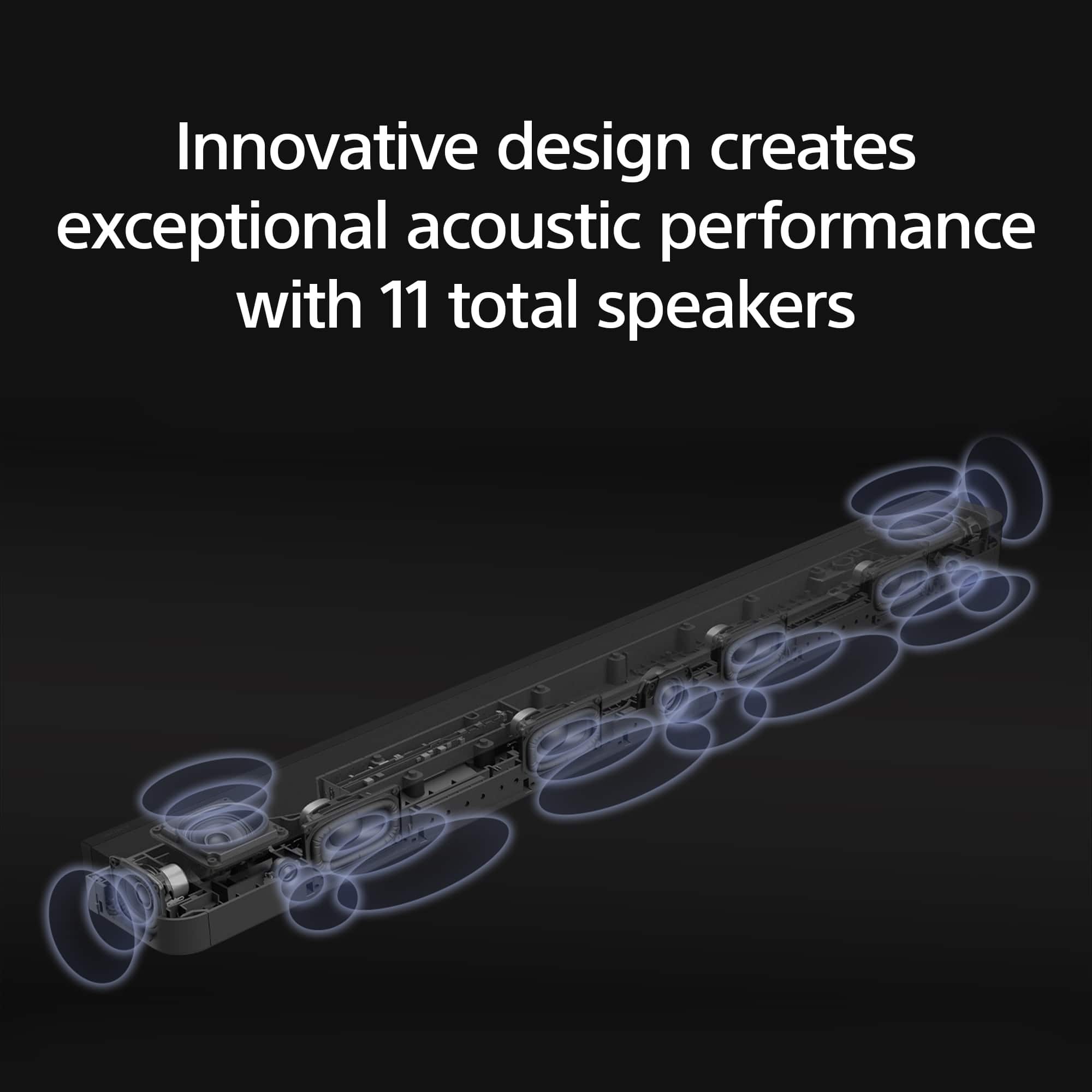
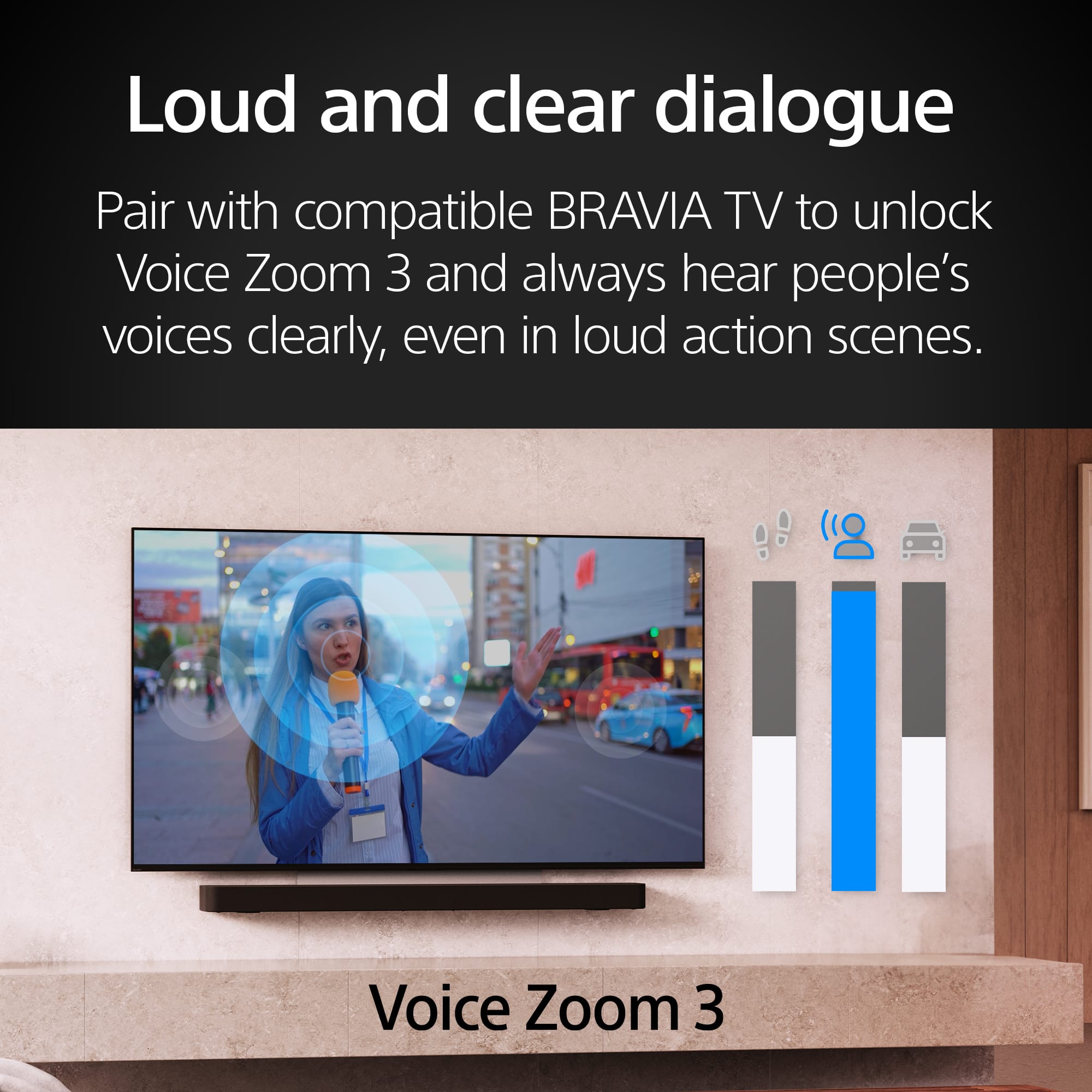
|Posted .This reviewer received promo considerations or sweepstakes entry for writing a review.This comes with 11 speakers and is a good product that might need a separate sub-woofer to really elevate your audio experience. Some important pros: Exceptional audio quality with Dolby Atmos and DTS support. The clarity is awesome and the mid-tones are crisp. Atmos effect can be felt easily. Sleek design that blends well with modern home decor. Easy setup and user-friendly interface. Versatile connectivity options including Bluetooth and Wi-Fi. The Bravia Connect app works seamlessly and you will need it to make it work. The spatial sound mapping is true and enhances the experience. The room mapping feature is good. The Voice enhancement feature is crisp and helps if you are watching sports and other specific events. You can toggle through these features using the remote. Cons: A little too pricey. The built-in sub-woofer is good but for a better experience a stand-alone sub-woofer is recommended. The bass is adequate but could have a bigger footprint depending on the needs of the specific consumer. In my testing the sound dropped a few times across a couple of televisions. It happened once every hour and I had to pause the program and unpause it again to make it work. Quite simple but this should be remedied with a software update. Overall, this is a solid buy. The high fidelity sound along with the sleek design makes this a wonderful product for any home. I have to say that if you have never ventured beyond Bose and Sonos, you will be pleasantly surprised by the quality Sony has been offering over the years in their sleek sound bars. I have tried a few of them over the years and apart from the price factor, these have all been top notch. My HT-7000 is still one of my favorites. This one, the Theater Bar 8, is a nice replacement.
I would recommend this to a friendBrand response from SonyListens
Posted .Hi Magneto, we appreciate your detailed review of our product. We're glad you like it. We're sorry to hear that you have an issue with your Sony unit. For sound skips or there is noise coming from the speakers, please isolate the issue by following this link:
https://www.sony.com/electronics/support/articles/00267910
If you require any additional support with regard to this product, please email us at socialsupport@am.sony.com with the following details: Name: Username: Model Number: Issue: Telephone Number:
Thanks for choosing Sony. ~Earl
Not worth it .
||Posted . Owned for 1 month when reviewed.This reviewer received promo considerations or sweepstakes entry for writing a review.Not worth the money . Sound is not good or clear . T v sounds better
No, I would not recommend this to a friendBrand response from SonyListens
Posted .Hi MartinR, thanks for choosing and purchasing our product. We're sorry to hear that you have an issue with the sound quality of your new BRAVIA Theater Bar 8. We'd like to turn your opinion around regarding our BRAVIA Theater Bar 8. We recommend adjusting the sound quality of the unit by following this link:
https://helpguide.sony.net/ht/208283c/v1/en/contents/022_Adjusting_Sound_Quality.html?search=sound%20quality
If you require any additional support with regard to this product, please email us at socialsupport@am.sony.com with the following details: Name: Username: Model Number: Issue: Telephone Number:
Thanks for choosing Sony.
~Earl