Customer Ratings & Reviews

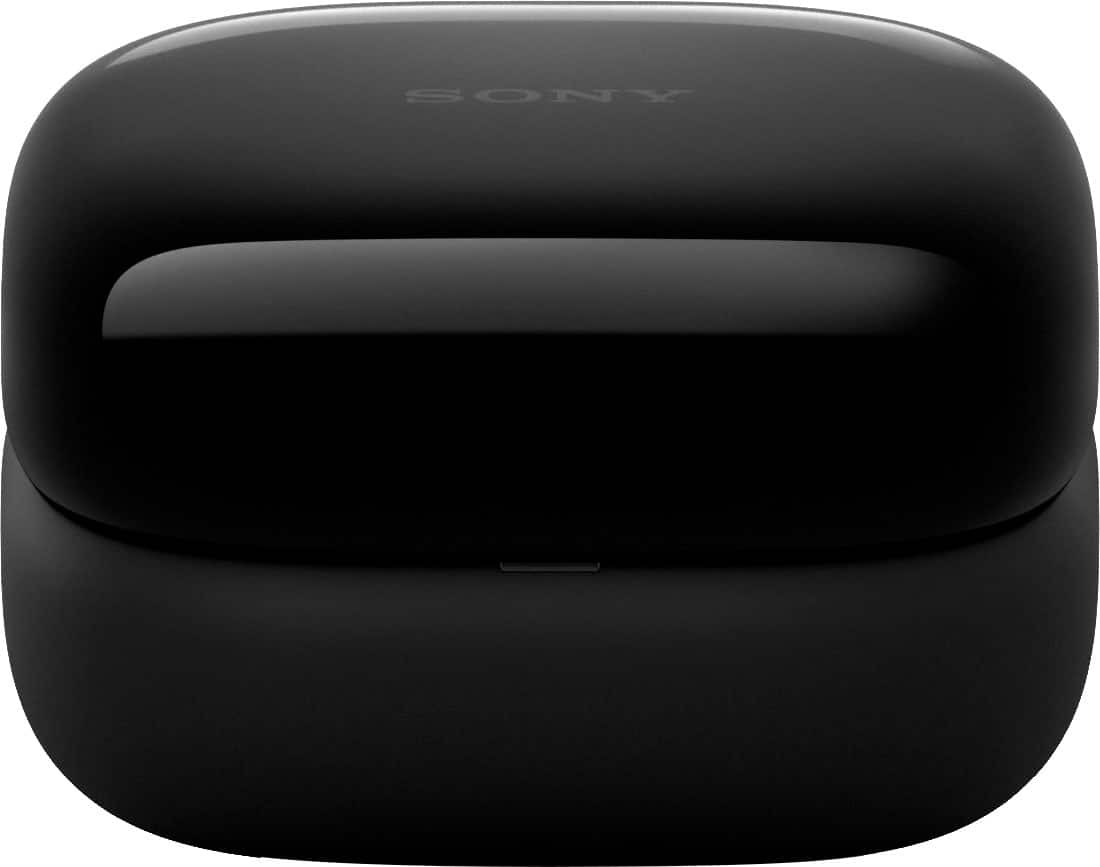
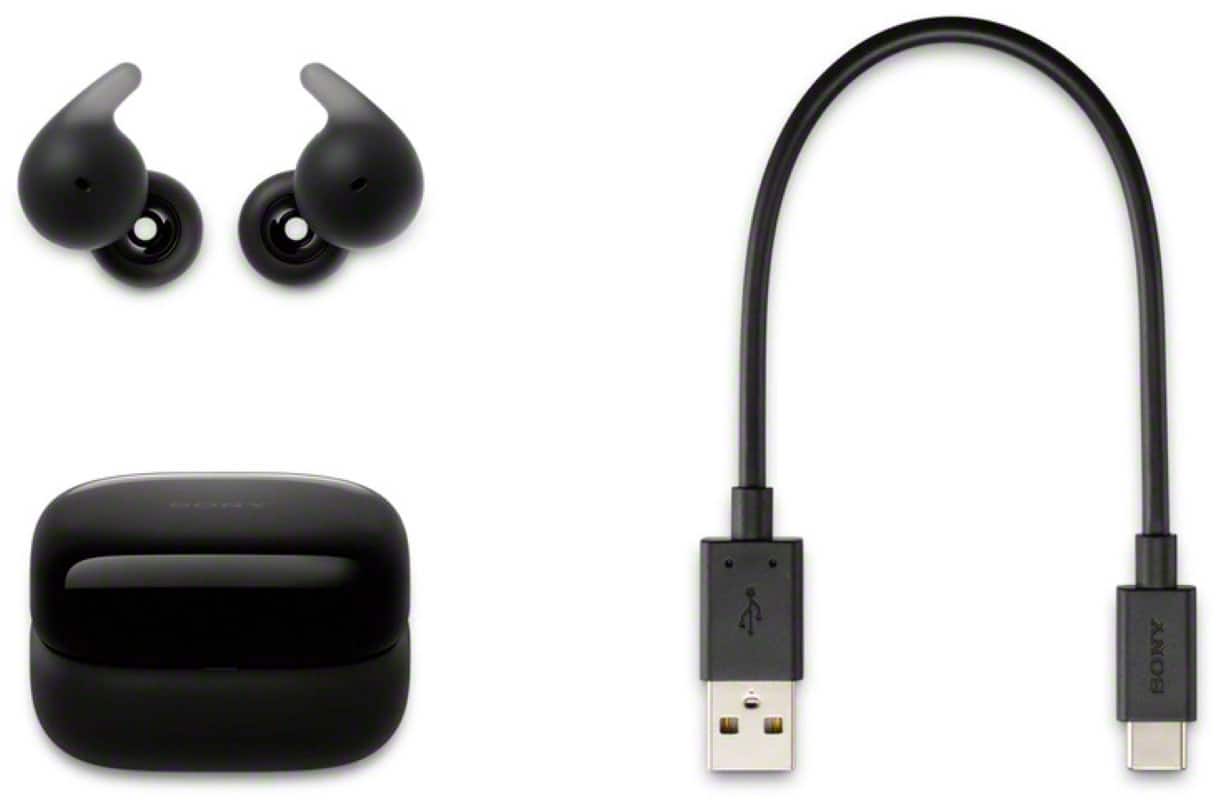
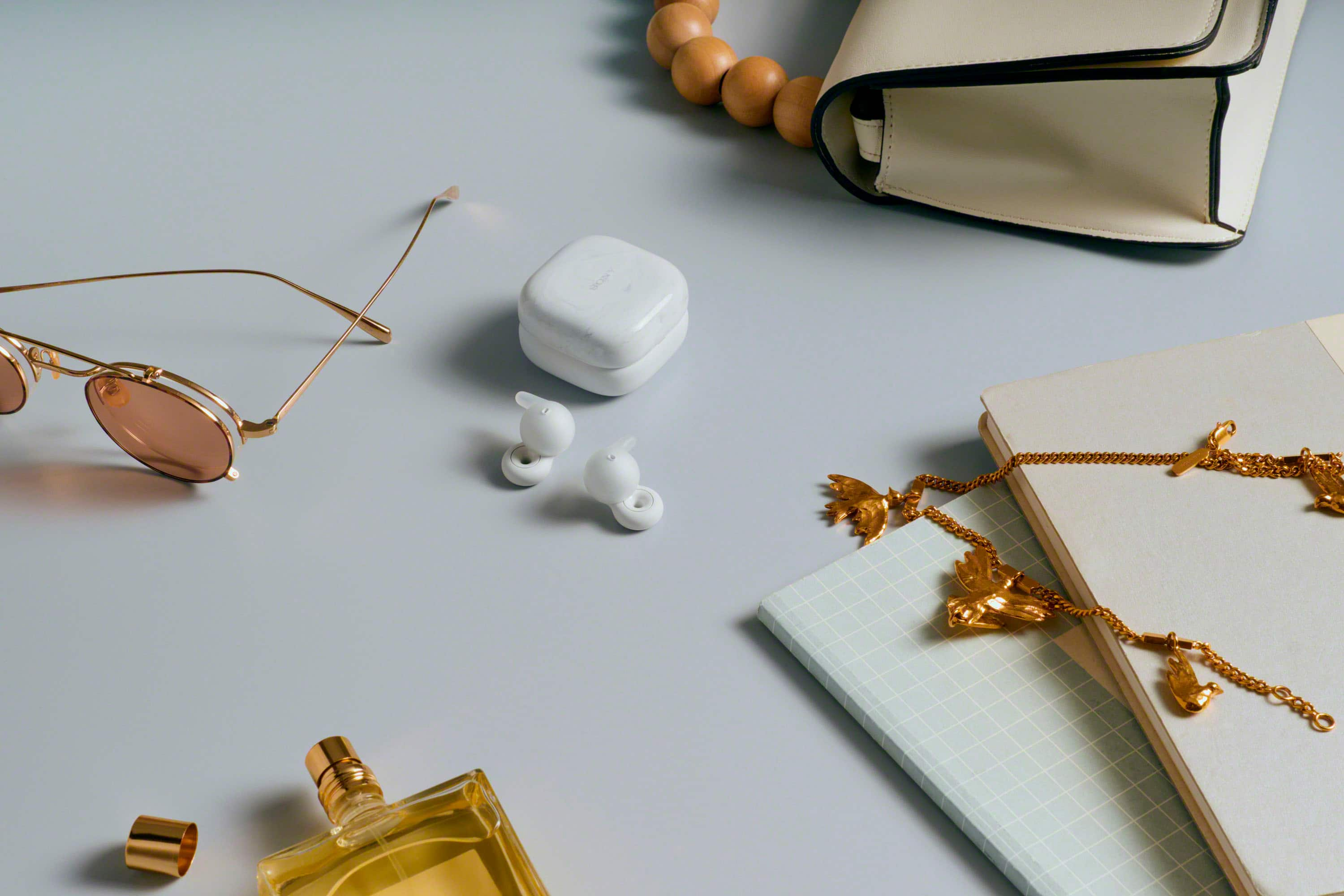
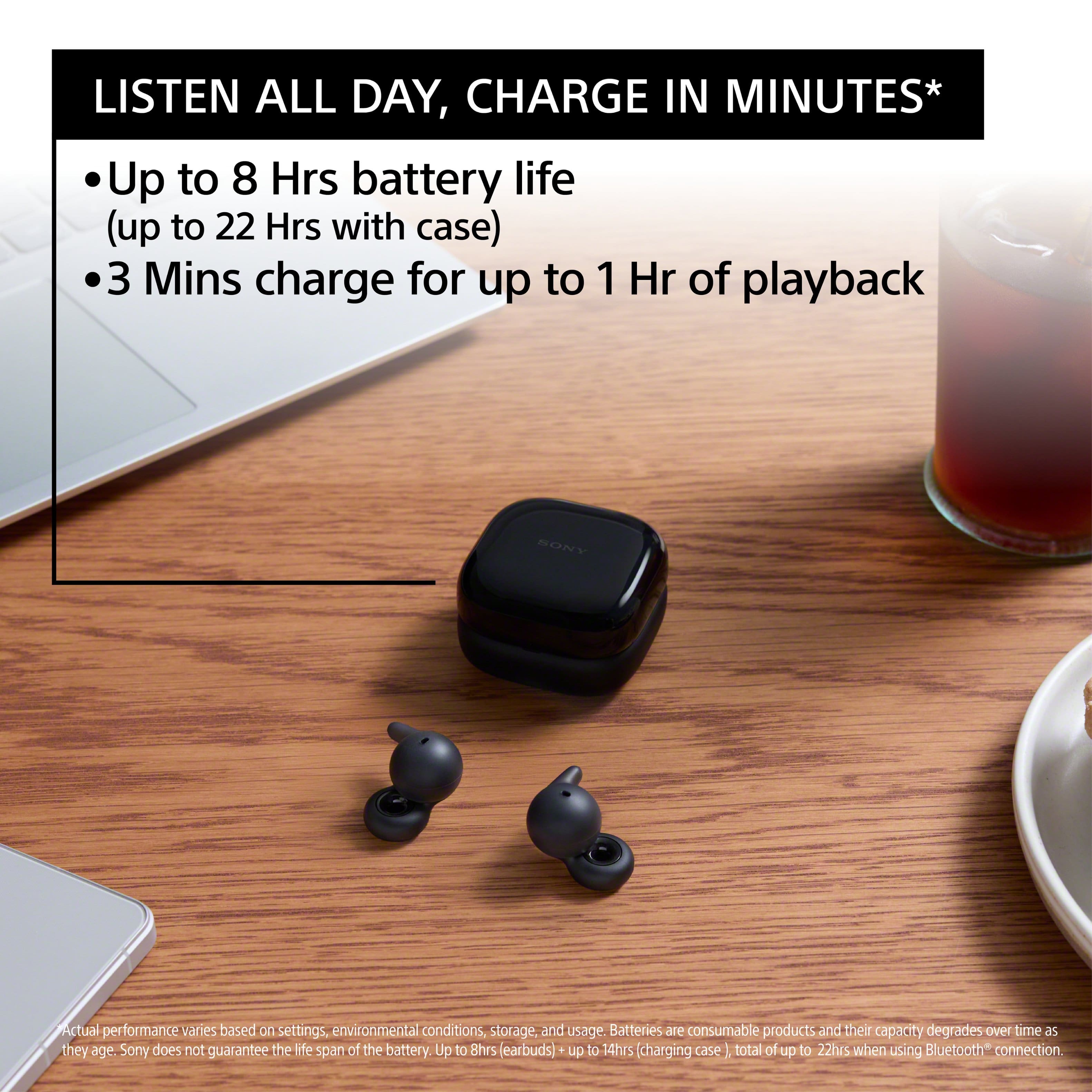






- Model:
- WFL910/B
- SKU:
- 10313376
to a friend
- Cons mentioned:Fit

Less than impressed.
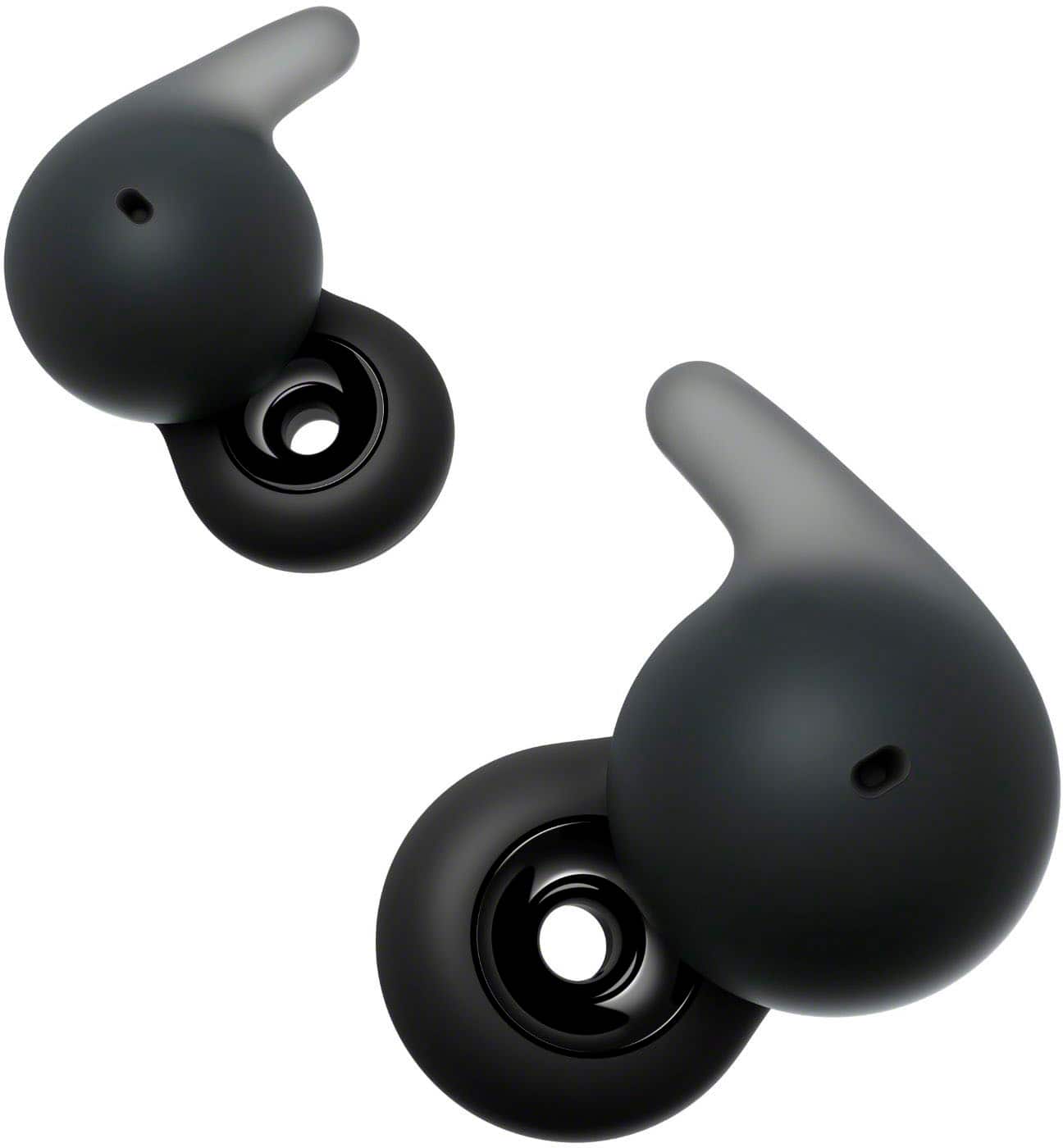
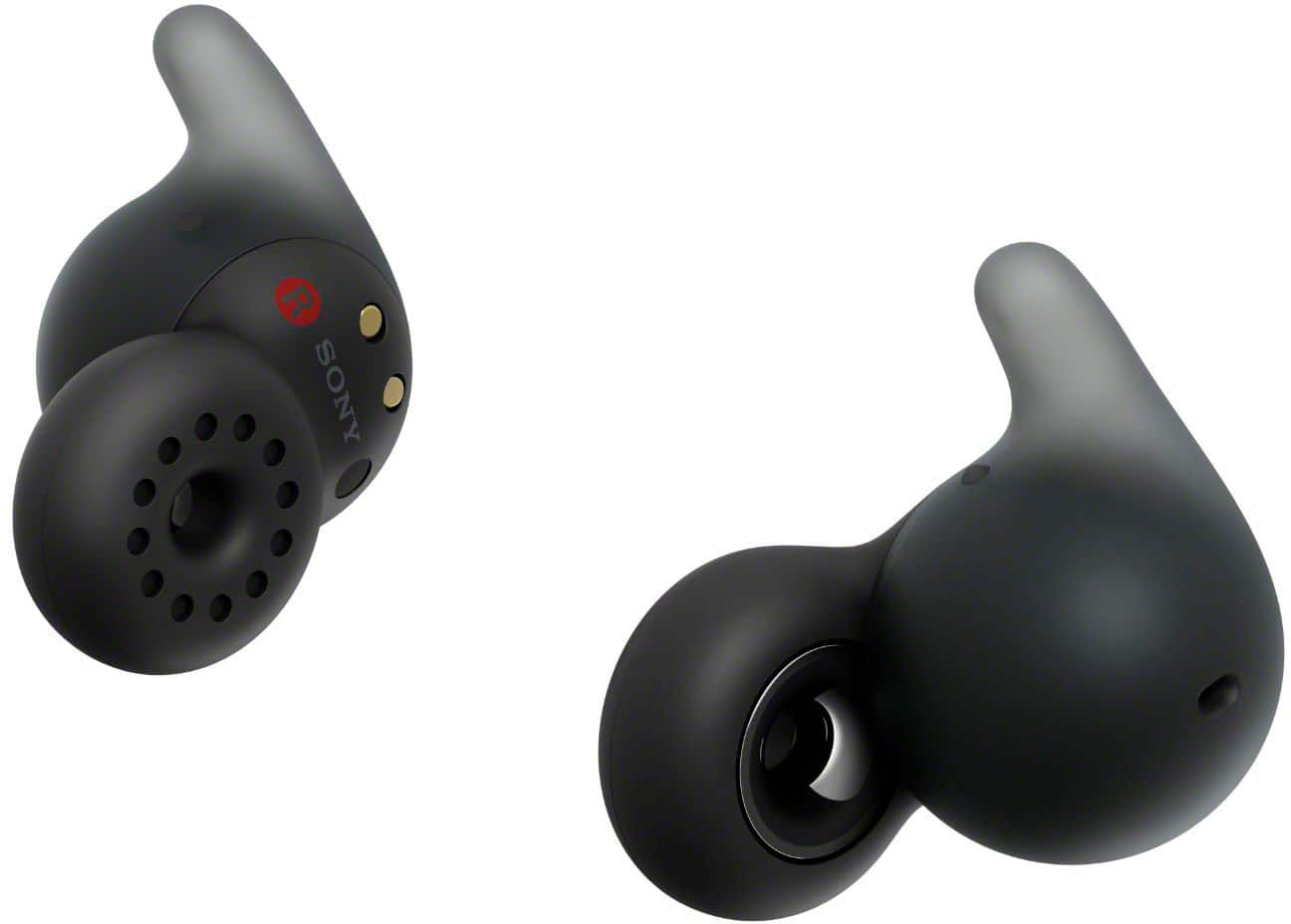
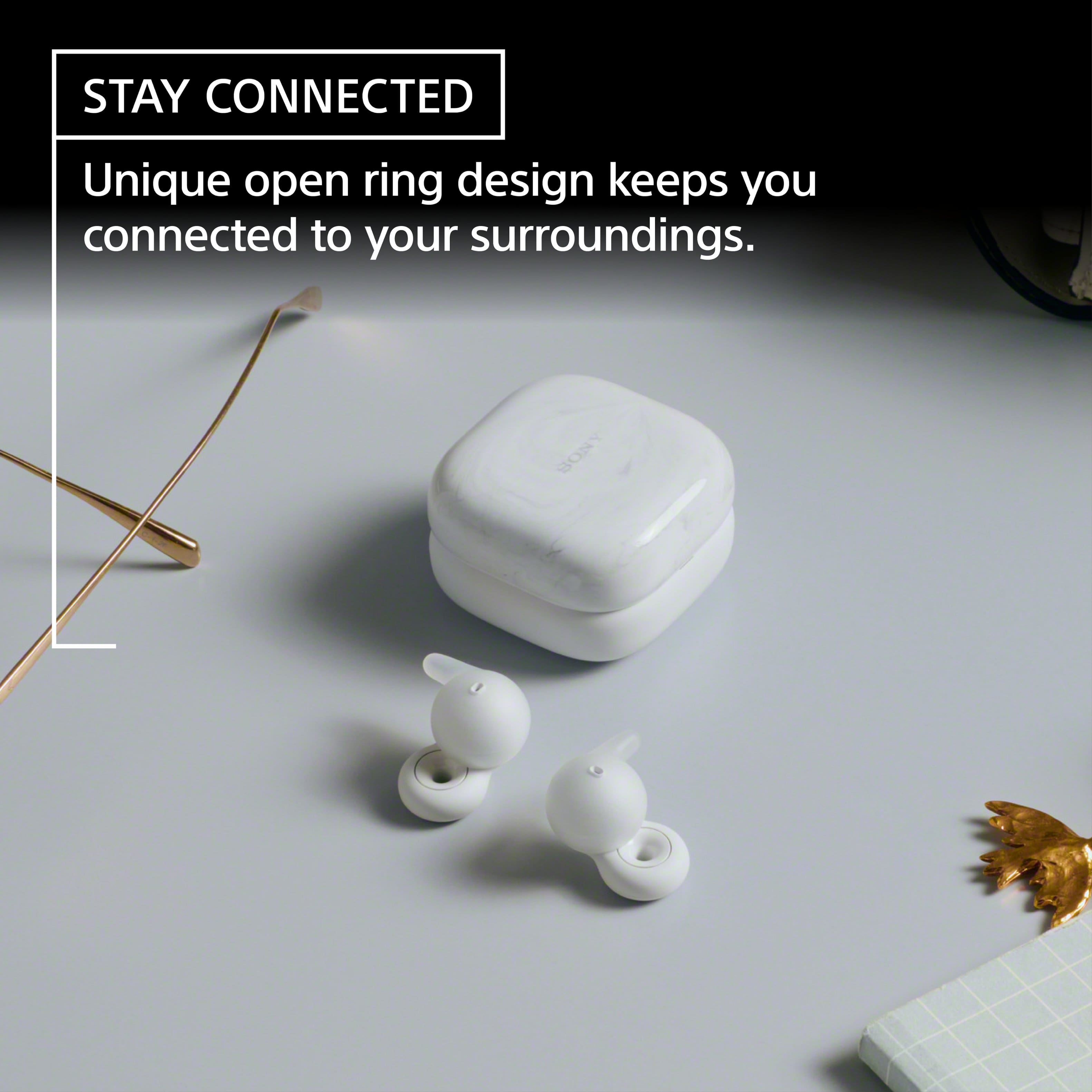
|Posted .This reviewer received promo considerations or sweepstakes entry for writing a review.Less than impressed. Honestly I was very disappointed with these Sony linkbuds opens'. First off they are not a true open ear and kind of awkward and uncomfortable, they fit in the ear like a typical in ear headphone or ear bud. The "open" portion is just a hole through the center of the speaker area. Sound quality would be compared to a 9.99 set of gas station wired earphones. No matter the EQ setting or music type I could not get the sound quality I was expecting or hoping for. They lack in play volume as well, which also did not work for me as i where them in a noisy environment.The downloadable app was step after step of product tracking and cross application tracking, luckily you can skip through and opt out of those settings. There were a couple functions I was excited a out, until I used them. The auto pause when talking was one of them, but i felt that it would pause with louder noises that werent voices. And the length of the pause was too long in my opinion, and sometimes it would never start playing again. So that feature quickly got turned off. All in all I think Sony completely missed the mark on these. Super disappointed.
No, I would not recommend this to a friendBrand response from SonyListens
Posted .Hi HeatherS,
Thanks for reaching out to us. We regret to know that you're not having the best experience with your LinkBuds Open and you've been running into some issues, particularly with the fit and sound quality. This is not the experience we want you to have. We’d love to help you troubleshoot your problem. For the proper sound quality, volume, call sound quality, etc. to be effective, check that you are wearing the headset properly in your ears. Make sure the fitting supporter is fitted firmly into the top of your ear groove. If the fitting supporter does not fit properly into the top of your ear groove, the headset unit may fall off your ear.
For detailed instructions on how to wear the headset in your ears, you may also find this link helpful: https://helpguide.sony.net/mdr/2964/v1/en/contents/TP1001295052.html
The Speak-to-Chat mode activates when it detects the speech of the person wearing the headset, but in rare cases it may activate in response to the voices of other people, ambient environmental sounds, transportation announcements, etc. Disable Speak-to-Chat in cases where the Speak-to-Chat mode frequently activates by accident. You can also switch between enabled/disabled (using the Sony Sound Connect app), change the sensitivity of the automatic audio detection, and change the time until the Speak-to-Chat mode ends.
If you need further assistance regarding your concern, please feel free to contact us and we'll be more than happy to assist you. You may send us an email at socialsupport@am.sony.com with the following:
Name:
Best Buy Username:
Model Number:
Issue:
Telephone Number:
We appreciate you and thanks for sharing your feedback!
Sincerely,
Jess