Customer Ratings & Reviews



- Model:
- WFLS900N/B
- SKU:
- 10736132
Rating by feature
- Sound Quality
Rating 4.6 out of 5 stars
- Battery Life
Rating 4.3 out of 5 stars
- Connectivity
Rating 4.4 out of 5 stars
to a friend
Great Earbuds But Not For My Specific Needs
||Posted . Owned for 1 month when reviewed.This reviewer received promo considerations or sweepstakes entry for writing a review.I wanted to find a pair of earbuds that I could use at work for office calls that I also didn't have to take off to function with customers and co-workers. I had a very specific need in mind: ambient noise passthrough. The Sony Linkbuds S was my third choice of Sony's lineup, and they only work so so for my needs. The biggest issue is phone calls. When ambient noise passthrough is on, the caller complains of being "on speaker" and hearing echoes and noise on the call. With those issues, I can't use them for business, and that's why I had to rate them as low as I did. Please note: for someone seeking active noise canceling, an audiophile, or someone who won't be using them primarily for phone calls, these are brilliant for their price point.
I would recommend this to a friendBrand response from SonyListens
Posted .Hi FrancesH,
Thank you for your review, and we are sorry if our LinkBuds S didn't live up to your expectations. This is not the experience we were hoping you would have. Despite the call quality issue, we are glad that you like the active noise canceling function, price, and outstanding sound quality of these headphones. While we are not sure what brand/model of audio device you have these headphones connected to, you may try following the troubleshooting steps using this article to isolate the problem:
https://www.sony.com/electronics/support/wireless-headphones-bluetooth-headphones/linkbuds-s/articles/00278104
And as a general recommendation, if you haven't tried yet, we recommend updating its firmware to the latest version. The firmware update improves the functionality and features of the headphones. It also provides fixes to any performance issues that you are encountering.
https://www.sony.com/electronics/support/wireless-headphones-bluetooth-headphones/linkbuds-s/downloads
If there's something we can do to help or you may need more information/technical assistance, please feel free to email us and we'll be more than happy to assist you. You may send us an email at socialsupport@am.sony.com with the following:
Name:
BestBuy Username:
Model Number:
Issue:
Telephone Number:
We value you, and thank you for choosing Sony.
Best regards,
Romeo
Sony Social Support
Good buds amazing noise cancelation
||Posted . Owned for less than 1 week when reviewed.This reviewer received promo considerations or sweepstakes entry for writing a review.So far they are pretty good noise cancelation is awesome. It says you can use the left bud by itself haven't figured it out yet. The app is pretty handy.
I would recommend this to a friendBrand response from SonyListens
Posted .Hello EricC, Thank you for your purchase! We're happy that you are pleased with the noise cancelation feature of our Sony LinkBuds S. Yes, you can use one unit of the headset at a time. You can also check this link on how to set it up properly:
https://helpguide.sony.net/mdr/linkbudss/v1/en/contents/TP1000539672.html
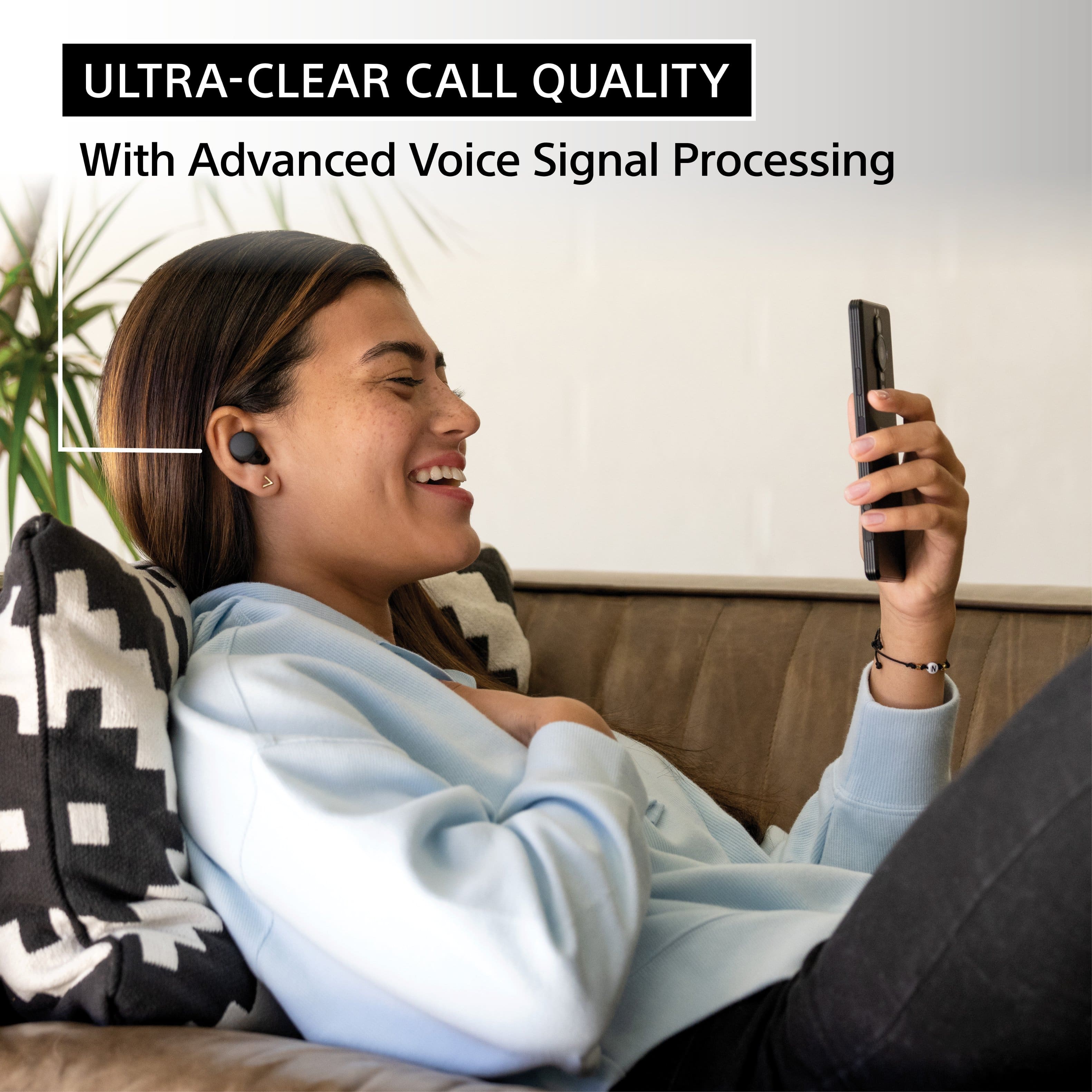
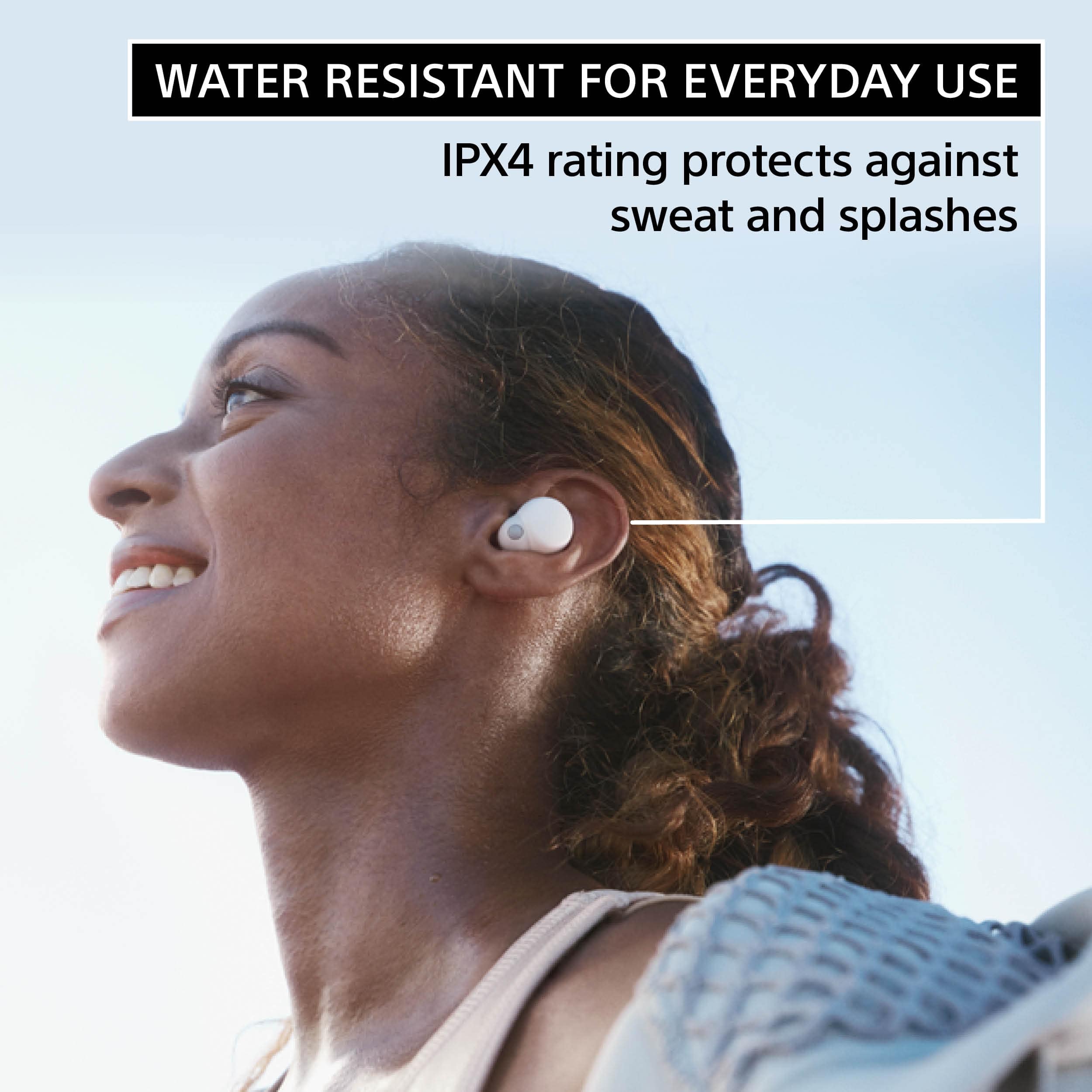
You can also take advantage of the “Sony | Headphones Connect” app to maximize your listening experience. The LinkBuds S provide crystal clear calls with our Precise Voice Pickup technology. Sony’s V1 Processor provides a well-balanced and high-quality sound for an authentic listening experience. The LinkBuds feature an IPX4 splash-proof and sweat-proof design, Adaptive Volume Control adjusting the volume to the environment around you and a battery life is 5.5 hours and up to 17.5 hours with the charging case. Thank you for choosing Sony! - Marco
Sony WF1000XM4: High-Quality Sound, Effective Noi
||Posted . Owned for 3 weeks when reviewed.This reviewer received promo considerations or sweepstakes entry for writing a review.Sony WF1000XM4 earbuds can be an excellent choice. They boast active noise cancellation, high-quality audio output, an ergonomic design for comfortable fit, and an estimated battery life of 8 hours with noise cancelling on (and 12 hours without). The earbuds also support fast charging, Bluetooth 5.2, and have IPX4 splash resistance rating.
I would recommend this to a friendBrand response from SonyListens
Posted .Hi BradS, we appreciate your feedback about your WF1000XM4. We designed these headphones to provide incredible audio performance and take noise cancellation to the next level. You can enjoy crystal clear call quality, even in noisy environments and our speak-to-chat technology automatically reduces volume during conversation. Plus, you can get 8 hour long battery with noise canceling, IPX4 water resistance and easy wireless charging. Thank you for choosing Sony! Erin
Sounds good and light
||Posted . Owned for 3 weeks when reviewed.This reviewer received promo considerations or sweepstakes entry for writing a review.LinkBuds are comfortable, easy to wear, good fit and has decent sound punch to its size. The bass could you have been better. Headphones app interface needs improvement. Good product for the price.
I would recommend this to a friendBrand response from SonyListens
Posted .Hello RS1980,
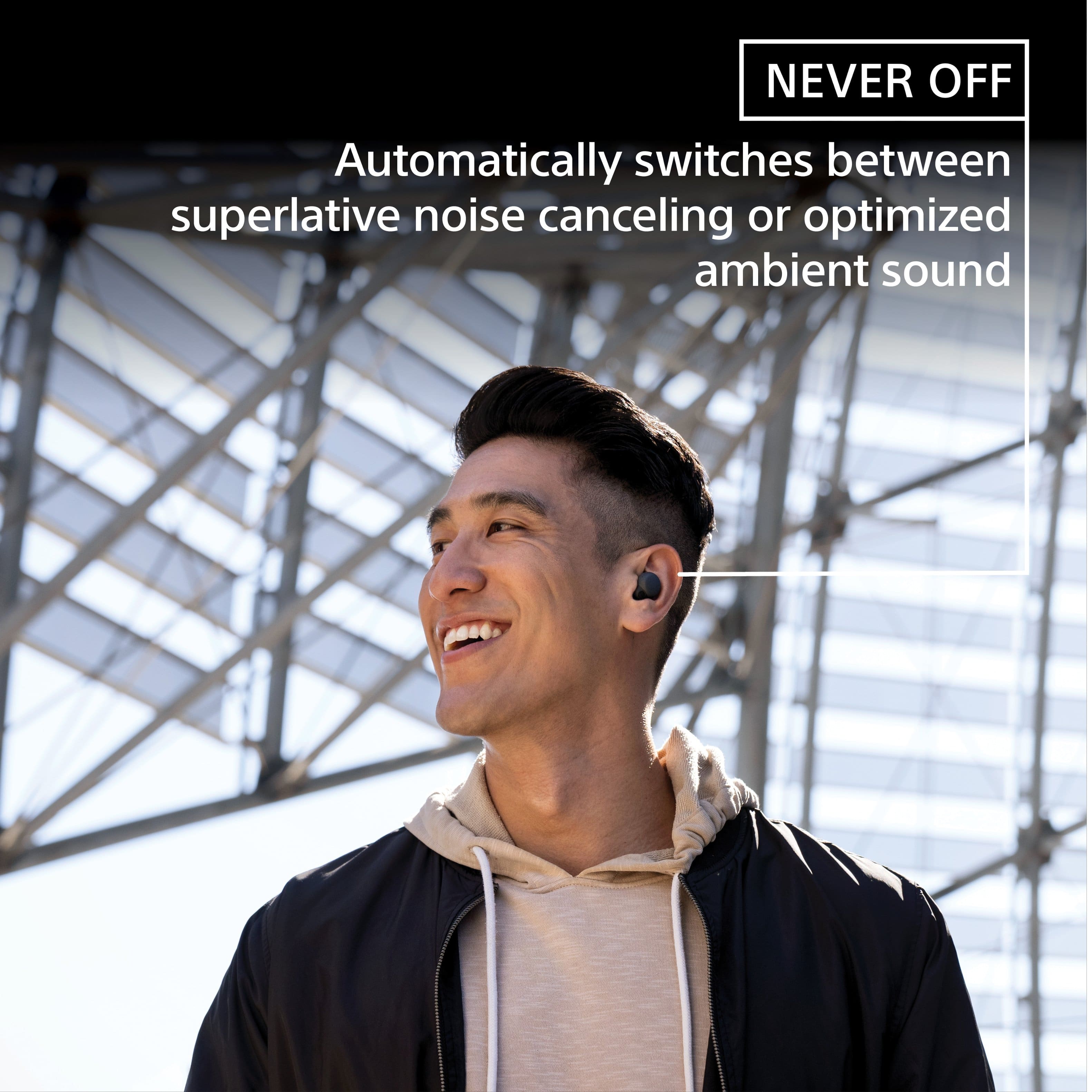
Thnak you for the honest review. We're glad that you like the sound quality and comfort of your new Sony LinkBuds S True Wireless Noise Canceling Earbuds. Your words matter to us and it will help us improve our future products. Ultra-small and light, they can be worn comfortably around the clock, keeping you in touch with people and places. LinkBuds S switches automatically to optimized ambient sound or high-quality noise canceling for listening without distractions. Thank you for choosing Sony! - Marco
These are some of the best earbuds.
||Posted . Owned for 2 weeks when reviewed.This reviewer received promo considerations or sweepstakes entry for writing a review.These are some of the best earbuds I’ve ever tried. I tried a load of different earbuds that I do enjoy as much as these from the AirPod pros a bunch of the New beats products and the bose,  they are extremely comfortable very small so they fit in your ears and the sound quality is incredible. The app is easy to use, overall 10/10
I would recommend this to a friendBrand response from SonyListens
Posted .Hi Julian, Awesome! We're glad that you are enjoying your new headphones. With LinkBuds S, you're always connected to your everyday worlds. Ultra-small and light, they can be worn comfortably around the clock, keeping you in touch with people and places. LinkBuds S switches automatically to optimized ambient sound or high-quality noise canceling for listening without distractions. Thanks for choosing Sony! Erin
Best earbuds
||Posted . Owned for 1 week when reviewed.This reviewer received promo considerations or sweepstakes entry for writing a review.It’s the best earbuds out there better then Apple product
I would recommend this to a friendBrand response from SonyListens
Posted .Hi JuanG, Awesome! We're glad that you are enjoying your new headphones. With LinkBuds S, you're always connected to your everyday worlds. Ultra-small and light, they can be worn comfortably around the clock, keeping you in touch with people and places. LinkBuds S switches automatically to optimized ambient sound or high-quality noise canceling for listening without distractions. Thanks for choosing Sony! Erin
Left earbud doesn't work alone
||Posted . Owned for 1 year when reviewed.This reviewer received promo considerations or sweepstakes entry for writing a review.Great earbuds, I liked the bass, my only gripe was that the left earbud couldn't be used by itself only the right.
I would recommend this to a friendBrand response from SonyListens
Posted .Hi Olimpus1101,
Thank you for your time writing this review. While we're glad that you like most of the features, we're sorry you've been running into difficulty. We'd love to troubleshoot this and make this a better experience for you. The Sony LinkBuds S support the use of one unit by itself. In this case, only the unit that has been removed from the charging case will turn on. Check if the Google Assistant or Amazon Alexa is set to the headphones.
Note: When the Service Link feature is turned On in the Sony | Headphones Connect app, only the Right side can be used by itself. You can't use only the Left side by itself.
Make sure the touch sensor control function or Voice Assistant function is set according to the way you use the earbuds. When these functions are enabled, only the side with the touch sensor control function set to Playback control can be used by itself.
• If you want to use either side of the earbuds by itself (only the Left or only the Right): Set the touch sensor control function of the desired side to Playback control.
Note: When you assign Playback control to both sides, full functionality is only available on the Right side.
• If you want to alternate using either side by itself (sometimes use only the Left and sometimes use only the Right): Set the Voice Assistant function to Voice Assist Function of Mobile Device. With this setting, either side of the headphones can be used by itself.
If there is no sound from the earbud headphones, or sound is heard only from one side, check if the issue is resolved after completing each step on this link: https://www.sony.com/electronics/support/articles/00278101
If you need more information or technical assistance with your product, please feel free to contact us and we'll be more than happy to assist you. You may send us an email at socialsupport@am.sony.com with the following:
Name:
BestBuy Username:
Model Number:
Issue:
Telephone Number:
We appreciate you and thanks for sharing your feedback!
Regards,
Jess
Highly recommend
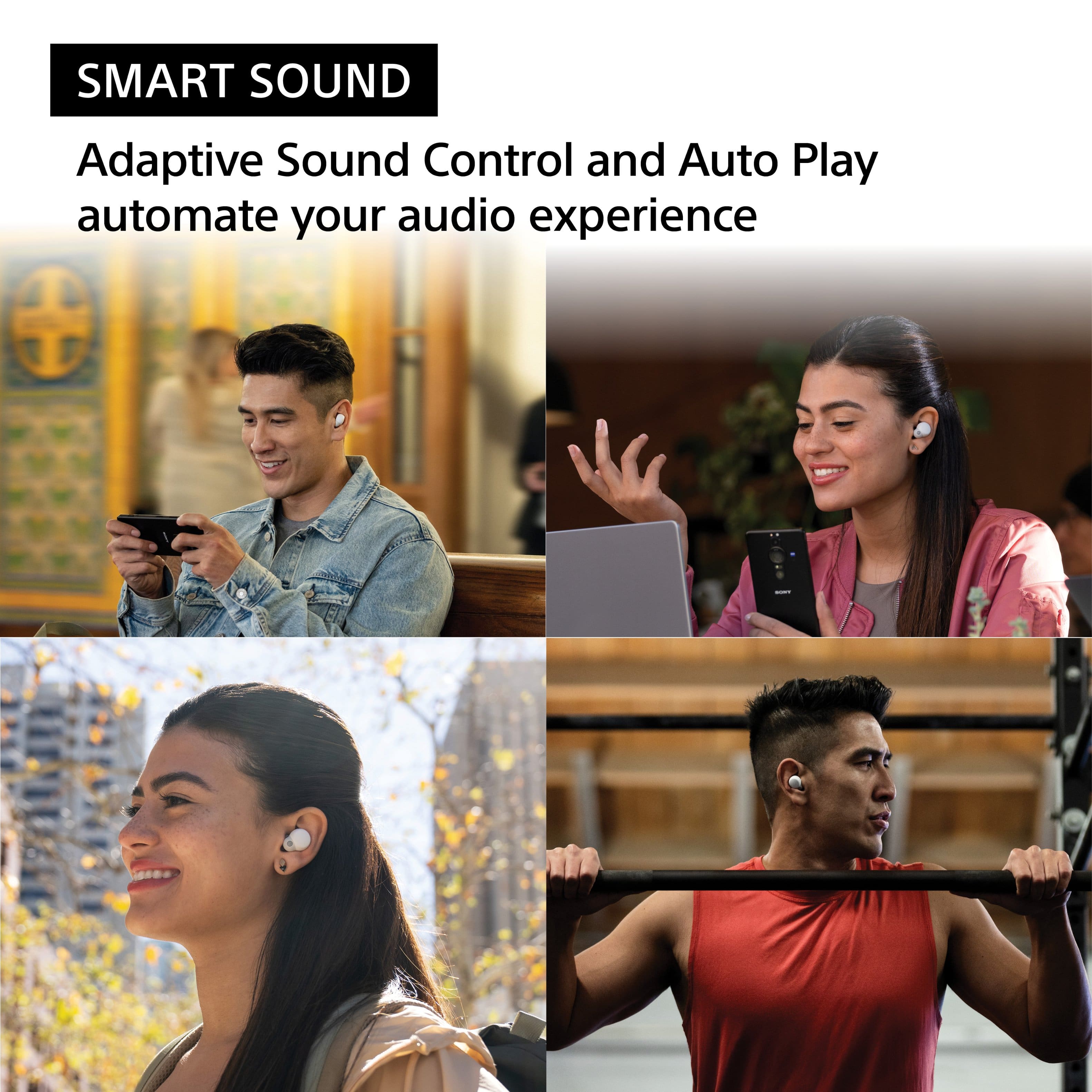
||Posted . Owned for 4 months when reviewed.This reviewer received promo considerations or sweepstakes entry for writing a review.These headphones are amazing and the dark horse of high quality headphones. You can program it to go into noise cancelation depending the environment (yes it's a bit smart). Also phone calls are amazing, for not only can you hear the opposite end clearly. They can hear you clearly and not get overwhelmed by the background noise which is a huge plus!
I would recommend this to a friendBrand response from SonyListens
Posted .Hi Louis,
Thank you for the 5-star rating and recommendation! We're really glad you are enjoying the amazing sound quality, noise canceling features and overall performance of your new headphones. Link your worlds as LinkBuds S switch seamlessly between superlative noise canceling and natural ambient sound. Smart features and settings learn from your behavior and automatically adjust sound settings to provide the right sound for the moment. With an IPX4 water resistance rating, splashes and sweat won’t stop these Sony earbuds so you can keep on moving to the music. A newly developed 5mm driver unit, featuring a high-compliance diaphragm, helps keep the LinkBuds S small while driving your music with rich low frequency bass sound. Sony’s Integrated Processor V1 improves noise cancellation, enhances sound quality, and reduces distortion. Thank you for choosing Sony! - Kris
Linkbuds S
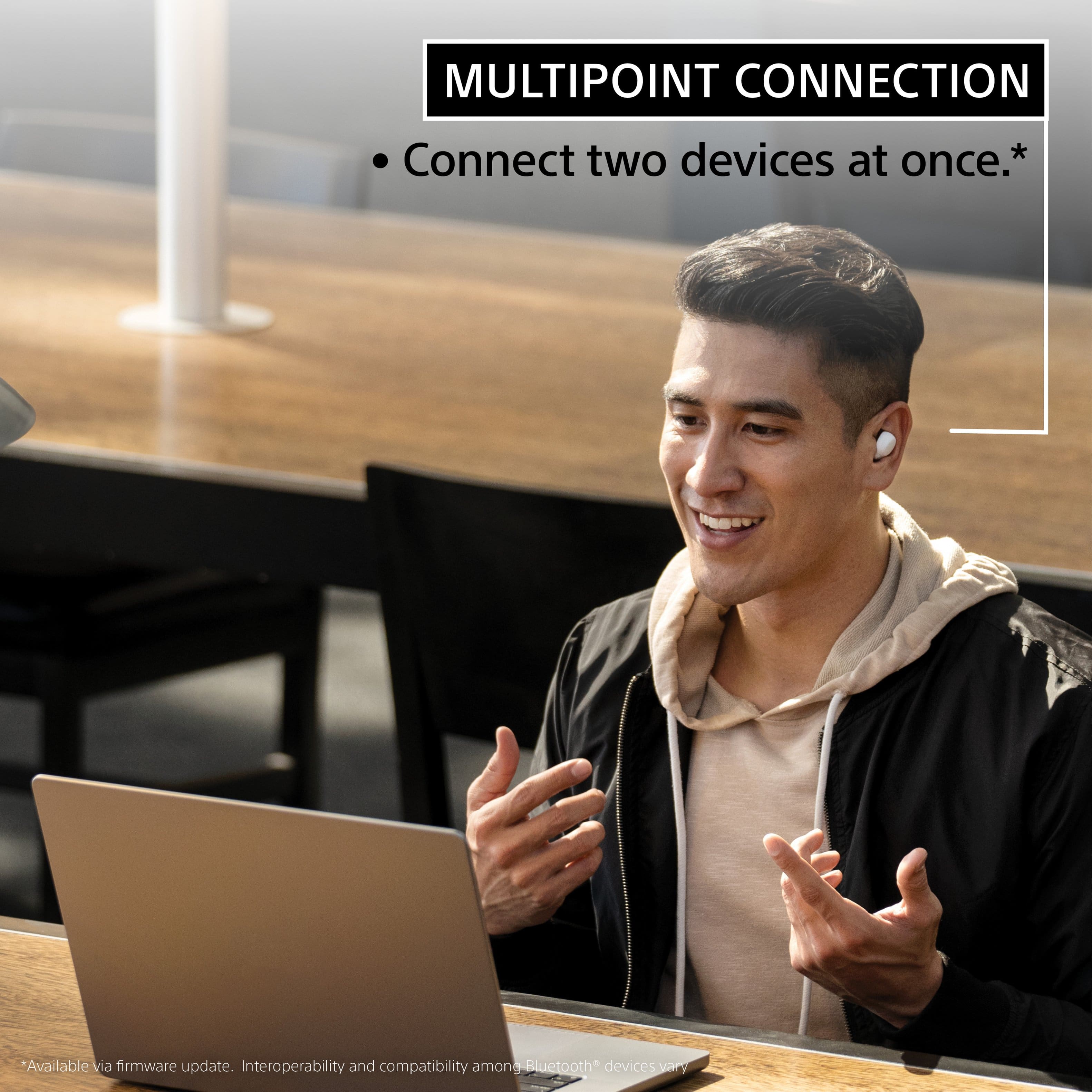
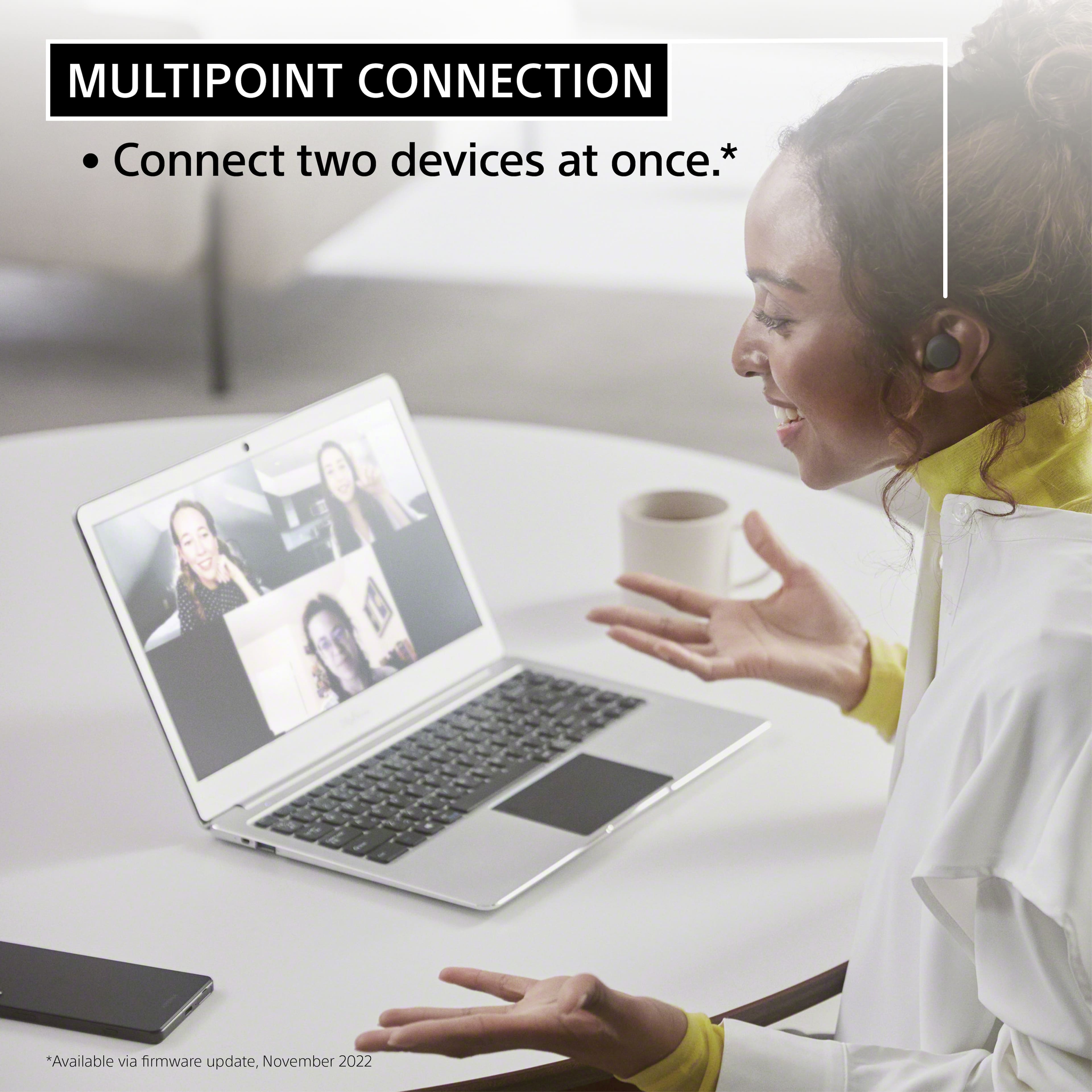
||Posted . Owned for 2 weeks when reviewed.This reviewer received promo considerations or sweepstakes entry for writing a review.The linkbuds S are the most confortable in ear earbuds I've ever had. Sound is great. I use them mostly for podcast with occasionally listening to music. Love the multi device bluetooth link feature (reason why I bought them). Battery life has not been a problem.
I would recommend this to a friendBrand response from SonyListens
Posted .Hi Huey,
Perfect! We're thrilled that you are enjoying the comfort, sound quality, multipoint function, and battery life of the LinkBuds S. Thank you for choosing Sony!
-Ralph
Sound Great
||Posted . Owned for 1 week when reviewed.This reviewer received promo considerations or sweepstakes entry for writing a review.The sound is really good, the range is very good, but not being able to adjust anything including volume without a computer connection or phone app makes it less useable to than the Surface earbuds
I would recommend this to a friendBrand response from SonyListens
Posted .Hi DiverStevie,
Awesome! We are happy to know that you are enjoying the amazing sound quality of our LinkBuds S and you are satisfied with its stable Bluetooth connection range. We greatly appreciate your feedback with the customizable settings/functions of the headphones. For the volume, you can adjust the volume of the LinkBuds S without using the app or another device using the touch sensor. However, you will need to setup first the playback volume adjustment function of the headphones from the "Sony | Headphones Connect” app. For more details about the touch sensor, visit the following link:
https://helpguide.sony.net/mdr/linkbudss/v1/en/contents/TP1000539058.html?search=volume
With LinkBuds S, you’re always connected to your everyday worlds. Ultra-small and light, they can be worn comfortably around the clock, keeping you in touch with people and places. LinkBuds S switches automatically to optimized ambient sound or high-quality noise canceling for listening without distractions.
If there's something we can do to help or you may need more information/technical assistance, please feel free to email us and we'll be more than happy to assist you. You may send us an email at socialsupport@am.sony.com with the following:
Name:
BestBuy Username:
Model Number:
Issue:
Telephone Number:
Thank you for choosing Sony!
Best regards,
Romeo
Sony Social Support
Sony earbuds
||Posted . Owned for 2 weeks when reviewed.This reviewer received promo considerations or sweepstakes entry for writing a review.The earbuds pretty good, but they could have been better they are so much interference with them I have a iPhone not sure if it’s because of the firmware.
I would recommend this to a friendBrand response from SonyListens
Posted .Hi SanjayS,
Thank you for the review and we're sorry to hear what happened with your headphones. Try to reset the headphones to factory default setting to isolate the issue. Here's the link on how to.
https://helpguide.sony.net/mdr/linkbudss/v1/en/contents/TP1000541613.html
With LinkBuds S, you’re always connected to your everyday worlds. Easily connect with the people you know and the content you love. Make crystal clear calls and listen to high-quality music - even in windy or noisy environments. AI based noise reduction algorithm isolates your voice and keeps conversations crisp. And with Ultra-small and light design, they can be worn comfortably around the clock, keeping you in touch with people and places. LinkBuds S switches automatically to optimized ambient sound or high-quality noise canceling for listening without distractions. Thank you for choosing Sony!
-David
Pretty great
||Posted . Owned for 1 month when reviewed.This reviewer received promo considerations or sweepstakes entry for writing a review.Pretty great earbuds, had an issue with them consistently disconnecting but was easily fix by uninstalling and re-installing the Sony Headphones app.
I would recommend this to a friendBrand response from SonyListens
Posted .Hi JuanluisR, We're glad that you are enjoying your new headphones and the issue you've encountered has been fixed. With LinkBuds S, you're always connected to your everyday worlds. Ultra-small and light, they can be worn comfortably around the clock, keeping you in touch with people and places. LinkBuds S switches automatically to optimized ambient sound or high-quality noise canceling for listening without distractions. Thanks for choosing Sony! Erin

Its great
|Posted . Owned for 5 months when reviewed.This reviewer received promo considerations or sweepstakes entry for writing a review.The earbuds are good quality and it sounds amazing to when listening to music. i really do enjoy using them.
I would recommend this to a friendBrand response from SonyListens
Posted .Hi Gunrock,
Perfect! We're thrilled that you are enjoying the sound quality of the LinkBuds S. Thank you for choosing Sony!
-Ralph
Amazing
||Posted . Owned for 7 months when reviewed.This reviewer received promo considerations or sweepstakes entry for writing a review.Great ear buds. I work at a mechanic shop and these cancel out noise when on a phone call. Music sounds great.
I would recommend this to a friendBrand response from SonyListens
Posted .Hi RikaF,
Thank you for sharing your experience with the Sony LinkBuds S. It's great to hear that they are effectively canceling out noise during phone calls and providing excellent music quality, especially in a noisy environment like a mechanic shop. Thank you for choosing Sony! Enjoy! -Maria
Sony earbuds - Fantastic
||Posted . Owned for 6 months when reviewed.This reviewer received promo considerations or sweepstakes entry for writing a review.I have been using these ear buds for a year. I love them, very comfortable to wear. Audio quality is excellent for the price. In order to achieve best sound quality, I downloaded the app and modified the settings. If you do not tweak the settings you may not have the best experience. Battery life have been great so far.
I would recommend this to a friendBrand response from SonyListens
Posted .Hi RandomTech, Awesome! We are so glad to hear that you are happy with your new LinkBuds S! Easily connect with the people you know and the content you love. Make crystal clear calls and listen to high-quality music - even in windy or noisy environments. AI based noise reduction algorithm isolates your voice and keeps conversations crisp. And with Ultra-small and light design, they can be worn comfortably around the clock, keeping you in touch with people and places. LinkBuds S switches automatically to optimized ambient sound or high-quality noise canceling for listening without distractions. Thank you very much for your purchase and for choosing Sony! -Carl
very comfortable on my ear
||Posted . Owned for 9 months when reviewed.This reviewer received promo considerations or sweepstakes entry for writing a review.It is light, very light on my ears. That is best thing. sound is decent I also have mx-4. sound is not near but sound is decent. battery life is so so... If you use noise canceling battery drain is rapid. noise canceling is no way near mx-4. After 10 months of use one side is not charging and I am about to claim warranty.
No, I would not recommend this to a friendBrand response from SonyListens
Posted .Hi davidK,
Thanks for sharing your review and experience with the LinkBuds S. We're glad that you like the comfort of the headphones. We regret to hear that you are not satisfied with the sound quality and battery life. It's also unfortunate that one side is not charging.
For optimum performance, make sure that the software version of the headphones is up-to-date (via the Sony Headphones Connect app).
It is recommended to wear both earbuds properly. If the size of the earbud tips does not match the size of your ear canals or the headset is not worn properly in your ears, tap operations or Speak-to-Chat speech detection may not work correctly, or you may not obtain the correct sound qualities, noise canceling effects, or call performance. If any of this is the case, try the following:
-Change the earbud tips to ones that fit more snugly in your ears. When changing the earbud tips, try the earbud tip sizes in order from the larger ones to the smaller ones. The size of the left and right earbud tips may be different.
-The “Sony | Headphones Connect” app will help you to determine which earbud tips are most suitable for you to achieve the optimal noise cancellation effect.
-Wear the headset so that the earbud tip is comfortably situated as deep in the ear canal as possible.
Additionally, you can use the Equalizer/CLEAR BASS setting of the Sony app to fine-tune the sound quality to your needs. For more information, please refer to these links:
https://helpguide.sony.net/mdr/linkbuds/v1/en/contents/TP1000445573.html
https://helpguide.sony.net/mdr/linkbuds/v1/en/contents/TP1000447718.html
Please note that usage hours may vary depending on the settings and usage conditions. Make sure to charge both earbuds sufficiently. You may refer to this link for more information:
https://helpguide.sony.net/mdr/linkbuds/v1/en/contents/TP1000447703.html
Regarding the issue with one side not charging, resetting and initializing the headset may help resolve the issue. Please refer to the steps on these links:
https://helpguide.sony.net/mdr/linkbuds/v1/en/contents/TP1000449911.html
https://helpguide.sony.net/mdr/linkbuds/v1/en/contents/TP1000449912.html
Hope this helps. If still not resolved or you need further assistance, please contact our product support team via phone call or chat through this link:
https://us.esupport.sony.com/support/s/support-contact?language=en_US&category=headphones
Sincerely,
-Ralph
Good
||Posted . Owned for 10 months when reviewed.This reviewer received promo considerations or sweepstakes entry for writing a review.Overall great, only complaint is that they will sometimes start playing inside the case. Easy to lose these too.
I would recommend this to a friendBrand response from SonyListens
Posted .Hi StevenH,
Thanks for sharing your review and experience with the LinkBuds S. Your feedback about the design and connectivity is greatly appreciated.
For optimum performance, make sure that the software version of the headphones is up-to-date (via the Sony Headphones Connect app).
When using the charging case, make sure that both earbuds are placed properly into the case. Put the left unit of the headset (the unit with the tactile dot) back into the left hole of the charging case, and put the right unit of the headset back into the right hole of the charging case. Each unit of the headset will be set to the correct position in the charging case by the built-in magnet. When the remaining battery charge of the charging case is sufficient, the indicator (orange or green) on the charging case lights up for about 3 seconds. The charging starts on the headset. Close the lid of the charging case. For more information, please refer to this link:
https://helpguide.sony.net/mdr/linkbudss/v1/en/contents/TP1000539654.html
If the headset continues to play even if both earbuds are placed properly on the charging case, reset and initialize the headset. Please refer to the steps on these links:
https://helpguide.sony.net/mdr/linkbudss/v1/en/contents/TP1000541613.html
https://helpguide.sony.net/mdr/linkbudss/v1/en/contents/TP1000541614.html
Hope this helps. If still not resolved or you need further assistance, please email us at socialsupport@am.sony.com with the following details:
Name:
Username:
Model Number:
Issue:
Telephone Number:
Or contact our product support team via phone call or chat through this link:
https://us.esupport.sony.com/support/s/support-contact?language=en_US&category=headphones
Sincerely,
-Ralph
Good sound bad connection issues with Bluetooth
||Posted .This reviewer received promo considerations or sweepstakes entry for writing a review.Good sound but disconnect issues make this product annoying
No, I would not recommend this to a friendSony earbuds review
||Posted . Owned for 3 weeks when reviewed.This reviewer received promo considerations or sweepstakes entry for writing a review.Great audio, with a good fit. Battery good for 7+ hours.
I would recommend this to a friendBrand response from SonyListens
Posted .Hi Danmc, thanks for taking the time to share your experience with the Sony - LinkBuds S. It's awesome to hear you're enjoying their great sound quality, comfortable fit and long battery life. They are a perfect choice for those who love long-listening sessions! Thank you for choosing Sony and enjoy your new earbuds. Regards, -Dominick
Great
||Posted . Owned for 1 month when reviewed.This reviewer received promo considerations or sweepstakes entry for writing a review.Very good sound. Some unwanted interruptions in Bluetooth signal but over all this is a great product.
I would recommend this to a friendBrand response from SonyListens
Posted .Hi LeeC,
While we're glad to hear you are enjoying its incredible audio, we're sorry to learn that you are having some Bluetooth connection issues on your Sony LinkBuds S. The communication between the devices will be poor if there is an obstruction between the unit and the connected device.
To ensure you get the best Bluetooth connection, please set the headphones Bluetooth Connection Mode to “Priority on stable connection”. You may also find the link below helpful.
https://helpguide.sony.net/mdr/linkbudss/v1/en/contents/TP1000537649.html
We also recommended updating the firmware of the headphones (via the Sony Headphones Connect app) for optimum performance. The software update improves the general performance of the unit and includes key features, applications, and bug fixes.
https://www.sony.com/electronics/support/wireless-headphones-bluetooth-headphones/linkbuds-s/downloads
If you are unable to resolve your concern, you can email us at socialsupport@am.sony.com with the following details:
Name:
Best Buy Username:
Model Number:
Issue:
Telephone Number:
Regards,
Jess