Customer Ratings & Reviews
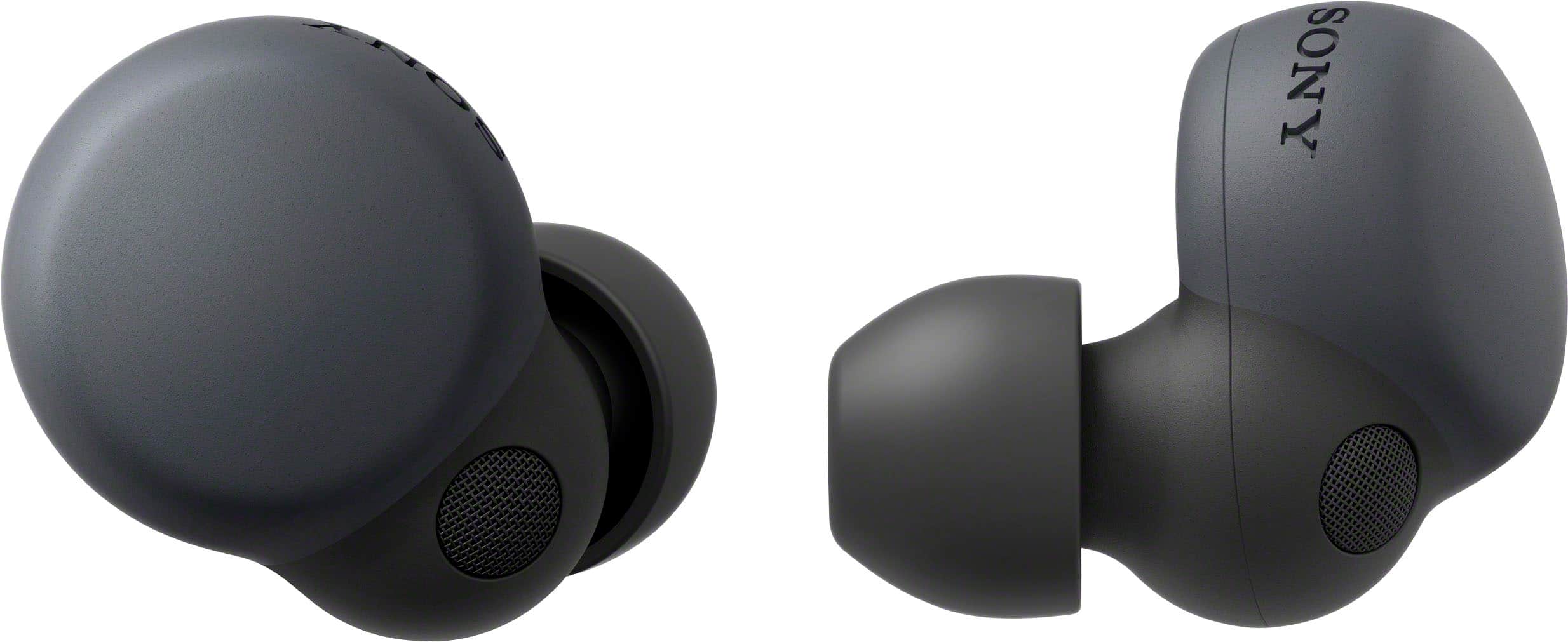
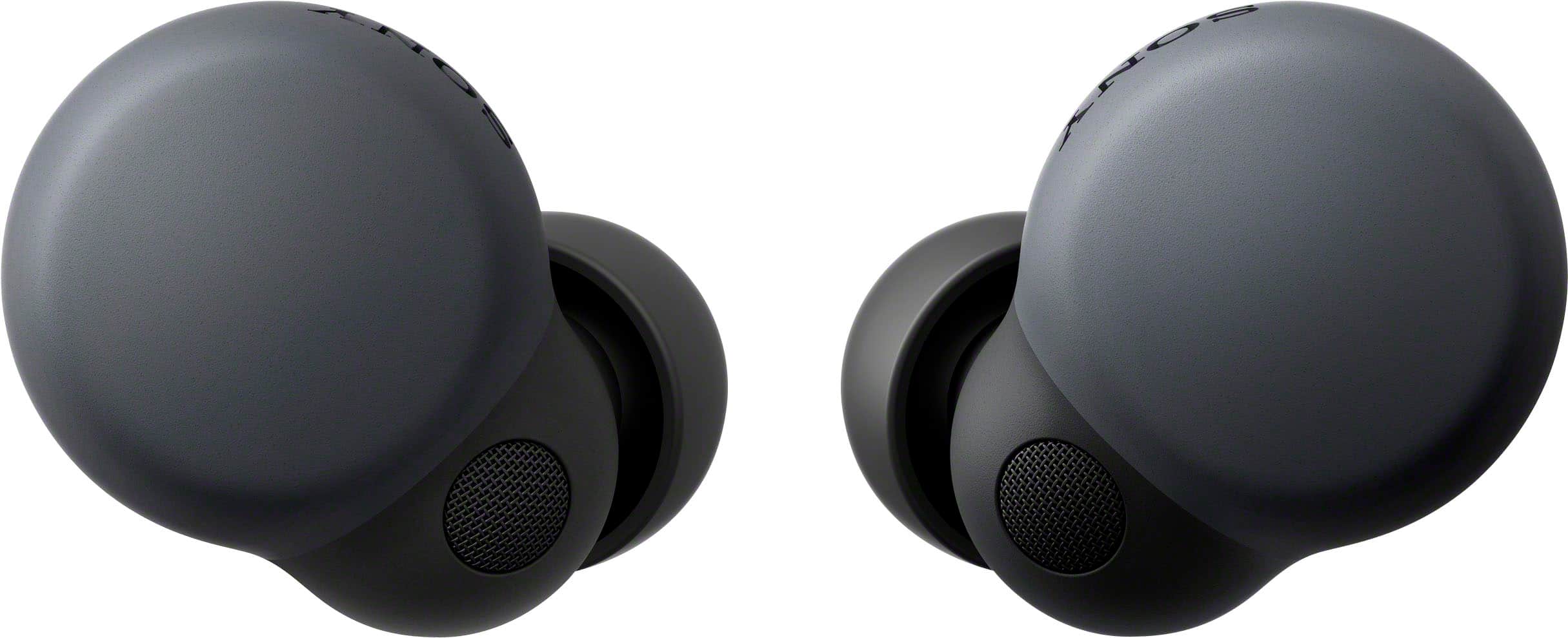
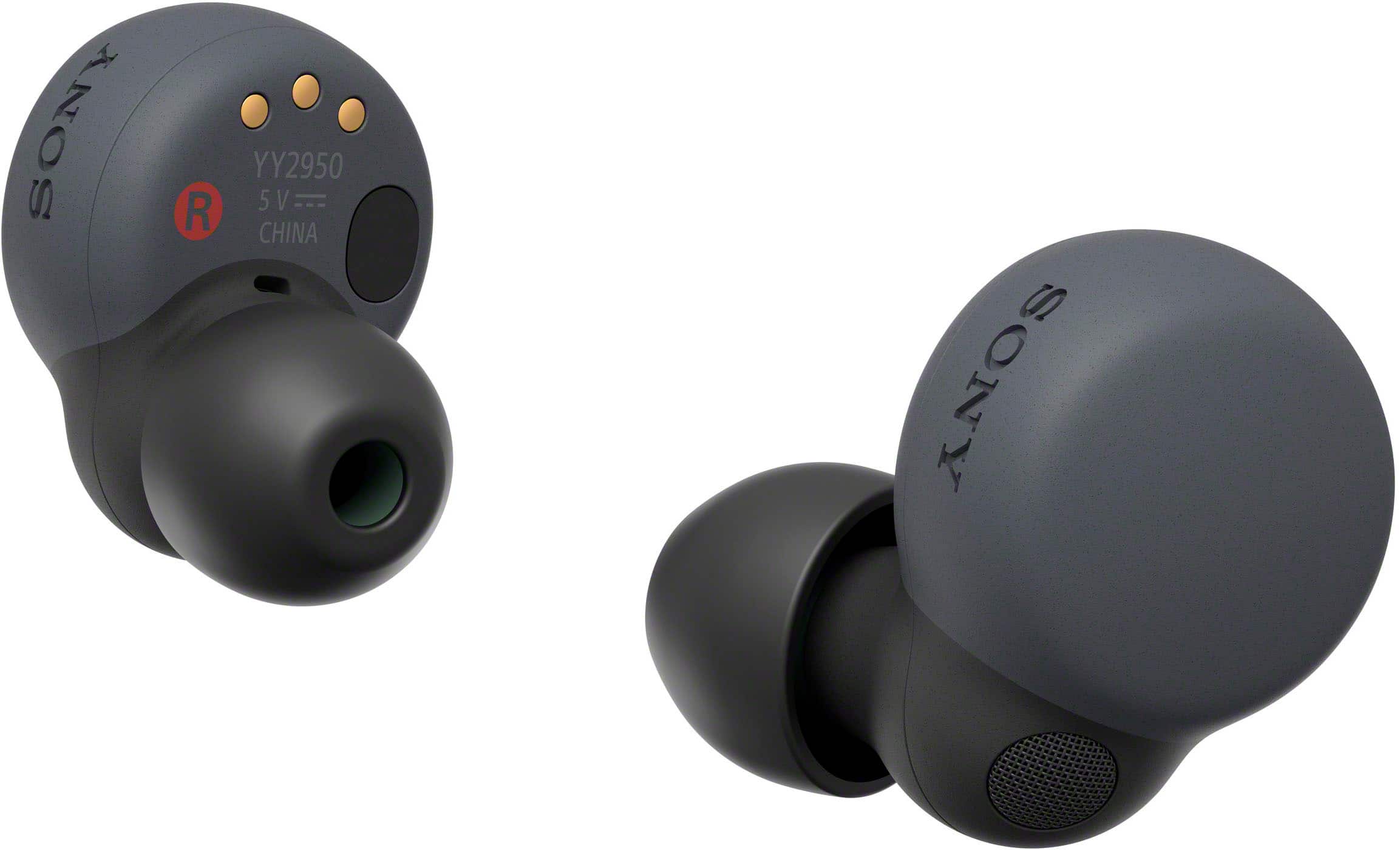
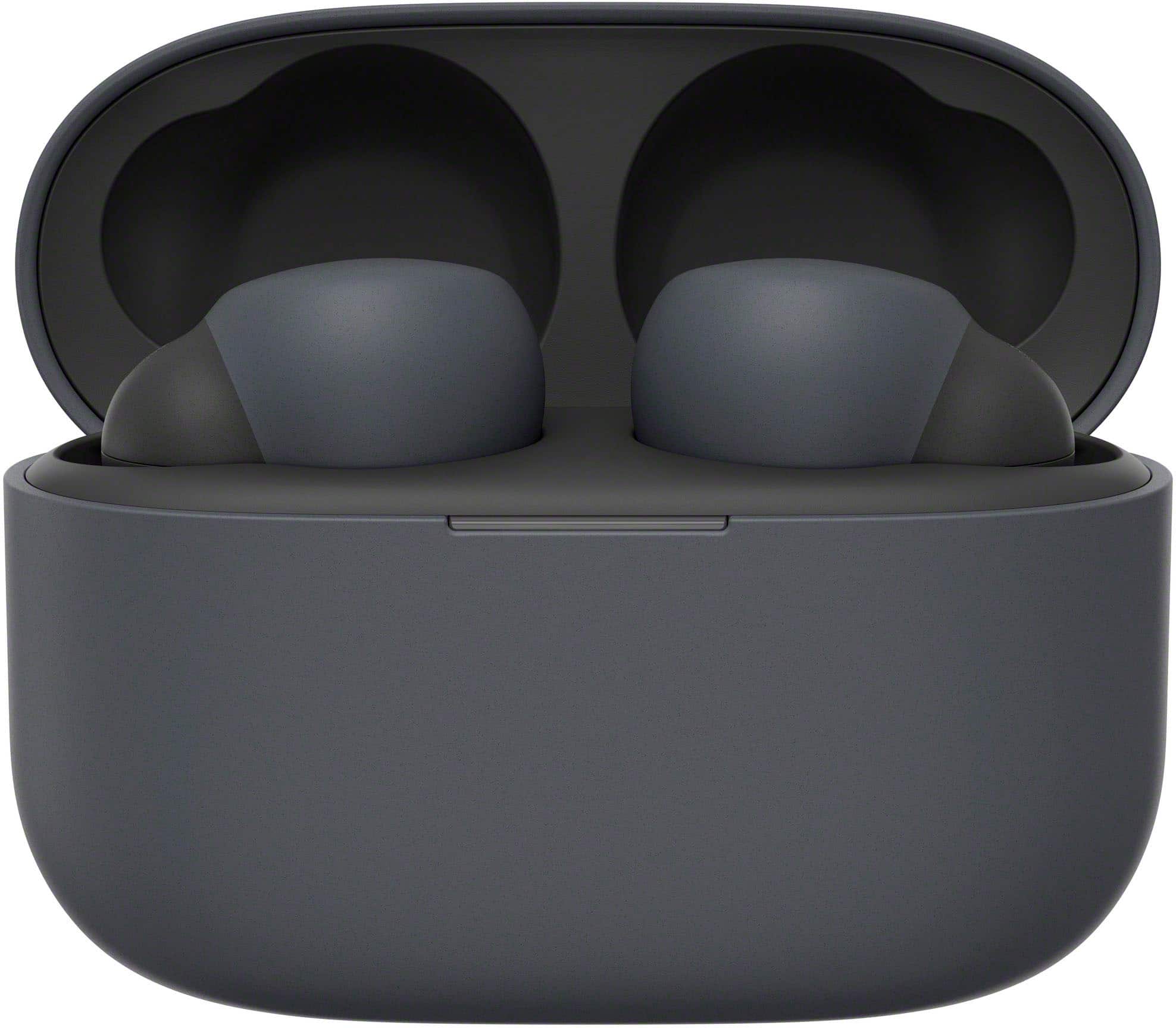



- Model:
- WFLS900N/B
- SKU:
- 10736132
Rating by feature
- Sound Quality
Rating 4.6 out of 5 stars
- Battery Life
Rating 4.3 out of 5 stars
- Connectivity
Rating 4.4 out of 5 stars
to a friend
Good sound, good fit but terrible Bluetooth connec
||Posted . Owned for 2 months when reviewed.This reviewer received promo considerations or sweepstakes entry for writing a review.Worst bud I ever purchase. Worked great for a couple weeks then they got disconnected very often. Sometime only one side worked and some other times connection were spoty. I had to reset them several times but problems came back again. Bought one pair and exchanged once cause all the problem I just metioned but second pair did exact same thing so I just gave up and returned and brought the new M5s in ear headphones.
No, I would not recommend this to a friendOuch
||Posted . Owned for 10 months when reviewed.This reviewer received promo considerations or sweepstakes entry for writing a review.Disappointed, not as a advertised as they disconnect from time to time even on a full charge
No, I would not recommend this to a friendBrand response from SonyListens
Posted .Hi Madness,
This is not the experience that we want you to have. For optimum performance, make sure that the software version of the LinkBuds S is updated (via the Sony Headphones Connect app).
For connectivity issues, please refer to the troubleshooting steps on this link:
https://helpguide.sony.net/mdr/linkbudss/v1/en/contents/TP1000537649.html
Resetting and initializing the headset may also help resolve those issues. You may refer to the steps on these links:
https://helpguide.sony.net/mdr/linkbudss/v1/en/contents/TP1000541613.html
https://helpguide.sony.net/mdr/linkbudss/v1/en/contents/TP1000541614.html
Hope this helps. If still not resolved or you need further assistance, please email us at socialsupport@am.sony.com with the following details:
Name:
Username:
Model Number:
Issue:
Telephone Number:
Or contact our product support team via phone call or chat through this link:
https://us.esupport.sony.com/support/s/support-contact?language=en_US&category=headphones
Sincerely,
-Ralph
Trash
||Posted . Owned for 8 months when reviewed.This reviewer received promo considerations or sweepstakes entry for writing a review.You'll find many posts online about the right earbud eating battery life. It goes from 100% to 5% in less than 20 min, while the left drops about 5%down. Sony customer support is no help, and its hard to contect bestbuy to return. Not worth the money.
No, I would not recommend this to a friendBrand response from SonyListens
Posted .Hi Grumpy,
We're sorry to hear about these battery draining issues for Sony LinkBuds S. For this issue, you may follow the steps on this link to resolve it.
https://www.sony.com/electronics/support/articles/00236552?utm_source=glean
If the issue still unresolve and you need further assistance, please email us at socialsupport@am.sony.com with the following details:
Name:
Username:
Model Number:
Issue:
Telephone Number:
We are sorry for the inconvenience and hope to speak to you to resolve this matter.
Regards,
Marco
Great at first then problems
||Posted . Owned for 7 months when reviewed.This reviewer received promo considerations or sweepstakes entry for writing a review.Worked great for six months then when the noise canceling was on it would sound like wind in your ears. Now I can only use them without noise canceling. The sound with the canceling feature on is obnoxious. So no more noise cancle feature for me.
No, I would not recommend this to a friendBrand response from SonyListens
Posted .Hi Jamanti, We're sorry to hear about the "wind noise" issue that you're experiencing with your Linkbuds S when the noise canceling feature is on. This is definitely not the news that we'd like to hear nor the experience we want you to have. Let's try to isolate and resolve this issue by following the troubleshooting steps on the link below:
https://helpguide.sony.net/mdr/linkbudss/v1/en/contents/TP1000541617.html
If you are unable to resolve your concern, please email us at socialsupport@am.sony.com with the following details:
Name:
Username:
Model Number:
Issue:
Telephone Number:
Sincerely,
Sam
C-
||Posted . Owned for 4 months when reviewed.This reviewer received promo considerations or sweepstakes entry for writing a review.C-not that great for sony and price point. Adjusting the equalizer is sort of tedious since you have to download a different app.
No, I would not recommend this to a friendBrand response from SonyListens
Posted .Hi Wildcat, we regret to hear that the LinkBuds S True Wireless Noise Canceling Earbuds did not meet your expectations. This is definitely not the experience we'd like you to have. May we also contact you to help and get more information? If so, please email the below information to socialsupport@am.sony.com.
Apologies if you disclosed some of this information in your review and to customer service, we just want to ensure that we have your accurate details at the time of communication.
Name:
Username:
Model Number:
Issue:
Telephone Number:
Sincerely,
Erin
Stopped working after a year.
||Posted . Owned for 1 year when reviewed.This reviewer received promo considerations or sweepstakes entry for writing a review.Completely stopped working after 15 months - 3 months out of warranty.
No, I would not recommend this to a friendBrand response from SonyListens
Posted .Hi Jaydeetay,
Thank you for your time writing this review. We regret to hear the earbud headphones is not working properly and you're having some issues after 15 months of use. We'd love to troubleshoot this and make this a better experience for you. We also recommended updating the firmware of the headphones (via the Sony Headphones Connect app) for optimum performance. The software update improves the general performance of the unit and includes key features, applications, and bug fixes.
https://www.sony.com/electronics/support/wireless-headphones-bluetooth-headphones/linkbuds-s/downloads
In the meantime, if there is no sound from the earbud headphones, or sound is heard only from one side, check if the issue is resolved after completing each step on this link: https://www.sony.com/electronics/support/articles/00278101
A separate article is available if the headphones don't turn on here: https://www.sony.com/electronics/support/wireless-headphones-bluetooth-headphones/linkbuds-s/articles/00278102
Maybe there's something that we can do to help you. Please contact us. You may send us an email at socialsupport@am.sony.com with the following details:
Name:
Best Buy Username:
Model Number:
Issue:
Telephone Number
Again, we are sorry you are experiencing some issues with your unit and would like to work together to find a solution.
Sincerely,
Jess
Short life
||Posted . Owned for 1 year when reviewed.This reviewer received promo considerations or sweepstakes entry for writing a review.Not even two years in and the batteries are shot. Won't be buying ear buds from Sony again.
No, I would not recommend this to a friendBrand response from SonyListens
Posted .Hi PeterM,
We're truly sorry to hear about the issue you had with the LinkBuds S, that's definitely not the experience we wanted you to have. We'd love to help.
If they can't be turned ON at all, check this out for troubleshooting steps that might help resolve your issue: https://helpguide.sony.net/mdr/linkbudss/v1/en/contents/TP1000537705.html
If they can be turned on and the battery power does not last long, check this out: https://helpguide.sony.net/mdr/linkbudss/v1/en/contents/TP1000541590.html
We hope the information helps. If the issue remains unresolved, start a chat with one of our product specialist through this link: https://us.esupport.sony.com/support/s/support-contact?language=en_US
Thanks for considering Sony products. Your experience matters to us, and we’re committed to resolve this concern.
-Aldair
ok, until the connection glitch.
||Posted . Owned for 3 weeks when reviewed.This reviewer received promo considerations or sweepstakes entry for writing a review.solid headphones, the app is "ok". However after about 6 months the left headphone glitched and I had to return them. Total tech saved me.
No, I would not recommend this to a friendBrand response from SonyListens
Posted .Hi DEP14,
While we are glad to know your satisfaction with the performance of our LinkBuds S, we are really sorry if you had encountered an issue with the left earbud and that it had to be returned. This is certainly not the news we'd like to hear from you. Some of these issues may happen due to various reasons. The following article may help solve the problem:
There is no sound, or sound is only heard from one side of the earbud headphones (LinkBuds S) - https://www.sony.com/electronics/support/wireless-headphones-bluetooth-headphones/linkbuds-s/articles/00278101
We value you, and we are so sorry for the inconvenience. We hope that you'll consider Sony again in your future purchase.
Sincerely,
Romeo
Sony Social Support
Planned Obsolescence(tm) from Sony
||Posted . Owned for 1.5 years when reviewed.This reviewer received promo considerations or sweepstakes entry for writing a review.After 200 hours of use, over two years the right-earpiece stopped being able to hold a charge. A week later the battery case stopped working. After taxes these cost ~$180… $90/year for use is a terrible value. Do not buy these.
No, I would not recommend this to a friendBrand response from SonyListens
Posted .Hi Yajra,
Thank you for your time writing this review. We're sorry to hear the issues that you are having with your LinkBuds S. Let's work together and troubleshoot the problem,
If charging cannot be done, please try the following steps:
Make sure the headset is set securely in the charging case.
Be sure to use the supplied USB Type-C cable and check that the cable is firmly connected to the charging case.
If the earbud tips are not properly attached to the headset, the headset may not be charged with the supplied charging case. Check that the earbud tips are attached properly when you store the headset in the charging case.
If earbud tips by other manufacturers are used, the headset may not be charged with the supplied charging case. Be sure to use the supplied earbud tips when charging.
When the charging ports of the headset or the charging case get dirty, the headset may not be charged. Clean the charging ports with a soft dry cloth.
It is recommended to charge in a place with an ambient temperature between 15 °C and 35 °C (59 °F - 95 °F). Efficient charging may not be possible beyond this range.
While charging, be sure to keep the lid of the charging case closed to prevent the battery of the charging case from being wasted.
Reset the headset.
Initialize the headset, and pair the headset and the device again.
For reference:
https://helpguide.sony.net/mdr/linkbudss/v1/en/contents/TP1000537706.html
May we contact you to help? If so, please email the below information to socialsupport@am.sony.com:
Name:
Best Buy Username:
Telephone Number:
Model Number:
Issue:
We are sorry for the inconvenience and hope to speak to you to resolve this matter. - Kris
Good buy.
||Posted . Owned for 4 months when reviewed.This reviewer received promo considerations or sweepstakes entry for writing a review.Very good sound. Because of loose fitting to my ears with the largest pad, easy to come off during kitchen work.
I would recommend this to a friendBrand response from SonyListens
Posted .Hi Kazu,
Awesome! We are so happy to hear you are enjoying the amazing sound quality of our LinkBuds S. We are sorry if they didn't fit you well. For optimum fit, comfort, and to keep your LinkBuds S from falling out, we always recommend following the steps on these articles:
https://www.sony.com/electronics/support/wireless-headphones-bluetooth-headphones/linkbuds-s/articles/00262839
https://helpguide.sony.net/mdr/linkbudss/v1/en/contents/TP1000536462.html
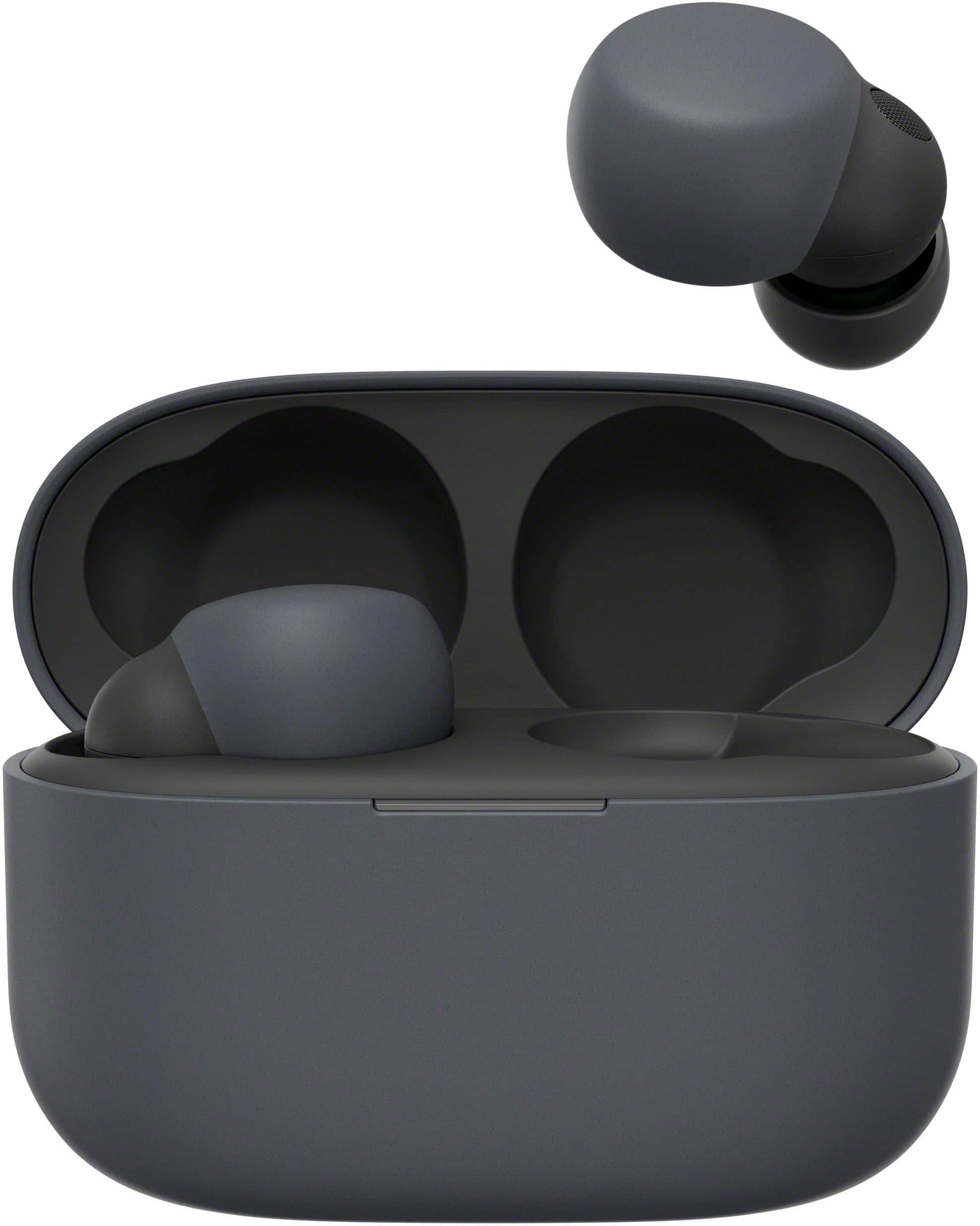
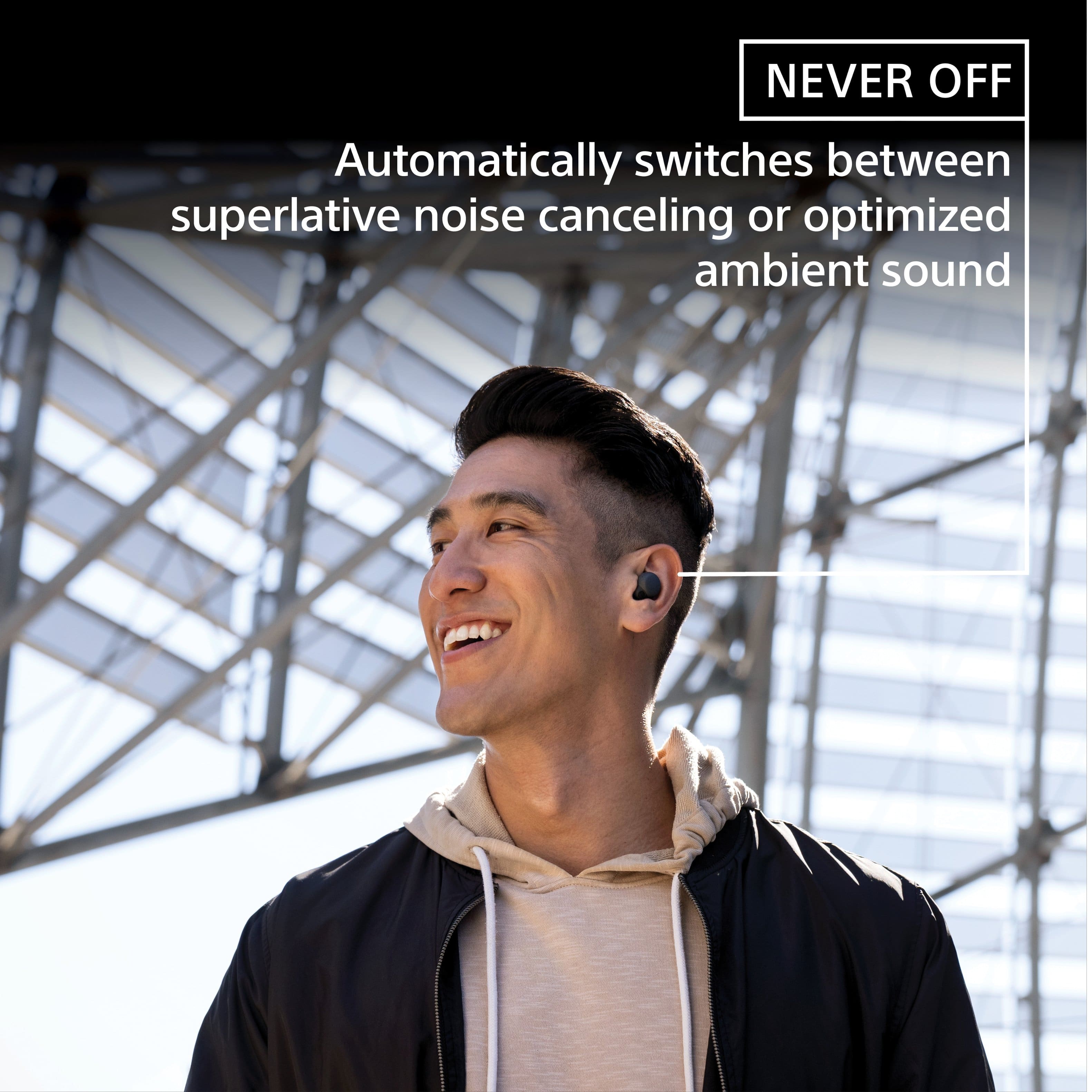
With LinkBuds S, you’re always connected to your everyday worlds. Ultra-small and light, they can be worn comfortably around the clock, keeping you in touch with people and places. LinkBuds S switches automatically to optimized ambient sound or high-quality noise canceling for listening without distractions.
If there's anything we can do to help or you may need more information/technical assistance, please feel free to contact us and we'll be more than happy to assist you. You may send us an email at socialsupport@am.sony.com with the following:
Name:
BestBuy Username:
Model Number:
Issue:
Telephone Number:
Thank you for your purchase and for choosing Sony!
Best regards,
Romeo
Sony Social Support
Do Not Buy
||Posted . Owned for 7 months when reviewed.This reviewer received promo considerations or sweepstakes entry for writing a review.These headphones are terrible. Always having connection issues. If you try to answer a call with them they won’t autoconnect your call you have to go and select the stupid headphones. I wish I NEVER bought these. Huge waste of money.
No, I would not recommend this to a friendBrand response from SonyListens
Posted .Hi Allballsnotip, We're sorry to hear about the issue that you're having. This is usually not the case for our Sony Linkbuds S nor the experience we want you to have. For connectivity issues, please tet the headset to “Priority on stable connection”. You may refer to this link for additional details: https://helpguide.sony.net/mdr/linkbudss/v1/en/contents/TP1000537649.html
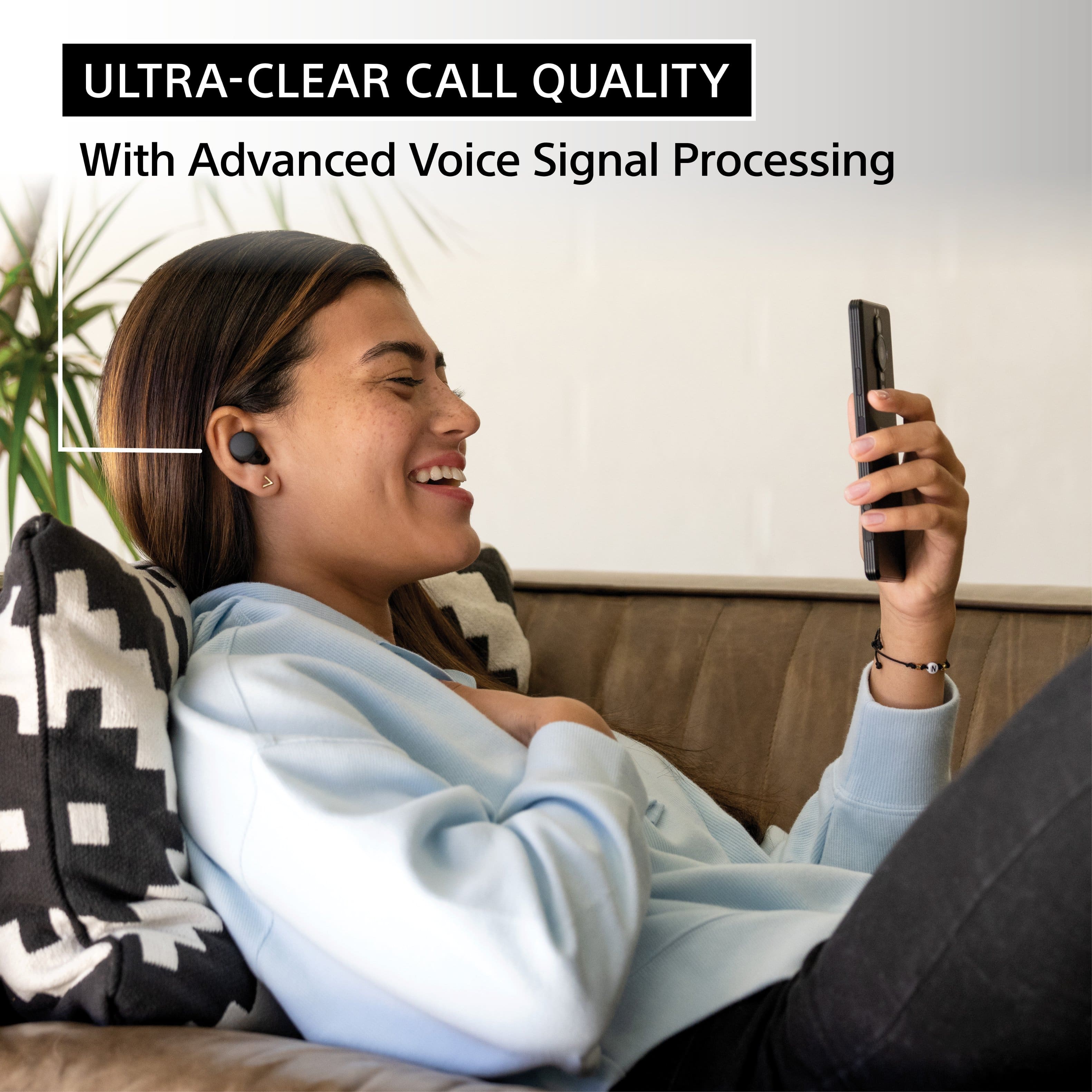
Also, when receiving a call when using a smartphone or mobile phone, some smartphones or mobile phones may receive a call on the phone instead of the headset. When using HFP connection, transfer the call to the headset by holding your finger to the touch sensor on the left or right headset unit for about 2 seconds or more, or by using your smartphone or mobile phone.
And when you use the video calling application, open the settings (*) of the video calling application, and check that the speaker or microphone setting is specified as [Headset (LinkBuds S Hands-Free)](**). When the settings of the video calling application cannot be checked or calling connections [Headset (LinkBuds S Hands-Free)] cannot be selected, select [Headset (LinkBuds S Hands-Free)] on the settings of your computer to make connections.
If you are unable to resolve your concern, please email us at socialsupport@am.sony.com with the following details:
Name:
Username:
Model Number:
Issue:
Telephone Number:
Sincerely,
Sam
Faulty units
||Posted . Owned for 3 weeks when reviewed.This reviewer received promo considerations or sweepstakes entry for writing a review.After spending two hours working w three separate Sony customer support agents and a half hour with a Best Buy employee, all of whom weren’t able to connect the earbuds I returned them for store credit. They must have been faulty units. Still I’m so annoyed that I won’t purchase the same brand again.
No, I would not recommend this to a friendBrand response from SonyListens
Posted .Hi AlanT, We're sorry to hear that you were unable to get the Sony LinkBuds S to pair and it had to be returned. This is usually not the case for our earbuds nor the experience we want you to have. For future reference, we can offer assistance on how to set up or operate the features and functions, and troubleshoot the issue of your Sony product by visiting our Sony Support website to download the help guide and look for additional information about your product. Also, you can reach out to one of our agents through this link: https://us.esupport.sony.com/support/s/service?language=en_US. who would be glad to help. I hope you consider our Sony products in the future. Thank you for sharing your feedback. -Sam
Wish I would have just got another pair of jabras
||Posted . Owned for 1 month when reviewed.This reviewer received promo considerations or sweepstakes entry for writing a review.I went with Sony because I thought they would be great and I am not impressed at all nor am I impressed with Best Buy and their short return window
No, I would not recommend this to a friendBrand response from SonyListens
Posted .Hi Moby,
Thank you for your review, and we are really sorry for your disappointment.
It is unfortunate that our LinkBuds S didn't live up to your expectations. This is definitely not the experience we wanted you to have with our premium headphones. We'd love to know more about the issue you are having and help you out. If you can explain in a little more detail that would be appreciated. Please email us at socialsupport@am.sony.com with the following details so we can best assist you.
Apologies if you disclosed some of this information in your review and to customer service, we just want to ensure that we have your accurate details at the time of communication.
Name:
BestBuy Username:
Model Number:
Issue:
Telephone Number:
We value you & your input, and we are looking forward to your message.
Sincerely,
Romeo
Sony Social Support
For work
||Posted . Owned for 2 months when reviewed.This reviewer received promo considerations or sweepstakes entry for writing a review.Battery not hold long enough hours and harder to answer
No, I would not recommend this to a friendBrand response from SonyListens
Posted .Hi Twan,
We are sorry to hear that you are having issues with your Sony LinkBuds S. This is definitely not the customer experience we want you to have. When charging your earbuds, please make sure they are set to the correct position in the charging case: https://helpguide.sony.net/mdr/linkbudss/v1/en/contents/TP1000539654.html. The available operating time of your headphones will depend on the settings and how you use them: https://helpguide.sony.net/mdr/linkbudss/v1/en/contents/TP1000539655.html. Also, please make sure to update the firmware of your LinkBuds S to improve their performance and resolve any possible software-related issues: https://www.sony.com/electronics/support/linkbuds-s/software/00278796. If your smartphone supports the Bluetooth profile HFP (Hands-free Profile) or HSP (Headset Profile), you can enjoy a hands-free call via a Bluetooth connection. We recommend checking out this link for more details: https://helpguide.sony.net/mdr/linkbudss/v1/en/contents/TP1000539667.html.
We take all user input seriously and will make sure your comments reach the appropriate person. If you are still having the same issue, you can email us at socialsupport@am.sony.com with the following details:
Name:
Best Buy Username:
Model Number:
Issue:
Telephone Number:
Sincerely,
Vincent
Average sounds and cheaply made
||Posted . Owned for 1 month when reviewed.This reviewer received promo considerations or sweepstakes entry for writing a review.Its not worth the price. I have earbuds that are under $100 and sound better.
No, I would not recommend this to a friendBrand response from SonyListens
Posted .Hi Good,
We regret to hear that you are not satisfied with the headphones. For optimum performance, make sure that the software version of the LinkBuds S is updated (via the Sony Headphones Connect app).
To achieve the best sound qualities from the headphones, make sure that you are wearing the LinkBuds S properly. You may find this link helpful:
https://helpguide.sony.net/mdr/linkbudss/v1/en/contents/TP1000536462.html
You also have the option to use the equalizer function of the Sony Headphones Connect app to tailor-fit the sound quality to your needs. Please refer to this link:
https://helpguide.sony.net/mdr/linkbudss/v1/en/contents/TP1000539670.html
Hope this helps. In case you need further assistance, please email us at socialsupport@am.sony.com with the following details:
Name:
Username:
Model Number:
Issue:
Telephone Number:
Or contact our product support team via phone call or chat through this link:
https://us.esupport.sony.com/support/s/support-contact?language=en_US&category=headphones
Sincerely,
-Ralph
Not worth the money
||Posted . Owned for 3 weeks when reviewed.This reviewer received promo considerations or sweepstakes entry for writing a review.I have had these earbuds for about a month now and already I find that the earbuds have this constant sound, as if there is air flowing through my ears. Almost comparable to putting your ear up to a sea shell. It's quite irritating and for the $200 dollars I spent for them, I was hoping for quality earbuds. I had other brands in mind but I followed the best buy employees suggestion and bought these instead.
No, I would not recommend this to a friendBrand response from SonyListens
Posted .Hi Miguel,
Thank you for bringing this to our attention, and we are really sorry if you are encountering an issue with your LinkBuds S within about a month of use. This is definitely not the experience we were hoping you would have. Temporary noise can happen because of the Noise Canceling or Ambient Sound Control function and air-tightness of the headphones. The following article may help you solve this problem:
Noise is heard from the headphones (LinkBuds S) - https://www.sony.com/electronics/support/wireless-headphones-bluetooth-headphones/linkbuds-s/articles/00278105
And as a general recommendation, if you haven't tried yet, we recommend updating its firmware to the latest version. The firmware update improves the functionality and features of the headphones. It also provides fixes to any performance issues that you are encountering.
https://www.sony.com/electronics/support/wireless-headphones-bluetooth-headphones/linkbuds-s/downloads
If there's something we can do to help or you may need more information/technical assistance, please feel free to email us and we'll be more than happy to assist you. You may send us an email at socialsupport@am.sony.com with the following:
Name:
BestBuy Username:
Model Number:
Issue:
Telephone Number:
We value you, and thank you for choosing Sony.
Best regards,
Romeo
Sony Social Support
Good ear buds
||Posted . Owned for 1 month when reviewed.This reviewer received promo considerations or sweepstakes entry for writing a review.Pretty good ear buds with good noise cancelation but pairing is a hassle for me.
I would recommend this to a friendBrand response from SonyListens
Posted .Hi there,
Thanks for commenting! We are happy to know that you are enjoying the amazing noise canceling function of our LinkBuds S. We are sorry if you are having a Bluetooth pairing issue. This is definitely not the news we'd like to hear from you. Let's try to isolate and fix this problem by performing the troubleshooting steps using this article:
https://www.sony.com/electronics/support/wireless-headphones-bluetooth-headphones/linkbuds-s/articles/00204611
With LinkBuds S, you’re always connected to your everyday worlds. Ultra-small and light, they can be worn comfortably around the clock, keeping you in touch with people and places. LinkBuds S switches automatically to optimized ambient sound or high-quality noise canceling for listening without distractions.
Should you need more assistance, please feel free to contact us and we'll be more than happy to assist you. You may send us an email at socialsupport@am.sony.com with the following:
Name:
BestBuy Username:
Model Number:
Issue:
Telephone Number:
Thank you for your purchase and for choosing Sony!
Best regards,
Romeo
Sony Social Support
Choppy Unstable After 50 ft
||Posted .This reviewer received promo considerations or sweepstakes entry for writing a review.Terrible distance. They become choppy 50 feet away. My other Sony's never had this issue.
No, I would not recommend this to a friendBrand response from SonyListens
Posted .Hello mal2478,
Thank you for your review. We are so sorry if you are having a connection issue with your LinkBuds S. This is definitely not the experience we wanted you to have. For Bluetooth communications, these headphones operate within a range of about 32.81 ft. The maximum communication distance may vary depending on the presence of obstacles (people, metal objects, walls, etc.) or the electromagnetic environment. The following article may help improve the connection between our LinkBuds S and your device.
https://www.sony.com/electronics/support/wireless-headphones-bluetooth-headphones/linkbuds-s/articles/00278106
If there's anything we can do to help or you may need more information/technical assistance, please feel free contact us and we'll be more than happy to assist you. You may send us an email at socialsupport@am.sony.com with the following:
Name:
BestBuy Username:
Model Number:
Issue:
Telephone Number:
We truly appreciate you, and thank you for choosing Sony.
Best regards,
Romeo
Sony Social Support
Broke
||Posted . Owned for 9 months when reviewed.This reviewer received promo considerations or sweepstakes entry for writing a review.The sound quality and noise canceling is good, but these earbuds are not comfortable and won’t stay in my ears during exercise. Also they quit working after only 5 months of use.
No, I would not recommend this to a friendBrand response from SonyListens
Posted .Hi CASEY,
We're glad that you like the sound quality and noise canceling function of the headphones. It's unfortunate that you are not satisfied with its fit and the headphones are no longer working properly. For optimum fit and comfort, it is recommended to wear the LinkBuds S properly. If the headphones are not working as expected, resetting and initializing may help resolve the issue. Please refer to these links for more information:
https://helpguide.sony.net/mdr/linkbudss/v1/en/contents/TP1000536462.html
https://helpguide.sony.net/mdr/linkbudss/v1/en/contents/TP1000541613.html
https://helpguide.sony.net/mdr/linkbudss/v1/en/contents/TP1000541614.html
Hope this helps. If still not resolved or you need further assistance, please email us at socialsupport@am.sony.com with the following details:
Name:
Username:
Model Number:
Issue:
Telephone Number:
Or contact our product support team via phone call or chat through this link:
https://us.esupport.sony.com/support/s/support-contact?language=en_US&category=headphones
Sincerely,
-Ralph
Bad ans
||Posted . Owned for 2 months when reviewed.This reviewer received promo considerations or sweepstakes entry for writing a review.The headphones worked great for about 3 uses then the left earbuds ans went bad and causes a watersoundand it hinestly doesnt go away unless you shut everything off including the ans and ambient abilitys that are supposed to be able to be on
No, I would not recommend this to a friendBrand response from SonyListens
Posted .Hi Meeh,
Thank you for your time writing this review. We're sorry to hear that you're having trouble with your Sony LinkBuds S. Let's try to isolate the issue by performing the steps below:
Make sure the headphones are worn properly.
Clean the headphones.
Make sure the headphones software is updated as it includes key features, applications, bug fixes, and feature improvements.
Reset or initialize the headset to restore factory settings.
Please refer to this link with steps to troubleshoot if unwanted noise is heard from the headphones: https://www.sony.com/electronics/support/articles/00278105?utm_source=glean
May we contact you to help? If so, please email the below information to socialsupport@am.sony.com:
Name:
Best Buy Username:
Telephone Number:
Model Number:
Issue:
We are sorry for the inconvenience and hope to speak to you to resolve this matter. - Kris