Customer Ratings & Reviews
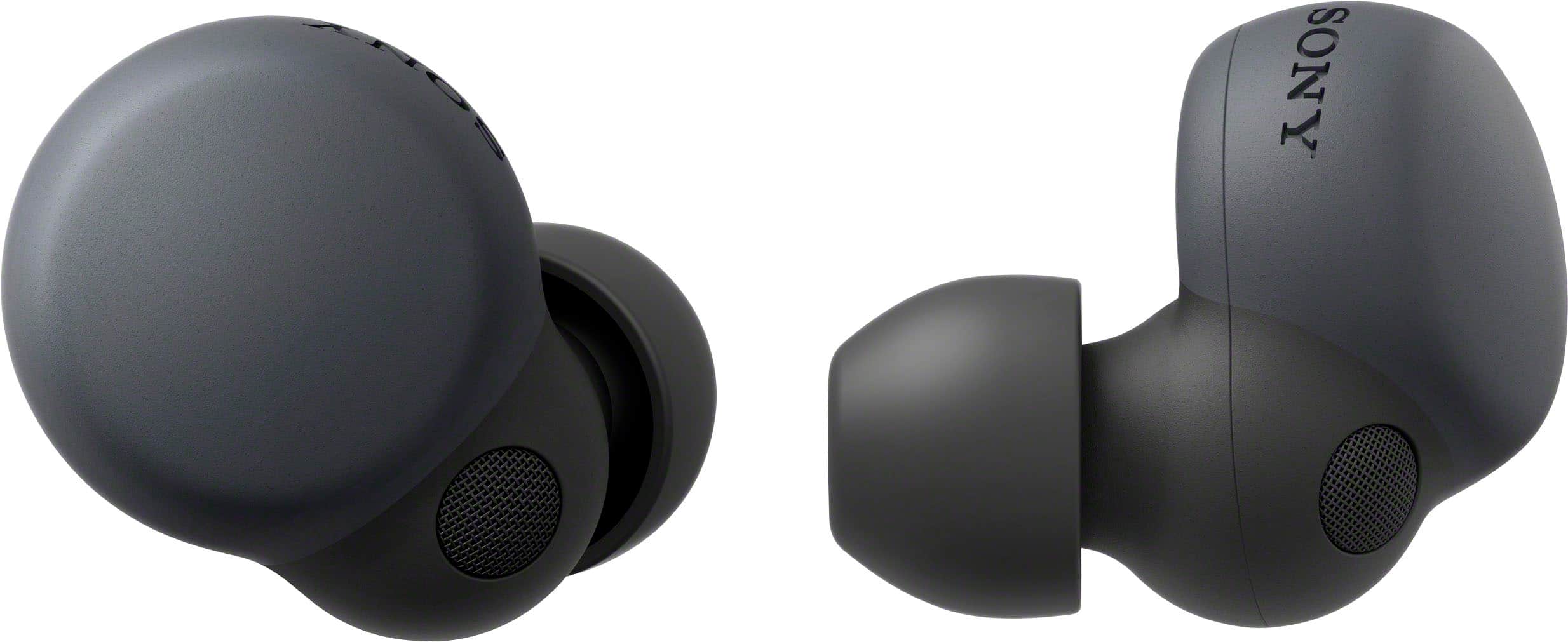
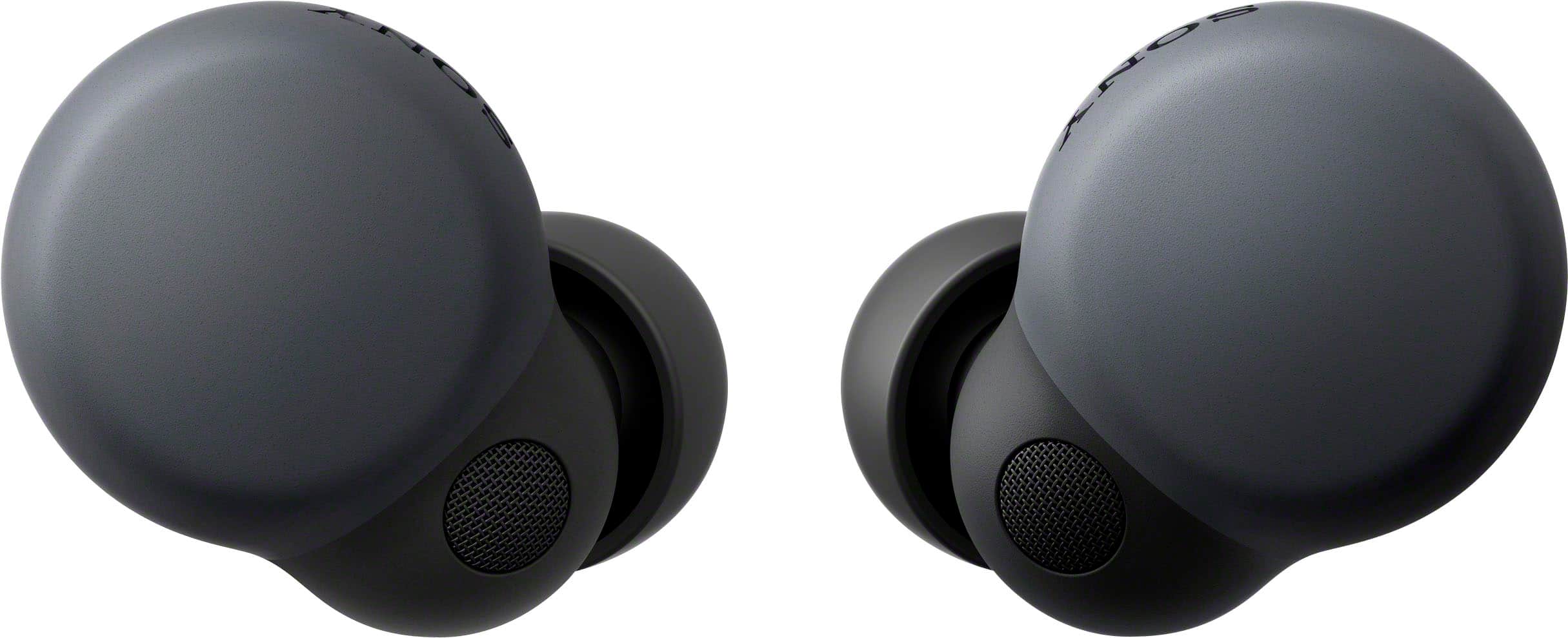
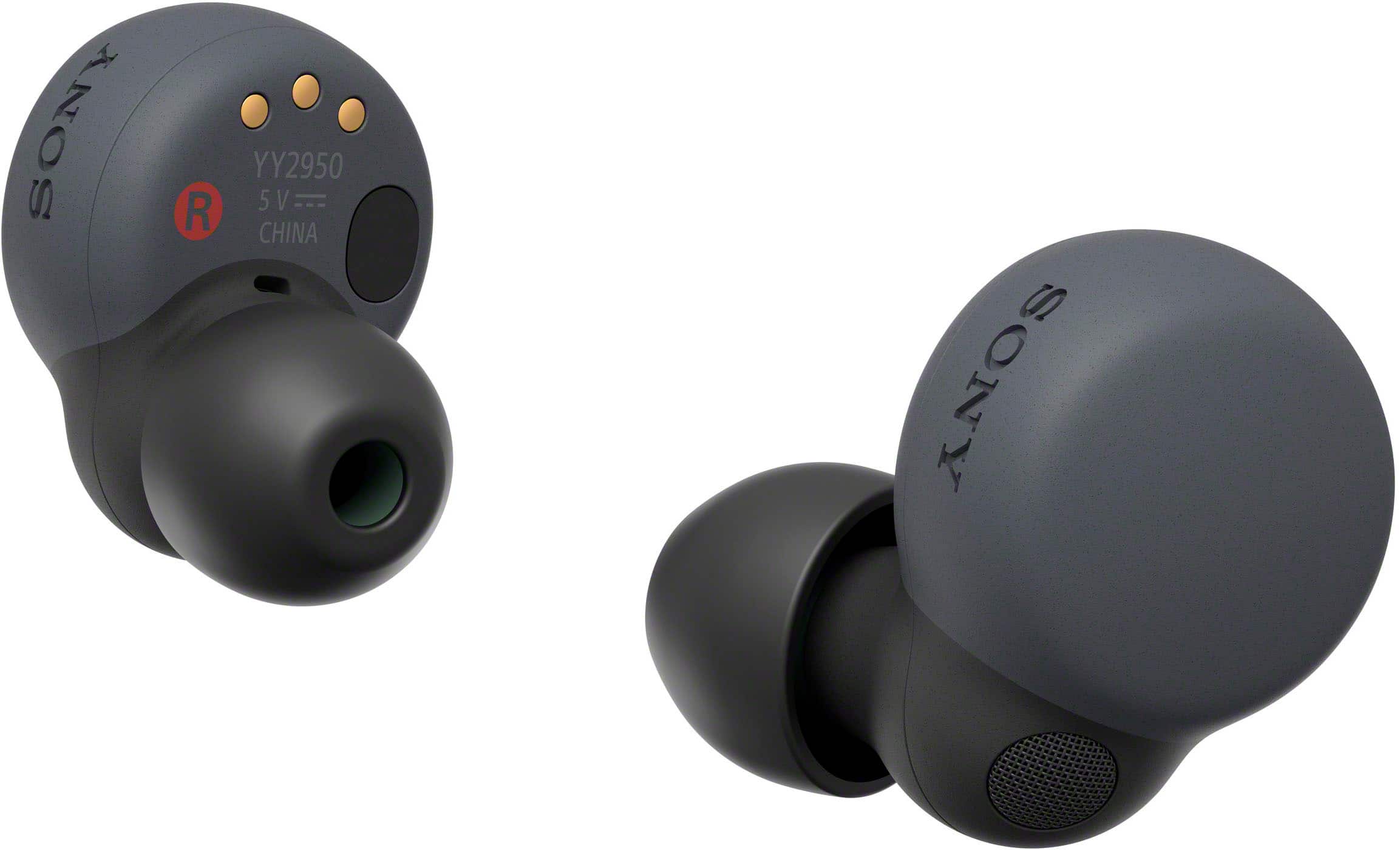
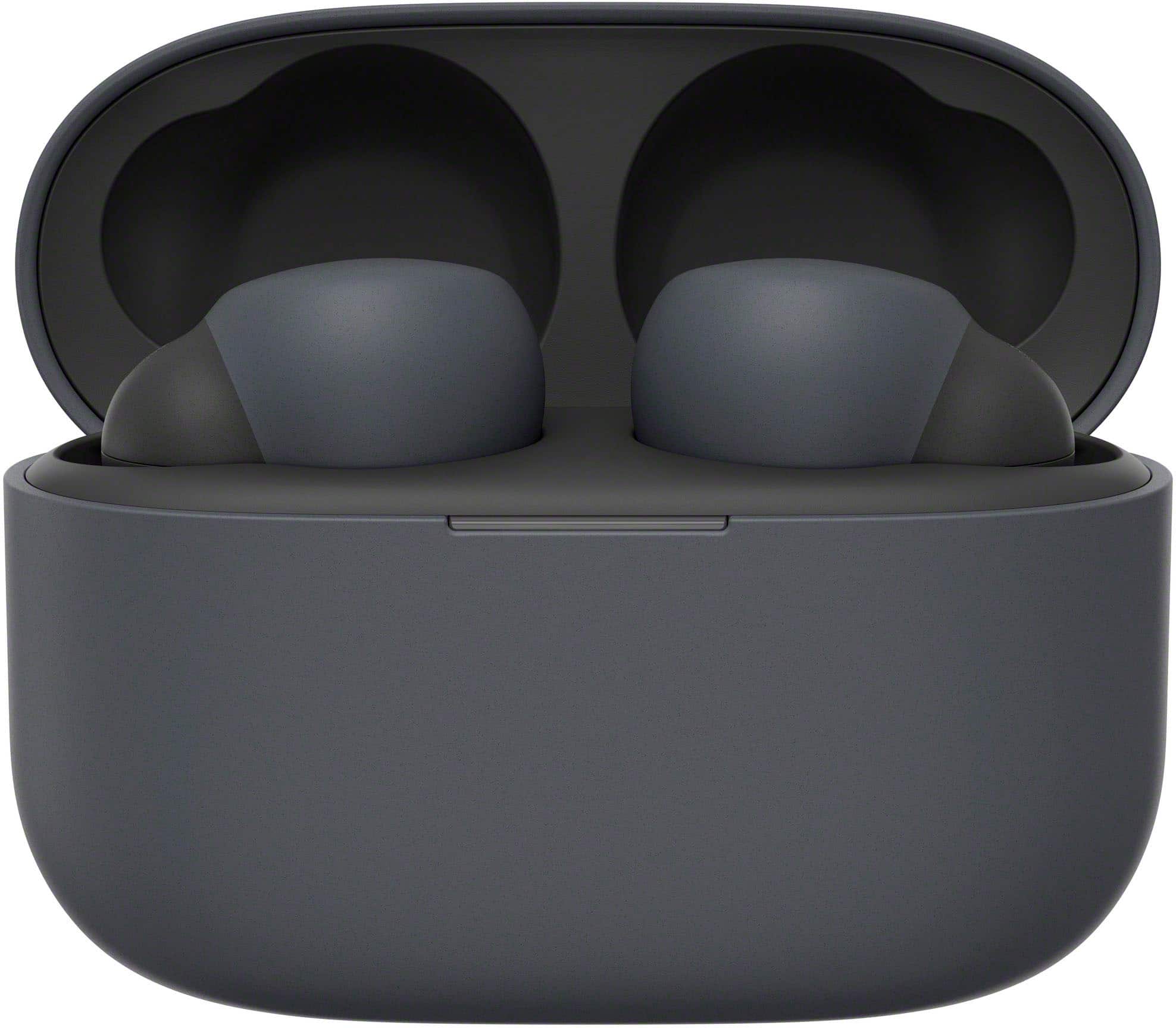
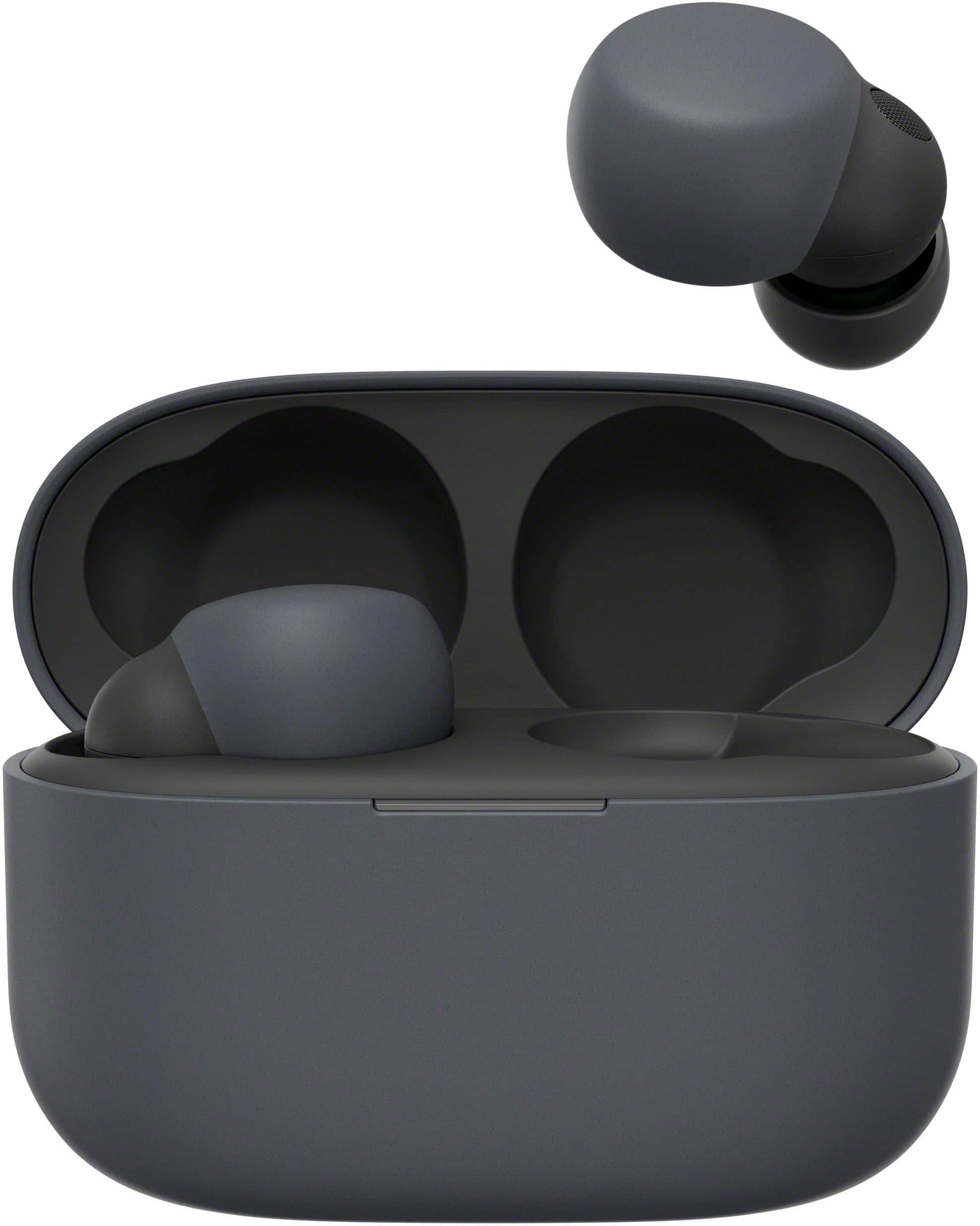
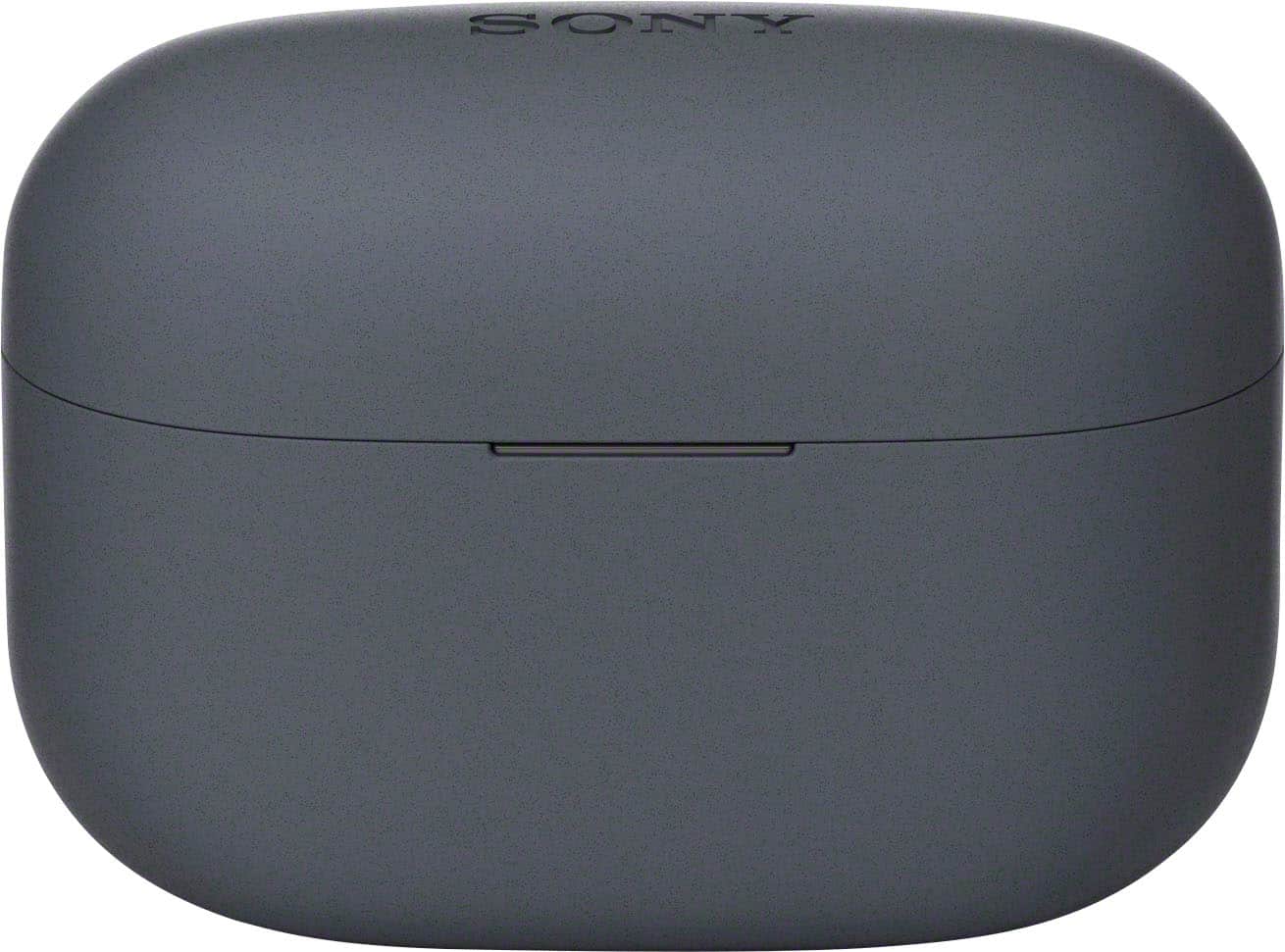
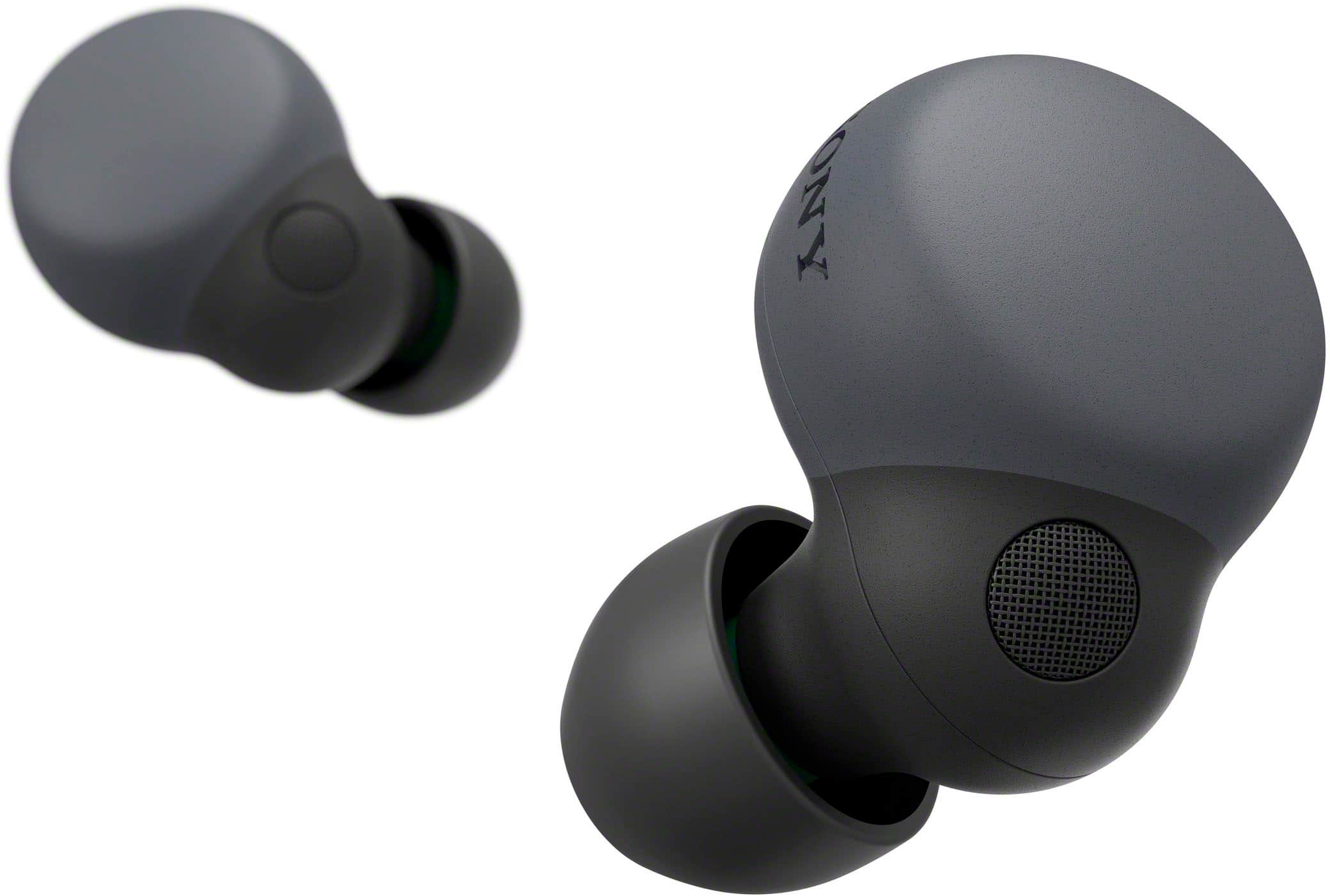
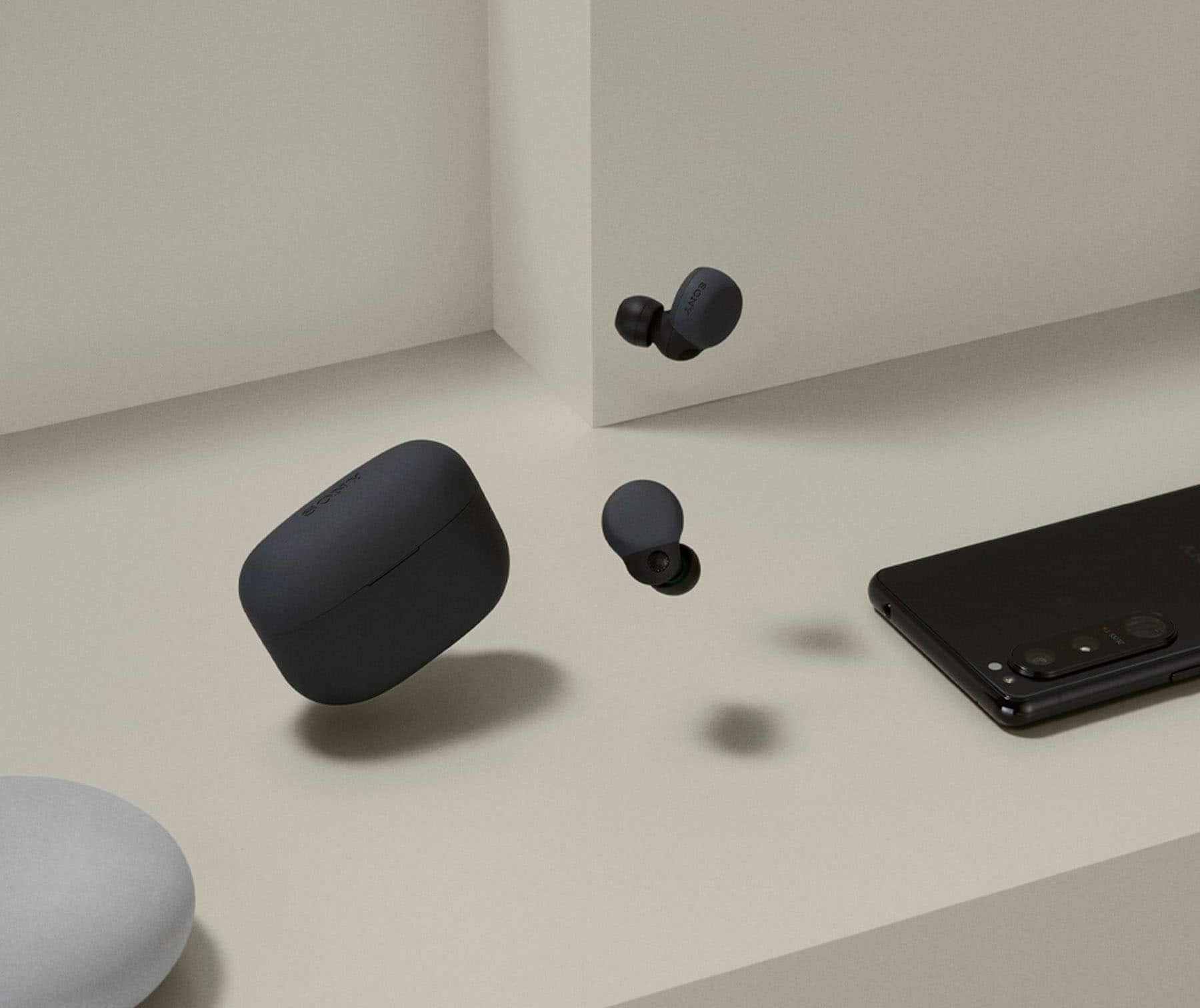



- Model:
- WFLS900N/B
- SKU:
- 10736132
Rating by feature
- Sound Quality
Rating 4.6 out of 5 stars
- Battery Life
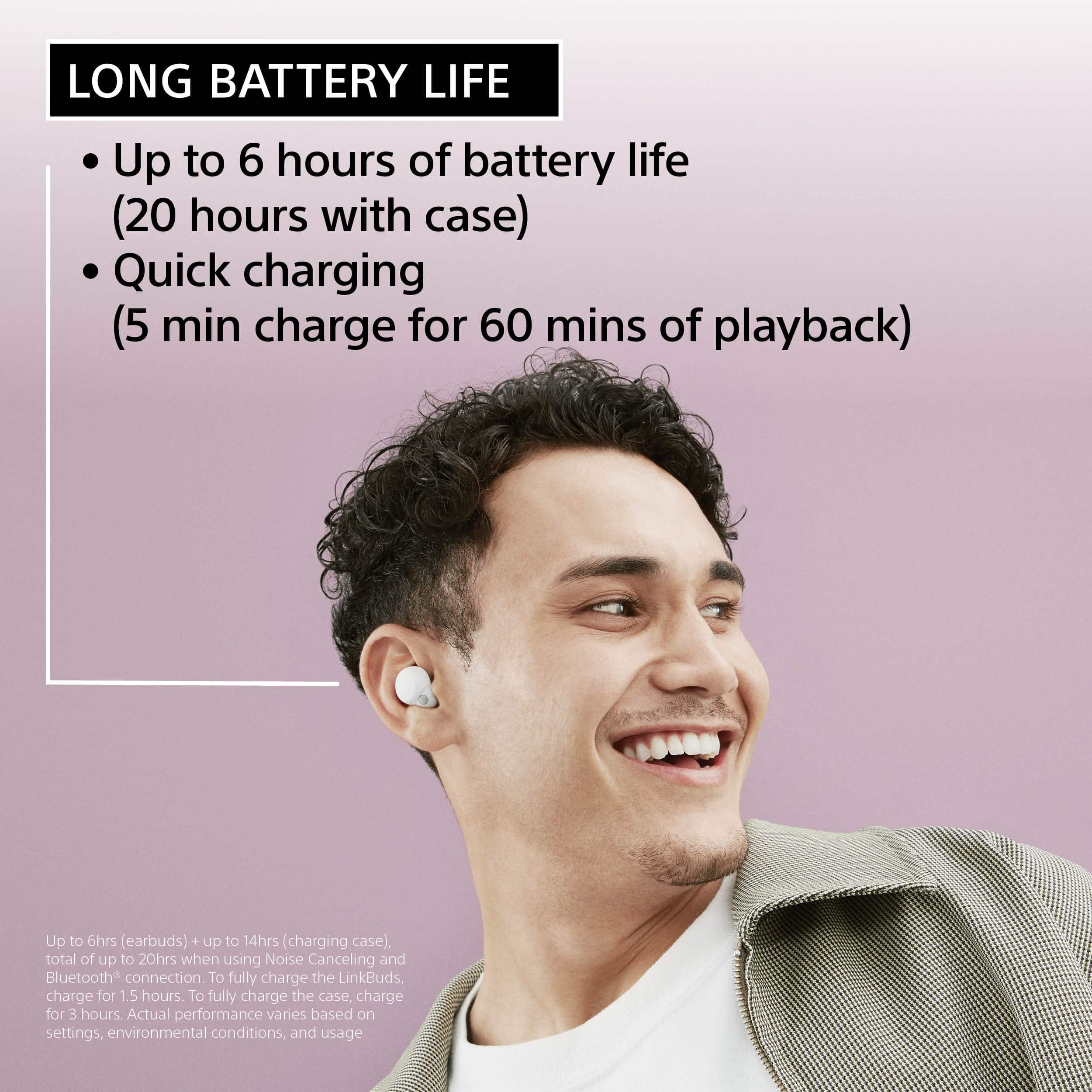
Rating 4.3 out of 5 stars
- Connectivity
Rating 4.4 out of 5 stars
to a friend
Expected better for 200
Posted .This reviewer received promo considerations or sweepstakes entry for writing a review.For 200 dollars i expected earbuds that sound good and work perfectly and yet i got neither most of the time i try to play a song it sound incredibly low quality yet when i put in my pixel buds the music sounds just fine and the Bluetooth connection keeps messing to the point where the left one kept connecting and disconnecting and now they wont pair at all to my phone honestly i was i saved my money
No, I would not recommend this to a friendBrand response from SonyListens
Posted .Hi Bruce,
This is not the experience that we want you to have. For optimum performance, make sure that the software version of the LinkBuds S is updated (via the Sony Headphones Connect app).
To achieve the best sound qualities from the headphones, make sure that you are wearing the LinkBuds S properly. You may find this link helpful:
https://helpguide.sony.net/mdr/linkbudss/v1/en/contents/TP1000536462.html
You also have the option to use the equalizer function of the Sony Headphones Connect app to tailor-fit the sound quality to your needs. Please refer to this link:
https://helpguide.sony.net/mdr/linkbudss/v1/en/contents/TP1000539670.html
For connectivity issues, please refer to the troubleshooting steps on this link:
https://helpguide.sony.net/mdr/linkbudss/v1/en/contents/TP1000537649.html
Resetting and initializing the headset may also help resolve those issues. You may refer to the steps on these links:
https://helpguide.sony.net/mdr/linkbudss/v1/en/contents/TP1000541613.html
https://helpguide.sony.net/mdr/linkbudss/v1/en/contents/TP1000541614.html
If still not resolved or you need further assistance, please email the below information to socialsupport@am.sony.com.
Full Name:
Best Buy Username:
Telephone Number:
Sony Headphones Model Number:
Issue:
Additional Information regarding your experience with the WFLS900N.
Sincerely,
-Ralph
Sony Social Support
Balanced Performance
Posted .This reviewer received promo considerations or sweepstakes entry for writing a review.I’ve had these for about a month now. They are small, light, and sound terrific. Took them on an international flight, and the noise cancelling is very good. I use these daily, mostly for music & podcasts at the gym, before sleep, and for the occasional Zoom call. The app allows me to easily control noise cancelling and other features. Battery life is good, and the case recharges the buds quickly. I tried the Sony models above and below these, and the Linkbuds S have the most balanced performance across all features. Love ‘em!
I would recommend this to a friendBrand response from SonyListens
Posted .Hi Henry,
Amazing! We are so happy to know that you love your LinkBuds S! We are also thrilled to hear your satisfaction with the exceptional sound quality, small & lightweight for all-day comfort design, fantastic noise canceling feature, long-lasting battery life, and superb performance of these headphones.
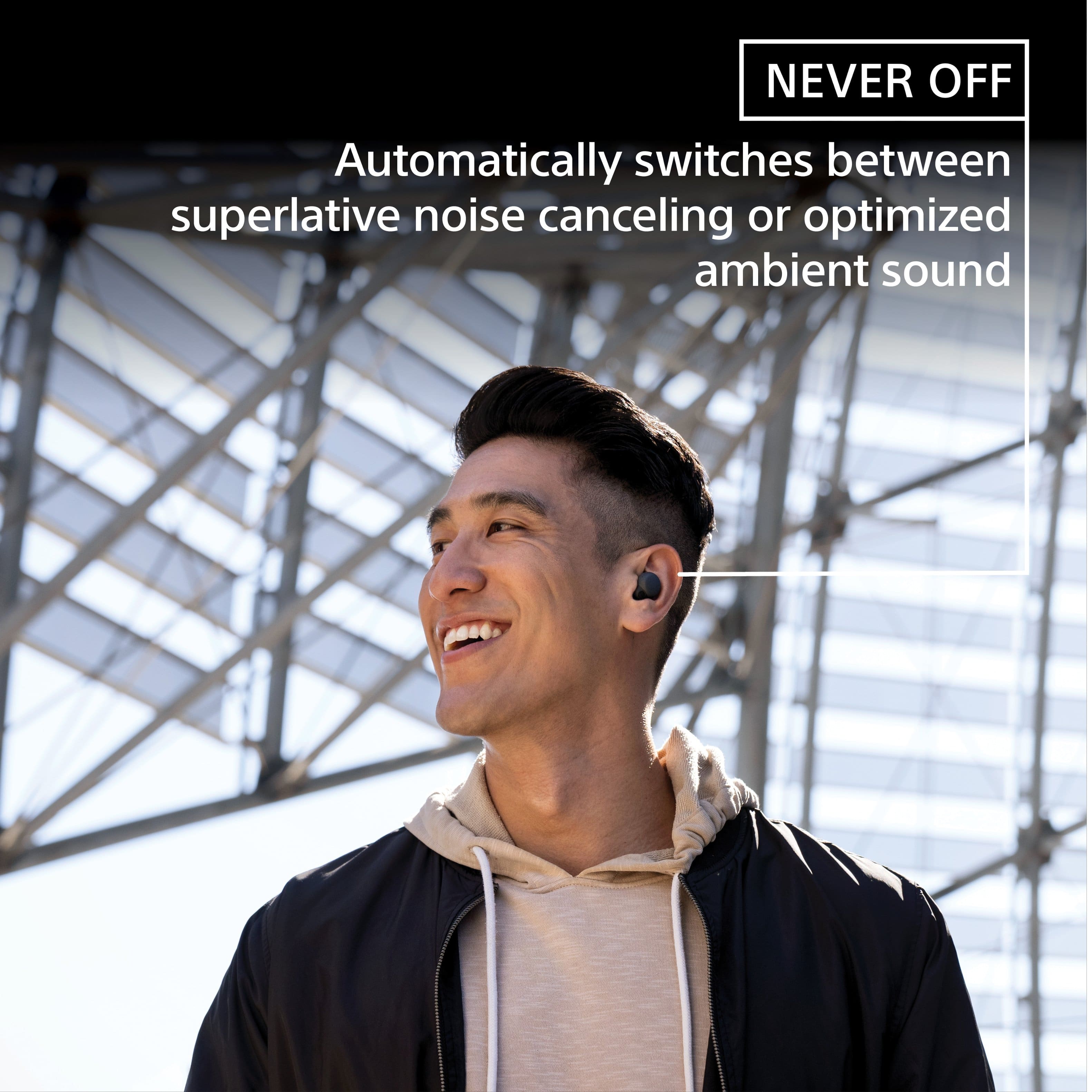
With LinkBuds S, you’re always connected to your everyday worlds. Ultra-small and light, they can be worn comfortably around the clock, keeping you in touch with people and places. LinkBuds S switches automatically to optimized ambient sound or high-quality noise canceling for listening without distractions.
Thank you so much for the perfect star review and for choosing Sony!
- Romeo
Mrs.
Posted .This reviewer received promo considerations or sweepstakes entry for writing a review.I'm extremely disappointed! I paid $199 for my LinkBuds S on 1-26-23 the right side has no sound now. Already went through all the hoops with Sony, tough luck.
No, I would not recommend this to a friendBrand response from SonyListens
Posted .Hi MrsSonjaH,
This is not the experience that we want you to have. Your feedback is extremely important to us and is very much appreciated. For optimum performance, make sure to install the latest software version of the headphones (via the Sony Headphones Connect app).
We hope you already tried resetting and initializing the headset. Please refer to the steps on these links:
https://helpguide.sony.net/mdr/linkbudss/v1/en/contents/TP1000541613.html
https://helpguide.sony.net/mdr/linkbudss/v1/en/contents/TP1000541614.html
If still not resolved, please email the below information to socialsupport@am.sony.com so can know more about what happened and review your file:
Name:
Username:
Model Number:
Issue:
Telephone Number:
Case Number:
Sincerely,
-Ralph
complete trash
Posted .This reviewer received promo considerations or sweepstakes entry for writing a review.for the life of my I can't understand the positive reviews. Although the sound quality is good when they work, these are compete garbage mostly due to the horrible connectivity. rarely do i get through an entire song without them glitching, scrambling the audio or distorting the sound. One side or the other will randomly turn off or disconnect. on multiple occasions the "tap" control on the right bud stops working and you have to unpair them to resolve. they are for sure, the worst $200 pair of earbuds i've ever owned. lastly, the app you have to have to use the headphones is a joke.
No, I would not recommend this to a friendBrand response from SonyListens
Posted .Hi GeoffreyV,
Thanks for reaching out to us with your concern. While we're glad that you like the amazing sound quality, we're so sorry to hear you are having some connection issues with the unit. This is definitely not the customer experience we want you to have. Using headphones in a crowded place, such as on a train or busy road, nearby devices may interrupt Bluetooth communication and cause sound interruptions, interference, or noise. If the issue doesn't occur at home or with fewer nearby devices, Bluetooth communication interference is causing the issue, not the headphones.
As a suggestion, you may try setting the Sound quality mode to Priority on stable connection and see if it resolves the problem. Also, check that the headphones are running on the latest firmware version. The software includes key features, applications, bug fixes, and feature improvements.
For additional troubleshooting steps when sound skips when using the headphones (LinkBuds S), please visit this link to resolve the issue: https://www.sony.com/electronics/support/wireless-headphones-bluetooth-headphones/linkbuds-s/articles/00278106
If you need further assistance, please email the below information to socialsupport@am.sony.com.
Name:
Best Buy Username:
Model Number:
Issue:
Telephone Number:
Sincerely,
Jess
Not worth 149$
Posted .This reviewer received promo considerations or sweepstakes entry for writing a review.Battery life is too low for this price range !! Connection issues persist even after updating!! Noise canceling is not working properly in the left ear bud !! Ambient noise comes on randomly from time to time! Disappointing coming from Sony! They do sound good when they work right !!
No, I would not recommend this to a friendBrand response from SonyListens
Posted .Hi JasonM,
We are really sorry if the battery life and features like the noise canceling & Adaptive Sound Control of our LinkBuds S did not meet your expectations. We are also sorry if you are experiencing a Bluetooth connection issue. This is certainly not the experience we were hoping you would have. Please allow us to help you and turn this into a better experience.
For the battery life, usage hours may be different from the time described on the link below depending on the settings for the headset functions & usage conditions. The same goes with the speed of energy consumption for the rechargeable battery between the left and right units. This also depends on the settings for the headset functions and usage conditions.
https://helpguide.sony.net/mdr/linkbudss/v1/en/contents/TP1000539655.html
https://helpguide.sony.net/mdr/linkbudss/v1/en/contents/TP1000541590.html?search=available
Note:
Either side of the headphones can work as the main unit, and the main unit consumes more power than the other side. Because of this, the remaining battery level may vary between left and right.
As for your Bluetooth connection issue, the LinkBuds S are designed to provide reliable and stable connectivity during various activities. However, certain factors such as distance, signal interference, and the environment can affect the connection. If you haven't yet, please perform our suggested troubleshooting steps on this article and see if it resolves the problem:
Sound skips when using the headphones (LinkBuds S) - https://www.sony.com/electronics/support/wireless-headphones-bluetooth-headphones/linkbuds-s/articles/00278106
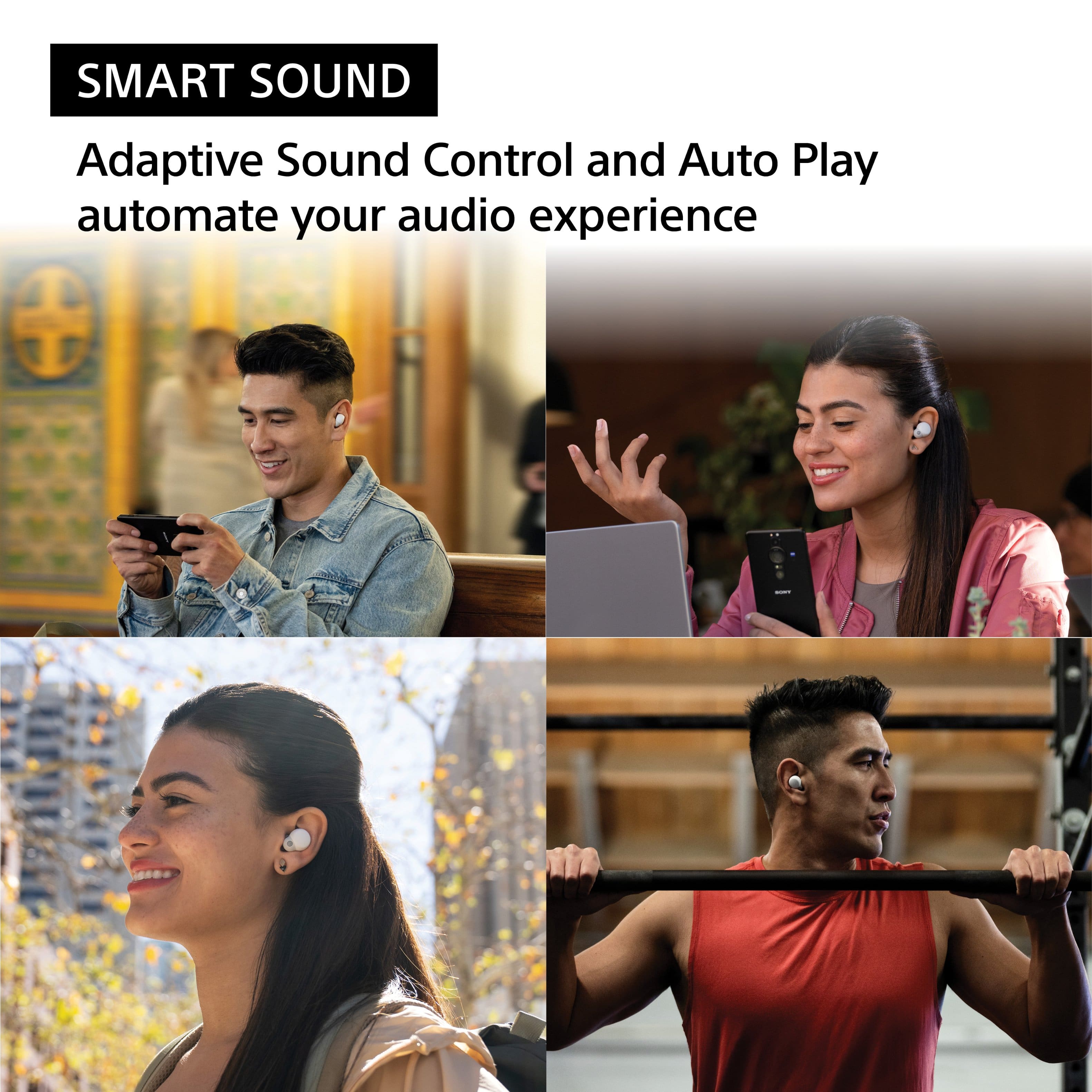
And regarding Adaptive Sound Control, this feature is designed to automatically adjust the sound settings based on your environment to provide the best audio experience. When the Adaptive Sound Control on the “Sony | Headphones Connect” app is turned on, the wearer's actions, like walking or running, are detected. The noise canceling function is automatically adjusted and the Ambient Sound Mode may be activated according to these actions. You can turn off this feature from the Sony | Headphones Connect app.
You may also find the following articles helpful:
Ambient Sound Mode or Noise Canceling function changes unexpectedly, or a notification sound is sometimes heard - https://www.sony.com/electronics/support/wireless-headphones-bluetooth-headphones/linkbuds-s/articles/00229328
The Noise Canceling effect is weak or not working (LinkBuds S) - https://www.sony.com/electronics/support/wireless-headphones-bluetooth-headphones/linkbuds-s/articles/00278108
If there's something we can do to help or you may need more information/technical assistance, please feel free to email us and we'll be more than happy to assist you. You may send us an email at socialsupport@am.sony.com with the following:
Name:
BestBuy Username:
Model Number:
Issue:
Telephone Number:
We value you, and thank you so much for choosing Sony.
Best regards,
Romeo
Sony Social Support
Costly Consequence: The Price of Losing a Single
Posted .This reviewer received promo considerations or sweepstakes entry for writing a review.It was working fine until I accidentally lost one single earbud. I have to order a single earbud, which costs me around 75 bucks, and then send the earbuds with the case to a certified center to get it reconfigured; it's 40 bucks for the labor fee and 20 bucks for the shipping fee. So the cost to repair is about a brand new pair. If you see this review, please remember the cost of losing a single earbud.
No, I would not recommend this to a friendBrand response from SonyListens
Posted .Hi Kevin, We're sorry to hear about your earbuds. This is definitely not the experience we wanted you to have. We understand its costly to replace one earbud. The earbuds are pre-set with information that allows them to communicate with and from each other. These settings can only be configured at the Authorized Service Center with all three components present. For this reason, you can't simply replace one missing part. Sincerely, Craig
So so earbuds
Posted .This reviewer received promo considerations or sweepstakes entry for writing a review.Not very comfortable, light weight. But hard time staying in my ears.
I would recommend this to a friendBrand response from SonyListens
Posted .Hi user805849,
We regret to hear that you are not completely satisfied with the Sony LinkBuds. Your feedback is extremely important to us and is very much appreciated. For optimum fit and comfort, make sure that you are wearing both earbuds properly. M-sized fitting supporters come attached to the left and right units of the headset at the time of purchase. When the headset is worn properly and you feel the size of the fitting supporters does not fit your ears, change the fitting supporters to another size to comfortably and snugly fit your left and right ears. For more information, please refer to this link:
https://helpguide.sony.net/mdr/linkbuds/v1/en/contents/TP1000445573.html
Hope this helps. In case you need further assistance, please email the below information to socialsupport@am.sony.com.
Name:
Username:
Model Number:
Issue:
Telephone Number:
Or contact our product support team via phone call or chat through this link:
https://us.esupport.sony.com/support/s/support-contact?language=en_US&category=headphones
Sincerely,
-Ralph
One glaring flaw
Posted .This reviewer received promo considerations or sweepstakes entry for writing a review.For anyone considering these because of the metal pinging issue with the XM4 buds, don’t waste your time, these have the same issue too. Otherwise these would have been my go to.
No, I would not recommend this to a friendBrand response from SonyListens
Posted .Hi MKDreams, Thank you for your review. We sincerely regret to hear that you've encountered metallic/pinging sound on your Linkbuds Wireless earbuds. This is definitely not the experience we wanted you to have on our premium headphones. Some of these problems can be fixed by performing the steps below:
To eliminate the pinging/metallic sound, you should:
1. Turn off Adaptive Sound Control, or 2. Turn off “Notification Tone When Switching."
When the Adaptive Sound Control function is turned on, the headset detects the wearer's actions and adjusts the noise canceling function automatically. When this setting is changed, music may pause momentarily and an alert sound may be heard. This sound notifies you that the setting has been changed. This can be deactivated by turning off the notification sound from the Sony | Headphones Connect app.
More details are provided on these articles:
https://helpguide.sony.net/mdr/linkbudss/v1/en/contents/TP1000541617.html
We value you and your feedback, and we are hoping that you'd still consider Sony again in your future purchases.
Sincerely,
-Craig
Social Support
Such a shame!!!!
Posted .This reviewer received promo considerations or sweepstakes entry for writing a review.Great earbuds, but they keep cutting out and lose connectivity while doing activities, which is VERY annoying. I have Total Tech, so i exchanged the first pair and same problem with the second pair. I wish Sony would figure it out because besides that, they're great. Guess I'm returning theses and getting Beats
No, I would not recommend this to a friendBrand response from SonyListens
Posted .Hi PauljP,
While we are glad that you find our LinkBuds S great, we are really sorry if you are encountering a Bluetooth connection issue. This is certainly not the experience we want you to have. If you still have the unit, we'd like to help you isolate and fix this problem. The LinkBuds S are designed to provide reliable and stable connectivity during various activities. However, certain factors such as distance, signal interference, and the environment can affect the connection. If you haven't yet, please perform our suggested troubleshooting steps on this article and see if it resolves the problem:
Sound skips when using the headphones (LinkBuds S) - https://www.sony.com/electronics/support/wireless-headphones-bluetooth-headphones/linkbuds-s/articles/00278106
And as a general recommendation, we also recommend updating the firmware of your headphones to the latest version. The firmware update improves the functionality and features of the headphones. It also provides fixes to any performance issues that you are encountering.
https://www.sony.com/electronics/support/wireless-headphones-bluetooth-headphones/linkbuds-s/downloads
Should you need more information/technical assistance, please feel free to email us and we'll be more than happy to assist you. You may send us an email at socialsupport@am.sony.com with the following:
Name:
BestBuy Username:
Model Number:
Issue:
Telephone Number:
I hope this helps you, and thank you so much for choosing Sony.
Best regards,
Romeo
Sony Social Support
DO NOT BUY!!
Posted .This reviewer received promo considerations or sweepstakes entry for writing a review.This is the second defective pair and past the return window. First pair broke within 2 weeks. Second pair broke within 5 weeks. Due to it's small size the driver blows out resulting in a plastic crunchy noise. Most expensive mistake I've made.
No, I would not recommend this to a friendWill not replace my earbuds
Posted .This reviewer received promo considerations or sweepstakes entry for writing a review.I dropped my left earbud. It broke in half I tried to take it in before the 30 days and they will not give me a replacement nor money back. I am very upset with their service
No, I would not recommend this to a friendBrand response from SonyListens
Posted .Hi TimK, we're sorry to hear about what happened to your Sony unit. Unfortunately, the physical or cosmetic damage is not covered by the Sony limited warranty. You may take your device to an authorized servicer for evaluation to determine the repair options. Please check this link for more details:
https://www.sony.com/electronics/support/articles/00006741?utm_source
If you require any additional support with regard to this product, please email us at socialsupport@am.sony.com with the following details: Name: Username: Model Number: Issue: Telephone Number:
~Earl
Do not buy this prodnct
Posted .This reviewer received promo considerations or sweepstakes entry for writing a review.Falls out of ear better than stays in ear with anymovement of head. Lost one, cannot replace exceot on ebay. Finally put other one thru wash by accident and doesnt work of course.
No, I would not recommend this to a friendBrand response from SonyListens
Posted .Hi Teresa, We're sorry to hear about your earbuds. As it turns out, the earbuds are pre-set with information that allows them to communicate with and from each other. If one of the earbuds is lost or damaged, we advise to send the remaining items (earbuds and charging case) to an Authorized Service Center so that a replacement for the missing part can be reset with the remaining components. As for the fitting, if you haven't yet, you can visit the links below for detailed instructions on how to change the fitting supporters for your LinkBuds and how to wear them correctly. This will help you obtain optimum fit/comfort. https://helpguide.sony.net/mdr/linkbuds/v1/en/contents/TP1000456408.html - https://helpguide.sony.net/mdr/linkbuds/v1/en/contents/TP1000445573.html
Should you need further assistance, you can email us at socialsupport@am.sony.com with the following details:
Name:
Best Buy Username:
Model Number: Issue:
Telephone Number:
Sincerely,
-Craig
2 pairs, same problem.
Posted .This reviewer received promo considerations or sweepstakes entry for writing a review.First pair, workid fine for a week then they start making annoying sounds. Seccond pair workied like a month and then same problem. Never droped never nothing.
No, I would not recommend this to a friendBrand response from SonyListens
Posted .Hi Siilva,
Thank you for your review, and we are really sorry if you've encountered an audio issue with your two LinkBuds S. This is not the experience we were hoping you would have. We'd like to help you troubleshoot the problem. If you haven't yet, please try following the troubleshooting steps using these articles to isolate the issue:
https://www.sony.com/electronics/support/wireless-headphones-bluetooth-headphones/linkbuds-s/articles/00278105
https://www.sony.com/electronics/support/wireless-headphones-bluetooth-headphones/linkbuds-s/articles/00232102
And as a general recommendation, we recommend updating the firmware of your LinkBuds S to the latest version. The firmware update improves the functionality and features of the headphones. It also provides fixes to any performance issues that you are encountering.
https://www.sony.com/electronics/support/wireless-headphones-bluetooth-headphones/linkbuds-s/downloads
If there's something we can do to help or you may need more information/technical assistance, please feel free to email us and we'll be more than happy to assist you. You may send us an email at socialsupport@am.sony.com with the following:
Name:
BestBuy Username:
Model Number:
Issue:
Telephone Number:
We value you, and thank you for choosing Sony.
Best regards,
Romeo
Sony Social Support