Customer Ratings & Reviews



- Model:
- WFL900/W
- SKU:
- 10554978
Rating by feature
- Sound Quality
Rating 3.8 out of 5 stars
- Battery Life
Rating 3.7 out of 5 stars
- Connectivity
Rating 4.0 out of 5 stars
to a friend

Cool design and functions, so-so sound quality
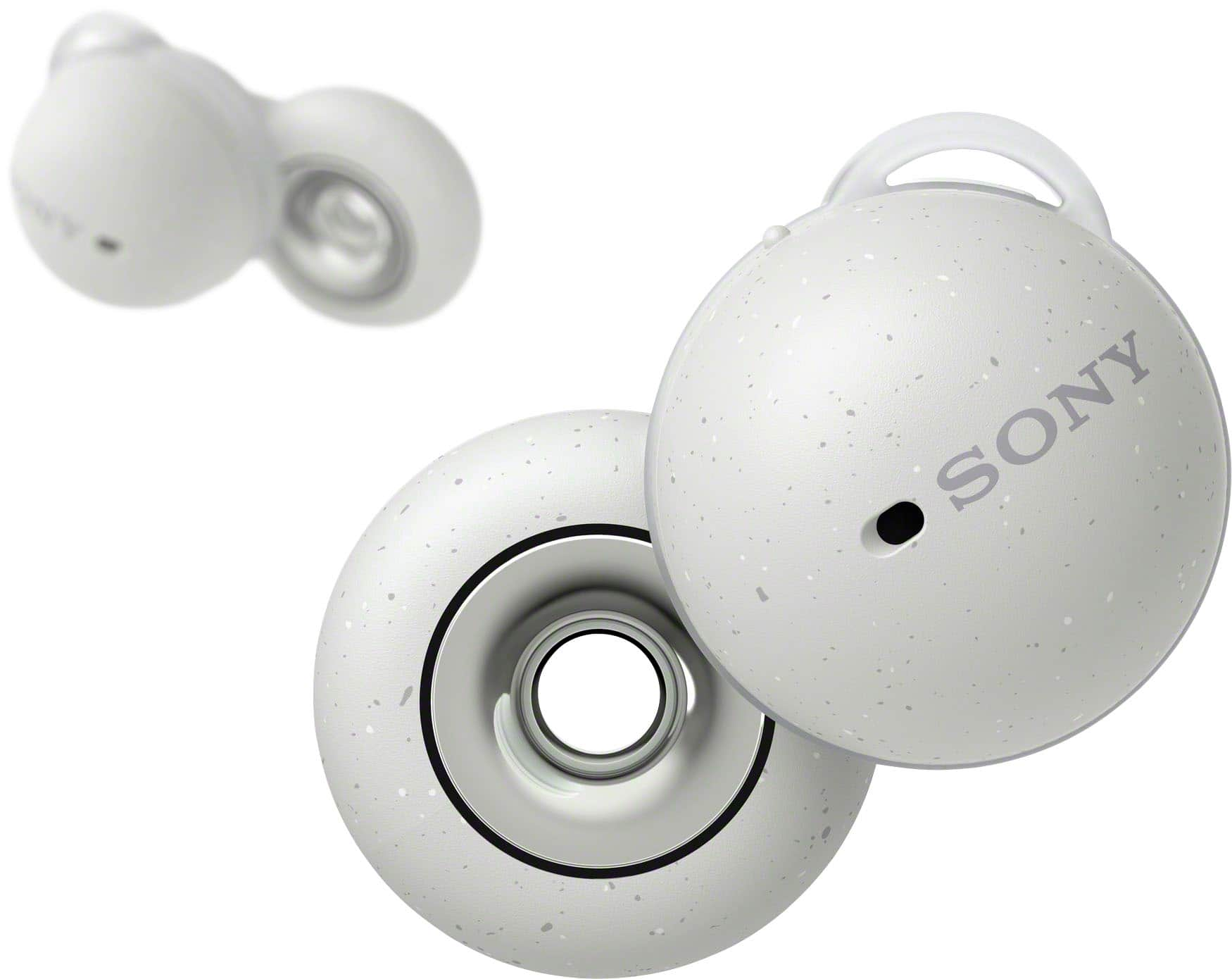
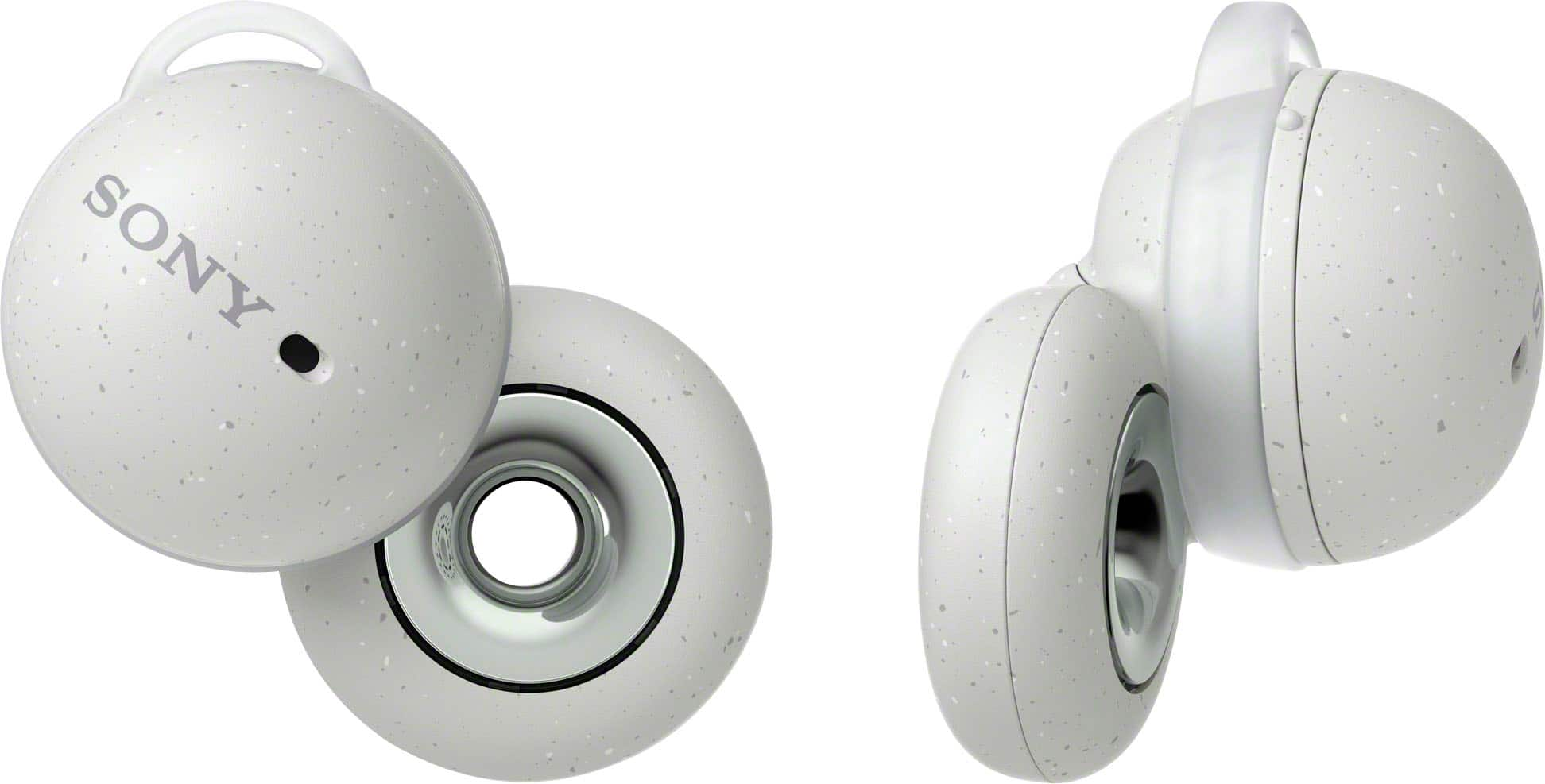
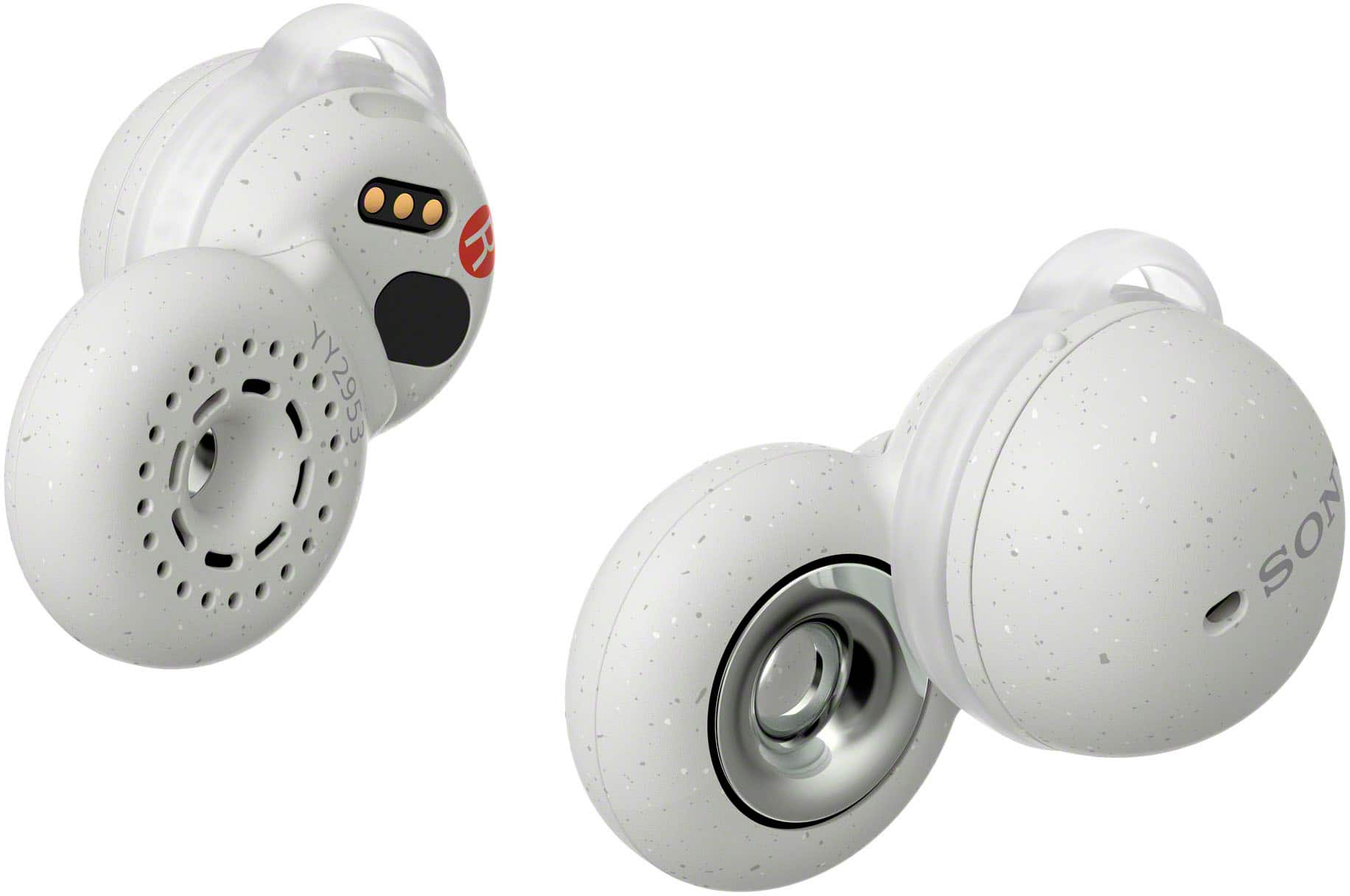
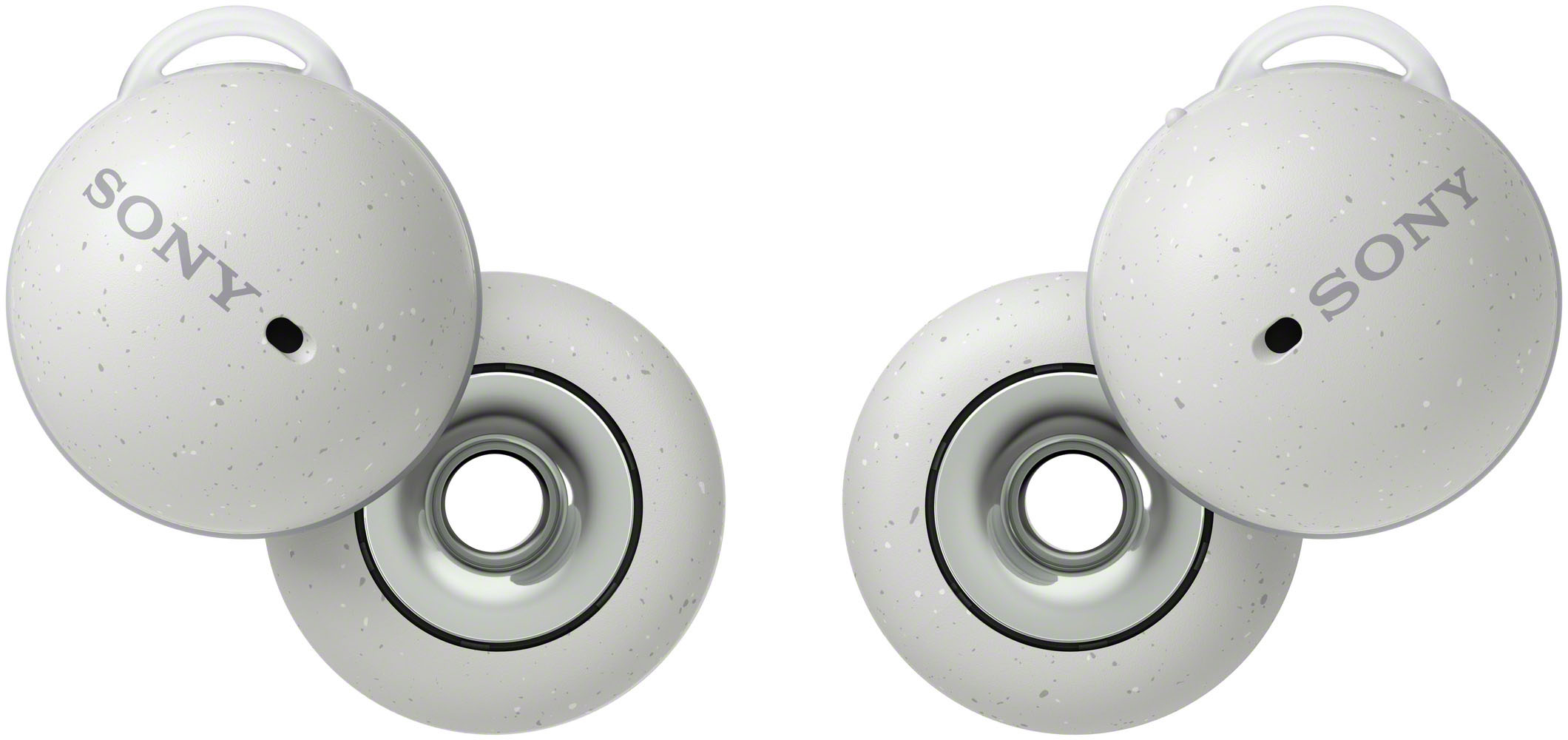
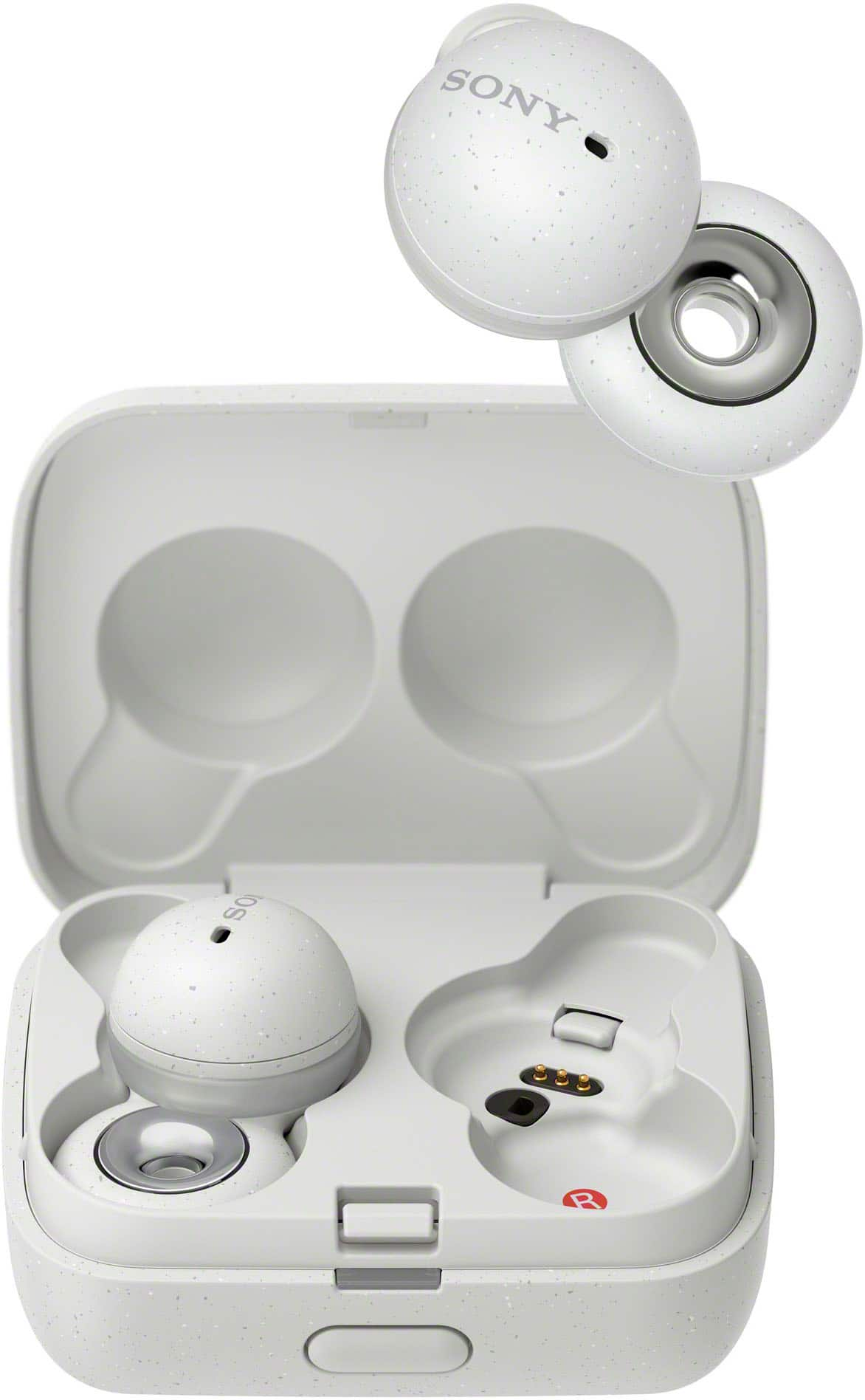
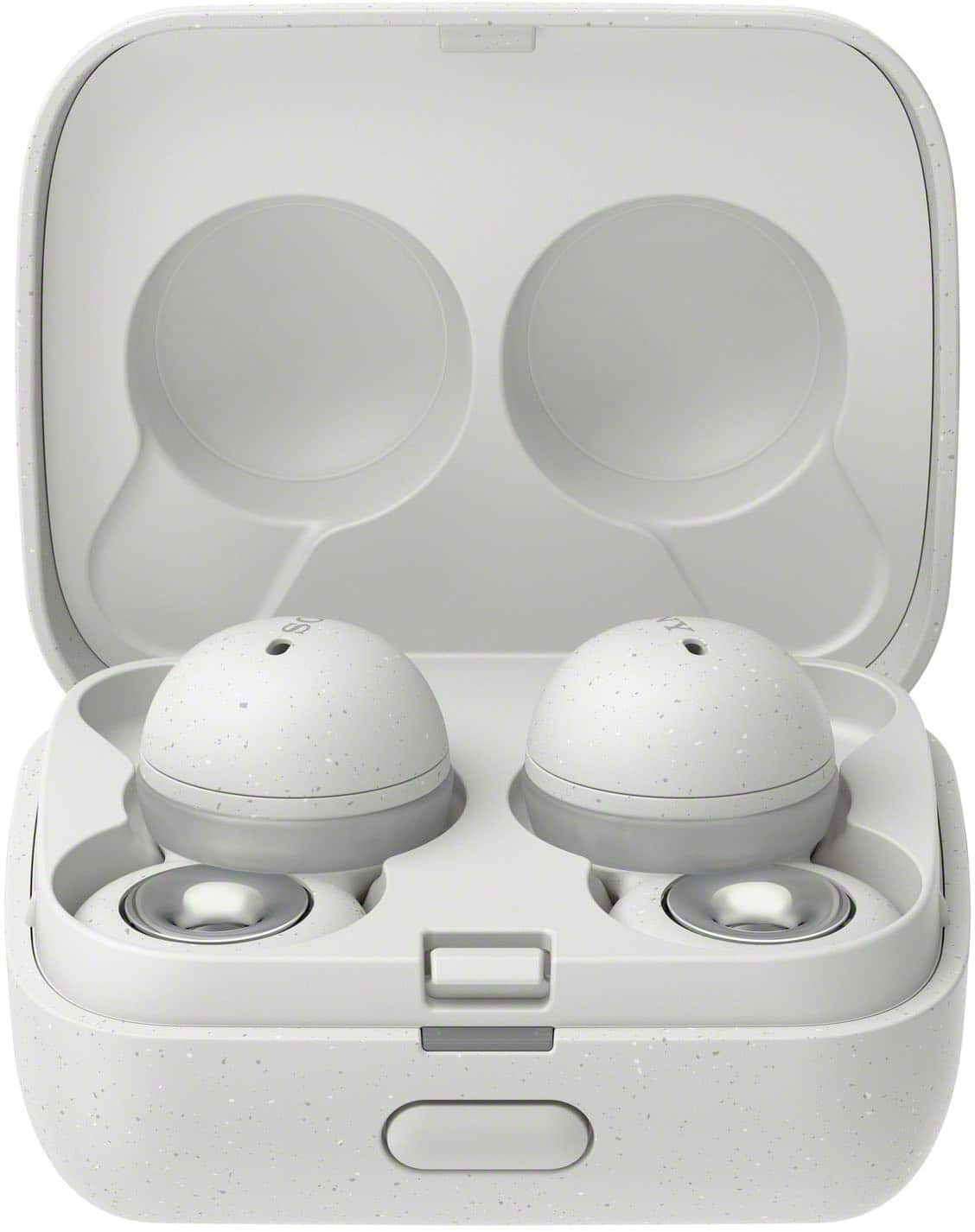
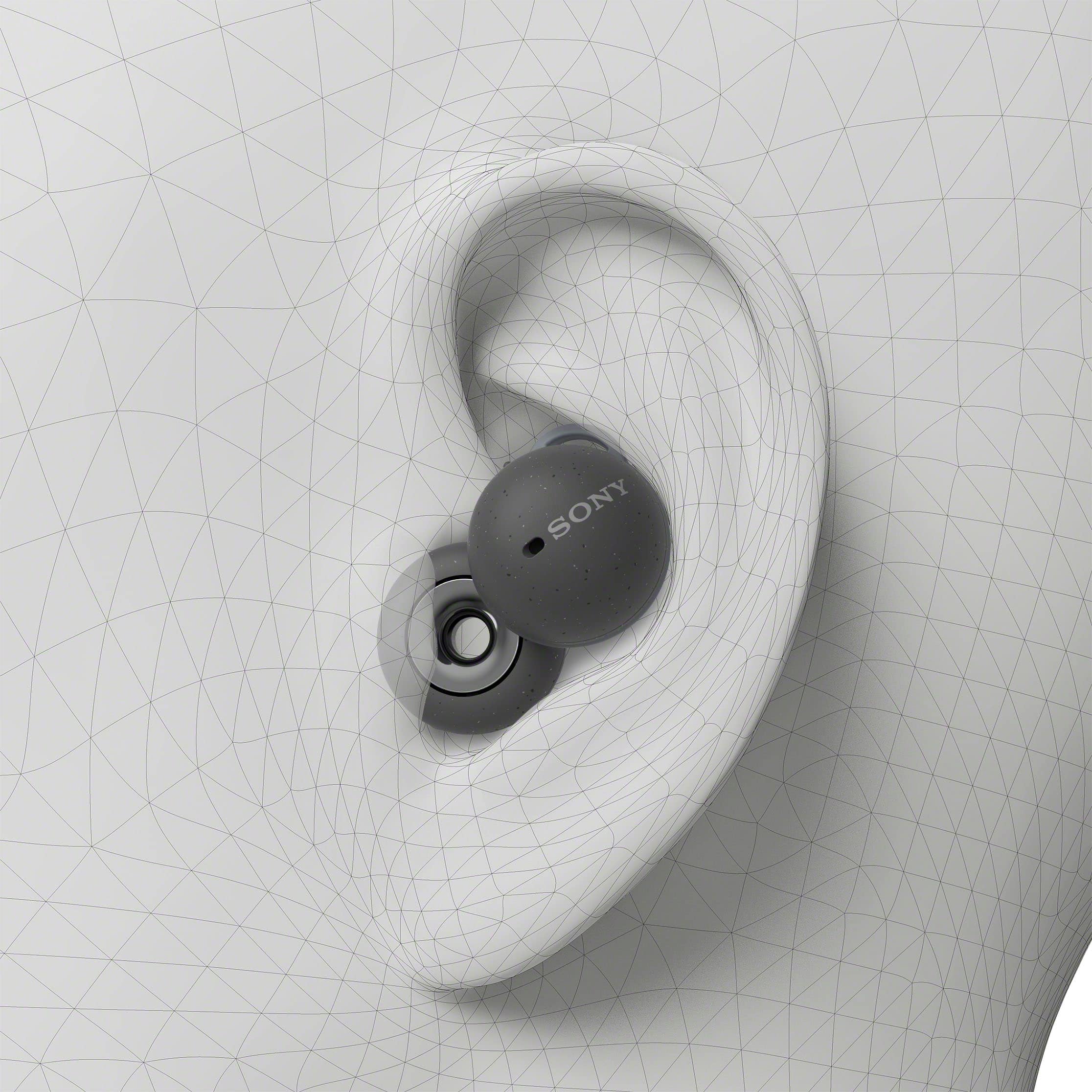
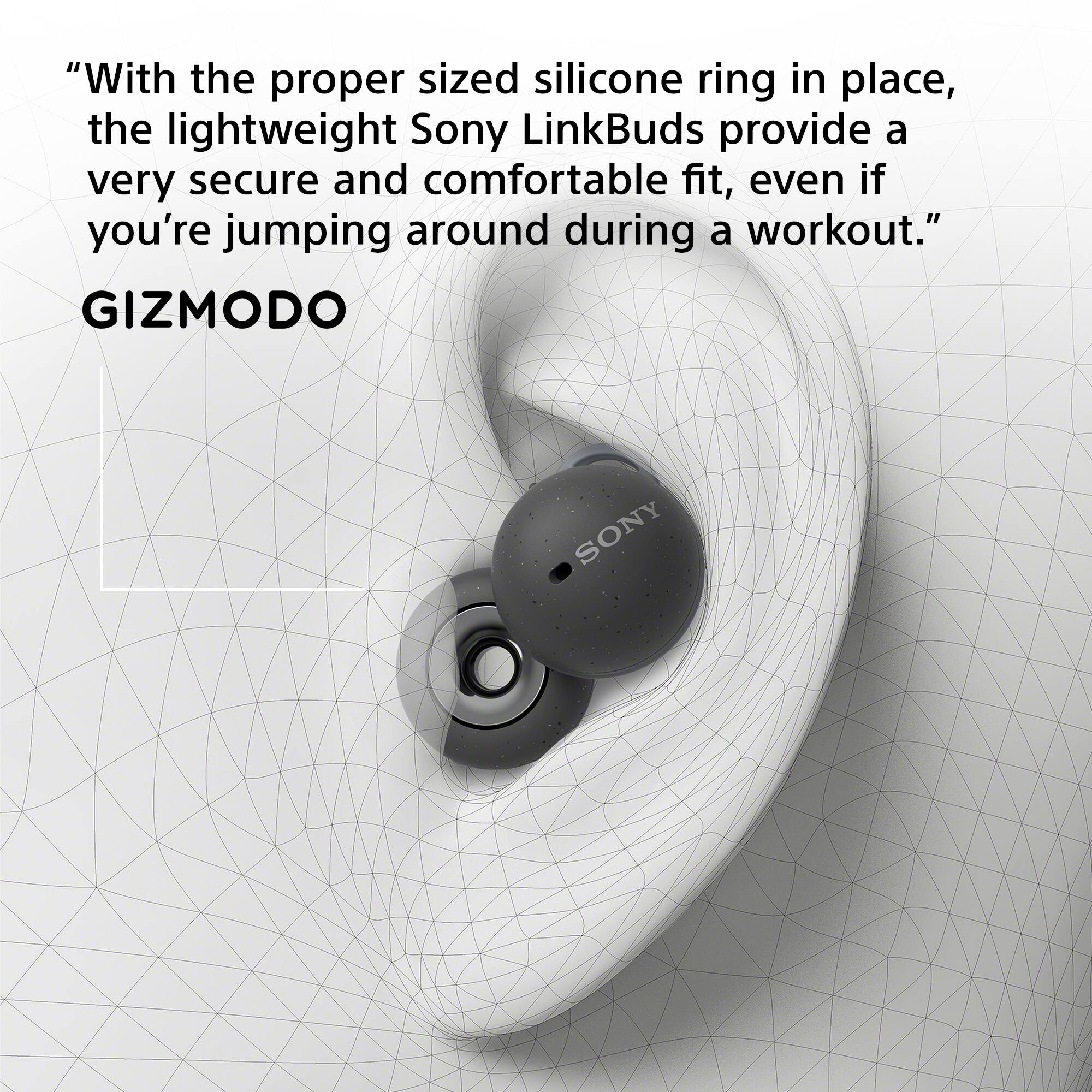
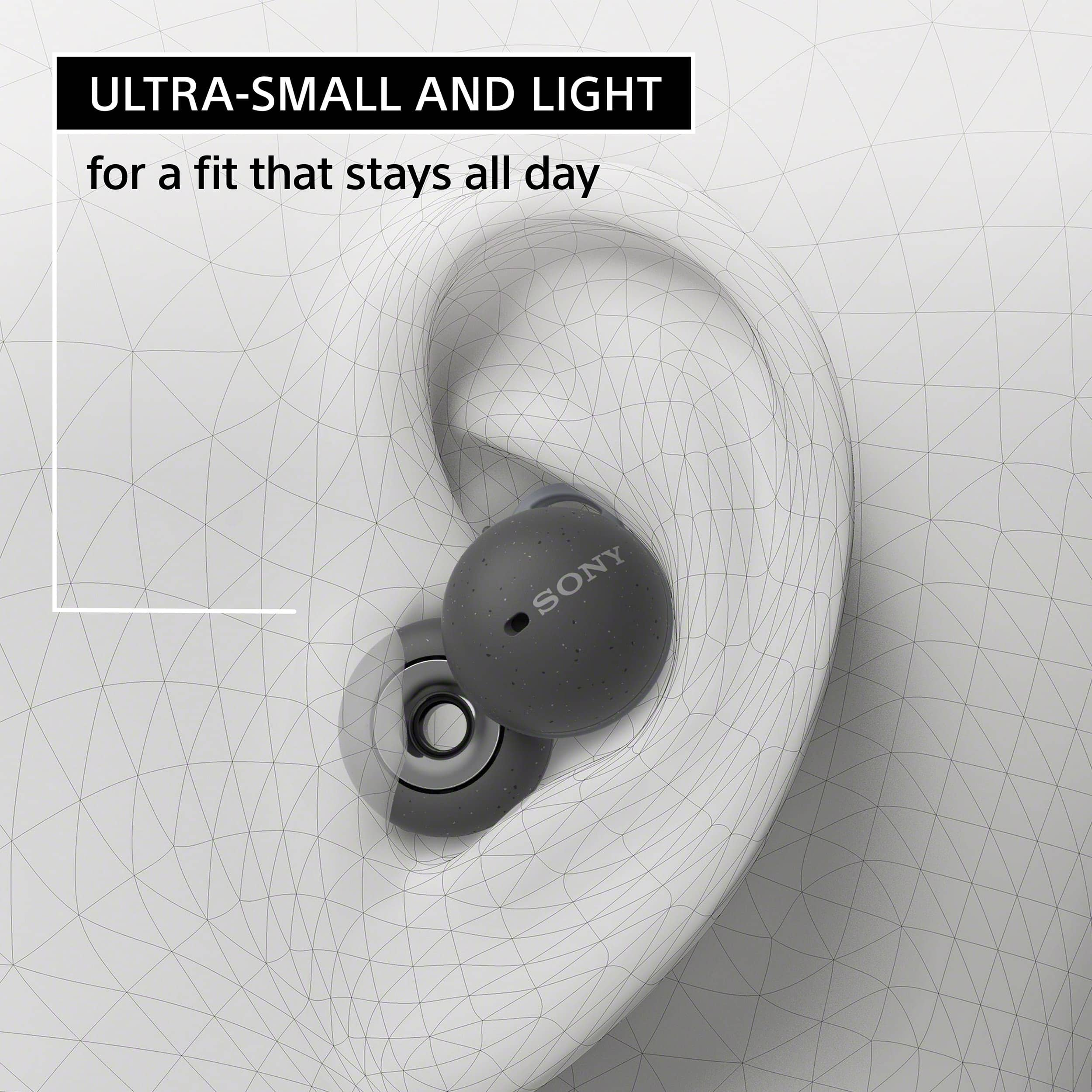
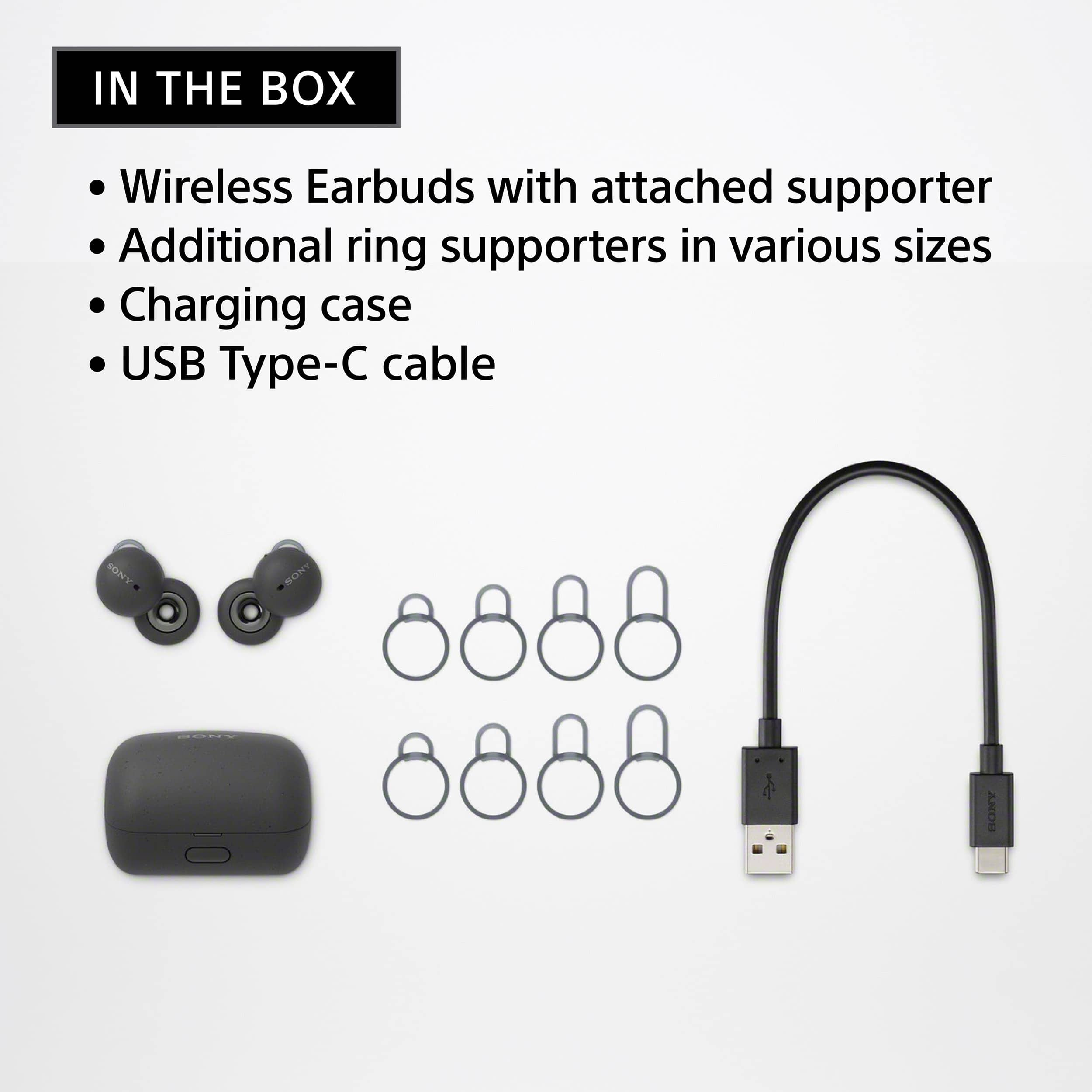
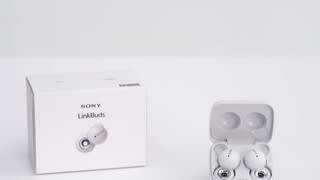
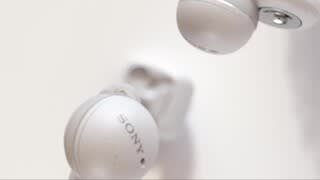
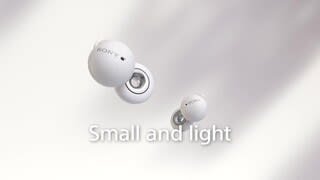
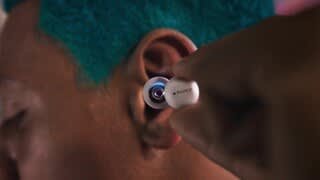
|Posted .This reviewer received promo considerations or sweepstakes entry for writing a review.The LinkBuds look very cool. Compact and unique, they fit in the ear without anything hanging out of it. Sony markets these as being spatial audio capable, and having DSEE and adaptive volume control. In order to use these capabilities, you are required to use the Sony Headphones app, which can be downloaded for Android or Apple. Going through the setup on my S10 5G, the Sony app required me to set up an account and then take a picture of my ears. Yep, you heard me correctly. Part of the setup and optimizing the LinkBuds for your ear is Sony taking a picture of each of your ears and uploading it to their website. Once you go through the set up within the app and connect the LinkBuds to your phone, it's time to place them in the ears. Sony has a nice video on their support page for the LinkBuds that shows you how they should be inserted in the ears. Due to their unique shape, the LinkBuds don't just push into your ears using a rubber or foam insert to keep them in place in the ear canal. Instead, the LinkBuds ring driver sets inside the ear canal and is head in place by a silicone ring that wedges between the buds and the cartilage in your ear. I believe Sony did this to try and keep the LinkBuds as comfortable as possible. Some folks can get quite a bit of fatigue and pain if in-ear buds are inserted for too long. In addition, sometimes in-ears with foam tips work their way loose. I didn't have any such issue with the LinkBuds. They stayed right where they were at through all sorts of activities. Sony supplies a variety of silicon rings sizes to allow for different ears. For myself, I ended up using two different sizes because for whatever reason one of my ears is bigger than the other. The LinkBuds can be used with music services that have Sony's spatial audio technology like Tidal. I have a Tidal subscription, so I followed the steps in the Headphones app to integrate and optimize the LinkBuds for it. I also use Spotify, and used these two services for listening tests. Listening to Fleetwood Mac's The Chain off of the Rumors Album using Spotify, the sound signature came off as very warm. Maybe a little too warm. Bass was very light, and the midrange totally overwhelmed the rest of the sound. Listening fatigue set in almost immediately. I opened the app and set the EQ to bass boost, and that solved some of the problems. Bass increased satisfactorily, but still was lighter than I am accustomed to. I had to build a custom EQ, turning Sony's True Bass setting all the way to 10, and creating a V shape with the standard equalizer. This helped tame the harsh midrange, provided very pleasant highs, but still not enough bass. This lack of bass must be a result of the open ring design of the LinkBuds. Next up was System of a Down's ATWA off of their Toxicity Album. Here the lack of bass from the LinkBuds became so apparent that it sucked the life out of the song. This led to another troubling discovery with the LinkBuds. When the volume is increased over 75%, you can hear a definite change in sound quality. I don't know if there is a DSP in the headphones that automatically tunes the LinkBuds down when they exceed a certain volume (due to having to have the bass setting so high), but I could distinctly hear as the volume threshold was crossed and suddenly the bass was all but removed from the equation and the treble was also dampened. Basically, the LinkBuds cannot go as loud as many competitors I have listened to before without sounding tinny and average. In conclusion, promising design turned out to be a bit of a disappointment for me. If you like to listen to music at low-mid volumes, and prefer jazz and classical, then I think these will work good for you. Listening to Beethoven's Moonlight Sonata in spatial audio via Tidal was definitely different than when listening without spatial audio. It did seem like there was more depth to the music and that it was more "around" you than just directly into the ears. But the lack of bass weight in the lower registers of the piano during this song, and the way that the sound signature changed when turning the volume up past 75% was disappointing. I feel there are several competitors in this price range (that I own) that have better sound quality.
No, I would not recommend this to a friendBrand response from SonyListens
Posted .Hi Dwrecksimus,
Thank you for the detailed review.
While we are pleased you are satisfied with the stylish & good-looking design, comfortable fit, and great functions of our WF-L900, we are so sorry if the sound quality of these LinkBuds did not live up to your expectations. This is definitely not the news we'd like to hear from you.
For the sound quality, if the headset is not worn properly in your ears, you may not obtain the correct sound qualities or call performance. If the part of the headset where sound is output is not oriented correctly toward the ear canal, the sound quality may sound poor or the left and right sound localization may sound misaligned. Please check that you are wearing the headset properly in your ears and see if it resolves the problem:
Wearing the headset - https://helpguide.sony.net/mdr/linkbuds/v1/en/contents/TP1000445573.html
Additionally, the loudness as well as the sound quality of our WF-L900 will also depends on the source that you're playing and audio device that you are using. For additional troubleshooting, you may refer to the following article:
https://helpguide.sony.net/mdr/linkbuds/v1/en/contents/TP1000445760.html
Should you need more assistance, please feel free to contact us and we'll be more than happy to assist you. You may send us an email socialsupport@am.sony.com with the following:
Name:
BestBuy Username:
Model Number:
Issue:
Telephone Number:
We appreciate you and your input, and thank you so much for choosing Sony.
Sincerely,
Romeo
Sony Social Support
Horrible
||Posted . Owned for 3 weeks when reviewed.This reviewer received promo considerations or sweepstakes entry for writing a review.The way these fit and how they sound, these should not be no more than 50 bucks. The quality the fit, all horible.
No, I would not recommend this to a friendBrand response from SonyListens
Posted .Hi Ivan,
Thank you for sharing your experience with our LinkBuds, and we are really sorry if its sound quality & fit didn't live up to your expectations. This is certainly not the news that we would like to hear. Please allow us to help you and turn this into a better experience.
If the headset is not worn properly in your ears, you may not obtain the correct sound qualities or call performance. If the part of the headset where sound is output is not oriented correctly toward the ear canal, the sound quality may sound poor or the left and right sound localization may sound misaligned. The WF-L900 LinkBuds comes with different sizes of fitting supporter to suit different ear shapes. For ensure optimal performance as well as to obtain the best fit and prevent the LinkBuds from falling out, we always recommend following the steps on these links:
Wearing the headset - https://helpguide.sony.net/mdr/linkbuds/v1/en/contents/TP1000445573.html
Instructional video - https://www.sony.com/electronics/support/wireless-headphones-bluetooth-headphones/wf-l900/articles/00275798
Additionally, the loudness as well as the sound quality of our WF-L900 will also depend on the source that you're playing and audio device that you are using. For additional troubleshooting, you may refer to the following article:
https://helpguide.sony.net/mdr/linkbuds/v1/en/contents/TP1000445760.html
You can also adjust the Equalizer/CLEAR BASS settings from the Sony | Headphones Connect app according to your preferences and see if it improves your overall listening experience.
If there's something we can do to help or you may need more information/technical assistance with our product, please feel free to contact us and we'll be more than happy to assist you. You may send us an email at socialsupport@am.sony.com with the following:
Name:
BestBuy Username:
Model Number:
Issue:
Telephone Number:
I hope this helps, and thank you for choosing Sony.
Best regards,
Romeo
Sony Social Support
Don't recommend
||Posted . Owned for 9 months when reviewed.This reviewer received promo considerations or sweepstakes entry for writing a review.I've owned two pairs and both have had the left speaker die abruptly. I like Sony, but these are not it.
No, I would not recommend this to a friendBrand response from SonyListens
Posted .Hi Acer81,
Thank you for the review and we're sorry to hear what happened with both your headphones. Please allow us to help you and turn this into a better experience. For us to better assist you, please email us at socialsupport@am.sony.com with the following details:
Name:
Best Buy Username:
Model Number:
Issue:
Telephone Number:
-David
Dont do it
||Posted . Owned for 9 months when reviewed.This reviewer received promo considerations or sweepstakes entry for writing a review.Bad broke after a month and couldn't get a look at by best buy even when i pay for the warranty
No, I would not recommend this to a friendBrand response from SonyListens
Posted .Hi MichaelB,
Thank you for the review and we're sorry to hear that your headphones is broken. Please allow us to help you and turn this into a better experience. Take note that physical damage is not part of the limited warranty of the headphones. For us to better assist you, please email us at socialsupport@am.sony.com with the following details:
Name:
Best Buy Username:
Model Number:
Issue:
Telephone Number:
-David
Waste of your money
||Posted . Owned for 3 months when reviewed.This reviewer received promo considerations or sweepstakes entry for writing a review.Horrible horrible horrible!!! Dont waste ur $..wont connect to left ear, right ear CONSTANTLY disconnects from phone...$150 just thrown down the toilet!!
No, I would not recommend this to a friendBrand response from SonyListens
Posted .Hi Sandy,
Thank you for bringing this to our attention, and we are really sorry if you had encountered a connection issue with your WF-L900 LinkBuds. This is definitely not the news that we would like to hear. If you still have the headphones, please allow us to help you and turn this into a better experience.
For Bluetooth connection or audio issue with one side of the headphones, please follow the troubleshooting steps on these articles to isolate the problem:
https://www.sony.com/electronics/support/wireless-headphones-bluetooth-headphones/wf-l900/articles/00276313
https://helpguide.sony.net/mdr/linkbuds/v1/en/contents/TP1000445772.html
https://www.sony.com/electronics/support/wireless-headphones-bluetooth-headphones/wf-l900/articles/00229323
Should you need more technical assistance or information with our product, please feel free to contact us and we'll be more than happy to assist you. You may send us an email at socialsupport@am.sony.com with the following:
Name:
BestBuy Username:
Model Number:
Issue:
Telephone Number:
I hope this helps.
Best regards,
Romeo
Sony Social Support
It does what it does.
||Posted . Owned for 1 week when reviewed.This reviewer received promo considerations or sweepstakes entry for writing a review.Good headphones clear sound and i dont need to pause my music or take them off when someone talks go me.
I would recommend this to a friendBrand response from SonyListens
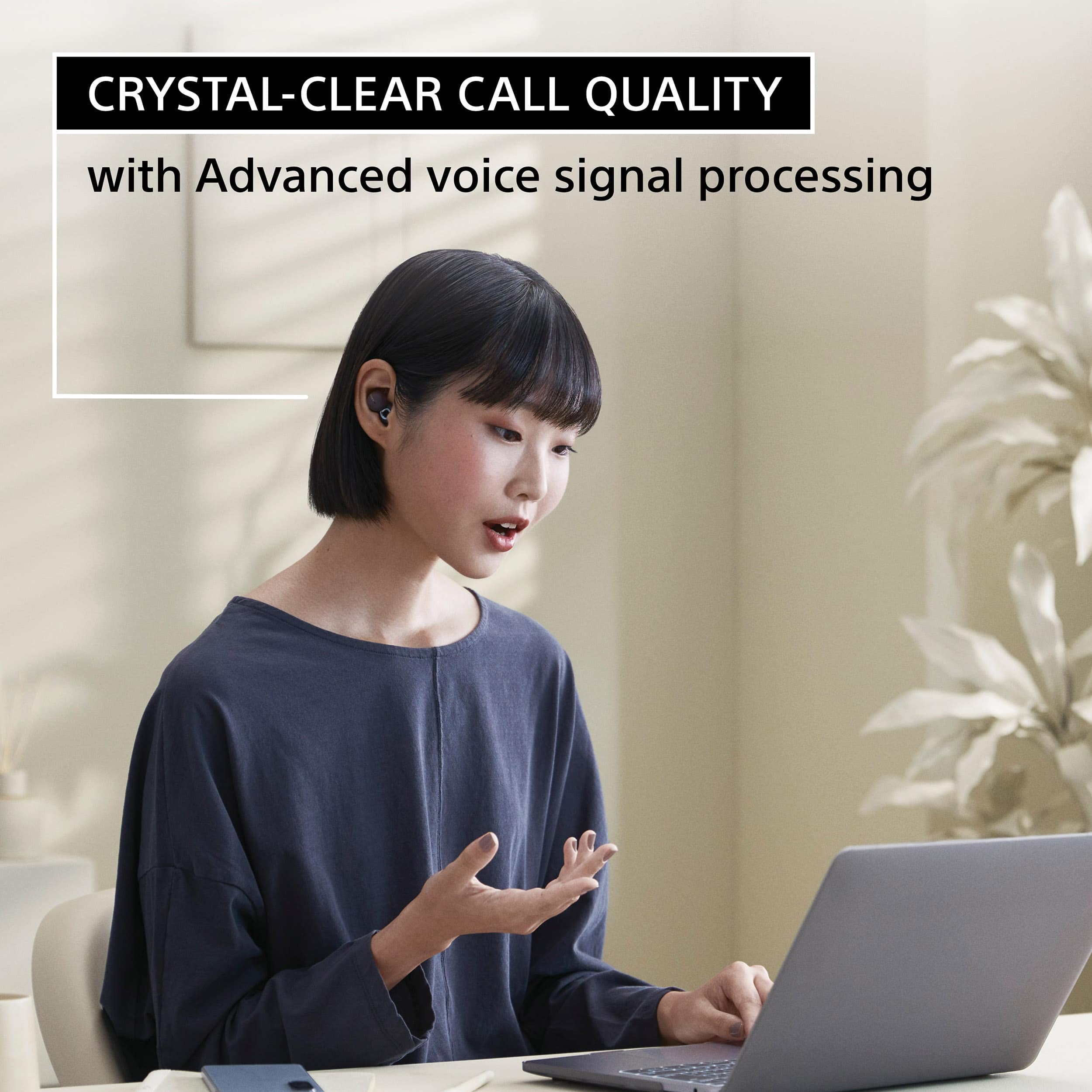
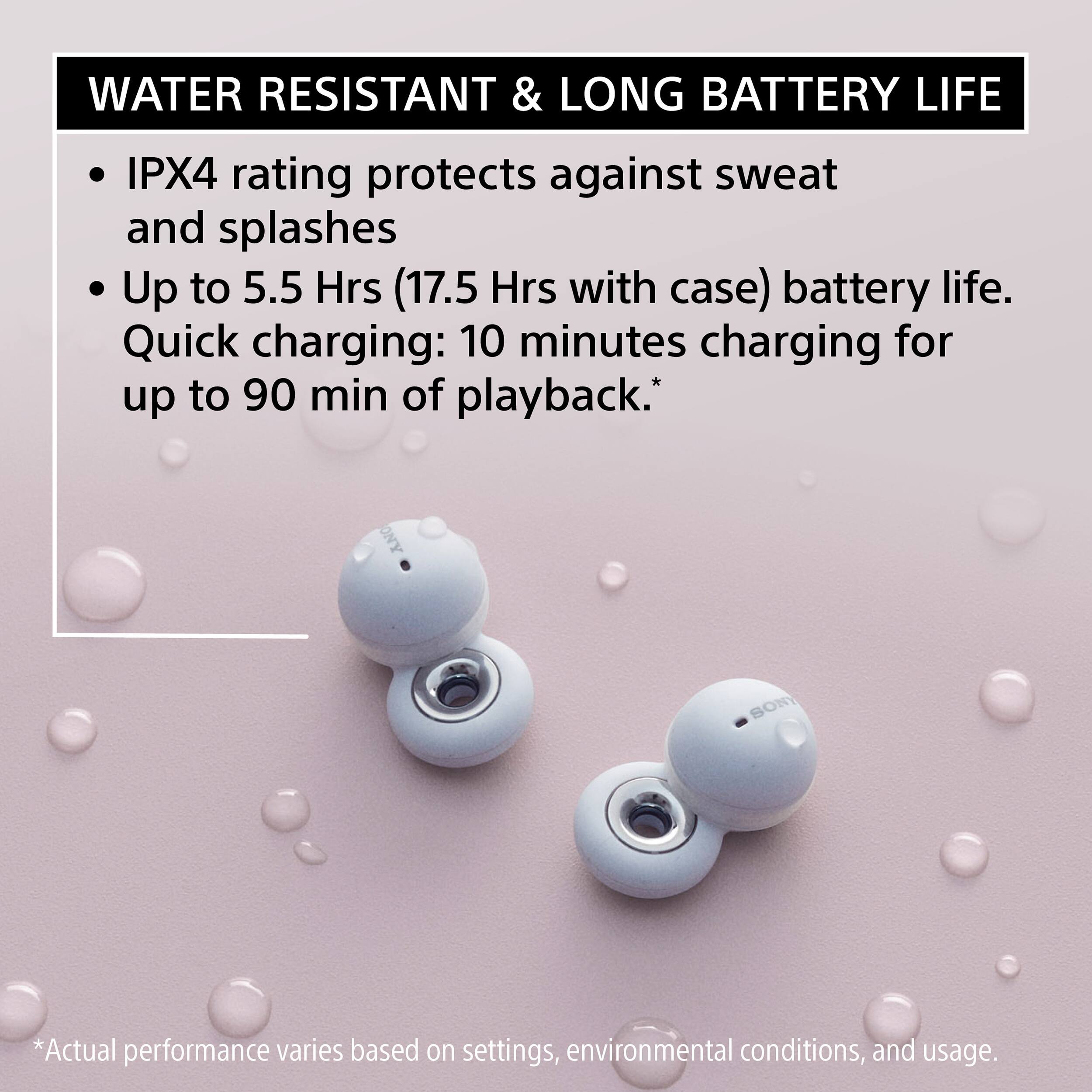
Posted .Hi Laxiend, We're so happy that you are enjoying the amazing sound and you like the Speak to Chat function of these open-ear earbuds. With the Speak to Chat feature, the LinkBuds will automatically pause your audio as soon as you speak to someone so you can effectively have a conversation without taking the headphones out and will resume playing your audio. The LinkBuds provide crystal clear calls with our Precise Voice Pickup technology. Sony’s V1 Processor provides a well-balanced and high-quality sound for an authentic listening experience. The LinkBuds feature an IPX4 splash-proof and sweat-proof design, Adaptive Volume Control adjusting the volume to the environment around you and a battery life is 5.5 hours and up to 17.5 hours with the charging case. The Ultra-small and light design gives you the ability to listen to music, take calls and game all while still connecting with the world around you. Thank you for choosing Sony! -Jess
Disappointed
||Posted . Owned for 7 months when reviewed.This reviewer received promo considerations or sweepstakes entry for writing a review.Thecwar buds were nice but after a few months use the left ear bud quit working.
No, I would not recommend this to a friendBrand response from SonyListens
Posted .Hi KimberlyS, We're sorry to hear about your linkbuds. This is definitely not what we wanted you to experience. Make sure that your device has enough battery charge. Please follow the troubleshooting steps on the link below to resolve the issue:
https://helpguide.sony.net/mdr/linkbuds/v1/en/contents/TP1000445822.html
If you are unable to resolve your concern, please contact our product support team via phone call or chat through this link: https://us.esupport.sony.com/support/s/service?language=en_US. Or email us at socialsupport@am.sony.com with the following details:
Name:
Username:
Model Number:
Issue:
Telephone Number:
Sincerely,
-Craig
I don't like them
||Posted . Owned for 1 month when reviewed.This reviewer received promo considerations or sweepstakes entry for writing a review.Very uncomfortable and the sound is very poor, also you have to pay a subscription if you want them to "sound better"
No, I would not recommend this to a friendBrand response from SonyListens
Posted .Hi JosephR, we regret that the sound did not meet your expectation. This is definitely not the listening experience we'd like you to have. We have some troubleshooting steps for sound related concerns.
For low sound quality, please try the following:
If the headset is not worn properly in your ears, tap operations or Speak-to-Chat speech detection may not work correctly, or you may not obtain the correct sound qualities or call performance. If the part of the headset where sound is output is not oriented correctly toward the ear canal, the sound quality may sound poor or the left and right sound localization may sound misaligned.
If any of this is the case, check that you are wearing the headset properly in your ears.
Turn down the volume of the connected device if it is too loud.
Switch the Bluetooth connection to A2DP with the connected device when the headset and the transmitting Bluetooth device are connected via an HFP or HSP Bluetooth connection.
Ref: https://helpguide.sony.net/mdr/linkbuds/v1/en/contents/TP1000445760.html
You can also customize the settings using the Headphones Connect app. The app is free and can be downloaded from app store.
For more comfortable listening experience, please ensure to wear the headphones properly. To put the headset unit into your ear, follow the procedures below.
Insert the driver unit part (b) into your ear (B).
Rotate in the direction of the arrow so that the housing part (c) is at the position of the ear (C).
Push the fitting supporter (d) into the ear grooves (D).
If this does not help, please email us at socialsupport@am.sony.com with the following details:
Name:
Username:
Model Number:
Issue:
Telephone Number:
Sincerely,
Erin
Dissatisfied
||Posted . Owned for 1 month when reviewed.This reviewer received promo considerations or sweepstakes entry for writing a review.Veryy uncomfortable and por sound quality... i lost one of them but thats my fault
No, I would not recommend this to a friendBrand response from SonyListens
Posted .Hi LisaannP,
We regret to hear if you find the LinkBuds sound quality poor and it hasn't performed to your standards. Allow us to help you and turn your experience around. If the headset is not worn properly in your ears, you may not obtain the correct sound qualities or call performance. If the part of the headset where sound is output is not oriented correctly toward the ear canal, the sound quality may sound poor or the left and right sound localization may sound misaligned. The LinkBuds may also fall out or feel uncomfortable during use if you don't wear the LinkBuds properly or the ear fitting supporters are not correct for your ears.
• Check that you are wearing the headset properly in your ears.
• If you feel the size of the fitting supporters does not fit your ears, change the fitting supporters to another size that fits your ears better.
• If you wear the headset for a long time, your ears may start hurting. Use the headset while taking breaks periodically.
For detailed instructions on how to change the fitting supporters and how to wear the headset in your ears, you may also find this link helpful: https://helpguide.sony.net/mdr/linkbuds/v1/en/contents/TP1000445573.html
You can also make few adjustments to your headphones settings to suit your needs. Please ensure you've downloaded the Sony Headphones Connect app. This will give you more control over your headphones and their performance.
If the sound quality is poor, the bass sound is not effective, or the sound is too low, please make sure to follow the troubleshooting steps from this link: https://www.sony.com/electronics/support/wireless-headphones-bluetooth-headphones/wf-l900/articles/00276486
If you need our assistance regarding your product, you may send us an email at socialsupport@am.sony.com with the following details:
Name:
Best Buy Username:
Model Number:
Issue:
Telephone Number
Sincerely,
Jess
not good
||Posted . Owned for 3 weeks when reviewed.This reviewer received promo considerations or sweepstakes entry for writing a review.pain in the ear don't feel god and hurts to expensive for what is worth it
No, I would not recommend this to a friendBrand response from SonyListens
Posted .Hi EfrainL,
Thank you for the review and we're sorry to hear what happened with your headphones. The tap detection function, Bluetooth pairing, or sound quality can be affected if you don't wear the LinkBuds properly or the ear fitting supporters are not correct for your ears. They may also fall out or feel uncomfortable during use. Check this article for more details regarding your concern.
https://www.sony.com/electronics/support/wireless-headphones-bluetooth-headphones/wf-l900/articles/00275647
For us to better assist you, please email us at socialsupport@am.sony.com with the following details:
Name:
Best Buy Username:
Model Number:
Issue:
Telephone Number:
-David
interesting little earbuds with middling sound
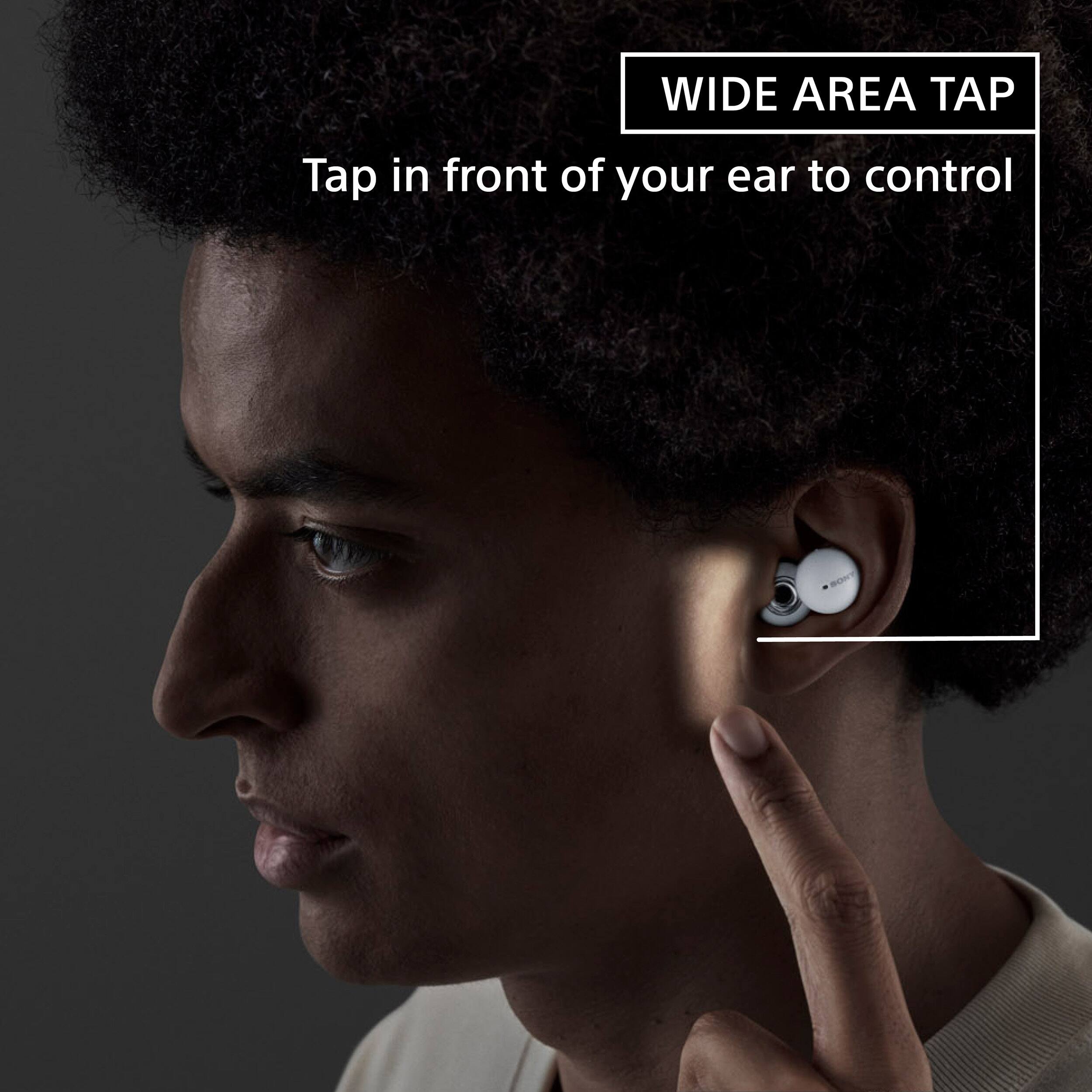
|Posted .This reviewer received promo considerations or sweepstakes entry for writing a review.the good: comfort - In my opinion, this is probably their best quality. They are tiny, light weight, and, once you find the right loop size, extremely comfortable. I felt no fatigue at all wearing for extending periods of time. portability - Tiny earbuds, tiny case, though just a tad on the thick side. Easy enough to throw into a bag or even your pocket. fast charging - They support USB C fast charging, meaning you can get about 90 minutes of play time out of 10 minutes of charging. Pretty cool if you forget to charge them. phone call performance - Phone call performance wasn't fantastic, but definitely good. I've used these mostly for Zoom/Teams meetings, and could hear and be heard without issue. "tap" controls worked well and was reliable in my testing the bad: sound quality - This is honestly the biggest problem I have with these earbuds. I wouldn't consider myself an audiophile by any stretch, but these leave much to be desired even at this price point. The actual sound they produce isn't bad, but the signature is extremely mid treble forward, with very little bass or high treble. Clarity, depth, and instrument separation are missing here as well, and the lack of bass removes any potential excitement or punch. For me, the sound is a bit on the boring side for music. For phone calls the I felt the sound was fine. fit - While very comfortable, I had quite a time getting one of my earbuds to fit correctly. I went back and forth between sizes of ear loops (the little plastic loop that keeps the bud in place). Apparently one of my ears is slightly bigger than the other. no wireless charging - The USB C fast charging is nice, but wireless charging would've been a nice touch here as well. noise cancelling absent - There's no ANC, and because of their design (sitting outside the ear canal instead of inside, as with a foam or plastic tipped nozzle) there is no passive noise cancelling either. Some may specifically want this, either for situational awareness (jogging outside) or for easy conversations without removing them. I haven't tried, but I assume wearing them on a flight would probably not make much sense. ear loops feel flimsy, may not last long - One random concern I also have would be the little plastic ear loops, sort of like a clear rubber band. Without them, the earbuds are essentially useless as they wouldn't stay in your ear, so these little ear loops are fairly important. If they were lost or worn out, they'd have to presumably be replaced by contacting Sony. overall: Overall, I have to admit I am a bit disappointed with these earbuds. Most of the negatives on my list I could deal with, but the sound quality for me is just middle of the road, in terms of both frequency and quality.
No, I would not recommend this to a friendBrand response from SonyListens
Posted .Hi bd43274,
Thanks for sharing your review and experience with the WFL900 LinkBuds. We're glad that you like the comfort, portability, charging function, call quality, and tap function of the headphones.
You do have the option to use the equalizer/CLEAR BASS setting of Sony Headphones Connect app to tailor-fit the sound quality to your needs. Please refer to this link for more information:
https://helpguide.sony.net/mdr/linkbuds/v1/en/contents/TP1000447718.html
For optimum fit, make sure that you are wearing the headphones properly. You may refer to this link for more information:
https://helpguide.sony.net/mdr/linkbuds/v1/en/contents/TP1000445573.html
Hope this helps. We also appreciate your review about the design and wireless charging function. The noise canceling function on truly wireless earbuds is currently available on the Sony WF10000XM4.
In case you need further assistance, please email the below information to socialsupport@am.sony.com.
Full Name:
Best Buy Username:
Telephone Number:
Sony Headphones Model Number:
Issue:
Additional Information regarding your experience with your WFL900.
Sincerely,
-Ralph
Sony Social Support
Disaster
||Posted . Owned for 5 months when reviewed.This reviewer received promo considerations or sweepstakes entry for writing a review.Disaster, i can use only with my phone I can't use with my laptop, and can't return is to late
No, I would not recommend this to a friendBrand response from SonyListens
Posted .Hi Mdelao, thank you for choosing and purchasing our LinkBuds. We're sorry to hear that you have an issue pairing and connecting the LinkBuds with your laptop. Please follow this link to isolate the issue.
If you are using a Windows 10, please follow this link:
https://helpguide.sony.net/mdr/linkbuds/v1/en/contents/TP1000448422.html?search=computer
If you are using a Mac, please follow this link:
https://helpguide.sony.net/mdr/linkbuds/v1/en/contents/TP1000448418.html?search=computer
If you require any additional support in regards to this product, please email us at socialsupport@am.sony.com with the following details: Name: Username: Model Number: Issue: Telephone Number:
~Earl
Poor quality
||Posted . Owned for 1 month when reviewed.This reviewer received promo considerations or sweepstakes entry for writing a review.Doesn’t stay in the ears for well. Poor design for ears
No, I would not recommend this to a friendBrand response from SonyListens
Posted .Hi Kev04,
We are sorry to hear that your LinkBuds in-ear headphones do not stay in your ears well. This is definitely not the customer experience we want you to have. Before wearing them, please make sure to use the right size of fitting supports according to the size of your ears and wear them correctly. You can visit the links below for more details:
- https://helpguide.sony.net/mdr/linkbuds/v1/en/contents/TP1000456408.html
- https://helpguide.sony.net/mdr/linkbuds/v1/en/contents/TP1000445573.html
We take all user input seriously and will make sure your comments reach the appropriate person. Should you need further assistance, you can email us at socialsupport@am.sony.com with the following details:
Name:
Best Buy Username:
Model Number:
Issue:
Telephone Number:
Sincerely,
Vincent
they are painful
||Posted . Owned for 3 weeks when reviewed.This reviewer received promo considerations or sweepstakes entry for writing a review.they was big hard and hurt my ears i would never buy again
No, I would not recommend this to a friendBrand response from SonyListens
Posted .Hi Christine, We're sorry to hear the LinkBuds hurt your ears. This is definitely not the experience we'd like you to have. Sony takes into consideration all feedback to improve the performance and quality of our products. We're always looking to make Sony better. With that being said, we'd love to hel pyou and troubleshoot your problem and hopefully turn your experience around.
There are different reasons why your ears may hurt when putting on or wearing headphones such as:
Under certain environmental conditions, especially when the air is very dry, it is not uncommon to experience a slight static electricity discharge or mild shock when your body comes in contact with another object, in this case the ear buds touching your ear(s). The energy from this natural discharge is extremely small and was not generated by your product but rather a natural environmental occurrence. There is no safety issue with the product itself.
You may be experiencing a symptom called listener fatigue. That is where your eardrums work hard to manage the volume that flows through your ear canal. The louder the volume, the bigger the strain on your eardrums, which then causes the feeling of fatigue. Note: Try lowering the volume or take a break from wearing them for a while.
How long have you been wearing the headphones? The longer you wear headphones, the more your ears may hurt. Note: You may need to limit your headphone usage.
May we also contact you to help and get more information? If so, please email the below information to socialsupport@am.sony.com.
Apologies if you disclosed some of this information in your review and to customer service, we just want to ensure that we have your accurate details at the time of communication.
Full Name:
BBY Username:
Telephone Number:
Additional Information regarding your experience with the WFL900
We are sorry for the inconvenience and hope to speak to you to resolve this matter.
Sincerely,
Erin
Waste
||Posted . Owned for 2 months when reviewed.This reviewer received promo considerations or sweepstakes entry for writing a review.Right Linkbud quit work in less than 2 months. What a waste of my hard earned money!!! I expected so much from a Sony product!
No, I would not recommend this to a friendBrand response from SonyListens
Posted .Hi there,
Thank you for your review. It is really unfortunate that you are having problem with the right unit of these LinkBuds after less than 2 months of use. This is definitely not the experience we wanted you to have on our premium headphones. If you haven't tried yet, please follow the troubleshooting steps on these articles to isolate and fix the problem:
https://www.sony.com/electronics/support/wireless-headphones-bluetooth-headphones/wf-l900/articles/00229323
https://www.sony.com/electronics/support/wireless-headphones-bluetooth-headphones/wf-l900/articles/00275420
The brand new WF-L900 LinkBuds comes with a 1-year limited warranty. If the issue persists, please email us at socialsupport@am.sony.com with the following details so we can best assist you.
Name:
BestBuy Username:
Model Number:
Issue:
Telephone Number:
We appreciate you, and thank you so much for choosing Sony.
Sincerely,
Romeo
Sony Social Support
Bad don't buy or listen to reviews
||Posted . Owned for 2 weeks when reviewed.This reviewer received promo considerations or sweepstakes entry for writing a review.Don't buy bad quality low sound horrible I got free I wouldn't recommend
No, I would not recommend this to a friendStopped working
||Posted . Owned for 4 months when reviewed.This reviewer received promo considerations or sweepstakes entry for writing a review.Randomly stopped working from me sweating too much
No, I would not recommend this to a friendBrand response from SonyListens
Posted .Hi Nickname,
Thanks for reaching out to us. We regret to hear the unit doesn't work properly and you are experiencing issues with your WF-L900N LinkBuds. Combine with an IPX4 water resistance rating and a shape that perfectly matches the human ear with an ergonomic design for a more stable fit, these LinkBuds are suitable for running and for your daily workouts. Protection assured against water splashing from any angle, excluding the ring driver unit. The charging case is not water resistant.
If perspiration or water is left on the charging port, it may impair the ability to charge the headset. Immediately wipe off any perspiration or water on the charging port after use. When the charging ports of the headset or charging case get dirty, wipe them clean with a soft dry cloth. For more details about headphones maintenance, please visit this link: https://helpguide.sony.net/mdr/linkbuds/v1/en/contents/TP1000447707.html
Please note we have a customer hotline that is happy to assist you and help troubleshoot any concerns you have, and your earbud headphones has a 1-year warranty from the date of purchase.
If you need our assistance, you may send us an email at socialsupport@am.sony.com with the following details:
Name:
Best Buy Username:
Model Number:
Issue:
Telephone Number
Sincerely,
Jess
Inconvenience level 100
||Posted . Owned for less than 1 week when reviewed.This reviewer received promo considerations or sweepstakes entry for writing a review.Terrible product they are the most inconvenient piece of tech I have ever owned.
No, I would not recommend this to a friendBrand response from SonyListens
Posted .Hi NateK,
We regret to know that you're unhappy with the performance of your LinkBuds. This is certainly not the experience we wanted you to have. We want to make sure you’re taken care of and help check on your Sony LinkBuds. May we contact you directly to get more information and assist you? If so, please email the below information to socialsupport@am.sony.com.
Apologies if you disclosed some of this information in your review and to customer service, we just want to ensure that we have your accurate details at the time of communication.
Full Name:
Best Buy Username:
Telephone Number:
Model Number:
Additional Information regarding your experience with the LinkBuds:
We value you being a Sony customer. Sorry for the inconvenience and hope to speak directly to try to resolve this matter.
Thank you for letting us help assist you.
Sincerely,
Romeo
Sony Social Support
Sony LinkBuds
||Posted . Owned for 1 month when reviewed.This reviewer received promo considerations or sweepstakes entry for writing a review.Not the best sound. They fit well but the sound is not as good as Beats.
No, I would not recommend this to a friendBrand response from SonyListens
Posted .Hi JosephZ,
Thanks for reaching out to us. While we're glad that you appreciate the unique open-ring design, we regret to hear if you find the LinkBuds sound quality subpar. We’d love to help you troubleshoot your problem to make sure your LinkBuds is great. If the headset is not worn properly in your ears, you may not obtain the correct sound qualities or call performance. If the part of the headset where sound is output is not oriented correctly toward the ear canal, the sound quality may sound poor or the left and right sound localization may sound misaligned.
Please make sure to follow the guide from this link: https://www.sony.com/electronics/support/wireless-headphones-bluetooth-headphones/wf-l900/articles/00275647
For low sound quality, please check our help guide link to isolate and troubleshoot the issue: https://helpguide.sony.net/mdr/linkbuds/v1/en/contents/TP1000445760.html
Also, please ensure you've downloaded the Sony Headphones Connect app. It has an Equalizer setting which can be customized to fine-tune your music. This will give you more control over your headphones and their performance.
Should you need further assistance, you may send us an email at socialsupport@am.sony.com with the following details:
Name:
BestBuy Username:
Model Number:
Issue:
Telephone Number:
Sincerely,
Jess
ear buds
||Posted . Owned for 3 weeks when reviewed.This reviewer received promo considerations or sweepstakes entry for writing a review.Had to return them because they were not working well.
No, I would not recommend this to a friendBrand response from SonyListens
Posted .Hi Coffee,
We are really sorry if you had encountered an issue with your LinkBuds and that they had to be returned. This is usually not the case with our premium headphones. We truly appreciate your feedback and we are hoping that you will consider Sony again in your future purchase.
Best regards,
Romeo
Sony Social Support