Customer Ratings & Reviews
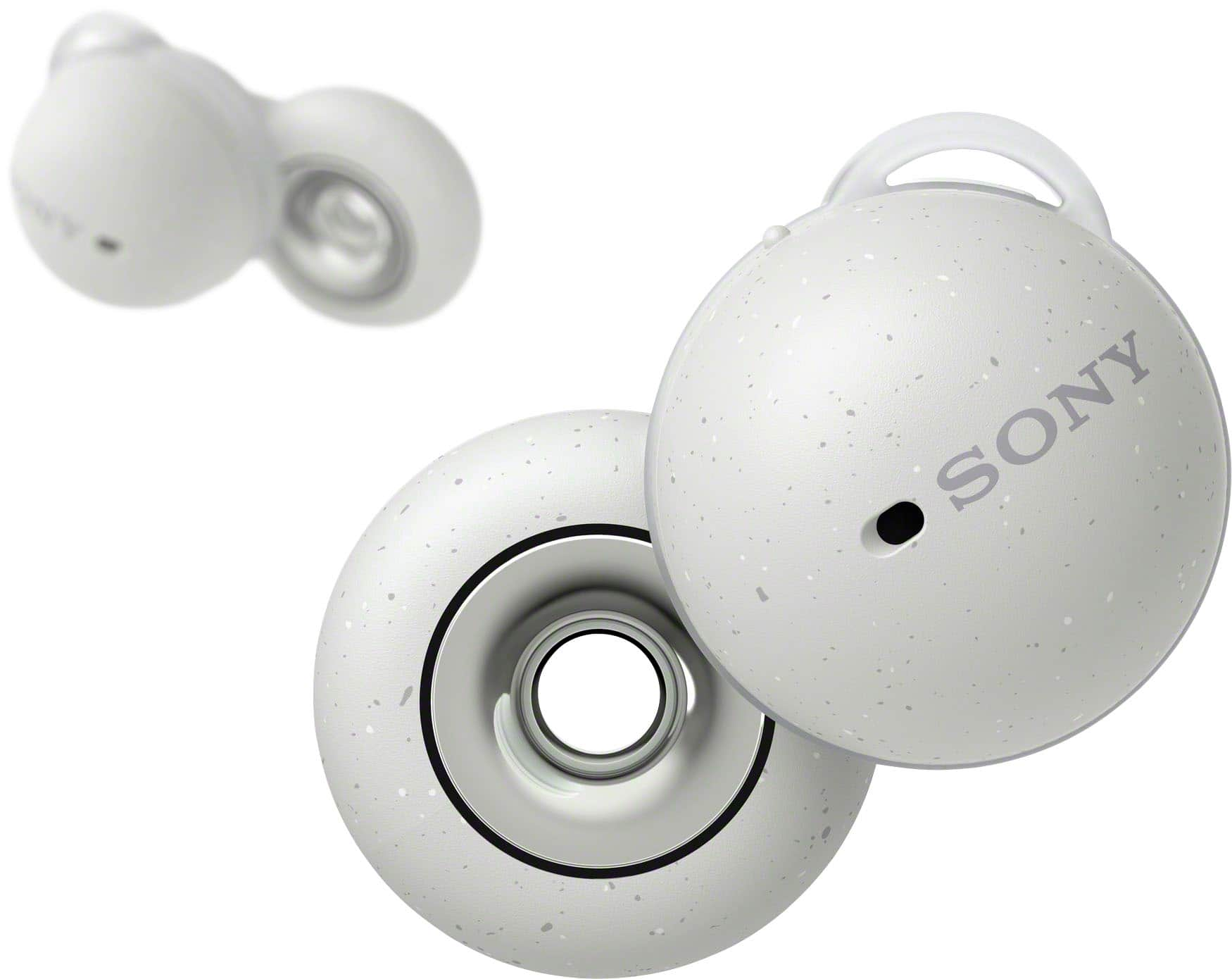
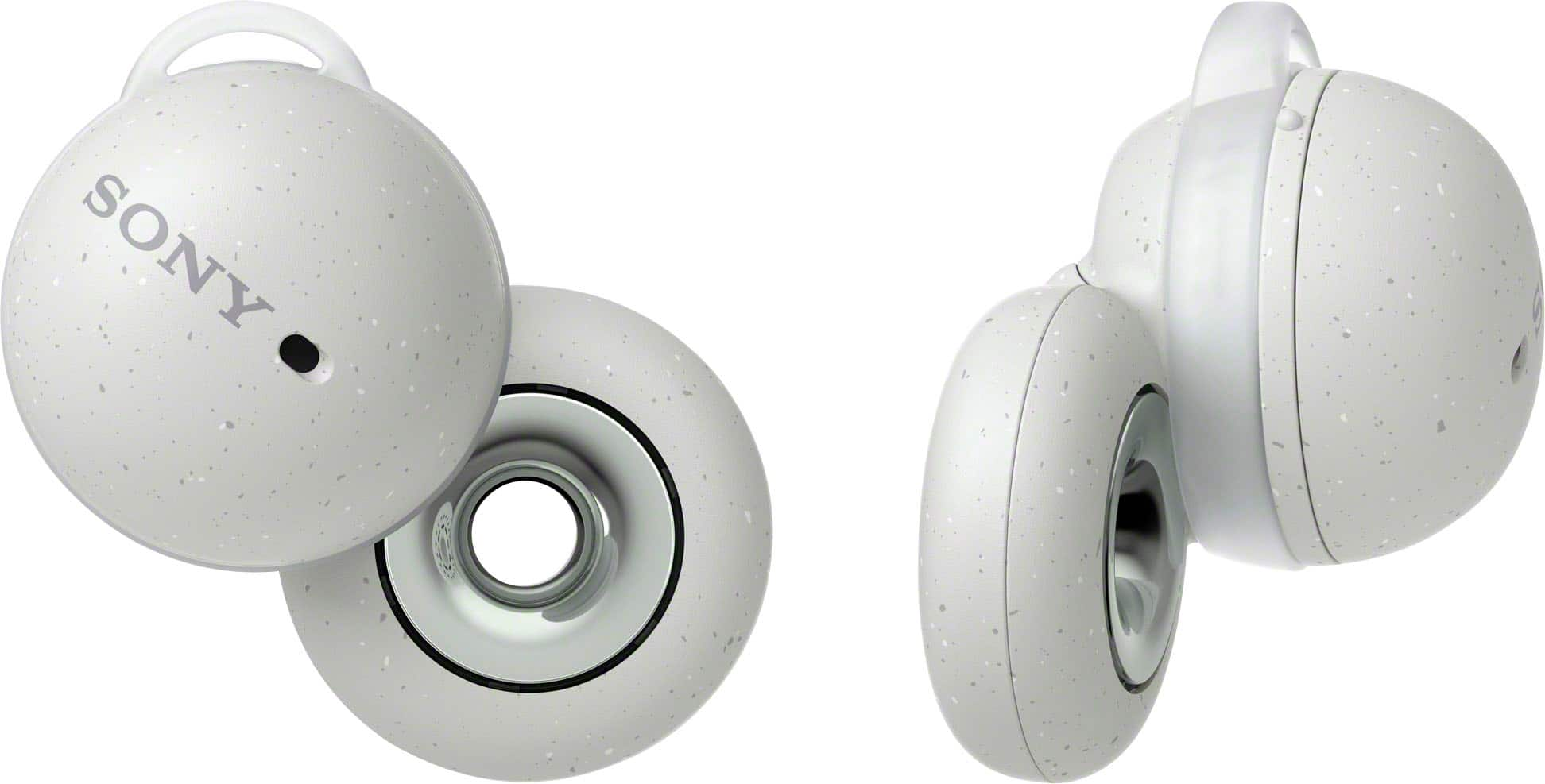
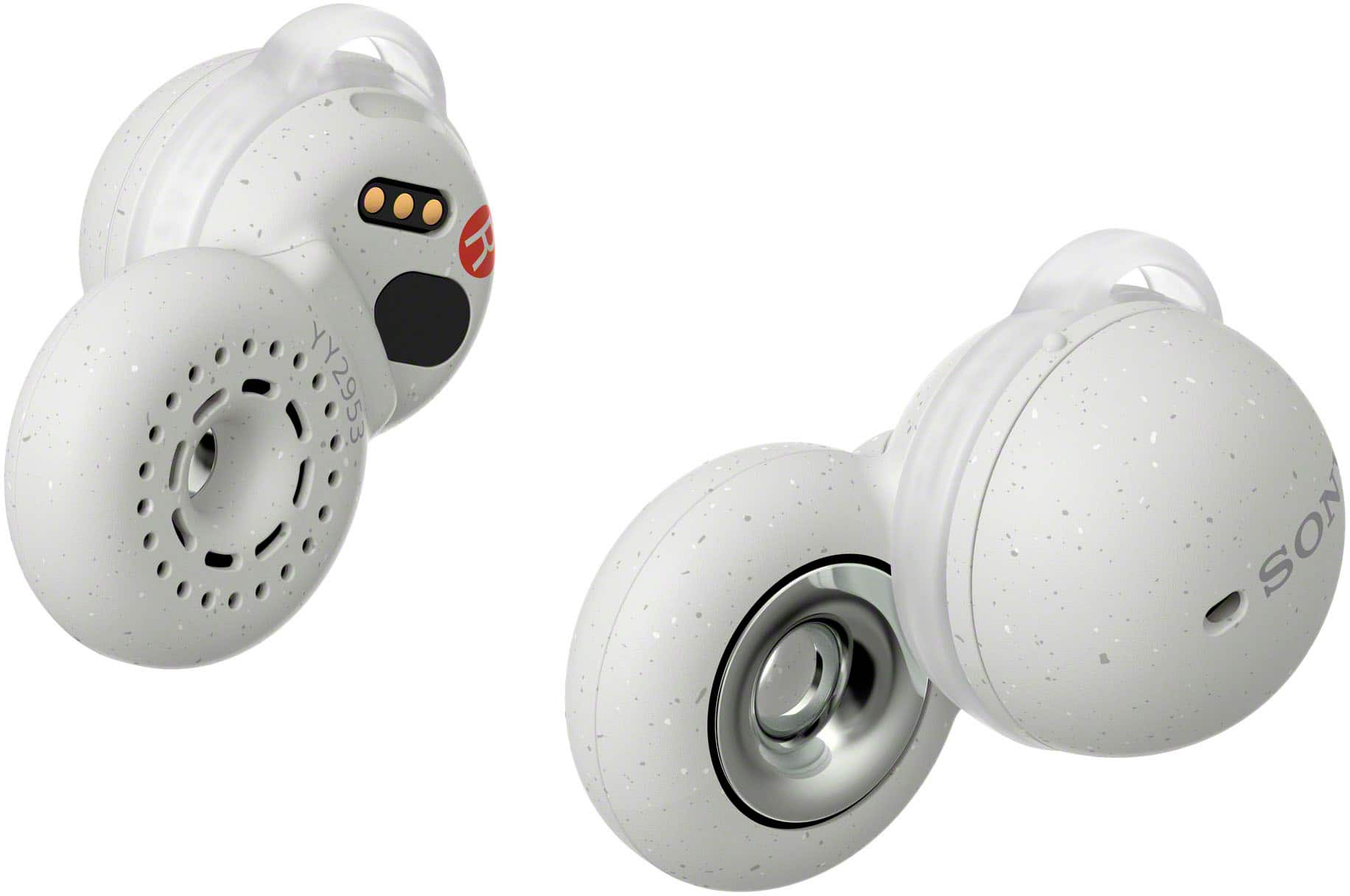
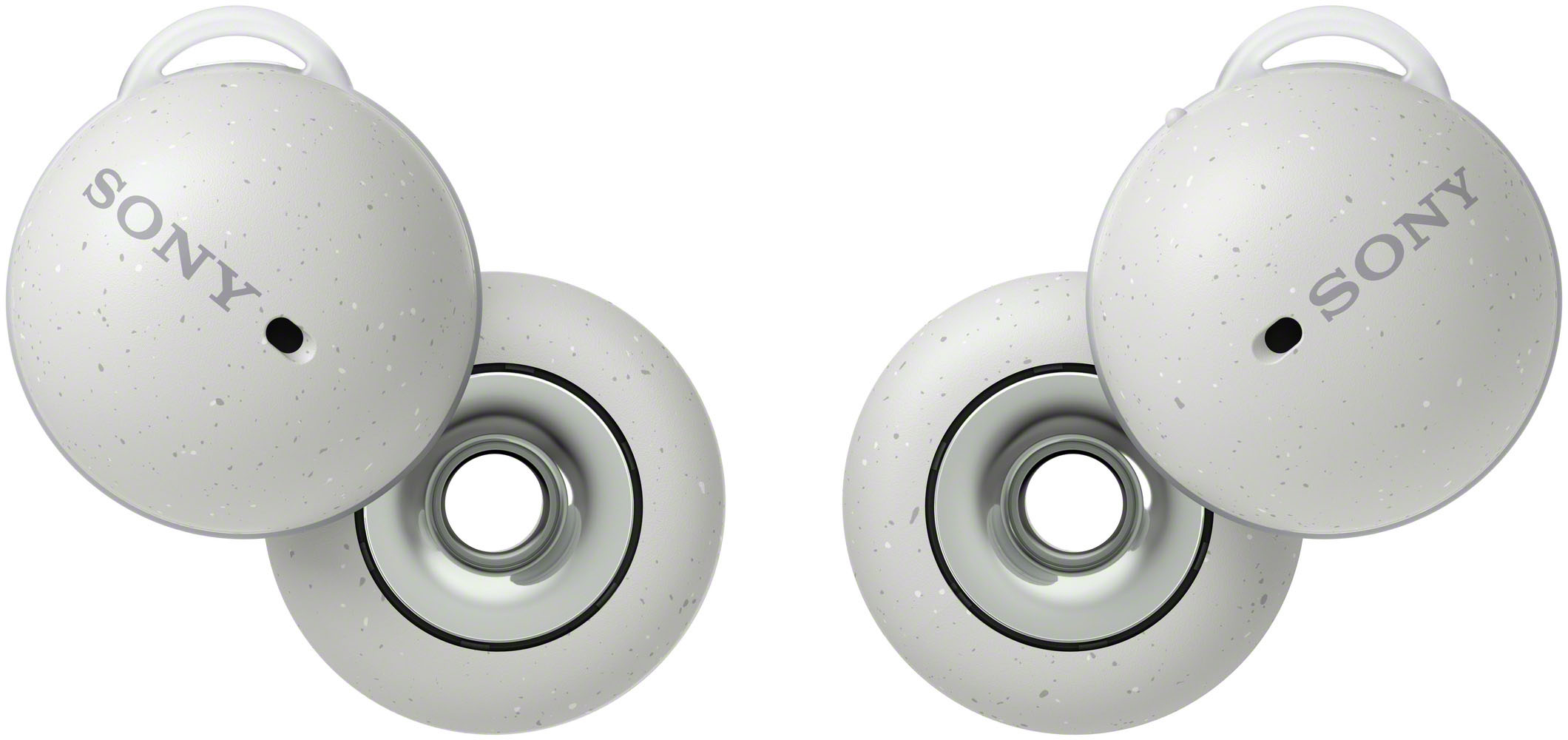

- Model:
- WFL900/W
- SKU:
- 10554978
Rating by feature
- Sound Quality
Rating 3.8 out of 5 stars
- Battery Life
Rating 3.7 out of 5 stars
- Connectivity
Rating 4.0 out of 5 stars
to a friend
Not as advertised
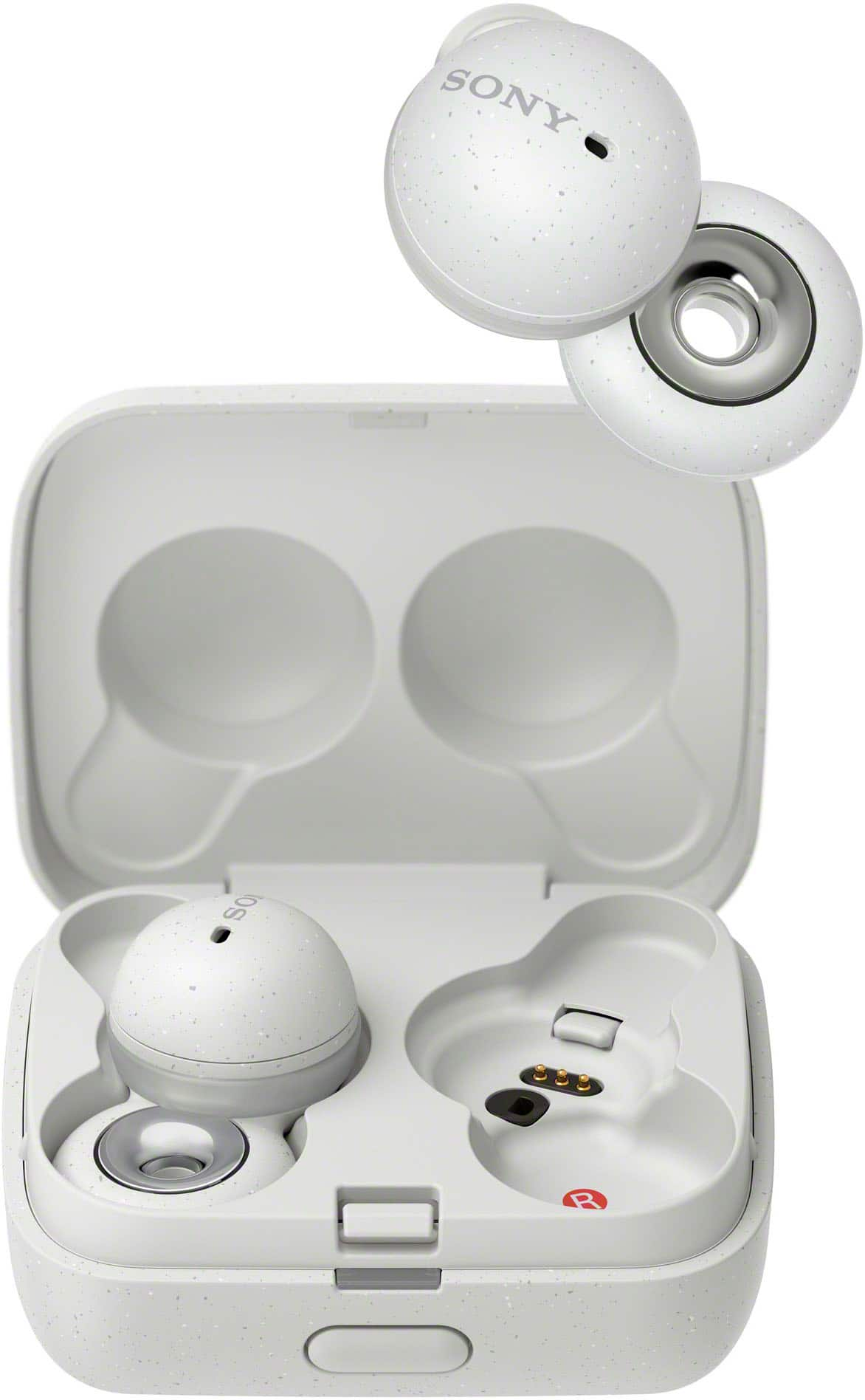
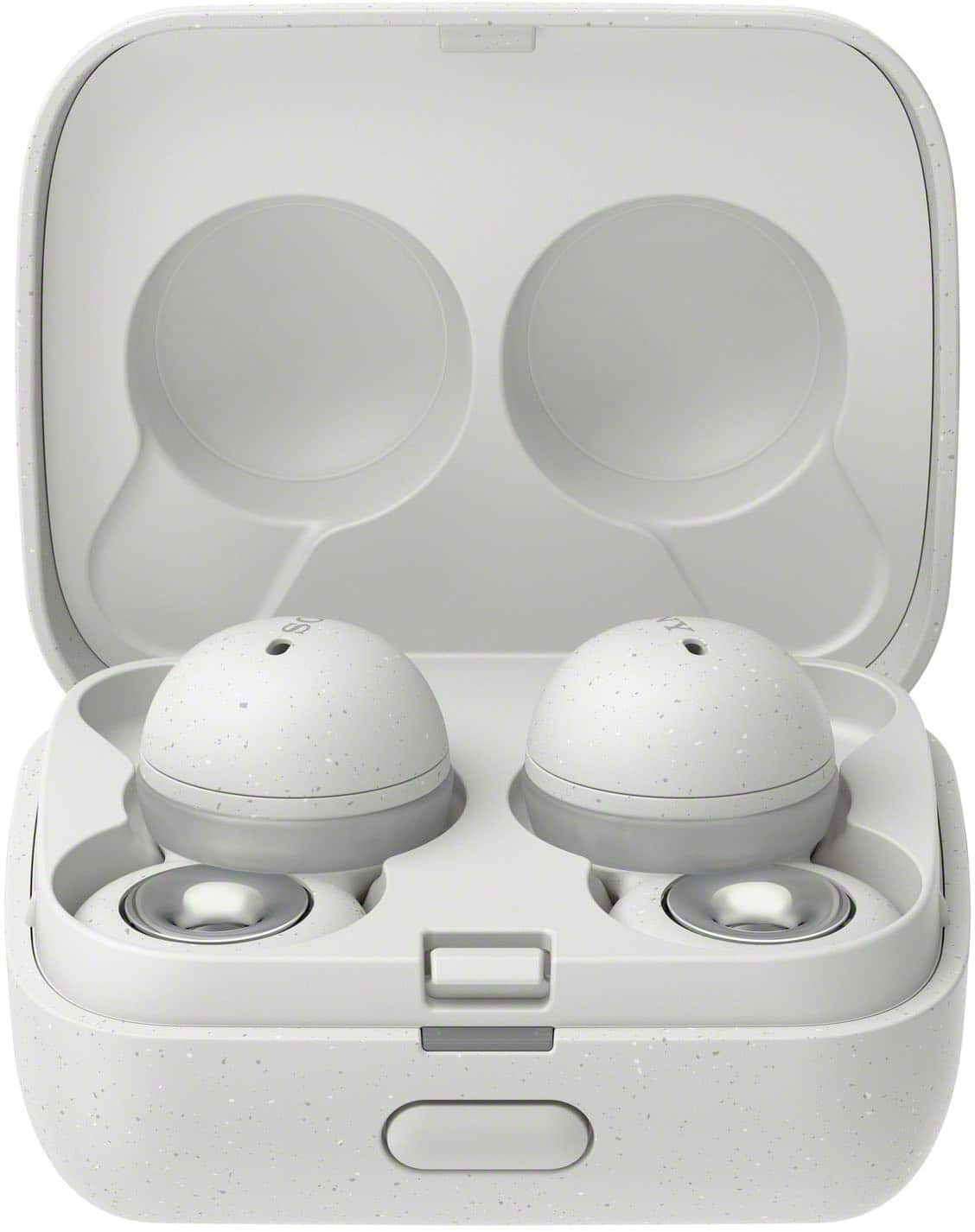
Posted .This reviewer received promo considerations or sweepstakes entry for writing a review.Not as advertised! the main feature that I responded to was that these buds are advertised to be better at staying in your ears. Not true! In fact, one of them popped out the first day I got theml fell onto a wood floor (not even tile) and broke! furthermore Sony refused to make good on their product inferiority with a replacement. AVOID!!!
No, I would not recommend this to a friendBrand response from SonyListens
Posted .Hi JoelR,
Thanks for reaching out to us, and we're sorry to hear about what happened. We regret to know the LinkBuds did not fit you well causing them to fall out. This is definitely not the customer experience we want you to have. If the headset is not worn properly in your ears, you may not obtain the correct sound qualities or call performance. The LinkBuds may also fall out or feel uncomfortable during use if you don't wear the LinkBuds properly or the ear fitting supporters are not correct for your ears.
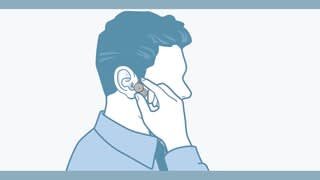
• Check that you are wearing the headset properly in your ears.
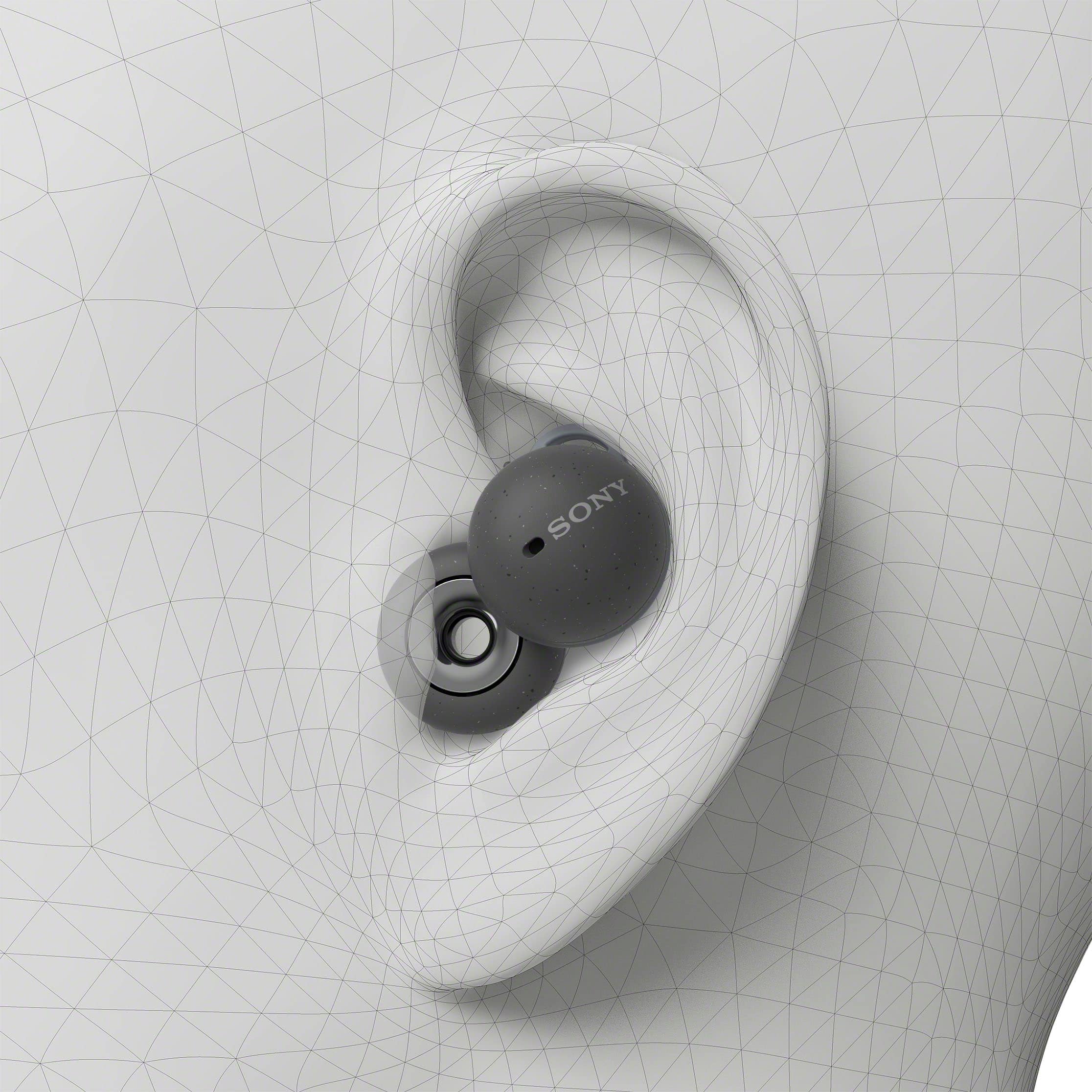
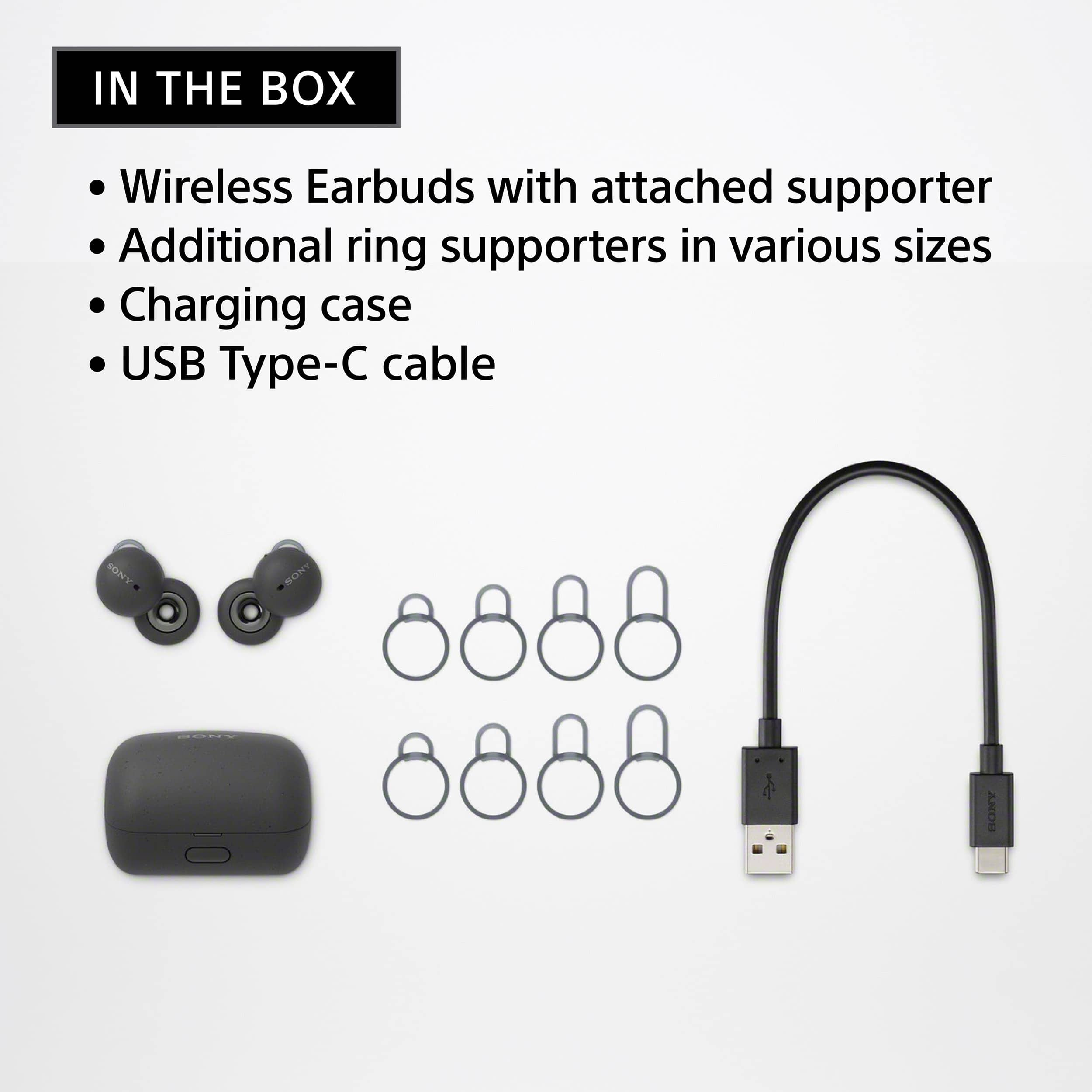
• Select a different size fitting supporter and align the protruding part of the LinkBud with the cutout on the fitting supporter. Make sure to insert the fitting supporter completely. (The size of the left and right fitting supporters may be different)
• After attaching the fitting supporter, check that there is no movement on the LinkBuds. (Shake your head back and forth.)
Note: If they fall off or move in your ears when you shake your head, select a different size. The best fitting supporter may be different for each ear.
Please make sure to follow the guide from this link: https://www.sony.com/electronics/support/wireless-headphones-bluetooth-headphones/wf-l900/articles/00275647
We want to make sure you’re taken care of. If there is something that we can help you with, please email us at socialsupport@am.sony.com with the following details:
Name:
Best Buy Username:
Model Number:
Issue:
Telephone Number:
Thanks for sharing your feedback.
Sincerely,
Jess