Customer Ratings & Reviews
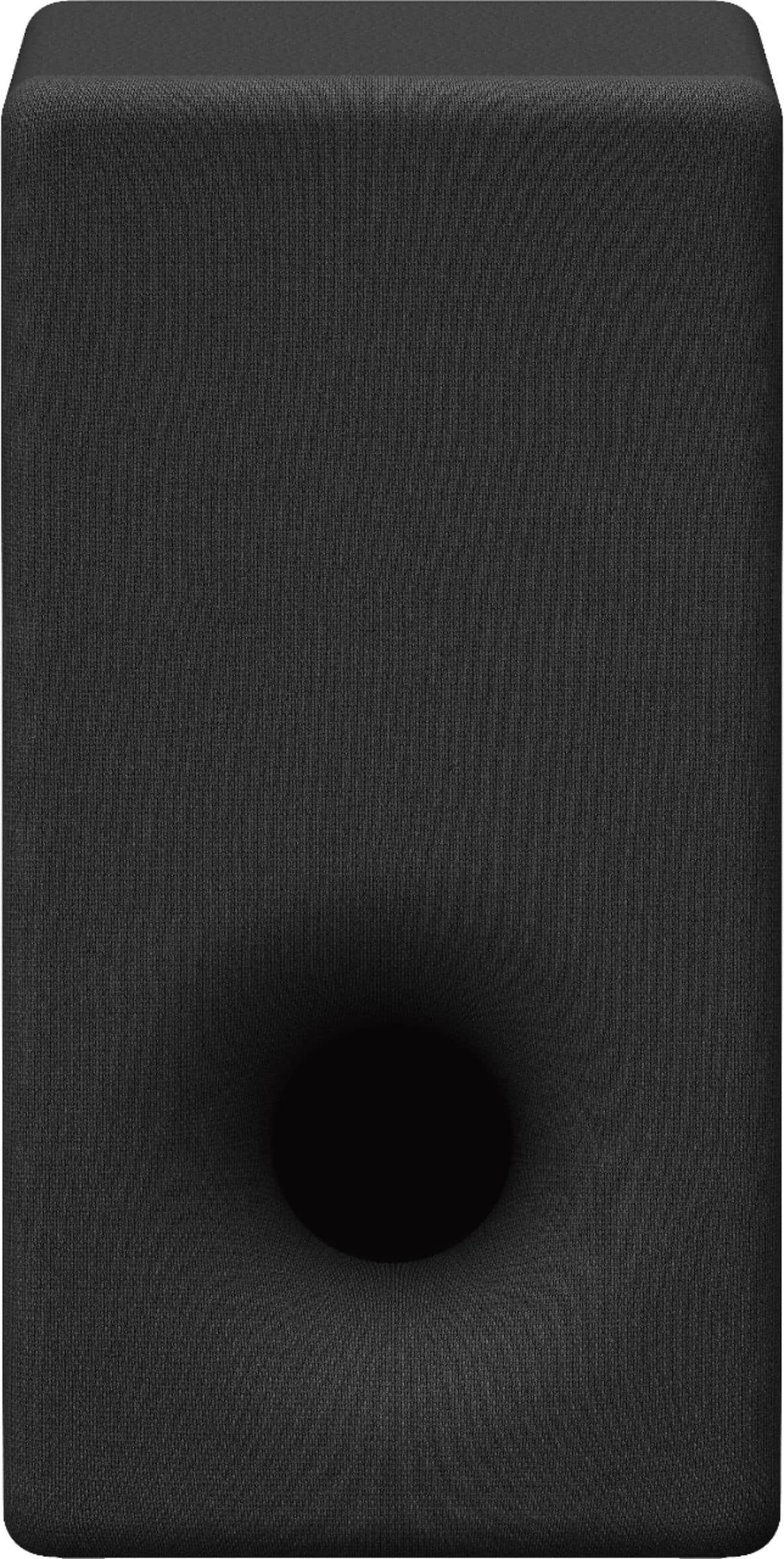
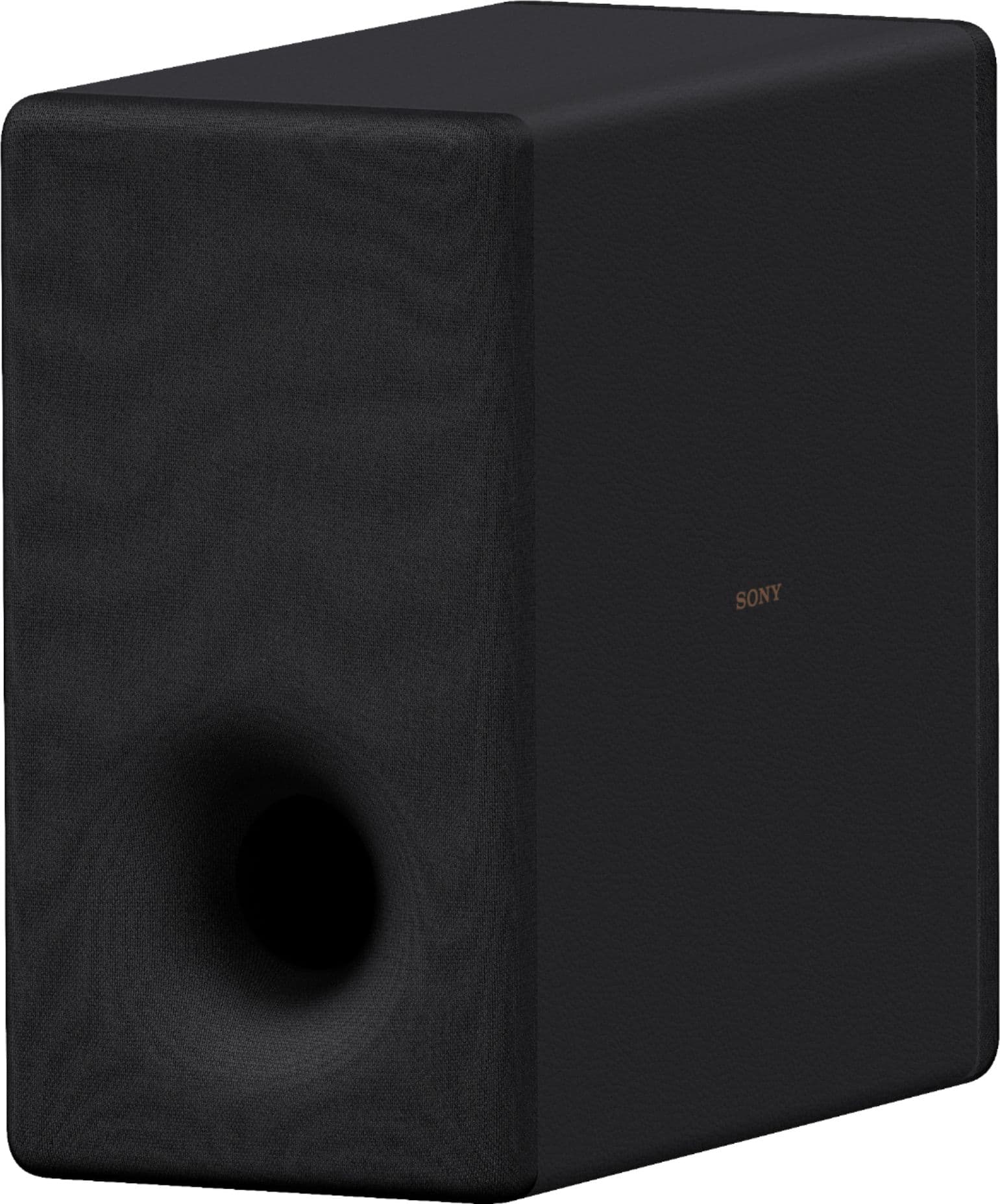
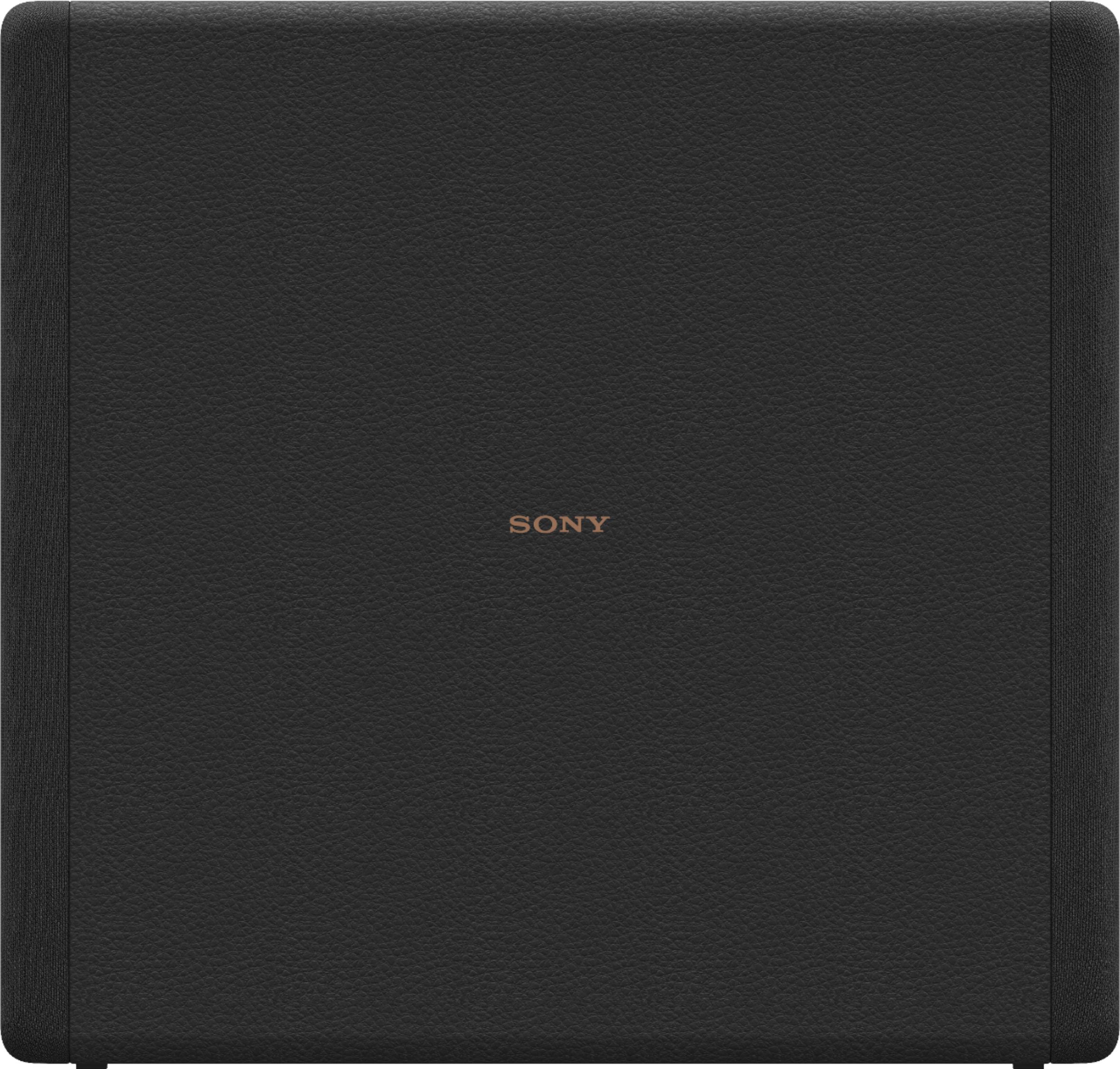

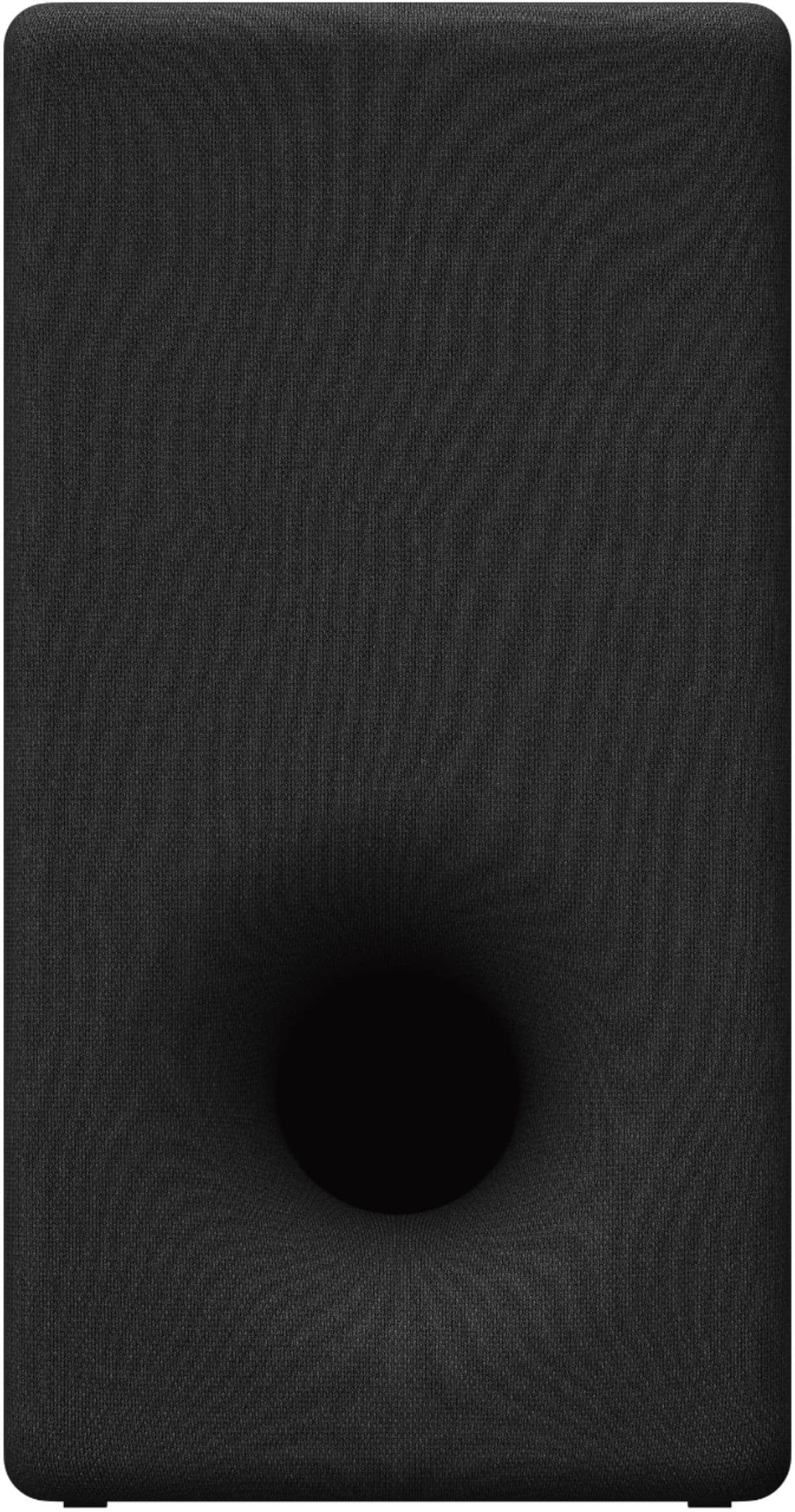

- Model:
- SASW3
- SKU:
- 6467459
Rating by feature
- Value
Rating 4.5 out of 5 stars
- Quality
Rating 4.7 out of 5 stars
- Ease of Use
Rating 4.7 out of 5 stars
to a friend
Customers are saying
Customers praise the SA-SW3 200W Wireless Subwoofer for its excellent sound quality and deep bass. Users appreciate its ease of use, wireless connectivity, and convenient size. Some customers have noted concerns regarding the price, volume, and compatibility.
This summary was generated by AI based on customer reviews.
Sony Wireless Subwoofer
Posted .This reviewer received promo considerations or sweepstakes entry for writing a review.You definitely know when it's on. Sounds great! Works great.
I would recommend this to a friendBrand response from SonyListens
Posted .Hi Kate!
We are really happy to hear that your SA-SW3 is making such a noticeable difference in your sound setup and working perfectly for you!
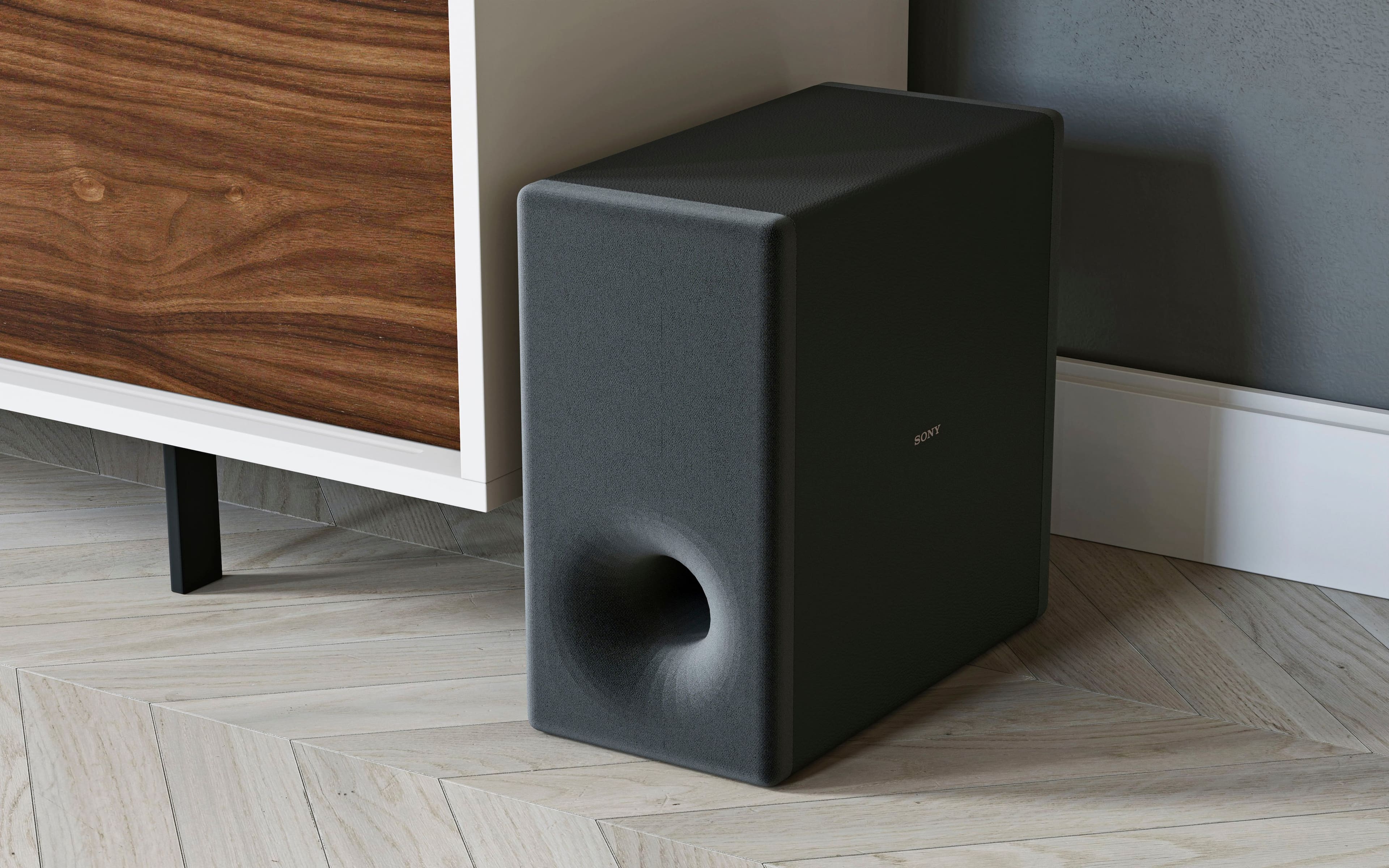
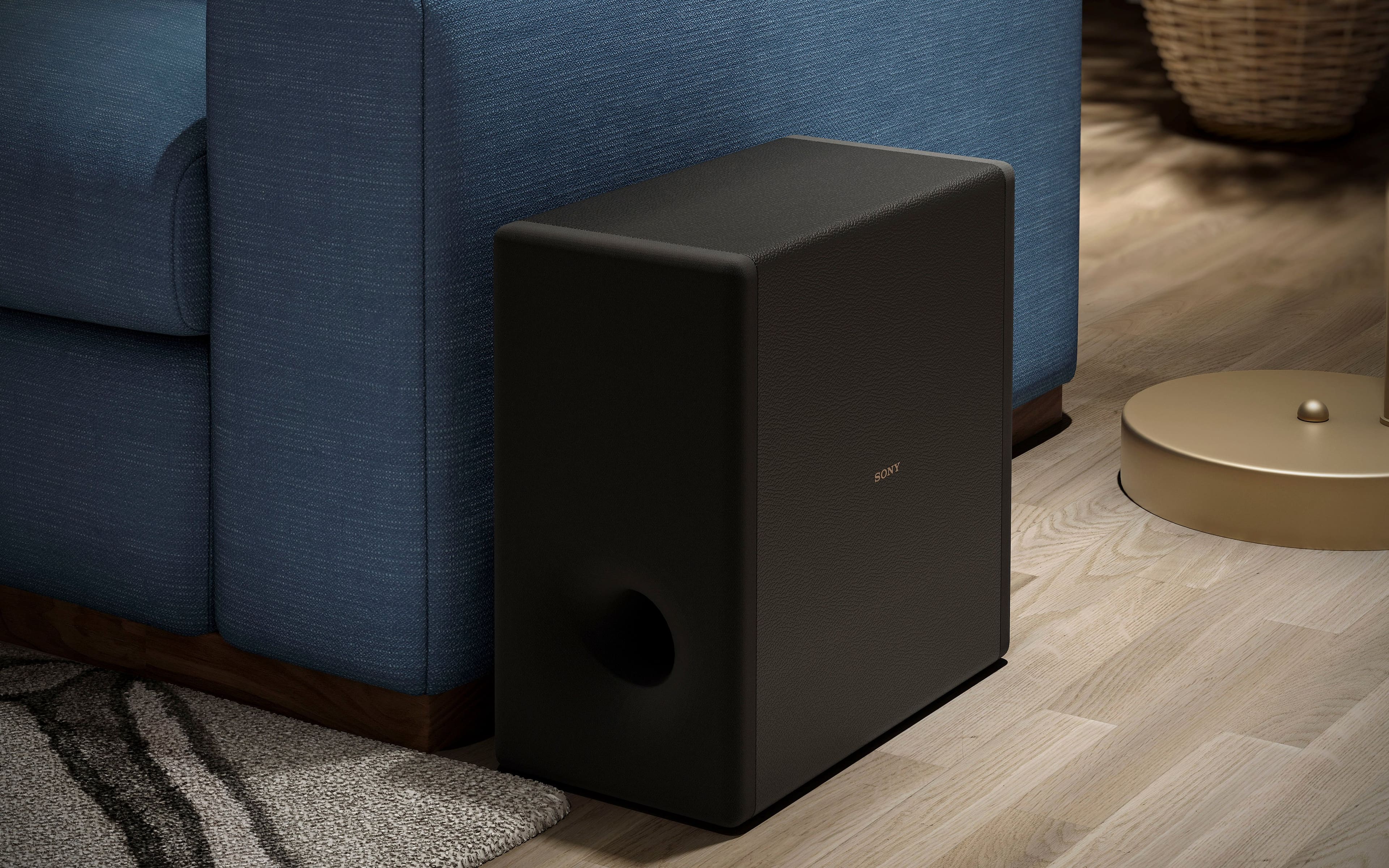
The wireless SA-SW3 subwoofer pairs automatically with compatible Sony soundbars, giving you the freedom to place it anywhere for the best acoustic performance.
Thank you for selecting Sony!
Best regards,
Estefany

An excellent subwoofer
|Posted .This reviewer received promo considerations or sweepstakes entry for writing a review.I got this to pair up with my Sony HT-A5000 sound bar to make it a 5.2.2 sound system. The soundbar already has a small internal subwoofer that is pretty good, but with the SA-SW3 it turns a 7.5/10 bass quality into a 20/10 bass quality. It really kicks up the deep impacting bass from movies and games. The set up is easy just plug it in and push the power button, once the light turns green it's paired. I like it and am happy to have it as part of my home theater.
I would recommend this to a friendBrand response from SonyListens
Posted .Hi BryBryJ, Thank you for the 5-star rating! We're pleased to hear you appreciate the deep bass sound of our SA-SW3 and that it was a great addition to your soundbar. With 200 W of deep bass sound from a powerful 160 mm driver, this bass reflex subwoofer boosts the impact of everything you watch and listen to. Feel the deep rumble of thunder and heavy bass beats without distortion. You’ll also hear clearer voices and extra fidelity for truly authentic soundtracks. This wireless subwoofer gives you a more cinematic surround sound experience. Thank you for choosing Sony! -Jess
Sony Base
Posted .This reviewer received promo considerations or sweepstakes entry for writing a review.Excellent base. You feel the vibrations. Gives that movir theater feeling.
I would recommend this to a friendBrand response from SonyListens
Posted .Hi JohnG,
We are excited to hear that the SA-SW3 is bringing that authentic movie theater rumble right into your home!
There is nothing quite like feeling the vibrations of a deep bassline or a powerful cinematic explosion to truly pull you into the story. We engineered this subwoofer to deliver tight, impactful low frequencies that add a physical dimension to your audio. Knowing that it’s providing that immersive "theater feeling" you were looking for is exactly what we love to hear.
Thank you for trusting Sony to bring the theater experience to your living room!
Regards,
Dominick
Sony wireless subwoofer review
Posted .This reviewer received promo considerations or sweepstakes entry for writing a review.Sounds like we're right in the theater, enjoying all the movies and sports!
I would recommend this to a friendBrand response from SonyListens
Posted .Hi AnnK,
Thank you so much for the 5-star review! We are thrilled to hear that the SA-SW3 is bringing that authentic theater energy into your home for movies and big game days.
This subwoofer is designed specifically to fill in the 'gaps' that standard speakers can't reach. By adding 200W of deep bass, it allows your main soundbar to focus more on clear dialogue and high-frequency details, while the sub handles the heavy lifting of rumbling explosions or the roar of a stadium crowd.
Because it uses a 160mm driver and a specialized Sigma Magnetic Circuit, you get deep, punchy bass without the distortion that often comes with high volumes. Plus, the wireless connectivity ensures that the sound remains perfectly synced with your screen, so you never miss a beat of the action.
Regards,
Dominick
Good bass
Posted .This reviewer received promo considerations or sweepstakes entry for writing a review.Good bass, you can feel the vibrations. 50 character min
I would recommend this to a friendBrand response from SonyListens
Posted .Hello JoshuaJ,
Thank you for choosing Sony!
We’re honored to hear that the SASW3 Subwoofer delivers powerful bass that you can really feel. It’s rewarding to know it enhances your audio experience with deep, immersive vibrations. Your feedback encourages us to continue creating products that bring sound to life.
Best regards,
-Fred
Rich bass sound.
Posted .This reviewer received promo considerations or sweepstakes entry for writing a review.Very pronounced bass even with volume set at 6 of 12. Perfect for small/medium size living room.
I would recommend this to a friendBrand response from SonyListens
Posted .Hi KevinC,
Great! We're glad that you are pleased with the bass quality of your new Sony - SA-SW3 200W Wireless Subwoofer. With 200 W of deep bass sound from a powerful 160 mm driver, this bass reflex subwoofer boosts the impact of everything you watch and listen to. Feel the deep rumble of thunder and heavy bass beats without distortion. You’ll also hear clearer voices and extra fidelity for truly authentic soundtracks. This wireless subwoofer gives you a more cinematic surround sound experience. Thanks for choosing SONY! - Marco
Great
Posted .This reviewer received promo considerations or sweepstakes entry for writing a review.Great purchase, the sound is amazing and suze not too bulky as the others
I would recommend this to a friendBrand response from SonyListens
Posted .Hi MariaB, Thank you for the awesome review! We're pleased to hear you like the amazing sound and compact size of your Sony SASW3. We hope that the 200 watts of power is successfully filling your room with deep, rich bass. Make sure to run Sound Field Optimization through your paired A-Series audio system so that the subwoofer calibrates its performance to the surrounding environment. Thank you for choosing Sony! -Sam
Sony Subwoofer
Posted .This reviewer received promo considerations or sweepstakes entry for writing a review.Just what the doctor ordered. Provides additional low end base to the HT 3000
I would recommend this to a friendBrand response from SonyListens
Posted .Hi LarryS, You've made an amazing choice! We're thrilled to hear you're enjoying the additional low-end bass this unit delivers. Thanks for choosing Sony! -Sam
Sony Surround
Posted .This reviewer received promo considerations or sweepstakes entry for writing a review.I bought the whole system after buying my 55 Sony TV and had it mounted with Sony soundbar. Then I bought subwoofer by Sony and now Sony's 2 speakers for rear. Sounds great!
No, I would not recommend this to a friendBrand response from SonyListens
Posted .Hi LisaD, we're glad you like the sound quality of our product! With 200 W of deep bass sound from a powerful 160 mm driver, this bass reflex subwoofer boosts the impact of everything you watch and listen to. Feel the deep rumble of thunder and heavy bass beats without distortion. You’ll also hear clearer voices and extra fidelity for truly authentic soundtracks. This wireless subwoofer gives you a more cinematic surround sound experience. Thank you for choosing SONY! ~Earl
A must for the Sony soundbar.
Posted .This reviewer received promo considerations or sweepstakes entry for writing a review.For its size this packs a nice punch but is well damped and controlled. I haven't tested its low frequency extension but I would guess it can dip down to 32hz or so. In any case it adds a ton to my HT-A5000 soundbar.
I would recommend this to a friendBrand response from SonyListens
Posted .Hi Audioguy, Awesome! Glad to hear that you are happy with your new subwoofer paired with your HTA5000! We hope that the 200 watts of power is successfully filling your room with deep, rich bass. Make sure to run Sound Field Optimization through your paired A-Series audio system so that the subwoofer calibrates its performance to the surrounding environment. Thank you for choosing Sony! -Carl
Well designed base
Posted .This reviewer received promo considerations or sweepstakes entry for writing a review.This is a well designed product. It easily added the bit of punch that was lacking with just the sound bar and the built in speakers on the TV. Very pleased with it.
I would recommend this to a friendBrand response from SonyListens
Posted .Hi virtualAlaskan, we're glad you are enjoying our product. We hope that the 200 watts of power is successfully filling your room with deep, rich bass. Make sure to run Sound Field Optimization through your paired A-Series audio system so that the subwoofer calibrates its performance to the surrounding environment. Thanks for choosing Sony! ~Earl
Base is Fantastic
Posted .This reviewer received promo considerations or sweepstakes entry for writing a review.Subwoofer has unbelievable sound. Some action shows and movies I need to turn it down some.
I would recommend this to a friendBrand response from SonyListens
Posted .Hi ScottB, Thank you for the great review! We're glad to hear that you're enjoying the powerful bass sound of your Sony SASW3. Thanks for choosing Sony! -Sam
Great Sound
Posted .This reviewer received promo considerations or sweepstakes entry for writing a review.Great sound. I would highly recommend. Looks good with my system.
I would recommend this to a friendBrand response from SonyListens
Posted .Hi DavidG, Fantastic! We're pleased to hear you like the great sound quality and it looks amazing with your audio system. We hope that the 200 watts of power is successfully filling your room with deep, rich bass. Make sure to run Sound Field Optimization through your paired A-Series audio system so that the subwoofer calibrates its performance to the surrounding environment. Thank you for choosing Sony! -Sam
Sound
Posted .This reviewer received promo considerations or sweepstakes entry for writing a review.The sound is amazing, best we have ever had and we have had 2 others
I would recommend this to a friendBrand response from SonyListens
Posted .Hi StevenmM, we're glad you like the sound quality of our product. We hope that the 200 watts of power is successfully filling your room with deep, rich bass. Make sure to run Sound Field Optimization through your paired A-Series audio system so that the subwoofer calibrates its performance to the surrounding environment. Thank you for choosing Sony! ~Earl
completes the setup
Posted .This reviewer received promo considerations or sweepstakes entry for writing a review.worth me money. gives out a really nice rounded bass sound with out being overwhelming.
I would recommend this to a friendBrand response from SonyListens
Posted .Hi user792713, we're glad you are enjoying our product. We hope that the 200 watts of power is successfully filling your room with deep, rich bass. Make sure to run Sound Field Optimization through your paired A-Series audio system so that the subwoofer calibrates its performance to the surrounding environment. Thank you for choosing SONY! ~Earl
Only lasted 18 months. Randomly powers off. And w
Posted .This reviewer received promo considerations or sweepstakes entry for writing a review.Sounds good for 1 1/2 years. Won’t stay on. Constantly turns off and won’t power back on. Sony warranty is 1 year so that tells you how much they believe in this product. For 300$ definitely not worth it. Stay away from this product
No, I would not recommend this to a friendBrand response from SonyListens
Posted .Hi GerardoP, We're sorry to hear about the random power off issue you're experiencing with your Sony SASW3. This is definitely not the news that we would like to hear. Let's try to isolate and resolve this issue by following the troubleshooting steps on this link:
https://www.sony.com/electronics/support/articles/00223961?utm_source=glean
If you are unable to resolve your concern, service may be required. You may take your unit to an authorized servicer for evaluation to determine the out of warranty repair options available. For further assistance, please visit our eService website at https://us.esupport.sony.com/support/s/service?language=en_US
Hope this helps and thank you for sharing your feedback.
Regards,
Sam
Not what i expected
Posted .This reviewer received promo considerations or sweepstakes entry for writing a review.Its paired to a sony bravia sound bar, and the speaker on my tv is louder than this. You really cant tell thats it on.
No, I would not recommend this to a friendBrand response from SonyListens
Posted .Hi BrandonZ,
We are really sorry if the bass sound of our SA-SW3 subwoofer didn't live up to your expectations. This is definitely not the news that we would like to hear. Please allow us to help you and turn this into a better experience. To ensure that you are getting the most out of your soundbar, make sure to run Sound Field Optimization so that the soundbar can calibrate its performance to your environment, and that it sounds like it was engineered to be in your room.
For the bass sound quality, this usually depends on the size of the listening room, and the location that the subwoofer is placed in the room. To enhance your overall bass sound listening experience, follow the steps below:
• Press SW volume + or BASS + on the remote control of a compatible model to increase the subwoofer volume.
• Set the night mode to off. For details, refer to the Operating Instructions supplied with a compatible model.
• If the input sources contain very little bass sound components (i.e., a TV broadcast), the sound from the subwoofer may be difficult to hear. You can check the subwoofer sound by emitting the test tone.
For your reference, please visit the links below if there is no sound or only a very low-level sound is heard from the subwoofer.
https://www.sony.com/electronics/support/res/manuals/5011/6345aec096c17cd278f2b9eb62cdc620/50115301M.pdf
https://www.sony.com/electronics/support/articles/00184821
If the issue persists and you need further assistance, may we contact you to help and get more information? If so, please email us at socialsupport@am.sony.com with the following details and we'll be more than happy to assist you.
Name:
Best Buy username:
Model Number:
Issue:
Telephone Number:
Sincerely,
Jess
Moron packed this
Posted .This reviewer received promo considerations or sweepstakes entry for writing a review.So I buy unit as a open box item listed as excellent. When I get I can feel the unit rattling all over inside the box. Open it and there is packaging at all. The moron that packed this should be fired!
I would recommend this to a friendno working
Posted .This reviewer received promo considerations or sweepstakes entry for writing a review.no pair to the sound bar. no pair to the sound bar. no pair to the sound bar
No, I would not recommend this to a friendBrand response from SonyListens
Posted .Hi JiawuWang, We're sorry to hear about the connectivity issue you're having. To resolve the issue of your SASW3 subwoofer being unable to pair with your soundbar, please follow these steps:
Ensure Compatibility: Verify that your soundbar model is compatible with the SASW3 subwoofer. The SASW3 is designed to work with specific Sony soundbars, such as the HT-A8000/A9000/A9M2/A9/A7000/A5000/A3000/S2000 models.
Update Firmware: Make sure that the firmware of your soundbar is up to date. Please refer to the help guide/manual of your soundbar on how to update the firmware.
Manual Pairing: If automatic pairing does not work, try manual pairing. Refer to the user manual for specific instructions on how to manually pair the subwoofer with your soundbar.
Interference: Ensure there are no other wireless devices nearby that could interfere with the Bluetooth connection.
Reset Devices: If pairing issues persist, try resetting the soundbar to its factory settings and then attempt the pairing process again.
If these steps do not resolve the issue, please contact Sony customer support for further assistance. Email us at socialsupport@am.sony.com with the following details:
Name:
Username:
Model Number:
Issue:
Telephone Number:
Regards,
Sam