Customer Ratings & Reviews
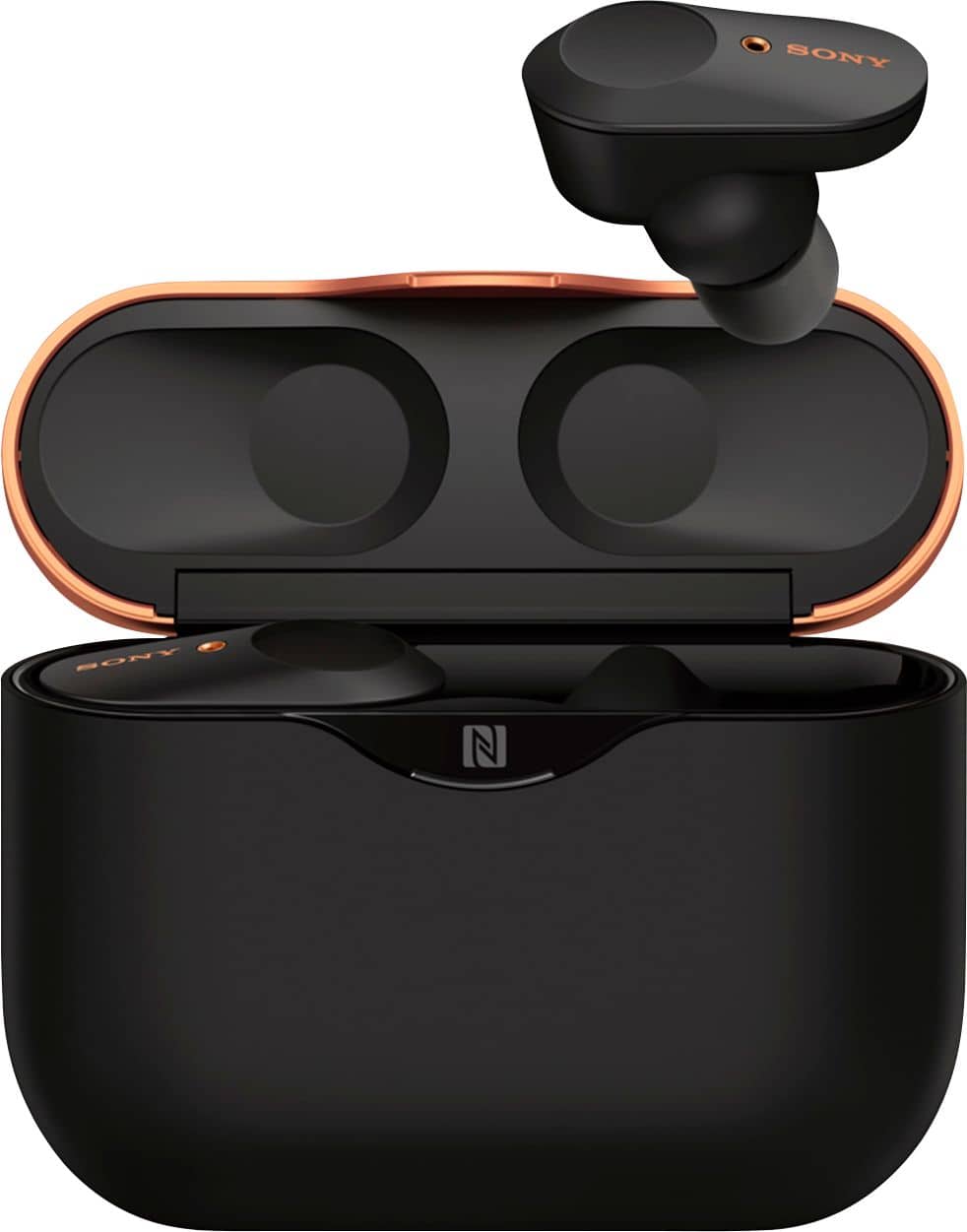
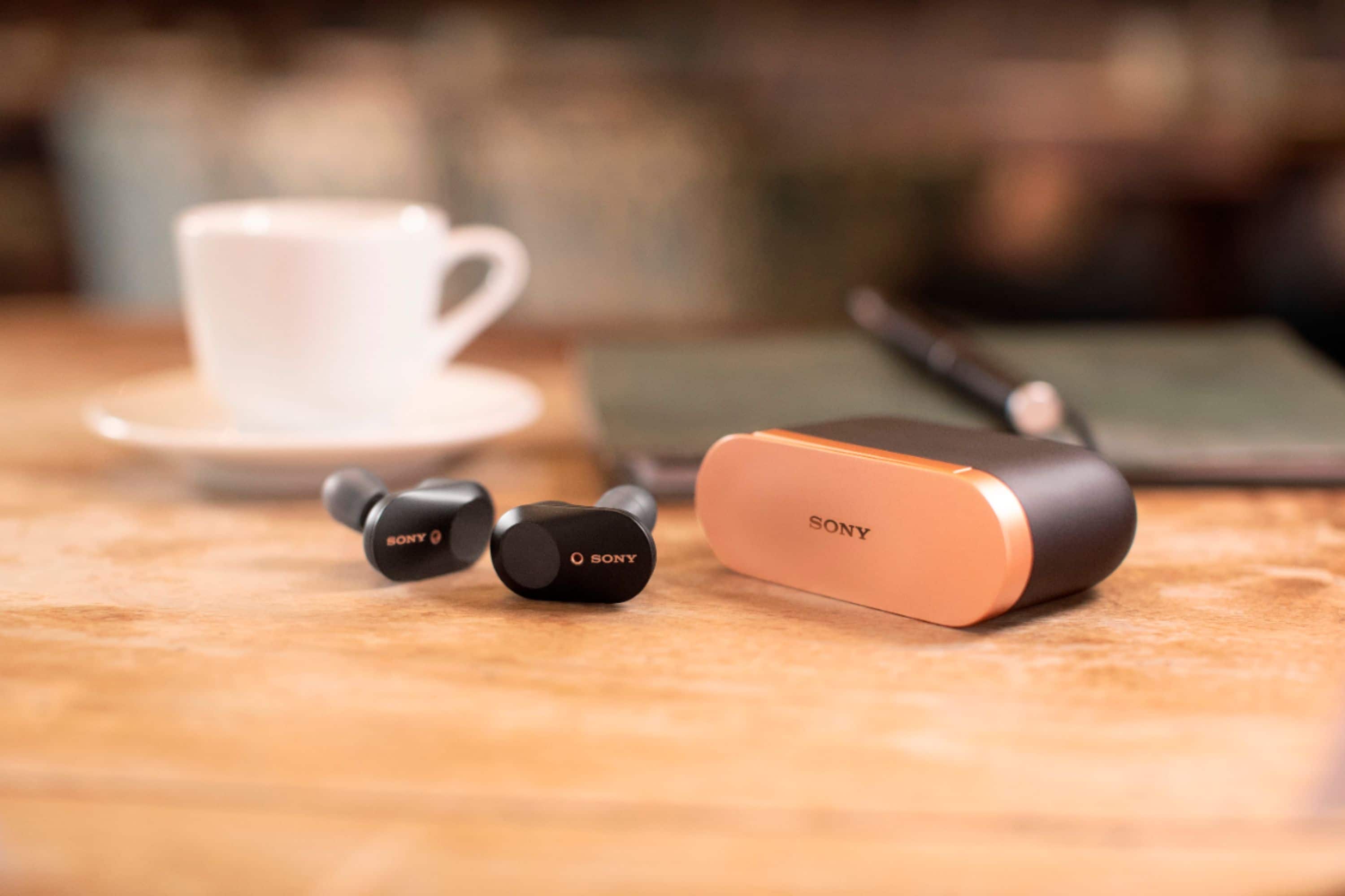

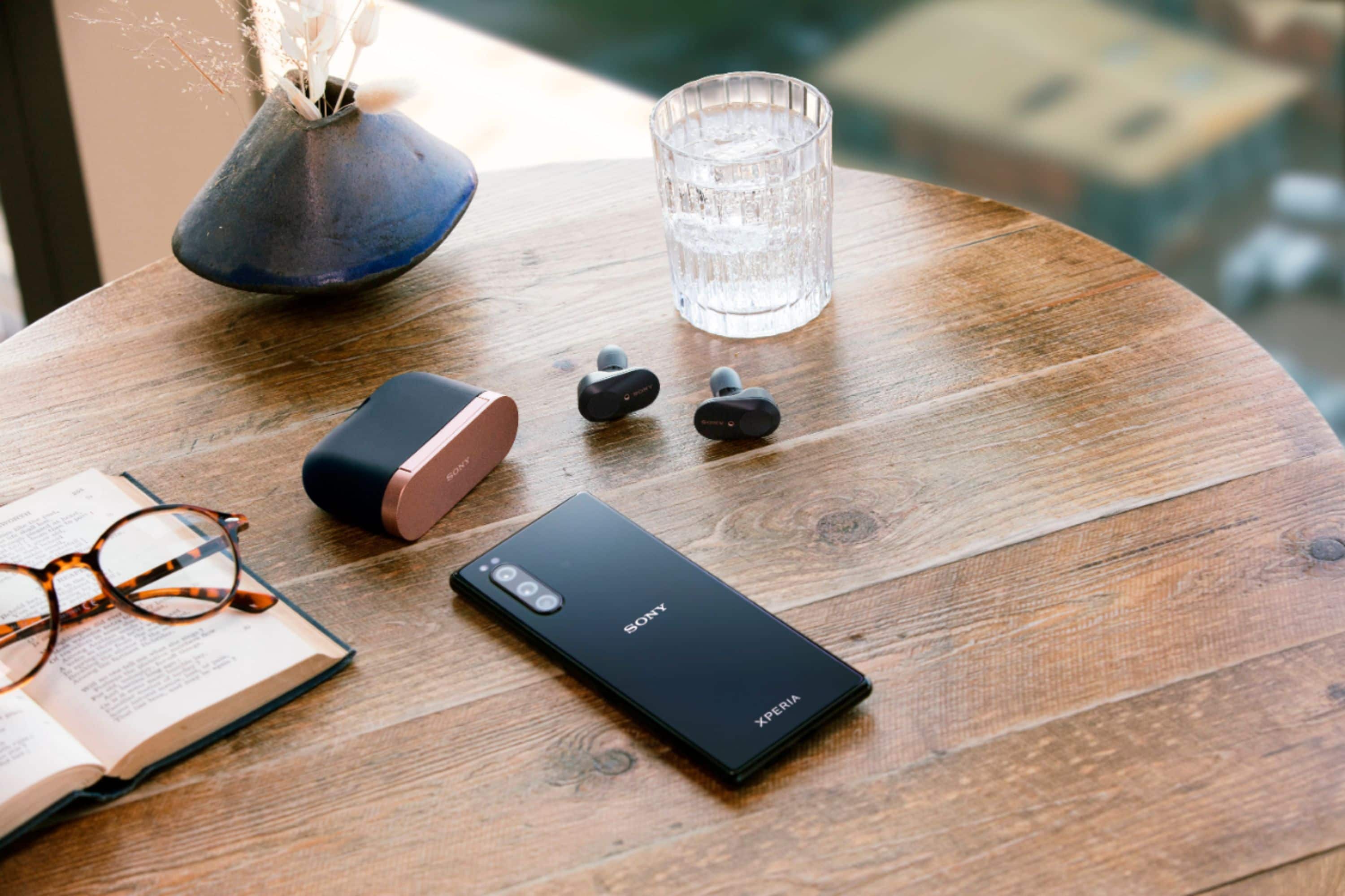




- Model:
- WF1000XM3/B
- SKU:
- 6359820
Rating by feature
- Sound Quality
Rating 4.6 out of 5 stars
- Battery Life
Rating 4.2 out of 5 stars
- Connectivity
Rating 4.1 out of 5 stars
Customers are saying
Customers frequently mention the excellent sound quality and great battery life of the WF-1000XM3 True Wireless Noise Cancelling In-Ear Headphones. Many also appreciate the comfortable fit and effective Active Noise Cancellation. However, some customers have concerns about the fit, connection stability, and water resistance, and a few would prefer a higher maximum volume.
This summary was generated by AI based on customer reviews.
Bluetooth
||Posted . Owned for 1 week when reviewed.This reviewer received promo considerations or sweepstakes entry for writing a review.I didn’t like this Bluetooth it was hard to tap to answer call
No, I would not recommend this to a friendBrand response from SonyListens
Posted .Hi Cherry,
Thank you for sharing your feedback on using the WF-1000XM3. We're sorry you've been running into difficulty. We'd love to help you troubleshoot your problem and turn this into a better experience. The functions available during a call may vary depending on the profile supported by your smartphone or mobile phone. For incoming call, you can use the touch sensor on either the left or right unit to perform the following operations. When you are wearing only one unit of the headset, operate the headset on the unit that is worn.
• Tap the touch sensor twice quickly to answer a call.
• Hold your finger to the touch sensor to reject a call.
We have some good information about the Functions for a phone call in this helpful link: https://helpguide.sony.net/mdr/wf1000xm3/v1/en/contents/TP0002289894.html
If you are still having the same issue, you can email us at socialsupport@am.sony.com with the following details:
Name:
Best Buy Username:
Model Number:
Issue:
Telephone Number:
Sincerely,
Jess
They are loud
||Posted . Owned for 1 week when reviewed.This reviewer received promo considerations or sweepstakes entry for writing a review.I like this ones they louder the i Expected then maybe even the AirPod pro
I would recommend this to a friendBrand response from SonyListens
Posted .Hi Edwilly, We are happy that you like your new Sony wireless headphones. You can always adjust the volume of the headphones and the volume of the connected device according to your preferred volume.
Should you need further assistance, you can email us at [email protected] with the following details:
Name:
Best Buy Username:
Model Number:
Issue:
Telephone Number:
Sincerely,
Vincent
Sony airpod
||Posted .This reviewer received promo considerations or sweepstakes entry for writing a review.Hard to use in apple. The color is a little bit off than the picture
No, I would not recommend this to a friendBrand response from SonyListens
Posted .Hi NTHU,
Thank you for choosing and purchasing our WF1000XM3.
We value your opinion and we would like to apologize if the unit did not meet your expectations. We're uncertain of the issue that you faced with the headphones, and would like to know more about the situation.
For making connection, First, Remove both units of the headset from the charging case. The headset turns on automatically. Check that the indicator (blue) flashes. Enter pairing mode on this headset.
Second, when you pair the headset with a device for the first time after purchase or after initializing the headset (if the headset has no pairing information), the headset enters pairing mode automatically if you remove the headset from the charging case. In this case, wear the headset and proceed to next step.
Next, Unlock the screen of the iPhone if it is locked. Select the Bluetooth setting on the iPhone. Touch [WF-1000XM3]. The headset and smartphone are paired and connected with each other. You will hear voice guidance “Bluetooth connected” from the left unit. Hope this helps.
For more information, kindly visit this link here: https://www.sony.com/electronics/support/wireless-headphones-bluetooth-headphones/wf-1000xm3/articles/00006995
May we contact you to help? If so, please email the below information to [email protected].
Apologies if you disclosed some of this information in your review and to customer service, we just want to ensure that we have your accurate details at the time of communication.
Full Name:
Best Buy Username:
Telephone Number:
Sony Headphones Model Number:
Additional Information regarding your experience with the WF1000XM3.
We are sorry for the inconvenience and hope to speak to you to resolve this matter.
We appreciate you and thanks again for shopping Sony!
Sincerely,
Jess
Not good for talking on the phone
||Posted . Owned for 1 month when reviewed.This reviewer received promo considerations or sweepstakes entry for writing a review.When they work they are good. Problem is when on the phone my voice turns robotic
No, I would not recommend this to a friendBrand response from SonyListens
Posted .Hi, Javey!
I understand that you're having issues with the call quality of the headphones. For us to better assist you, please email us at [email protected] with the following details:
Name:
Best Buy Username:
Model Number:
Issue:
Telephone Number:
One of our representatives will call you back within 2 business days.
Sincerely,
Ralph
Sony Social Support
Not as good as expected
||Posted . Owned for 11 months when reviewed.This reviewer received promo considerations or sweepstakes entry for writing a review.Not as good as airpods pro, sold it on ebay, got a pair of airpods pro.
No, I would not recommend this to a friendThey’re just ehh
||Posted .This reviewer received promo considerations or sweepstakes entry for writing a review.They have a problem with switch on and off, I would not buy again.
No, I would not recommend this to a friendBrand response from SonyListens
Posted .Hello Jojo, We are sorry to hear that you are having an issue when switching on and off your headphones. We can reset your headphones to isolate the issue. Place the headset in the charging case, leave the lid of the charging case open, then hold your finger to the touch sensor on the left unit for about 20 seconds. Release your finger when the indicator (red) of the headset turns off after flashing. Then hold your finger to the touch sensor on the right unit for about 20 seconds. Release your finger when the indicator (red) of the headset turns off after flashing. When there is a problem with the headset, the indicator (red) of the headset remains off and does not start flashing even if you perform the procedures described above. In this case, hold your finger to the touch sensor longer (for about 30 seconds), and release your finger when the indicator (red) of the headset turns on.
If you are still having the same issue, you can email us at [email protected] with the following details:
Name:
Best Buy Username:
Model Number:
Issue:
Telephone Number:
Sincerely,
Vincent
Didn’t like
||Posted . Owned for less than 1 week when reviewed.This reviewer received promo considerations or sweepstakes entry for writing a review.Terrible setup with iPhone, quick ear fatigue, I don’t recommend this
No, I would not recommend this to a friendBrand response from SonyListens
Posted .Hi Joser83, We are sorry to hear about your experience with your wireless headphones. The WF-1000XM3 headphones come with different sizes of earbuds to ensure there is a great fit for all ear sizes and an optimal noise canceling experience. Please use the right size according to the size of your ears to have a more comfortable experience while wearing them. Please try to gently pull on the top of your ear as you twist the earbud into your ear. This should give you a firmer hold and better noise canceling experience.
Should you need further assistance, you can email us at [email protected] with the following details:
Name:
Best Buy Username:
Model Number:
Issue:
Telephone Number:
Sincerely,
Vincent
Top Price for bottom rung performance....
||Posted . Owned for 2 months when reviewed.This reviewer received promo considerations or sweepstakes entry for writing a review.Worse earbuds I have owned to date. Continuously drops connection, extremely sensitive to background noise, and in general just a terrible purchase. Given the price and reputation of Sony products I would certainly expect it to out perform my old Jabra 65ts but sadly they simply don’t.
No, I would not recommend this to a friendBrand response from SonyListens
Posted .Hi Bic21, We regret to hear about your experience with your headphones. Please make sure to update the firmware of your headphones. The update includes key features, applications, bug fixes, and feature improvements.
If you are still having the same issue, you can email us at [email protected] with the following details:
Name:
Best Buy Username:
Model Number:
Issue:
Telephone Number:
Sincerely,
Vincent
Not great headphones
||Posted .This reviewer received promo considerations or sweepstakes entry for writing a review.Having a background noise in the left headphone. It disconnects from bluetooth during calls. Having these issues within 3 weeks after purchase. BEST BUY Customer Support has been very poor. They asked me to reach out to Sony, so I can get a replacement. Not really very supportive behavior.
No, I would not recommend this to a friendBrand response from SonyListens
Posted .Hi NEAG, We regret to hear that you are having issues with your wireless headphones. Updating the firmware of the headphones is one of the possible resolutions to the issue you had. The software update includes key features, applications, bug fixes, and feature improvements. It can be downloaded from this page: https://www.sony.com/electronics/support/wireless-headphones-bluetooth-headphones/wf-1000xm3/downloads.
Should you need further assistance, you can email us at [email protected] with the following details:
Name:
Best Buy Username:
Model Number:
Issue:
Telephone Number:
Sincerely,
Vincent
Dear Sony
||Posted . Owned for 2 weeks when reviewed.This reviewer received promo considerations or sweepstakes entry for writing a review.These headsets are the worst thing I’ve heard since I could remember
No, I would not recommend this to a friendI’ve had better
||Posted . Owned for less than 1 week when reviewed.This reviewer received promo considerations or sweepstakes entry for writing a review.Ok if they are on sale. I would recommend a different headphone.
No, I would not recommend this to a friendBrand response from SonyListens
Posted .Hello MrTrustMyReview, We are sorry to hear that. If you need further assistance, you can email us at [email protected] with the following details:
Name:
Best Buy Username:
Model Number:
Issue:
Telephone Number:
Sincerely,
Vincent
Cheaply made
||Posted . Owned for 6 months when reviewed.This reviewer received promo considerations or sweepstakes entry for writing a review.Not worth the price. The battery life is extremely short.
No, I would not recommend this to a friendBrand response from SonyListens
Posted .Hi Nice,
Thank you for the feedback on your experience with your WF-1000XM3.
We would like to apologize if the unit did not meet your expectations particularly with the battery life. Make sure to update the software version of the headphones (via the Sony Headphones Connect app) for optimum performance. The software includes key features, applications, bug fixes, and feature improvements. For instructions, please check the link here: https://www.sony.com/electronics/support/wireless-headphones-bluetooth-headphones/wf-1000xm3/downloads
For available operating time of the unit, the usage hours may be different depending on the settings and conditions of use. Also, when the Equalizer function is used, the playback time will be shorter by about 45% at most. (ref: https://helpguide.sony.net/mdr/wf1000xm3/v1/en/contents/TP0002289868.html).
If you are still having the same issue, you can email us at socialsupport@am.sony.com with the following details:
Name:
Best Buy Username:
Model Number:
Issue:
Telephone Number:
We are sorry for the inconvenience and hope to speak to you to resolve this matter.
We appreciate you and thanks for letting us help assist you.
Sincerely,
Jess
Returned it
||Posted . Owned for less than 1 week when reviewed.This reviewer received promo considerations or sweepstakes entry for writing a review.Sound quality is bad and it drops calls. Not comfortable as well.
No, I would not recommend this to a friendworst microphone
||Posted . Owned for 1 month when reviewed.This reviewer received promo considerations or sweepstakes entry for writing a review.the microphone does not work at all. People wont be able to hear you. IF you are buying this just to listen songs go ahead. But the people talking to you would not be able to listen anything. It splits most of the time. Wired earphone is better. I went back to that. the good suggestion dont buy!
No, I would not recommend this to a friendBrand response from SonyListens
Posted .Hi, safal!
We're sorry to hear this issue. For us to better assist you, please email us at [email protected] with the following details:
Name:
Best Buy Username:
Model Number:
Issue:
Telephone Number:
One of our technical specialists will call you back within 2 business days.
Regards,
Jay
HARD TO CONNECT
||Posted . Owned for 1 month when reviewed.This reviewer received promo considerations or sweepstakes entry for writing a review.SHOULD HAVE GOT THE NEW APPLE HEADPHONES, MUCH EASIER TO SYNC
No, I would not recommend this to a friendBrand response from SonyListens
Posted .Hi BCANE777, we are sorry to hear that the pairing process did not meet your expectations. To isolate the issue, please ensure that the headset and the Bluetooth device is within 1 m (3 feet) from each other. Once the pairing is done, Additional troubleshooting steps are available on the Help Guide.
Please feel free to reach us if you need further assistance, do not hesitate to drop us an email at [email protected] with the following details:
Name:
Username:
Model Number:
Issue:
Telephone Number:
Sincerely,
Erin
- Pros mentioned:Battery life, Sound quality

Premium wireless earbuds with great sound quality
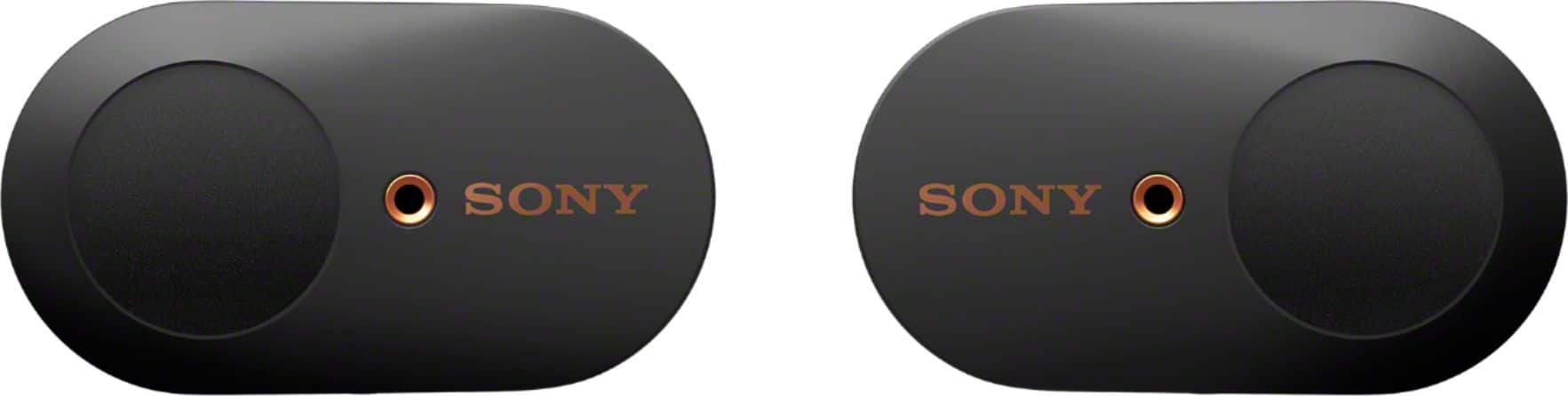
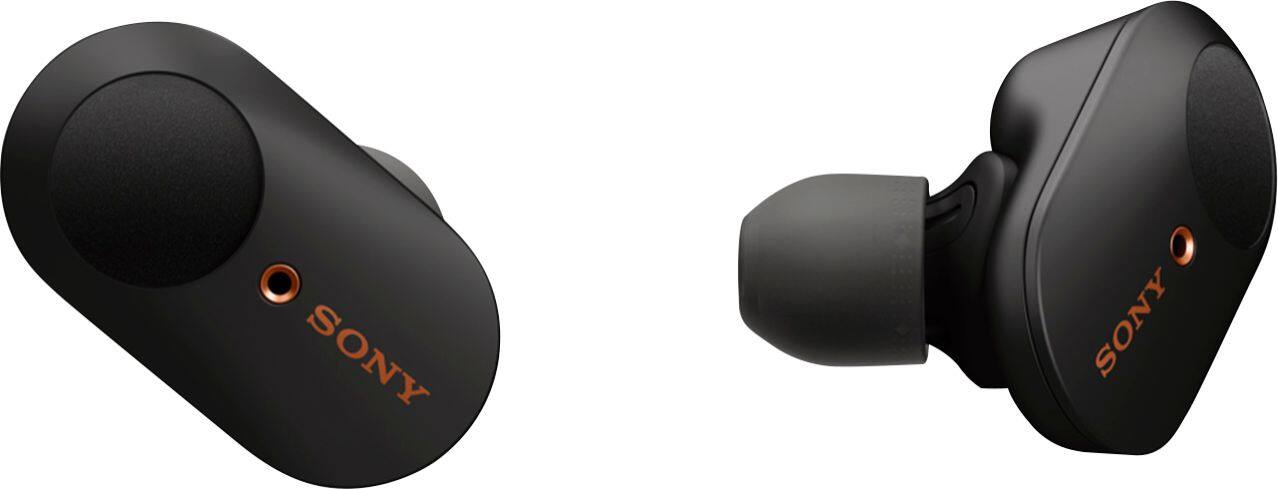
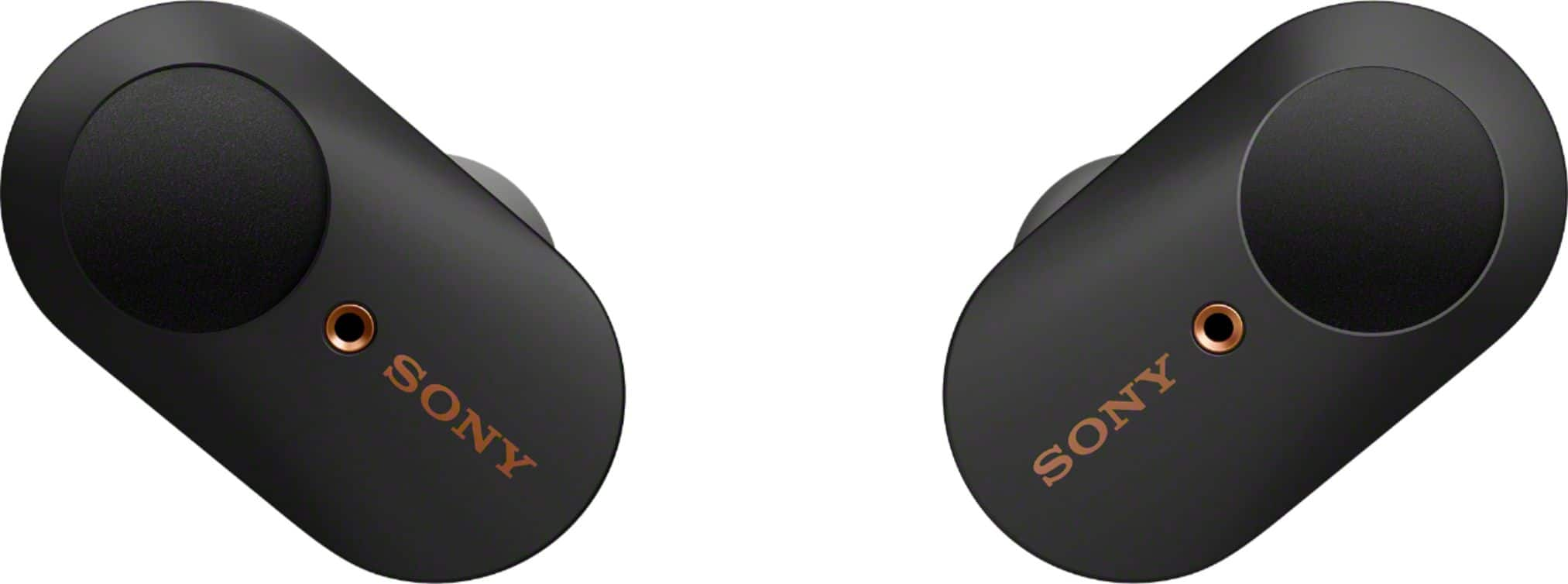
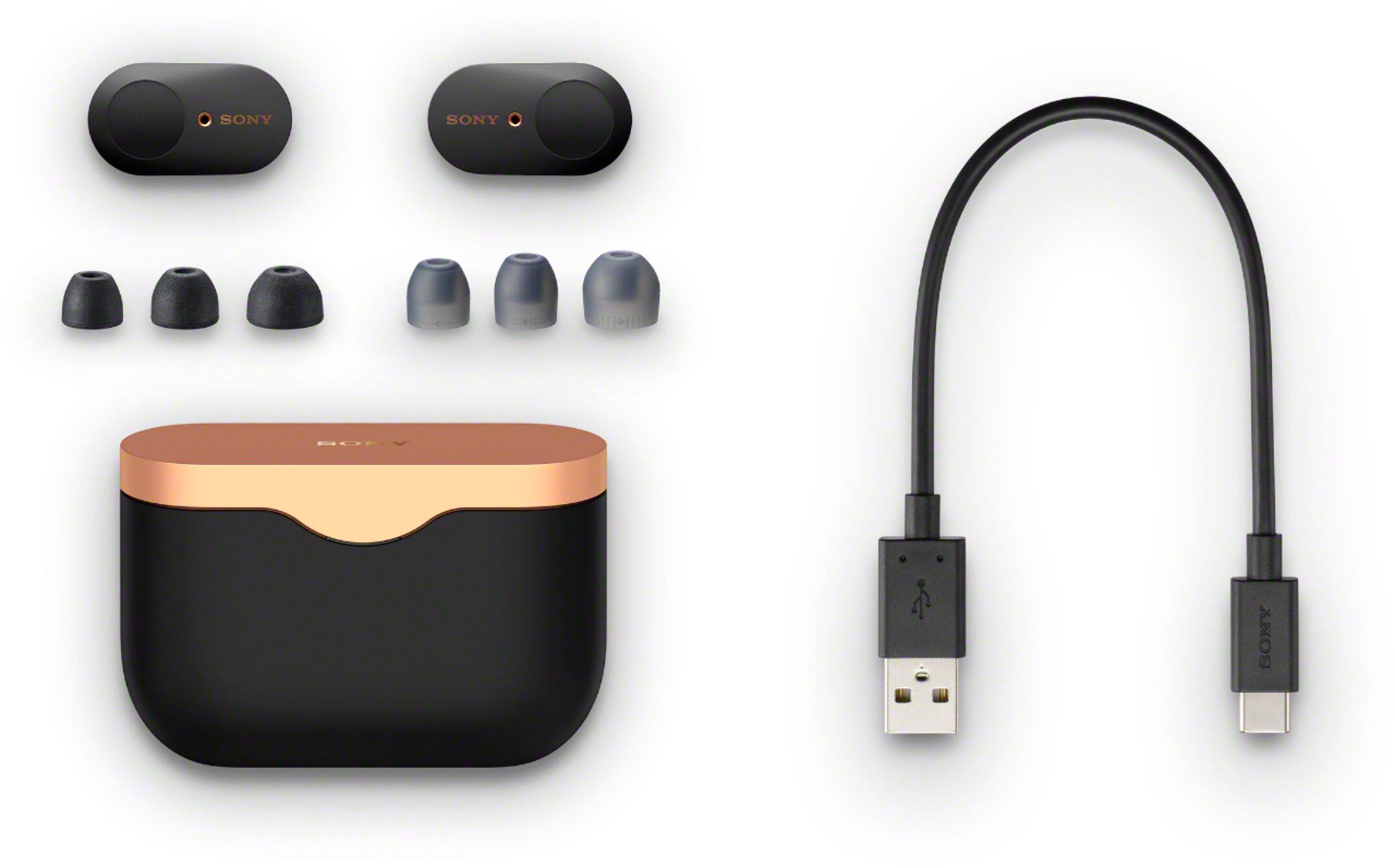
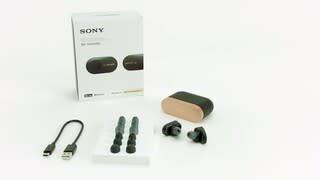
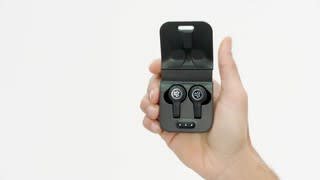
|Posted .This reviewer received promo considerations or sweepstakes entry for writing a review.Sony WF-1000XM3 headphones are one of the premium earpods available in the market right now. Sony has its advanced proprietary noise cancelling processer packed into this wireless earbuds. Each earbud has dual microphones to isolate sounds from any noisy atmosphere. The earbud comes with 8 hours of battery life without noise cancelling and 6 hours with noise cancelling. But the charging case can provide additional 3 full charges. A quick 10 minute charge will give you 90 minutes of battery. The earbuds has multiple sensors that enable smart features with touch controls like pausing the music by removing one earbud, changing the track, activating phone's voice assistant, switch between noise canceling to ambient sound, etc. You can use only one earbud while the other one is charging. The earbuds comes with four different sizes of ear tips and foam tips and the charging case uses USB-C cable. The sound from this earbuds are clear and better than any other Bluetooth earbuds I have used. You can use the Sony Headphones Connect app to customize controls as well as assign some of these features. One of the biggest missing feature is that these earbuds are not water/dust proof. Overall, this is truly a premium wireless earbuds with amazing audio quality and an easy recommendation to be used as a daily driver.
I would recommend this to a friend They don’t sound good
||Posted . Owned for 2 weeks when reviewed.This reviewer received promo considerations or sweepstakes entry for writing a review.I’m so sorry to say it but they don’t sound good to me .
No, I would not recommend this to a friendBrand response from SonyListens
Posted .Hi, Jeovani! For the noise canceling function to be fully effective and to get the best audio quality, we suggest using the right earbuds that fit your ears and wear the headset correctly: https://helpguide.sony.net/mdr/wf1000xm3/v1/en/contents/TP0002392265.html.
If you are unable to resolve your concern, please email us at [email protected] with the following details:
Name:
Amazon Username:
Model Number:
Issue:
Telephone Number:
Sincerely,
Vincent
Sony Social Support
Dont buy. Sony does it again...
||Posted . Owned for 3 months when reviewed.This reviewer received promo considerations or sweepstakes entry for writing a review.4 months in from purchase. Left ear bud will not turn on. Case wont charge and resetting everything does not help. Can't use anything but the supplied USB cable. Loved them when they worked, but now useless for the most part.
No, I would not recommend this to a friendBrand response from SonyListens
Posted .Hi iPhoneUser,
Thank you for the feedback on your experience with your WF-1000XM3. We regret to hear you're having issues with the unit. This is usually not the case for our headphones nor the experience we want you to have. We’d love to help you troubleshoot your problem. If the left earbud does not turn on and produce sound, your earbuds may not be charging properly. Place the headphones in the charging case and check to see if the charging indicator light up. For more information, check here: https://www.sony.com/electronics/support/wireless-headphones-bluetooth-headphones/wf-1000xm3/articles/00247466
For charging concern, you may resolve the issue by following the troubleshooting steps here: https://www.sony.com/electronics/support/wireless-headphones-bluetooth-headphones/wf-1000xm3/articles/00247464
If the headset does not operate correctly even after resetting, initialize the headset to restore factory settings.
https://helpguide.sony.net/mdr/wf1000xm3/v1/en/contents/TP0002289926.html
If you're unable to resolve the issue, please contact us. You can email us at socialsupport@am.sony.com with the following details:
Name:
Best Buy Username:
Model Number:
Issue:
Telephone Number:
Sincerely,
Jess
Didn’t stay in my ears
||Posted .This reviewer received promo considerations or sweepstakes entry for writing a review.These did not stay in my ears. I had to return.....
No, I would not recommend this to a friendBrand response from SonyListens
Posted .Hi Diana, We regret to hear that the unit had to be returned. We provide an assortment of earbuds in various sizes to ensure there is a great fit for all ear sizes. To obtain the best fit and prevent the headsets from falling out, please refer to this link: https://helpguide.sony.net/mdr/wf1000xm3/v1/en/contents/TP0002392265.html -Sam
regular wireless.
||Posted . Owned for less than 1 week when reviewed.This reviewer received promo considerations or sweepstakes entry for writing a review.Its just a regular wireless earbuds. Nothing super
No, I would not recommend this to a friendBrand response from SonyListens
Posted .Hello, Auskhalf!
We value your opinion and we would like to apologize if our product did not meet your expectations.
Regards,
Zac
Sony Social Support