Customer Ratings & Reviews



- Model:
- WFC700N/B
- SKU:
- 10783197
Rating by feature
- Sound Quality
Rating 4.5 out of 5 stars
- Battery Life
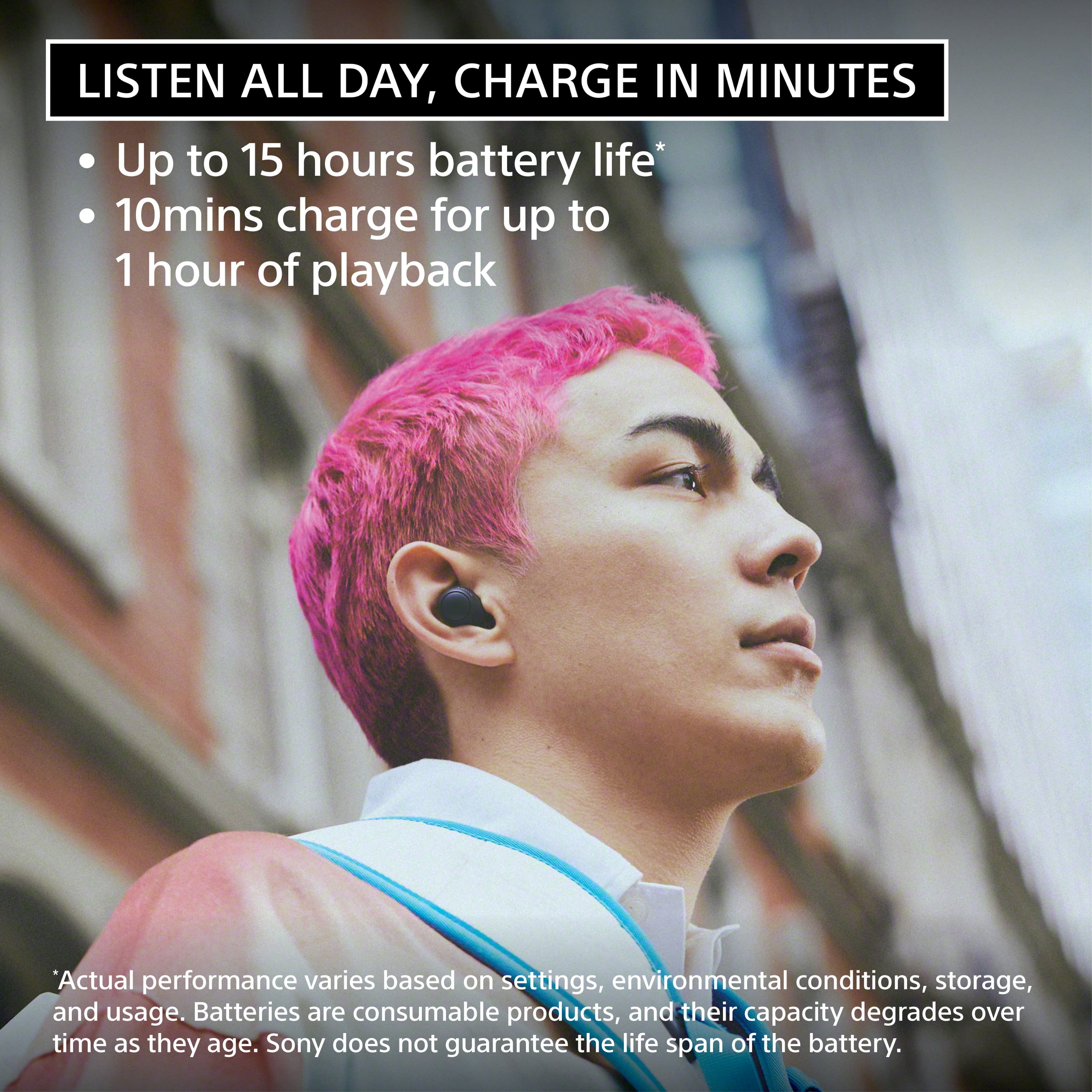
Rating 4.4 out of 5 stars
- Connectivity
Rating 4.5 out of 5 stars
to a friend
requires app. cannot use with laptop and more...
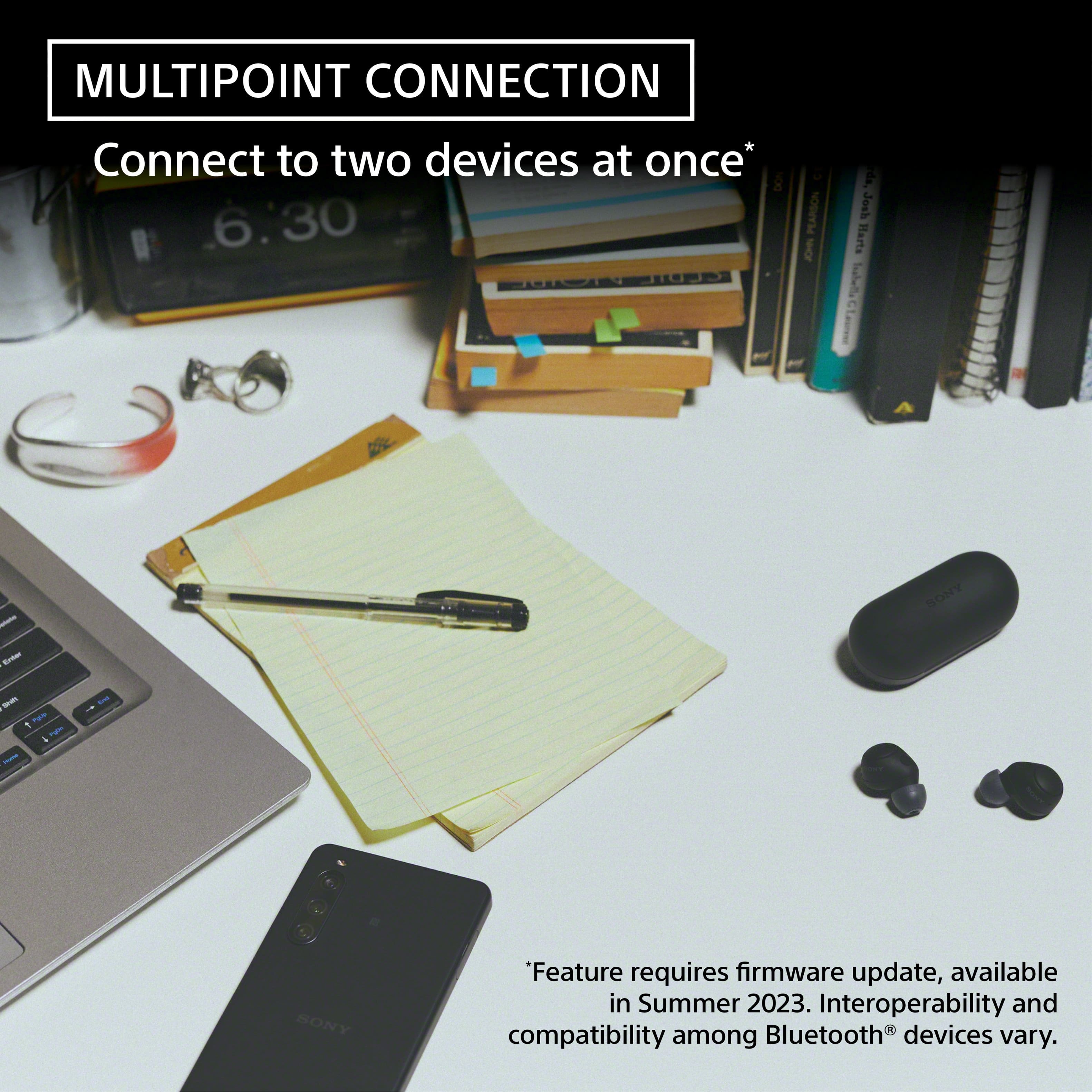
Posted .This reviewer received promo considerations or sweepstakes entry for writing a review.Unbeknownst to me, these headphones require a proprietary app installed to work. This makes the usefulness of these very specific, and may work for some. But if you want something that's quick and easy to pair via bluetooth, across all devices, these will not suffice. Otherwise they sound great and work if you only pair to (up to two) of your mobile devices.
No, I would not recommend this to a friendBrand response from SonyListens
Posted .Hi user924272, We apologize for any inconvenience that you experienced with your Sony WFC700N. While we're glad you appreciate the great sound quality and multipoint connection feature of these earbuds, we regret to hear that you didn't like how the Sony Headphones Connect app is required to be used for certain features to work. If you have any specific suggestions or features you'd like to see, feel free to share them with us. Your insights are important to us as we work to meet and exceed your expectations. Should you need any assistance, feel free to email us at socialsupport@am.sony.com with the following details:
Name:
Username:
Model Number:
Issue:
Telephone Number:
Regards,
Sam
Left volume not same as right
Posted .This reviewer received promo considerations or sweepstakes entry for writing a review.The volume on the left earphone stopped working. It still controlled volume for the right but they weren't the same then stopped working. Best Buy replaced them as they were under warranty, but the second set did the same thing after 4 months.
No, I would not recommend this to a friendBrand response from SonyListens
Posted .Hi JanJaw, we're sorry to hear that you have an issue with your Sony unit. This is not the experience we want you to have. Please follow this link to isolate the issue:
https://helpguide.sony.net/mdr/2968/v1/en/contents/TP1000780030.html?search=one%20side
If you require any additional support with regard to this product, please email us at socialsupport@am.sony.com with the following details: Name: Username: Model Number: Issue: Telephone Number:
~Earl
No noise cancelling
Posted .This reviewer received promo considerations or sweepstakes entry for writing a review.works great as In-Ear Headphones but does not have any noise cancelling capabilities at all.
No, I would not recommend this to a friendBrand response from SonyListens
Posted .Hi JohnW, We're sorry to hear about the noise canceling issue that you're having with your Sony WFC700N. If you feel that the effects of noise canceling is not sufficient or if it doesn't work at all, please follow the steps on this link to resolve the issue:
https://helpguide.sony.net/mdr/2968/v1/en/contents/TP1000780044.html
If you are unable to resolve your concern, please email us at socialsupport@am.sony.com with the following details:
Name:
Username:
Model Number:
Issue:
Telephone Number:
Sincerely,
Sam
Disappointed!
Posted .This reviewer received promo considerations or sweepstakes entry for writing a review.Poor quality, wont keep charge and a lot of static in the right earbud
No, I would not recommend this to a friendBrand response from SonyListens
Posted .Hi SeyC,
Thank you for the review and we're sorry to hear what happened with the headphones. Please check this link on how to resolve the charging issue with your headphones.
https://www.sony.com/electronics/support/wireless-headphones-bluetooth-headphones/wf-c700n/articles/00293253
As for static, we recommend to do a factory reset for the headphones.
https://helpguide.sony.net/mdr/2968/v1/en/contents/TP1000783925.html
For us to better assist you, please email us at socialsupport@am.sony.com with the following details:
Name:
Best Buy Username:
Model Number:
Issue:
Telephone Number:
-David
Not satisfied
Posted .This reviewer received promo considerations or sweepstakes entry for writing a review.They don’t stay in, in the ears, come off all the time.
No, I would not recommend this to a friendBrand response from SonyListens
Posted .Hi SindineyR,
We're sorry if our WF-C700N Truly Wireless Noise Canceling Headphones did not fit you well causing them to fall out. We value your input and appreciate the feedback. Please allow us to help you and turn this into a better experience. For optimum fit and comfort, make sure that you are wearing the headphones properly. You may find these steps helpful:
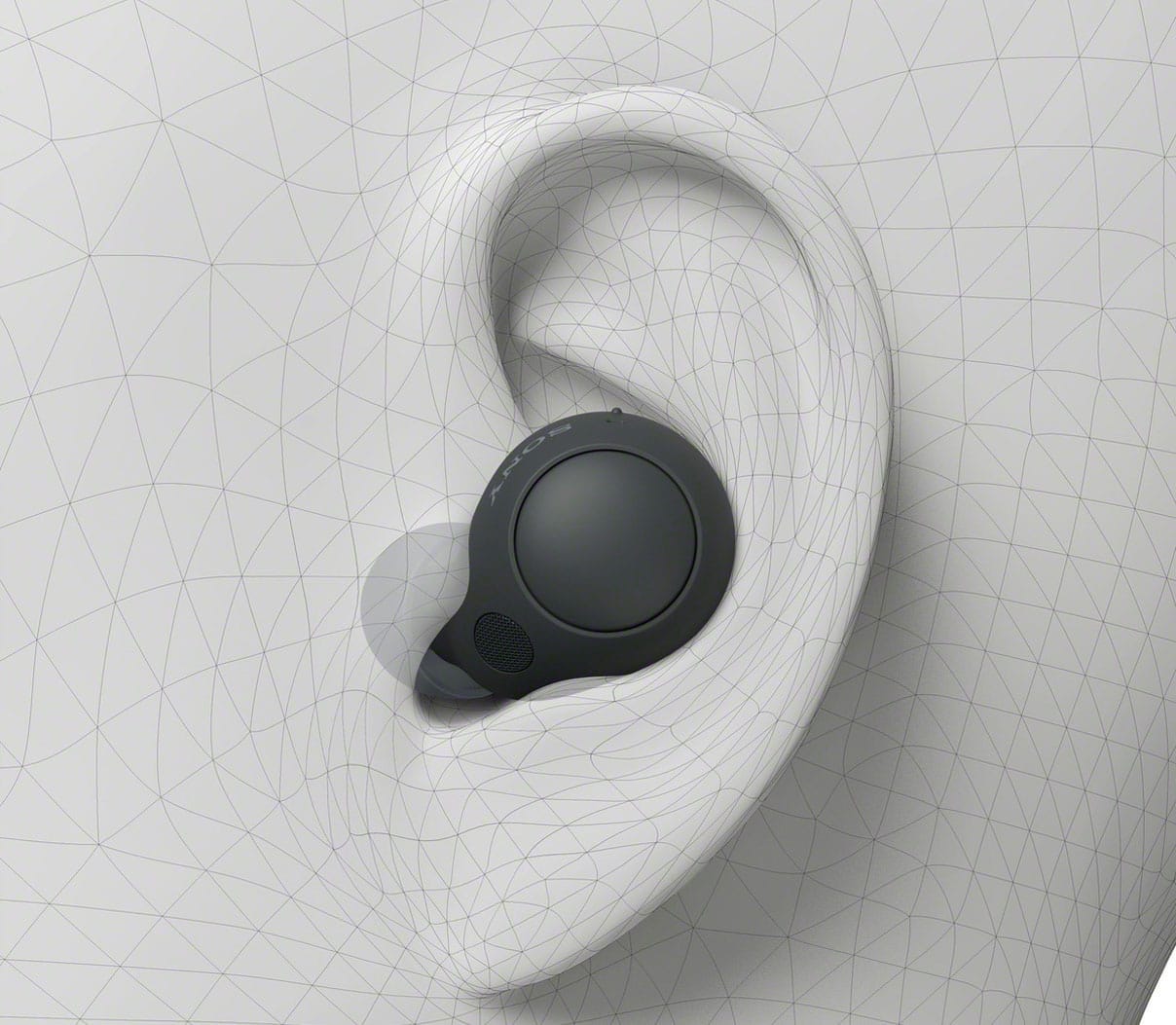
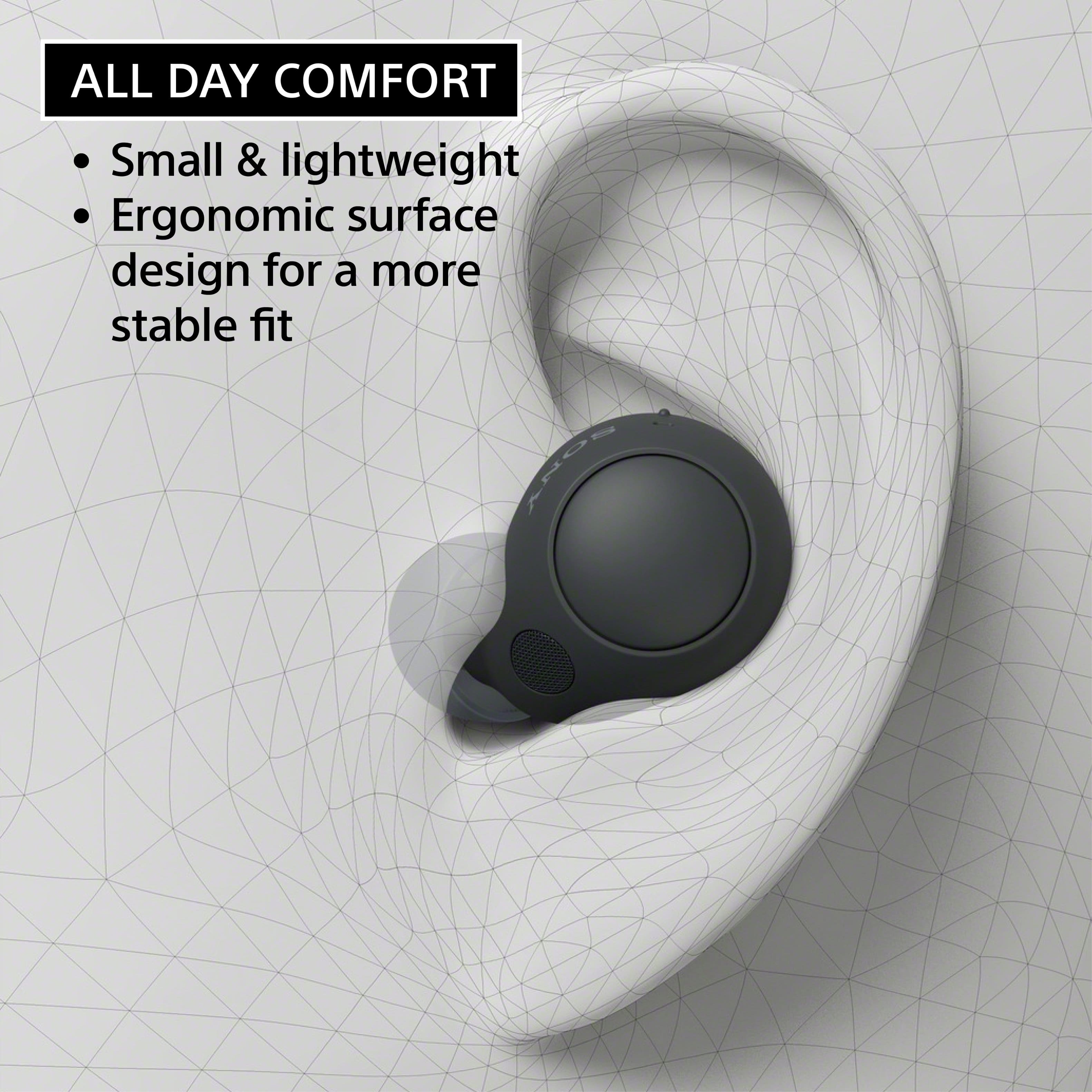
-Put the headset unit with the (left) mark into your left ear and the headset unit with the (right) mark into your right ear. The left headset unit has a tactile dot.
-Adjust the fit of the headset to your ears. Twist the headset unit to slide the earbud tip deep into your ear canal.
-Change the earbud tips to ones that fit more snugly in your ears. When changing the earbud tips, try the earbud tip sizes in order from the larger ones to the smaller ones. The most suitable size of the earbud tips for left and right ears may be different.
-Wear the headset so that the earbud tip is comfortably situated as deep in the ear canal as possible.
Hope this helps. In case you need further assistance, please email us at socialsupport@am.sony.com with the following details:
Name:
Username:
Model Number:
Issue:
Telephone Number:
Or contact our product support team via phone call or chat through this link:
https://us.esupport.sony.com/support/s/support-contact?language=en_US&category=headphones
Sincerely,
Jess