Customer Ratings & Reviews
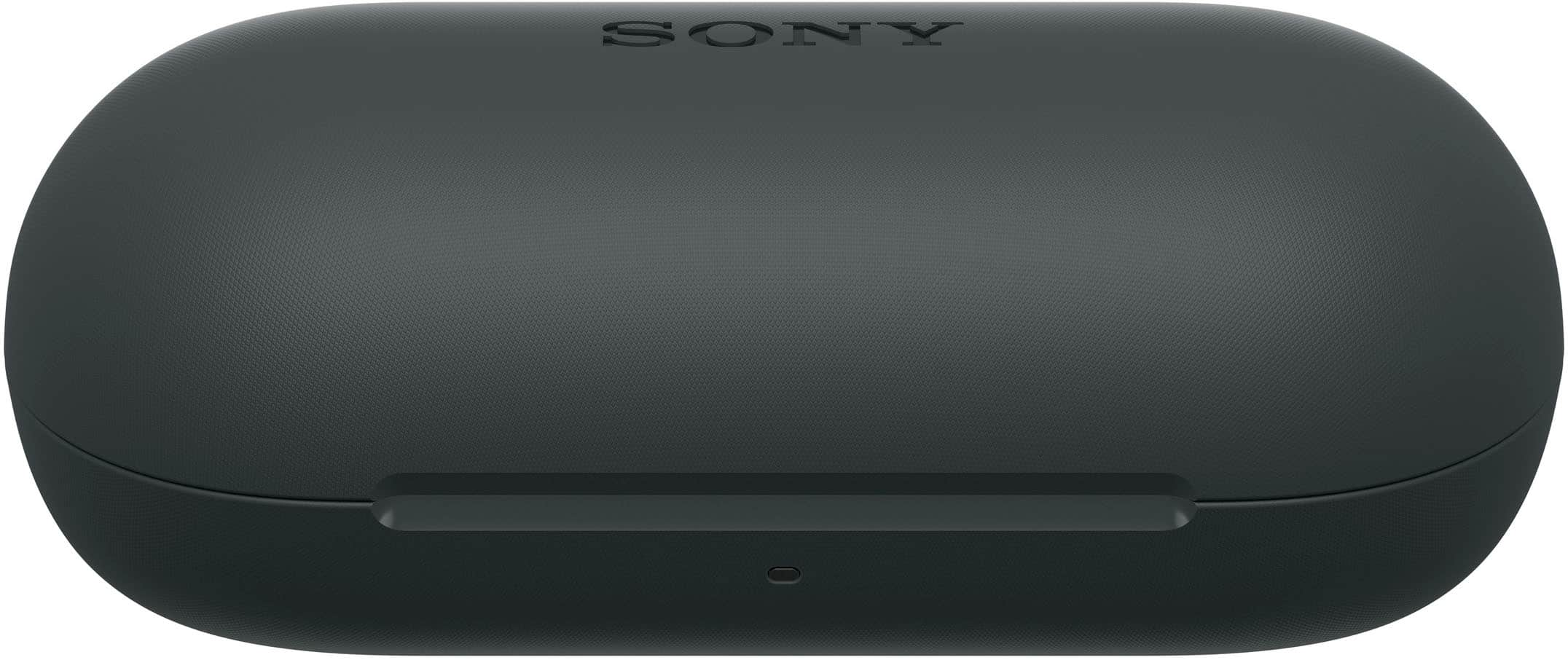
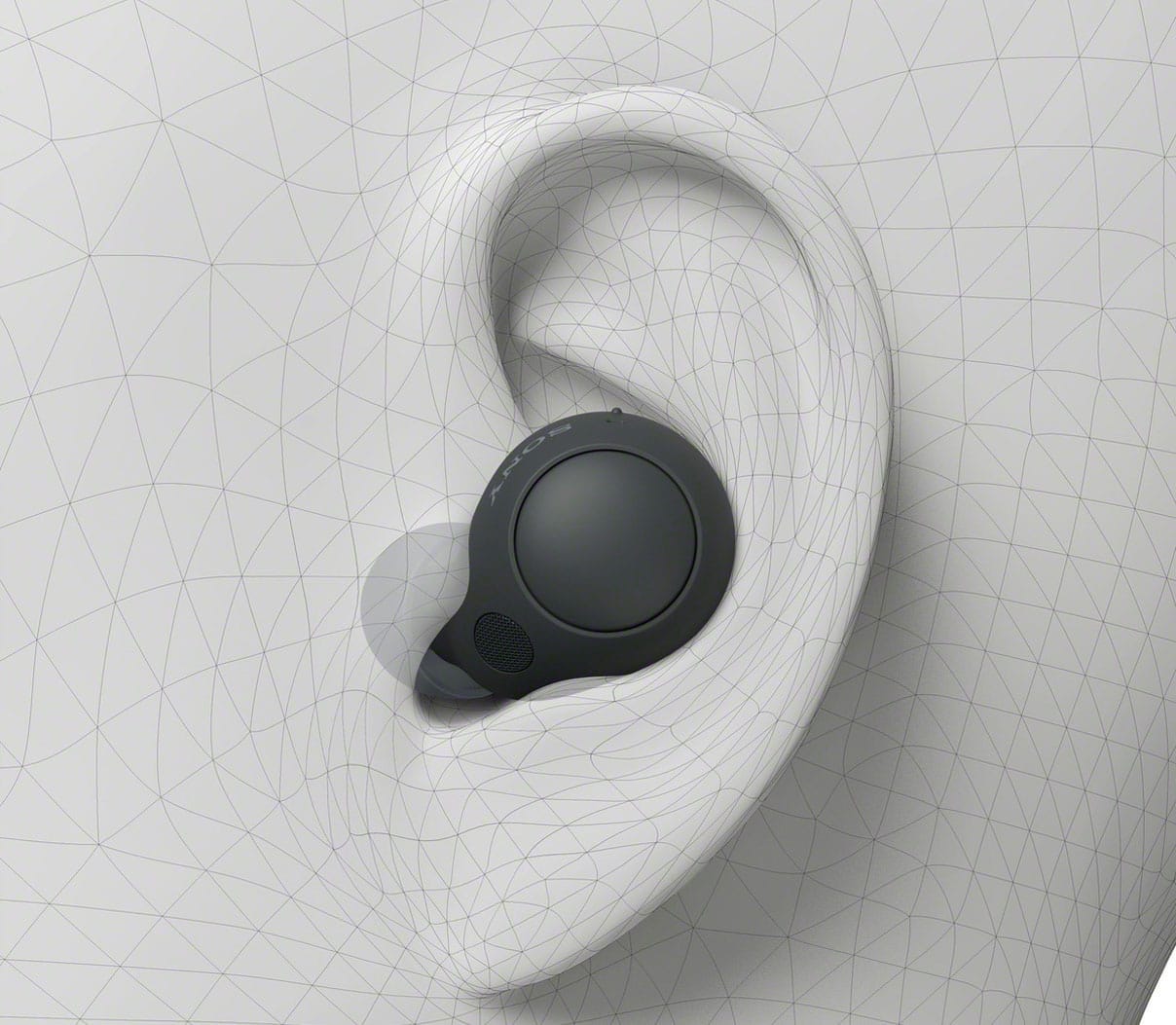

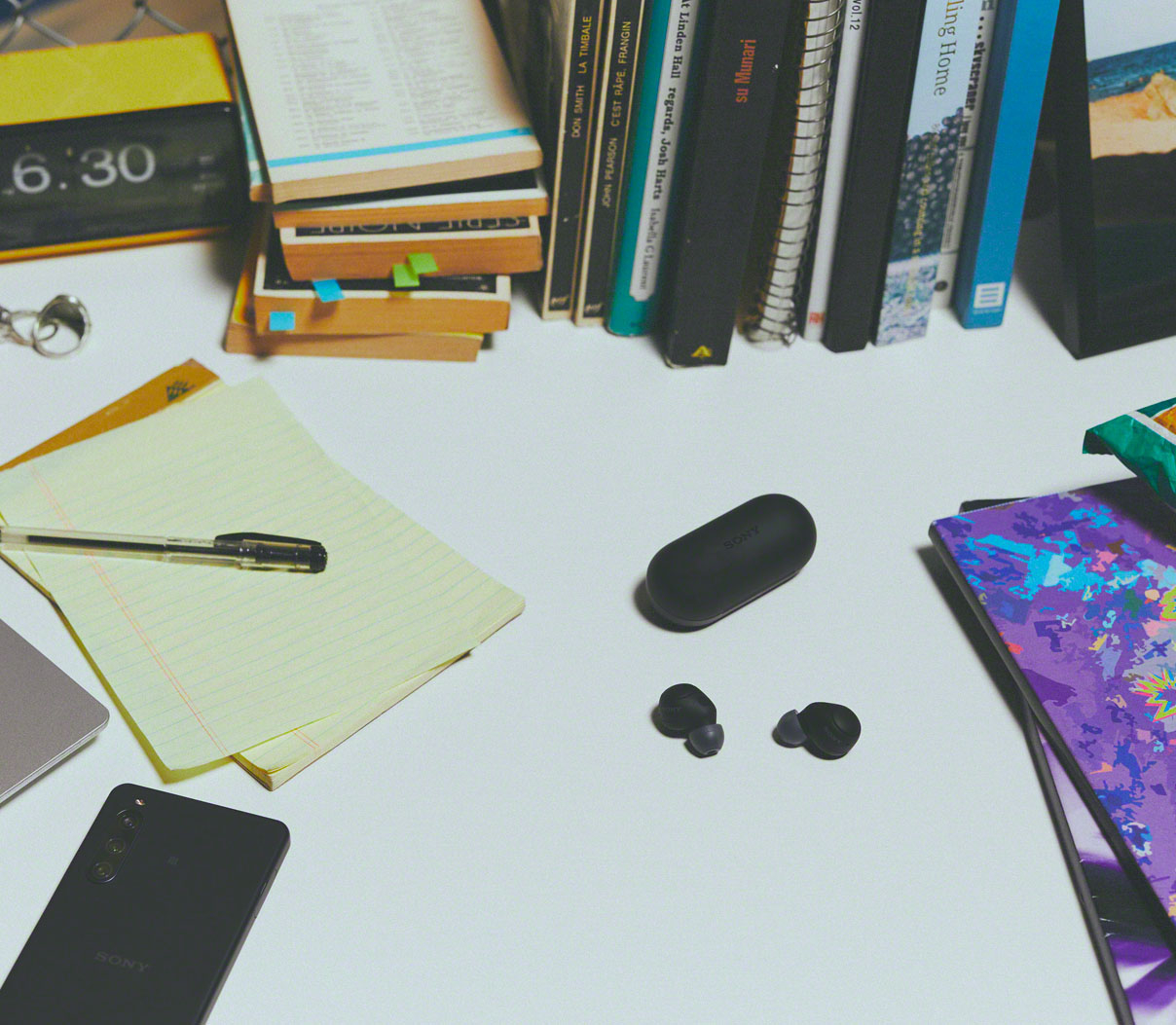
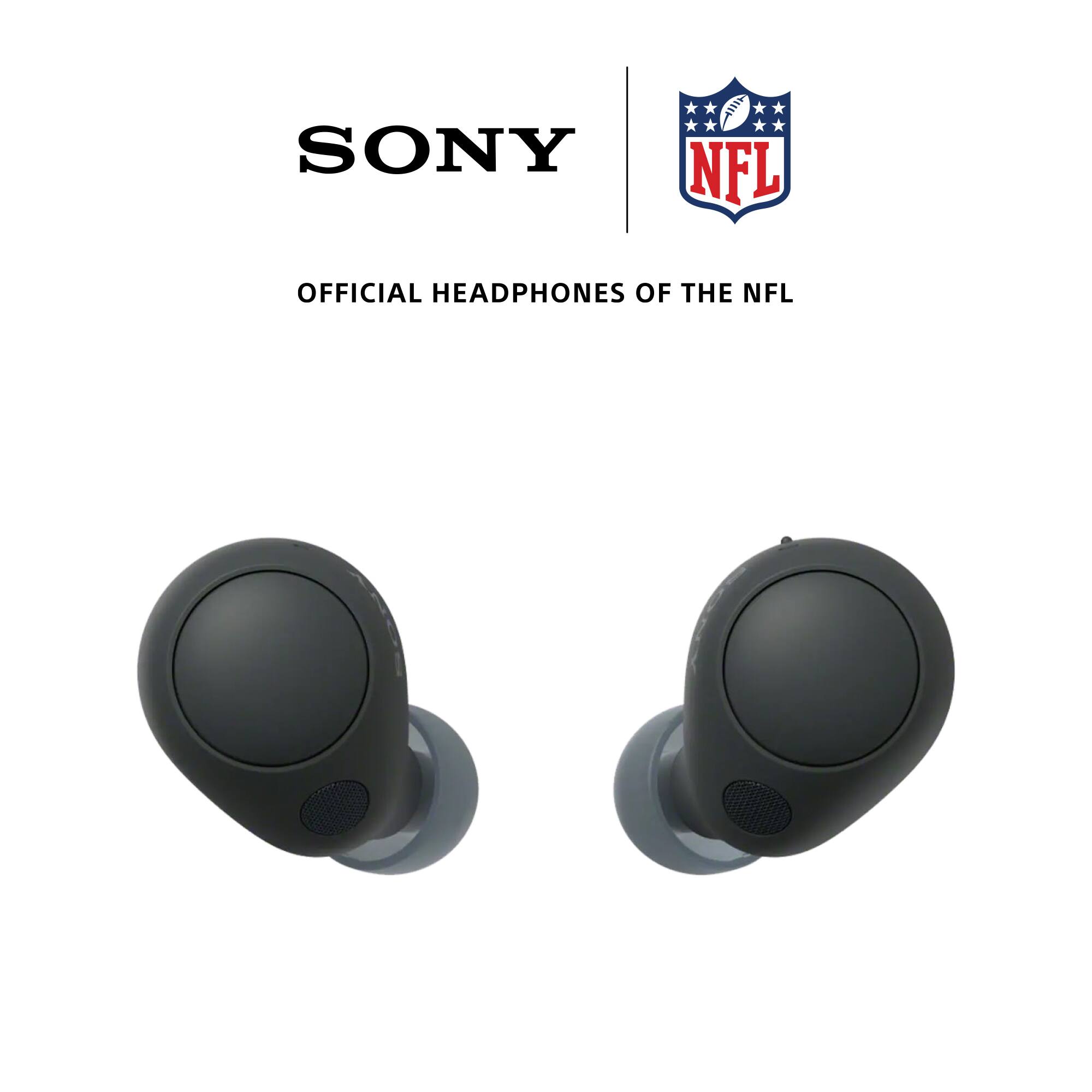

- Model:
- WFC700N/B
- SKU:
- 11965994
Rating by feature
- Sound Quality
Rating 4.6 out of 5 stars
- Battery Life
Rating 4.5 out of 5 stars
- Connectivity
Rating 4.5 out of 5 stars
to a friend
No to Sony Ear Buds
||Posted . Owned for 3 weeks when reviewed.This reviewer received promo considerations or sweepstakes entry for writing a review.Too small for ears. Kept falling out. Returned for fear of loosing product
No, I would not recommend this to a friendBrand response from SonyListens
Posted .Hi DG01,
Thank you for your time writing this review. We're sorry to hear that you returned the WFC700N because it didn't fit securely into your ears. This In-ear headphones come with different sizes of earbud tips to ensure there is a great fit for all ear sizes. When wearing them, we suggest to use the right size according to the size of your ears and gently pull on the top of your ear as you twist the headset unit to slide the earbud tip deep into your ear canal. This should give you a firmer hold. We apologize for the inconvenience and hope that you will consider Sony again on your future purchases. Thanks again for shopping Sony. - Kris
Horrible
||Posted . Owned for 1 month when reviewed.This reviewer received promo considerations or sweepstakes entry for writing a review.Sound went out in one. Sound is not that good either. I think I wasted my money
No, I would not recommend this to a friendBrand response from SonyListens
Posted .Hi KizzyH,
Thanks for reaching out to us. We regret to hear you are having some audio issues with your WF-C700N earbuds. We'd love to help you troubleshoot your problem and turn this into a better experience. Please note we have a customer hotline that is happy to assist you and help troubleshoot any concerns you have, and your earbud headphones has a 1-year warranty from the date of purchase.
If there is no sound from the earbud headphones, or sound is heard only from one side, check if the issue is resolved after completing each step on this link:
https://www.sony.com/electronics/support/wireless-headphones-bluetooth-headphones/wf-c700n/articles/00293251
You can also make few adjustments to your headphones settings to suit your needs. Please ensure you've downloaded the Sony Headphones Connect app. This will give you more control over your headphones and their performance. For more details, you may refer to this link: https://www.sony.com/electronics/support/wireless-headphones-bluetooth-headphones/wf-c700n/articles/00286844
If the issue persists and you need further assistance, you may send us an email at socialsupport@am.sony.com with the following details:
Name:
Best Buy Username:
Model Number:
Issue:
Telephone Number
Sincerely,
Jess
Not worth the price
||Posted . Owned for 1 month when reviewed.This reviewer received promo considerations or sweepstakes entry for writing a review.Just average earbuds , you pay for the name nothing more. Poor sound and cheaply made. I returned them same day.
No, I would not recommend this to a friendBrand response from SonyListens
Posted .Hi Good,
Thank you for the feedback. It is unfortunate that the unit had to be returned. The sound quality will depend in the source that you're playing. Thank you for sharing your experience and we hope you will consider Sony again in a future purchase.
-David
Paying for brand
||Posted . Owned for 3 weeks when reviewed.This reviewer received promo considerations or sweepstakes entry for writing a review.For the price they cost it’s not worth it when cheaper brands are comparable.
No, I would not recommend this to a friendBrand response from SonyListens
Posted .Hi Smalls55,
Thank you for taking the time to review your WF-C700N. We're sorry to hear that it hasn't performed to your standards and you're not having the best experience with these earbud headphones. Your feedback is extremely important to us and is very much appreciated. Make sure to update the firmware of the headphones by performing a software update (via the Sony Headphones Connect app) for optimum performance.
You can make few adjustments to your headphones settings to suit your needs. Please ensure you've downloaded the Sony Headphones Connect app. This will give you more control over your headphones and their performance. For more details, you may refer to this link: https://www.sony.com/electronics/support/articles/00286844
For us to better assist you regarding your concern, you can email us at socialsupport@am.sony.com with the following details:
Name:
Best Buy Username:
Model Number:
Issue:
Telephone Number:
Regards,
Jess
Sound is good
||Posted . Owned for 3 weeks when reviewed.This reviewer received promo considerations or sweepstakes entry for writing a review.They’re kinda big and you have to put them in your ear upside down…
I would recommend this to a friendBrand response from SonyListens
Posted .Hi AntonioM, We are sorry to hear that the WFC700N did not meet all of your expectations. We would like to make sure that you are having the best listening experience out of your headphones. May we contact you to help? If so, please email the below information to socialsupport@am.sony.com
Apologies if you disclosed some of this information in your review and to customer service, we just want to ensure that we have your accurate details at the time of communication.
Full Name:
Username:
Telephone Number:
Model Number:
Issue:
Regards,
Carl
Bad hearing quality
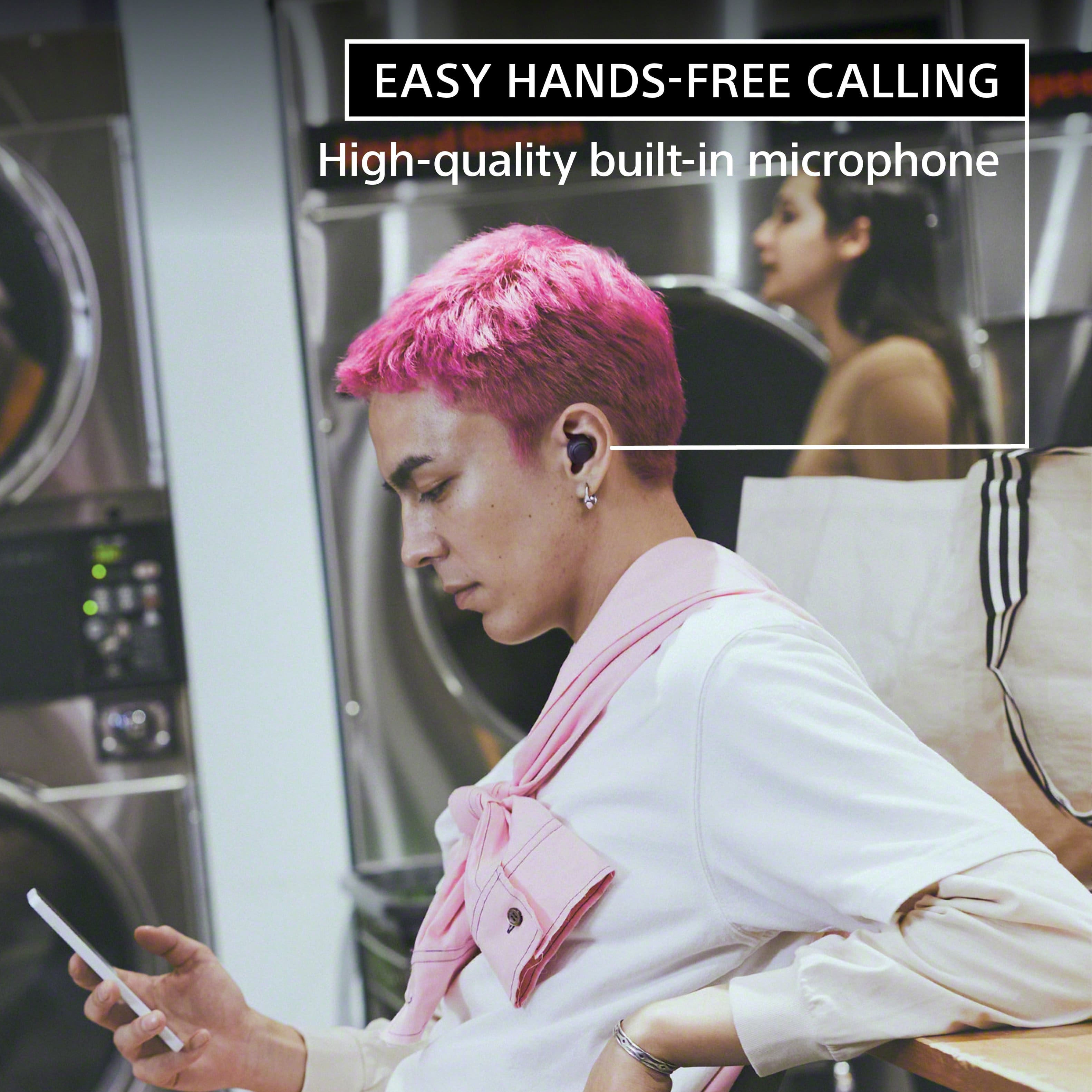
||Posted . Owned for 3 weeks when reviewed.This reviewer received promo considerations or sweepstakes entry for writing a review.Bad quality while on the phone, person on the other side if the line cant understand or hear me properly.
No, I would not recommend this to a friendBrand response from SonyListens
Posted .Hi RogerG,
Thank you for your feedback regarding the WF-C700N headphones. We're sorry to hear that you're experiencing issues with call quality. Here are a few troubleshooting steps that might help resolve the issue:
1. Check Bluetooth Connection:
Ensure that the earbuds are properly connected via Bluetooth. If a connection problem is suspected, try re-pairing the earbuds with your device.
2. Adjust Speaker Settings:
- For Android phones: While on a call, tap the Speaker or Bluetooth icon and select WF-C700N Hands-Free.
- For iPhone/iPad: While on a call, tap the Audio icon and select WF-C700N Hands-Free.
- For Windows computers: Right-click the Speaker icon, go to Sound settings, and set the Headset (WF-C700N Hands-Free) as the default device.
3. Ensure Proper Fit:
The phone call quality may decrease if the earbuds do not fit your ears snugly. Ensure that the earbuds are worn properly and the microphone is not obstructed.
4. Volume and Noise Suppression:
- Increase the volume on the connected device.
- Turn off any noise suppression setting on the app you're using for the call as it might interfere with the earbud’s microphones.
5. Reset and Initialize:
If the problem persists, try resetting the earbuds by placing them back in the charging case, closing the lid, and then removing them after a few seconds. Additionally, you may initialize the earbuds to restore factory settings, which will delete all Bluetooth pairing information and setup anew.
6. Environmental Factors:
Try using the earbuds in a different environment to see if the issue persists. Sometimes, other wireless devices or background noise could interfere with the call quality.
If none of these steps resolve the issue, it is possible that the earbuds may be malfunctioning. We encourage you to reach out to us via email for further assistance. Please include your name, Best Buy username, model number, a description of the issue, and your telephone number in your message to socialsupport@am.sony.com.
Once again, we sincerely apologize for the inconvenience and are committed to helping you. Thank you for choosing Sony.
Best regards,
Gus
Sony
||Posted . Owned for 3 weeks when reviewed.This reviewer received promo considerations or sweepstakes entry for writing a review.They only have 3 functions per side. When talking on phone Calls, they can barely hear me.
No, I would not recommend this to a friendBrand response from SonyListens
Posted .Hi JimmieB,
We regret to hear you are experiencing call issues with the unit and it hasn't performed to your standards. Your feedback is extremely important to us and is very much appreciated. For more on "Controlling the audio device (Bluetooth connection)", please visit this help guide link.
https://helpguide.sony.net/mdr/2968/v1/en/contents/TP1000779848.html
If the function of the button is changed to [Volume Control] on the “Sony | Headphones Connect” app, you can perform the following operations using the button to which the function is assigned.
• Increase the volume: Press the button once during music playback to increase the volume by 1 step.
• Decrease the volume: Press and hold the button during music playback to decrease the volume continuously. Release the button at the desired volume level.
If you cannot hear the other person or the call volume is low during calls/The other person cannot hear you or their call volume is low during calls, you may also find this link helpful: https://helpguide.sony.net/mdr/2968/v1/en/contents/TP1000779964.html
If there is something that we can help you with, please email us at socialsupport@am.sony.com with the following details:
Name:
Best Buy Username:
Model Number:
Issue:
Telephone Number:
Sincerely,
Jess
They suck!
||Posted . Owned for 2 weeks when reviewed.This reviewer received promo considerations or sweepstakes entry for writing a review.They suck! I hated everything about these earbuds. Desperately wanted to return them when they started screwing up for the 3rd time. I missed the return date, so I took them out of my ears and just threw them away. Lol
No, I would not recommend this to a friendBrand response from SonyListens
Posted .Hi HolleyS,
We regret to hear that you are not satisfied with the headphones. Your feedback is extremely important to us and is very much appreciated. We would like to know more about what happened and turn your experience around. Please email us at socialsupport@am.sony.com with the following details:
Name:
Username:
Model Number:
Issue:
Telephone Number:
Sincerely,
-Ralph
Not comforable
||Posted . Owned for 3 months when reviewed.This reviewer received promo considerations or sweepstakes entry for writing a review.Falls out of your ear and can be lost easily. Sound quality was good and easy functionality with iphone.
No, I would not recommend this to a friendHeadphones
||Posted . Owned for 3 weeks when reviewed.This reviewer received promo considerations or sweepstakes entry for writing a review.A little bigger than I thought they would be. But still works pretty good.
I would recommend this to a friendBrand response from SonyListens
Posted .Hi JasmineT,
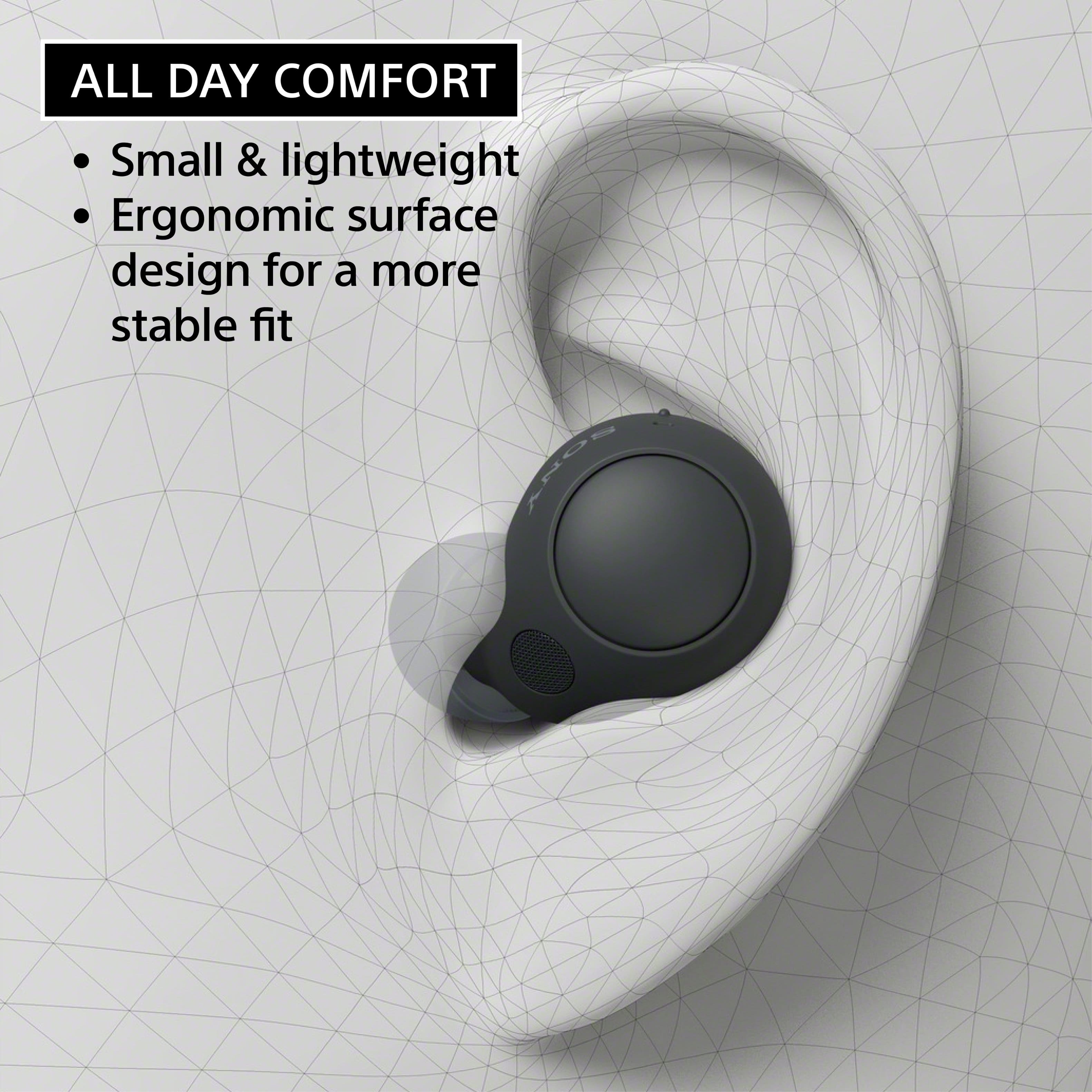
We are glad that you like most of the features of your WF-C700N. We value your feedback regarding the size of the unit. The WF-C700N is designed with comfort in mind. These small, lightweight headphones have an ergonomic surface design for all-day comfort, even for smaller ears so you can focus on your music for as long as you like. A cylindrical charging case makes it easy for you to store your headphones and carry them with you, wherever you go.
We also provide an assortment of earbuds in various sizes to ensure there is a great fit for all ear sizes and an optimal noise-canceling experience. To obtain the correct sound qualities, noise canceling effects, or call performance, make sure the size of the earbud tips does match the size of your ear canals or the headset is worn properly. You may check this link for more details about wearing the headset: https://helpguide.sony.net/mdr/2968/v1/en/contents/TP1000778771.html
If there is something that we can help you with regarding your 2-star rating, we are more than happy to help you out. You can email us at socialsupport@am.sony.com with the following details:
Name:
Best Buy Username:
Model Number:
Issue:
Telephone Number:
Regards,
Jess
Sound like a cheap headphones
||Posted . Owned for 1 week when reviewed.This reviewer received promo considerations or sweepstakes entry for writing a review.Very poor sound quality. I am returning these. Disappointed from Sony
No, I would not recommend this to a friendBrand response from SonyListens
Posted .Hi HumbertoM, We are sorry to hear that the WFC700N did not meet your expectations and had to return the unit. We hope that you consider Sony again in your future purchases.
Regards,
Carl
Very disappointed
||Posted . Owned for 2 weeks when reviewed.This reviewer received promo considerations or sweepstakes entry for writing a review.The sound quality was poor. People I talked to often complain about not being able to hear me. All of the ear replacements were very uncomfortable and made my ears hurt.
No, I would not recommend this to a friendBrand response from SonyListens
Posted .Hi AqilaD,
We regret to hear that you are not satisfied with the headphones. Your feedback is extremely important to us and is very much appreciated. If the size of the earbud tips does not match the size of your ear canals or the headset is not worn properly in your ears, you may not obtain the correct sound qualities, noise canceling effects, call performance, or achieve optimum fit and comfort. If any of this is the case, try the following:
-Change the earbud tips to ones that fit more snugly in your ears. When changing the earbud tips, try the earbud tip sizes in order from the larger ones to the smaller ones. The most suitable size of the earbud tips for left and right ears may be different.
-Check that you are wearing the headset properly in your ears. Wear the headset so that the earbud tip is comfortably situated as deep in the ear canal as possible.
You may also find this link helpful:
https://helpguide.sony.net/mdr/2968/v1/en/contents/TP1000778771.html
Hope this helps. In case you need further assistance, please email us at socialsupport@am.sony.com with the following details:
Name:
Username:
Model Number:
Issue:
Telephone Number:
Or contact our product support team via phone call or chat through this link:
https://us.esupport.sony.com/support/s/support-contact?language=en_US&category=headphones
Sincerely,
-Ralph
Stopped work after 2 weeks
||Posted . Owned for 3 weeks when reviewed.This reviewer received promo considerations or sweepstakes entry for writing a review.like them but the right earbud gave out in 2 weeks. Just past the return date.
No, I would not recommend this to a friendNot a good fit
||Posted . Owned for 2 months when reviewed.This reviewer received promo considerations or sweepstakes entry for writing a review.Buds keep falling out of my ears. Bought replacement to see if that would work. It hasn’t
No, I would not recommend this to a friendBrand response from SonyListens
Posted .Hi Virtualmom, We are sorry to hear that the WF-C700N earbuds keeps on falling off. We'd love to troubleshoot the issue and make this a better listening experience for you. If the size of the earbud tips does not match the size of your ear canals or the headset is not worn properly in your ears, you may not obtain the correct sound qualities, noise canceling effects, or call performance.
If any of this is the case, try the following.
Change the earbud tips to ones that fit more snugly in your ears. When changing the earbud tips, try the earbud tip sizes in order from the larger ones to the smaller ones. The most suitable size of the earbud tips for left and right ears may be different.
Check that you are wearing the headset properly in your ears. Wear the headset so that the earbud tip is comfortably situated as deep in the ear canal as possible.
We recommend following the steps on this Help Guide link:
https://helpguide.sony.net/mdr/2968/v1/en/contents/TP1000778771.html
If you need further assistance with your device, you may reach us at socialsupport@am.sony.com with the following details :
Full Name:
Best Buy Username:
Telephone Number:
Sony Model Number:
Additional Information regarding your experience with the unit:
We are sorry for the inconvenience and hope to speak to you to resolve this matter.
Sincerely,
-Craig
Big mistake
||Posted . Owned for 2 weeks when reviewed.This reviewer received promo considerations or sweepstakes entry for writing a review.Awful. Gave this as a birthday gift for my husband. Big mistake. !st set wouldn't charge. 2nd set the left ear piece quit working after 10 days. 3rd set wouldn't pair with phone. Pure junk!
No, I would not recommend this to a friendBrand response from SonyListens
Posted .Hi MelissaJ,
Thank you for reaching out to us. We're sorry to hear what happened on your headphones. This is definitely not the buying experience we want you to have. All Sony products are manufactured to the highest level of quality control for the specific features for any model before distribution for sale. Please contact your retailer if you suspect any damage or defects with your unit for exchange.
You may also refer to this Help Guide link with troubleshooting steps if you are unable to pair/connect the headphones to your phone: https://helpguide.sony.net/mdr/2968/v1/en/index.html
We'd also like to make sure you are taken care of. May we contact you to help? If so, please email the below information to socialsupport@am.sony.com:
Name:
Best Buy Username:
Telephone Number:
Model Number:
Issue:
We are sorry for the inconvenience and hope to speak to you to resolve this matter. We appreciate you and thanks again for shopping Sony. - Kris
Not the best
||Posted . Owned for 2 months when reviewed.This reviewer received promo considerations or sweepstakes entry for writing a review.They dont stay in my esr and 1 quit working after 2 months
No, I would not recommend this to a friendBrand response from SonyListens
Posted .Hello ValerieN,
Thank you for sharing your feedback on our Sony WFC700N and we regret to hear that your earbuds keep on falling or won't stay for a long time in your ears. We understand that finding the perfect fit can vary from person to person. We recommend trying different ear tip sizes and experimenting with the positioning to achieve a snug fit.
You said that 1 of the buds quit working, we'd like to make sure you are taken care of. May we contact you to help and get more information? If so, please email the below information to socialsupport@am.sony.com. Apologies if you disclosed some of this information in your review and to customer service, we just want to ensure that we have your accurate details at the time of communication.
Full Name:
BBY Username:
Telephone Number:
Model Number:
Additional Information regarding your experience with the WFC700N:
We are sorry for the inconvenience and hope to speak to you to resolve this matter.
Sincerely,
Marco
Bad and cheep
||Posted . Owned for 1 week when reviewed.This reviewer received promo considerations or sweepstakes entry for writing a review.I don’t recommend this, bcs it brings uncomfortable sound to my callers
No, I would not recommend this to a friendBrand response from SonyListens
Posted .Hi TemesgenA, we are sorry to know that you have encountered this issue with your Sony - WF-C700N earbuds, this is not the experience we want you to have, please follow the following steps to take care of the problem: 1- Make sure that earbuds are worn properly, if you feel they may be loose in your ear, try the different ear tips that will fit best. 2- Make sure that the earbuds' microphone and your ear are not in contact with each other. 3- Try speaking louder if you have the noise cancelling feature on, since a quiet voice maybe detected as noise. 4- Reset to factory settings, to do this you need to: Set the headset units into the charging case and leave the charging case lid open. > Press and hold the initialize button on the back of the charging case for about 15 seconds or more. The indicator (blue) on the charging case repeatedly flashes twice in a row, and then the indicator (orange) starts flashing. > Release your finger within 5 seconds after the indicator (orange) on the charging case starts flashing. When the initializing is complete, the indicator (green) on the charging case flashes 4 times.
Reference: https://helpguide.sony.net/mdr/2968/v1/en/contents/TP1000783925.html
https://www.sony.com/electronics/support/articles/00293254?utm_source=glean
If the problem persists or you may need more information, please email the information below to socialsupport@am.sony.com so we can better assist you. Full Name: Username: Telephone Number: Model Number: Issue/Concern: Thanks for choosing Sony, regards. - Dominick
Terrible product
||Posted . Owned for 2 months when reviewed.This reviewer received promo considerations or sweepstakes entry for writing a review.It no longer function after one month. Best Buy does not allow to return
No, I would not recommend this to a friendBrand response from SonyListens
Posted .Hi BudwhiteZ,
Thank you for the review and we're sorry to hear what happened with your headphones. We need more details regarding your issue. For us to better assist you, please email us at socialsupport@am.sony.com with the following details:
Name:
Best Buy Username:
Model Number:
Issue:
Telephone Number:
-David
Unreliable
||Posted . Owned for 2 months when reviewed.This reviewer received promo considerations or sweepstakes entry for writing a review.Charging case stopped taking a charge after a couple months
No, I would not recommend this to a friendBrand response from SonyListens
Posted .Hi MParrot,
We’re sorry to hear that you’re experiencing issues with your Sony WF-C700N charging case. To help resolve this, we recommend following the troubleshooting steps outlined here: helpguide.sony.net/mdr/2968/v1/en/contents/TP1000780016.html.
If the issue persists after troubleshooting, please consider reaching out to Sony Support for further assistance.
You can reach out to our product support team via phone call at 239-245-6354 or chat through this link: https://us.esupport.sony.com/support/s/support-contact?language=en_US
Hours of Operation:
Monday - Friday 9:00 am - 9:00 pm ET
Saturday - Sunday 10:00 am - 8:00 pm ET
We want to ensure you have the best possible experience with your headphones!
Best,
Maria
Sony
||Posted . Owned for 2 weeks when reviewed.This reviewer received promo considerations or sweepstakes entry for writing a review.Really bad product, they worked fined for 2 weeks then they stopped receiving the Bluetooth signal battery dies quick
No, I would not recommend this to a friendBrand response from SonyListens
Posted .Hi ElmerU, thanks for choosing and purchasing our product. We're sorry to hear that you have issues with your SONY unit. For Bluetooth connectivity, please isolate the issue by following this link:
https://helpguide.sony.net/mdr/2968/v1/en/contents/TP1000780045.html
When you have finished using the headset, be sure to set the headset units into the charging case, and close the charging case lid. Please follow this link for more details:
https://helpguide.sony.net/mdr/2968/v1/en/contents/TP1000783897.html
If you require any additional support in regards to this product, please email us at socialsupport@am.sony.com with the following details: Name: Username: Model Number: Issue: Telephone Number:
~Earl