Customer Ratings & Reviews
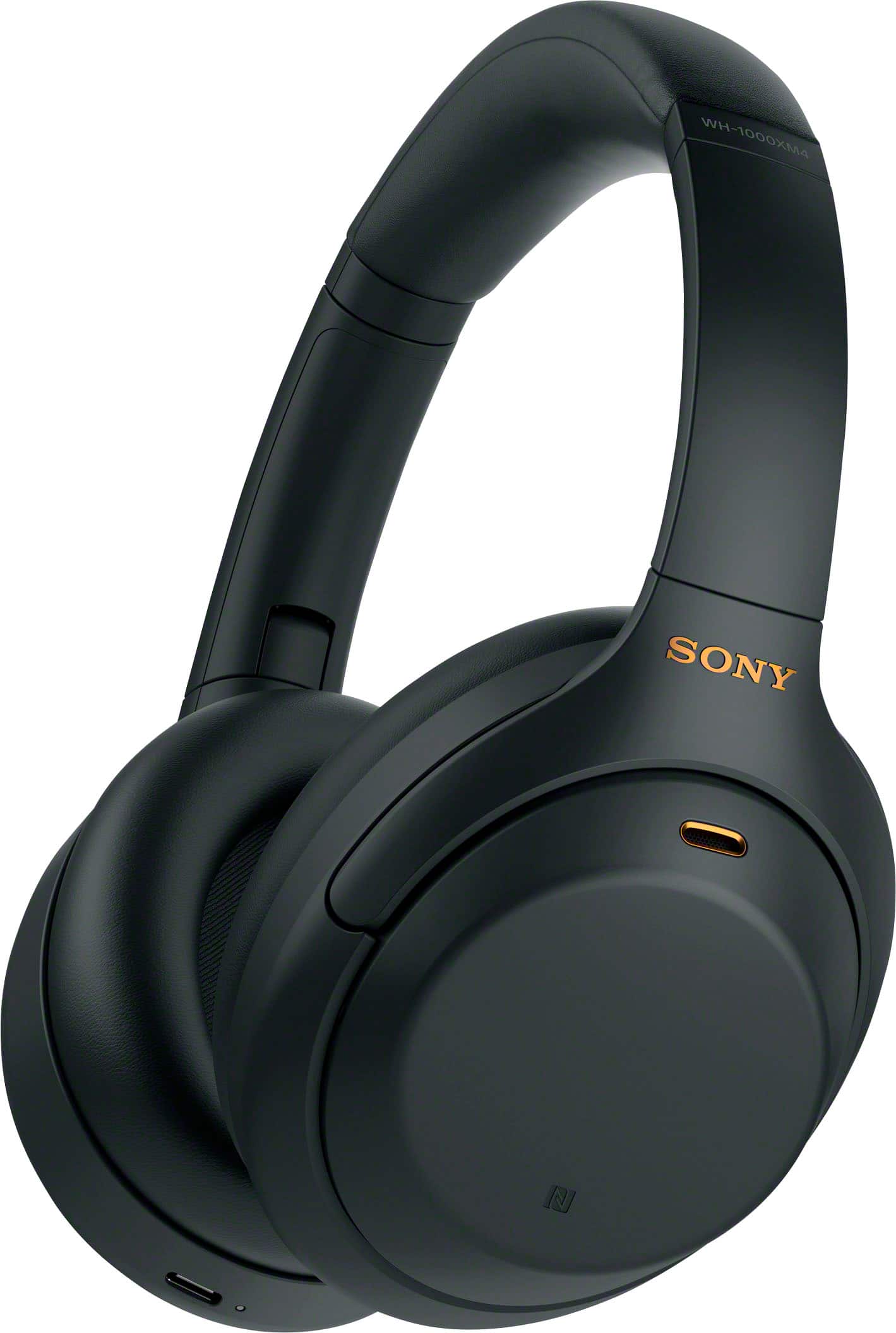
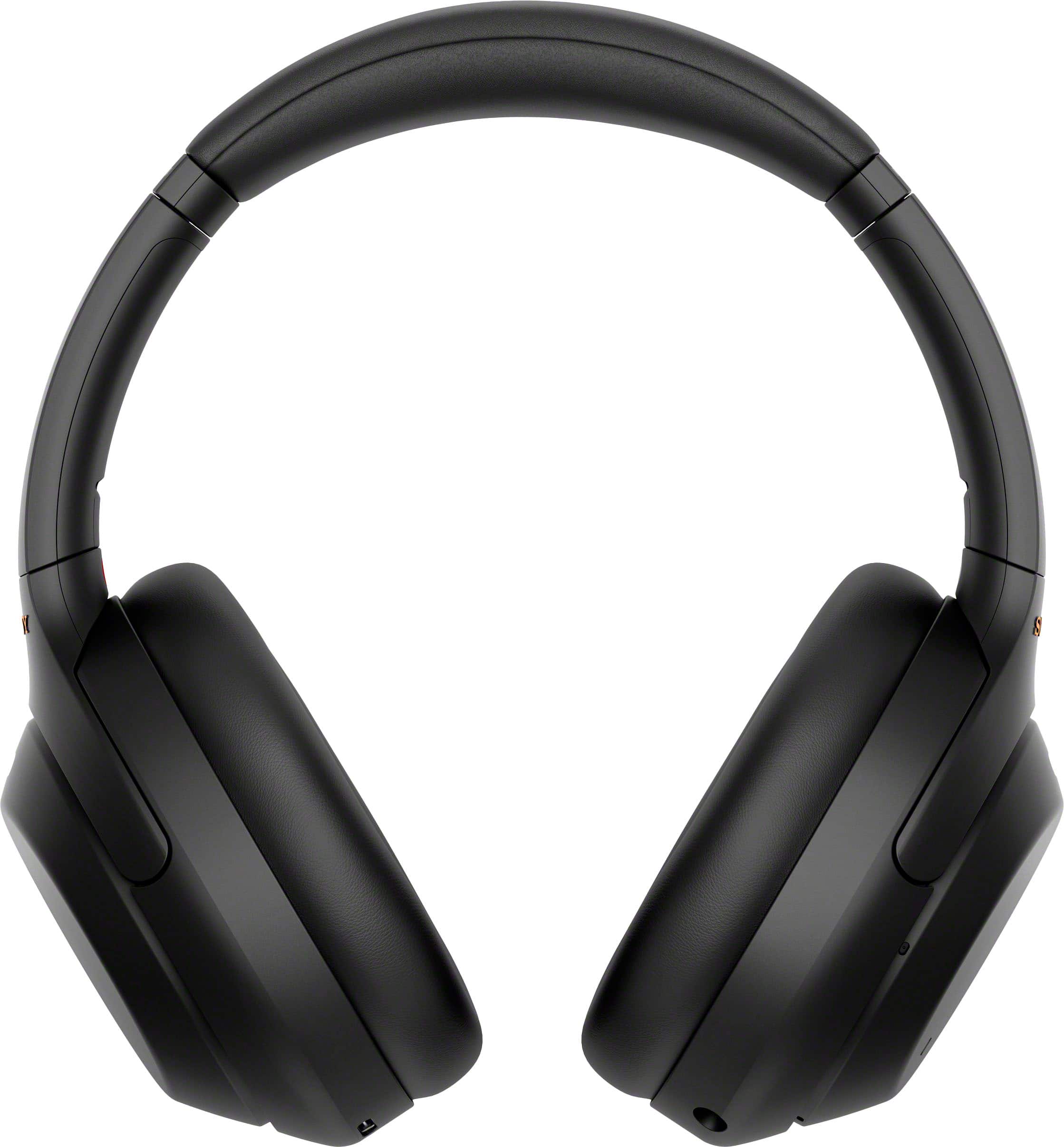
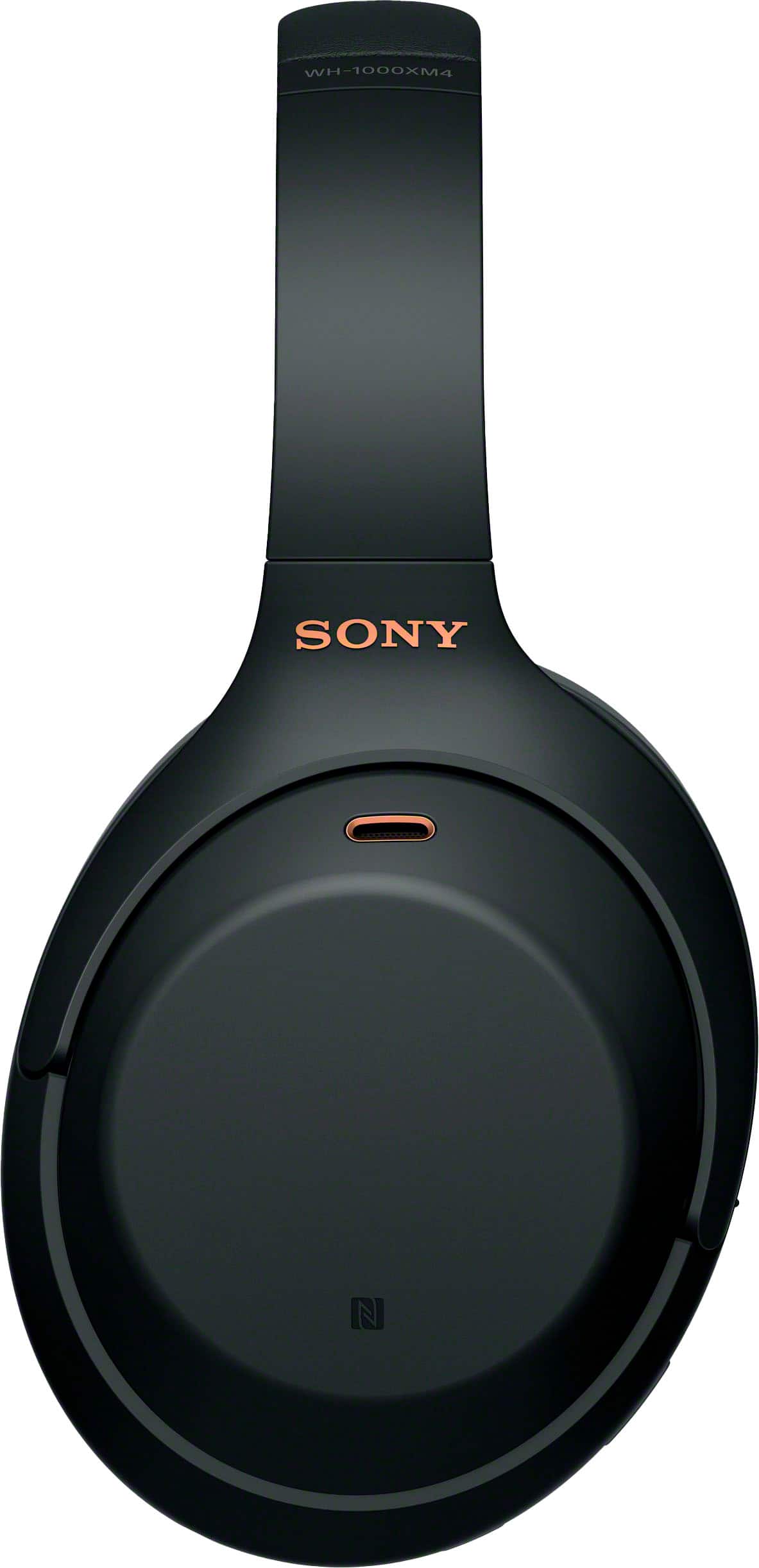
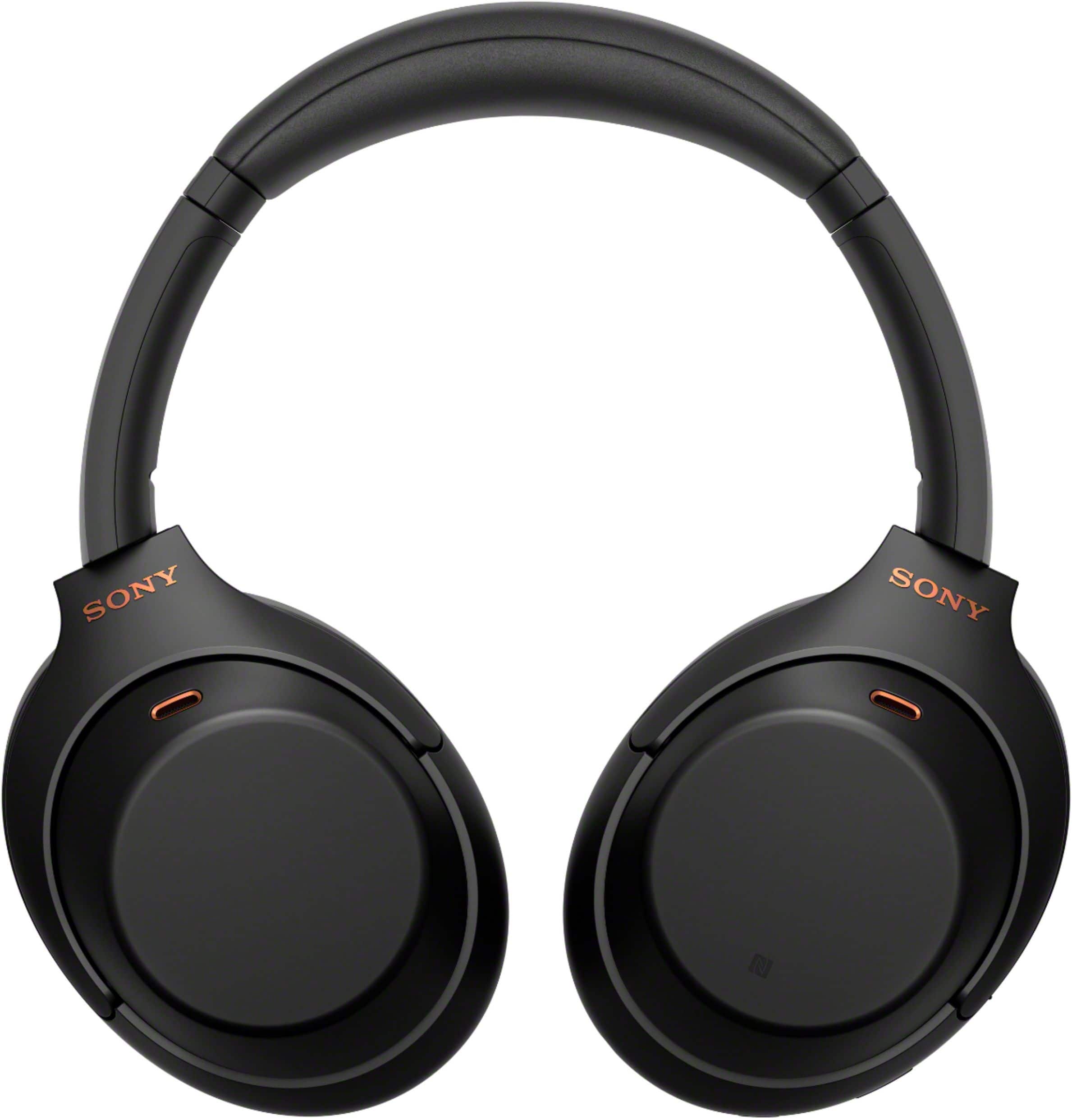
- Model:
- WH1000XM4/B
- SKU:
- 10187751
Rating by feature
- Sound Quality
Rating 4.9 out of 5 stars
- Battery Life
Rating 4.8 out of 5 stars
- Connectivity
Rating 4.7 out of 5 stars
Great headphones
||Posted . Owned for 3 weeks when reviewed.This reviewer received promo considerations or sweepstakes entry for writing a review.Works great! Bought this for my wife as I own the black one.
I would recommend this to a friendBrand response from SonyListens
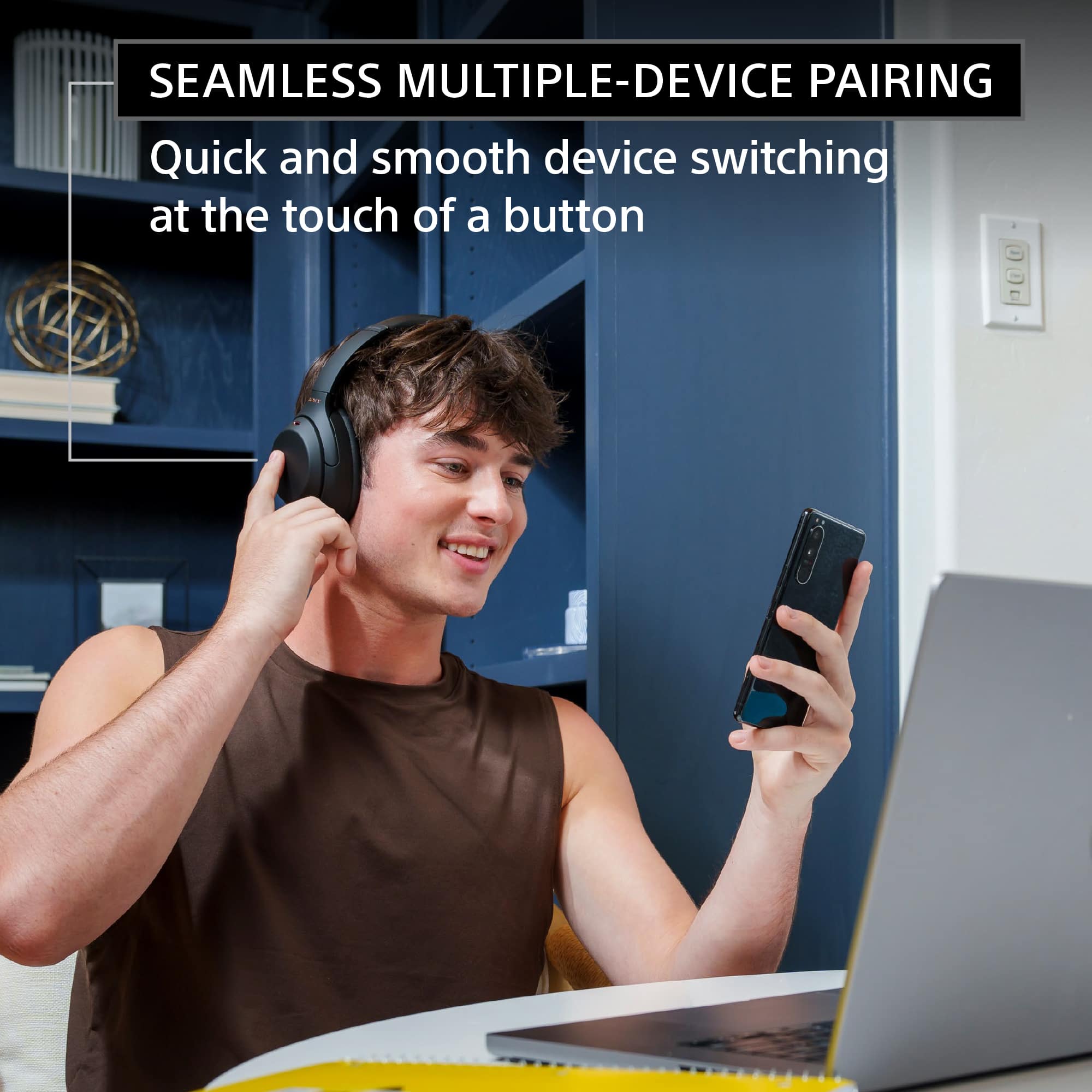
Posted .Hi Boombox, You've made an amazing choice! We're very happy to hear your wife loves her new Sony WH-1000XM4. Intelligent and intuitive, the WH-1000XM4 headphones offer further improvements to our industry-leading noise cancelation, exceptional sound quality, and smart listening that adjusts to your behavior and your location. Using the Sony Headphones Connect app, Ambient Sound Control lets you adjust the volume of background sound and gives you the option to allow voices alone to be heard. Meanwhile, the Equalizer lets you customize sound levels to suit your music. Thanks for choosing Sony! -Sam

So far, so good
||Posted . Owned for 1 month when reviewed.This reviewer received promo considerations or sweepstakes entry for writing a review.My son loves them! Turned out to be a great Christmas gift.
I would recommend this to a friendBrand response from SonyListens
Posted .Hi RoyB, Awesome Gift! We are glad to hear that you are enjoying your WH-1000XM4's sound quality and noise canceling! The WH-1000XM4 is a new design, with intelligent and intuitive Ambient Sound Control features that include improvements to Multipoint connection and our industry-leading Noise Cancelation, exceptional sound quality, and Smart Listening that adjusts to your behavior and location. If you haven't already, please check our Sony Headphones Connect app which will let you fine-tune your music to your liking! Thank you for choosing Sony! -Carl
DONT BUY.
||Posted . Owned for 1 year when reviewed.This reviewer received promo considerations or sweepstakes entry for writing a review.Dont buy. I used these for 3 months before the hinge on one side broke. went to geek squad and they tried to make me pay almost what I bought it for just to repair them. the entire hinge/swivel system eventually broke like I thought it would and they won't help me. headphones are now unusable. not covered by sony either.
No, I would not recommend this to a friendBrand response from SonyListens
Posted .Hi FrequentBuyer, We are sorry to hear about what happened with your Sony WH-1000XM4. This is definitely not the customer experience we want you to have. May we contact you to help and get more information? If so, please email the below information to socialsupport@am.sony.com. Apologies if you disclosed some of this information in your review and to customer service, we just want to ensure that we have your accurate details at the time of communication.
Case ID:
Full Name:
Best Buy Username:
Telephone Number:
Sony Model Number:
Additional Information regarding your experience with the WH1000XM4:
We are sorry for the inconvenience and hope to speak to you to resolve this matter.
Sincerely,
Sam
Amazing
||Posted . Owned for 1 week when reviewed.This reviewer received promo considerations or sweepstakes entry for writing a review.Best bang for your Buck without a doubt. You won’t regret it
I would recommend this to a friendBrand response from SonyListens
Posted .Hi dbalty, Awesome! We are so glad to hear that you are happy with your purchase! The WH-1000XM4 is a new design, with intelligent and intuitive Ambient Sound Control features that include improvements to Multipoint connection and our industry-leading Noise Cancelation, exceptional sound quality, and Smart Listening that adjusts to your behavior and location. If you haven't already, please check our Sony Headphones Connect app which will let you fine-tune your music to your liking! Thank you for choosing Sony! -Carl
good headphones
||Posted . Owned for 2 weeks when reviewed.This reviewer received promo considerations or sweepstakes entry for writing a review.it was good but lacking on sound but overall amazing product
I would recommend this to a friendBrand response from SonyListens
Posted .Hi synn, We're happy to hear this feedback! To ensure optimal listening experience, fine-tune it using the EQ settings in the Sony Headphones Connect App. For additional steps, please refer to the link below: https://helpguide.sony.net/mdr/wh1000xm4/v1/en/contents/TP0002752820.html
Intelligent and intuitive, the WH-1000XM4 headphones offer further improvements to our industry-leading noise cancelation, exceptional sound quality, and smart listening that adjusts to your behavior and your location. Using the Sony Headphones Connect app, Ambient Sound Control lets you adjust the volume of background sound and gives you the option to allow voices alone to be heard. Meanwhile, the Equalizer lets you customize sound levels to suit your music. Thanks for choosing Sony! -Sam
Ahead of its time
||Posted . Owned for 1 month when reviewed.This reviewer received promo considerations or sweepstakes entry for writing a review.Still better than newer headphones when it comes to features
I would recommend this to a friendBrand response from SonyListens
Posted .Hi Kulaid, Awesome! We are so glad to hear that you are enjoying your new WH-1000XM4 headphones! The WH-1000XM4 is a new design, with intelligent and intuitive Ambient Sound Control features that include improvements to Multipoint connection and our industry-leading Noise Cancelation, exceptional sound quality, and Smart Listening that adjusts to your behavior and location. If you haven't already, please check our Sony Headphones Connect app which will let you fine-tune your music to your liking! Thank you for choosing Sony! -Carl
Love Sony
||Posted . Owned for 1 week when reviewed.This reviewer received promo considerations or sweepstakes entry for writing a review.Love my Sony Headphones! I got the blue and love the color!
I would recommend this to a friendBrand response from SonyListens
Posted .Hi Jeanne, Awesome! We are so glad to hear that you are happy with your purchase! The WH-1000XM4 is a new design, with intelligent and intuitive Ambient Sound Control features that include improvements to Multipoint connection and our industry-leading Noise Cancelation, exceptional sound quality, and Smart Listening that adjusts to your behavior and location. If you haven't already, please check our Sony Headphones Connect app which will let you fine-tune your music to your liking! Thank you for choosing Sony! -Carl
Poor noise cancellation. Not worth the price.
||Posted . Owned for 2 weeks when reviewed.This reviewer received promo considerations or sweepstakes entry for writing a review.Noise cancellation is a joke. Bought these mainly for noise cancellation. Troubleshooting guide says, it does not cut any noise for people talking / human voices in the background or anything other than low frequency sounds (such as airplane engine..). Not how it is advertised... Practically unusable in a noisy environment.
No, I would not recommend this to a friendBrand response from SonyListens
Posted .Hi ABREVIEW,
We're sorry to hear if the noise canceling features of the WH1000XM4 did not live up to your expectations. We understand your needs in using this feature. Allow us to help make this a better experience.
If the effect of the noise canceling is not effective, please check the following:
Make sure that the noise canceling function is turned on.
Adjust the headset into a comfortable position.
The noise canceling function is effective in low frequency ranges such as airplanes, trains, offices, near air-conditioning, and is not as effective for higher frequencies, such as human voices.
Check that the Adaptive Sound Control is turned off.
Check the setting of the Adaptive Sound Control on the “Sony | Headphones Connect” app. When the Adaptive Sound Control is turned on, the noise canceling function may become insufficient.
With the “Sony | Headphones Connect” app, check the setting of [Ambient Sound Control]. If it is set to [Wind Noise Reduction] or [Ambient Sound], the effect of noise canceling is reduced. Set it to the noise canceling mode.
Disable Speak-to-Chat, and check whether the situation has improved.
Check with the “Sony | Headphones Connect” app whether the function of the CUSTOM button is set to [Ambient Sound Control].
You may refer to this Help Guide link on using the noise canceling function:
https://helpguide.sony.net/mdr/wh1000xm4/v1/en/contents/TP0002752740.html
May we contact you to help? If so, please email the below information to socialsupport@am.sony.com:
Name:
Best Buy Username:
Telephone Number:
Model Number:
Issue:
We are sorry for the inconvenience and hope to speak to you to resolve this matter. - Kris
Exceptional Headphones!
||Posted . Owned for 1 year when reviewed.This reviewer received promo considerations or sweepstakes entry for writing a review.The online order and pickup were completed without issue!
I would recommend this to a friendBrand response from SonyListens
Posted .Hi NAD831, Thank you for the 5-star rating! Good to know you had an amazing shopping experience. Intelligent and intuitive, the WH-1000XM4 headphones offer further improvements to our industry-leading noise cancelation, exceptional sound quality, and smart listening that adjusts to your behavior and your location. Using the Sony Headphones Connect app, Ambient Sound Control lets you adjust the volume of background sound and gives you the option to allow voices alone to be heard. Meanwhile, the Equalizer lets you customize sound levels to suit your music. Thanks for choosing Sony! -Sam
- Pros mentioned:Battery life, Comfort, Sound quality
Excellent Value
Posted .This reviewer received promo considerations or sweepstakes entry for writing a review.Comfortable, great sound, great battery life. Bought these to replace Beats, very comparable
I would recommend this to a friendBrand response from SonyListens
Posted .Thank you for the fantastic review, AngelaS!
We are so pleased to hear that your WH-1000XM4 is delivering the comfort, sound, and battery life you were looking for. It’s wonderful to know they’ve earned a spot as your new go-to headphones!
Thank you for choosing Sony!
Best regards,
Gus, Sony Social Media Team
Best sounding Headphones
||Posted . Owned for 2 weeks when reviewed.This reviewer received promo considerations or sweepstakes entry for writing a review.Bought these as a gift for my GirlFriend & she loves them
I would recommend this to a friendBrand response from SonyListens
Posted .Hi RickyLSX, Awesome gift! We are glad to hear that she is enjoying her new WH-1000XM4! The WH-1000XM4 is a new design, with intelligent and intuitive Ambient Sound Control features that include improvements to Multipoint connection and our industry-leading Noise Cancelation, exceptional sound quality, and Smart Listening that adjusts to your behavior and location. If you haven't already, please check our Sony Headphones Connect app which will let you fine-tune your music to your liking! Thank you for choosing Sony! -Carl
Mr.
||Posted . Owned for 1 month when reviewed.This reviewer received promo considerations or sweepstakes entry for writing a review.love them! And we got a great deal as they were on sale!
I would recommend this to a friendBrand response from SonyListens
Posted .Hi BrianH, Fantastic! We're very happy to hear you got a great deal. Intelligent and intuitive, the WH-1000XM4 headphones offer further improvements to our industry-leading noise cancelation, exceptional sound quality, and smart listening that adjusts to your behavior and your location. Using the Sony Headphones Connect app, Ambient Sound Control lets you adjust the volume of background sound and gives you the option to allow voices alone to be heard. Meanwhile, the Equalizer lets you customize sound levels to suit your music. Thanks for choosing Sony! -Sam
Great noise canceling
||Posted . Owned for 3 weeks when reviewed.This reviewer received promo considerations or sweepstakes entry for writing a review.These headphones are great. This is my 22nd pair. The only issue was that one of the ear parts came loose and couldn't be repaired
I would recommend this to a friendBrand response from SonyListens
Posted .Hi Immom, Awesome! We are glad to hear that you are enjoying your new WH-1000XM4! The WH-1000XM4 is a new design, with intelligent and intuitive Ambient Sound Control features that include improvements to Multipoint connection and our industry-leading Noise Cancelation, exceptional sound quality, and Smart Listening that adjusts to your behavior and location. If you haven't already, please check our Sony Headphones Connect app which will let you fine-tune your music to your liking! Thank you for choosing Sony! -Carl
Perfect
||Posted . Owned for 3 weeks when reviewed.This reviewer received promo considerations or sweepstakes entry for writing a review.Best headphones ive spent money on, sony top of the line
I would recommend this to a friendBrand response from SonyListens
Posted .Hi Hudman,
You made the right choice with the Sony WH1000XM4! Intelligent and intuitive, the WH-1000XM4 headphones offer further improvements to our industry-leading noise cancelation, exceptional sound quality, and smart listening that adjusts to your behavior and your location. Using the Sony Headphones Connect app, Ambient Sound Control lets you adjust the volume of background sound and gives you the option to allow voices alone to be heard. Meanwhile, the Equalizer lets you customize sound levels to suit your music. Thanks for choosing Sony!
-Ralph
Static noise prevalent - BestBuy and Sony IGNORE
||Posted . Owned for 2 months when reviewed.This reviewer received promo considerations or sweepstakes entry for writing a review.Static noise in one ear cup and literally no response from Best Buy or Sony Customer Service. For a premium headphone, this is really disappointing and turns me off to both Best Buy and Sony.
No, I would not recommend this to a friendBrand response from SonyListens
Posted .Hi there, we regret to hear that you are having issues with the WH-1000XM4 Headphones. We'd love to troubleshoot this and make this a better experience for you. First, please make sure that the headphones are up to date as this will improve the overall performance of the headphones. You may use the Headphones Connect app to update the WH-1000XM4 Headphones. Resetting and Initializing the headphones will also help on resolving the issue.
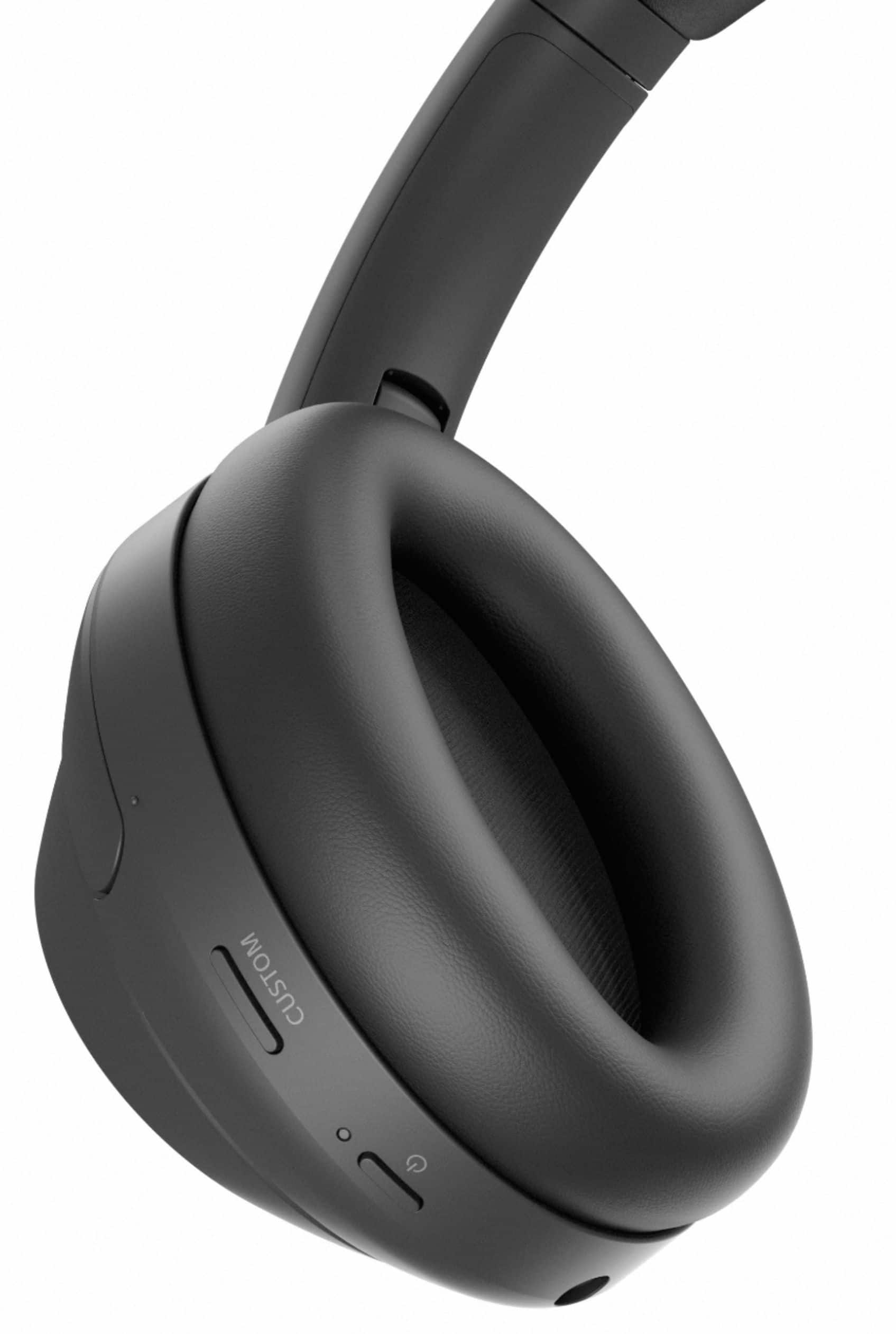
To reset, press both the (power) button and the CUSTOM button simultaneously while charging. The headset will be reset. The device registration (pairing) information is not deleted. If the issue still occurs, please initialize the headphones.
To initialize, turn off the headset while the USB Type-C cable is disconnected and then press and hold the (power) button and the CUSTOM button simultaneously for 7 seconds or more. The indicator (blue) flashes 4 times, and the headset is initialized. This operation resets volume settings, etc. to the factory settings, and deletes all pairing information. In this case, delete the pairing information for the headset from the device and then pair them again.
Should you need further assistance, please let us know.
May we contact you to help? If so, please email the below information to [email protected].
Apologies if you disclosed some of this information in your review and to customer service, we just want to ensure that we have your accurate details at the time of communication.
Full Name:
Best Buy Username:
Telephone Number:
Sony Headphones Model Number:
Additional Information regarding your experience with the WH1000XM4.
We are sorry for the inconvenience and hope to speak to you to resolve this matter.
Sincerely,
Carl
Perfect for Intended Use
||Posted . Owned for 1 month when reviewed.This reviewer received promo considerations or sweepstakes entry for writing a review.These are great headphones for just about anyone. 10/10
I would recommend this to a friendBrand response from SonyListens
Posted .Hi knight, Awesome! We are glad to hear that you are happy with your new WH-1000XM4! The WH-1000XM4 is a new design, with intelligent and intuitive Ambient Sound Control features that include improvements to Multipoint connection and our industry-leading Noise Cancelation, exceptional sound quality, and Smart Listening that adjusts to your behavior and location. If you haven't already, please check our Sony Headphones Connect app which will let you fine-tune your music to your liking! Thank you for choosing Sony! -Carl
- Pros mentioned:Battery life, Comfort, Sound quality
You should buy these headphones!!!
Posted .This reviewer received promo considerations or sweepstakes entry for writing a review.I love these headphones for the sound quality and long-lasting battery life but in my opinion, the noise-canceling feature can't be fully turned off, only lowered, and that can interfere with hearing people or noises around you (but that can be great sometimes!). However, it comes with an app to manage the headphones and I think that makes the listening experience so much more personalized and adaptive! Also, these headsets can connect to more than one device (but can only play audio from one device at a time) and are extremely comfortable so if you're considering buying Bluetooth, noise-canceling headphones that are great for listening to music or tuning out the rest of the world, these are probably the best you will get!
I would recommend this to a friendBrand response from SonyListens
Posted .Hi user558650, we're glad you like our product! Thanks for choosing Sony. ~Earl
sucks
||Posted . Owned for 3 weeks when reviewed.This reviewer received promo considerations or sweepstakes entry for writing a review.terrible. airpods pro are way better and cheaper and dont fall off your head
No, I would not recommend this to a friendBrand response from SonyListens
Posted .Hi JakobM, we're genuinely sorry to hear that the Sony - WH1000XM4 headphones did not deliver the experience you we're hoping for. We understand how important comfort and value are when choosing headphones, and we appreciate your honest comparison. Your feedback has been noted and will be shared with our team as we continue to refine our products. Thank you for considering Sony products! Best regards, -Dominick
Sony Headphones
||Posted . Owned for 3 weeks when reviewed.This reviewer received promo considerations or sweepstakes entry for writing a review.Great wireless headphones. They are Sony enough said.
I would recommend this to a friendBrand response from SonyListens
Posted .Hi Junie, Awesome! We are glad to hear that you are enjoying your new WH-1000XM4! The WH-1000XM4 is a new design, with intelligent and intuitive Ambient Sound Control features that include improvements to Multipoint connection and our industry-leading Noise Cancelation, exceptional sound quality, and Smart Listening that adjusts to your behavior and location. If you haven't already, please check our Sony Headphones Connect app which will let you fine-tune your music to your liking! Thank you for choosing Sony! -Carl
no driver found
||Posted . Owned for 5 months when reviewed.This reviewer received promo considerations or sweepstakes entry for writing a review.For a period of time these worked really well. Then, they stopped working. I tried reinstalling them to no avail. I kept getting the message: "no driver found". Sony doesn't provide drivers on their website and apparently has removed them from Windows update for Win7-64. So, I now have some really good sound deadening earmuffs. This is the last Sony product I will buy. Any manufacturer that does not provide drivers is off of my list.
No, I would not recommend this to a friendBrand response from SonyListens
Posted .Hi DriverlessInWashington,
We do apologize for the inconvenience. The headphones mainly works with windows 8 to 10. For us to better assist you, please email us at socialsupport@am.sony.com with the following details:
Name:
Best Buy Username:
Model Number:
Issue:
Telephone Number:
Regards,
David