Customer Ratings & Reviews
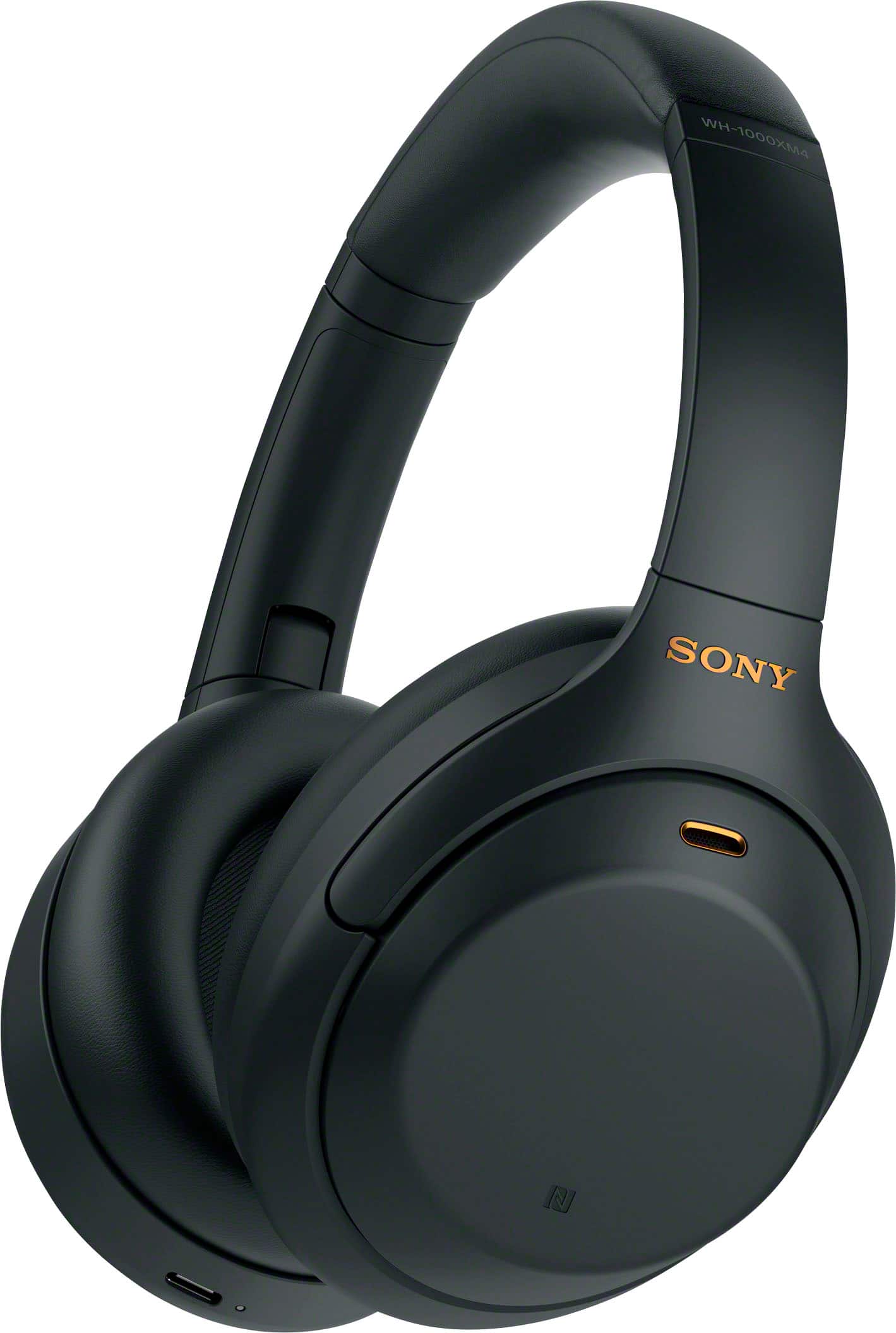
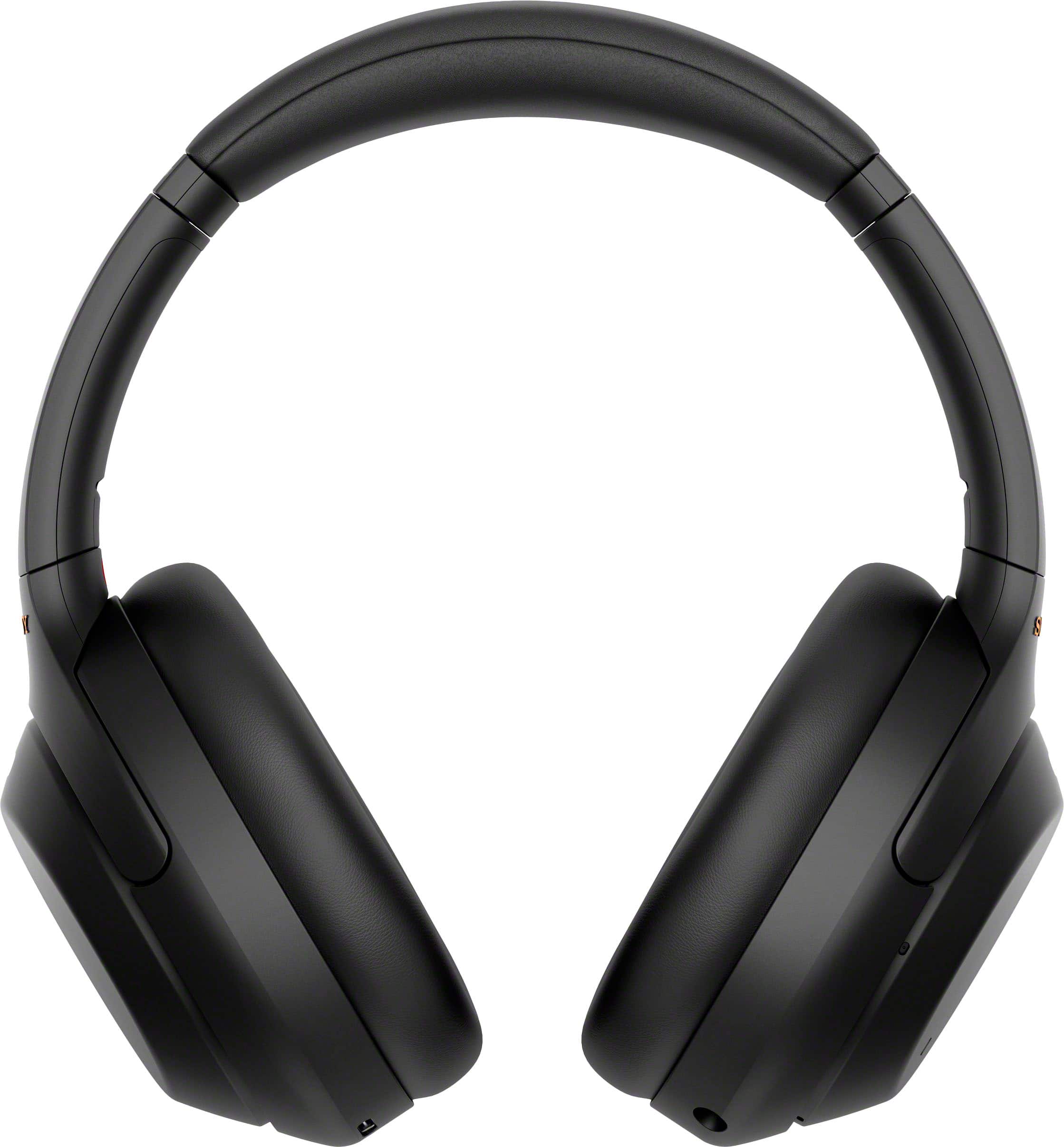
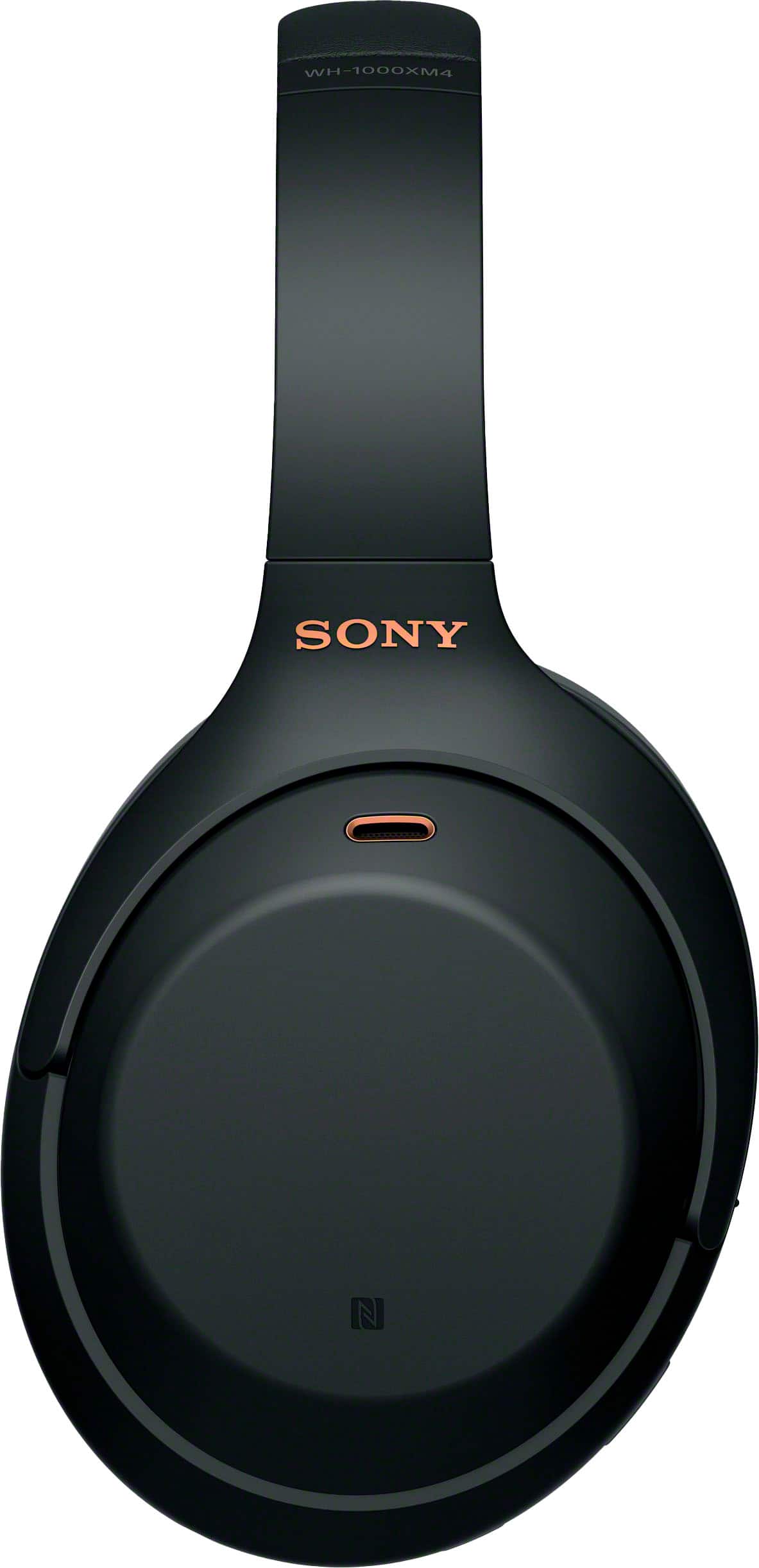
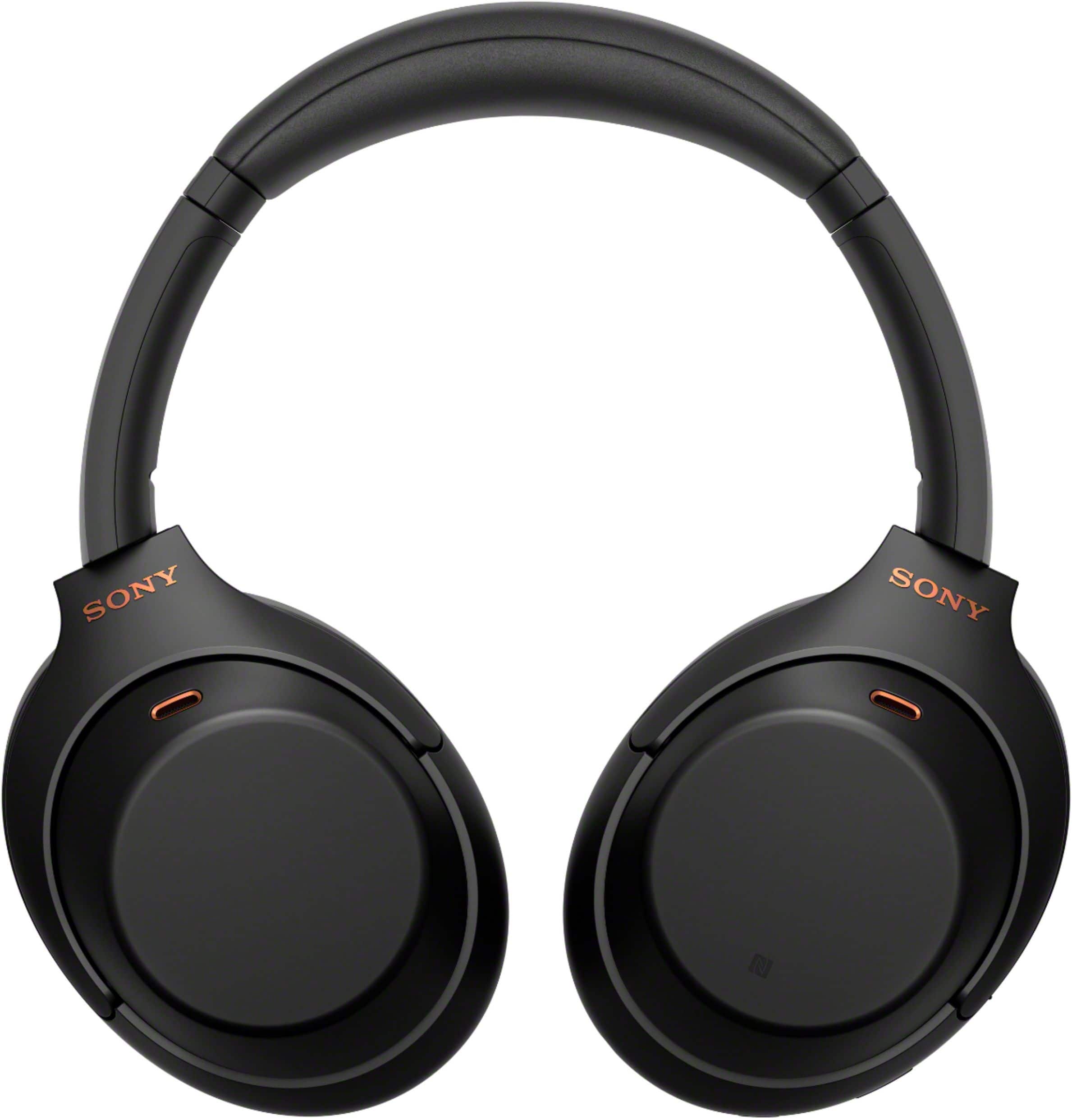
- Model:
- WH1000XM4/B
- SKU:
- 10187751
Rating by feature
- Sound Quality
Rating 4.9 out of 5 stars
- Battery Life
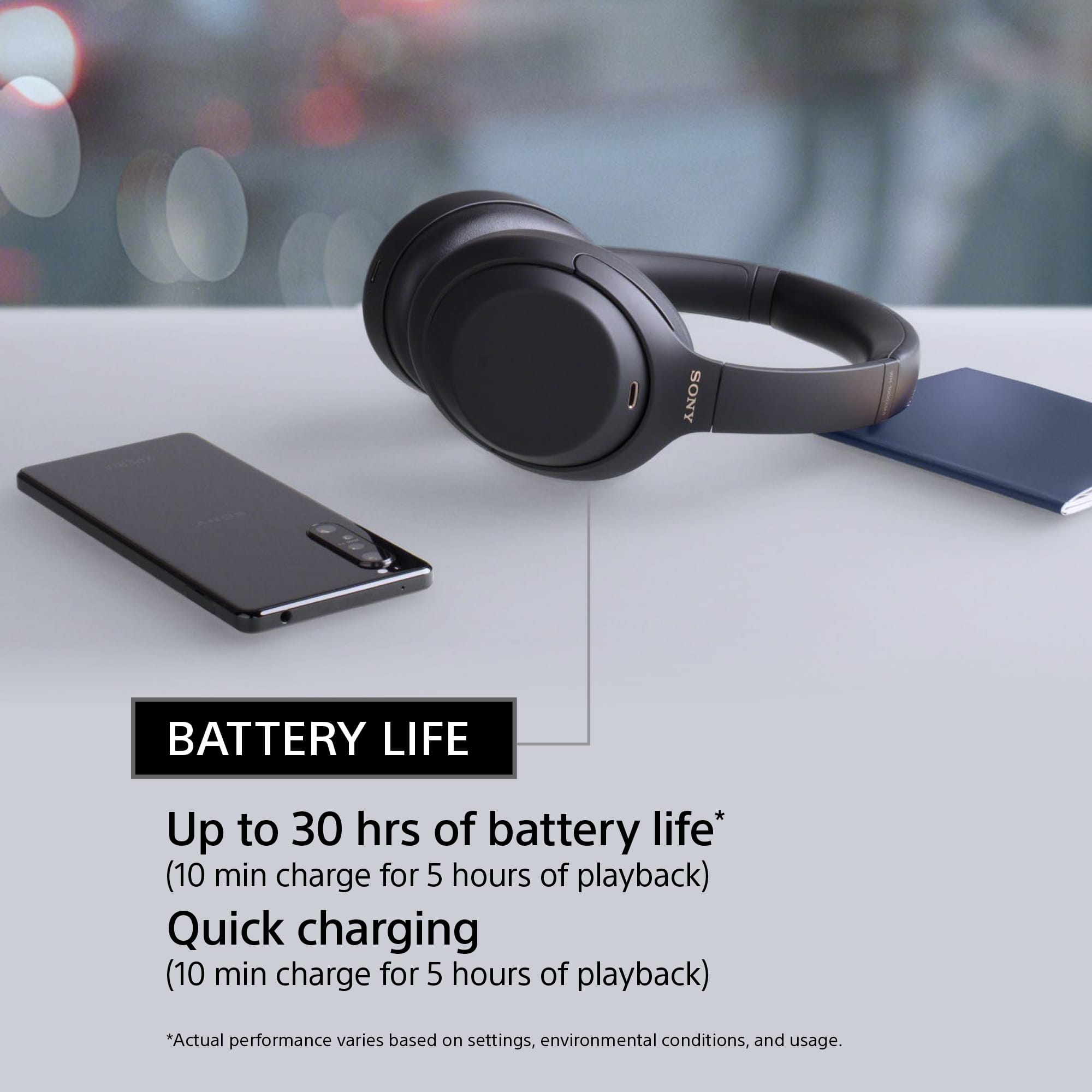
Rating 4.8 out of 5 stars
- Connectivity
Rating 4.7 out of 5 stars
A must buy.
||Posted . Owned for 1 month when reviewed.This reviewer received promo considerations or sweepstakes entry for writing a review.EXCELLENT. Great price. The best headset for travel.
I would recommend this to a friendBrand response from SonyListens
Posted .Hi Obrienciny, We're very grateful for this positive feedback! We're glad to hear you feel that the WH-1000XM4 is worth its price. Intelligent and intuitive, the WH-1000XM4 headphones offer further improvements to our industry-leading noise cancelation, exceptional sound quality, and smart listening that adjusts to your behavior and your location. Using the Sony Headphones Connect app, Ambient Sound Control lets you adjust the volume of background sound and gives you the option to allow voices alone to be heard. Meanwhile, the Equalizer lets you customize sound levels to suit your music. Thanks for choosing Sony! -Sam

Sony WH1000XM4
||Posted . Owned for 1 month when reviewed.This reviewer received promo considerations or sweepstakes entry for writing a review.This is upgraded to my first SONY WH-1000XM1 LOVE IT
I would recommend this to a friendBrand response from SonyListens
Posted .Hi DenskyT, Thank you for upgrading to your new Sony WH-1000XM4! Intelligent and intuitive, the WH-1000XM4 headphones offer further improvements to our industry-leading noise cancelation, exceptional sound quality, and smart listening that adjusts to your behavior and your location. Using the Sony Headphones Connect app, Ambient Sound Control lets you adjust the volume of background sound and gives you the option to allow voices alone to be heard. Meanwhile, the Equalizer lets you customize sound levels to suit your music. Thanks for choosing Sony! -Sam
Disappointed.
||Posted . Owned for 1 week when reviewed.This reviewer received promo considerations or sweepstakes entry for writing a review.Disappointed. Replaced my wired Bose but may bring those back. Low hum. Adaptive sound reduction does not improve sound. Can hear external noise on the plane. May return.
No, I would not recommend this to a friendBrand response from SonyListens
Posted .Hi GuestHouse,
We regret to hear that you are already looking to return the headphones. Make sure to update the software version of the headphones (via the Sony Headphones Connect app) for optimum performance. The noise canceling function is effective in low-frequency ranges such as airplanes, trains, offices, near air-conditioning, and is not as effective for higher frequencies, such as human voices.
These steps may also help improve your experience with the noise canceling function:
-Make sure that the noise canceling function is turned on.
-Adjust the headset into a comfortable position.
-Check that the Adaptive Sound Control is turned off. Check the setting of the Adaptive Sound Control on the “Sony | Headphones Connect” app. When the Adaptive Sound Control is turned on, the noise canceling function may become insufficient.
-With the “Sony | Headphones Connect” app, check the setting of [Ambient Sound Control]. If it is set to [Wind Noise Reduction] or [Ambient Sound], the effect of noise canceling is reduced. Set it to the noise canceling mode.
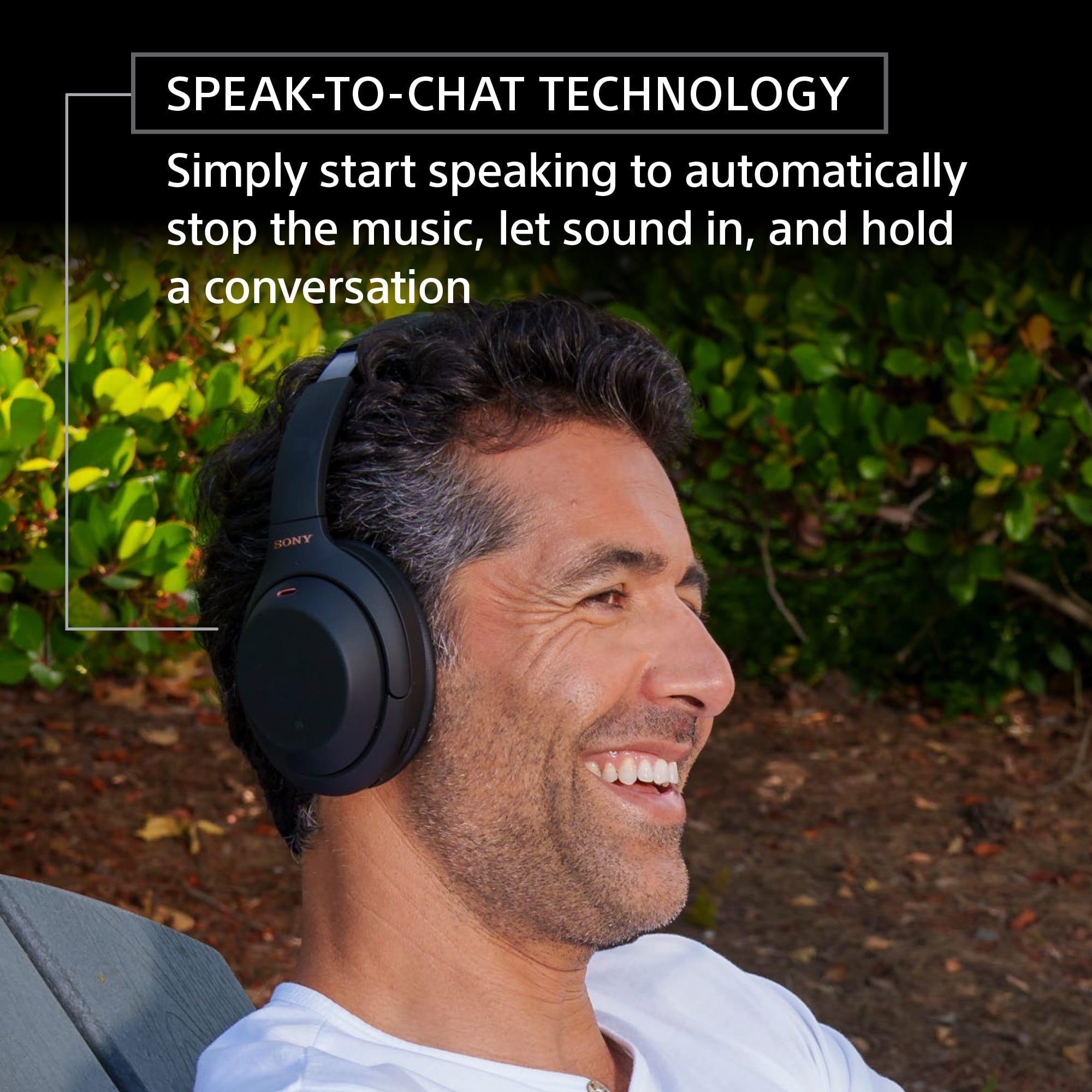
-Disable Speak-to-Chat, and check whether the situation has improved.
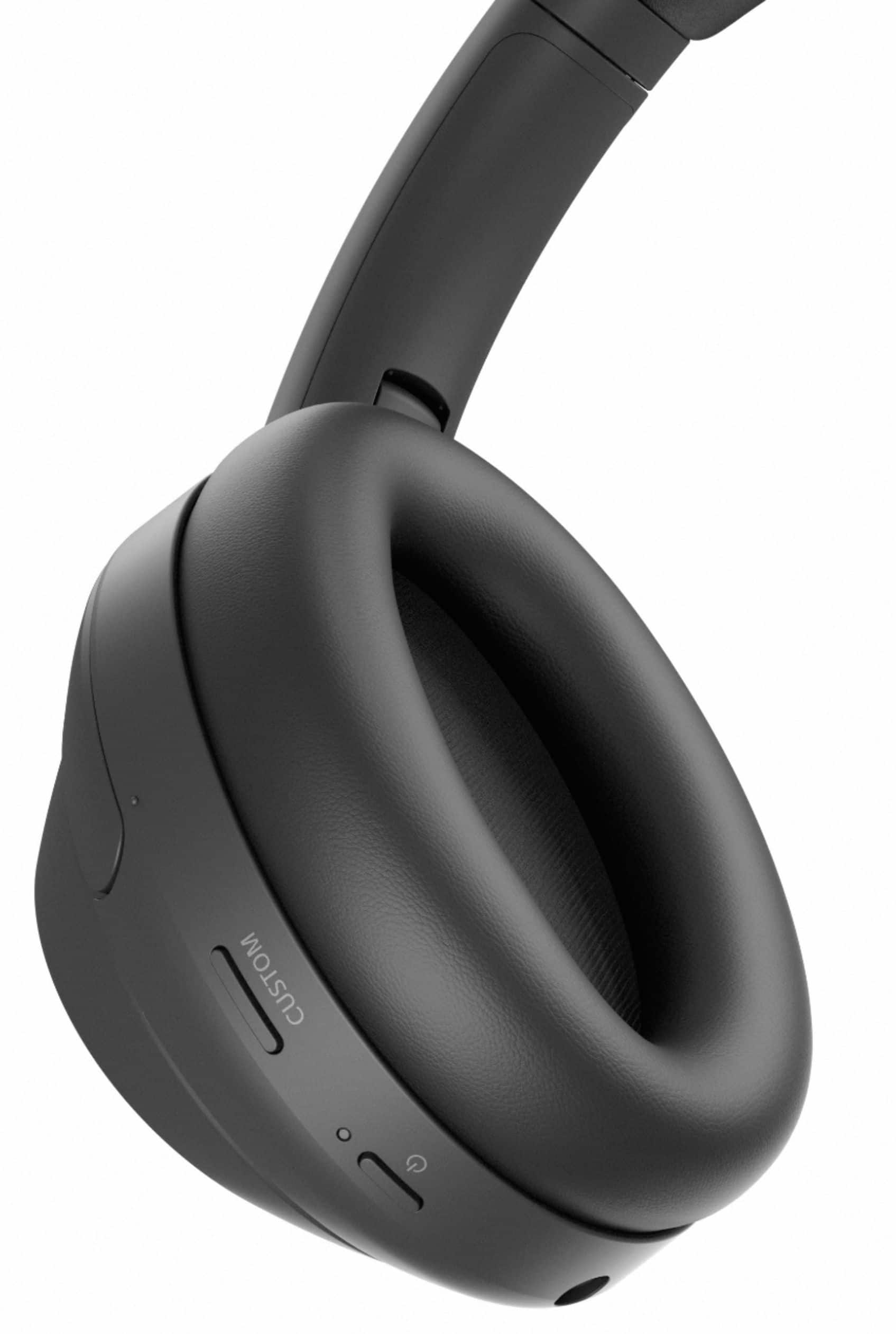
-Check with the “Sony | Headphones Connect” app whether the function of the CUSTOM button is set to [Ambient Sound Control].
In case you need further assistance, please email the below information to socialsupport@am.sony.com:
Full Name:
Best Buy Username:
Telephone Number:
Sony Headphones Model Number:
Additional Information regarding your experience with the WH1000XM4.
Sincerely,
-Ralph
Disappointed
||Posted . Owned for 1 month when reviewed.This reviewer received promo considerations or sweepstakes entry for writing a review.The right side did not work the first day and I tried factory resetting and it still did not work and I was about to return it and I tried it again the next day, it worked then. 3 weeks later the right side sound stopped completely. The touch works but no sound is coming out of it and I tried everything but nothing seems to work :(
No, I would not recommend this to a friendNo mute button, worthless for Work from Home
||Posted . Owned for 3 weeks when reviewed.This reviewer received promo considerations or sweepstakes entry for writing a review.No mute button on the headset, worthless for Work from Home. I returned for this reason alone, as much as I didn’t want to. Everything else was excellent.
No, I would not recommend this to a friendBrand response from SonyListens
Posted .Hi Babul,
While we are glad to hear that you are happy with the overall performance of the WH-1000XM4, we are sorry to hear that it had to be returned. We understand where you are coming from. Your feedback about a mute function is greatly appreciated. For this, please use your source device or the app that you are using for the mute function.
We hope that you consider Sony again in the future.
Regards,
Carl
Love !
||Posted . Owned for 1 month when reviewed.This reviewer received promo considerations or sweepstakes entry for writing a review.Much better than Bose says my husband. Great value.
I would recommend this to a friendBrand response from SonyListens
Posted .Hi BrianM, Awesome! We are glad to hear that you are happy with your new headphones! The WH-1000XM4 is a new design, with intelligent and intuitive Ambient Sound Control features that include improvements to Multipoint connection and our industry-leading Noise Cancelation, exceptional sound quality, and Smart Listening that adjusts to your behavior and location. If you haven't already, please check our Sony Headphones Connect app which will let you fine-tune your music to your liking! Thank you for choosing Sony! -Carl
Delivery
||Posted . Owned for less than 1 week when reviewed.This reviewer received promo considerations or sweepstakes entry for writing a review.Its a shame that Best Buy promise me that I will get the product next day, July 18) now they sent me an email saying the product will be here on augoust 1 , rhis is not the fieta time that I have rhe same prblem with best buy culver city!!
No, I would not recommend this to a friendElite headphones
||Posted . Owned for 1 month when reviewed.This reviewer received promo considerations or sweepstakes entry for writing a review.Elite headphones Elite headphones Elite headphones
I would recommend this to a friendBrand response from SonyListens
Posted .Hi crushbro33, Thank you for the great review! Intelligent and intuitive, the WH-1000XM4 headphones offer further improvements to our industry-leading noise cancelation, exceptional sound quality, and smart listening that adjusts to your behavior and your location. Using the Sony Headphones Connect app, Ambient Sound Control lets you adjust the volume of background sound and gives you the option to allow voices alone to be heard. Meanwhile, the Equalizer lets you customize sound levels to suit your music. Thanks for choosing Sony! -Sam
Amazing
||Posted . Owned for 1 month when reviewed.This reviewer received promo considerations or sweepstakes entry for writing a review.Use them for hust about anything very great value.
I would recommend this to a friendBrand response from SonyListens
Posted .Hi Donbert19,
You made the right choice! Intelligent and intuitive, the WH-1000XM4 headphones offer further improvements to our industry-leading noise cancelation, exceptional sound quality, and smart listening that adjusts to your behavior and your location. Using the Sony Headphones Connect app, Ambient Sound Control lets you adjust the volume of background sound and gives you the option to allow voices alone to be heard. Meanwhile, the Equalizer lets you customize sound levels to suit your music. Thanks for choosing Sony!
-Ralph
- Pros mentioned:Sound quality
Good noise cancellation
||Posted . Owned for 1 month when reviewed.This reviewer received promo considerations or sweepstakes entry for writing a review.The sound quality and noise cancellation were good but the audio leaks at high volumes.
No, I would not recommend this to a friendBrand response from SonyListens
Posted .Hi Wabr, Thank you for the feedback on your experience with your WH-1000XM4. We're glad you like the amazing sound quality and noise cancellation of your Sony headphones. Wearing it properly should minimize any audio leak. Please make sure that your ears are inside the the earcups and check that there are no gaps. You can view a video or see the texts on the link below on how to wear the headphones correctly: https://www.sony.com/electronics/support/wireless-headphones-bluetooth-headphones/wh-1000xm4/articles/00282845
Hope this helps!
Intelligent and intuitive, the WH-1000XM4 headphones offer further improvements to our industry-leading noise cancelation, exceptional sound quality, and smart listening that adjusts to your behavior and your location. Using the Sony Headphones Connect app, Ambient Sound Control lets you adjust the volume of background sound and gives you the option to allow voices alone to be heard. Meanwhile, the Equalizer lets you customize sound levels to suit your music. Thanks for choosing Sony! -Sam
Value for money
||Posted . Owned for 2 weeks when reviewed.This reviewer received promo considerations or sweepstakes entry for writing a review.Excellent value when bought on sale, no complaints.
I would recommend this to a friendBrand response from SonyListens
Posted .Hi Vikram,
You made the right choice! Intelligent and intuitive, the WH-1000XM4 headphones offer further improvements to our industry-leading noise cancelation, exceptional sound quality, and smart listening that adjusts to your behavior and your location. Using the Sony Headphones Connect app, Ambient Sound Control lets you adjust the volume of background sound and gives you the option to allow voices alone to be heard. Meanwhile, the Equalizer lets you customize sound levels to suit your music. Thanks for choosing Sony!
-Ralph
Now I hear you... now I don't!
||Posted . Owned for 1 month when reviewed.This reviewer received promo considerations or sweepstakes entry for writing a review.Great product! Never leave home without them.....
I would recommend this to a friendBrand response from SonyListens
Posted .Hi santiagomj,
You made the right choice with the Sony WH1000XM4! Intelligent and intuitive, the WH-1000XM4 headphones offer further improvements to our industry-leading noise cancelation, exceptional sound quality, and smart listening that adjusts to your behavior and your location. Using the Sony Headphones Connect app, Ambient Sound Control lets you adjust the volume of background sound and gives you the option to allow voices alone to be heard. Meanwhile, the Equalizer lets you customize sound levels to suit your music. Thanks for choosing Sony!
-Ralph
Exceptional quality
||Posted . Owned for 3 weeks when reviewed.This reviewer received promo considerations or sweepstakes entry for writing a review.Love these more than i love my own mother in law. -
I would recommend this to a friendBrand response from SonyListens
Posted .Hi Davidx, Awesome! We are glad to hear that you are happy with your new headphones! The WH-1000XM4 is a new design, with intelligent and intuitive Ambient Sound Control features that include improvements to Multipoint connection and our industry-leading Noise Cancelation, exceptional sound quality, and Smart Listening that adjusts to your behavior and location. If you haven't already, please check our Sony Headphones Connect app which will let you fine-tune your music to your liking! Thank you for choosing Sony! -Carl
Need a smaller profile
||Posted . Owned for 3 weeks when reviewed.This reviewer received promo considerations or sweepstakes entry for writing a review.These were a birthday gift for my daughter but they proved to be too cumbersome to wear.
No, I would not recommend this to a friendAwesome headphone!
||Posted . Owned for 3 weeks when reviewed.This reviewer received promo considerations or sweepstakes entry for writing a review.Best head set ever, easy to use, easy to connect .
I would recommend this to a friendBrand response from SonyListens
Posted .Hi Luzviminda, Awesome! We are so glad to hear that you are happy with your purchase! The WH-1000XM4 is a new design, with intelligent and intuitive Ambient Sound Control features that include improvements to Multipoint connection and our industry-leading Noise Cancelation, exceptional sound quality, and Smart Listening that adjusts to your behavior and location. If you haven't already, please check our Sony Headphones Connect app which will let you fine-tune your music to your liking! Thank you for choosing Sony! -Carl
Returned
||Posted . Owned for 3 weeks when reviewed.This reviewer received promo considerations or sweepstakes entry for writing a review.Purchased to use with television. Had to resync often (sometimes while watching a movie) I returned and purchase the Apple headphones. End of issues
No, I would not recommend this to a friendBrand response from SonyListens
Posted .Hi Janet,
We're sorry to hear the syncing issues with your headphones. We understand your concern but you have to consider the factors that could effect the connection between the headphones and the television like for example distance. The maximum communication distance may vary depending on the presence of obstacles (people, metal objects, walls, etc.) or the electromagnetic environment.
Regards,
David
- Pros mentioned:Comfort, Sound quality
These R the Best Noice cancelling headphones EVER
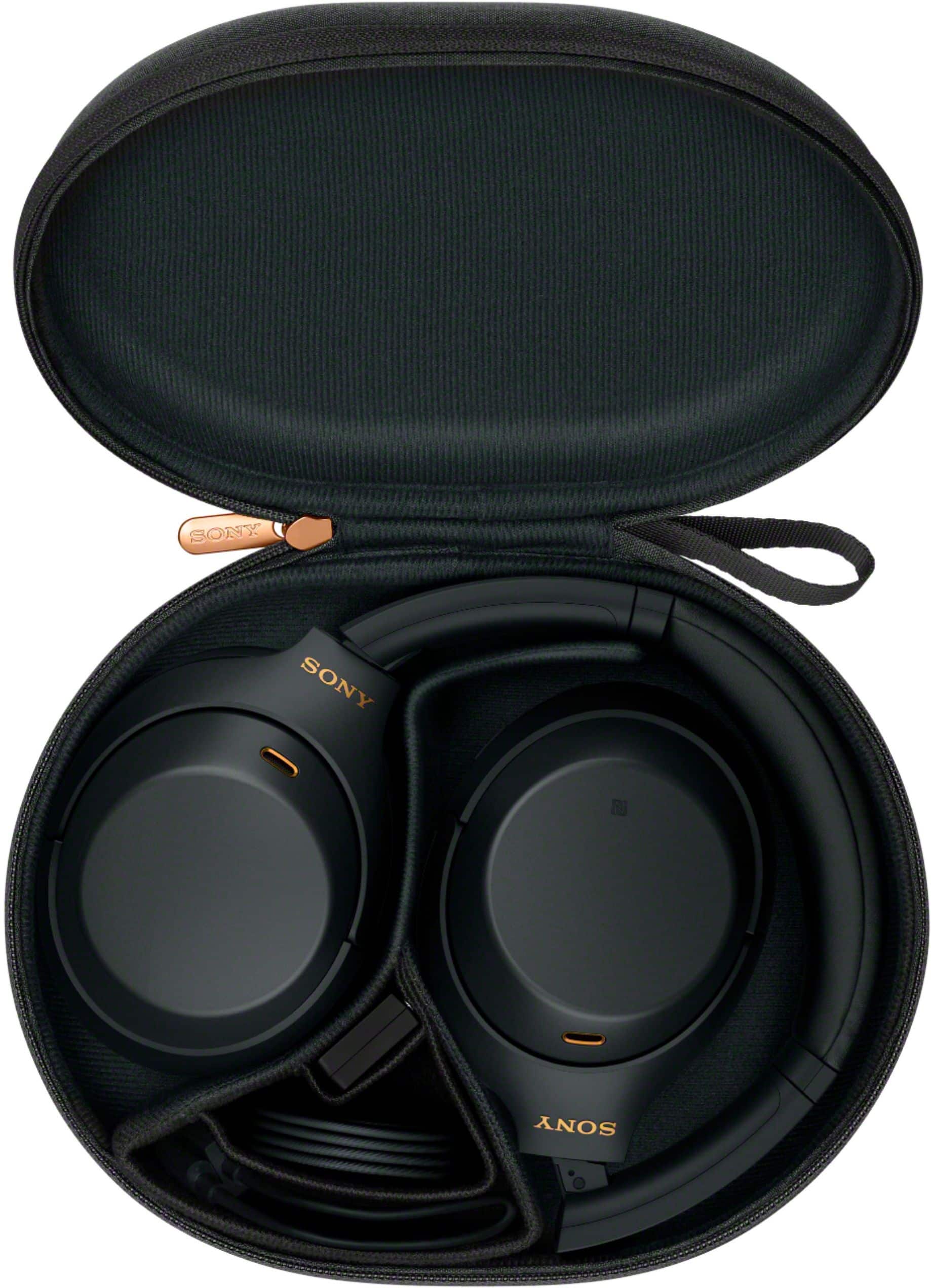
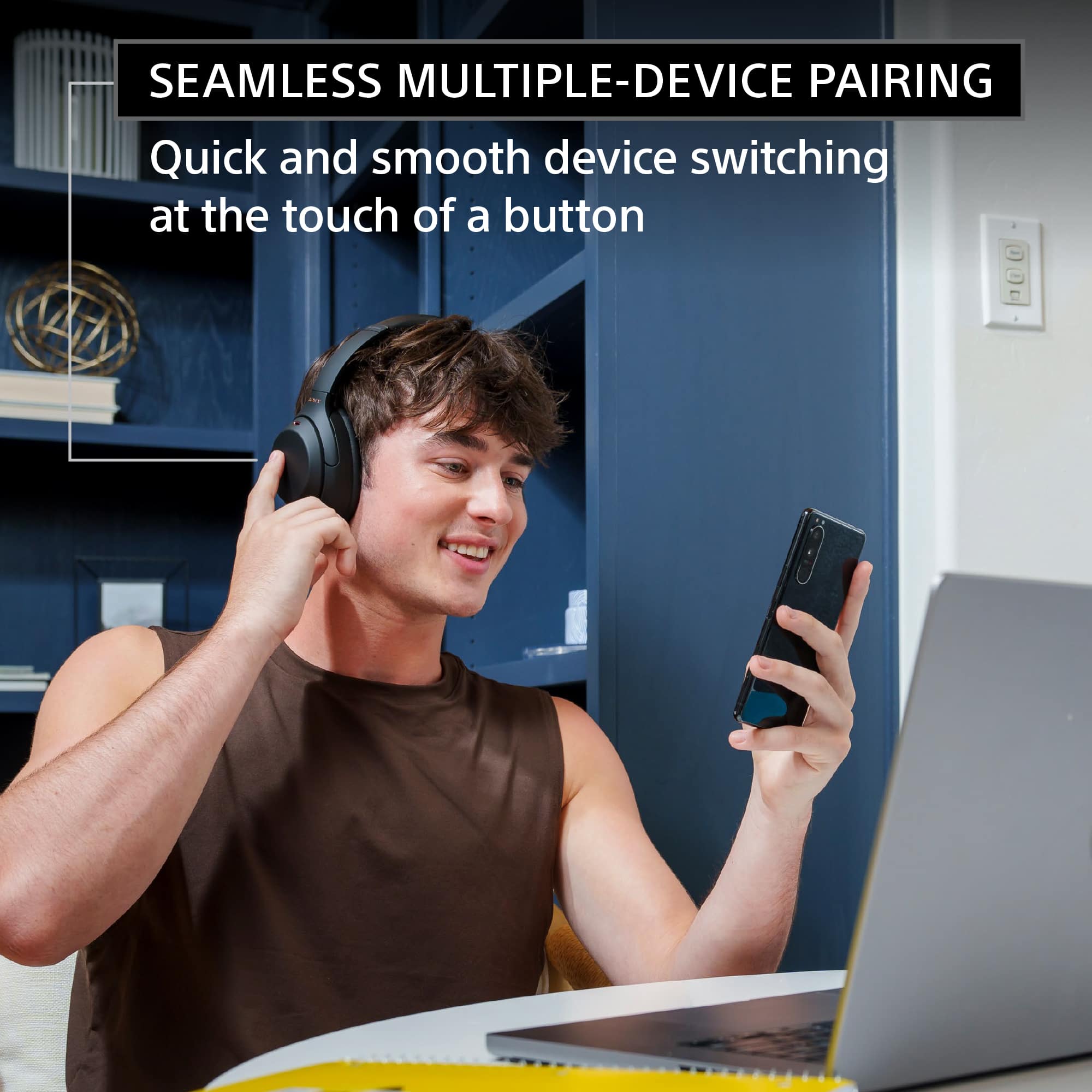
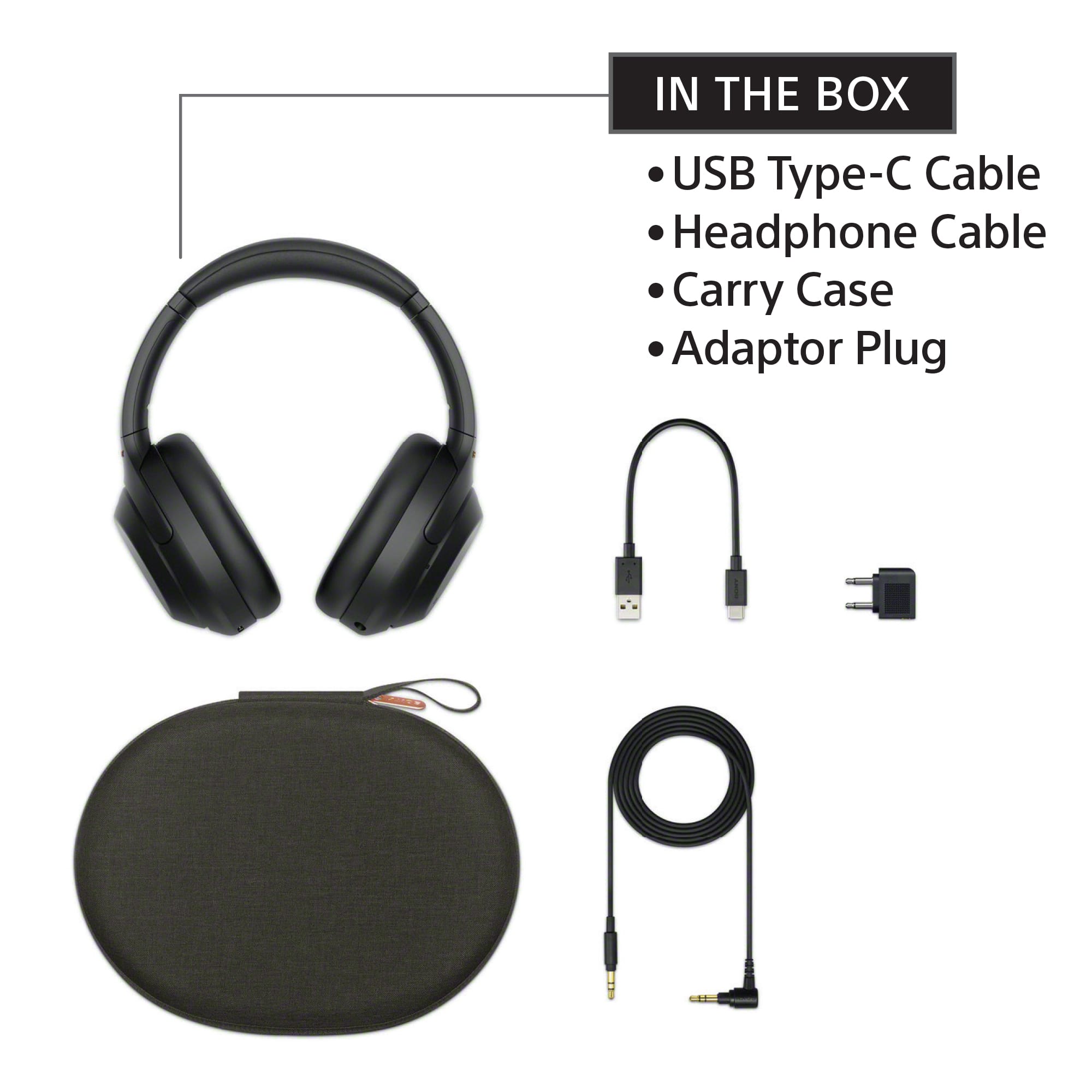
Posted .This reviewer received promo considerations or sweepstakes entry for writing a review.I Had no Issue with delivery, I love Best Buy, I purchase these headphones a little over a year ago, and they are great Noise Cancelling Head Phones, and are still great, They can pair with 2 devises at once with Bluetooth, The case they come in is Cool, I wear them everyday almost all day and they are comfortable and stable, nothing broke yet and I'm not that gentile with them, I recommended my headphone to a neighbor who needed to drown out her upstairs neighbors music and when I bought them they were only $250, now they are $350 which is a drastic increase in price, Just because you realized they were really good headphones from the feed back you were receiving doesn't justify charging and extra $100, that's just Greed Greed Greed, but they are worth the price, however, I suggest you not hike up your prices like that because if they were originally $350 I would not have purchased them to even give this glowing review. Now I know how awesome they are, and I would buy them again at this new Price, that's how great they are, I know the Price Point is High people, but you will not be sorry, you get what you pay for!!!
I would recommend this to a friendBrand response from SonyListens
Posted .Hi Im2hi4u2clol, Thank you for the feedback on your experience with your Sony WH-1000XM4! We're glad you're enjoying the industry-leading noise cancelling feature, multipoint connection, cool carrying case, and comfortable fit your new Sony headphones. Intelligent and intuitive, the WH-1000XM4 headphones offer further improvements to our industry-leading noise cancelation, exceptional sound quality, and smart listening that adjusts to your behavior and your location. Using the Sony Headphones Connect app, Ambient Sound Control lets you adjust the volume of background sound and gives you the option to allow voices alone to be heard. Meanwhile, the Equalizer lets you customize sound levels to suit your music. Thanks for choosing Sony. -Sam
Sony suck
||Posted . Owned for 11 months when reviewed.This reviewer received promo considerations or sweepstakes entry for writing a review.If I could give no star I would do not waste your money unless you plan to buy Best Buy warranty. They fall apart and Sony does not want to replace are repair them. Had them less than a year they SUCK!!!!
No, I would not recommend this to a friendBrand response from SonyListens
Posted .Hi RhondaR,
This is not the experience that we want you to have. We would like to know more about what happened and help you out. Please email us at socialsupport@am.sony.com with the following details:
Name:
Username:
Model Number:
Issue:
Telephone Number:
Case Number:
Sincerely,
-Ralph
Overrated
||Posted . Owned for 1.5 years when reviewed.This reviewer received promo considerations or sweepstakes entry for writing a review.Worked good for about a week. Then starting getting a strange noise from the left headphone. Had to send them to Sony to get replaced.
No, I would not recommend this to a friendBrand response from SonyListens
Posted .Hi BOHICAreviews,
We regret to hear that you're having issue with the WH-1000XM4 Wireless Noise-Canceling Headphones. We apologize for the inconvenience. In this case, you can isolate and resolve this issue by following the troubleshooting steps from this link: https://www.sony.com/electronics/support/wireless-headphones-bluetooth-headphones/wh-1000xm4/articles/00204483
If you are unable to resolve your concern, may we contact you to help? If so, please email the below information to socialsupport@am.sony.com or chat with us from Sony’s e-support webpage. Apologies if you disclosed some of this information in your review and to customer service, we just want to ensure that we have your accurate details at the time of communication.
Full Name:
Best Buy Username:
Telephone Number:
Sony Model Number:
Additional Information regarding your experience with the WH1000XM4:
We are sorry for the inconvenience and hope to speak to you to resolve this matter. We appreciate you and thanks again for shopping Sony!
Sincerely,
Jay
One star for the durability
||Posted . Owned for 1.5 years when reviewed.This reviewer received promo considerations or sweepstakes entry for writing a review.i was happy with my purchase at the beginning. Almost reaching my 2nd year with these. Recently I got an extremely loud whistle sound coming from the left ear. The whistle sounds come and goes so I can't enjoy using the headphones anymore. Sad that I didn't even reach the 2nd year with these which is why I am giving it one star
No, I would not recommend this to a friendBrand response from SonyListens
Posted .Hi Ivan, We regret to hear about what happened. This is usually not the case for our WH-1000XM4 headphones nor the experience we want you to have. We would like to know more about this loud whistling issue you're having so we can better assist you.
May we contact you to help and get more information? If so, please email the below information to socialsupport@am.sony.com. Apologies if you disclosed some of this information in your review and to customer service, we just want to ensure that we have your accurate details at the time of communication.
Full Name:
Best Buy Username:
Telephone Number:
Sony Model Number:
Additional Information regarding your experience with the WH-1000XM4:
We are sorry for the inconvenience and hope to speak to you to resolve this matter.
Sincerely,
Sam