Customer Ratings & Reviews
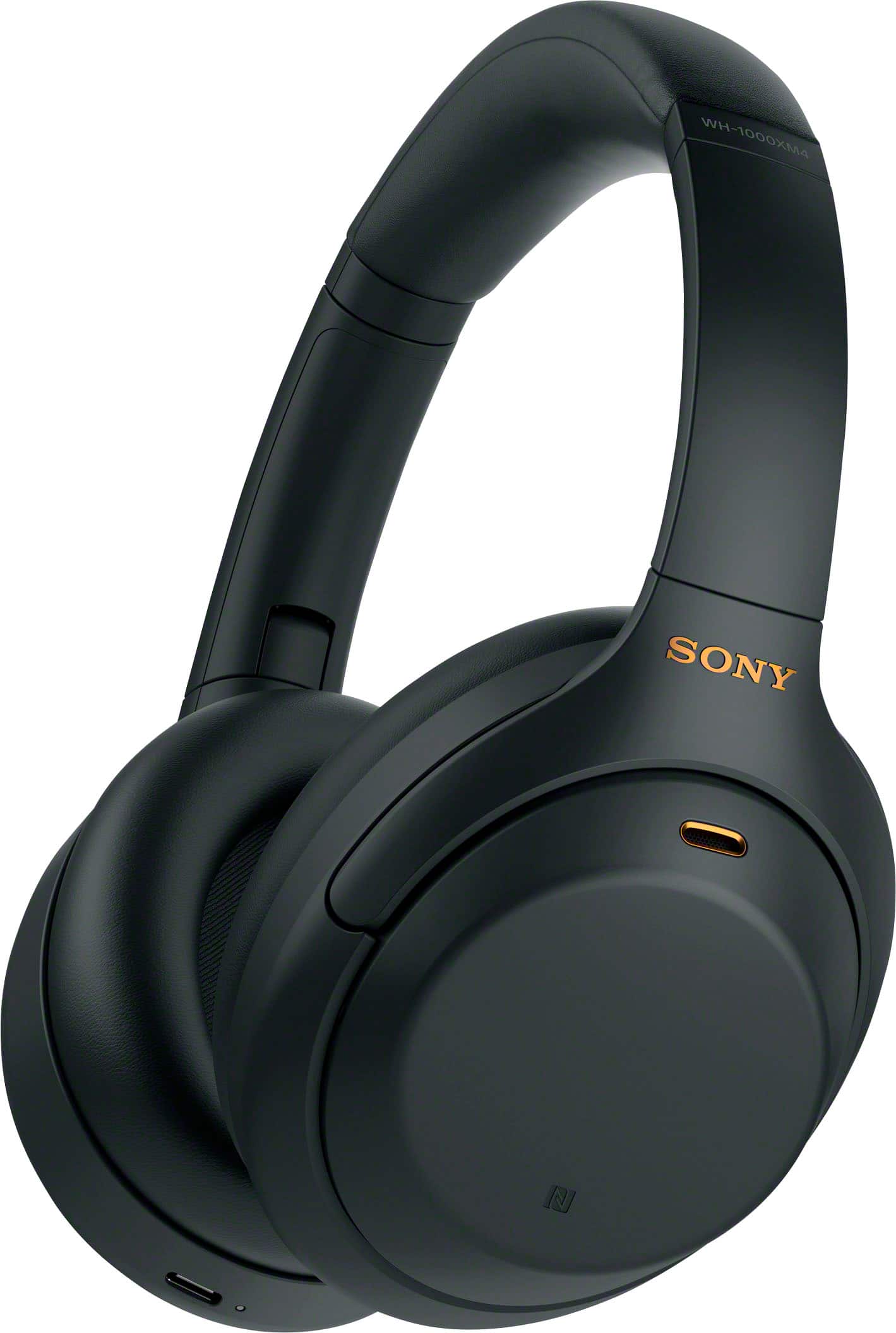
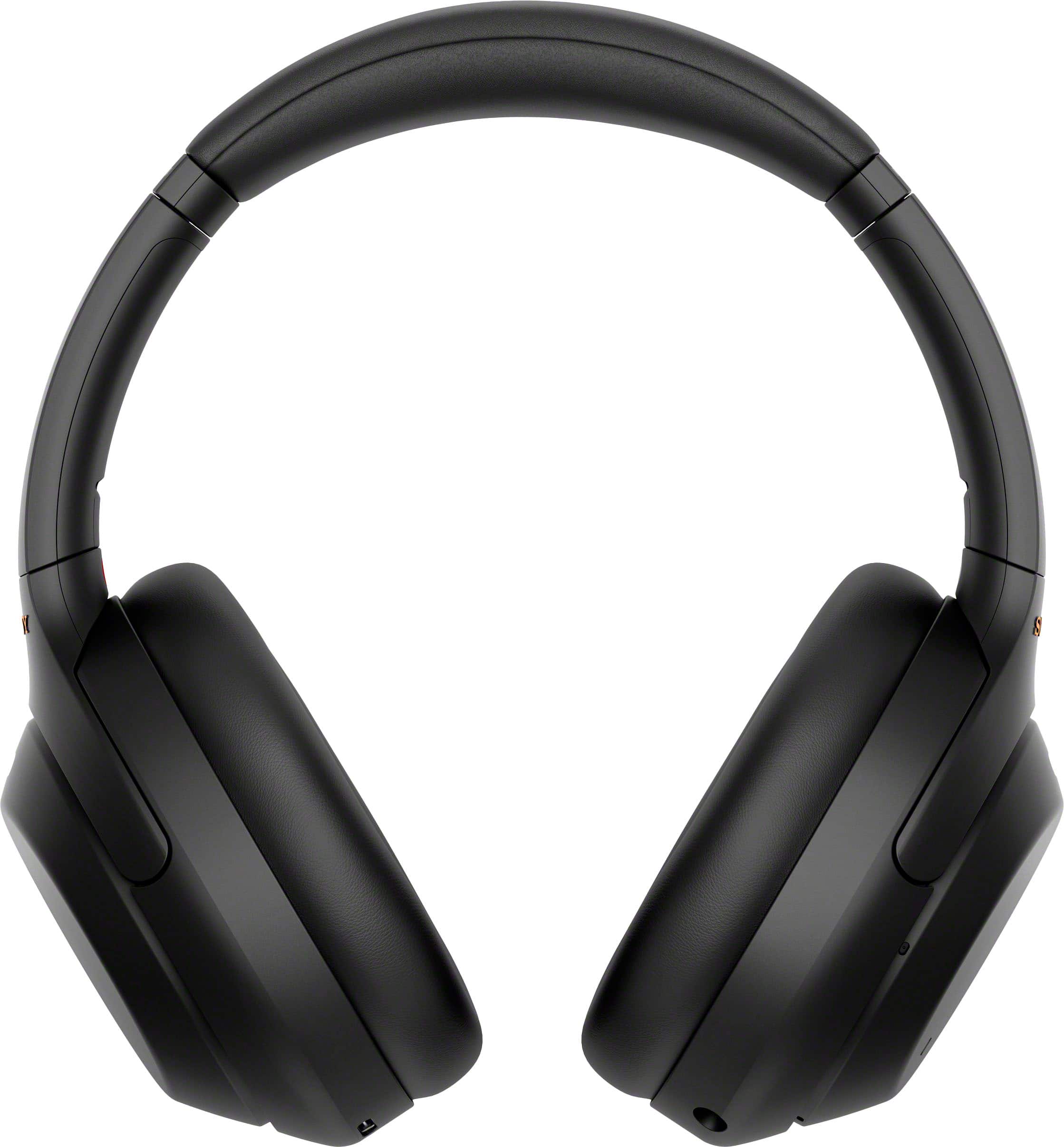
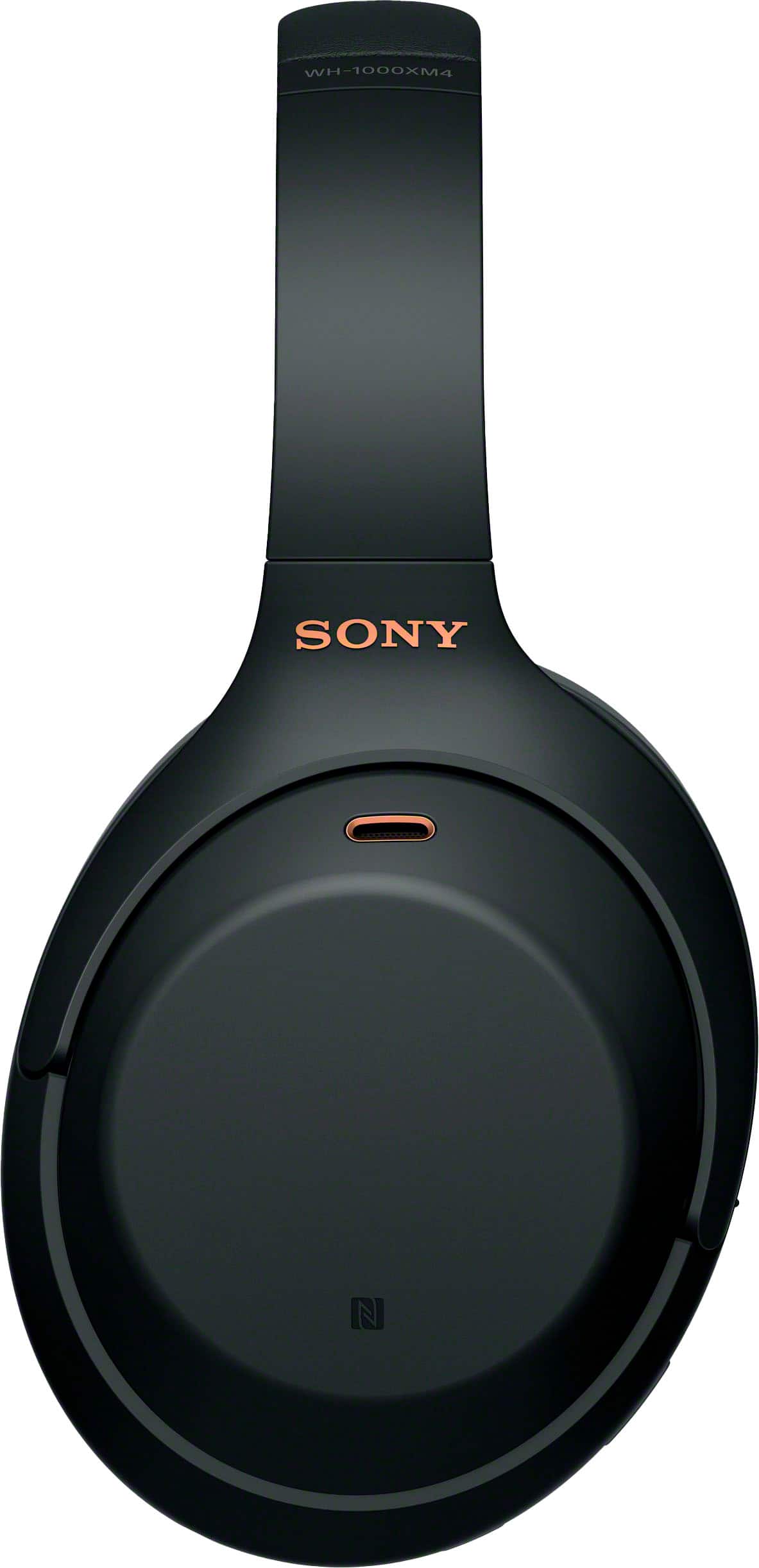
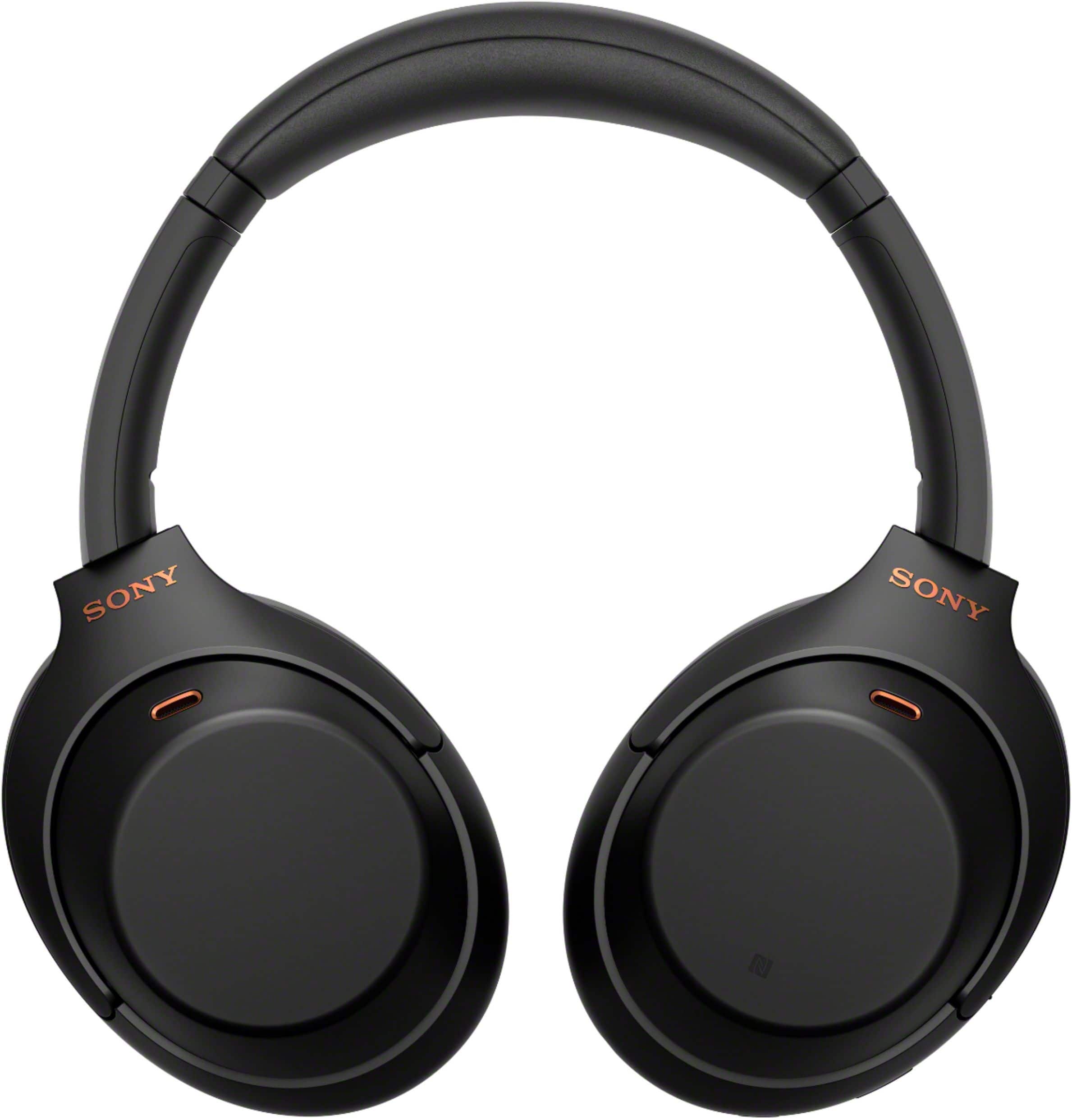
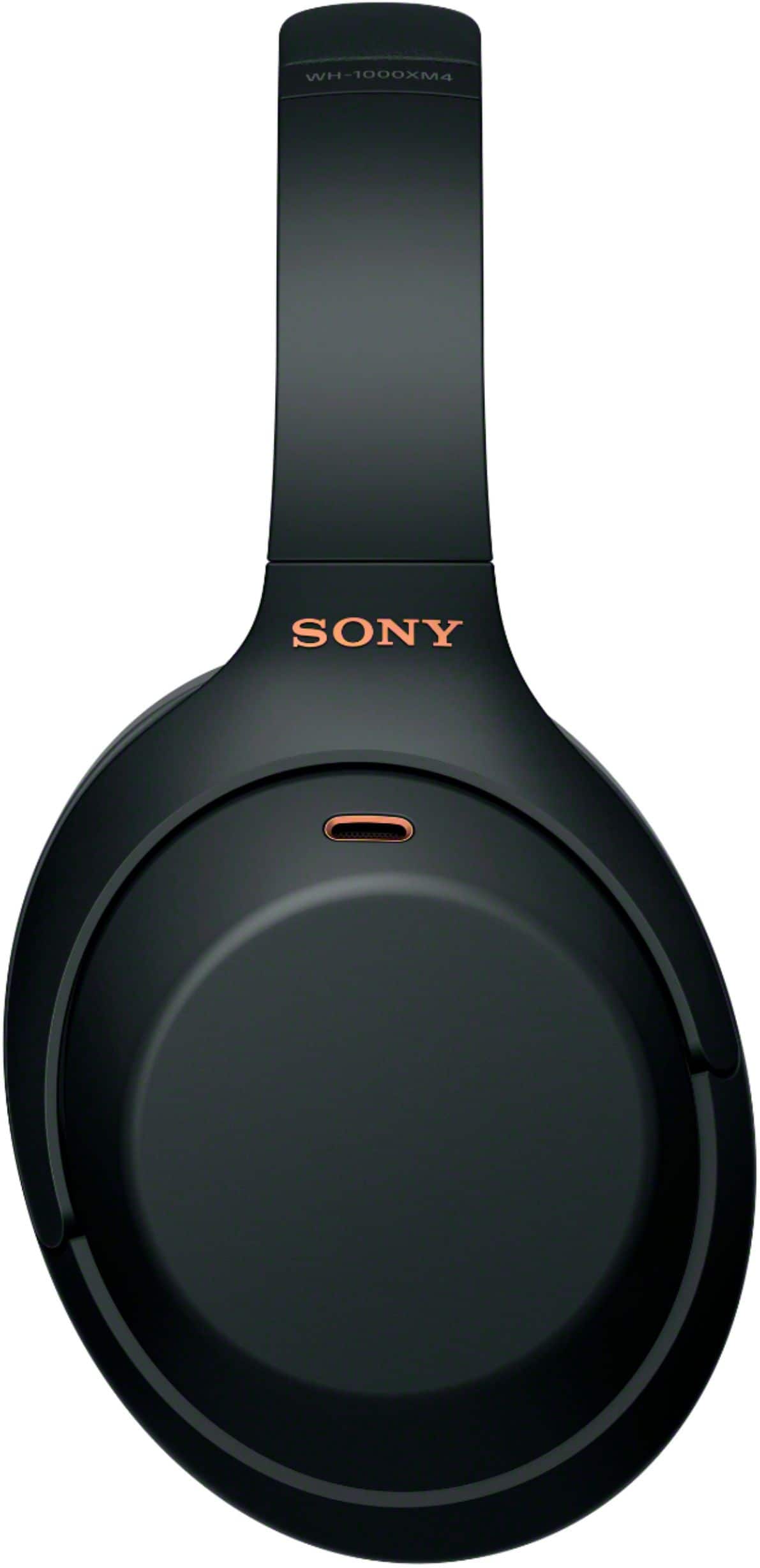
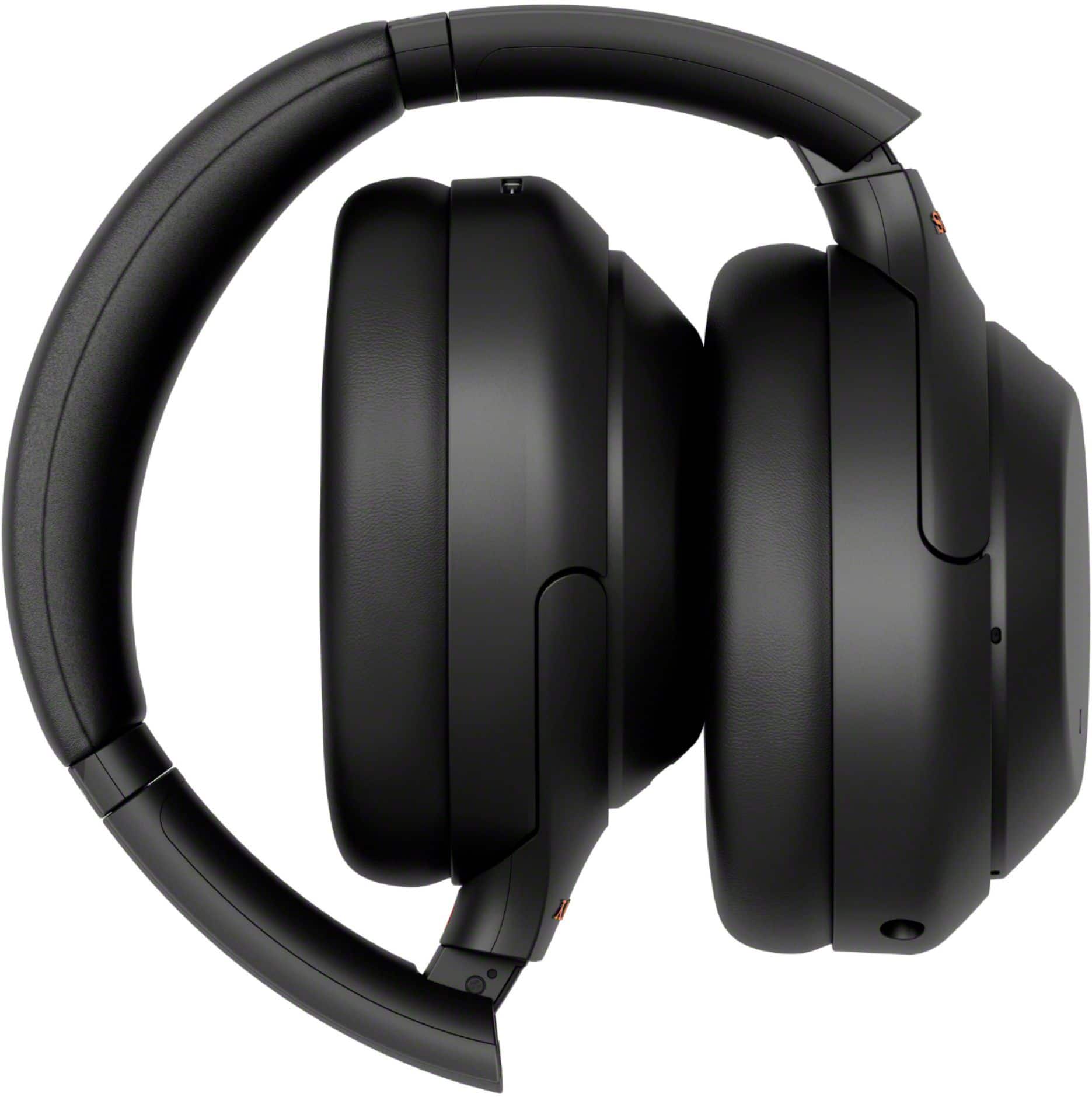
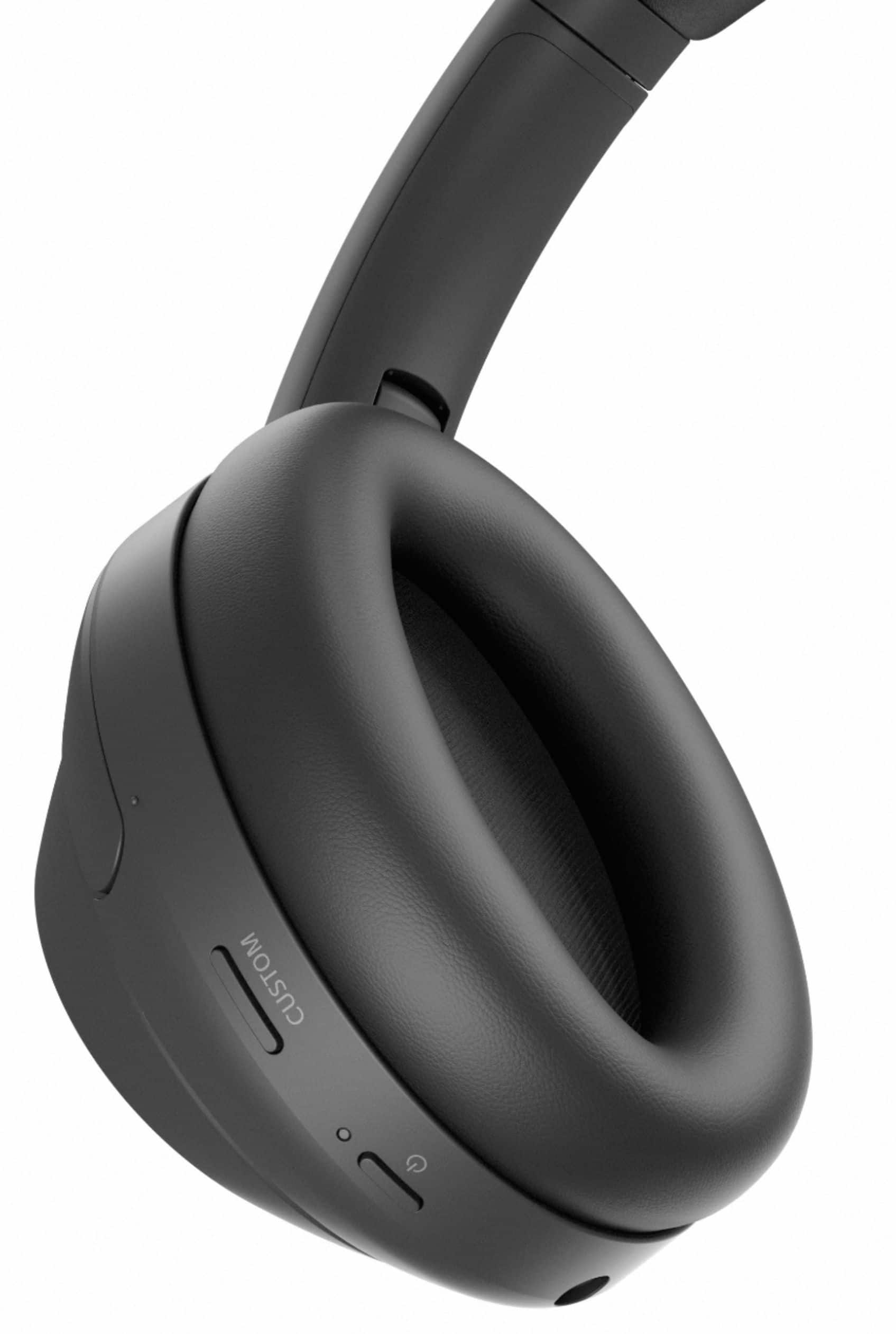
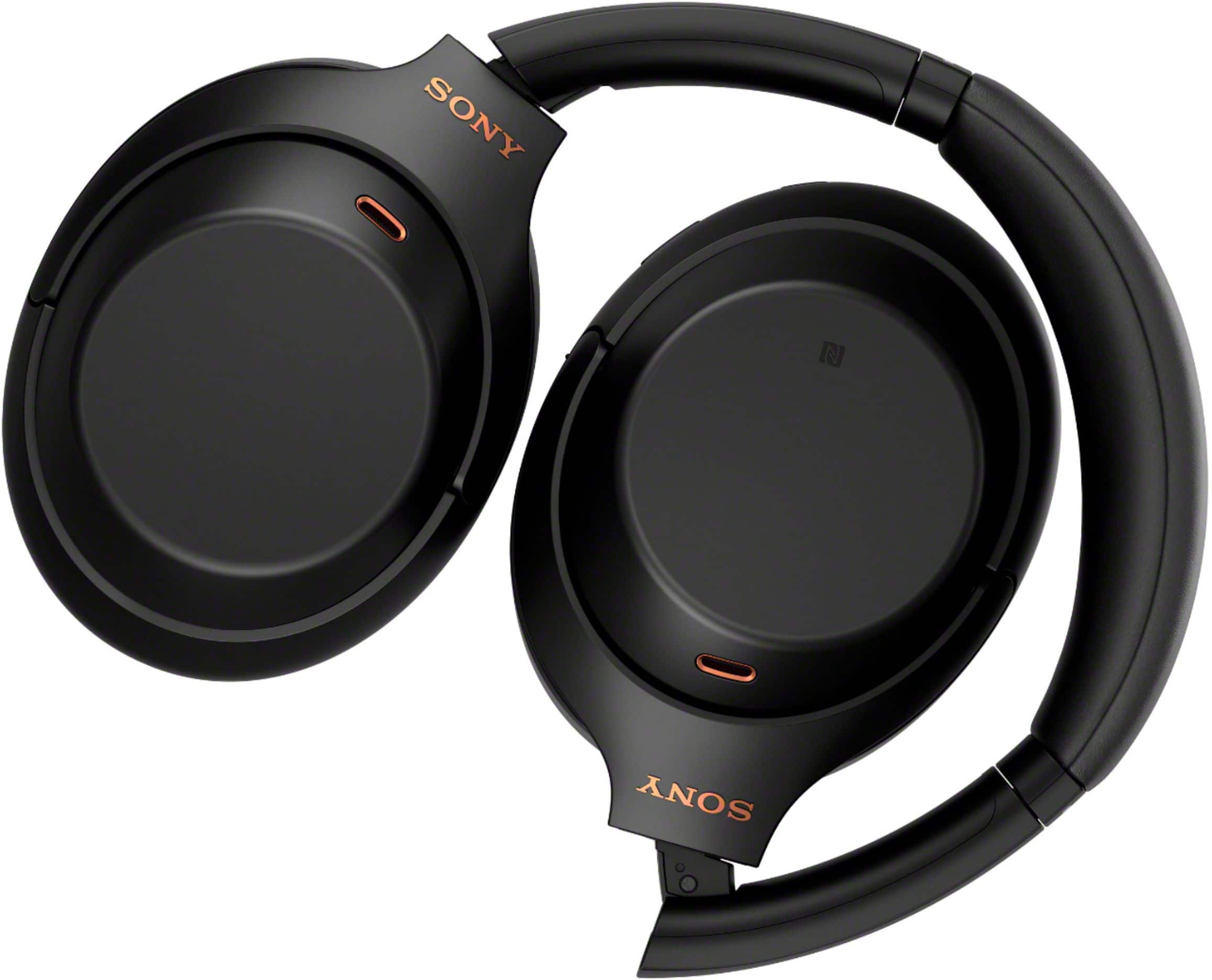
- Model:
- WH1000XM4/B
- SKU:
- 10735493
Rating by feature
- Sound Quality
Rating 4.9 out of 5 stars
- Battery Life
Rating 4.8 out of 5 stars
- Connectivity
Rating 4.7 out of 5 stars
to a friend
Customers are saying
Customers praise the phenomenal sound quality, comfort, and impressive battery life of the product. They also highlight its solid bass, lightweight design, and reliable connectivity, along with a premium design and good fit. Conversely, some users express frustration with the touch controls, consider the product overpriced, and wish for greater volume.
This summary was generated by AI based on customer reviews.
Negative noise canceling on calls
||Posted . Owned for 1 year when reviewed.This reviewer received promo considerations or sweepstakes entry for writing a review.Really liked these headphone until i got a call in a noisy environment. It amplifies the outside noise and people can't hear you. That the opposite of what the Bose do. So of the other things i don't really use like ambient noise setting and so on.
No, I would not recommend this to a friendBrand response from SonyListens
Posted .Hi Nick, We're sorry to hear about the call quality issues you're having while using it in a noise environment. This is usually not the case for our headphones nor the experience we want you to have.
Following the troubleshooting steps on the link below ensures optimal call quality performance for these headphones.
https://helpguide.sony.net/mdr/wh1000xm4/v1/en/contents/TP0002752750.html
https://helpguide.sony.net/mdr/wh1000xm4/v1/en/contents/TP0002752751.html
Also, please make sure that the firmware version is up to date.
As for the other features such as ambient noise, some of these features can be disabled or turn off using the Sony Headphones Connect app. And you can also reach out to one of our agents through this link: https://us.esupport.sony.com/support/s/service?language=en_US. who would be glad to help.
For future reference, we can offer assistance on how to set up or operate the features and functions, and troubleshoot the issue of your Sony product by visiting our Sony Support website to download the help guide and look for additional information about your product.
If you are unable to resolve your concern, please email us at socialsupport@am.sony.com with the following details:
Name:
Username:
Model Number:
Issue:
Telephone Number:
Sincerely,
Sam
Annoying White Noise
||Posted . Owned for 1 month when reviewed.This reviewer received promo considerations or sweepstakes entry for writing a review.I purchased these high dollar headphones and from the very beginning they had an issue with white noise. Then dealing with Best Buy customer service was a nightmare. DO NOT BUY!!
No, I would not recommend this to a friendBrand response from SonyListens
Posted .Hi CharlieW, We are sorry to hear that you are experiencing issues with your WH-1000XM4 headphones. We'd love to troubleshoot the issue and make this a better experience for you. In the meantime, please try these steps to troubleshoot.
Please make sure that your headphones are running on the latest firmware version. The software includes key features, applications, bug fixes, and feature improvements.
The noise-cancelling function works primarily on noise in the low-frequency band such as vehicles and air conditioning. Although noise is reduced, it is not completely canceled.
Depending on the surrounding environment, wind noise or hissing sound may increase when the Ambient Sound Mode is turned on. In that case, cancel the voice focus with the “Sony | Headphones Connect” app. If the wind noise is still significant, turn off the Ambient Sound Mode.
If you feel annoyed or uncomfortable with White noise or hissing sound, please change [NC/Ambient] mode to [OFF].
If you have never connected to the Sony | Headphones Connect app: change [NC/Ambient] settings by pressing the CUSTOM button on the headphones repeatedly until the Ambient Sound Mode is turned off.
If you have previously connected to the Sony | Headphones Connect app: change [NC/Ambient] settings using the Headphones Connect app => [Sound] -> [Ambient Sound Control] -> toggle left to turn off.
Resetting and Initializing the headphones will also help on resolving the issue.
To reset, press both the (power) button and the CUSTOM button simultaneously while charging. The headset will be reset. The device registration (pairing) information is not deleted. If the issue still occurs, please initialize the headphones.
To initialize, turn off the headset while the USB Type-C cable is disconnected and then press and hold the (power) button and the CUSTOM button simultaneously for 7 seconds or more. The indicator (blue) flashes 4 times, and the headset is initialized. This operation resets volume settings, etc. to the factory settings, and deletes all pairing information. In this case, delete the pairing information for the headset from the device and then pair them again.
May we contact you to help? If so, please email the below information to socialsupport@am.sony.com
Apologies if you disclosed some of this information in your review and to customer service, we just want to ensure that we have your accurate details at the time of communication.
Full Name:
Best Buy Username:
Telephone Number:
Model Number:
Issue:
Regards,
Carl
Worthless for tv
||Posted .This reviewer received promo considerations or sweepstakes entry for writing a review.They'll connect to tv but you have your choice of no volume or very little volume. Could care less how music sounds through them. I just want to hear my tv without hearing the LOUD neighbors, these didn't help a bit.
No, I would not recommend this to a friendBrand response from SonyListens
Posted .Hi Chappy, We are sorry to hear that the WH-1000XM4 did not meet your expectations when it comes to the sound quality of the headphones when connected to your TV. For the low sound quality, please try the steps on our Help Guide link: https://helpguide.sony.net/mdr/wh1000xm4/v1/en/contents/TP0002752820.html
If you feel that the effect of noise canceling is not sufficient, please try the steps on our Help Guide link: https://helpguide.sony.net/mdr/wh1000xm4/v1/en/contents/TP0002752735.html
Please email the below information to socialsupport@am.sony.com
Apologies if you disclosed some of this information in your review and to customer service, we just want to ensure that we have your accurate details at the time of communication.
Full Name:
Best Buy Username:
Telephone Number:
Model Number:
Issue:
Regards,
Carl
Not happy with this product
||Posted . Owned for 1 month when reviewed.This reviewer received promo considerations or sweepstakes entry for writing a review.When I used with MAC my voice muffled in my WebEx meetings
No, I would not recommend this to a friendBrand response from SonyListens
Posted .Hi Kishor, We are sorry to hear about the issue you are having. First, please make sure that the firmware version is up to date using the "Sony Headphones Connect App". And does the issue occur when connected to your MAC via Bluetooth or Headphone cable? If the issue only occurs when connected via headphone cable, please follow the troubleshooting steps on the link below to resolve the issue.
https://www.sony.com/electronics/support/wireless-headphones-bluetooth-headphones/wh-1000xm4/articles/00255932
If the issue occurs when connected via Bluetooth, please try to un-pair and re-pair the headphones to your computer. Also, depending on the computer or app, the headphones may not work as expected. In this case, try different apps or a different computer to determine if the issue is with the headphones, the app, or the computer.
If you are unable to resolve your concern, please email us at socialsupport@am.sony.com with the following details:
Name:
Username:
Model Number:
Issue:
Telephone Number:
Sincerely,
Sam
Gar-Bage
||Posted . Owned for 1 month when reviewed.This reviewer received promo considerations or sweepstakes entry for writing a review.If you need anymore proof that these Headphones are garbage look no further then the 14-15 day return policy. It took about a month for the headphones to randomly stop blue tooth connecting to my iPhone 13? Shame on Sony and Best Buy for selling such trash.
No, I would not recommend this to a friendBrand response from SonyListens
Posted .Hi Manny,
This is not the experience that we want you to have. For optimum performance, make sure that the software version of the headphones is up-to-date (via the Sony Headphones Connect app). You may also refer to the troubleshooting steps on this link to help resolve the issue:
https://helpguide.sony.net/mdr/wh1000xm4/v1/en/contents/TP0002752747.html
Resetting and initializing the headset may also help resolve the issue:
Resetting the headset
-Press both the (power) button and the CUSTOM button simultaneously while charging. The headset will be reset. The device registration (pairing) information is not deleted.
If the headset does not operate correctly even after resetting, initialize the headset to restore factory settings.
Initializing the headset
-Turn off the headset while the USB Type-C cable is disconnected and then press and hold the (power) button and the CUSTOM button simultaneously for 7 seconds or more. The indicator (blue) flashes 4 times, and the headset is initialized. This operation resets volume settings, etc. to the factory settings, and deletes all pairing information. In this case, delete the pairing information for the headset from the device and then pair them again.
The unit comes with a 1-year manufacturer's limited warranty. If still not resolved or you need further assistance, please email the below information to socialsupport@am.sony.com.
Full Name:
Best Buy Username:
Telephone Number:
Sony Headphones Model Number:
Issue:
Additional Information regarding your experience with the WH1000XM4.
Sincerely,
-Ralph
Sony Social Support
Not enough bang for the buck!
||Posted . Owned for 3 weeks when reviewed.This reviewer received promo considerations or sweepstakes entry for writing a review.I am a sound engineer and film maker and these expensive head phones DID NOT perform the way I needed. Max volume is still too low and the control button on the headset side is awkward and you have to flip through settings every time you use them. For me they were a disappointment.
No, I would not recommend this to a friendBrand response from SonyListens
Posted .Hi DJBrudie, We regret to hear that the headphones performance did not meet your expectations. We understand that we have different listening preferences and we thank you always for every feedback as this helps us improves our products. We'd love to help you troubleshoot your problem and turn this into a better experience.
If the sound is too low even at max volume, please also try the following:
Turn up the volume of the headset and the connected device.
Connect the Bluetooth device to the headset once again.
We also recommend checking the help Guide below for additional tips for sound related issue.
https://helpguide.sony.net/mdr/wh1000xm4/v1/en/contents/TP0002752820.html
The touch controls can be switch on or off using the Headphones Connect app. If the touch sensor control panel does not respond correctly, please check the troubleshooting steps here:
https://helpguide.sony.net/mdr/wh1000xm4/v1/en/contents/TP0002758108.html
You may also consider checking if the firmware installed is updated. You can check the firmware version using the Headphones Connect app.
Resetting and Initializing the headphones is also a recommendation. To reset, press both the power button and the CUSTOM button simultaneously while charging. The headset will be reset. The device registration (pairing) information is not deleted.
I hope this helps but if you still need assistance, do not hesitate to drop us an email at socialsupport@am.sony.com with the following details:
Name:
BBY Username:
Model Number:
Issue:
Telephone Number:
Sincerely,
Erin
Great product
Posted .This reviewer received promo considerations or sweepstakes entry for writing a review.Great sound and comfortable. Stays put. Battery life is phenomenal. The noise cancelling works as advertised.
I would recommend this to a friendBrand response from SonyListens
Posted .Hi AnnaW, we're glad you like the sound quality, comfort, battery and noise canceling feature of our product. Thanks for choosing Sony. ~Earl
Not worth it long term
||Posted . Owned for 1.5 years when reviewed.This reviewer received promo considerations or sweepstakes entry for writing a review.ANC died 6 months out of warranty. The repair costs are beyond the current value of the headset. I'm offended how short lived these were as I have cheaper monoprice anc headphones that have lasted much longer
No, I would not recommend this to a friendBrand response from SonyListens
Posted .Hi Jonbjohns,
We regret to learn that the Noise Canceling function on your WH-1000XM4 is not working after 1 year and 6 months of use. This is not the experience we want you to have. If you haven't yet, please try resetting and initializing the headphones.
Please check these links to reset and initialize the headphones.
To reset: https://helpguide.sony.net/mdr/wh1000xm4/v1/en/contents/TP0002752743.html
To initialize: https://helpguide.sony.net/mdr/wh1000xm4/v1/en/contents/TP0002752746.html
Additional troubleshooting steps to isolate your problem is provided on this link: https://www.sony.com/electronics/support/wireless-headphones-bluetooth-headphones/wh-1000xm4/articles/00267839
If the problem still persists even after following the steps above and updating the software, maybe there's something that we can do to help you. We'd like to take this opportunity to assist you and review your file further.
May we contact you to help? If so, please email the below information to socialsupport@am.sony.com.
Apologies if you disclosed some of this information in your review and to customer service, we just want to ensure that we have your accurate details at the time of communication.
Name:
BestBuy Username:
Model Number:
Issue:
Telephone Number:
Sincerely,
Jess
Not a great product
||Posted . Owned for 5 months when reviewed.This reviewer received promo considerations or sweepstakes entry for writing a review.Sound bleeds! I returned immediately after buying it.
No, I would not recommend this to a friendBrand response from SonyListens
Posted .Hi claudiahrinow, We're sorry to hear about your experience with the WH1000XM4 Wireless headphones and that it had to be returned. The EQ settings in the Sony Headphones Connect App can help you obtain optimal listening experience. You can find additional information in the link below : https://helpguide.sony.net/mdr/wh1000xm4/v1/en/contents/TP0002752820.html . Also, making sure that software is updated may help resolved the issue as it includes key features, applications, bug fixes, and feature improvements . We greatly appreciate your feedback and we hope that you will shop Sony again in the future. Sincerely, -Craig
Does Not Work When Charging
||Posted . Owned for 1.5 years when reviewed.This reviewer received promo considerations or sweepstakes entry for writing a review.I cannot recommend headphones that do not work when charging. The battery life is not great, so you'll be charging often, and when they are charging, they are worth less than a paperweight.
No, I would not recommend this to a friendFirst Time Getting Headphones
Posted .This reviewer received promo considerations or sweepstakes entry for writing a review.Sony's WH1000XM4 Wireless Noise-Cancelling Headphones are a game-changer! The noise cancellation is top-notch, allowing for an immersive audio experience. The comfort is unparalleled, perfect for long listening sessions. Battery life is impressive, and the sound quality is crystal clear with deep bass. Highly recommend for any audiophile or commuter looking for peace in a noisy world. Definitely worth the investment!
I would recommend this to a friendBrand response from SonyListens
Posted .Hi user697399, awesome! We're glad you are enjoying your new headphones! Thanks for choosing Sony. ~Earl
TOTAL WASTE - BROKEN HINGE within a MONTH
||Posted . Owned for 3 weeks when reviewed.This reviewer received promo considerations or sweepstakes entry for writing a review.The hinge will break in a month time. I purchased brand new on April1, 2023 and the hinge got broken on April 25, 2023. Not even a month old. Sony says it is cosmetic and will not be covered under warranty.
No, I would not recommend this to a friendBrand response from SonyListens
Posted .Hi StCharlesUser, We are sorry to hear about what happened to your WH-1000XM4 headphones. This is not the experience that we would like you to have with our premium products and we would like to get in touch with you. May we contact you to help? If so, please email the below information to socialsupport@am.sony.com
Apologies if you disclosed some of this information in your review and to customer service, we just want to ensure that we have your accurate details at the time of communication.
Full Name:
Best Buy Username:
Telephone Number:
Model Number:
Issue:
Regards,
Carl
Sounds great when it plays
||Posted . Owned for 2 months when reviewed.This reviewer received promo considerations or sweepstakes entry for writing a review.They shut off whenever I turn on the lawn mower. I shut off Ambient sound and it still takes over and stops the music. If I shut off the mower it comes back. The software is rubbish. The documentation is worse. The whole reason why I bought these was for mowing the lawn. Shouldn't be this hard.
No, I would not recommend this to a friendBrand response from SonyListens
Posted .Hi Chris,
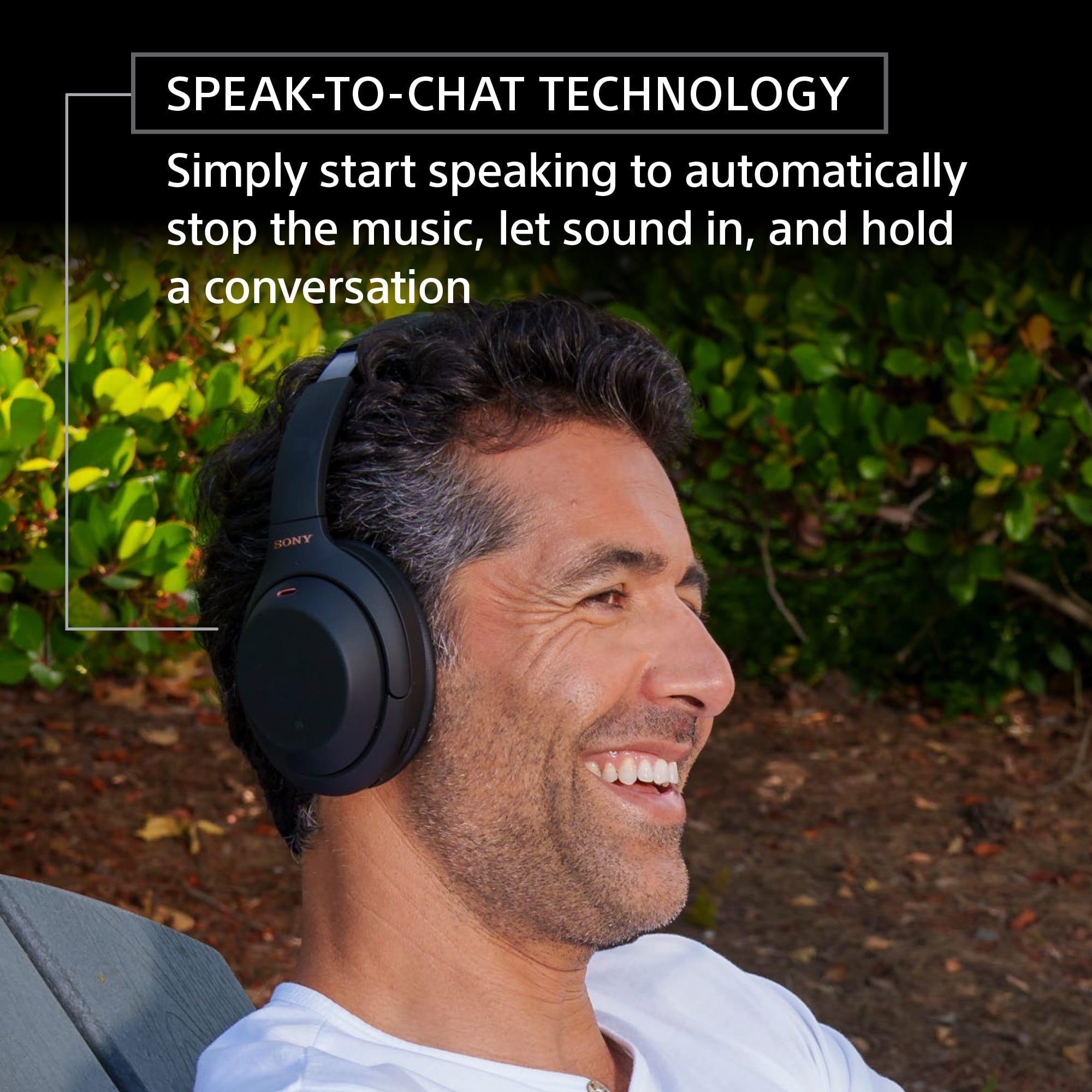
We regret to hear that the headphones are not performing to your needs. To help resolve the issue, make sure to turn off the Speak-to-Chat function. Hold 2 fingers to the touch sensor control panel until you hear the voice guidance say, “Speak-to-chat deactivated”. You may refer to this link for more information:
https://helpguide.sony.net/mdr/wh1000xm4/v1/en/contents/TP0002754732.html
If still not resolved, please email the below information to socialsupport@am.sony.com. Apologies if you disclosed some of this information in your review and to customer service, we just want to ensure that we have your accurate details at the time of communication.
Full Name:
Best Buy Username:
Telephone Number:
Sony Headphones Model Number:
Additional Information regarding your experience with the WH1000XM4.
We are sorry for the inconvenience and hope to speak to you to resolve this matter. We appreciate you and thanks again for shopping Sony!
Sincerely,
-Ralph
Sony Social Support
Not loud
||Posted . Owned for 1 month when reviewed.This reviewer received promo considerations or sweepstakes entry for writing a review.Not that loud at all not worth it very disappointed
No, I would not recommend this to a friendBrand response from SonyListens
Posted .Hi there, We are sorry to hear that the WH1000XM4 did not meet your expectations when it comes to the sound level. We'd love to troubleshoot this issue and make this a better experience for you. In the meantime, If the sound is too low even at max volume, please also try the following:
Turn up the volume of the headset and the connected device.
Connect the Bluetooth device to the headset once again.
We also recommend checking the help Guide below for additional tips for sound related issue.
https://helpguide.sony.net/mdr/wh1000xm4/v1/en/contents/TP0002752820.html
You may also consider checking if the firmware installed is updated as this will improve the overall performance of the WH-1000XM4. You can check the firmware version using the Headphones Connect app.
Resetting and Initializing the headphones is also a recommendation. To reset, press both the power button and the CUSTOM button simultaneously while charging. The headset will be reset. The device registration (pairing) information is not deleted.
I hope this helps but if you still need assistance, do not hesitate to drop us an email at socialsupport@am.sony.com with the following details:
Name:
BBY Username:
Model Number:
Issue:
Telephone Number:
Regards,
Carl
Incredibly long lasting quality!
Posted .This reviewer received promo considerations or sweepstakes entry for writing a review.I bought these headohones from BestBuy in May of 2019. I use them daily for 3+ hours for meetings and streaming music, and they sound as good as the day I bought them even now in March of 2025. I used them for even longer amounts of time when I had to work from home during the pandemic. I'm honestly shocked at how good these still sound, the bass still bumps hard, the noise canceling is stellar, and theyre still in extremely good shape. The leather (or presumably leather) padding along the headband and earmuffs has onky just now started ti wrinkle, and it may not have even started to had I taken the time to care for them properly. A single charge still gives me a weeks worth of charge (spread out). I'm gonna buy the same pair again once these fullt die out. Though, I'm not sure they ever will!! I love these so much!
I would recommend this to a friendBrand response from SonyListens
Posted .Hi Evasaurus, It's great to hear that you're happy and satisfied with the high quality of your Sony - WH1000XM4. We are proud that they have been an excellent companion throughout the years and are still delivering the premium sound quality as well as comfort and long-lasting battery that characterizes them. Thank you so much for your loyalty, we wish you wonderful moments listening to great music! Regards, - Dominick

Simply Amazing!
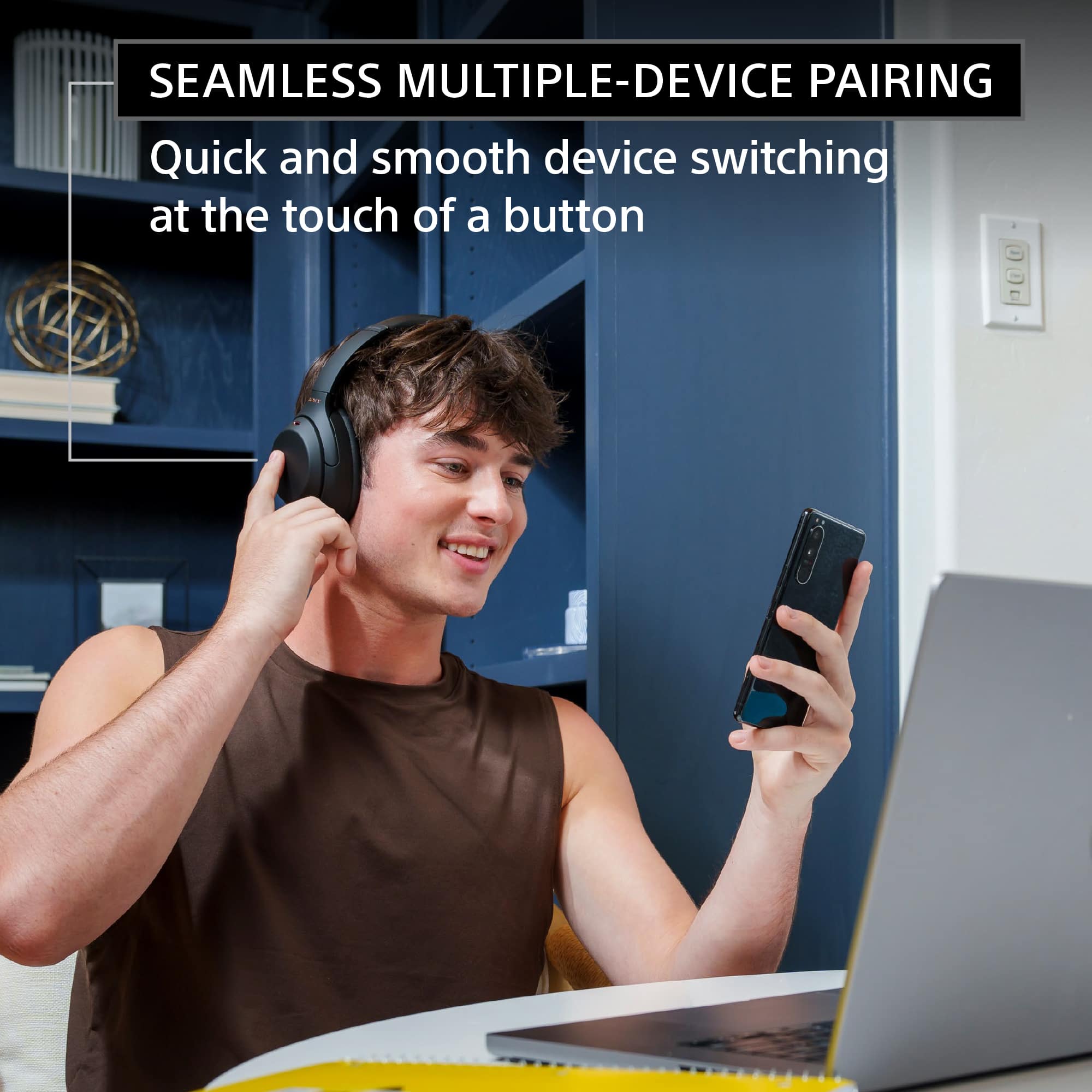
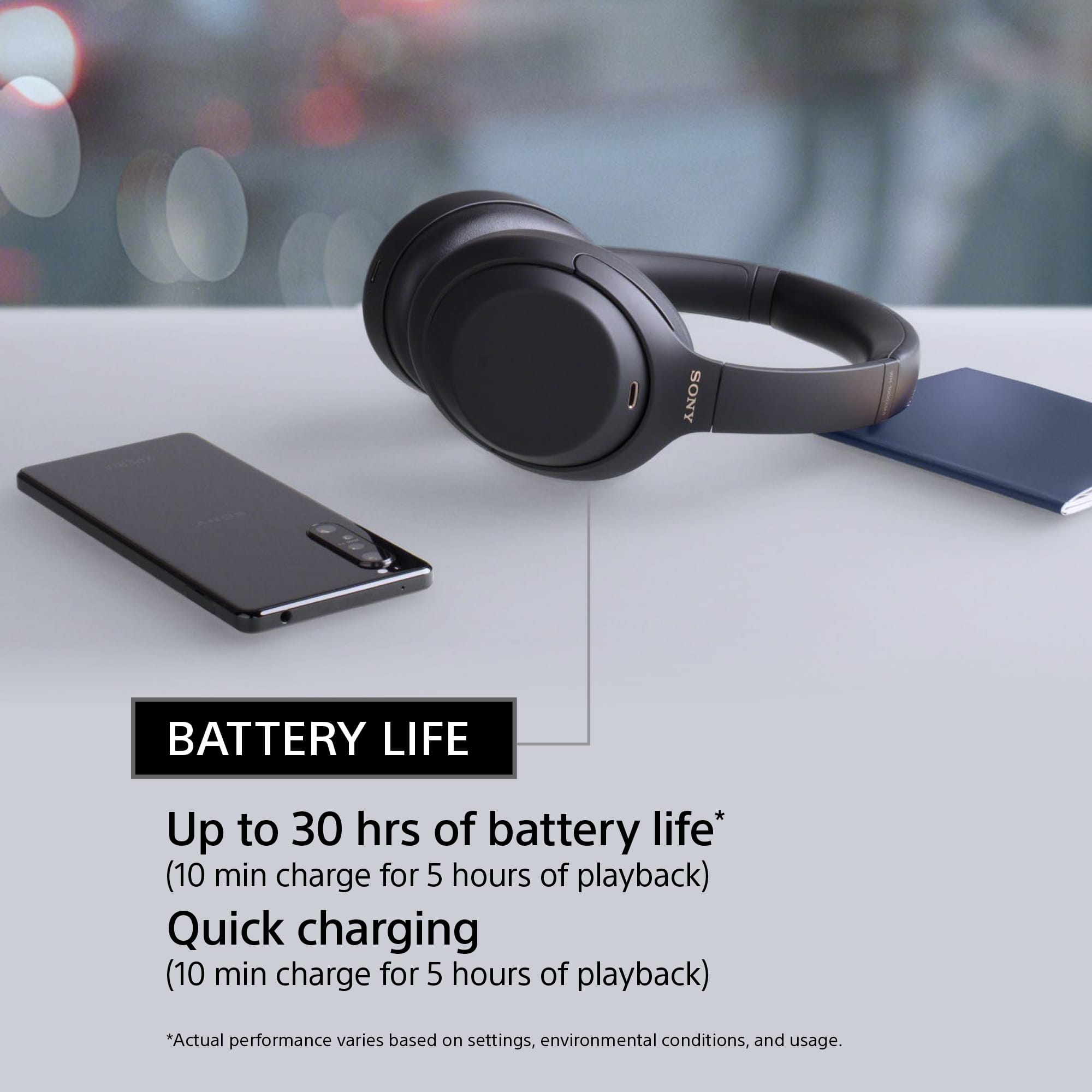
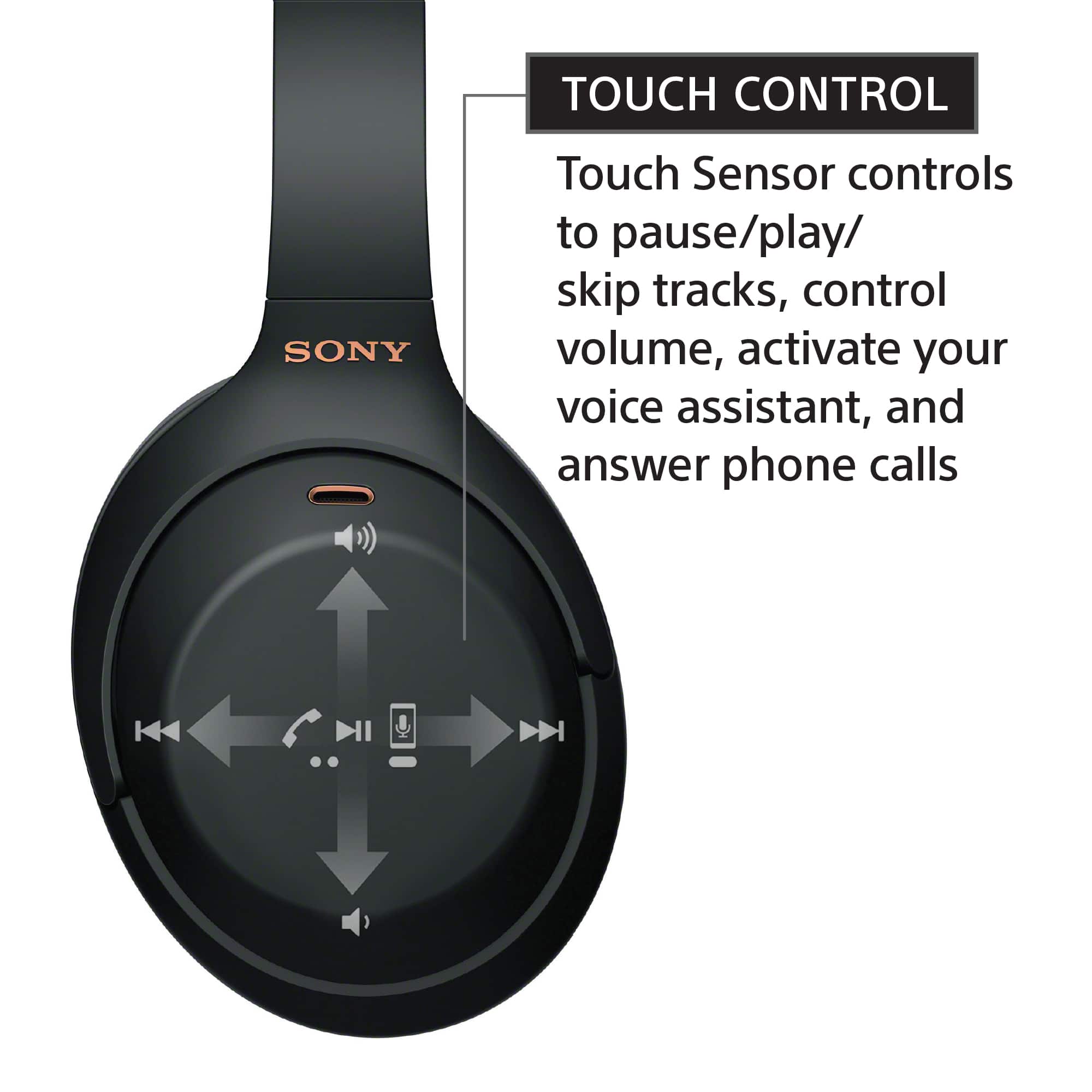
|Posted .This reviewer received promo considerations or sweepstakes entry for writing a review.PROS: - Outstanding sound quality! - Customizable EQ with the app with multiple profiles - Long battery life and fast charging - USB-C charging - You can manually adjust noise cancellation sensitivity - Sony's "seamless multiple-device pairing" is great and works instantly to switch from one device to your phone for incoming calls - App gives you SOOO MUCH control and options to give you the best audio experience - Voice calls are clear and crisp - When toggled in the app, music and noise cancelling stops when you start talking, so you don't need to remove your headphones for a quick/fast conversation CONS: - Can only easily switch between two devices, wish it was more - Depending on your ear size, these can start to become uncomfortable after two hours or so -- SET UP -- Setting up the XM4 headphones was super easy, especially when using the app. I did need to download and install an update for the headphones for first use, but that whole process took less than 15 minutes. You can pair multiple devices to the XM4, but only two devices can be connected at a time. I prefer to have my desktop PC as the primary device, with my phone as the second. To pair with a PC you have two options: (1) use the app to put the XM4 in pairing mode, or (2) keep holding the power button after powering on the XM4 to enter pairing mode. Once in pairing mode, you just need to open the Bluetooth settings on your PC and select the option for WH-1000XM4. That's it! -- AUDIO -- The XM4 are without a doubt the best sounding headphones I have ever used! The audio is great, regardless of what genre I am listening to. My usual music tends to be: classical, film score, electro house, progressive/alternative metal, and hard rock. Every song sounds full and crisp, especially when I'm using Sony's DSEE (Digital Sound Enhancement Engine) Extreme option within the app. According to Sony, DSEE Extreme is an "Edge-AI" that "upscales compressed digital music files in real time". Your experience may be different, but for me, there was a more noticeable difference when listening to any music containing vocals. While it's not noticeable in ALL music, it's still a feature that I'm going to keep enabled. Within Sony's app is a well-executed EQ that allows you to save multiple profiles. This allows you to have a profile based on what genre you're going to be listening, further improving/enhancing an already excellent "out-of-box" audio experience. -- FEATURES -- The Sony "Headphones Connect" app is an absolute must-have if you want to get the most out of your XM4. You can create multiple EQ profiles and customize so much more: - Toggle noise cancelling, not just on/off, but adjust the intensity based on your surroundings. When you increase the intensity, you are able to enable an option that allows the XM4 microphones to detect and isolate voices. This is really helpful if someone wants to get your attention or (and I can't test this out right now due to COVID) allow you to hear announcements in the airport terminal so you don't miss any important flight updates. - "Speak-to-chat" is a setting that allows the XM4 to use its microphones to detect when you start talking, which will then pause your music/video and turn off noise cancelling, allowing you to quickly talk to someone without needing to remove your headphones (although to avoid being rude, I still take off my headphones if I need to do more than answer a quick question). - There is a "noise cancelling optimizer" that you can use to help adjust for atmospheric pressure, which can help to avoid feeling that sense of pressure on your ears when using noise cancelling with other devices. - Sony has a "360 Reality Audio" feature that allows you to take advantage of 360 audio from supported streaming services (such as TIDAL). This does require taking a few photos of your ear shape/structure and a paid service, but it's really cool and worth checking out. - "Sound Quality Mode" will allow you prioritize sound quality or connection, whichever is more important to you at any given day/time. - DSEE Extreme can be toggled on/off. I would suggest playing with it to see if you can hear a difference with your music. - You can customize the touch pad options. - You can set the XM4 to power off if you take them off your head and leave them off after a short period of time, which is a really helpful way to save battery life if you ever accidentally forget to turn them off. The right earcup has a touch-sensitive surface, allowing you to tap or swipe for different functions. Swiping up/down will adjust the volume, swiping forwards/backwards for moving through tracks, double-tap the center to pause/play music and answer/end calls, and you can place your palm on the cup to lower the volume of your music and allow for audio passthrough (temporarily cancel the noise cancellation) if you need to hear what's going on around you. Sony's "seamless multiple-device pairing" allows for the XM4 to be paired to two devices at the same time. This works great when connected to your computer and phone. When I'm listening to music on my PC, the XM4 will instantly pause my music and switch to my phone when I receive a call. A quick double-tap on the right cup will let me answer/end the call, and the XM4 will automatically switch back to my PC and resume my music. The XM4 are advertised to allow up to 30 hours of use on a full charge. This will very greatly depending on your use (specifically your volume level and if you're using noise cancellation), but I'm getting a little over 28 hours while using the majority of features enabled (noise cancelling with voice focus, speak-to-chat, DSEE Extreme) and volume around 40-50%. -- BOTTOM LINE -- The XM4 are simply amazing and I couldn't recommend them enough if you're looking for new headphones with excellent sound quality and noise cancellation. My only complaint is that since my ears are large, the XM4 can start to become a little uncomfortable after wearing them for long periods of time (close to two hours or more).
I would recommend this to a friendCrap
||Posted . Owned for 1.5 years when reviewed.This reviewer received promo considerations or sweepstakes entry for writing a review.I had these for 1.5 years and they just stopped working. I only use them for meditation so they are in perfect condition. The warranty expired. Not worth the high price. My last pair of Bose lasted 6 years. Never again will I buy this brand
No, I would not recommend this to a friendBrand response from SonyListens
Posted .Hi there, We're sorry to hear that your headphones stopped working. This is definitely not the experience we've wanted you to have with our premium models. We'd like to assist you with your concern. Could you please tell us more specifics about the issue you are having? In the meantime, kindly visit our Headphones troubleshooting guide through the link below : https://www.sony.com/electronics/support/articles/00204483 Here you can find most of the troubleshooting steps for your headphones.
If you are unable to resolve your concern, please email us at socialsupport@am.sony.com with the following details:
Name:
Username:
Model Number:
Issue:
Telephone Number:
Sincerely,
-Craig
too complicated and useless for me
||Posted . Owned for 1 month when reviewed.This reviewer received promo considerations or sweepstakes entry for writing a review.Seam to break easily because of the delicate construction. Did not pair with our new Samsung QLED80A TV. The store told me that they don't pair well after I returned them. Charging is a hassle. Also didn't pair with my laptop. They seem to be geared towards air travelers.
No, I would not recommend this to a friendBrand response from SonyListens
Posted .Hi wind,
We regret to hear that returned the WH-1000XM4 Wireless Noise Cancelling Headphones due to your quality issue. This is definitely not the experience we wanted you to have with our products. We apologize for the inconvenience. These headphones work with devices that support the A2DP (Advanced Audio Distribution Profile) Bluetooth profile.
Also, It will depend if the TV and laptop support Bluetooth headphones. For your future reference, make sure to update the software version of the headphones (via the Sony Headphones Connect app) for optimum performance.
The WH-1000XM4 headphones immediately goes into pairing mode when used for the first time. However, the second time you pair it, you will have to press and hold the power button for seven seconds. Check that the indicator (blue) repeatedly flashes twice in a row. You will hear the voice guidance say, “Bluetooth pairing”. Next, register the headset using the computer. After the headphones are in pairing mode, both WH-1000XM4 and LE_WH-1000XM4 appear on the computer screen. LE_WH-1000XM4 may appear first, and then a few seconds later WH-1000XM4 will appear. Wait for the WH-1000XM4 to appear on the computer screen and select it.
It may take up to one minute before WH-1000XM4 appears. For more information, please follow the recommended steps to connect the headphones to your PC depending on the operating system:
https://www.sony.com/electronics/support/wireless-headphones-bluetooth-headphones/wh-1000xm4/articles/00196750
In any case that you need our assistance, please email the below information to socialsupport@am.sony.com or chat with us from Sony’s e-support webpage.
I hope this helps! Jay
Would not charge
||Posted . Owned for 3 weeks when reviewed.This reviewer received promo considerations or sweepstakes entry for writing a review.I could not get The headphones to charge, returned
No, I would not recommend this to a friendBrand response from SonyListens
Posted .Hi Chuckschuck,
We regret to hear that the headphones were returned because it wasn't charging. This isn't normally the case with the WH1000XM4. Your feedback is greatly appreciated. For optimum performance, it is recommended to use the supplied cable for charging. These headphones can also be charged by connecting to the USB port of a computer or a USB AC adaptor. Resetting and initializing the headphones may also help resolve the issue. We hope you tried these steps before it was returned. Thanks for sharing your review and we hope you consider Sony in your future purchase.
-Ralph
Microphone very bad quality
||Posted . Owned for 2 months when reviewed.This reviewer received promo considerations or sweepstakes entry for writing a review.Microphone doesn’t work as it should it’s horrible.
No, I would not recommend this to a friendBrand response from SonyListens
Posted .Hi SallyK, We're sorry to hear about the microphone quality issues you're having with your Sony WH1000XM4. This is definitely not the news that we would like to hear. Please allow us to help you and turn this into a better experience.
Here are a few steps you can try to improve the microphone performance:
Ensure that the headphones are connected using the correct Bluetooth profile. For calls, the headphones should be connected using the Hands-Free Profile (HFP) or Headset Profile (HSP), not the Advanced Audio Distribution Profile (A2DP) which is for high-quality audio playback without microphone access.
Make sure your headphones have the latest firmware update.
Try resetting the headphones or initializing them to restore factory settings. This can sometimes resolve connectivity and performance issues. For more details on how to reset the device, please refer to this link: https://helpguide.sony.net/mdr/wh1000xm4/v1/en/contents/TP0002752746.html
Sony also has just the ticket! Reach out to our new Product Enthusiast. They are Sony fans, just like you, who can help you troubleshoot/setup your headphones issue. Connect with them on the link below, just click on Chat with an Enthusiast.
https://us.esupport.sony.com/support/s/support-contact?language=en_US&category=headphones
Should you need further assistance, please email us at socialsupport@am.sony.com with the following details:
Name:
Username:
Model Number:
Issue:
Telephone Number:
Regards,
Sam