Customer Ratings & Reviews
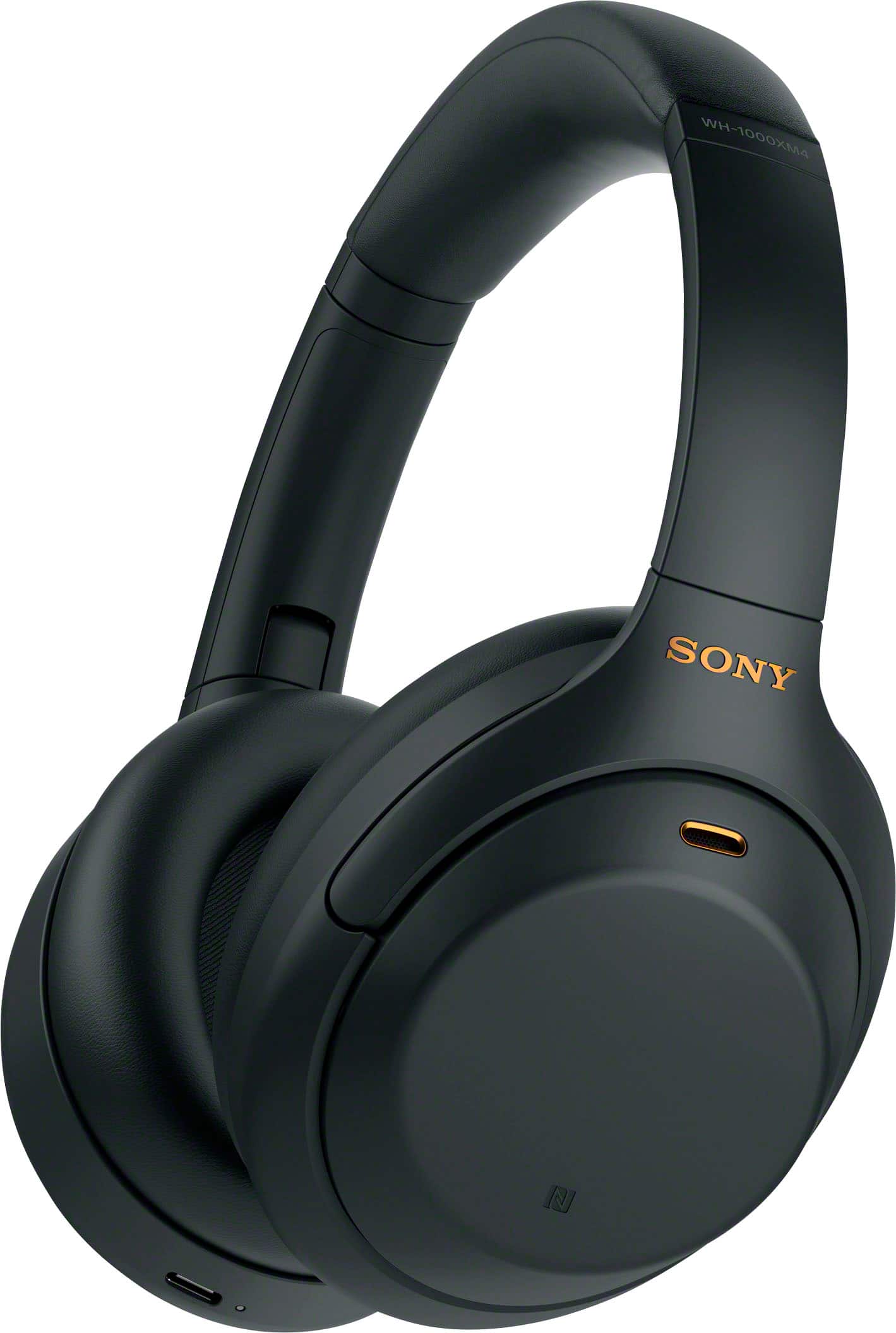
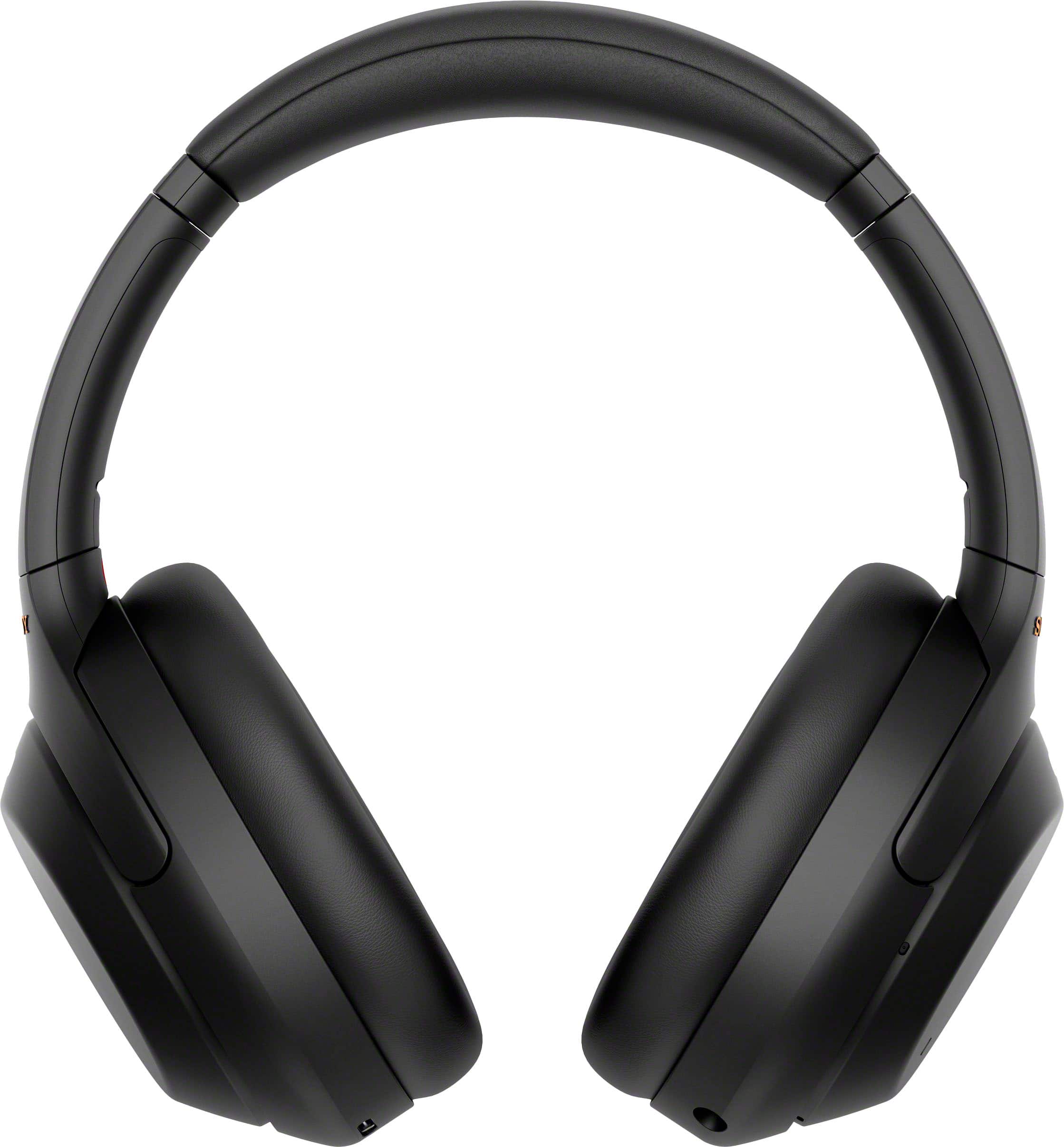
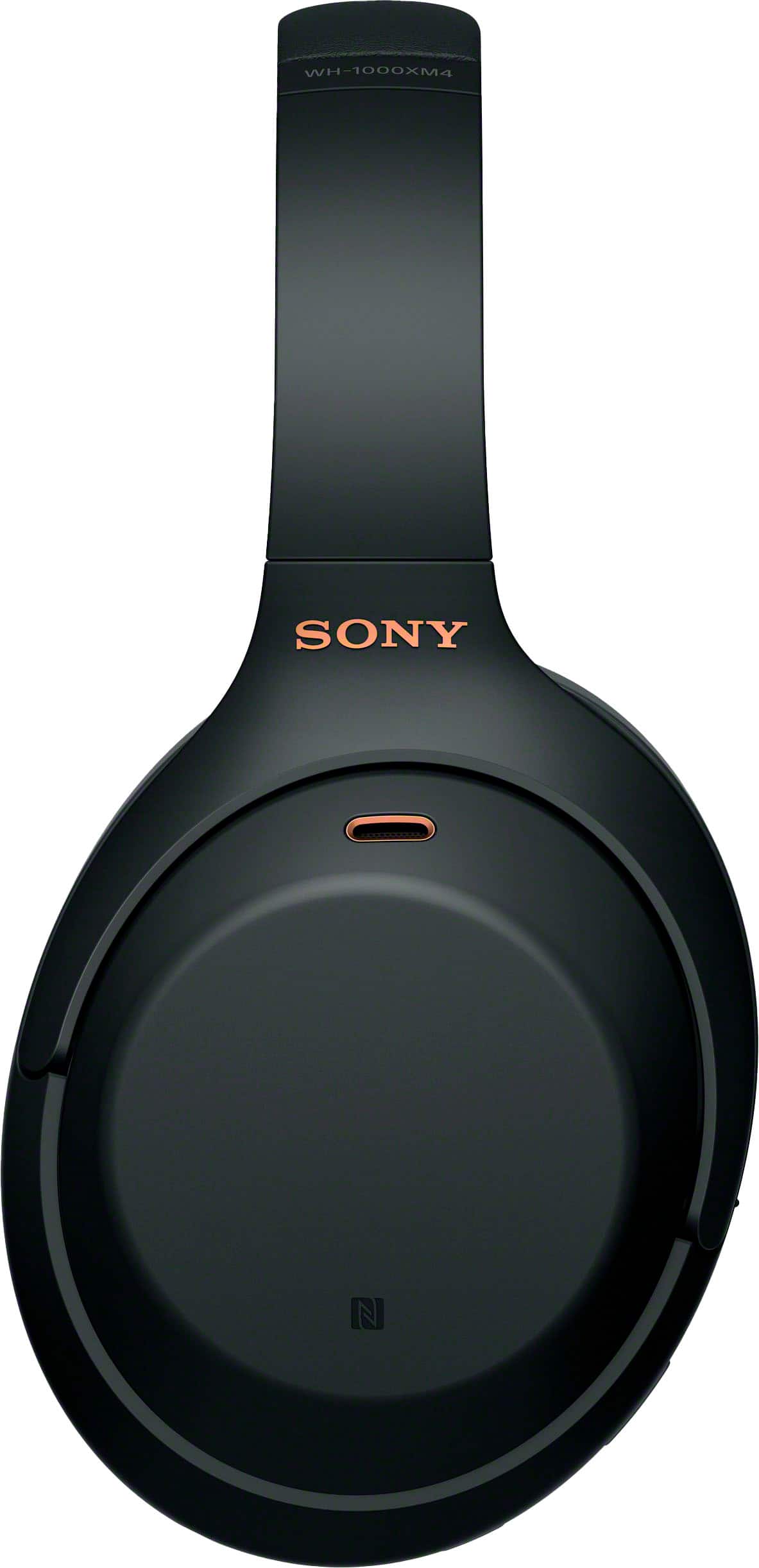
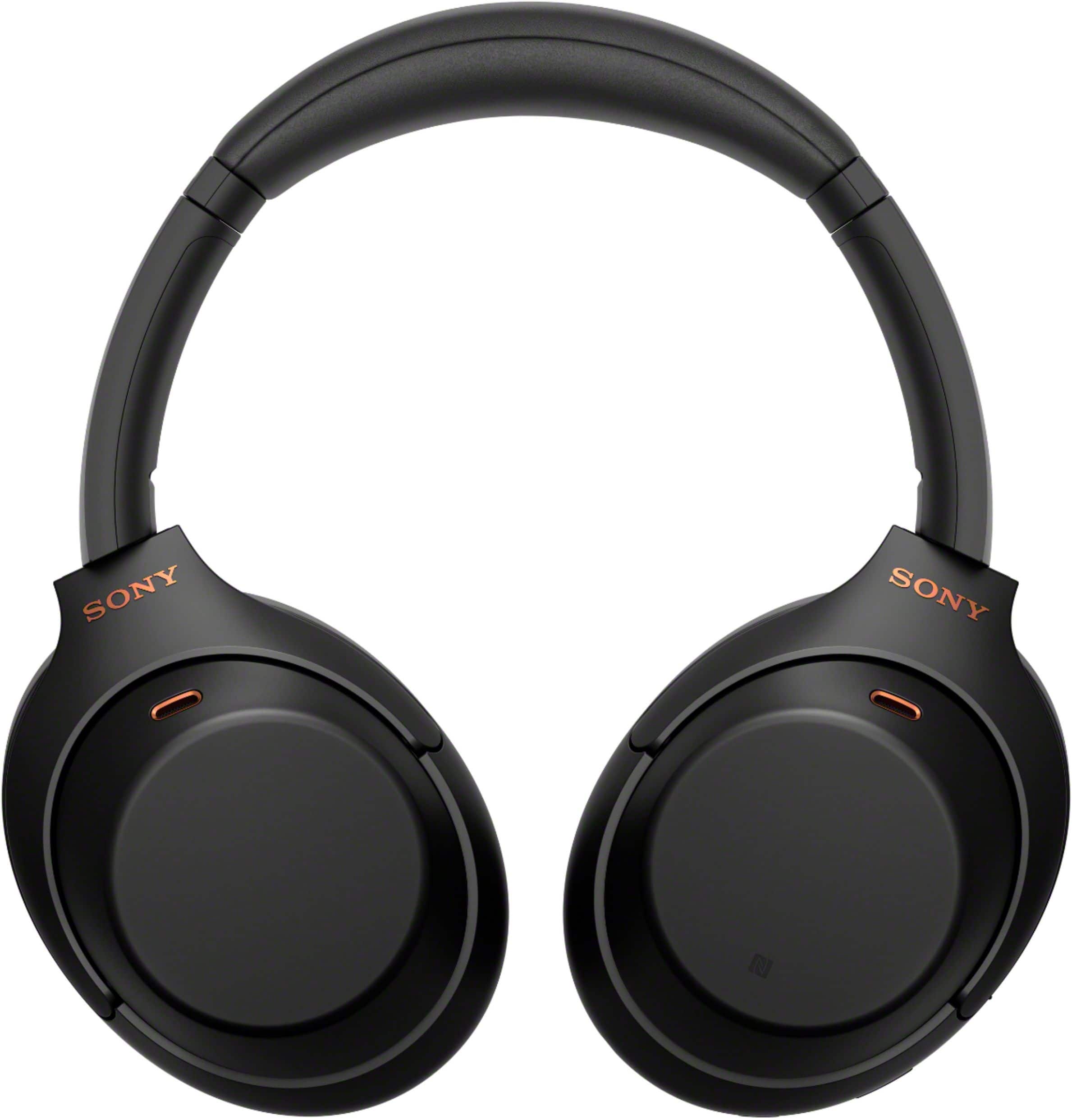
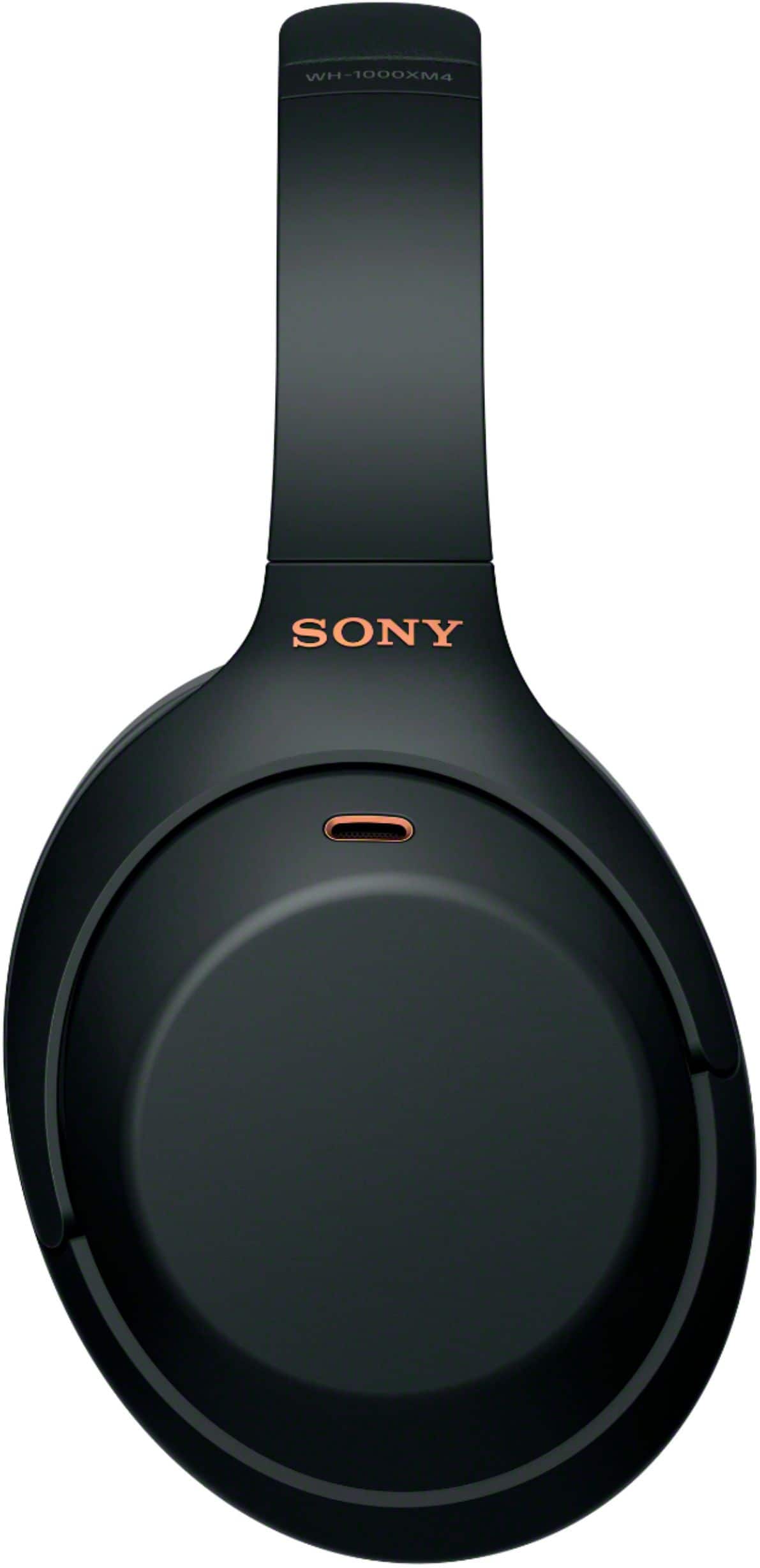
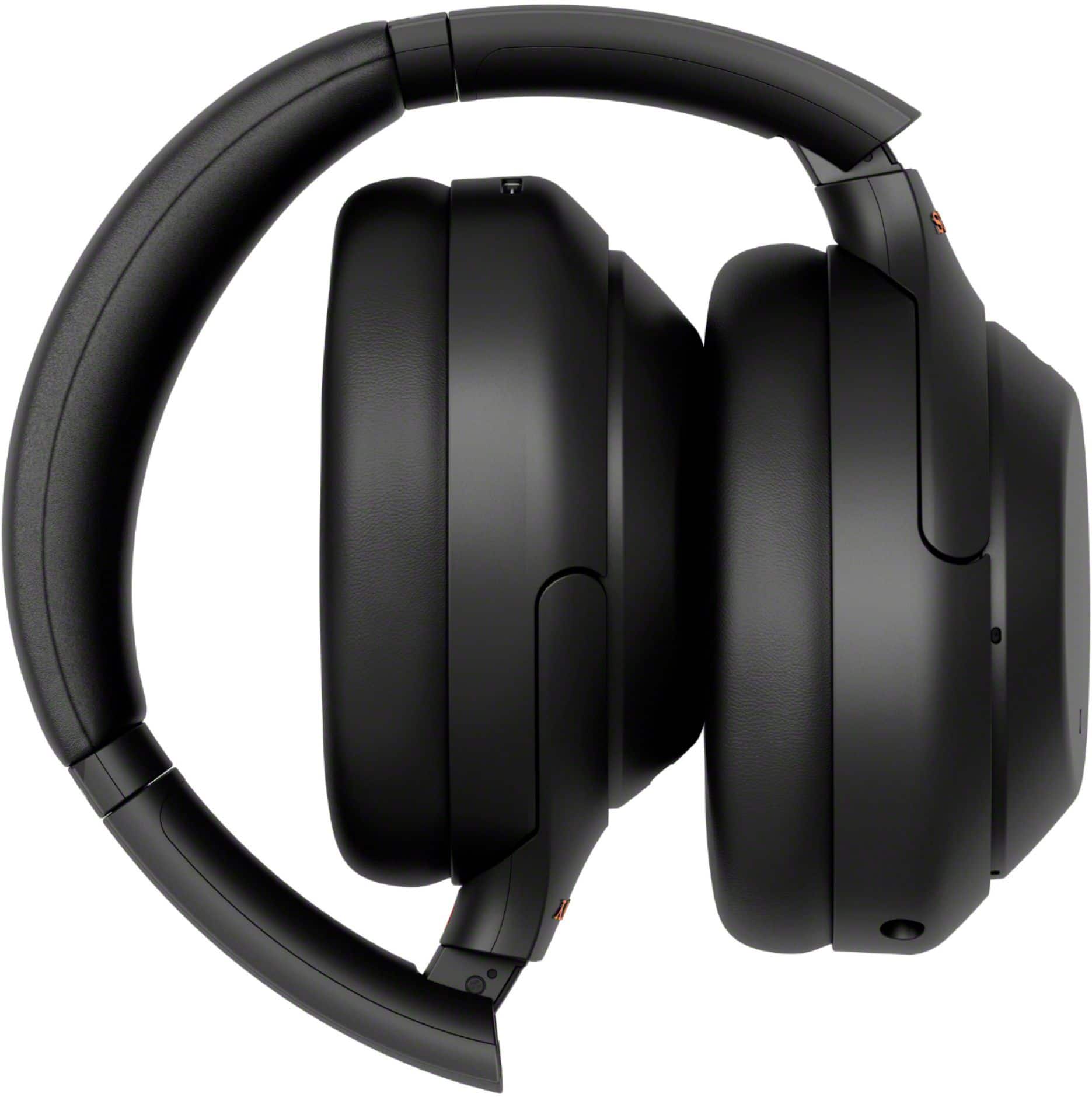
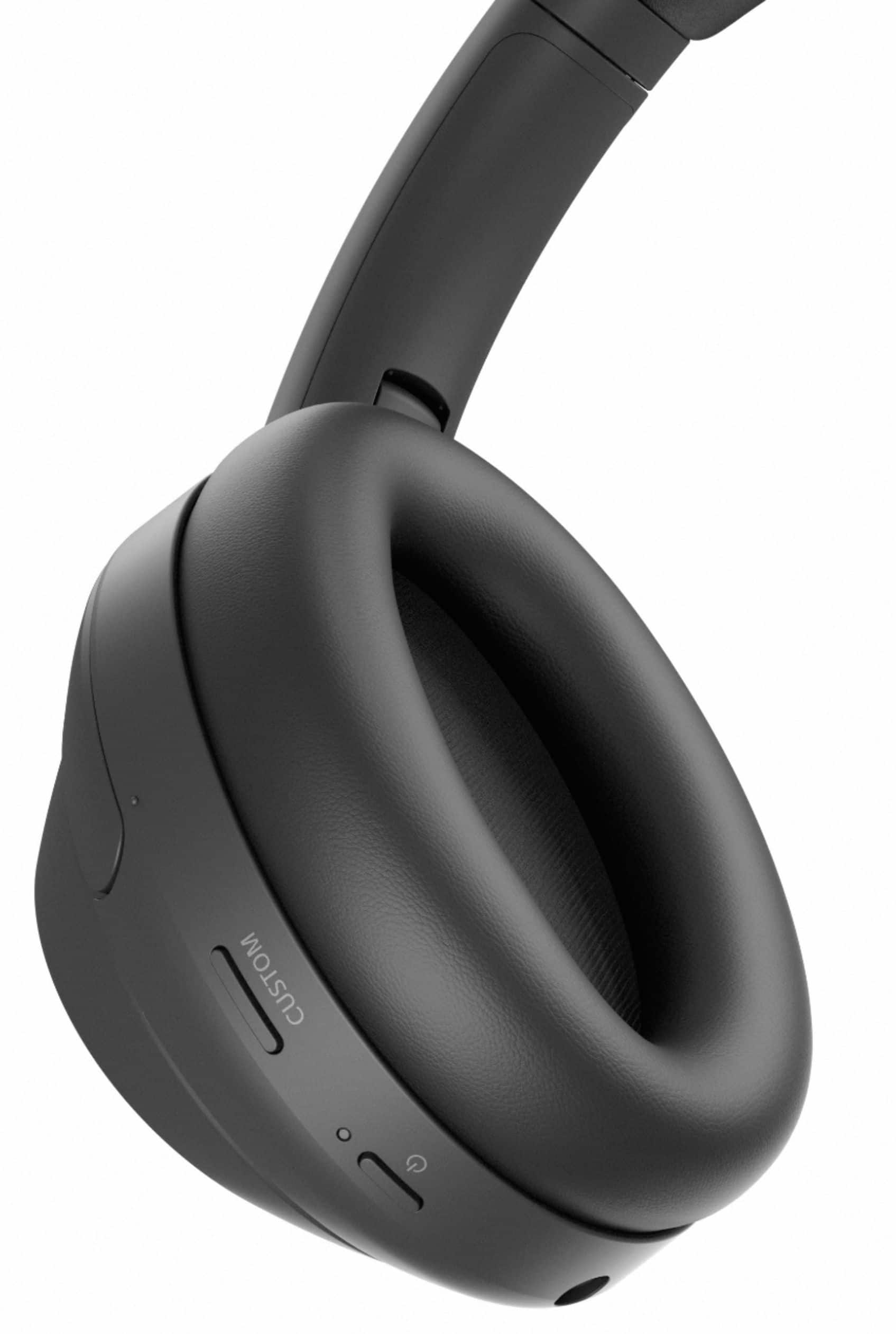
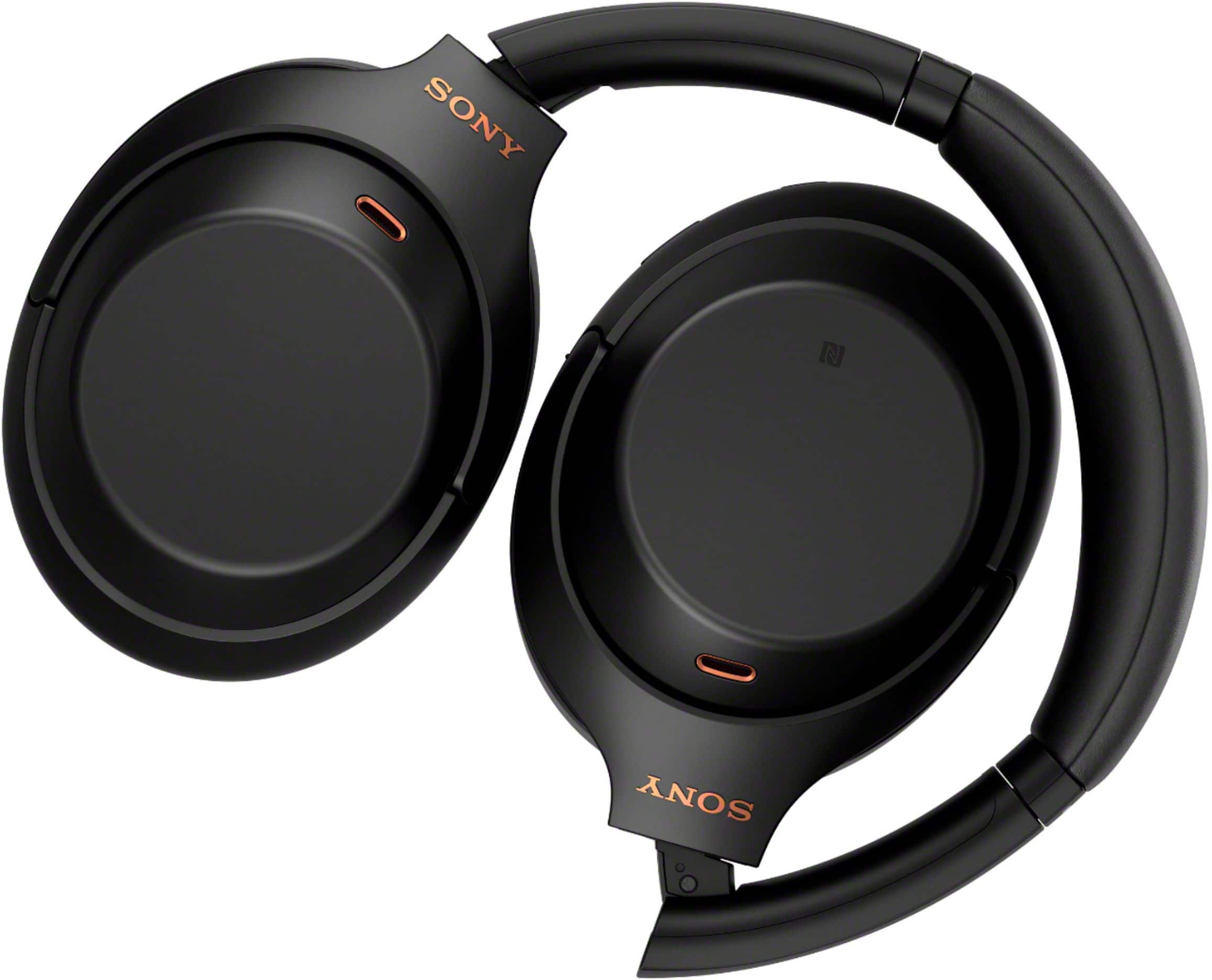
- Model:
- WH1000XM4/B
- SKU:
- 10735493
Rating by feature
- Sound Quality
Rating 4.9 out of 5 stars
- Battery Life
Rating 4.8 out of 5 stars
- Connectivity
Rating 4.7 out of 5 stars
to a friend
Customers are saying
Customers praise the phenomenal sound quality, comfort, and impressive battery life of the product. They also highlight its solid bass, lightweight design, and reliable connectivity, along with a premium design and good fit. Conversely, some users express frustration with the touch controls, consider the product overpriced, and wish for greater volume.
This summary was generated by AI based on customer reviews.
Won't charge no fix
||Posted . Owned for 1 year when reviewed.This reviewer received promo considerations or sweepstakes entry for writing a review.Stopped working after 16 months - not under warranty. This is my second issue w Sony headphones - buy something else.
No, I would not recommend this to a friendBrand response from SonyListens
Posted .Hello MichaelW,
Thank you for bringing this to our attention. We regret to hear that your unit stopped working and is no longer charging. This is not the news nor the experience we want you to have. Please allow us to help and troubleshoot this issue. You may check and follow these helpful links.
The headphones do not charge (headband / in-ear)
https://www.sony.com/electronics/support/wireless-headphones-bluetooth-headphones/wh-1000xm4/articles/00267822
Charging cannot be done.
https://helpguide.sony.net/mdr/wh1000xm4/v1/en/contents/TP0002752805.html
The headphones don't turn on (headband / in-ear)
https://www.sony.com/electronics/support/wireless-headphones-bluetooth-headphones/wh-1000xm4/articles/00204484
May we contact you to help? If so, please email the below information to socialsupport@am.sony.com
Apologies if you disclosed some of this information in your review and to customer service, we just want to ensure that we have your accurate details at the time of communication.
Full Name:
Best Buy Username:
Telephone Number:
Model Number:
Issue:
Regards,
Marco
Junk
||Posted . Owned for 1 year when reviewed.This reviewer received promo considerations or sweepstakes entry for writing a review.A year later they won’t hold a charge. Almost $400 down the drain.
No, I would not recommend this to a friendBrand response from SonyListens
Posted .Hi AmandaH,
We are sorry to hear that you are experiencing issues with your WH-1000XM4 not charging or powering up anymore.
For charging, please make sure that these steps are followed.
-Be sure to use the supplied USB Type-C cable.
-Check that the USB Type-C cable is firmly connected to the headset and the USB AC adaptor or computer.
-Make sure that the USB AC adaptor is firmly connected to the AC outlet.
If you are using a computer to charge,
-Check that the computer is turned on.
-Wake the computer up if the computer is in standby (sleep) or hibernation mode.
-When using Windows 8.1, update using Windows Update.
-Restart your computer, and check whether the situation has improved.
-Reset the headset
Also, The headset cannot be turned on while charging the battery. Remove the USB Type-C cable and turn on the headset. You may also try and reset the headset.
To reset, please check out our help guide link: https://helpguide.sony.net/mdr/wh1000xm4/v1/en/contents/TP0002752743.html
If you need further assistance with your device, you may reach us at socialsupport@am.sony.com with the following details :
Full Name:
Best Buy Username:
Telephone Number:
Sony Model Number:
Additional Information regarding your experience with the unit:
We are sorry for the inconvenience and hope to speak to you to resolve this matter.
Sincerely,
-Craig

Excellent in pretty much every way
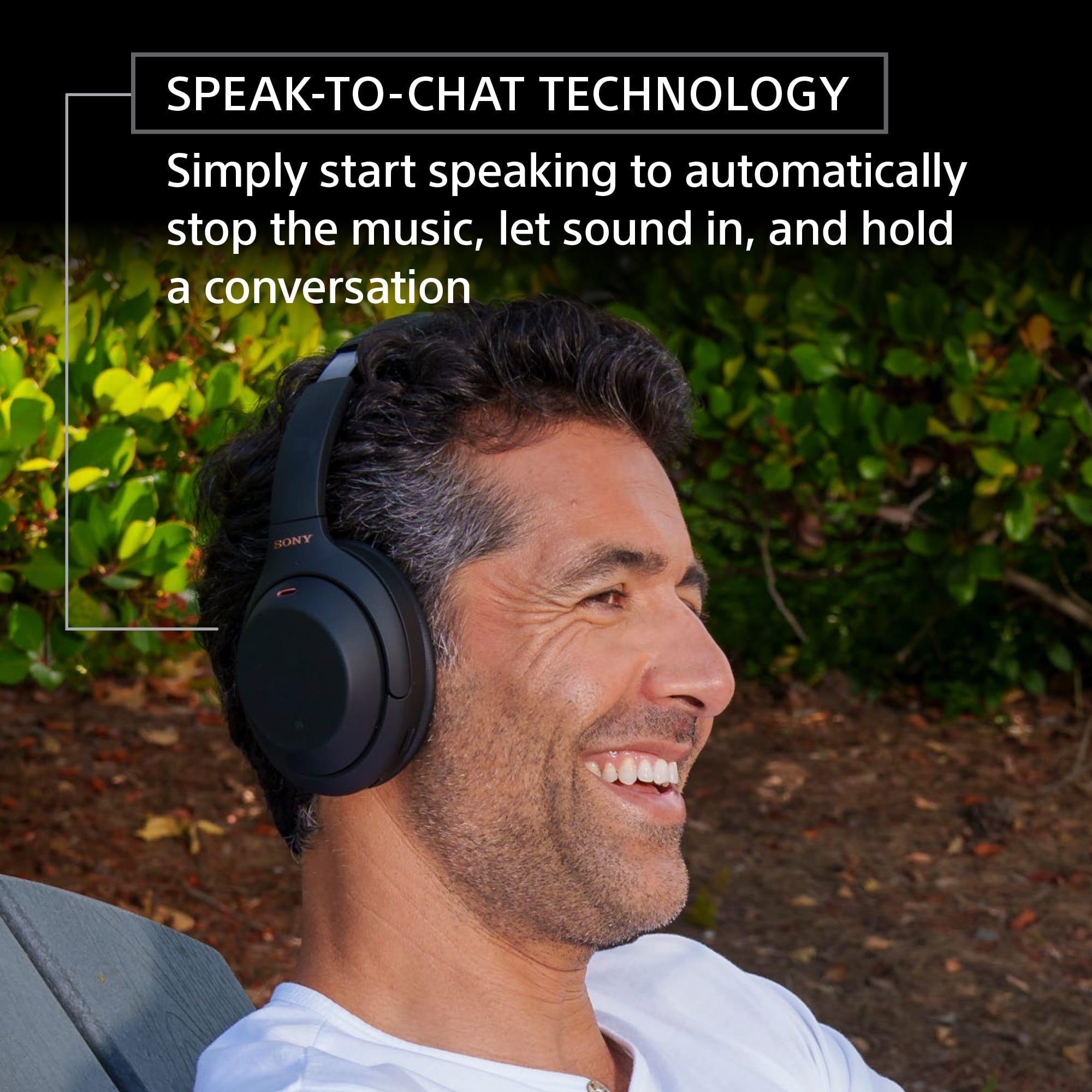
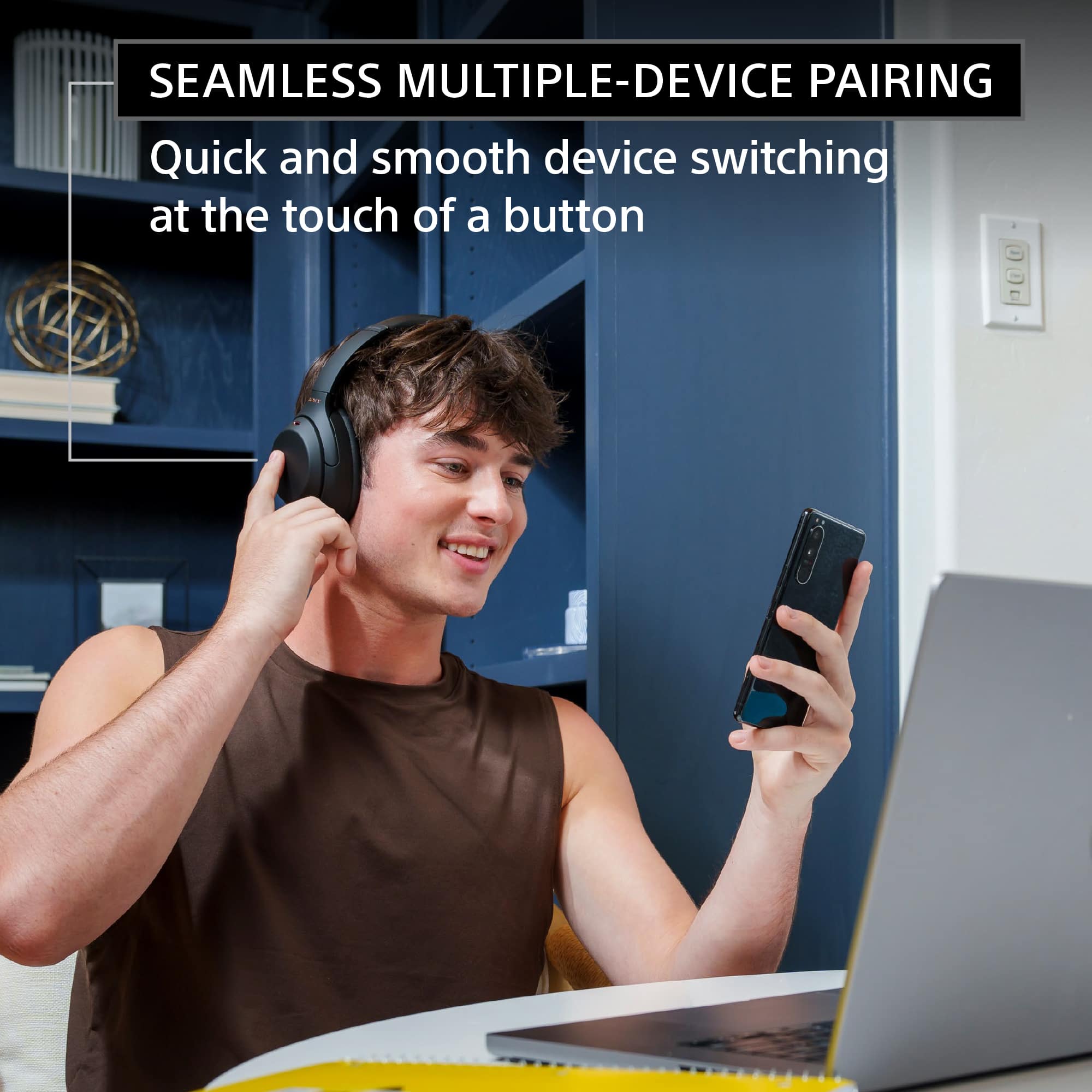
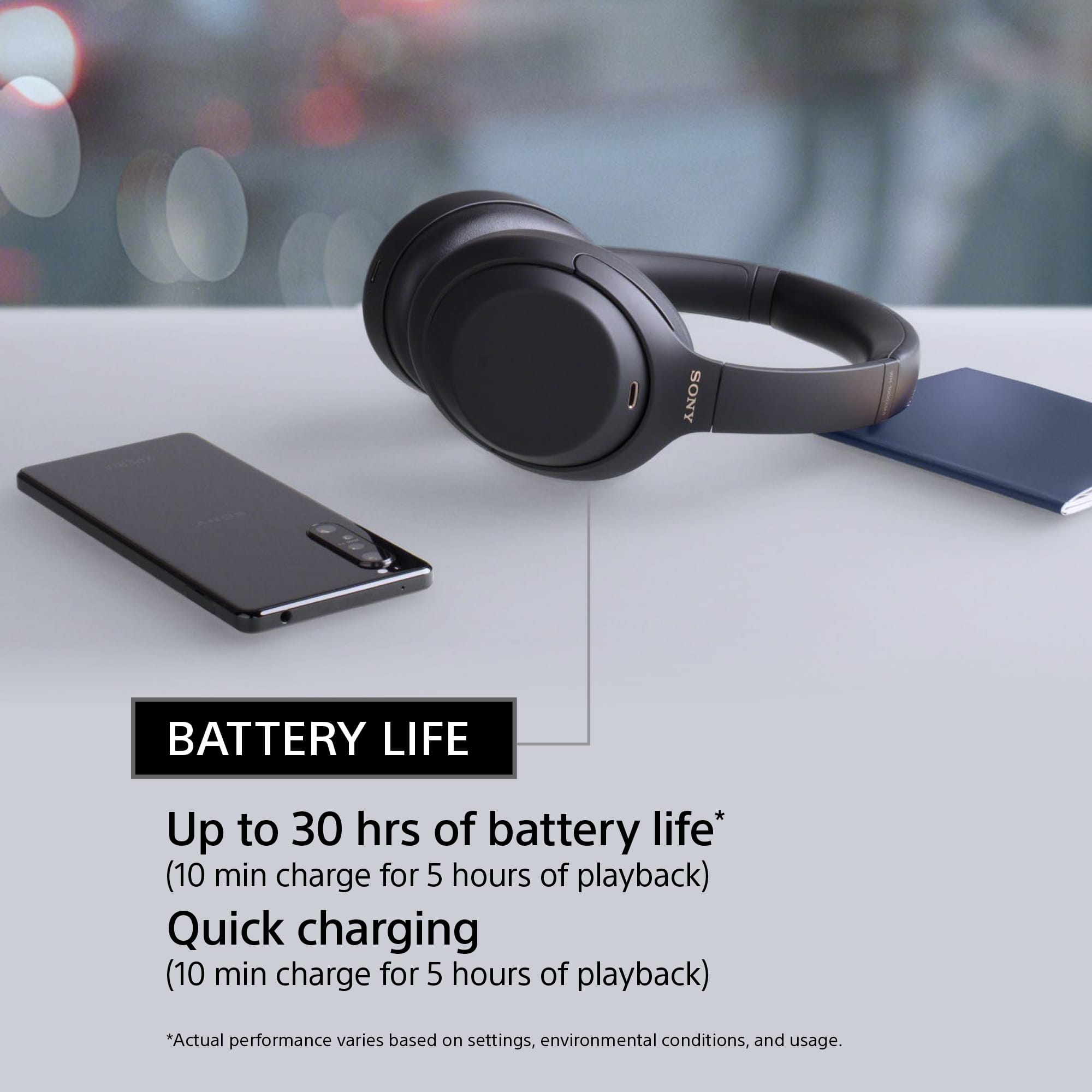
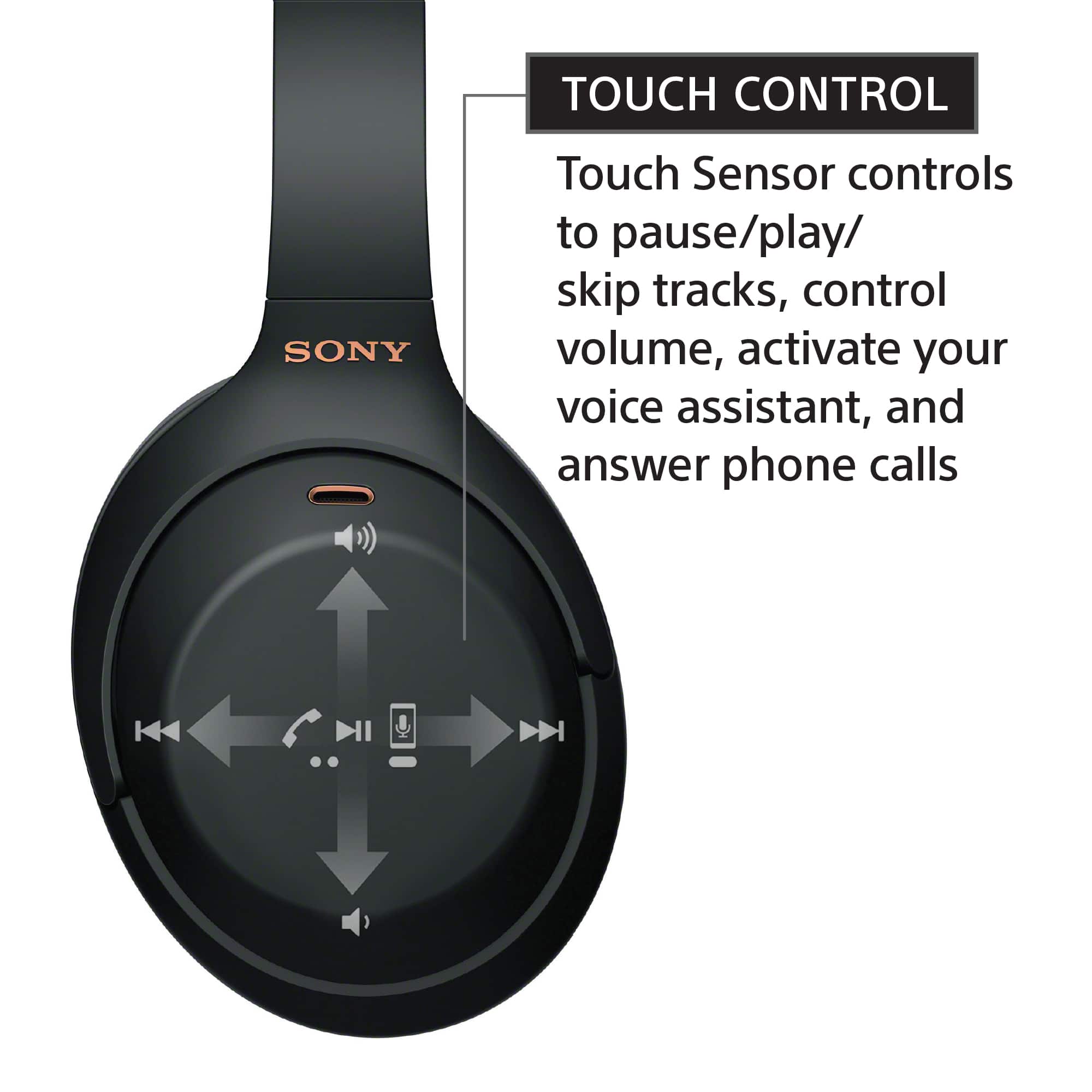
|Posted .This reviewer received promo considerations or sweepstakes entry for writing a review.The Sony WH-1000XM4 headphones are superb. They sound great, feature very effective noise cancellation, and work with multiple devices nearly seamlessly. The price may seem high, but I think you're certainly getting what you pay for with them. (In the interest of full disclosure, Sony did provide me with a "Platinum Silver" WH-1000XM4 in exchange for an honest review. The opinions here are my own.) The most obvious feature of the WH-1000XM4 is the adaptive noise cancellation, which begins working as soon as you power them up. (Though, even before powering them on, I felt that the cushioned earcups already noticeably damped outside noise.) It works very well, producing a very great sense of being "isolated" from surrounding noise. While switching between the WH-1000XM4's and my old pair of noise-canceling headphones (by JBL), I noticed a surprisingly significant reduction in white noise. I had never noticed this white noise before on the old headset, but Sony's noise cancellation system made it really stand out due to its relative superiority. The system also has a good-sounding ambient mode, which helps pass through outside sound you wish to hear - like a conversation. Beyond the noise cancellation, the headphones produce great sound. I'm not an audiophile by any stretch, but I thought the out-of-box sound quality was excellent. The mobile companion app allows for a lot of further tweaking to suit different tastes. As far as the "outgoing" sound picked up by the microphone goes, everyone I talked to via phone while using this headset indicated my voice came through very clearly. But even more than the sound and noise cancellation performance, what I really love about the WH-1000XM4 are the numerous "convenience features" that Sony developed. The headphones can detect when I begin speaking, and will automatically pause whatever media is playing and engage the ambient sound mode so that I can easily hear who I'm talking with and carry on a conversation. The touch-based gestures for controlling playback and answering calls work great, and are so much more convenient that hunting for small buttons along the edges of the earphones. Furthermore, covering up the entire right earcup with a hand will momentarily engage the ambient sound mode (reducing the volume on media being played, but not stopping it). I have found the latter feature to be especially useful - for instance, when someone wants my attention, I can use this gesture to listen to them without needing to begin the conversation by speaking myself. To top it all off, I really like the multi-device support. I needed to enable this via the companion app, but once I did, I could use the app to pair the headset with multiple devices. Only two devices can be "actively connected" at a time, but additional "inactive" device pairings are remembered. (I'm unsure if there's a limit, but I got to at least 6: 2 active and 4 inactive.) To use the headset with a device it's not actively connected to, it was easy to use the companion app on my phone to select an active device and "Disconnect" it (rather than remove/unpair it), then tap an inactive pairing to connect to it. The headphones will automatically switch between the active devices, and that worked very well in my experience. I kept my phone as one of the active devices, and then alternated the second active device between a laptop and tablet. I could be listening to music on the laptop or watching a video on the tablet, and if I got a call, the WH-1000XM4's would automatically pause my media and seamlessly switch the audio to my phone. A quick double-tap on the touch-sensitive gesture pad, and I could answer the call; once done, my music or video would begin playing again and sound would automatically switch back. There is really nothing substantial I can complain about with these headphones. Since the headphones often rely on the companion app to access features, especially for activating different sets of active devices, desktop versions (for Windows and Mac) would be welcome additions to the iOS and Android versions available now. It would also be nice if Sony could make the microphone functional when the unit is powered off or charging, so that in the worst case it could just behave like a traditional plug-in headset. (It's only able to play sound in this situation, not record voice.) In summary - these are great headphones. If you want effective noise cancellation, great sound, and excellent multi-device support, Sony's WH-1000XM4 are perfect for you.
I would recommend this to a friendhorrible experience
||Posted . Owned for 3 months when reviewed.This reviewer received promo considerations or sweepstakes entry for writing a review.Dead within 3 months of purchasing. The headphones wont charge
No, I would not recommend this to a friendBrand response from SonyListens
Posted .Hi Zakia, We are sorry to hear that you are experiencing issues with your WH-1000XM4 headphones not charging. We'd love to troubleshoot the issue and make this a better experience for you. In the meantime, please ensure to use the supplied USB Type-C cable and check that the USB Type-C cable is firmly connected to the headset and the USB AC adaptor or computer. If you are using your computer to charge the headphones, check that the computer is turned on. Wake the computer up if the computer is in standby (sleep) or hibernation mode. When using Windows 8.1, update using Windows Update. Restart your computer, and check whether the situation has improved.
May we contact you to help? If so, please email the below information to socialsupport@am.sony.com
Apologies if you disclosed some of this information in your review and to customer service, we just want to ensure that we have your accurate details at the time of communication.
Full Name:
Username:
Telephone Number:
Model Number:
Issue:
Regards,
Carl
love em!
Posted .This reviewer received promo considerations or sweepstakes entry for writing a review.These things rule. Very comfortable and the noise cancellation is pretty great and helps a lot with misophonia. First thing I said when I took them off was “wow, my fridge is so loud!” I don’t know anything about sound quality but I think they sound nice and the charge lasts a while. Only complaint is there’s an app for it and I’m totally exhausted with needing an app for things, but you hardly have to touch it.
I would recommend this to a friendBrand response from SonyListens
Posted .Hello sensoryissuesjohnson,
Great! Thank you for your purchase and we are pleased to hear your satisfaction on our WH1000XM4. We're glad that you like the sound quality, comfortability and the noise canceling capability of your XM4. About the Sony app, you may find this link helpful.
https://helpguide.sony.net/mdr/wh1000xm4/v1/en/index.html
Thank you for choosing Sony! - Marco
Test before you by
||Posted . Owned for 1.5 years when reviewed.This reviewer received promo considerations or sweepstakes entry for writing a review.Honestly hate these headphones and never use them. There is a lot of pressure when I put them on inside my ear drum and becomes very uncomfortable to the point of pain inside my ear.
No, I would not recommend this to a friendBrand response from SonyListens
Posted .Hi DanielleC, We are sorry to hear that you are experiencing issues with your WH-1000XM4. Please try adjusting the slider of the WH-1000XM4 headphones to get a more comfort fit. Please check our help guide link on "Wearing the Headset" this will provide you a more comfortable experience https://helpguide.sony.net/mdr/wh1000xm4/v1/en/contents/TP0002928786.html
Please note that If you put on the headset without adjusting the slider, the headset may not be positioned properly on your head, resulting in discomfort or a weak noise canceling effect. The wearing detection function of the headset may also not work properly and cause music playback to stop automatically or activate the automatic power off function (the battery saving function) to automatically turn off the headset.
You may also find this article helpful: https://www.sony.com/electronics/support/articles/00015243
Should you need further assistance, please email the below information to socialsupport@am.sony.com
Apologies if you disclosed some of this information in your review and to customer service, we just want to ensure that we have your accurate details at the time of communication.
Full Name:
Best Buy Username:
Telephone Number:
Model Number:
Issue:
Regards,
Carl
Not enough ANC
||Posted . Owned for 4 months when reviewed.This reviewer received promo considerations or sweepstakes entry for writing a review.You get in a plane, the engine sound is muffled and you can hear your fellow passangers conversation on the back seat. Where did my music isolation go to. ANC did not work
No, I would not recommend this to a friendBrand response from SonyListens
Posted .Hi JimmyG, We are sorry to hear that you are experiencing issues with your WH-1000XM4 headphones.
If you feel like the noise canceling of the headphones is not sufficient, please try these steps to troubleshoot.
Make sure that the noise canceling function is turned on.
Adjust the headset into a comfortable position.
The noise canceling function is effective in low frequency ranges such as airplanes, trains, offices, near air-conditioning, and is not as effective for higher frequencies, such as human voices.
Check that the Adaptive Sound Control is turned off.
Check the setting of the Adaptive Sound Control on the “Sony | Headphones Connect” app. When the Adaptive Sound Control is turned on, the noise canceling function may become insufficient.
With the “Sony | Headphones Connect” app, check the setting of [Ambient Sound Control]. If it is set to [Wind Noise Reduction] or [Ambient Sound], the effect of noise canceling is reduced. Set it to the noise canceling mode.
Please note that the noise-cancelling function is effective in low-frequency ranges such as airplanes, trains, offices, near air-conditioning, and is not as effective for higher frequencies, such as human voices. Although noise is reduced, it is not completely cancelled.
May we contact you to help? If so, please email the below information to socialsupport@am.sony.com
Apologies if you disclosed some of this information in your review and to customer service, we just want to ensure that we have your accurate details at the time of communication.
Full Name:
Best Buy Username:
Telephone Number:
Model Number:
Issue:
Regards,
Carl
Overpriced, underperforming!
||Posted . Owned for 3 weeks when reviewed.This reviewer received promo considerations or sweepstakes entry for writing a review.Horrible sound and horrible price. The noise cancelling made my head very woozy. Tried a $70 pair of Edifiers and they are 100x better in sound and the noise cancelling does a good job without messing with my equalibrium.
No, I would not recommend this to a friendBrand response from SonyListens
Posted .Hi MrDull, We are sorry to hear that the WH-1000XM4 did not meet all of your expectations. As a suggestion, to reduce discomfort while wearing the headphones, try adjusting the headband and the earpads properly. These headphones actually support super-soft, pressure-relieving earpads in foamed urethane evenly distribute pressure and increase ear/pad contact for a stable fit. For more information, please check our related article link: https://www.sony.com/electronics/support/wireless-headphones-bluetooth-headphones/wh-1000xm4/articles/00015243
Should you need further assistance, please contact us for help.
Please email the below information to socialsupport@am.sony.com
Apologies if you disclosed some of this information in your review and to customer service, we just want to ensure that we have your accurate details at the time of communication.
Full Name:
Best Buy Username:
Telephone Number:
Model Number:
Issue:
Regards,
Carl
Okay but not worth the money
||Posted . Owned for 1 month when reviewed.This reviewer received promo considerations or sweepstakes entry for writing a review.They turn off by themselves sometimes and don’t sound as good as they cost. The touch controls don’t work for me because I have sweaty hands and the noise cancellation is good but honestly just turn up the music and you don’t even need it anymore.
No, I would not recommend this to a friendBrand response from SonyListens
Posted .Hi Jose,
We regret to hear that it's hasn't lived up to your expectations. Make sure to install the latest software version of the headphones (via the Sony Headphones Connect app) for optimum performance. You can also use the app's equalizer to tailor-fit the sound quality to your needs.
The headset may turn off automatically if the "Automatic Power Off" is turned on. You may refer to this link for more information:
https://helpguide.sony.net/mdr/hpc/v1/en/contents/TP0002935917.html
The noise canceling function is effective in low-frequency ranges such as airplanes, trains, offices, near air-conditioning, and is not as effective for higher frequencies, such as human voices. Check that the Adaptive Sound Control is turned off. Check the setting of the Adaptive Sound Control on the “Sony | Headphones Connect” app. When the Adaptive Sound Control is turned on, the noise canceling function may become insufficient.
The steps on these links may help you when using the touch sensor:
https://www.sony.com/electronics/support/wireless-headphones-bluetooth-headphones/wh-1000xm4/articles/00204192
https://helpguide.sony.net/mdr/wh1000xm4/v1/en/contents/TP0002758108.html
Should you need further assistance, please let us know. May we contact you to help? If so, please email the below information to socialsupport@am.sony.com. Apologies if you disclosed some of this information in your review and to customer service, we just want to ensure that we have your accurate details at the time of communication.
Full Name:
Best Buy Username:
Telephone Number:
Sony Headphones Model Number:
Additional Information regarding your experience with the WH1000XM4.
We are sorry for the inconvenience and hope to speak to you to resolve this matter. We appreciate you and thanks again for shopping Sony!
Sincerely,
~Ralph
Sony Social Support
BOSE vs SONY ANC
|Posted .This reviewer received promo considerations or sweepstakes entry for writing a review.Bose and Sony are at war with high-end active noise cancelling headphones. I own the Bose NC700 and these are great headphones. Superior audio quality and extremely comfortable to wear. Then along came the Sony WH-1000XM4 and now I have a favorite headset. On paper Sony beats out the Bose headphones. Better battery life, additional features (removing Sony’s headset will pause the music or video), software (Sony’s work well) and price. Overall audio quality is fantastic. I can’t tell the difference between Bose and Sony. And headphones are exceptionally comfortable as well. You cannot go wrong with either headphones but I would highly recommend the Sony’s WH-1000XM4
I would recommend this to a friendBroke down just after a year
||Posted . Owned for 1 year when reviewed.This reviewer received promo considerations or sweepstakes entry for writing a review.Before buying this headphone search for Sony Xm4 headphone high pitched noise. My headphone broke down just after a year and they refused to exchange the headphones even after so many people faced the same issue
No, I would not recommend this to a friendBrand response from SonyListens
Posted .Hi sanketkarnik,
This is not the experience that we want you to have. This isn't normally the case with the WH1000XM4. Your feedback is greatly appreciated. For optimum performance, make sure to install the latest software version of the headphones (via the Sony Headphones Connect app). Resetting and initializing the headset may also help resolve the issue. Please refer to the steps on these links:
https://helpguide.sony.net/mdr/wh1000xm4/v1/en/contents/TP0002752743.html
https://helpguide.sony.net/mdr/wh1000xm4/v1/en/contents/TP0002752746.html
If still not resolved, please email the below information to socialsupport@am.sony.com so we can help you out.
Full Name:
Best Buy Username:
Telephone Number:
Sony Headphones Model Number:
Issue:
Case Number:
Additional Information regarding your experience with your WH1000XM4.
Sincerely,
-Ralph
Sony Social Support
Overall a great set of headphones.
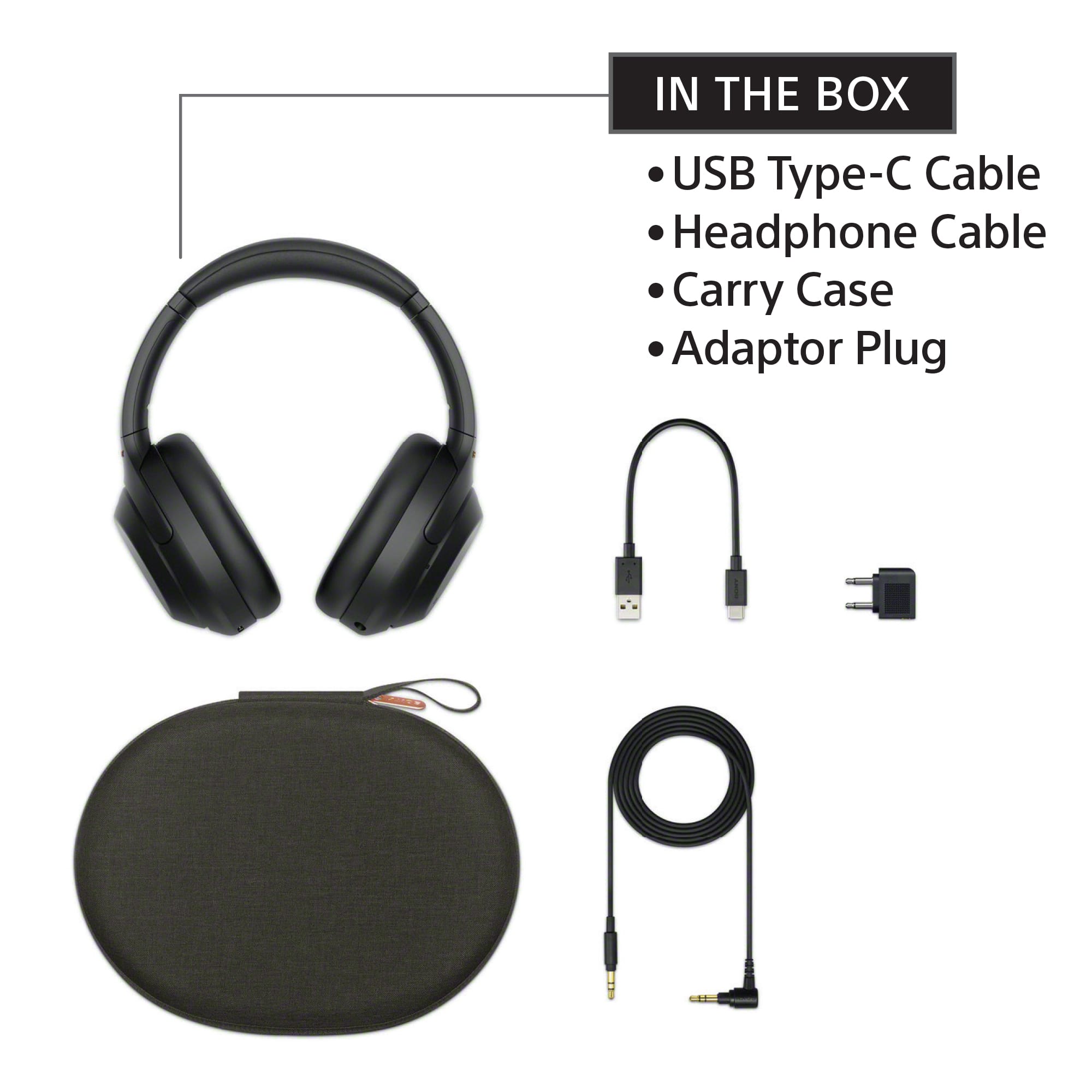
|Posted .This reviewer received promo considerations or sweepstakes entry for writing a review.Sony - WH-1000XM4 Wireless Noise-Cancelling Over-the-Ear Headphones - Black The Sony WH-1000XM4 take over where the M3 left off. Their noise canceling feature is superb, with a function to customize it to your surroundings. I find the touch controls to be a little off for my tastes. There more like diagonally across the ear, not so much up/down/forward/aft. With the touch to pause and answer the phone more at the edges, not so much in the middle. Please understand this is not bad, it works as it should and it could easily be my hands and fingers that are not registering the touches correctly. I have similar issues with the touch screen on my phone. I think I’m touching one place and something next to it gets the signal. So I’ll just blame the touch areas on my fingers. Speak to chat needs to be setup on the phone app first but once it’s set up it work regardless of if your using the phone app or just your stereo. It works as promised for me. As far as multi device connection goes, it will connect to my 2 devices, my stereo and my phone. The Speak-to-chat works as expected on the phone but the stereo is a different story. On my phone it will pause the music when I talk and start back up about 15 seconds after I’m done talking. It will pause the music when the phone rings and you only have to couch the ear to answer the call. When your done and you either touch the ear to hang up, or the call just ends, the music starts playing again. This however does not work with my stereo. The phone does not take control of the headphones when it rings. I don’t understand why, maybe I set them up incorrectly. When Speak-to-chat is used with the stereo it “mutes” the music and you can talk. The music is still being played, it is just muted. When your done talking it unmutes, but you have missed that part of the song. I enjoyed being able to just take them off and lay them down and a minute or so later they turned off. As far as charging goes. The cord supplied is worthless, it’s 8 inches long. Why even include it? There is a standard 1/8” headphone cord included, but it seams it’s headphone only. There seems to be no MIC function with the cord. They also include an aircraft headphone adapter. I work in aircraft and I haven’t seen this setup on a seat in 10 years. It must be coming back someplace for them to include it. When charging it states 10 minutes gets you 5 hours of listening. In order for this to happen you need and adapter that can output the full 5VDC at more than an amp. Most of the normal chargers will fall on their face if asked to keep 5 volts at anything more than ¾ of an amp. I have USB power testers and could see the current draw on the charger. The voltage drop was well out of limits because of the amount of power required. Once I changed to my backup charger, I don’t use it much because it will damage things if something goes wrong, I watched it draw more than 1 amp for just under 10 minutes. That’s where their getting the 10 minutes gets to 5 hours. My last thing is the 360 sound. I could not use this because it is only available on 3 platforms that you have to pay for. So it was not tested, and I expect most people will not use it. It is 4.0 surround in your ear. They could use any number of enhancements to create this without having to pay for it. My overall thought is these are my new daily use headphones. One note, as soon as I connected them to my phone they did a 15 minute firmware update. So they may fix the 360 sound for everyone at some point.
I would recommend this to a friendBrand response from SonyListens
Posted .Hi BradleyFl, we're happy to hear all those positive feedback about the headphones. We're glad that you're enjoying the improvements we made. Intelligent and intuitive, the WH-1000XM4 headphones offer further improvements to our industry-leading noise cancelation, exceptional sound quality, and smart listening that adjusts to your behavior and your location.
To get the most out of your WH-1000XM4, download the Sony | Headphones Connect App. It includes Adaptive Sound Control—which automatically adjusts noise canceling based on your activity and an equalizer—which can be customized to fine-tune your music. Using our advanced noise canceling technology, we designed these headphones so you can block out noise and experience next-level silence. Plus, you have the ability to use the convenient smart features including Quick Attention, Google Assistant/Alexa/Siri compatibility, and touch controls. Thanks for choosing Sony.
~Ralph
Terrible PC gaming headphones
||Posted . Owned for 1 month when reviewed.This reviewer received promo considerations or sweepstakes entry for writing a review.Poor sound quality and uncomfortable. Thoroughly underwhelmed. Bought these as the ultimate gaming headphones when playing on my computer. I would never recommend these and am considering returning them.
No, I would not recommend this to a friendBrand response from SonyListens
Posted .Hi Xandrosi,
We regret to hear that you are already looking to return the headphones. For optimum fit and comfort, make sure to wear the headphones properly and adjust the headband. You may refer to this link:
https://helpguide.sony.net/mdr/wh1000xm4/v1/en/contents/TP0002928786.html
With the Sony Headphones Connect app, you can use the equalizer function to adjust the sound quality to your needs. For more information, please refer to this link:
https://helpguide.sony.net/mdr/wh1000xm4/v1/en/contents/TP0002752772.html
Hope this improves your experience. If you need further assistance, please email the below information to socialsupport@am.sony.com.
Full Name:
Best Buy Username:
Telephone Number:
Sony Headphones Model Number:
Issue:
Additional Information regarding your experience with your WH1000XM4.
Sincerely,
-Ralph
Sony Social Support
Hands down best headphones I own
|Posted .This reviewer received promo considerations or sweepstakes entry for writing a review.I've heard a lot about the Sony XM3's so when I heard the XM4's were coming out I knew I needed these and boy was I right. Quality They have a very premium feel from the quality of materials Sony used, the texture, all the way to the leather ear cups. They feel great on my head. Not too tight or lose but comfortable enough to wear for long periods of time. Well done. Features There is the Sony Connect App you can use to update firmware, turn features on and off, and adjust the eq. Its not required to use the headphones but highly suggest installing if you have a smart phone. Some features that carry over from other previous generation Sony headsets are the touch controls. My favorite the hold your hand over the right side to temporarily disable the noise canceling and turn the volume down. Some of the new stuff this year are speak to talk and wear detection. Speak to talk is off by default so if you want to use it you can turn it on in the app and the timing is even configurable. Wear detection is a really useful feature but I found it doesn't work with every device I tested it on. The big one I have yet to see elsewhere, multidevice support (two devices at once). It connects to your primary device first then a few seconds later it connects to your second device. From my experience it works very well and most importantly every time. Also note you can do bluetooth or hardwired with headphone jack. Cable is included. Sound Now to what really matters. With most headphones I have to make some eq adjustments to the bass etc to my liking. I went in to the app to adjust the eq but quickly realized the default was right on to my personal liking. Not only did they need no adjustment but they sound absolutely amazing! It beat out all of my other over ear headsets. As for the noise canceling hand down best in class. They drown out background noises that none of my other headphones have been able to do. Overall extremely impressed with the way they sound and cancel out noises. The hype is real. These are by far the best headphones I have ever owned period. In fact, I liked them so much I purchased a second another pair.
I would recommend this to a friendlacks battery life after 1 yr
||Posted . Owned for 1 year when reviewed.This reviewer received promo considerations or sweepstakes entry for writing a review.has great quality all around except battery life. one week after 1 yr warranty expired and the use time is next to nothing.
No, I would not recommend this to a friendBrand response from SonyListens
Posted .Hi shoot,
We regret to hear that you are not having a complete experience because of the battery life of the headphones. For optimum performance, make sure to charge the headset sufficiently. It is also recommended to use the supplied cable for charging.
Please also note that the usage time varies depending on the settings and conditions of use. You may refer to this link for more information:
https://helpguide.sony.net/mdr/wh1000xm4/v1/en/contents/TP0002752809.html
*To conserve battery life, turn off the DSEE HX Auto or Equalizer setting on the Sony | Headphones Connect app.
Note: The available battery life significantly decreases when these settings are used at the same time.
If still not working properly, reset and initialize the headset:
-Resetting the headset - Press both the (power) button and the CUSTOM button simultaneously while charging. The headset will be reset. The device registration (pairing) information is not deleted.
-Initializing the headset - Turn off the headset while the USB Type-C cable is disconnected and then press and hold the (power) button and the CUSTOM button simultaneously for 7 seconds or more. The indicator (blue) flashes 4 times, and the headset is initialized. This operation resets volume settings, etc. to the factory settings, and deletes all pairing information. In this case, delete the pairing information for the headset from the device and then pair them again.
Should you need further assistance, please email the below information to socialsupport@am.sony.com:
Full Name:
Best Buy Username:
Telephone Number:
Sony Headphones Model Number:
Issue:
Additional Information regarding your experience with the WH1000XM4.
Sincerely,
-Ralph
Sony Social Support
Crappy item
||Posted . Owned for 2 weeks when reviewed.This reviewer received promo considerations or sweepstakes entry for writing a review.These things are very uncomfortable and hurt my head. They also sound like crap.
No, I would not recommend this to a friendBrand response from SonyListens
Posted .Hi KennethM,
Thank you for the review and we're sorry to hear what happened with the headphones. The sound quality will depend in the source that you're playing. We recommend adjusting the length of the headband using the slider to achieve comfort. For us to better assist you, please email us at socialsupport@am.sony.com with the following details:
Name:
Best Buy Username:
Model Number:
Issue:
Telephone Number:
-David
2 months after and they are not changing
||Posted . Owned for 3 months when reviewed.This reviewer received promo considerations or sweepstakes entry for writing a review.They are already malfunctioning. They won’t charge and this is the second time.
No, I would not recommend this to a friendBrand response from SonyListens
Posted .Hi IreneA,
This is not the experience that we want you to have. Make sure to check the following:
-The supplied USB cable is used for the connection.
-The cable connection is secure.
-Make sure that the USB AC adaptor is firmly connected to the AC outlet.
-When charging the headset through a USB port on a computer, try the following as well:
*Make sure that the computer is turned on.
*If the computer is equipped with multiple USB ports, use another port.
*Connect the headset directly to the computer without using a USB hub.
*If the computer is in Standby (Sleep) or Hibernate mode, place it back to normal mode.
*If the computer is running on Windows 8.1, use Windows Update to update the operating system.
Resetting and initializing the headset may also help resolve the issue. Please refer to these links:
https://helpguide.sony.net/mdr/wh1000xm4/v1/en/contents/TP0002752743.html
https://helpguide.sony.net/mdr/wh1000xm4/v1/en/contents/TP0002752746.html
The unit comes with a 1-year manufacturer's limited warranty. If still not resolved, please contact our product support team via phone call or chat through this link:
https://us.esupport.sony.com/support/s/support-contact?language=en_US&category=headphones
Sincerely,
-Ralph
Not worth the money
||Posted . Owned for 1 month when reviewed.This reviewer received promo considerations or sweepstakes entry for writing a review.No better than 910N headphones don’t believe the YouTube reviews. The calls audio is so bad with noise canceling that I just took them off and use the phone instead
No, I would not recommend this to a friendBrand response from SonyListens
Posted .Hi Dominique, we are sorry to hear that you are experiencing difficulties using your headphones for phone calls.
For this, if your smartphone or mobile phone supports both HFP and HSP, set it to HFP. This will provide a better experience while receiving phone calls using the WH-1000XM4s.
You may also refer to our help guide links for more troubleshooting steps.
https://helpguide.sony.net/mdr/wh1000xm4/v1/en/contents/TP0002752750.html
https://helpguide.sony.net/mdr/wh1000xm4/v1/en/contents/TP0002752751.html
Should you need further assistance, please contact us for help.
Please email the below information to socialsupport@am.sony.com
Apologies if you disclosed some of this information in your review and to customer service, we just want to ensure that we have your accurate details at the time of communication.
Full Name:
Username:
Telephone Number:
Model Number:
Issue:
Regards,
Carl
Okay headphones when the bluetooth works
||Posted . Owned for 1 month when reviewed.This reviewer received promo considerations or sweepstakes entry for writing a review.I returned them because they kept on cutting out while connected via bluetooth to my smart tv. If I am going to pay this much for a pair of headphones they must be perfect, otherwise i'll go with Bose
No, I would not recommend this to a friendBrand response from SonyListens
Posted .Hi jerm, Thank you for the feedback on your experience with the WH1000XM4 and we regret to hear you had Bluetooth issues while connected to your smart TV. This is usually not the case for our headphones nor the experience we want you to have.
To ensure you get the best Bluetooth connection and to prevent the headphones from losing connection, please set the headphones Bluetooth Connection Mode to “Priority on stable connection” using the Sony Headphones Connect App.
Also, make sure that the firmware version of the headphones is up to date.
Should you need any assistance in the future, we can offer assistance by visiting our Sony Support website through this link https://us.esupport.sony.com/support/s/service?language=en_US and you can chat with one of our agents who would be glad to help.
I hope you consider our Sony products in the future. Thank you for sharing your feedback.
Sincerely.
Sam
review
||Posted . Owned for less than 1 week when reviewed.This reviewer received promo considerations or sweepstakes entry for writing a review.didn't live up to what I expected. my sony m3 were louder and the headphones got a cracking sound after 1 week. returned and bought V MODA M-200 . profesional studio headphones. not ANC but the audio is unmatched
No, I would not recommend this to a friendBrand response from SonyListens
Posted .Hi nick, We regret to hear that it didn't live up to your expectations. It's also unfortunate that you had to return the headphones because of the crackling sound. This isn't normally the case with these headphones. Sony takes all feedback seriously. Rest assured that this will help us improve the quality and performance of our products. Thanks for sharing your review and we hope you consider Sony in your future purchase. ~Ralph