Customer Ratings & Reviews
- Model:
- WH1000XM4/B
- SKU:
- 11047585
Rating by feature
- Sound Quality
Rating 4.9 out of 5 stars
- Battery Life
Rating 4.8 out of 5 stars
- Connectivity
Rating 4.7 out of 5 stars
Customers are saying
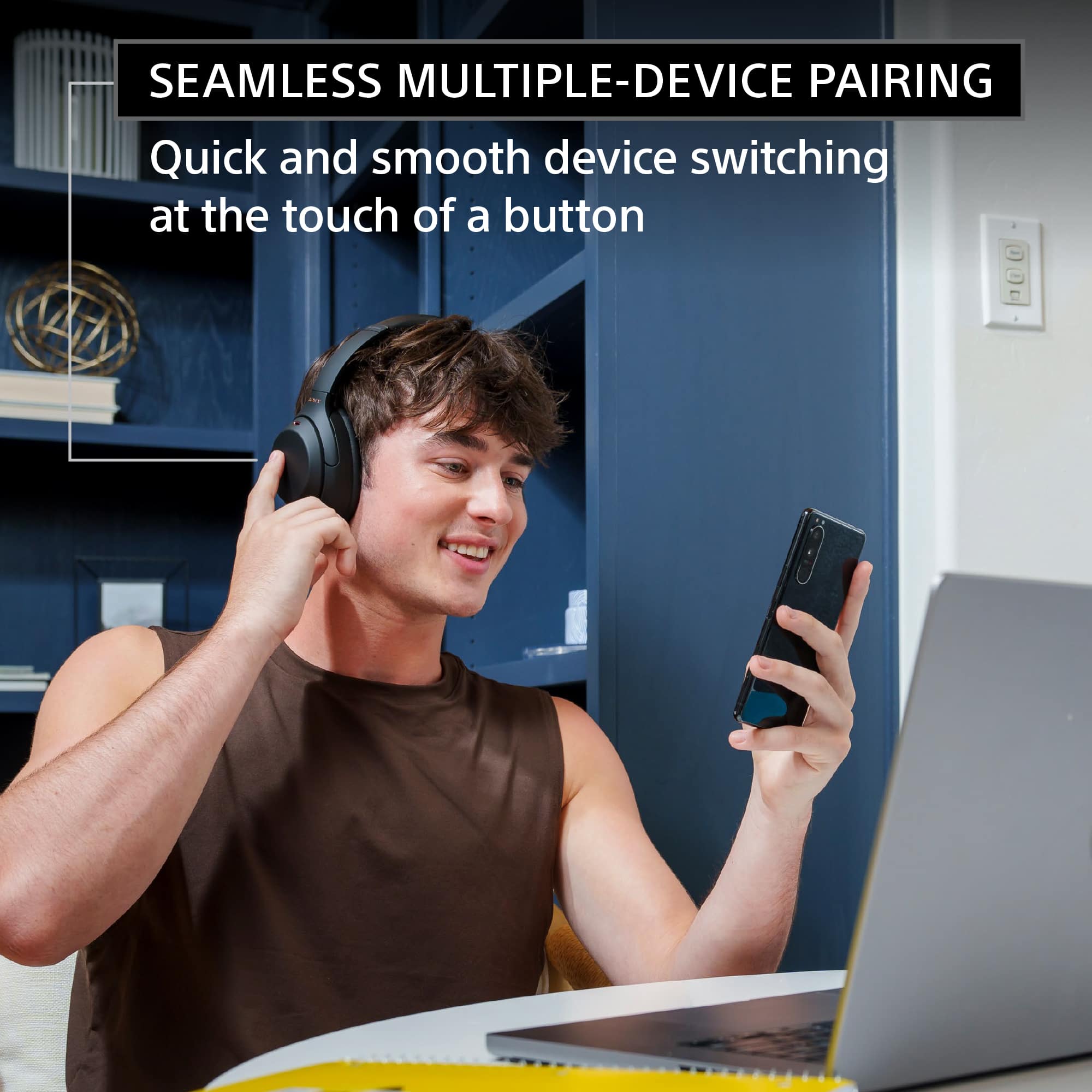
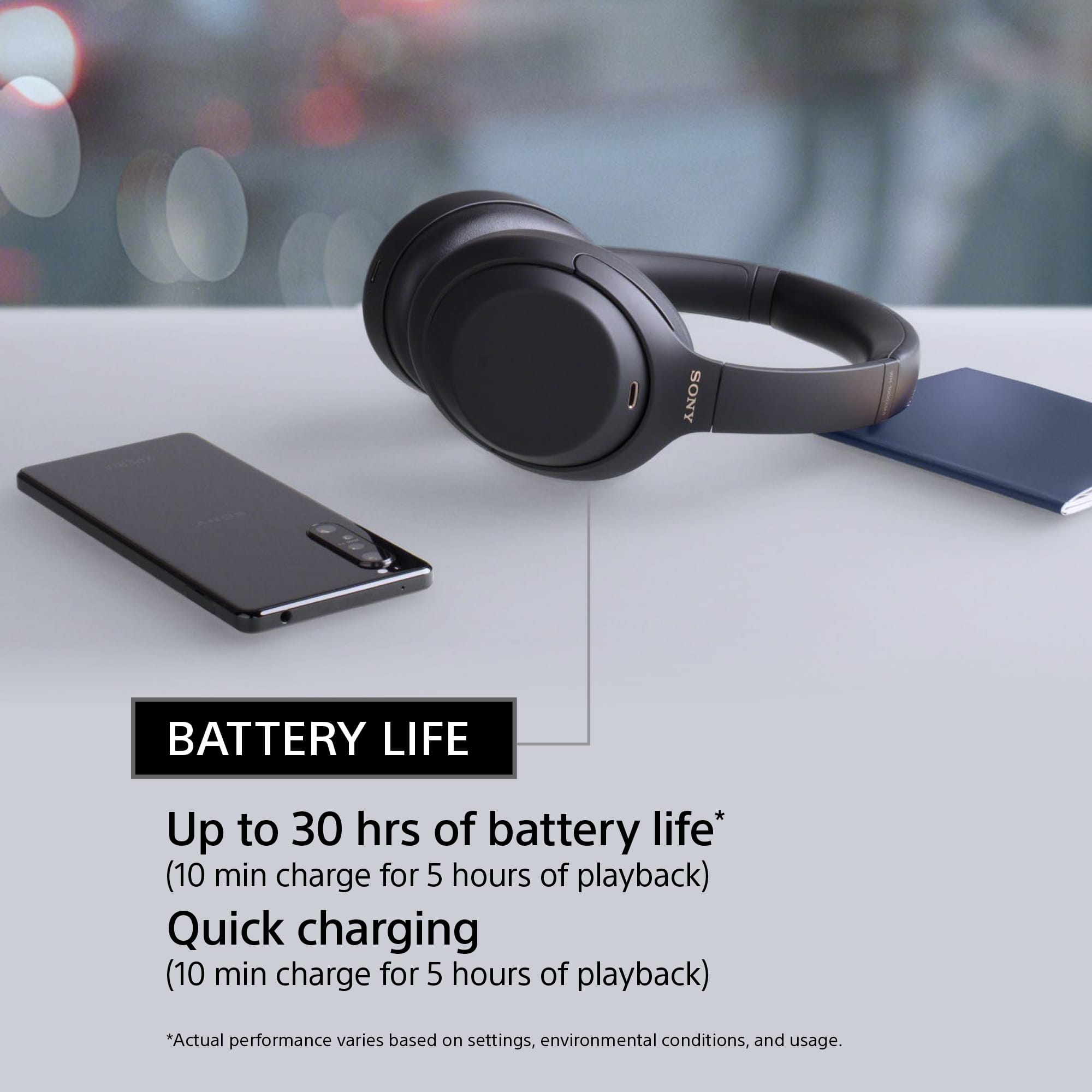
Customers are enthusiastic about the phenomenal sound quality, exceptional comfort, and impressive battery life of the product. They also praise its solid bass, lightweight design, good fit, reliable connectivity, and premium aesthetic. Conversely, some users express frustration with the touch controls, perceive the product as overpriced, and wish for higher volume output.
This summary was generated by AI based on customer reviews.
It’s Average
||Posted . Owned for 2 months when reviewed.This reviewer received promo considerations or sweepstakes entry for writing a review.Outdated design and bad connection to Apple devices
No, I would not recommend this to a friendBrand response from SonyListens
Posted .Hi nnqcuong, We appreciate your feedback about the design The WH1000XM4 actually features updated design that relieves pressure and we added more cushioning to the headband and ear padding for long-lasting comfort.
And to ensure you get the best Bluetooth connection and to prevent the headphones from losing connection with apple and other Bluetooth devices, please set the headphones Bluetooth Connection Mode to “Priority on stable connection” using the Sony Headphones Connect App.
Also, make sure that the firmware version of the headphones is up to date.
Should you need any assistance in the future, we can offer assistance by visiting our Sony Support website through this link https://us.esupport.sony.com/support/s/service?language=en_US and you can chat with one of our agents who would be glad to help.
You can also email us at socialsupport@am.sony.com with the following details:
Name:
Username:
Model Number:
Issue:
Telephone Number:
Sincerely,
Sam
- Pros mentioned:Sound qualityCons mentioned:Touch controls

The Best Got Better, Except For That USB Cable
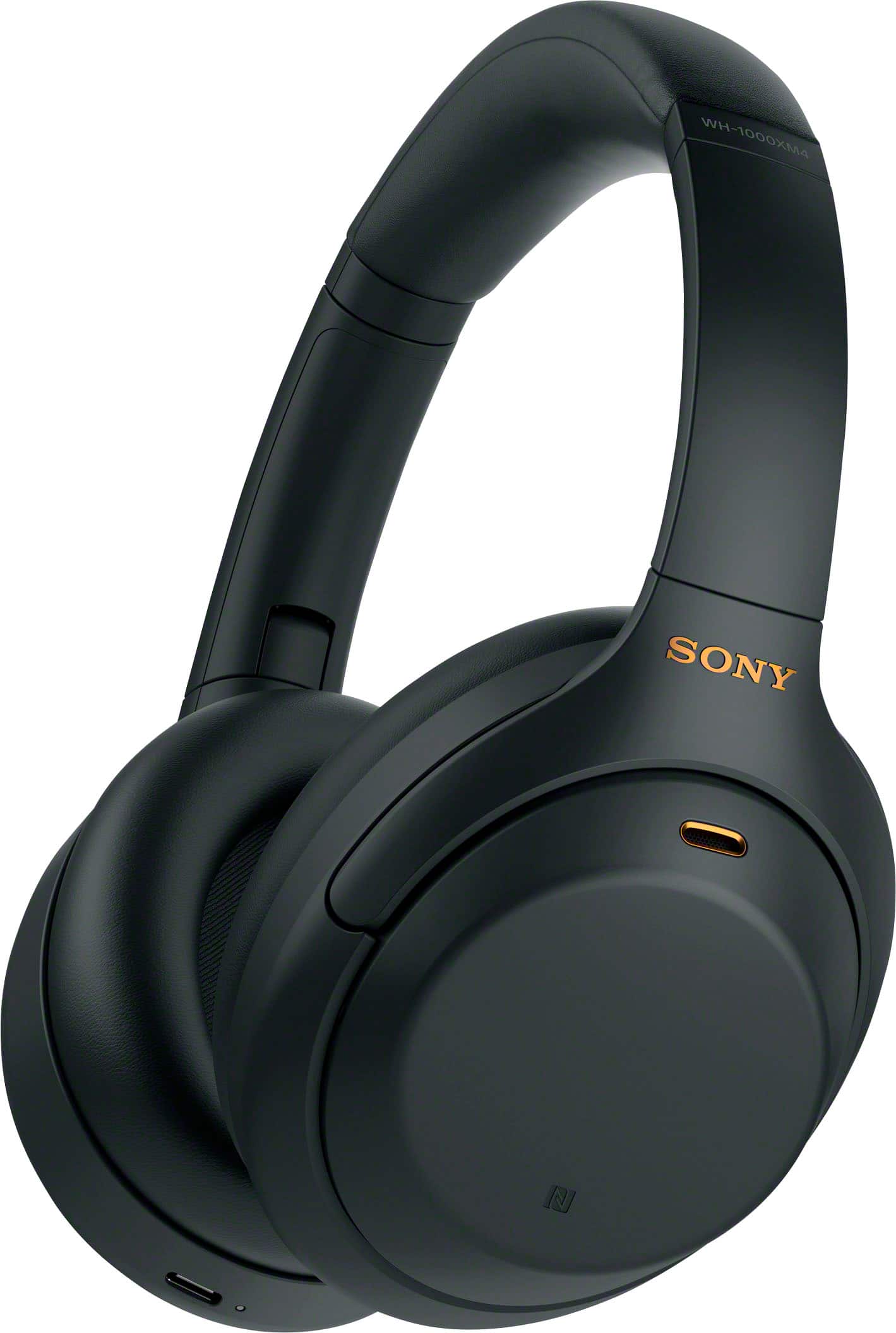
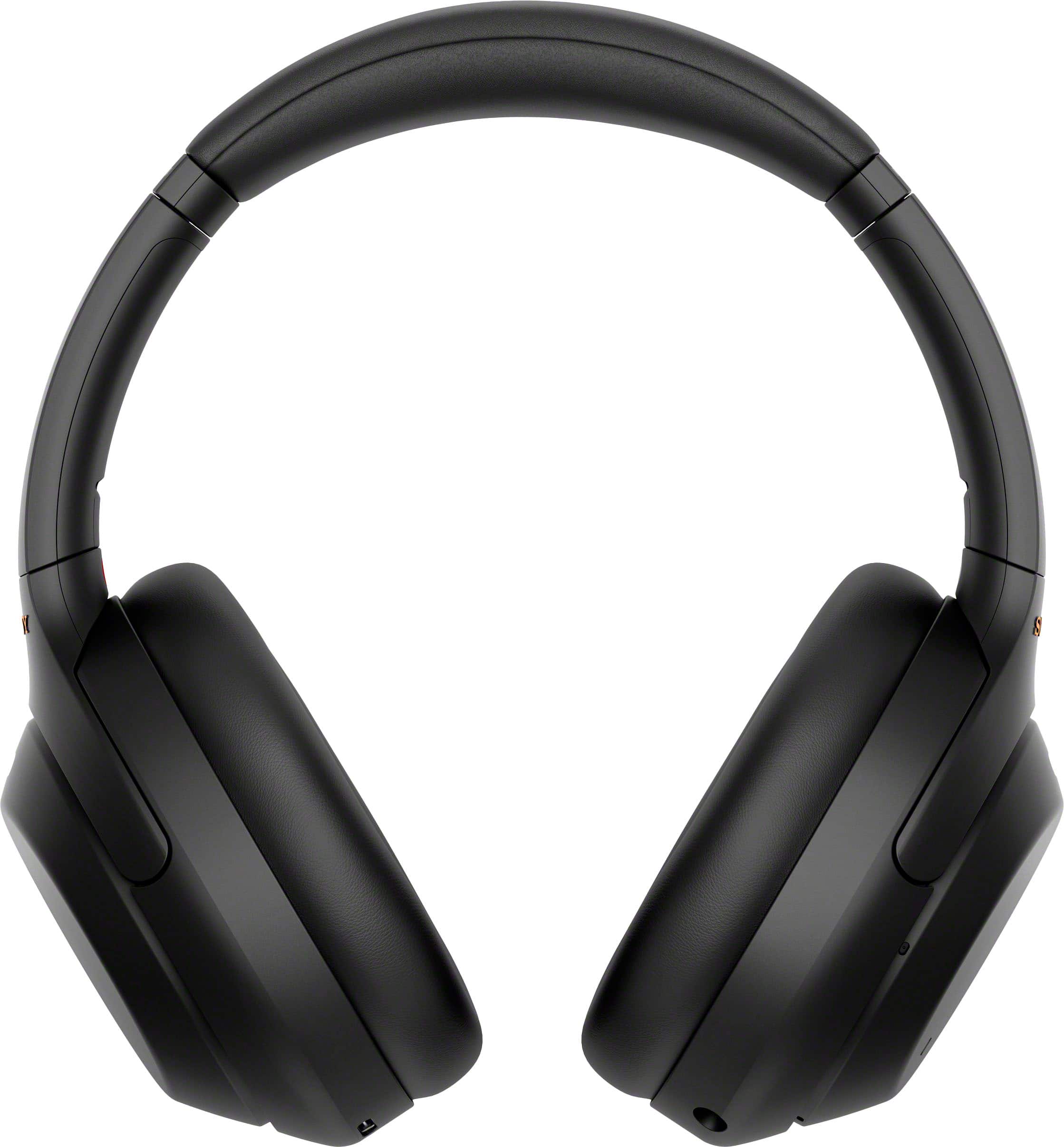
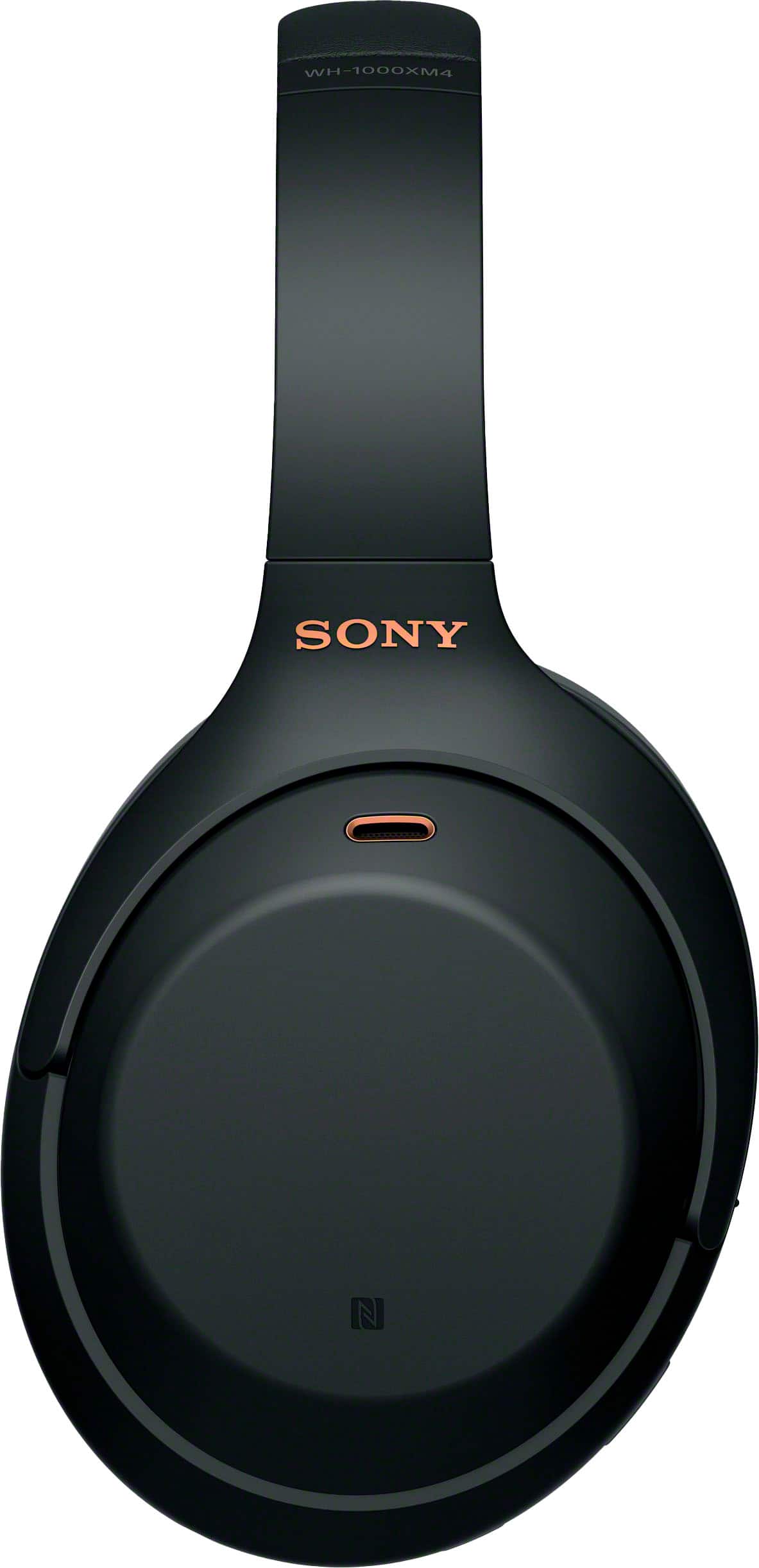
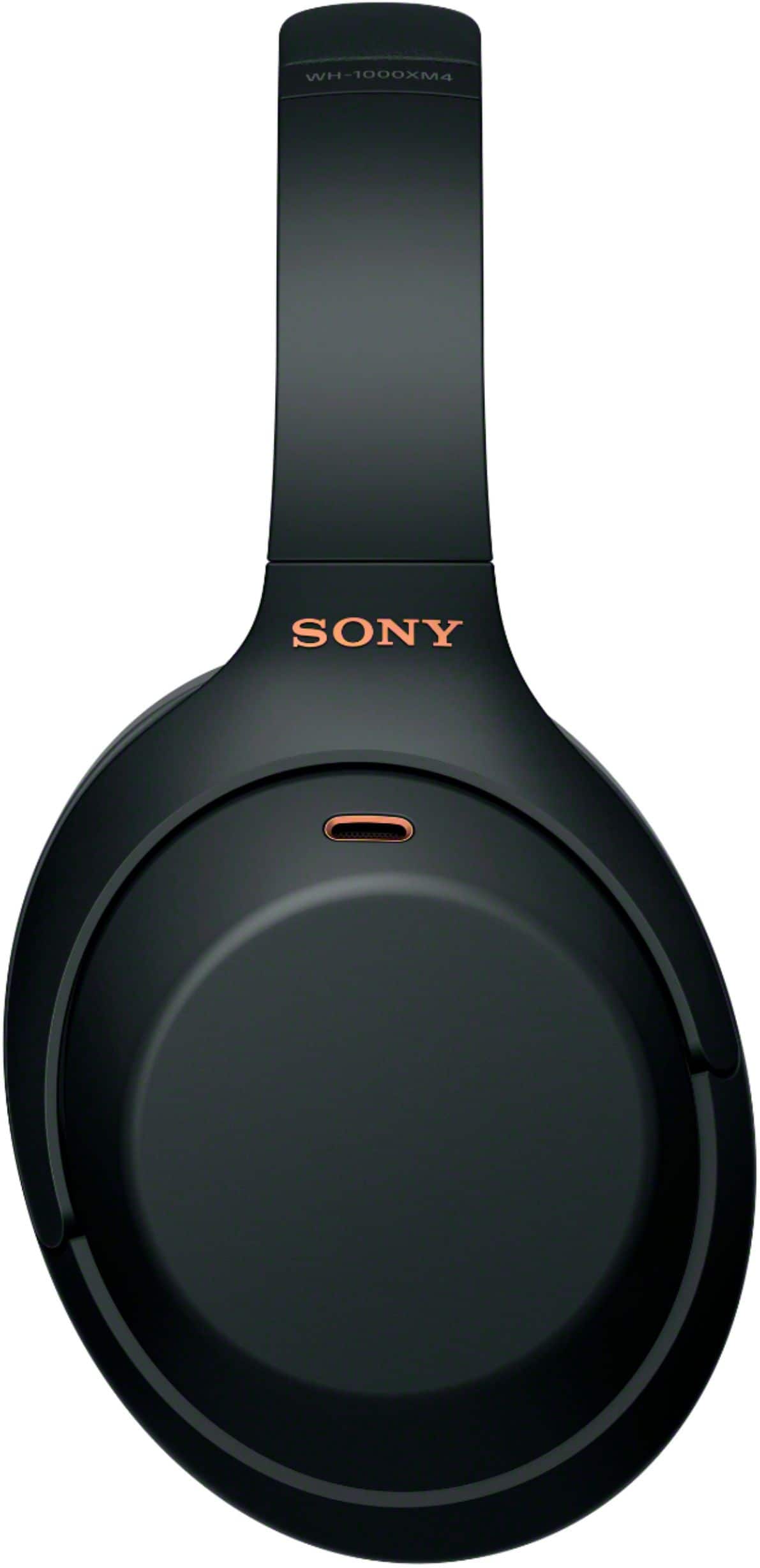
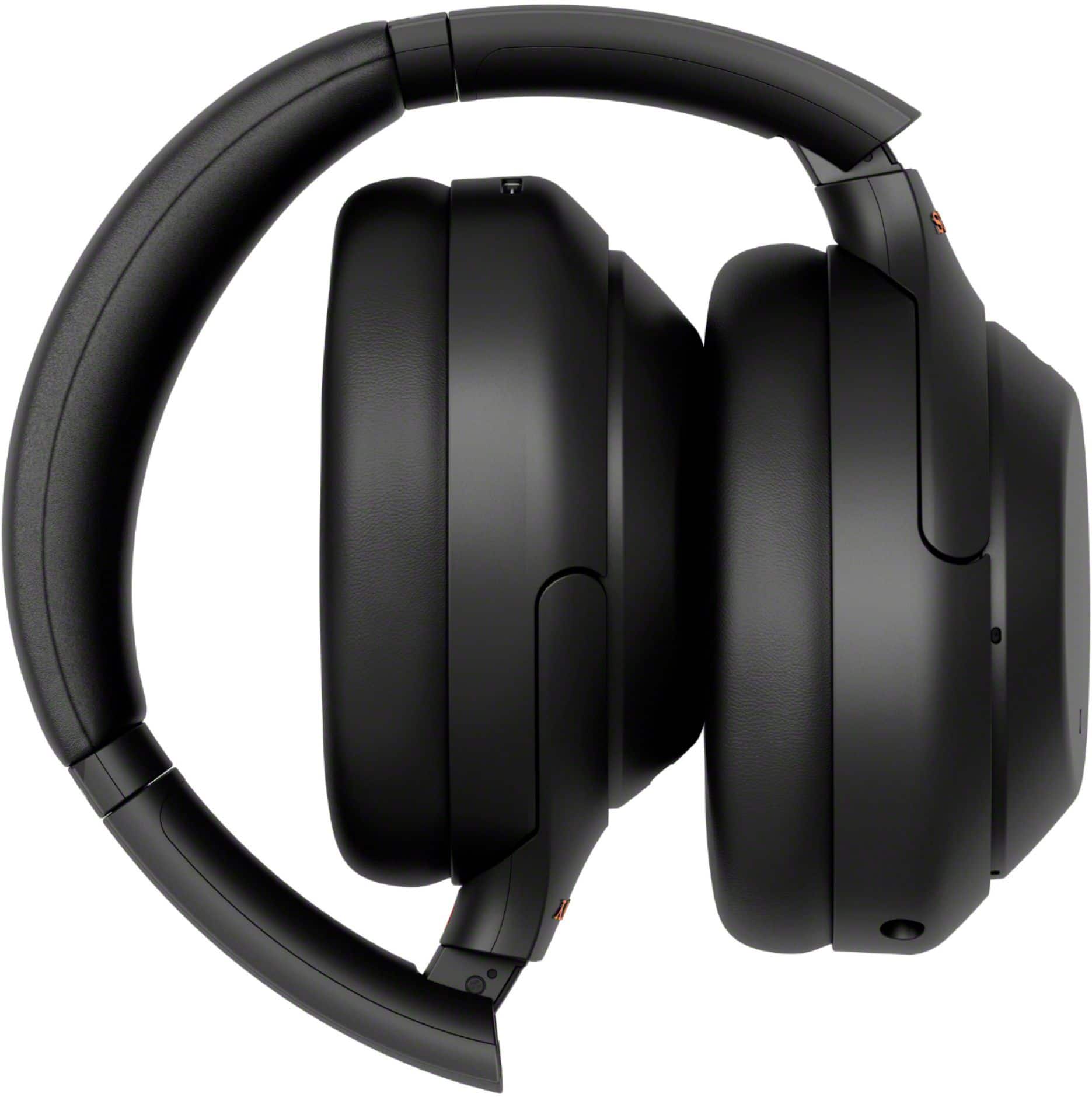
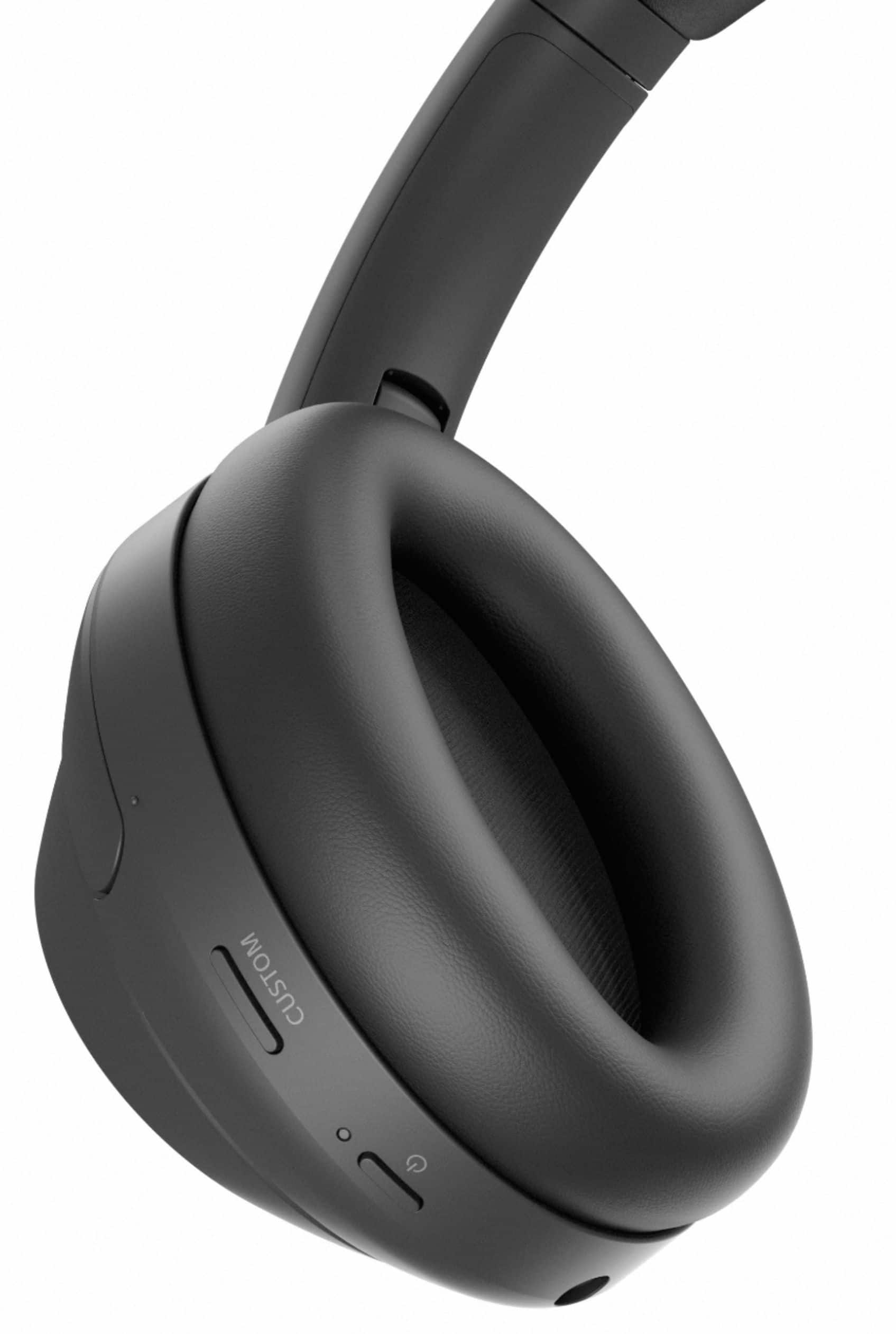
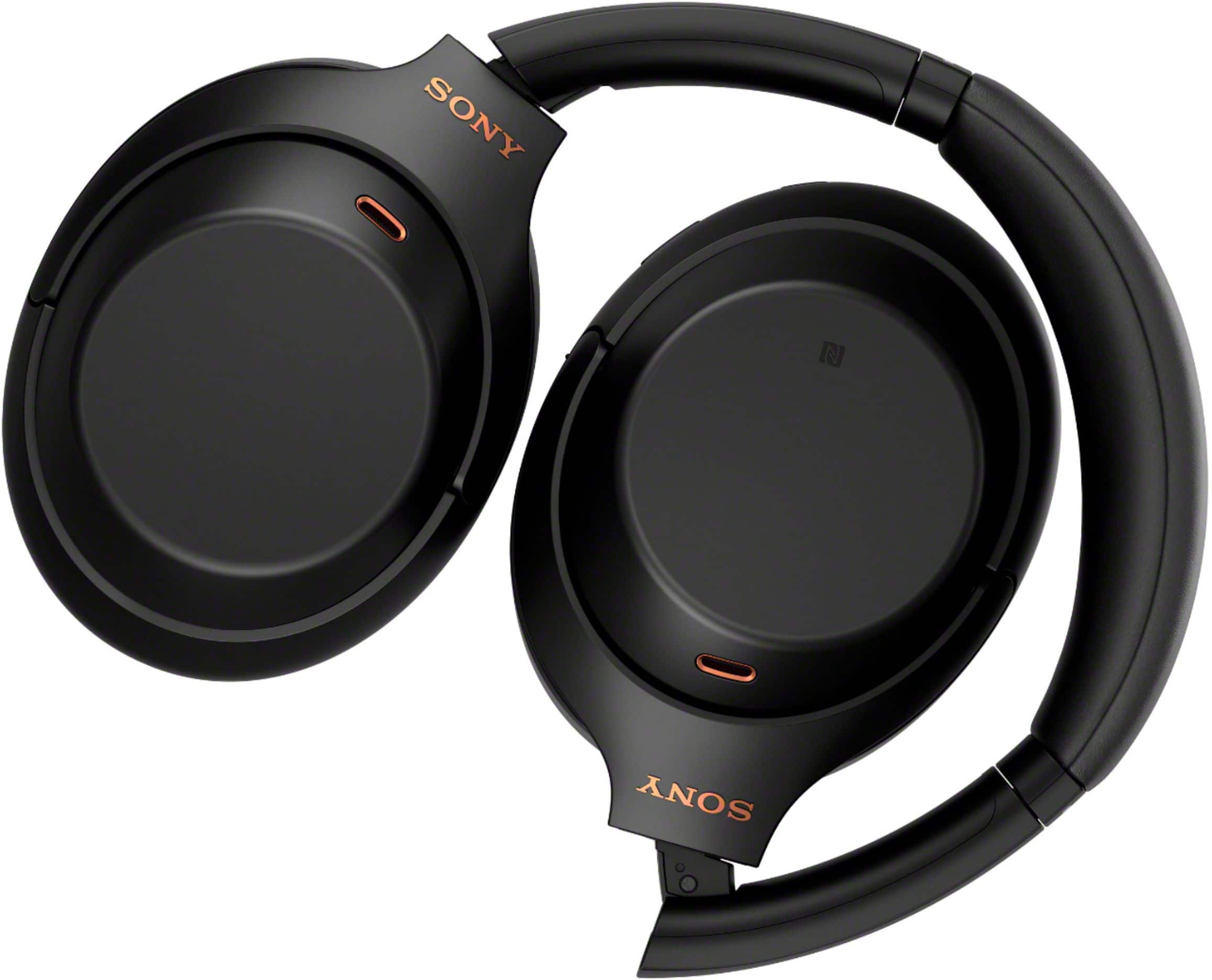
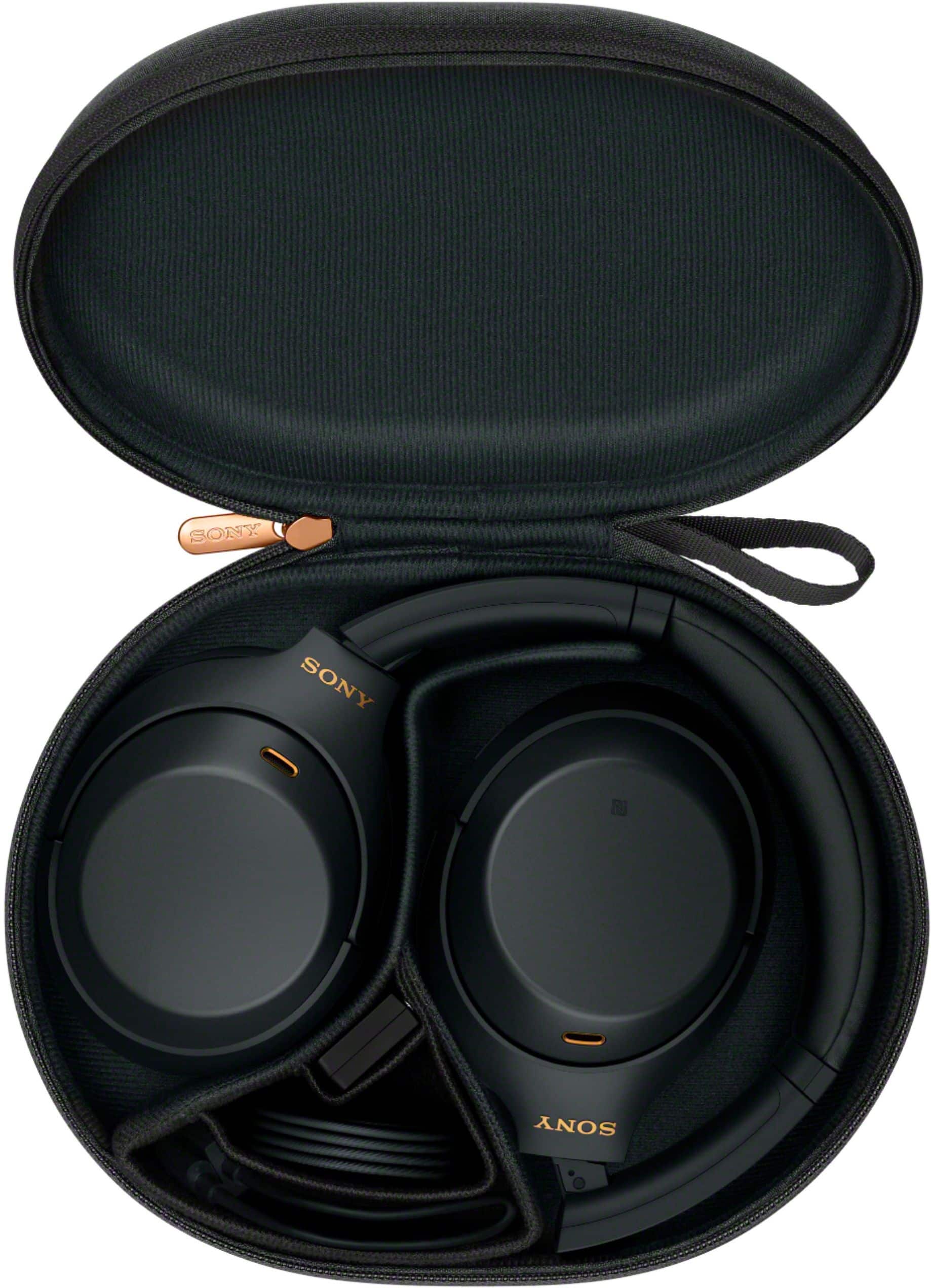
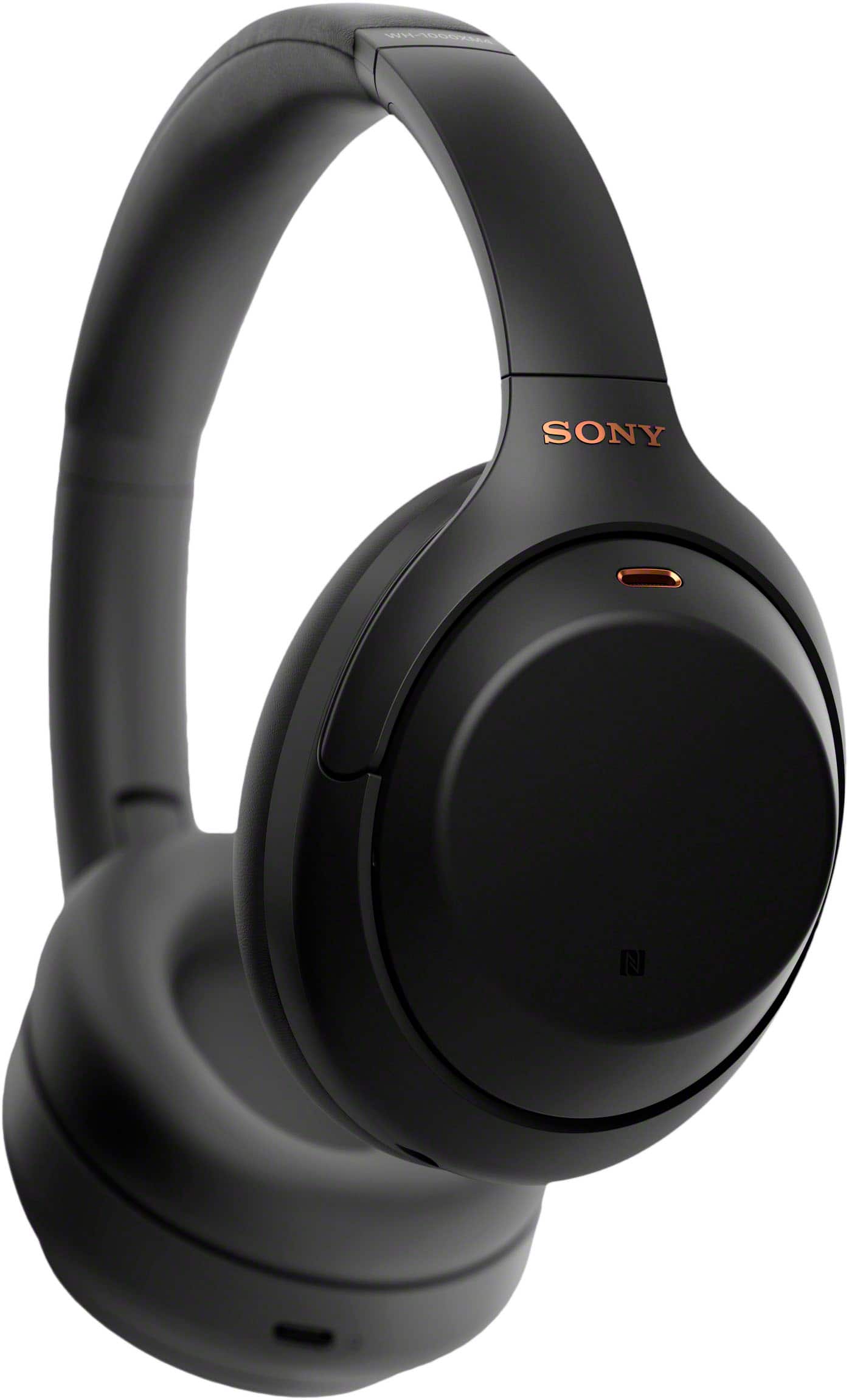
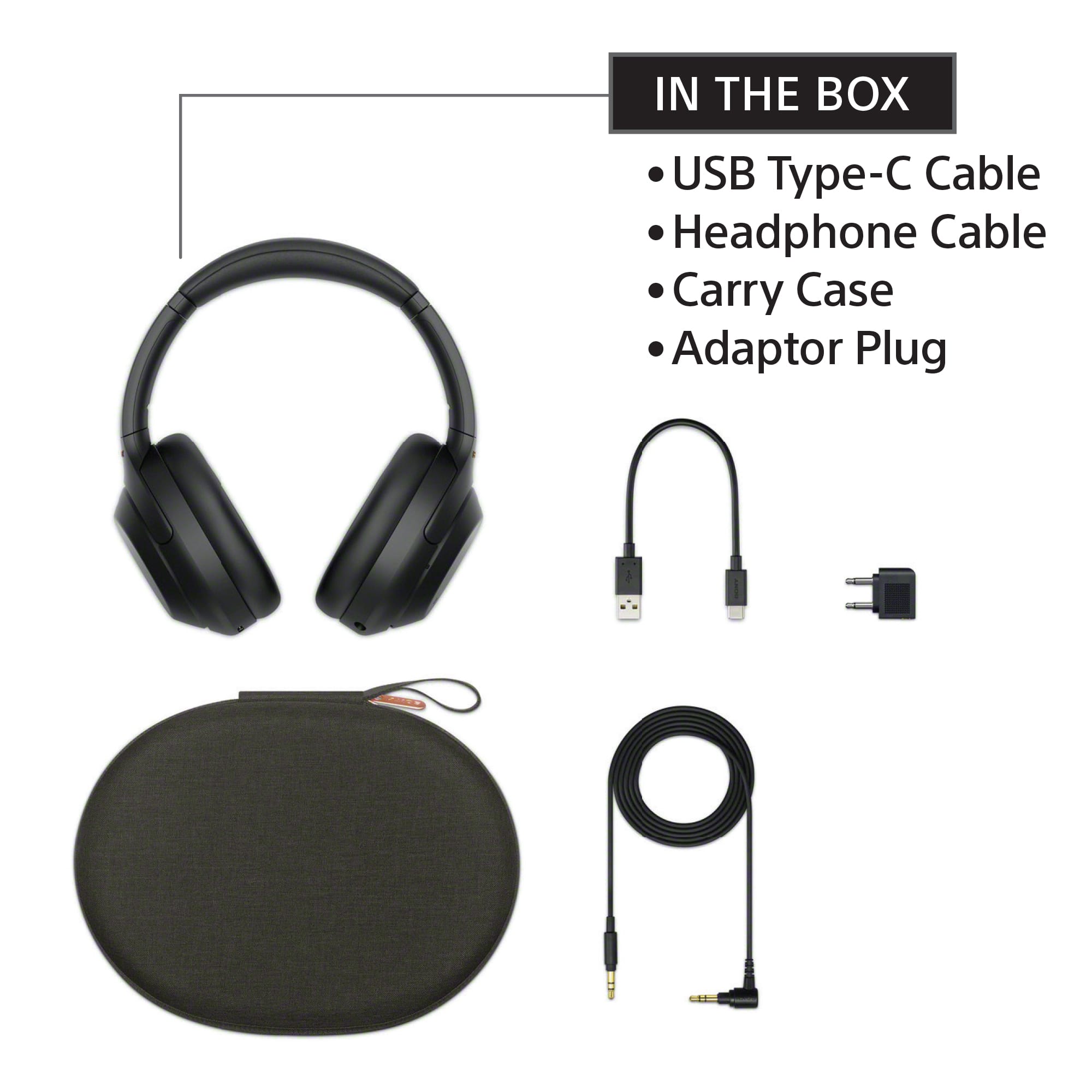
|Posted .This reviewer received promo considerations or sweepstakes entry for writing a review.As a current owner of the previous generation model WH-1000XM3 (to be referred to as XM3 from here on), I was excited to give Sony’s latest generation active noise cancelling headphones a try. The XM3 were already great on its own. So I was curious if there’s anything new in this iteration. Much of what made the XM3 such a popular hit was in its design choice. It’s light, comfortable, sounds great, and has great noise cancellation. All that is the same in the new XM4, with a few new things or improvements. You still get the same comfortable and lightweight design so it doesn’t weigh down on your head. The clamping force is perfect. The earpads are probably even softer than before. But if you never wore or used the XM3, then all of this will be new to you. So… Sony’s design on the XM4 is one of the best out there. The earpads are soft and uses a leatherette material for better noise isolation. When going for noise cancellation, this material is the better choice. The headband cushion is also soft to alleviate the weight of the headphones. The headphone features NFC on the left side which is used to make pairing easy and painless, especially for Android users. More companies need to include this with their audio gears so we can make pairing to our phones simpler. A custom button can now be set to one of several functions defined by the companion app. Inside the left ear cup is a proximity sensor, new in the XM4. As you may have guessed, it’s used to pause music playback when you take the headphones off and resume once you put it back on. I think this feature can be a hit or miss depending on how you use it. There are times when I simply move the right ear cup off my ear to hear/listen in, all while still having the headphone on my head. Adjusting to maximize the proximity sensor use will take a bit of getting used to. The right ear cup has touch controls for playback and volume. But like the previous generation, there is no texture to this and it makes using the touch controls tricky. It’s one of the things that I wish Sony would actually address and improve upon. Having a texture would assist users to better utilize the touch controls. And lastly, at the bottom of the right ear cup is the USB Type-C charging port. I wish more companies would adopt Type-C for their charging port, as it makes plugging in very easy. The headphones come packed with its own carrying case. It houses a headphone wire for when you want to connect the headphone using a 3.5mm jack. There’s even an airplane audio adapter which is a nice bonus while on a long flight. And lastly, the dreaded USB cable. Like other Sony audio products I’ve used, the included USB cable is the most hated aspect of it. Its length is a meager 6 inches long, which is pitifully short and is not for everyday people. The fact that Sony bothered to include a cable in the first place of this length only says Sony doesn’t care of its length as long as a cable is included. Sony should either include a cable that is at least 3 feet long or not bother to pack in a cable at all. To me, this is a big deduction in the overall score. Sound quality for the XM4 is mostly the same from the previous generation XM3. It sounds great and has a good balance of all the frequency ranges. While there’s also the 360 Reality Audio, the feature is limited to a few music streaming services, none of which I am currently using or subscribed to. The majority of people who are likely to be using this headphone are likely not going to use the feature as well. For the noise cancellation, it is one of the best, if not the best, in the market. While technically there are improvements on the noise cancelling for this generation, I have not heard any difference. Perhaps it’s because I’m not exposed to any of the audio frequencies that it now cancels out. As for call audio quality, I have to go through word of mouth opinions and descriptions. My voice came out clear and with music blaring in the background, it seems like it’s mostly cancelled out by ANC. I have attempted to do a local recording to hear this for myself. But I cannot seem to reproduce the result as seen in a YouTube review of this headphone nor do I know how to set it up for that. Overall, I really like this headphone. For urban commuters who take public transportation or do frequent travelling (if there is such a thing in 2020), this is a must have. In cooler weather, they’re great for passing time while on the train or bus. In warmer weather, that could change since the earpads are made of leatherette material. At MSRP, you’re paying a lot to have one of the best, if not the best, sound and noise cancellation. But if that’s too much, you can alternatively look at the XM3 since it should be discounted now. The only thing that prevents this from getting a perfect 5 star score is the included USB cable. It's an atrocity to include a 6 inch cable for the sake of checking off a checkbox. Mark my words, Sony. If you dare include a short cable in the next generation and I get the chance to review it, I will downgrade the overall score even more. The Good: Comfortable, lightweight, best ANC, great sound The Bad: touch controls have no texture to assist usage, USB cable The Ugly: the feel of wearing this during a hot summer after 20 minutes, that USB cable Verdict: Buy it, forego meals to save up money if you have to; instant noodle lunches are always good.
I would recommend this to a friendBrand response from SonyListens
Posted .Hi Sixshot, we appreciate your in-depth review of the headphones. Your feedback about the touch control, USB cable and using in during summer is greatly appreciated. This will certainly help us improve the quality and performance of our products. We hope you enjoy your headphones! ~Ralph
the hype is valid
||Posted . Owned for 3 weeks when reviewed.This reviewer received promo considerations or sweepstakes entry for writing a review.got these for my sister for christmas, she was so happy with them. i got to try them too and it is worth it’s cost.
I would recommend this to a friendBrand response from SonyListens
Posted .Hi camille, Awesome Gift! We are glad to hear that you are happy with your purchase! The WH-1000XM4 is a new design, with intelligent and intuitive Ambient Sound Control features that include improvements to Multipoint connection and our industry-leading Noise Cancelation, exceptional sound quality, and Smart Listening that adjusts to your behavior and location. If you haven't already, please check our Sony Headphones Connect app which will let you fine-tune your music to your liking! Thank you for choosing Sony! -Carl
Great Headphones
||Posted .This reviewer received promo considerations or sweepstakes entry for writing a review.My grandchild loves these so much (purchased last Christmas) that I purchased another one for my other grandchild!
I would recommend this to a friendBrand response from SonyListens
Posted .Hi MaryC, This is a great Christmas present! We're glad to hear your grandchild loves his/her new Sony WH-1000XM4. Intelligent and intuitive, the WH-1000XM4 headphones offer further improvements to our industry-leading noise cancelation, exceptional sound quality, and smart listening that adjusts to your behavior and your location. Using the Sony Headphones Connect app, Ambient Sound Control lets you adjust the volume of background sound and gives you the option to allow voices alone to be heard. Meanwhile, the Equalizer lets you customize sound levels to suit your music. Thanks for choosing Sony! -Sam
Best headphones
||Posted . Owned for 1.5 years when reviewed.This reviewer received promo considerations or sweepstakes entry for writing a review.Got these on sale but even if they were full price I would buy them all over again. Hands down the best headphones!
I would recommend this to a friendBrand response from SonyListens
Posted .Hi Gonzo, We're very grateful for this positive feedback! Intelligent and intuitive, the WH-1000XM4 headphones offer further improvements to our industry-leading noise cancelation, exceptional sound quality, and smart listening that adjusts to your behavior and your location. Using the Sony Headphones Connect app, Ambient Sound Control lets you adjust the volume of background sound and gives you the option to allow voices alone to be heard. Meanwhile, the Equalizer lets you customize sound levels to suit your music. Thanks for choosing Sony! -Sam
Disappointed - CANNOT use for any phone calls
||Posted . Owned for 5 months when reviewed.This reviewer received promo considerations or sweepstakes entry for writing a review.I am unable to use these headphones for any calls. I’m told by all that it sounds like I’m talking underwater and muffled. ANC drops and reconnects which is annoying. I did expected much better from Sony
No, I would not recommend this to a friendBrand response from SonyListens
Posted .Hi, SavvyShopper3905,
Thanks for the review. We are sorry for all the inconveniences encountered with your Sony Headphones. We will be more than glad to help you find a resolution for this issue.
We will recommend a few troubleshooting steps, to check if there is any difference:
1. Make sure the Headphones are up to date
You can check the information with the Sony Sound Connect app on your Smartphone
2. Make sure to keep appropriate distance.
It is recommended for the phone to be, at least, 50 cm (19.69 in.) from the headphones; to avoid any interference.
3. Keep the headset away from a microwave oven, wireless LAN device, etc.
In case problems persist, we would recommend contacting our Technical Support Team at: https://us.esupport.sony.com/support/s/support-contact?language=en_US&category=headphones
Thanks for considering Sony products, have a nice day.
-DiegoV
Best headphones!!
||Posted . Owned for 1 month when reviewed.This reviewer received promo considerations or sweepstakes entry for writing a review.I have been wanting these for over a year and finally bit the bullet. They were definetly worth it every penny.
I would recommend this to a friendBrand response from SonyListens
Posted .Hi Lilay,
You made the right choice with the Sony WH1000XM4! Intelligent and intuitive, the WH-1000XM4 headphones offer further improvements to our industry-leading noise cancelation, exceptional sound quality, and smart listening that adjusts to your behavior and your location. Using the Sony Headphones Connect app, Ambient Sound Control lets you adjust the volume of background sound and gives you the option to allow voices alone to be heard. Meanwhile, the Equalizer lets you customize sound levels to suit your music. Thanks for choosing Sony!
-Ralph
I love my xm4s!!!!
||Posted . Owned for 3 weeks when reviewed.This reviewer received promo considerations or sweepstakes entry for writing a review.this was the best buy ive done all year, you guys made this purchase easy for me. Thank you and happy holidays!
I would recommend this to a friendBrand response from SonyListens
Posted .Hi SimplyMattR,
You made the right choice! Intelligent and intuitive, the WH-1000XM4 headphones offer further improvements to our industry-leading noise cancelation, exceptional sound quality, and smart listening that adjusts to your behavior and your location. Using the Sony Headphones Connect app, Ambient Sound Control lets you adjust the volume of background sound and gives you the option to allow voices alone to be heard. Meanwhile, the Equalizer lets you customize sound levels to suit your music. Thanks for choosing Sony!
-Ralph
Horrible sensor feautures
||Posted . Owned for 4 months when reviewed.This reviewer received promo considerations or sweepstakes entry for writing a review.The sound quality is fine but the feautures make the headphones completely unusable. There is a speak to chat feauture that will turn off your muisc if it detects you singing along. It is impossible to permanently turn this feauture off so every time you reconnect your headphones it will be on and the music will randomly stop. You basically have to turn it off several times a day. BUY FROM A DIFFERENT BRAND
No, I would not recommend this to a friendBrand response from SonyListens
Posted .Hi Lynk, we're glad you like the sound quality of the WH1000XM4. We're sorry to hear that you have an issue with the speak-to-chat feature of your Sony unit. If the speaker-to-chat feature does not switch to enable/disable properly, please follow these steps:
•Slightly separate both fingers
•Directly touch the touch sensor control panel
•Touch the touch sensor control panel with the pads of your fingers
You can also use the “Sony | Headphones Connect” app to switch between enabled/disabled, change the sensitivity of the automatic audio detection, and change the time until the Speak-to-Chat mode ends.
Please check this link for more details:
https://helpguide.sony.net/mdr/wh1000xm4/v1/en/contents/TP0002754732.html
If you require any additional support with regard to this product, please email us at socialsupport@am.sony.com with the following details: Name: Username: Model Number: Issue: Telephone Number:
~Earl
- Pros mentioned:Sound quality
Not so good.
||Posted . Owned for 1 week when reviewed.This reviewer received promo considerations or sweepstakes entry for writing a review.Do not believe the good reviews! Absolutely not for music, more for phone calls. If you listen to music, go with the beats studio 3, I would definetly not recommend these sony headphones for music.
No, I would not recommend this to a friendBrand response from SonyListens
Posted .Hi Mike76,
We regret to hear that the sound quality of the headphones hasn't performed to your standards. For optimum performance, make sure to install the latest software version of the headphones (via the Sony Headphones Connect app). You can also use the equalizer function of the app to tailor-fit the sound quality to your needs. You may refer to this link for more information:
https://helpguide.sony.net/mdr/wh1000xm4/v1/en/contents/TP0002752772.html
For additional troubleshooting steps, please refer to this link:
https://helpguide.sony.net/mdr/wh1000xm4/v1/en/contents/TP0002752820.html
In case you need further assistance, please email the below information to socialsupport@am.sony.com. Apologies if you disclosed some of this information in your review and to customer service, we just want to ensure that we have your accurate details at the time of communication.
Full Name:
Best Buy Username:
Telephone Number:
Sony Headphones Model Number:
Issue:
Additional Information regarding your experience with your WH1000XM4.
Sincerely,
-Ralph
Ok product
||Posted . Owned for 1 month when reviewed.This reviewer received promo considerations or sweepstakes entry for writing a review.Has its perks was ok but wasn’t better than the Bose
I would recommend this to a friendBrand response from SonyListens
Posted .Hi Vickie, Thank you for the feedback on your experience with your WH1000XM4. The WH-1000XM4 is a new design, with intelligent and intuitive Ambient Sound Control features that include improvements to Multipoint connection and our industry-leading Noise Cancelation, exceptional sound quality, and Smart Listening that adjusts to your behavior and location. Thank you for choosing Sony! -Sam
Disappointed.
||Posted . Owned for 1 month when reviewed.This reviewer received promo considerations or sweepstakes entry for writing a review.I did a ton of research on these before purchasing. These have rave reviews everywhere but I don’t know why. At the end of the day, I was very disappointed. The sound quality was no better than my son’s $40 headphones. I returned them and got AirPod max.
No, I would not recommend this to a friendBrand response from SonyListens
Posted .Hi Mike, We are sorry to hear that the WH-1000XM4 headphones did not meet your expectations when it comes to the sound quality and had to return it. Downloading the Headphones Connect app will let you fine tune your music to your preference. In this Application there is an equalizer that can be used to tailor the sound to your liking.
Also, updating the software of the WH-1000XM4 will help improve the overall performance of the headphones (Version 2.5.0) which you can download and update using the Sony Headphones Connect app.
We hope that you consider Sony again in your future purchases.
Sincerely,
Carl
Connection Issues
||Posted . Owned for 1 month when reviewed.This reviewer received promo considerations or sweepstakes entry for writing a review.The connection to my device breaks from time to time.
No, I would not recommend this to a friendBrand response from SonyListens
Posted .Hi Yemi,
We regret to hear that you are having connectivity issues with the headphones. Make sure to install the latest software version of the headphones (via the Sony Headphones Connect app) for optimum performance. You may also refer to the troubleshooting steps on this link to help resolve the issue:
https://helpguide.sony.net/mdr/wh1000xm4/v1/en/contents/TP0002752755.html
If still not resolved, please let us know. May we contact you to help? If so, please email the below information to socialsupport@am.sony.com. Apologies if you disclosed some of this information in your review and to customer service, we just want to ensure that we have your accurate details at the time of communication.
Full Name:
Best Buy Username:
Telephone Number:
Sony Headphones Model Number:
Additional Information regarding your experience with the WH1000XM4.
We are sorry for the inconvenience and hope to speak to you to resolve this matter. We appreciate you and thanks again for shopping Sony!
Sincerely,
~Ralph
Sony Social Support
Amazing headphones
||Posted . Owned for 2 weeks when reviewed.This reviewer received promo considerations or sweepstakes entry for writing a review.The Sony line up never fails to exceed expectations, they make quality headphones for a reasonable price.
I would recommend this to a friendBrand response from SonyListens
Posted .Hi GreatProduct, Awesome! We are glad to hear that you are happy with your new WH-1000XM4 headphones! The WH-1000XM4 is a new design, with intelligent and intuitive Ambient Sound Control features that include improvements to Multipoint connection and our industry-leading Noise Cancelation, exceptional sound quality, and Smart Listening that adjusts to your behavior and location. If you haven't already, please check our Sony Headphones Connect app which will let you fine-tune your music to your liking! Thank you for choosing Sony! -Carl
- Pros mentioned:Bass, Sound qualityCons mentioned:Touch controls
Awesome ANC!
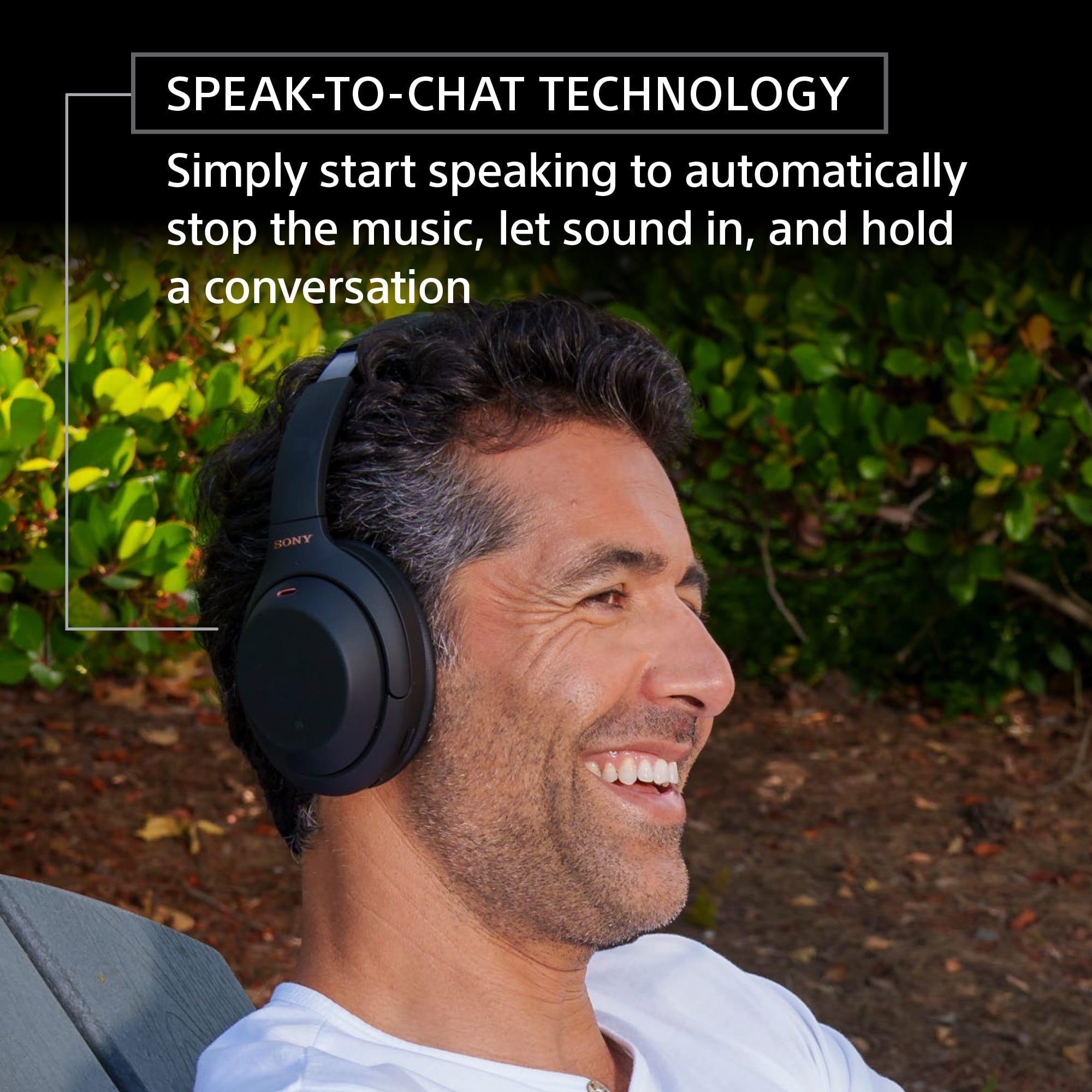
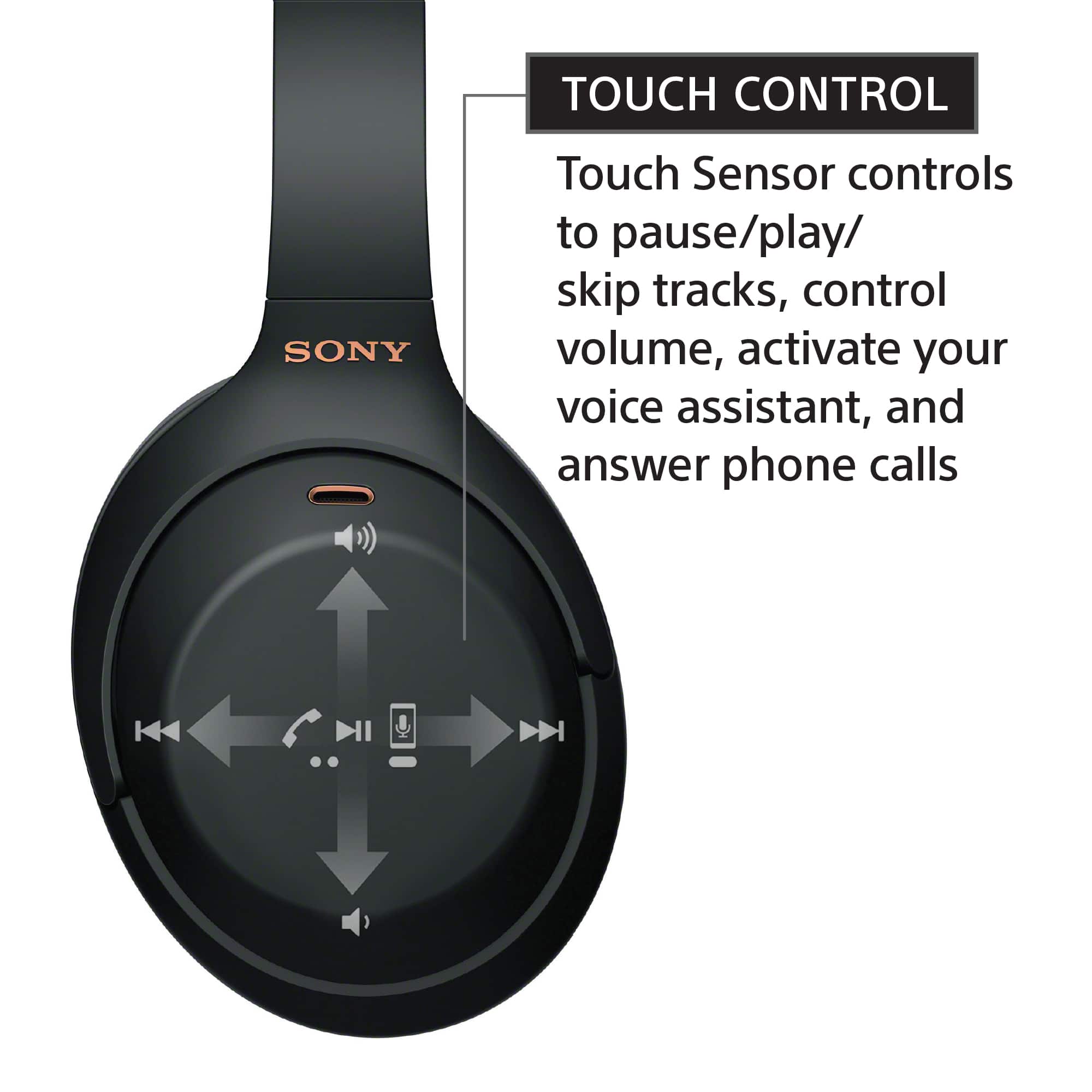
|Posted .This reviewer received promo considerations or sweepstakes entry for writing a review.Bottom Line: The Sony WH-1000XM4 headphones deliver amazing active noise cancellation as well as the high quality sound one has come to expect from the brand. Pros: strong ANC; clear, balanced audio; automatic ambient sound adjustment, speak-to-chat, and 2-device connection work well; DSEE Extreme really improves soundstage Cons: touch sensor use is clunky Review: I’ve owned several over-ear ANC headphones over the years, and Sony’s WH-1000XM4’s deliver the best noise cancelling I’ve experienced so far. The sound of my central AC blowing against a closed vent, large air purifier, and floor fan are almost completed eliminated. Even the sound of typing is almost inaudible. Obviously once you add music, you won’t even notice any of those other ambient sounds. Like other Sony headphones I’ve used, audio quality is clear and balanced; sounds that may become muddied on other phones come through the WH-1000XM4s really well. Additionally, the headphones generate good bass, but it is not overwhelming. Those who want a bit more punch can adjust the equalizer in the Sony headphone app. As with Sony’s other ANC headphones, the app allows you to turn on automatic ambient sound adjustment, which is a really nice feature if you’re wearing your headphones in different environments. For instance, if you are sitting, the headphones will provide full noise cancellation, but if you walk outside they’ll adjust to let some of the ambient noise in (e.g., traffic). The WH-1000XM4s have three other features that I really like. First, they have a talk-to-speak feature, which can be toggled in the app. This allows you to talk and the headphones will automatically stop the music and ANC, so you can have a conversation with someone without removing the headphones. The second feature that is really great is the ability to connect two devices simultaneously. I have my phone and computer connected, and switching devices is as easy as stopping audio on one and starting audio on the other. My third favorite feature is the ability to toggle DSEE (Sony’s sound enhance function) on and off. In my listening, turning it on really helps improve the soundstage when streaming music on my phone. Other pros: you can set the headphones to power off or pause the music when removed (works well), and Sony included the airplane adapter in the box. The only issue I have with these headphones is the touch controls. The headphones have two physical buttons - power and a “custom” button that can be defined in the app. All of the other controls - track forward, back, volume up, volume down, voice assistant - are gestures on the right ear cup touch panel. Although I appreciate the size of the panel, it’s been hit or miss as to whether my gesture is recognize correctly.
I would recommend this to a friend Solution for Noise
||Posted . Owned for 3 weeks when reviewed.This reviewer received promo considerations or sweepstakes entry for writing a review.I bought these for my niece. She absolutely loves them. They are great for people who have mouse isdues.
I would recommend this to a friendBrand response from SonyListens
Posted .Hi SRWhite, This is a great gift idea! We're glad to hear that your niece loves her new Sony XM4 headphones. Intelligent and intuitive, the WH-1000XM4 headphones offer further improvements to our industry-leading noise cancelation, exceptional sound quality, and smart listening that adjusts to your behavior and your location. Using the Sony Headphones Connect app, Ambient Sound Control lets you adjust the volume of background sound and gives you the option to allow voices alone to be heard. Meanwhile, the Equalizer lets you customize sound levels to suit your music. Thanks for choosing Sony! -Sam
Great for listening, terrible for talking.
||Posted . Owned for 1 month when reviewed.This reviewer received promo considerations or sweepstakes entry for writing a review.These are great if you want something that's just for listening. The built-in mic is absolutely terrible. I definitely regret buying these for work.
No, I would not recommend this to a friendBrand response from SonyListens
Posted .Hi TiffanyH,
Thank you for choosing and purchasing our WH1000XM4 wireless noise-cancelling headphones. This is definitely not the news that we would like to hear. Please allow us to help you and turn this into a better experience. The sound quality of the microphone will depend in the environment. To isolate the issue, factory reset the headphones and try again. Turn off the headset while the USB Type-C cable is disconnected and then press and hold the (power) button and the CUSTOM button simultaneously for 7 seconds or more. The indicator (blue) flashes 4 times, and the headset is initialized. Take note that this operation resets volume settings, etc. to the factory settings, and deletes all pairing information.
You may also update the software of the headphones via Sony headphone connect app. A firmware update improves the functionality and features of your device. It can provide fixes to any performance issues that may occur.
For us to better assist you, please email us at socialsupport@am.sony.com with the following details:
Name:
Best Buy Username:
Model Number:
Issue:
Telephone Number:
Regards,
David
Sony Wireless
||Posted . Owned for 1 month when reviewed.This reviewer received promo considerations or sweepstakes entry for writing a review.The perfect gift for our outdoorsy daughter who wants to be aware of all sounds around her for safety.
I would recommend this to a friendBrand response from SonyListens
Posted .Hi JennyS, Thank you for the great review! We're very happy to hear your daughter likes the ambient sound mode of her new Sony WH-1000XM4. Intelligent and intuitive, the WH-1000XM4 headphones offer further improvements to our industry-leading noise cancelation, exceptional sound quality, and smart listening that adjusts to your behavior and your location. Using the Sony Headphones Connect app, Ambient Sound Control lets you adjust the volume of background sound and gives you the option to allow voices alone to be heard. Meanwhile, the Equalizer lets you customize sound levels to suit your music. Thanks for choosing Sony! -Sam
- Pros mentioned:Battery life, Comfort, Sound quality
The Best Wireless Noise Canceling Headphones
|Posted .This reviewer received promo considerations or sweepstakes entry for writing a review.These are probably the best headphones that I have ever owned. The build quality is excellent. The headphones are sleek, lightweight, and very comfortable. A nice-looking carrying case is also included. Once fully charged, battery life is a whopping 30 hours. Setup of the headphones was very easy through the Sony Headphones Connect app. The Sony Headphones Connect app allows you to customize the sound of the headphones to your preference and there is a noise cancelling optimizer that customizes the noise cancelling features of the headphones to the shape of your ears and to your environment. The optimizer works very well and when the headphones are in use, the noise canceling processing is very effective. I used the headphones when I was mowing my lawn and could barely hear the loud noise of my mower while listening to music. Under normal ambient conditions, no outside ambient noise could be heard when using the headphones. The headphones have a very intuitive touch control on the right earcup. You swipe up and swipe down for volume changes, tap the center to pause and play, and swipe left and right for song selection. You can also place your hand over the ear cup to quickly allow ambient sound through the headphones that works very well when you want to hear someone speaking or when you want to listen to other sounds. There is also a speak-to-chat function that can be enabled through the app that automatically pauses the music and lets in ambient sound so that you can have a conversation with someone without removing the headphones. I tested the speak-to-chat function and it works without flaw. There is also a sensor in the headphones that automatically pauses the music or turns off the headphones when the headphones are removed. The sound quality of the headphones is also excellent. I did use the equalizer in the Sony Headphones Connect app to tweak the sound so that it had a little more bass and punch. The headphones also had very clear sound when using them during voice calls with my iPhone. The headphones have the ability to connect to two Bluetooth devices at one time. This allowed me to watch a movie on my iPad with the headphones while still maintaining a connection to my iPhone to be able to take calls without ever taking off the headphones. This is a nice, unique feature that I have not seen implemented before. Sony’s WH-1000XM series of headphones are highly regarded, and are considered one of the best wireless noise canceling headphones that you can get. The Sony WH-1000XM4 headphones carries on this legacy and in my opinion, they are superb and I don’t see how you could find a better set of wireless noise canceling headphones at this price. A+. Highly recommended.
I would recommend this to a friend DO NOT BUT UNLESS YOU PURCHASE GEEK SQUAD
||Posted . Owned for 11 months when reviewed.This reviewer received promo considerations or sweepstakes entry for writing a review.DONT BUY THESE UNLESS YOU GET THE GEEK SQUAD. The swivel breaks easily and NO HELP is given by Best Buy or any because of the cheaply made headphones. 400 bucks for some headphones for a small swivel to break and no help is given. TERRIBLE!
No, I would not recommend this to a friendBrand response from SonyListens
Posted .Hi TerriA, We are sorry to hear about what happened with your Sony WH-1000XM4. This is definitely not the experience we want you to have. May we contact you to help and get more information? If so, please email the below information to socialsupport@am.sony.com. Apologies if you disclosed some of this information in your review and to customer service, we just want to ensure that we have your accurate details at the time of communication.
Case ID:
Full Name:
Best Buy Username:
Telephone Number:
Sony Model Number:
Additional Information regarding your experience with the WH1000XM4:
We are sorry for the inconvenience and hope to speak to you to resolve this matter.
Sincerely,
-Craig