Customer Ratings & Reviews
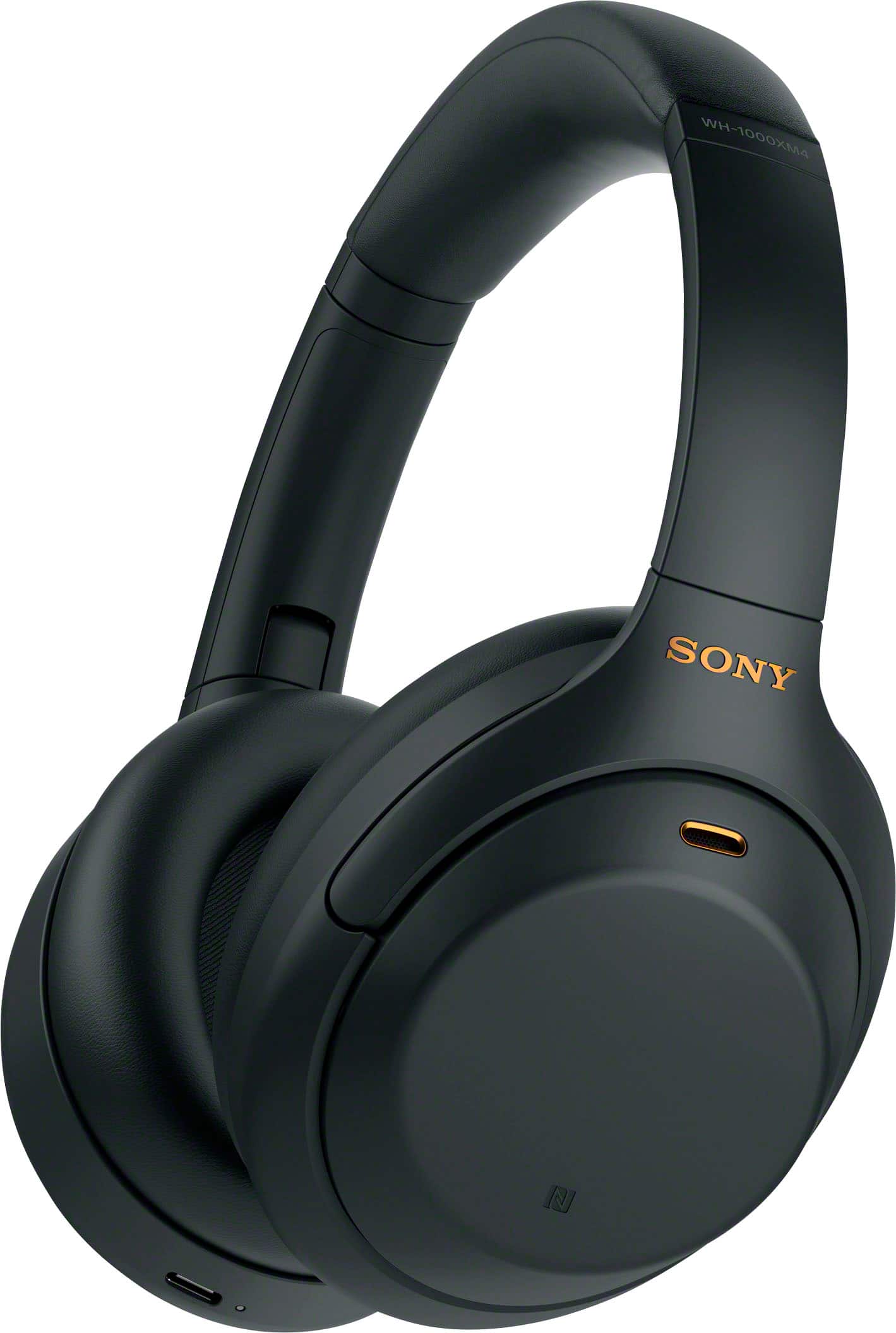
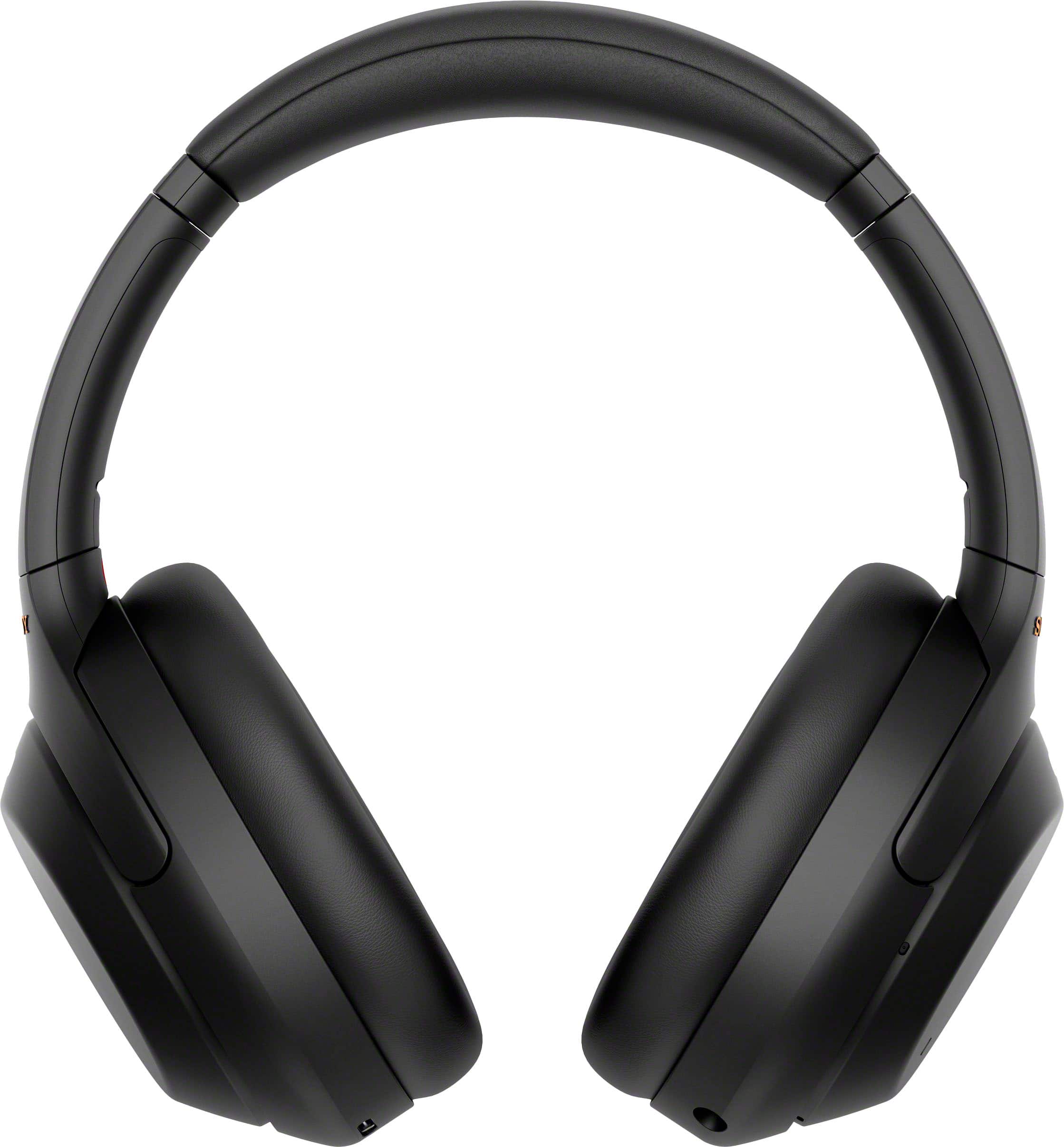
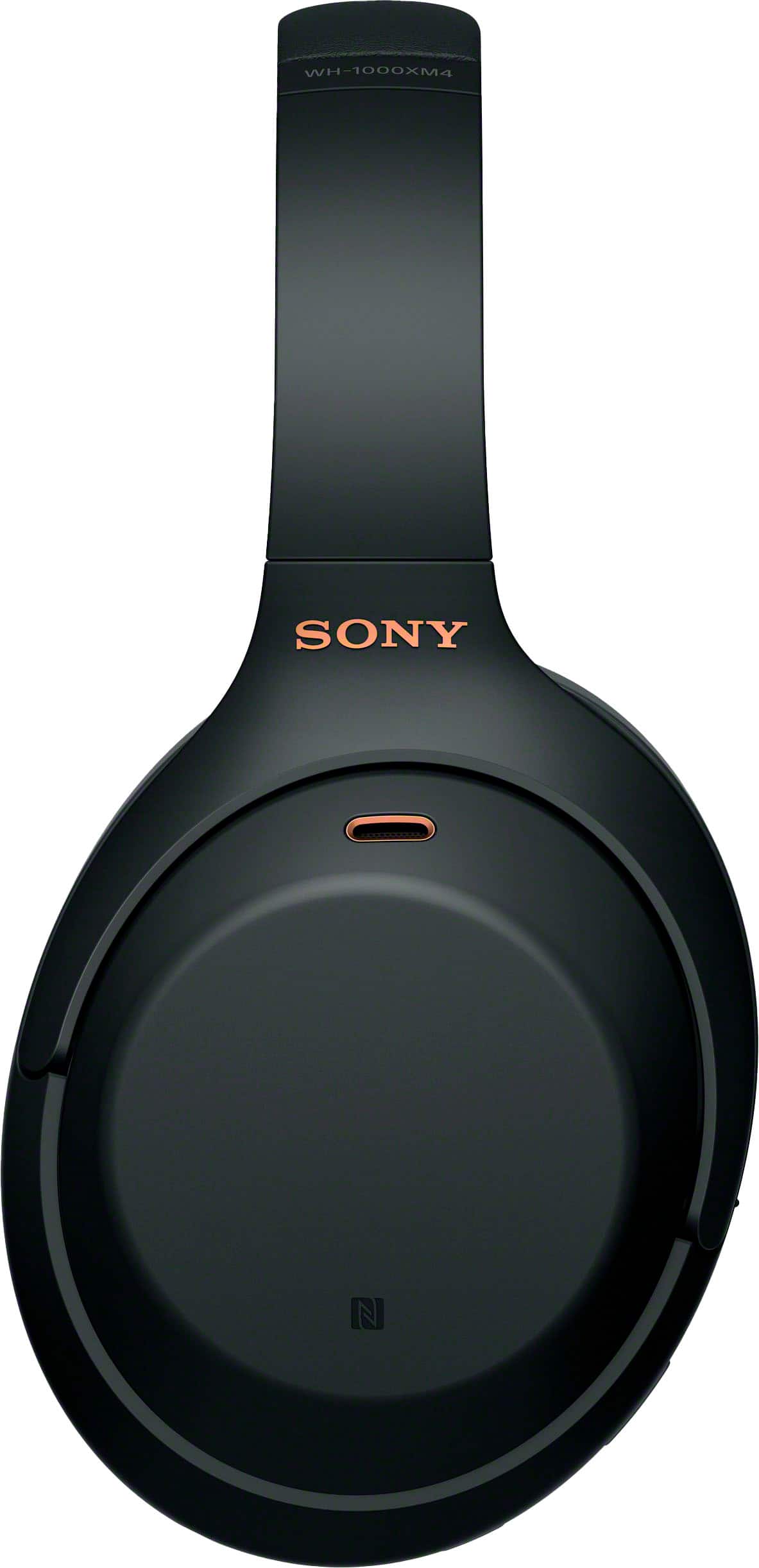
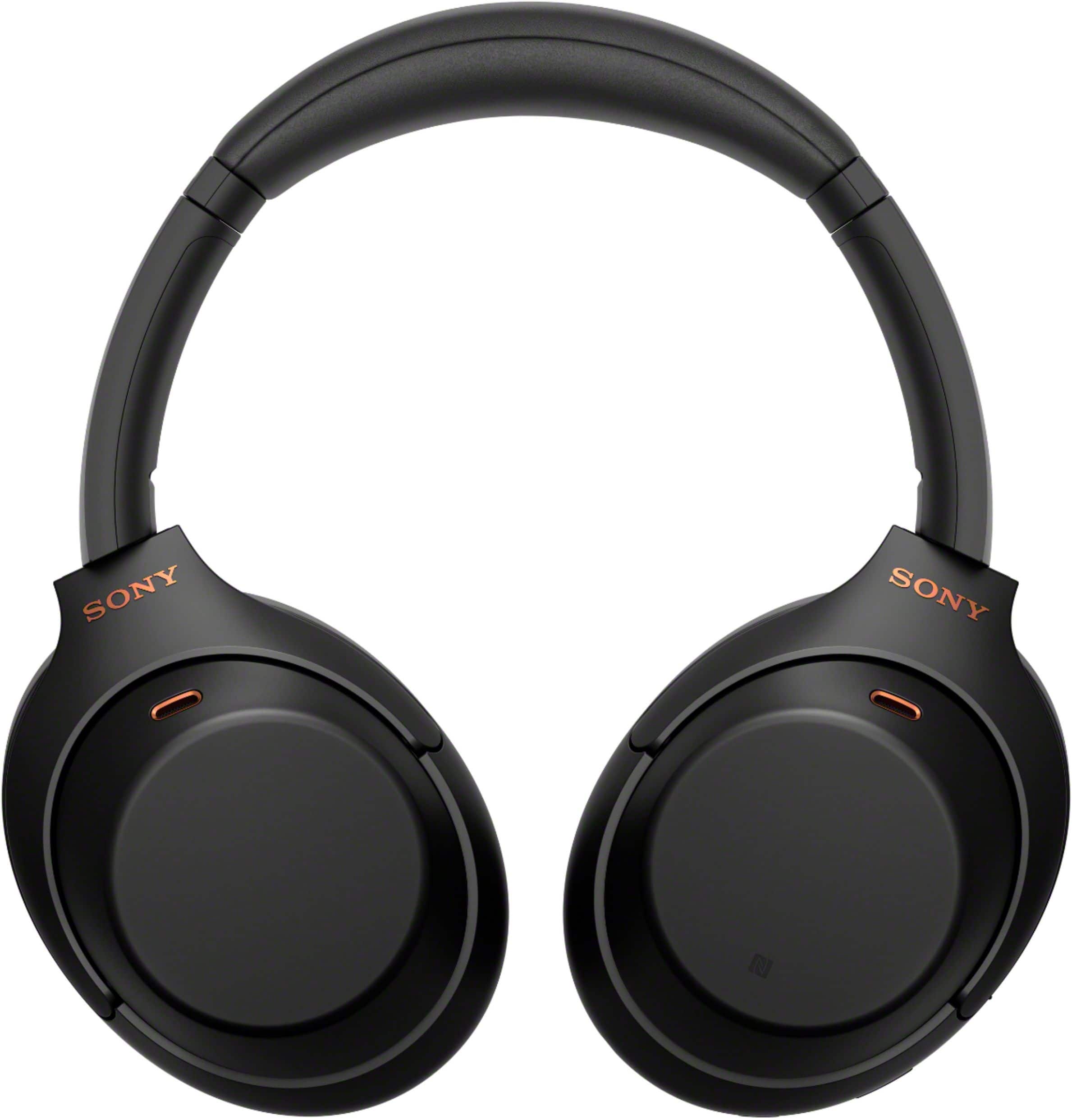
- Model:
- WH1000XM4/B
- SKU:
- 11047585
Rating by feature
- Sound Quality
Rating 4.9 out of 5 stars
- Battery Life
Rating 4.8 out of 5 stars
- Connectivity
Rating 4.7 out of 5 stars
Customers are saying
Customers are enthusiastic about the phenomenal sound quality, exceptional comfort, and impressive battery life of the product. They also praise its solid bass, lightweight design, good fit, reliable connectivity, and premium aesthetic. Conversely, some users express frustration with the touch controls, perceive the product as overpriced, and wish for higher volume output.
This summary was generated by AI based on customer reviews.
Disappointed
||Posted . Owned for less than 1 week when reviewed.This reviewer received promo considerations or sweepstakes entry for writing a review.Noise cancellation is practically non-existent. The mic picks up all the surrounding noise when using for calls.
No, I would not recommend this to a friendBrand response from SonyListens
Posted .Hi MandaBear,
We're sorry to hear about your experience with the Sony - WH1000XM4. We want to help improve your noise cancellation and call quality. Please try the following steps:
1- Open the Sony Headphones Connect app and make sure that Adaptive Sound Control is turned off. When it's enabled the noise cancellation function may be reduced.
2- In the app's Ambien Sound Control settings, confirm that Noise Cancelling mode is on.
For more detailed troubleshooting, please check our step-by-step guide here: https://helpguide.sony.net/mdr/wh1000xm4/v1/en/contents/TP0002752735.html
If the issue continues, don't hesitate to reach out to our technical support team for further assistance: https://us.esupport.sony.com/support/s/support-contact?language=en_US&category=headphones
Your feedback is important, and we appreciate the chance to help make your experience better.
Thank you for considering Sony products!
Regards,
Dominick
Battery Issues
||Posted . Owned for 11 months when reviewed.This reviewer received promo considerations or sweepstakes entry for writing a review.Sounds great, and worked as advertised for a few months...until the battery abruptly stopped charging. I checked online and it seems to be a common problem. This renders most functions of the device inoperable except for wired listening.
No, I would not recommend this to a friendBrand response from SonyListens
Posted .Hi IllinoisGuy,
Thank you for your review. While we are pleased you are satisfied with the exceptional sound quality and overall performance of our WH-1000XM4, we are really sorry you are encountering a charging issue. This is usually not the case and the experience we wanted you to have on our premium headphones.
Some of these problems can be fixed by following the troubleshooting steps provided on the links below:
https://www.sony.com/electronics/support/wireless-headphones-bluetooth-headphones/wh-1000xm4/articles/00204619
https://www.sony.com/electronics/support/wireless-headphones-bluetooth-headphones/wh-1000xm4/articles/00259799
Your headphones come with a 1-year limited warranty. If the issue persists, please email us at socialsupport@am.sony.com with the following details so we can better assist you.
Name:
BestBuy Username:
Model Number:
Issue:
Telephone Number:
Sincerely,
Romeo
Sony Social Support
Battery is crap!
||Posted . Owned for 1.5 years when reviewed.This reviewer received promo considerations or sweepstakes entry for writing a review.I have had these for 18 months and use them about 3xs a week. The battery is already bad. They wont charge and i did everything they said. Called Sony and they said sorry but its 6 months put of warrentee so we can repair them for $150! I wouldnt recommend purchasing any Sony Headphones! Complete garbabge!
No, I would not recommend this to a friendBrand response from SonyListens
Posted .Hi Trig, We are sorry to hear that you are experiencing issues with your WH-1000XM4 headphones. We would like to review your file for us to better understand the issue and provide assistance.
May we contact you to help? If so, please email the below information to socialsupport@am.sony.com
Apologies if you disclosed some of this information in your review and to customer service, we just want to ensure that we have your accurate details at the time of communication.
Full Name:
Best Buy Username:
Telephone Number:
Model Number:
Issue:
Case ID:
Regards,
Carl
Headphone
||Posted . Owned for 1 month when reviewed.This reviewer received promo considerations or sweepstakes entry for writing a review.Nice and easy to operate. My kid loved it. This was a Christmas gift for my 17 year old daughter
I would recommend this to a friendBrand response from SonyListens
Posted .Hi JulietV, This is a great Christmas gift idea! We're glad to hear your daughter loves her new Sony Headphones. Good to know you appreciate the ease of use of the WH-1000XM4. Intelligent and intuitive, the WH-1000XM4 headphones offer further improvements to our industry-leading noise cancelation, exceptional sound quality, and smart listening that adjusts to your behavior and your location. Using the Sony Headphones Connect app, Ambient Sound Control lets you adjust the volume of background sound and gives you the option to allow voices alone to be heard. Meanwhile, the Equalizer lets you customize sound levels to suit your music. Thanks for choosing Sony! -Sam
ANC is not as advertised
||Posted . Owned for less than 1 week when reviewed.This reviewer received promo considerations or sweepstakes entry for writing a review.- I returned my Bose NC700 headphones and purchased these in the hope that they are better at ANC. - I use ANC headphones for studying, with ANC turned on (to the max), without music playing in the background. - At coffee shops, these headphones let in: 1) music, 2) its lyrics, 3) people's and cashiers' voices about 35 feet away from me (both muffled), and 4) coffee machines in the background (loudly). - Latest firmware/software. - Informed customer service, they recommended exchanging the device. After exchanging the device, I am still experiencing the same issues. - This leads me to believe that this is a software/firmware issue. - I hope that Sony improves the ANC with software and/or firmware updates. Soon.
No, I would not recommend this to a friend- Pros mentioned:Sound quality
Cheap microphones
||Posted . Owned for 3 weeks when reviewed.This reviewer received promo considerations or sweepstakes entry for writing a review.Loud noise out of the left auricle. Nice sound until almost lost my eardrum because of that pitch noise.
No, I would not recommend this to a friend Find Something Different
||Posted . Owned for 1 month when reviewed.This reviewer received promo considerations or sweepstakes entry for writing a review.I honestly don’t know what the hype is all about over these pair of headphones. Everything about the sound and comfort is mediocre. They make your ears hot after short listening periods. I would look for an alternative.
No, I would not recommend this to a friendBrand response from SonyListens
Posted .Hi Caleb, We are sorry to hear that the WH-1000XM4 did not meet all of your expectation when it comes to the sound quality. We understand that we have different preference when it comes to audio. That is why we include ways to adjust the sound quality and sound effects to your liking. You can use the Sony Headphones Connect app to fine-tune your music and sound quality of your WH-1000XM4.
For the comfort, please note that the longer you wear headphones, the more your ears may hurt Also the design may not fit your head and/or ears. They may be too big, too small, or too tight for this, please use the headphone slider to adjust the WH-1000XM4 for a more comfort fit.
Should you need further assistance, please contact us for help.
Please email the below information to socialsupport@am.sony.com
Apologies if you disclosed some of this information in your review and to customer service, we just want to ensure that we have your accurate details at the time of communication.
Full Name:
Best Buy Username:
Telephone Number:
Model Number:
Issue:
Regards,
Carl
Awesome Headphones!
||Posted . Owned for 2 weeks when reviewed.This reviewer received promo considerations or sweepstakes entry for writing a review.Picked these up on black friday for 248. Love these things blown away by the value at this price.
I would recommend this to a friendBrand response from SonyListens
Posted .Hi TheDuck, Congratulations on your new Sony WH-1000XM4 headphones! We're glad to hear you feel that these headphones are worth its price. Intelligent and intuitive, the WH-1000XM4 headphones offer further improvements to our industry-leading noise cancelation, exceptional sound quality, and smart listening that adjusts to your behavior and your location. Using the Sony Headphones Connect app, Ambient Sound Control lets you adjust the volume of background sound and gives you the option to allow voices alone to be heard. Meanwhile, the Equalizer lets you customize sound levels to suit your music. Thanks for choosing Sony! -Sam
Headphones turn off by themselves
||Posted . Owned for 1 week when reviewed.This reviewer received promo considerations or sweepstakes entry for writing a review.On a random basis, these headphones turn themselves off. Usually, this happens a few times a week. Today, they were turning off every 30 seconds, making them unusable.
No, I would not recommend this to a friendBrand response from SonyListens
Posted .Hi Paul, thank you for sharing your experience with the WH1000XM4! We're sorry to hear about the random shut-offs. We understand how frustrating this situation must be for you. We'd like to help you by recommending some troubleshooting steps you can try:
1- Disable the Automatic Power off setting by Opening the Sound Connect app on your smartphone, then go to system > Automatic Power Off > Do not turn off
2- Make sure the firmware is updated, you can also check this on the Sound Connect App
3- Initialize the headphones to restore factory settings, you can check the link below to follow the steps: https://helpguide.sony.net/mdr/wh1000xm4/v1/en/contents/TP0002752746.html
We hope these recommendations help you to resolve the problem, however if the issue persist do not hesitate to email us the information below to socialsupport@am.sony.com so we can better assist you.
Full Name:
Best buy username:
Telephone Number:
Model Number: Issue/Concern:
Thanks for considering Sony products!
Regards,
Dominick
Not great if you own more than 2 devices...
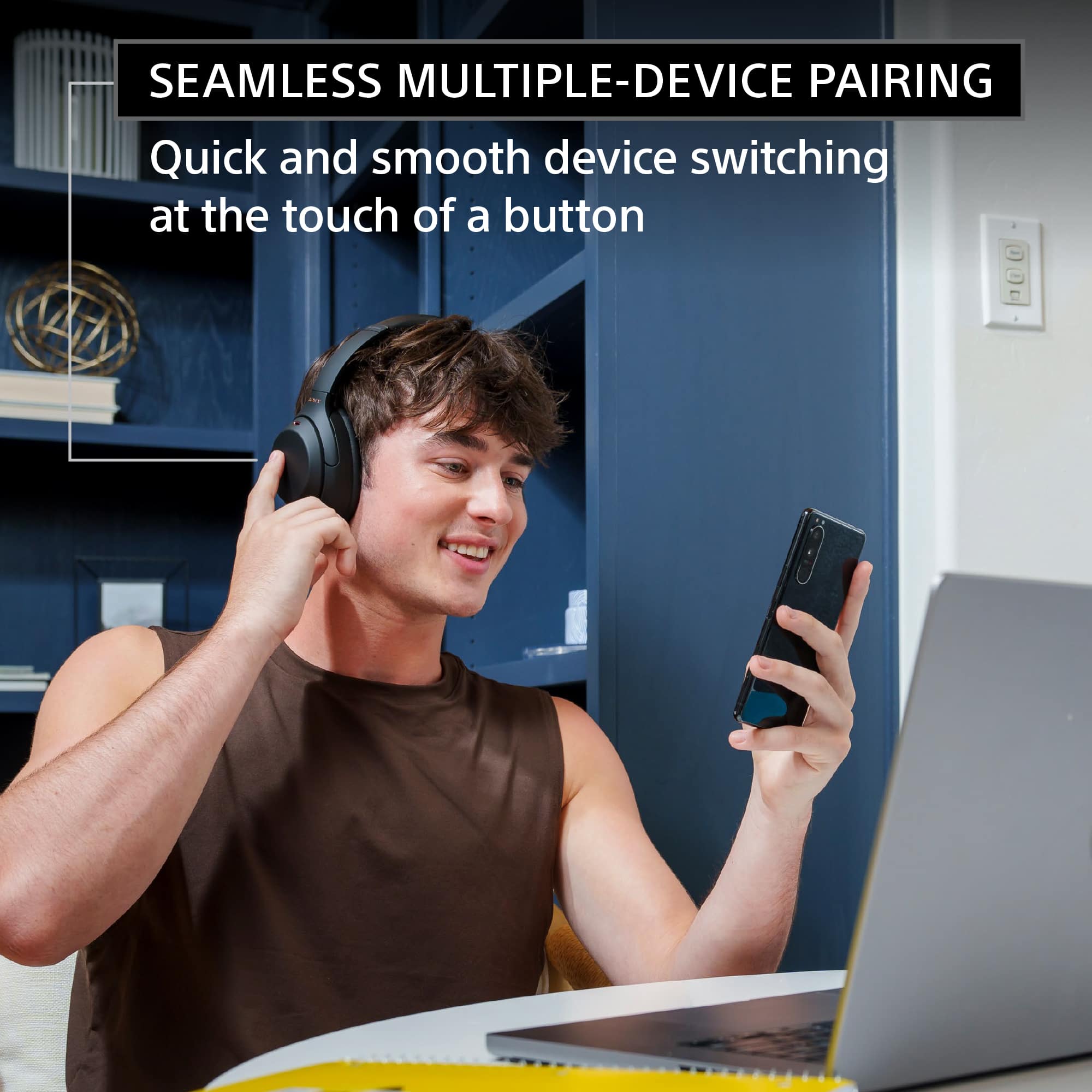
||Posted . Owned for 1 week when reviewed.This reviewer received promo considerations or sweepstakes entry for writing a review.It tries really hard to manage a simple bluetooth connection with it's clunky app... I usually switch in between work computer, personal computer, iPad PRO and a Pixel 4 Android phone. It would be good for 2 devices... but with 4 devices I have SO MANY connectivity problems... with my previous Beats Wireless 2 headphones all I had to do is click connect within the bluetooth menu of each device and would immediately connect to a new device without any issues. The bluetooth connection keeps failing for this device. Getting the microphone to work is also a chore... it doesn't seem to pick up my voice well unless I turn the sensitivity all the way to the top and even then is still a 50/50 chance it will work.
No, I would not recommend this to a friendBrand response from SonyListens
Posted .Hi MarcusGabilheri, we regret to hear that it hasn't lived up to your expectations. Make sure to update the software version of the headphones (via the Sony Headphones Connect app) for optimum performance. The communication between the devices will be poor if there is an obstruction between the unit and the connected device. Try the following:
-Change the position or location of the unit or connected device.
-If the connected device has a cover on it, take it off to improve the communication distance.
-If the connected device is in a bag or in a pocket, try moving the position of the device.
-Place the devices closer together to improve signal transmission
Signal interference may occur when a Wi-Fi device is in use near the unit if they both use the same 2.4 GHz frequency band. To resolve the issue, try the following:
-Turn off the Wi-Fi function of the connected device.
-If a Wi-Fi device is in use near the unit, turn off its Wi-Fi function or use the device at least ten meters away from the unit.
-Use the unit as far away as possible from a microwave oven, ticket gates, other Bluetooth devices, or places that generate electromagnetic radiation.
Note: Turn off the noise-cancelling function if you are using a noise canceling headphone.
You may try setting the Sound quality mode to Priority on stable connection and see if it resolves the problem.
- Launch the Sony | Headphones Connect app.
- Set the Sound quality mode to Priority on a stable connection.
We appreciate your feedback about the multipoint function and call quality. Rest assured that this will help us improve the quality and performance of our products.
Should you need further assistance, please email us at socialsupport@am.sony.com with the following details:
Name:
Best Buy Username:
Model Number:
Issue:
Telephone Number:
Sincerely,
Ralph
Sony Social Support
- Pros mentioned:Battery life, Comfort, Sound quality
Great Headphones at a Pretty Good Price
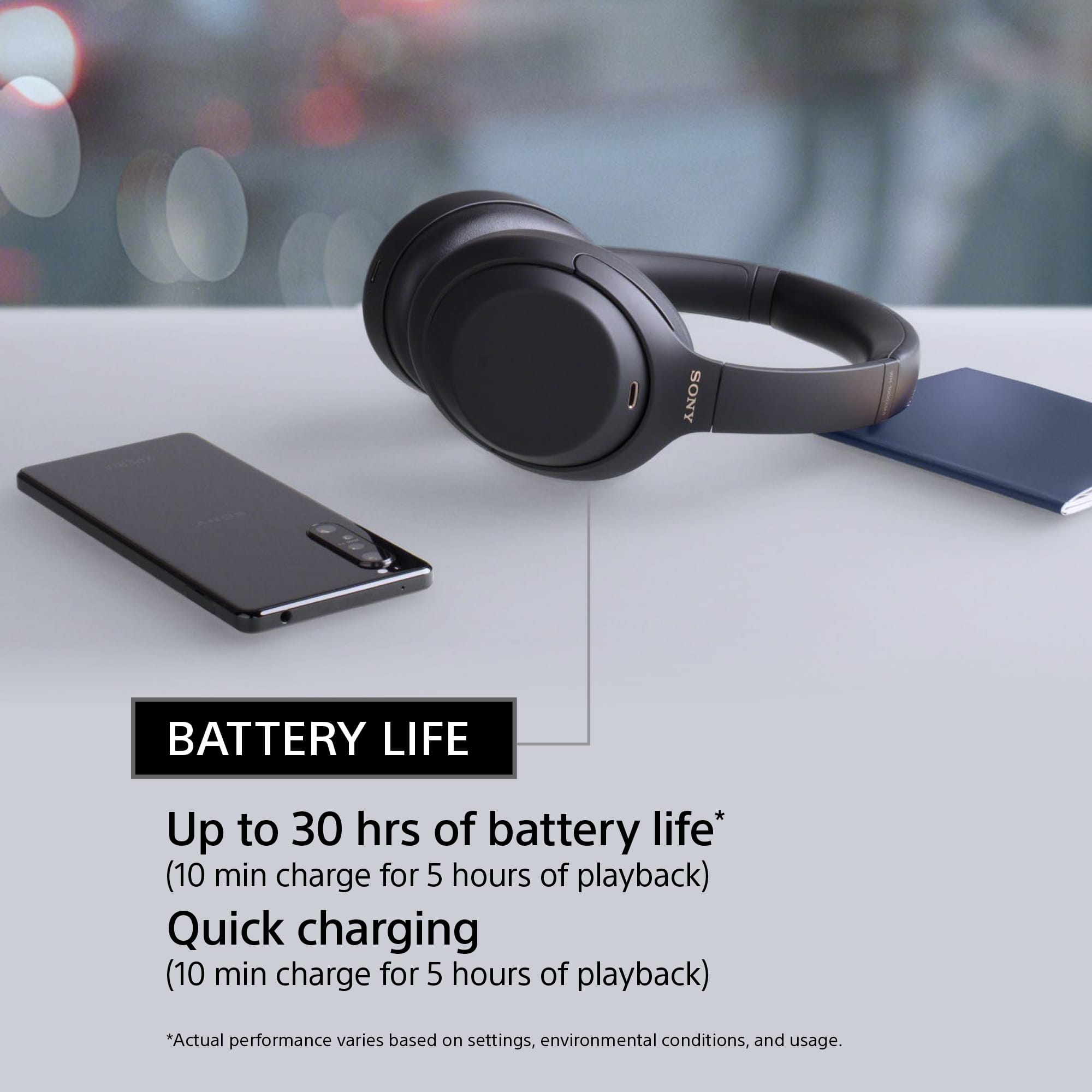
Posted .This reviewer received promo considerations or sweepstakes entry for writing a review.I bought these when they were on sale as they were a pretty good deal. I previously had the 1st generation version of these and loved them, so when those finally got worn down I decided to splurge and pick these up. Pros: Absolutely phenomenonal sound quality. I've done some work in sound recording and editing and I personally would say these are on par with some of the higher end wired studio brands (Klipsch, Shure, etc.) Comfortable to wear: I wear these primarily while I'm at work to listen to music/podcasts, and unlike some other headphones I've used in the past I can comfortably wear them for a whole day of work. Battery life: So far I have had no issues with the battery, and when it gets low it does notify me via Bluetooth and an audible warning. Cons: The included charging cable was really short, which is really not a big deal given the constraints of the storage case.
I would recommend this to a friendBrand response from SonyListens
Posted .Hi ChrisB,
Awesome! Thank you for the purchase! We're glad to hear that you like the sound quality and comfortable design of the headphones. Thank you for choosing Sony!
-David
Best Sale Purchase
||Posted . Owned for 2 weeks when reviewed.This reviewer received promo considerations or sweepstakes entry for writing a review.Got these on sale, and couldn't be happier. Absolutely the best in a comparable price range.
I would recommend this to a friendBrand response from SonyListens
Posted .Hi Akela, Awesome! We're thrilled to hear you feel that the WH-1000XM4 is the best noise cancelling headphones in it’s price range. Intelligent and intuitive, the WH-1000XM4 headphones offer further improvements to our industry-leading noise cancelation, exceptional sound quality, and smart listening that adjusts to your behavior and your location. Using the Sony Headphones Connect app, Ambient Sound Control lets you adjust the volume of background sound and gives you the option to allow voices alone to be heard. Meanwhile, the Equalizer lets you customize sound levels to suit your music. Thanks for choosing Sony! -Sam
Very stylish
||Posted . Owned for 1 week when reviewed.This reviewer received promo considerations or sweepstakes entry for writing a review.Love it, I purchased it for my sister. Audio performance is there & style is there as well.
I would recommend this to a friendBrand response from SonyListens
Posted .Hi Brandon, Awesome gift! The WH-1000XM4 is a new design, with intelligent and intuitive Ambient Sound Control features that include improvements to Multipoint connection and our industry-leading Noise Cancelation, exceptional sound quality, and Smart Listening that adjusts to your behavior and location. If you haven't already, please check our Sony Headphones Connect app which will let you fine-tune your music to your liking! Thank you for choosing Sony! -Carl
Disappointed
||Posted . Owned for 1 month when reviewed.This reviewer received promo considerations or sweepstakes entry for writing a review.Not impressed. Just not the quality expected - returned. Purchased Apple air pod max. Yes more money but well worth it.
No, I would not recommend this to a friendBrand response from SonyListens
Posted .Hello LIVY,
We regret to hear that you are not impressed nor did not meet your expectations and had to returned it and exchange for a different brand. We are optimistic that you will consider Sony again in your future purchases.
Regards,
Marco
Headphones for chikd
||Posted . Owned for 3 weeks when reviewed.This reviewer received promo considerations or sweepstakes entry for writing a review.These headphones deliver the goods. Cheaper tgan other brands, yet in a class of their own.
I would recommend this to a friendBrand response from SonyListens
Posted .Hi Russ, Awesome! We are so glad to hear that you are happy with your purchase! The WH-1000XM4 is a new design, with intelligent and intuitive Ambient Sound Control features that include improvements to Multipoint connection and our industry-leading Noise Cancelation, exceptional sound quality, and Smart Listening that adjusts to your behavior and location. If you haven't already, please check our Sony Headphones Connect app which will let you fine-tune your music to your liking! Thank you for choosing Sony! -Carl
Excellent product but...
||Posted . Owned for 3 weeks when reviewed.This reviewer received promo considerations or sweepstakes entry for writing a review.This is a bluetooth 5.0 headphones. It won't connect to bluetooth 4.2 TVs which most people have in their houses at the moment. Because of this connectivity issue, this product is a failure.
No, I would not recommend this to a friendBrand response from SonyListens
Posted .Hi Productfail, We are sorry to hear about the Bluetooth connection issue you are having. The Bluetooth 5.0 version of this headphones is backwards compatible with Bluetooth 4 devices. This means you can pair the WH-1000XM4 to Bluetooth 4.2 devices. Please check and make sure that your TV supports A2DP Bluetooth profile.
If your TV supports A2DP Bluetooth profile but you're still unable to pair it to your TV, please follow the troubleshooting steps on the link below:
https://helpguide.sony.net/mdr/wh1000xm4/v1/en/contents/TP0002752754.html
If you are unable to resolve your concern, please email us at socialsupport@am.sony.com with the following details:
Name:
Username:
Model Number:
Issue:
Telephone Number:
Sincerely,
Sam
- Pros mentioned:Battery life, Comfort, Sound quality

Superb Experience, Simply the Best
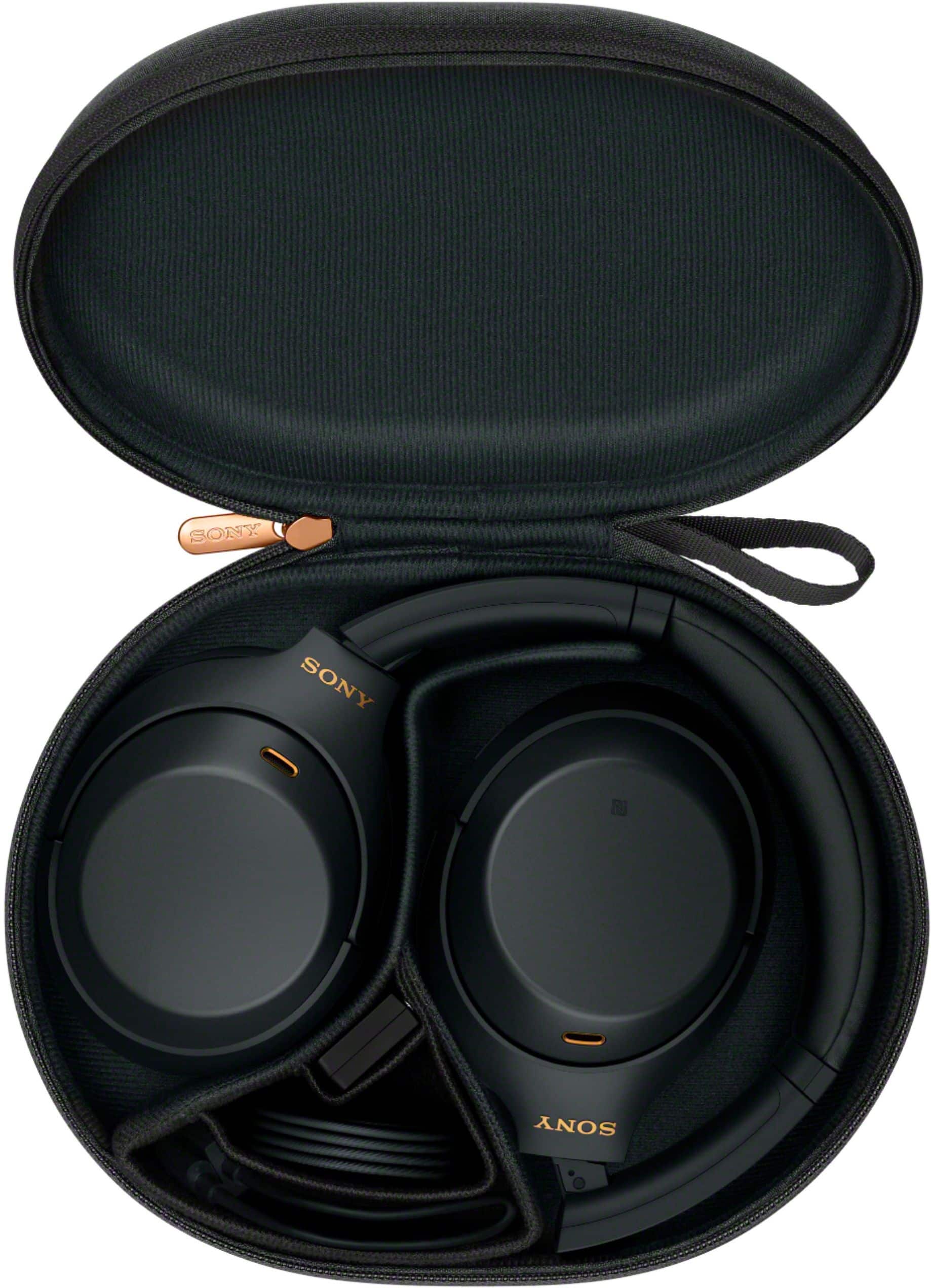
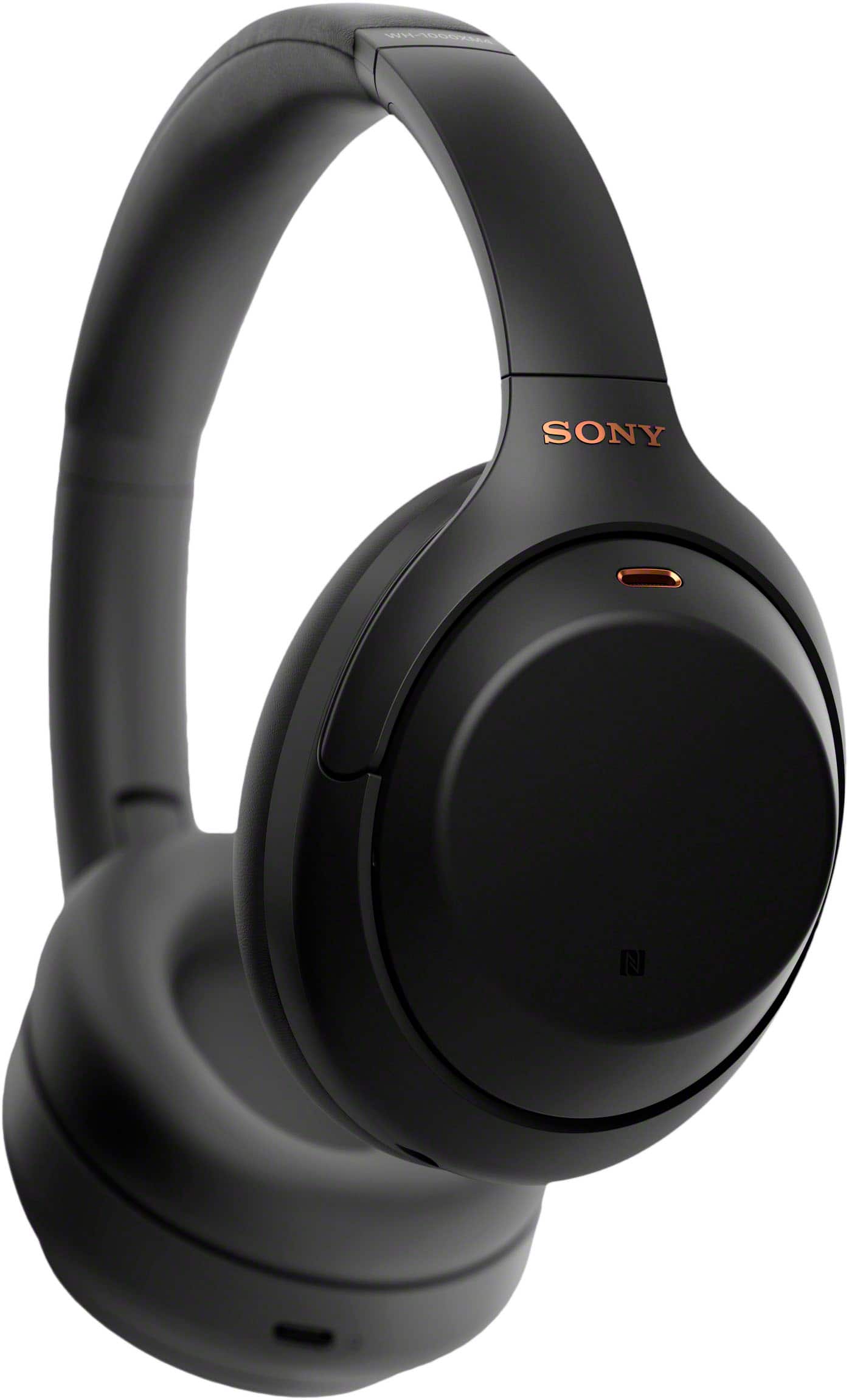
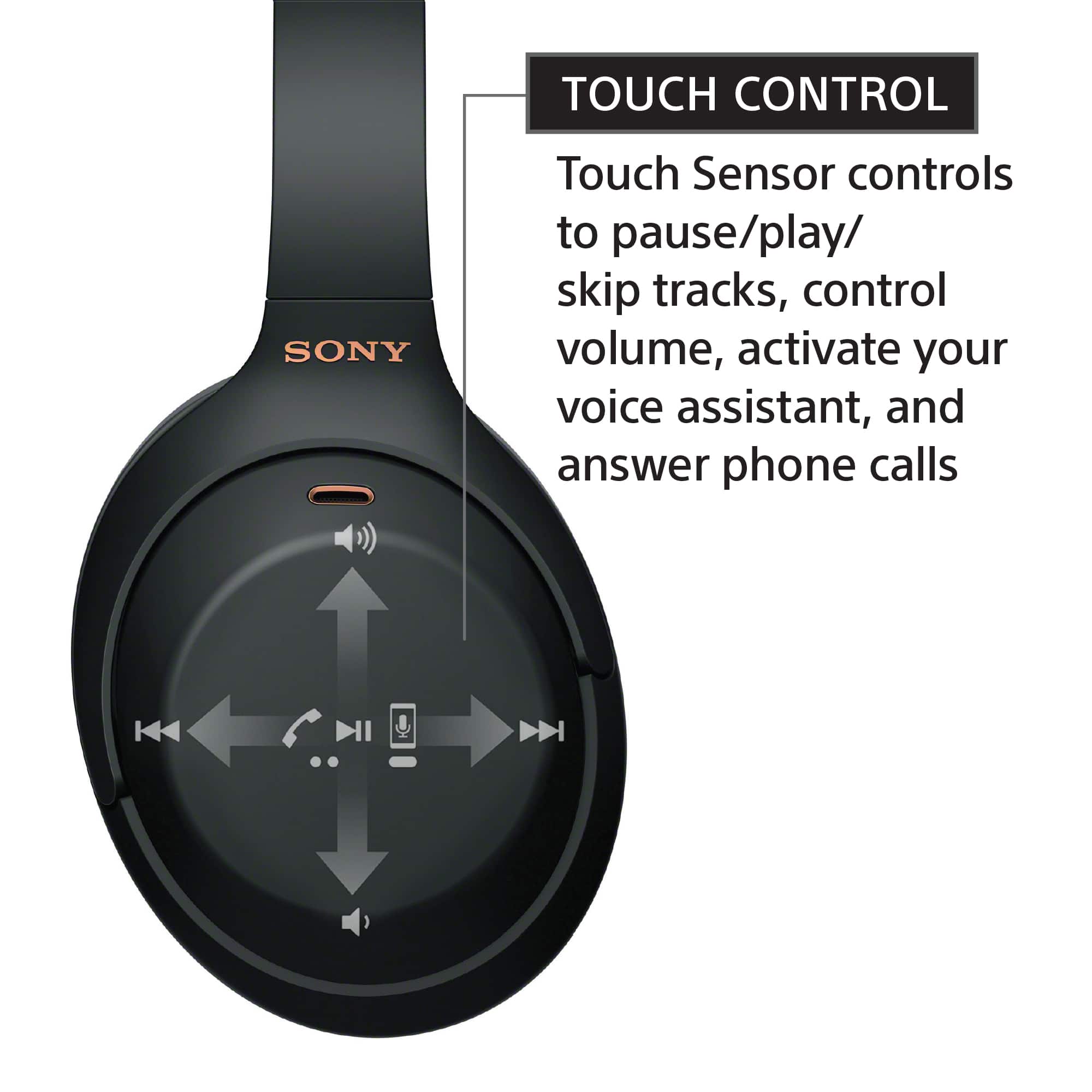
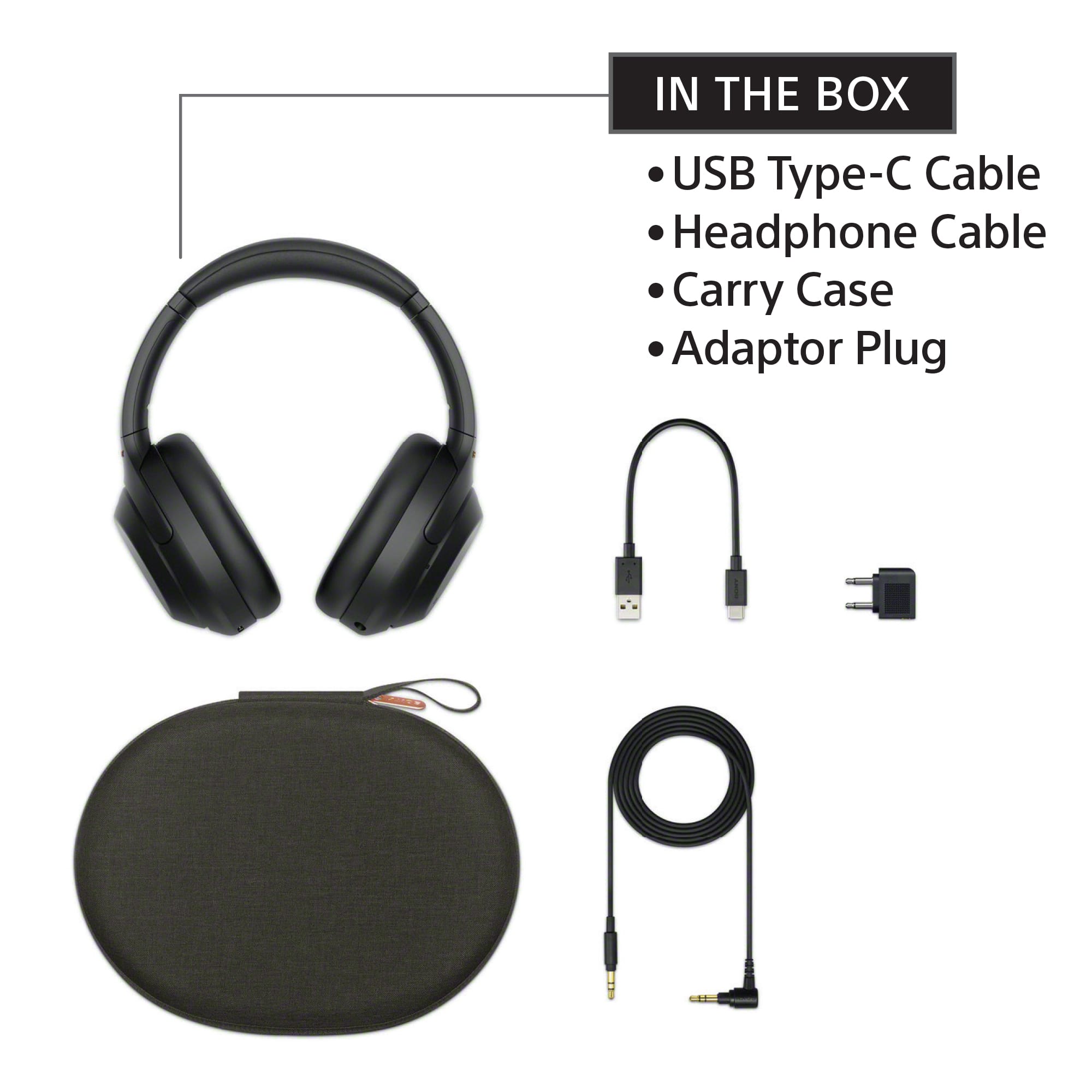
|Posted .This reviewer received promo considerations or sweepstakes entry for writing a review.In the box you get the headphones, a nice compact zippered case for storage, instructions, a USB-C to USB-A charging cable, a standard wired headphone cable (aux), and an adapter for airplane use. First of all, I cannot believe how enormously comfortable these headphones are to use. They rest on your head very lightly, with no pressure at all from the headband or the ear cups, which really do go all around the ears and are so soft and cushy, with no part of the cushions putting any pressure on any part of the ear whatsoever. Unlike other similar wireless headphones in the same category and price point, these do not bog down my head; they are so feathery light. I tried them while walking around, while sitting for long periods of time watching movies or listening to music, and I never felt the need to take them off—I practically forgot I was wearing them, they’re so light as air. And best of all, the sound quality is unmatched. Again, I have other wireless headphones both in the same category as these as well as others, and these are by far the most superior when it comes to sound quality—whether it’s listening to music, movies, or voices during calls. Music sounds as if you are surrounded by it, immersed in it. Dialogue and sound effects in movies, and conversations when using these headphones during calls or virtual meetings, are all crisp and clear. The noise cancellation feature is also excellent and works very well. The battery lasts a long time between charges, and Bluetooth pairing is quick and easy. The touch control features on the outside surface of the earpiece are intuitive and operate smoothly. It’s really convenient to use touch/swipe gestures to control music and video playback and volume. Just swipe forward to go to the next song, swipe back to go back to earlier songs, swipe up and down to increase or decrease volume, tap twice to pause, tap twice again to resume play. Or simply take off the headphones and it will automatically pause your music or video, then resume it when your put the headphones back on. I tried these headphones with a good variety of different products I have in our household (iPhone, iPad, Apple TV, MacBook, Samsung Galaxy Book laptop, Dell laptops and desktop, Chromebooks, our Samsung TV), and they all worked flawlessly—quick and easy Bluetooth pairing, great sound, great experience. A most definite recommend!
I would recommend this to a friend Glitch
||Posted . Owned for 1 month when reviewed.This reviewer received promo considerations or sweepstakes entry for writing a review.Overall, I like them. The only negatives that I’ve encountered so far. They turn off all of a sudden and have to turn on again. There’s a glitch that needs to be fixed.
I would recommend this to a friendBrand response from SonyListens
Posted .Hi Lalo, Thank you for the feedback on your experience with your WH-1000XM4. While we're glad you like the overall performance of these headphones, we regret to hear you're having an issue with the unit randomly turning off. Please make sure that the firmware version is up to date and perform a factory reset to isolate the issue. You may refer to this link for the factory resetting steps: https://helpguide.sony.net/mdr/wh1000xm4/v1/en/contents/TP0002752746.html
If you are unable to resolve your concern, please email us at socialsupport@am.sony.com with the following details:
Name:
Username:
Model Number:
Issue:
Telephone Number:
Or contact our product support team via phone call or chat through this link: https://us.esupport.sony.com/support/s/service?language=en_US.
Intelligent and intuitive, the WH-1000XM4 headphones offer further improvements to our industry-leading noise cancelation, exceptional sound quality, and smart listening that adjusts to your behavior and your location. Using the Sony Headphones Connect app, Ambient Sound Control lets you adjust the volume of background sound and gives you the option to allow voices alone to be heard. Meanwhile, the Equalizer lets you customize sound levels to suit your music. Thanks for choosing Sony! -Sam
Solid Headphones
||Posted . Owned for 2 weeks when reviewed.This reviewer received promo considerations or sweepstakes entry for writing a review.These are great for the price range 10/10. XM4 and XM5 are the best options out there.
I would recommend this to a friendBrand response from SonyListens
Posted .Hi Amc7500, Awesome! We are glad to hear that you are enjoying your new WH-1000XM4! The WH-1000XM4 is a new design, with intelligent and intuitive Ambient Sound Control features that include improvements to Multipoint connection and our industry-leading Noise Cancelation, exceptional sound quality, and Smart Listening that adjusts to your behavior and location. If you haven't already, please check our Sony Headphones Connect app which will let you fine-tune your music to your liking! Thank you for choosing Sony! -Carl
- Cons mentioned:Price
head phones
||Posted .This reviewer received promo considerations or sweepstakes entry for writing a review.head phones do not work. They work ok once there after not. And the line in does not work. They are way over priced and they just do not work, after 2nd day of having them.
No, I would not recommend this to a friendBrand response from SonyListens
Posted .Hi aaaaa, we are sorry to hear that the headphones do not work. This is definitely not the experience we want you to have. We would love to help you troubleshoot your problem and turn this into a better experience.
May we contact you to help? If so, please email the below information to socialsupport@am.sony.com.
Apologies if you disclosed some of this information in your review and to customer service, we just want to ensure that we have your accurate details at the time of communication.
Full Name:
Best Buy Username:
Telephone Number:
Model Number:
Additional Information regarding your experience with the XM4
We are sorry for the inconvenience and hope to speak to you to resolve this matter.
We appreciate you and thanks again for shopping Sony!
Sincerely,
Erin