Customer Ratings & Reviews
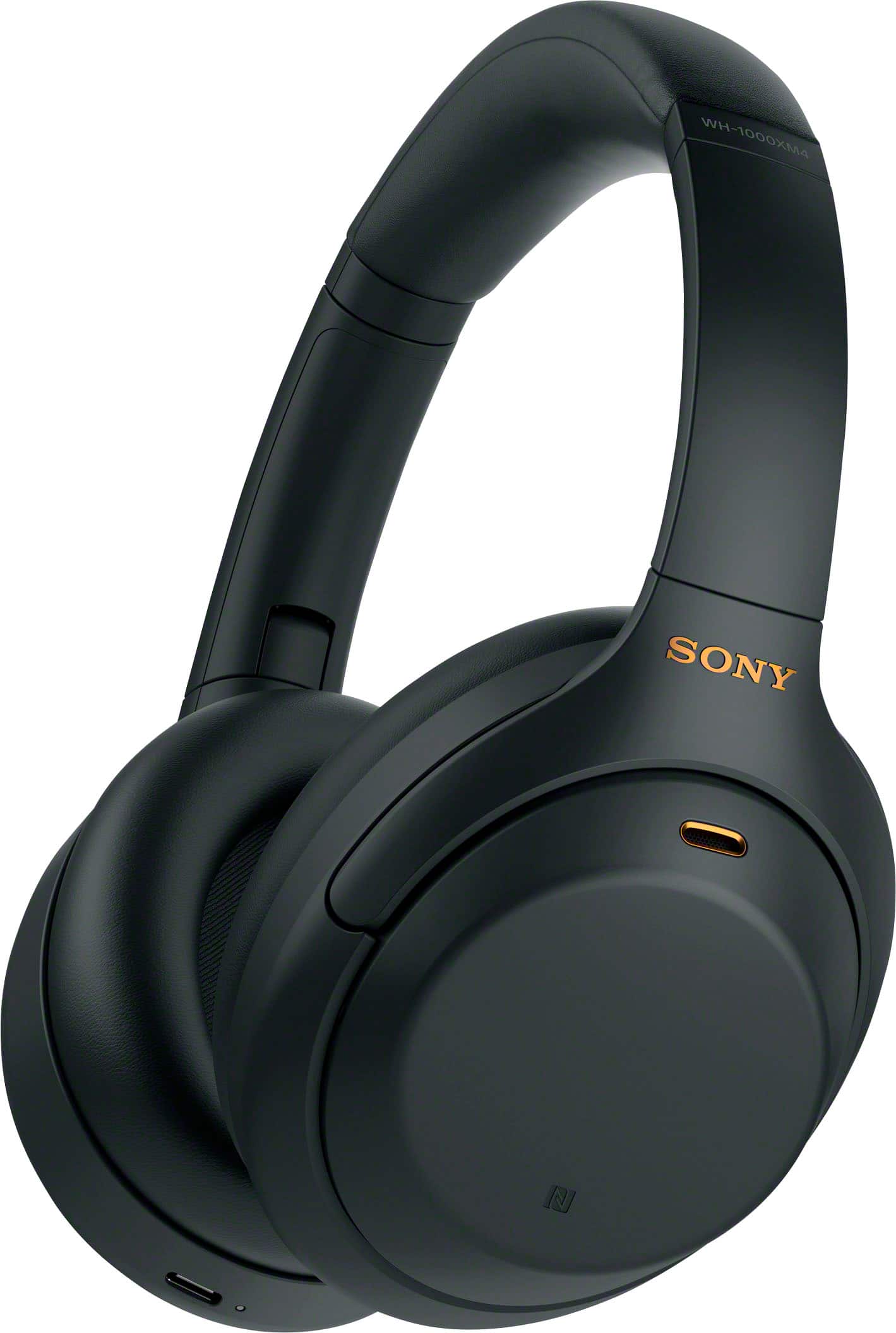
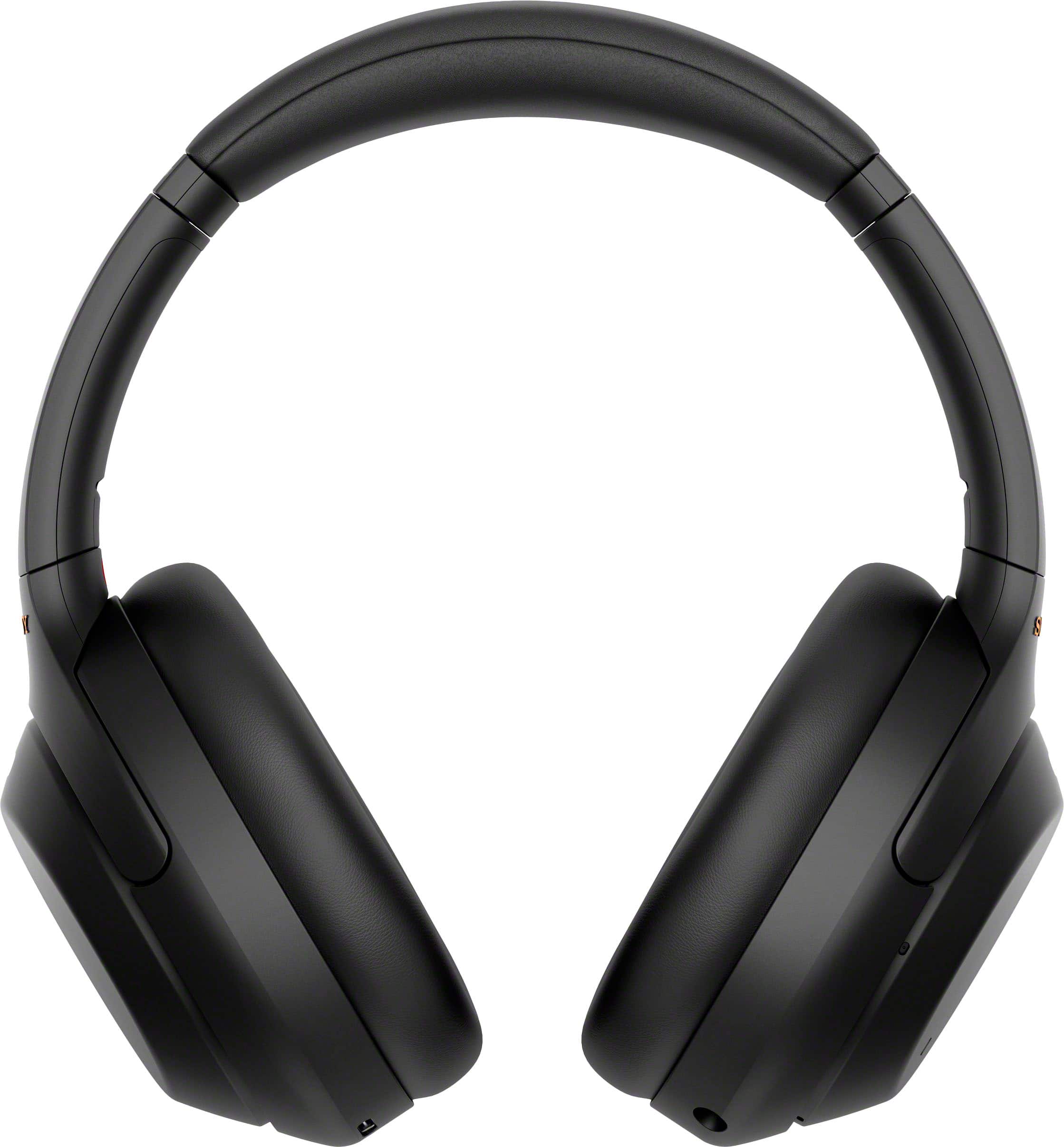
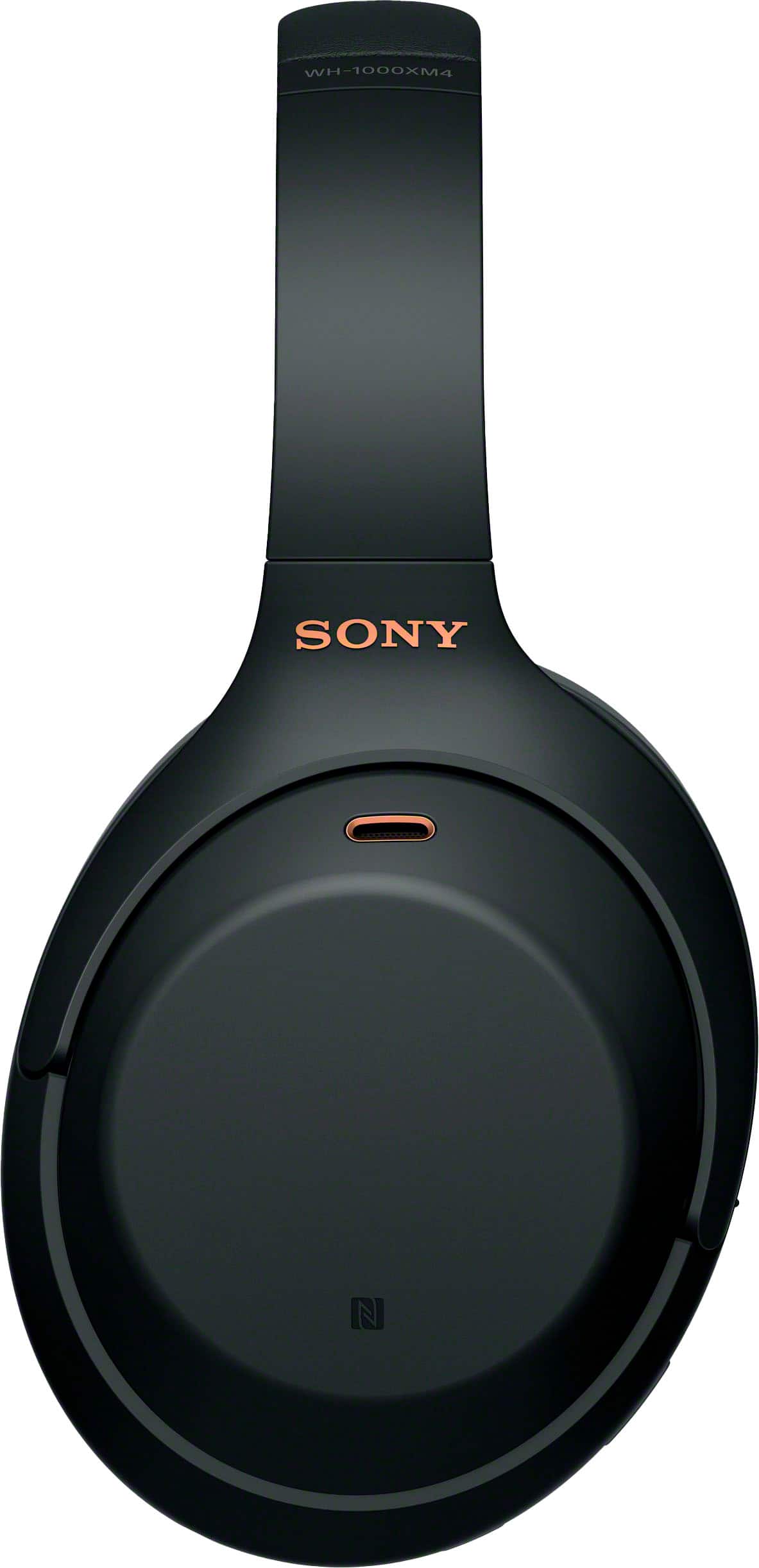
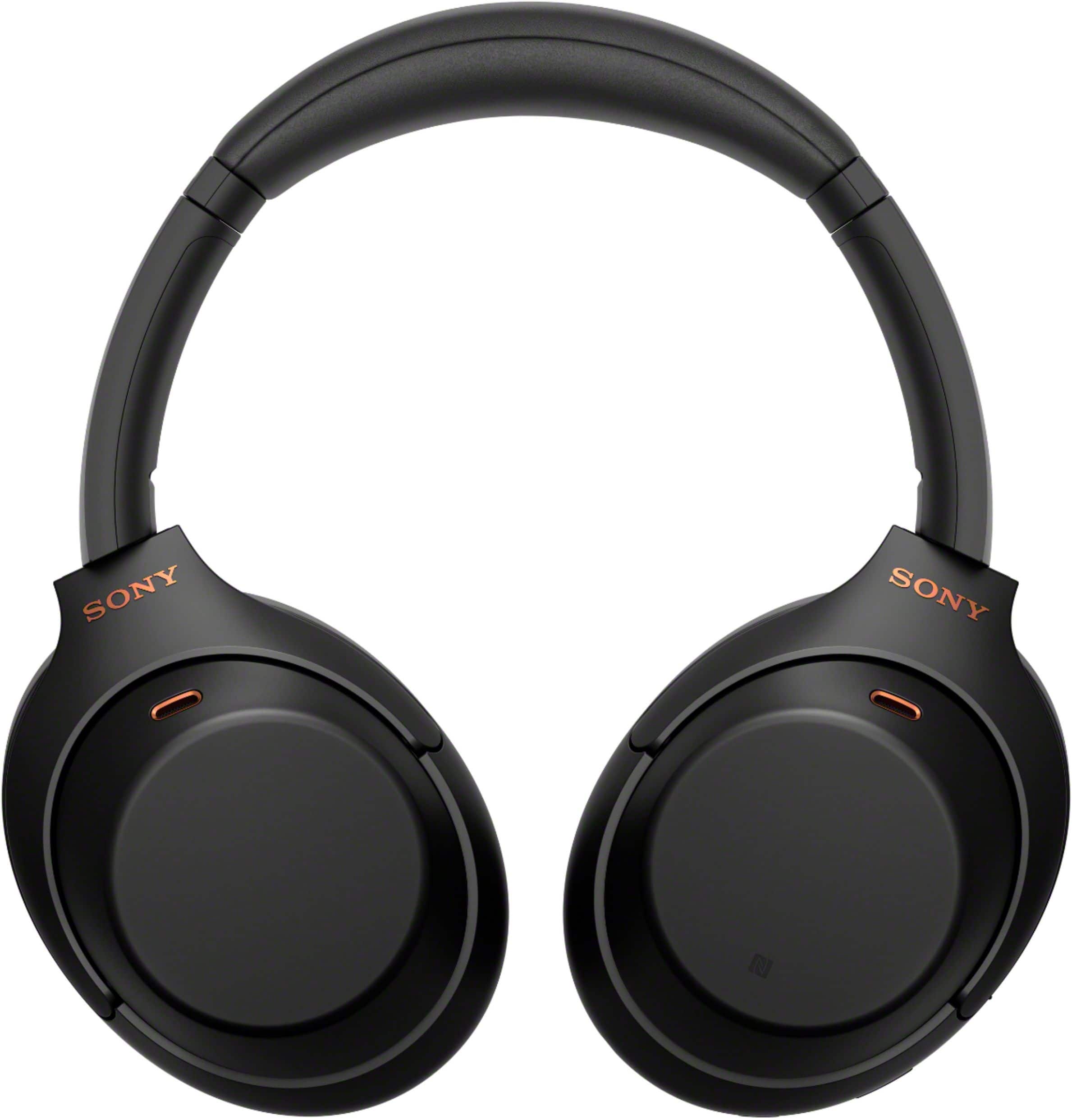
- Model:
- WH1000XM4/B
- SKU:
- 11047585
Rating by feature
- Sound Quality
Rating 4.9 out of 5 stars
- Battery Life
Rating 4.8 out of 5 stars
- Connectivity
Rating 4.7 out of 5 stars
Customers are saying
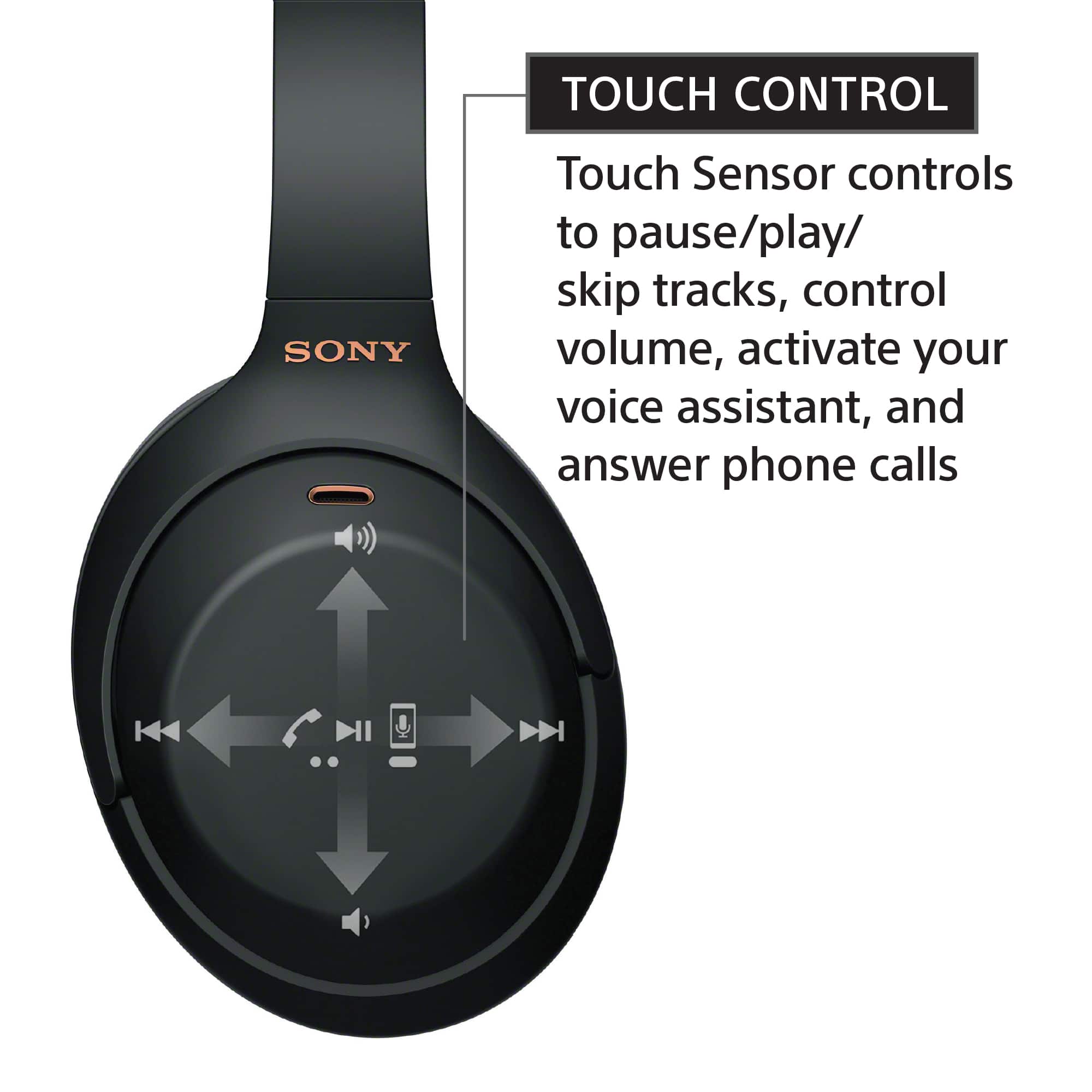
Customers are enthusiastic about the phenomenal sound quality, exceptional comfort, and impressive battery life of the product. They also praise its solid bass, lightweight design, good fit, reliable connectivity, and premium aesthetic. Conversely, some users express frustration with the touch controls, perceive the product as overpriced, and wish for higher volume output.
This summary was generated by AI based on customer reviews.
headphone
Posted .This reviewer received promo considerations or sweepstakes entry for writing a review.a little buggy, they randomly turn off sometimes. otherwise great
I would recommend this to a friendBrand response from SonyListens
Posted .Hello user926174,
While we are happy that you like our WH1000XM4 headphone, we regret to hear that you are having some issues with it. Please allow us to help and troubleshoot this issue. You may check this troubleshooting link to address the concern about the headphone turning off randomly.
https://helpguide.sony.net/mdr/wh1000xm4/v1/en/contents/TP0002928786.html#menu
Should you need further assistance, please let us know. May we contact you to help? If so, please email the below information to socialsupport@am.sony.com. Apologies if you disclosed some of this information in your review and to customer service, we just want to ensure that we have your accurate details at the time of communication.
Full Name:
BestBuy Username:
Telephone Number:
Model Number:
Additional Information regarding your experience with the XM4:
We're more than happy to assist you.
Regards,
Marco
- Pros mentioned:Sound quality
I love it
Posted .This reviewer received promo considerations or sweepstakes entry for writing a review.Sound quality and noise cancelling is absolutely amazing
I would recommend this to a friendBrand response from SonyListens
Posted .Hi AnanyaG, Awesome! We are so glad to hear that you are enjoying your new WH-1000XM4! The WH-1000XM4 is a new design, with intelligent and intuitive Ambient Sound Control features that include improvements to Multipoint connection and our industry-leading Noise Cancelation, exceptional sound quality, and Smart Listening that adjusts to your behavior and location. If you haven't already, please check our Sony Headphones Connect app which will let you fine-tune your music to your liking! Thank you for choosing Sony! -Carl
- Pros mentioned:Sound quality
You won't regret buying these
Posted .This reviewer received promo considerations or sweepstakes entry for writing a review.These great! Just wait until they are on sale and then buy them!
I would recommend this to a friendBrand response from SonyListens
Posted .Hi Hebriewyn, we're glad you like our industry-leading noise canceling headphones. The WH-1000XM4 is a new design, with intelligent and intuitive Ambient Sound Control features that include improvements to Multipoint connection and our industry-leading Noise Cancelation, exceptional sound quality, and Smart Listening that adjusts to your behavior and location. Thank you for choosing SONY. ~Earl
- Pros mentioned:Sound quality
Ambient sound
Posted .This reviewer received promo considerations or sweepstakes entry for writing a review.I was reading through the reviews posted about the Sony - WH - 1000XM4 wireless headphones. I do agree that they are high quality but lately get complaints from the person on the other end of my phone hearing background noise, meaning as I am using them for my job and answer calls with them, they can hear what is going on in my background instead of blocking that sound. I keep them on noise cancelation and I can still hear my tv talking in the background. The sound is good, it just doesn't cancel noise as I thought.
No, I would not recommend this to a friendBrand response from SonyListens
Posted .Hi Nonoise,
We're glad that you like the sound quality of the headphones. It's unfortunate that you are not having the best experience with the noise canceling function and when using it for phone calls. Make sure to install the latest software version of the headphones (via the Sony Headphones Connect app) for optimum performance.
The noise canceling function is effective in low-frequency ranges such as airplanes, trains, offices, near air-conditioning, and is not as effective for higher frequencies, such as human voices. Check that the Adaptive Sound Control is turned off. Check the setting of the Adaptive Sound Control on the “Sony | Headphones Connect” app. When the Adaptive Sound Control is turned on, the noise canceling function may become insufficient.
Your feedback when using it for phone calls is greatly appreciated. The headphones feature a Sidetone function. Ambient sounds or the sounds of the headset operation may be heard through the headset. This is not a malfunction.
In case you need further assistance, please email the below information to socialsupport@am.sony.com. Apologies if you disclosed some of this information in your review and to customer service, we just want to ensure that we have your accurate details at the time of communication.
Full Name:
Best Buy Username:
Telephone Number:
Sony headphones Model Number:
Additional Information regarding your experience with the WH1000XM4.
We appreciate you and thanks again for shopping Sony!
Sincerely,
-Ralph
Sony Social Support
- Pros mentioned:Sound quality
Worth it
Posted .This reviewer received promo considerations or sweepstakes entry for writing a review.Very impressive headphones, great quality. Ordering online was easy and fast.
I would recommend this to a friendBrand response from SonyListens
Posted .Hi Nat1,
You made the right choice! Intelligent and intuitive, the WH-1000XM4 headphones offer further improvements to our industry-leading noise cancelation, exceptional sound quality, and smart listening that adjusts to your behavior and your location. Using the Sony Headphones Connect app, Ambient Sound Control lets you adjust the volume of background sound and gives you the option to allow voices alone to be heard. Meanwhile, the Equalizer lets you customize sound levels to suit your music. Thanks for choosing Sony!
-Ralph
The best you will ever get. Life changing sound.
Posted .This reviewer received promo considerations or sweepstakes entry for writing a review.Forget BOSE, THESE ARE THE BEST NO QUESTIONS ASK. I kinda gave up on Sony years ago, but Im a fan again, These are THE Ones. Congrats Sony. No , I dont work for them and I never give a review unless its the best! ,
I would recommend this to a friendBrand response from SonyListens
Posted .Hello Mikey11,
Great! Thank you for sharing your honest review. We are truly happy that you are pleased with the audio quality of our XM4. Thank you for choosing and trusting Sony again! - Marco
- Pros mentioned:Sound quality
Overall perfect
Posted .This reviewer received promo considerations or sweepstakes entry for writing a review.Excellent noise canceling, sound leaks bad, the leather for the ears are not good quality..
I would recommend this to a friend - Pros mentioned:Sound quality
Sony BT headphone
Posted .This reviewer received promo considerations or sweepstakes entry for writing a review.excellent headphone for college, highly recommended
I would recommend this to a friendBrand response from SonyListens
Posted .Hi CollegeHeadphone,We are glad that you are enjoying your newest noise canceling headphones. The WH-1000XM4 is a new design, with intelligent and intuitive Ambient Sound Control features that include improvements to Multipoint connection and our industry-leading Noise Cancelation, exceptional sound quality, and Smart Listening that adjusts to your behavior and location. Thank you for choosing Sony! Erin
Hype was not all that
Posted .This reviewer received promo considerations or sweepstakes entry for writing a review.Gave into the hype, however didnt really impress me a bunch, still a great quality headphone. The app is just a bit annoying to fiddle around with but overall I don't regret the purchase. The part that didn't live up to the hype was the ANC, i thought it was subpar, unless its an issue with my set audio settings, which I cannot tell which settings would make it sound best. Overall would give a solid 9/10
I would recommend this to a friend- Pros mentioned:Sound quality
Sony noise canceling wireless headphones
Posted .This reviewer received promo considerations or sweepstakes entry for writing a review.Best headphones I’ve ever heard. Extremely happy with this purchase.
I would recommend this to a friendBrand response from SonyListens
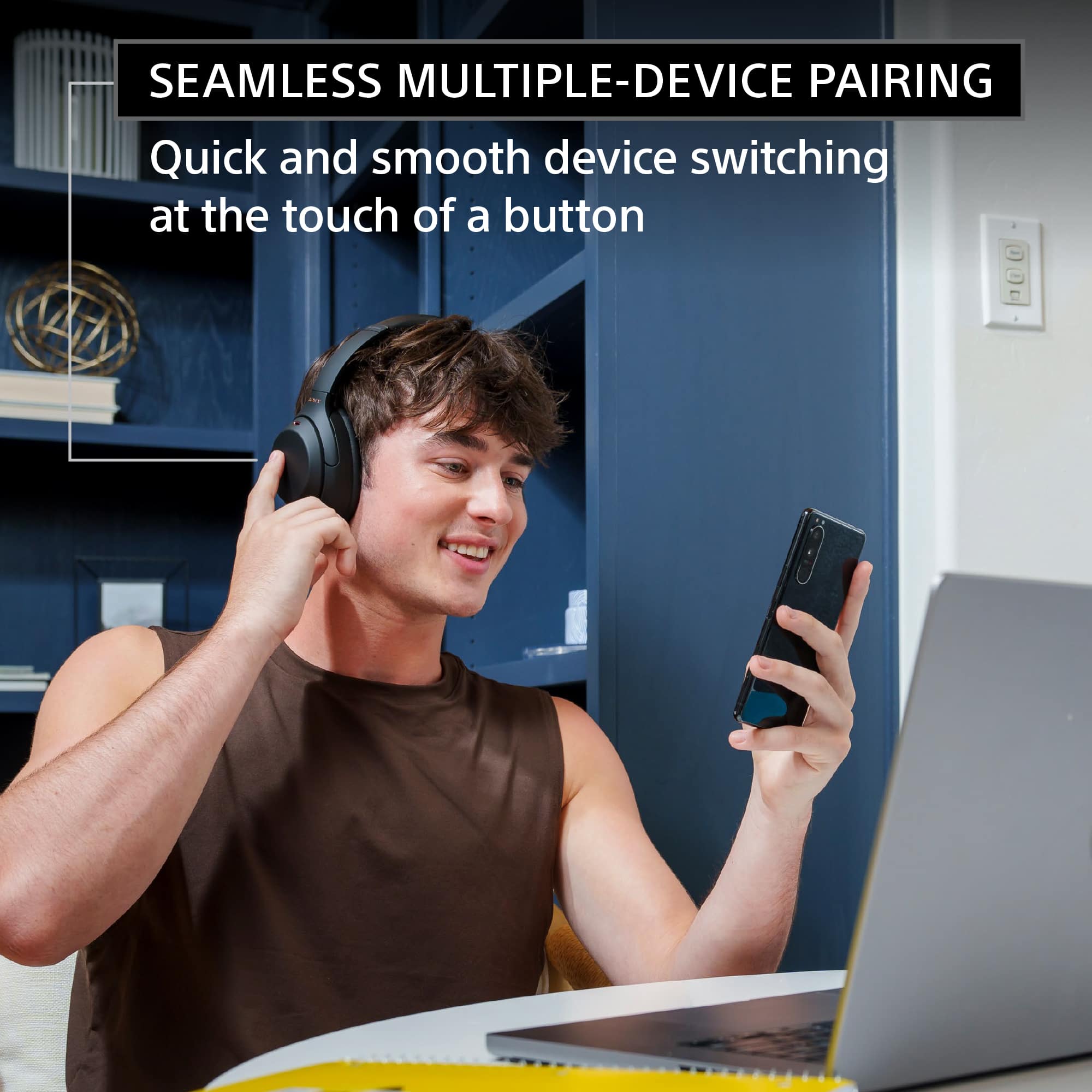
Posted .Hi Lifetimecardinalfanatic,we're glad you like our newest industry-leading noise canceling headphones. Intelligent and intuitive, the WH-1000XM4 headphones offer further improvements to our industry-leading noise cancelation, exceptional sound quality, and smart listening that adjusts to your behavior and your location. Using the Sony Headphones Connect app, Ambient Sound Control lets you adjust the volume of background sound and gives you the option to allow voices alone to be heard. For total convenience, WH-1000XM4 headphones can be paired with two Bluetooth devices at the same time. So when a call comes in, your headphones know which device is ringing and connect to the right one automatically. You'll also be able to quickly, smoothly switch your headphones to either of the two devices at the touch of a button. Thanks for choosing Sony. ~Earl
- Cons mentioned:Touch controls
Not happy: these are not good headphones
Posted .This reviewer received promo considerations or sweepstakes entry for writing a review.These are at best maybe an okay deal for the currently advertised Black Friday price of $228. I am unimpressed, and I have unfortunately waited too long to return this product. The noise cancelation is poor and inconsistent. The sound quality is poor, especially the highs and lows. Sometimes the connection is choppy eveb with the connected device just a few feet away. The touch controls are at times touchy and other times seemingly non-responsive. And having to use the app to turn features like speak-to-talk on and off makes this thing nonfunctional in an office atmosphere. I don’t get it. Maybe all these positive reviews for the latest sony noise canceling headphones are like the flood of positive reviews each time an iPhone is released--people trying to convince themselves they didn’t spend twice what they needed to for an at-best product. These headphones are offered as one of the top available solutions for those seeking noise cancelation and sound quality. I'm guessing the hardware bones might be there to make that happen, but it would take an epic firmware update.
No, I would not recommend this to a friendBrand response from SonyListens
Posted .Hi CateC, We are sorry to hear about the issues you are having with the Sony WH-1000XM4 and it had to be returned. This is usually not the case for our Sony WH-1000XM4 headphones nor the experience we want you to have. If the effect of noise canceling is not sufficient or weak, performing the the troubleshooting steps on the link below should resolve the issue.
https://helpguide.sony.net/mdr/wh1000xm4/v1/en/contents/TP0002752735.html
To ensure optimal listening experience, fine-tune it using the EQ settings in the Sony Headphones Connect App. For additional troubleshooting steps, please refer to the link below:
https://helpguide.sony.net/mdr/wh1000xm4/v1/en/contents/TP0002752820.html
And for touch sensor control panel issues, follow the troubleshooting steps on the link below to resolve the issue.
https://helpguide.sony.net/mdr/wh1000xm4/v1/en/contents/TP0002758108.html
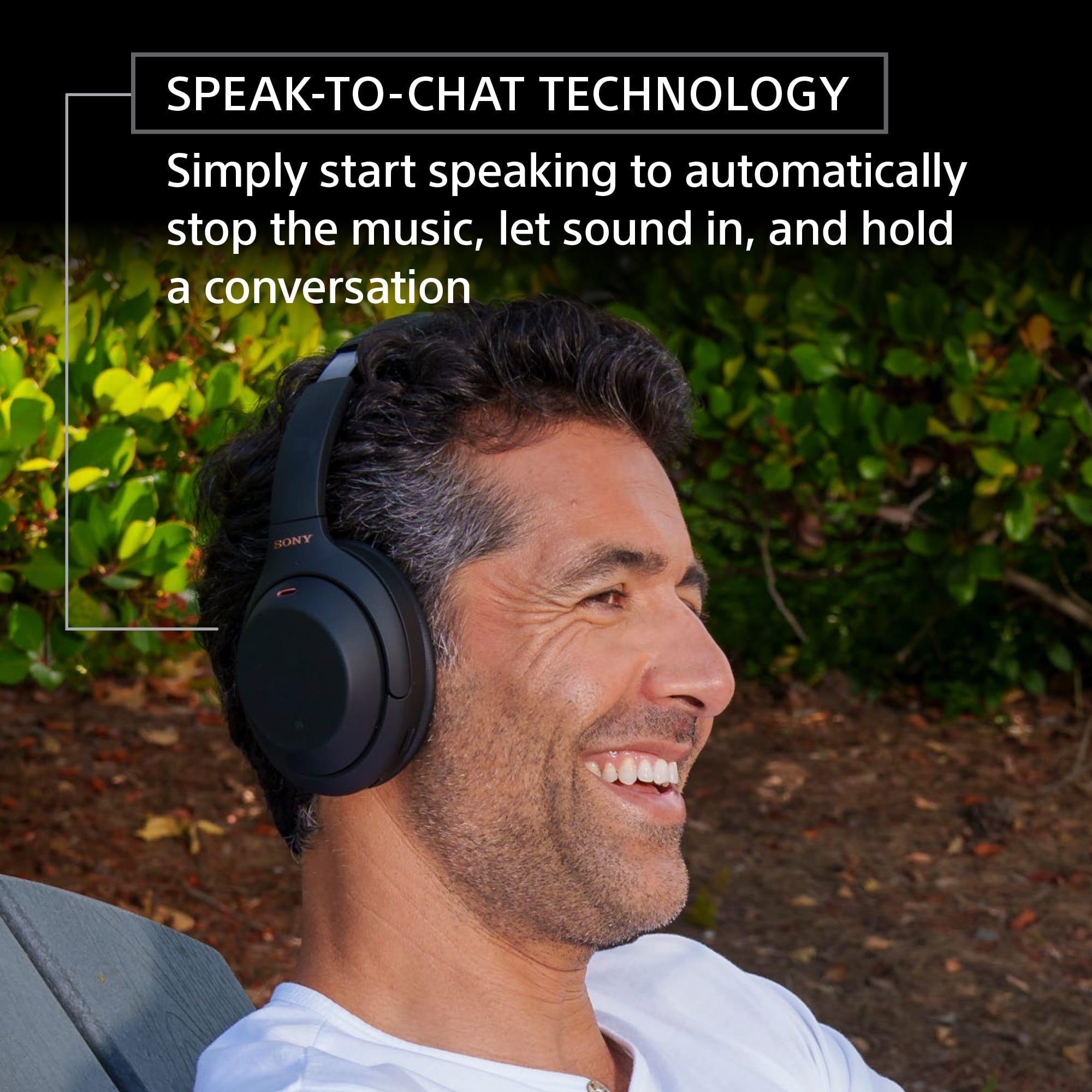
Also, the speak-to-chat function can be turn on and off without using the app. To enable it, hold 2 fingers to the touch sensor control panel until you hear the voice guidance say, “Speak-to-chat activated”. And to disable the Speak-to-Chat, hold 2 fingers to the touch sensor control panel once again until you hear the voice guidance say, “Speak-to-chat deactivated”.
And to ensure optimal performance. make sure the Headphone are on the latest software.
Sony's commitment to customer satisfaction is our top priority. For future reference, we can offer assistance on how to set up or operate the features and functions, and troubleshoot the issue of your Sony product by visiting our Sony Support website to download the help guide and look for additional information about your product. Also, you can reach out to one of our agents through this link: https://us.esupport.sony.com/support/s/service?language=en_US. who would be glad to help. I hope you consider our Sony products in the future. Thank you for sharing your feedback.
Regards,
Sam
- Pros mentioned:Sound quality
DO NOT BUY - DOES NOT WORK WITH WINDOWS
Posted .This reviewer received promo considerations or sweepstakes entry for writing a review.This is by far the worst piece of electronics I’ve ever purchased in my life, and I cannot recommend against buying this more. When these headphones work, which is rare, they are amazing, and the audio quality is unbeatable for Bluetooth headphones. However, these rarely ever connect to windows and when they do, it is extremely unstable. You cannot use these for meetings because your microphone will barely work and a lot of times it will never even pick up the headphones if they are connected. You can only connect two devices at once, which is also bad because it will switch between other devices with no choice to choose which one you want. When it does connect your computer, which is rare, you may get the worst audio quality ever if it uses the wrong driver. So it is luck. And you cannot use anything in the app because it is terrible.
No, I would not recommend this to a friendBrand response from SonyListens
Posted .Hi RyanG,
Thank you for sharing your experience with the WH1000XM4 headphones. We're truly sorry to hear about the difficulties you've encountered and we appreciate your detailed feedback.
We understand how frustrating it must be to deal with connectivity issues, especially when relying on the headphones for important tasks like meetings.
We recommend ensuring the Bluetooth drivers on your computer are fully up to date. Additionally, our support team may be able to assist you in adjusting priority settings for devices and improving stability.
We'd love the opportunity to work with you directly to troubleshoot these issues further. Please feel free to contact our support team at https://us.esupport.sony.com/support/s/support-contact?language=en_US&category=headphones
We appreciate you choosing Sony and sharing your feedback.
Sincerely,
Stephanie
- Pros mentioned:Sound quality
Love it
Posted .This reviewer received promo considerations or sweepstakes entry for writing a review.Love it, I would recommend this product. It’s great sound
I would recommend this to a friendBrand response from SonyListens
Posted .Hi Mary, Awesome! Thank you for your recommendation! The WH-1000XM4 is a new design, with intelligent and intuitive Ambient Sound Control features that include improvements to Multipoint connection and our industry-leading Noise Cancelation, exceptional sound quality, and Smart Listening that adjusts to your behavior and location. If you haven't already, please check our Sony Headphones Connect app which will let you fine-tine your music to your liking! Thank you for choosing Sony! -Carl
- Pros mentioned:Sound quality
Good sound but extremely finnicky
Posted .This reviewer received promo considerations or sweepstakes entry for writing a review.Great noise cancelling and sound capability, but *extremely* finnicky. The ambient sound control and speak to chat features mean the headphones often stop playing and turn off noise cancelling on their own (even when these features are turned off!). What are otherwise great headphones are made annoying by being too smart for their own good. I hate to say if but if you're torn between these and Bose... go with Bose.
No, I would not recommend this to a friendBrand response from SonyListens
Posted .Hi AnnT,
We do apologize for the inconvenience. If the headset is not worn properly, the Ambient Sound Mode may not work correctly. Wear the headset properly. We highly recommend using the Sony headphone connect app regarding your concern. Ambient Sound Mode settings changed with the “Sony | Headphones Connect” app are stored in the headset. You can enjoy music with the stored settings of the Ambient Sound Mode even when the headset is connected to other devices which do not have the “Sony | Headphones Connect” app installed.
If you need further assistance, please email us at socialsupport@am.sony.com with the following details:
Name:
Best Buy Username:
Model Number:
Issue:
Telephone Number:
Regards,
David
- Pros mentioned:Sound quality
Great noise cancelling, terrible for phone calls
Posted .This reviewer received promo considerations or sweepstakes entry for writing a review.Buyer Beware. If you are buying these and expecting to make phone calls with them, the noise level heard by the party on the other end is too much. I have a set of Optium Audio ear buds (knock off Beats) and my wife said they sound exactly the same when calling her. However, the noise canceling feature and listening to music is awesome! But it does not serve my purpose so they'll be going back. One day is all I have had them.
No, I would not recommend this to a friendBrand response from SonyListens
Posted .Hi PhoneCallsAllDay,
We're glad that you like the sound quality and noise canceling function of the headphones. It's unfortunate that you are already looking to return the headphones because of the call quality. Your feedback is greatly appreciated. For optimum performance, make sure that the software version of the headphones is up-to-date (via the Sony Headphones Connect app). If you still have the headphones, these steps may help improve your experience:
-Re-establish the connection between the headphones and your source device. Select HFP or HSP for the profile.
-You can also check the settings of the app that you are using for mic sensitivity if available.
In case you need further assistance, please email the below information to socialsupport@am.sony.com.
Full Name:
Best Buy Username:
Telephone Number:
Sony Headphones Model Number:
Additional Information regarding your experience with the WH1000XM4.
Sincerely,
-Ralph
Sony Social Support
- Pros mentioned:Sound quality
Great ANC headphone
Posted .This reviewer received promo considerations or sweepstakes entry for writing a review.Great headphone, Sound great and great noise cancelling
I would recommend this to a friendBrand response from SonyListens
Posted .Hi boh2133,
Awesome! The WH-1000XM4 is a new design, with intelligent and intuitive Ambient Sound Control features that include improvements to Multipoint connection and our industry-leading Noise Cancelation, exceptional sound quality, and Smart Listening that adjusts to your behavior and location. Thank you for choosing Sony!
Regards,
David
- Pros mentioned:Sound quality
The Best
Posted .This reviewer received promo considerations or sweepstakes entry for writing a review.The reviews I read said they were the best and they are!
I would recommend this to a friendBrand response from SonyListens
Posted .Hi Best, That's great! We're pleased to hear that you are loving your new headphones. The WH-1000XM4 is a new design, with intelligent and intuitive Ambient Sound Control features that include improvements to Multipoint connection and our industry-leading Noise Cancelation, exceptional sound quality, and Smart Listening that adjusts to your behavior and location. Thank you for choosing Sony! Erin
- Pros mentioned:Sound quality
.
Posted .This reviewer received promo considerations or sweepstakes entry for writing a review.Awesome headphones for everything 10/10 would buy again
I would recommend this to a friendBrand response from SonyListens
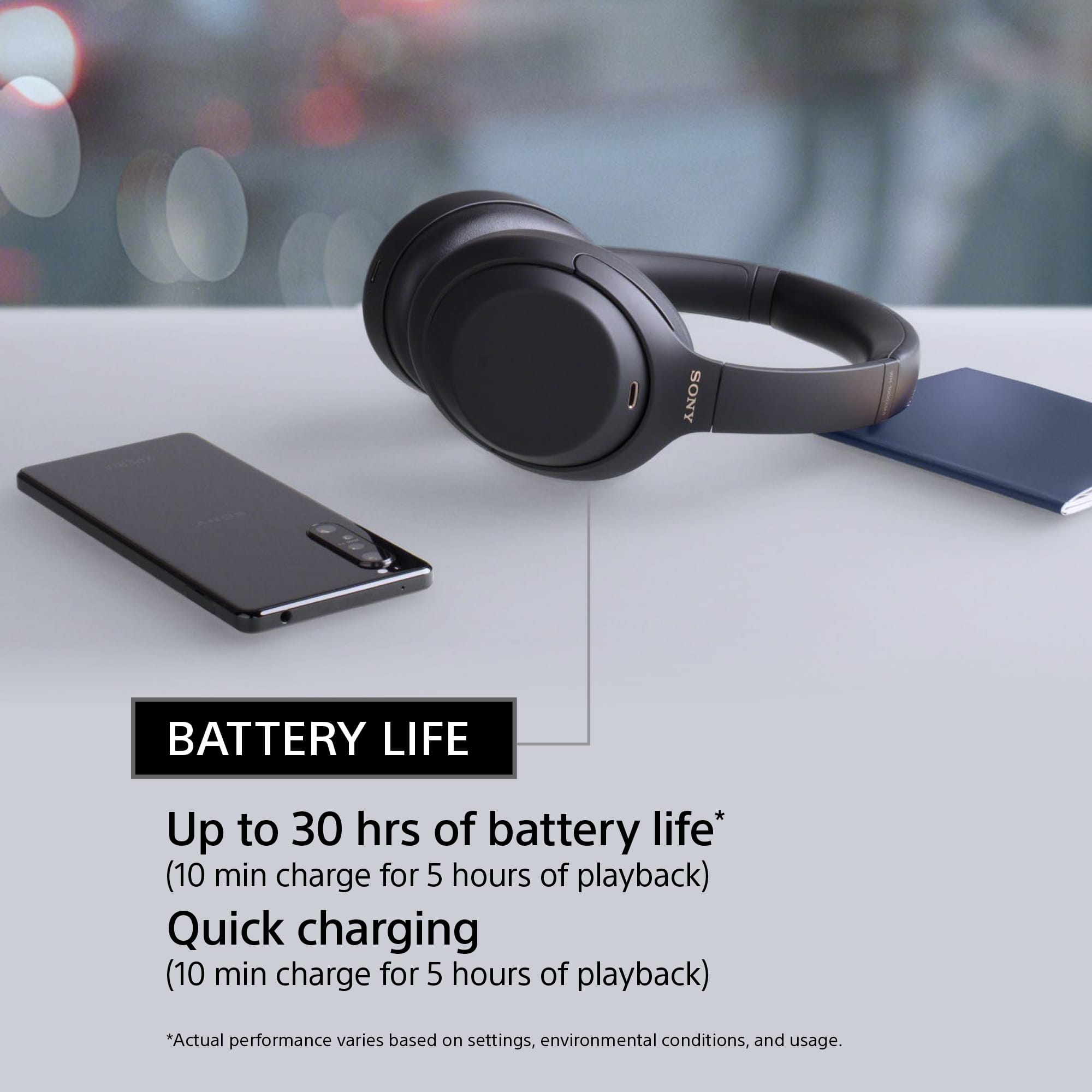
Posted .Hi Capsick, Great! You definitely made the right choice. We're truly pleased to hear you're enjoying all the improvements we made on these headphones. Sony’s industry-leading noise cancellation evolves to further immerse you in your music. The addition of Sony’s proprietary HD Noise Canceling Processor QN1 masterfully eliminates the noise around you. Listen all day with up to 30 hours of battery life. Quick charging gives five hours of playback with just a 10-minute charge. To get the most out of your WH-1000XM4, download the Sony | Headphones Connect App. It includes Adaptive Sound Control—which automatically adjusts noise canceling based on your activity and an equalizer—which can be customized to fine-tune your music. Using our advanced noise canceling technology, we designed these headphones so you can block out noise and experience next-level silence. Plus, you have the ability to use the convenient smart features including Quick Attention, Google Assistant/Alexa/Siri compatibility, and touch controls. Thanks for choosing Sony! -Jess
- Pros mentioned:Sound quality
These are some great headphones.
Posted .This reviewer received promo considerations or sweepstakes entry for writing a review.These are some great headphones. Only problem I have is they keep Binging everytime Im in the gym . Don't know if I have defected pair or what should I do .
I would recommend this to a friendBrand response from SonyListens
Posted .Hi Suede, Thank you for purchasing and choosing the Sony WH-1000XM4. We would like to know more about the concern that you're having with the headphones so we can better assist you.
May we contact you to help and get more information? If so, please email the below information to socialsupport@am.sony.com. Apologies if you disclosed some of this information in your review and to customer service, we just want to ensure that we have your accurate details at the time of communication.
Full Name:
Best Buy Username:
Telephone Number:
Sony Model Number:
Additional Information regarding your experience with the WH-1000XM4:
We are sorry for the inconvenience and hope to speak to you to resolve this matter. We appreciate you and thanks again for shopping Sony!
Sincerely,
Sam
Izza guud
Posted .This reviewer received promo considerations or sweepstakes entry for writing a review.Very nice. Wa wa wee wah. King in the castle oh look at the king in the castle with his new headphones. With these headphones you will be the king (or queen) of your own castle. And that isn't an exaggeration at all.
I would recommend this to a friendBrand response from SonyListens
Posted .Hello user569574, We are glad that you like your new Sony wireless noise canceling headphones. Intelligent and intuitive, the WH-1000XM4 headphones offer further improvements to our industry-leading noise cancelation, exceptional sound quality, and smart listening that adjusts to your behavior and your location. Using the Sony Headphones Connect app, Ambient Sound Control lets you adjust the volume of background sound and gives you the option to allow voices alone to be heard. Meanwhile, the Equalizer lets you customize sound levels to suit your music. Thank you for choosing Sony! Vincent