Customer Ratings & Reviews
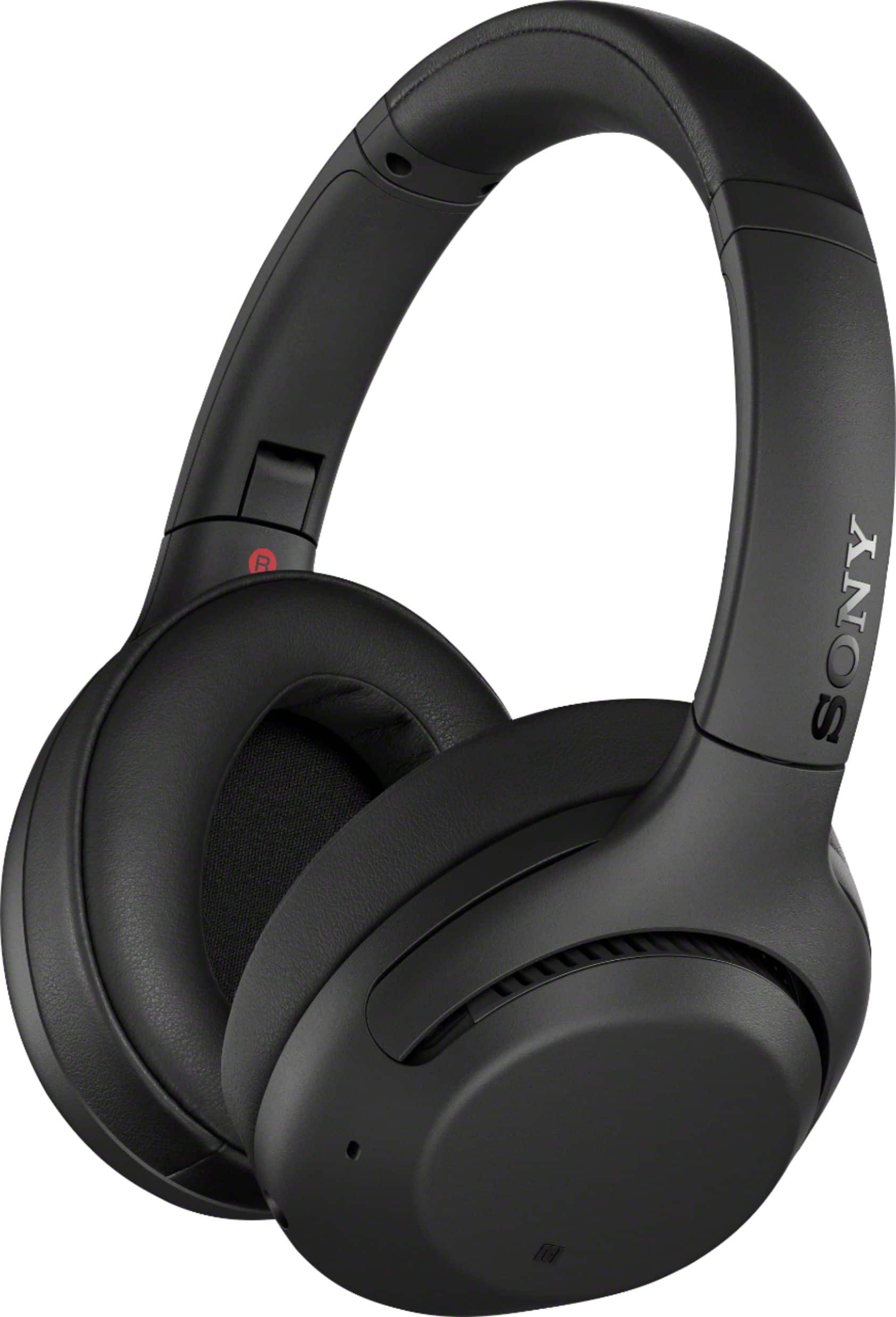
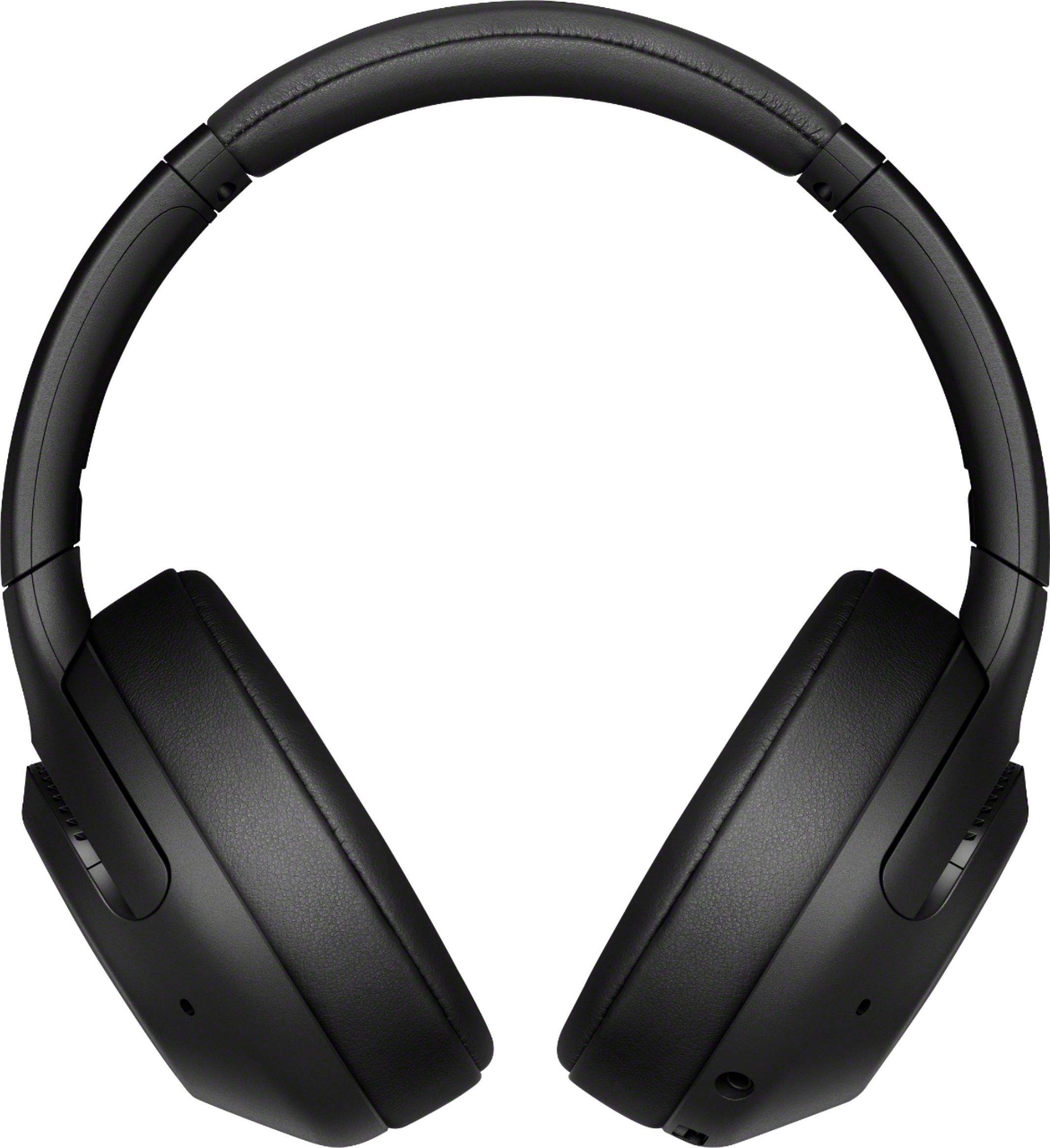
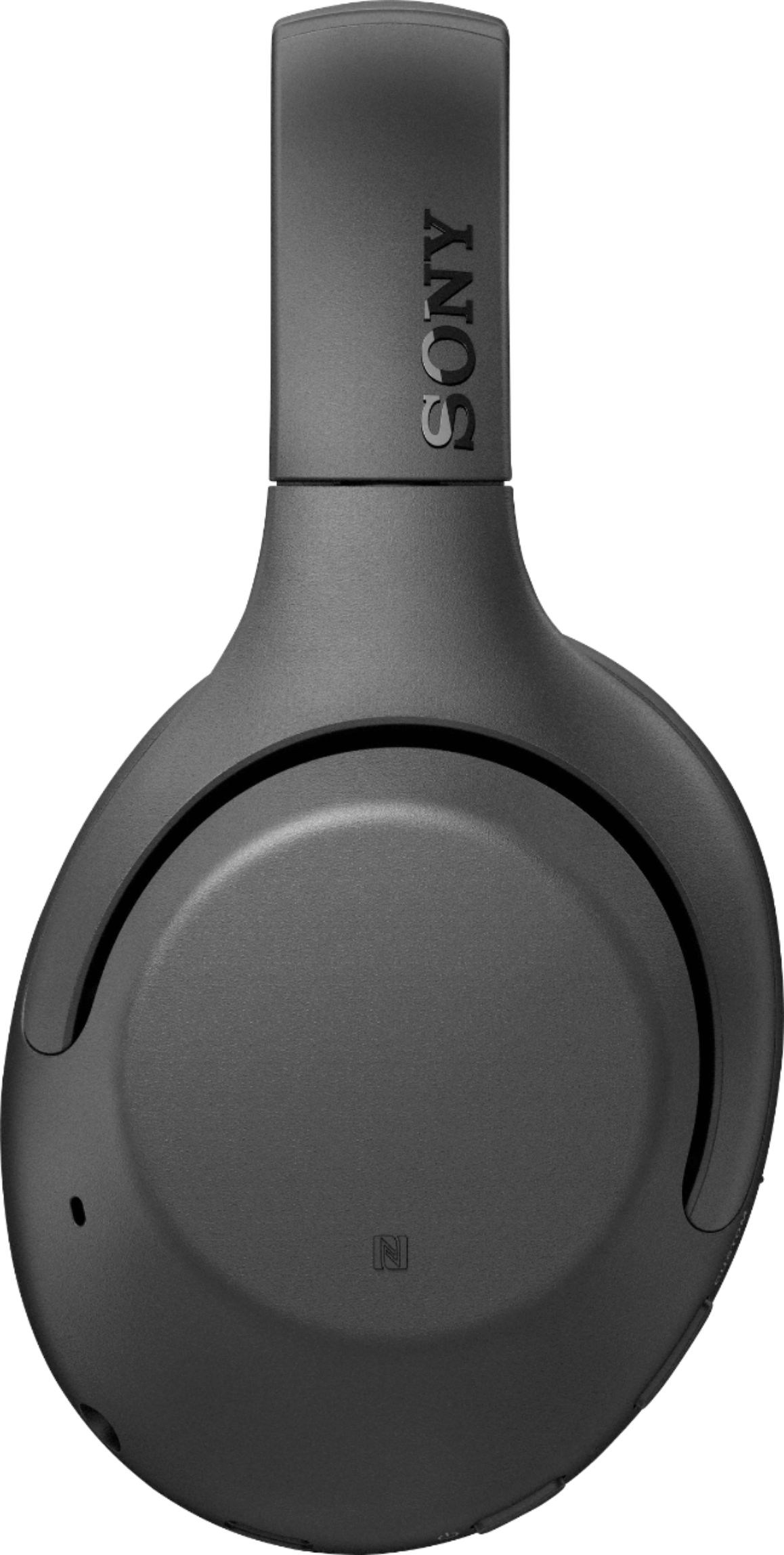

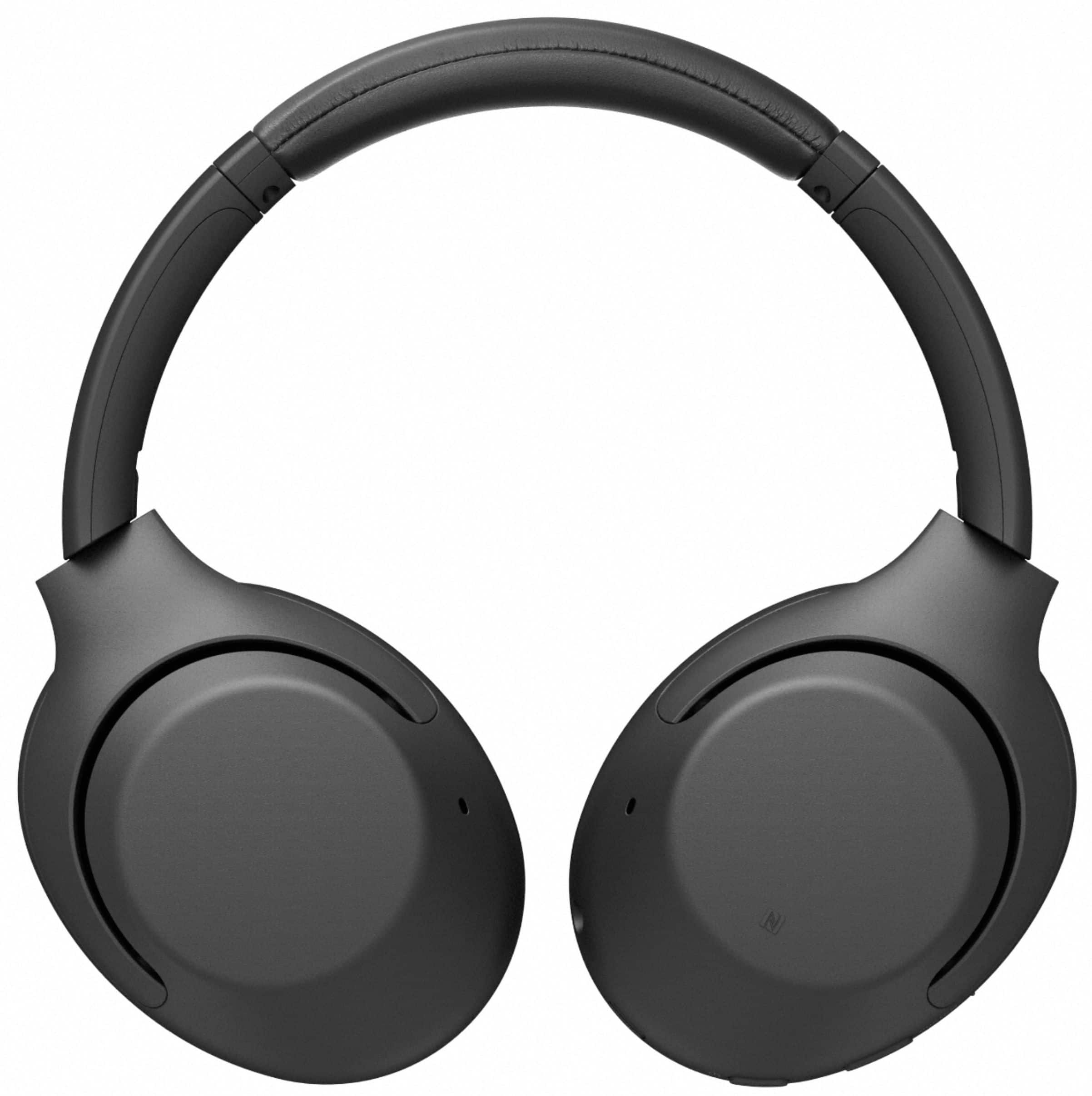

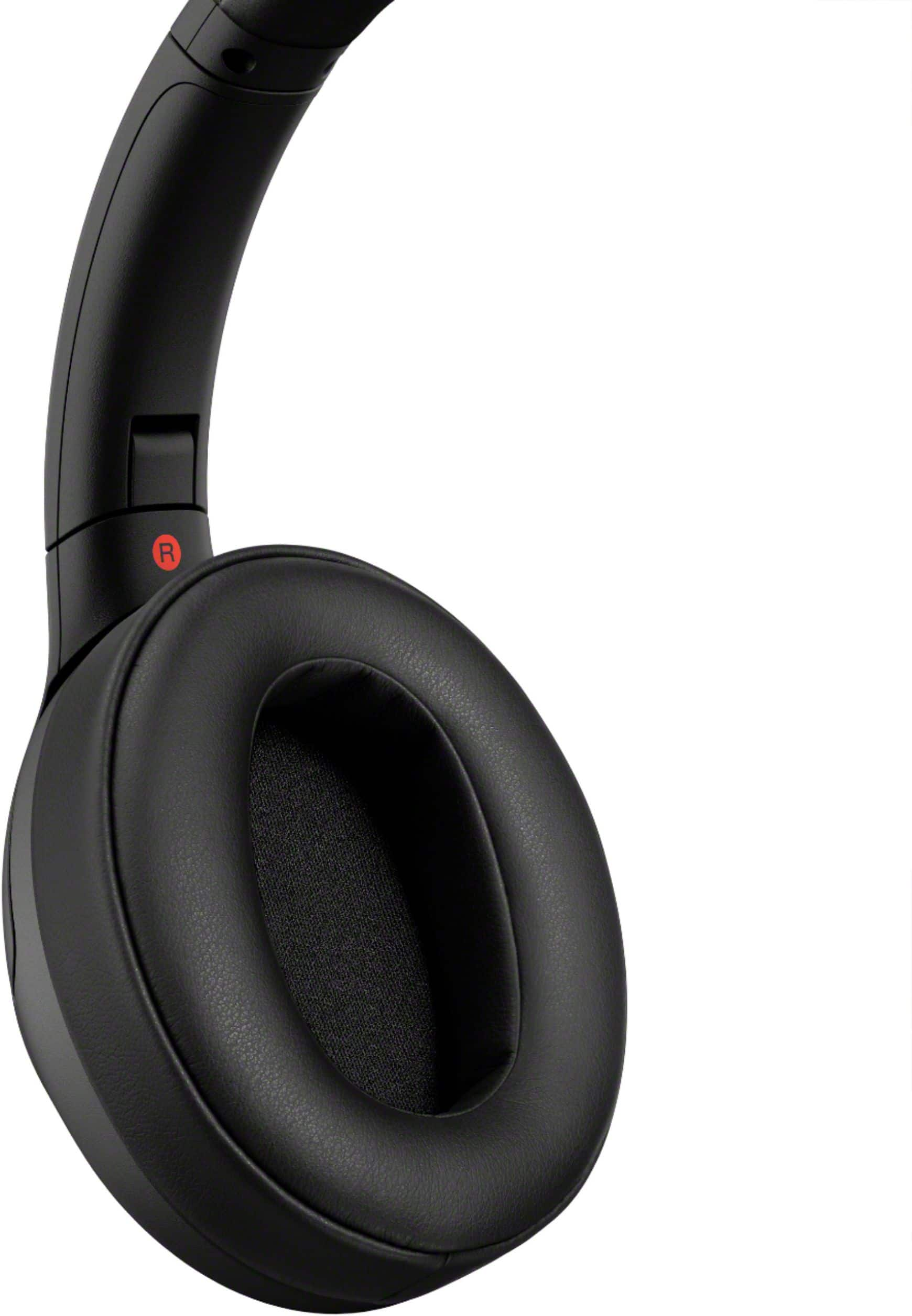
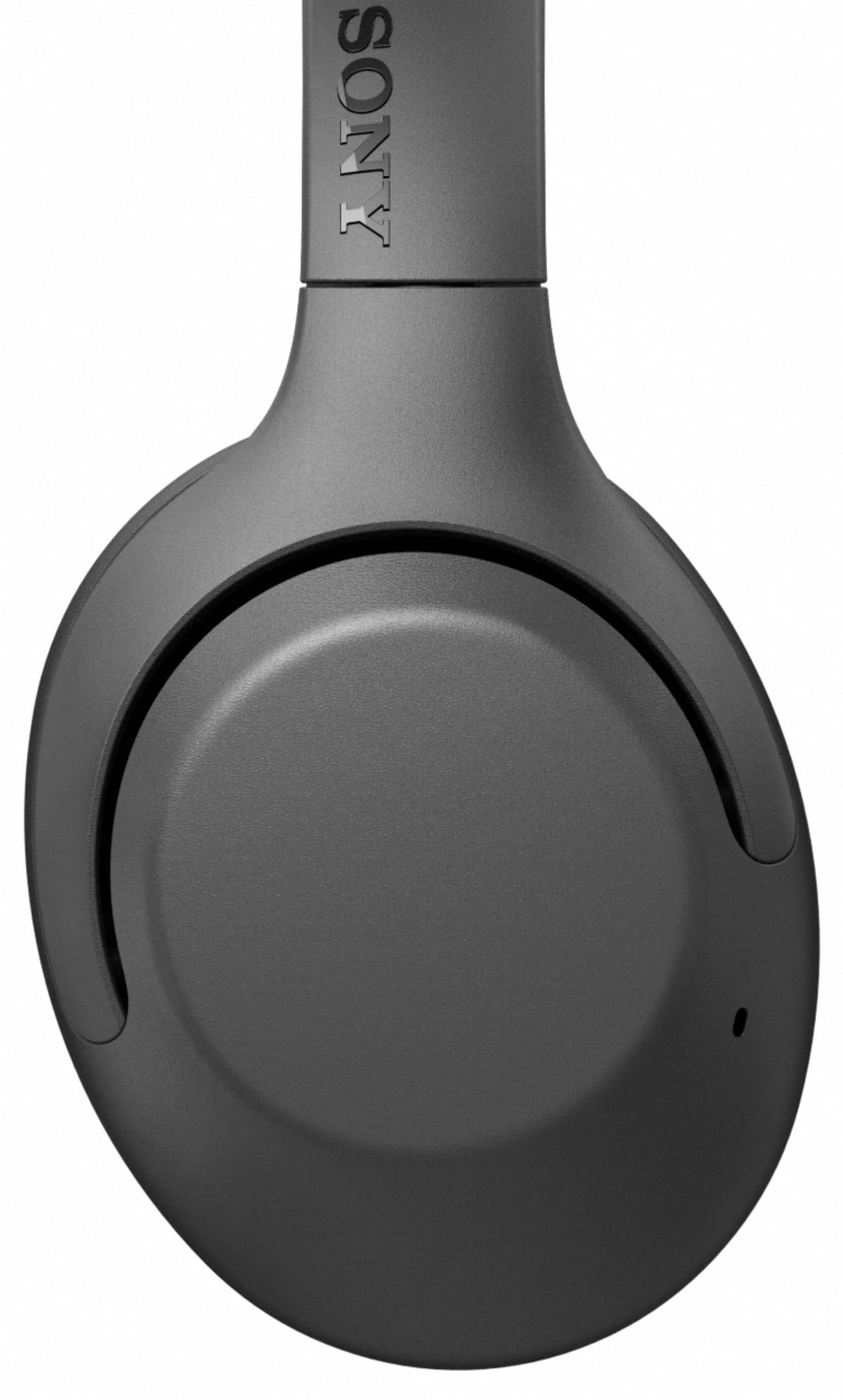
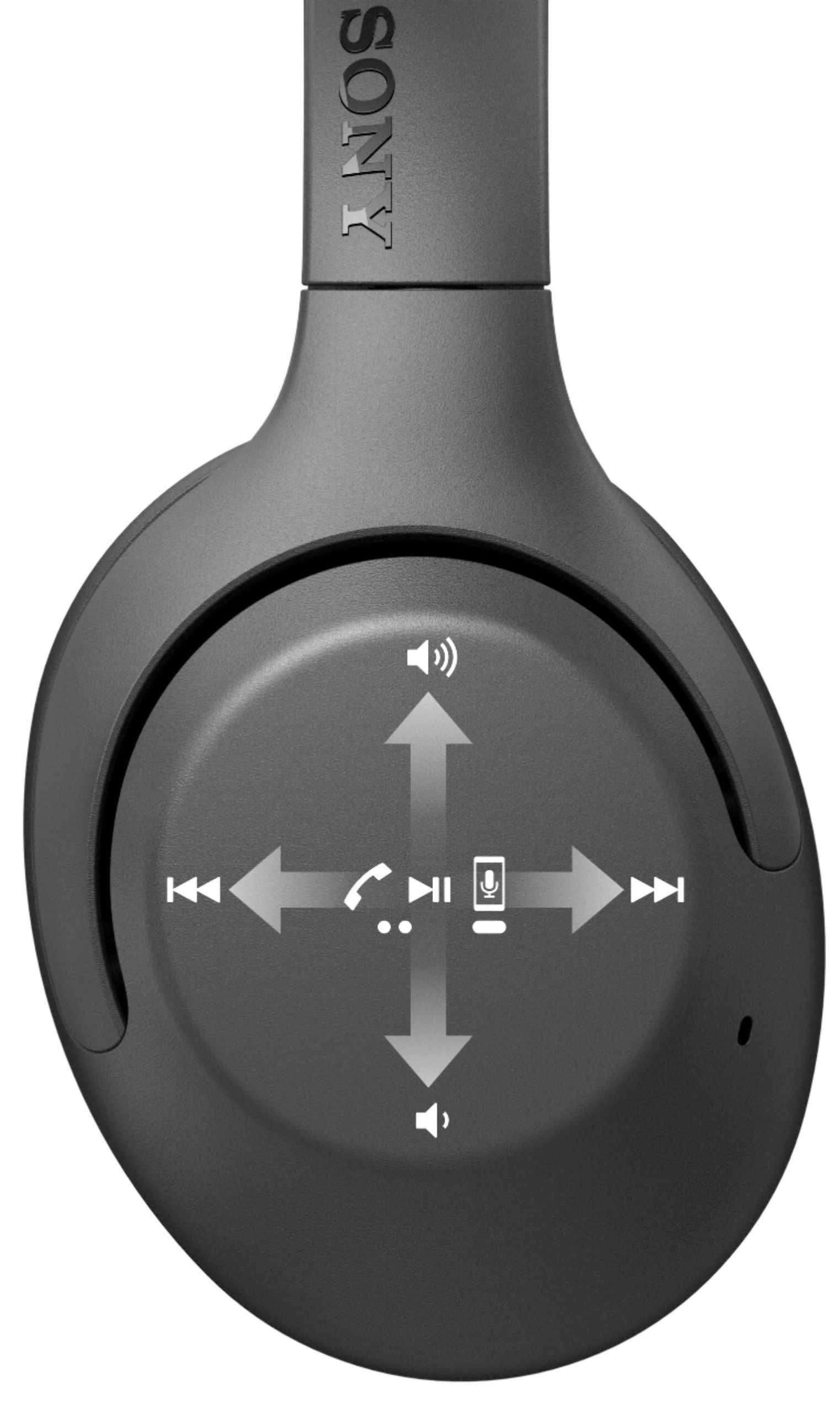
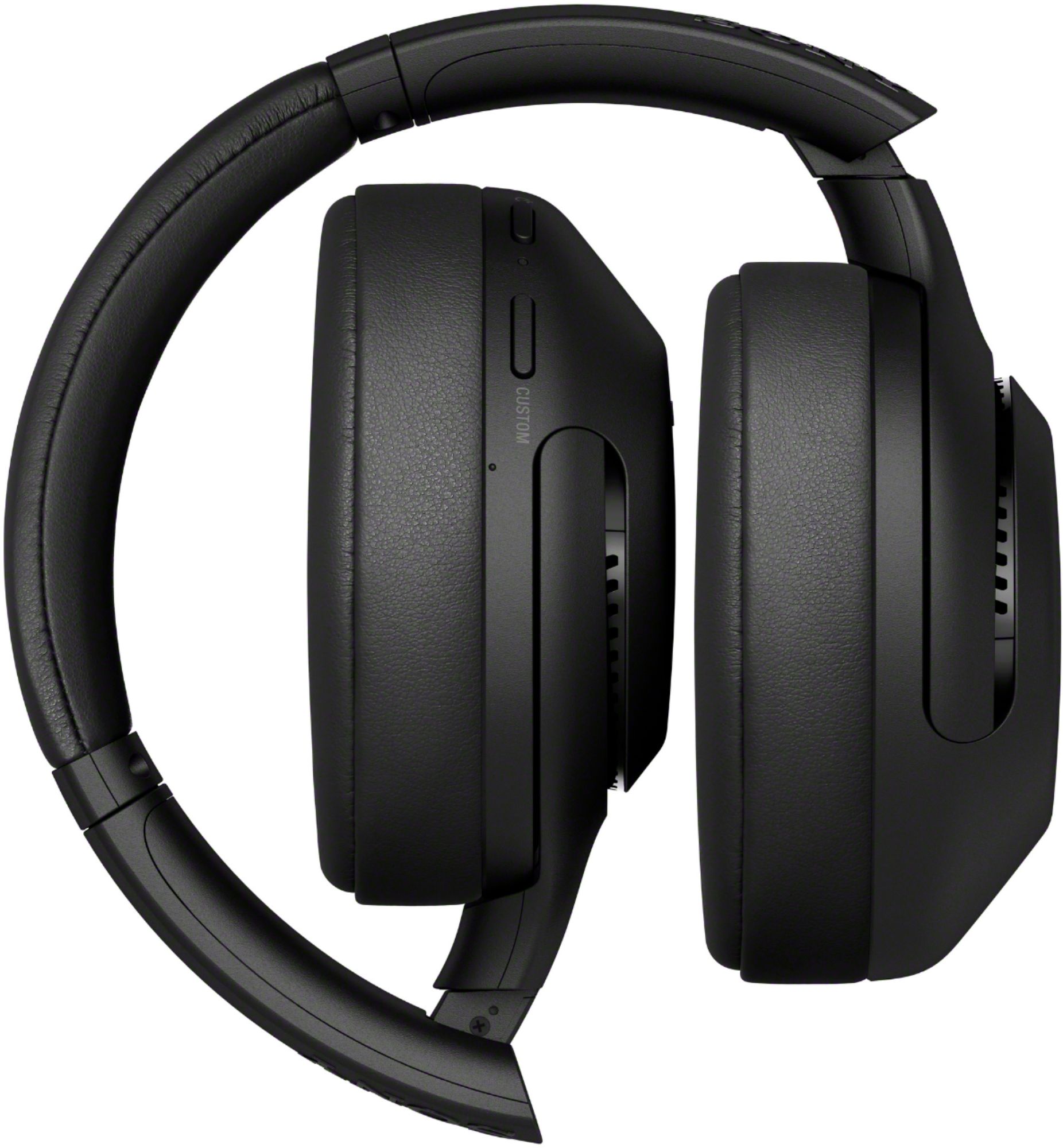





- Model:
- WHXB900N/B
- SKU:
- 6347796
Rating by feature
- Sound Quality
Rating 4.7 out of 5 stars
- Battery Life
Rating 4.7 out of 5 stars
- Connectivity
Rating 4.5 out of 5 stars
Customers are saying
Customers admire the WH-XB900N Wireless Noise Cancelling Over-the-Ear Headphones for their exceptional sound quality, comfort, and impressive battery life. Many users rave about the crystal clear sound and powerful bass, while others appreciate the comfortable fit and easy-to-use controls. However, some users have experienced connectivity issues and found the overall volume to be lacking.
This summary was generated by AI based on customer reviews.
good for the money
||Posted . Owned for 1 month when reviewed.This reviewer received promo considerations or sweepstakes entry for writing a review.very new, but nice so far, hoping they give a little as they feel tight.
I would recommend this to a friendbad/weak blue tooth signal
||Posted . Owned for 3 weeks when reviewed.This reviewer received promo considerations or sweepstakes entry for writing a review.These headphones suck at the gym when you're surrounded by other bluetooth signals I have my phone anywhere near me and it still has a weak signal in my pocket 3 feet away still terrible weak signal. Might return for another brand might try just another set I'll try to update it after I do so.
No, I would not recommend this to a friendGreat item for daily use
||Posted . Owned for 1 month when reviewed.This reviewer received promo considerations or sweepstakes entry for writing a review.I bought it after changes 3 pair headphones.I loved it.
I would recommend this to a friendGreat headphones
||Posted . Owned for 2 weeks when reviewed.This reviewer received promo considerations or sweepstakes entry for writing a review.A little troublesome to initiate the Alexa but overall good.
I would recommend this to a friendAmazing but aux cord needs a mic
||Posted .This reviewer received promo considerations or sweepstakes entry for writing a review.The pice is 250 the aux needs a mic but good overall
I would recommend this to a friendProducer
||Posted . Owned for 2 months when reviewed.This reviewer received promo considerations or sweepstakes entry for writing a review.Cancellation work as stated. When it come to the sound part it sound more hollow. If you are a young producer or home studio producer I would not recommend it. For and for the pice tag no.no.no Need more work my opinion only
No, I would not recommend this to a friendBrand response from SonyListens
Posted .Hi kdoe, thank you for your review.
We are pleased to hear that you are satisfied with the great noise canceling function of our XB900N.
We are sorry if the sound quality and price of these headphones did not live up to your expectations.
The sound quality of these headphones can be customized according to your preferences using the Sony | Headphones Connect App. There you can set the ASC (Adaptive Sound Control), equalizer, and more for the best listening experience. Plus you have the ability to use the convenient smart features including Quick Attention, Google Assistant/Alexa/Siri compatibility, and touch controls.
We appreciate your feedback and we will take note of it as we always strive for the best customer experience.
Should need technical assistance with our product, please feel free to email us at socialsupport@am.sony.com with the following details so we can better assist you.
Name:
BestBuy Username:
Model Number:
Issue:
Telephone Number:
Thank you so much for your purchase and for choosing Sony!
Best regards,
Romeo
Sony Social Support
Cannot pair with sonos beam
||Posted . Owned for 3 weeks when reviewed.This reviewer received promo considerations or sweepstakes entry for writing a review.this review is not related to the quality of the headphones. my wife wanted wireless headphones to watch tv to avoid disturbing other family members. these headphones will not pair with a sonos system so do not waste your time trying. CB-ATL
No, I would not recommend this to a friendBrand response from SonyListens
Posted .Hi CBATL,
Thank you for sharing your thoughts and experience with the WH-XB900N headphones.
Thank you for bringing this to our attention. We are sorry to hear you are having connectivity issues with the headphones. Most audio system have a Bluetooth receiver and not a Bluetooth transmitter. For Bluetooth connection issue with your headphones, if you haven't yet, please try following the steps below to isolate and fix the problem.
• Make sure that your soundbar or audio system supports Bluetooth Bluetooth A2DP (Advanced Audio Distribution Profile) profile for wireless headphones and speakers connection. You may refer to its manual for details.
• Check that the Bluetooth device is turned on and the Bluetooth function is on. Then try to make Bluetooth pairing to the headphones.
- Turn on the headset when you pair the headset with a device for the first time after you bought it or after you initialized the headset (the headset has no pairing information). The headset enters the pairing mode automatically.
- When you pair a 2nd or subsequent device (the headset has pairing information for other devices), press and hold the button for about 7 seconds.
- Check that the blue indicator repeatedly flashes 2 times in a row. You will hear voice guidance “Bluetooth pairing”.
- Turn on the Bluetooth function of your soundbar or audio system and select WH-XB900N from the Menu.
• If the headset automatically connects to the last connected Bluetooth device, you may fail to connect the headset to other devices via the Bluetooth function. In that case, operate the last connected Bluetooth device and disconnect the Bluetooth connection.
For more information, check the link here: https://helpguide.sony.net/mdr/whxb900n/v1/en/contents/TP0002050038.html
If this does not help, please follow the steps below for ways to contact us so we can better assist you. You can email us at socialsupport@am.sony.com with the following details:
Name:
Best Buy Username:
Model Number:
Issue:
Telephone Number:
Sincerely,
Jess
I never used them
||Posted . Owned for less than 1 week when reviewed.This reviewer received promo considerations or sweepstakes entry for writing a review.Before opening the box, I noticed on the outside it said I would have to use an app. to be able to use them with an Android phone, which I didn't want, so I returned them unused and exchanged them for other premium headphones that do not require an app.
No, I would not recommend this to a friendThese are billed as extra bass speakers. Fell shor
||Posted . Owned for 1 week when reviewed.This reviewer received promo considerations or sweepstakes entry for writing a review.These are good headphones for the average person at the sale price. Don’t pay full price for these. They do work well pair easily. These are billed as extra bass speakers. But to me they just fall short
I would recommend this to a friendBrand response from SonyListens
Posted .Hi Dmlive,
Thank you for sharing your thoughts and experience on using our Sony XB900N Wireless Noise Canceling Extra Bass Headphones. We value your opinion and we would like to apologize if our product did not meet your expectations. If you feel that the bass is not sufficient, please try to follow the troubleshooting steps below.
To ensure an optimal listening experience, downloading the Sony Headphones Connect app lets you adjust your bass levels and gives you presets for outdoor-stage, club, hall, or arena style sound. There is even an EQ in there—which can be customized to fine-tune your music to your liking. You can edit the volume of the CLEAR BASS. Increasing the CLEAR BASS setting value allows your headphones to reproduce dynamic deep bass without distortion, even at a high volume.
NOTE: When the audio source does not contain much bass sound, the bass sound may not be audible.
Thanks for your purchase and for your feedback.
Regards,
Jess
- Pros mentioned:Comfort, Sound quality

Perfect comfort, excellent bass
|Posted .This reviewer received promo considerations or sweepstakes entry for writing a review.These headphones have exceeded my expectations so far. The first 2 things I noticed were how soft and plush the ear pads are, and the fact that it charges via USB-C. It's great to charge my headphones with the same cable that most mainstream phones use now. This set of phones is light and incredibly comfortable. The Sony Android app I used to update and configure settings was simple and straightforward. Sound quality is clear and heavy on bass without being muddy. The noise cancellation works surprisingly well. Not quite as well as a certain premium brand that is known for their noise cancellation...but I was surprised at how well these Sonys performed for the price. Overall I'm very happy with this new generation Sony headphone. I can't say I've felt this level of comfort or quality, or seen the features implemented this well at this price point before.
I would recommend this to a friend - Pros mentioned:Bass, Battery life, Sound quality
Best wireless over the ear headphones ever...
|Posted .This reviewer received promo considerations or sweepstakes entry for writing a review.Wow, these sound great and the features are just perfect. I was blown away with the way they sound, great bass but it does not overwhelm the rest of the music either. These sound like you are in the room with the sub woofers but not uncomfortable. These are great for long term use as well with the battery usage lasting a long time, probably the best I've seen so far. The neatest feature is if you cup the right ear cup ever so slightly the music mutes so you can hear others around you without taking them off. I've never considered spending this much on headphones but these are the first ones that I believe are worth it. Sony is on top of the wireless game now. The only issue I would say it for the cost and quality they should have came with a better case. I was lucky I had something sturdy to use to protect them when stashed in my backpack.
I would recommend this to a friend - Pros mentioned:Sound quality
Price was good
||Posted . Owned for 1 month when reviewed.This reviewer received promo considerations or sweepstakes entry for writing a review.They were all right. The sound was good when connected to the phone but lacked the ability to be a high quality pair of studio headphones for a computer. I returned them
I would recommend this to a friendBrand response from SonyListens
Posted .Hi Thatguywhothinksheknows, we're sorry to hear that you had returned your SONY unit. It is advisable to set the unit to "Priority on sound quality" in the Headphone Connect app which prioritizes the sound quality. When using an AAC, aptX, aptX HD, or LDAC compatible device, use the “Priority on sound quality” mode.
We have our support team that always happy to assist you. You may email us at [email protected] with the following details: Name: Username: Model Number: Issue: Telephone Number: We hope you reconsider SONY. ~Earl
I’ve heard better
||Posted . Owned for 1 month when reviewed.This reviewer received promo considerations or sweepstakes entry for writing a review.I’ve heard better sound quality from products that cost a lot less
No, I would not recommend this to a friendConnection Issues
||Posted . Owned for 1 month when reviewed.This reviewer received promo considerations or sweepstakes entry for writing a review.It never gets connected to my call, almost each time I need to manually connect for each call.Never ever imagined Sony has such a junk product to their loyal customers. A complete waste of money!
No, I would not recommend this to a friendBrand response from SonyListens
Posted .Hi Gokul,
Thank you for sharing your experience so far using your Sony WH-XB900N.
We regret to hear you are experiencing Bluetooth connectivity issue with your headphones. We'd love to troubleshoot this and make this a better experience for you. First, please make sure that the headphones are up to date as this will improve the overall performance of the headphones. You may use the Headphones Connect app to update the WH-XB900N Headphones.
For Bluetooth connection issue with your smartphone, if you haven't yet, please try following the steps below to isolate and fix the problem.
• The headset may not be connected with the smartphone or mobile phone over HFP or HSP. Check the connection status on the smartphone or mobile phone.
• For a stable connection, you can switch the settings with the “Sony | Headphones Connect” app. Set the headset to “Priority on stable connection” mode.
• Check that the Bluetooth device is turned on and the Bluetooth function is on. Then try to make Bluetooth pairing to the headphones.
- Turn on the headset when you pair the headset with a device for the first time after you bought it or after you initialized the headset (the headset has no pairing information). The headset enters the pairing mode automatically.
- When you pair a 2nd or subsequent device (the headset has pairing information for other devices), press and hold the button for about 7 seconds.
- Check that the blue indicator repeatedly flashes 2 times in a row. You will hear voice guidance “Bluetooth pairing”.
- Turn on the Bluetooth function of your smartphone and select WH-XB900N.
• If the headset automatically connects to the last connected Bluetooth device, you may fail to connect the headset to other devices via the Bluetooth function. In that case, operate the last connected Bluetooth device and disconnect the Bluetooth connection.
Resetting and Initializing the headphones will also help on resolving the issue: https://helpguide.sony.net/mdr/whxb900n/v1/en/contents/TP0002050001.html
If this does not help, please follow the steps below for ways to contact us so we can better assist you.
May we contact you to help? If so, please email the below information to socialsupport@am.sony.com.
Name:
Best Buy Username:
Model Number:
Issue:
Telephone Number:
We are sorry for the inconvenience and hope to speak to you to resolve this matter.
We appreciate you and thanks for shopping Sony!
Sincerely,
Jess
- Pros mentioned:Bass, Battery life, Sound quality
Excellent sound quality, impressive features
|Posted .This reviewer received promo considerations or sweepstakes entry for writing a review.The noise cancelling on these headphones is, as you might expect from Sony, pretty darn good. The 3 different modes are a little quirky. I don't notice much difference between the multiple modes that have cancelling on. It's very nice to be able to cover just the right side with your hand and turn it all off to have a conversation, though. In my usage of the touch panel on the right-side speaker it didn't respond well to the up/down swipes to adjust volume on the connected device. Eventually I had to swipe forward/back (skip track) to get it to start working - a bit of a bummer since vol up/down is pretty crucial. Also noticeably absent is Cortana; therefore you don't get much Assistant benefit if you pair this with a Windows PC, unfortunately. This would've been a nice add. The unit charges quickly - as advertised - and does have really good bass sound. I've yet to run it completely dead. It folds up nicely and fits well in its case.
I would recommend this to a friend - Pros mentioned:Comfort, Sound quality
Great sound and features, just a few rough edges
|Posted .This reviewer received promo considerations or sweepstakes entry for writing a review.The WH-XB900N is a very good set of headphones. This really shouldn't come as a surprise to anyone. Sony has a proven track record when it comes to the quality of their A/V gear, and this is certainly not going to be the device that breaks the trend. So instead of talking too much about the sound, I'm going to focus on the rest of the features of these headphones which are sadly something of a mixed bag. The first thing you'll notice on taking these out of the box is how few controls there are compared to your typical high end wireless headphones. Sony has usually eschewed the somewhat confusing combination of button taps or gestures that other headphone manufacturers have gone with to try and get a more clean look, opting instead for an array of buttons, sliders, and dials that can easily be operated by touch. These headphones have done away with all that in favor of a touch/gesture sensitive casing on the earcup that lets you tap (or in some cases just wave) past certain spots on the case to control things. This is a feature that I really, really want to love, but in practice I find I'm missing the reliable physical controls. It works great for broad gestures, such as holding one hand up to the side of the headphones to engage an audio pass-through mode to let you hear someone talking to you (a brilliant bit of UX, by the way, as that's a natural motion to use when you're going to be shifting the headphones off your ear anyway.) But even after a couple weeks trying to train myself on how to use the volume and playback controls, I'm still finding that my results are mixed at the best of times. As a result I've been mostly relying on device controls or using the google assistant to adjust volume for me. It still works, but it does feel like a slight step backwards. Speaking of device controls, the app that allows you to make fine adjustments to the audio and features of the headphones is another area where the unit gets high marks. Out of the box the headphones definitely favor the deeper tones (they are sold for that, after all) so it's nice to be able to fine tune the audio if you want just a little less extra in your bass. Setup was pretty much as painless as it gets on Android - and I'd assume the iOS experience is equally good. All you really need to do is tap the NFC active area to your phone and follow the prompts. The Google assistant features started working immediately and automatically. It still requires you to be tethered to a phone to really get any use out of it (which is the norm for these devices) but as anyone who's come to rely on these features can tell you you can really never have enough enabled devices. Another thing I'd like to highlight is that Sony has finally decided to start equipping their top of the lines headphones with USB-C ports instead of micro-USB. Unfortunately as far as I can tell it's only used for charging rather than audio input, which would be nice for instances where you've been caught with a dead battery and don't have the option of going with the standard headphone jack. Still, it's one less cable I need to bring along with me while travelling. As for comfort, I'd rate that as good but not quite perfect. There's a lot of very generous padding in this thing which makes it pretty comfortable to wear, but also does tend to trap heat. I'd definitely recommend it primarily for those who have the benefit of air conditioning, as it can be quite brutal out in the sun. And the noise cancellation does an exceptionally good job of filtering out mechanical background noises, so you won't even have to hear the AC blasting away. Overall, despite some persistent issues that kept me from giving this a full five star rating, I like these headphones quite a lot. The advanced noise cancellation and pass through features make them an ideal choice for frequent travellers or someone who regularly works in an environment where they have to put up with a lot of fan noise. But they might not be the best pick for regular workout gear.
I would recommend this to a friend Buy 1000 model instead
||Posted . Owned for 3 weeks when reviewed.This reviewer received promo considerations or sweepstakes entry for writing a review.I suggest buying Sony 1000 model version over this one. Quality and sound blocking are far superior in 1000 model and they link to phone without Sony app
No, I would not recommend this to a friendBrand response from SonyListens
Posted .Hi ComputerBuyer,
Thanks for sharing your experience so far with your new WH-XB900N headphones. We appreciate your feedback regarding the Sony Headphones Connect App. You can use the headphones without the app, however, to get the most out of your WH-XB900N, downloading this utility app helps you to quickly connect compatible Bluetooth headphones to your smartphone. After connection, the app allows you to customize audio settings with your headphones to your liking. Check the Headphones Connect Help Guide below for more details on what the app can do, compatible devices, and how to use it.
https://helpguide.sony.net/mdr/hpc/v1/en/contents/TP0001548861.html
Thank you for sharing your feedback and for choosing Sony!
-Jess
Bad buy
||Posted . Owned for 1 month when reviewed.This reviewer received promo considerations or sweepstakes entry for writing a review.Doesn't allow volume to blue tooth hearing aids and regular volume at the same time. Also I can’t be more than 8 feet from the TV and they stop working. Big mistake!
No, I would not recommend this to a friendBrand response from SonyListens
Posted .Hi Russell,
Thank you for taking the time to write this review. Unfortunately, the headphones does not have the function to control volumes for fearing hearing aids. We also want to apologize for the issue that you are having with the headphones. Bluetooth communications may be disabled, or noise or audio dropout may occur under the following conditions.
When there is a human body between the headset and the Bluetooth device
Put the Bluetooth device in the same direction as the antenna of the headset to improve the Bluetooth communications.
There is an obstacle, such as metal or a wall, between the headset and the Bluetooth device.
In places with wireless LAN, where a microwave oven is used, electromagnetic waves are generated, etc.
If this headset is used within 10 m (30 feet) of a Wi-Fi device, turn off the Wi-Fi device.
Resetting or initializing the headset may help resolve if your headphones is not working properly. For reference , please refer to this link: https://helpguide.sony.net/mdr/whxb900n/v1/en/contents/TP0002050001.html
May we contact to help? If so, please email the below information to socialsupport@am.sony.com. Full Name:
Best Buy Username:
Telephone Number:
Model Number:
Issue:
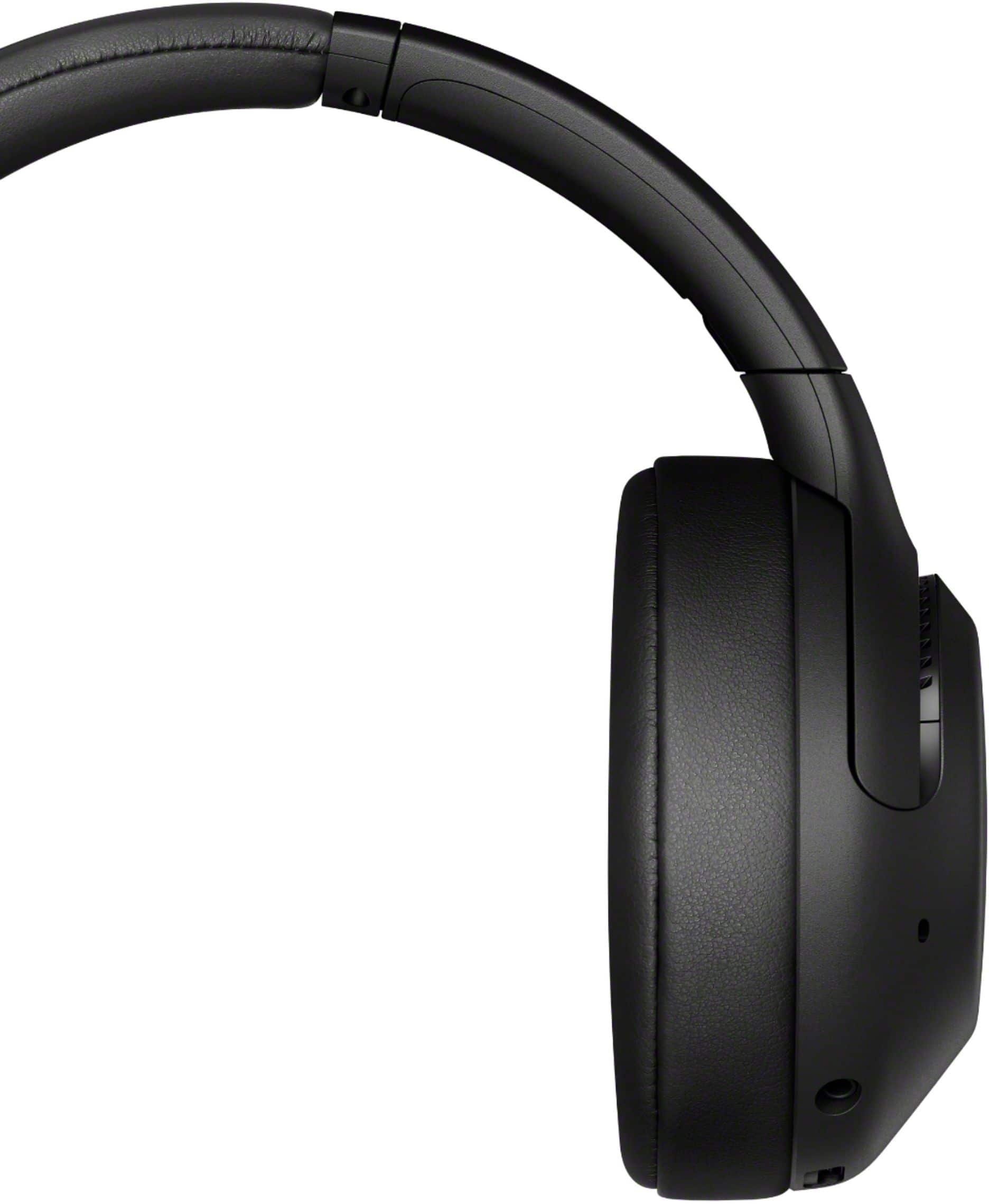
These headphones have EXTRA BASS for impressively deep, punchy sound. Their battery can last up to 30 hours, so you can keep on listening to your favorite music all day. Be sure to download the Sony | Headphones Connect App to customize your listening experience with ASC (Adaptive Sound Control), an equalizer, and more. Plus you have the ability to use the convenient smart features including Quick Attention, Google Assistant/Alexa/Siri compatibility, and touch controls.
Regards,
Kris
Works fine
||Posted . Owned for 11 months when reviewed.This reviewer received promo considerations or sweepstakes entry for writing a review.Although another firmware updated messed up these headphones for me( distorted audio/echo like) so i just went to the mx4s which have the better audio.
No, I would not recommend this to a friendBrand response from SonyListens
Posted .Hi Amped,
Thank you for sharing your experience with us. We're sorry to hear the issue that you've experience with the XB900N and that unit has been replaced for another headphones. Using the headset and the Bluetooth device as near to each other as possible and remove any obstacles that may interfere the signal such as metal or a wall, between the headset and the Bluetooth device can help prevent noise and improve Bluetooth communication. We greatly appreciate your feedback and we hope that you will shop Sony again in the future. - Kris
Does not connect yo Windows 10
||Posted .This reviewer received promo considerations or sweepstakes entry for writing a review.Bluetooth keeps fighting and overriding other connections.
No, I would not recommend this to a friend