Customer Ratings & Reviews
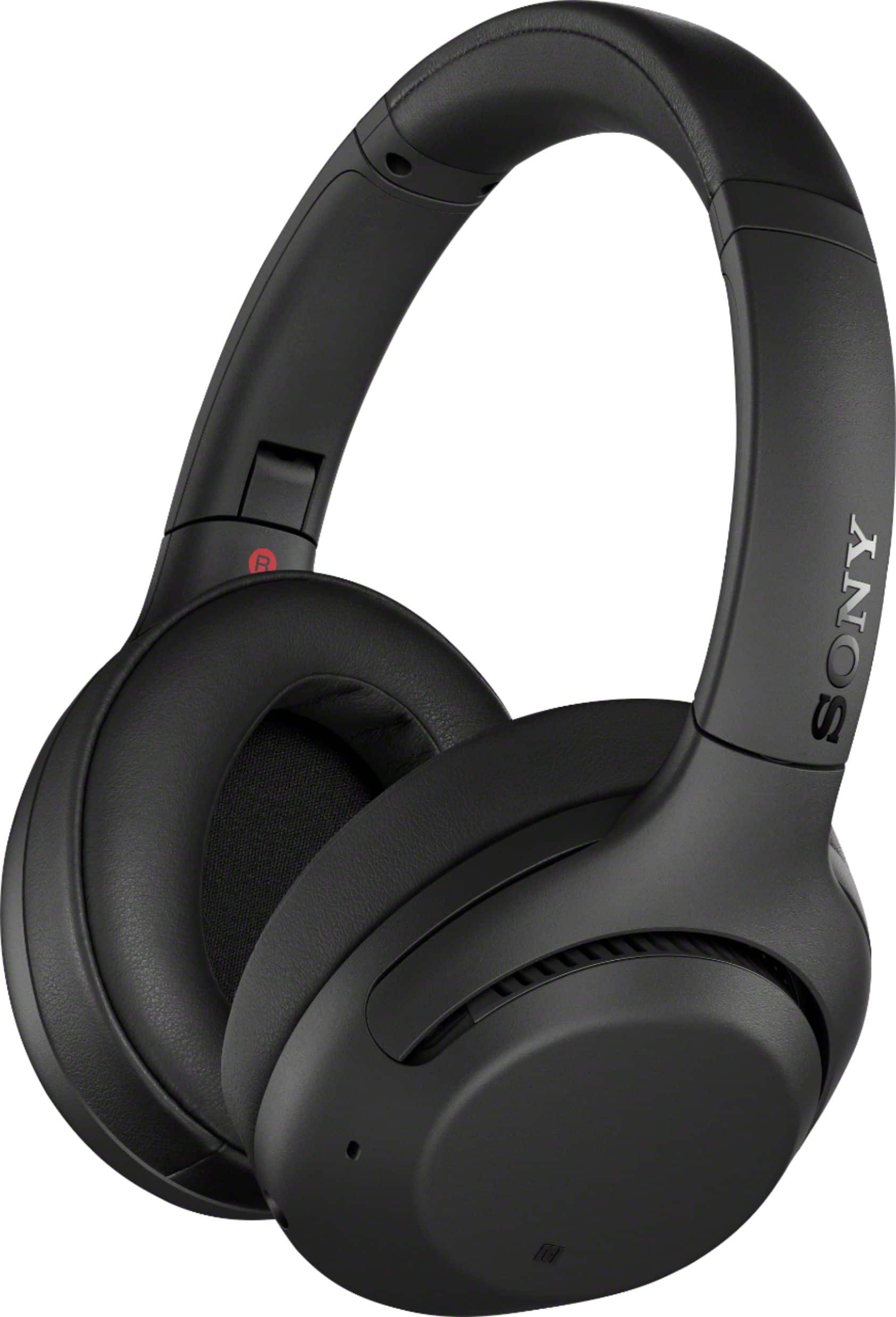
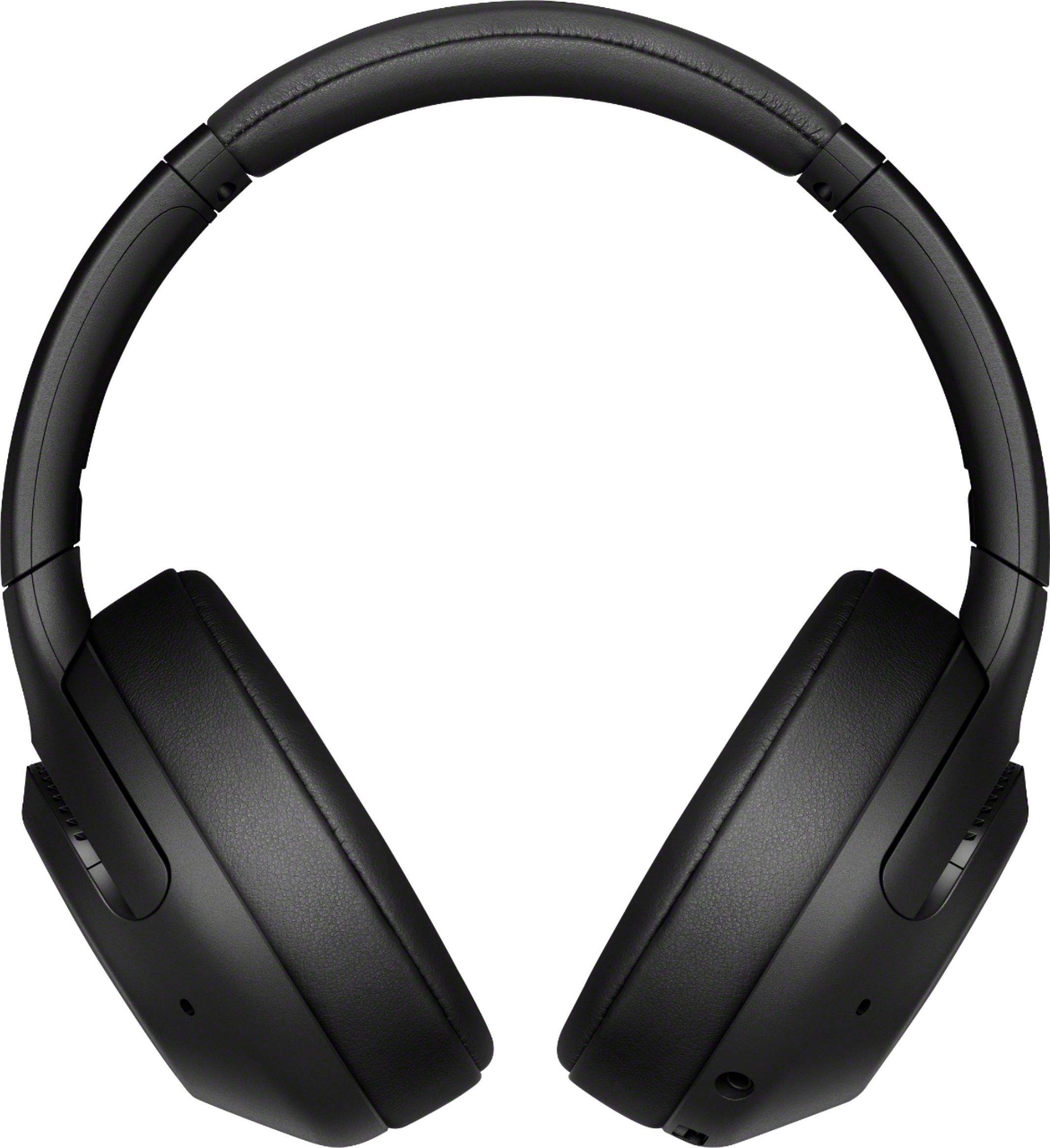
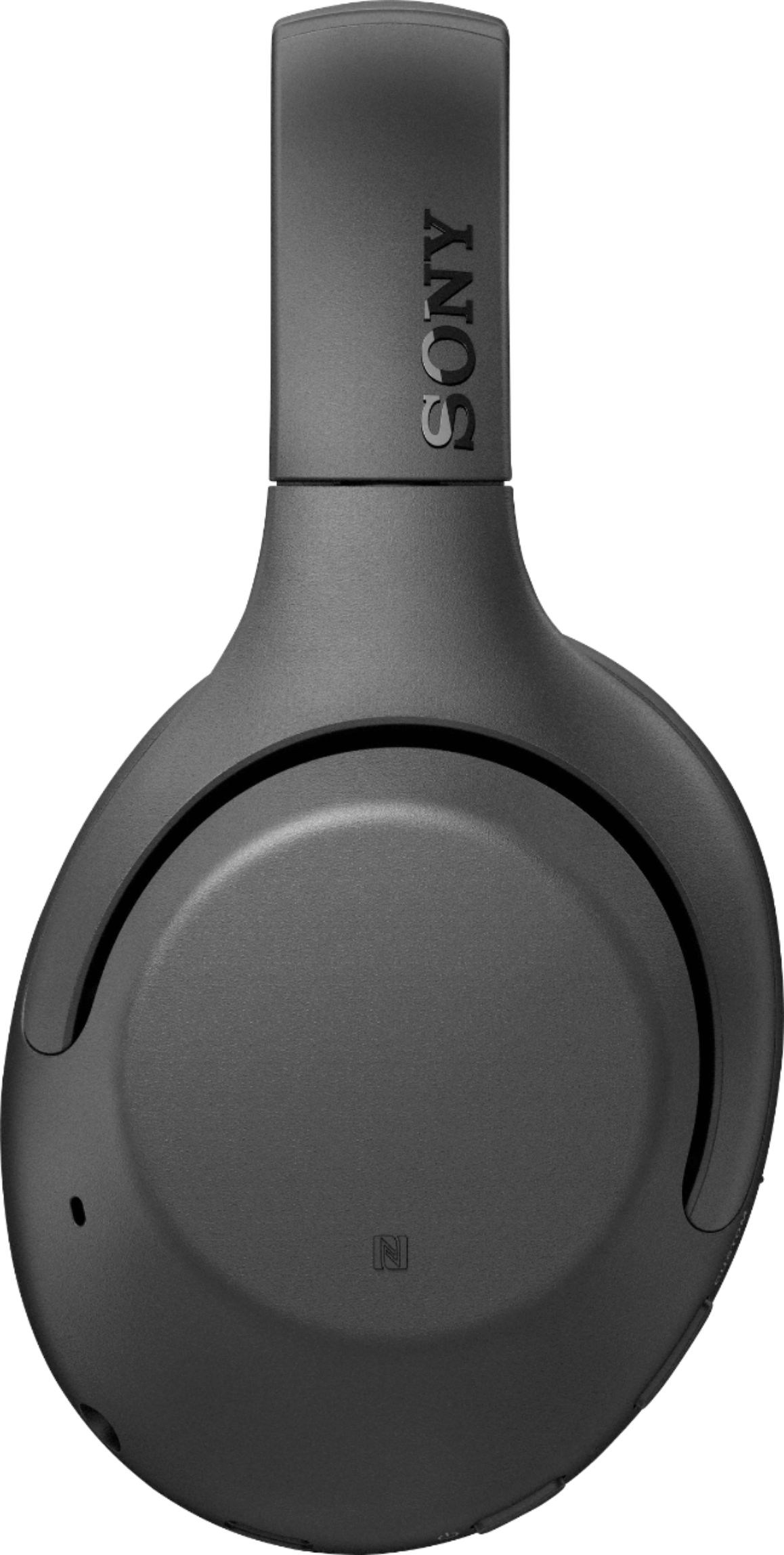

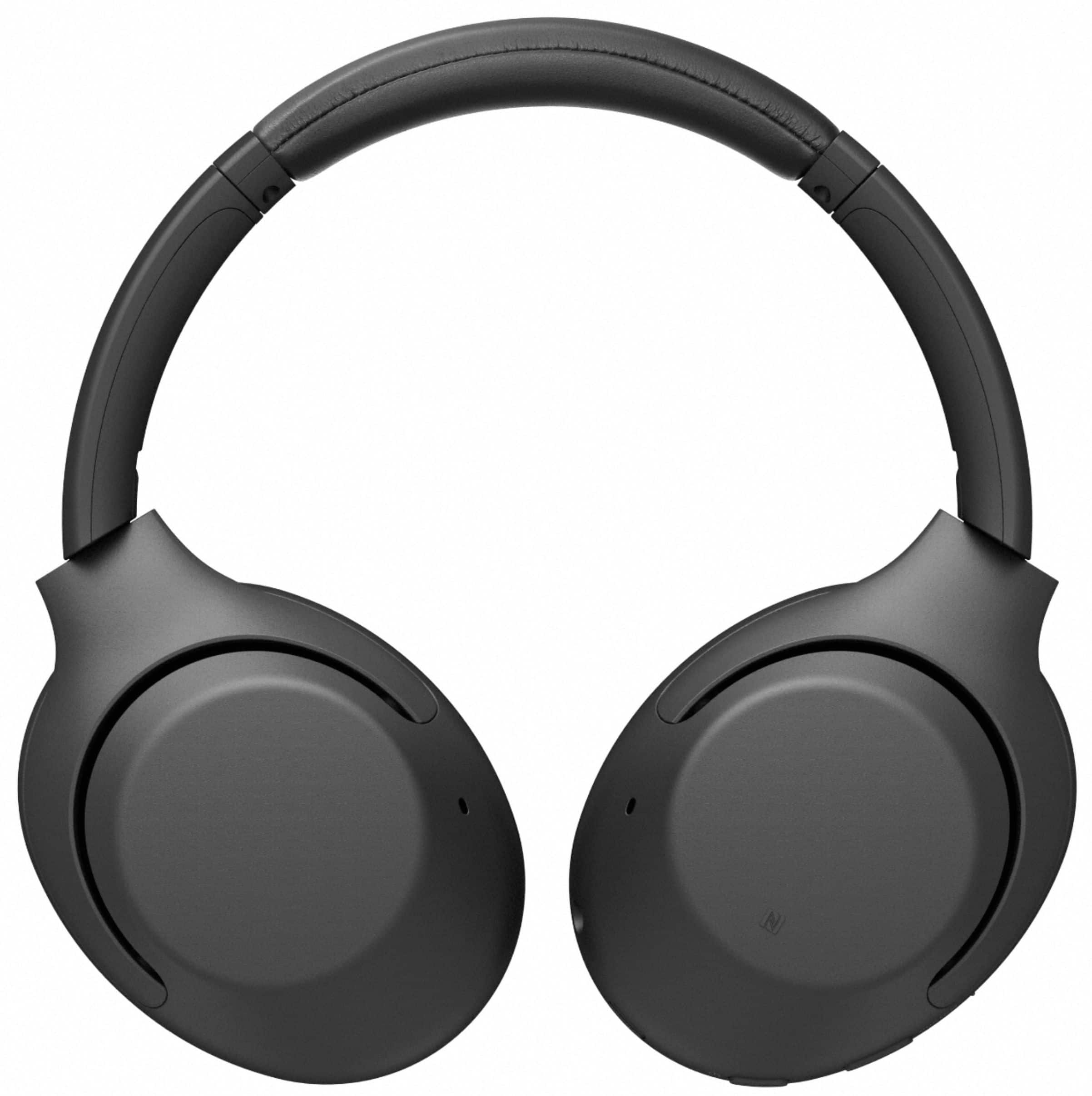






- Model:
- WHXB900N/B
- SKU:
- 6347796
Rating by feature
- Sound Quality
Rating 4.7 out of 5 stars
- Battery Life
Rating 4.7 out of 5 stars
- Connectivity
Rating 4.5 out of 5 stars
Customers are saying
Customers admire the WH-XB900N Wireless Noise Cancelling Over-the-Ear Headphones for their exceptional sound quality, comfort, and impressive battery life. Many users rave about the crystal clear sound and powerful bass, while others appreciate the comfortable fit and easy-to-use controls. However, some users have experienced connectivity issues and found the overall volume to be lacking.
This summary was generated by AI based on customer reviews.
NOT COMFORTABLE TO WEAR FOR LONGER PERIOD
Posted .This reviewer received promo considerations or sweepstakes entry for writing a review.I don't know why most reviews stated comfortable. I used them for daily use and it started hurting my ears . It might be comfortable at first or if you use it for couple of hours but after awhile you start feeling the pressure around your ears and it is heavy. For that reason I returned mine after few months. The only good thing is it has long battery life but no point if it uncomfortable .
No, I would not recommend this to a friendToo cheaply made for price
Posted .This reviewer received promo considerations or sweepstakes entry for writing a review.Worst headphones at the price point I've bought. I've had issues with linking devices, and only a couple weeks into use the cheap-feel buttons showers themselves and stopped working so I'm left with a hot or miss if button will work headphones... Too cheap for the price.
No, I would not recommend this to a friendBrand response from SonyListens
Posted .Hi PupJaceson,
Thank you for choosing and purchasing our Sony WH-XB900N Wireless Noise-Canceling Headphones.
We're sorry to hear that your having issues with the headphones. We’d love to help you troubleshoot your problem. The headset can be paired with multiple devices, but can only play music from 1 paired device at a time. If the headset is already connected to a source device, you can't connect them to another device unless you cancel the current Bluetooth connection. For more information, please refer to these links.
https://helpguide.sony.net/mdr/whxb900n/v1/en/contents/TP0002050052.html
https://helpguide.sony.net/mdr/whxb900n/v1/en/contents/TP0002049995.html.
Please make sure to update the firmware of the headphones (via the Sony Headphones Connect app) for optimum performance. The software update improves the general performance of the unit and includes key features, applications, and bug fixes. Please visit the link below for instructions.
https://www.sony.com/electronics/support/wireless-headphones-bluetooth-headphones/wh-xb900n/downloads
We will take note of your inputs in the improvements to our product.
May we contact you to help? If so, please email the below information to socialsupport@am.sony.com.
Apologies if you disclosed some of this information in your review and to customer service, we just want to ensure that we have your accurate details at the time of communication.
Full Name:
Best Buy Username:
Telephone Number:
Sony Headphones Model Number:
Additional Information regarding your experience with the XB900N
We are sorry for the inconvenience and hope to speak to you to resolve this matter.
We appreciate you and thanks again for shopping Sony!
Sincerely,
Jess
This is a question!
Posted .This reviewer received promo considerations or sweepstakes entry for writing a review.Does this headset works with the PS5, PS4? Can you join a party or play against someone online using this headphones with wireconnection to the controller?
I would recommend this to a friendBrand response from SonyListens
Posted .Hi Gbamy10,
Thanks for your inquiry. Although the headphones can be paired to Bluetooth devices, using this with your gaming console is not guaranteed to work. This is designed to work with audio devices such as MP3 players and/or smartphones.
You can connect it directly to a PS5 controller that has a 3.5 mm headphone jack and experience your game audio, however, please be advised that the microphone function of the headphones is disabled when using the supplied cable. An external microphone is recommended for voice chat.
Regards,
Jess
no sony
Posted .This reviewer received promo considerations or sweepstakes entry for writing a review.I would not give a 1 star had there been an option for "0 stars". Not a reliable brand at all. I had a different model of Sony headphones , and it broke by the hinge. Reached out to both US and Japan headquarters about the issue. Received a reply email stating that the Sony engineers agree that there is a defect with the product, but they cannot exchange it because it was out of warranty. If a product has a defect, and company admits it, then why does not matter what the purchase date it. Anyway I highly recommend to stay away from sony headphones in general.
No, I would not recommend this to a friendBrand response from SonyListens
Posted .Hi Nomoresony,
Thanks for reaching out to us. We are sorry to hear about your experience with our Sony product. Sony commitment to customer satisfaction is our top priority. We would like to make sure that this has been taken care of.
May we contact you to help? If so, please email the below information to socialsupport@am.sony.com.
Apologies if you disclosed some of this information in your review and to customer service, we just want to ensure that we have your accurate details at the time of communication.
Full Name:
Best Buy Username:
Telephone Number:
Model Number:
Issue:
Sincerely,
Jess
wasted my time and money
Posted .This reviewer received promo considerations or sweepstakes entry for writing a review.just received in the mail yesterday. was excited to try out. guess what! they were selling it for a deal on sale for a reason. It went down to 120 from 250 with my employee discount and I turn it on to try and find only the left headphones working and the right side working. Thanks for wasting my time and money. Lesson learned, if you are buying an item from sale in bestbuy half off expect it to be half functional. disappointment and feel like scammed.
No, I would not recommend this to a friendBrand response from SonyListens
Posted .Hi there, thank you for bringing this to our attention, and we apologize for the inconvenience. This is usually not the case and the experience we wanted you to have on our premium headphones.
Some of these issues can be fixed by following the steps below:
• Make sure that the headset is turned on.
• Turn up the volume of the smartphone.
• Make sure that the headset and the smartphone are connected via a Bluetooth A2DP connection.
• Make sure that playback is properly in progress on the connected smartphone.
• Delete the device information of the headset from the smartphone, and then pair the headset with the smartphone again.
If the issue persists, please follow the steps provided on the link below:
https://www.sony.com/electronics/support/wireless-headphones-bluetooth-headphones/wh-xb900n/articles/00204552?model=WH-XB900N&category=wireless-headphones-bluetooth-headphones
If this does not help, please email us at socialsupport@am.sony.com with the following details so we can better assist you.
Name:
BestBuy Username:
Model Number:
Issue:
Telephone Number:
Sincerely,
Romeo
Sony Social Support
be careful for computers
Posted .This reviewer received promo considerations or sweepstakes entry for writing a review.The headphone on Iphone work great but once you try connecting them to a computer they are a train wreck. The sound quality is bad and the connectivity is bad as well. To fix it I have been told to put it on stero instead of hands free put It wont make any noise. Do not buy it if you want to use it on your computer
No, I would not recommend this to a friendBrand response from SonyListens
Posted .Hi Tamehah,
Thank you for the feedback on your experience with your WH-XB900N Headphones. We're sorry to hear you're not having the best experience with your XB900N particularly with the sound quality when connecting them to a computer. Try the following to resolve your issue:
- Try playing another source on the device. For example, try another music app to see if the issue is with a particular app.
- Reboot the connected device. This is typically done by turning off completely and then restarting it.
- If the headset connects to the previously connected Bluetooth device, the headset may only establish the HFP/HSP Bluetooth connection when it is turned on. Use the Bluetooth device to connect via an A2DP Bluetooth connection.
- When you listen to music from a computer on the headset, sound quality may be poor for the first few seconds after a connection is made. This is caused by the computer transmitting music at sound quality for communications at first, and it is not a malfunction.
Please access the following link for some helpful information: https://helpguide.sony.net/mdr/whxb900n/v1/en/contents/TP0002050078.html
If you are still having the same issue, you can email us at socialsupport@am.sony.com with the following details:
Name:
Best Buy Username:
Model Number:
Issue:
Telephone Number:
Sincerely,
Jess