Customer Ratings & Reviews
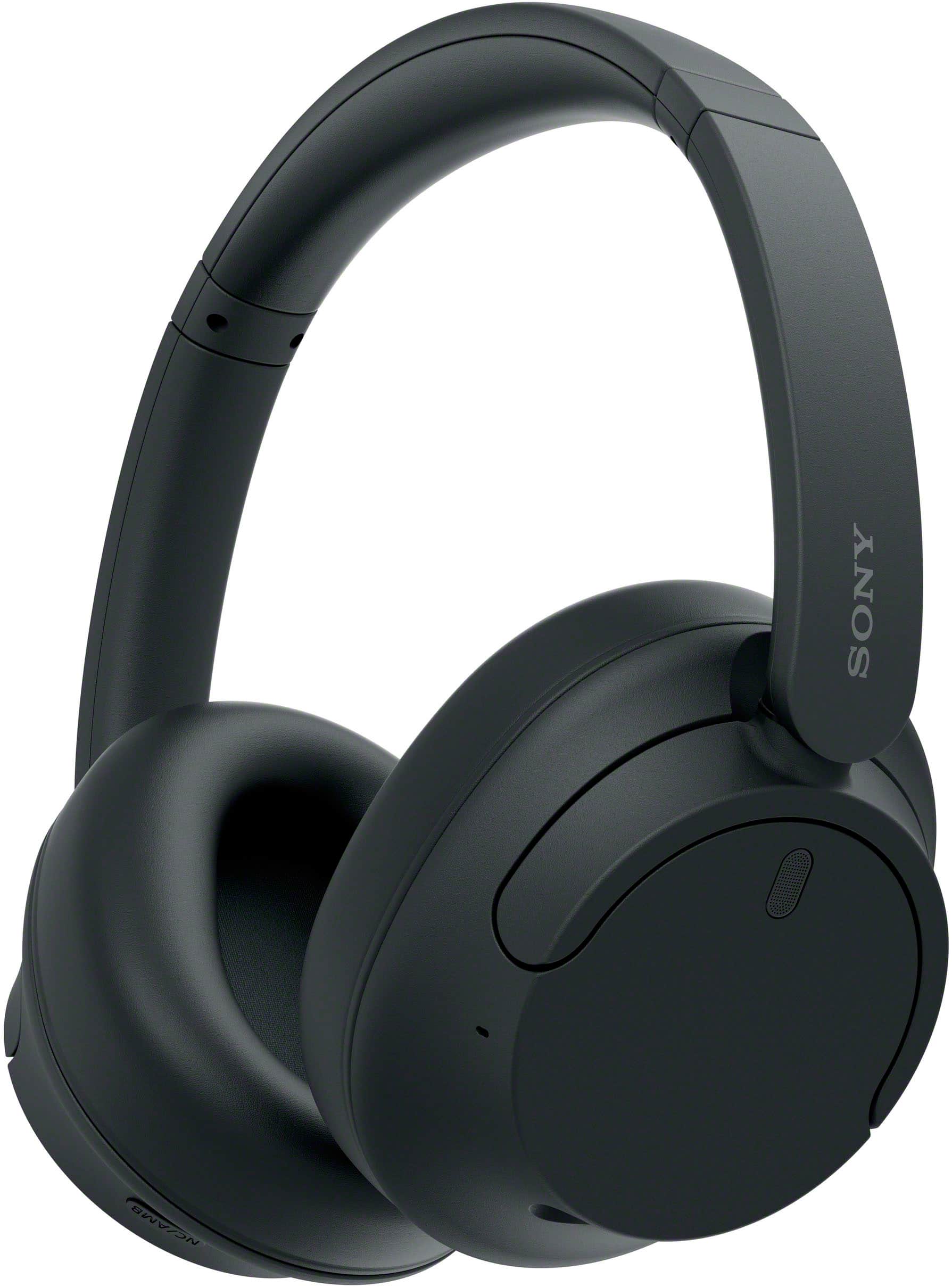
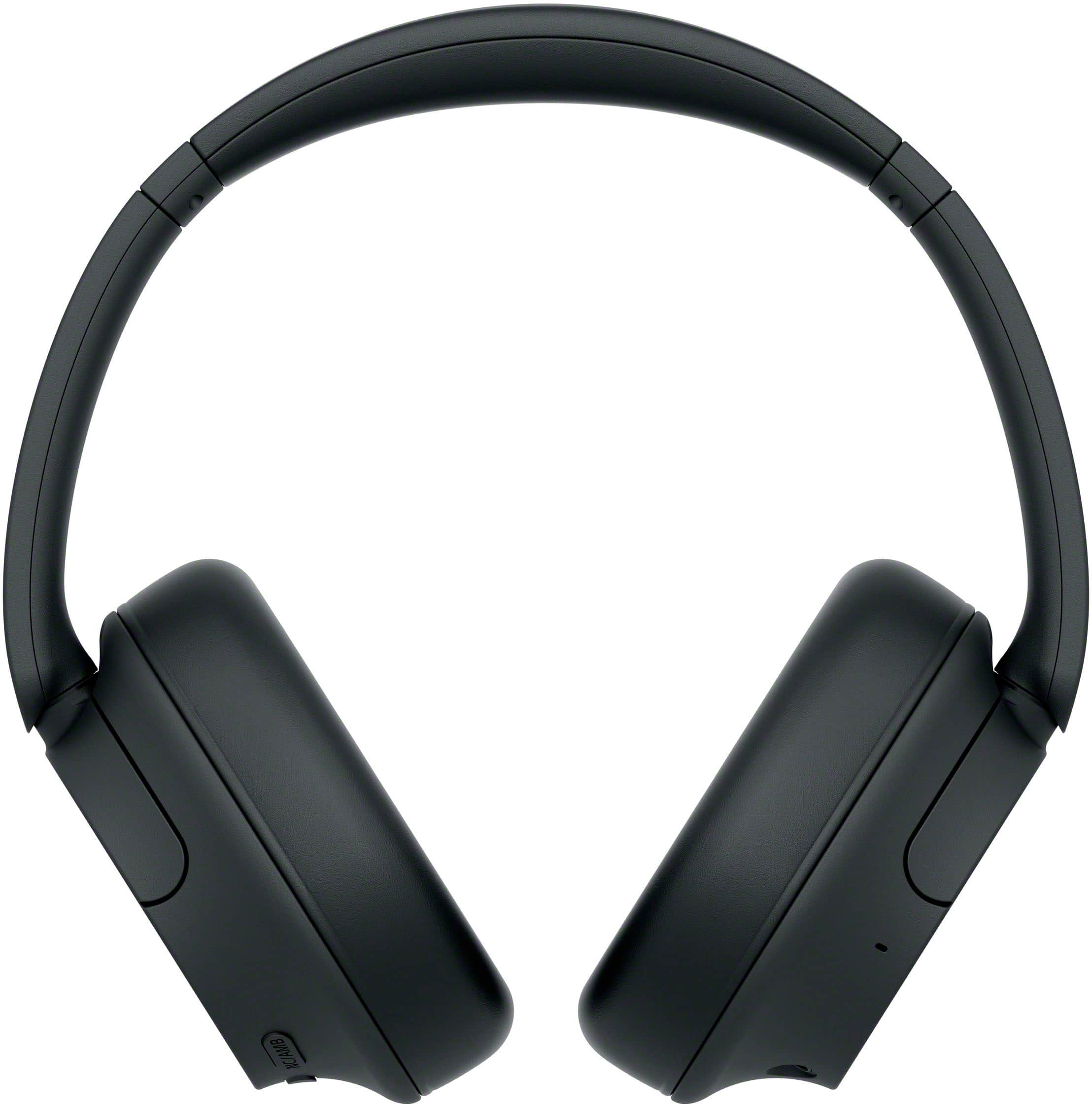
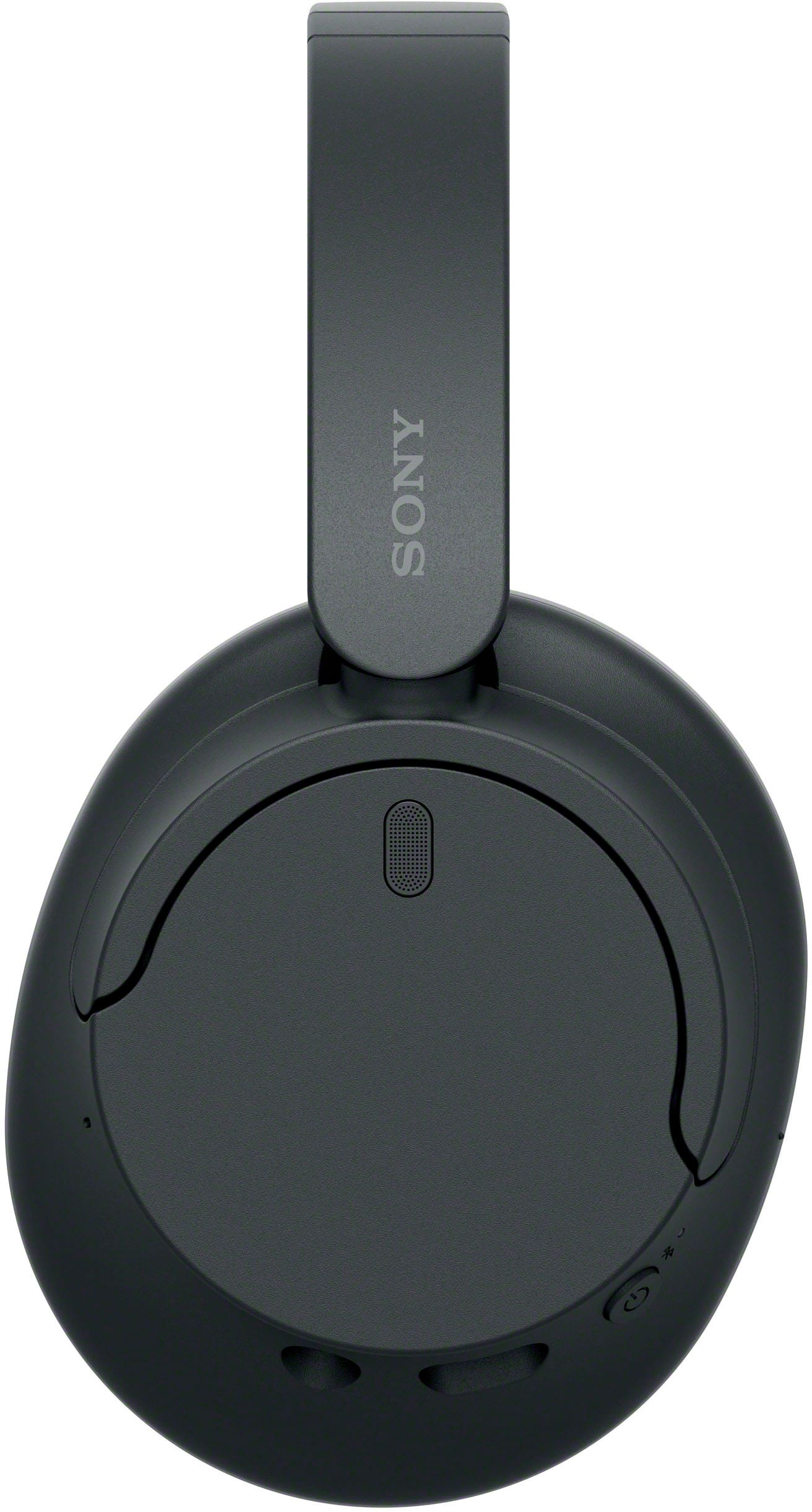
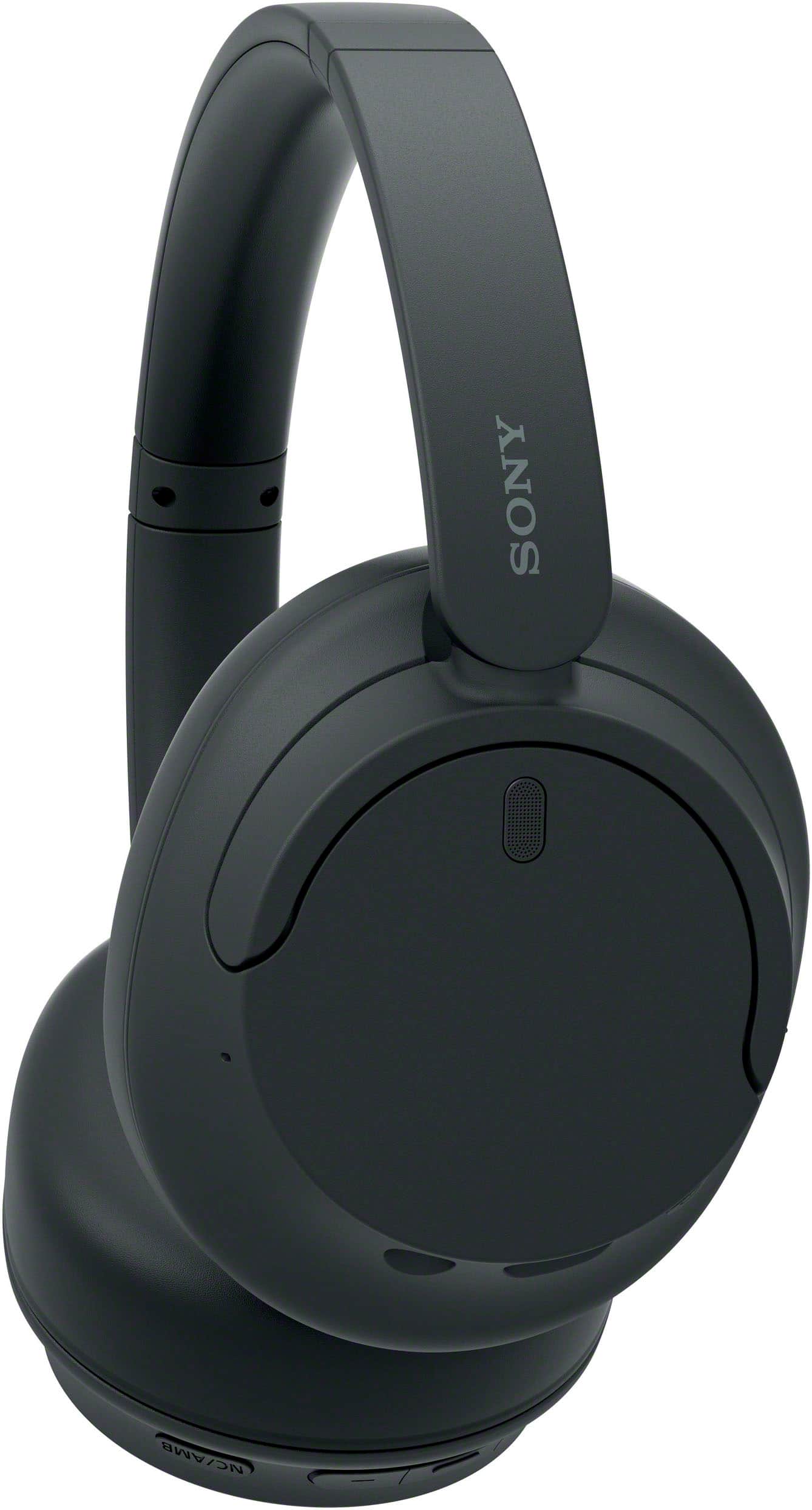
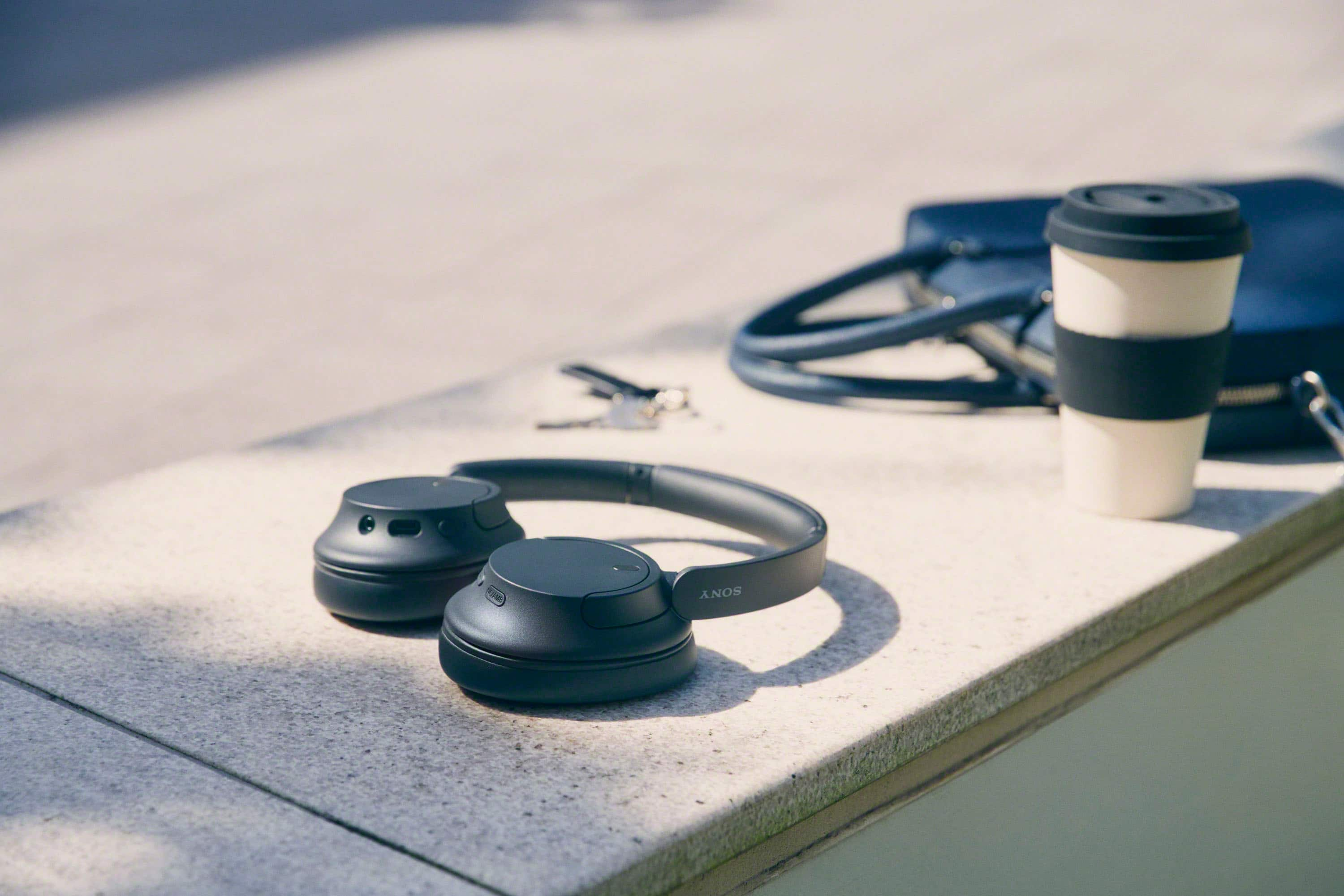
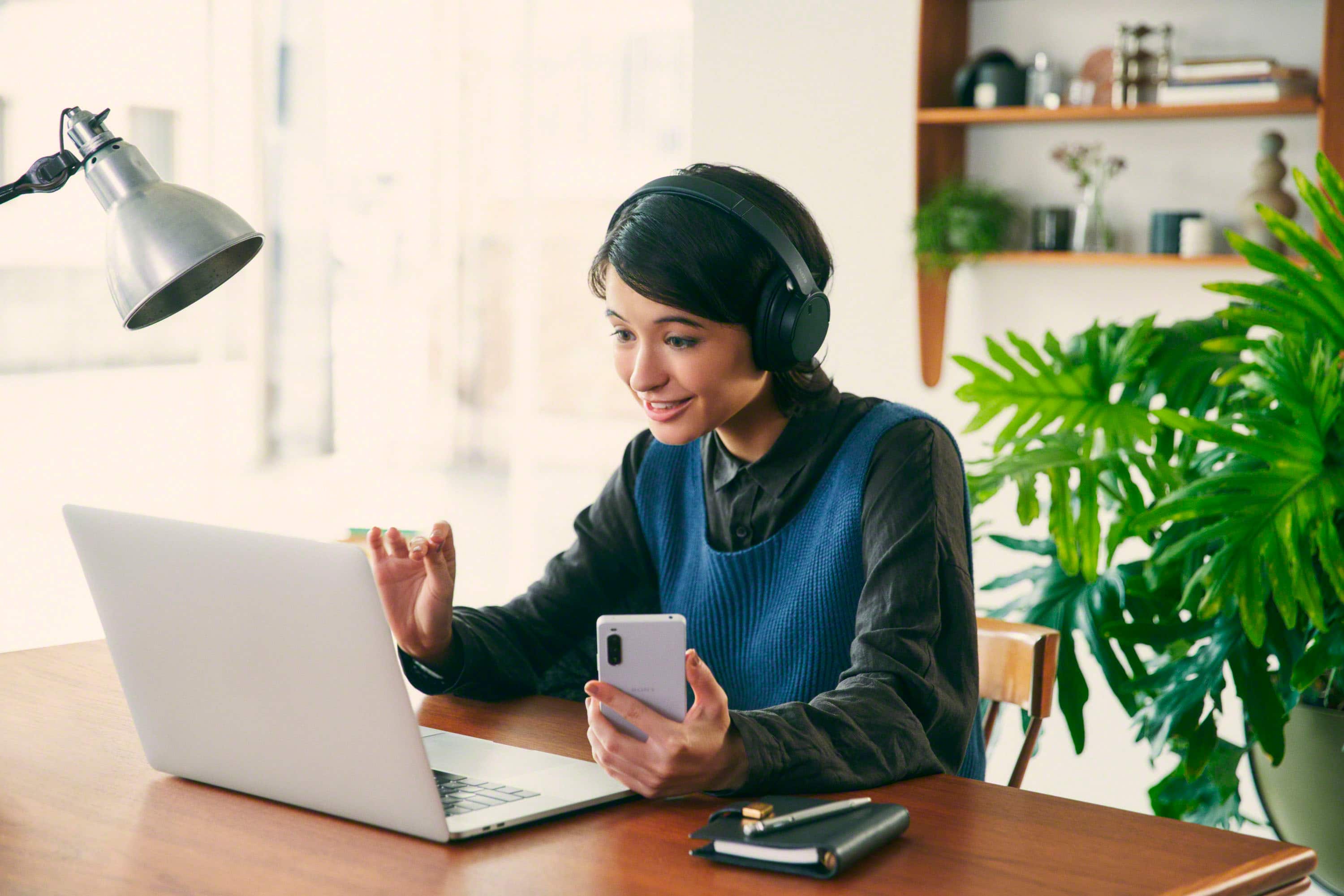
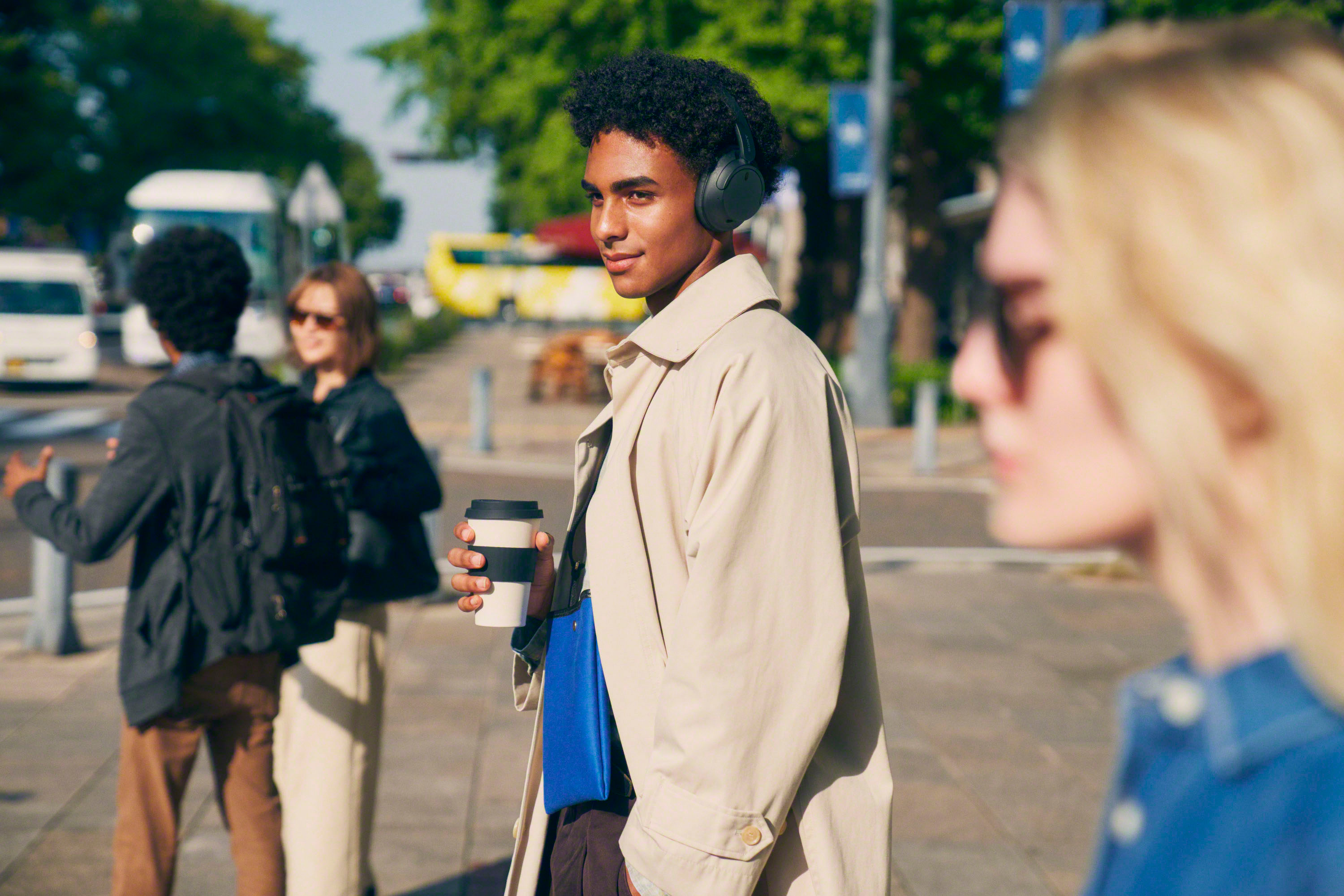
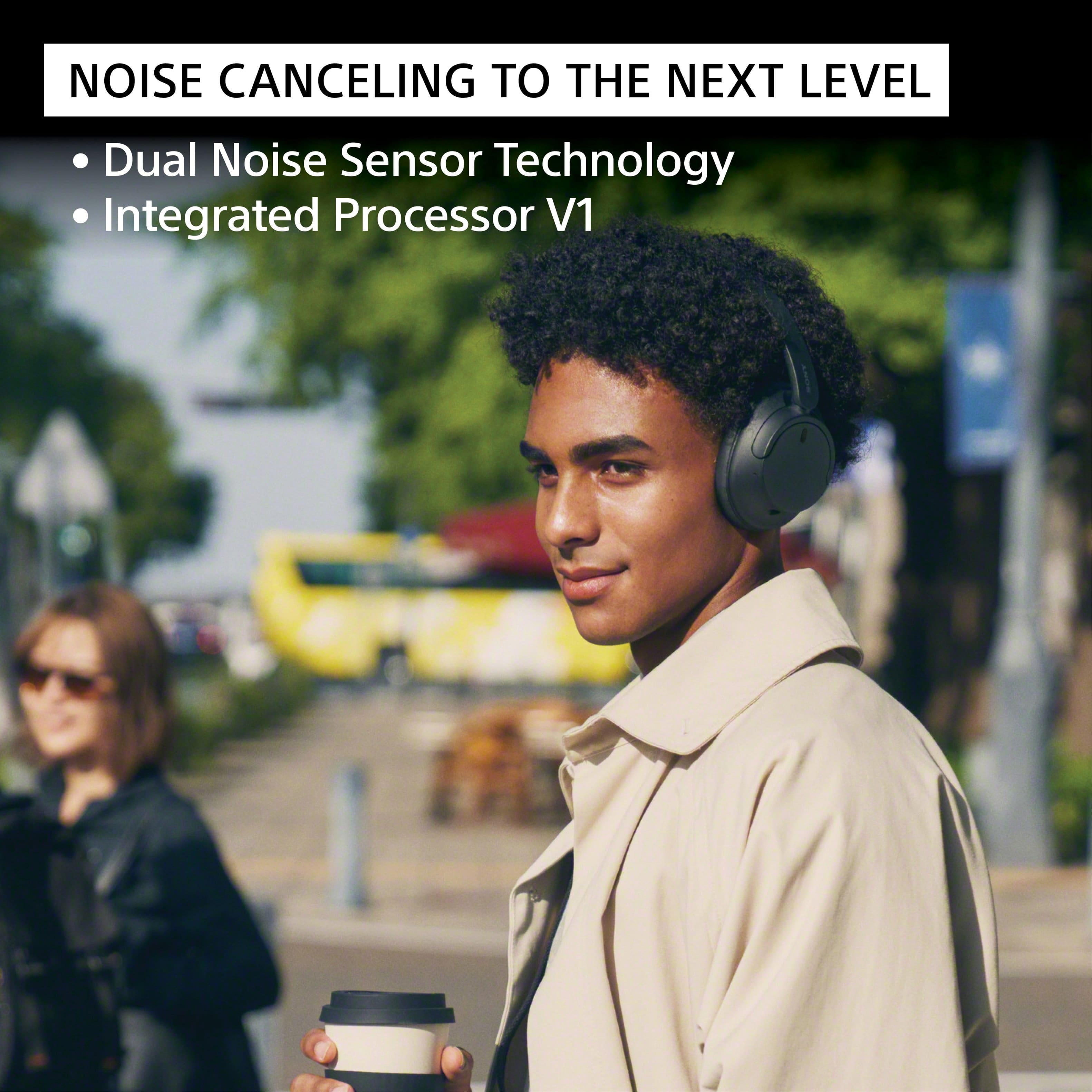
- Model:
- WHCH720N/B
- SKU:
- 12238159
Rating by feature
- Sound Quality
Rating 4.7 out of 5 stars
- Battery Life
Rating 4.8 out of 5 stars
- Connectivity
Rating 4.7 out of 5 stars
to a friend
Cheap
||Posted .This reviewer received promo considerations or sweepstakes entry for writing a review.Cheap quality not worth 100 bucks. You can feel how cheap the plastic is inside the ear parts, and it pushes on your head while listening
No, I would not recommend this to a friendBrand response from SonyListens
Posted .Hi JDS1, thank you for sharing your thoughts on the Sony - WHCH720N. We're sorry to hear you were disappointed with the feel and comfort of the headphones. Your feedback about the materials and fit is important, and we've shared it with our product team for future consideration. We truly appreciate you taking the time to let us know and thank you for considering Sony products! Regards, -Dominick

Cannot recommend
||Posted . Owned for 2 months when reviewed.This reviewer received promo considerations or sweepstakes entry for writing a review.Purchased these as our old ones finally crashed. These worked fine for a short time then started crackling & not connecting to the tv. A shame & hassel.
No, I would not recommend this to a friendBrand response from SonyListens
Posted .Hi ToughTime,
We are sorry to hear that you are having a sound quality and Bluetooth connection issue with your headphones. This is definitely not the customer experience we want you to have. To isolate and hopefully resolve the sound quality issue, we can follow the suggetions here: https://helpguide.sony.net/mdr/2966/v1/en/contents/TP1000776831.html. For pairing and connection issue, we can consider the steps from this link: https://helpguide.sony.net/mdr/2966/v1/en/contents/TP1000776917.html.
We take all user input seriously and will make sure your comments reach the appropriate person. If you are still having the same issues, you can email us at socialsupport@am.sony.com with the following details:
Name:
Best Buy Username:
Model Number:
Issue:
Telephone Number:
Sincerely,
Vincent
Bluebird
||Posted . Owned for 1 month when reviewed.This reviewer received promo considerations or sweepstakes entry for writing a review.Lots of low end sound but mid and high level sound is poor. The Sony app not much help, needs work!
No, I would not recommend this to a friendBrand response from SonyListens
Posted .Hi DavidB, We’re sorry to hear you did not have a great experience with the Sony WHCH720N. This is definitely not the news that we would like to hear. Please allow us to help you and turn this into a better experience. To resolve the low sound quality issue and to ensure optimal listening experience, please follow the troubleshooting steps on this link: https://helpguide.sony.net/mdr/2966/v1/en/contents/TP1000776831.html
Should you need further assistance, please email us at socialsupport@am.sony.com with the following details:
Name:
Username:
Model Number:
Issue:
Telephone Number:
Regards,
Sam
Meh
||Posted . Owned for 2 weeks when reviewed.This reviewer received promo considerations or sweepstakes entry for writing a review.Definitely are not worth the $150 i paid for them. The ear cuffs hurt, there's literally no bass, and they feel and look extemely cheap. 2/10
No, I would not recommend this to a friendBrand response from SonyListens
Posted .Hi Watson,
Thank you for time writing this review. We're sorry to hear we were not able to meet your expectations with the WHCH720N headphones. Allow us to help make this a better experience. If you feel discomforts while wearing the unit, put on the headset with the earpads fitting snugly over your ears, adjust the slider to a length where the headband touches the top of your head and adjust the orientation of the left and right units so that the earpads fit snugly all around your ears. If you put on the headset without adjusting the slider, the headset may not be positioned properly on your head, resulting in discomfort or a weak noise canceling effect. For reference: https://helpguide.sony.net/mdr/2966/v1/en/contents/TP1000781372.html
If you haven't yet, please download the Sony Headphone| Connect app where you can set or customize the Equalizer/CLEAR BASS setting. For more details: https://helpguide.sony.net/mdr/2966/v1/en/contents/TP1000776844.html
May we contact you to help? If so, please email the below information to socialsupport@am.sony.com:
Name:
Best Buy Username:
Telephone Number:
Model Number:
Issue:
We are sorry for the inconvenience and hope to speak to you to resolve this matter. We appreciate you and thanks again for shopping Sony. - Kris
Headphones
||Posted . Owned for 1 month when reviewed.This reviewer received promo considerations or sweepstakes entry for writing a review.I was dissapointed that you cant have the sound on the tv and the headphones at the same time.
No, I would not recommend this to a friendBrand response from SonyListens
Posted .Thank you for your feedback, WILLIAMS. We're sorry to hear that you are disappointed about not being able to have sound on both your television and your WH-CH720N headphones at the same time.
This is not the experience we aim to deliver. The ability to use both the TV speakers and a Bluetooth device for audio simultaneously is a feature that is dependent on the television's specific capabilities. Many TVs are designed to only transmit audio to a single output at a time. We recommend checking your television's audio settings to see if there is an option to enable multiple audio outputs.
If you are unable to find the setting, we suggest consulting your television's user manual or contacting the manufacturer's support team for more information.
We appreciate you choosing Sony and for sharing your valuable feedback with us.
Best regards,
Gus
Sony Social Media Team
Meh
||Posted . Owned for 3 weeks when reviewed.This reviewer received promo considerations or sweepstakes entry for writing a review.Sound was ok. Not great for work at home. The feel of them is very cheap, flimsy.
No, I would not recommend this to a friendBrand response from SonyListens
Posted .Hi tgnyc,
Thank you for your time writing this review. While we are glad you like the sound quality of the WHCH720N headphones, we're sorry to hear if the build quality did not live up to your expectations and if you feel that it is not great while working at home. We'd like to help turn this experience around.
May we contact you to help and get more information? If so, please email the below information to socialsupport@am.sony.com:
Name:
Best Buy Username:
Telephone Number:
Model Number:
Issue:
We are sorry for the inconvenience and hope to speak to you to resolve this matter. We appreciate you and thanks again for shopping Sony. - Kris
Not worth it
||Posted .This reviewer received promo considerations or sweepstakes entry for writing a review.To use this product an app must de downloading. It’s Bluetooth but to cannot talk on them. The do not fold and there is no carrying case.
No, I would not recommend this to a friendSo so
||Posted . Owned for 1 week when reviewed.This reviewer received promo considerations or sweepstakes entry for writing a review.Too much static on the left ear. Returned it about 23 days later. Wouldn't give me my money only store credit.
No, I would not recommend this to a friendBrand response from SonyListens
Posted .Hi Joerey,
We regret to hear that you had an issue with our WHCH720N headphones and you had to return them. Static and other Bluetooth connection issue may experience if the user is near a wireless LAN, where a microwave oven is used, electromagnetic waves are generated, etc., and can easily be isolated and resolved. We take all user input seriously and will make sure your comments reach the appropriate person. We hope you will consider Sony again in your future purchase.
Sincerely,
Vincent
Noise canceling isn’t great
||Posted . Owned for 3 weeks when reviewed.This reviewer received promo considerations or sweepstakes entry for writing a review.Best to spend a little bit more for headphones with really good noise cancellation.
No, I would not recommend this to a friendBrand response from SonyListens
Posted .HI Mileabv,
You're absolutely right! While the Sony WH-CH720N offers good noise cancellation for its price point, if you're looking to step up significantly in that area, our premium WH-1000XM5 (or the even newer WH-1000XM6) headphones would be the next recommendation.
They feature our industry-leading noise-canceling technology, designed to block out a much wider range of distractions for a truly immersive listening experience.
Thanks for considering Sony.
-Eliab

Not a fan
|Posted . Owned for 2 months when reviewed.This reviewer received promo considerations or sweepstakes entry for writing a review.It feels like it was made cheap and flimsy, with decent enough sound quality, very light, but feels cheap as a trade off.
No, I would not recommend this to a friendBrand response from SonyListens
Posted .Hi Stephanie,
Thank you for your time writing this review. We're sorry to hear if we were not able to meet your expectations with the build quality of the WHCH720N. We can assure you that these headphones are worth the investment. They are made with the highest quality materials and construction, and they can produce the best possible sound quality.
In case you need help with the headphones, feel free to contact us and we'll be gladly to assist you. You may reach out to us by sending an email to socialsupport@am.sony.com with the following:
Name:
Best Buy Username:
Telephone Number:
Model Number:
Issue:
We appreciate your feedback and thanks again for purchasing Sony. - Kris
What Noise Canceling?
||Posted . Owned for 4 months when reviewed.This reviewer received promo considerations or sweepstakes entry for writing a review.I bought this 6 months ago. It will no longer pair with any devices by Bluetooth. Even before that stopped working it didn't cancel out any boise whatsoever. The sound quality really suffered as a result. Battery life is meh. Waste of money.
No, I would not recommend this to a friendBrand response from SonyListens
Posted .Hi Metakite,
Thanks for reaching out to us with your concerns. It's unfortunate that you're having Bluetooth pairing issues with the headphones. Make sure to update the software version of the headphones (via the Sony Headphones Connect app) for optimum performance. If you haven't yet, please follow the steps from this link to troubleshoot the issue.
https://www.sony.com/electronics/support/wireless-headphones-bluetooth-headphones/wh-ch720n/articles/00204612
If you're still unable to make a Bluetooth connection, resetting and initializing the headphones may also help resolve the issue. For instructions on how to reset the unit, visit the link below.
https://helpguide.sony.net/mdr/2966/v1/en/contents/TP1000783324.html
Please note we have a customer hotline that is happy to assist you and help troubleshoot any concerns you have, and your headphones has a 1-year warranty from the date of purchase.
If the issue persists and you need our assistance, you may send us an email at socialsupport@am.sony.com with the following details:
Name:
Best Buy Username:
Model Number:
Issue:
Telephone Number
Sincerely,
Jess
Pile of garbage
||Posted . Owned for 1 week when reviewed.This reviewer received promo considerations or sweepstakes entry for writing a review.Disconnects for no reason all of the time. Biggest waste of money ive ever spent. The cheap headphones from a dollar store work better then these.
No, I would not recommend this to a friendNo Wifi connect
||Posted .This reviewer received promo considerations or sweepstakes entry for writing a review.Cant connect to my PC using Wifi , spending hours to connect wifi at home , still could not
No, I would not recommend this to a friendBrand response from SonyListens
Posted .Hi Focus,
Thank you for considering Sony products.
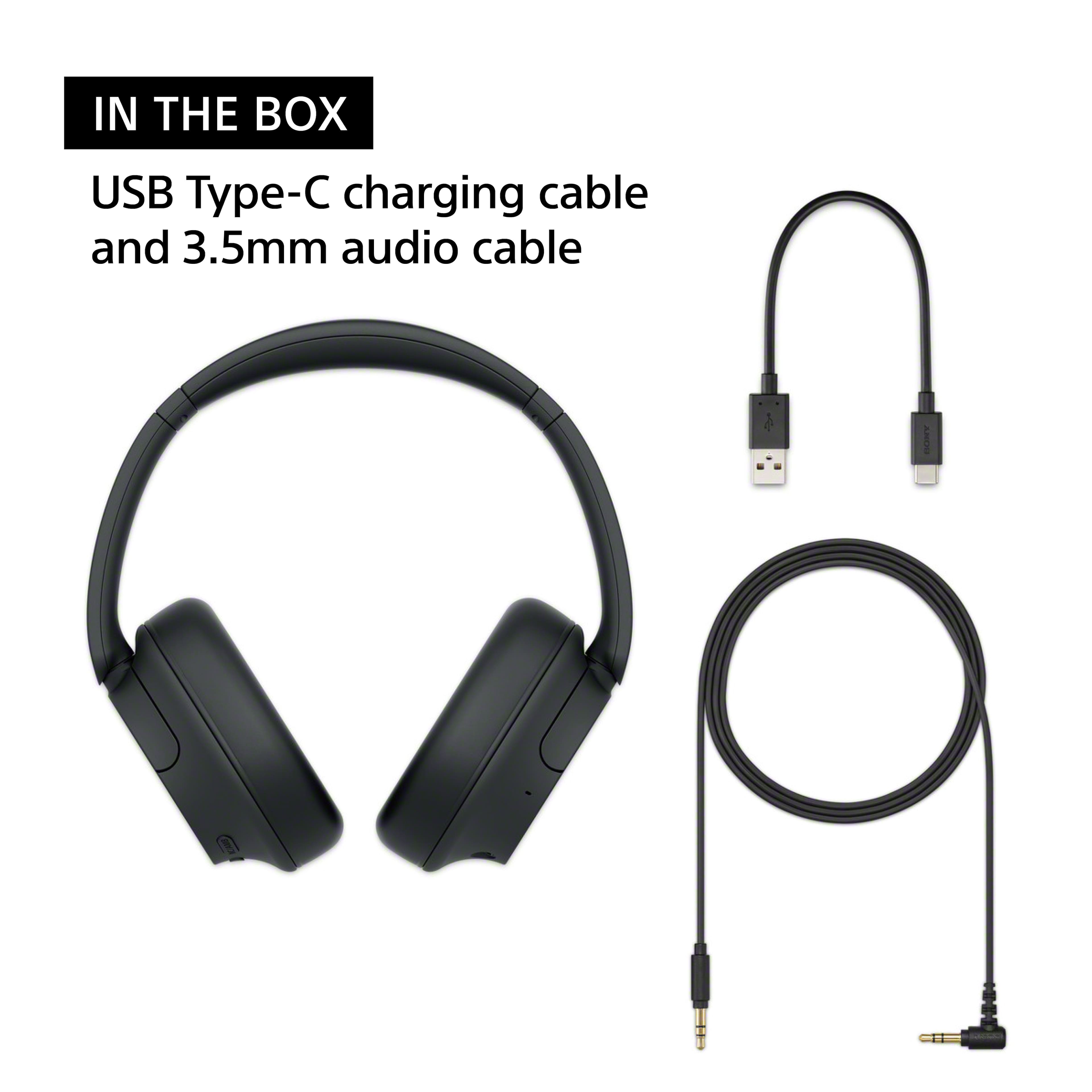
We apologize for the difficulties you're experiencing while attempting to connect your WH-CH720N headphones to your PC using Wi-Fi. Please note that the WH-CH720N headphones do not support Wi-Fi connectivity; they can only connect through Bluetooth or a 3.5 mm audio cable.
For comprehensive guidance on setting up a Bluetooth connection with your PC, please follow this link: https://helpguide.sony.net/mdr/2966/v1/en/contents/TP1000940509.html
Additionally, you can find step-by-step guidance on using the supplied headphone cable at the following link: https://helpguide.sony.net/mdr/2966/v1/en/contents/TP1000777054.html
If you're having trouble connecting to your PC after following the steps, please contact Sony Support for personalized assistance by visiting the following link:https://us.esupport.sony.com/support/s/support-contact?language=en_US&category=headphones.
Best regards,
-Fred
No sound in one ear
||Posted . Owned for 5 months when reviewed.This reviewer received promo considerations or sweepstakes entry for writing a review.Had these 4 months and the right side has no sound.
No, I would not recommend this to a friendBrand response from SonyListens
Posted .Hi Familyfirst9988,
Thank you for your feedback. We're truly sorry to learn that you're having sound issues with our WH-CH720N headphones.
We're here to help and would be happy to provide some troubleshooting steps to get this resolved:
1. If using Bluetooth: Disconnect and reconnect. Try pairing with a different device to rule out device-related issues.
If using a wired connection: Confirm the cable is securely plugged in. Rotate the plug slightly and see if the sound returns.
2. Factory reset the headphones. Find detailed instructions for this procedure here: https://helpguide.sony.net/mdr/2966/v1/en/contents/TP1000783325.html
If the issue continues after following these steps, we suggest contacting our support team at https://us.esupport.sony.com/support/s/support-contact?language=en_US&category=headphones
Thanks for considering Sony products and for bringing this to our attention.
Sincerely,
Estefany
Do not recommend
||Posted . Owned for 1 year when reviewed.This reviewer received promo considerations or sweepstakes entry for writing a review.I've had these for over a year and I can tell you that they are cheaply made, the ear driver touches my ear when worn, noise canceling does not work nearly as well as advertised, audio quality is poor, and call quality is poor just to name a few.
No, I would not recommend this to a friendhorrible and cheap
||Posted . Owned for less than 1 week when reviewed.This reviewer received promo considerations or sweepstakes entry for writing a review.Horrible and cheap best buy will not let me return them either
No, I would not recommend this to a friendBrand response from SonyListens
Posted .Hello Naomy,
We truly apologize for any inconvenience you've experienced with your Sony WHCH720N. This situation does not reflect the high standard of service we strive to provide to our valued customers. Please note that your unit is covered by a 1-year limited manufacturer's warranty.
To assist you further, we kindly ask you to contact us at socialsupport@am.sony.com and include the following details:
- Name:
- BestBuy Username:
- Model Number:
- Description of the Issue:
- Telephone Number:
We greatly appreciate your patience and understanding as we work to resolve this matter.
Thank you for choosing Sony.
Best regards,
-Fred
Disappointed
||Posted .This reviewer received promo considerations or sweepstakes entry for writing a review.Not noise canceling whatsoever. Can hear all conversations around me while using.
No, I would not recommend this to a friendBrand response from SonyListens
Posted .Hi SaraC,
We're sorry to hear about your experience with the WHCH720N headphones. Yor feedback is highly appreciated as it helps us improve our products.
To address the noise cancelling issue, check this out: https://helpguide.sony.net/mdr/2966/v1/en/contents/TP1000777055.html?search=noise
https://helpguide.sony.net/mdr/2966/v1/en/contents/TP1000776935.html
Thanks for considering Sony products.
-Eliab
Do not buy
||Posted . Owned for 3 weeks when reviewed.This reviewer received promo considerations or sweepstakes entry for writing a review.It will not connect to my computer. Useless item. 1
No, I would not recommend this to a friendBrand response from SonyListens
Posted .Thanks for sharing your experience, ChristineI—We're sorry to hear about your difficulty connecting the WH-CH720 headphones to your computer. While it can be frustrating, there are a few steps that may help resolve this issue:
1. Verify Bluetooth Compatibility
Ensure your computer has Bluetooth capability and supports music playback connections (A2DP). Some computers require their Bluetooth adapters to be enabled separately.
2. Proper Pairing Procedure
First-time Pairing: Put the headphones in pairing mode by turning them on. If they're connecting to a new device (not the last one they were paired with), press and hold the Bluetooth button for about 5 seconds. The indicator will flash, and you'll hear a voice prompt indicating "Pairing."
On Your Computer: Go to Bluetooth settings, select 'Add Bluetooth or other device', and choose 'Bluetooth'. Look for 'WH-CH720' or 'WH-CH720N' on the list. If prompted, enter the passkey "0000" (four zeros).
3. If Connection Fails
Manual Connection: Sometimes Bluetooth headphones connect automatically to the last used device. If that device is nearby, turn off its Bluetooth or disconnect it manually before pairing with your computer.
Remove Pairing Info: If you can't connect, delete the WH-CH720 from your computer's list of Bluetooth devices, restart both your computer and headphones, then try pairing again.
4. Reset or Initialize
If you've paired the headphones with several devices and still can't connect, reset or initialize the headphones to factory settings (check your user guide for the process). Be aware this will erase previous pairings.
5. Additional Troubleshooting
Make sure the headphones are fully charged and within 1 meter (3 feet) of the computer.
Try connecting with another device to rule out issues with the computer's Bluetooth hardware.
For video or voice calls, ensure the correct audio profile (HFP/HSP) is set in your calling app or OS settings—otherwise, sound may not work properly.
6. Software Updates
Always keep your headphones' firmware and your computer's Bluetooth drivers updated, as new updates can resolve connection problems.
If you've tried these steps and still encounter trouble, please, contact us:
https://us.esupport.sony.com/support/s/support-contact?language=en_US&category=headphones
We're here to help and want your Sony product to work as intended.
The WH-CH720 is designed to work with a wide range of computers that support Bluetooth audio, so with the right setup, you're likely to get it working!
Best regards, Gus Sony Social Media Team
Can’t establish connection with laptop
||Posted . Owned for 1 month when reviewed.This reviewer received promo considerations or sweepstakes entry for writing a review.This product is utterly garbage is its very difficult to establish connection and battery life is also very short as compared to other headphones that are cheaper than these. Please don’t buy as I dont want anyone to struggle with this trash.
No, I would not recommend this to a friendBrand response from SonyListens
Posted .Hi RS87,
We regret to hear that you are not satisfied with the headphones. Your feedback is extremely important to us and is very much appreciated. For optimum performance, make sure that the software version of the headphones is up-to-date (via the Sony Headphones Connect app).
For pairing issues, please refer to these troubleshooting steps:
-Bring the headset and the Bluetooth device within 1 m (3.2 ft) from each other.
-When pairing a device for the first time after purchase or after initializing or repairing the headset, turn on the headset and the headset automatically enters pairing mode.
When you pair a second or subsequent device (the headset already has pairing information for other devices), press and hold the (power) button for about 5 seconds or more to enter pairing mode manually.
-Restart the connected device such as a smartphone or a computer you use, and pair the headset and the device again.
You may also find these links helpful:
https://www.sony.com/electronics/support/articles/00196750
https://www.sony.com/electronics/support/articles/00029577
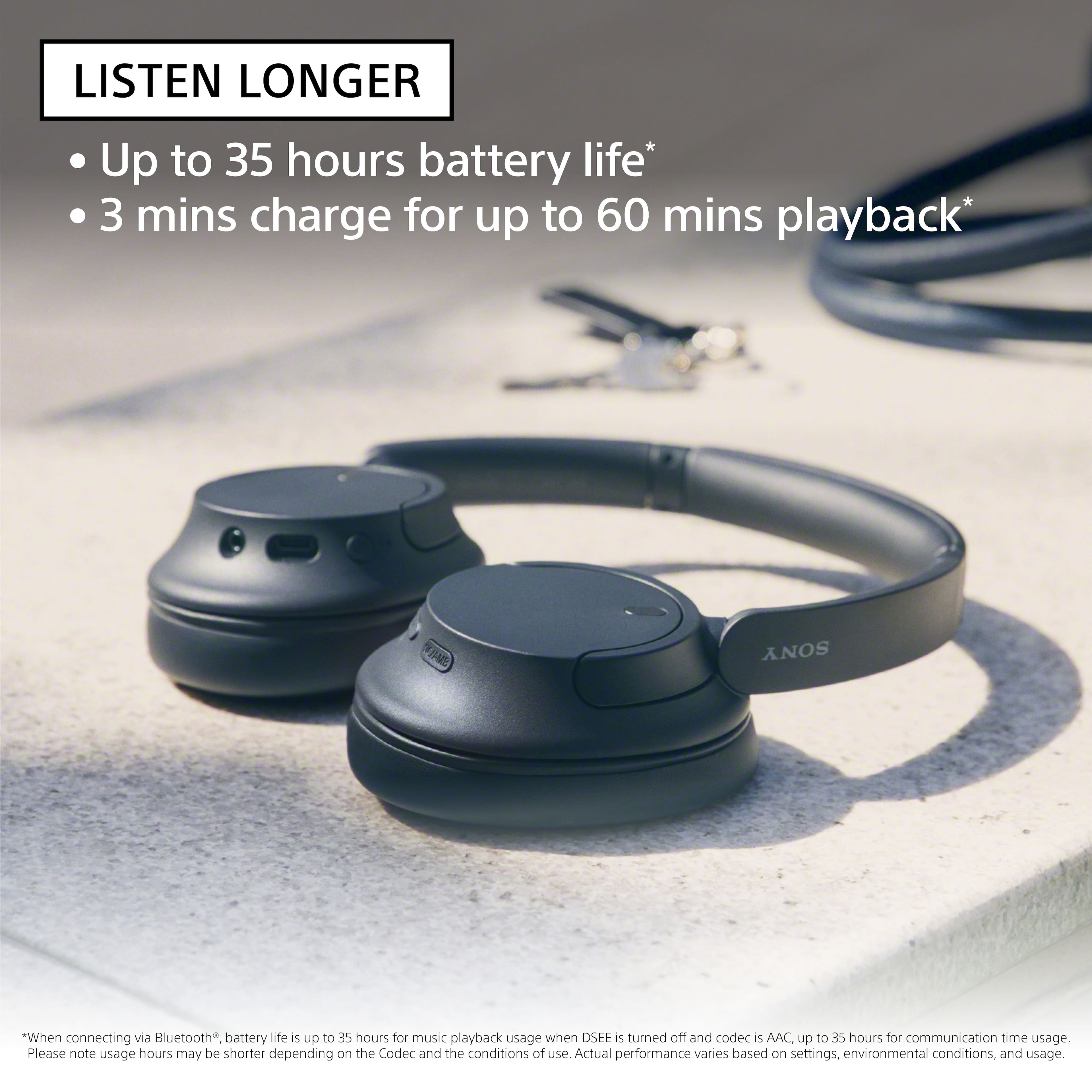
Usage hours may vary depending on the settings for the headset functions and usage conditions. If you set the following functions, the available operating time of the battery becomes short:
-Sound quality mode during Bluetooth playback: Priority on sound quality
-Noise canceling function/Ambient Sound Mode
-Equalizer
-DSEE
-Function to launch the voice assistant by your voice
If you run the above settings at the same time, the available operating time of the battery becomes even shorter.
For more information, please refer to this link:
https://helpguide.sony.net/mdr/2966/v1/en/contents/TP1000776820.html
Hope this helps. If still not resolved or you need further assistance, please email us at socialsupport@am.sony.com with the following details:
Name:
Username:
Model Number:
Issue:
Telephone Number:
Or contact our product support team via phone call or chat through this link:
https://us.esupport.sony.com/support/s/support-contact?language=en_US&category=headphones
Sincerely,
-Ralph
It’s a no for me
||Posted . Owned for 3 weeks when reviewed.This reviewer received promo considerations or sweepstakes entry for writing a review.Low quality! Doesn’t have the best noise canceling!
No, I would not recommend this to a friend