Customer Ratings & Reviews
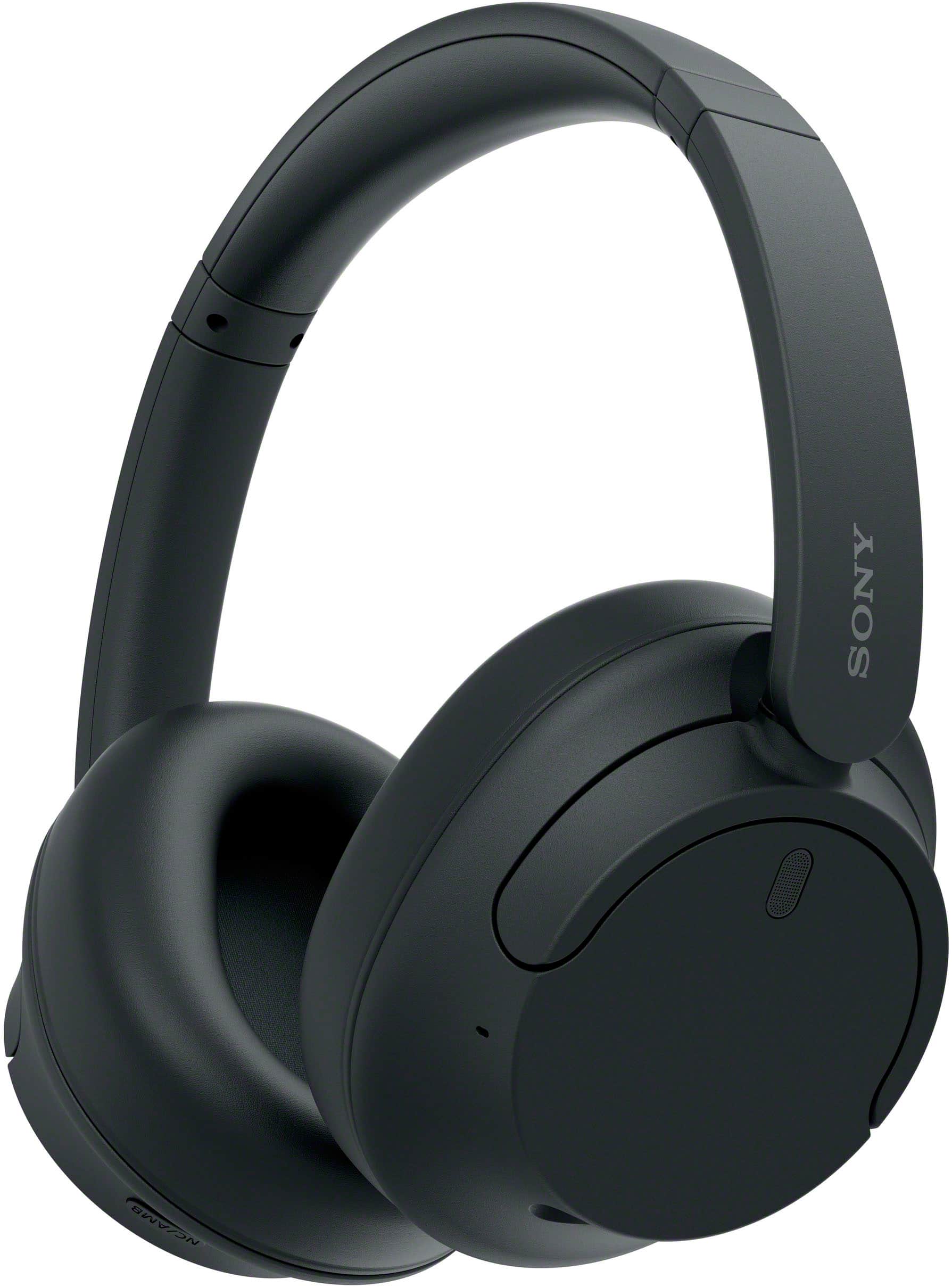
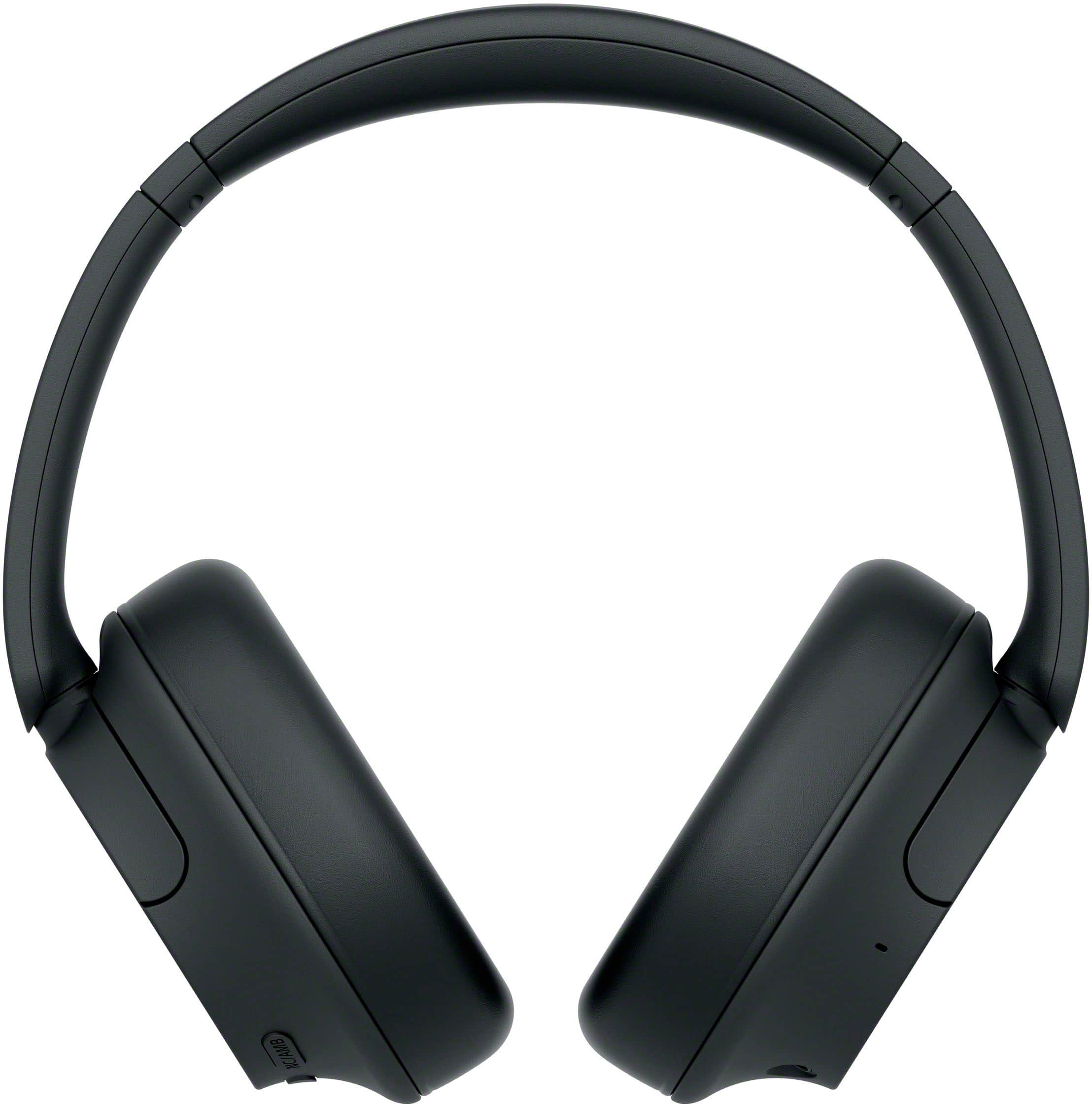
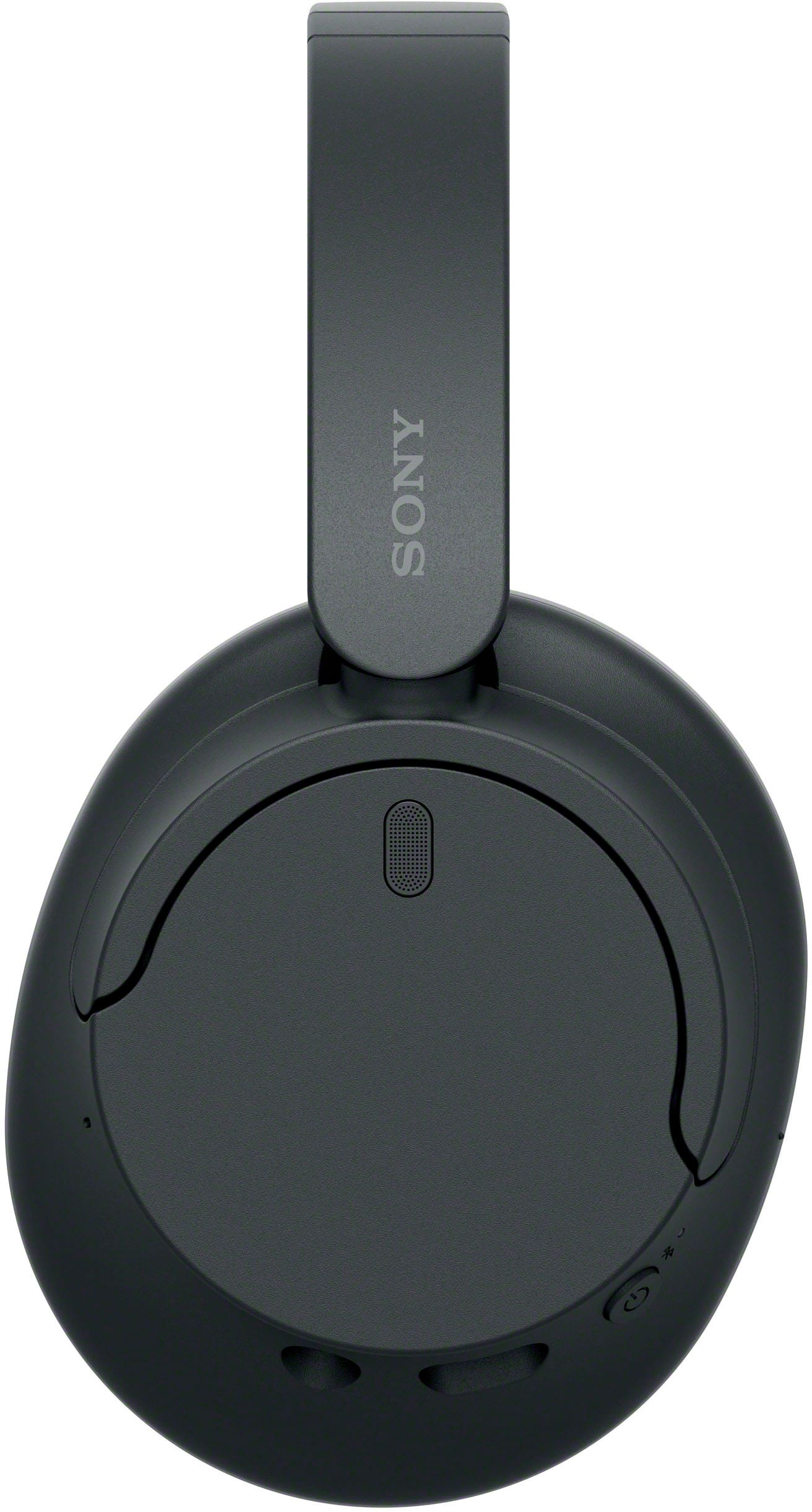
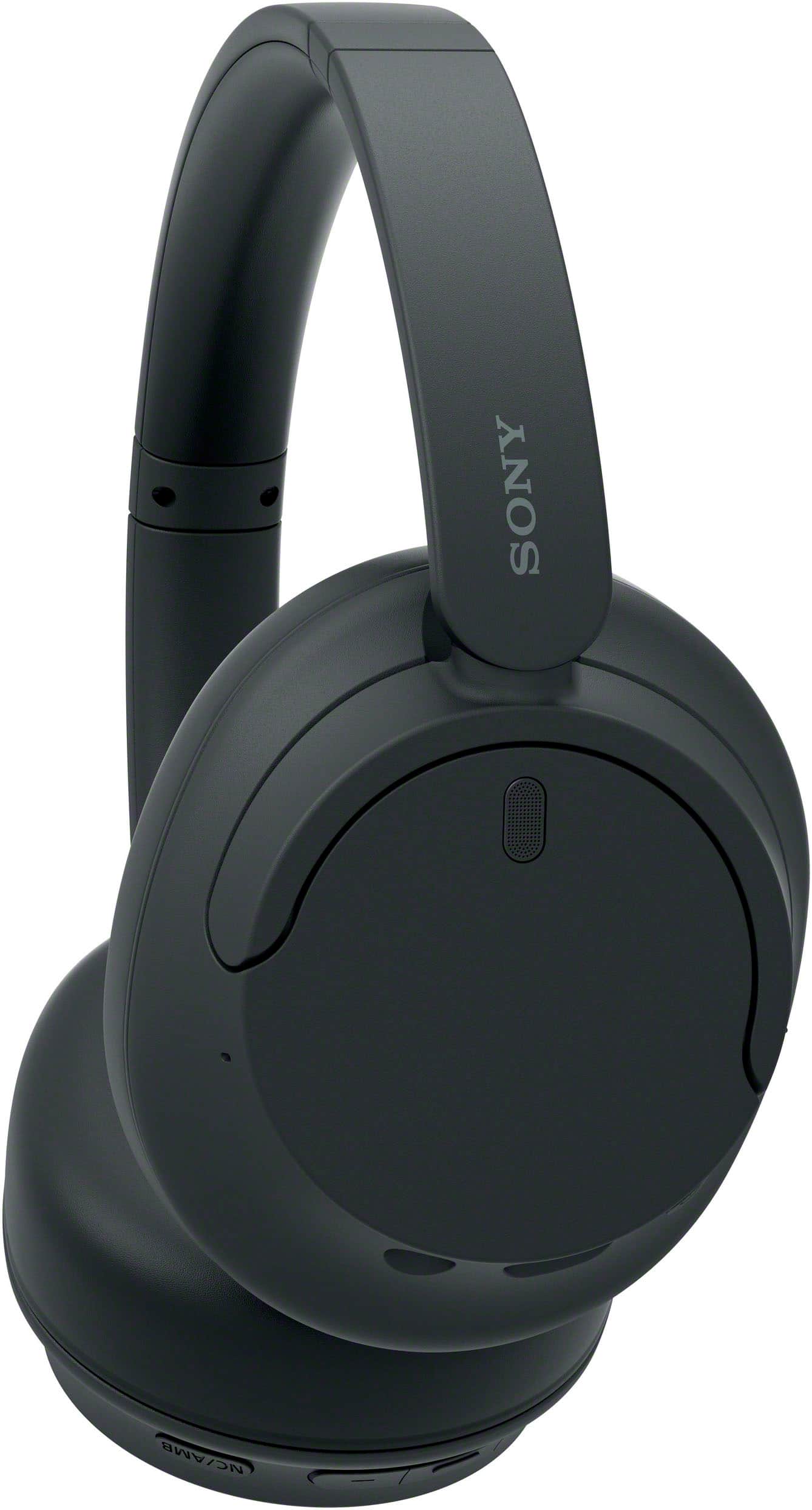
- Model:
- WHCH720N/B
- SKU:
- 6533162
Rating by feature
- Sound Quality
Rating 4.7 out of 5 stars
- Battery Life
Rating 4.8 out of 5 stars
- Connectivity
Rating 4.7 out of 5 stars
Customers are saying
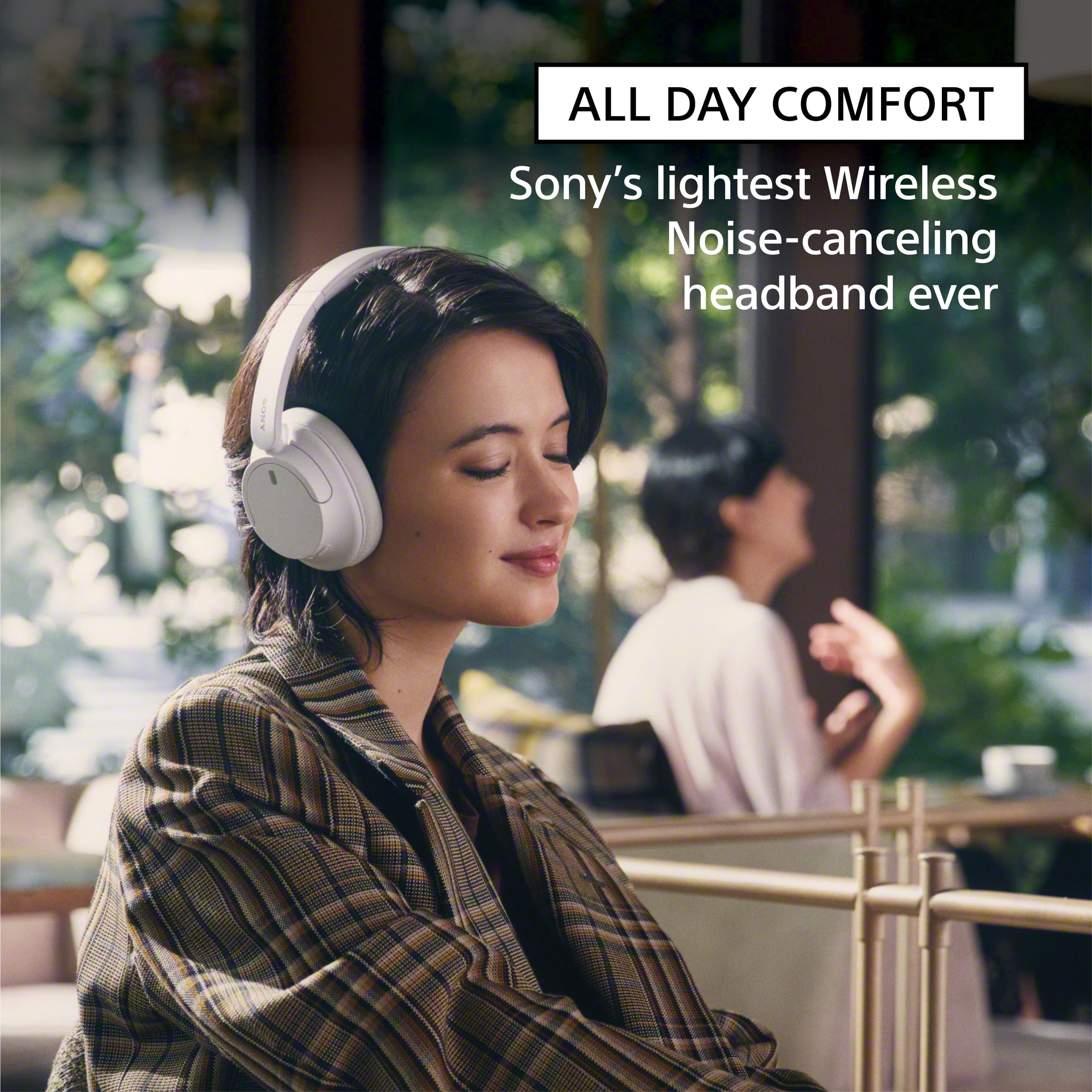
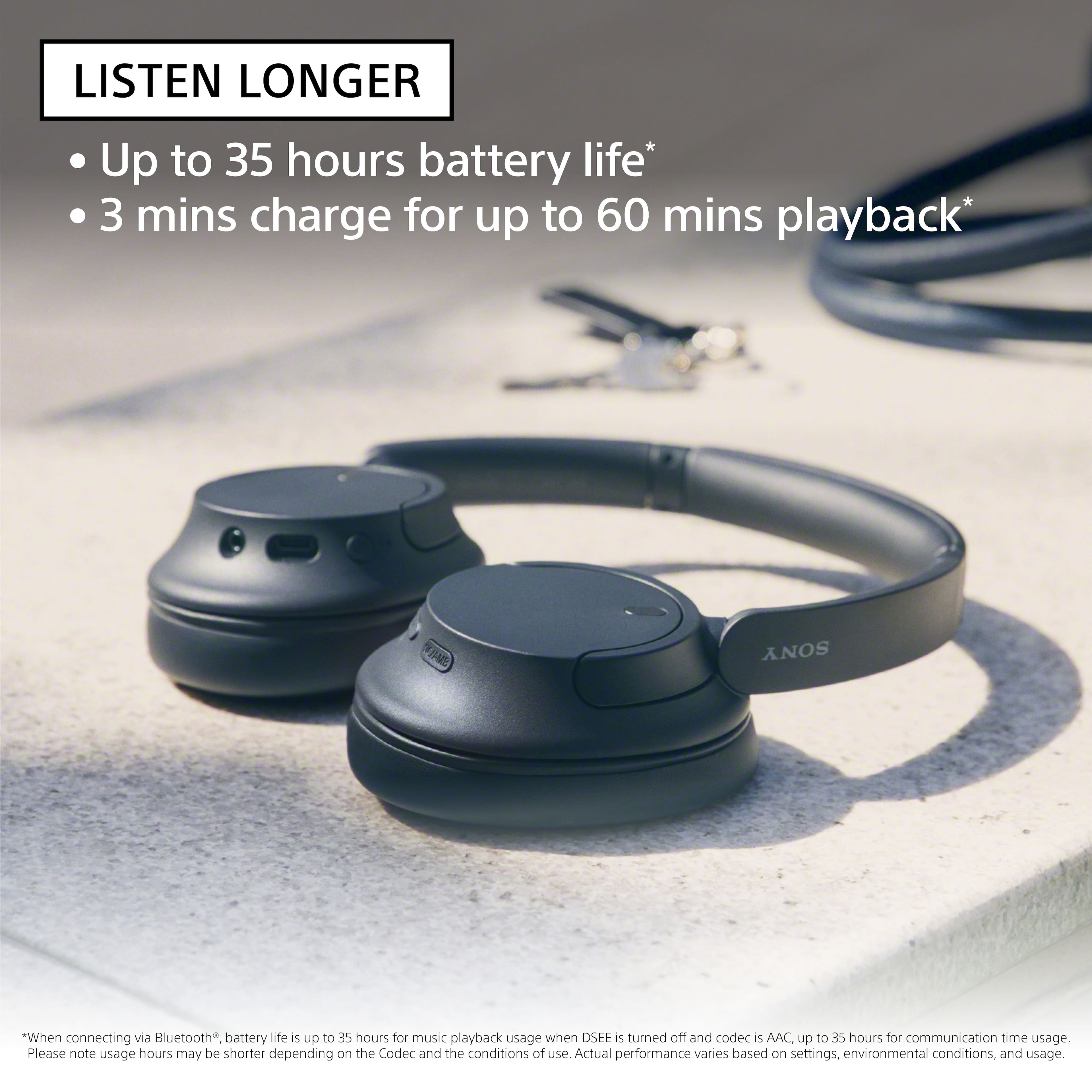
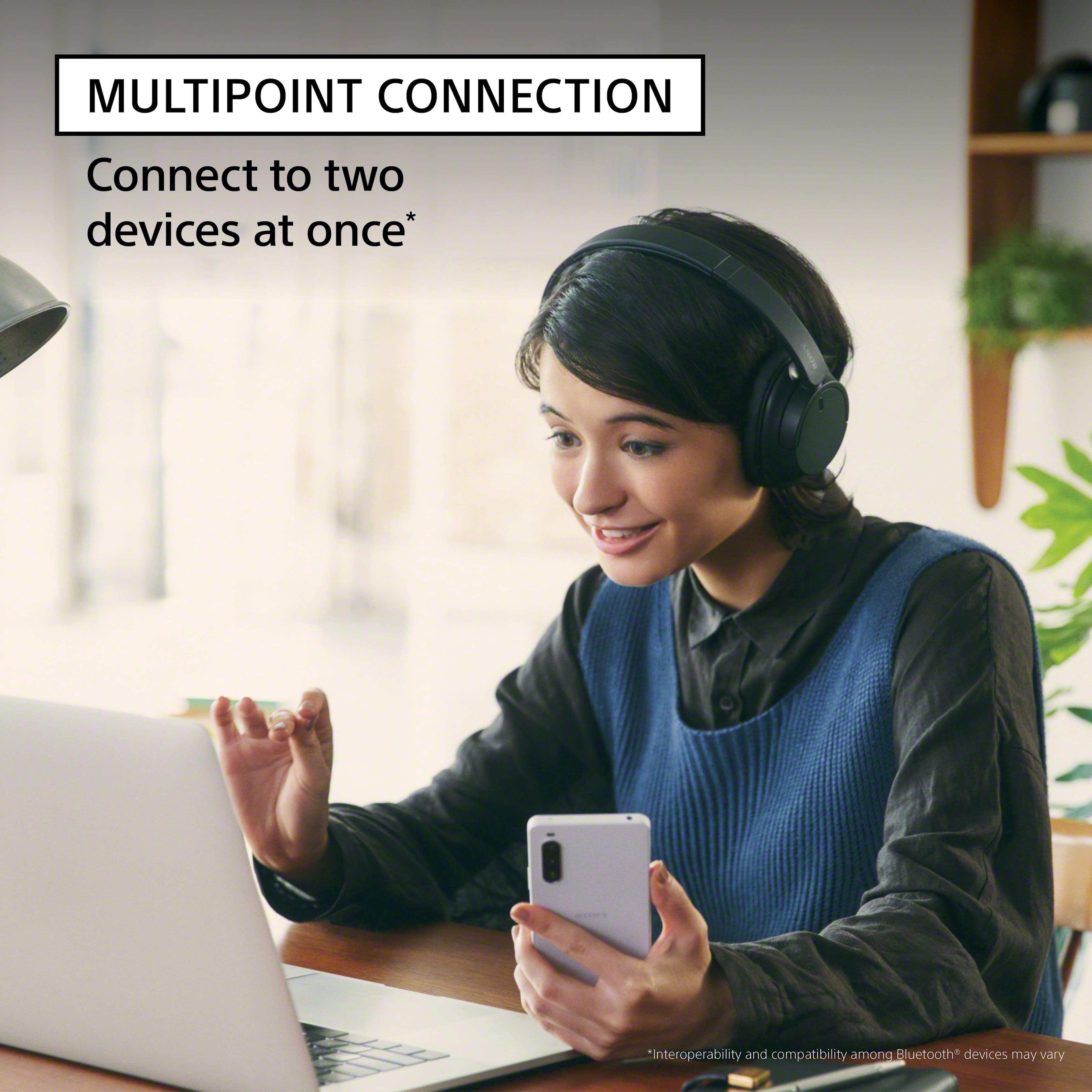
Customers enjoy the exceptional sound quality and long-lasting comfort provided by these headphones, making them ideal for extended use. Users also frequently praise the impressive battery life, lightweight design, and reliable connectivity. While the overall experience is highly positive, some individuals noted that the device is not very compact for travel and expressed minor preferences for different bass levels or higher maximum volume.
This summary was generated by AI based on customer reviews.
Fair
Posted .This reviewer received promo considerations or sweepstakes entry for writing a review.Sound was distant and soft, even on higher settings. Not the most comfortable if you have piercings. Generally did what they wete meant
No, I would not recommend this to a friendBrand response from SonyListens
Posted .Hi user716616,
We regret to hear that you are not satisfied with the headphones. Your feedback is extremely important to us and is very much appreciated. For optimum performance, make sure to install the latest software version of the headphones (via the Sony Headphones Connect app).
Sound quality may vary depending on the source content. You do have the option to use the Sony app's equalizer function to tailor-fit the sound quality to your needs. For more information, please refer to this link:
https://helpguide.sony.net/mdr/2966/v1/en/contents/TP1000776844.html
For optimum fit and comfort, make sure to wear the headphones properly and adjust the headband depending on your head shape. You may find this link helpful:
https://helpguide.sony.net/mdr/2966/v1/en/contents/TP1000781372.html
Hope this helps. In case you need further assistance, please email us at socialsupport@am.sony.com with the following details:
Name:
Username:
Model Number:
Issue:
Telephone Number:
Or contact our product support team via phone call or chat through this link:
https://us.esupport.sony.com/support/s/support-contact?language=en_US&category=headphones
Sincerely,
-Ralph
DO NOT BUY
Posted .This reviewer received promo considerations or sweepstakes entry for writing a review.These headphones lose Bluetooth connection at least once every 10-30 minutes. I went through all the troubleshooting steps and got Sony to send me a replacement pair, but I have the same problem with the new pair. Sony customer service is awful and they will not issue a refund.
No, I would not recommend this to a friendBrand response from SonyListens
Posted .Hi CreightonB, We are sorry to hear that the replacement pair has the same problem. This is definitely not the experience we'd like you to have. May we also contact you to help and get more information? If so, please email the below information to socialsupport@am.sony.com.
Apologies if you disclosed some of this information in your review and to customer service, we just want to ensure that we have your accurate details at the time of communication.
Full Name:
BBY Username:
Telephone Number:
Case Number:
Additional Information regarding your experience with the 720N
We are sorry for the inconvenience and hope to speak to you to resolve this matter.
Sincerely,
Erin
Couldn't Pair with TV
Posted .This reviewer received promo considerations or sweepstakes entry for writing a review.Bought these this morning. Tried pairing with my Samsung TV (QN90B). Was not able to pair. The instructions provided with the headset are awful. I tried downloading better instructions from Sony but to no avail. These are going back to the store at my first opportunity.
No, I would not recommend this to a friendBrand response from SonyListens
Posted .Hi JamesP, We are sorry to hear that these headphones won't pair with your TV. The WH-CH720N can be paired to TVs that support the Advanced Audio Distribution Profile (A2DP). To use the Bluetooth function, both of the connecting devices must be registered in advance. The operation to register a device is called “pairing”. Pair the headset and the device manually.
Ref: https://helpguide.sony.net/mdr/2966/v1/en/contents/TP1000776866.html
If this does not help, please email us at socialsupport@am.sony.com with the following details:
Name:
Username:
Model Number:
Issue:
Telephone Number:
Sincerely,
Erin
Defective :(
Posted .This reviewer received promo considerations or sweepstakes entry for writing a review.Immediately out of the box the right ear is crackling and popping like loose wires super cheaply made
No, I would not recommend this to a friendBrand response from SonyListens
Posted .Hi user261124 , we're sorry to hear that the right ear has crackling and popping sound. This is not the experience we'd like you to have. We'd love to help you troubleshoot your problem and turn your experience around.
If you experience crackling, buzzing, popping, or vibration noises on your Bluetooth® headphones, follow these troubleshooting steps and check if it resolves the issue.
Note: The troubleshooting steps may vary depending on the model. If model-specific information is required to complete any of the steps in this solution, refer to the operating instructions supplied with the product.
Reset the headphones.
Initialize the headphones.
Pair the headphones with your device.
If you still experience noise issues from your headphones that sound different than the more common static or distortion sounds caused by environmental interference issues, please email us at socialsupport@am.sony.com with the following details:
Name:
Username:
Model Number:
Issue:
Telephone Number:
Sincerely,
Erin
Not worth the price
Posted .This reviewer received promo considerations or sweepstakes entry for writing a review.The headphones are not loud enough. For the price I paid it’s not worth it.
No, I would not recommend this to a friendBrand response from SonyListens
Posted .Hi MaryC, We apologize for the inconvenience. Kindly check the link below : https://helpguide.sony.net/mdr/2966/v1/en/contents/TP1000776823.html There are steps you can perform to improve the sound level of the headphones.
If you need further assistance with your device, you may reach us at socialsupport@am.sony.com with the following details :
Full Name:
Best Buy Username:
Telephone Number:
Sony Model Number:
Additional Information regarding your experience with the unit:
We are sorry for the inconvenience and hope to speak to you to resolve this matter.
Sincerely,
-Craig
Bad tablet
Posted .This reviewer received promo considerations or sweepstakes entry for writing a review.Does not turn on. I'm obviously taking it back. Disappointed.
No, I would not recommend this to a friendBrand response from SonyListens
Posted .Hi user424789, We are sorry to hear that the headphones won't turn on. This is definitely not the experience we'd like you to have. We'd love to help you troubleshoot your problem and turn this into a better experience.
For power related concerns, please try the following:
Make sure the battery is fully charged.
The headset cannot be turned on while charging the battery. Remove the USB Type-C cable and turn on the headset.
Reset the headset.
Initialize the headset, and pair the headset and the device again.
Ref: https://helpguide.sony.net/mdr/2966/v1/en/contents/TP1000776912.html
May we also contact you to help and get more information? If so, please email the below information to socialsupport@am.sony.com.
Apologies if you disclosed some of this information in your review and to customer service, we just want to ensure that we have your accurate details at the time of communication.
Full Name:
BBY Username:
Telephone Number:
Additional Information regarding your experience with the WHCH720N
We are sorry for the inconvenience and hope to speak to you to resolve this matter.
Sincerely,
Erin