Customer Ratings & Reviews
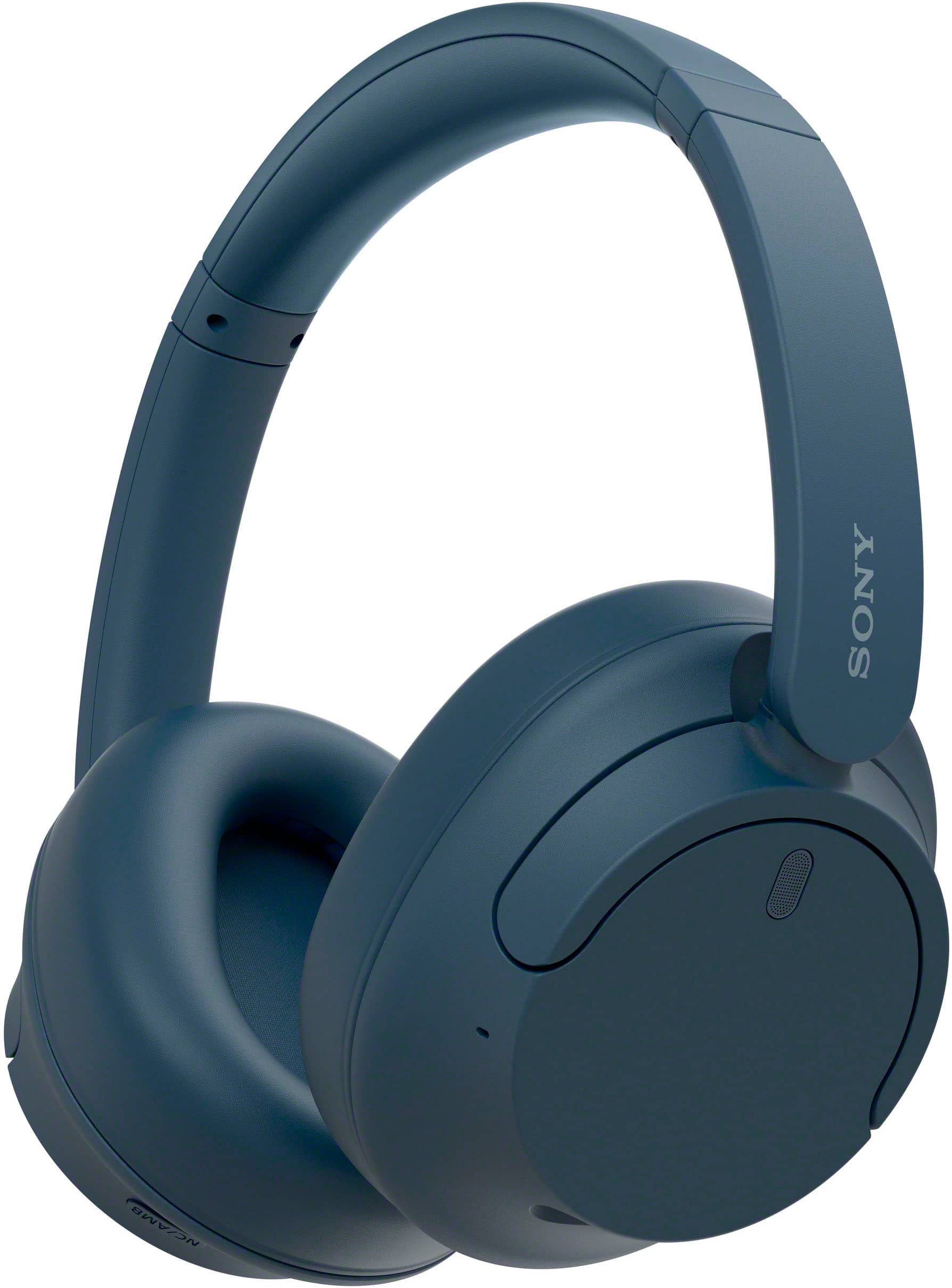
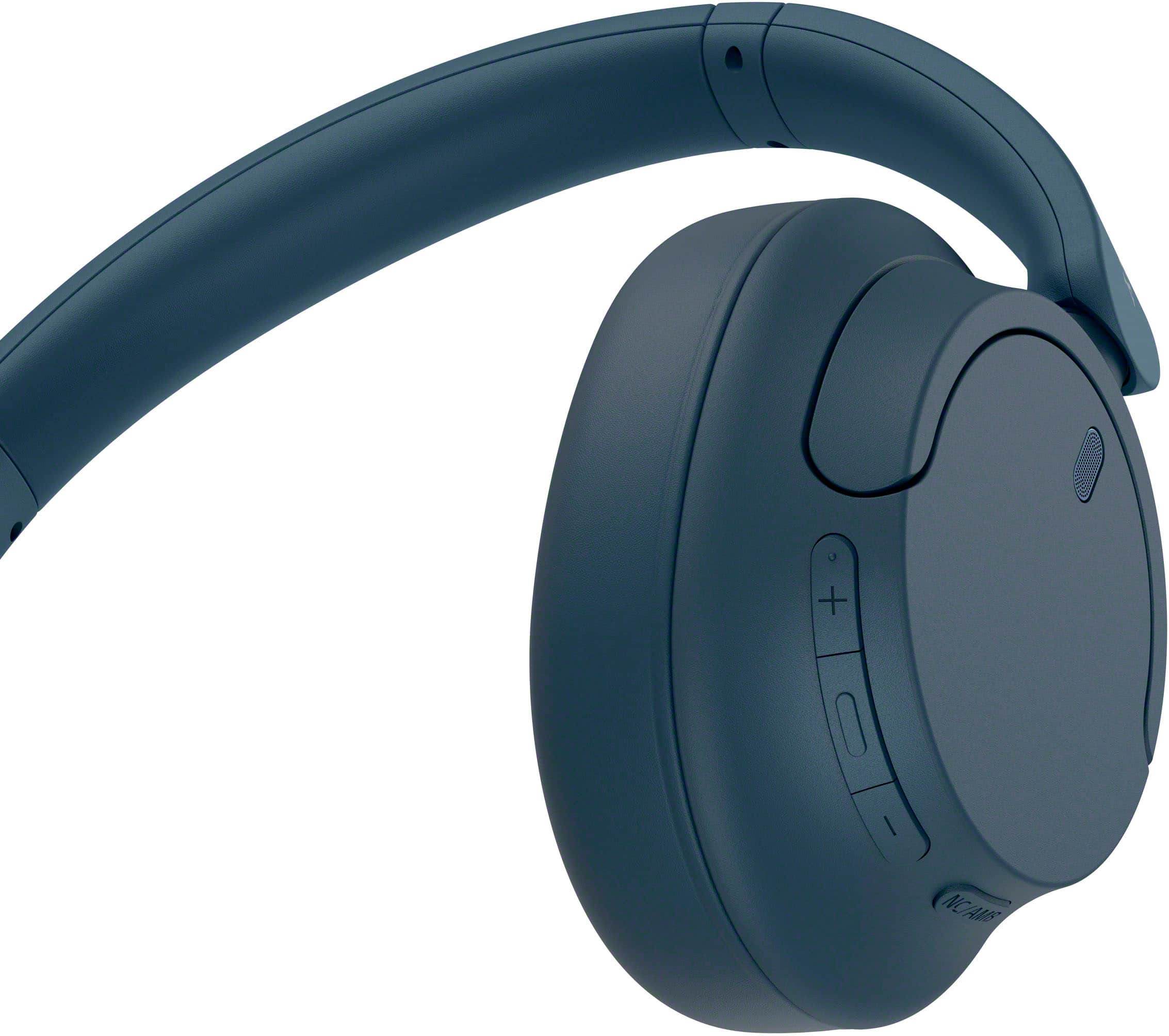
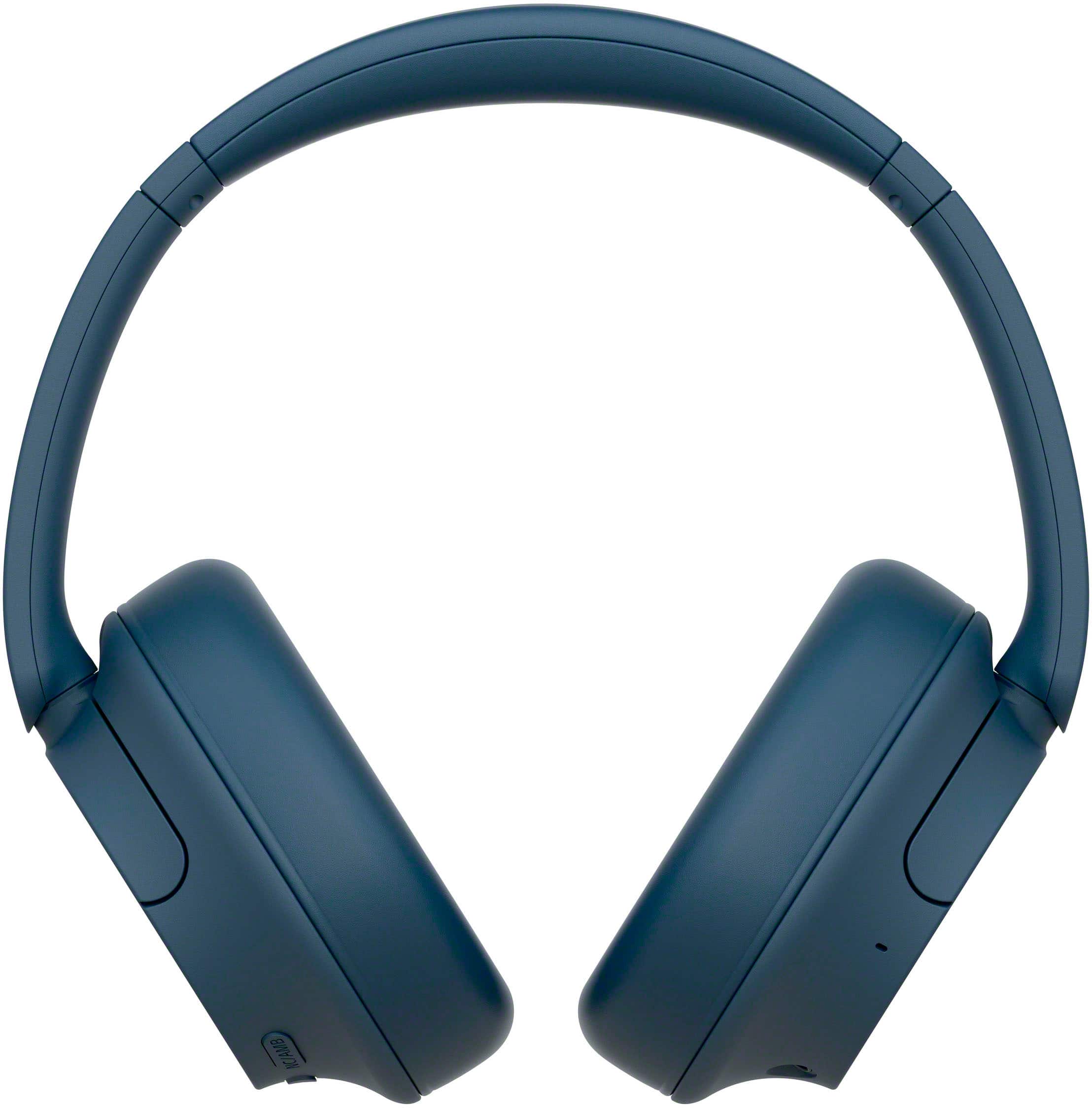
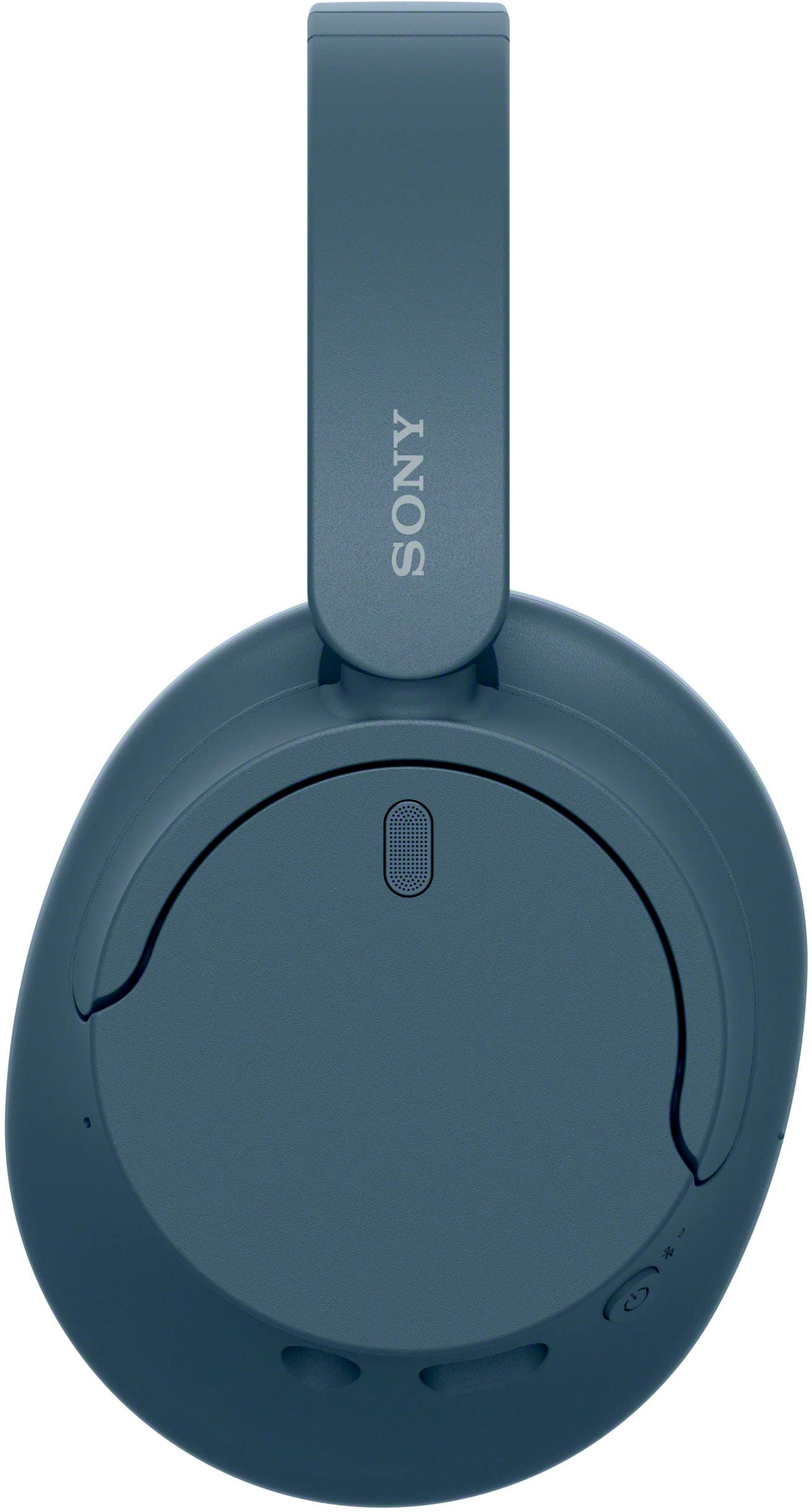
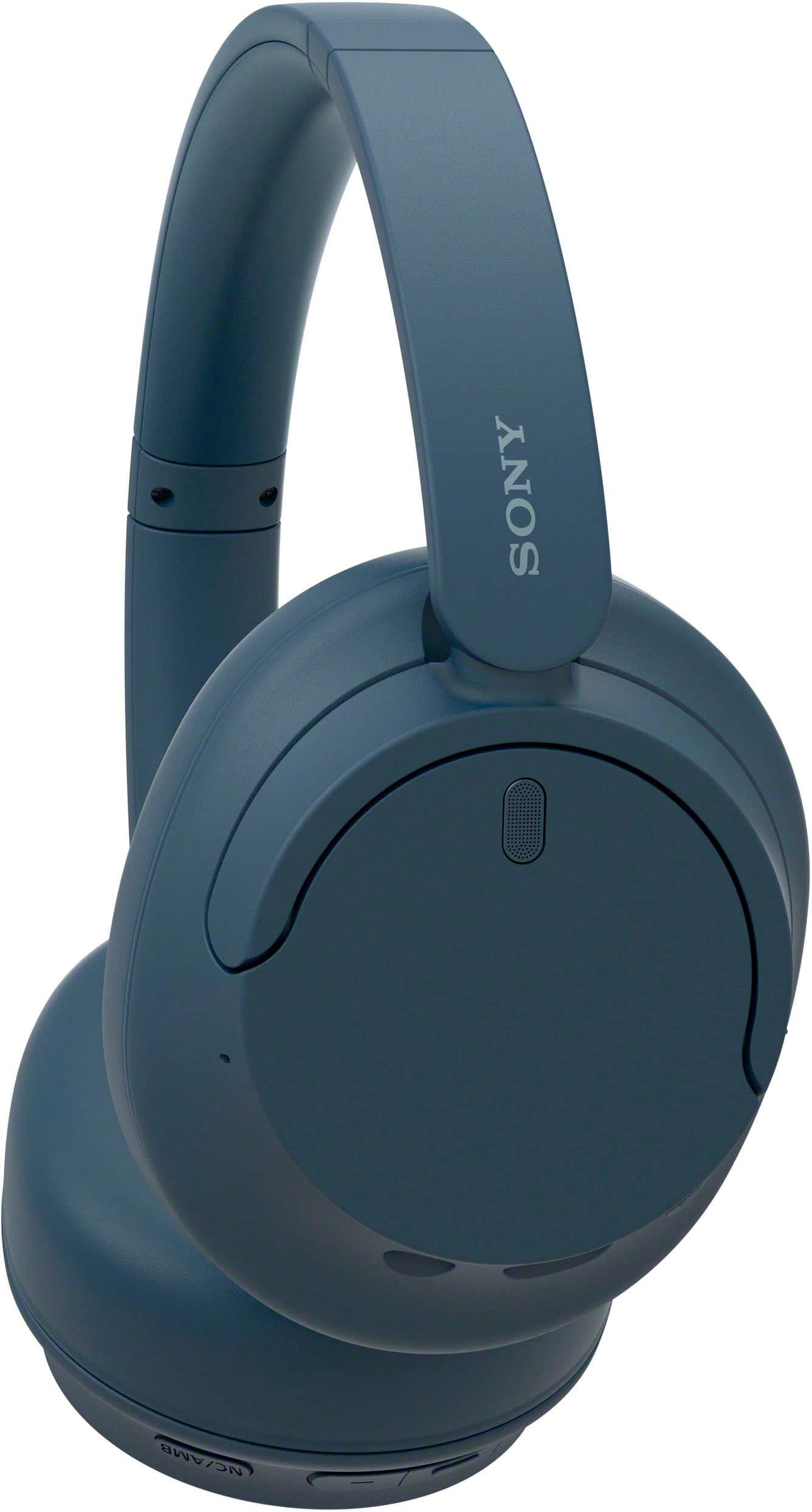
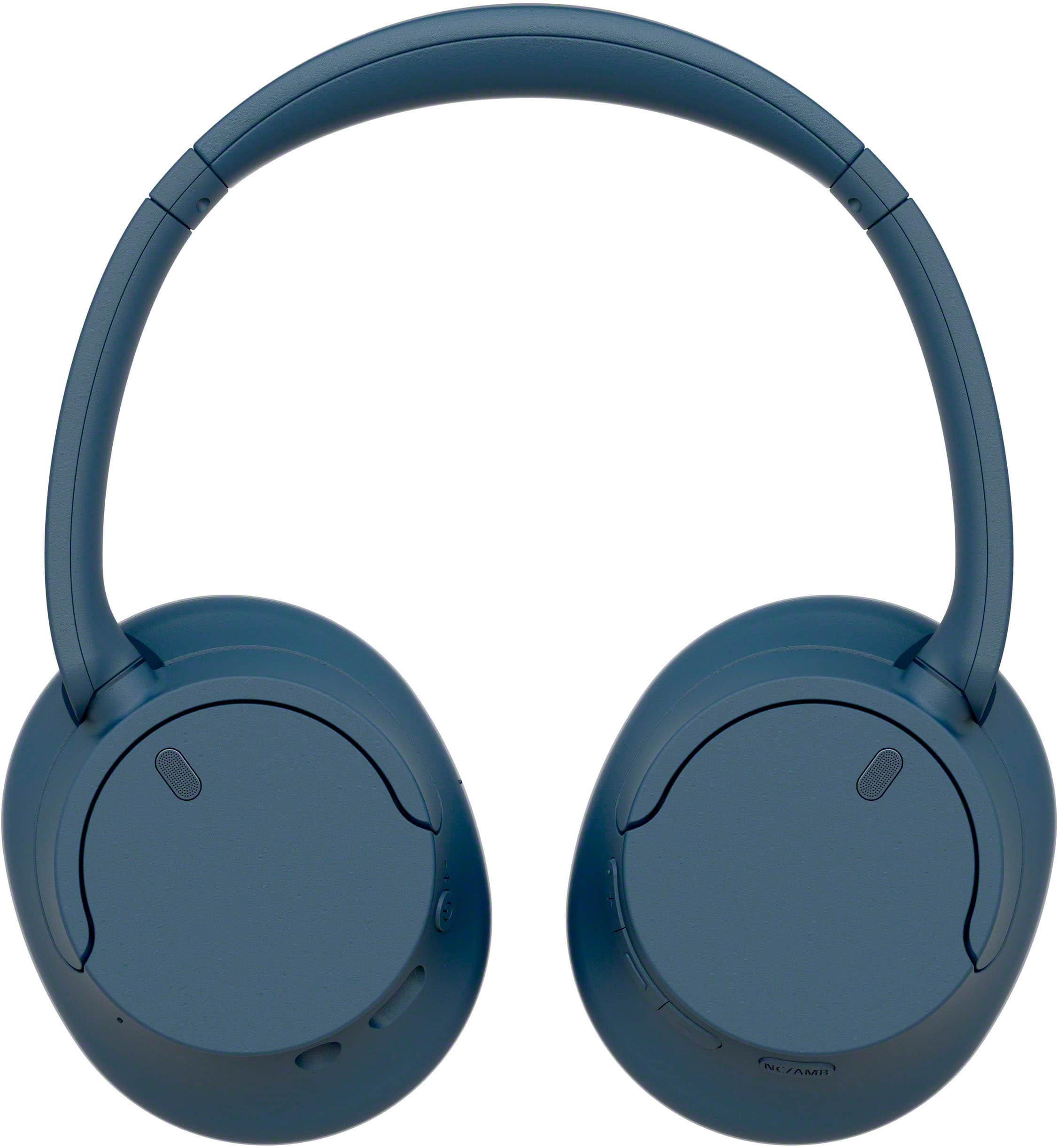
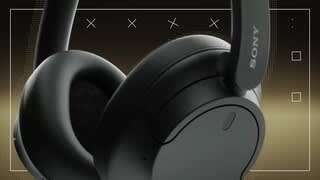
- Model:
- WHCH720N/L
- SKU:
- 6533160
Rating by feature
- Sound Quality
Rating 4.7 out of 5 stars
- Battery Life
Rating 4.8 out of 5 stars
- Connectivity
Rating 4.7 out of 5 stars
Customers are saying
Customers are positive about the noise cancellation, comfort, sound quality, battery life, price, lightweight design, and connectivity of the WHCH720N Wireless Noise Canceling Headphones. They appreciate the excellent noise cancellation, comfortable fit, great sound, long battery life, reasonable price, lightweight design, and easy connectivity. However, some customers have concerns about the fit, bass, app, and pairing process. They mention that the headphones do not fit snugly on the head, lack bass, require an app for full functionality, and can be tricky to pair initially.
This summary was generated by AI based on customer reviews.
Overall good
Posted .This reviewer received promo considerations or sweepstakes entry for writing a review.Very good for the price. Just a little uncomfortable on my ears
I would recommend this to a friendBrand response from SonyListens
Posted .Hi LucianoG,
Thank you for your time writing this review. We're glad you like your new headphones. However, we're sorry to hear your discomforts while wearing the unit. Adjusting the slider and orientation of the left and right units so that the earpads fit snugly all around your ears may help reduce discomforts. You may refer to this Help Guide link on how to properly wear the headphones: https://helpguide.sony.net/mdr/2966/v1/en/contents/TP1000781372.html
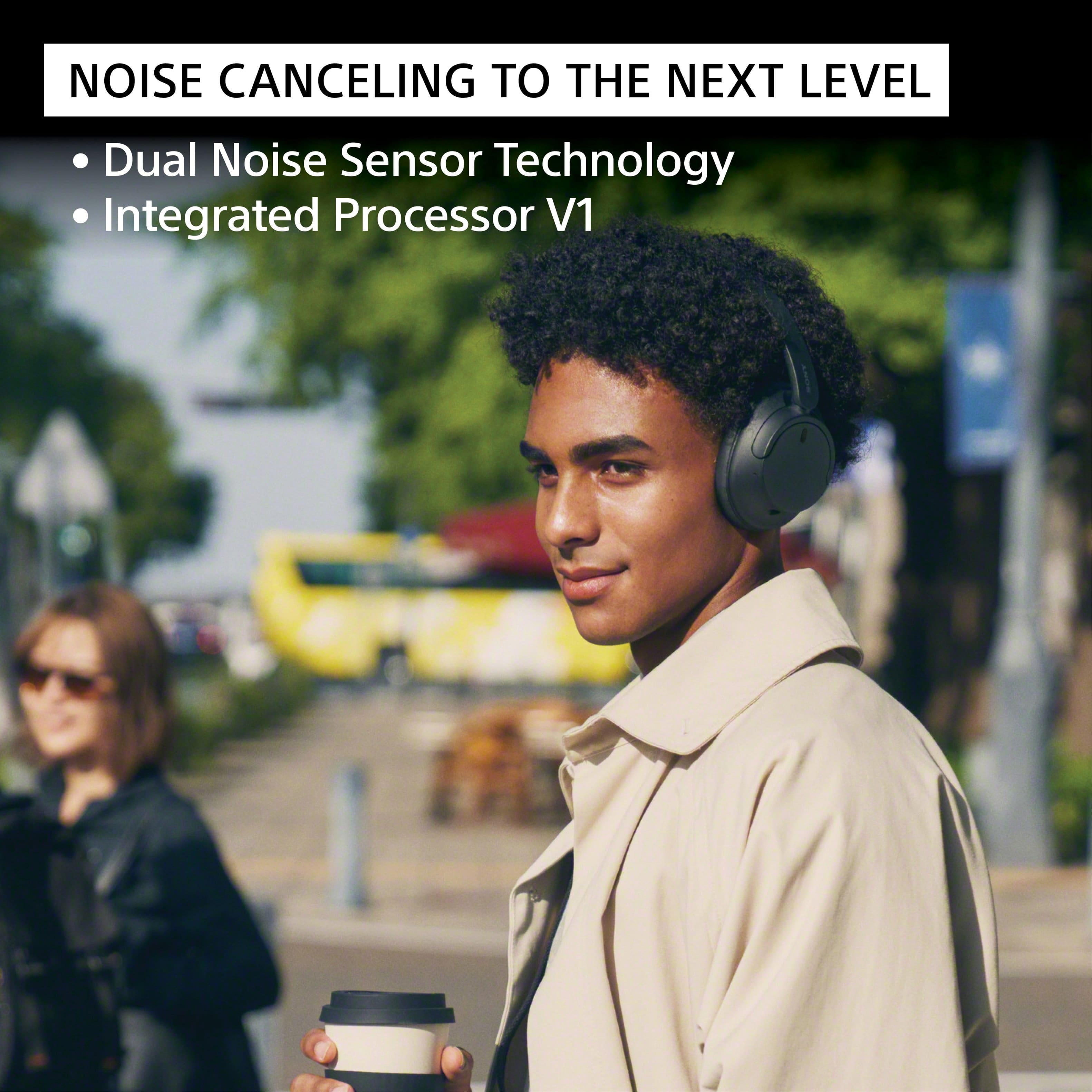
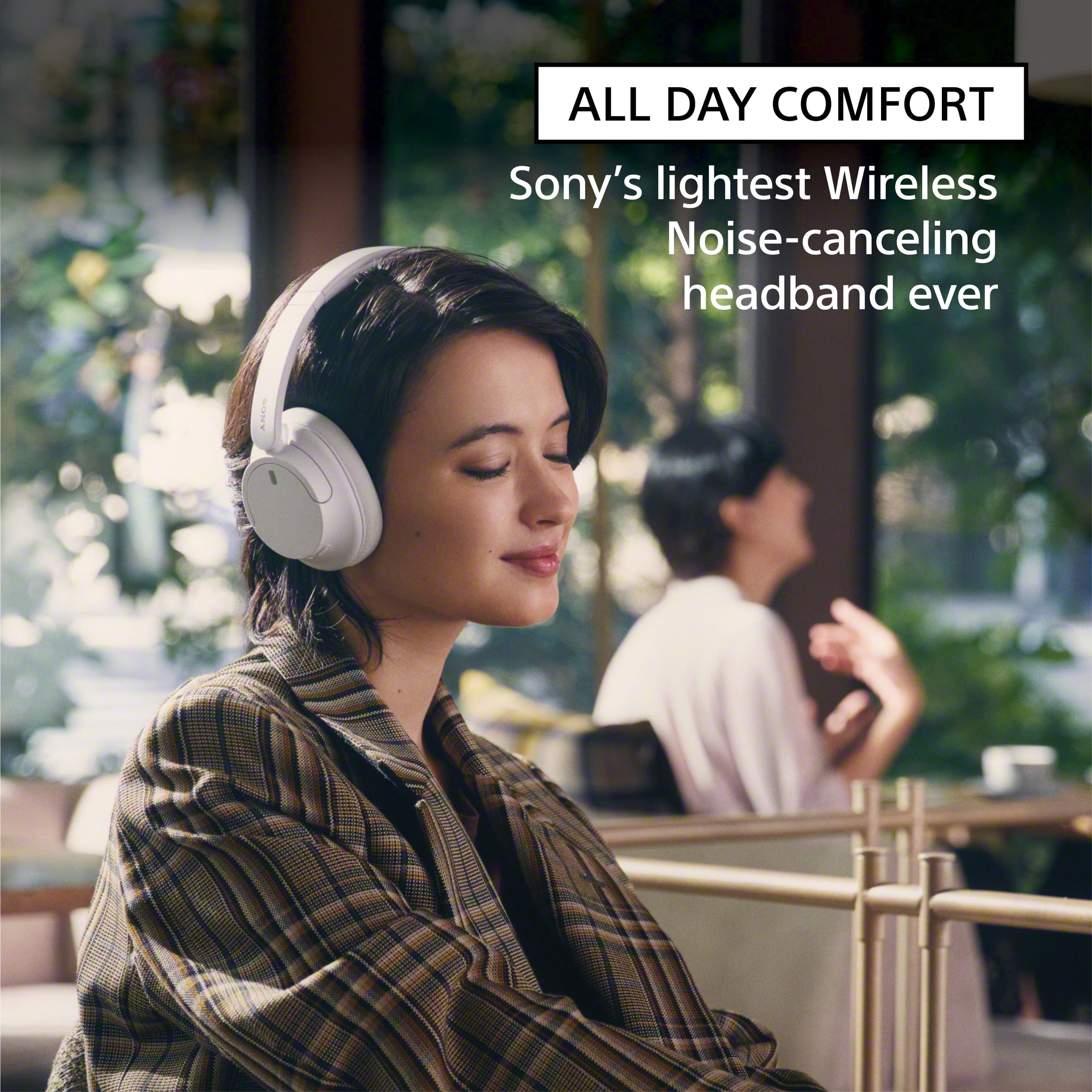
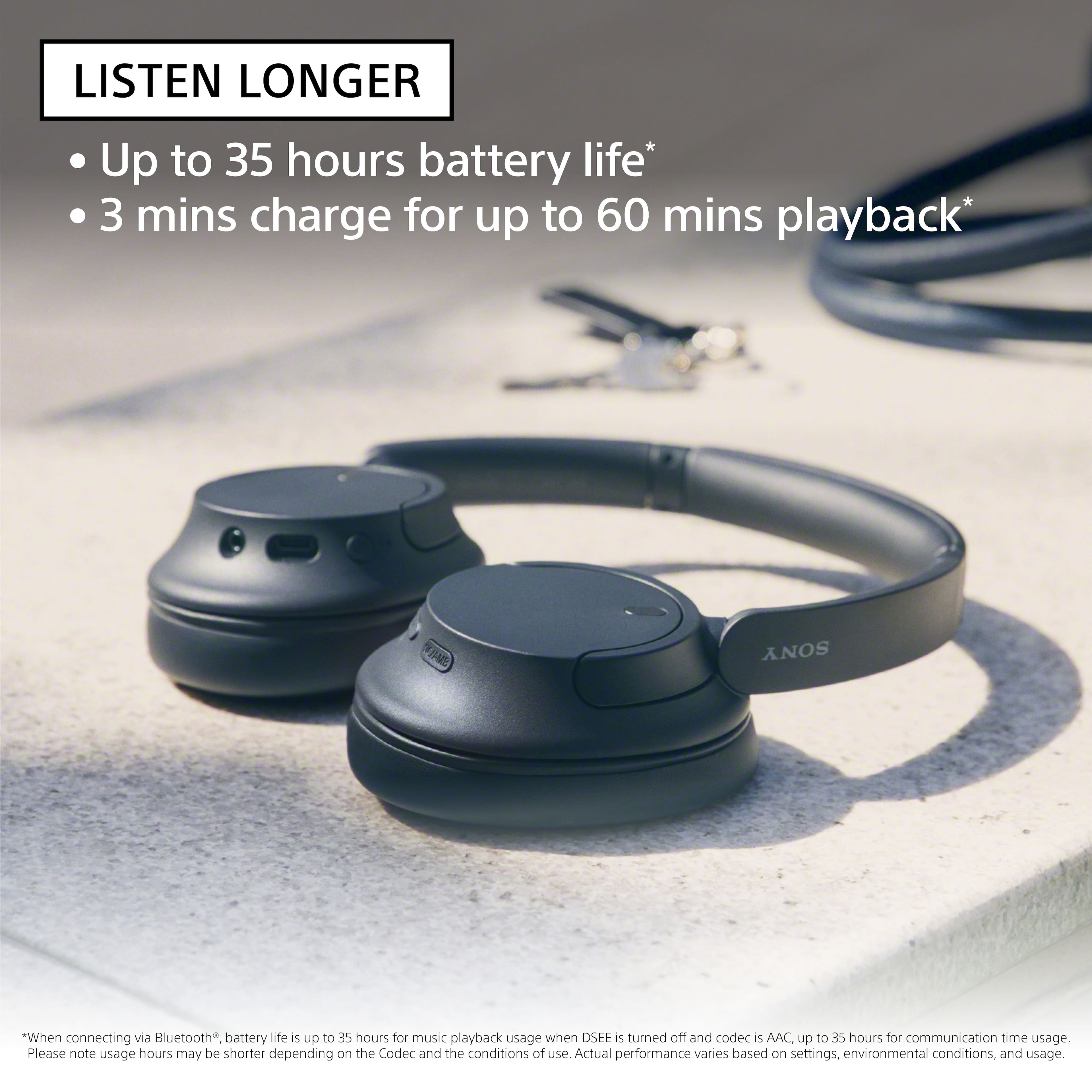
Turn down the world's noise with the long-lasting noise cancellation performance. Featuring Dual Noise Sensor technology and an Integrated Processor V1, the WH-CH720N allows you to fully immerse yourself in music without any distractions. Ergonomically designed to be lightweight, comfortable, and with up to 35 hours of battery life, you’ll almost forget you’re wearing it. Thank you for choosing Sony! - Kris
Good
Posted .This reviewer received promo considerations or sweepstakes entry for writing a review.They're nice, good price for what they do. work well
I would recommend this to a friendBrand response from SonyListens
Posted .That's wonderful, user427235! Turn down the world's noise with the long-lasting noise cancellation performance. Featuring Dual Noise Sensor technology and an Integrated Processor V1, the WH-CH720N allows you to fully immerse yourself in music without any distractions. Ergonomically designed to be lightweight, comfortable, and with up to 35 hours of battery life, you’ll almost forget you’re wearing it. Thanks for choosing Sony! Craig
2 out of 2 Pairs Stop Working
Posted .This reviewer received promo considerations or sweepstakes entry for writing a review.What a great waste of money! If you have too much money and want a great way to burn it without setting it on fire, these are the headphones for you! I read so many reviews before I purchased these. A lot of them say they were reviewed after a week of ownership, etc. I bought a pair of these, thinking I had done research just by reading the reviews on the Best Buy website. I was wrong. They broke within less than a month the with the first pair I had. My boyfriend and I went to Best Buy to get a refund a couple of weeks later. It was past the warranty date, but the Best Buy customer service representative gladly let us exchange them for a new pair because we bought the extended warranty. Our extended warranty, however, did not transfer over to the new pair. I didn't buy the extended warranty the second time around because I thought maybe I had just gotten a bad pair the first time. If they broke again, why would I want another pair of these headphones, they'd be pieces of crap. Well, here I am sitting writing this review. My second pair just stopped working. When I say these don't work, I mean that yes, they're noise cancelling. Yes, the Bluetooth connects. Yes, when you tap the power button it will tell you the battery charge level. However, despite all of this, if you try to play music or watch a video with these connected via bluetooth you won't be able to hear it. Isn't that the original reason people buy headphones? Isn't that the original goal the Sony engineers should have had in mind when making these? Not to mention the short charging wire the length of my pinkie they come with right out of the box. It's okay though, because in my experience you can't listen to anything while they're charging anyway. They just don't work These are a great disappoint and a greater waste of my time, money, and energy. Yes, they will connect to multiple devices seamlessly. Yes, they're budget-ish headphones. Yes, they're noise cancelling. But they don't play sound. What's the point? I could just buy ear plugs instead. I expected better from a household name brand to be honest. I will not be purchasing Sony headphones again
No, I would not recommend this to a friendBrand response from SonyListens
Posted .Hi Amber,
We regret to hear that there is no sound when using the headphones. For optimum performance, make sure to install the latest software version of the headphones (via the Sony Headphones Connect app). Make sure to follow the troubleshooting steps on this link to help resolve the issue:
https://helpguide.sony.net/mdr/2966/v1/en/contents/TP1000776824.html
Here are the steps to reset and initialize the headset:
Resetting the headset
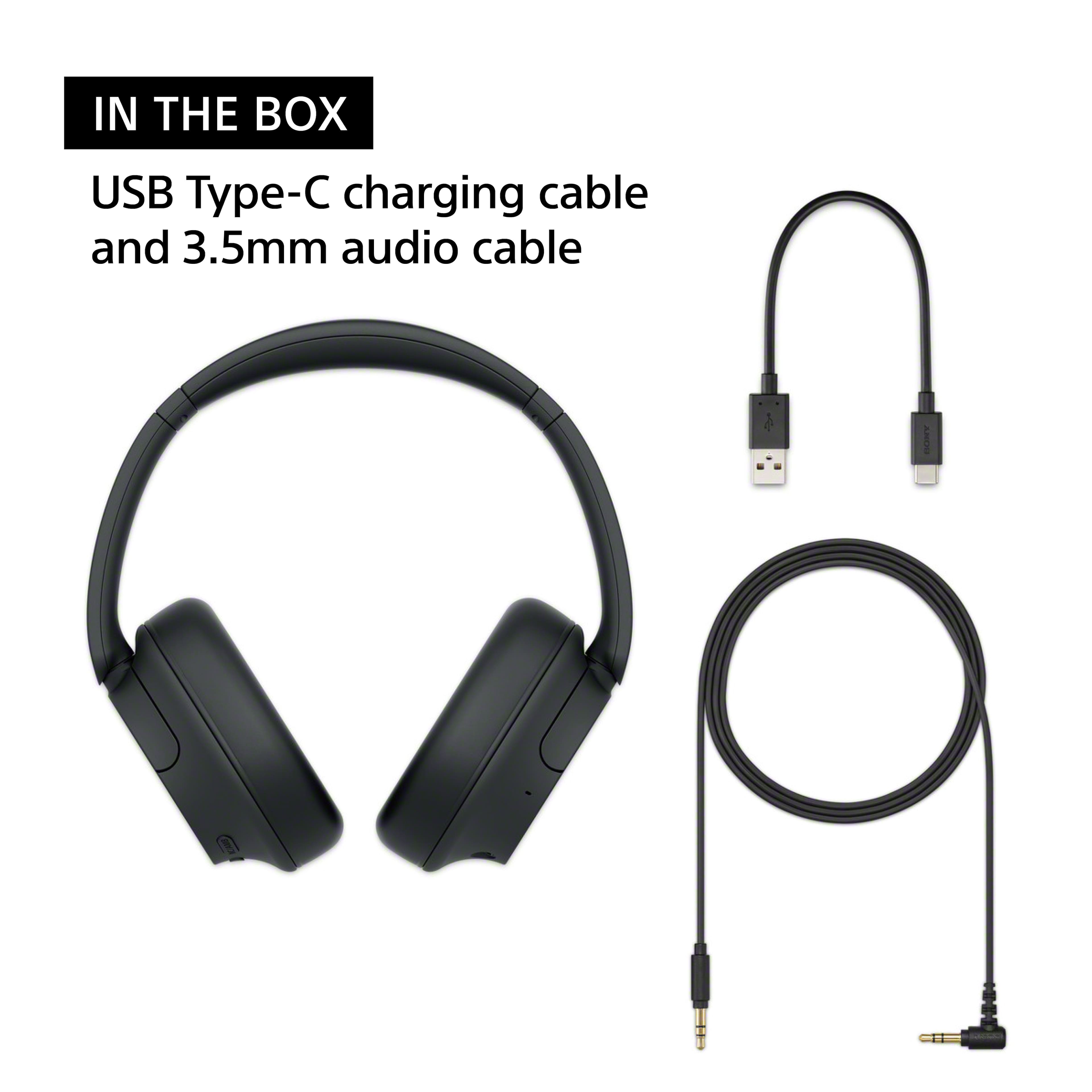
-Connect the headset to an AC outlet. Use the supplied USB Type-C cable and a commercially available USB AC adaptor.
-Press the (power) button and the NC/AMB (noise canceling/Ambient Sound Mode) button simultaneously. The headset will be reset.
The pairing information and other settings are retained. If the headset does not operate correctly even after resetting, initialize the headset to restore factory settings.
Initializing the headset
-Turn off the headset. Remove the USB Type-C cable.
-Press and hold the (power) button and (play/call) button for about 10 seconds or more. When the initializing is complete, the indicator (blue) flashes 4 times
This operation resets volume settings, etc. to the factory settings, and deletes all pairing information. In this case, delete the pairing information for the headset from the connected device and then pair them again.
Hope this helps. If still not resolved or you need further assistance, please email us at socialsupport@am.sony.com with the following details:
Name:
Username:
Model Number:
Issue:
Telephone Number:
Or contact our product support team via phone call or chat through this link:
https://us.esupport.sony.com/support/s/support-contact?language=en_US&category=headphones
Sincerely,
-Ralph
Good but noise cancellation is eh + they dont bend
Posted .This reviewer received promo considerations or sweepstakes entry for writing a review.honestly they’re really good but for the price, i expected a little bit better noise canceling. they also don’t bend so putting them in my gym bag is slightly scary haha
I would recommend this to a friendBrand response from SonyListens
Posted .Hi user623544,
Thank you for the review and we do apologize for the inconvenience. Your feedback is greatly appreciated. We recommend using the Sony Headphones Connect app so you can adjust the noise canceling and other sound settings of the headphones.
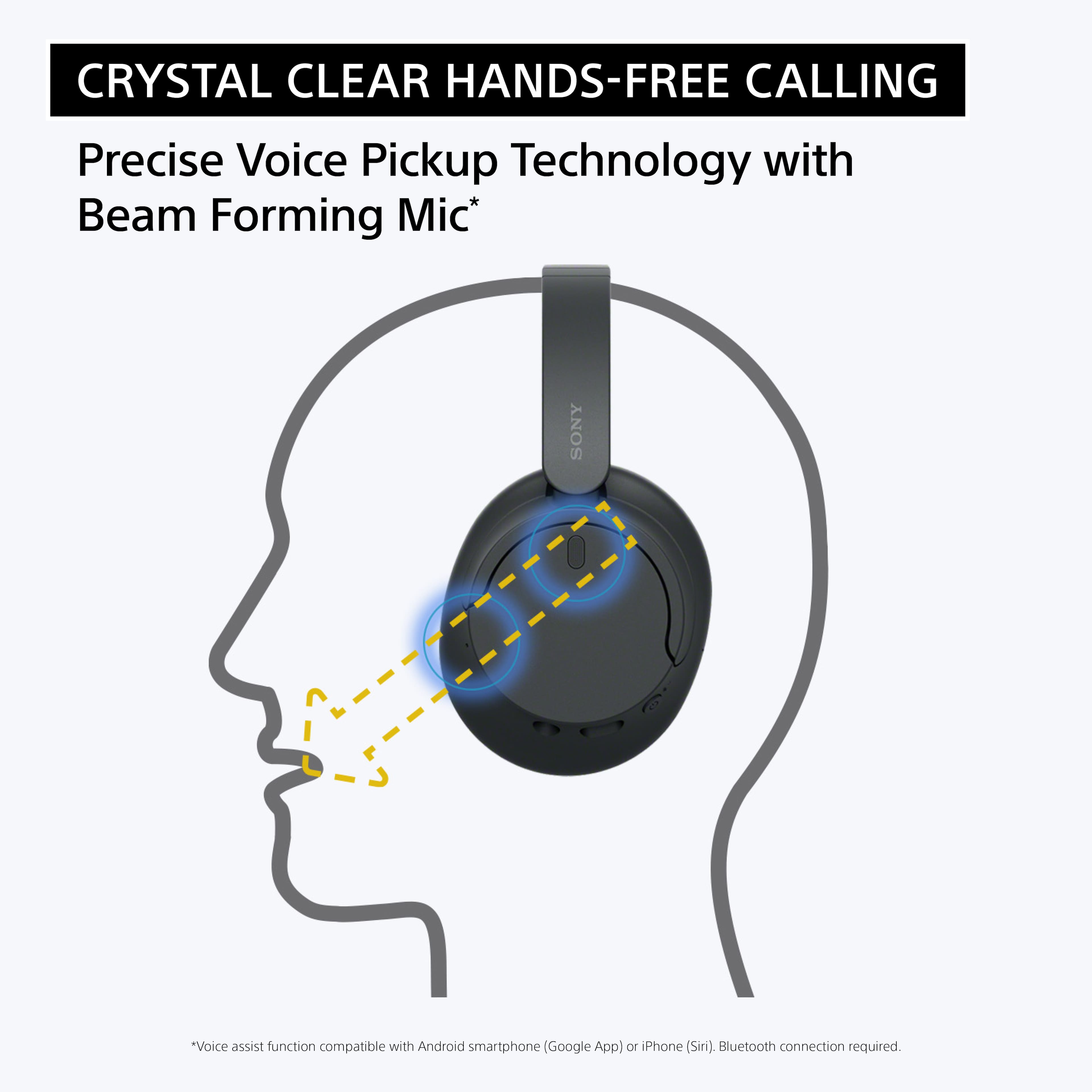
Our WH-CH720N headphones allow you to enjoy natural vocals, crystal-clear sound and balanced tuning audio, thanks to the Integrated Processor V1 and Digital Sound Enhancement Engine (DSEE), producing a high-quality sound exactly as the artists intended. The Precise Voice Pickup technology Wind Noise Reduction Structure will give you a clear and natural conversation during calls. We take all user input seriously and will make sure your comments reach the appropriate person. Thank you for choosing Sony!
-David
Good
Posted .This reviewer received promo considerations or sweepstakes entry for writing a review.Noticed noise cancellation issues, other end keep complaining about it , except this issue everything exceptional
No, I would not recommend this to a friendOK quality -- had to return.
Posted .This reviewer received promo considerations or sweepstakes entry for writing a review.Bought these for my husband but ended up returning because sound quality wasn't great.
No, I would not recommend this to a friendBrand response from SonyListens
Posted .Hi user505534, Thanks for the feedback. We're sorry to hear that your husband is not impressed with the sound quality of the headphones. This is definitely not the news we wanted to hear however, we hope that you'd still consider our products in your future purchase. Thanks and regards, -Craig
Poor noise cancelling
Posted .This reviewer received promo considerations or sweepstakes entry for writing a review.These are good if you just want standard headphones but I cannot say the noise cancelling feature is good. I hear everything. I should have known when I tried them on in the store and I could still hear the music. If you want better noise cancelling I would try a different pair. I will likely return these.
No, I would not recommend this to a friendFair
Posted .This reviewer received promo considerations or sweepstakes entry for writing a review.Sound was distant and soft, even on higher settings. Not the most comfortable if you have piercings. Generally did what they wete meant
No, I would not recommend this to a friendBrand response from SonyListens
Posted .Hi user716616,
We regret to hear that you are not satisfied with the headphones. Your feedback is extremely important to us and is very much appreciated. For optimum performance, make sure to install the latest software version of the headphones (via the Sony Headphones Connect app).
Sound quality may vary depending on the source content. You do have the option to use the Sony app's equalizer function to tailor-fit the sound quality to your needs. For more information, please refer to this link:
https://helpguide.sony.net/mdr/2966/v1/en/contents/TP1000776844.html
For optimum fit and comfort, make sure to wear the headphones properly and adjust the headband depending on your head shape. You may find this link helpful:
https://helpguide.sony.net/mdr/2966/v1/en/contents/TP1000781372.html
Hope this helps. In case you need further assistance, please email us at socialsupport@am.sony.com with the following details:
Name:
Username:
Model Number:
Issue:
Telephone Number:
Or contact our product support team via phone call or chat through this link:
https://us.esupport.sony.com/support/s/support-contact?language=en_US&category=headphones
Sincerely,
-Ralph
DO NOT BUY
Posted .This reviewer received promo considerations or sweepstakes entry for writing a review.These headphones lose Bluetooth connection at least once every 10-30 minutes. I went through all the troubleshooting steps and got Sony to send me a replacement pair, but I have the same problem with the new pair. Sony customer service is awful and they will not issue a refund.
No, I would not recommend this to a friendBrand response from SonyListens
Posted .Hi CreightonB, We are sorry to hear that the replacement pair has the same problem. This is definitely not the experience we'd like you to have. May we also contact you to help and get more information? If so, please email the below information to socialsupport@am.sony.com.
Apologies if you disclosed some of this information in your review and to customer service, we just want to ensure that we have your accurate details at the time of communication.
Full Name:
BBY Username:
Telephone Number:
Case Number:
Additional Information regarding your experience with the 720N
We are sorry for the inconvenience and hope to speak to you to resolve this matter.
Sincerely,
Erin
Couldn't Pair with TV
Posted .This reviewer received promo considerations or sweepstakes entry for writing a review.Bought these this morning. Tried pairing with my Samsung TV (QN90B). Was not able to pair. The instructions provided with the headset are awful. I tried downloading better instructions from Sony but to no avail. These are going back to the store at my first opportunity.
No, I would not recommend this to a friendBrand response from SonyListens
Posted .Hi JamesP, We are sorry to hear that these headphones won't pair with your TV. The WH-CH720N can be paired to TVs that support the Advanced Audio Distribution Profile (A2DP). To use the Bluetooth function, both of the connecting devices must be registered in advance. The operation to register a device is called “pairing”. Pair the headset and the device manually.
Ref: https://helpguide.sony.net/mdr/2966/v1/en/contents/TP1000776866.html
If this does not help, please email us at socialsupport@am.sony.com with the following details:
Name:
Username:
Model Number:
Issue:
Telephone Number:
Sincerely,
Erin
Defective :(
Posted .This reviewer received promo considerations or sweepstakes entry for writing a review.Immediately out of the box the right ear is crackling and popping like loose wires super cheaply made
No, I would not recommend this to a friendBrand response from SonyListens
Posted .Hi user261124 , we're sorry to hear that the right ear has crackling and popping sound. This is not the experience we'd like you to have. We'd love to help you troubleshoot your problem and turn your experience around.
If you experience crackling, buzzing, popping, or vibration noises on your Bluetooth® headphones, follow these troubleshooting steps and check if it resolves the issue.
Note: The troubleshooting steps may vary depending on the model. If model-specific information is required to complete any of the steps in this solution, refer to the operating instructions supplied with the product.
Reset the headphones.
Initialize the headphones.
Pair the headphones with your device.
If you still experience noise issues from your headphones that sound different than the more common static or distortion sounds caused by environmental interference issues, please email us at socialsupport@am.sony.com with the following details:
Name:
Username:
Model Number:
Issue:
Telephone Number:
Sincerely,
Erin
Not worth the price
Posted .This reviewer received promo considerations or sweepstakes entry for writing a review.The headphones are not loud enough. For the price I paid it’s not worth it.
No, I would not recommend this to a friendBrand response from SonyListens
Posted .Hi MaryC, We apologize for the inconvenience. Kindly check the link below : https://helpguide.sony.net/mdr/2966/v1/en/contents/TP1000776823.html There are steps you can perform to improve the sound level of the headphones.
If you need further assistance with your device, you may reach us at socialsupport@am.sony.com with the following details :
Full Name:
Best Buy Username:
Telephone Number:
Sony Model Number:
Additional Information regarding your experience with the unit:
We are sorry for the inconvenience and hope to speak to you to resolve this matter.
Sincerely,
-Craig
Bad tablet
Posted .This reviewer received promo considerations or sweepstakes entry for writing a review.Does not turn on. I'm obviously taking it back. Disappointed.
No, I would not recommend this to a friendBrand response from SonyListens
Posted .Hi user424789, We are sorry to hear that the headphones won't turn on. This is definitely not the experience we'd like you to have. We'd love to help you troubleshoot your problem and turn this into a better experience.
For power related concerns, please try the following:
Make sure the battery is fully charged.
The headset cannot be turned on while charging the battery. Remove the USB Type-C cable and turn on the headset.
Reset the headset.
Initialize the headset, and pair the headset and the device again.
Ref: https://helpguide.sony.net/mdr/2966/v1/en/contents/TP1000776912.html
May we also contact you to help and get more information? If so, please email the below information to socialsupport@am.sony.com.
Apologies if you disclosed some of this information in your review and to customer service, we just want to ensure that we have your accurate details at the time of communication.
Full Name:
BBY Username:
Telephone Number:
Additional Information regarding your experience with the WHCH720N
We are sorry for the inconvenience and hope to speak to you to resolve this matter.
Sincerely,
Erin