Customer Ratings & Reviews
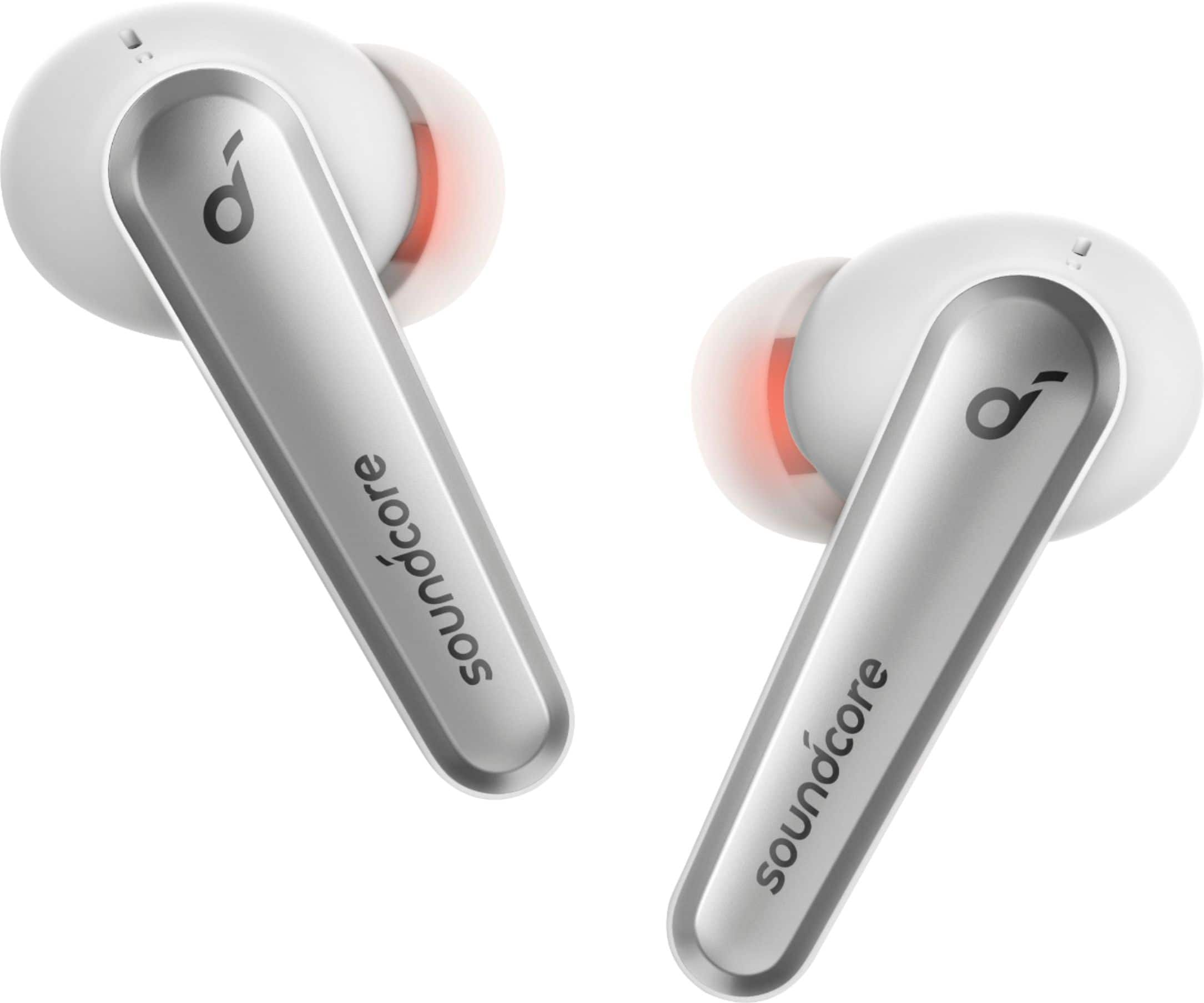
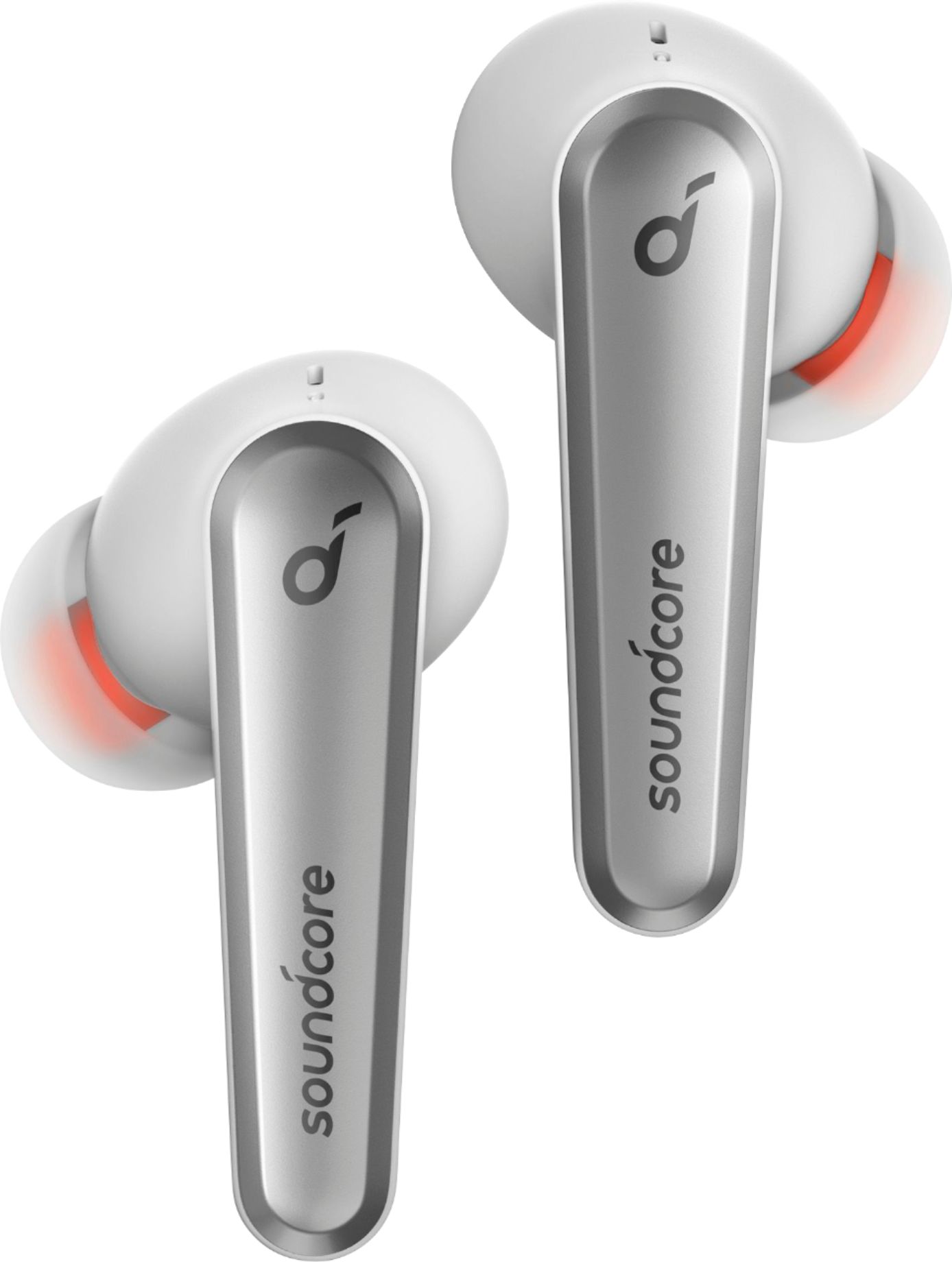
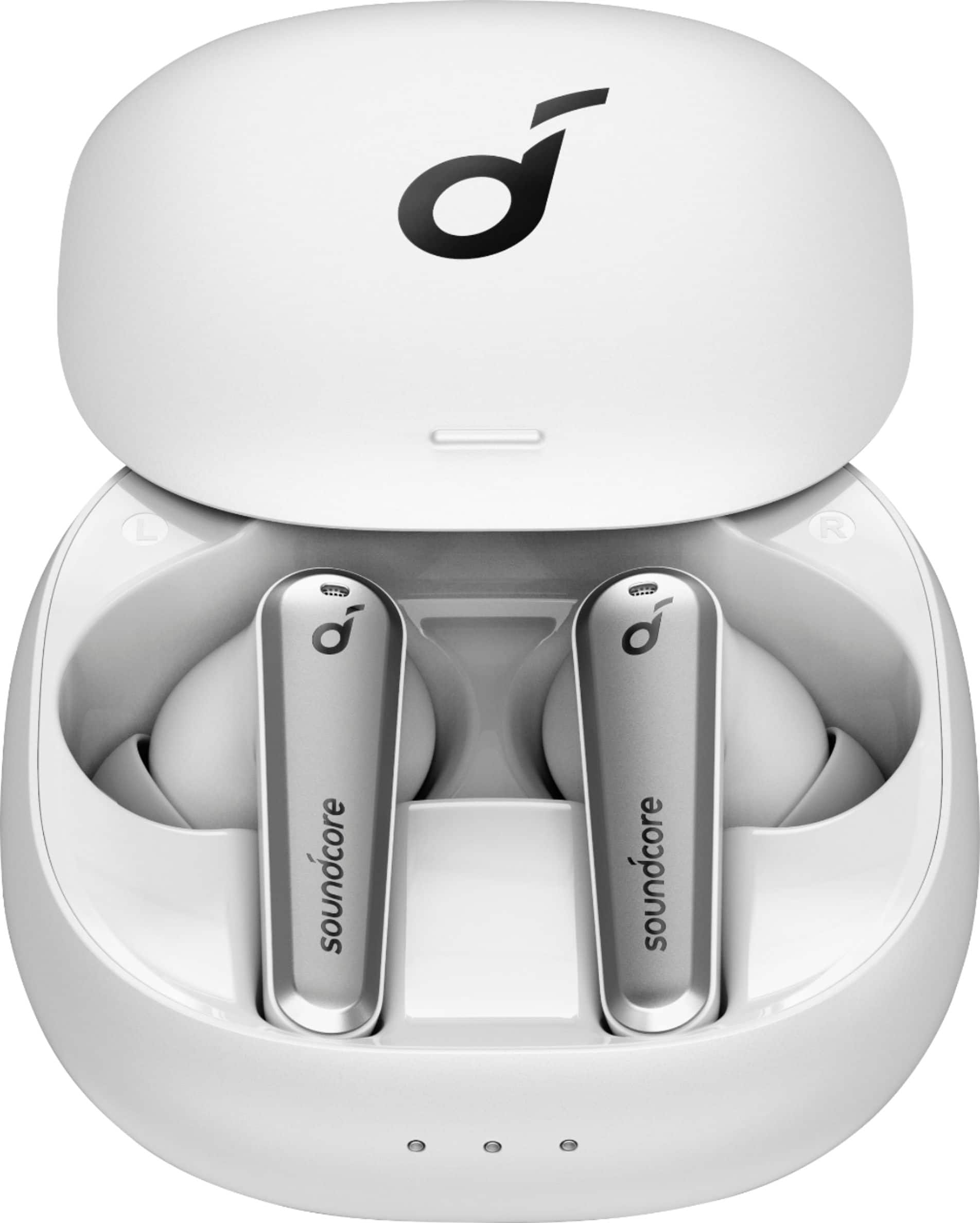


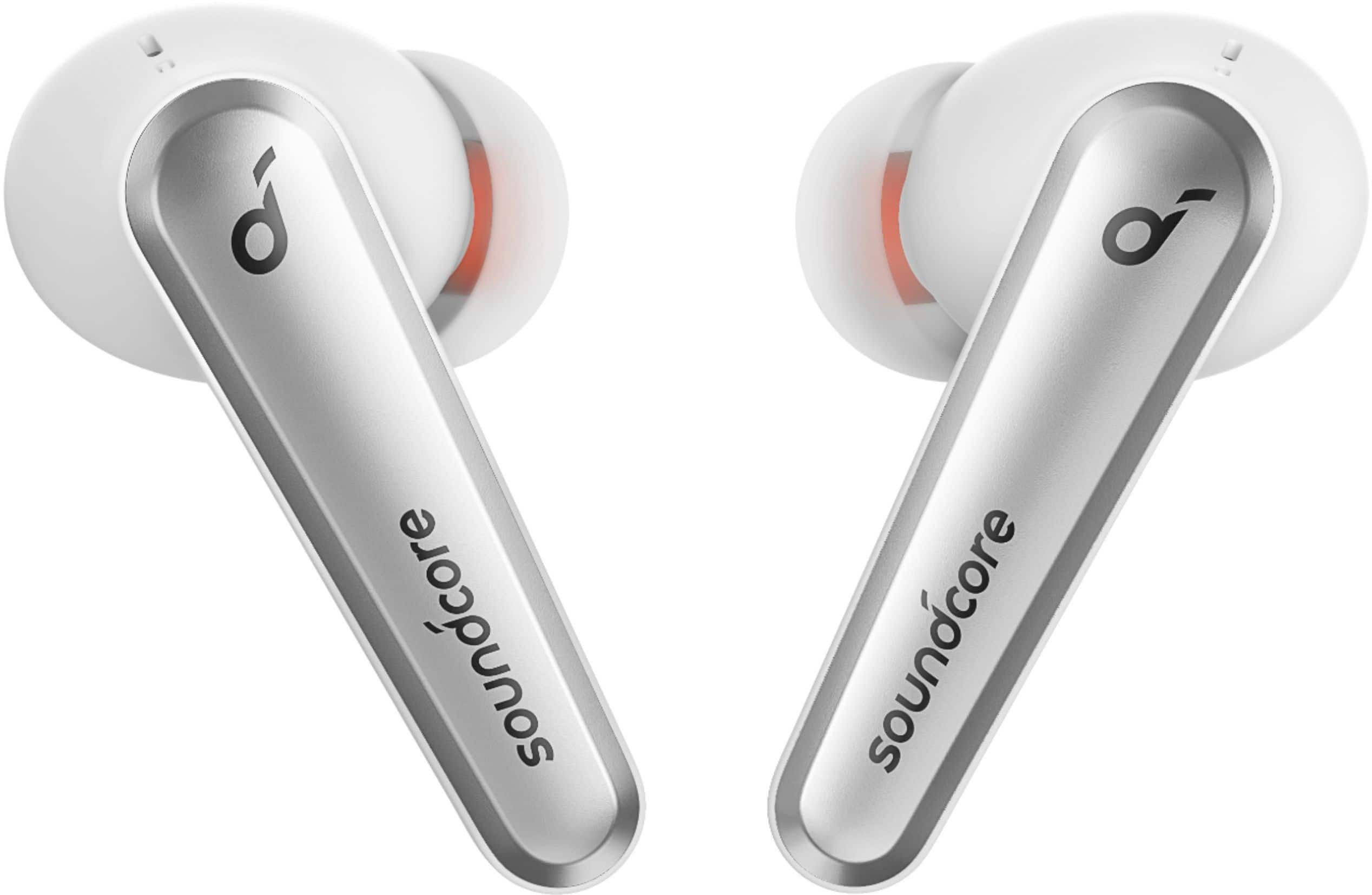

- Model:
- A3951Z21
- SKU:
- 6425634
Rating by feature
- Sound Quality
Rating 4.5 out of 5 stars
- Battery Life
Rating 4.4 out of 5 stars
- Connectivity
Rating 4.4 out of 5 stars
Customers are saying
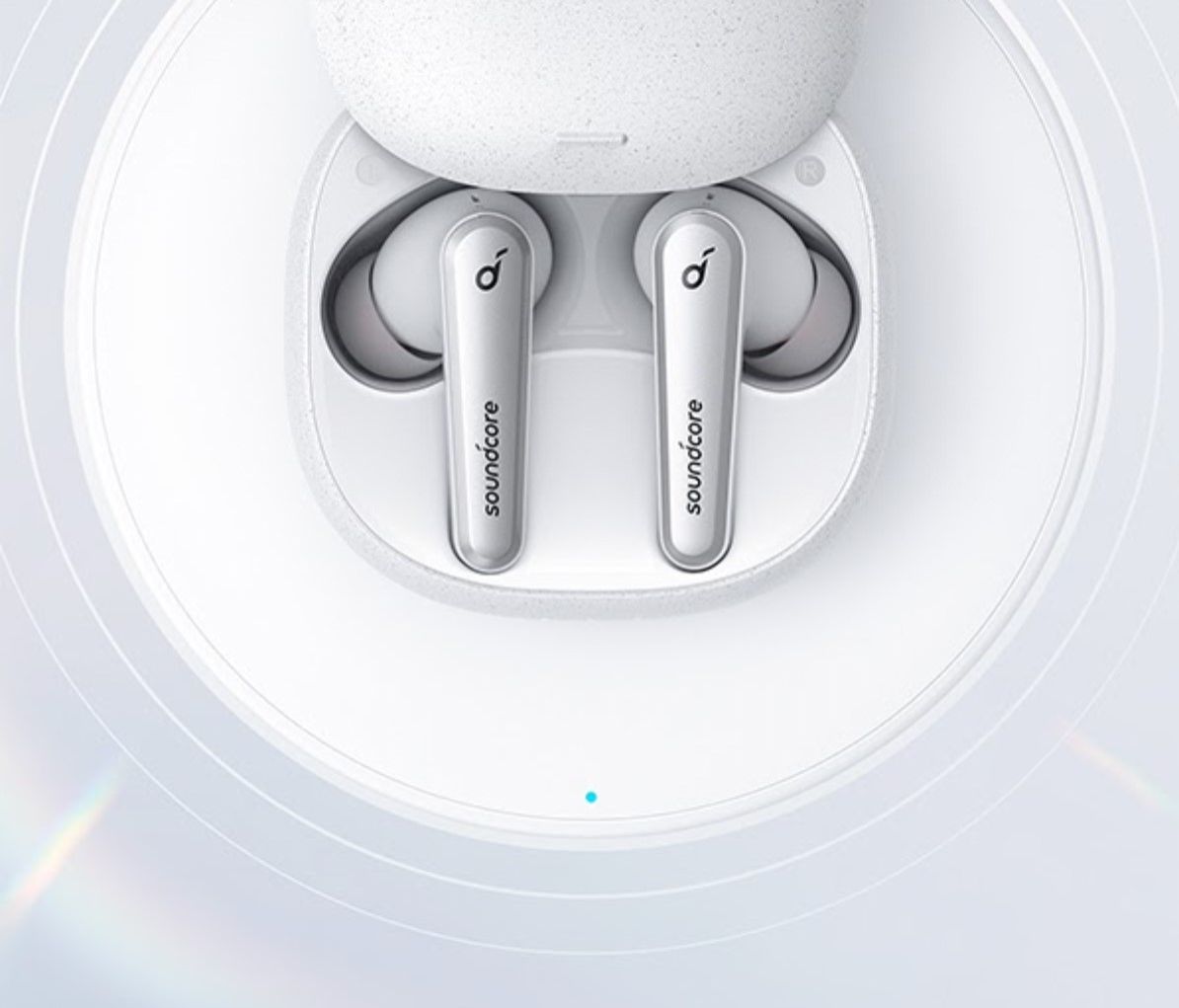
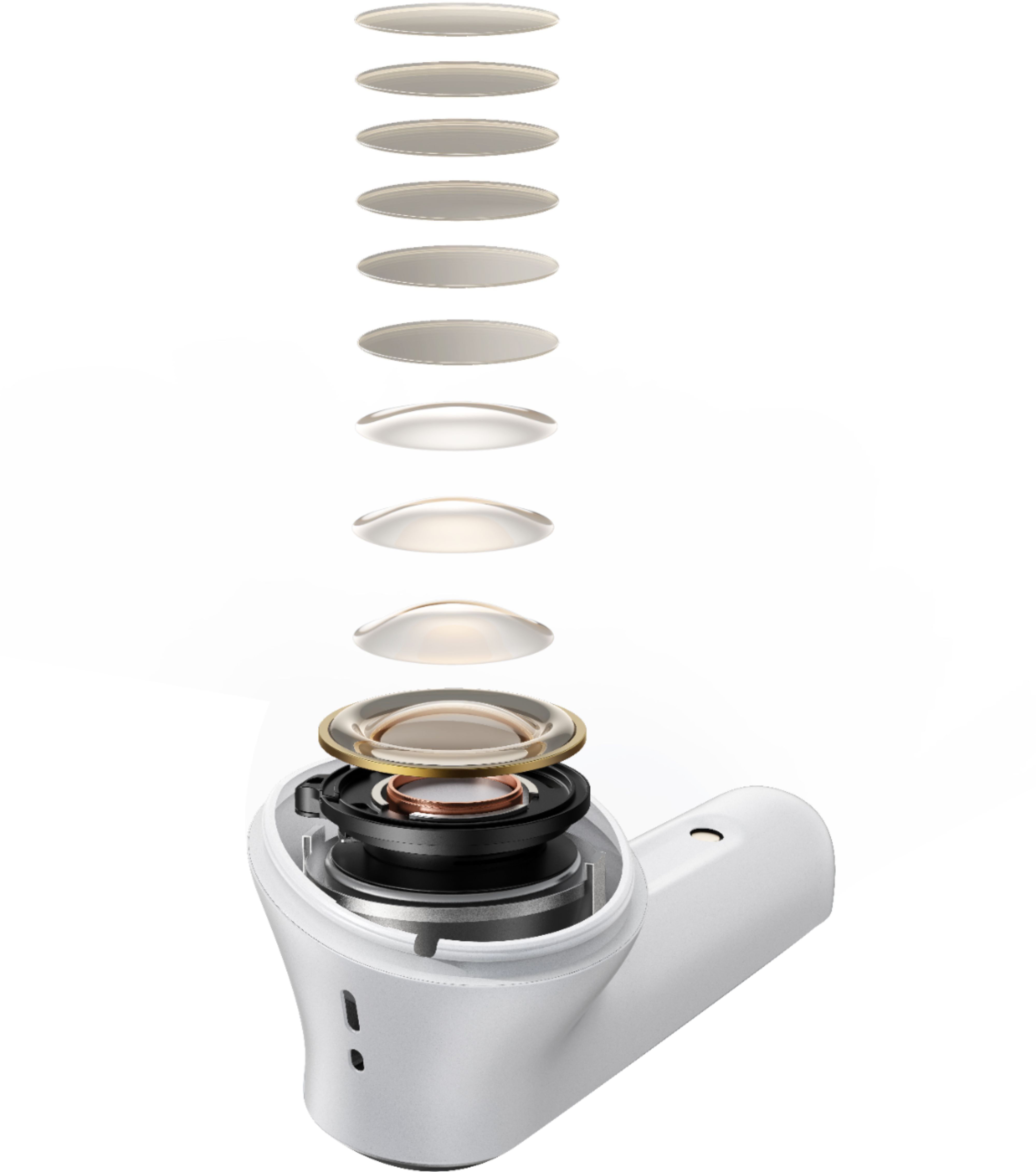
Customers are enthusiastic about the Anker Liberty Air 2 Pro Earbuds, particularly praising the exceptional sound quality, comfortable fit, and impressive battery life. Many users also appreciate the affordable price point and the effectiveness of the active noise cancellation. However, some users have expressed concerns about the fit and connectivity issues, as well as the lack of volume control and occasional microphone problems.
This summary was generated by AI based on customer reviews.
- Cons mentioned:Connection
Yikes
||Posted . Owned for 1 year when reviewed.This reviewer received promo considerations or sweepstakes entry for writing a review.I was surprised by how low quality these were for the price point. Low quality sound, and low output. These frequently disconnect in the middle of songs only to reconnect a second later. I have reset these per the company’s instructions with no luck.
No, I would not recommend this to a friend - Pros mentioned:Sound quality
Disappointed with anc on
||Posted . Owned for 1 month when reviewed.This reviewer received promo considerations or sweepstakes entry for writing a review.These earbuds woulda been great but the anc when turned on and music at 80 percent volume or more gave a loud popping noise in right earbud if anyones lookin for stem syle earbuds do yourself a favor and order the edifier neobuds pro but if ya want the best of the best order the new soundcore liberty 3 pro
No, I would not recommend this to a friendBrand response from Soundcore Team
Posted .Thank you so much for sharing your experience. It's unusual for this product to be acting like this, and we would love to get you what you need! If possible, please try the following steps to see if the issue persists:
1. Upgrade the APP and firmware to the latest version and then do the fit test until you get both earbuds passed. Try again and see if it works better now.
2. Reset the earbuds and try pairing them again with your device. For further tipps please watch the video "How to Reset Your Earbuds". You can find the video on any search engine by searching the keyword "UPqIjsCRfCk".
If it doesn’t help, please reach out to us via support
[email protected] or call us at +1 (800) 988 7973. We are more than happy to assist you further.
We offer an 18-month warranty for this product, plus lifetime technical support. Our standard for responding to email quests is less than 24 hours, and we look forward to hearing from you!
- Pros mentioned:Sound quality
Not a good buy
||Posted . Owned for 3 weeks when reviewed.This reviewer received promo considerations or sweepstakes entry for writing a review.Great for music but horrible for talking. The clarity is not there like other sets.
No, I would not recommend this to a friendBrand response from Anker Team
Posted .Thank you so much for sharing your experience. It's unusual for this product to be acting like this, and we'd love to get you what you need!
If possible, please try the following steps to see if the issue persists:
-Delete (forget/ignore) the pairing records for the headphones (both Liberty & Liberty L) on your device (phone/tablet/etc.) and turn off the Bluetooth.
-Reset the earbuds using the following steps:
1). Place the earbuds back into the charging case and keep the case open.
2).Tap and hold the button at the back of the case for 10 seconds until both earbuds' LED lights flash red 3 times.
-After the reset you will see the white light flashes quickly on the one earbud and the light flashes slowly on the other side, which means they pair together.
-Turn on the Bluetooth on your device again, search for the Liberty (not Liberty L) and pair the device to see if that worked.
-Please try with another device (phone/tablet/etc.) and see if the issue is the same.
-Use the default phone call on another phone to see if it makes any difference.
-Download the Soundcore APP and upgrade the firmware to the latest version.
If it doesn’t help, please reach out to us via [email protected] or call us at +1 (800) 988 7973. We are more than happy to assist you further.
We offer an 18-month warranty for this product, plus lifetime technical support. Our standard for responding to email quests is less than 24 hours, and we look forward to hearing from you!
Hard syncing to PC.
||Posted . Owned for 2 months when reviewed.This reviewer received promo considerations or sweepstakes entry for writing a review.Could never get them synced to my PC. Bought a bluetooth cable to help out but it didn't even work with that.
I would recommend this to a friendLost their shine after 6 months of use.
||Posted . Owned for 10 months when reviewed.This reviewer received promo considerations or sweepstakes entry for writing a review.Have used these headphones for a little less than a year and they have lost some of the functionality I once loved, starting around month 6! The headphones now are not staying connected to my iPhone 11 and my callers cannot hear me periodically (more frequent now than not). After 1 year of use, battery life is SIGNIFICANTLY reduced.
No, I would not recommend this to a friendBrand response from Soundcore Team
Posted .Thank you so much for sharing your experience. We're really sorry you've encountered this issue!
If possible, please try the following steps to see if the issue persists:
1. Confirm the charging case has power left (press the button on the case and note if an LED is illuminated). If the case LED does not light up, please charge the case first. Connect the case with the included USB-C cable and plug it into a USB power source to charge it for 2 hours.
2. Ensure all charging contact pins on the earbuds and charging case are completely clean and dry of sweat and water. You can also use cleaning alcohol for cleaning the contacts. Use a dry cloth to ensure the parts are clean and dry afterwards before using.
3. Please place the earbuds correctly into the charging case. When you put the earbuds back into the case, the first and third lights on the case flash twice to indicate both earbuds are charging normally. Charge the headphones for 1.5 hours until they are fully charged. While charging the LED on the earbuds is breathing. When the devices are full, the LEDs will turn off.
Hint: Searching the following keyword on a search engine will bring you to a short video showing how to clean our earbud contacts on an older model for reference: x2pwQ71MHrs.
Please also reset the earbuds as the following steps to see if it is helpful:
- Delete (forget/ignore) the pairing records for the headphones on your device and turn off the Bluetooth.
- Reset the earbuds (Search UPqIjsCRfCk on search engine for the video).
- Turn on the Bluetooth on your device again, search for the Liberty Air 2 Pro and pair the device to see if that worked.
If those don't help, please reach out to us via [email protected] or call us at +1 (800) 988 7973. We are more than happy to assist you further.
We offer an 18-month warranty for this product, plus lifetime technical support. Our standard for responding to email quests is less than 24 hours, and we look forward to hearing from you!
Not great
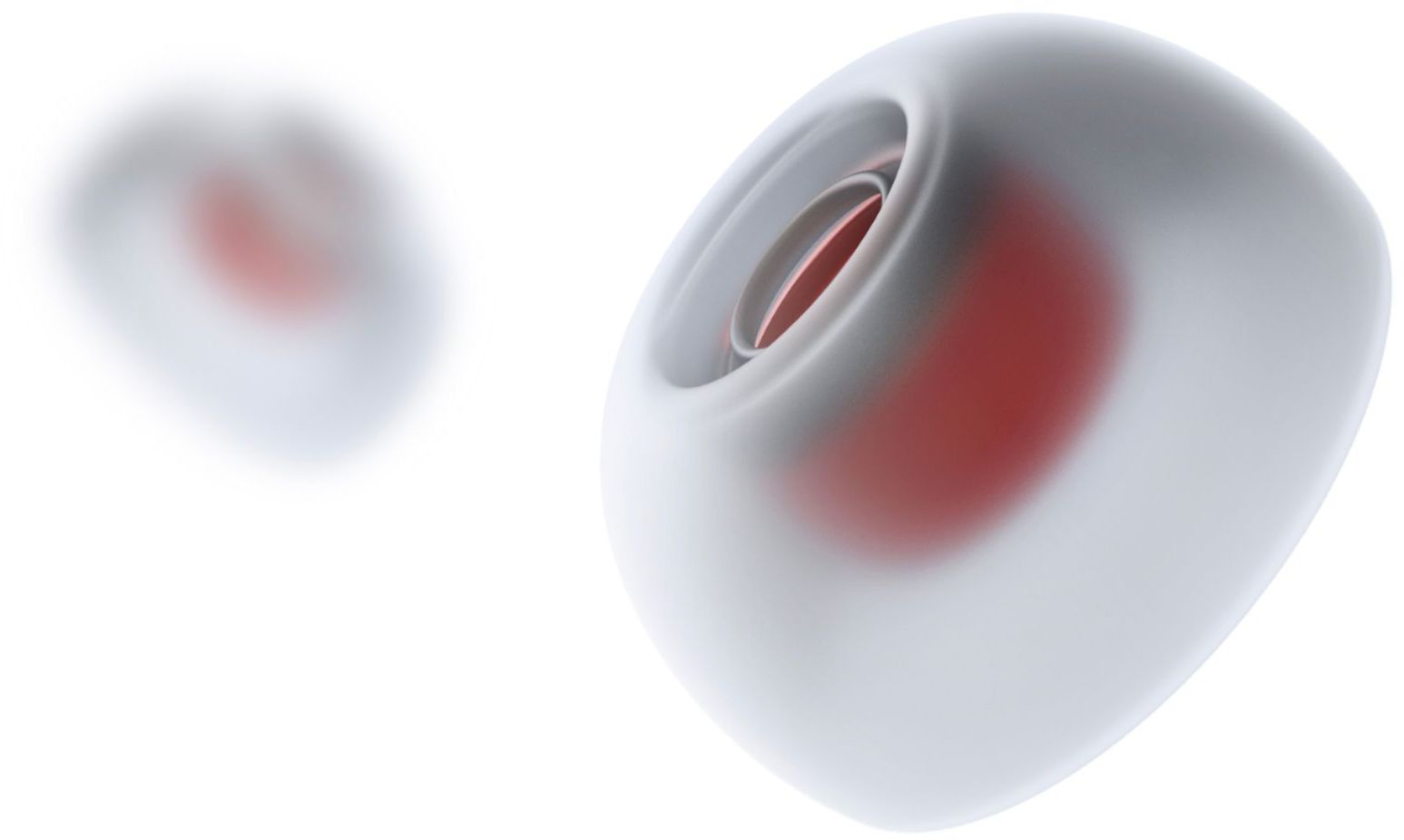
||Posted . Owned for less than 1 week when reviewed.This reviewer received promo considerations or sweepstakes entry for writing a review.They’re fine when they work. The silicone tips they come with are terrible and don’t sit correctly. And the drivers can’t seem to handle any sort of “s” sound without clipping. There is always a nonstop clipping or popping sound, almost as if someone is rubbing the outside of the earbud. I don’t recommend these at all.
No, I would not recommend this to a friendBrand response from Soundcore Team
Posted .Thanks for sharing your experience. I would like to present our deepest apologies for all the inconvenience.
To fix the noise issue, we kindly ask you to try the following tips:
- Upgrade the APP and firmware to the latest version and then do the fit test until you get both earbuds passed.
- Reset the earbuds and try to pair them again with your device. (Search UPqIjsCRfCk on search engine for the video).
Regarding the fit issue, please also try to searching 60WlRunxwHw on a search engine for a short video showing how to get a proper fit of your earbuds:
Please feel free to contact us via [email protected] with your order information and problems. We will always be more than happy to help you.
- Pros mentioned:Battery life, Sound quality

Good sound, great app
|Posted .This reviewer received promo considerations or sweepstakes entry for writing a review.Liberty Air 2 Pro After you unpack the box and read the Quick Start pamphlet, you’re instructed to download the Soundcore app (available for both Android and Apple). Then you’ll probably want to charge the case, using either the supplied USB cable or doing so via Wireless. The flashing and solid lights on the front of the case indicate the level of the remaining charge -- anywhere from <30% all the way up to a full charge (100%). The case does come partially charged, so you could use the earbuds immediately if you wanted to do so. However, I chose to fully charge the unit before using since I was going to be putting it through its paces while testing it out. Next, you’ll pair the unit with your device(s) via Bluetooth. Once that’s complete, you need to update the firmware to the latest version, using the previously downloaded Soundcore app. (Be sure to follow the instructions carefully, since you need to have the case lid open during the update, and that’s not necessarily intuitive.) It comes with eight (yes, I said eight) sets of different size earbuds. That should ensure a good fit for just about everyone. In fact, there’s a Tip Fit Test on the app that lets you know whether each of your earbuds fits properly or not. If not, then you’d try the next larger or smaller bud on the ear or ears where the test lets you know that you don’t have a good fit. Repeat that until the test shows that you have a good fit on both ears. Then you’re good to go. You can get up to 26 hours of playtime on a full charge: (7 hours on the earbuds and up to 19 hours on multiple recharges from the charging case). When it comes to Ambient Sound, the app offers lots of options: 1. Transparency Mode (Fully Transparent and Vocal Modes), 2. Noise Cancellation (Transport, Indoor, Outdoor and Custom Modes), and, 3. Normal (Turns off noise cancellation and transparency). The app also includes a hearing test of each ear while you’re wearing the earbuds so that it can help determine how best to personalize the sound for you. You can use the settings options in the app to choose what the various taps and presses on the left and right earbuds do (volume up, volume down, skip ahead, etc.). With many other wireless buds, those options are already pre-set and are not changeable by the user, even though they may not be intuitive for you. Being able to customize those commands is certainly a nice feature. As for the sound, both phone calls and music are very respectable for this price range. Add the fact that you can do so much customizing with the app and that makes it a solid choice.
I would recommend this to a friend msmcc
||Posted .This reviewer received promo considerations or sweepstakes entry for writing a review.They are decent ear buds. It takes some time to get the hang of using them. Phone usage is difficult.
I would recommend this to a friend- Cons mentioned:Connection
No worth it
||Posted . Owned for 1 month when reviewed.This reviewer received promo considerations or sweepstakes entry for writing a review.The headset would disconnect during calls. I Returned them
No, I would not recommend this to a friendBrand response from Soundcore Team
Posted .Thank you so much for sharing your experience. It's unusual for this product to be acting like this, and we would love to get you what you need!
Please reach out to us via support
[email protected] or call us at +1 (800) 988 7973. We are more than happy to assist you further.
We offer an 18-month warranty for this product, plus lifetime technical support. Our standard for responding to email quests is less than 24 hours, and we look forward to hearing from you!
Just okay
||Posted . Owned for 3 weeks when reviewed.This reviewer received promo considerations or sweepstakes entry for writing a review.Cute with ok sound. Had to replace my Beats Pro. They don't compare in sound but I'll keep them.
I would recommend this to a friendwireless headphones
||Posted . Owned for 1 week when reviewed.This reviewer received promo considerations or sweepstakes entry for writing a review.like the product they are just not as loud as other brands
I would recommend this to a friendBrand response from Anker Team
Posted .Thank you so much for sharing your experience. It's unusual for this product to be acting like this, and we'd love to get you what you need!
If possible, please try the following steps to see if the issue persists:
- Try to turn up the volume on the connected devices.
- Use a Q-tip with a bit of rubbing alcohol to gently clean the metal mesh filter under the rubber ear tips. This is best done when sound is playing through your earbuds at max volume.
-Delete (forget/ignore) the pairing records for the headphones (both Liberty & Liberty L) on your device (phone/tablet/etc.) and turn off the Bluetooth.
-Reset the earbuds using the following steps:
1). Place the earbuds back into the charging case and keep the case open.
2).Tap and hold the button at the back of the case for 10 seconds until both earbuds' LED lights flash red 3 times.
-After the reset you will see the white light flashes quickly on the one earbud and the light flashes slowly on the other side, which means they pair together.
-Turn on the Bluetooth on your device again, search for the Liberty (not Liberty L) and pair the device to see if that worked.
-Please try with another device (phone/tablet/etc.) and see if the issue is the same.
If it doesn’t help, please reach out to us via [email protected] or call us at +1 (800) 988 7973. We are more than happy to assist you further.
We offer an 18-month warranty for this product, plus lifetime technical support. Our standard for responding to email quests is less than 24 hours, and we look forward to hearing from you!
sound core ear buds
||Posted .This reviewer received promo considerations or sweepstakes entry for writing a review.did not use did not like look or fit, so unsure about this review
I would recommend this to a friend- Pros mentioned:Sound quality
Sounded great,but only latested a few months
||Posted .This reviewer received promo considerations or sweepstakes entry for writing a review.Sounded great, amazing.... until they stopped working. I read other reviews that said they stop working after a few months. It happened to me just recently. I never took them outside !
No, I would not recommend this to a friendBrand response from Soundcore Team
Posted .Thanks for sharing your experience. I would like to present our deepest apologies for all the inconvenience.
I have documented your information and would forward it to our product team for further improvement. You know, a perfect product requires several improvements per the customer's voice and we always strive to improve our products. Appreciate your voice on this!
Please feel free to contact us via [email protected] or call us at +1 (800) 988 7973 with your order information and problems. We will always be more than happy to help you.
We offer an 18-month warranty for this product, plus lifetime technical support. Our standard for responding to email quests is less than 24 hours, and we look forward to hearing from you!
Not good ear buds
||Posted . Owned for 3 weeks when reviewed.This reviewer received promo considerations or sweepstakes entry for writing a review.They not that clear and loud.i wash they had a vol button on them.
No, I would not recommend this to a friendHighly recommend. Best Buy always replaces/repair
||Posted . Owned for 8 months when reviewed.This reviewer received promo considerations or sweepstakes entry for writing a review.Just ok. Best Buy always replaces/repair my devices
No, I would not recommend this to a friend- Pros mentioned:Sound quality
Decent Sound, Hard to Fit
|Posted .This reviewer received promo considerations or sweepstakes entry for writing a review.I found these to sound very good, on par or better than some of the other true wireless earphones out there, and definitely in line with their price point. The hard part I had was getting a good fit. even with all of the included ear tips. There are a ton of different sizes, but none of them really sealed well for me. As with any IEMs, getting a good seal is absolutely necessary, That said, I tried out some foam eartips I had from another pair I had and got a good seal. Sound quality increased dramatically and treble was tamed and sounded much warmer, too. The only problem is that the case is very form fitting and doesn't close as well. If you're someone that can get a good seal with the silicone tips, this won't be an issue for you. Fortunately the app has a built-in tip fit test that plays music and lets you know how well you're sealed. The case is a little larger than an AirPod pro case, on par with the PowerBeats Pro case. Overall sound is very good with punchy bass and decent high end. The Soundcore App has a feature that tests your ability to hear different frequencies and sets up a base EQ tailored to your specific hearing. The app also has other EQs built-in that work on top of your special setting. Noise cancelling is good and there is a lot of fine control over what you want to hear or not hear. There are NC modes to focus on transport sounds or office sounds or noisy outside sounds, and a transparency mode that allows focus on all sounds or just voices, perfect for an office. I really like these and can't wait to try them out on the train someday after I start commuting into work again!
I would recommend this to a friend Wouldn't Recommend
||Posted .This reviewer received promo considerations or sweepstakes entry for writing a review.This headphones started off wonderful but the sound quality started to worsen fairly quickly and ultimately the speakers gave out. Initially, I thought this was a great value but that proved not to be the case.
No, I would not recommend this to a friendBrand response from Soundcore Team
Posted .Thanks for sharing your experience. I would like to present our deepest apologies for all the inconvenience.
To fix the sound issue, we kindly ask you to try the following tips:
1. Try reducing the distance between your right earbud and your audio device, like having your audio device in your right pocket or right side. Your right Soundcore Liberty earbud is the master (main) earbud. It connects to your audio device and to the left earbud.
2. Reset the earbuds: Place the earbuds back into the charging case and keep the case open, and then tap and hold the button at the back of the case for 10 seconds until both earbuds' LED lights flash red 3 times.
3. Reset your Bluetooth connection by turning off your device's Bluetooth for at least 10 seconds and then turn it back on. Please note, turning Bluetooth off and back on quickly will not reset the connection.
4. Try closing any other Apps you're not using on your device.
Please feel free to contact us via [email protected] with your order information and problems. We will always be more than happy to help you.
Background noise is not acceptable
||Posted . Owned for 1 week when reviewed.This reviewer received promo considerations or sweepstakes entry for writing a review.Few issues: Even though you can connect your iPhone via Bluetooth, the Soundcore app cannot find them. You have to reset the earbuds to have them connect to the APP. The left earbud has unacceptable background noise. In a silent environment, it is annoying.
No, I would not recommend this to a friend- Pros mentioned:Battery life, Sound quality
Good competitor to Air Pods
|Posted .This reviewer received promo considerations or sweepstakes entry for writing a review.These are a good entry point in comparison to Apple's Air Pods. You are getting a durable long lasting pair of earbuds with charging case, usb-c to usb-a charging cable, eartips. The case is wirless charging compatible. You get a fair amount of ear tip sizes more than most other companies. Setup is fairly simple pop them in and sync with your phone or bluetooth advice. App lets you update the firmware, change the button effects etc. As far as fit goes I did not find a good match with any of the ear tips, they always felt loose to me and like they might fall out at any point, would not recommend for work out or exercise. Sound was solid nice bass, app has a good a nice hearing test function to get you the proper EQ settings for each person. Battery life is solid can go a whole day on spotify without having to break for a charge. Touch controls require a double tap for on and off to help cut down on accidents. These tote ANC (Active Noise Cancellation) and its ok but won't blow you away. You can have it block noise or concentrate on voices, either way I was not impressed with it compared to some of the higher end models. All in all these are a good competitor to the air pods and come out at $100 less for it. I've used worse and I've used better these define themselves at mid range earbuds.
I would recommend this to a friend - Cons mentioned:Connection
Flawed technology
||Posted . Owned for 1 month when reviewed.This reviewer received promo considerations or sweepstakes entry for writing a review.Crackling noise and even after removing earbud, phone calls or music still is being played in the earbuds. Frequent disconnects as well
No, I would not recommend this to a friendBrand response from Soundcore Team
Posted .Thanks for sharing your experience. I would like to present our deepest apologies for all the inconvenience.
To fix the noise issue, we kindly ask you to try the following tips:
- Upgrade the APP and firmware to the latest version and then do the fit test until you get both earbuds passed.
- Reset the earbuds and try to pair them again with your device. (Search UPqIjsCRfCk on search engine for the video).
Regarding the disconnecting issue, please also try:
1. Try reducing the distance between your right earbud and your audio device, like having your audio device in your right pocket or right side. Your right soundcore Liberty earbud is the master (main) earbud. It connects to your audio device and to the left earbud.
2. Reset the earbuds: Place the earbuds back into the charging case and keep the case open, and then tap and hold the button at the back of the case for 10 seconds until both earbuds' LED lights flash red 3 times.
3. Reset your Bluetooth connection by turning off your device's Bluetooth for at least 10 seconds and then turn it back on. Please note, turning Bluetooth off and back on quickly will not reset the connection.
4. Try closing any other Apps you're not using on your device.
Please feel free to contact us via [email protected] with your order information and problems. We will always be more than happy to help you.