Customer Ratings & Reviews


- Model:
- M001ORW
- SKU:
- 5859513
Rating by feature
- Value
Rating 4.2 out of 5 stars
- Quality
Rating 4.6 out of 5 stars
- Ease of Use
Rating 4.4 out of 5 stars
Customers are saying
Customers have good things to say about the Mini App Enabled Robotic Ball, particularly its ease of use, size, and programming capabilities. The app is user-friendly, and users find the ball fun and appreciate its battery life and compatibility. Some concerns were raised about the price, control, connectivity, and charging.
This summary was generated by AI based on customer reviews.
Great
||Posted .This reviewer received promo considerations or sweepstakes entry for writing a review.Kids like it ,fun,good product sphero. I would buy again.
I would recommend this to a friendhow cool
||Posted .This reviewer received promo considerations or sweepstakes entry for writing a review.Great toy, my 10 yr old loves it. Glad we purchased it.
I would recommend this to a friendGreat gift for 9 year old girl
||Posted .This reviewer received promo considerations or sweepstakes entry for writing a review.My daughter got this for Christmas and she loves it!
I would recommend this to a friendFun for kids
||Posted .This reviewer received promo considerations or sweepstakes entry for writing a review.Entertaining for kids that like electronics gadgets.
I would recommend this to a friendEntertaining
||Posted .This reviewer received promo considerations or sweepstakes entry for writing a review.But not addicting - can use with iPad - kids enjoy.
I would recommend this to a friendHoliday gift
||Posted .This reviewer received promo considerations or sweepstakes entry for writing a review.Bought ad gift cant wsit till wr use it. hopefull.
I would recommend this to a friendFun toy
||Posted .This reviewer received promo considerations or sweepstakes entry for writing a review.Fun to play with. Just an Rc ball. But was a good gift
I would recommend this to a friendGood
||Posted .This reviewer received promo considerations or sweepstakes entry for writing a review.Kids love it. Simple to use. They still play with it
I would recommend this to a friendOkay product for its price.
||Posted .This reviewer received promo considerations or sweepstakes entry for writing a review.The build quality isn’t great. I would’ve preferred a more secure way of removing and replacing the ball housing. It is a fun device though for the price.
No, I would not recommend this to a friendSad
||Posted . Owned for more than 2 years when reviewed.This reviewer received promo considerations or sweepstakes entry for writing a review.Was super excited over this but it broke within the first 24 hours. Took it back and got money my money back.
No, I would not recommend this to a friendSphero robot ball
||Posted . Owned for 1.5 years when reviewed.This reviewer received promo considerations or sweepstakes entry for writing a review.Sphero robotic ball is app enabled and controlled...requires a capable age level and interest. Tricky to operate.
I would recommend this to a friendDisappointed
||Posted . Owned for 6 months when reviewed.This reviewer received promo considerations or sweepstakes entry for writing a review.I was disappointed that the Sphero was not compatible with my daughter's tablet, but it was compatible with my phone.
No, I would not recommend this to a friendOk for a little while
||Posted .This reviewer received promo considerations or sweepstakes entry for writing a review.The kids had fun with this for the first day. Curious about how it moved on it’s own. Then they lost interest.
No, I would not recommend this to a friend- Pros mentioned:App, Programming

Simply (Sphero) Fun
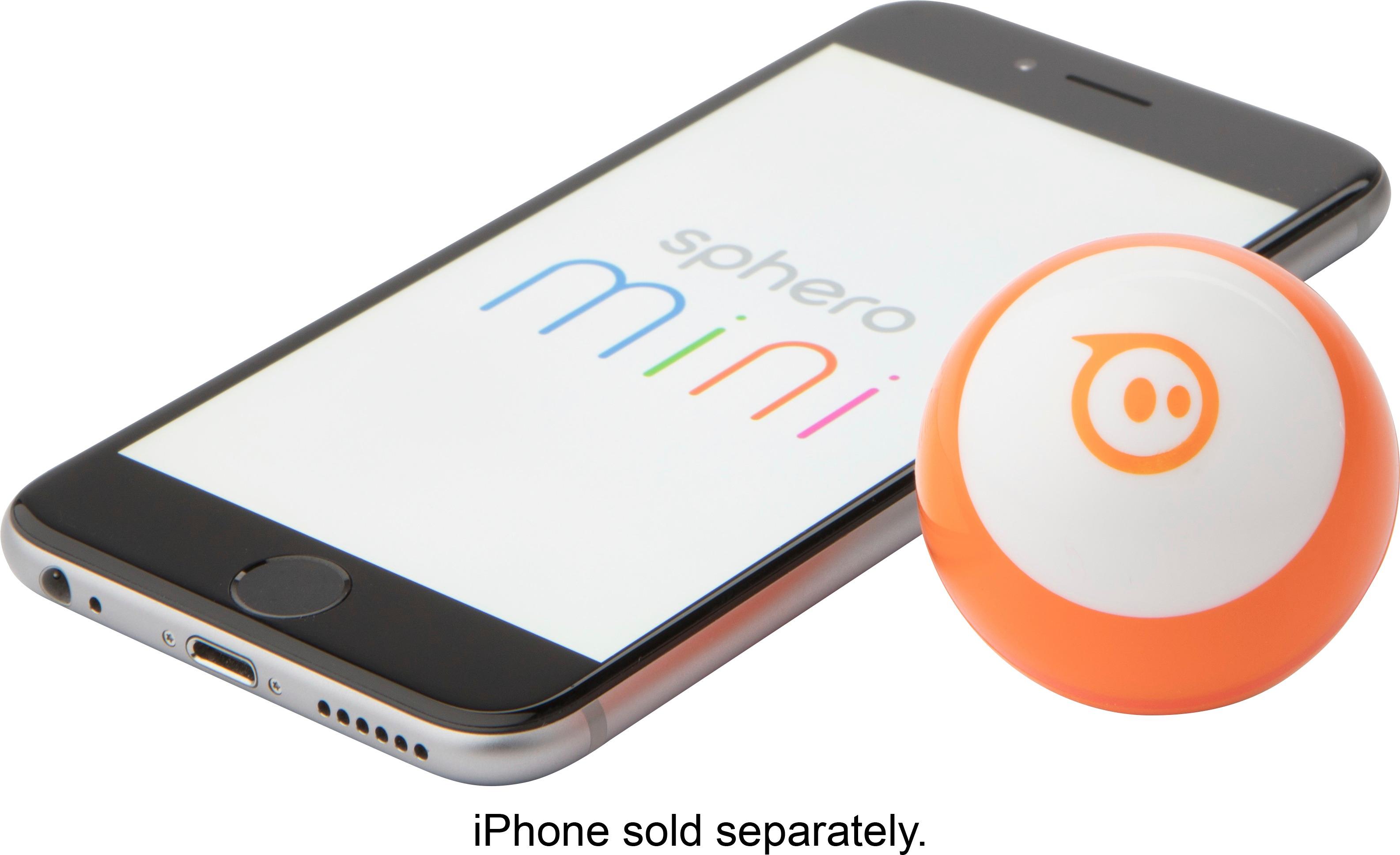
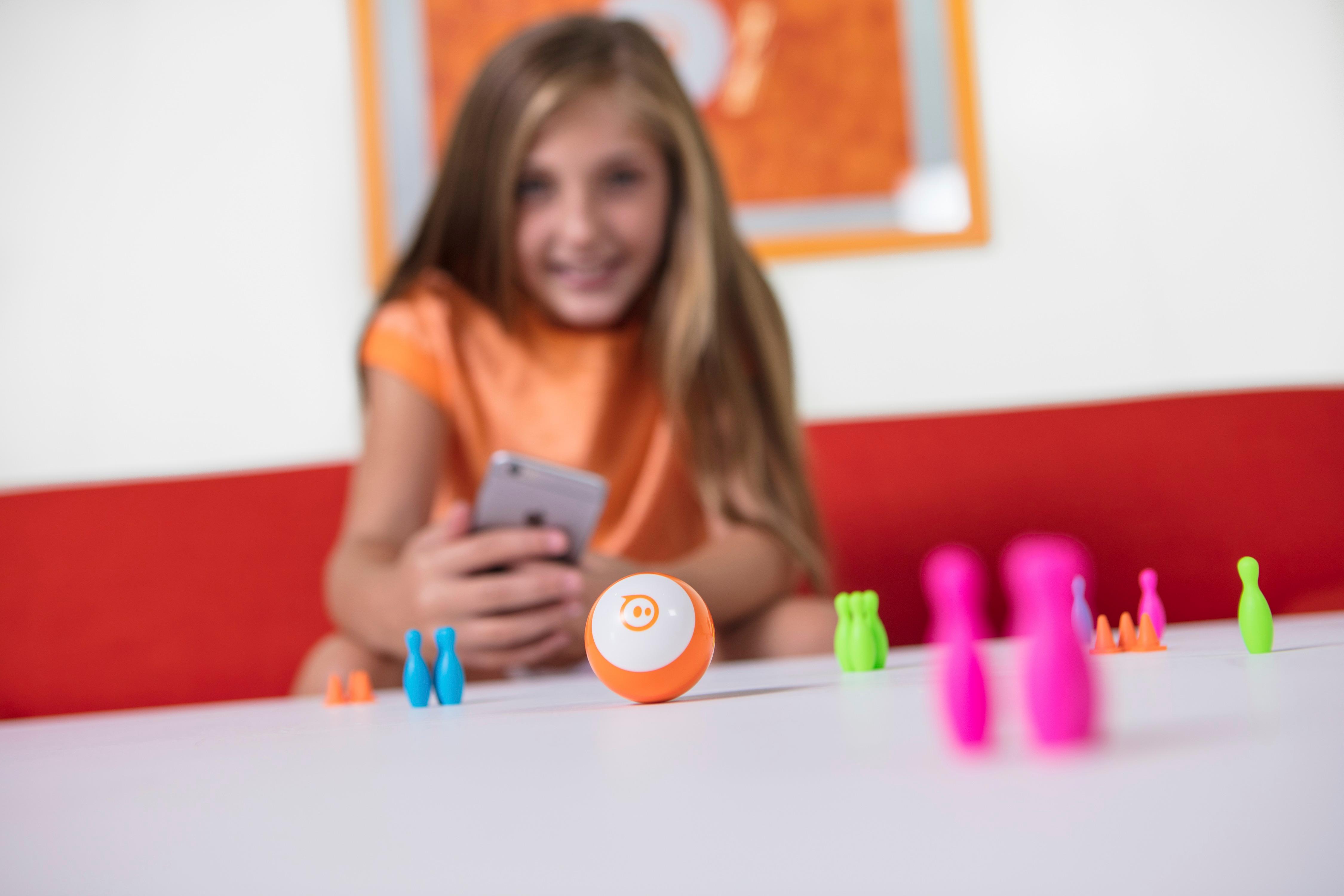
|Posted .This reviewer received promo considerations or sweepstakes entry for writing a review.Not sure I can add much that hasn’t already been said about this nifty toy. The Sphero Mini is a take on the original Sphero just shrunk down quite a bit. The result? A Sphero with most of the same capacities that is about half off and that I have no problem taking to work and letting my coworkers play with. Actually, as an aside – I did bring it to work and my coworkers did enjoy it. One who has three kids actually said he was going to run out and buy it as soon as he could. After five minutes of playing with it. I don’t doubt his sentiment, and I think it speaks volumes for how friendly Sphero has made this experience for all age groups. Of this ball, I have very few complaints. The first of which is that it requires a special Sphero Mini app – which somewhat makes it feel like you are a second-class citizen. That said, the app is amazing for a 1.0 release. It comes with four different modes for users to operate the ball: - Joystick – your traditional joystick mode - Face Drive - your phone camera uses your face to tell the device how to move - Tilt mode - think the puzzle boxes with the marble, the gyroscope of your phone moves the device - Slingshot mode - pull back, the Sphero will launch in the opposite direction like a rubber band Also bundled in the app are some games which are pretty neat. They use the ball as a controller to navigate the challenges presented by the game. And don’t mistake my words, they can be challenging to whole new levels. Bundled in the box are some miniature traffic cones and bowling pins – I’m not sure I’m going to ever get a use out of them. I’d much rather have my mini go against a much larger obstacle and win.Their advertising material suggests that users use the head tracking mode to knock down the pins. Slingshot mode is so much more fun though. The one thing that I am most excited for that I cannot review here is the ability to program these balls with JavaScript. It should be released soon, but enabling that functionality will allow these devices to take on the same capacities as the original Sphero. Overall, I really like the Sphero mini. It lets many more people get involved in the Sphero community that otherwise wouldn’t be able to due to price-point alone and still has that Sphero charm.
I would recommend this to a friend I think it is a ok
||Posted .This reviewer received promo considerations or sweepstakes entry for writing a review.I had both BB-8 and r2d2 from the same company and they are both much better product than this one
No, I would not recommend this to a friendOk for a day
||Posted .This reviewer received promo considerations or sweepstakes entry for writing a review.I bought this as a Christmas gift for my son. He has had other Sphero products that were great. The toy worked for the first day. After that single day, we have not been able to get the Bluetooth to connect to any other device. It is been a disappointment. Unfortunately, my son already threw away the packaging so we’re stuck with a small spendy toy that doesn’t work.
No, I would not recommend this to a friendfun product but gets old too quick
||Posted .This reviewer received promo considerations or sweepstakes entry for writing a review.pets love it if you know how to play it well. I wish the battery lasted longer.
I would recommend this to a friendOk toy
||Posted .This reviewer received promo considerations or sweepstakes entry for writing a review.Touch has a lag response is not immediate thus making the toy hard to maneuver.
No, I would not recommend this to a friendfun but limited.
||Posted .This reviewer received promo considerations or sweepstakes entry for writing a review.This is a fun device for hours of play, but it does have limited abilities.
I would recommend this to a friend- Pros mentioned:Battery life
Great fun introduction to robotics
|Posted .This reviewer received promo considerations or sweepstakes entry for writing a review.These cute little Sphero bots are a surprisingly versatile introduction to robotics and programming. The Sphero comes in a small package with USB charging cable (but no charger - just plug it into any standard full size USB port) and legal info. In order to use this particular bot you will need either an iOS or Android device. I used the unit with an Android tablet (Samsung Galaxy Tab S) and all the apps worked perfectly. The robotic ball can roll and spin in any direction and light multiple colors of built-in LEDs. It also comes with a sensor package including a gyroscope and accelerometer, which together allow it to detect collisions, free falls, landings, etc. There are two apps that will drive the Sphero. First is the regular Sphero Mini app. Note that you must use the specific "mini" version of the app as the robot will not connect with the standard Sphero app, at least not in my tests. The mini app connected seamlessly and quickly to the bot, turning the light on inside the ball. The app then presented a range of fun, although somewhat limited options. You can drive the unit using the touch screen like a joystick, you can send it running off by using a sling shot type control mode, or you can control by tilting the tablet or using facial gestures through your devices camera. The controls were generally precise and responsive, although the face control was a bit hit and miss.The app also provides an option to hold the Sphero and use it like a controller in some simple but fun games. The second app is where the product really comes into its own. The same Sphero EDU app that powers their larger units can also be used with the mini, and it's an absolutely fantastic introduction to coding for these kinds of devices. Although you can code directly in Javascript, there's also an intuitive drag and drop interface that allows learning programmers to code main loops, conditionality, variables, mathematical operations, and "on event" modules. It's easy enough to make short programs that drive around in a specific pattern and flexible enough to make simple games. All the sensors can be polled or used to trigger events, you can set direction, speed, LED colors, and even play sounds of synthesized speech (the playback occurs on the controlling device). My 11 year old daughter was immediately able to pick it up and is loving the added depth of exploration and play that this option provides. Overall, it's hard to beat the Sphero mini at this price when it comes to a fun, accessible introduction to robots and coding. Young programmers can even share their code with each other via an integrated online sharing system. In our experience, this device is fun, robust, offers great battery life, and superb educational value. Highly recommended.
I would recommend this to a friend