Skip to contentGo to Product Search
Gift Ideas
Main Content

Customer Ratings & Reviews
$389.60

Customer reviews

Rating 4.8 out of 5 stars with 220 reviews

Rating Filter

Rating by feature

  • Value

    Rating 4.6 out of 5 stars

  • Quality

    Rating 4.8 out of 5 stars

  • Ease of Use

    Rating 4.8 out of 5 stars

Pros mentioned filter

Cons mentioned filter

95%would recommend to a friend
The vast majority of our reviews come from verified purchases. Reviews from customers may include My Best Buy members, employees, and Tech Insider Network members (as tagged). Select reviewers may receive discounted products, promotional considerations or entries into drawings for honest, helpful reviews.
Page 10 Showing 181-200 of 220 reviews
  • Rated 5 out of 5 stars

    Great keyboard

    |
    |
    Posted . Owned for 1 week when reviewed.
    This reviewer received promo considerations or sweepstakes entry for writing a review.

    I absolutely love this keyboard. Switches are smooth enjoy the oled screen.

    I would recommend this to a friend
  • Rated 5 out of 5 stars

    Good item . V good customer servixe

    |
    |
    Posted . Owned for 1 week when reviewed.
    This reviewer received promo considerations or sweepstakes entry for writing a review.

    Good items the store is awesome amazing . V good custemer service

    I would recommend this to a friend
  • Rated 4 out of 5 stars

    Great keyboard best ive had

    |
    |
    Posted . Owned for 3 weeks when reviewed.
    This reviewer received promo considerations or sweepstakes entry for writing a review.

    Love the form factor battery life sub par but everything else is top notch

    I would recommend this to a friend
  • Rated 5 out of 5 stars

    The Three C's

    |
    |
    Posted . Owned for 1 month when reviewed.
    This reviewer received promo considerations or sweepstakes entry for writing a review.

    Very comfortable and love the customizability, super clicky

    I would recommend this to a friend
  • Rated 5 out of 5 stars

    Awesome

    |
    |
    Posted . Owned for 1 week when reviewed.
    This reviewer received promo considerations or sweepstakes entry for writing a review.

    Awesome keyboard! Extremely easy to setup. Beautiful design?

    I would recommend this to a friend
  • Best Buy Employee

    Rated 4 out of 5 stars

    Great for gaming

    |
    Best Buy Employee
    Posted . Owned for 1 month when reviewed.
    This reviewer received promo considerations or sweepstakes entry for writing a review.

    I love the hall effect switches and the overall feel of the keyboard, however the steelseries GG software crashes every once in a while and doesnt work with linux so the extra features of the keyboard are windows only

    I would recommend this to a friend
  • Rated 5 out of 5 stars

    Great quality

    |
    |
    Posted . Owned for 3 weeks when reviewed.
    This reviewer received promo considerations or sweepstakes entry for writing a review.

    Lovely. My first wireless keyboard and it's amazing

    I would recommend this to a friend
  • Rated 5 out of 5 stars

    Awesome for FPS

    |
    |
    Posted . Owned for 3 weeks when reviewed.
    This reviewer received promo considerations or sweepstakes entry for writing a review.

    Awesome keyboard. Works great for Black ops 6, the adjustments and customization is really nice

    I would recommend this to a friend
  • Rated 5 out of 5 stars

    Keyboard

    |
    |
    Posted . Owned for 1 week when reviewed.
    This reviewer received promo considerations or sweepstakes entry for writing a review.

    Very nice looking keyboard that feels great and is very responsive.

    I would recommend this to a friend
  • Rated 4 out of 5 stars

    Great Feeling Keyboard, Okay Volume Wheel

    |
    |
    Posted . Owned for 1 week when reviewed.
    This reviewer received promo considerations or sweepstakes entry for writing a review.

    Keyboard was good and was a joy to type on. Volume wheel could be better as I could feel some resistance at the same spot as I rotated it around

    I would recommend this to a friend
  • Rated 5 out of 5 stars

    Apex keyboard

    |
    |
    Posted . Owned for 2 weeks when reviewed.
    This reviewer received promo considerations or sweepstakes entry for writing a review.

    Works amazing, great product and one of my favorite keyboard

    I would recommend this to a friend
  • Pros mentioned:
    Keyboard quality
    Tech Insider Network Member

    Rated 5 out of 5 stars

    The keyboard with everything! Love the OLED!

    |
    Tech Insider Network Member
    Posted .
    This reviewer received promo considerations or sweepstakes entry for writing a review.

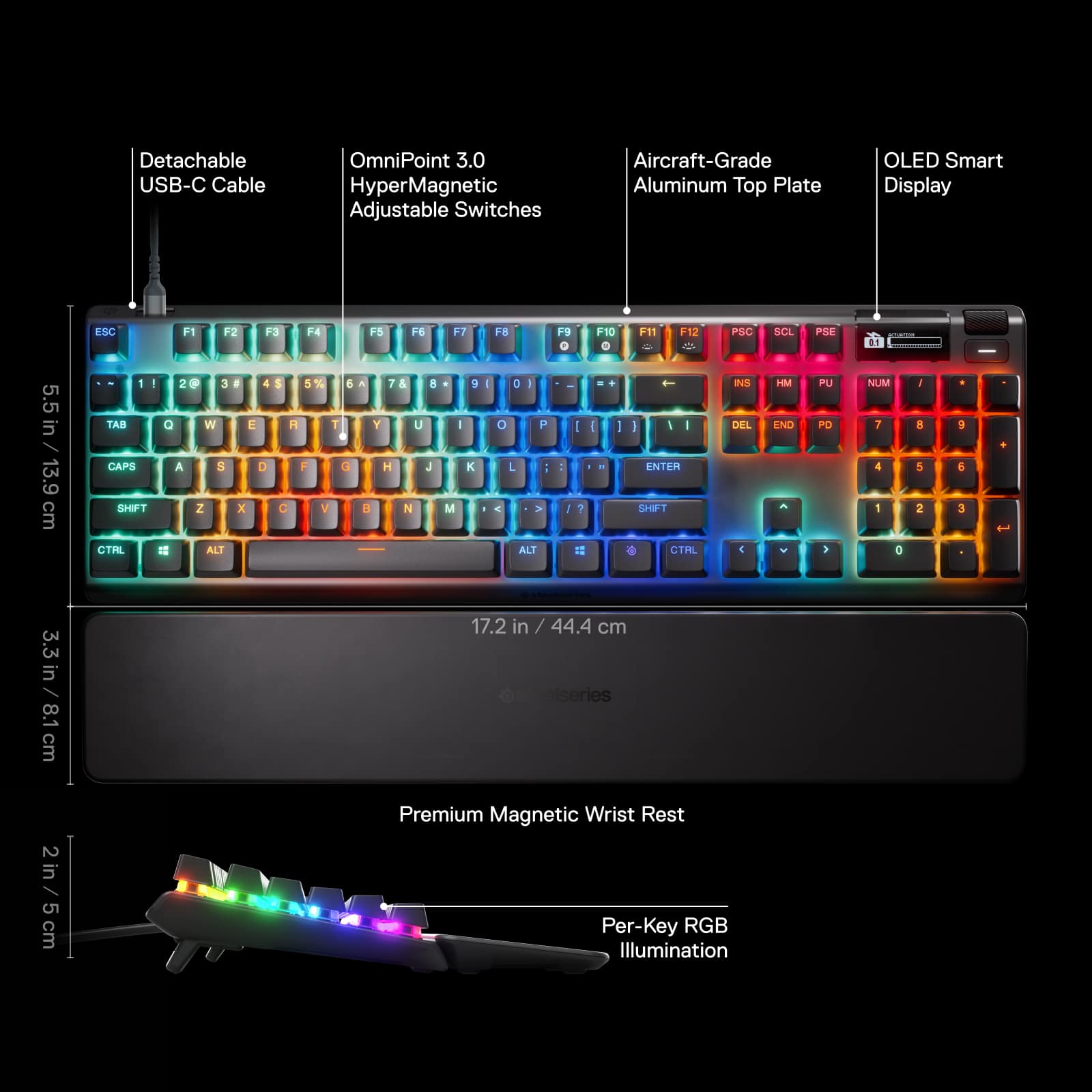
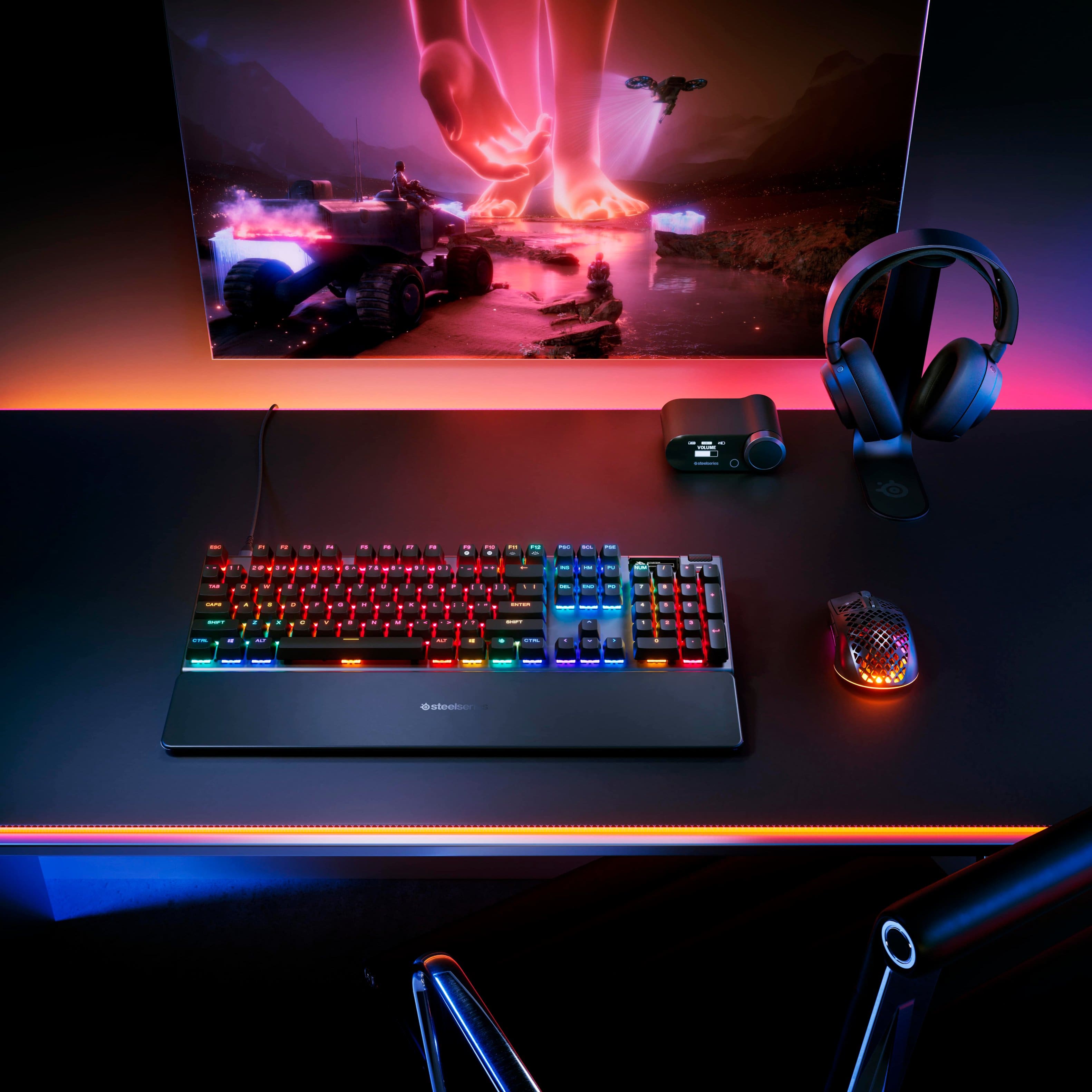
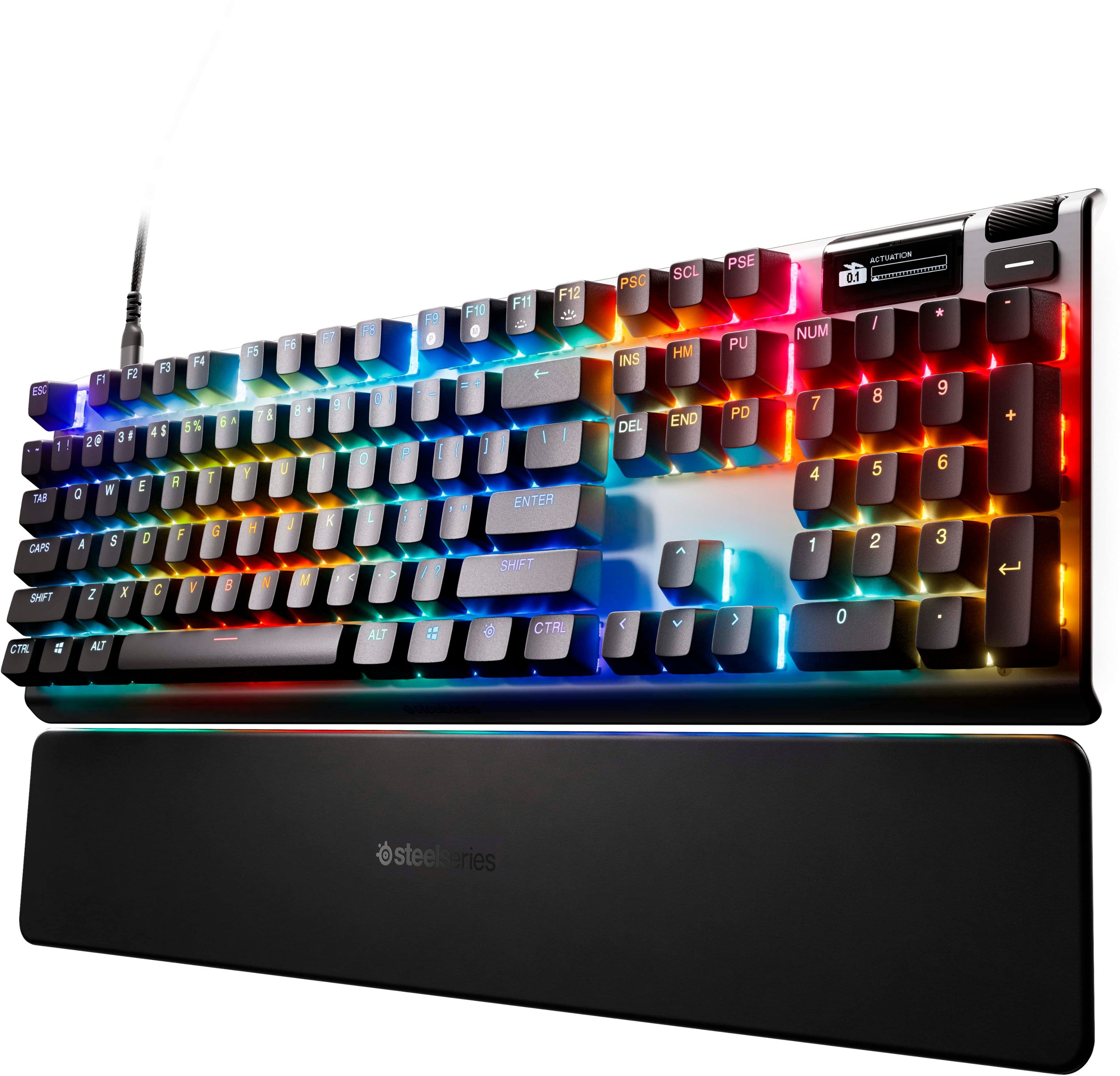
    My desk is a keyboard graveyard of sorts. As I'm quite particular about my keyboard, I've tried many of all sorts, styles and brands. My current favorite is the Steelseries Apex Pro. It's a keyboard that has everything a gamer could want but of course that does not mean it is for everyone since keyboards are unique to each person. As a enthusiastic PC gamer I use my keyboard daily. I am at my desk usually for the majority of the day and so, how I interface with my PC, is critical that it be ergonomic, functional, productive and customizable, as well as aesthetically pleasing. While I did enjoy the clickety-clack of my Logitech G914, which was what this keyboard replaced, it's nice to have a keyboard with the OLED readout for stats and temps, as well as nice to have the full ten key numeric pad back as well. This keyboard is a beautiful, but rather normal looking keyboard for us gamers. Non-gamers will be dutifully impressed. Everyone will be impressed when they see that the OLED screen is no gimmick but actually tells us important information such as temperatures, GHz speeds, memory usage, etc. If you don't care to know any of this information there are other modules that you can quite easily select from to use on your OLED screen, no real technical knowledge is required at all (in case you were worried you might have to program the OLED). Out of the box the keyboard works just fine with Windows 11, no software required. The OLED will simply show a generic Steelseries logo though and you won't be able to customize your RGBs. Once you install the Steelseries app you'll be able to change out the OLED module, change your RGB to all sorts of styles, or make it your own and customize it, which is quite easy to do. The keyboard also comes with a fantastic wrist rest which is flat and very comfortable. It has a slight give but overall is quite stable. Unfortunately, and this is about my only real complaint overall, the wrist rest is an animal hair magnet of sort so if that bothers you then you may want to find another wrist rest. Using the keyboard is great, I'm not a professional gamer but keys seem very responsive at the default actuation point. There's also a couple of really nice features on this keyboard I've never seen anywhere else. There's an ability to set up a key that will not be touched by/bumped when gaming. It's like a shield protector that you can set up. This is great if you are constantly hitting the wrong button in your favorite game. The other feature is not really related to the keyboard but comes with the Steelseries software and that is the Sonar software for sound. I can't believe I've never heard of this feature at all but it's fantastic for being able to select a template, such as Call of Duty Black Ops 6 and make footsteps louder for example. It's also got a streamer mode as well, which I have not yet tried. This keyboard is not really a real loud keyboard, but somewhere in between. It's also not a full on clicky-loud experience but it's not the mushy membrane keyboard either. It's a very nice feel and I think most people are going to just embrace it and love it. All in all I really recommend this keyboard as the best keyboard for any gamer, or someone who just wants a great keyboard (you can disable all the RGB lights if you desire). I've used it a good bit and the only cons of the actual keyboard is I've had a couple of times where the keyboard did stop responding. I'm not sure if it is the actual keyboard or my Windows 11 though to be honest, and a fast off/on reset of the keyboard immediately fixed it to work again so not a huge deal. This keyboard is fantastic, highly recommended for all gamers. The new features, the aesthetic, the customization, even the software is easy to use with low overhead (unlike iCue!!). Congratulations Steelseries, Apex Pro is a winner.

    I would recommend this to a friend
  • Rated 4 out of 5 stars

    Gaming Keyboard

    |
    |
    Posted . Owned for 3 weeks when reviewed.
    This reviewer received promo considerations or sweepstakes entry for writing a review.

    Great keyboard!! Seems to work for gaming and multi function. Looking to see about durability and if it will last.

    I would recommend this to a friend
  • Cons mentioned:
    Connectivity

    Rated 1 out of 5 stars

    worked for 2 months...and can't return it

    |
    |
    Posted .
    This reviewer received promo considerations or sweepstakes entry for writing a review.

    I bought the keyboard in May for $230+ Last week (second week of July) the led beneath the number '2' key ceased to work. Then USB C connector began spontaneously disconnecting. Just this morning it blinks on an off is completely unusable. I've had the thing for two months... Best Buy informs me that it's beyond the return window. Last Item I'll be buying from BestBuy #lessonLearned

    No, I would not recommend this to a friend
  • Pros mentioned:
    Actuation, Keyboard quality
    Tech Insider Network Member

    Rated 5 out of 5 stars

    Well-built, fast/accurate, looks great…

    |
    Tech Insider Network Member
    Posted .
    This reviewer received promo considerations or sweepstakes entry for writing a review.

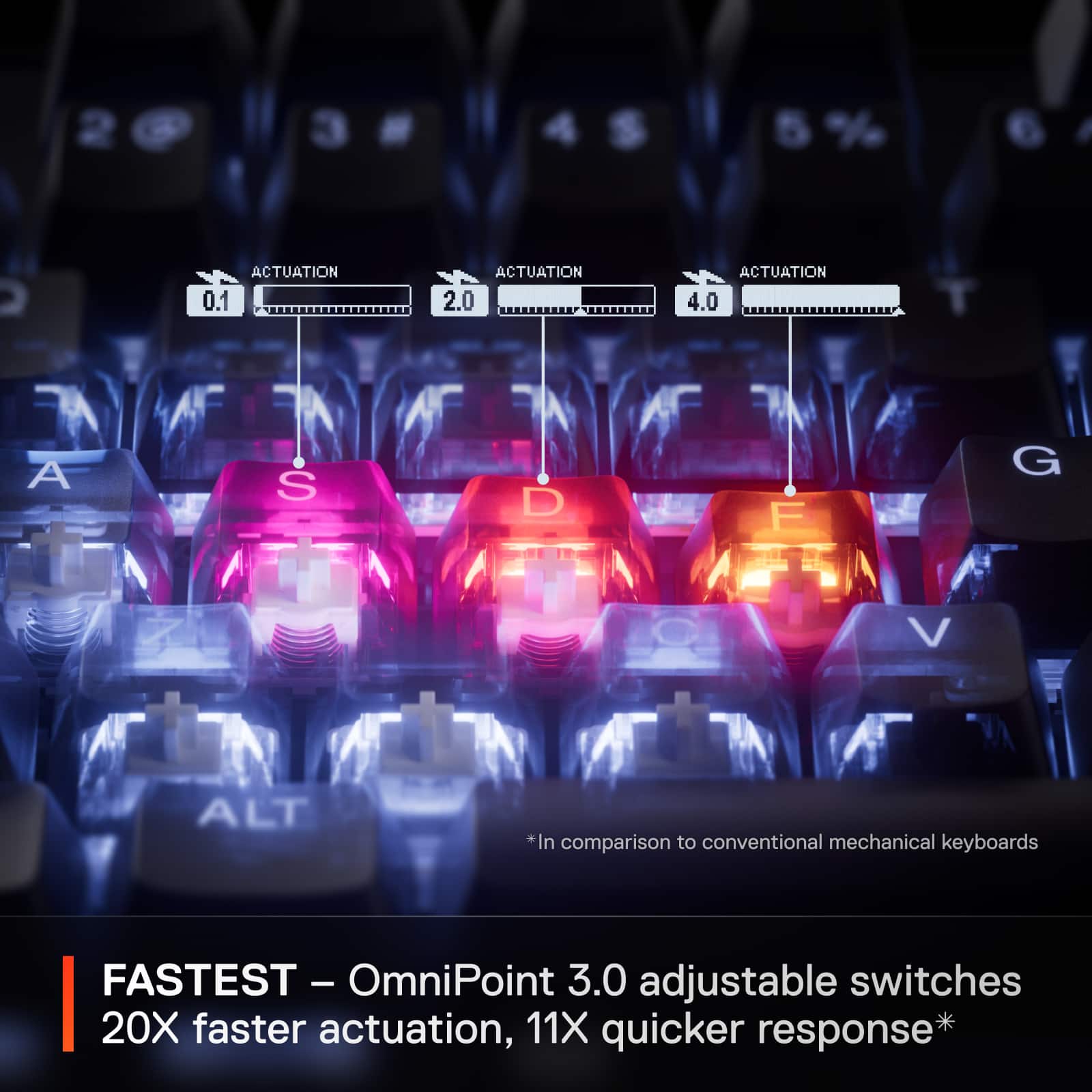
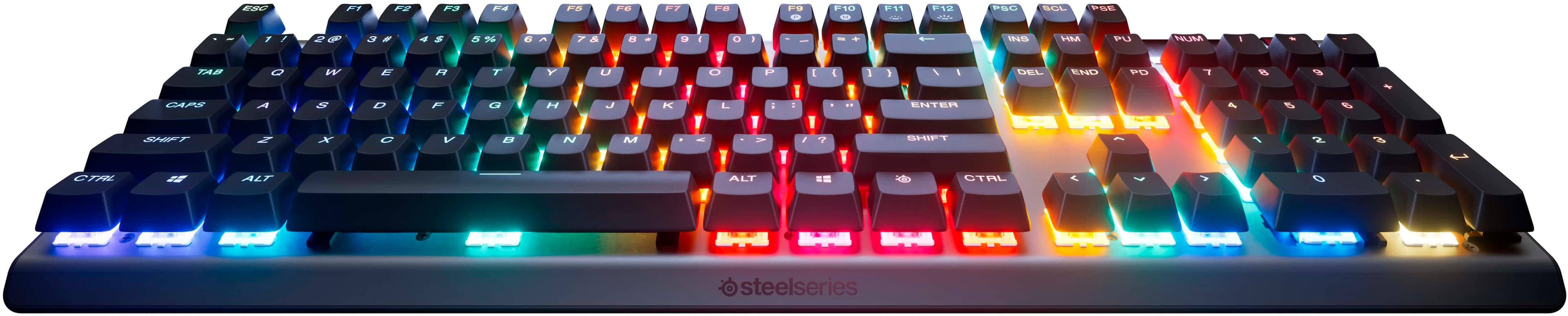
    I’ve been around computers for a long time, and to briefly sum up my thoughts, I would say this is easily one of the better keyboards I have ever used. Full stop. For gaming, yes, absolutely, but also when forced into the normal day to day. The first thing that struck me was its weight and build. It has some heft to it, which I think is a good thing, and it just feels good in the hand. Solid. Great materials choices and it’s all just put together really well. It is easy to see some time and thought was put into it. It comes with a quality cable, a nice magnetic wrist rest, and a keycap puller. Nice adds. As for the looks, I love it. Black, clean, plain. This will seem a little crazy, but I also just like the font choice. Again, plain. I am not a fan of the overly “gamer” font and overall aesthetics that are out there. To me, they are not here. This just looks good. Next, and most importantly, I just found the keyboard great to use. Spacing is good, I found the travel to be perfect for me, and everything was smooth, quick, and responsive. I was more than a little surprised by how little noise it made, especially when compared to others in the space, but quite honestly, I am not only fine with that, but kind of prefer it. Others may not, just something to note. Additionally, the adjustable actuation is something I have really come to like. Being able to get exactly what I want, or where I want, I guess, just makes everything more comfortable and more effective for me. Now for the fun stuff. Do I “need” an OLED screen on my keyboard? No. Do I like the OLED screen on my keyboard? Yes. On some level, it does offer a nice bit of utility, providing information and the ability to change some things on the fly. On another, it just looks cool and allows for a little bit more personalization. As does the RGB. I typically am kind of an RGB grump and side to be more conservative with it. Here, I think it is done rather well. I guess about par or better brightness, and I have found I do like a lot of the customizable options. The software for this, and I guess more broadly across the board for everything, is done well, is easy to use, and gives you a nice amount of control. Ultimately, this is a fantastic gaming keyboard and I very much like it. It is well-built, looks great, has some nice adds (as well as some just fun stuff), and most importantly, it performs very well. It’s probably a tick below the high high-end boards, but it gives you a really nice mix of features and performance, and I think the value is there.

    I would recommend this to a friend
  • Rated 3 out of 5 stars

    Not what I though.

    |
    |
    Posted . Owned for 1 week when reviewed.
    This reviewer received promo considerations or sweepstakes entry for writing a review.

    Actually disappointed the keyboard in the store was so quiet. When the new one arrived its loud and the space bar is so sensitive i keep double spacing random spots on my classwork. At $240 Im truly disappointed.

    No, I would not recommend this to a friend
  • Pros mentioned:
    Actuation, Keyboard quality, Rgb lighting
    Tech Insider Network Member

    Rated 5 out of 5 stars

    Mind Blown!

    |
    Tech Insider Network Member
    Posted .
    This reviewer received promo considerations or sweepstakes entry for writing a review.

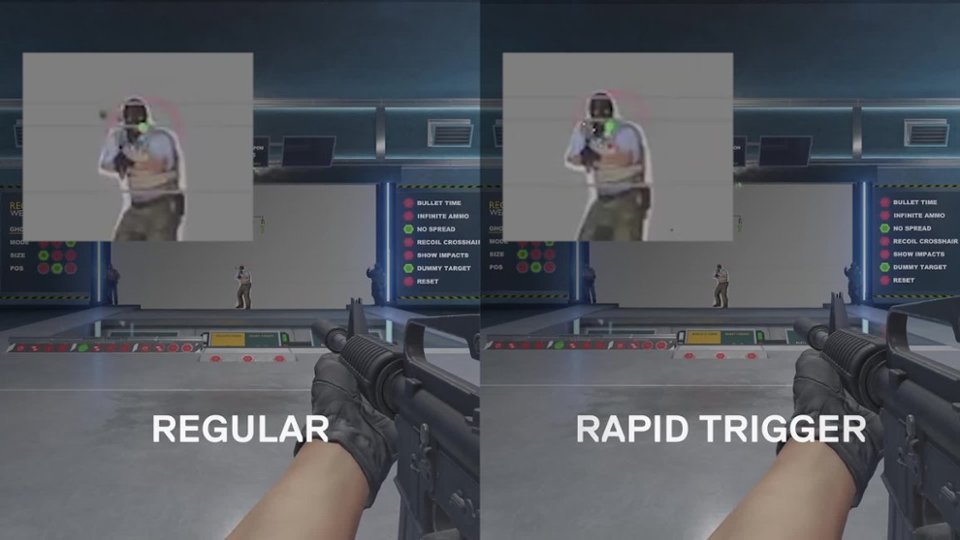
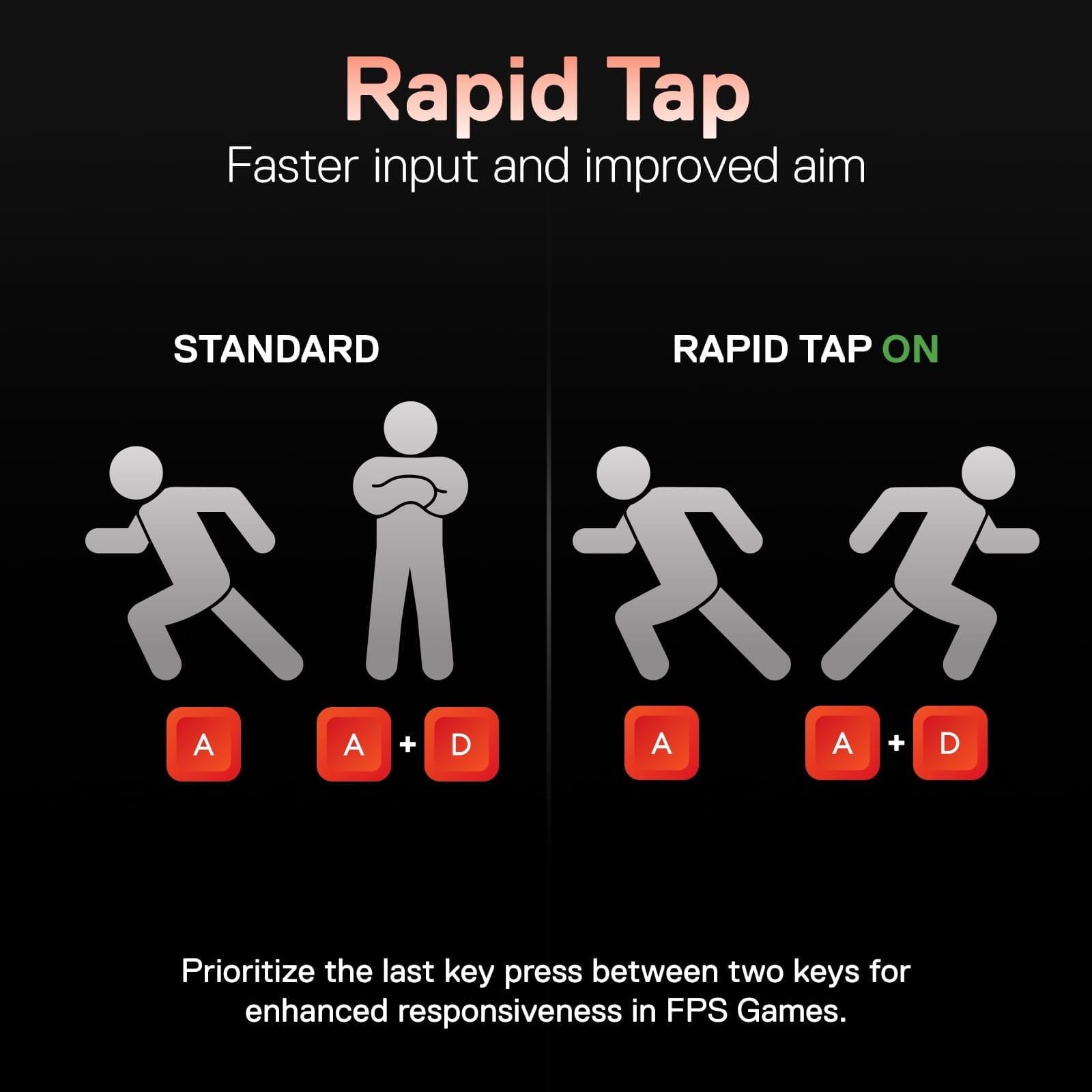
    This is, by far, the best gaming keyboard I have ever owned. I absolutely love this thing. It has such a great design and the key clicks are so satisfying. This keyboard is bult like a tank. It has a very good quality feel. The rgb colors are so cool and easy to set to my own preference. The OLED display is a game changer. Being able to see the temperatures and statistics of my PC, without having to open up the command center on my desktop, is such a huge convenience. This thing is also packed with many useful features. Some of my favorites are the protection mode, the rapid tap and the ability to adjust the actuation of the keys. The protection mode comes in handy because I have big hands and arthritis so I hit the wrong keys by accident a lot, but with this feature, it doesn't affect my gaming experience like it used to with my last keyboard. The rapid tap feature is pretty self explanatory and increases my gameplay experience quite a bit. The ability to adjust the keys is definitely great because, for me, I am able to keep my fingers in place without pressing down the keys until I need to. This thing is quite a beast and I am beyond happy with it. Steel series really outdid themselves with this one.

    I would recommend this to a friend
  • Pros mentioned:
    Key feel, Keyboard quality
    Cons mentioned:
    Connectivity, Switches
    Tech Insider Network Member

    Rated 4 out of 5 stars

    It's Serious Business

    |
    Tech Insider Network Member
    Posted .
    This reviewer received promo considerations or sweepstakes entry for writing a review.

    [PROS] Construction: The keyboard feels heavy, but that is definitely a sign of decent materials being used. I'm a fan of the build quality as the frame and base of the device is very solid. Furthermore, the wrist rest is comfortable even without an added cushion. Rapid Response: Gaming reaction is as instantaneous as it can be. I tweaked actuation settings of some keys while others remained in their default state, and it felt unreal in some instances. It seems like cheating with how quickly my input selections registered on the screen. As a bonus, they are Streamlined App: Adjusting actuation and key bindings is as straightforward very easy with the Engine app. The interface is organized and most sections self-explanatory. I'm used to clunky experiences and glitches in the implementation. Fortunately, all desired instructions were carried out without issue. Acceptable Sound and Feel: Keys are "clicky" as expected, but not in the annoying sense. The sound levels are appropriate, and are definitely fine when gaming with a headset. Keystrokes are smooth when pressed, and the fingers are returned back to base. [CONS] Wired Only: Its obvious that wired connections are more consistent and have reduced interference. Personally, I would have preferred a keyboard capable of having a wired connection via Bluetooth or dongle for versatility. Switch Swap Limitation: The red switches are nonremovable and apply to the keypad and other outside keys. I'm not that disappointed because I rarely use them for gaming, but they could be an issue for someone else. [CONCLUSION] The Apex Pro Gen 3 is a keyboard worth having. I'm in the lower tier of eSports gamer rankings with my skillset, but I noticed a moderate improvement in the amount of enemy targets I struck with accuracy and even greater speed. As a wired keyboard, it gets the job done and is a very worth eSports candidate.

    I would recommend this to a friend
  • Rated 1 out of 5 stars

    Poor quality for the price

    |
    |
    Posted . Owned for 1 week when reviewed.
    This reviewer received promo considerations or sweepstakes entry for writing a review.

    Very poor quality. Bought 2 of these keyboard. First one had a failed key after 10days. The second one I exchanged for had an inconsistent keystroke and sound. The key caps are low quality for the price.

    No, I would not recommend this to a friend
  • Pros mentioned:
    Actuation, Keyboard quality
    Tech Insider Network Member

    Rated 3 out of 5 stars

    Solid gaming kb with lots of options. Bit pricey.

    |
    Tech Insider Network Member
    Posted .
    This reviewer received promo considerations or sweepstakes entry for writing a review.

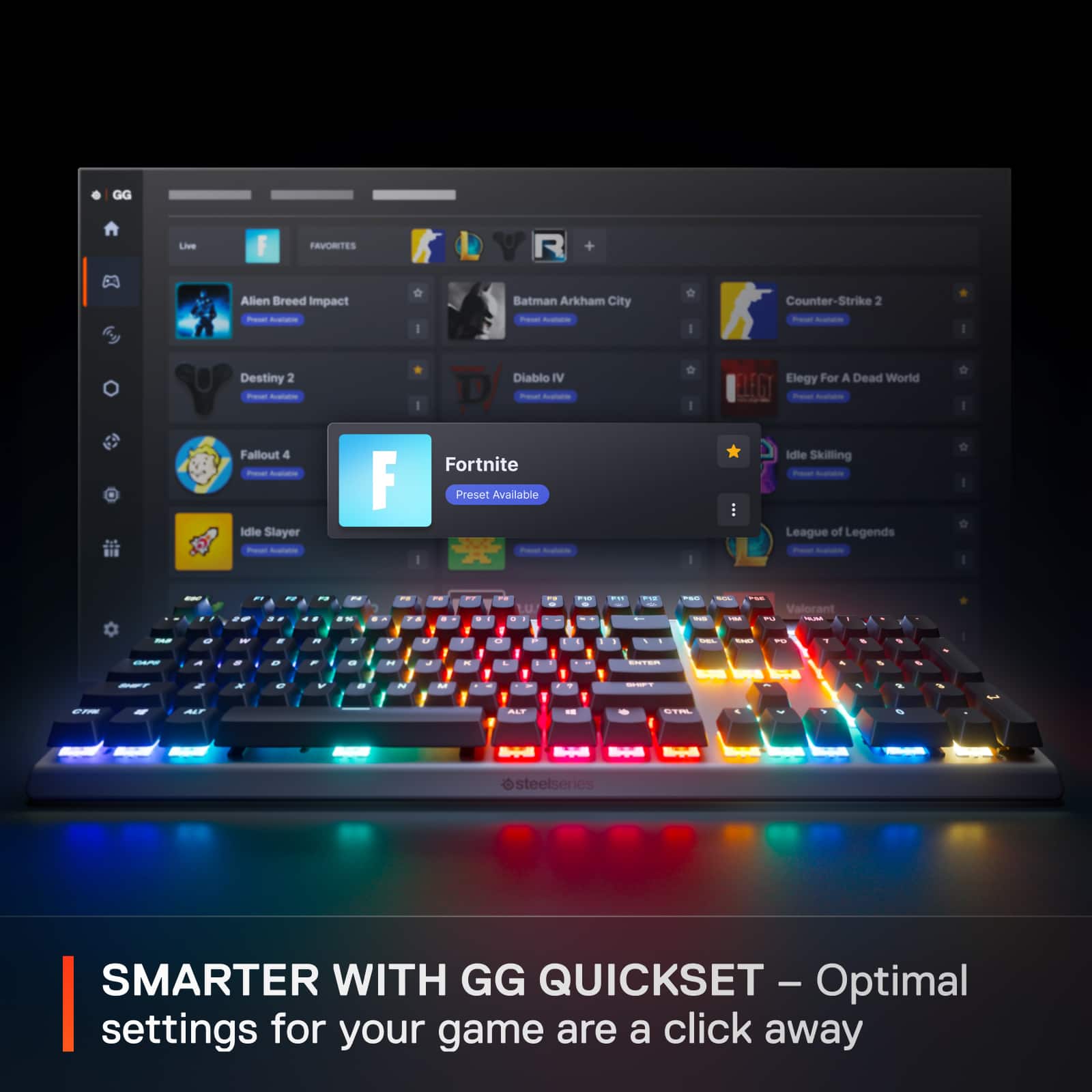
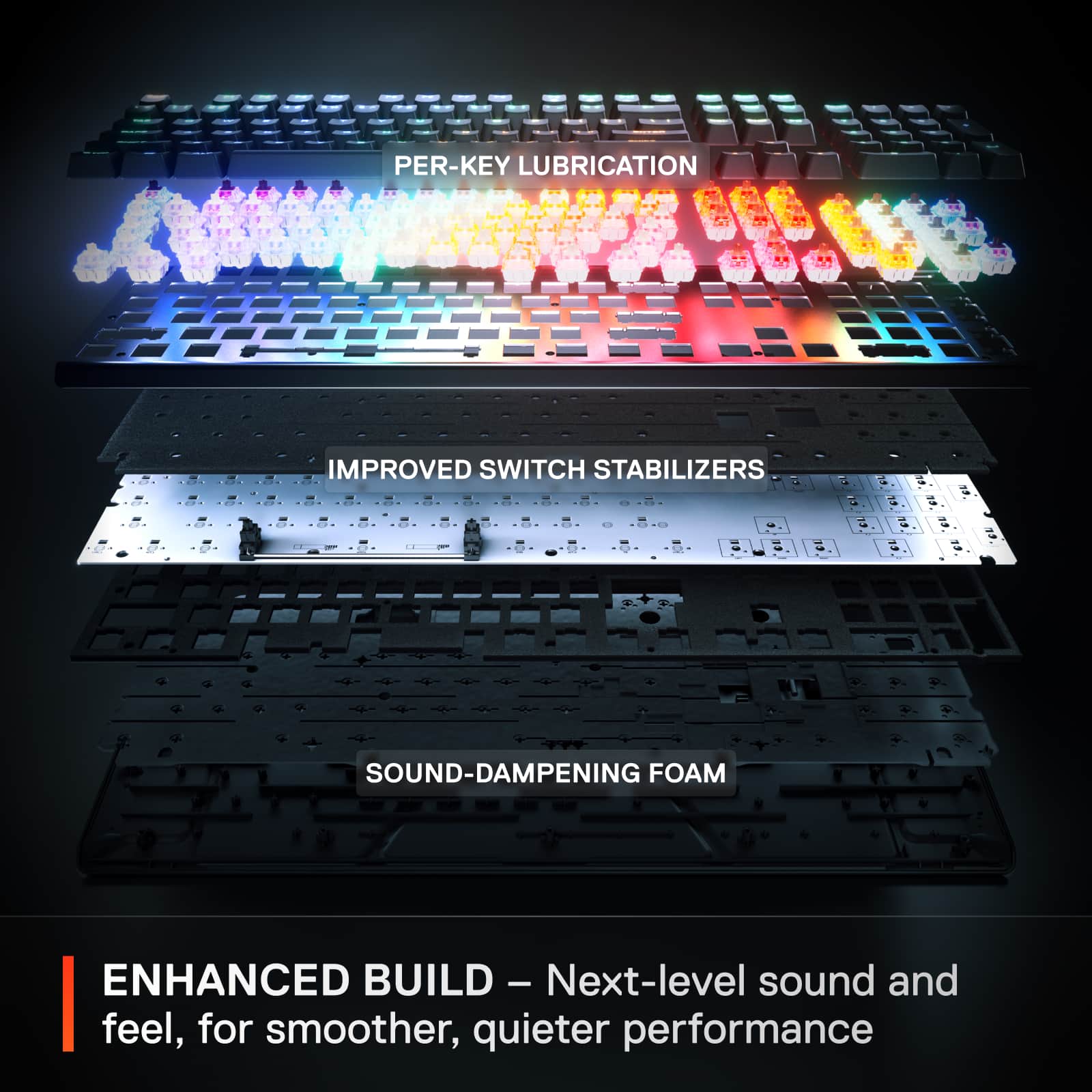
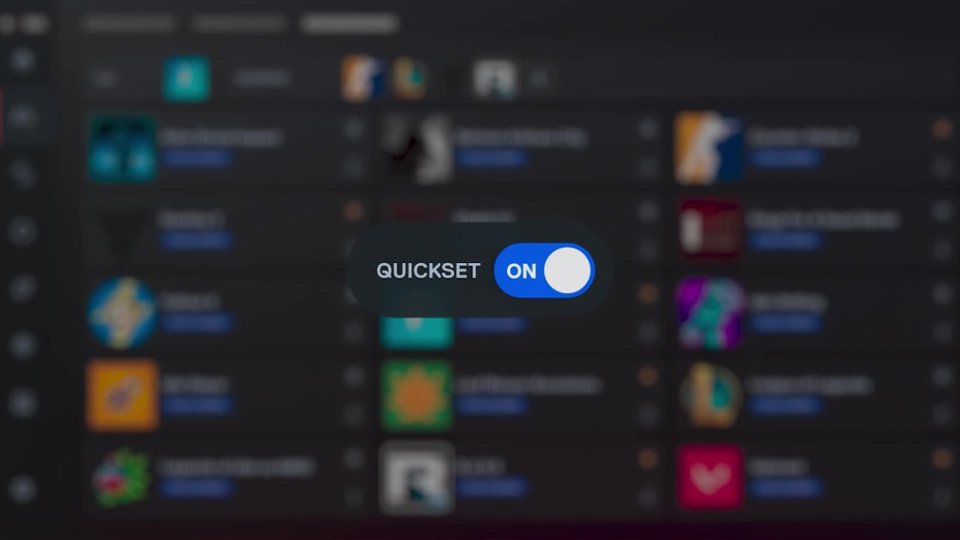
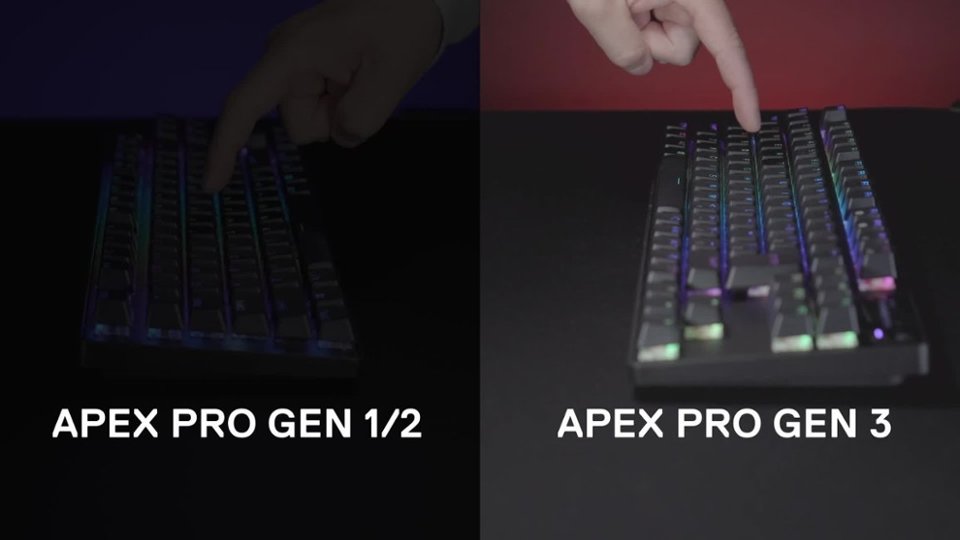
    The SteelSeries Apex Pro Gen 3 Full Gaming Keyboard is a solid gaming keyboard with lots of configurable options. It is a bit pricey imho. The metal casing gives this keyboard a very solid feel and it is pretty heavy compared to a lot of keyboards I've owned or used. Once it's in place it's not going to move around without some effort, especially with the magnetic wrist rest attached. The wrist rest has a soft rubber feel to it and is pretty comfortable even though it's not padded. Just a note it tends to pick up pet fur / hair and little bits of small particles get stuck to it pretty easy. I found a damp paper towel works pretty good to clean off the debris. Hoping this debris catching propensity diminishes over time as I have 2 cats that are always on my desk wandering around. This keyboard doesn't have the traditional mechanical keyboard tactile click that I'm used to, so that is going to take a little getting used to. The sound you hear while typing is the keys hitting the pad underneath the keys. It's not nearly as loud as traditional mechanical keyboards and that is by design. Steel Series tried to make the keyboard less noisy by adding a pad underneath the keys. It's kind of a muted thump sound with a touch of click sound. They keys have a decent amount of resistance but not as much as some keyboards I've used. One nice feature it the ability to dynamically change the actuation level by either using the Steel Series software or using the combo keys on the keyboard. You can change it so the key press registers with barely any movement to all the way fully pressed before registering. My only issue with this feature is it only applies to the QWERTY keys and numeric keys, so the numpad, function keys and the keys in-between the QWERTY keys and numpad stay at the default actuation. The default actuation is very sensitive, so I end up getting typo issues when using the numpad in particular. Lots of accidental keypresses resulting in extra digits being entered. The keyboard uses a detachable USB-C cord to connect the keyboard to the computer, and I'm not sure why. I don't really care for the placement of the plug-in port and I would've preferred it being under the keyboard somewhere. I can see this becoming a point of failure as that port gets wiggled around over time. The port has a little wiggle to it already and the cord is on the firm side. Might've been a better choice to use the larger regular USB to plug into the keyboard. I think it would offer better stability. The cord sticks straight out of the left rear of the keyboard and is elevated like an inch above the desk. Just seems odd and out of place to me. There are cord guides on the underside of the keyboard but the provided cable doesn't seem to be sized properly to stay in the channel at least when I attempted it. The little digital display is kinda neat. You can download little apps that do different things or configure images to display on it. The height of the keys actually do a good job of hiding most of the display so it's not as useful as it could be in it's current placement. Have to lean forward most times to actually see what is displaying on the little screen. I run a little app that displays system info like CPU %, GPU%, CPU temp and GPU temp, and mem usage. Pretty useful info, but again kinda bad placement with the height of the numpad keys. The little scroll wheel is useful for quickly raising and lowering the volume and can be configured to do different things. The Steel Series software allows you to change all sorts of settings on the keyboard, along with any other Steel Series accessories you might have attached. I have the Aerox 5 wireless mouse from Steel Series, so I can set the RGB effects to sync between the 2 devices which is nice or configure them individually. It comes with about 20 presets of cool RGB effects to choose from. The software allows you to adjust the Key Bindings, Meta Bindings, Actuation, Dual Bindings, Dual Actuation, and the OLED settings. There is also a macro editor. You can also create macros on the fly using the Steel Series button + the special macro key on the function keys. You can save and create configs and switch between them on the fly as well. There is a QuickSet app in the software that is in Early Access that automatically switches the settings of the keyboard when you load a game or app. I've had the keyboard become unresponsive a few times and had to unplug the cable to get the keys to start registering clicks again. Not sure yet what might've caused that. As long as it doesn't become a regular thing it shouldn't be an issue.

    No, I would not recommend this to a friend