Customer Ratings & Reviews
- Model:
- TF1282B-01-CN
- |
- SKU:
- 6554313
Customer reviews
Rating 3.7 out of 5 stars with 1074 reviews
(1,074 customer reviews)Rating by feature
- Value3.9
Rating 3.9 out of 5 stars
- Quality3.8
Rating 3.8 out of 5 stars
- Ease of Use3.8
Rating 3.8 out of 5 stars
Customers are saying
Customers are pleased with the ease of use, overall performance, and setup of the 4th Gen, 2-Tuner, 128GB Over-The-Air DVR & Streaming Player. Many customers find the recording and storage capabilities useful, and appreciate the streaming and channel count features. However, some customers have expressed concerns regarding app support and compatibility. Additionally, a few customers have reported issues with connectivity and signal strength.
This summary was generated by AI based on customer reviews.
- Pros mentioned:StorageCons mentioned:App support
Rated 4 out of 5 stars
Finally, a DVR for OTA at a reasonable price
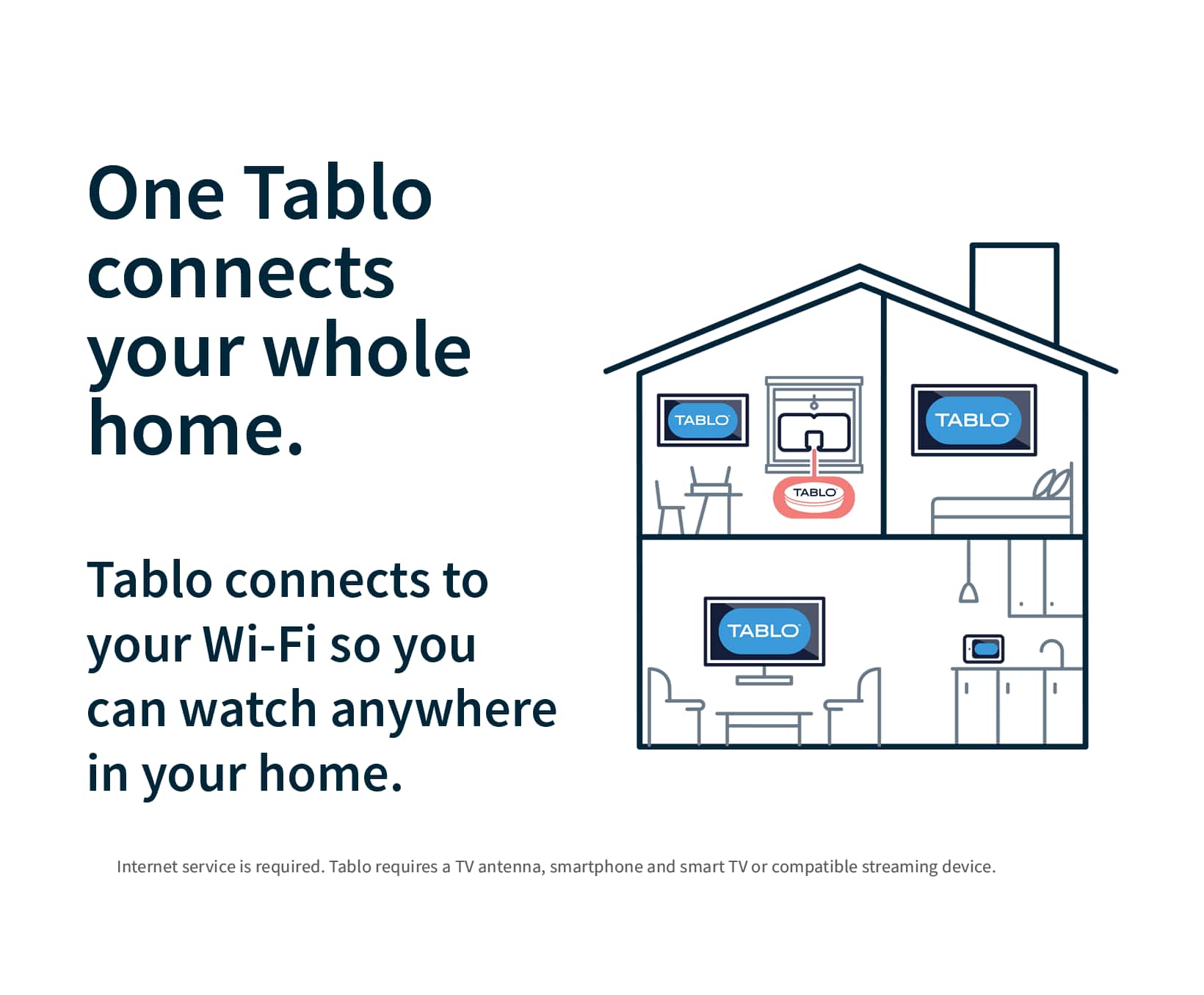
|Posted .This reviewer received promo considerations or sweepstakes entry for writing a review.I’ve been a “cord cutter” for many years, and while I subscribe to several streaming services, I’ve always had to get my local channels over the air. I’ve tried devices that claim to let me utilize my antenna’s signal on all my devices and recorded OTA broadcasts, but these have always been big disappointments, and I’ve never kept any of them. Tablo has a new offering with an affordable price, so I decided to try again to see if the technology is good enough yet. Setup should have been easy, and I thought it was going to be, but it definitely was not. The first step is to download the Tablo app for your phone. The latest Tablo hardware does not work with their legacy apps, so you’ll need to make sure you download the latest version. The Tablo quick start guide includes a QR code to take you right to it, and I suggest you use it. Next, the Tablo sets up its own local Wi-Fi network, just to allow you to connect to the device, since it doesn’t have a screen. Once connected, it will guide you through connecting the device to your home Wi-Fi network. My first attempt at connecting to Wi-Fi seemed to work right away, but then suddenly it said it could not find the Wi-Fi network. No problem, I’ll just try again. Unfortunately, the device seemed to think it was connected to Wi-Fi (according to its lights), but it wasn’t, so it put me into a loop to try to manually connect. At this point, it was trying to get me to manually connect my phone to the internal Wi-Fi network of the device (back to step 1), but that Wi-Fi network was not actually running and couldn’t be found by the phone, so I was dead in the water. Multiple resets made no difference. I talked to a very nice guy at tech support, but he wasn’t sure what to do either. He instructed me to try to connect and set up using an Ethernet connection and then switch to wifi. So, I tried that. Using a wired connection did allow me to set things up, but I still had the wifi problem. At that point, I got an idea: what if I held down the reset button for a longer time? I did that, and it triggered a hard reset, which is what I wanted all along! Turns out that a quick press of the reset button is a restart, not a reset. Now that I could redo the wifi setup again, it correctly connected and allowed me to set it up via wifi. Finally, I was in business! Once the setup was complete, the next step is to connect an antenna and scan for channels. The positioning of the antenna matters here. One nice thing about using a device like the Tablo is that you aren’t constrained to keep it near the TV, since you’re using your home’s wifi signal and not the physical wire from the antenna. Mine picked up about 34 channels in the attic, but unfortunately the attic is too hot to leave it there, and here’s where I ran into a limitation that I’ve experienced with other devices like this: the device’s tuner is not as good as the tuner in the TV. In my normal spot, using my normal antenna (which gets all 34 channels), I could only get 6 channels. Obviously the old maxim is true here as well: location, location, location! After finding a suitable location in the house, I’m able to view my live channels on any device that can support the app. That means that instead of only being able to view my local channels on the TV where the reception is best, I can now view programming on my phone, tablet and any TV that has its own Roku, Fire Stick or Apple TV. The heart of the Tablo system is the Tablo app, which uses a third-party channel guide to make it all work. One thing about this new 4th gen Tablo is that it includes the channel guide at no additional cost! I don’t have an older Tablo, but my understanding is that you have to have a subscription to get more than a day of guide information, but on this new one, it includes a week of guide info at no cost. It takes a few minutes for all of the guide data to load, but once it does, you can select a show and then choose to watch it live or record it. The guide is nicely laid out, and it was very intuitive to use. It includes a Home Screen which highlights some of the top upcoming shows, and this is very nice, as it brings a modern touch to your OTA channels. I did experience a small glitch with the guide. All the channels except one loaded up without issue, but no guide information was included for my local CBS affiliate. Without the guide information, you really don’t have that channel, as you cannot select any programs for viewing or recording. The app on my phone did allow me to watch that channel live, but not the Roku app. I worked with tech support via email, and I must say that they were very responsive and great to work with. It took a few days, but they finally got the situation resolved, and now my Tablo is fully working. What about recording? The Tablo comes with 128 GB of storage built in, which the company says will provide up to 50 hours of recording. With the guide, it’s easy to select a show for recording and not have to put in start/stop times like an old-fashioned VCR. The user interface is nice, and fast-forwarding is easy and better than any of the DVRs that I have on my streaming services. Recording and watching recorded content was easy and flawless, and I’m really enjoying finally being able to record network TV broadcasts. Tablo also includes a good selection of free TV channels, and this is a nice touch. These channels are often included in smart TV packages, but it’s nice to have them here, and with the ability to record. While it’s not perfect, I really like the Tablo app. It does have some quirks, especially the Roku version, but hopefully these will smooth out over time with future updates. One thing to be aware of is that this version does not support viewing your content outside of your home. I think older versions support that, but it doesn’t work for this one. That’s probably a decision that was made to differentiate the different models. I’m not bothered by that, but it’s good to know about this up front. I’m very pleased with my new Tablo, and looking forward especially to being able to record live sporting events, which I haven’t been able to do for years. It’s a nice solution, and best of all, it works! I’m deducting a star for the setup experience, which definitely could have been better. I’m a “techie” person, so I’m willing to put up with troubleshooting problems, but I can see how many people would just box it up and return it. A more in-depth installation guide might have helped here, especially explaining the difference between a single press and a long press of the reset button. At $99, this is a great way to enhance and extend your local stations. It doesn’t have all the bells and whistles of the higher-priced legacy models, but if you don’t need those things, this will work just fine.
I would recommend this to a friend Rated 1 out of 5 stars
Blabla
||Posted . Owned for 3 weeks when reviewed.This reviewer received promo considerations or sweepstakes entry for writing a review.I had difficulty in connecting to my WiFi. I spent quite a lot of time to connect to the WiFi
No, I would not recommend this to a friendRated 1 out of 5 stars
Review
||Posted . Owned for 3 weeks when reviewed.This reviewer received promo considerations or sweepstakes entry for writing a review.Couldn’t get it to work. Had to return it for a refund.
I would recommend this to a friendRated 1 out of 5 stars
Tablo rating
||Posted . Owned for 2 months when reviewed.This reviewer received promo considerations or sweepstakes entry for writing a review.Would not install even with following the directions
I would recommend this to a friendBrand response from Tablo TV
Posted .Hi IrvinW- Sorry you had such a frustrating time setting up your Tablo! Please reach out to support on the Tablo TV website and we can walk you through step by step getting your Tablo set up.
Rated 1 out of 5 stars
Useless
||Posted . Owned for 1 week when reviewed.This reviewer received promo considerations or sweepstakes entry for writing a review.Very slow needs a lot of work functionality is terrible
No, I would not recommend this to a friendRated 1 out of 5 stars
Tablo
||Posted . Owned for 3 weeks when reviewed.This reviewer received promo considerations or sweepstakes entry for writing a review.Looses connection at least once a week. Does not work that well.
No, I would not recommend this to a friendBrand response from Tablo TV
Posted .Oh no! Our support team would be happy to look into that for you. You can reach out to them directly by opening a ticket on the TabloTV website.
Rated 1 out of 5 stars
Bad One
||Posted . Owned for 1 month when reviewed.This reviewer received promo considerations or sweepstakes entry for writing a review.It has not work for me maybe I got a Defected unit
No, I would not recommend this to a friendBrand response from Tablo TV
Posted .Hi majj! If you need help setting up your Tablo please reach out to our support team on the Tablo website. We would be more than happy to help you get your Tablo up and running. If you do have a defective unit, then we would be more than happy to replace under our one year warranty program.
Rated 1 out of 5 stars
Waste of money
||Posted . Owned for 1 week when reviewed.This reviewer received promo considerations or sweepstakes entry for writing a review.Could not set it up, will not even connect to the app
No, I would not recommend this to a friend- Pros mentioned:StorageCons mentioned:App support
Rated 4 out of 5 stars
Simple DVR with free monthly service
|Posted .This reviewer received promo considerations or sweepstakes entry for writing a review.The Tablo DVR is now available in the 4th generation with free guide service. That means there are no monthly fees at all. That’s probably is the best part except for the low purchase price for a 2 tuner DVR with 128GB storage. You must use your phone or tablet to perform the initial setup. After scanning the QR code in the quick start guide, you connect your TV antenna connector to the Tablo and plug in the power adapter then you’re ready to scan for channels and connect to your WiFi. It’s all rather simple. The service works rather well. The channel scan not only quickly picks up all available local channels you can get but also some free streaming channels and then lets you select which ones you want to show in the guide. In my case I found the tuner sensitivity to be a little weaker than the other DVR I have used so a few of my channels that are over 40 miles away could not be pulled in. If you live in an area closer to the broadcast towers then you won’t experience any problems. The guide is pleasant to use and the scheduling of recordings works well. It’s a little annoying that you can’t just click on a program on the guide and it comes up but you have to click on a watch now in first. You also can push the up and down buttons to change channels up and down. When I really thought about it, though, I rarely do flip channels like that any more. I usually pick something to watch off the guide or more often watch a show I’ve already recorded. The programs come up fairly quickly but seem to lag sometimes depending on the platform and how new it is. My iPhone brings them up fastest. The Apple TV and Samsung TV apps aren’t available yet but are supposed to be ready at some point in the future. I tried using my Fire Stick, Fire TV, Fire Cube, Roku, Google TV and iPhone and all worked. Every once in a while the app would not come up at first and then when I tried to exit it would work. Overall it seems pretty solid with a few bugs at first.
I would recommend this to a friend - Pros mentioned:Recording, StorageCons mentioned:App support
Rated 5 out of 5 stars
The best $100 I've spent for TV.
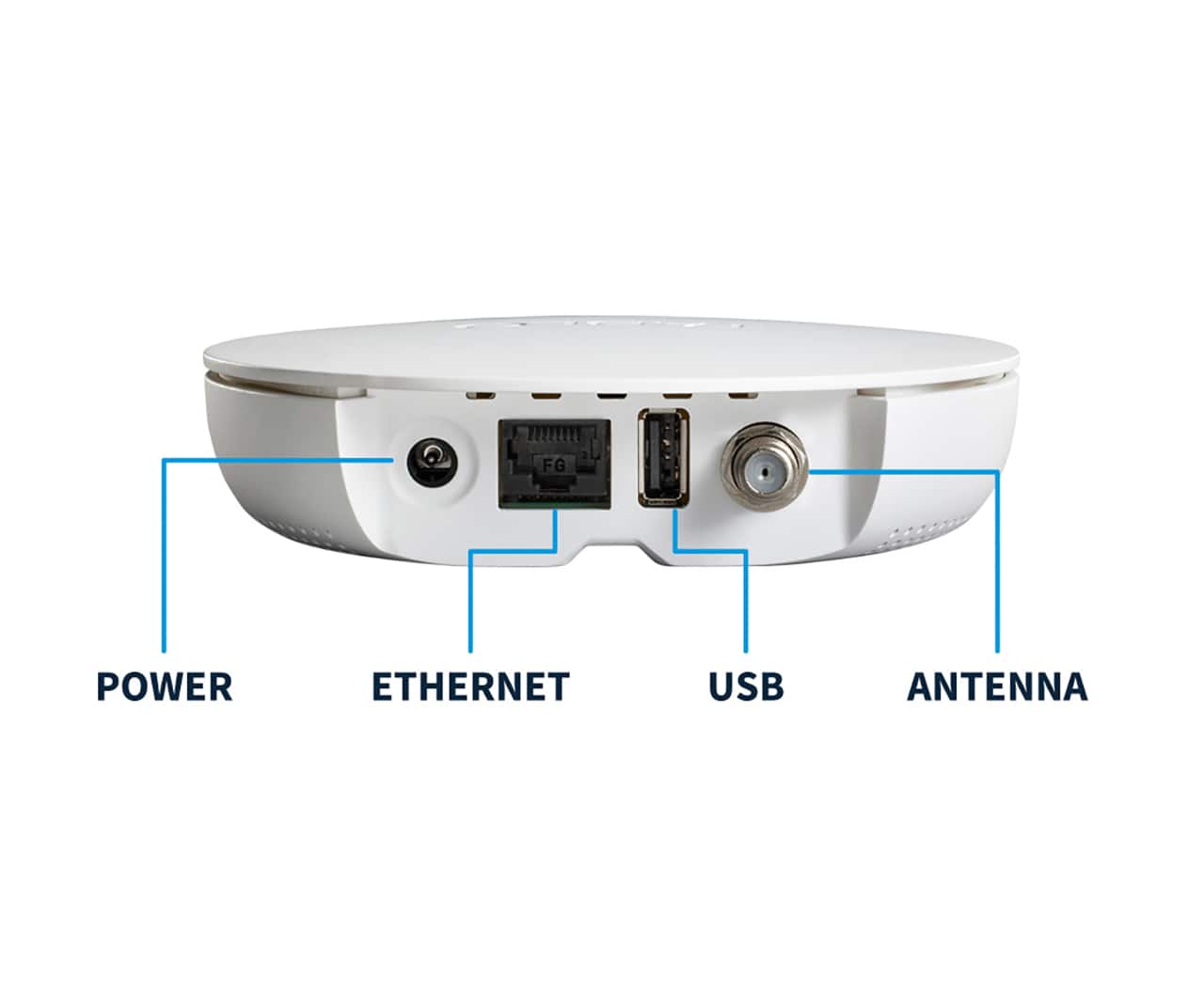
Posted .This reviewer received promo considerations or sweepstakes entry for writing a review.Great purchase, able to record OTA channels for free in HD. Installed on our two smart TV's. The Roku App buffers slightly when you select channels the Fire Stick App works quite differently as it is seamless and there is no lag. I ordered another Fire Stick to replace the Roku. The Tablo App installed easily you have to use the newest Tablo App, the Black App just scan the App from the Tablo box. The Black app is in Roku and the Fire Stick. We already pay for all the major entertainment Apps and with the Tablo we are able to eliminate the $80 dollar Live TV streaming service. Two weeks of guide and easy to manage recordings. I think the internal 50 hours of storage is enough as long as you delete after watching if we end up needing more you can add more externally with the USB port. No extra subscriptions needed.
I would recommend this to a friend - Pros mentioned:Recording
Rated 4 out of 5 stars
Nice OTA DVR
Posted .This reviewer received promo considerations or sweepstakes entry for writing a review.This is a nice little OTA DVR. It has a guide to see everything on over the air plus free streaming contebt. This device offers the ability to record both over-the-air contebt and from the included free streaning channels. You can set to record entire series with an essy one-touch button. With thumbnails, it’s eady to skip over commercials. The option for automatic commercial skipping would be a nice feature that hopefully there will add at some point. While this is only ATSC 1,0, the FCC mandate ensures this device still be iusable until at least July 2027. It would be nice if they offered this in a ATSC 3.0 model with 4 tuners.
I would recommend this to a friend - Cons mentioned:App support
Rated 4 out of 5 stars
YMMV - As Good As Your Antenna Situation
Posted .This reviewer received promo considerations or sweepstakes entry for writing a review.This device is wonderful - provided you have a good antenna situation at home. If you struggle to get good reception, that will show through the Tablo. For me, my antenna mostly works without issue, until there's a sporting event I'd actually like to watch - then the signal gets weak for whatever reason.... I'm using the Tablo with a Roku TV and Roku Streaming Stick 4K. Setup is fairly straightforward. Most of my issues have been with the app/UI/presentation. Having a full 14 day TV guide is great, but you have to stop watching TV to look at the guide. Not sure if this is a Tablo limitation or not, but it would be great to pull up a TV guide overlay over the live TV instead of either/or. As it is, you either watch live TV or look through the guide, but not both at once. Using the Roku app, you cannot change channels without going to the TV guide. Just a simple "up button/down button" to go up and down a channel would be a godsend, instead of using the "back button" to go back to the guide. So its either watch live TV or go back to the guide, not both at once. I've had the app not load when selected - not on Roku or Android app - and just had to wait an hour or so for the Tablo to sort itself out... I've had the picture freeze while audio continues live, and have to pause/fast forward to catch up/sync. Not sure if that's an antenna issue or Tablo. I've had the live TV rewind 10-15 seconds - mostly during commercials, it would be in one commercial then back up 10 seconds into the previous commercial - not sure if it's a buffering issue, antenna issue, or what. I've had the screen go white/static, and the entire Roku had to re-boot because the whole system locked up. Not sure if that is a Tablo issue or a Roku issue. These issues aren't constant or common, so it's notable when it happens, it catches your attention. So that's a good thing. And I would still largely recommend it. Tablo has a ton of potential to be great, and I hope they continue to work out the kinks. Being able to use one antenna and pull the feed across multiple devices is fantastic. Haven't used the DVR features yet, but having 50 hours built in plus expandable storage is fantastic. Including streaming channels alongside the antenna channels is fantastic, even if it's some of the same channels found in the Roku Channel app or Vizio's WatchFree+ selection (which offers live TV/streaming in the same package - BUT you'll need an antenna per TV...). It's definitely work looking into for cord cutting.
I would recommend this to a friend - Pros mentioned:Setup
Rated 4 out of 5 stars
Neat item
|Posted .This reviewer received promo considerations or sweepstakes entry for writing a review.I decided to try out the Tablo DVR and streaming player as my weekends can be busy and I'll miss my favorite football or basketball games when I'm out doing activities. I like that it has the DVR option so I can record things when I'm away. It also has the capability to give you cable channels without having to pay for a cable subscription. Keep in mind you do need a TV antenna to get all of the options. The setup is quick and easy through the provided app. Once you download the app and plug in the Tablo, it walks you through the setup process. You can connect via wifi or directly to your modem for a wired connection. I connected my Tablo to my cable through the wall as I already have spectrum service through my apartment complex. My dislike is that it only gives me about 45 channels and they're rather niche ones, not the basic news and sports channels. I plan to try with an actual TV antenna to get access to the basic channels so I can record Saturday and Sunday football games. The app is super convenient and all features are accessible through it. So far, I really like the concept, I just wish it would access more of the channels I already have with my cable.
I would recommend this to a friend - Pros mentioned:Overall performance, Setup
Rated 5 out of 5 stars
Wish I would of purchased a Tablo years ago
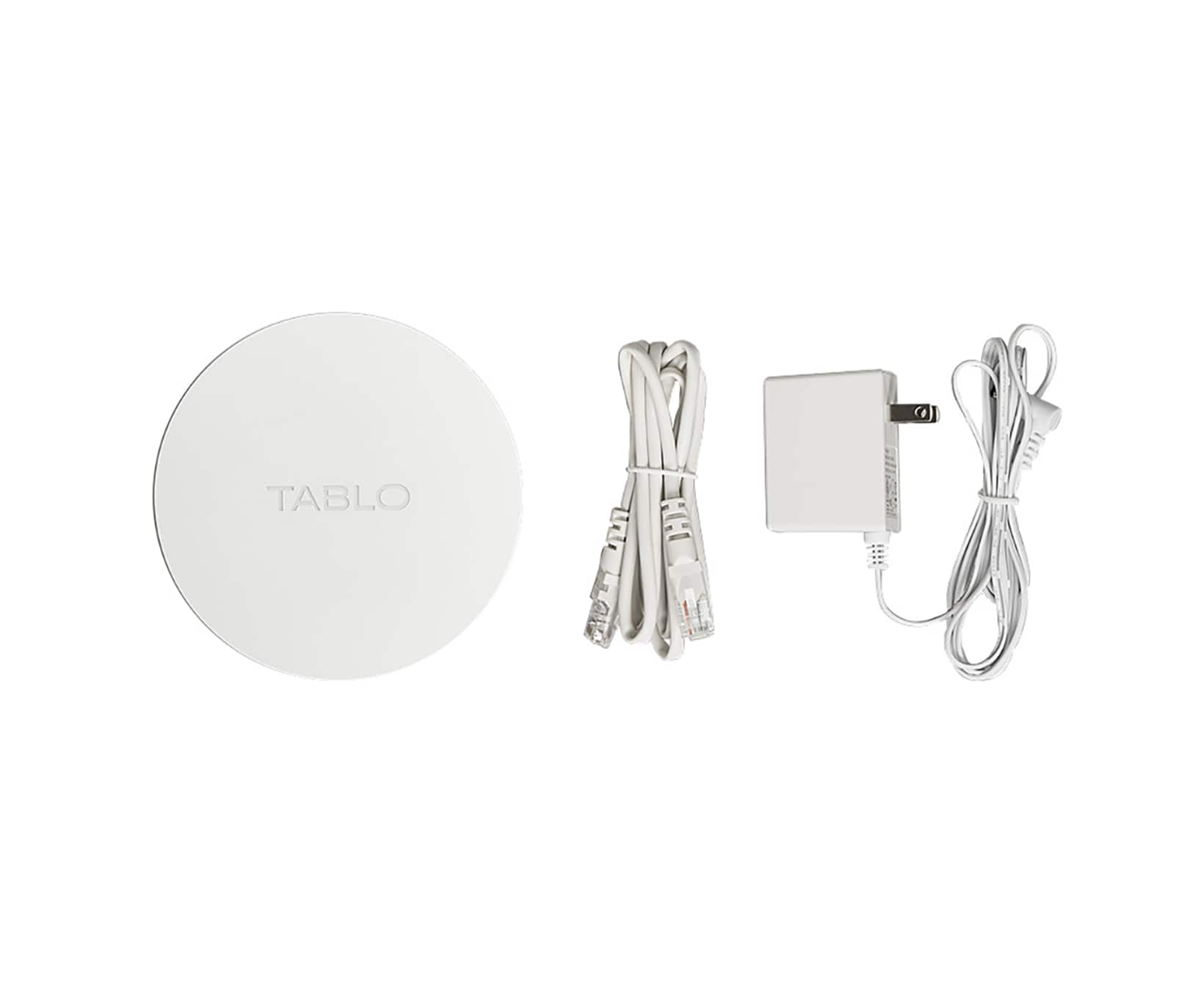
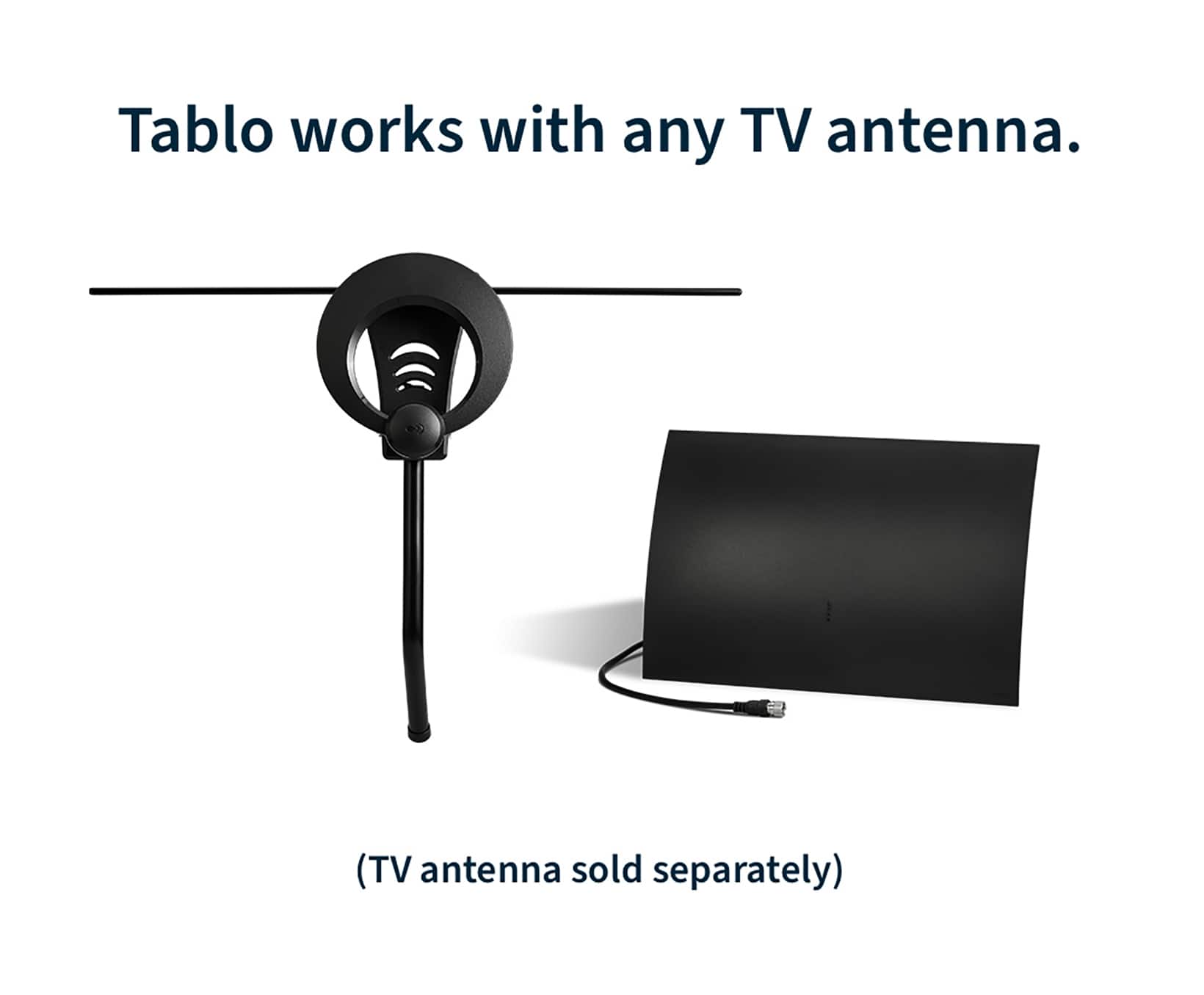
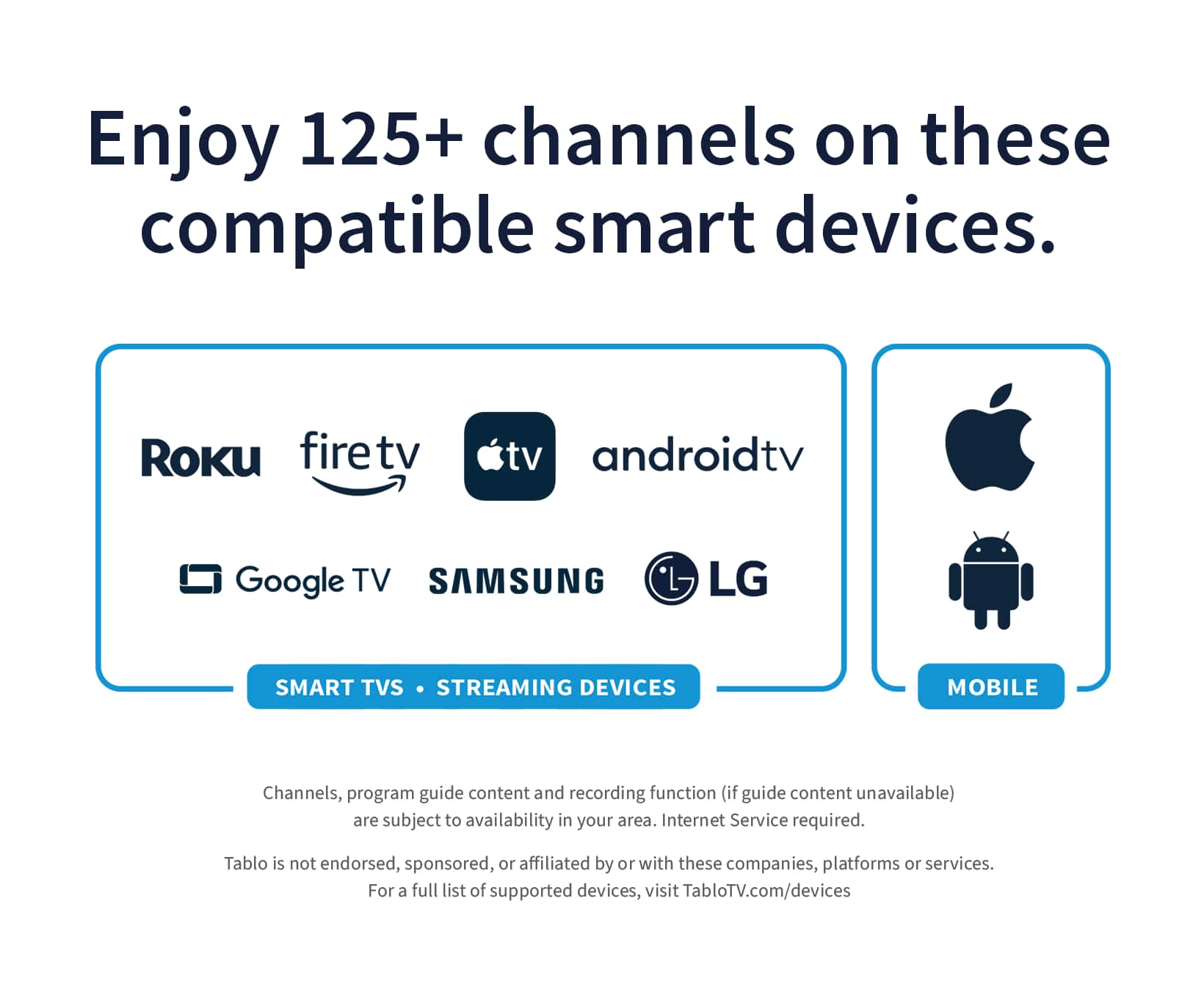
|Posted .This reviewer received promo considerations or sweepstakes entry for writing a review.If you're looking to capitalize on the cord cutting movement, by utilizing OTA (over the air) HD Television. This is definitely something you are going to want to include into your media eco system. This is a 4th gen Tablo TV DVR and it provides great little features and the ability to stream throughout your home on multiple devices. The internal hard drive space gives you approximately 150 hours of recording space, but you are not limited to this as you can extend the recording space with an external portable usb drive up to 8TB for an additional 1000hrs of recording time which makes this a very expandable device and worth the price tag in my opinion. Pros: Small compact design. WI/FI or Ethernet connection, with ethernet being the prime of the two. Easy to setup and download the app that controls it. Compatible with many other devices in your home, according to the tablo website this device is compatible with streaming devices (sticks and boxes) and smart TVs from Roku, Amazon Fire TV, Android TV/Google TV, Apple TV, Samsung, LG and Vizio, as well as smartphones and tablets running iOS and Android. I was able to verify this on my android and iphone as well as my fire sticks, fire box, fire tv and my alexa show 15 devices, all worked flawlessly with the updated tablo tv app. I really like this device and i do believe we will be using this for years to come. The unit is nicely constructed and came with everything but an hd-antenna to get started, though i believe from reading up on their website an additional option for the purchase will include a 30 mile antenna for an additional small fee, quite a good deal if you ask me. Overall i would recommend this OTA-DVR to anyone looking to keep up their favorite ota shows and sports, that they can receive in their area of service.
I would recommend this to a friend - Pros mentioned:RecordingCons mentioned:App support
Rated 2 out of 5 stars
Frustrating user experience.
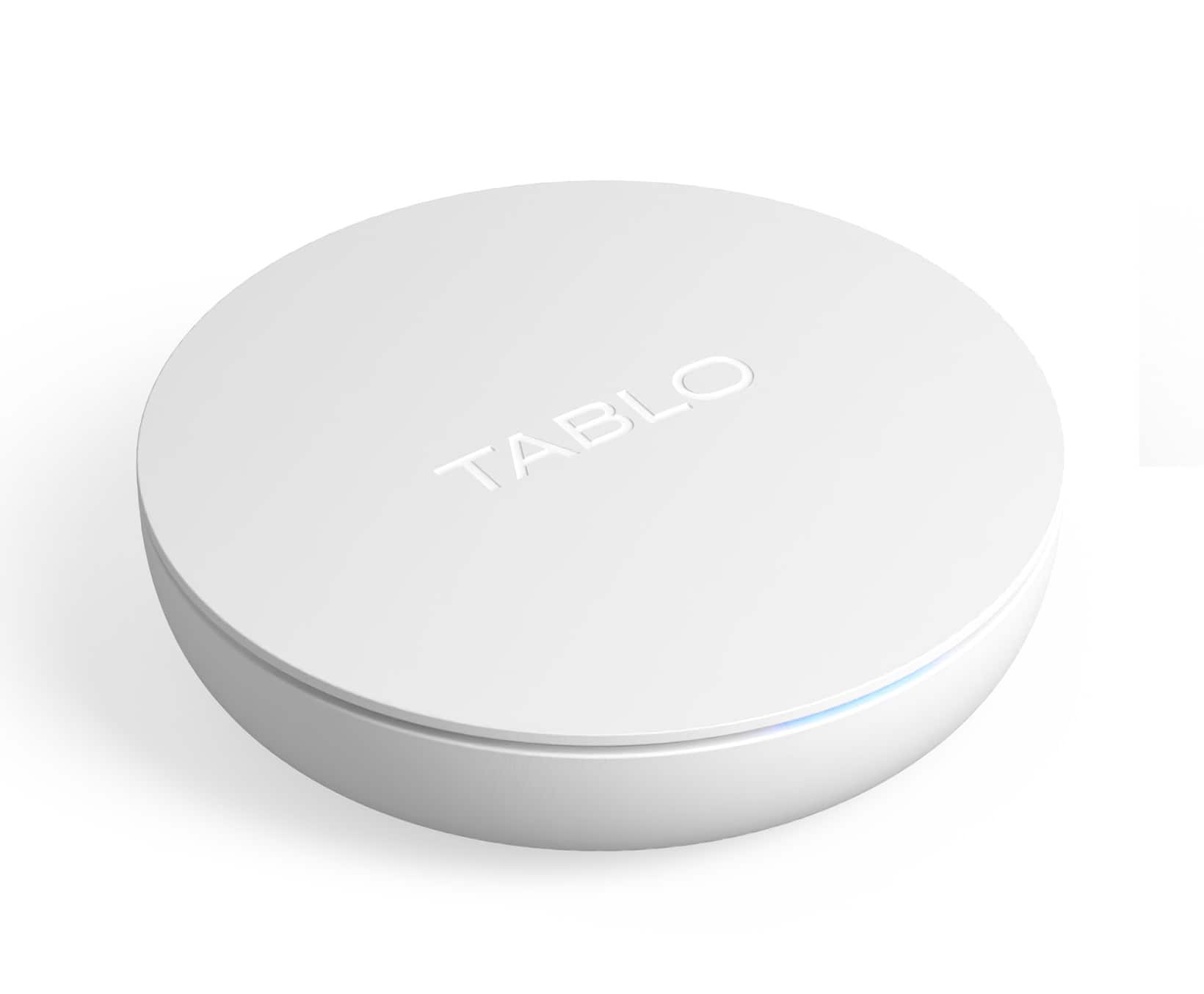
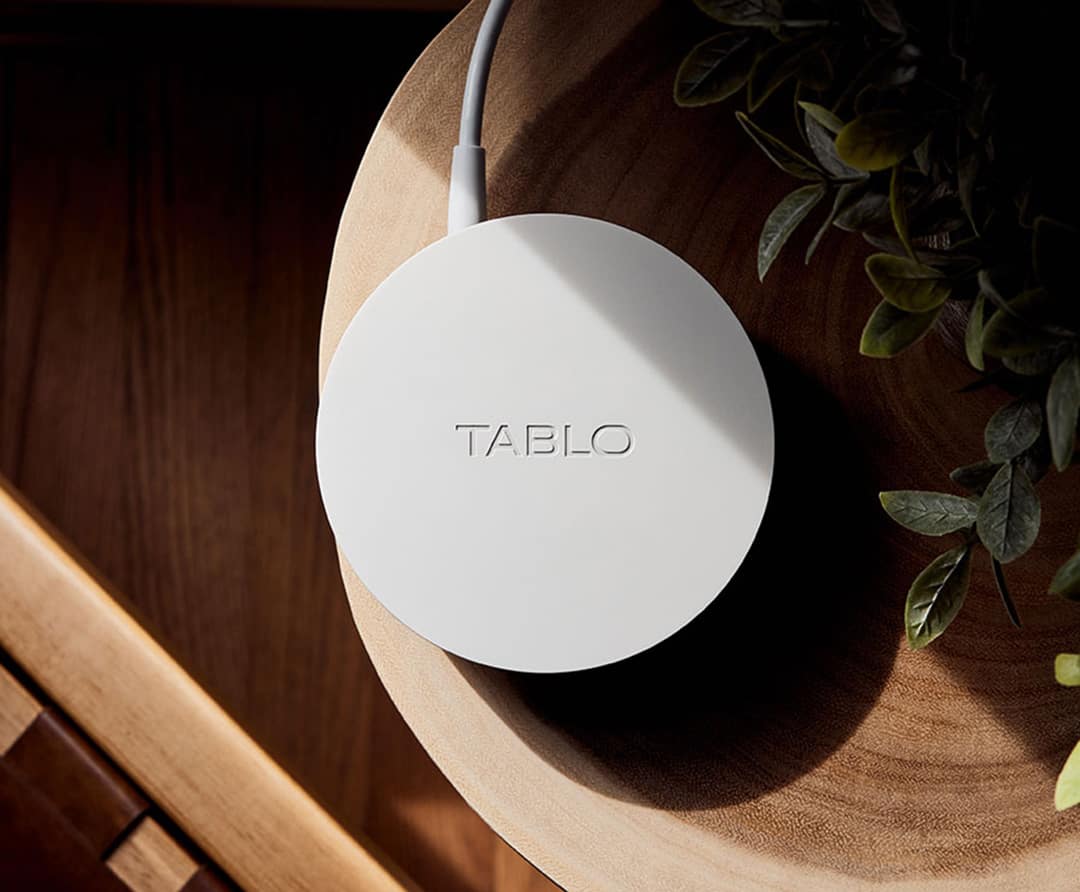
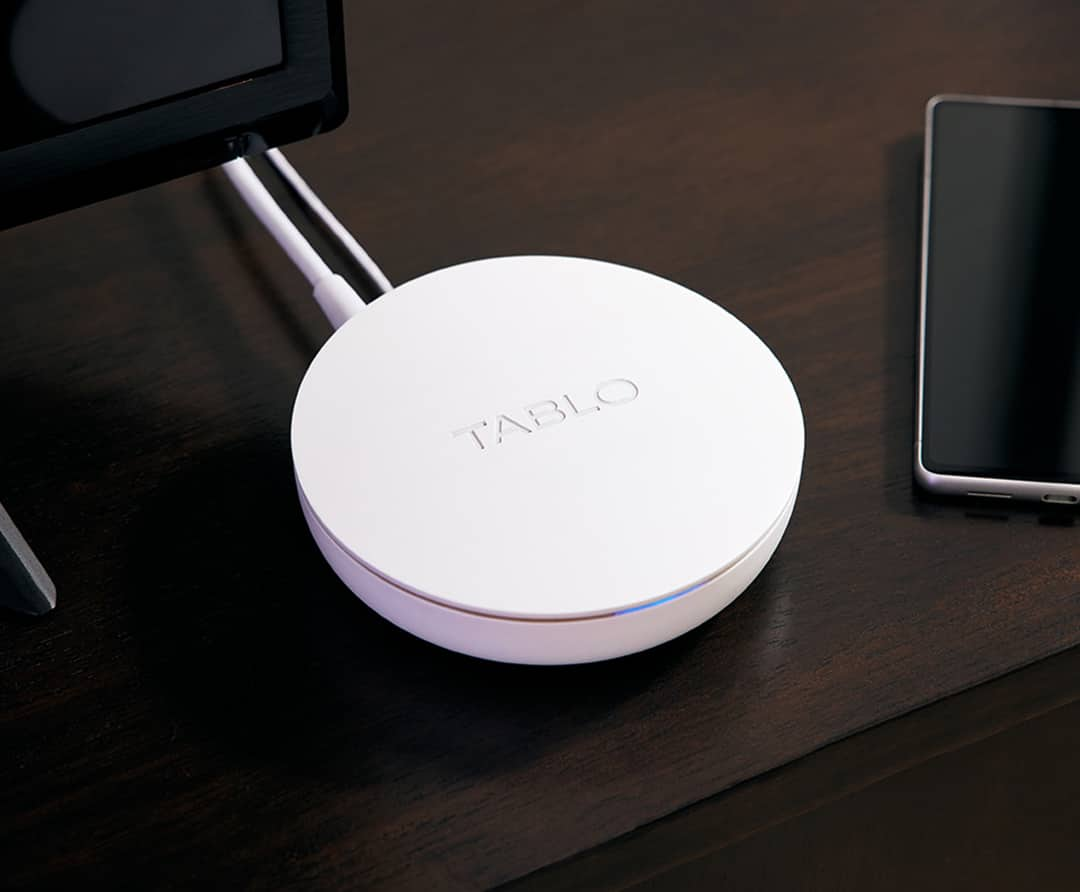
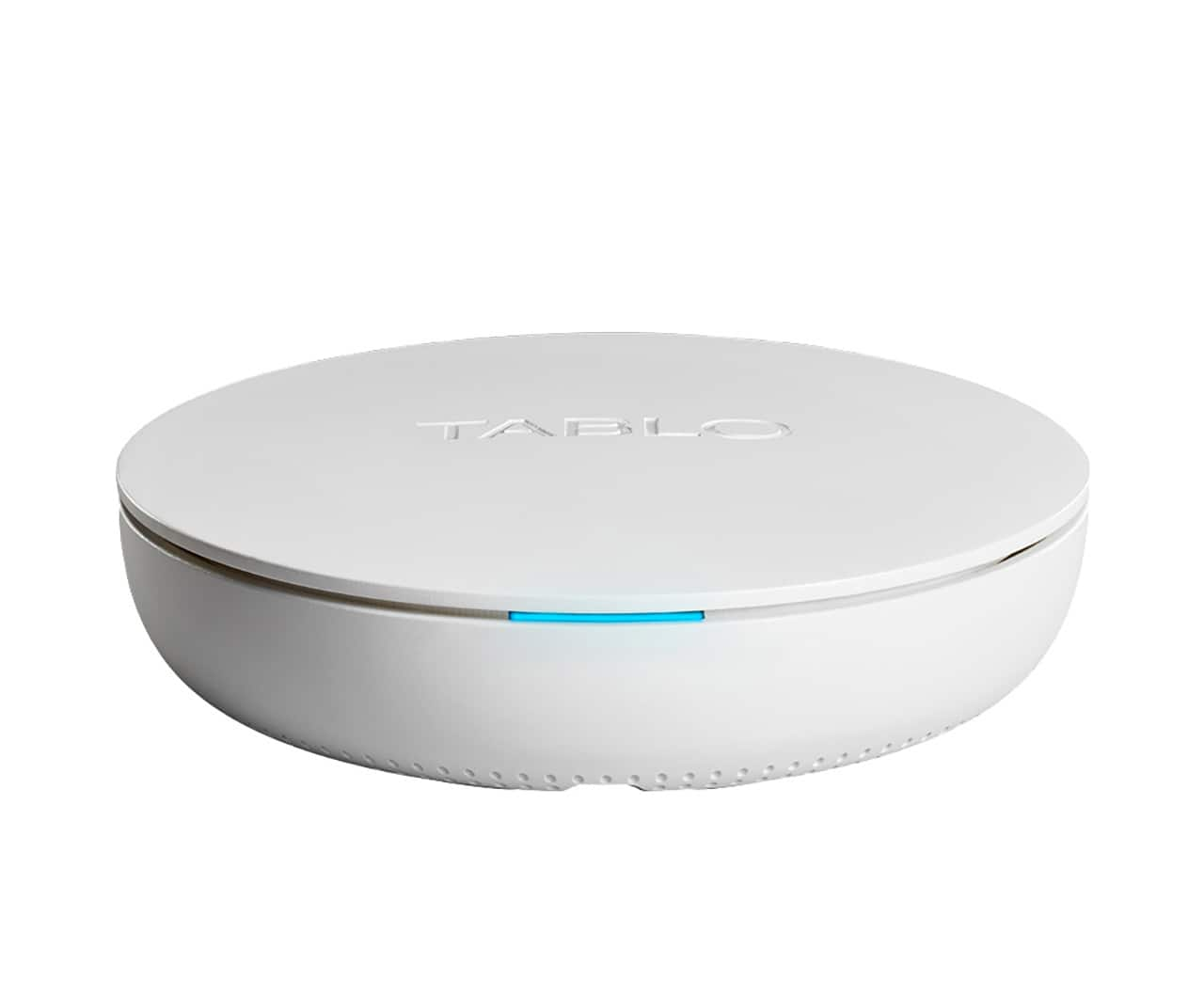
|Posted .This reviewer received promo considerations or sweepstakes entry for writing a review.I was very excited to get this Tablo. I love the idea of recording live tv from my antenna. I have a roof mounted antenna, and I get whole house local tv. This Tablo would be the perfect solution for me. Out of the box I was very impressed with the overall quality of the device. A simple white disc with only a power cable and optional Ethernet cable. I connected the device and then downloaded the app. The app immediately recognized my device and it let me connect to my local WiFi. It then prompted me to install a firmware update, in which everything froze. This was an indicator of things to come. I force closed the app, then reopened to discover the update installed fine. The app downloaded my local tv lineup and I was stoked to get started. I found one program to record and set it to record that same day. Later I went to watch it and turns out it failed to record. I set another program to record and it worked perfectly. It played back in hd with no streaming issues. I was stoked yet again. Note I am using a galaxy s22 phone. Now it was time to test on other devices. I have 2 firesticks in which the app simply does not work. It downloads the channels and looks good, but then closes every time. I made sure my device was updated with the latest software, but it did not work. I have a fire tv box 4k, and the app did actually work great. I suppose the beefier hardware makes a difference. I then installed the app on my older LG tablet running android 6.0 and the app does not work yet again. The minimum app requirements is android 5.0 and higher. The Tablo legacy does not work either. I then installed the app on my iPad, 7th Gen, and it worked perfect. So I decided I would be limited to using just my phone. I started streaming live tv, which is one of the main features I wanted to use, only to find out the video pauses and skips to the point of being unwatchable. I tried several channels, so I know it was not the antenna signal. I should also note that you cannot use the app when you are not connected to your home Wi-Fi. Not even to watch recorded shows. This was also disappointing. Another note is that you cannot access Tablo from a Windows computer. So you cannot stream from a laptop or connect your laptop to your tv to stream. I was more disappointed in this DVR than I was impressed. Hopefully Tablo improves on their app and allows access away from home. Then this world be the perfect device. Until then, I would hard pass.
No, I would not recommend this to a friend - Pros mentioned:Ease of use, Recording
Rated 4 out of 5 stars
So far So good
Posted .This reviewer received promo considerations or sweepstakes entry for writing a review.Follow the directions and it was fairly easy considering I am not real familiar with modern tech. Was a couple bumps but mostly I created them. It's only been up and running 36 hours. How ever it is doing an excellent job it was purchased for. Just recording OTA day time TV foe My sister to view in the evenings. Anything else like extra content to watch is just a bonus.
I would recommend this to a friendBrand response from Tablo TV
Posted .Glad Tablo is working out for your James!
- Pros mentioned:Overall performance
Rated 4 out of 5 stars
tablo app
Posted .This reviewer received promo considerations or sweepstakes entry for writing a review.divice works perfect,the app had to be downloaded via tablet,still had to retry several times to completely download.never got the android phone to download complete app.after download the app worked great.
I would recommend this to a friend - Pros mentioned:Setup
Rated 5 out of 5 stars
FREE TV at it's best!
|Posted .This reviewer received promo considerations or sweepstakes entry for writing a review.Tablo [2023] OTA Antenna DVR (Over-The-Air (OTA) television) reception using the Tablo offers a plethora of advantages and features including: Free Access: OTA TV provides free access to one hundred plus channels in my area such as ABC, CBS, NBC, FOX, and PBS, keeping me updated with local news, weather, and community events without any subscription fees although you do get commercials. Additional Content: Apart from major networks, many of my OTA channels offer niche content, including classic movies, educational programming, and diverse entertainment. High Definition (HD) Channels: Many OTA channels in my area are broadcast in high definition, offering superior picture quality compared to standard definition. Reliability: OTA signals are pretty reliable, offering consistent picture and sound quality without concerns about bandwidth or streaming. No Internet Required: OTA TV doesn’t rely on internet connectivity, making it an excellent backup during internet outages or for areas with limited internet access. Multicasting: Many stations broadcast multiple sub-channels, offering additional programming options beyond the main channel lineup. Sports and Special Events: Major sporting events and special broadcasts are often available on local OTA channels, including the Super Bowl, Olympics, and more. Easy Setup: Setting up the Tablo [2023] OTA Antenna DVR and an OTA antenna is straightforward. Once installed and properly oriented, it can provide access to numerous channels. No Contracts or Subscriptions: There are no contracts or ongoing subscriptions required to access OTA TV. Once you have Tablo [2023] OTA Antenna DVR equipment, there are no recurring fees. DVR: I can record live TV for later viewing which is cool. Great concept and their support people are very responsive!
I would recommend this to a friend - Pros mentioned:Storage
Rated 4 out of 5 stars
The Little Engine That Could…
|Posted .This reviewer received promo considerations or sweepstakes entry for writing a review.Would you like to watch TV, recorded or live, pretty much any place you go? If your answer is “Yes,” then you should look at TABLO TV (TTV). It offers a choice of using your smartphone and/or your tablet for viewing TV via wi-fi. (NOTE: Other options are available, with more coming.) Like pretty much everything else these days, there’s an app for that! It can be found on Google Play or the Apple Store. Other sources are available on TabloTV.com. The TTV concept is a good one. It’s essentially a DVR with a comparatively tiny footprint that can be placed anywhere, so long as it can be connected to an OTA (Over the Air) TV antenna. All function control is by the app. Initially, the TTV had set up and connectivity issues. That has been corrected by a significant firmware update, and setup can be accomplished in minutes. So, if you are having issues, be sure to download the updated app, which should make it a breeze. (NOTE: If connecting is still a problem and you have an active VPN, turn off the VPN until you have the TTV up and running.) After your mobile device and TTV have connected via wi-fi (Ethernet hard wire is an option.), the app will lead you through the remaining steps. A channel search begins; and, depending on how many channels are found, this can take a few minutes. Mine identified 82 channels! TTV then creates a program guide for those channels. After this step is done, you can go back later and delete any that you don’t need. Out of curiosity, I have not deleted any; however, I am sure I will eventually remove a lot of them. However, what this does is demonstrate the long reach of the TTV when paired with a quality OTA antenna. The channels I have checked out so far are, for the most part, good to excellent in both video and audio reception. Bear in mind the quality of your OTA antenna, distance, weather, and topography all play a part in the quality of OTA reception. TTV, like any other DVR, it is not creating the OTA signal so it can only record what it “sees and hears.” On board storage for lots of viewing material should be no problem, because the TTV provides 128Gb of storage (est. 50 viewing hours). Should that not be enough for you, the TTV console has a slot ready for any USB drive up to 8TB. You can do some serious bingeing with that! TTV is ready for prime time, and it is available at a comparatively affordable price. If you want your favorite TV shows on the go, TTV has an app for that.
I would recommend this to a friend - Pros mentioned:Ease of use
Rated 4 out of 5 stars
Great potential with a few rough edges
|Posted .This reviewer received promo considerations or sweepstakes entry for writing a review.I was genuinely excited to try this device out. I'm big on cord cutting and this felt like a great way to provide local channels to all of the TVs in my house with one antennae. It also offers an easy way to schedule recordings of those broadcasts to watch back later. Specifically sporting events and award shows are a couple things my wife and I feel like we always need a plan if we want to watch and this really gives us great options without having to get cable or satellite. We also like having local weather in the morning and have a small TV in our kitchen that is basically just to watch local morning news. The physical setup of my tablo was relatively straightforward: plug all the wires in, but a good (ideally powered) antennae in the best location in your house and your whole house can use that one signal without running wires. When setting up the TVs and the your mobile phone is where the polish of teh tablo experience started to fade. You can scan a QR code, download the app and get moving quickly, but you're forced to install a firmware update that broke the link between the physical device on your online account during setup. I had to uninstall the app after firmware upgrade to fix, which is always a stressful did-I-just-brick-my-new-tablo experience. I'm an Android user and YMMV in iOS. I was excited that the scanning for tv stations and finalization of the setup was all smooth. Watching my antennae on my phone was fantastic and worked great! I was disappointed in the overall TV experience unfortunately. The two largest TV brands are Samsung and LG and my nicest TVs are those models. Samsung has no native app for tablo and LG only has the old tablo app which is completely different despite the same naming. In order to watch on LG or Samsung you will need to get a chromecast of roku device, which feels a little redundant when this will be the only app you cast instead of using the TV's native app. To make maters worse the watching experience is inconsistent for me on Android TV's. My android TV worked great during the first setup, but on later attempts I never got tablo to work on Android again, it was just stuck on the loading screen. Its not bad by any stretch, but a consistent experience on TVs, especially on premium TVs from LG and Samsumg would be the difference between being good and being great.
I would recommend this to a friend