Skip to contentGo to Product Search
Main Content

Customer Ratings & Reviews
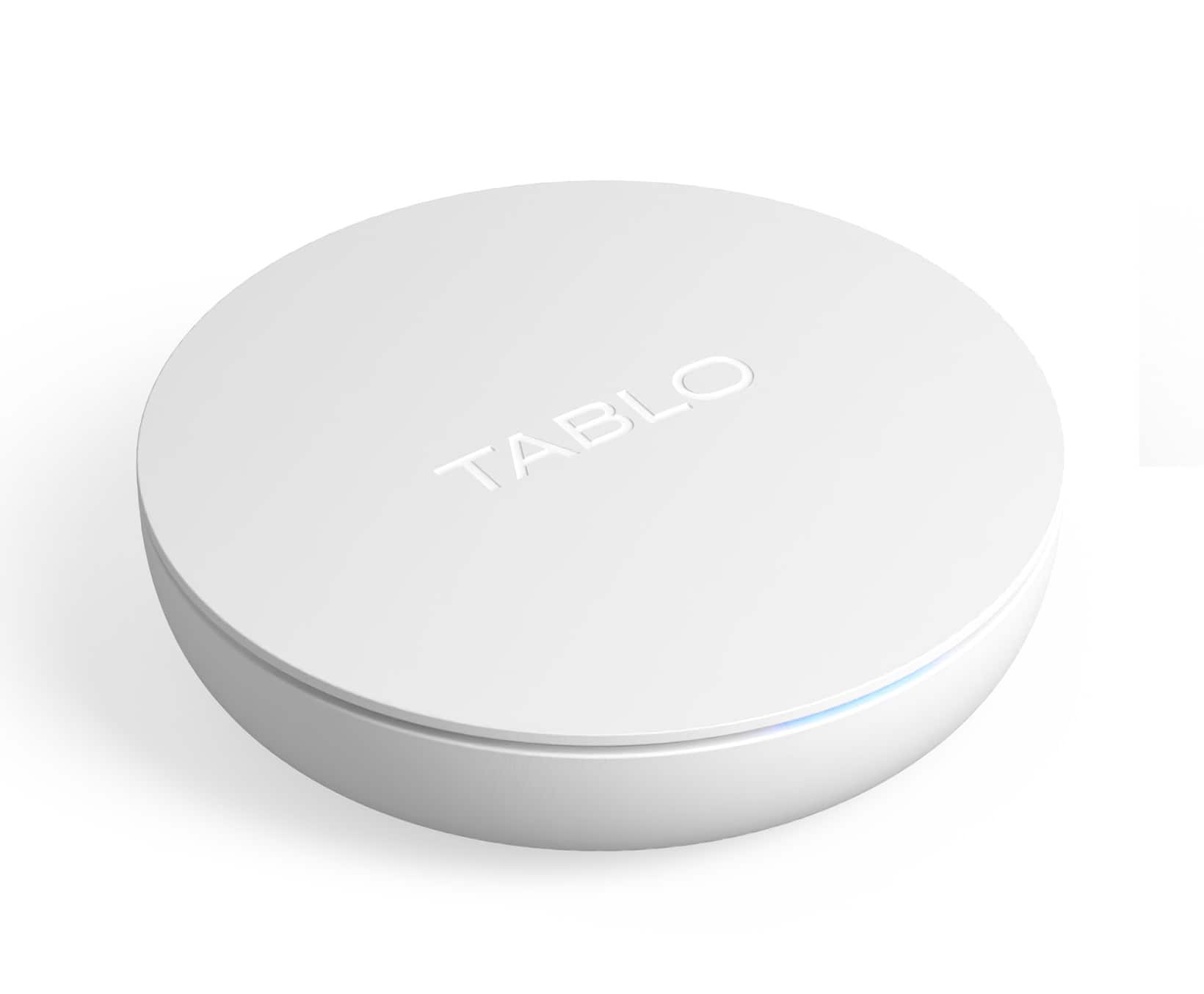
$99.99

Customer reviews

Rating 3.7 out of 5 stars with 1074 reviews

Rating Filter

Rating by feature

  • Value

    Rating 3.9 out of 5 stars

  • Quality

    Rating 3.8 out of 5 stars

  • Ease of Use

    Rating 3.8 out of 5 stars

Pros mentioned filter

Cons mentioned filter

69%would recommend to a friend

Customers are saying

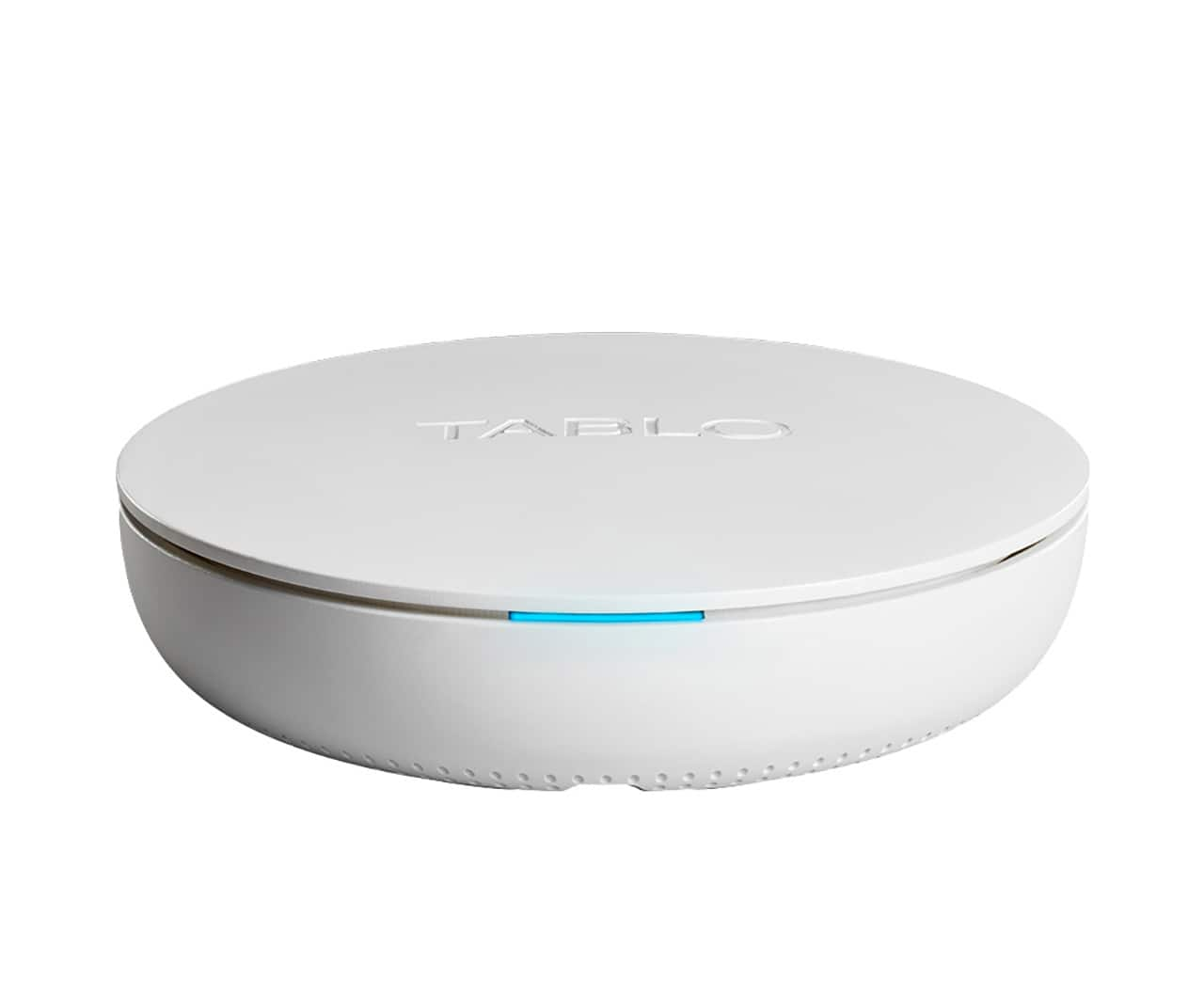
Customers are pleased with the ease of use, overall performance, and setup of the 4th Gen, 2-Tuner, 128GB Over-The-Air DVR & Streaming Player. Many customers find the recording and storage capabilities useful, and appreciate the streaming and channel count features. However, some customers have expressed concerns regarding app support and compatibility. Additionally, a few customers have reported issues with connectivity and signal strength.

This summary was generated by AI based on customer reviews.

The vast majority of our reviews come from verified purchases. Reviews from customers may include My Best Buy members, employees, and Tech Insider Network members (as tagged). Select reviewers may receive discounted products, promotional considerations or entries into drawings for honest, helpful reviews.
Page 49 Showing 961-980 of 1,074 reviews
  • Pros mentioned:
    Recording

    Rated 3 out of 5 stars

    Double check your TV is compatible.

    Posted .
    This reviewer received promo considerations or sweepstakes entry for writing a review.

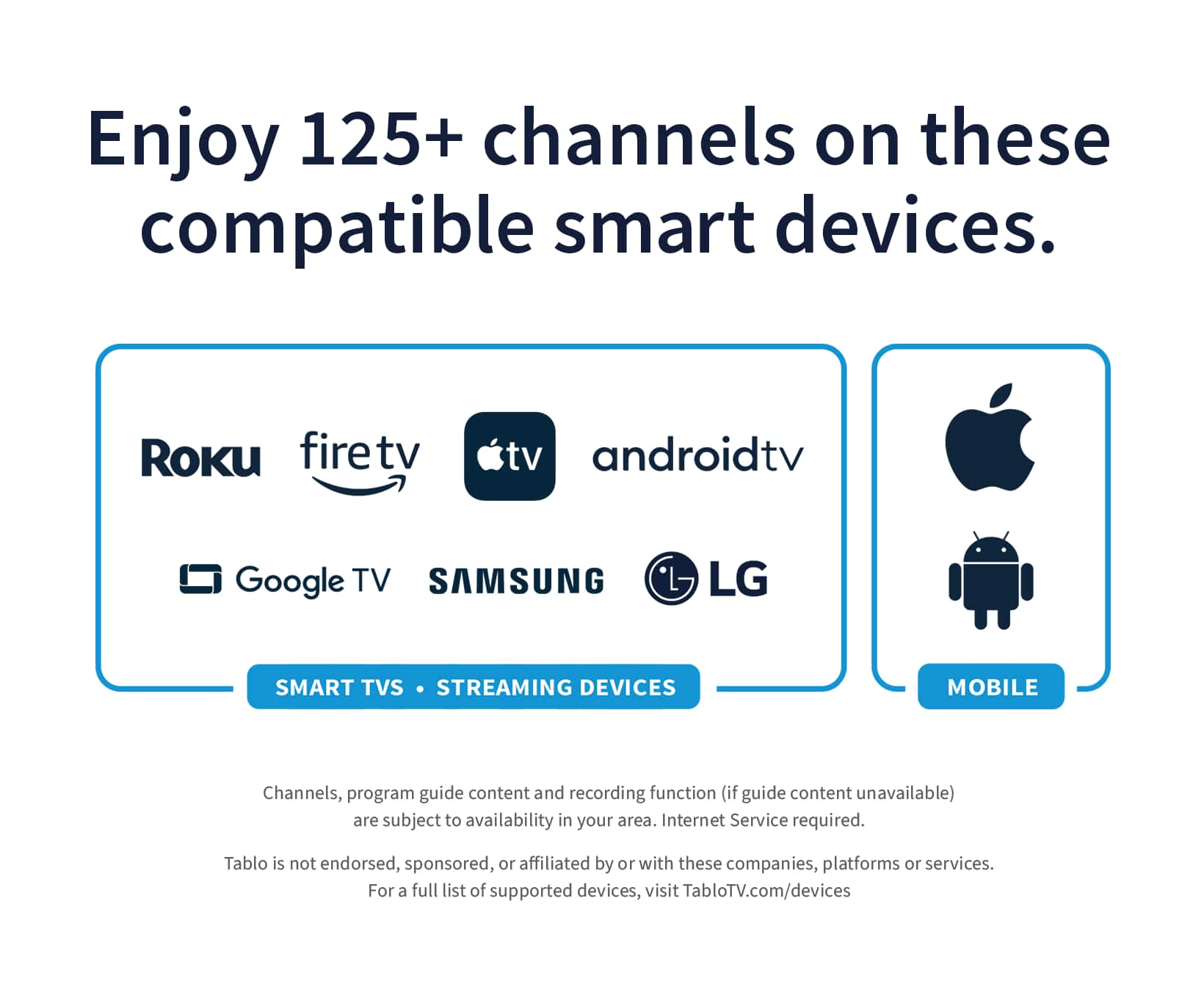
    Bought this for my father, he wanted to be able to pause and rewind the shows and record. Look promising. Checked his LG TV and there was an app for Tablo so thought we were good to go. Hooked it up to Internet and setup was fine, he connected to Tablo through his phone but couldn't get TV to connect. We started the app, and it had a button to search for Tablo but it would say none found every time I tried. Finally after checking website, found this little statement. "Select LG Smart TVs running webOS 3.0+ (US & Canada) and select Samsung Smart TVs running the TIZEN OS (US only) may offer a Tablo app however these apps are no longer supported." I brought a Roku over and setup on his TV. The app on Roku connected immediately. The interface was fine and the channel guide worked great. You select a show to watch and it gives you choice to watch live or record. If you watch an over the air channel, you cannot pause or rewind. You must first select record, then go to your recordings, and select the show being recorded in progress. Once you select the recorded show, you can then pause and rewind live over the air TV. He being elderly didn't like he had to have 2 remotes now. He didn't like the fact Roku remotes have no number buttons to push to select the channel directly. You have to go to the guide, and scroll up or down to get to the channel you want. It works great on Roku, if you want to use it on your TV, you better triple check it's compatible. I don't understand why they don't out an HDMI port on this device. Life would be so much simpler.

    No, I would not recommend this to a friend
  • Pros mentioned:
    Setup, Storage
    Tech Insider Network Member

    Rated 5 out of 5 stars

    Great Little Device!

    |
    Tech Insider Network Member
    Posted .
    This reviewer received promo considerations or sweepstakes entry for writing a review.

    The Tablo OTA Antenna DVR is going to be a game-changer for me! In the past, when camping with the family in our RV, I can not tell you haw many NHL regular season and playoff games I missed since we would often be out boating, fishing, jet skiing or just making smores and drinking beer. The time with family was more important... Then along came Tablo OTA Antenna DVR... I have installed this in my RV with my hot spot and digital OTA. Now I'll be able to record the games, enjoy my time with the family and after everyone else goes to bed... The wife can read her book and I will catch up on the game! Setup was simple as I already had the built in dgital OTA. I have not had a chance to test it out at any "live" campsites yet, but my experience is that most places we go to, we get a decent signal. Froma techie standpoint, it has a built in 128 gig storage. If that's not enough, you can attach up to an 8 TB external drive. That should provide ample room for recording TONS of content. End of the day, this will be a great upgrade for me and I can now camp AND catch the games!

    I would recommend this to a friend
  • Pros mentioned:
    Setup
    Tech Insider Network Member

    Rated 4 out of 5 stars

    Reduces the number of antennas needeed

    |
    Tech Insider Network Member
    Posted .
    This reviewer received promo considerations or sweepstakes entry for writing a review.

    The Tablo 4th gen 128GB over the air dvr and streaming player, will make a great addition and save you the clutter of having antennas for every television. The set up when connected to the ethernet cable and cellphone was very simple, however getting it to set up wirelessly was a different story and that is why I gave it 4 stars. I took well over a half day of trouble shooting to get it set up I would not load up any channels and would freeze on me during set up, but after a while of messing with it and many attempts I was finally able to get it set up, and the trouble was really worth it. I can now watch, pause, record live television and i don't need so many antennas hanging around my televisions. The one other thing I don't like much is that it does loose the picture quality, but the fact that I don't have antennas everywhere makes up for that. Before you buy make sure your television has access to the new updated app for the gen, sadly one of my televisions has not been updated since i only have access to the old version. But I do like the product, and it does give you access to additional channels that are not local.

  • Tech Insider Network Member

    Rated 3 out of 5 stars

    Amazing Guide Does Not Cover Up Its Flaws

    |
    Tech Insider Network Member
    Posted .
    This reviewer received promo considerations or sweepstakes entry for writing a review.

    The 4th Generation Tablo is a neat OTA DVR with positive notes and also negatives that keep me wanting more but will never be with the hardware being limited. After opening the box and reading the directions, I added the Tablo to my current OTA Antenna, which is powered, and started the setup via my Android Phone. I did download the newest app as well with the Dark Blue background, not the older one, that is not compatible with the 4th gen Tablo. Here is where issue number one started, I had over 3 hours on the first day trying to get the app to connect to my Tablo. I reset the app multiple times through the backend of the phone, uninstall and re-installed multiple time and still nothing. I gave up and walked away thinking this was a dead in the water. The next day I came back to it and all of a sudden the app finally loaded and found the Tablo. I set the app to start scanning the channels and was pleasantly surprised at the 77 channels found, this is more than the attanae did alone, but, without a huge negative spree. The Channels that came through were new but I was missing 2 major networks, I unplug from my attannae and they come back. Secondly, I went from having ATSC 3.0 Tuner in my TV with 4K from Fox and CBS to a ATSC 1.0Tuner from Tablo and only seeing 1080P on CBS and 720P on multiple old 1080 stations and plenty of 480P which used to be 720P. The unit is downgrading my signal to the tv units, why this was not a main focus on the Tablo 4th Gen, I don't know, but it does not make for a comfortable purchase knowing my quality is worse. Now, How do I combat this so I can still use the amazing DVR with one heck of a channel guide, the best channel guide yet? I have 2 outputs from my attanae so one is now used solely for the Tablo and the other for my tv to get the 4K content from my Hisense U8H ATSC 3.0 Tuner. With the move to ATSC 3.0, Tablo in my eyes failed to future proof only making their market share smaller to try and wait to make us buy another unit in 2 years, that is what I see happening and will only drive consumers away in the end. So, with that information being said, here are my Pros and Cons of the 4th Gen Tablo DVR. Pros: Amazing Guide Nice amount of space Small Unit Size and can be hung up behind the tv Roku App Layout Ability to keep channels out of guide Cons: ATSC 1.0 Tuner Downgraded Picture Quality over TV Tuner Funky App Issues during setup Single TV Output In the end, it deserves 2.5 stars, 3 stars at best if someone is using an older ATSC 1.0 TV, but, Tablo missed the mark for myself on this unit.

    No, I would not recommend this to a friend
  • Pros mentioned:
    Setup
    Tech Insider Network Member

    Rated 3 out of 5 stars

    Not ATSC 3 (no 4k picture here) Great otherwise!

    |
    Tech Insider Network Member
    Posted .
    This reviewer received promo considerations or sweepstakes entry for writing a review.

    Right off the bat if you have a new or large 4k or 8k TV you shouldn’t be looking at this because it only outputs 1080p maximum and does not have what they call ATSC 3 which would enable higher resolutions to be captured. It also does not get the channels well compared to another unit i have for locals. That said i have to say that the guide is absolutely wonderful and the way that it can integrate with my iPhone and be used is excellent. The setup for me went just fine going through the app and i used the device connected hard wired to my internet router to avoid problems with Wi-Fi interference. Being able to pause, rewind and record live over the air TV on demand is a feature that previously you had to pay a subscription fee for which made no sense as the entire community that uses a device like this does so to avoid cable companies. This unit however does not have a fee and for that it stands out. I wish it delivered 4k but at the price of $100 you can’t get everything you want. I would still recommend this unit if you have only a 720p or 1080p TV as you wouldn’t tell the difference but once you step up to 55”+ and 4k+ its just so hard to step back down to that picture quality and for that i give 3 stars.

    I would recommend this to a friend
  • Pros mentioned:
    Overall performance

    Rated 5 out of 5 stars

    Honest Review With Details

    Posted .
    This reviewer received promo considerations or sweepstakes entry for writing a review.

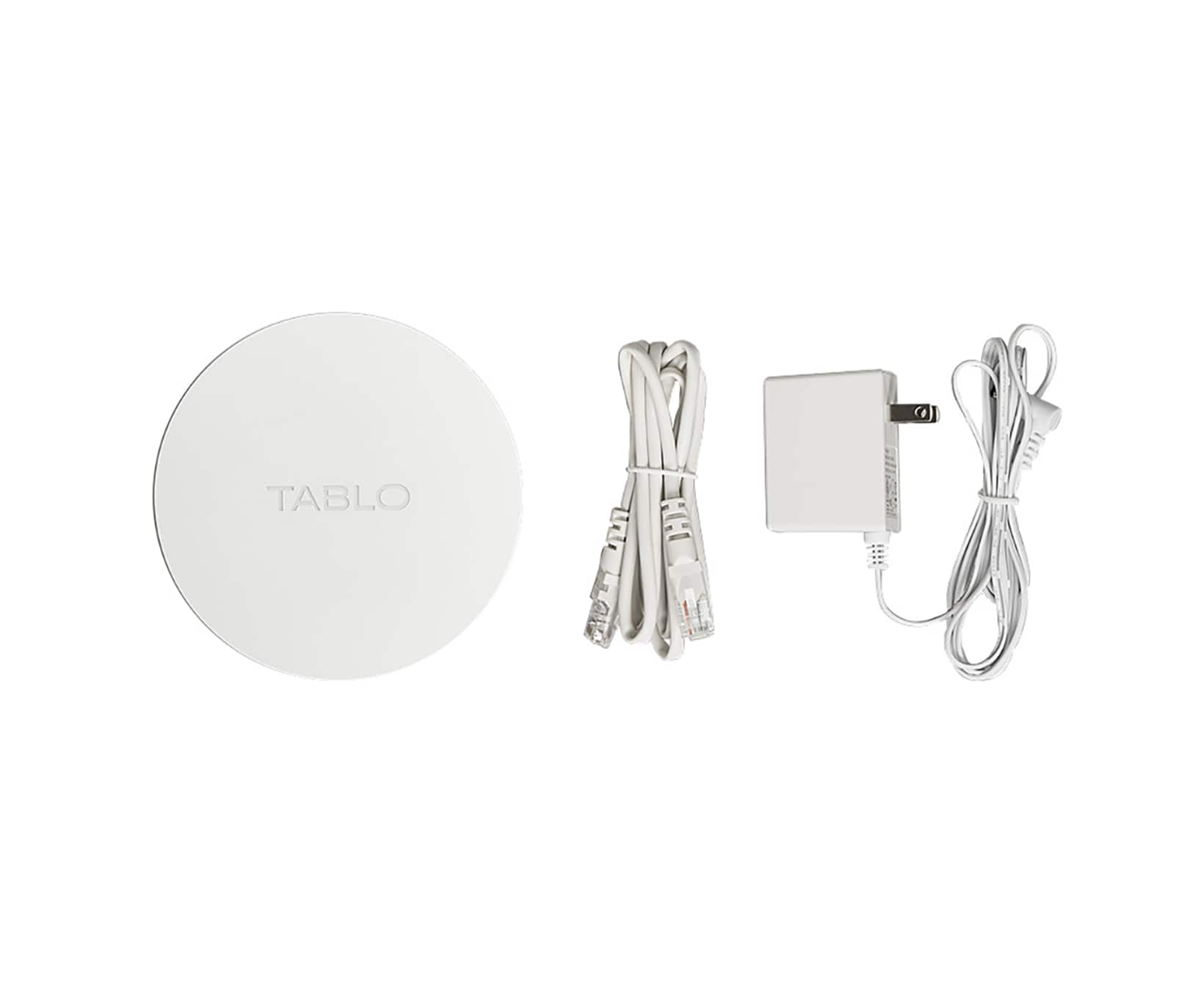
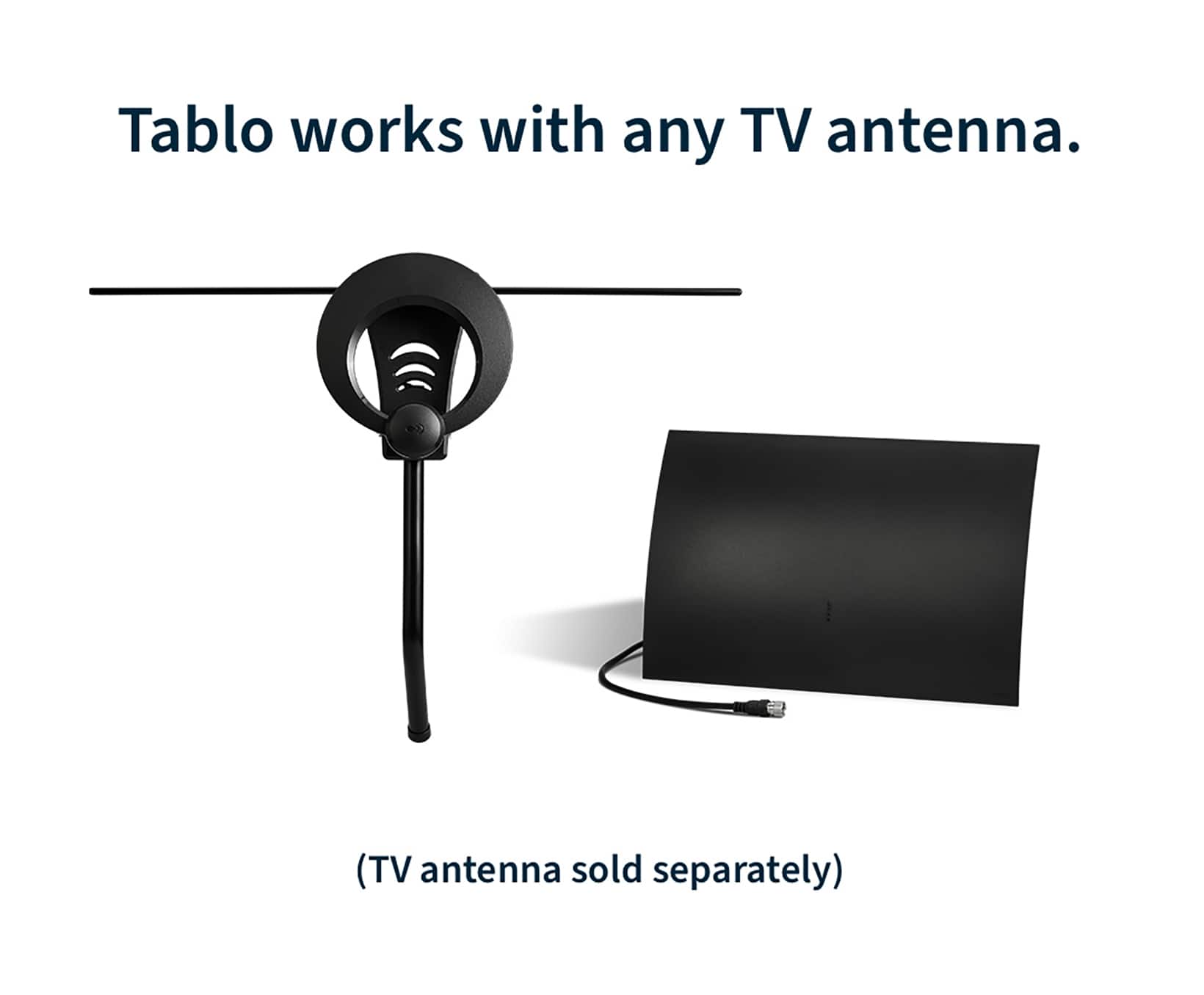
    This review details my personal setup and experience as an early adopter of the 4th gen with the supplied 35 mile range inside antenna. Those that complain about what the thing can’t do, like lack of ATSC 3.0 and insufficient memory, either haven’t purchased one or are incapable of reading the specs. Just read about the system before you buy one so you know what you are buying and don’t have unrealistic expectations. My house is 12 miles to the east of all local broadcast towers. You have to download the new 4th gen Tablo app on your phone or IPad before you hookup and turn on the system. The installation software correctly told me to point my antenna to the west. The antenna came with double sided adhesive strips, but I used 3M Command adhesive strips so that at some point I can remove the strips without damaging my drywall. I have a Netgear Orbi mesh router system with one of the satellites located in a closet in my partially below ground lower level. Placement of the Tablo and antenna in the closet enabled a network cable connection to the satellite and antenna placement on the closet wall near the ceiling. That resulted in the antenna being ~5 ft above ground level, facing west, ~6 ft from an outside brick wall. About 20 ft west of our house are two large tree covered lots blocking a westward view. Certainly not the ideal antenna placement. The antenna is 12.5 wide x 6.5 inches tall, very thin, and black on one side and white on the other. You can mount white or black side out, but the supplied 6 ft RG-6U cable is white. I mounted the antenna and connected it to the Tablo and the Tablo to my router satellite using the supplied network cable. Per the directions, the Tablo does not need to be hard wired to the router, but should be close-by during initial setup to insure a strong wifi signal. I hooked up a Seagate One Touch 5TB hard drive which is powered through the USB cable to the Tablo. I then powered up the Tablo and it immediately went into setup mode. There are a few steps in the setup, including updating the software and scanning for TV channels. The software predicts time required for each step which you initiate one at a time by clicking on a button in the app. With my hard wired connection to my router and 300 Mbps internet service, setup was done much faster than predicted, and I was up and running in less than 10 minutes. The channel guide download was the slowest part of the setup, and although I could see the guide within a few minutes, it was a few hours before all channels worked properly. The software is well designed, and I had no problems with downloading and using the app to setup and run the Tablo. You just need to be patient on the channel guide download. I just got email notification from Tablo of an available system software update which I was able install in a couple minutes with the click of a button. My antenna found all 21 local channels across 5 networks (ABC, CBS, NBC, FOX, and PBS), and 64 channels total counting the ad supported channels supplied by Tablo. For the OTA channels, if you go into the channel lineup menu, it lists whether the channels are broadcasting in 480i, 720p, or 1080i. Considering my less than ideal antenna placement, the supplied antenna has performed well. Picture quality is good, but switching channels takes a few seconds. I hope this review helps with your decision to purchase the 4th gen. Your distance from broadcast towers and your internet connection speed could impact your results, but I am very satisfied with my Tablo setup.

    I would recommend this to a friend
  • Pros mentioned:
    Ease of use, Overall performance

    Rated 5 out of 5 stars

    A must have for OTA tv. Works great.

    Posted .
    This reviewer received promo considerations or sweepstakes entry for writing a review.

    I had Sling AirTV2 for a few years and it worked okay, but Tablo is much better. I cancelled my Sling subscription and was just using Free Sling TV for OTA channels. The problem with this is every time I logged in to watch my local channels, I would get prompted to renew my subscription. That got annoying. Plus, AirTV2 would crash frequently. So, I tried Tablo. Tablo's setup and use is much easier. The Home page, picture quality, and guide are great. No more annoying messages and no more crashes. I wish I had moved to Tablo sooner. Great product and I highly recommend.

    I would recommend this to a friend
  • Cons mentioned:
    Compatibility

    Rated 3 out of 5 stars

    Roku Compatiblity Issues

    Posted .
    This reviewer received promo considerations or sweepstakes entry for writing a review.

    Set up was easy and straight forward. Device picked up channels and interface, via Roku, was straight forward. However for my planned use case with this device I had compatbilty issues(with most of my Roku devices). Tablo need to get their compatibility issues resolved with this variant of the device. Previous generation Tablo devices appear to be compatible with current and older versions of Roku devices(running the latest version of the Roku OS). This is not the case with this 4th Gen Tablo device. If Tablo is not going to address the issue they should clearly communicate compatibility to the consumer. https://community.tablotv.com/t/picture-size-un-screen/32186

    No, I would not recommend this to a friend
  • Pros mentioned:
    Storage
    Tech Insider Network Member

    Rated 5 out of 5 stars

    Great idea and execution

    |
    Tech Insider Network Member
    Posted .
    This reviewer received promo considerations or sweepstakes entry for writing a review.

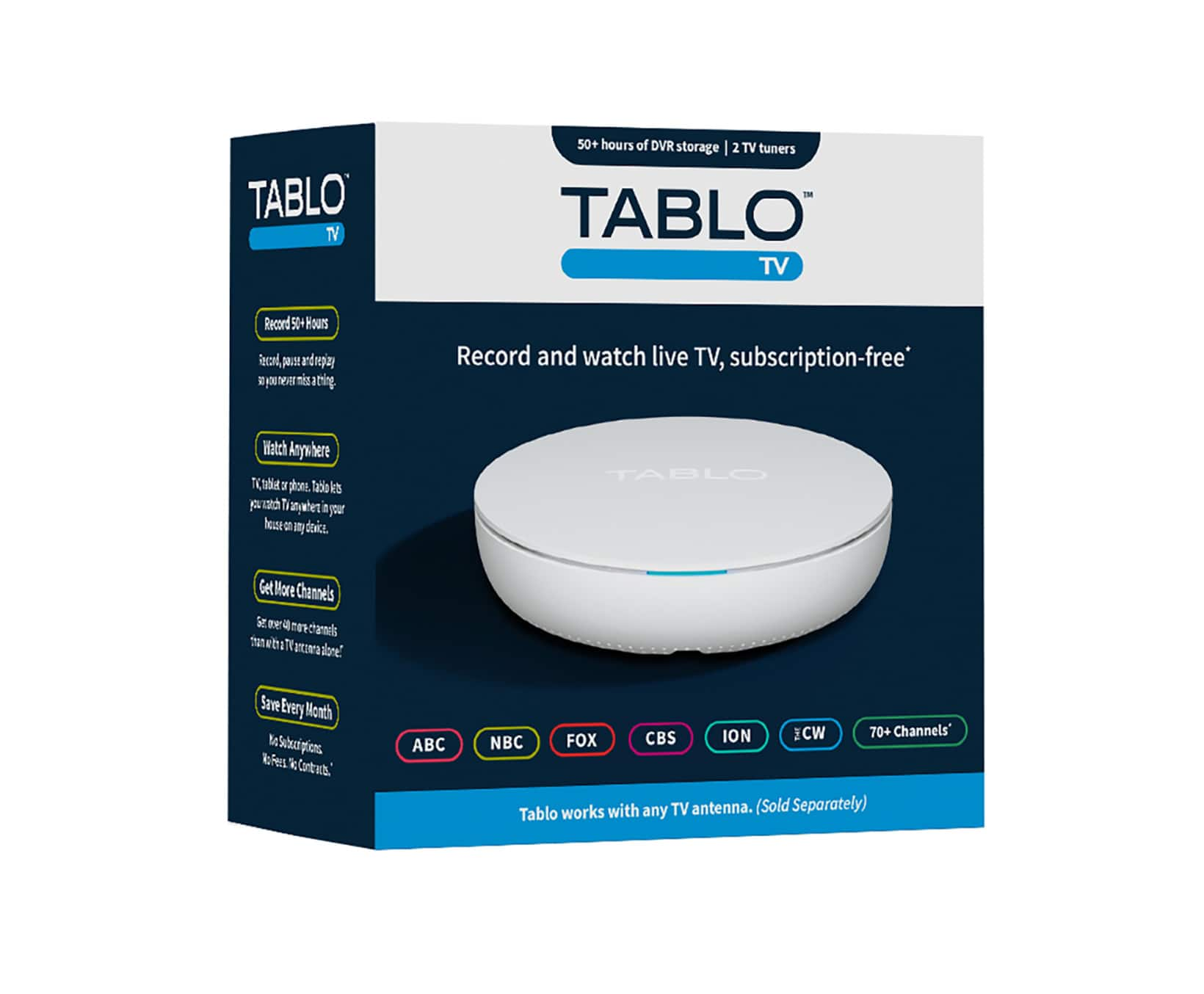
    With the cost of streaming services continuing to rise, good old fashioned over the air TV is the cost effective way to go. Unless you live in a small town in the middle of nowhere, you probably get at least a couple of the major networks over the air, especially if you have an outside antenna. These over the air channels...are free! So, in days gone be we used a DVR to record these channels for watching later, but it's hard to find devices like that anymore. Enter the Tablo, a great idea that was well thought out and executed. The device comes with 128gb of storage built in, which provides around 50 hours of HD video, and you can add an external drive to expand the capacity to 1,000 hours. The best part? The recorded video, as well as tons of other free programming, is then available through the app which is offered for most platforms, including mobile phones. And Tablo will soon offer the capability to schedule recordings on the mobile app when you're away from home. Most over the air stations broadcast in HD so quality is good. On a couple of occasions I experienced a hiccup or 2 in the streaming, but otherwise it's been perfect. Setup was an issue initially, but when I tried it a couple of days later, it worked on the first attempt. The app is nice with a schedule of live and upcoming events, as well as all the other shows and movies Tablo offers. If you're tired of the price of streaming services, it's Tablo to the rescue. There are no subscription fees and no hidden costs. Enjoy!!

    I would recommend this to a friend
  • Pros mentioned:
    Storage
    Tech Insider Network Member

    Rated 2 out of 5 stars

    Disappointed

    |
    Tech Insider Network Member
    Posted .
    This reviewer received promo considerations or sweepstakes entry for writing a review.

    I was very excited to try this Tablo because on paper, everything sounds great. I’m one of those cord cutters, and for the most part, I’ve been good with that decision and definitely don’t miss my cable bill. However, I miss watching some shows I had with cable (and don’t want to pay for another streaming service) and watching sports has been a bit of a challenge too. So, this sounded like a fantastic option. Also note that this Tablo does not include an antenna, that’s a separate item you’ll need. So, here’s what I found and why I was ultimately disappointed. Setup of the actual device wasn’t too bad but the app was a pain and still really doesn’t function the way I expect it too. There are delays and glitches. I’ve had the app crash on my phone (using iOS) a couple of times. The Tablo itself has also crashed and has to restart each time that happens. That does not make for a smooth viewing experience at all. While I love that the Tablo has two TV tuners to allow for multi viewing and/or recording, the device itself doesn’t seem to really be able to handle that much bandwidth. The TV guide is free and nice when it works, but it freezes and skips. The device comes with 128GB of storage which isn’t much these days. Bright side is, you can add an external hard drive for up to 8TB more storage. In theory, this is a great product, but I found it failed in several places on execution. If they can get the bugs worked out and everything running smoothly, then this will be worth it. Until then, not so much.

    No, I would not recommend this to a friend
    • Brand response from Tablo TV
      Posted .

      Thanks for the feedback! It's been about a month since your review and since then we've released lots of firmware and app updates to address and resolve bugs as well as improve overall performance. We hope that with these updates, your experience has significantly improved! TabloTV

  • Tech Insider Network Member

    Rated 5 out of 5 stars

    Great option for OTA recording

    |
    Tech Insider Network Member
    Posted .
    This reviewer received promo considerations or sweepstakes entry for writing a review.

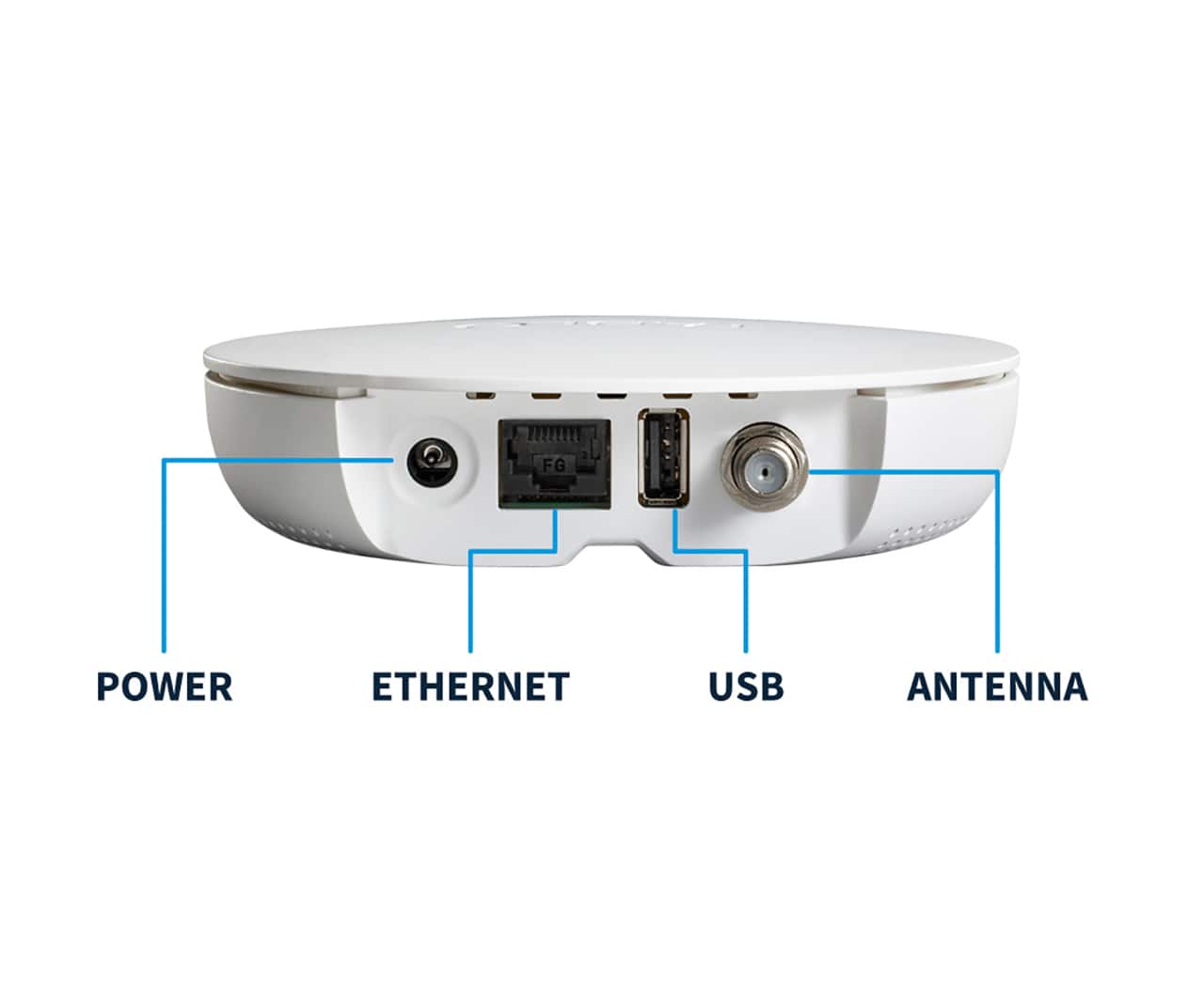
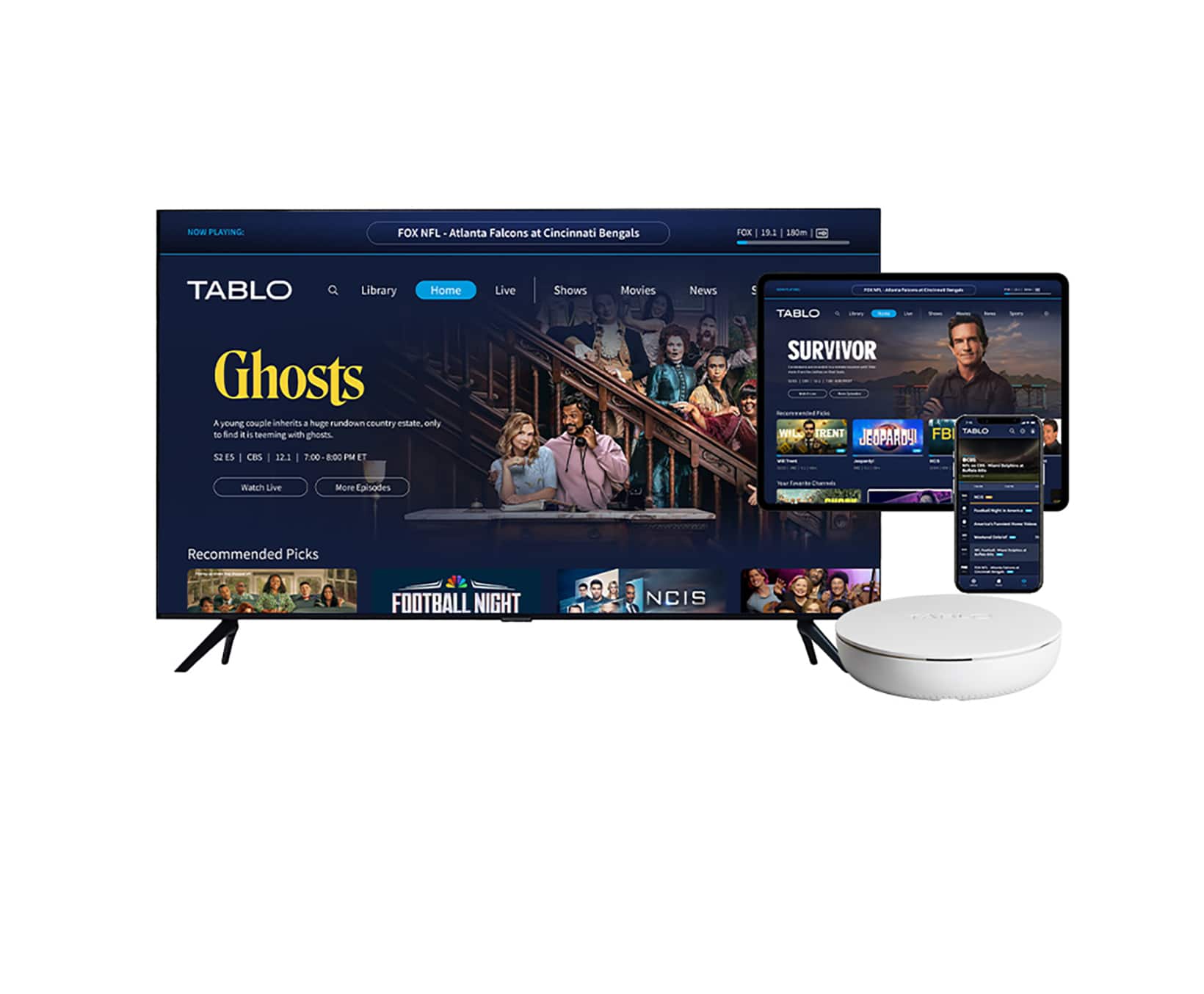
    This is a compact DVR for OTA (antenna) channels and select streaming channels similar to other free streaming services. In my case it found 43 free streaming channels, but there are no "on demand" channels. I have an internal non-boosted antenna, but I know from past experience if I had an external antenna or a booster I could receive close to another 50 more. There is an on screen or on app guide where you can choose specific shows or movies to record once or set it to record the series. It works with Roku and Amazon Fire devices as well as Android, Apple, Google and most smart TV's if you have the Tablo TV app. It does not allow you to record from these devices or services. The app and an external antenna is required to set up the device, and it can connect to the internet with a wired or wireless connection. The device also has a USB port for connecting an external storage device. You can watch your recorded or live shows on any supported device in your home. In most cases I've found you can fast forward through the commercial breaks on the streaming channels.

    I would recommend this to a friend
  • Tech Insider Network Member

    Rated 5 out of 5 stars

    Perfect Replacement For Expensive Subscriptions!

    |
    Tech Insider Network Member
    Posted .
    This reviewer received promo considerations or sweepstakes entry for writing a review.

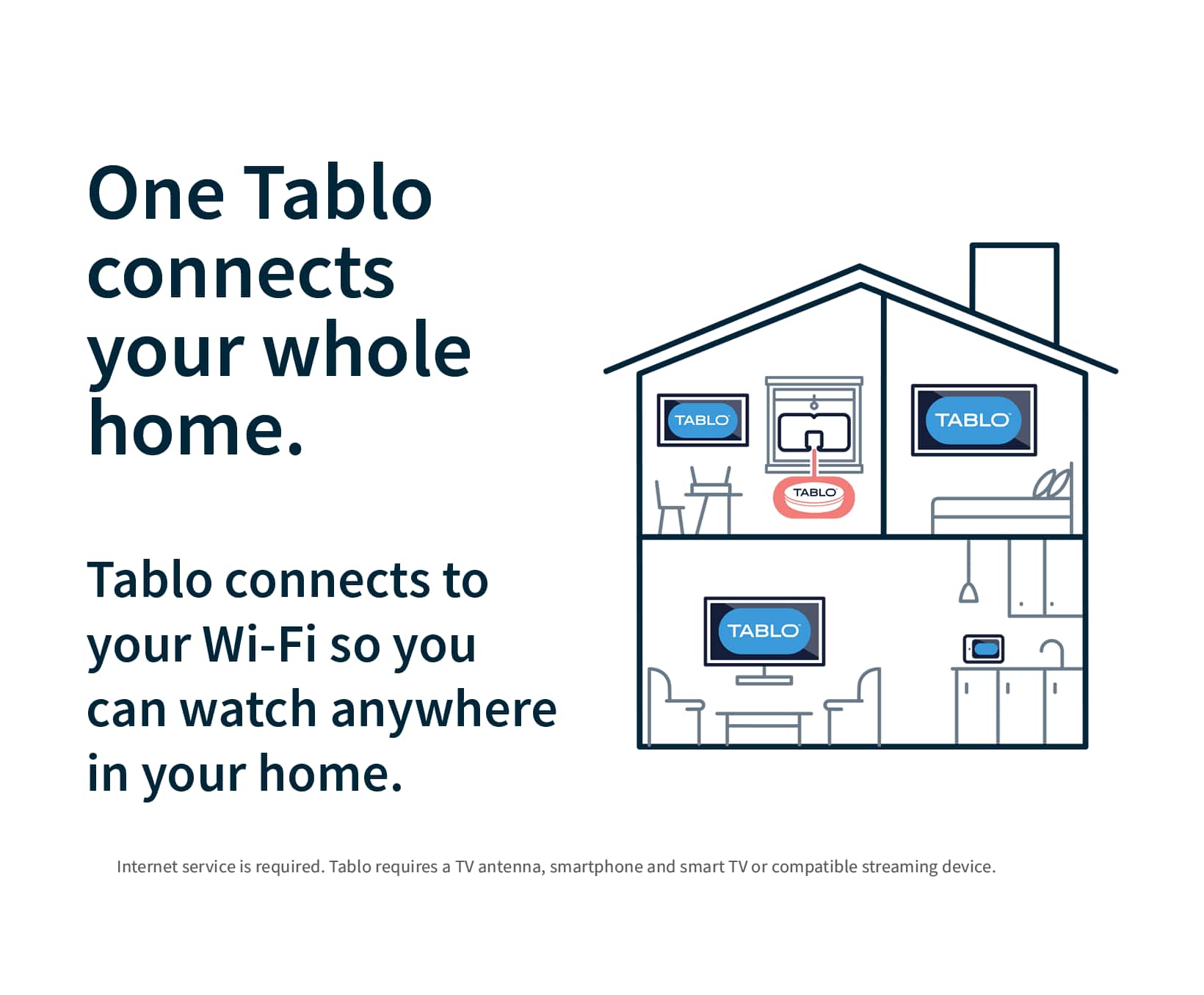
    We recently cancelled our live TV service and a few other streaming subscriptions as we realized that they were just a huge expense, especially for the small amount of things we watch. The main thing we needed this service for was recording local channels, where most of our favorite shows play, as well as the local news that we will watch sometimes. The Tablo has been everything we needed! Not a complicated install at all, and works great with the plug in powered antenna that we have connected to our TV already. We also stream the recordings on our tablets and Apple TV box that we have in another room in the house and it works amazing as well! All told we will be saving over a thousand dollars a year in Television streaming services by having this Tablo and we have not had to make any compromises! We actually get a few over the air channels that I didn't even know that we had available which is really awesome too. My only regret is not making this decision sooner, we will never go back!

    I would recommend this to a friend
  • Rated 5 out of 5 stars

    Watch and record your local channels

    Posted .
    This reviewer received promo considerations or sweepstakes entry for writing a review.

    No need for cable to watch - and record - the local channels. The Tablo receives all of your OTA (Over The Air) channels and streams them to your home network. It comes with a built-in DVR (50hrs but you can add more storage). The new 4th generation Tablo also finds any streaming channels you can watch for free. This was an upgrade (mostly) from our 3rd generation Tablo Quad. I say mostly because you do drop from 4 tuners to only 2. 2 is normally enough but there have been times where we needed 3 so it was good to have 4. But the new 4th gen has a feature that fixes the most common problem on the older Tablos - it has a built-in antenna amplifier that greatly improves reception. There are still a few small glitches that seem to be software related so I'm expecting updates will deal with them. My only real complaint is that we've lost the ability to watch on a computer - only to streaming devices (but not all of them yet) and to phones and tablets. Really wanting at least an app for Windows. If you're wanting to cut the cable but not lose your local channels, get a Tablo. One fee, one time - no ongoing charges for the guide or DVR and one Tablo serves your entire house (although only 2 different channels at one time / Tablo)

    I would recommend this to a friend
  • Pros mentioned:
    Overall performance

    Rated 4 out of 5 stars

    Pleased

    Posted .
    This reviewer received promo considerations or sweepstakes entry for writing a review.

    I received this as a gift to replace an obsolete Fire Tv Recast. It connected to wifi right away and when i scanned for channels it found 75 over the air channels plus the streaming ones they include (which arent that exciting btw). The recording function works well and the picture of the OTA channels is great, this would get 5 stars when they releae an Apple Tv app, which i cant believe isnt out yet.

    I would recommend this to a friend
  • Cons mentioned:
    Compatibility, Reception

    Rated 3 out of 5 stars

    Not as advertised

    Posted .
    This reviewer received promo considerations or sweepstakes entry for writing a review.

    Reception very spotty...takes too long to load up, cant use on Samsung and LG smart TVs

    No, I would not recommend this to a friend
  • Pros mentioned:
    Recording

    Rated 4 out of 5 stars

    Tablo

    Posted .
    This reviewer received promo considerations or sweepstakes entry for writing a review.

    This was an interesting piece of equipment species with the ability to record shows.... Very nice but I think it should be cheaper

    I would recommend this to a friend
  • Pros mentioned:
    Ease of use

    Rated 4 out of 5 stars

    Really Like My Tablo

    Posted .
    This reviewer received promo considerations or sweepstakes entry for writing a review.

    I really like my Tablo. Works well, setting recordings is easy, not as high tech as Xfinity but a whole lot less expensive, a little chunky on rewind, fast forward but worth the price difference. Tech help has been really good when needed.

    I would recommend this to a friend
  • Rated 1 out of 5 stars

    Support? Yea right!

    Posted .
    This reviewer received promo considerations or sweepstakes entry for writing a review.

    Well, my grandmother's Tablo stopped working Wednesday. Worked for two months and some days only to have the device flash endlessly for 6 days straight now. At first support over the phone went well, most of what had been suggested I did prior to my phone call however I was willing to go through it again in hope it would push my case along for a speedy resolution. At the end of our call the first night of support the representative and I came to a general consensus that the device seemed to be "logic locked" or stuck in an endless loop unable to break. The hard reset button was used multiple times, cords unplugged and re plugged multiple times. Made sure our internet was not the problem (mind you this is and always has been hardwired). Again the first night of support ended well and the representative stated the info was being sent to developers and said it could either be fixed easily or would need replacement. The same night we received an email from our support rep with yet another suggestion to disconnect and reconnect the ethernet cord...no change. Responded with the results and two days later I decided to follow up with a call and this is where everything went sideways. Unfortunately Tablo has decided that it is within there best interest to take care of themselves before there customers. Tonight I was asked to do more of the same troubleshooting from two days prior only adding to my frustration finally ending with a demand to send a video of the device flashing while plugged in. I'm sorry, but I'm lost on what we're looking for in the video? Are we checking that I'm telling the truth or are we looking to see that it's flashing sky blue or navy blue...? After multiple requests to speak with a supervisor I was continuously told the same "we don't have one" speech and "I'm not denying a replacement device" spat. My review will continue to be updated (if allowed) as we go forward but for now I will end on this. The device is two months old and has not worked for 6 days straight. I would gladly ship the broken device before you send a replacement or put a hold on my card while you wait for my return either way get your customer back online faster and ultimately saves you from this review. Unfortunately for you, this will be copied and pasted everywhere that will listen until a quick resolution is made.

    No, I would not recommend this to a friend
  • Cons mentioned:
    Signal strength

    Rated 1 out of 5 stars

    Not getting major network channels.

    Posted .
    This reviewer received promo considerations or sweepstakes entry for writing a review.

    I was excited when I found this product on the Best Buy website but after setting it up and doing the initial channel scan with my already mounted indoor antenna...I was disappointed to see two of the 3 network channels were not being scanned when the antenna was hooked up to the Tablo. When the antenna was hooked up directly to my TV's antenna input...with the same exact antenna, mounted in the same exact spot, I was getting those 2 other network channels. So unfortunately...the signal seems to take a hit (weakens) when the antenna is hooked up to the Tablo. Will have to return, since all the other 146 channels it did find I have zero interest in watching. Guess it's back to paying for a recurring streaming service again.

    No, I would not recommend this to a friend
    • Brand response from Tablo TV
      Posted .

      Sorry you're running into that Drew.

      In rare cases, a channel’s signal can be strong enough to receive when the antenna is connected directly to your TV but not the Tablo because of the digital cliff effect.

      Unlike your single-tuner television, your Tablo has multiple tuners (either two or four) so that you can watch and record multiple shows at the same time.

      The downside is that the antenna’s signal strength is split between the tuners in the Tablo, leading to a small drop in strength. Tablo uses amplified splitting technology to mitigate this loss, but if the signal is on the edge of the digital cliff, it could be enough to push it over.

      Troubleshooting your TV antenna placement may help. TabloTV

  • Pros mentioned:
    Setup

    Rated 5 out of 5 stars

    Works as expected, easy set-up and no additional c

    Posted .
    This reviewer received promo considerations or sweepstakes entry for writing a review.

    Works as described. Set up was super easy. The unit picked up the over the air channels with the antenna as well as the streaming channels when connected to the internet. No additional cost!

    I would recommend this to a friend