Customer Ratings & Reviews
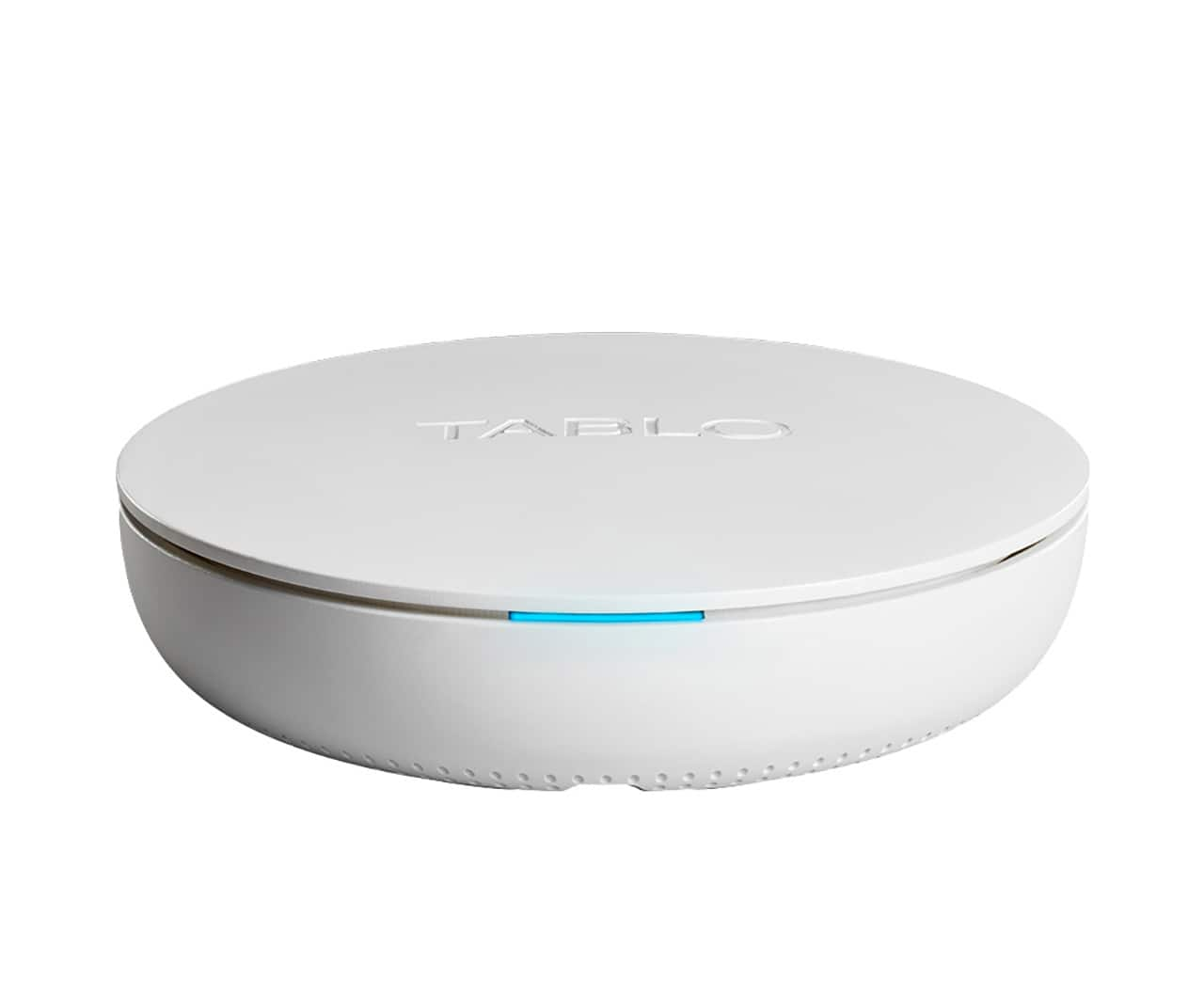
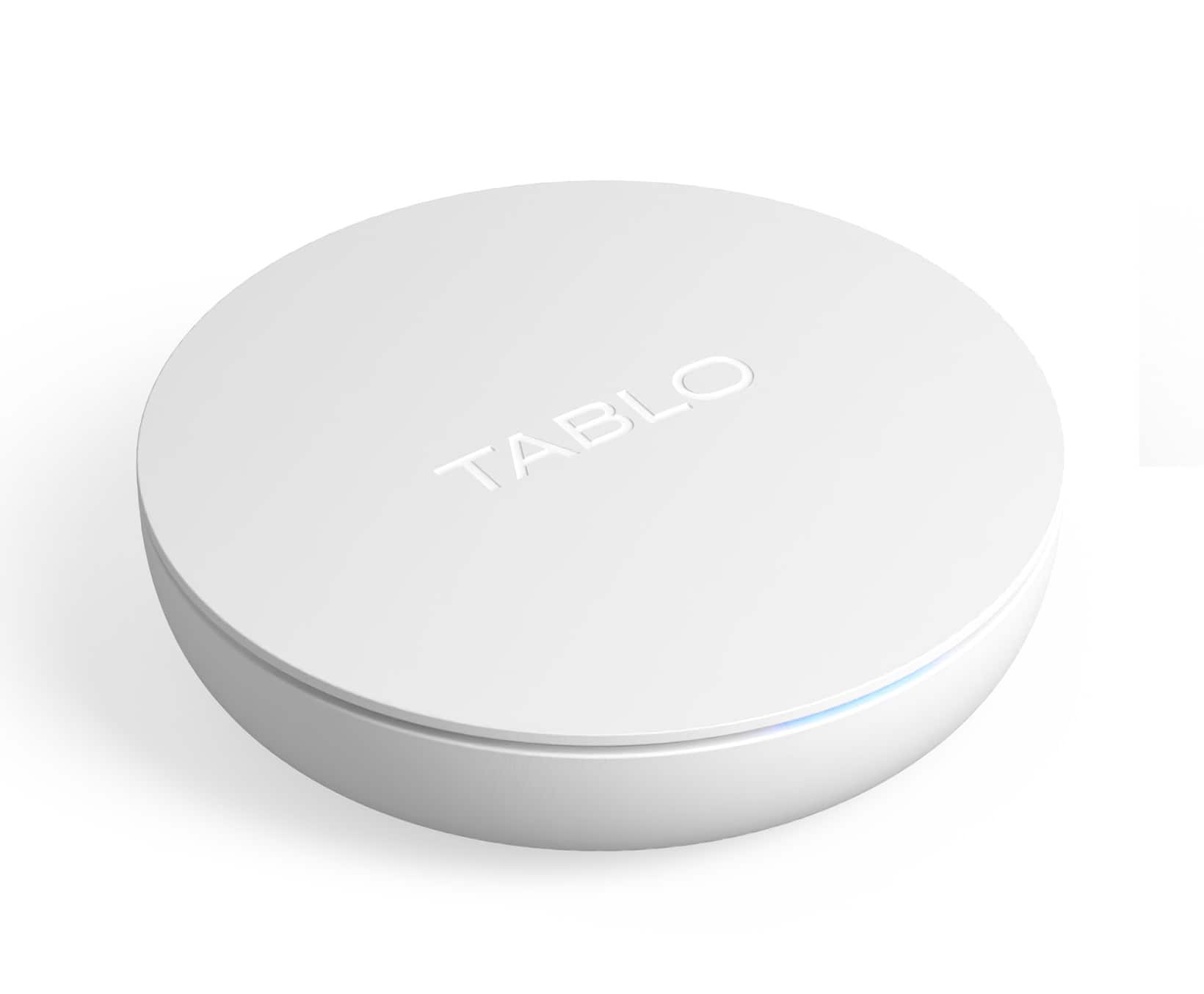
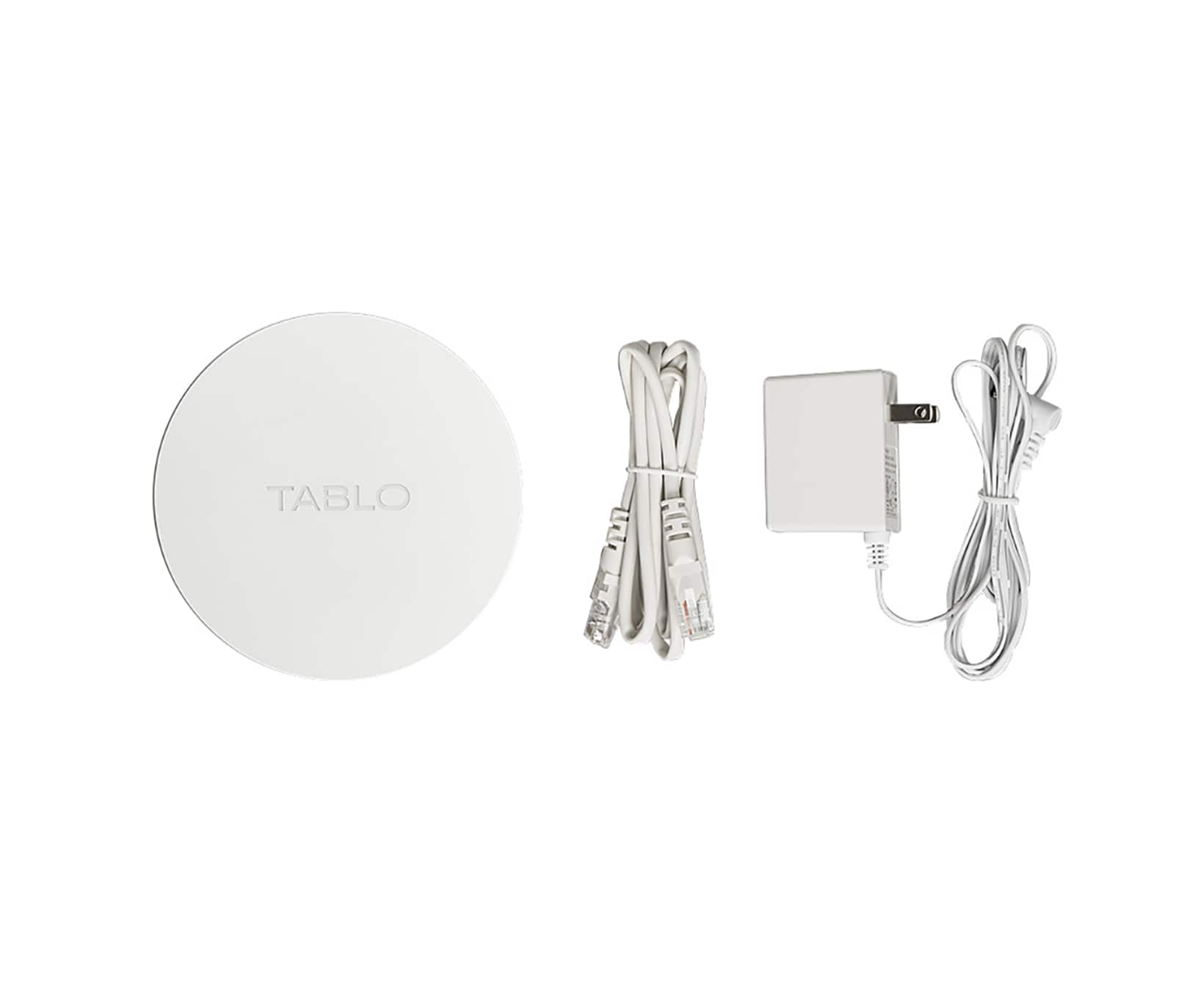
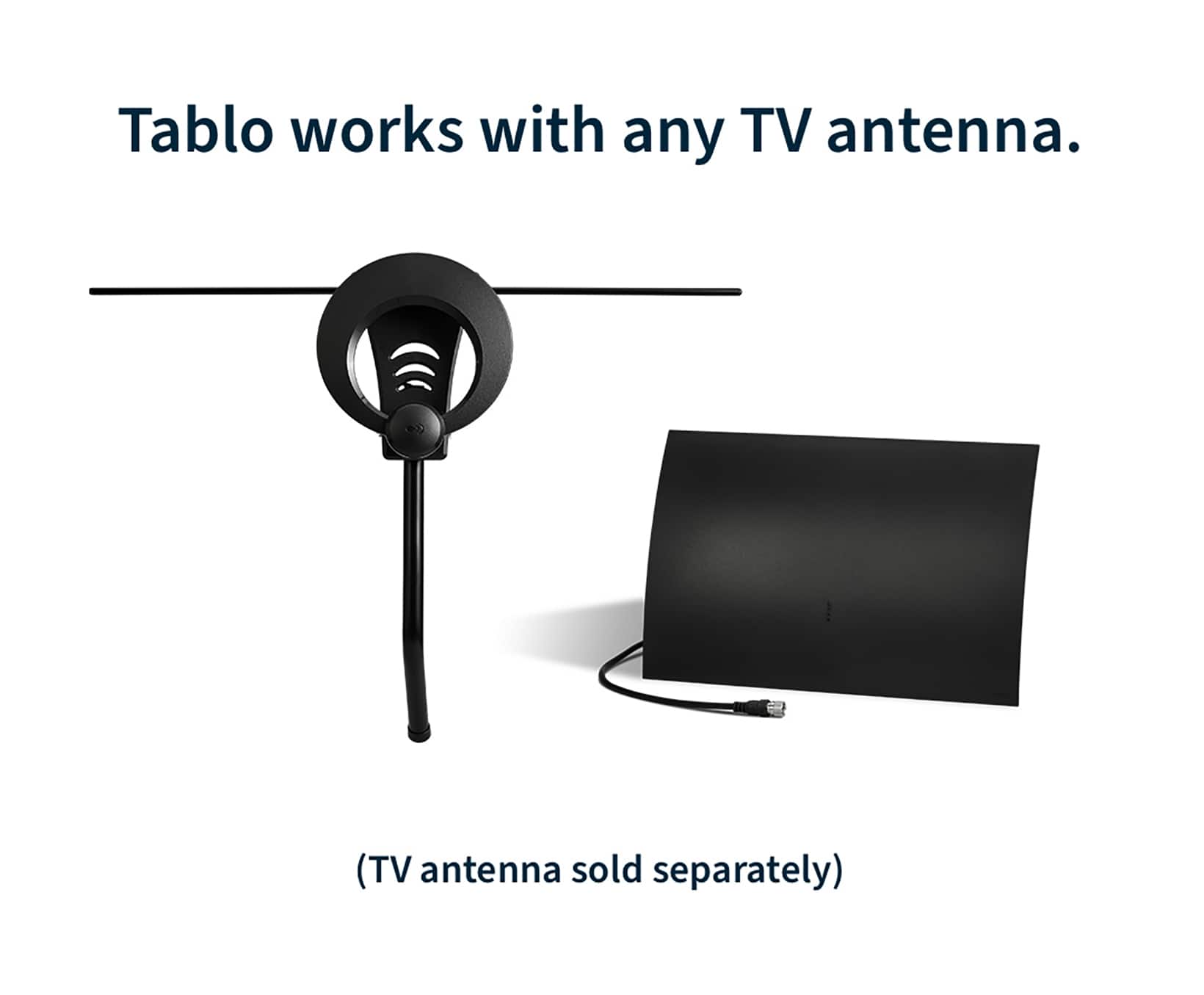




- Model:
- TF1282B-01-CN
- SKU:
- 6554313
Rating by feature
- Value
Rating 3.9 out of 5 stars
- Quality
Rating 3.8 out of 5 stars
- Ease of Use
Rating 3.8 out of 5 stars
Customers are saying
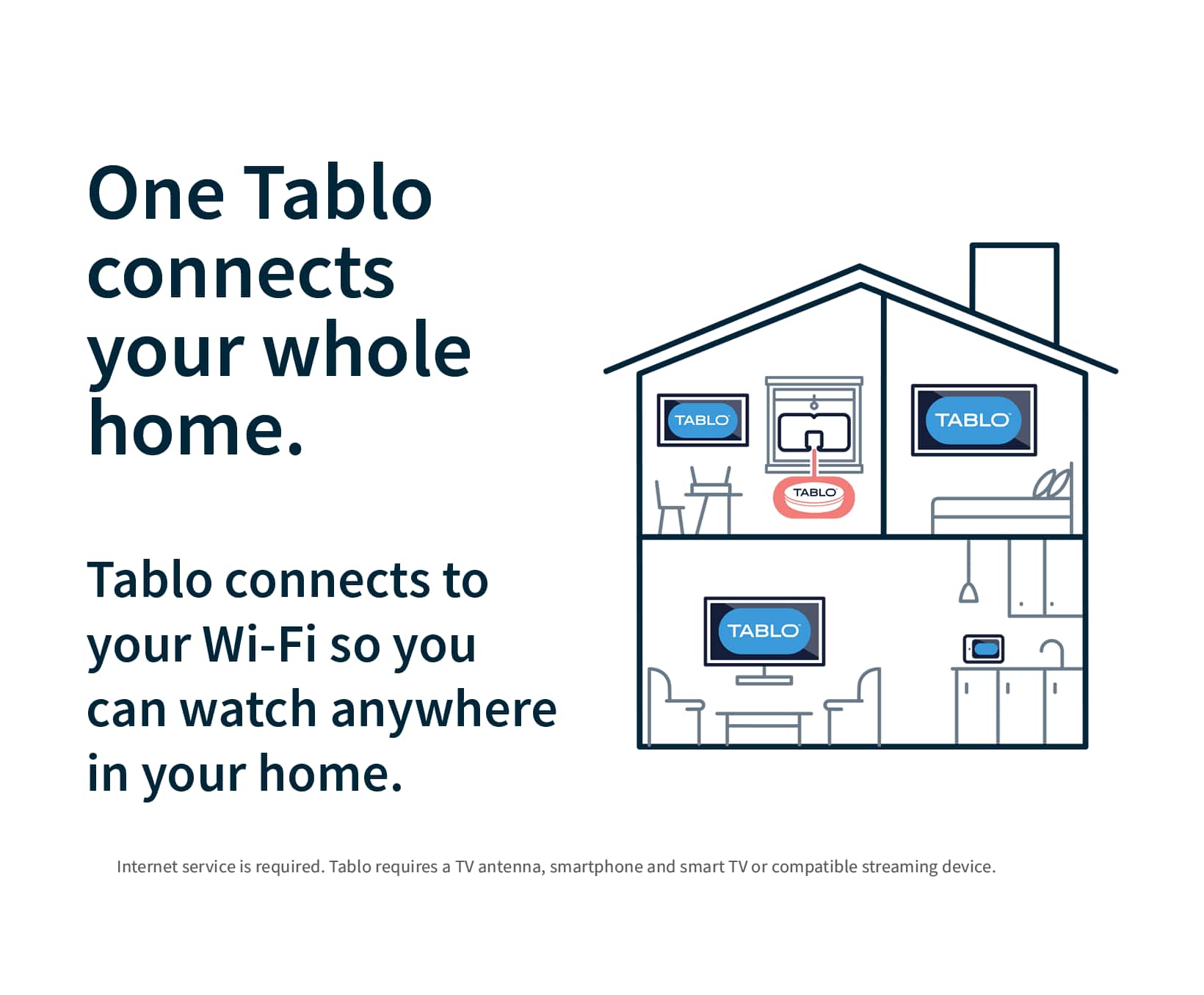
Customers are pleased with the ease of use, overall performance, and setup of the 4th Gen, 2-Tuner, 128GB Over-The-Air DVR & Streaming Player. Many customers find the recording and storage capabilities useful, and appreciate the streaming and channel count features. However, some customers have expressed concerns regarding app support and compatibility. Additionally, a few customers have reported issues with connectivity and signal strength.
This summary was generated by AI based on customer reviews.
- Cons mentioned:Signal strength
Honest opinion
||Posted . Owned for 2 weeks when reviewed.This reviewer received promo considerations or sweepstakes entry for writing a review.I purchased to stream antenna channels in 2 tvs. The Tablo interface is great and its functionalities are super beneficial. The downside is channels with high quality reception without the Tablo come back with errors related to antenna signal strenth. In my experience i had it directly connected to my router and the inconsistent signal/error did not happen when i used the antenna independent from the Tablo.
No, I would not recommend this to a friendBrand response from Tablo TV
Posted .Hi Charles,
Unlike analog TV, there’s no middle ground in digital OTA TV signals. Digital signals are either ON or OFF, with very little margin between a good signal and no signal at all.
If a signal is too weak and falls off the 'digital cliff', your Tablo simply won’t receive it.
A channel’s signal can be strong enough to receive when the antenna is connected directly to your TV but not the Tablo because of the digital cliff effect.
Unlike your single tuner television, your Tablo has multiple tuners (either two or four) so that you can watch and record multiple shows at the same time.
The downside is that the antenna’s signal strength is split between the tuners in the Tablo, leading to a small drop in strength. Tablo uses amplified splitting technology to mitigate this loss, but if the signal is on the edge of the digital cliff, it could be enough to push it over.
To resolve this, you may need to troubleshoot your antenna setup. Our Knowledge Base has articles that should help.
It works
||Posted .This reviewer received promo considerations or sweepstakes entry for writing a review.It just simply works. I live in a rural area--and the stations are 60+ miles away, so I don't get many stations. This doesn't help that--it helps with the TV shows that I want to watch on the stations I get. Removed 1 star simply because it confuses my boyfriend to no end. I have to put in an antenna switch to make it dead-simple for him to watch TV. Trying to explain what's antenna TV vs. what's internet TV is frustrating. He is not a bit tech-savvy. I don't recommend for a house with tech Luddites!
I would recommend this to a friendDoes the job
||Posted . Owned for 3 weeks when reviewed.This reviewer received promo considerations or sweepstakes entry for writing a review.Had to move the main television in the greatroom to a spot away from the rooftop antenna outlet. Rabbit ears and flat antennas did not pick up all available channels. Pictures maybe not as sharp as with direct connection to antenna, but certainly not unwatchable, DVR function is a bonus. Makes it possible to watch broadcast TV on the outdoor tunerless projector thru a streaming stick. Perfect item if you have a rooftop antenna but your TV is in a place where connection to it is not possible or aesthetically pleasing.
I would recommend this to a friendWorks Great But Issues With Roku
||Posted . Owned for 3 weeks when reviewed.This reviewer received promo considerations or sweepstakes entry for writing a review.I purchased a Tablo 4th Gen about a month ago. When using with my phone or an iPad, it works great, no complaints at all. The main reason I wanted the device, was so that I could watch local channels on our television. For our home, the most channel's signals are best received when the indoor antenna is in a back bedroom. I love how the Tablo allows us to place the device in the back room, and still watch in the living room. I have a Roku Express, which is considered an older unit by Tablo. The Tablo works perfect with the Roku if the channel's resolution is 1080. For channels that have a resolution of 480, or 720, there are issues. For these channels, I have a very large green screen, with the channel's content only showing in a very small portion of the screen in the upper left. I contacted Tablo, they told me they were aware of the issue but could not estimate a fix time. Since the main reason I purchased the Tablo was to watch on the Roku, I am disappointed. On another note, I've seen online ads that state Tablo is easy to set up. For me, it took 3 hours as I kept hitting points where the Tablo setup froze, even with high speed internet. On a more positive note, I do really like the guide, the fast forward feature for watching programs from the DVR, the streaming channels included, and other features. If they could just get the Roku green screen issue fixed I'd give it a 5 star.
I would recommend this to a friend- Pros mentioned:Ease of use, Recording
Tablo Review - Best Value DVR
||Posted . Owned for 2 weeks when reviewed.This reviewer received promo considerations or sweepstakes entry for writing a review.Had the Tablo since December 5th and am still impressed with the quality recordings and ease of selecting programs for recording. Very easy set up using your mobile phone. Once the app is loaded you can select programs to be recorded in seconds. Thumbnails appear showing what you are recording. You have to use a streaming device like Firestick since the TV manufacturers do not yet have this app available for downloading direct to their sets. Only downside is you must watch Youtube videos to show you all the tricks to record and playback. Money well spent.
I would recommend this to a friend - Pros mentioned:Overall performance
Great solution for streaming live TV.
||Posted .This reviewer received promo considerations or sweepstakes entry for writing a review.I’ve been happy with the Tablo so far. I had a little trouble in getting it set up, but it’s working well and I can record the programs that I want and watch them back. It’s a great option for being able to watch over the air channel programming with only a small one time cost.
I would recommend this to a friend - Pros mentioned:Ease of use
Great Product but the TABLO ap sucks.
||Posted . Owned for 3 weeks when reviewed.This reviewer received promo considerations or sweepstakes entry for writing a review.It workis perfectly. Very please with it. I would have given it 5 stars if not for the fact that the ap required to register the Tablo is horrible. Don't get me wrong, the Tablo works great. Attached itself to our home's wifi perfectly. The actual install was effortless. But you need to register the DVR to the company and that part took three hours! Their ap is pathetic. They suggest you use your smart phone as the remote. Grim. But, the good news? There's a Tablo ap on ROKU. That works almost perfectly. Much MUCH better than trying to use your smart phone as a remote. Because if you try that, which I did, you'll be a victim of one of the most convoluted, and bug filled aps I've ever encountered. Buy the Tablo, it will connect to your wifi almost automatically. Then spend a few hours trying to enter your email and password until that works and use your Roku and your set.
I would recommend this to a friend - Pros mentioned:Overall performance
Good product overall
||Posted . Owned for 2 weeks when reviewed.This reviewer received promo considerations or sweepstakes entry for writing a review.This product was purchased to record over the air programming as we recently closed out DirecTV account and we were so used to recording programs and watching them later. The product works well but it freezes a bit at times. Different antennas have different signal strength and channel availability. So you may have to get a few different ones and change how you place them to see where you get the most channels and least pixelization.
I would recommend this to a friend - Pros mentioned:Recording
Excellent product
||Posted . Owned for 2 weeks when reviewed.This reviewer received promo considerations or sweepstakes entry for writing a review.Does a great job of recording over-the-air tv shows! Easy to install, too!!!
I would recommend this to a friend - Pros mentioned:Recording
So far, so good
||Posted .This reviewer received promo considerations or sweepstakes entry for writing a review.So far so good, able to record two shows at the same time. Recordings are good quality. The only issue, sonetimes Tablo has a hard time connecting to TV in different room.
I would recommend this to a friend - Cons mentioned:Reception
waste of money
||Posted . Owned for 3 weeks when reviewed.This reviewer received promo considerations or sweepstakes entry for writing a review.This device was pretty much a waste of money. Can't get many of the local channels, even with a good antenna. My husband tried putting the antenna in about every window and still could only get a few channels. The channels that do come in our channels we don't watch and seems most of the shows are repeats.
No, I would not recommend this to a friendBrand response from Tablo TV
Posted .Sorry you ran into that.
Check out our knowledge base, it has some advice that may help.
Otherwise, reach out to Tablo Support. They should be able to assist.
- Pros mentioned:Recording
Excellent Purchase
||Posted . Owned for 3 weeks when reviewed.This reviewer received promo considerations or sweepstakes entry for writing a review.This lives up to the advertising. We live in an area with good antenna reception. That is a must. On our local network it is excellent. Recording tv shows is 95% perfect. One movie recorded but the audio track was off by a couple of seconds. It isn't a big deal. I just recorded the next time it was on. Watching on our devices or Apple TV is seamless. I'm very happy with the purchase.
I would recommend this to a friend - Cons mentioned:Signal strength
owner of tablo
||Posted . Owned for 1 month when reviewed.This reviewer received promo considerations or sweepstakes entry for writing a review.Good product but seems to lessen antenna strength and pause, review is misleading because indicator bar on bottom of the screen goes real fast for the first few seconds then slows down
I would recommend this to a friendBrand response from Tablo TV
Posted .Sorry you're running into that John,
In rare cases, a channel’s signal can be strong enough to receive when the antenna is connected directly to your TV but not the Tablo because of the digital cliff effect.
Unlike your single-tuner television, your Tablo has multiple tuners (either two or four) so that you can watch and record multiple shows at the same time.
The downside is that the antenna’s signal strength is split between the tuners in the Tablo, leading to a small drop in strength. Tablo uses amplified splitting technology to mitigate this loss, but if the signal is on the edge of the digital cliff, it could be enough to push it over.
Troubleshooting your TV reception should fix the problem.
Pleased but took some figuring out
||Posted . Owned for 2 months when reviewed.This reviewer received promo considerations or sweepstakes entry for writing a review.After using this for a month and a half I am pleased with this replacement for Xfinity DVR, and even more pleased to save so much money by dropping Xfinity TV. I had a couple issues, but with the help of their phone support and my online research I was able to get the issues resolved. I'm writing a long review because I read many reviews when trying to figure out how to get a good replacement. Short answer: this is a good Xfinity DVR replacement if you want to save money, want something simple/easy, and are willing to put up with a few nuisances. I looked at other options, but they didn't seem as simple and easy as this Tablo. Important to know: you will likely need an external hard drive if record often and don't watch them promptly, otherwise it will appear as though your antenna signal isn't good and some channels won't come in. As the internal storage started to fill up with recordings (not yet full), I started having issues with reception and channels not coming in. I ruled out the antenna signal and the coax cable. After spending time on the phone with Tablo, I learned that low storage space affects the ability for channels to come in (appears as a "weak signal" when you try to bring up a channel). It took a couple calls to find someone who actually knew this, because at first they insisted that it was a weak antenna signal -- even though the signal was fine when I plugged the antenna directly to my TV (a circular conversation with the off-shore customer service agents vs. an easy answer from the knowledgeable on-shore agent). I bought a 2TB external hard drive and everything worked again. Also important to know: make sure you get a USB 3.0 (or 2.0) external drive, which unfortunately isn't so easy to find anymore (I got Western Digital My Passport Ultra), because I also tried an external SSD (USB 3.2 but backward compatible) and experienced the same "reception" issues with some channels not coming in, and others coming in more hazy and pixelated. Get a good antenna, because this only works well if you can get good reception. I got Antennas Direct Max-V (same as Max-XR without the mast for outdoor mounting), which is a powerful antenna, and I use it indoor with the stand they sell on their website. The interface is similar to what I was used to with the Xfinity box, but there are certainly downsides compared the Xfinity TV box that make it more cumbersome. I have a Sony Bravia Google TV, and I don't know if the interface is the same on all TVs. It's not as smooth and it takes time for each channel to load. You can't switch quickly between channels, and you can't use the channel up and down button (you have to go back to the guide). You also can't go back to the most recently watched channel (you have to go back to the guide). Also. you can't see the upcoming recordings by day and time on the TV app (you have to go to the app on your phone). On the TV app you can only see icons of all the shows that have upcoming recordings sorted in alpha order (not by date), and you have to click into each show to see when the episode will record. I'm often switching between phone and TV to mange recordings -- and you have to look at the phone app to see if there are any conflicts (ie. if 3 shows are set up to record on a 2-tuner device). It seems that they have made updates & improvements to the software (this is a new-ish product), so hopefully some of these things will be worked out. The ad skipping I much prefer to Xfinity. You can see the frames as you fast forward and it's fairly precise when you start & stop. Much smoother than Xfinity. I wish this was a USB 3.2 or better device, and that it had an HDMI port to connect directly to my TV for better picture and more control over the picture options (my TV only allows options for HDMI-connected devices). All that said, I'm accepting the small inconveniences because this is the best, easiest and least expensive Xfinity DVR replacement I found -- and much of my watching is local TV and PBS. Tablo has a phone number you can call for help. This is a big plus -- although you have to be patient with wait times, and there is huge variability in the knowledge of the support people. Ultimately, you can hopefully get your issue resolved if you are willing to spend the time. I debated buying the 4-tuner, but decided to order a coax splitter for the antenna so that I could run a cable from my antenna directly to my TV to watch while two programs are recording. Have yet to install it, and I'm hoping that my antenna signal is strong enough that I won't notice a difference.
I would recommend this to a friendGets the Job Done
||Posted . Owned for 2 weeks when reviewed.This reviewer received promo considerations or sweepstakes entry for writing a review.Setup is pretty simple, but took a bit longer than expected. I wasn't able to get it to recognize an ethernet connection, although it's possible it was just a bad port on my router. It seems to work pretty well so far, but does have a habit of lagging a bit when switching between channels. I've had a couple incidents where it has jumped to a different channel when I was expecting just a simple unpause, but this could have just been user error.
I would recommend this to a friend- Pros mentioned:Overall performance
Great Functionality and Value
||Posted . Owned for 1 week when reviewed.This reviewer received promo considerations or sweepstakes entry for writing a review.First, I don't think it's 128GB, the 2 channel is about 56GB. But It works wonderfully well and I think its a bargain! I had more trouble setting it up than most report. It hung up in the process several times, finally a reboot of everything got it going. The guide is great, function is logical and easy and so far its issue free
I would recommend this to a friend - Pros mentioned:Overall performance
Needs a fast WiFi. Good video playback.
||Posted . Owned for less than 1 week when reviewed.This reviewer received promo considerations or sweepstakes entry for writing a review.No issues so far. Found a lot of negative reviews on redit. Picture is not choppy. Requires fast WiFi between the device, router, and target TV. The app has a much better interface for browsing the guide.
I would recommend this to a friend - Pros mentioned:Overall performance
Great with good internet.
||Posted . Owned for 3 weeks when reviewed.This reviewer received promo considerations or sweepstakes entry for writing a review.Works great if you have good internet otherwise lags and needs rebooting which deletes your recordings.
I would recommend this to a friend - Pros mentioned:Ease of use, Recording
Who knew? How cool is this thing
||Posted . Owned for 2 weeks when reviewed.This reviewer received promo considerations or sweepstakes entry for writing a review.This cool gadget can record and playback ota programs. It works in conjunction with any phone or smart gadget that can load it's app. So far I have been impressed by the set and forget recording and the ease of adding a terrabyte ssd to make plenty of space for programs.
I would recommend this to a friend - Pros mentioned:Ease of use
Can make every TV Antenna ready
||Posted . Owned for 1 week when reviewed.This reviewer received promo considerations or sweepstakes entry for writing a review.I’ve been using the Tablo for almost a month now. I replaced a TiVo (hard drive failed), which I had over the air channels recording. This is not as easy to use or seamless. I should say as the TiVo, however, for the price and monthly subscription and the ability to watch TV on your tablet or any TV in the house has a fire stick TiVo stream or Roku device it’s a no-brainer. It works best on the tablet or the Roku. It’s very glitchy on the fire stick. That’s not Tablo‘s fault. Set up was simple!
I would recommend this to a friend