Customer Ratings & Reviews
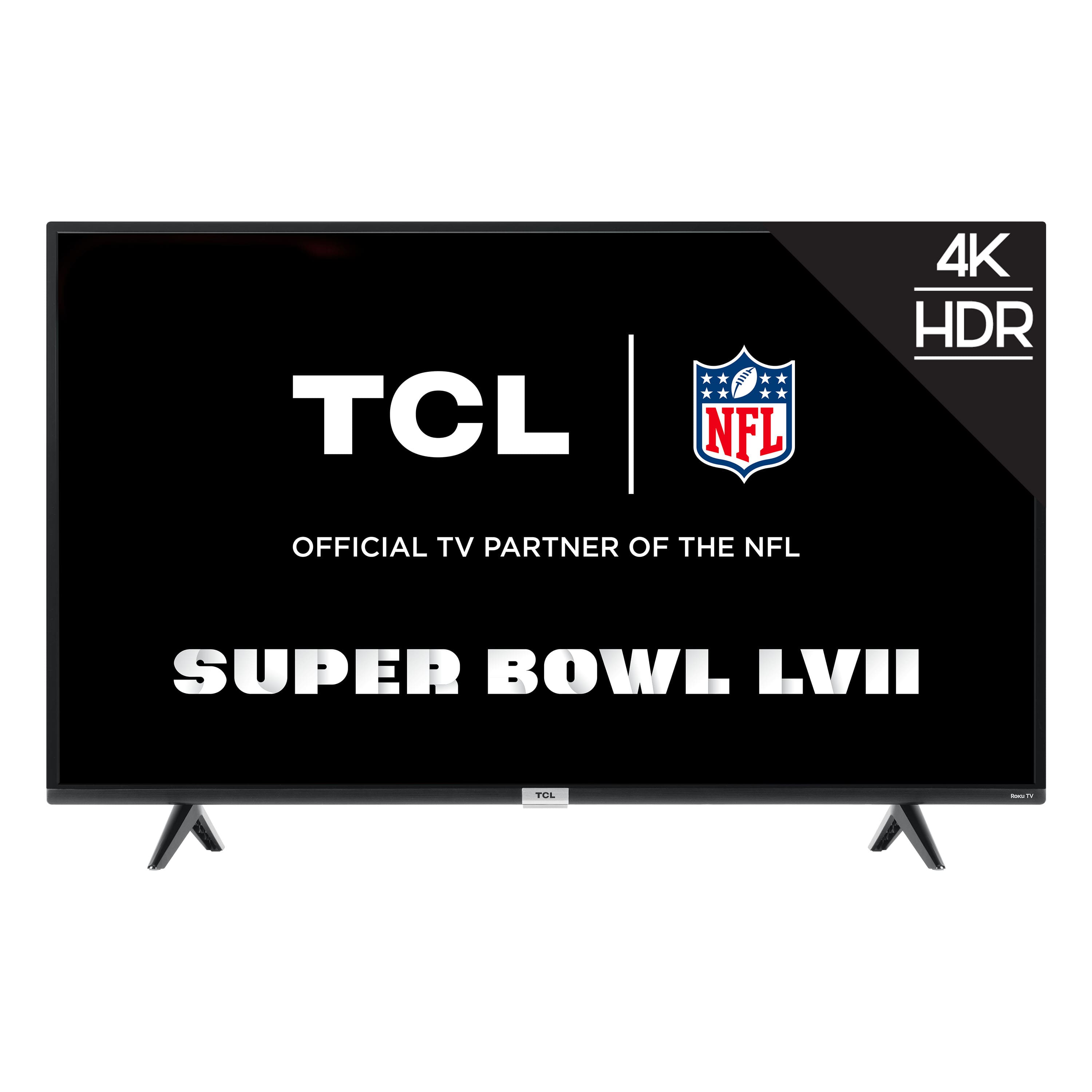
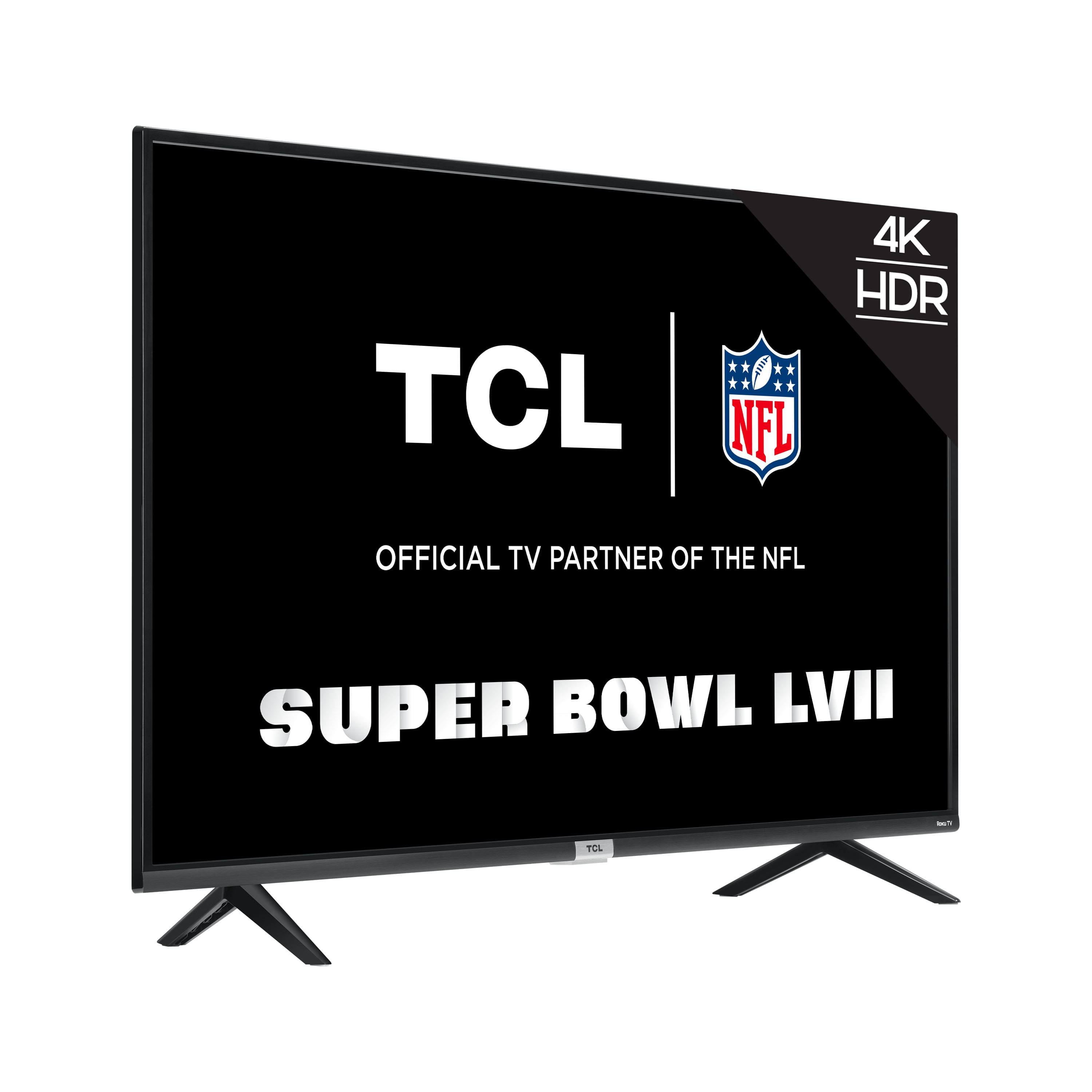
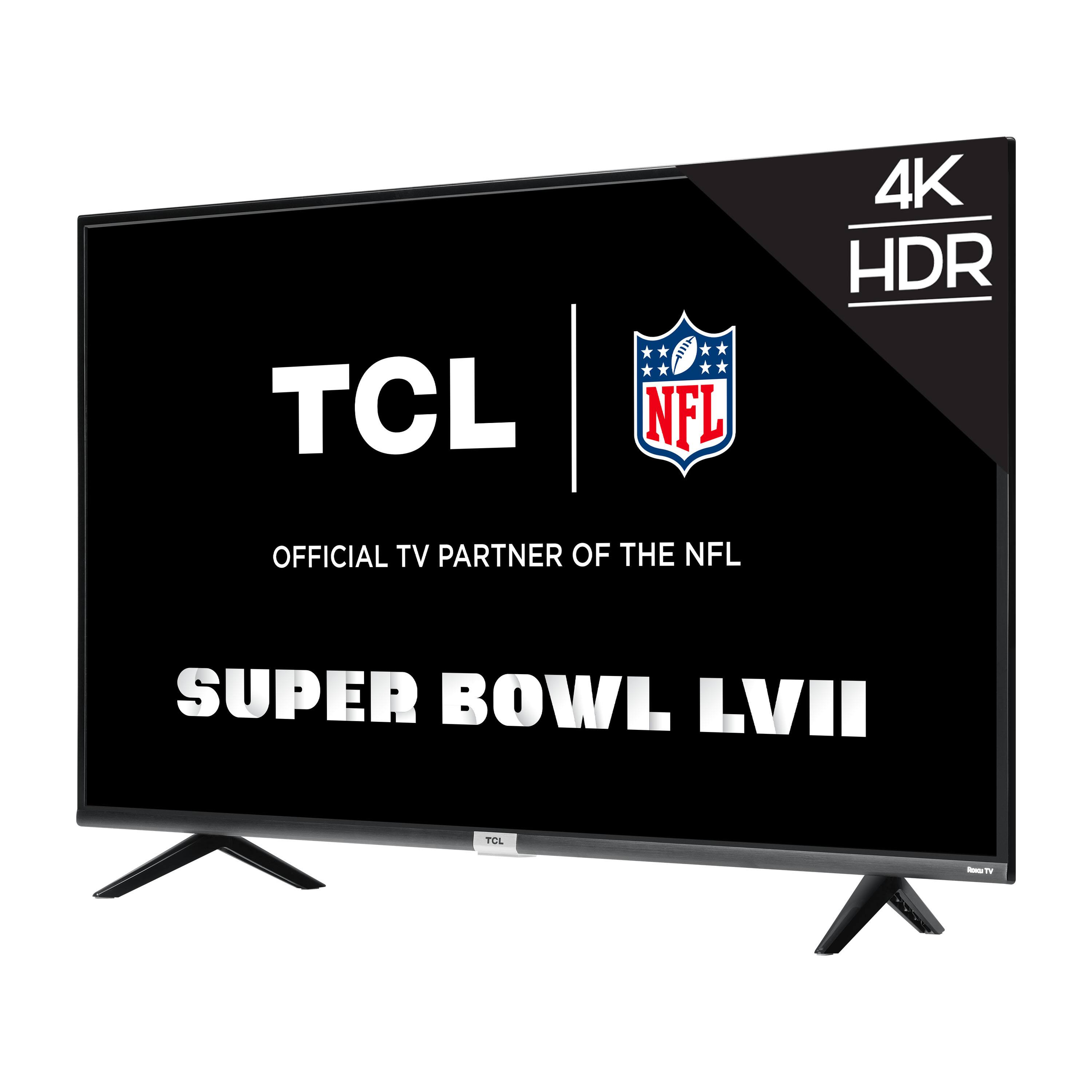




- Model:
- 43S435
- |
- SKU:
- 6427886
Customer reviews
Rating 4.5 out of 5 stars with 1569 reviews
(1,569 customer reviews)Rating by feature
- Picture Quality4.5
Rating 4.5 out of 5 stars
- Sound Quality4.3
Rating 4.3 out of 5 stars
- Brightness4.5
Rating 4.5 out of 5 stars
Customers are saying
Customers commend the 43” Class 4 Series 4K UHD Smart Roku TV for its exceptional picture quality, user-friendly Roku interface, and affordable price point. Many reviewers were impressed with the TV's vibrant colors and sharp images, while others appreciated the ease of setting up and navigating the Roku platform. However, some customers expressed concerns about the durability of the TV, with a few reporting issues with the remote control and short lifespan.
This summary was generated by AI based on customer reviews.
Rated 3 out of 5 stars
RCL
||Posted . Owned for 3 weeks when reviewed.This reviewer received promo considerations or sweepstakes entry for writing a review.I don’t like how you have to go to “the source “page when you want to go to Netflix, etc. also, now when I turn the tv on in the morning ,I get the source page again. I don’t find it user friendly like my old TV
No, I would not recommend this to a friendBrand response from TCLExpert
Posted .Hello,
Thank you for taking the time to provide your feedback. We have taken note and will forward this information on to the appropriate team members. We are always looking for ways to improve, and your feedback is greatly appreciated! We will continue to make improvements to ensure our customers the best experience possible.If you need any further assistance, please reach out to us at tclsocial@tcl.com with your contact information and a description of what you need help with. Enjoy!
Thank you,
Sara
TCL Customer Support
Rated 5 out of 5 stars
Son loves
||Posted .This reviewer received promo considerations or sweepstakes entry for writing a review.Got it for sons bedroom for Christmas. He loves it!
I would recommend this to a friendRated 5 out of 5 stars
Tv
||Posted . Owned for 3 weeks when reviewed.This reviewer received promo considerations or sweepstakes entry for writing a review.Bought for my Grandparents, and they love it! ♥️
I would recommend this to a friendRated 5 out of 5 stars
Great product
||Posted . Owned for 3 weeks when reviewed.This reviewer received promo considerations or sweepstakes entry for writing a review.Great product for the price, nice and easy set up!!
I would recommend this to a friendRated 5 out of 5 stars
Great
||Posted . Owned for 3 weeks when reviewed.This reviewer received promo considerations or sweepstakes entry for writing a review.Great tv for the price! Nice screen quality!!!!!!!
I would recommend this to a friendRated 5 out of 5 stars
Excellently
||Posted . Owned for less than 1 week when reviewed.This reviewer received promo considerations or sweepstakes entry for writing a review.Excellent I like my new TCL televisión I recommend
I would recommend this to a friendRated 3 out of 5 stars
Bedroom TVS
||Posted . Owned for 2 weeks when reviewed.This reviewer received promo considerations or sweepstakes entry for writing a review.The menu is clunky and slow. Sometimes you have to turn the tv off and on to get it to respond again. The menu and volume visuals are distorted. Fixed it by resetting the tv to factory settings but overall I would have gone a different way.
No, I would not recommend this to a friendBrand response from TCLExpert
Posted .Hello,
Thank you for taking the time to provide your feedback. We're sorry to hear that you may be experiencing some trouble with your TV. We would love the opportunity to look into this for you to see if we can assist you. We'd like to gather more information to see if we can isolate what is occurring. Please reach out to us at tclsocial@tcl.com with your contact information and a description of what you need help with. Someone will get back to you as soon as they can.
Thank you,
Sara
TCL Customer Support
Rated 3 out of 5 stars
Meh....
||Posted .This reviewer received promo considerations or sweepstakes entry for writing a review.it is an ok TV for the price. Decent picture when viewing head-on, but washes out fairly fast as you go to the peripheral. I found i am not able to get the picture as bright as i would like. Unsure at this point whether i am going to return it.
No, I would not recommend this to a friendBrand response from TCLExpert
Posted .Hi OhioGuy,
Thank you for taking the time to provide your feedback. There are options available to adjust the picture settings to better fit your personal preference. You can access the Options menu on the TV by pressing the asterisk (*) button on your remote while watching content. Additionally, you can access expert picture settings by downloading the free Roku mobile app on a smartphone or tablet. The Roku mobile app works as a remote and allows you to access additional features like voice search, private listening, expert picture settings, and more. Hope this helps & happy viewing!
Thank you,
Sara
TCL Customer Support
- Pros mentioned:Ease of use, Picture quality
Rated 5 out of 5 stars
Great Entry Level 4K TV
Posted .This reviewer received promo considerations or sweepstakes entry for writing a review.Got this on sale in November. It replaced an older and smaller LCD tv. I must say, this is light weight compared and the quality of the picture is just stunning. Most of what we watch is regular full high def (1080p) and the image is just so much better. Better contrast, colors pop, just better! We were using an Amazon Fire stick on other tv's but this Roku interface is so much better, so much faster and easier to control with their simple remote. I heartily recommend this 43" TCL Roku 4K TV to all!
I would recommend this to a friend Rated 2 out of 5 stars
Business Associate
||Posted . Owned for less than 1 week when reviewed.This reviewer received promo considerations or sweepstakes entry for writing a review.Screen is not bright enough, even when the setting is on brightest setting. Size and price are good, but I guess you get what you pay for.
No, I would not recommend this to a friendBrand response from TCLExpert
Posted .Hello,
Thank you for taking the time to provide your feedback. There are options available to adjust the picture settings to better fit your personal preference. You can access the Options menu on the TV by pressing the asterisk (*) button on your remote while watching content. Additionally, you can access expert picture settings by downloading the free Roku mobile app on a smartphone or tablet. The Roku mobile app works as a remote and allows you to access additional features like voice search, private listening, expert picture settings, and more. Hope this helps & happy viewing!
Thank you,
Sara
TCL Customer Support
Rated 1 out of 5 stars
Junk
||Posted . Owned for more than 2 years when reviewed.This reviewer received promo considerations or sweepstakes entry for writing a review.Only worked for 1 year and TCL would not honor warranty with it being only 1 week out of the warranty period.
No, I would not recommend this to a friendRated 3 out of 5 stars
TCL4kROKU
||Posted . Owned for 1 month when reviewed.This reviewer received promo considerations or sweepstakes entry for writing a review.4k television purchase not fully satified wth it doesnt look sharp has red shadows dnt think its suppose to look like that and is not as colorful like it looked at Best buy it just doesnt and its connected to cable
No, I would not recommend this to a friendBrand response from TCLExpert
Posted .Hello,
Thank you for taking the time to provide your feedback. We’re sorry to hear that you are not having the same great experience that the majority of our customers report having. We would be more than happy to look into this and evaluate what you are seeing. In order for us to assist we first need to gather more information. Please reach out to us at tclsocial@tcl.com with your contact information and a description of what you are experiencing, and someone will get back to you as soon as possible.
Thank you,
Sara
TCL Customer Support
- Pros mentioned:Picture quality
Rated 2 out of 5 stars
Terrible interface and locks up spontaneously
||Posted . Owned for 3 weeks when reviewed.This reviewer received promo considerations or sweepstakes entry for writing a review.This TV freezes up, it loads EVERY App St startup and it kills the memory, nice picture but interface is terrible and cantveven get Spectrums TV App? Uughhh
No, I would not recommend this to a friendBrand response from TCLExpert
Posted .Hi Scott63b,
Thank you for taking the time to provide your feedback. We're truly sorry to hear about your experience as this does not sound normal for one of our TVs. We would love the opportunity to look into this for you to see if we can assist you. We'd like to gather more information to see if we can isolate what is occurring. Please reach out to us at tclsocial@tcl.com with your contact information and a description of what you need help with. Someone will get back to you as soon as they can.
Thank you,
Sara
TCL Customer Support
Rated 3 out of 5 stars
This tv is OK.
||Posted . Owned for 3 weeks when reviewed.This reviewer received promo considerations or sweepstakes entry for writing a review.This tv is ok. Its not bad but when you are watching a dark scene in a show/movie etc it looks really shady. You dont notice it when you are watching a more colorful show. I dobt know though might just be me.
No, I would not recommend this to a friendBrand response from TCLExpert
Posted .Hi Alphonso,
Thank you for taking the time to provide your feedback. There are options available to adjust the settings to better fit your personal preference. You can access the Options menu on the TV by pressing the asterisk (*) button on your remote while watching content. Additionally, you can access expert picture settings by downloading the free Roku mobile app on a smartphone or tablet. The Roku mobile app works as a remote and allows you to access additional features like voice search, private listening, expert picture settings, and more. Hope this helps & happy viewing!
Thank you,
Sara
TCL Customer Support
Rated 3 out of 5 stars
BEWARE - different than pictured
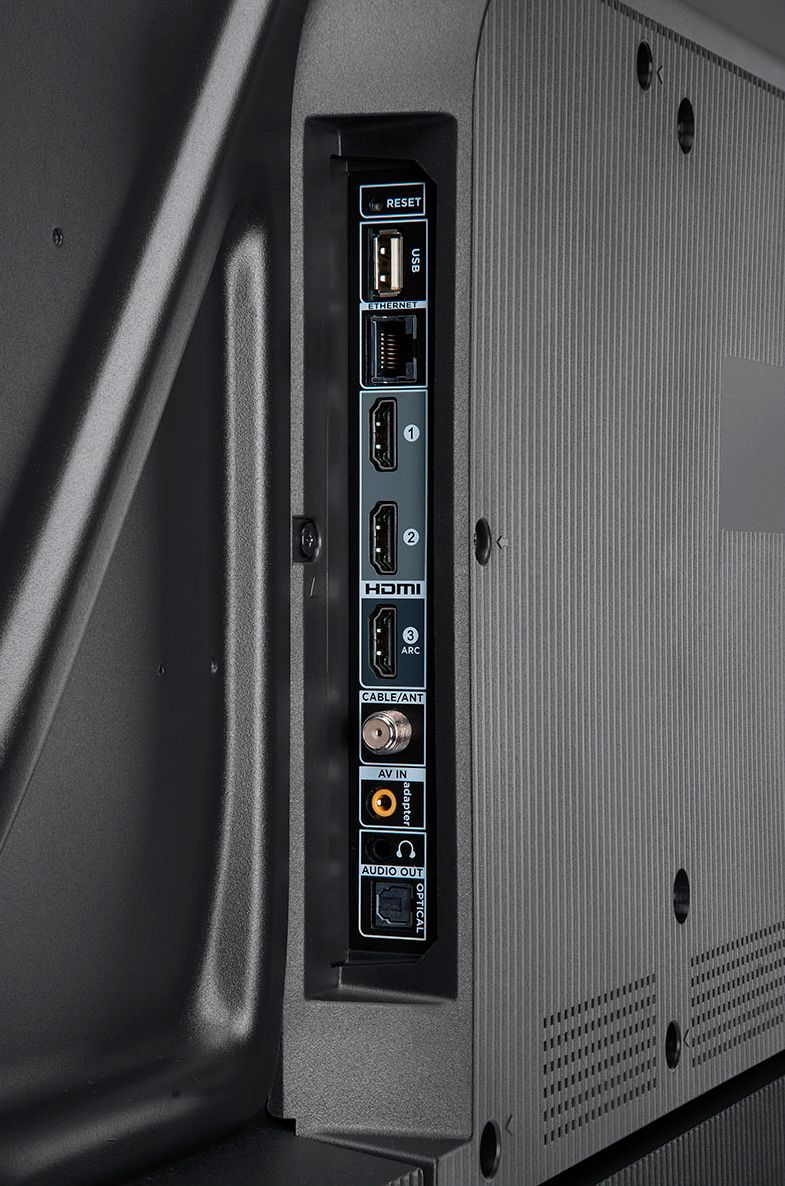
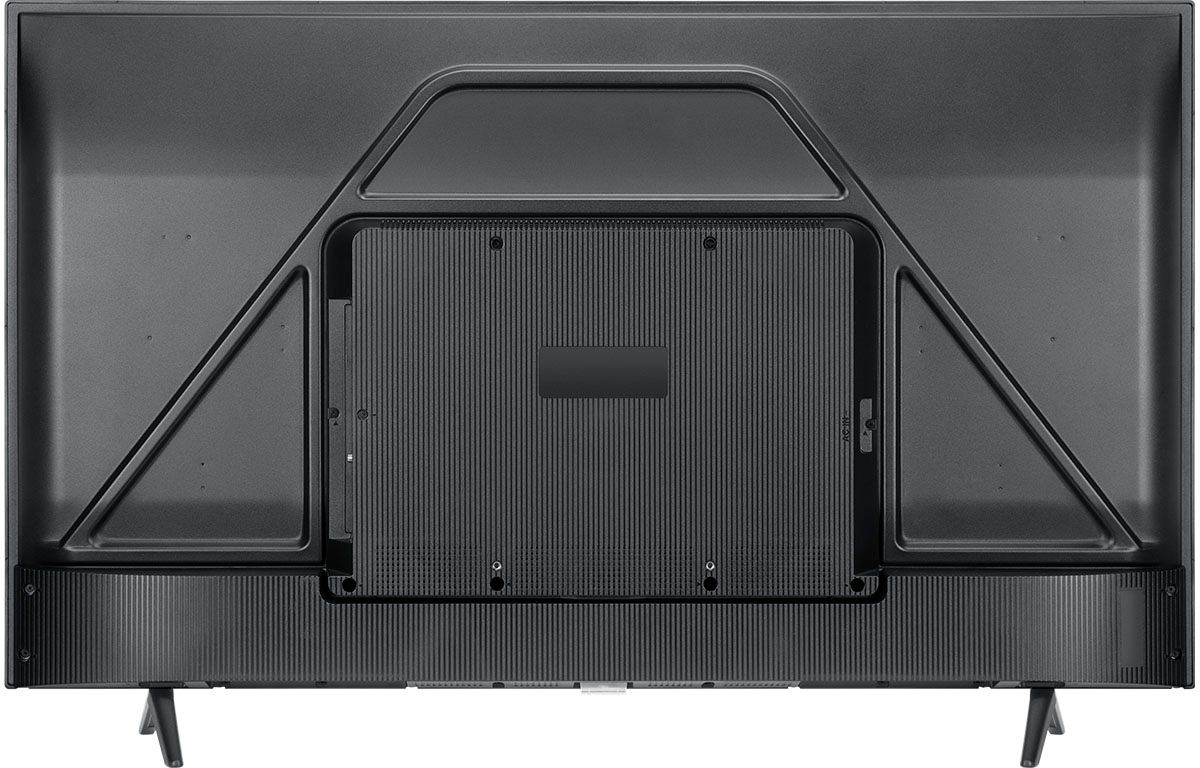
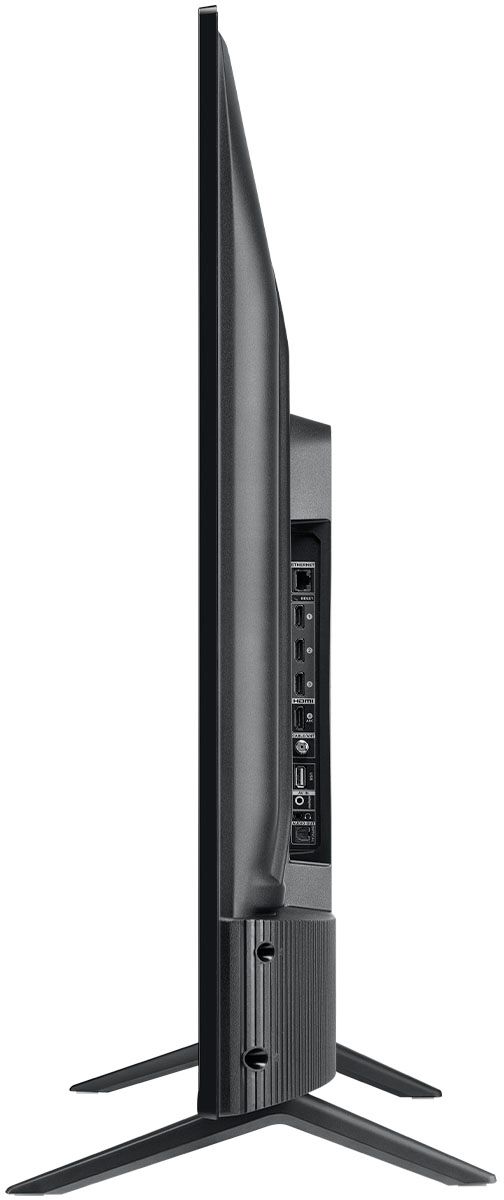
||Posted . Owned for less than 1 week when reviewed.This reviewer received promo considerations or sweepstakes entry for writing a review.BEWARE - the TV I received with this model number is not what is pictured n the website. The pictures show 4 HDMI inputs. The TV I received (same model number) only has 3 HDMI inputs. Deceptive.
I would recommend this to a friendBrand response from TCLExpert
Posted .Hi MaxS,
Thank you for taking the time to provide your feedback. We're truly sorry to hear about your experience and about the confusion. We are currently in the process of update the product page and correcting error. If you need any further assistance, please reach out to us at [email protected] with your contact information and a description of what you need help with. Enjoy!
Thank you,
Sara
TCL Customer Support
Rated 2 out of 5 stars
Two Star
||Posted . Owned for less than 1 week when reviewed.This reviewer received promo considerations or sweepstakes entry for writing a review.I DONT THINK ANY ONE WOULD BE HAPPY WITH THIS TV ESPECIALLY WITH THE REMOTE THAT YOU HAVE TO AIM DIRECTLY AT THE BOTTOM OF THE TV FOR IT TO WORK I COMPARED THIS TV WITH MY 2018 40IN VIZIO TV AND DIDN’T NOTICED ANY DIFFERENCE IN THE PICTURE QUALITY ,AND THE REMOTE Disgustingly CHEAP I DO HAVE TWO ROKU STICKS BUT I WOULD NOT BUY A SO-CALLED ROKU TV AFTER THIS EXPERIENCE I LIKE A REMOTE WITH NUMBERS FOR MY TV CHANNELS I SAW SEVERAL YOUTUBE REVUES ABOUT THIS TV WHICH ALL GIVE IT A FOUR AND A HALF STAR I GIVE IT A TWO STAR BECAUSE OF THE TERRIBLE REMOTE .
No, I would not recommend this to a friendBrand response from TCLExpert
Posted .Hi Jeg43,
Thank you for taking the time to provide your feedback. Currently, our smart TVs do not support the direct input of channel numbers for OTA. However, if your TV is connected to the Internet, you can press the left arrow key to populate a channel guide and navigate channels this way. Additionally, you can enable "favorites" for over the air channels so that your most-watched channels will automatically appear towards the top. To enable favorites you would go to Home>Settings>TV inputs>Antenna TV>Favorite Channels>Enable. Hope this helps!
Thank you,
Sara
TCL Customer Support
- Cons mentioned:Remote control
Rated 1 out of 5 stars
Below Average
||Posted . Owned for less than 1 week when reviewed.This reviewer received promo considerations or sweepstakes entry for writing a review.Poor remote Any worthwhile programs with Roku will cost extra poor job picking up local channels with antenna Dull picture regardless of settings Don't use Best Buy Shipt delivery-Driver screamed at me because she was lost in the parking lot-I had to carry it to my apt. myself,
No, I would not recommend this to a friendBrand response from TCLExpert
Posted .Hi tomg,
Thank you for taking the time to provide your feedback. We’re sorry to hear that you are not having the same great experience that the majority of our customers report having. We are always looking for ways to improve, and your feedback is greatly appreciated! We will continue to make improvements to ensure our customers the best experience possible. If you need any further assistance, please reach out to us at tclsocial@tcl.com with your contact information and a description of what you need help with. Enjoy!
Thank you,
Sara
TCL Customer Support
Rated 3 out of 5 stars
Where’s my remote
||Posted . Owned for less than 1 week when reviewed.This reviewer received promo considerations or sweepstakes entry for writing a review.Open box for a reason. Missing remote and sound needs leveled out somehow. I’m using another remote from a different model tcl and this tv is not very responsive.
No, I would not recommend this to a friendBrand response from TCLExpert
Posted .Hi KCk1,
Thank you for taking the time to provide your feedback. We're sorry to hear that you may be experiencing some trouble with your TV. We would love the opportunity to look into this for you to see if we can assist you. We'd like to gather more information to see if we can isolate what is occurring. Please reach out to us at tclsocial@tcl.com with your contact information and a description of what you need help with. Someone will get back to you as soon as they can.
Thank you,
Sara
TCL Customer Support
- Cons mentioned:Reliability
Rated 1 out of 5 stars
TV didn’t even last a year
||Posted . Owned for 11 months when reviewed.This reviewer received promo considerations or sweepstakes entry for writing a review.TV didn’t last a year. Logo comes on and then screen goes black. I tried all the suggested types of resets--nothing works. Read the other 1-star reviews and google this: It’s a problem with this TV and TCLs in general. I talked to Customer Service and this will take weeks to solve, if they even solve it. Will not buy TCL again
No, I would not recommend this to a friendBrand response from TCLExpert
Posted .Hello,
Thank you for taking the time to provide your feedback. We're truly sorry to hear about your experience as this is not normal for one of our TVs. Our TVs are carefully designed and engineered to give our customers years of entertainment. We take great measures to ensure that the TVs we send out are in great working condition. We're glad to see that we are already in the process of helping you. If you need any further assistance, please reach out to us at tclsocial@tcl.com with your contact information and a description of what you need help with. Enjoy!
Thank you,
Sara
TCL Customer Support
Rated 3 out of 5 stars
It's ok
||Posted . Owned for 1 month when reviewed.This reviewer received promo considerations or sweepstakes entry for writing a review.It only links with TLC sound systems. Wanted roku Tv got that but a little hard to get use to how it works Takes a while to change from live tv to streaming services.
No, I would not recommend this to a friendBrand response from TCLExpert
Posted .Hi Bumblebee,
Thank you for taking the time to provide your feedback. This Roku TV is compatible with most soundbars and can be connected via HDMI ARC, Optical, or the 3.5mm headphone jack. It is not limited to a specific brand of products. Hope this helps!
Thank you,
Sara
TCL Customer Support