Customer Ratings & Reviews

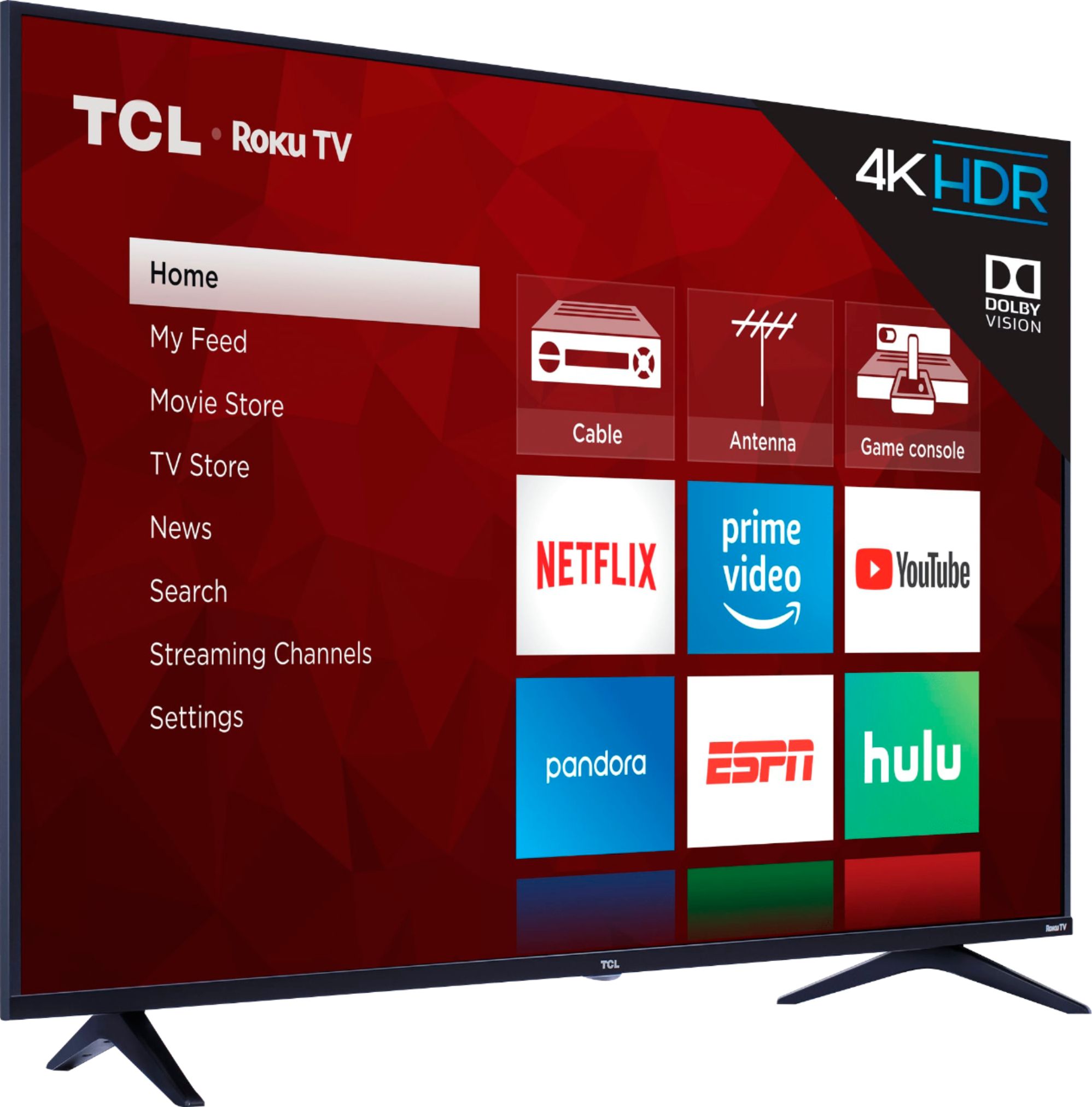
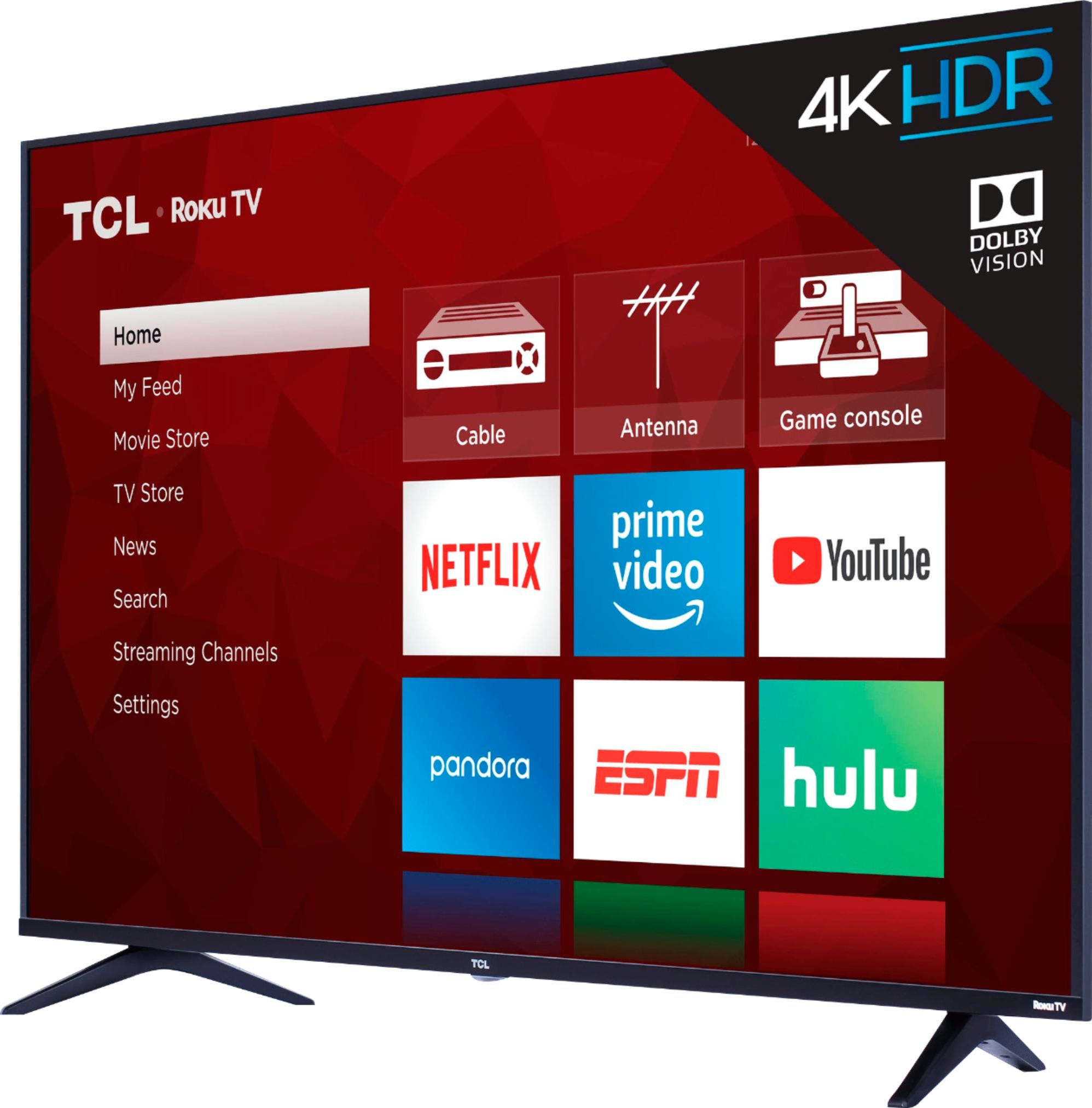
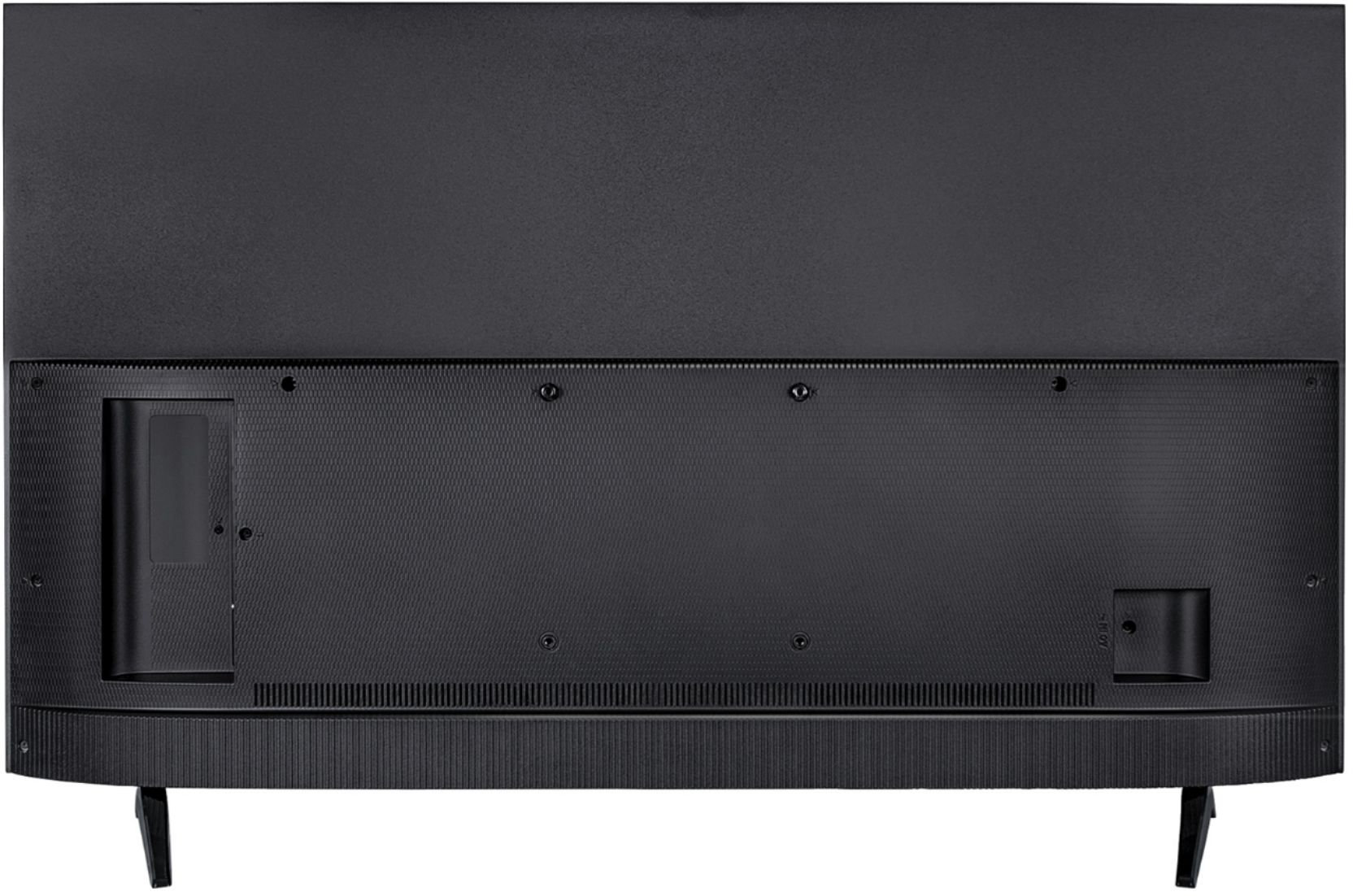
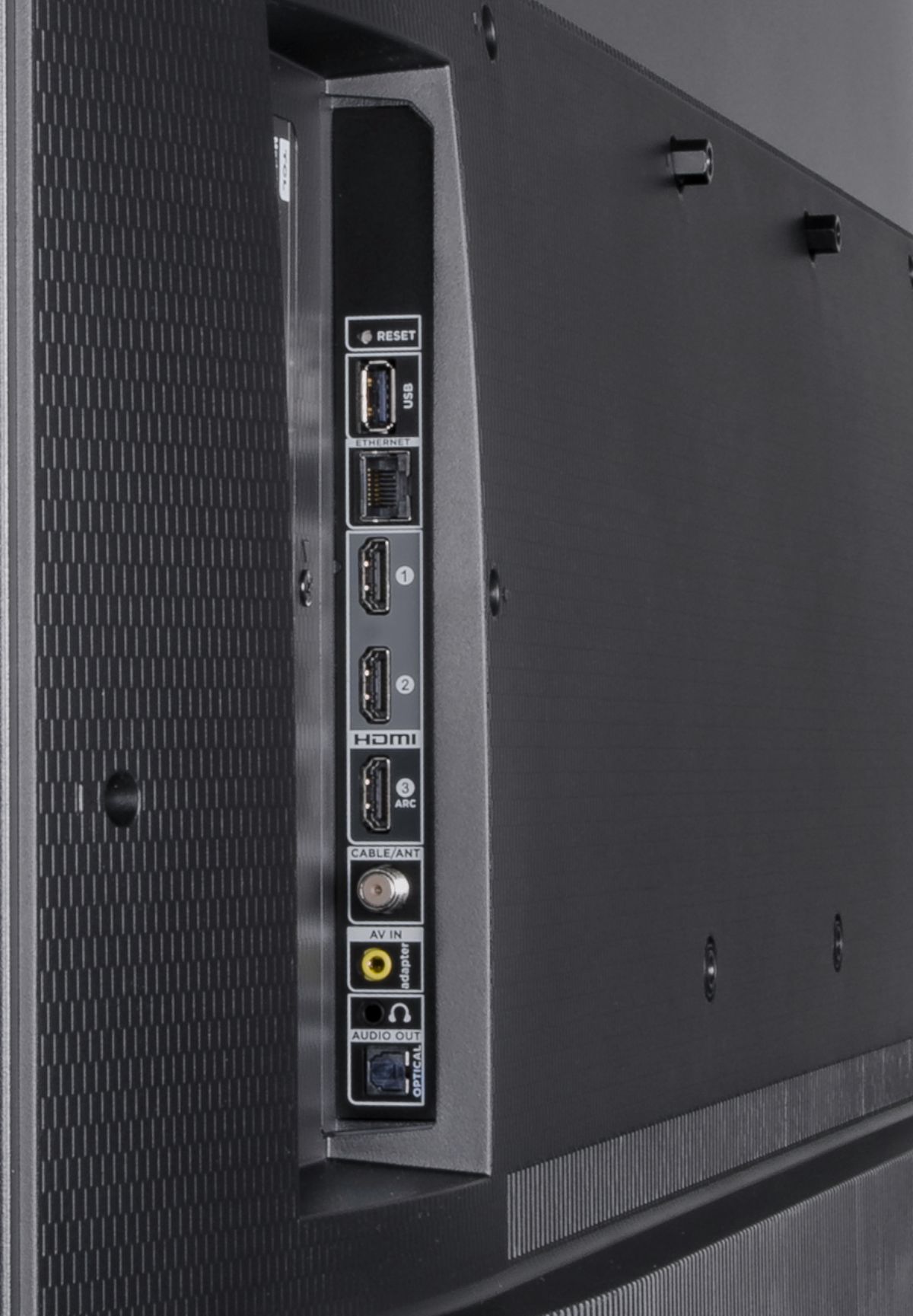

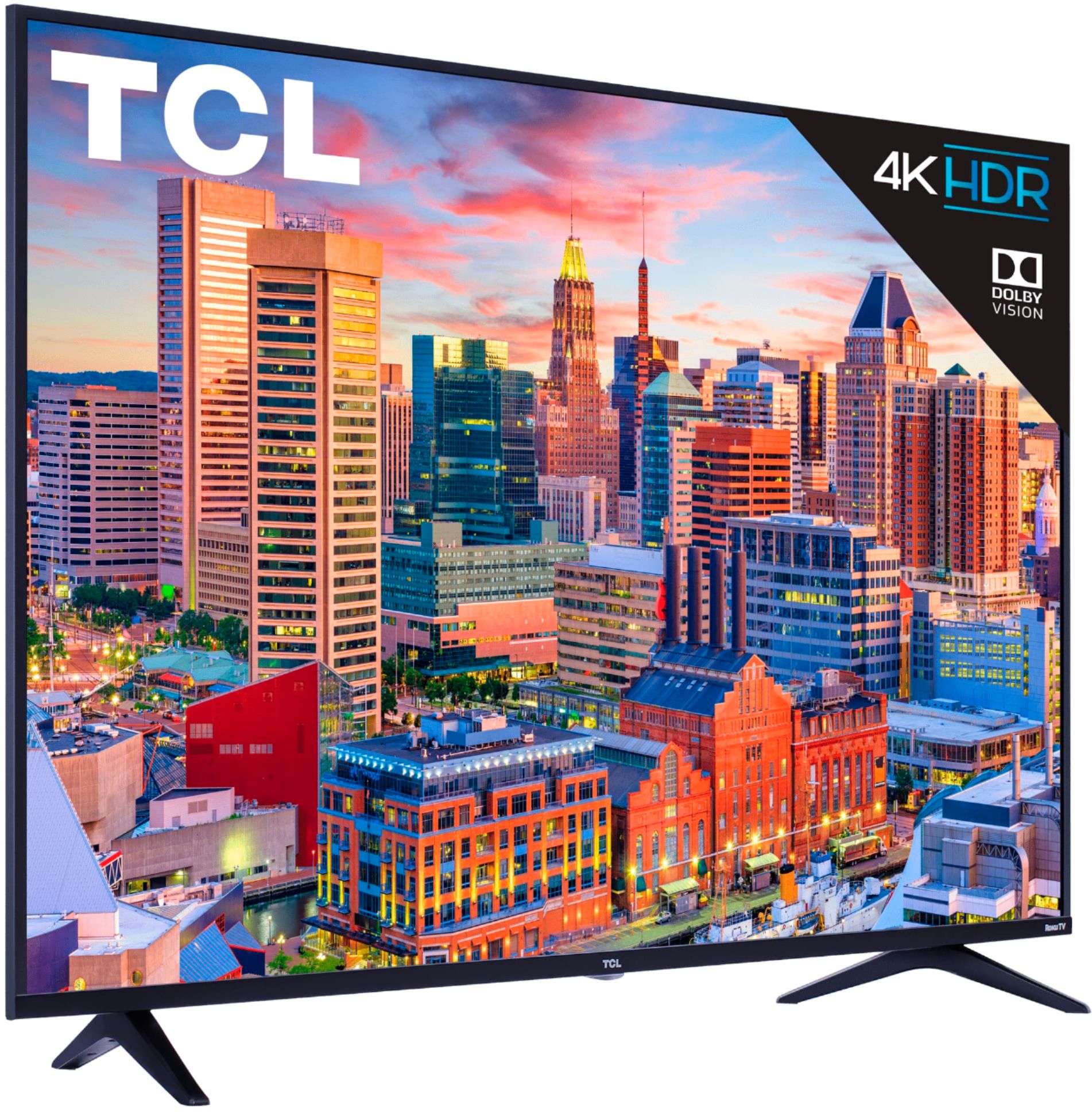

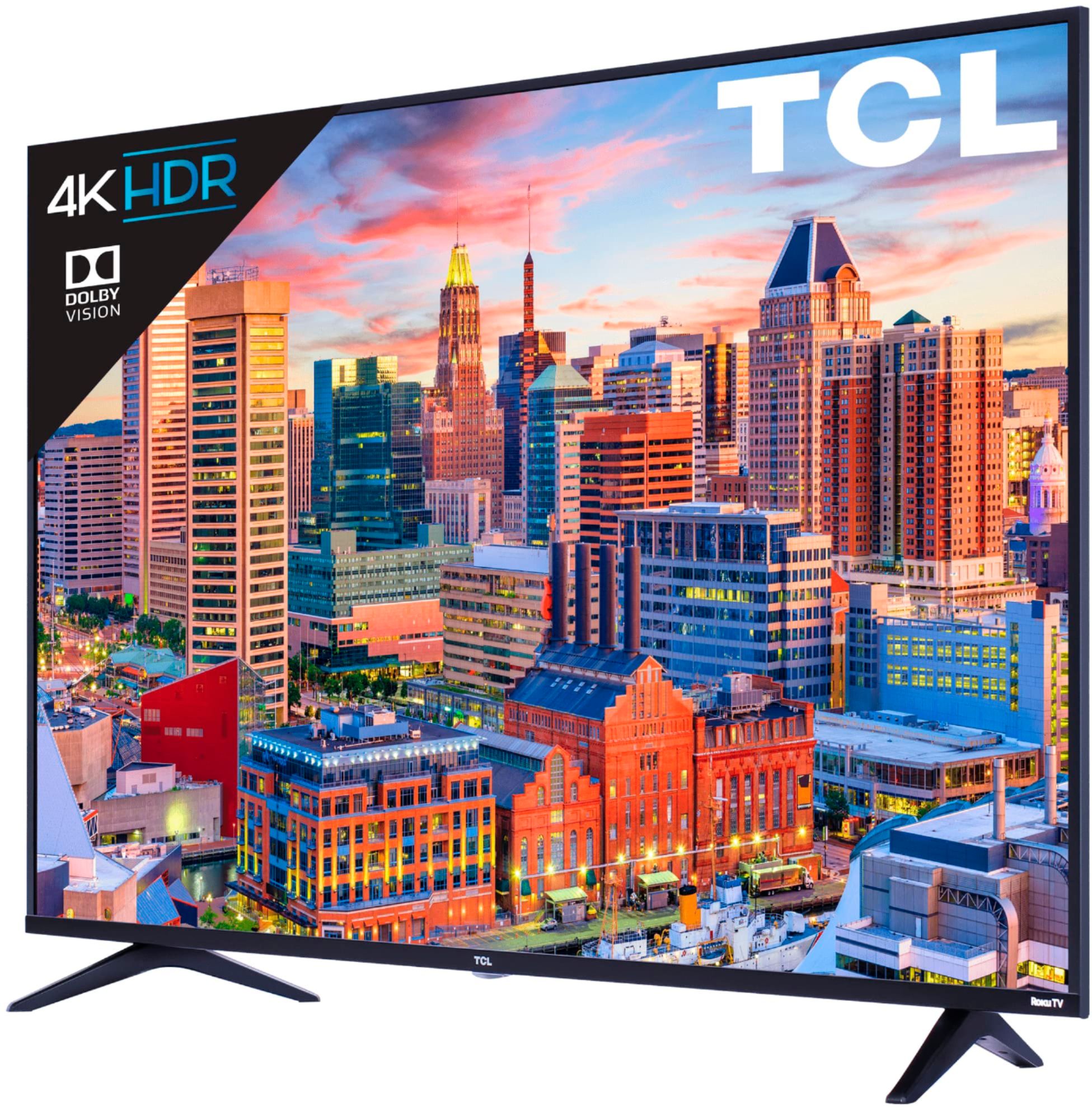
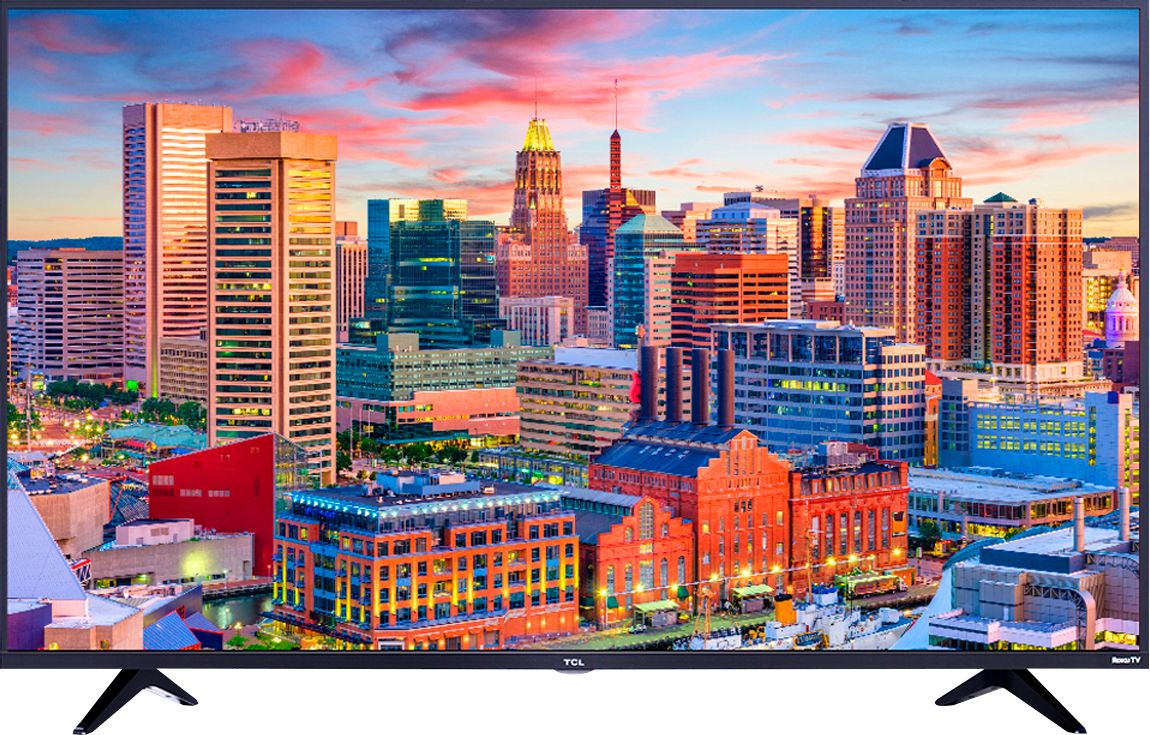
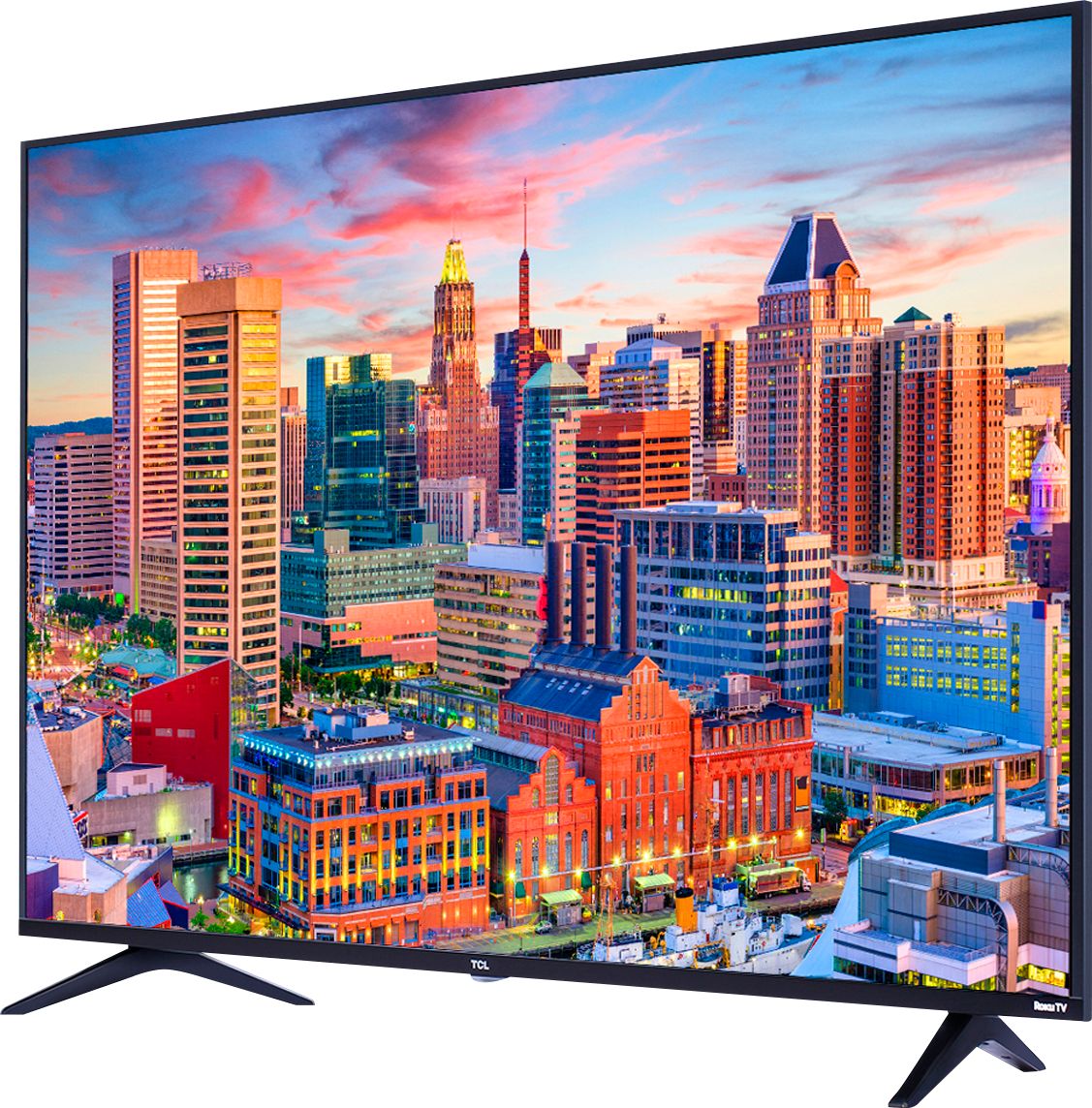



- Model:
- 55S515
- |
- SKU:
- 6202783
Customer reviews
Rating 4.5 out of 5 stars with 1686 reviews
(1,686 customer reviews)Rating by feature
- Picture Quality4.5
Rating 4.5 out of 5 stars
- Sound Quality3.9
Rating 3.9 out of 5 stars
- Brightness4.7
Rating 4.7 out of 5 stars
Customers are saying
Customers have good things to say about the picture quality, price, and easy setup of the 55" Class - LED - 5 Series - 2160p - Smart - 4K UHD TV with HDR Roku TV. Many customers rave about the great picture quality and sound, while others appreciate the affordable price and user-friendly interface. The Roku integration is also a popular feature, with customers praising the convenience of having access to streaming services without the need for additional devices.
This summary was generated by AI based on customer reviews.
Rated 3 out of 5 stars
Not the best, not the worst
||Posted .This reviewer received promo considerations or sweepstakes entry for writing a review.It doesn’t even compare to my 4K Samsung tv, and it’s a bit too dark, but overall a good deal and a good tv. It’s exceptional with gaming, too dark for movies.
I would recommend this to a friendRated 3 out of 5 stars
Buggy
||Posted .This reviewer received promo considerations or sweepstakes entry for writing a review.When it works tv is great. Apps such as youtube tv crash and won't start. Factory reset did nothing. So we bought a Roku premier and it's working great.
No, I would not recommend this to a friendBrand response from TCLExpert
Posted .Hi Jsward,
You can first try uninstalling the streaming channel and then reinstalling it. To do this you can highlight the streaming channel on the home screen and press the asterisk (*) button on your remote, then scroll down to 'Remote channel'. You would then need to go to Home>Streaming Channels>Search Channels>Type in YouTube TV. You would then select the streaming channel and select 'Add channel'. If this is still not working, you can reach out to us at [email protected] for further assistance. Hope this helps!
Thank you,
Sara
TCL Customer Support
Rated 2 out of 5 stars
Roku is Terrible
||Posted . Owned for 1 year when reviewed.This reviewer received promo considerations or sweepstakes entry for writing a review.I purchased this TV as a combination TV and computer monitor. As a TV it is fine, but because of Roku updates, its use as a monitor is terrible, even though it is connected via HDMI. Roku customer service is plain crap. They don't care, so I either have to live with a blurry screen or it is time to ditch the TCL for something stable.
No, I would not recommend this to a friendRated 2 out of 5 stars
Returning
||Posted .This reviewer received promo considerations or sweepstakes entry for writing a review.This TV just isn't very good. It struggles with picture quality. My 10 year old Dynex does a better job. Best picture is when watching Dolby Vision. This thing struggles with blacks and reds. It's very dim on it's brightest setting unless your activate micro contrast but then picture quality suffers. Do yourself a favor and spend the extra money on a Sony or LG. I'm returning this TV today after a week.
No, I would not recommend this to a friendBrand response from TCLExpert
Posted .Hi TheDude,
There are options available to adjust the picture settings to better fit your personal preference. You can access the Options menu on the TV by pressing the asterisk (*) button on your remote while watching content. Additionally, you can access expert picture settings by downloading the free Roku mobile app on a smartphone or tablet. The Roku mobile app works as a remote and allows you to access additional features like voice search, private listening, advanced picture settings, and more. Also remember that if you are watching content that is not 4K, the TV is upscaling the picture. For best picture quality, you would want to view content that is native 4K resolution. If you still have the TV, we would love the opportunity to work with you to make sure that you are getting the best possible picture from your TV. In order for us to better assist you, please reach out to us at [email protected] with your contact information and reference this review, and someone will get back to you right away.
Thank you,
Sara
TCL Customer Support
- Cons mentioned:Screen
Rated 1 out of 5 stars
Horrible
||Posted .This reviewer received promo considerations or sweepstakes entry for writing a review.The color is awful. Reds look like a pink color. We have played with different setting and still the colors are off. The tv is in a room that is dark so the backlight cause lines on the screen which is very distracting.
No, I would not recommend this to a friendBrand response from TCLExpert
Posted .Hi Megan,
Thank you for taking the time to provide your feedback. We're sorry to hear that you're not satisfied with your TV and that you were not able to see the same great picture quality a majority of our customers are seeing. The picture problems that you have described are a bit odd. We would like to look into this for you and see if there is anything we can do to help. Our Customer Advocacy Team is here to help and support you. Please reach out to us at [email protected] with your contact information and reference this review, and someone will get back to you right away.
Thank you,
Sara
TCL Customer Support
Rated 3 out of 5 stars
Ok
||Posted .This reviewer received promo considerations or sweepstakes entry for writing a review.It's an ok TV but don't try to stream the picture quality is terrible. But it's ok if you're using a DVD player
I would recommend this to a friendRated 2 out of 5 stars
Weak Picture
||Posted .This reviewer received promo considerations or sweepstakes entry for writing a review.This TV is weak in so any ways.Picture quality is poor,contrast and color are light.No mater how you adjust it. It is not a crisp picture. I own LG, Vizio,Sony, Panisonic ,and this is by far the worst TV. The built in Roku was a draw but is not the best roku, no voice or ear buds. The only good thing I can say it had a good price. Spend a little more and get a different brand.
No, I would not recommend this to a friendRated 3 out of 5 stars
Not compatible with TiVo remote
||Posted .This reviewer received promo considerations or sweepstakes entry for writing a review.TV and Remote are not compatible with TiVo . Cannot use the TiVo remote for on/off or volume. Not cool.
No, I would not recommend this to a friendRated 3 out of 5 stars
Good
||Posted . Owned for 1 month when reviewed.This reviewer received promo considerations or sweepstakes entry for writing a review.Good tv for the money. Picture can be a little washed out before adjusting the settings.
I would recommend this to a friendBrand response from TCLExpert
Posted .Hi Jake,
Thank you for taking the time to provide your feedback. There are options available to adjust the picture settings to better fit your personal preference. You can access the Options menu on the TV by pressing the asterisk (*) button on your remote while watching content. Additionally, you can access expert picture settings by downloading the free Roku mobile app on a smartphone or tablet. The Roku mobile app works as a remote and allows you to access additional features like voice search, private listening, advanced picture settings, and more. Hope this helps & happy viewing!
Thank you,
Sara
TCL Customer Support
Rated 3 out of 5 stars
Good
||Posted . Owned for 1 month when reviewed.This reviewer received promo considerations or sweepstakes entry for writing a review.Reason for purchase because it was cheap. other television was out of stock
No, I would not recommend this to a friendRated 1 out of 5 stars
Don't Buy This TV
||Posted .This reviewer received promo considerations or sweepstakes entry for writing a review.I have had this TV for about a year, and absolutely hate it. The ROKU remote is just very annoying to have to use to operate the TV. The picture quality is terrible, very blurry, and no way to correct it!! The TV is a 55", but you actually don't get any picture on the top and bottom 4" of the screen, so you basically are not getting use of those 8" of the screen. You also loose whatever is being shown on the right side of the screen. Example: if you are watching the news and the two anchors are talking to each other, most times you will not be able to see the person on the right. You can adjust this some by changing the picture setting, but then your 55" TV becomes about a 40" TV. Just a TERRIBLE TV!!!!!!!!
No, I would not recommend this to a friendBrand response from TCLExpert
Posted .Hello,
The problems you seem to be having with your TV sound very unusual, and definitely not normal for one of our TVs. This is definitely not normal as this TV typically produces a great picture. Without more information, it is difficult to decipher why you are getting a blurry picture along with the other described problems. All of our new TVs come with a limited one-year parts-and-labor warranty for those rare times defects arise. We would like to look further into it for you to see if there is anything we can do. Please reach out to us at [email protected] with your contact information and reference this review, and someone will get back to you right away.
Thank you,
Sara
TCL Customer Support
Rated 3 out of 5 stars
Just ok
||Posted .This reviewer received promo considerations or sweepstakes entry for writing a review.Picture isn’t as great as expected.. Looked better displayed at the store than at home
No, I would not recommend this to a friendBrand response from TCLExpert
Posted .Hi Brimari,
There are many settings that you can adjust to better fit your personal preference. While watching a show or movie you can change the picture settings to better suit that specific content. By pressing the asterisk (*) button on your TCL Roku Remote it will open the Options menu, and you can change settings like TV brightness, Picture Mode, and access Advanced picture settings. Additionally, if you download the free Roku mobile app you will gain access to more features and settings to help adjust the TV to your personal preference. Happy viewing!
Thank you,
Sara
TCL Customer Support
- Cons mentioned:Screen
Rated 1 out of 5 stars
Black screen but can hear sounds
||Posted . Owned for 1.5 years when reviewed.This reviewer received promo considerations or sweepstakes entry for writing a review.so ive had this tv for about a year and a half and all of s sudden i get the black/white screen, tv has been well taken care of and this happen all of a sudden, googling it online i see its a very common problem just FYI
No, I would not recommend this to a friend Rated 3 out of 5 stars
Could be better
||Posted .This reviewer received promo considerations or sweepstakes entry for writing a review.TV was good enough...I would buy it for the college dorm but not for home.
I would recommend this to a friendRated 3 out of 5 stars
Good buy
||Posted . Owned for 1 month when reviewed.This reviewer received promo considerations or sweepstakes entry for writing a review.It’s was a great gift for a friend. It was easy to set it up for her
I would recommend this to a friend- Pros mentioned:Hdr, Picture quality
Rated 5 out of 5 stars
5 stars for the price, but has flaws.
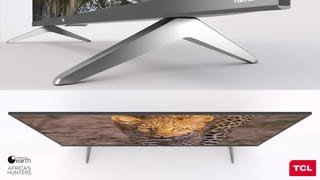
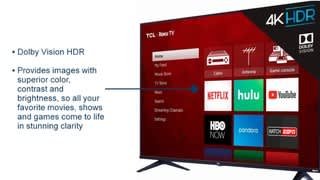
Posted .This reviewer received promo considerations or sweepstakes entry for writing a review.I’m going to edit this review throughout the week as I become more familiar with this product. Initial impression opening box: wow, this thing looks so impressive. It’s thiness and thin bezels and heavy stand legs truly make this look more expensive than it is. Seeing this thing from the front is almost as impressive as looking at it from the side. Gaming: set the picture to game mode to essentially eliminate input lag (and to add, each input can have customized picture settings so you don’t have to constantly change it). It’s quite impressive. I played an hour of Rocket League and it felt no different than when I was playing on my 39” Toshiba 1080p. I chose that game specifically because input lag can essentially break the playing experience due to how fast paced Rocket League is. 4k HDR movies: I played Ghost in The Shell and wow did it look good. BUT, I did have to tweak picture settings to get the desired best picture. The automatic settings made it look too dark. Interface: Roku menu looks poor on the screen. This isn’t on the television end; it’s on Roku’s I think. I use an Apple TV so I’m not too concerned about it, but this is my first Roku tv and I immediately think they need to address the quality of their menu images because it doesn’t even compare to how pleasing Apple TV is on the eyes. The one noticeable flaw (light bleeding): the edge-lit lighting is a compromise for the thinness of this tv and it’s where personal preference comes into play. If you want a higher end HDR experience from TCL, save $150 more and go with 6 series, but if you can compromise on picture lighting for the price and thiness of this model, then go with the 5. The compromise here is just light bleeding, mostly from the bottom 2 corners and this is due to the thinness requiring edge lighting. It’s most noticeable when you’re on a full black screen or when the black bars appear on top and bottom of the image. It’s not the most bothersome thing in the world, but I did notice it immediately because I expected it. This is the compromise I am talking about. To get this incredibly thin and cheap 4K HRD Dolby vision tv, you need to overlook the light bleeding. I personally do not think as of right now that the bleeding will be a deal breaker. Designated room: I think this should be a dark bedroom tv. If you are looking for that bright living room main television, I would recommend the 6 series over this. Current first day summation: for $450, You’ll be hard pressed to find a competitive tv. Even when I was comparing TVs, I found myself ending up just comparing TCL models. I ultimately chose this one for the price, thinness/bezel, and because it’s a 4K with HDR and Dolby vision so my movies look even better. Looking at this in my bedroom right now, I can’t believe just 4 years ago, I spent >$300 on a 39” Toshiba 1080p television. This is the best tv I’ve ever purchased. Of course, I see the $3,000 TVs and they look like you could reach into the picture they’re so real, but at $450 for this quality, TCL is definitely going to be the go-to namebrand for most Americans as the company continues to build their reputation in the states. After buying this, I have no doubt that TCL will soon be a household name.
I would recommend this to a friend Rated 3 out of 5 stars
Nice and easy to operate but poor sound quality
||Posted .This reviewer received promo considerations or sweepstakes entry for writing a review.Nice and easy to operate but did not care for the Sound quality of the roku
No, I would not recommend this to a friendRated 3 out of 5 stars
The picture is fuzzy
||Posted .This reviewer received promo considerations or sweepstakes entry for writing a review.Can not get settings right for clear picture. Other than that the tv is ok
No, I would not recommend this to a friendBrand response from TCLExpert
Posted .Hi Bigred,
We're sorry to hear that you are not seeing the same great picture that a majority of our customers are seeing. The strength of the signal received can affect the image you are seeing. Without more information, it is difficult to decipher what exactly is occurring on your TV. We would love to look into this for you to see if we can assist you. We'd like to gather more information to see if we can isolate what is occurring. Please reach out to us at [email protected] with your contact information and reference this review, and someone will get back to you right away.
Thank you,
Sara
TCL Customer Support
Rated 3 out of 5 stars
Good for the price
||Posted . Owned for 1 month when reviewed.This reviewer received promo considerations or sweepstakes entry for writing a review.The picture quality is weird. The people seem slower in action.
No, I would not recommend this to a friendRated 3 out of 5 stars
Fair Cameras
||Posted .This reviewer received promo considerations or sweepstakes entry for writing a review.Having video problems with cameras in rain. Battery life not adequate.
No, I would not recommend this to a friend