Customer Ratings & Reviews



- Model:
- 55QM7L
- SKU:
- 6673190
to a friend
Customers are saying
Customers admire the product's sound quality, which is described as good enough. They also appreciate its bright picture with vibrant colors and its effortless handling of console gaming.
This summary was generated by AI based on customer reviews.
- Pros mentioned:Brightness, Sound quality

A powerful, bright TV with a few small caveats
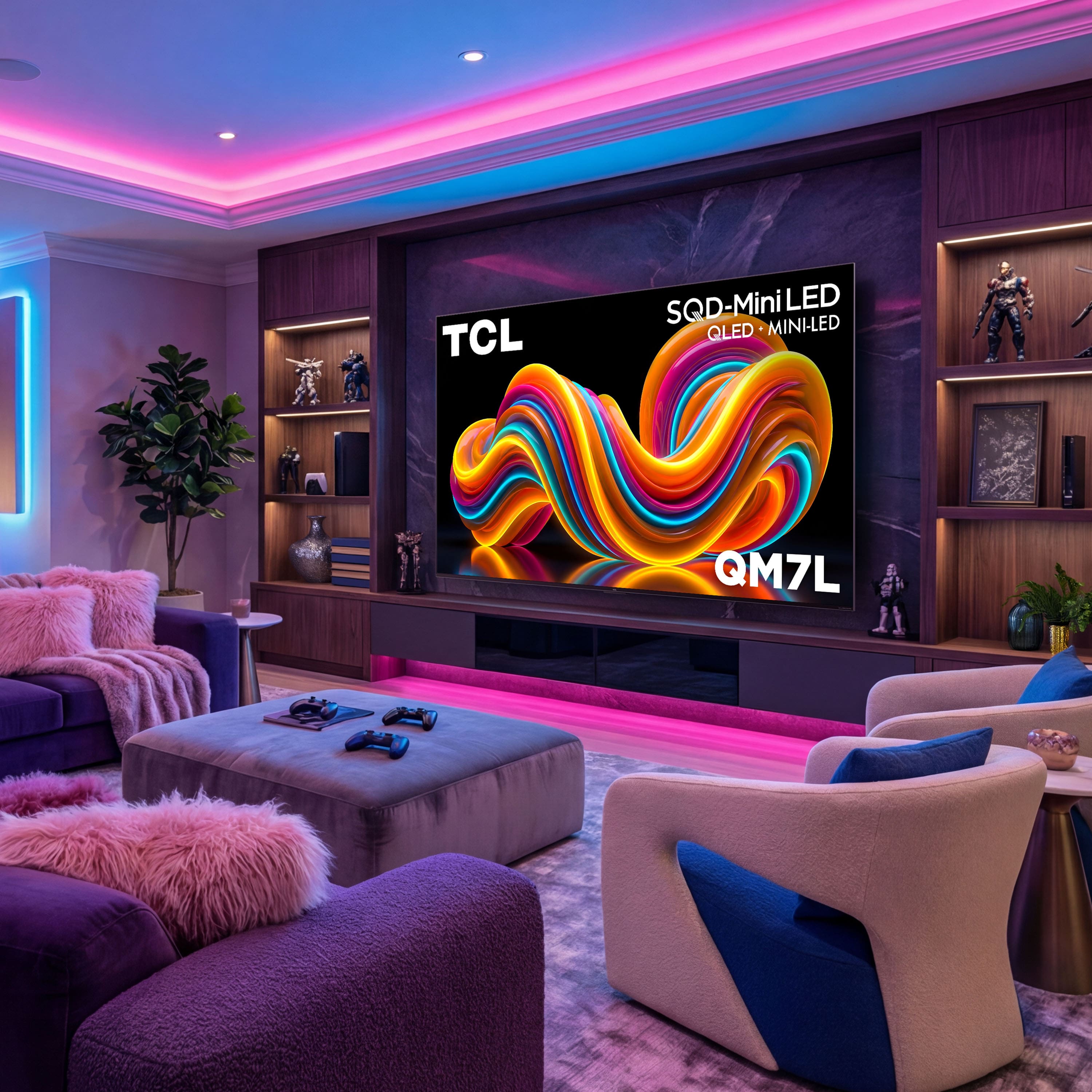
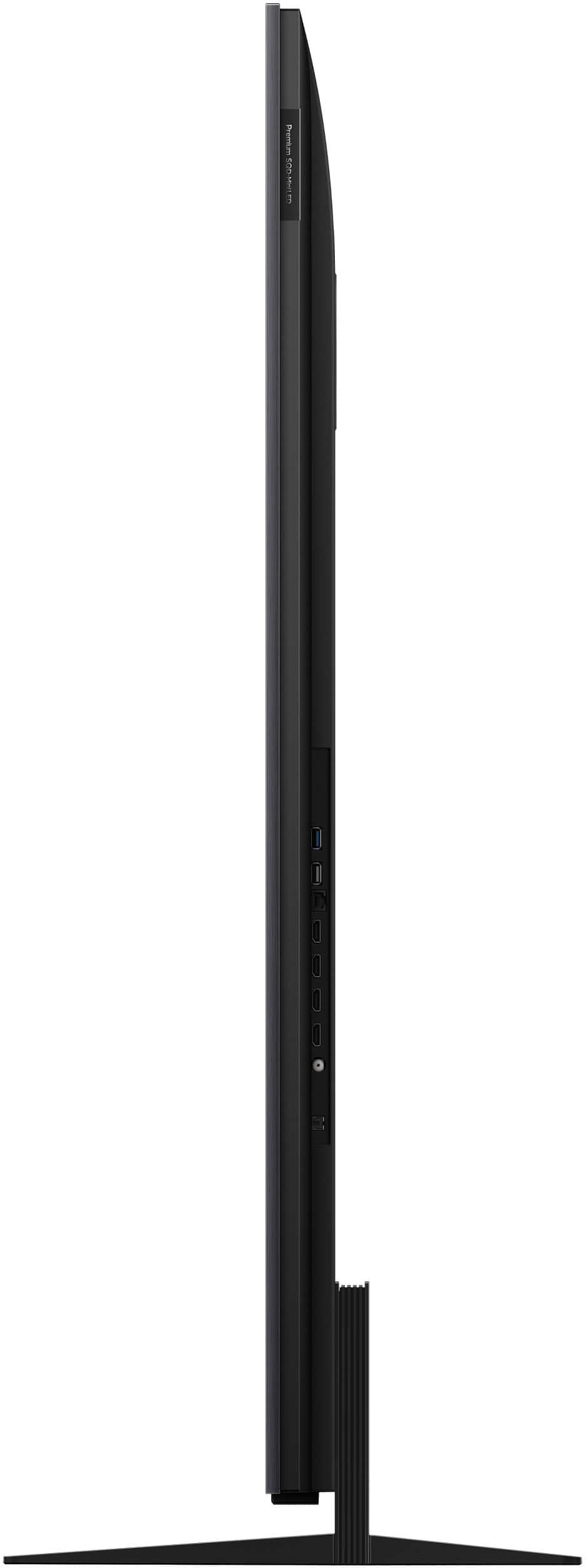
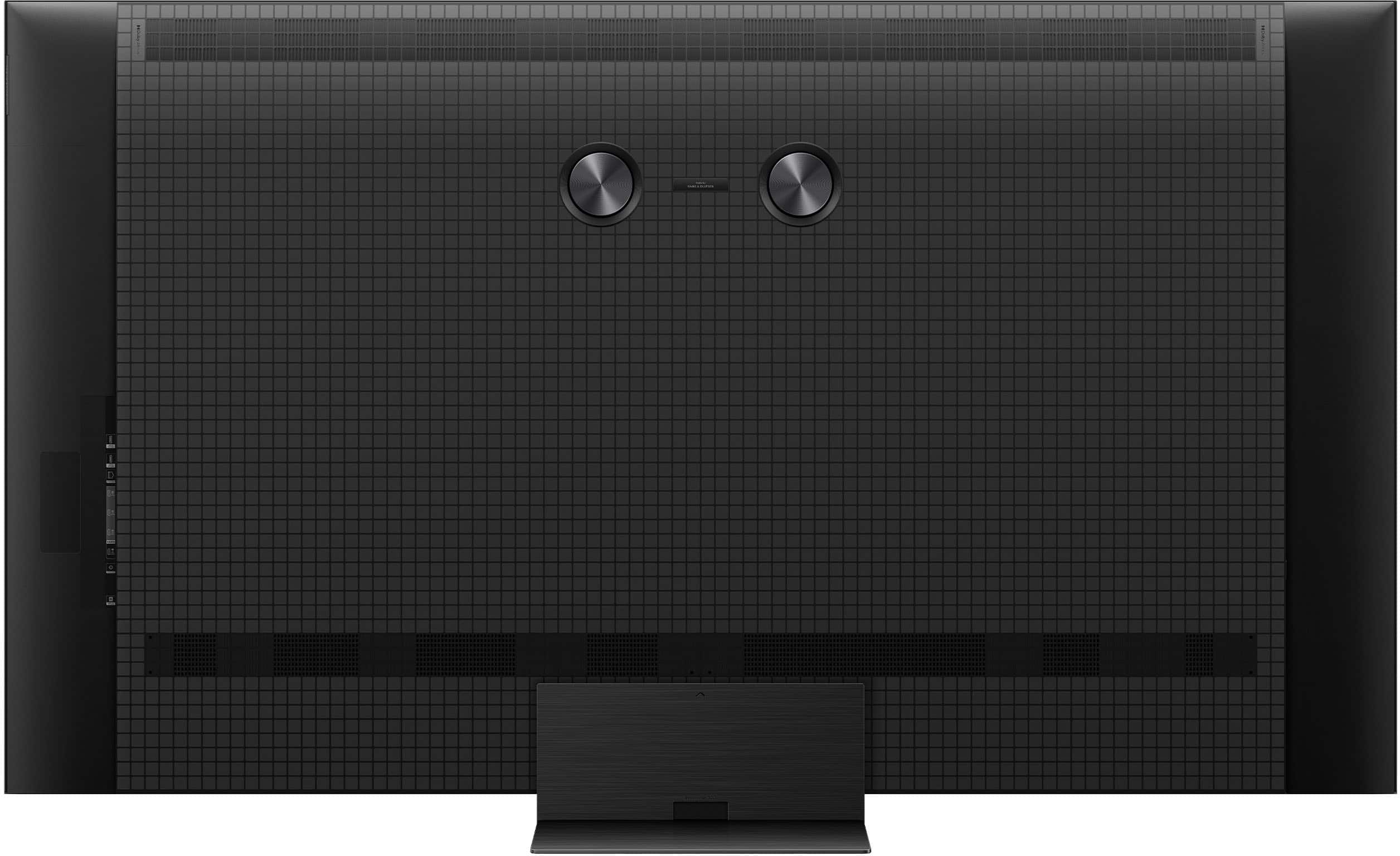
|Posted .This reviewer received promo considerations or sweepstakes entry for writing a review.I have a 65" OLED TV in my primary gaming room and we have a newer 65" Mini-LED TV in our living room. The 55" TV in the bedroom was in definite need of an upgrade, as we've had it for about 10 years now and it's an older regular LED backlit TV and is only in 1080p. When I upgraded my PS5 in the game room to the PS5 Pro, I moved my PS5 Slim to the bedroom as a Media device and occasional wind-down-before-bed gaming machine. So, with that being done, I've really been looking for a TV upgrade for that room. Enter the perfect timing of this TCL QM7L model SQD-MiniLED 55" TV. I've never had a TCL TV, but I have an OLED and another Mini LED TV to which I can compare. Also, please note that this TV will be reviewed from a gaming perspective, primarily. First, I want to start by the unboxing and setup. The unboxing itself if typical standard fare. I removed the TV from the box and laid the box flat on the floor to place the TV screen-down on the top of the box. The TV has some really heavy-duty screen film over it, held down further by tape all along the edges, so there's zero risk of anything happening to the screen. My old TV was wall-mounted and this is why I stayed with the 55" model, as I'd have loved to have went with a larger size...but really, a 55" is perfect for that area, as it is. Anyway, I simply removed the old TV off the mount, did plenty of dusting and removed the wall mount brackets from the back. The only issue I had was for the TCL TV, the placement of the two speakers on the back were absolutely obnoxious. WHY would you place them right above the holes for the mounting bracket? See the pictures I've included, but I had to lower the mount brackets further down compared to my older TV...otherwise, they would have went over the speakers and it would not have been flush for mounting. This resulted in the TV being about 2-3" higher than I intended and I am absolutely not removing the wall mount from the wall to lower it and accommodate for that. So, because of this, the TV sits higher than I wanted, but I just chose to deal with it... ...However, this is really the only "ding" I have in this review for this TV. Setting up the TV was an absolute joy. It uses Google TV, so all I had to do after turning it on and going thru the motions of the screen prompts, was to sign the TV into my Google TV app, which I already had installed for the other Mini-LED TV in the living room. After doing that, it automatically connected to the internet (yay, no typing in my super-long WiFi password) and did the firmware update. After that and some other screens, including all the Smart TV agreements, etc, I was presented with the HUB screen. I had the PS5 plugged into HDMI Input 1, but the menu kept saying it was plugged into Input 2. Thankfully, this was just a visual error, as after switching to that Input, it displayed correctly as Input 1, going forward. I also noticed HDMI-CEC did not seem to be on by default, so after I enabled it in the TV settings, everything synced properly. Even with the soundbar! I didn't have to manually change the audio settings on the TV for the Output and other things, as it was set to "Auto" already and did an amazing job at detecting it. Other than that, the only picture setting I had to do was in Game Mode on the PS5, I had to figure out how to enable the Game Bar menu to enable "HGIG". At first, I thought it was in the Tone Mapping part of the settings, but it's not. After discovering how to enable game bar (it's by holding the 3-line "burger" symbol on the remote until it pops up), I was able to toggle it on, there. As a gamer, primarily, I do want to say that this TV is LOADED with gaming features. 144hz refresh rate (but the PS5 only does a max of 120, so I consider this future-proofing), Game Audio settings, an on-screen crosshair for FPS games and many other features. I love it and the Game Bar is pretty neat too and you can even customize the theme of it. In Game Mode, the only picture setting I really had to change was of course, disabling all of the Eco-friendly stuff, like auto screen dimming, etc and the Color Temperature under the "Color" setting. By default, this was maxed out to Warm 5, which was way too yellow for my preference. I backed it up to Warm 2 and it's perfect. The picture is so bright, I love it. I played a variety of games on this thing, including Saros, Pragmata, Diablo IV: Lord of Hatred, Lumines Arise, Forza Horizon 5, Black Ops 7 and some others and NONE disappointed! I even tested the 120hz mode in Black Ops 7 and WOW, it's so crisp and smooth...to the point where it took me a few matches just to get used to it, lol. This TV is awesome for gaming - just ensure you have the proper settings in place on both the TV and your console/PC. Also, another thing I noticed is that there is ZERO banding in the background of the picture, something I now is present on most OLED TV's and is also present on our other newer Mini LED TV in the living room. It is NOT present on this TCL! The picture is bright and the colors pop! It's so bright, it's kinda jarring to go back to my OLED TV. Don't get me wrong, OLED still wins in the picture category, as far as true-blacks and such are concerned. But this TCL Mini LED absolutely rocks in the brightness and crispness of the picture. The ONLY picture issue I've noticed, which I know you won't ever truly get rid of unless you go OLED, is where you get a bit of a white hue around text or images in various areas of the screen, where it's supposed to be black, making it look more of a grey-ish color. See the picture for this as well. It's only noticeable on a totally black screen, so it's not too big of a deal - I'm just absolutely spoiled by my OLED, that's all! My only other minor complaint with the TV lies in one small thing on the remote. The radial button for up, down, left and right, along with the button in the middle. This radial is closer to the top of the remote, instead of centered and man, this is bothersome, lol. Thankfully, the remote isn't too long, so it's just more of a muscle memory and comfort issue, really. I do love how the remote lights up very lightly when you pick it up. Just a very subtle glow without being too overbearing. So, all in all, I would give this TV a 4.5 stars out of 5. Docking this mostly for the speaker issue where they are right above the mounting holes. This was an absolutely dumb design decision, but I understand this doesn't affect everyone, as even myself, I don't normally wall-mount TV's. So, this is even an exception for me. With the only two other issues being the faint glow around images and words, etc, on a black screen (which I truly felt would be near non-existent on a Mini LED TV) and the awkward placement of the radial buttons on the remote. On one final, quick sub-note...TCL also makes an additional subwoofer (and regular speakers, too) that you can add to this TV with a Bluetooth connection. I did test the regular speakers and man the branding the use (Bang and Olufsen) really shines! Even at 30% volume, they get loud and clear! I loved it so much, I'm considering buying the optional subwoofer to add to this TV so I can just replace my aging 2.1 soundbar that I got and have been using with the old 1080p TV we replaced. I really do love how this little soundbar sounds, as I've grown used to it over the past decade, but it's time for an upgrade and I love how I have that option, here! So, since Best Buy will not allow us to give half-star reviews, I'm just going to rate this a 5/5. If you're looking for a happy balance between OLED and other TV screen technology with price being a factor, this ticks all of the check marks, especially if you are a gamer!
I would recommend this to a friendBrand response from TCLExpert
Posted .Hi Namdnas, Thank you for taking the time to provide your feedback. We hope that you are enjoying your TV thus far! We are always looking for ways to improve, and your feedback is greatly appreciated! If you need any assistance, please contact us at tclsocial@tcl.com with your contact information and a description of what you need help with. Someone will get back to you as soon as they can. Enjoy! Thank you, Alison TCL Customer Support
- Pros mentioned:Gaming performance, Sound quality
TCL QM7L: Big Brightness, Mid-Range Price
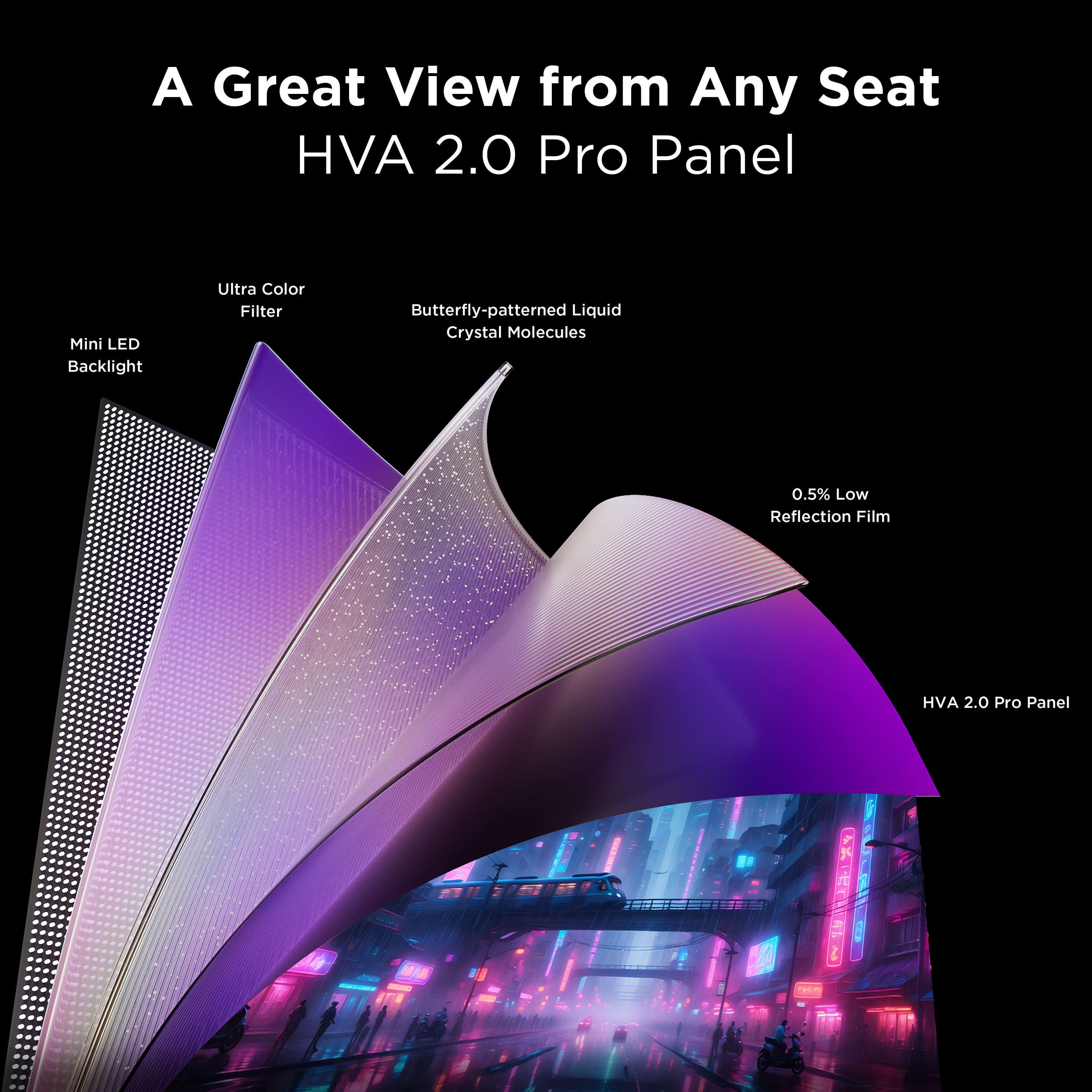
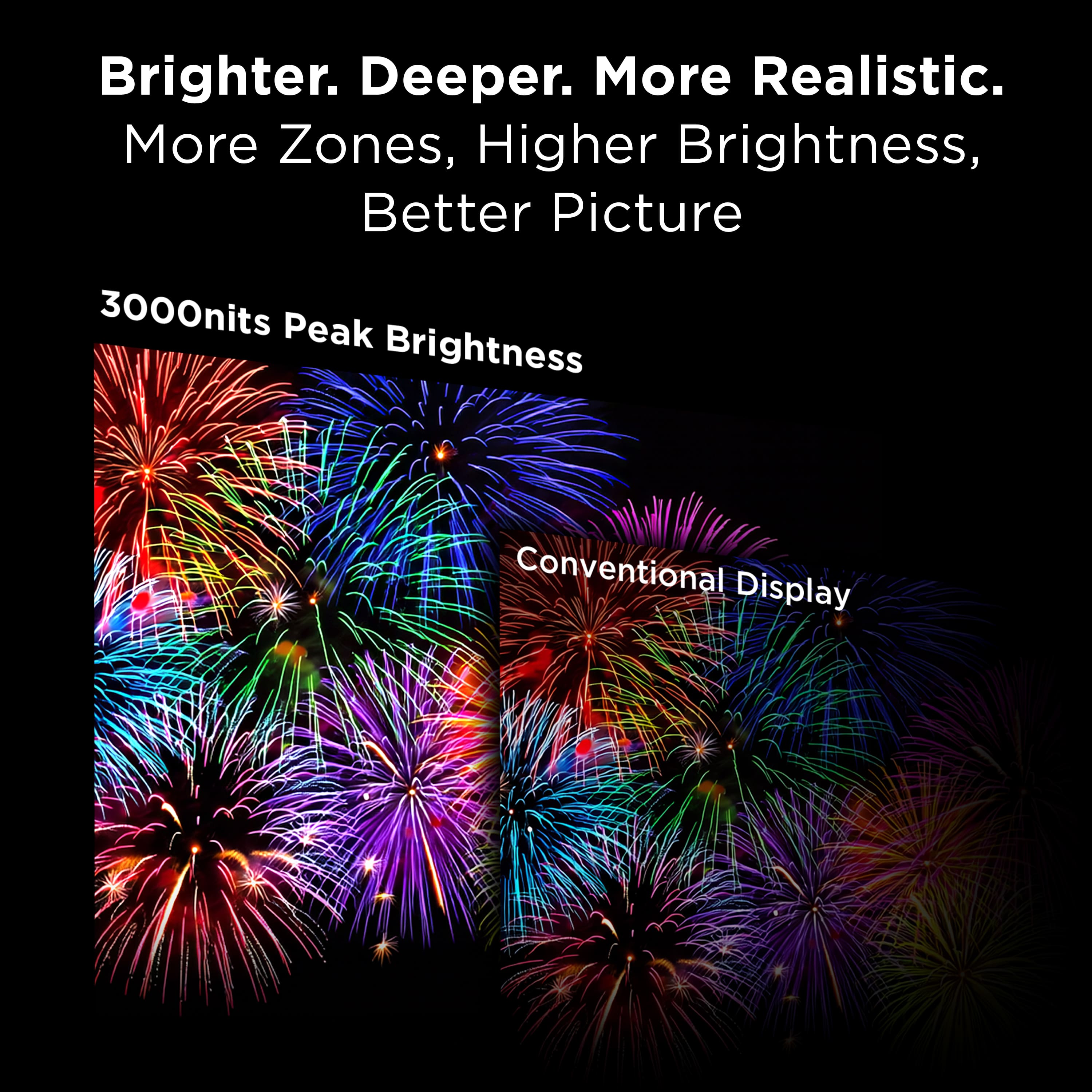
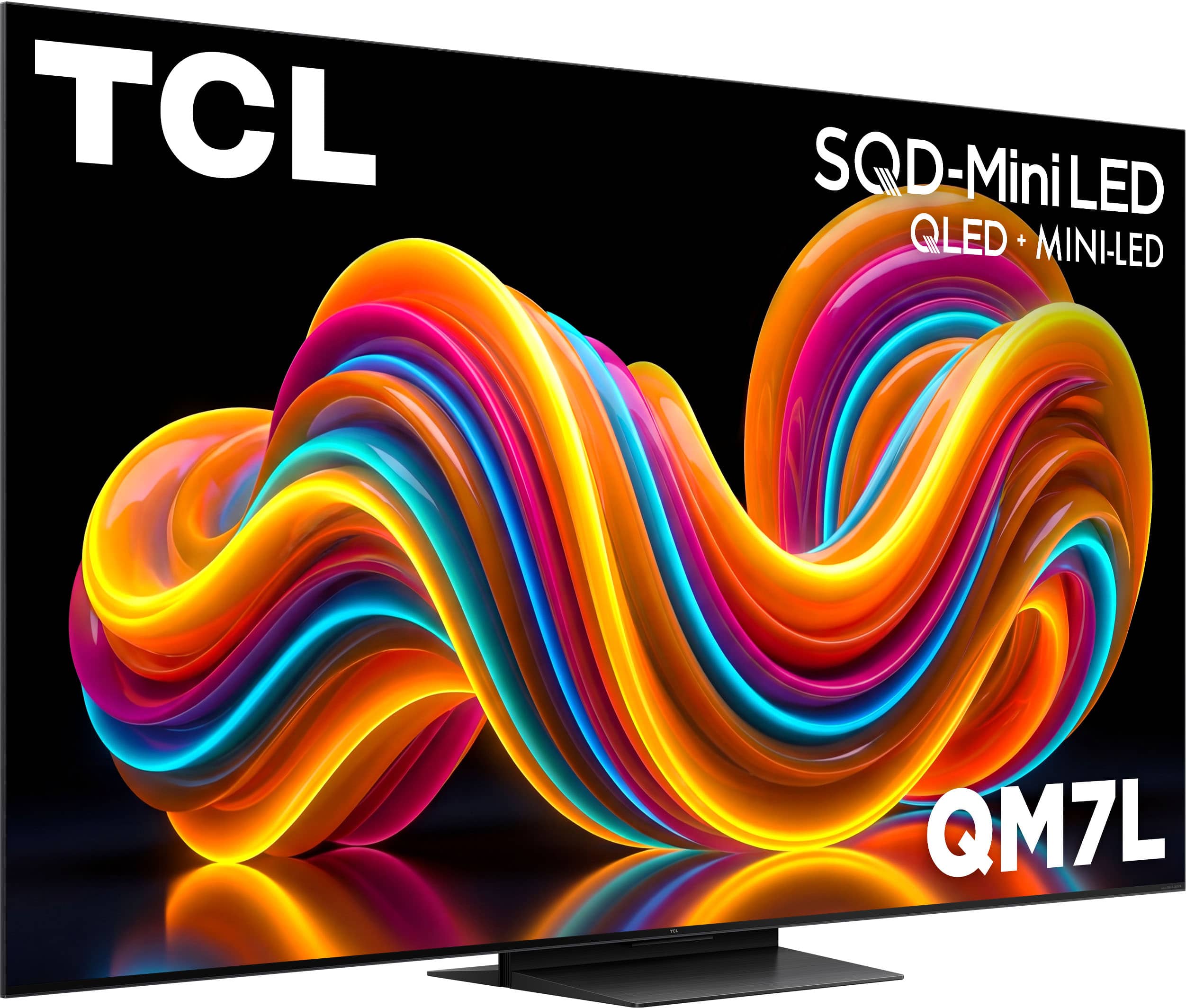
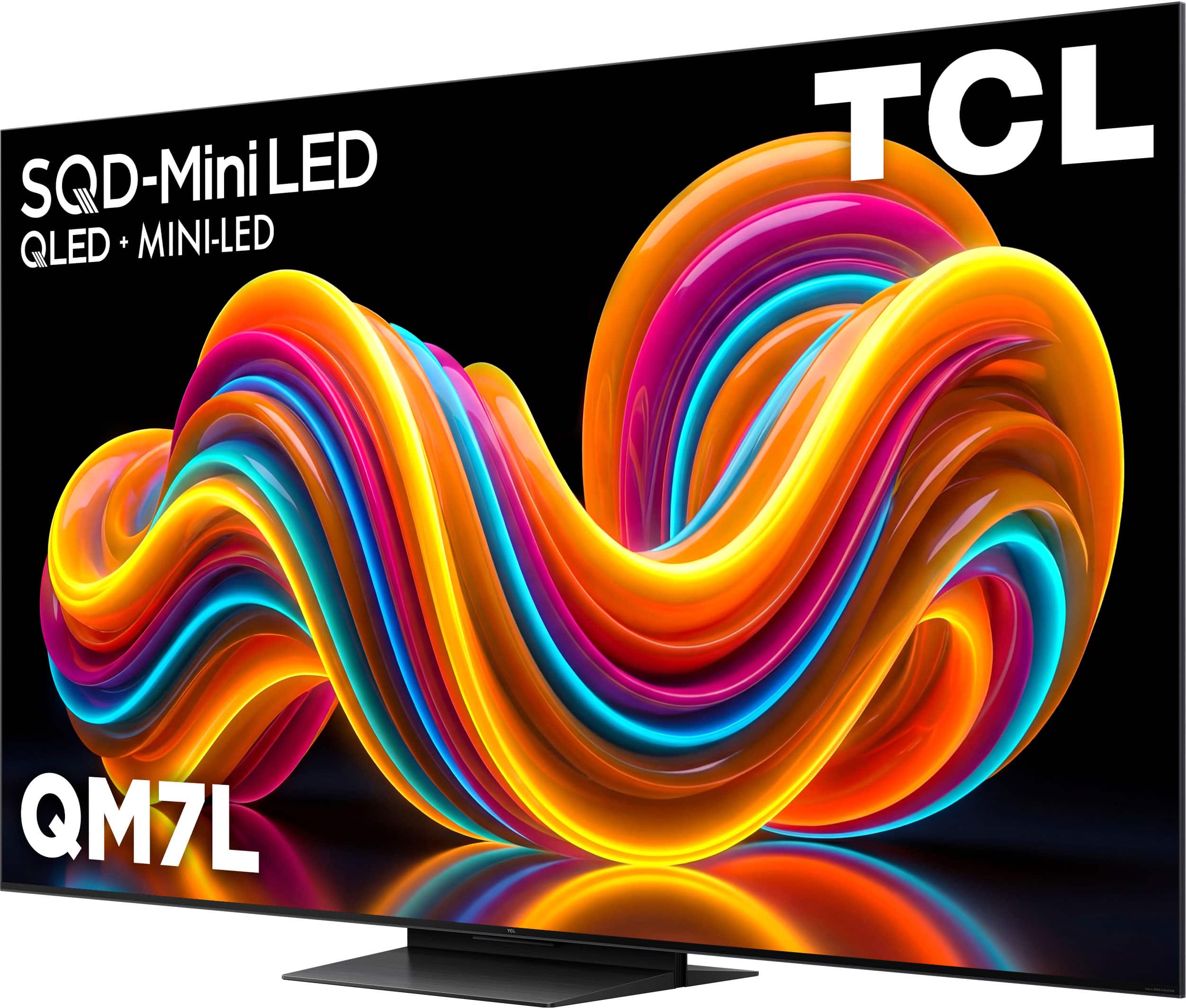
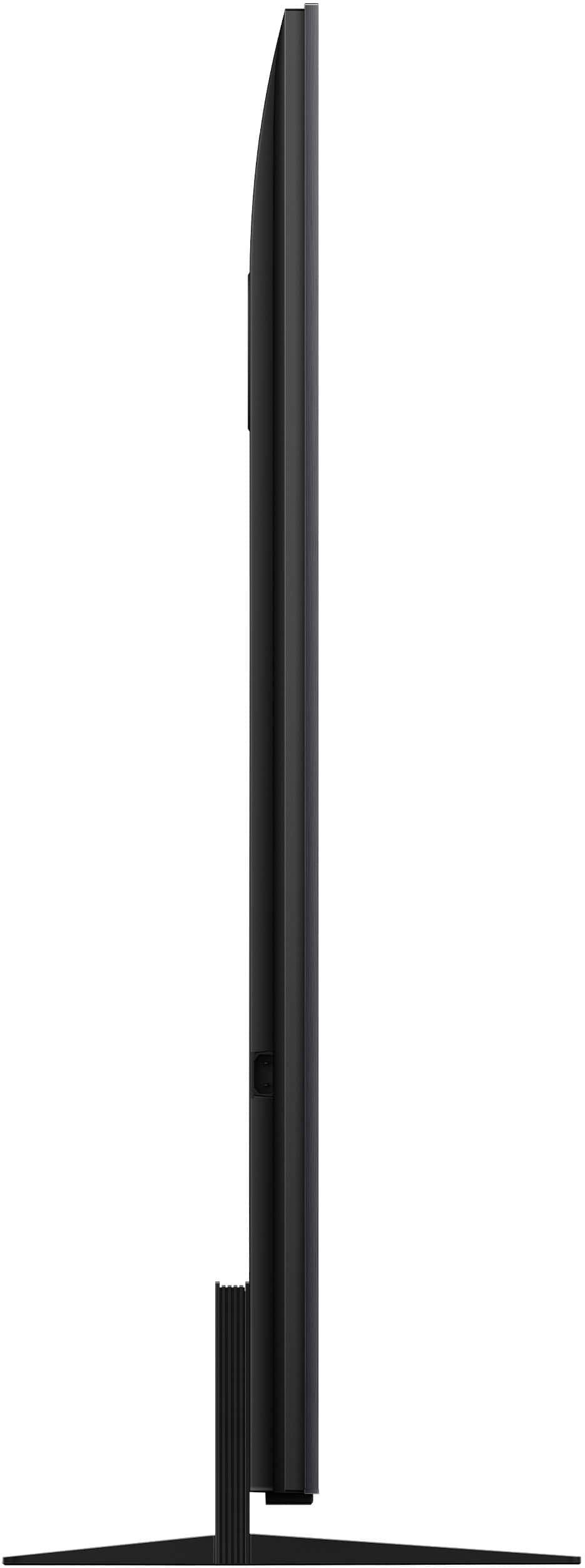
|Posted .This reviewer received promo considerations or sweepstakes entry for writing a review.TCL’s QM7L brings high-end backlight and color performance down into an affordable mid-range budget. Built around their new "Super Quantum Dot" filters and a massive jump to 3,000 nits of peak brightness, it delivers a punchy HDR picture that stands out for the price. Squeezing this much screen horsepower into a tighter budget requires accepting a few standard panel limitations, which are trade-offs that home theater fans and serious gamers will want to look at closely. Right out of the box, the physical setup feels clean. A razor-thin bezel lets the picture do the talking, though the back housing trades premium aluminum panels for rigid, textured plastics to save on cost. It trades the heavy, premium cabinetry of flagship sets for a lighter build, but feels solid once mounted. The real catch on the chassis is input placement: only two of the HDMI ports carry full high-bandwidth gaming capabilities. If you plan to connect a next-gen console, a gaming PC, and a dedicated eARC soundbar all at once, you will find yourself swapping cables. The driving engine is the SQD-Mini LED backlight configuration. By packing the chassis with microscopic LEDs divided into a dense grid of local dimming zones, the screen achieves piercing highlight delivery. In HDR content, small details like a flashlight in a dark hallway or sunlight glinting off chrome have a lifelike pop that easily cuts through a bright room. Surprisingly, the built-in audio doesn't feel like an afterthought. TCL worked with Bang & Olufsen to tune a multi-speaker layout that projects a wide soundstage and crisp dialogue, completely outclassing the thin, boxy acoustics typical of mid-range panels. For daily viewing, the TV upscales low-bitrate streaming and regular HD cleanly without artificially over-sharpening the image. However, because the display rests on a high-contrast VA panel, there are clear performance trade-offs to keep in mind. While contrast is exceptionally deep when sitting dead-center on the couch, off-axis viewing is a limitation. Move to the side chairs and colors lose their rich saturation, accompanied by a faint light halo creeping around white text against dark backgrounds. The dimming algorithm is remarkably quick, though it occasionally errs on the side of aggressive brightness, lifting deep shadow details slightly to keep the scene looking punchy. The immediate benefit of choosing this hardware over a premium OLED is its sheer durability. You can run high-brightness game layouts, sports tickers, or a desktop interface for hours with zero anxiety about permanent image retention or burn-in. While competitive PC players might want to push the absolute limits of high-refresh tracking, the panel effortlessly handles console gaming. Hooking up a PS5 to play Ghost of Tsushima shows off exactly what this display can do, handling the intense 60 frames-per-second sword combat smoothly while making the game's sweeping, vibrant landscapes and sunlit fields look absolutely spectacular. The software side benefits from a remarkably fluid Google TV interface, where menu navigation feels immediate and voice interaction works smoothly for casual, descriptive phrases. Ultimately, the TCL QM7L is a well-built display that brings the intense brightness and vibrant colors usually locked behind top-tier price tags down to an affordable level. It won't duplicate the flawless, individual pixel-shutoff precision of an OLED in a pitch-black room, but that isn't its goal. When utilized as a high-performance, bright-room hub for weekend sports, midday streaming, and intensive gaming, these minor trade-offs become trivial. It stands as an exceptional mid-range alternative for the living room.
I would recommend this to a friendBrand response from TCLExpert
Posted .Hi hahanson, Thank you for taking the time to provide your feedback. We're thrilled that you are enjoying your TV thus far! At TCL, we are committed to delivering premium products with world-class customer experience. We hope you continue to have a great experience and explore more of the great features our TVs have to offer. Enjoy! Thank you, Alison TCL Customer Support
- Pros mentioned:Brightness, Gaming performance, Sqd mini led quality
Stellar new tech from TCL, gorgeous all around
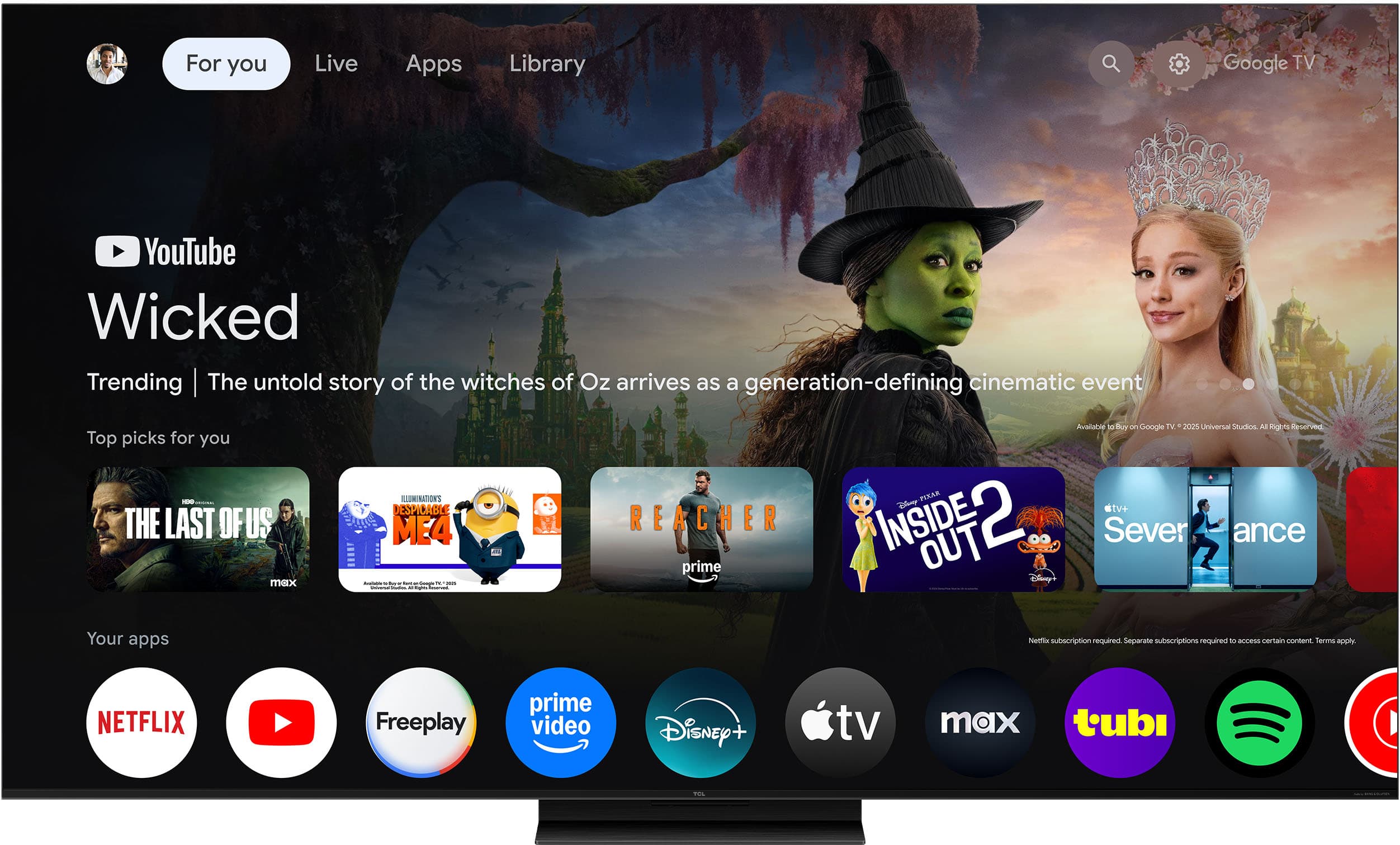
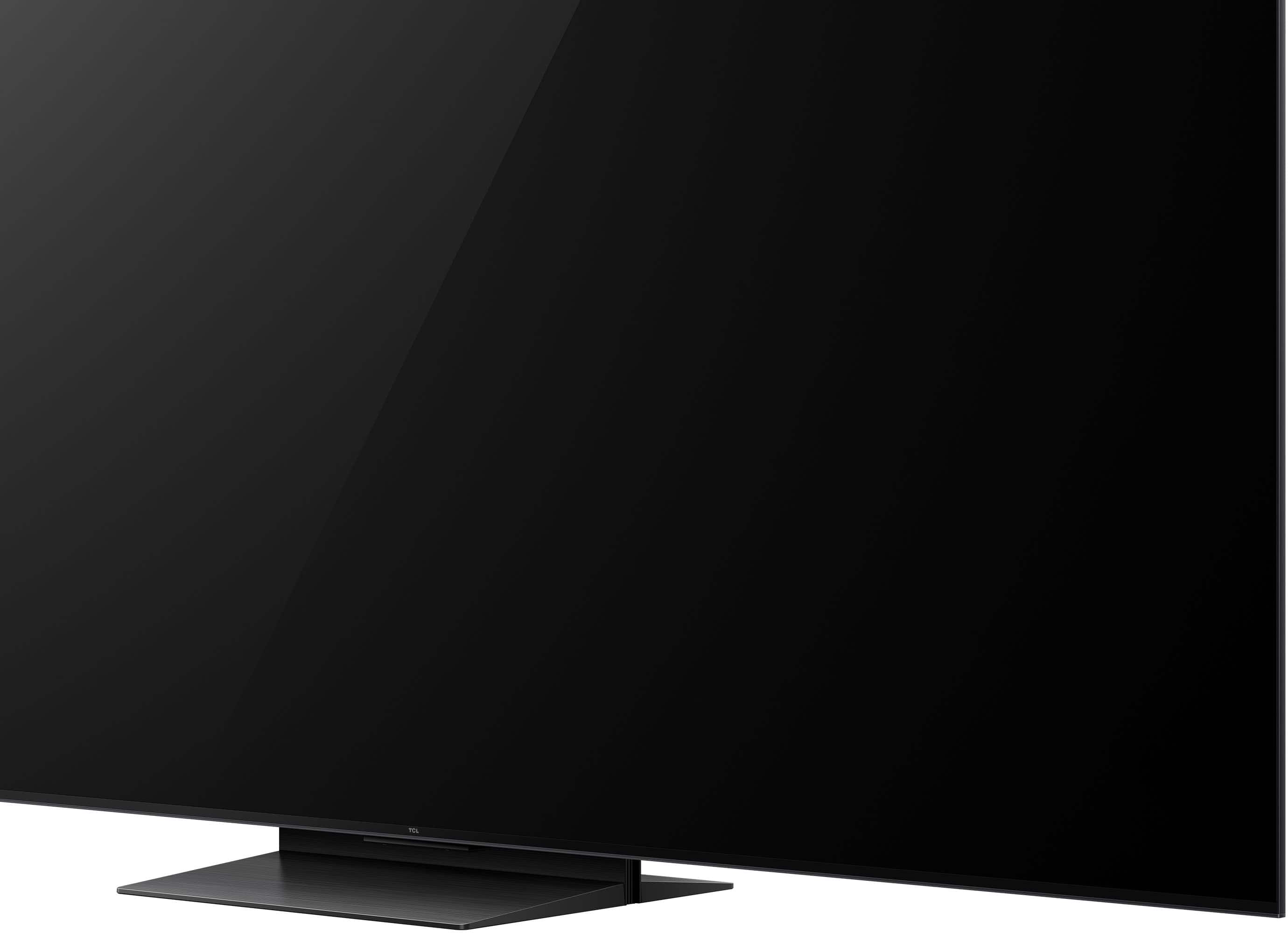
|Posted .This reviewer received promo considerations or sweepstakes entry for writing a review.TCL’s new SQD Mini LED setup is CRAZY good. Going from a cheap black friday 2020 special TCL in our bright-ish living room to this QM7L 55” felt like more of an upgrade than going from a basic 1080p TV to a 4K one! I’m always wowed by some of the fancy flagship TVs on display, but I’ve never had that feeling in my living room until I set this thing up! The top thing I noticed with this QM7L is the brightness and picture quality, this isn’t even their flagship, and it's so bright! My wife even asked me to turn it down a bit! I was blown away by how bright this display is. It's not just brightness either, the colors POP like crazy, I tested with some 4K HDR 60fps youtube videos and I’ve never seen them look better! On top of STELLAR colors and brightness, it's going gaming in the bag too! I connected my gaming laptop/tablet that runs a touch faster than a PS5, and BAM Forza 6 looking LOVELY at 4K with some upscaling at high settings. (plus it has freesync premium pro which does a stellar job at keeping things smooth/no tearing) The only issue I have with it, is the stand…it’s an odd multi-piece thing that is part plastic plus takes a bunch of screws to put together. (it has 2 height options, not a big issue for most, but some might need to make sure its on the lower setting for clearance) High refresh rate + great looking colors + top tier brightness = GORGEOUS option for the bright living room without breaking the bank too much!
I would recommend this to a friendBrand response from TCLExpert
Posted .Hi GlennT, Thank you for taking the time to provide your feedback. We hope that you are enjoying your TV thus far! We are always looking for ways to improve, and your feedback is greatly appreciated! If you need any assistance, please contact us at tclsocial@tcl.com with your contact information and a description of what you need help with. Someone will get back to you as soon as they can. Enjoy! Thank you, Alison TCL Customer Support
- Pros mentioned:Gaming performance, Sound quality, Sqd mini led quality
Great Smart Google Tv
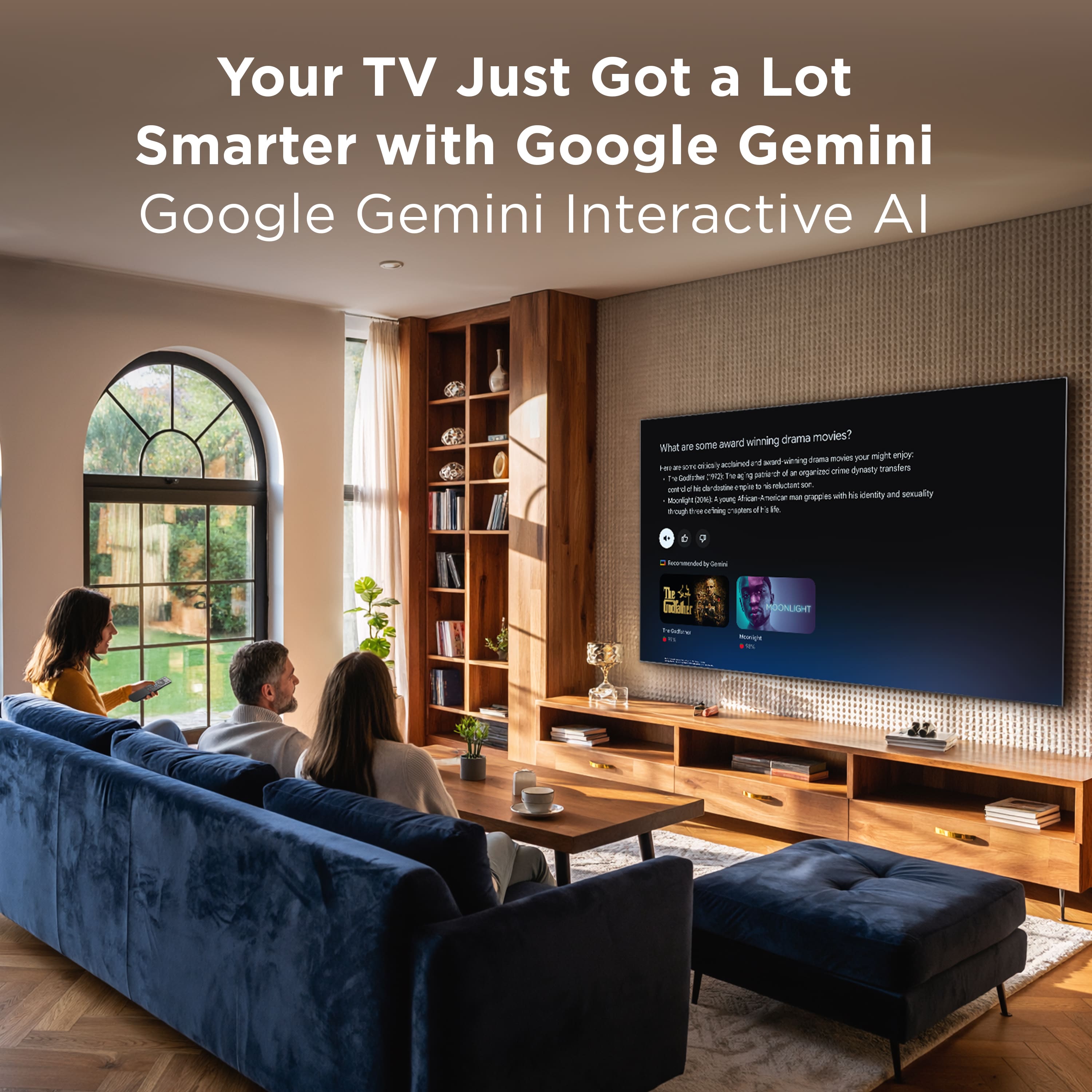
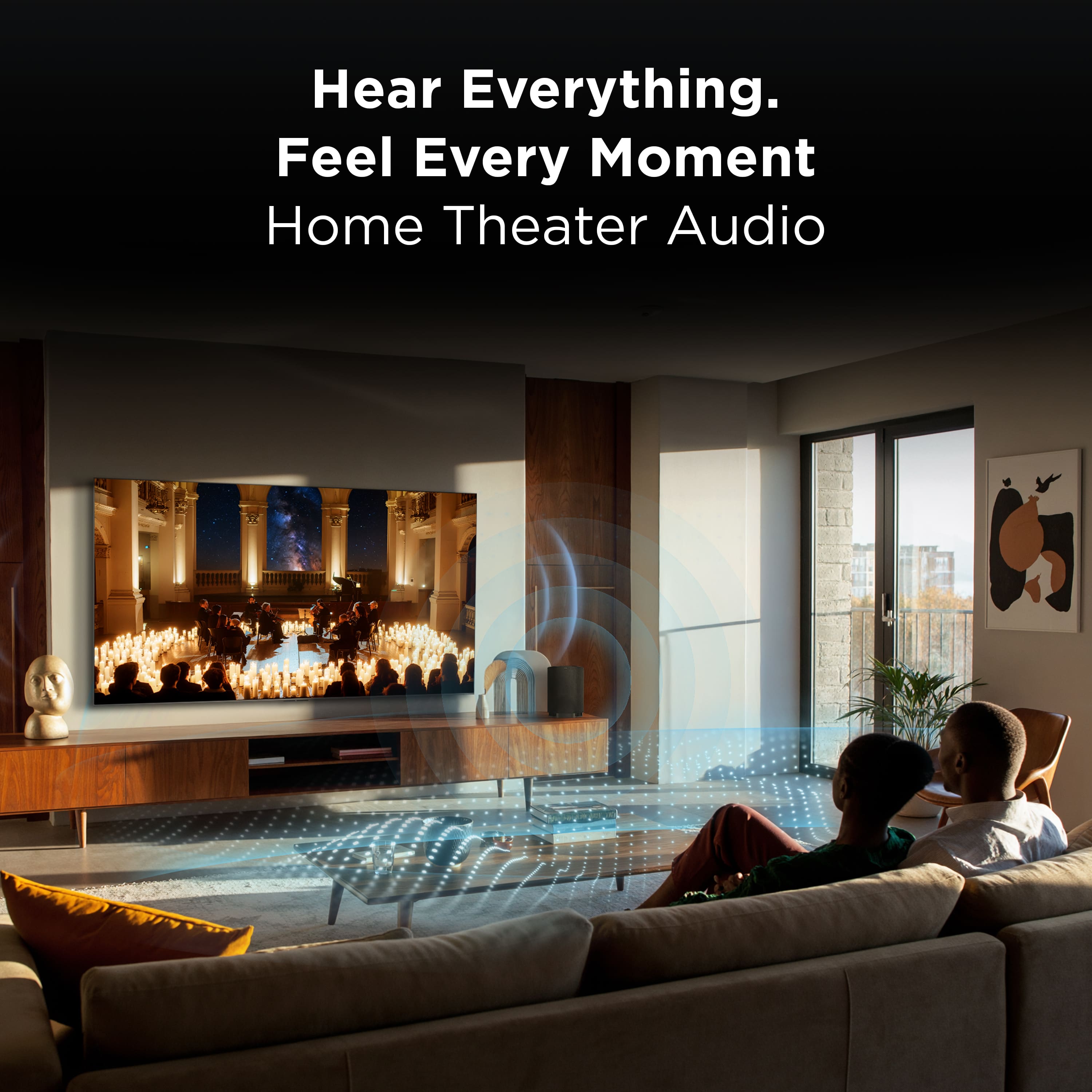
|Posted .This reviewer received promo considerations or sweepstakes entry for writing a review.I’m so excited to share that this is my first time owning a TCL TV, and I must say, it’s just as good as any other brand I’ve tried! I put this 55” TV on my living room wall, and setting it up on the Google Home app was a breeze. The SQD mini LED with its deep color system, 4K UltraHD Resolution, and 144Hz Panel Refresh Rate really brings out the best crystal picture, making it a joy to watch. Plus, the TV has two speakers on the back that deliver great sound quality, and with the expandable home theater audio, you can easily add your favorite wireless speakers or soundbars. The remote control features a backlit keyboard, which is super helpful for seeing the controls in the room. It also includes streaming apps like Netflix, Prime Video, YouTube, Disney+, and Google Voice Assistant. I even personalized the TV with Google Gemini Interactive Al features. This TV also comes with a TCL Game Pack that includes a 288 VRR accelerator for an amazing gaming experience. It has HDMI 2.1 for smooth gaming, ATSC 3.0 for ultra-clear broadcast and live content, and Wi-Fi 6 for faster streaming and gaming. Plus, it has Google TV, AirPlay connectivity, and Art mode, making it a truly worthwhile purchase. . One quick note about this tv: since it has Google Tv, it won’t work with the TCL App, but it works perfect with Google Home.
I would recommend this to a friendBrand response from TCLExpert
Posted .Hi Santy41, Thank you for taking the time to provide your feedback. We're thrilled that you are enjoying your TV thus far! At TCL, we are committed to delivering premium products with world-class customer experience. We hope you continue to have a great experience and explore more of the great features our TVs have to offer. Enjoy! Thank you, Alison TCL Customer Support
- Pros mentioned:Sound quality
Very good high-end level TV fora Budget kind brand
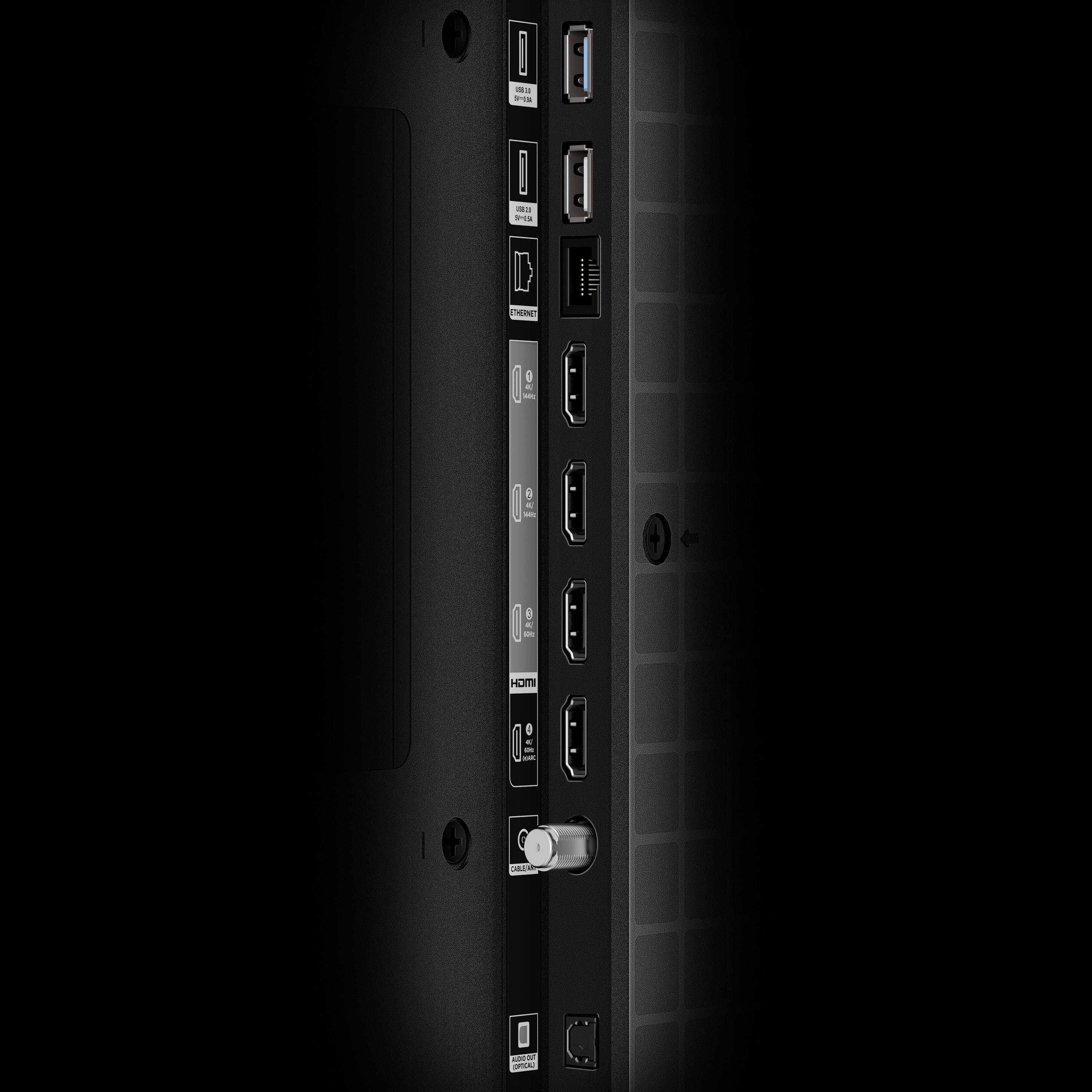
|Posted .This reviewer received promo considerations or sweepstakes entry for writing a review.So I haven’t had or experienced use of the TCL brand name but they are good at competition with every line they make comparing similarities of other levels/lines of TVs of the other big name brands but save a lot of cost. And this TCL mini LED is one of them of course. After taking it out of the box it feels premium especially with the Bang and Olufsen speakers in the back. The ports seem low profile too but for me they were on the right side and my console and other things (Apple TV streamer but I would need that anyway since is a smart TV app) are to my left so either I’d have to rearrange or use longer hdmi cables (which I did). But on the left side is your power cable. Frankly I didn’t have much awareness of this brand but they have entered the TV market in the 90s which I think is fine. So this TV, is a 55” and I’ve made it work to accommodate in my room; I’d really have a good amount of cushion space if I had broken down this old corner desk being too massive and replaced it with something more low profile and light, but I already have my WFH equipment situated there. So the TV was going to go on top of this office desk station (took off the hitch) so assembly of the stand (in two pieces) was easy enough and the instructions were clear and it can be adjusted to different heights. So out of the 6 screws that came with for the TV stand, I stripped one and didn’t think I used much force so I’d be extra careful going screw tight. And of course assembled the stand to the TV and lifted up onto the desk (and if at all possible get a 2nd person to help, I near struggled but got it myself). Setup the TV and I’m loving the Google Voice assistant, however I already have a Google nest mini speaker for that so I left that option off. So continuing on and first and foremost I connected my PS5 pro and while the console was starting up, there’s a prompt being the Game Bar I believe which you can adjust the settings quick during a gaming session AND turn on an aiming aid.. being cross hairs pretty much and all a while I thought a crosshair option would be limited to just gaming monitors. But anyway was gaming a good session on BF6, and the sound from the TV itself is pretty decent with the built in Bang and Olufsen Speakers which has a tiny bit of Bass.. but I am in the market for a new soundbar and after a while of playing.. I just decided to have connected an old soundbar with built in woofers easily to the optical port and everything synchs well with the video gaming and the built in streaming apps with Max, Netflix, etc and easy with the home / menu where you can launch whichever TV apps you have an account with and the remote seems cool with light illumination whenever you pick up the remote. having just watched a couple series of the new Spider Noir - it’s nice back to seeing the option for motion clarity/ tru-motion movement, high refresh rate, or simply the soap opera just simple smoothness - my other previous TV had no such feature and yet of course it wasn’t a premium line. I learn that most premium or high end TVs come with a center stand while budget middle/low ends come with left and right chicken legs and those can make some limitations like placing a soundbar that’s wider than the stance of the legs and it blocks placement for the most part and trying to set it on top of a dresser for example where it meets the stance of the legs or its less width can be a falling hazard- which is why I always prefer a center type stand not taking that much of a footprint. But overall, this is a good TV brand and going for near high end like this TV model here that competes with cost of other big name brands but paying less.. it’s worth it at this price and what’s going on in the world today.
I would recommend this to a friendBrand response from TCLExpert
Posted .Hi MVilla, We appreciate your thoughtful feedback. Please enjoy the great size and quality of this TV. Thank you for choosing TCL to be part of your family! Thank you, Alison TCL Customer Support
Excellent Picture! Overwhelming Picture Settings
|Posted .This reviewer received promo considerations or sweepstakes entry for writing a review.BACKGROUND: Our current family-room HDTV is a 9-year-old 55XBR850D used daily. This IPS panel HDTV is placed in a corner and is able to display consistent color when view off axis which is one of my “must have” requirements. The tradeoffs with selecting an IPS versus a VA panel generally are the IPS cannot produce darker blacks and has limited brightness capabilities. The major plus with selecting a IPS panel is when seated on an angle you will not experience color degradation. Great picture no matter where you sit. Now a VA panel HDTV will provide excellent brightness and black levels, but you will wash-out the color when seated most anywhere but dead center. In the past, the only HDTV’s that will produce excellent color from any viewing angle, while providing some of the best-looking black levels, and can get very bright, are OLED panels. Well, until now… BOTTOM LINE: After using for the past five-days, I can honestly state this TCL 55QM7L is closing the gap between the limitations of traditional IPS & VA panels, and coming much closer to OLED displays but without having to worry about “burn-in” from static images displayed for long periods that still plagues OLED panels. Is the QM7L perfect, well no, but it is the best looking and most cost-effective HDTV I have seen to date. And the QM7L is a solid contender to complete with today’s OLEDs as a viable HDTV option. I originally had reservations replacing my current IPS Sony with the VA panel TCL due to our unique seating arrangements in our family room. But both my wife and I believe the QM7L’s checks off all of our boxes for a replacement HDTV. Now I will admit off axis this TCL will lose color definition, but it is not as pronounce as our other VA paneled TV’s we use in our bedrooms. And we can compensate for the color loss when seated by just turning the TCL a tad since it is mounted on an aftermarket rotating pedestal stand. AUDIO: I have never heard any HDTV sound so good out of the box without the assistance from a soundbar. The Bang & Olufsen audio magic is built-in with very clear dialogue and pretty impressive soundstage. TCL does market a sub-woofer that could be a simple option to round out and extend the missing bottom end audio. But I assume most buyers already own a mid to high-end soundbar that will be used with the HDTV. PICTURE SETTINGS: There is a plethora of picture setting options, almost too many, and may be way too involved for some users. The default picture mode options cover a lot of ground and selecting one depending on the media may be just fine for the casual viewer. But personally, I will aways try every picture setting with the goal being to fine-tune the picture obtaining the perfect color balance. I’ll admit that there are more picture settings than I have ever encountered, but I actually appreciate TCL’s numerous setting options to fine tune the final viewing experience. The only issue was adjustments to the “Sharpness” setting. It can be found under the Picture Mode - Clarity. Default was 0 (zero) and it can be increased to 100. But no matter where I set it (0 to 100) it did not alter the picture sharpness at all. Maybe it is bound to another “auto” setting I have selected? Just don’t know… GOOGLE APP: Setup with my other Google devices was a very simple process using my current Google account login credentials. Access to all the major, and some minor, streaming applications are well thought-out. And the Google Home App will recognize the TCL-QM7L and I can control most features the Home App remote control. TCL APP: No-Go. Problem encountered during the initial setup process; TCL wants you to scan an on-screen QR code displayed to download the TCL Home application and register this QM7L. But I already had that app on my Pixel phone for two 2026 TCL soundbars I own and use on other TVs with their app. And I can confirm the TCL Home App did open but does not recognize their QM7L HDTV. When it tries to “Discover Devices”, it fails and states “No devices found” and is in an endless loop. I then attempted to “Add device manually”, but it’s not listed as an option (only a Roku TV was a TV option). Maybe I need to be specific TV screen option, if so, it would be nice to know where it is located? Anyway, this TCL app issue is just a minor nuisance, and I assume it will be rectified with some future software/firmware update. REMOTE CONTROL: Nice sized controller with all of the necessary buttons. And I really appreciate the backlit buttons that come active when you just pick up the remote. Great job! RATING: The TCL 55QM7L earned itself a solid 5-Star Rating for its excellent picture quality, enhanced brightness & contrast capabilities, Google Smart TV features, all wrapped up in an economical package. .
I would recommend this to a friendBrand response from TCLExpert
Posted .Hi Buddy, Thank you for taking the time to provide your feedback. We hope that you are enjoying your TV thus far! We are always looking for ways to improve, and your feedback is greatly appreciated! We are currently in the process of investigating the TCL Home App behavior that you raised. If you need any assistance, please contact us at tclsocial@tcl.com with your contact information and a description of what you need help with. Someone will get back to you as soon as they can. Thank you, Alison TCL Customer Support
Excellent value for price exceeded my expectations
|Posted .This reviewer received promo considerations or sweepstakes entry for writing a review.So far I have been loving my new TCL QM7L 55" TV. There is so much to like about this TV it will be hard to fit it all in with this review. I will start with the user interface. The TV uses Google TV operating system. It is very intuitive and super easy to use. If you have an andriod phone the setup will take only a few minutes via Google. You can actually set everything up on your phone and not have to sit there and create accounts and login in or anything like that. Not sure how setup would be with Apple OS. I imagine a PC or Chromebook would deliver a similar experience. The menu is very easy to use and the settings are easy to navigate. It does have a few quick launch buttons like most other smart TVs. Everything you select and move through is very fast and responsive. The picture on this TV is gorgeous! The color is brilliant and the colors get very bright. I have an OLED TV in my living room and this TV blows it out of the water when it comes to brightness. It does fall a little short when it comes to judder on fast moving scenes. I will continue to adjust the settings for this, but a movie goes into Dolby Vision mode and some settings get blocked out. You honestly don't notice it unless you are nitpicking it like I was for this review. When you are enjoying content you will be lost in the action and brilliance of the display. You will not be dissapointed with the picture. The speakers on this TV really stand out. It features two speakers, or woofers, on the back of the TV. The sound reflects off the wall and delivers a loud, clear sound that I have never heard before from a flat screen TV. In a smaller room, you will not need a soundbar or sound system. Sound may be lost in a large room. TCL even offers optional surround speakers and subwoofer that can pair wirelessly if you need more sound. But in my setup, my bedroom, the TV will deliver plenty of great sound. Overall, the TV is fast, looks great, and sounds great. Setup is a breeze and you will be enjoying this TV almost right out of the box. This is a must buy if you are in the market for a new TV.
I would recommend this to a friendBrand response from TCLExpert
Posted .Hi Bootleg89, Thank you for taking the time to provide your feedback. We're thrilled that you are enjoying your TV thus far! At TCL, we are committed to delivering premium products with world-class customer experience. We hope you continue to have a great experience and explore more of the great features our TVs have to offer. Enjoy! Thank you, Alison TCL Customer Support
- Pros mentioned:Sound quality, Sqd mini led quality
Excellent Picture and Excellent Value
||Posted . Owned for 1 week when reviewed.This reviewer received promo considerations or sweepstakes entry for writing a review.This TV replaced a 7-year-old OLED of another brand, whose board has been going bad. I was very impressed by the video this Mini LED produces. Excellent sharpness, bright colors and true blacks. When viewing in Dolby Vision, the picture is truly lifelike. There are an almost endless number of ways to adjust the picture to your own taste. Most TVs today install sound as an afterthought. Not this TV. The audio coming out of the Bang and Olufsen speakers has to be heard to be believed. All of this at a price point that won't break the bank. Time will tell about longevity but, so far, I'm very pleased.
I would recommend this to a friendBrand response from TCLExpert
Posted .Hi CHARLESW, Thank you for taking the time to provide your feedback! It's awesome that you are pleased with your new TCL TV! Kick back, relax and enjoy your favorite shows with your high quality and high functional TV. Thank you, Liz TCL Customer Support
- Pros mentioned:Brightness
Pretty good
||Posted . Owned for 3 weeks when reviewed.This reviewer received promo considerations or sweepstakes entry for writing a review.For a tcl tv it’s actually pretty nice colors match my neo qled from a year ago even and for the price hey why not
I would recommend this to a friendBrand response from TCLExpert
Posted .Hi EvoTheFallen1, Thank you for taking the time to provide your feedback. We're thrilled that you are enjoying your TV thus far! At TCL, we are committed to delivering premium products with world-class customer experience. We hope you continue to have a great experience and explore more of the great features our TVs have to offer. Enjoy! Thank you, Alison TCL Customer Support
- Pros mentioned:Brightness
Fantastic TV
||Posted . Owned for 1 week when reviewed.This reviewer received promo considerations or sweepstakes entry for writing a review.Great TV. My review was deleted twice, so now it will be short. Very bright. As good as my QM8k. I highly recommend.
I would recommend this to a friendBrand response from TCLExpert
Posted .Hi Swhmetta, We appreciate you posting your thoughtful review. We hope that your new TCL TV helps you immerse yourself in whatever content you choose to watch or play! Please enjoy your TV! Thank you, Alison TCL Customer Support
TCL QM7L 55" Smart TV
||Posted . Owned for 2 weeks when reviewed.This reviewer received promo considerations or sweepstakes entry for writing a review.This television has totally surprised me and surpassed my expectations. I recently purchased a Samsung S90F 48" OLED smart tv and too my surprise I feel that the TCL QM7L has it all over the Samsung. This mini LED has a picture as good as or better than my OLED. TCL has made me a believer. Incredible television.
I would recommend this to a friendBrand response from TCLExpert
Posted .Hi KevinA, We appreciate your thoughtful feedback. Please enjoy the great size and quality of this TV. Thank you for choosing TCL to be part of your family! Thank you, Alison TCL Customer Support
- Pros mentioned:Brightness, Sound quality
Great TV!
|Posted .This reviewer received promo considerations or sweepstakes entry for writing a review.This TCL 55" QM7L Mini LED smart TV is a wonderful TV in just about every way. In part, I base a product's appeal based on how easy it is to setup and if it "just does the job" it is supposed to. The TCL exceeded my expectations. It is easy to set up and use out of the box, while also having many settings and functions that can be change to suit the user's preferences. Most importantly, the picture quality is excellent. Out of the box there is just the right amount of contrast without the blacks being harsh. The contrast is velvety. The screen can be very bright for use in a very bright room, or more subtle in a basement or bedroom. The colors are vibrant and deep without looking like neon carnival rides. Motion is smooth and crisp. It's a great picture! Second most importantly to me is how fast apps load and how long menu transitions take etc. Apps loaded quickly and without fuss. Native sound quality from the TV is also excellent, better than any other TV I have owned. Of course, it will never be as good as a soundbar and subwoofer, but I was impressed with the TV speakers. There are two minor annoyances I will mention. The remote control is a little too minimalistic. I still look for a play/pause button and a stop button on remotes, which are missing. The second thing is why in the world do manufacturers insist on setting motion blur (soap opera effect) so high out of the box? I find it terrible and distracting, and often the setting to turn off motion blur is buried in an obscure setting somewhere so it can be hard to find. All in all, a great TV.
I would recommend this to a friendBrand response from TCLExpert
Posted .Hi buckeyestargazer, Thank you for taking the time to provide your feedback. We hope that you are enjoying your TV thus far! We are always looking for ways to improve, and your feedback is greatly appreciated! If you need any assistance, please contact us at tclsocial@tcl.com with your contact information and a description of what you need help with. Someone will get back to you as soon as they can. Enjoy! Thank you, Alison TCL Customer Support
- Pros mentioned:Sound quality
Nearly perfect, except for "motion rate"
|Posted .This reviewer received promo considerations or sweepstakes entry for writing a review.Just set up the TCL 55QM7L and it is a massive upgrade over my old TV. Picture quality is outstanding — colors are vivid, blacks are deep, and the mini-LED makes a noticeable difference especially for sports and movies. Hooked up my Roku and was going in minutes. I however have to give it only 4 out of 5 stars because of the inability to disable "motion rate" in all scenarios. I hate what that does to the picture and the fact it cannot be disabled entirely is a miss for those who don't like it. PICTURE QUALITY: 10/10, no notes. I think this is the first mini-LED I've had in my house and there's a noticeable difference in the sharpness of the picture, color contrast, and black levels. I didn't think pictures could improve/change much beyond how much they have because the human eye can only see so much, but I'm beginning to think I was wrong. AUDIO QUALITY: in a smaller room (such as a bedroom), you could likely get away without needing a separate audio system. The quality is good enough although I found I had to keep the volume higher than I'd like to be able to understand dialogue with background sounds/music. SMART PLATFORM: The Google TV built-in is fine, and will probably work well for most people for a few years. However, I'm bought in to the Roku platform and I don't like the fact that built-in smart systems tend to be underpowered and lack the lifecycle of the TV they're attached to. MOTION ENHANCEMENT: I severely dislike "motion enhancement" in all of its forms, and most TVs allow you to disable it. This one does as well with an important caveat - if the media you're watching wants to display with Dolby Vision, it can be overridden by the app providing it to be turned back on. If you're not sure what I'm referring to, "motion enhancement" is when you're watching a movie and it seems like you're on the set with the actors but not in a good way. You can nearly see the stage makeup and lighting. I imagine some people are used to this if they never disabled it on their previous TV - I just really don't like the idea of begin "forced" into it.
I would recommend this to a friendBrand response from TCLExpert
Posted .Hi liko, Thank you for taking the time to provide your feedback. We hope that you are enjoying your TV thus far! We are always looking for ways to improve, and your feedback is greatly appreciated! If you need any assistance, please contact us at tclsocial@tcl.com with your contact information and a description of what you need help with. Someone will get back to you as soon as they can. Enjoy! Thank you, Alison TCL Customer Support
Great Picture
|Posted .This reviewer received promo considerations or sweepstakes entry for writing a review.I'll touch on a few things I like out of the box. - Putting the stand together was a breeze, you have a few different height options. - VESA compatible, not that I wall mounted. - The remote is backlit, great for watching in the dark. - Default settings were very usable. - The speakers are pretty decent for a modern TV, they can be a bit tinny at times - The ports are on the right hand side of the back of the TV when looking at the front - Brightness range is pretty spectacular, I was impressed with the picture no matter what brightness I had it set at (I did lower the brightness since this is primarily a bedroom TV) What I did not like as much: - Power cord is really short, it seems most TV's are starting to have shorter power cords so not specific to this TV - Optical connection to my soundbar does not work correctly. I tried multiple cables. - Clear plastic that is stuck to the TV during shipping was a bear to get off. - TCL app that the TV has you download can not find the TV when searching to add it Overall, this is a really great TV with a stunning picture and plenty of ports. The ports are on the opposite side of what all my other TVs have, so that was a bit of an adjustment. Sound was quite good for onboard speakers, but I still recommend a sound bar. The back facing speakers look fantastic, too bad you will never see them I do recommend this TV. All the shortcomings can be fixed with what I assume will be firmware updates. The optical issue could be my soundbar as easily as it could be the TV. Both have good light, so I don't think it is a hardware failure.
I would recommend this to a friendBrand response from TCLExpert
Posted .Hi dharr18, Thank you for taking the time to provide your feedback. We hope that you are enjoying your TV thus far! We are always looking for ways to improve, and your feedback is greatly appreciated! If you need any assistance, please contact us at tclsocial@tcl.com with your contact information and a description of what you need help with. Someone will get back to you as soon as they can. Enjoy! Thank you, Alison TCL Customer Support