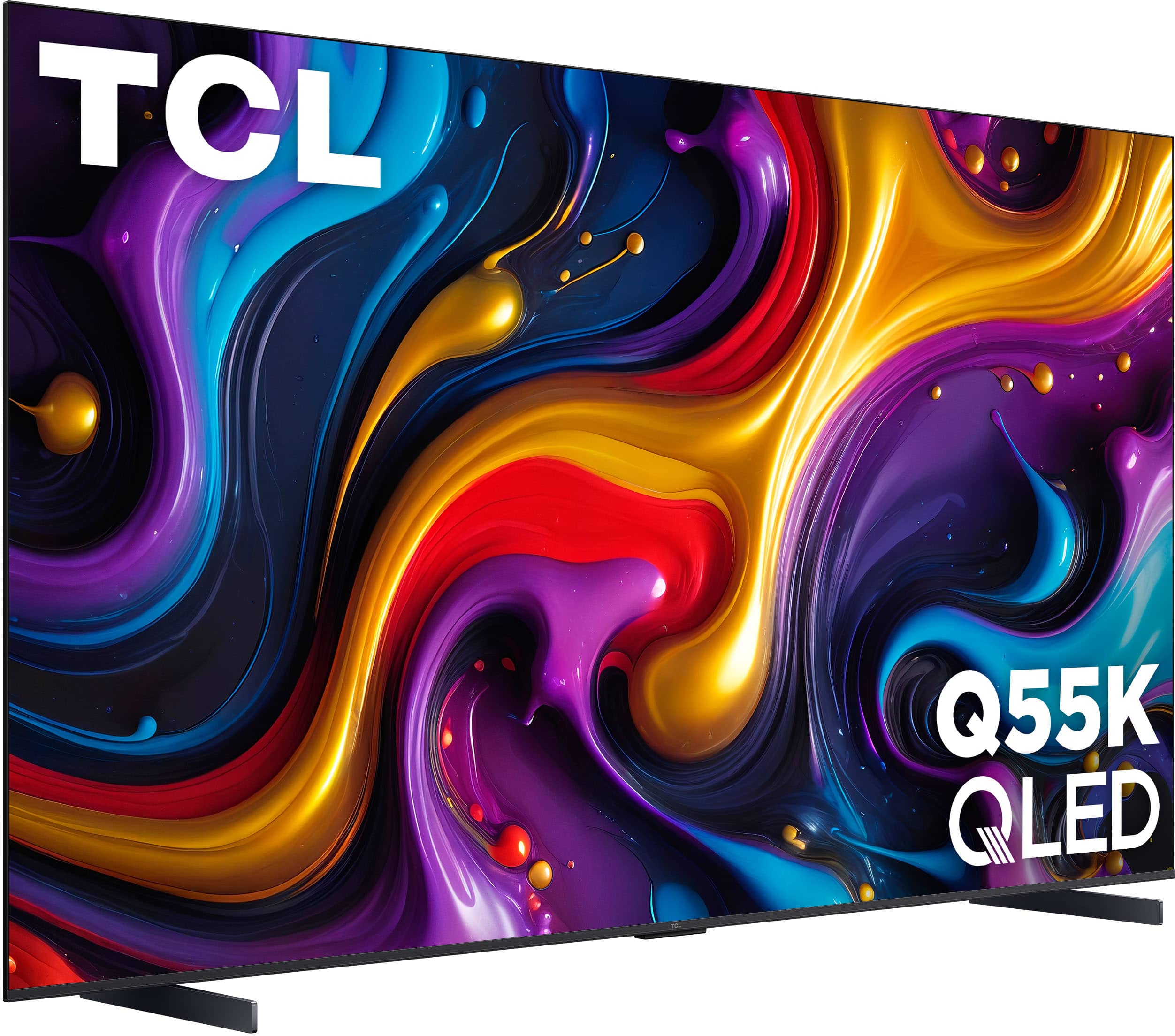
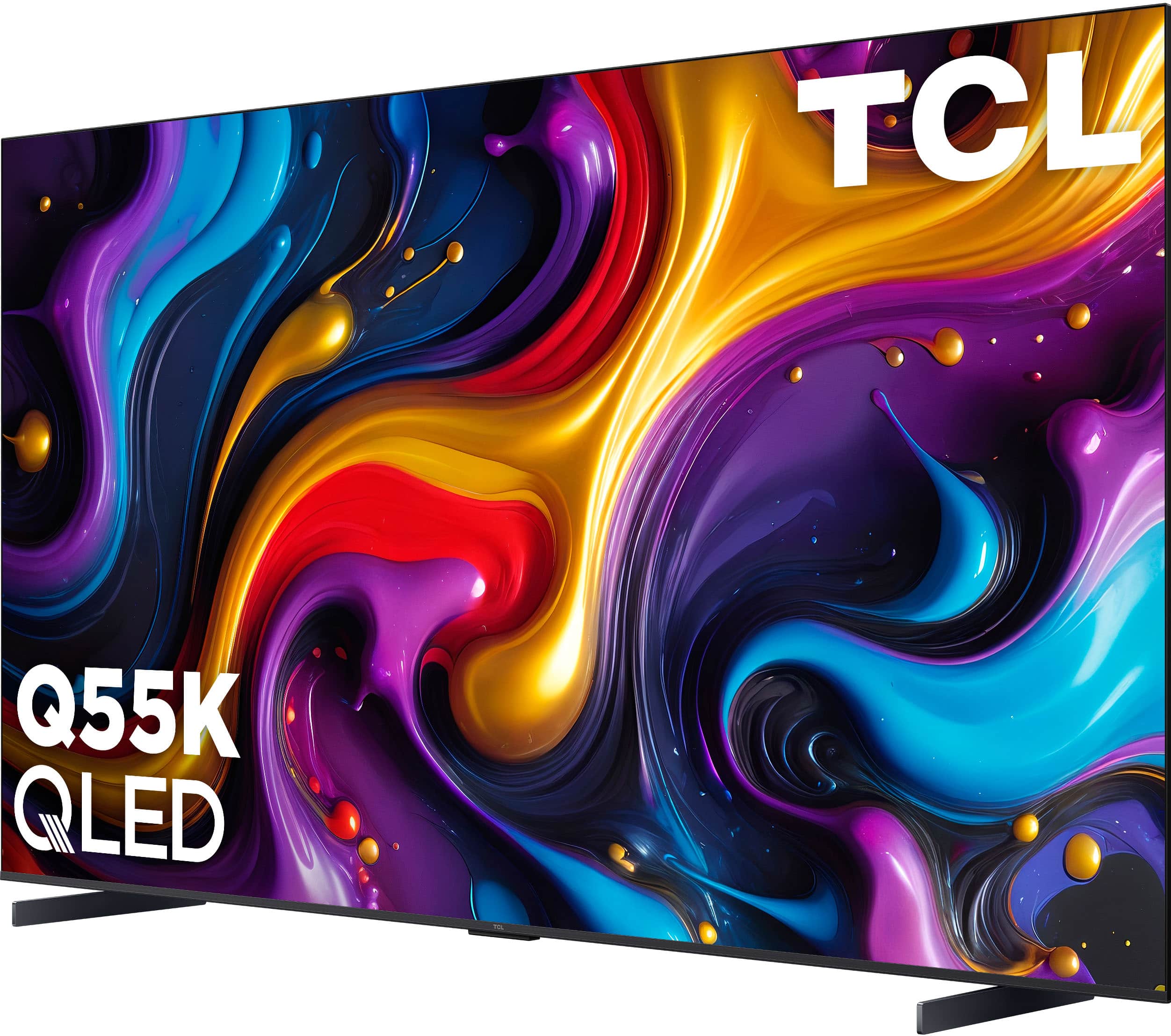
Customers consistently note the minimal picture quality of the 98" Class Q55K Series 4K UHD HDR QLED Smart TV. The size is considered good for large spaces, and some customers find its appearance to be great in their living rooms.
This summary was generated by AI based on customer reviews.
The vast majority of our reviews come from verified purchases. Reviews from customers may include My Best Buy members, employees, and Tech Insider Network members (as tagged). Select reviewers may receive discounted products, promotional considerations or entries into drawings for honest, helpful reviews.
Page 3 Showing 41-60 of 280 reviews
Pros mentioned:
Picture quality
Rated 5 out of 5 stars
Excellent
|
|
Posted .
This reviewer received promo considerations or sweepstakes entry for writing a review.
Excellent TV. Best tv I have owned. Amazing picture quality
I would recommend this to a friend
Pros mentioned:
Picture quality
Rated 5 out of 5 stars
98” TV
|
|
Posted .
This reviewer received promo considerations or sweepstakes entry for writing a review.
Good quality picture and easy to use. Easy to install on the wall
I would recommend this to a friend
Pros mentioned:
Picture quality
Rated 5 out of 5 stars
98 inch tv
|
|
Posted .
This reviewer received promo considerations or sweepstakes entry for writing a review.
Great tv. Heck of a deal. You won’t regret it…………
I would recommend this to a friend
Pros mentioned:
Picture quality
Rated 5 out of 5 stars
Nice tv
|
|
Posted .
This reviewer received promo considerations or sweepstakes entry for writing a review.
This is a beautiful tv. Big n clear. Good to watch football and movie
I would recommend this to a friend
Pros mentioned:
Picture quality
Rated 5 out of 5 stars
TCL huge tv huge savings
|
|
Posted .
This reviewer received promo considerations or sweepstakes entry for writing a review.
Excellent picture quality and good price for a 98” tv
I would recommend this to a friend
Pros mentioned:
Picture quality
Rated 5 out of 5 stars
Good tv
|
|
Posted .
This reviewer received promo considerations or sweepstakes entry for writing a review.
Good option for a good price good quality I’m happy
I would recommend this to a friend
Pros mentioned:
Picture quality
Rated 5 out of 5 stars
TCL 98' TV
|
|
Posted .
This reviewer received promo considerations or sweepstakes entry for writing a review.
TV has a great picture. Great quality and the price was great!
I would recommend this to a friend
Brand response from TCLExpert
Posted .
Hi MelissaL,
Thank you for taking the time to provide your feedback. We're thrilled that you are enjoying your TV thus far! Our TVs are designed and engineered to have a quick and easy setup, be user-friendly, and provide a great viewing experience. We hope you continue to have a great experience and explore more of the great features our TVs have to offer. Enjoy!
Thank you,
Sara TCL Customer Support
Rated 5 out of 5 stars
Deal of the year!
|
|
Posted .
This reviewer received promo considerations or sweepstakes entry for writing a review.
Thus far I am very pleased with my purchase. The TV is HUGE! Picture quality is excellent. I connected a 5.1 bluetooth surround sound system which really gives me a theater experience, which makes it even better, and on top of all that, Best Buy had it on sale for $999.00!
I would recommend this to a friend
Pros mentioned:
Picture quality
Rated 4 out of 5 stars
Not that bad for the price
|
|
Posted . Owned for 2 weeks when reviewed.
This reviewer received promo considerations or sweepstakes entry for writing a review.
Just tweak the setting make it more crisp I run it with apple tv and the movies looks clear and HD
I would recommend this to a friend
Rated 5 out of 5 stars
Great purchase...
|
|
Posted . Owned for 1 month when reviewed.
This reviewer received promo considerations or sweepstakes entry for writing a review.
I was a lil skeptical at first because i wasn't familiar with TCL, but I'm glad I got it... I'm probably never going to the movies again
I would recommend this to a friend
Rated 5 out of 5 stars
Love my 98in tv
|
|
Posted .
This reviewer received promo considerations or sweepstakes entry for writing a review.
Shadow detail is excellent, and there’s very little distracting haloing or brightness fluctuation during scene changes. Excellent quality and huge tv.
I would recommend this to a friend
Rated 5 out of 5 stars
Great customer service
|
|
Posted . Owned for 1 month when reviewed.
This reviewer received promo considerations or sweepstakes entry for writing a review.
Expectations are high very good TV and great customer service from Best Buy.
I would recommend this to a friend
Rated 5 out of 5 stars
Perfect huge TV
|
|
Posted .
This reviewer received promo considerations or sweepstakes entry for writing a review.
Perfect! This TV is making me feel like I’m in the cinema. Especially my parents are really like it.
I would recommend this to a friend
Rated 5 out of 5 stars
Awesome TV purchase!
|
|
Posted . Owned for 3 weeks when reviewed.
This reviewer received promo considerations or sweepstakes entry for writing a review.
After comparing the TCL 98” to others of same size this tv had better technology features.
I would recommend this to a friend
Pros mentioned:
Brightness, Size
Rated 1 out of 5 stars
If you want a big tv on budget
|
|
Posted .
This reviewer received promo considerations or sweepstakes entry for writing a review.
The physical quality of the tv seems decent
Image quality is poor but your really paying for the size , I’m returning the tv for something smaller and better quality this is the tv to have just because it’s big (nothing else ) , I use it with Apple TV 4K which helps you not notice the poor interface , the wall I mounted it on is 87in long it’s a tight fit , the only thing I can say is it’s a bright tv !
No, I would not recommend this to a friend
Brand response from TCLExpert
Posted .
Hi Freebandz,
Thank you for taking the time to provide your feedback. We’re sorry to hear that you are not having the same great experience that the majority of our customers report having. We would love the opportunity to look into this for you to see if we can assist you. We'd like to gather more information to better understand what is occurring. Please reach out to us at [email protected] with your contact information and a description of what you need help with. Someone will get back to you as soon as they can.
Thank you,
Sara TCL Customer Support
Rated 5 out of 5 stars
Great buy
|
|
Posted .
This reviewer received promo considerations or sweepstakes entry for writing a review.
Looks great in my living room. Happy with product. My family loved it
I would recommend this to a friend
Rated 5 out of 5 stars
Gonzo’s TV
|
|
Posted .
This reviewer received promo considerations or sweepstakes entry for writing a review.
Fits prefect on my wall and the quality is excellent
I would recommend this to a friend
Pros mentioned:
Picture quality, Refresh rate, Size
Rated 5 out of 5 stars
98 inches of glory
|
Posted .
This reviewer received promo considerations or sweepstakes entry for writing a review.
I’ll get right to the point with my review synopsis. The TCL Q55K Series 4K 98” is an impressive television that has great picture quality and a host of features. With that being said, you need to be aware of the pros and cons of this massive television. One of the best features of the Q55K 98” is the overall size. This television is massive. It took a team to get the television through the front door. I had to plan out where I wanted to place the television a few weeks before I received to make sure I had space available. I opted to have it mounted to the wall since finding a television stand that could accommodate was nearly impossible.
Picture quality
Once I fired up the Q55K, the first thing I noticed was how dark the picture displayed. Initially I was disappointed with the brightness and contrast. I could barely see anything with the blinds closed or open in my living room. Since the panel is an HVA panel type, it allows you to be able to view the screen from any angle in the room.
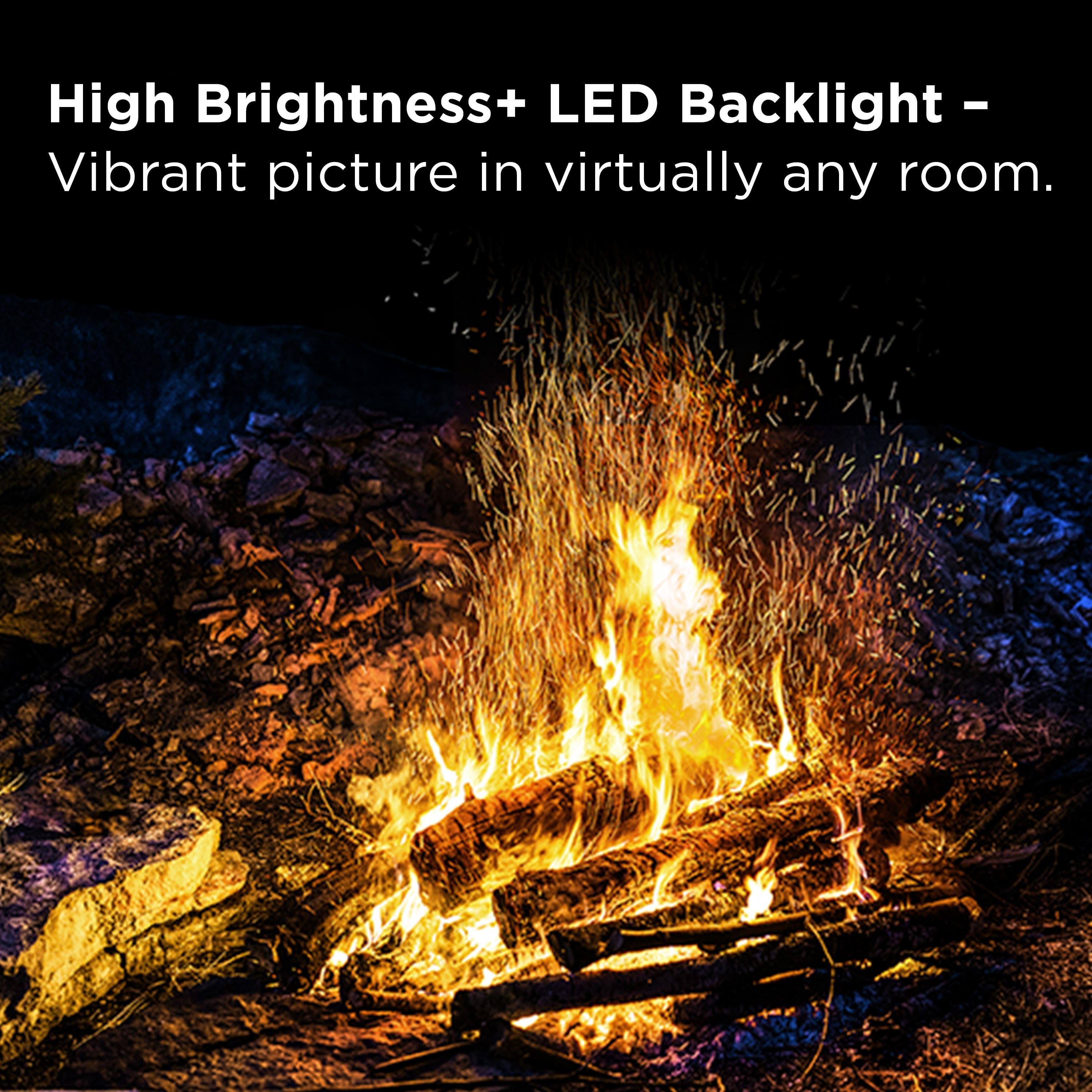
One thing that I noticed about the panel was that it has an anti-glare coating to block light from the room. The decision to add this feature is a big win in my book. I was able to adjust the brightness within the settings menu to obtain a much better picture. The Q55K came with the brightness set to low due to energy savings settings.
Features and options
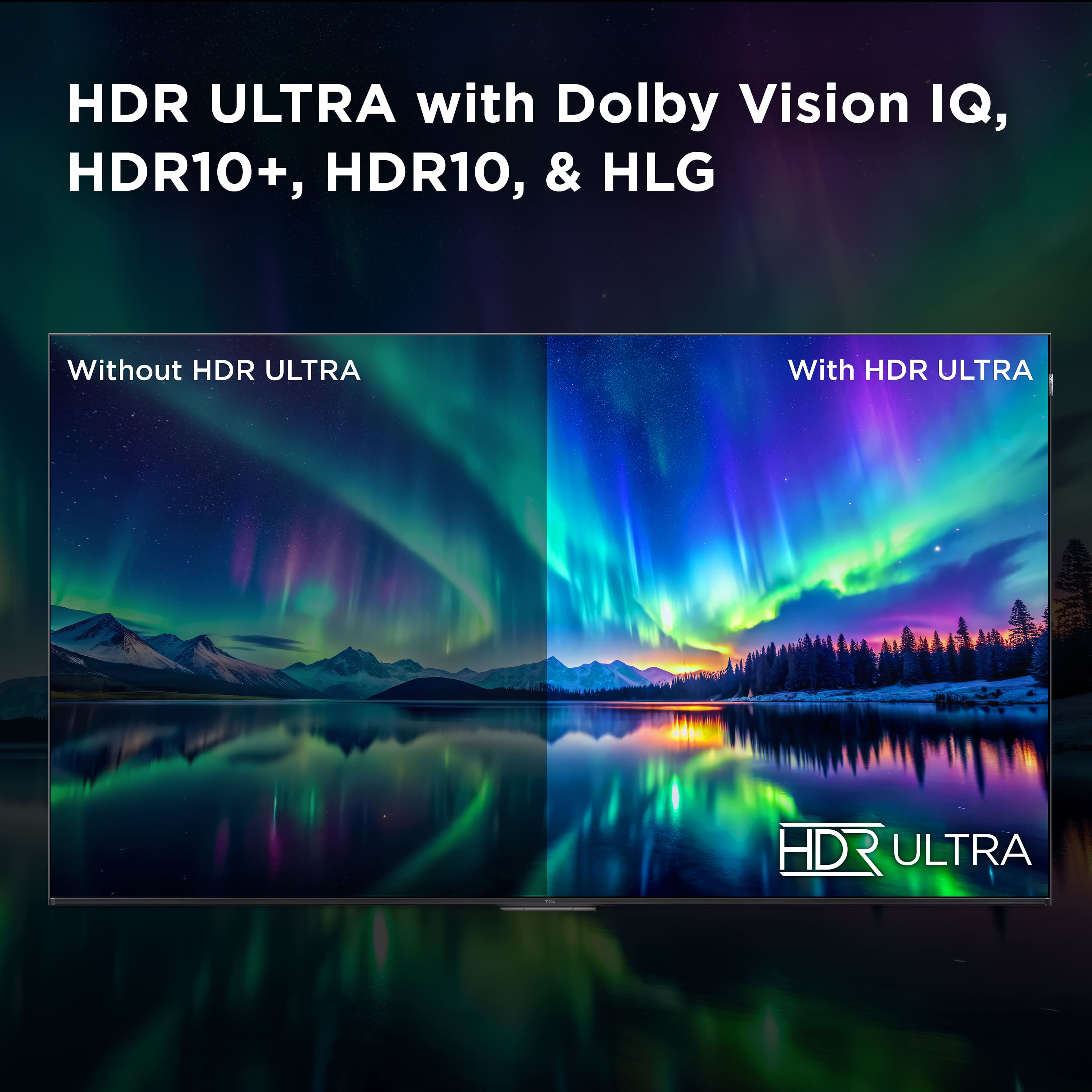
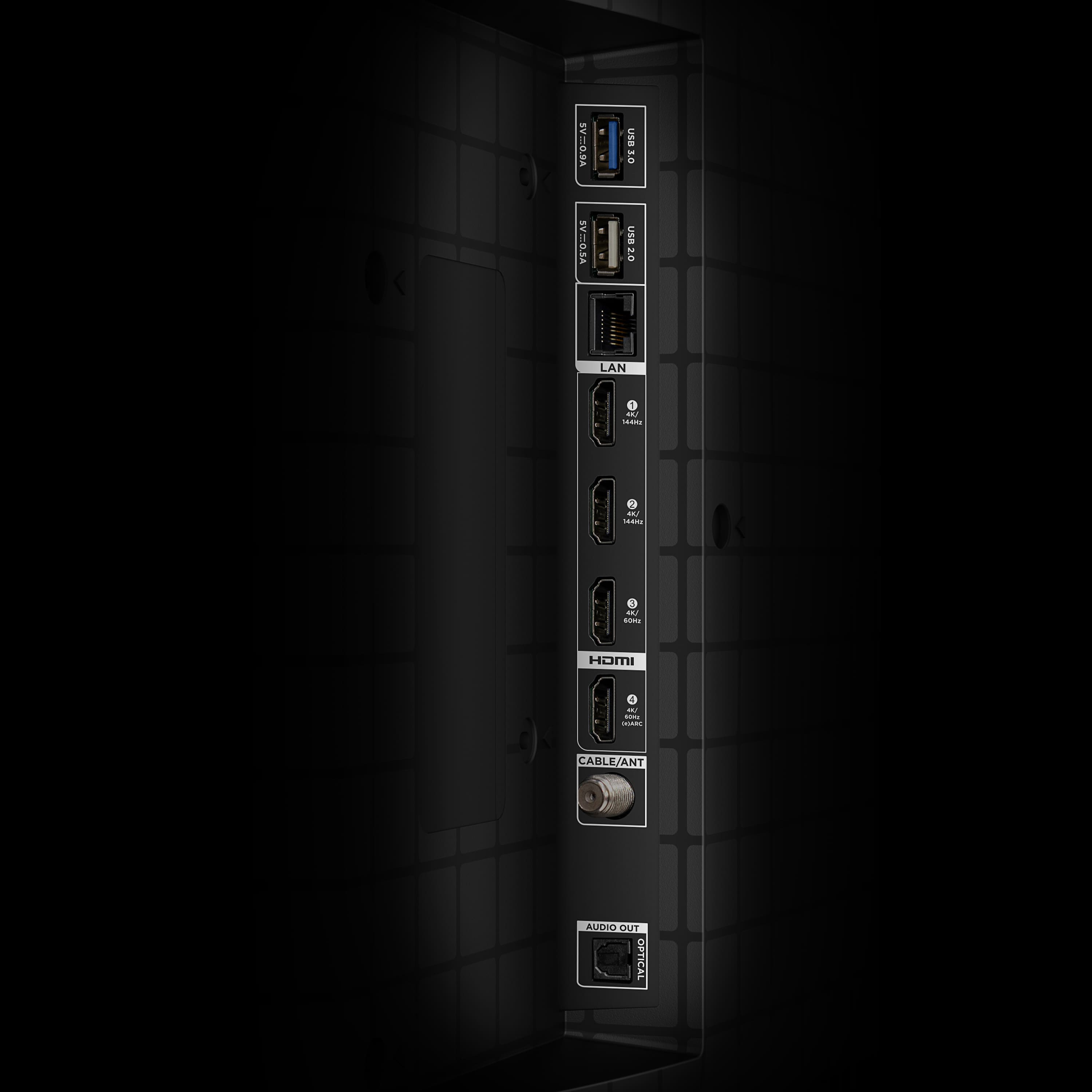
The Q55K comes with Google TV OS built-in and is capable delivering 144hz refresh rate while gaming. Dolby Vision and Dolby Atmos capabilities, with Chromecast and Apple Airplay 2 available as well. The TCL has a host of gaming features. Having game mode enabled allows input lag to be reduced when playing games. The internal speakers are fine but I recommend using a dedicated home theater system or soundbar to get full effect of audio. The remote is backlight and takes 2 AAA batteries.
Conclusion
The TCL Q55k 98” is a massive television that will turn heads. I expected a lower tier picture quality due to its size. I was pleasantly surprised with the sharpness and clarity of the HVA panel. You won’t see the colors that OLED panels produce, or the brightness of the most expensive televisions on the market. What you will get is a television with all the major video and audio formats and a 98” gaming beast. The biggest factor that needs to be considered is the room placement and making sure to account for the size and weight of the device. If you are able to fit this massive television in your space, I don’t think you will be disappointed.
I would recommend this to a friend
Brand response from TCLExpert
Posted .
Hi kriserikka,
Thank you for taking the time to provide your feedback. We're thrilled that you are enjoying your TV thus far! Our TVs are designed and engineered to have a quick and easy setup, be user-friendly, and provide a great viewing experience. We hope you continue to have a great experience and explore more of the great features our TVs have to offer. Enjoy!
Thank you,
Sara TCL Customer Support
Pros mentioned:
Picture quality, Refresh rate
Rated 5 out of 5 stars
The TV has exceeded my expectations! Love it!
|
Posted .
This reviewer received promo considerations or sweepstakes entry for writing a review.
First off, you are not expecting quite how large this 98" TV is when it arrives. It is almost as wide as the semi-truck it is delivered in! The packaging is huge, and heavy. It arrives on a small palette, if you have it delivered.
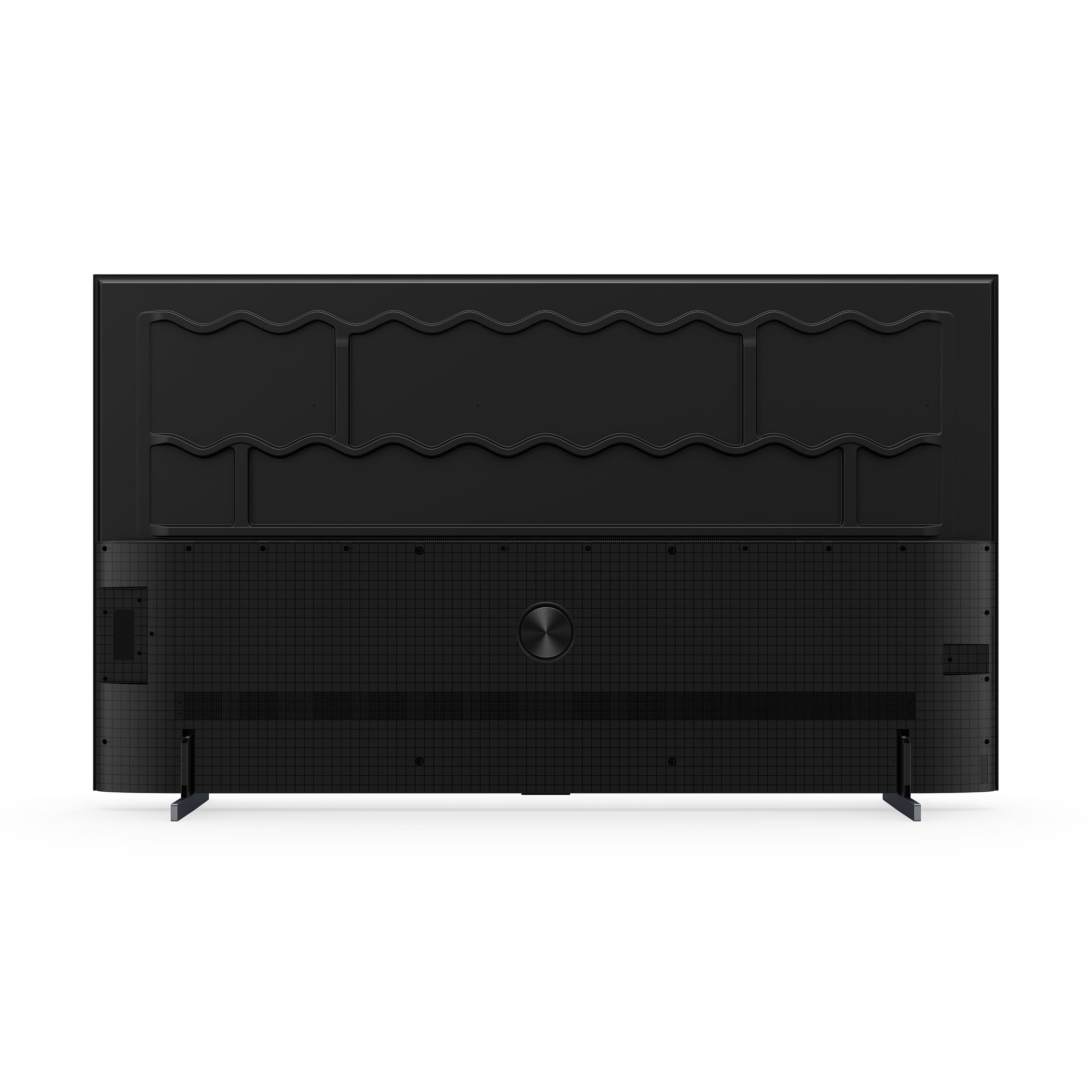
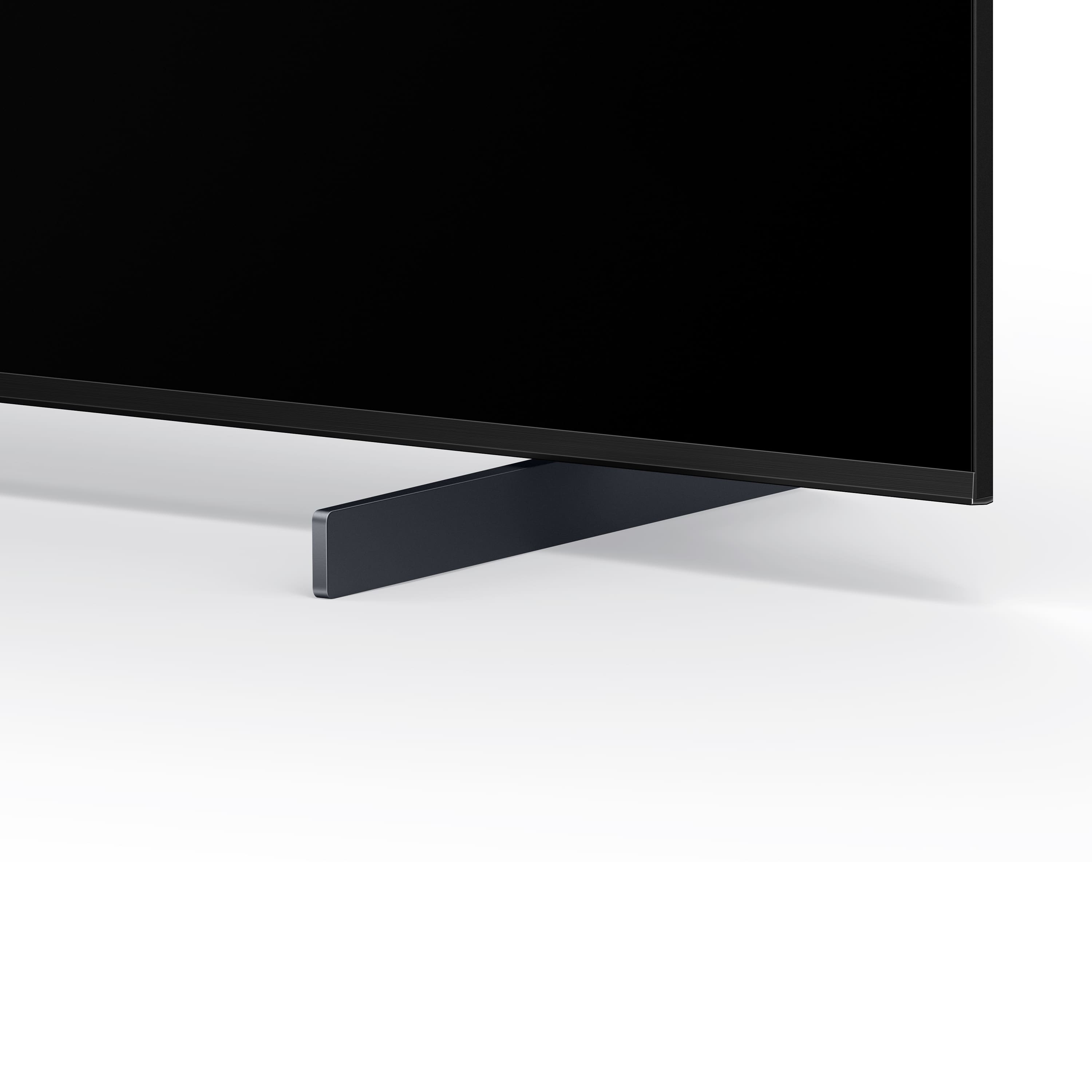
Once arrived, it takes two people to get it out of the box, but the instructions are clear, and the design of both the TV and the packaging mean that you can attach the legs to it without having to lay it down or lift it up - very clever and thought out indeed.
Once you have the legs on, you can then position it where you want to. This 98" TV replaced a 100" projector screen that I was using in my media room. I already had a TV console that was wider than this TV, so it was perfect. You will want to decide ahead of time, how you want to display this TV, if it is wall mounted or on a console. It is heavy, so bear that in mind when you are wall mounting.
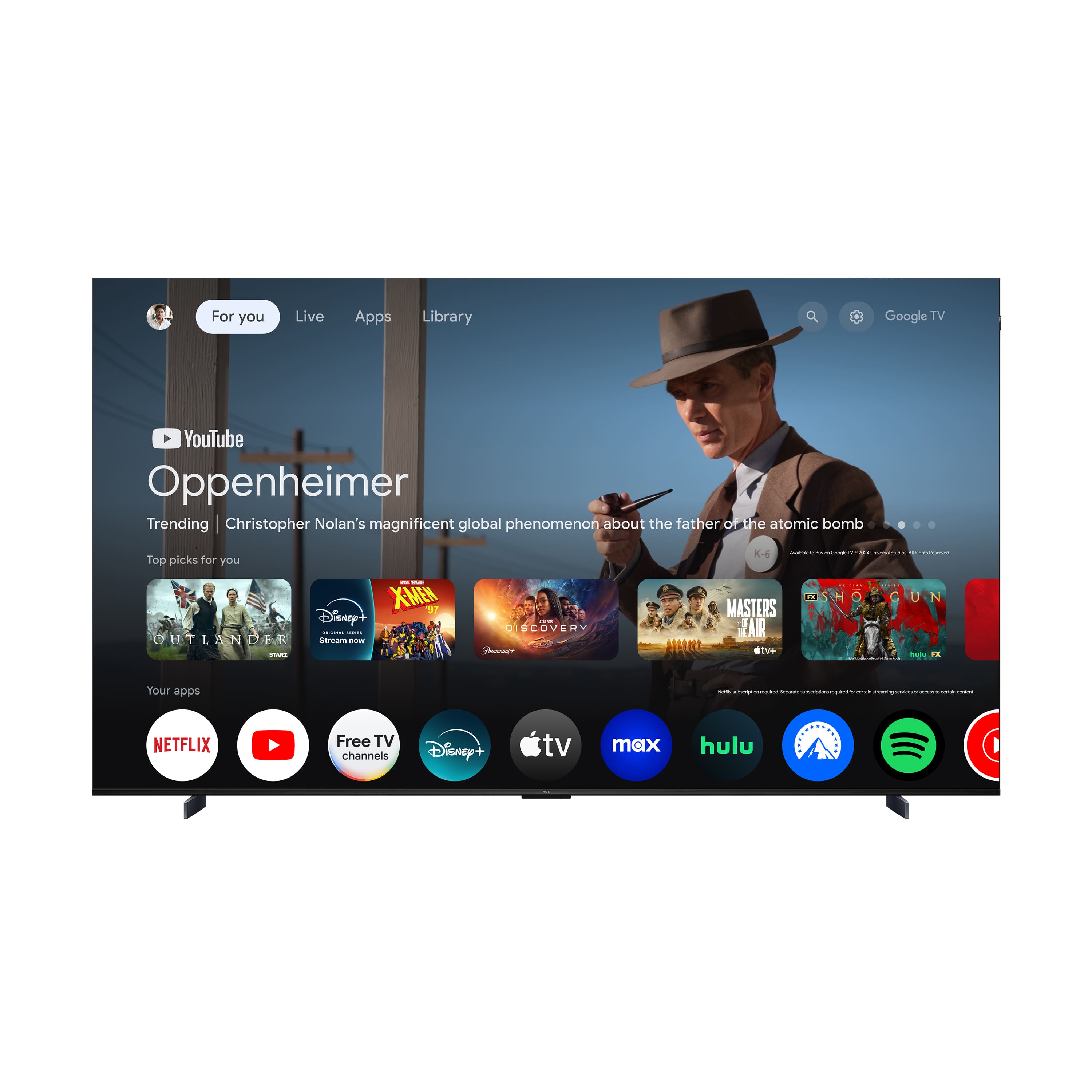
Plugging in the TV, obviously simple, and set up was very simple as well with on-screen prompts. I logged into my Google account and the very first thing I watched was some 4K content from my very own YouTube channel, streaming it directly to the TV. It was nice and crisp and clear. A superb start to the process.
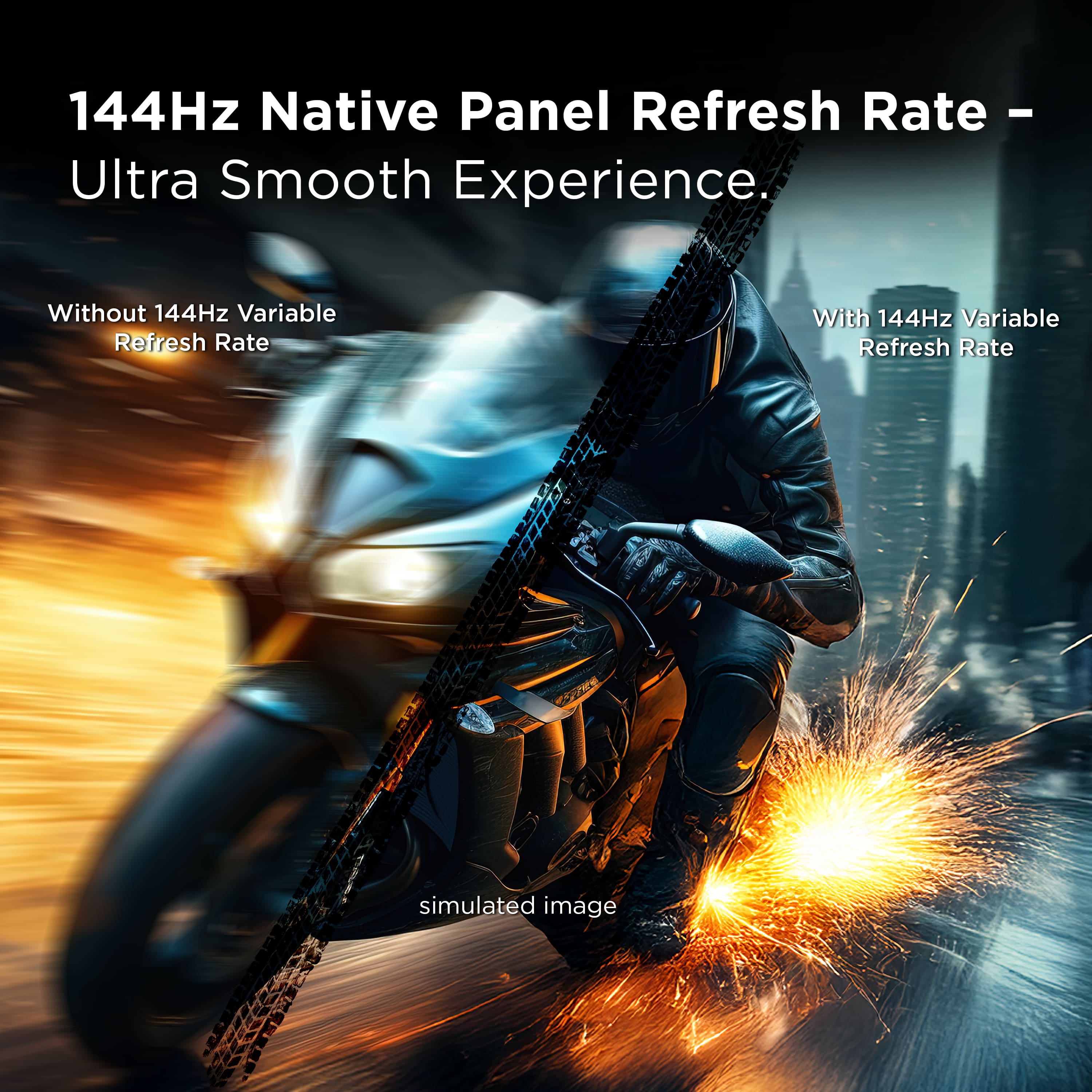
The key thing I do though in the media room is a) watch movies, but b) play video games. And this TV has exceeded expectations on all fronts with regards to gaming. The refresh rate is fantastic at 144Hz which has made me realize that I absolutely had a lag when playing on my previous projector. And when talking about gaming, the TV has dedicated modes and settings purely for gaming. It takes a moment to dial in the settings, some back and forth to get them where you need them, but I have to say due to this TV, my gaming has improved no-end. I am a lot more consistent in my positioning on the leaderboard now.
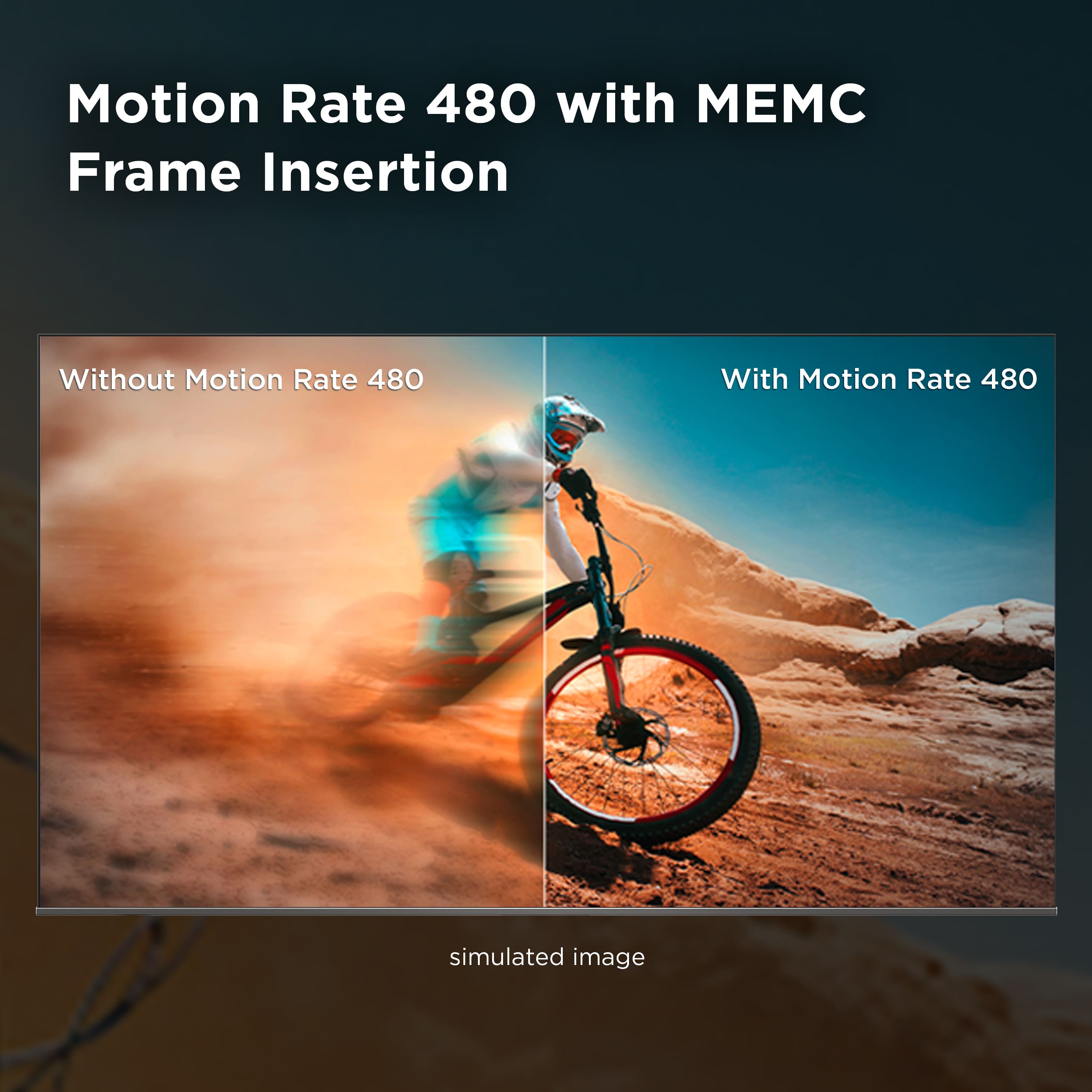
When watching movies, I always turn off the advanced motion - no matter how smart it seems to be and how advanced it becomes, it always seems to make movies appear 'fake'. Movies have the granular feel for a reason, and when the motion adjustment happened with the predictive pixel motion, it really detracts from the movies. Bullet Train was the first one I watched on this TV for reference.
The user interface is nice looking and intuitive, making it easy to navigate and set up the TV. I love that it powers on instantly too - waiting for the projector to warm up was annoying, this instant access is great. It also shows you clearly what channel you are on, the refresh rate and resolution as you turn it on as well, a handy feature, along with what input you are using.
The onboard smart functions work as expected too - log into your accounts, or download specific apps and log in and you are good to go. The ones I have installed/logged into so far have all worked without issue.
Overall, I have been really impressed with this TCL TV, having been loyal to another brand for many years, trying out this TCL at such a large scale has been a fantastic experience. The direct back lighting makes a huge difference for clarity and colors over a projected image like I was used to. The detail on screen, when looking up real close at Call of Duty BO7 on a PS5 simply looks superb. Many details I didn't notice previously on the projected image are showing so clearly.
I would not hesitate in recommending this TV at all to any movie buff or video gamer alike. You will not be disappointed at all!
I would recommend this to a friend
Brand response from TCLExpert
Posted .
Hi Cupra,
Thank you for taking the time to provide your feedback. We're thrilled that you are enjoying your TV thus far! Our TVs are designed and engineered to have a quick and easy setup, be user-friendly, and provide a great viewing experience. We hope you continue to have a great experience and explore more of the great features our TVs have to offer. Enjoy!
Thank you,
Sara TCL Customer Support
Pros mentioned:
Motion handling, Picture quality, Size
Rated 3 out of 5 stars
42 Days...Life Will Never Be The Same
|
Posted .
This reviewer received promo considerations or sweepstakes entry for writing a review.
Size…nothing truly prepares you going from a 65” to a 98” TV. It is ridiculously big! In Store the 98’s are next to the 115” and the 65’s are a bit further down the row. Once you see the box delivered and you are unboxing and putting it on your wall…you notice. The downside is I am ruined for life and can never go back. Our living room is long and skinny, so it feels like a theatre room now. Our 65 was situated in the corner and then at times we would use the open wall space for projection to get that theatre experience and it would cast about an 85” picture.
Having a large format TV is definitely a better option than the projector specifically when it comes to the fan noise and projector placement, especially for occasional use. Unless you have an Ultra Short Throw that sits close to the wall. Projectors definitely have their place, but large format TV’s are the best of both worlds.
Picture/Panel…Sports, cartoons, sitcoms; anything with mid to high brightness looks great. Anything with a lot of dark scenes and/or low lighting and the backlighting type shows its limits. In low to no ambient lighting dark scense are okay, but the panel brightness is maxed at 100% and it just feels too dark. I’m coming from a mini-LED QLED FALD with 1000 nit brightness and 240 zones of dimming. So its not a fair comparison to the TCL 98Q55K which has no local dimming as the lightning is Direct Lit. Since the panel is Quantum Dot (QLED) it definitely makes the panel look really good in most situations as already stated. So if you have a high ambient light room that you plan on putting this set in, with the massive screen you are going to want to think about the type of content you plan on watching and when you will be watching. While the 98Q55K does have a Matte panel which helps with glare, because of the panel's low brightness level, it can’t get bright enough in some situations to combat glare. Over head lighting can also be an issue depending on placement so something to think about there too. When I was in BestBuy I saw the QM8K series and while that has the inky blacks of the OLED type tv’s it in no way would have worked in my home that actually has quite low ambient lighting with the blinds open. However the QM6K has a special Anti-glare panel that I would highly consider if you have a high ambient light situation and it has Full Array Local Dimming so it can do contrast better and get brighter. That panel reminded me of the “Picture Frame” Tv’s.
Angled viewing is surprisingly good with Q55K. With it being so big, its hard to be truly to the side, but in my setup its viewable from all seats…but the best ones are when viewing straight on.
Audio…the 2.1 Onkyo sound feels a bit of a gimmick as the subwoofer is not going to deliver any notable bass, but it does help make the sound not feel like it is coming from a tin can. There are equalizer settings that can be used to help dial it even better. So if you want a super clean look with just the TV on the wall, the sound won’t be disappointing as long as you keep it in perspective. However, a decent 2.1 soundbar does wonders as with any flatscreen tv produced with backward or downward firing speakers since the design style went for super slim bezels. FYI, if your current setup uses Optical audio cable, TCL does not allow for Volume level change over Optical. Not all TV manufactures do, the one that this TV replaced did. I go into more detail below, but I am not too happy with TCL’s HDMI eARC, which I am using with my Sony HT-5000 soundbar.
Concerns…the TCL 98Q55K ships with Android OS TV 12, by and large I like the Android TV OS format have used with previous tvs and stand-alone streaming boxes, however, version 12 reached end of life support from Google in March 2025…so why did TCL ship an end of the year product with an outdated Smart OS? Android 13 , 14, and 16 is available…so not like there weren’t options. My solution was to reset the tv and remove internet and put a Roku device I already had that was being used with my last TV shipped in 2024, also with Android TV 12 stopped getting Security Updates. I was really looking forward to a “one remote life”, but it isn’t so.
If TCL ever decides to do an update, I will check by just testing via Ethernet. Using it as a “dumb tv” I don’t care how the TCL process the HDMI eARC. As stated, I am using my Sony HT-5000 soundbar and when switching TV Inputs the TV sends the Turn-Off signal to the soundbar. Each time I then turn the soundbar back on, TCL flashes a pop-up and recommends I setup the soundbar. This was already done and the pop link just takes me to the Sound tab and wants me to select eARC for default sound output. I’ve tried just setting it to Auto, but when it turns off the Soundbar and I manually turn it back on, the TV does not switch the sound output to eARC, rather sends sound to both the internal speakers and soundbar which cause the echo effect.
The Sound tab is also not listed in the Quick Settings Menu, so you always have to go to All Settings, something my last TV with same Android OS TV build did have. Not sure why TCL’s version does not have it?
It appears the processing lags when changing inputs. As it first reads the resolution of the signal, then checks for HDR content. The TV ends up flashing about 2 or 3 times as it refreshes to accept the information from the source And sometimes this too will cause the Soundbar to turn off, even though, the input was not changed. Gaming on the TV is nice because of the size. The panel is not native to 120hz so that setting has to be turned on, but it then limits display settings that cannot be changed. My aging XBOX One S and PS4 Pro can both output 120hz, but only at 1440p. At this size the 4K60 is better than the 1440p120 setting to me as I’m getting pixels over smoothness.
Minus the gaming info, these areas are the only real concerns I have with this TV and is the only reason for dropping making my review 3 out 5. If I could do 2.5 I would, but I feel 2 stars is a little low considering. Since half the tv these days is the Smart OS, that shouldn’t be obsolete out of the box. Streaming apps can still be updated and at least those apps are protected, but the OS itself is vulnerable without any security updates coming. Which then also means, what you get out of the box is what you get, as TCL most likely won’t be updating the software. Thankfully my router is near by and I can easily plug in the Ethernet cable to check for updates when ever I want.
Pro Tips…there are built-in wire management “clips” that come packaged with the TV…put those on before mounting the tv if using a flush/slim mount, as they are inaccessible after the fact, While, I thought these would be useful, I realized after the fact of mounting via a slim mount, that these are only handy if you are mounting with a full-motion mount. The holes that the “clips” lock into are very close together therefore making the loop they create to hold the wire only big enough for about 3-4 wires. But not either end of the wire whether it is the power cable or HDMI. So if mounting on a slim mount, you will need to install all the cables first, then use the “clips”, and hope that all doesn’t get in the way when mounting.
I have hung many a 65’s myself, but this is definitely a 2 person job. At 104lbs (200 with packaging) and nearly
25sqft of wall space, its a beast to move around.
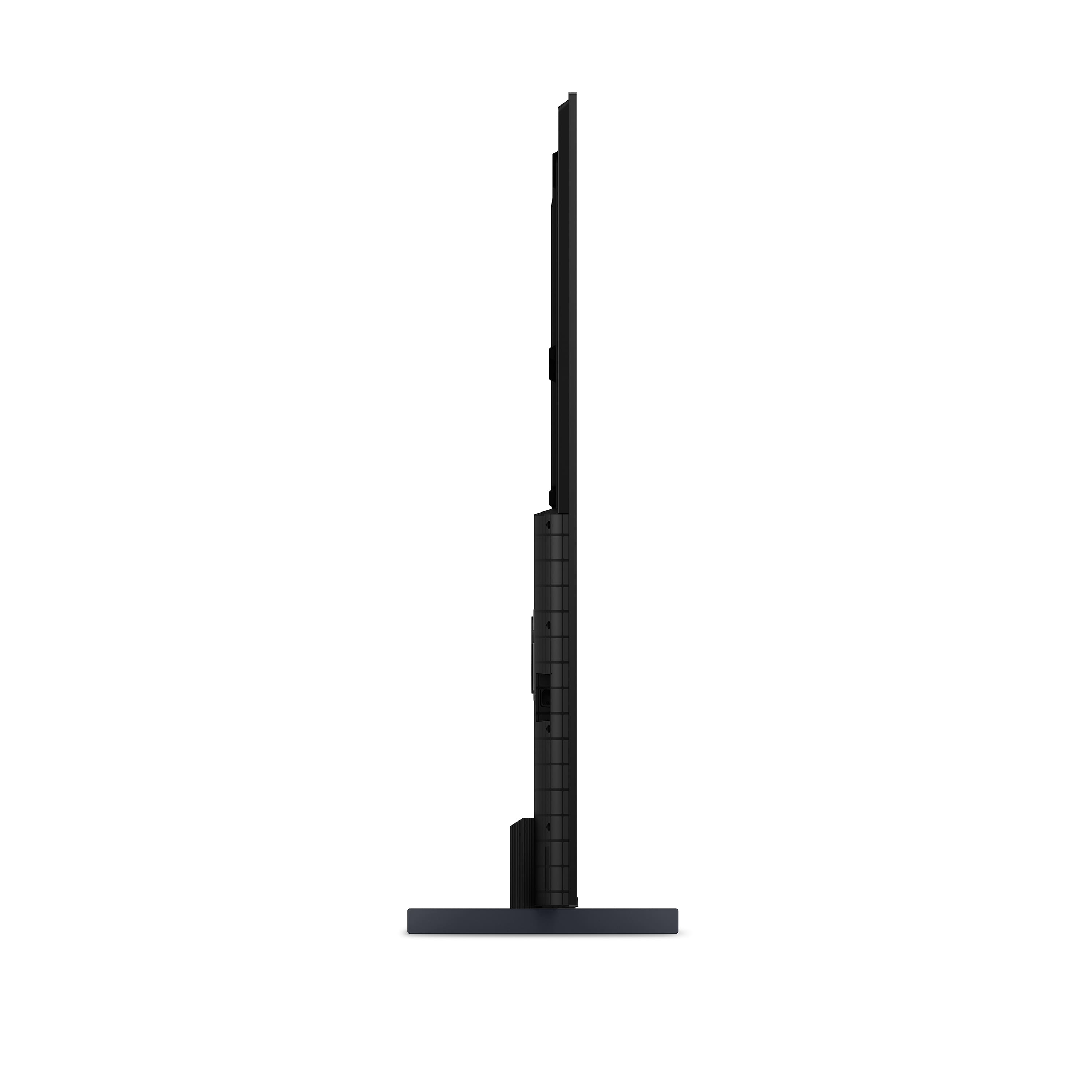
Also, the dimensions of the TV do not include the power button/mic switch so add an extra 1 inch when
factoring in your mounting clearances. I like mine to leave just enough room for the soundbar to sit and
Unfortunately, this oversight I mounted a little too low and it blocks the IR sensor. Not such a big deal
but accept when turning the TV on with the included remote as the Bluetooth apparently does work in Standby. It will turn on via my Roku Remote as it uses HDMI-CEC when powering on the device.
Lastly, in the Picture Settings, there is Eye Health Protection tab at the bottom of the list, this has the Auto
Brightness setting. Turn it OFF or you will feel like you are losing your mind constantly having to change the
brightness level for each input. Out Of the Box on STANDARD you will have to change the default brightness which was set to 28 of 100 and is far too dark. When HDR content is detected it will adjust the settings and I have found it is automatically sets the brightness to 100. I use the Standard setting for normal TV viewing and have it set to 70.
When I watch sports I do change it to the Sport setting and I leave the Motion set to Low. I have never
used that setting on any of my previous TV’s but with the size it really helps with the motion blur and
makes the picture look great!
I can definitely recommend buying a large format TV, but do your homework on back lighting type and ambient room brightness. I can recommend the TCL 98Q55K, just know you will want to get a stand-alone TV streamer, as I will NEVER recommend putting a device on your home network that no longer receives security updates.
I would recommend this to a friend
Brand response from TCLExpert
Posted .
Hi MnstrMike,
Thank you for taking the time to provide your feedback. We hope that you are enjoying your TV thus far! We are always looking for ways to improve, and your feedback is greatly appreciated! If you need any assistance please contact us at [email protected] with your contact information and a description of what you need help with. Someone will get back to you as soon as they can. Enjoy!