Customer Ratings & Reviews







- Model:
- A65K
- SKU:
- 6674826
to a friend
Customers are saying
Customers are delighted by the impressive sound quality and the beautifully slim, well-thought-out design of this product. Users also frequently highlight how simple the pairing and setup process is, noting that the device fits perfectly into their living spaces. While the overall reception is positive, some users have expressed disappointment regarding the performance of the AirPlay connectivity.
This summary was generated by AI based on customer reviews.
- Pros mentioned:Sound quality

Clear, solid sound in a small package
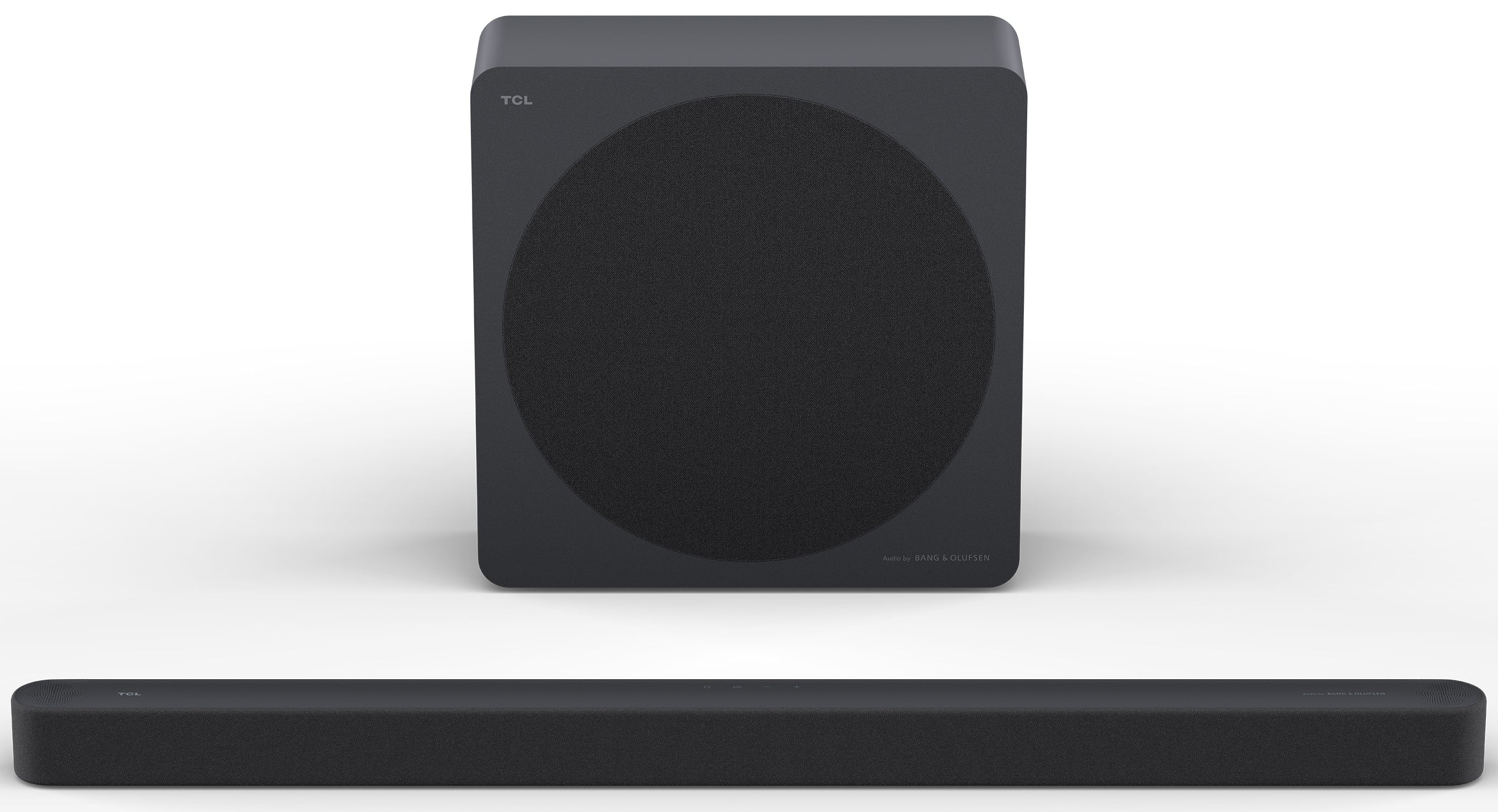
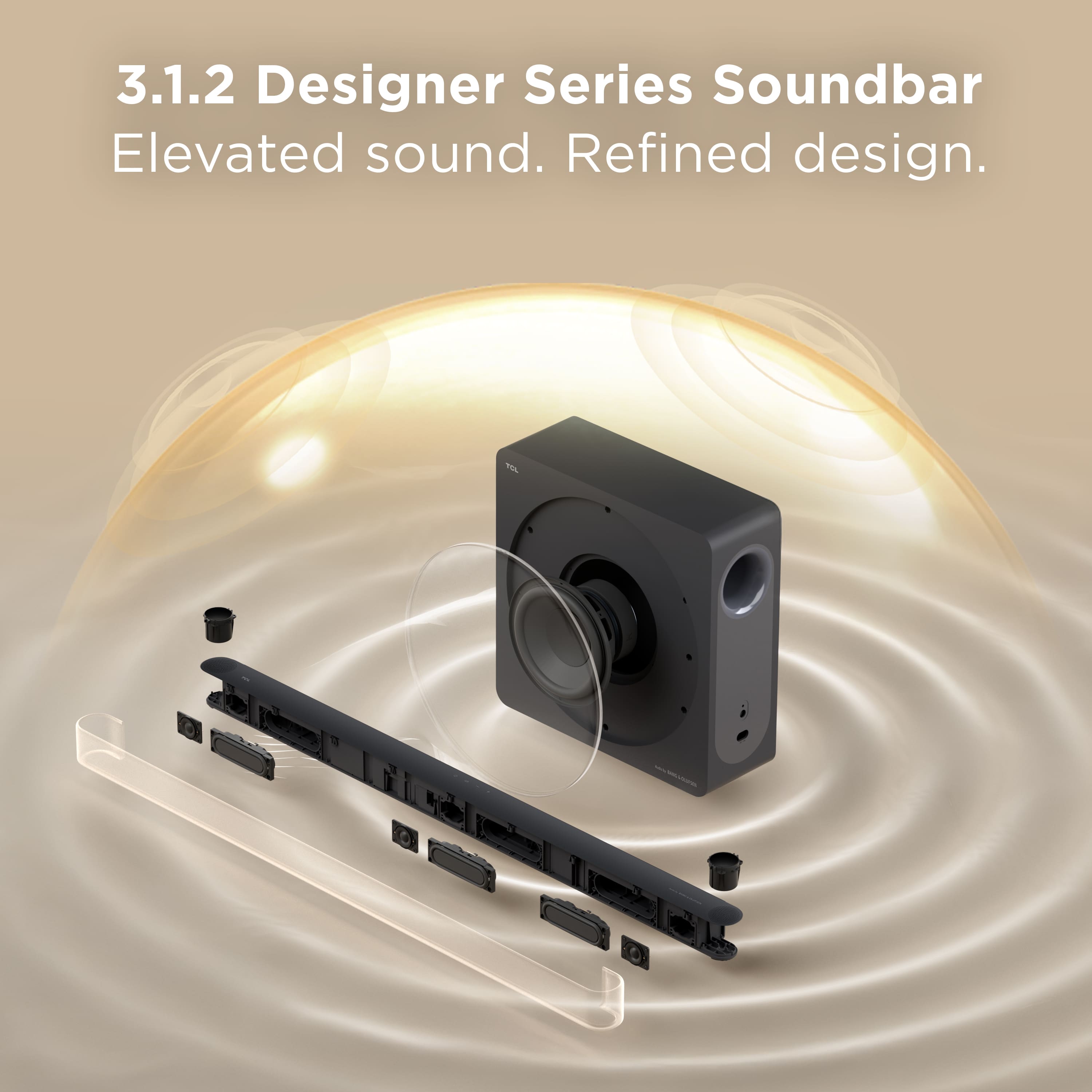
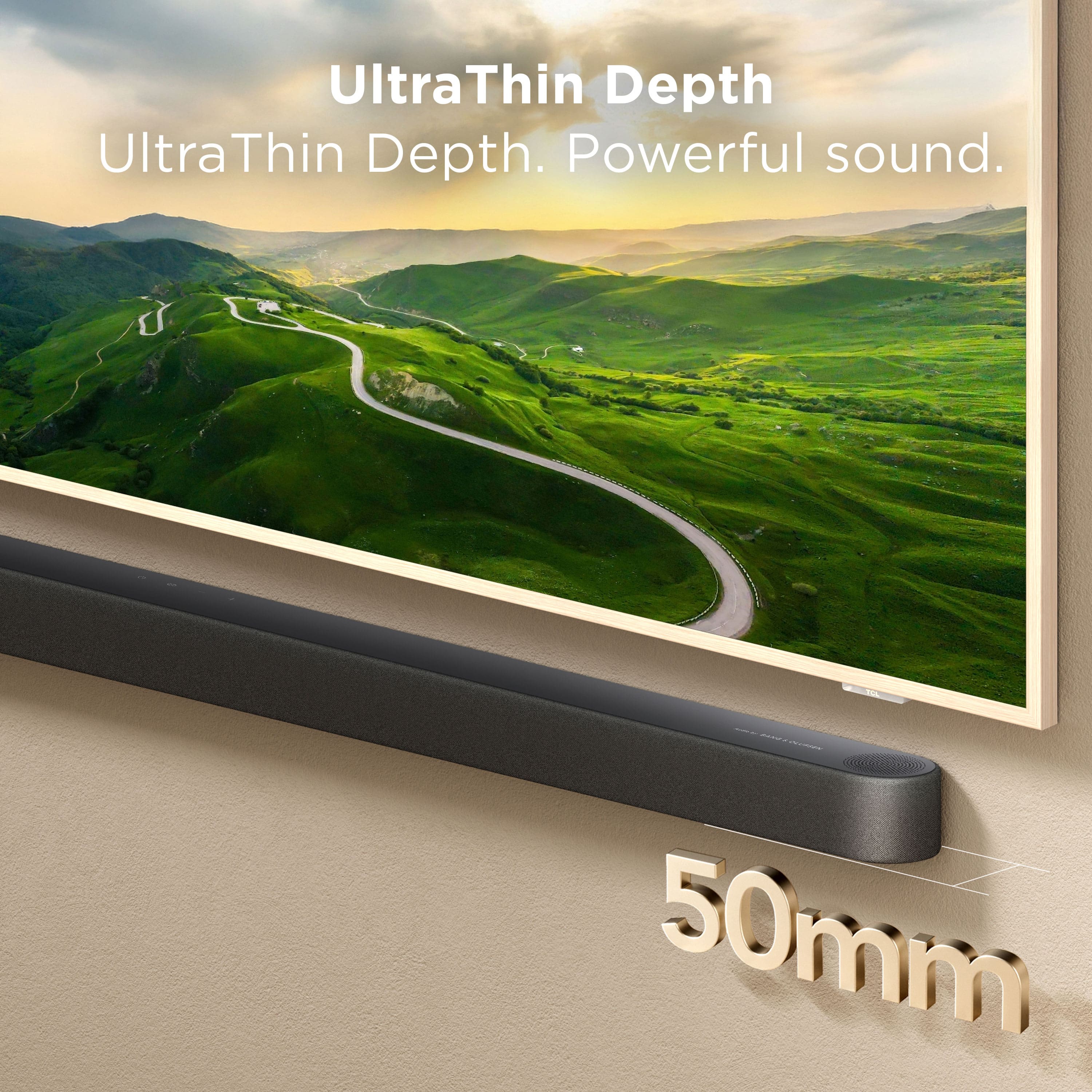
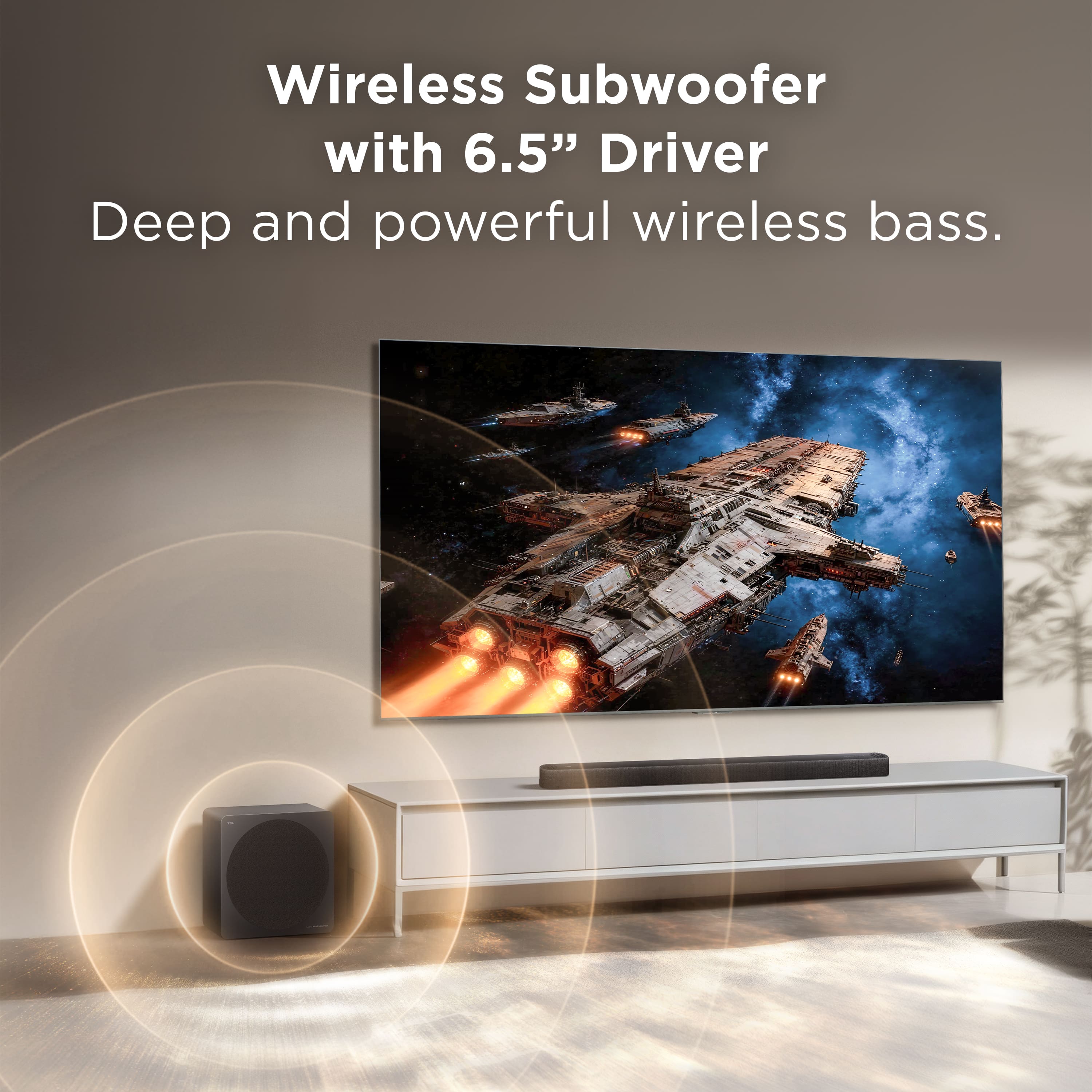
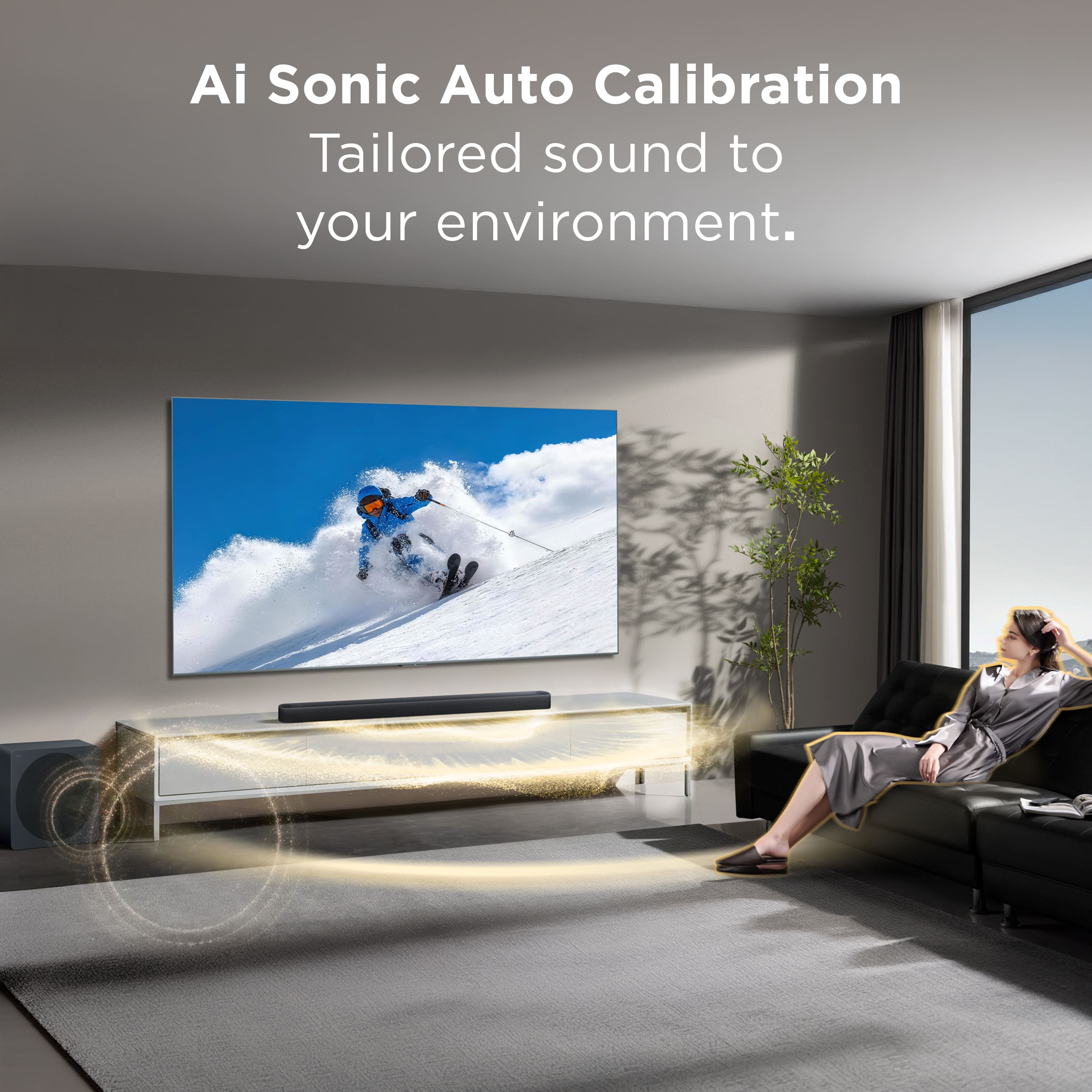
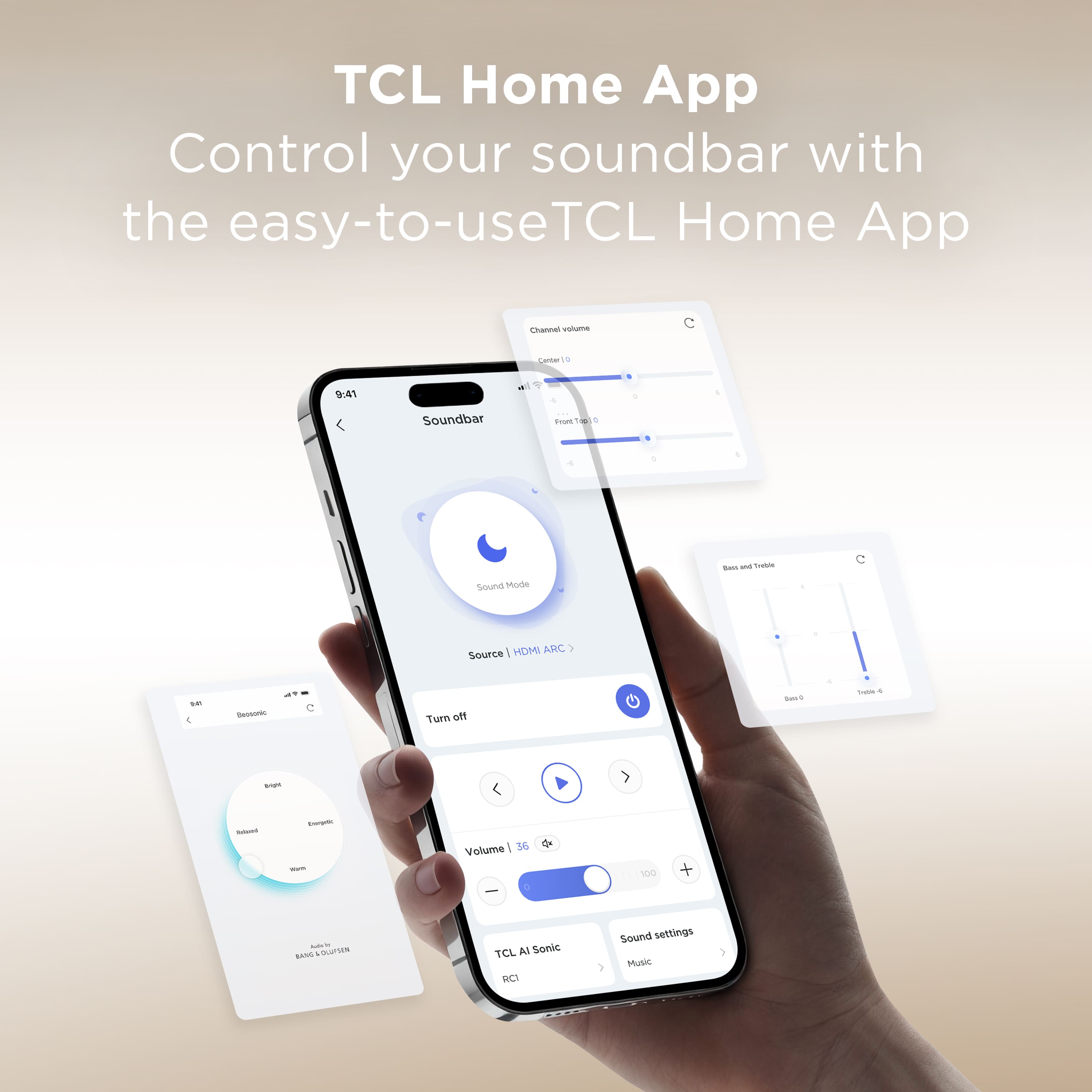
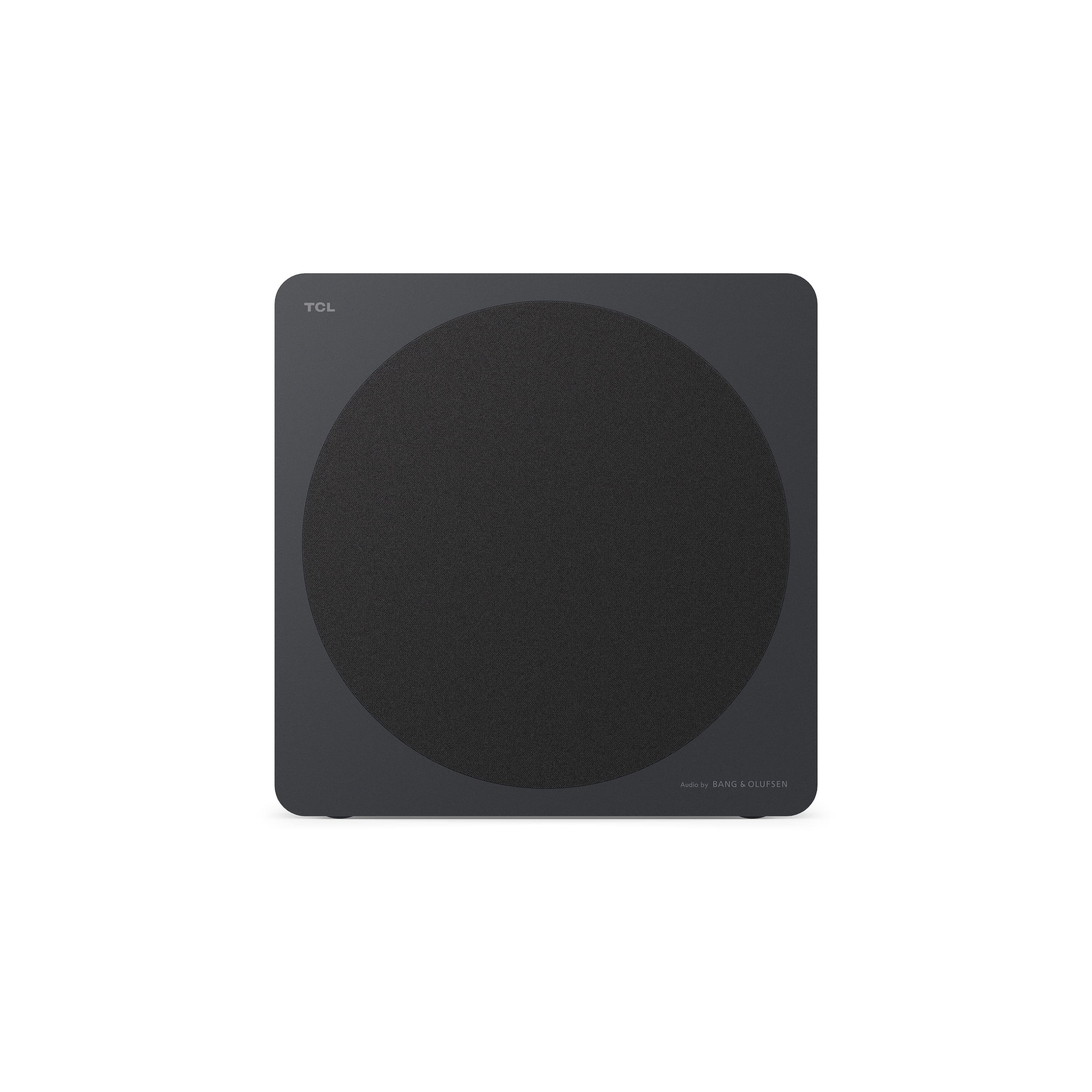
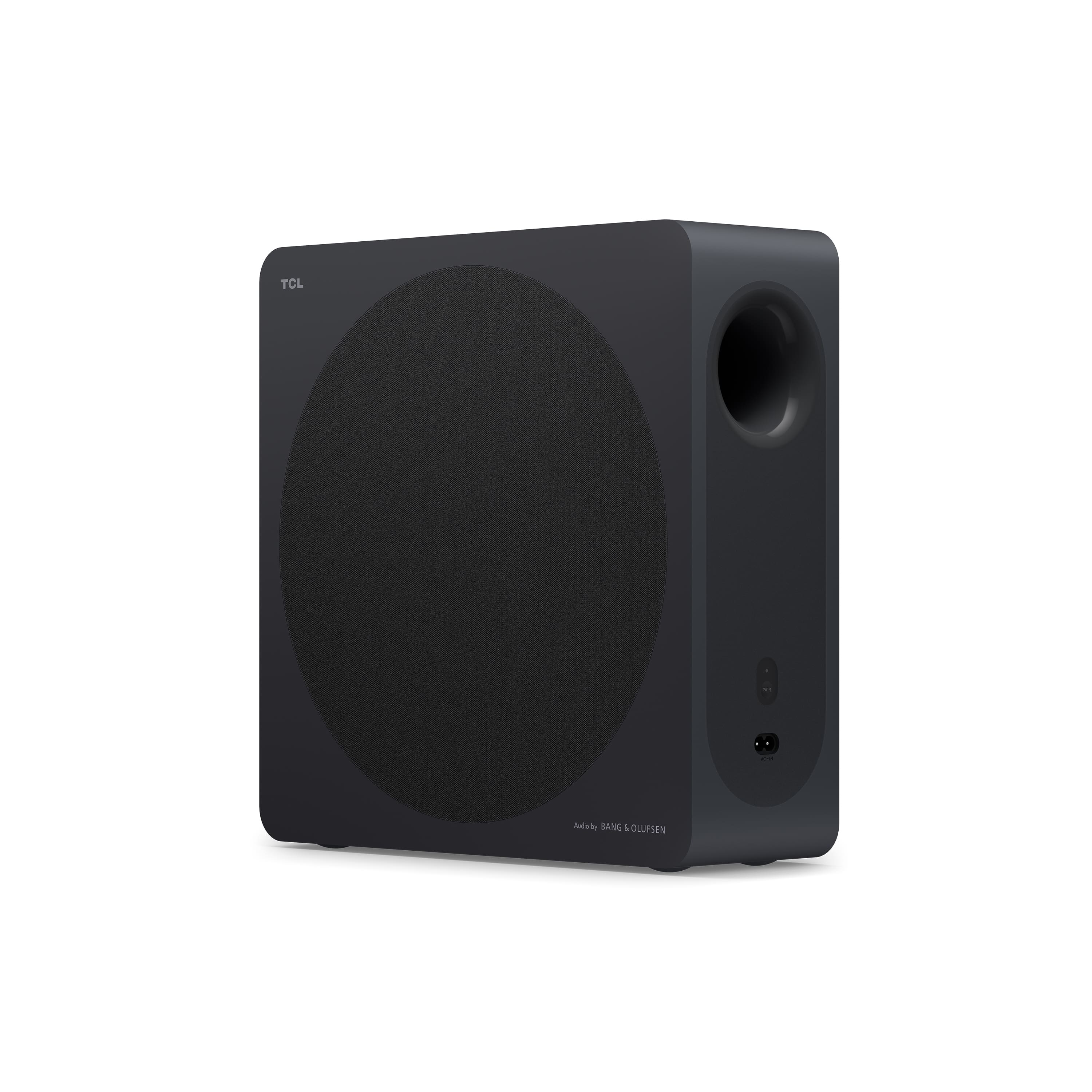
|Posted .This reviewer received promo considerations or sweepstakes entry for writing a review.I have several sound bars of various sizes and price ranges, and I was pleasantly surprised by this one. It's compact, but provides a rich and clear sound that's been a perfect partner to my office AV system. The TCL A65K bar is definitely thin, but coupled with its subwoofer (which is also narrow and sleek), it delivers enough power to feel the rumbly bass of an action scene, yet not muddy voices. Music expands and fills the room! It's really a small thing, but I LOVED the fact that simple sound bar mount brackets are included. The mounting template lined up perfectly and everything screws in secured - and I'm not worried about the bar causing stress on the brackets because it's so light weight. Although not needed for standard operation, there is a TCL Home app that provides easier configuration access than what's done with the remote or directly on the sound bar. The app allows you to update firmware, set the AI room profile (which works beautifully, BTW) and even set the audio-video sync offset if needed. Yes, you have to register an account in order to use the app. If I were to have any complaint about the bar, it's that I wish it had additional inputs (optical and/or RCA). As it stands, both its HDMI-ARC and bluetooth inputs are reliable and haven't given me any problems.
I would recommend this to a friendBrand response from TCLExpert
Posted .Hi Keirmeister, Thank you for taking the time to provide your feedback. We're thrilled that you are enjoying your sound bar thus far! Our sound bars are designed and engineered to have a quick and easy setup, be user friendly, and provide a great audio experience. We hope you continue to have a great experience and explore more of the great features our sound bars have to offer. Enjoy! Thank you, Alison TCL Customer Support
- Pros mentioned:Sound quality
Easy setup, versatile, excellent sound
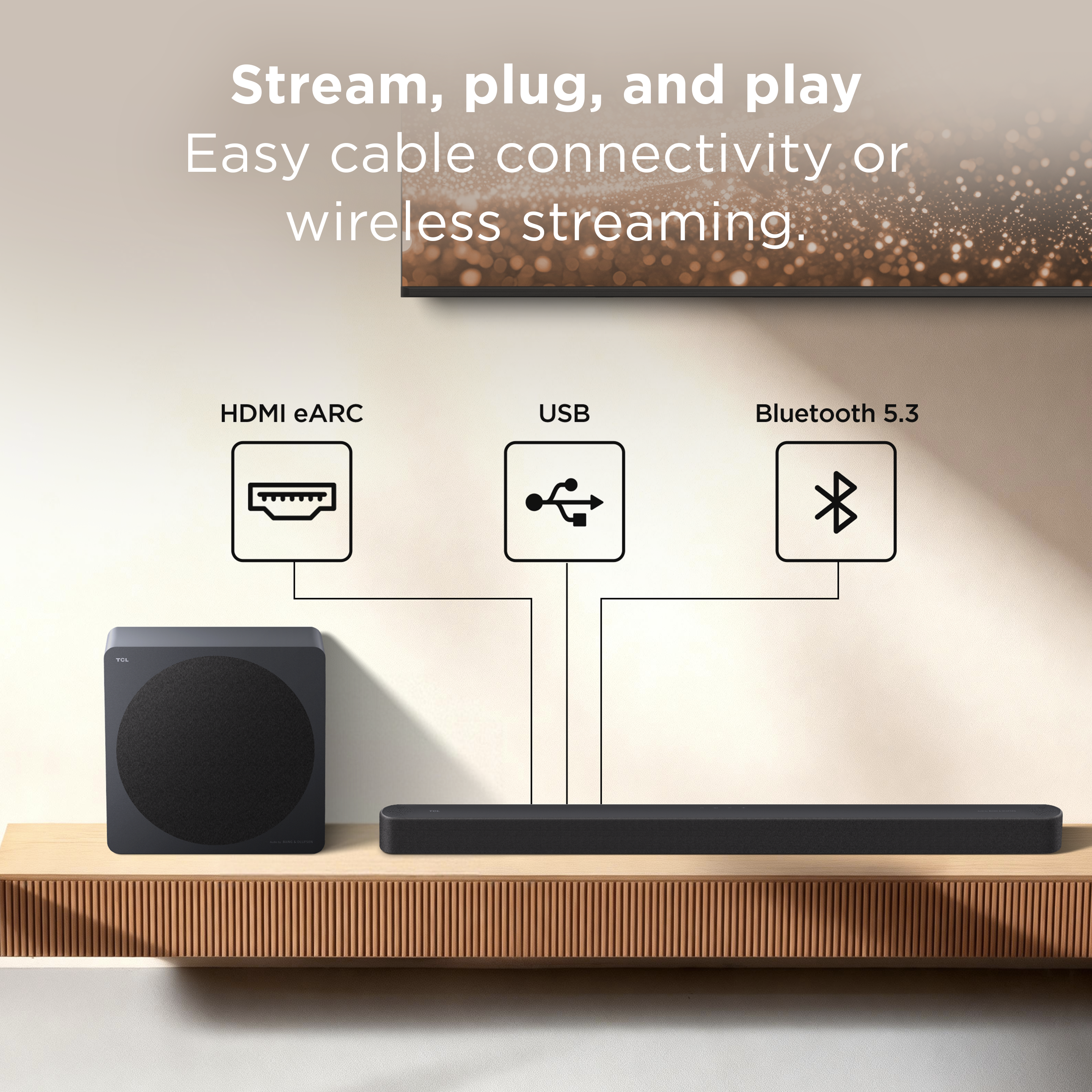
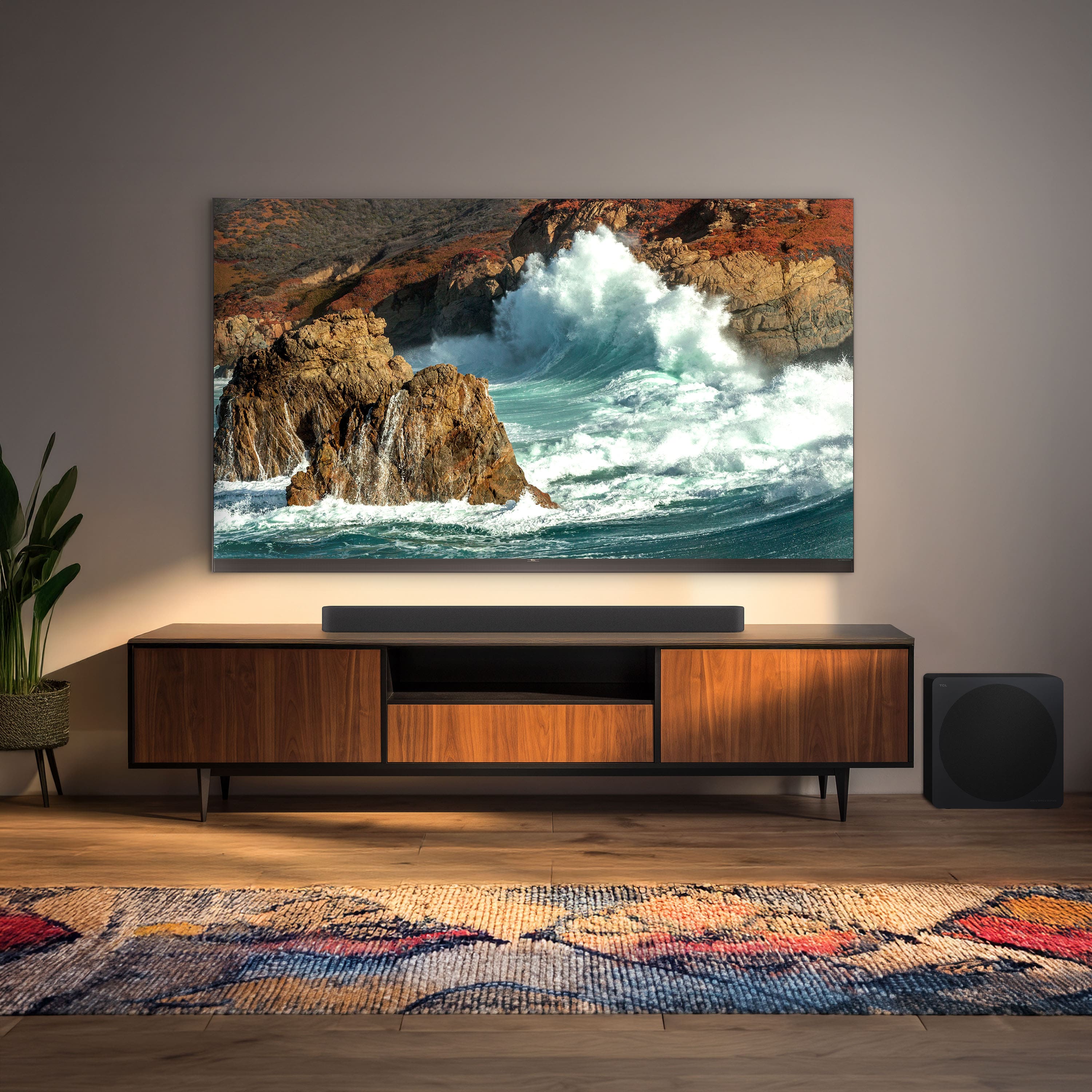
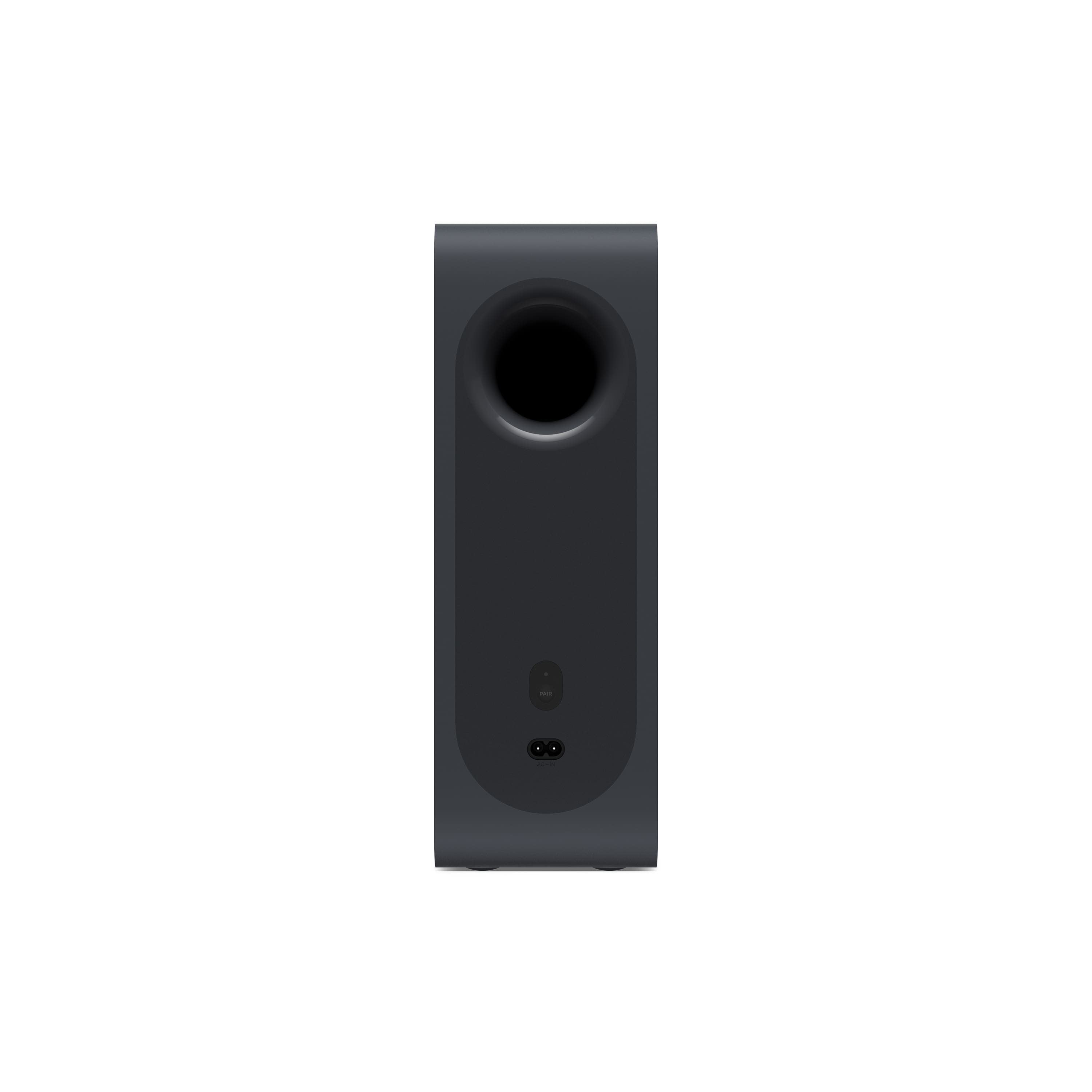
|Posted .This reviewer received promo considerations or sweepstakes entry for writing a review.This is a very nice soundbar, and I’ve been using it for about a week now. I’ve experienced several soundbars over the years, and all have generally sounded very good to excellent, with this TCL among the excellent. My most recent big-screen TV made a point of stating in its setup manual that you don’t need a soundbar with this TV because its sound quality is so excellent. I don’t doubt that, but I think a soundbar is a tremendous improvement over most any TV’s built-in sound system. Like most new soundbars these days, this one works best with a TV HDMI port that has the eARC capability. Most TVs sold in the last few years have at least one HDMI port with this feature, and it’s labeled “eARC.” This capability allows two-way communication between the TV and the peripheral, and, in this case, it allows, among other things, the soundbar’s volume level to be controlled by the TV’s remote control. Setup could not be simpler. Simply connect it to your TV, plug it in, locate and plug in the included subwoofer, and turn everything on. The bar should pair automatically with the subwoofer, and you’re off to the races. Instructions are included to manually pair the subwoofer, but I did not need to. There is a display on the soundbar that provides all sorts of information, including power status (on or off), audio source, whether or not the subwoofer is paired, volume level, and which of the various optional sound modes is in use. This soundbar features more modes than I’ve ever seen in a soundbar, including Standard, Movie, Music, Voice, Game, Night, Sports, and Custom. Yikes! It took me a half-hour playing with them all to find what I liked best for just regular TV, and it turned out to be Standard. Included in the package is wall-mounting hardware, which I did not use. My TV is mounted above the fireplace, and the soundbar is on the mantle right below, so it’s a perfect place for it. The subwoofer is recommended to be on the floor near the TV. I have mine a few feet off to one side to keep it away from the fireplace, and it sounds fine. It’s a subwoofer to give a real sense of presence that really sets apart a soundbar setup from a TV’s built-in sound system, and it’s why I like soundbars so much. So go and buy one of these. You’ll love it.
I would recommend this to a friendBrand response from TCLExpert
Posted .Hi Dan292, Thank you for taking the time to provide your feedback. We're thrilled that you are enjoying your sound bar thus far! Our sound bars are designed and engineered to have a quick and easy setup, be user friendly, and provide a great audio experience. We hope you continue to have a great experience and explore more of the great features our sound bars have to offer. Enjoy! Thank you, Alison TCL Customer Support
I was challenged getting a good sound
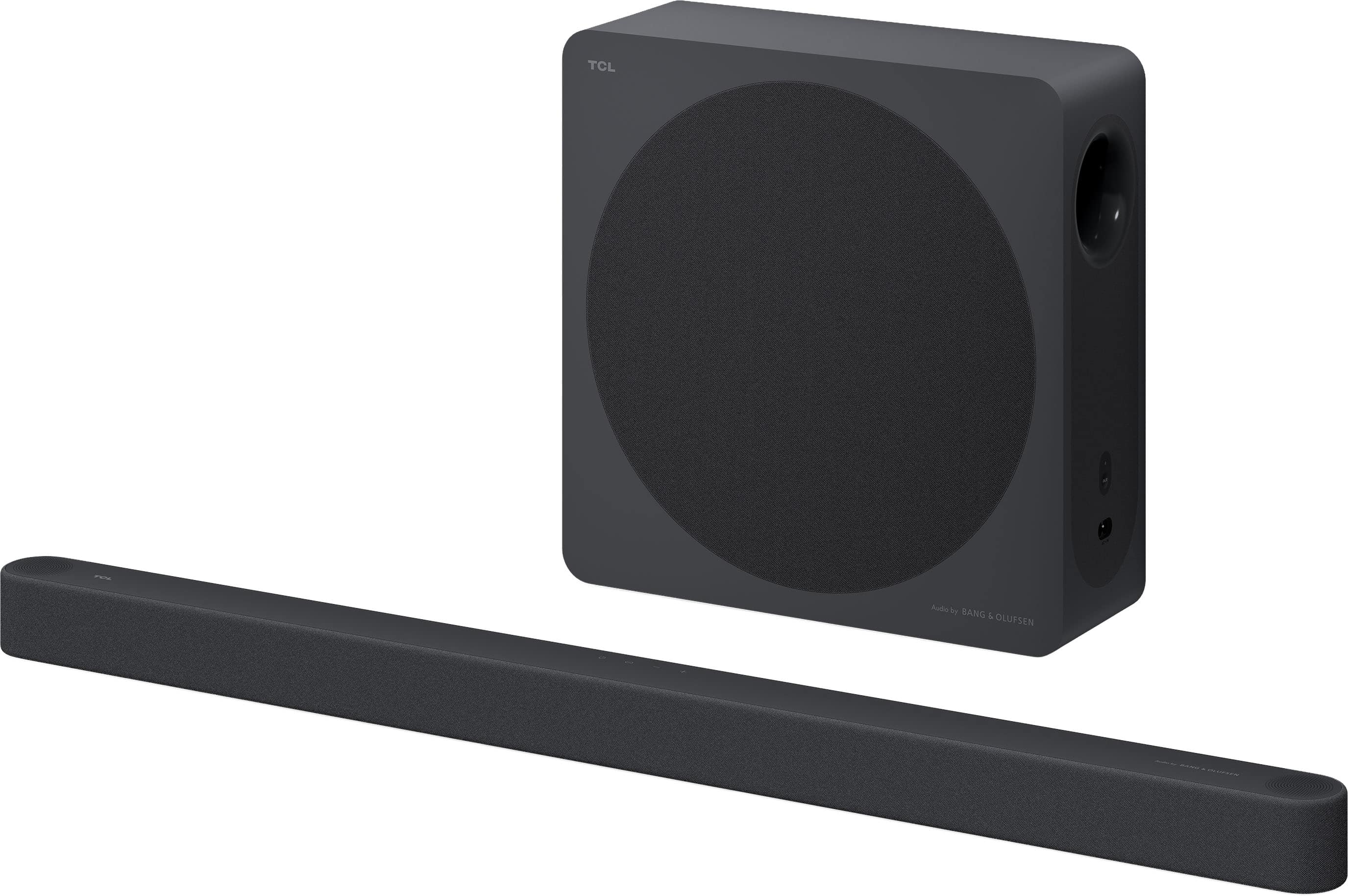
|Posted .This reviewer received promo considerations or sweepstakes entry for writing a review.I recently opted to get the TCL A65K soundbar to replace an older soundbar from a different manufacturer. I specifically chose this Soundbar since I’m just days away from getting a new TCL Smart TV. I’m aware that products like soundbars, standalone speakers, and other entertainment products often work best when staying within specific manufacturer’s product offerings, so I figured that staying within TCL’s might help avoid potential compatibility issues. The A65K bundles a Soundbar and a wireless Subwoofer - both of which were already paired to each other. Also included in this purchase is an HDMI cable, a Remote, mounting brackets for mounting the soundbar, a Quick Start Guide, power adapter, and two power cords. Getting the A65K up and running required hardly any time, with less than 10 minutes from unpacking to being used. The Soundbar itself has controls located on the top of the bar, including a Power Button, and a Source Button (USB, BT, and HDMI eARC), and an LED display on its side for displaying changes you make to the Soundbar. Thus, use the Remote to change Sound Modes, and these changes are displayed on the Soundbar. The Soundbar also has ports for the HDMI cable and power adapter, and has a USB Type A connector port for attaching devices. The HDMI cable that comes with the A65K connects the Soundbar to the Smart TV. The Smart TV, however, needs to have an HDMI port labeled eARC for the connection to work properly. My soon-to-be-replaced Smart TV had setup options for the eARC HDMI port that needed to be tweaked for my old Soundbar. In essence, it had to reflect “Pass Through”. Getting back to the Remote, it did a nice job of streamlining the process of configuring the Soundbar. It was riveled by the TCL Home App, which lets you configure the Soundbar using your cellphone. The A65K also has a feature called AI Sonic-Adaptation (Auto Room Calibration). It configures the Soundbar to adapt to your listening needs and room configuration. It’s an automated process that takes perhaps a couple of minutes to run. It lets you configure up to 3 room adaptations, if so desired. Even with all the configuration tools available, and including testing out the various Sound Modes (Standard, Movie, Music, Voice, Game, Night, Sports, and Custom), I was still unable to get an enjoyable sound coming from the Soundbar. I spent way too much time trying to improve voice quality. I watched movies, local and national news, sports and the like, and just never got a pleasant mix of voices and accompanying background sounds. I thought the issues were with the individual shows I was watching, but the issues persisted irrespective of channel or service. I plan to perform further testing on this unit once I receive my new TCL Smart TV. Hopefully the issues I’ve encountered are specific to the five-year-old TV I’m using. From a rating perspective, I give the A65K 5-stars for their implementation effort. For sound quality, I can’t be as generous.
No, I would not recommend this to a friendBrand response from TCLExpert
Posted .Hi Zunderwood, Thank you for taking the time to provide your feedback. We're sorry to hear that you may be experiencing some trouble with your sound bar. We would love the opportunity to look into this for you to see if we can assist you. We'd like to gather more information to better understand what is occurring. Please reach out to us at tclsocial@tcl.com with your contact information and a description of what you need help with. Someone will get back to you as soon as they can. Thank you, Alison TCL Customer Support