Customer Ratings & Reviews
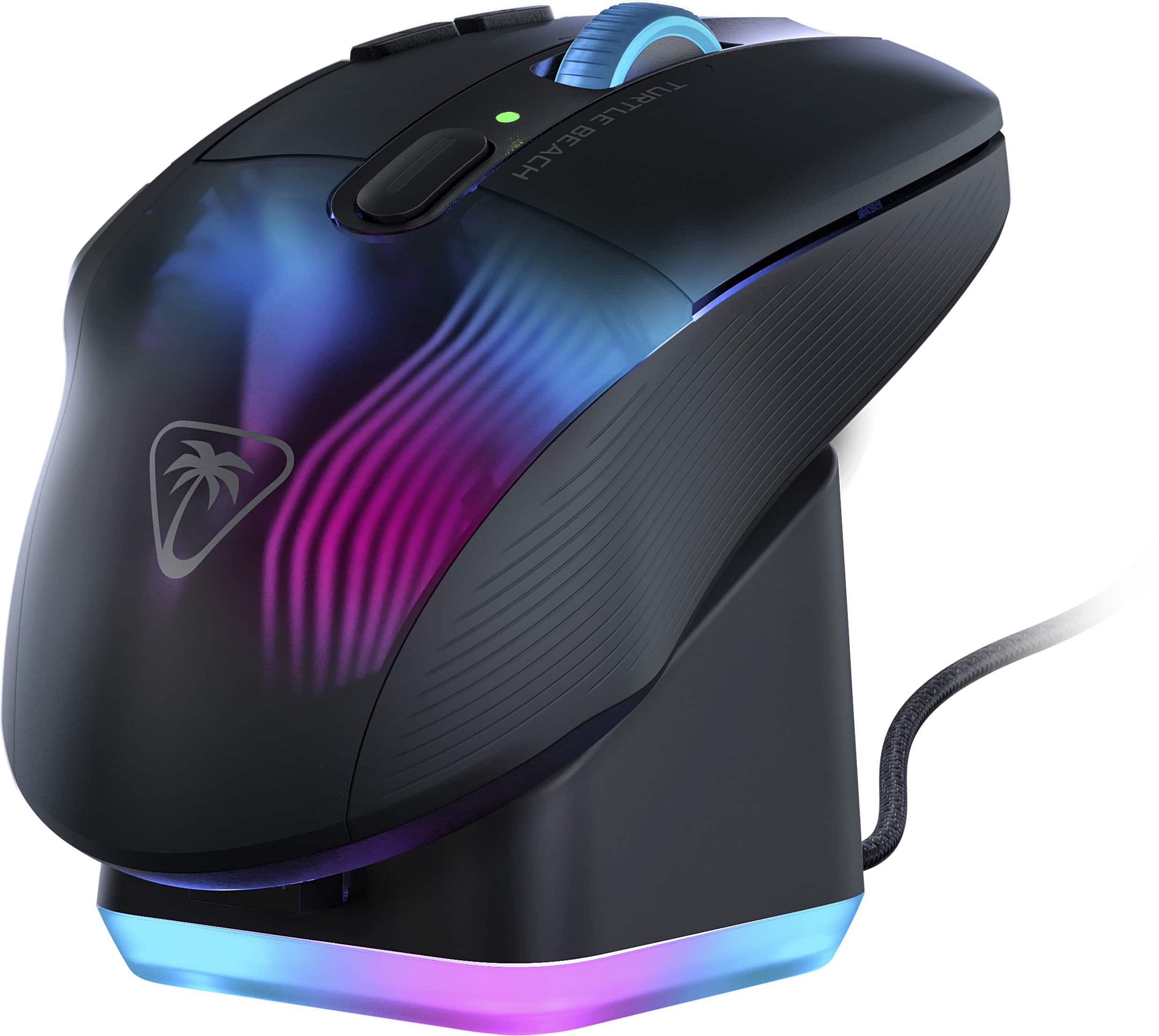
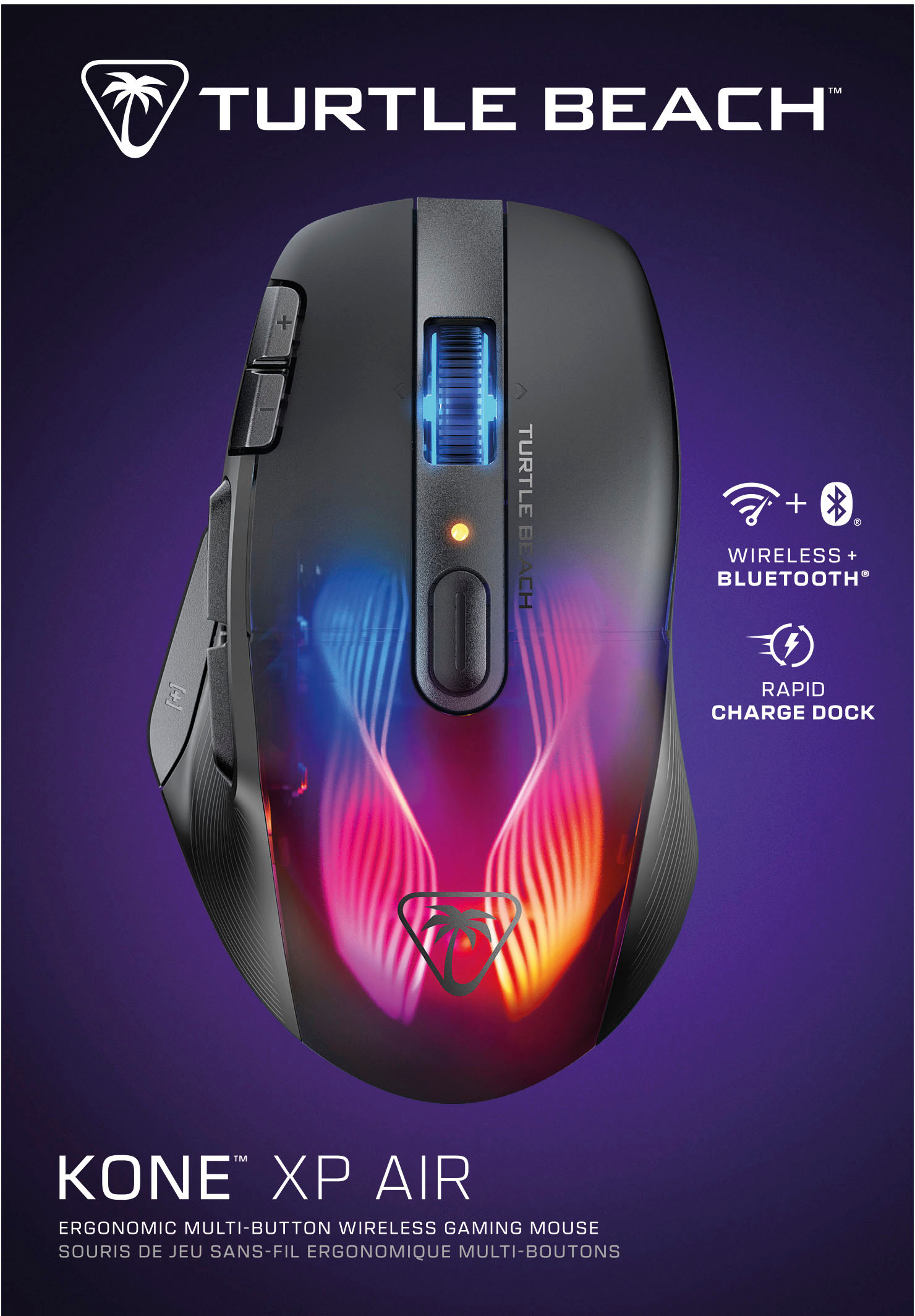
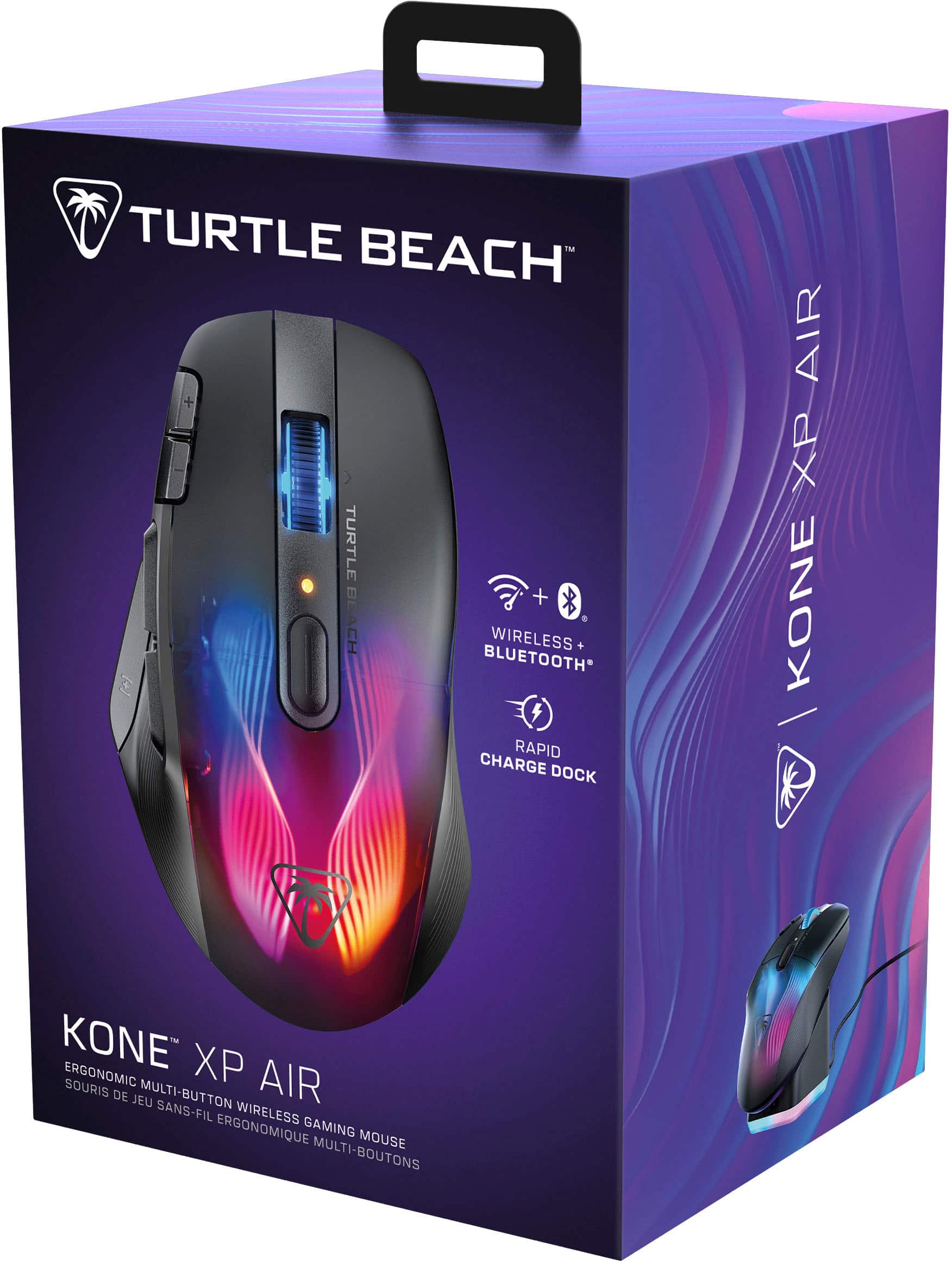
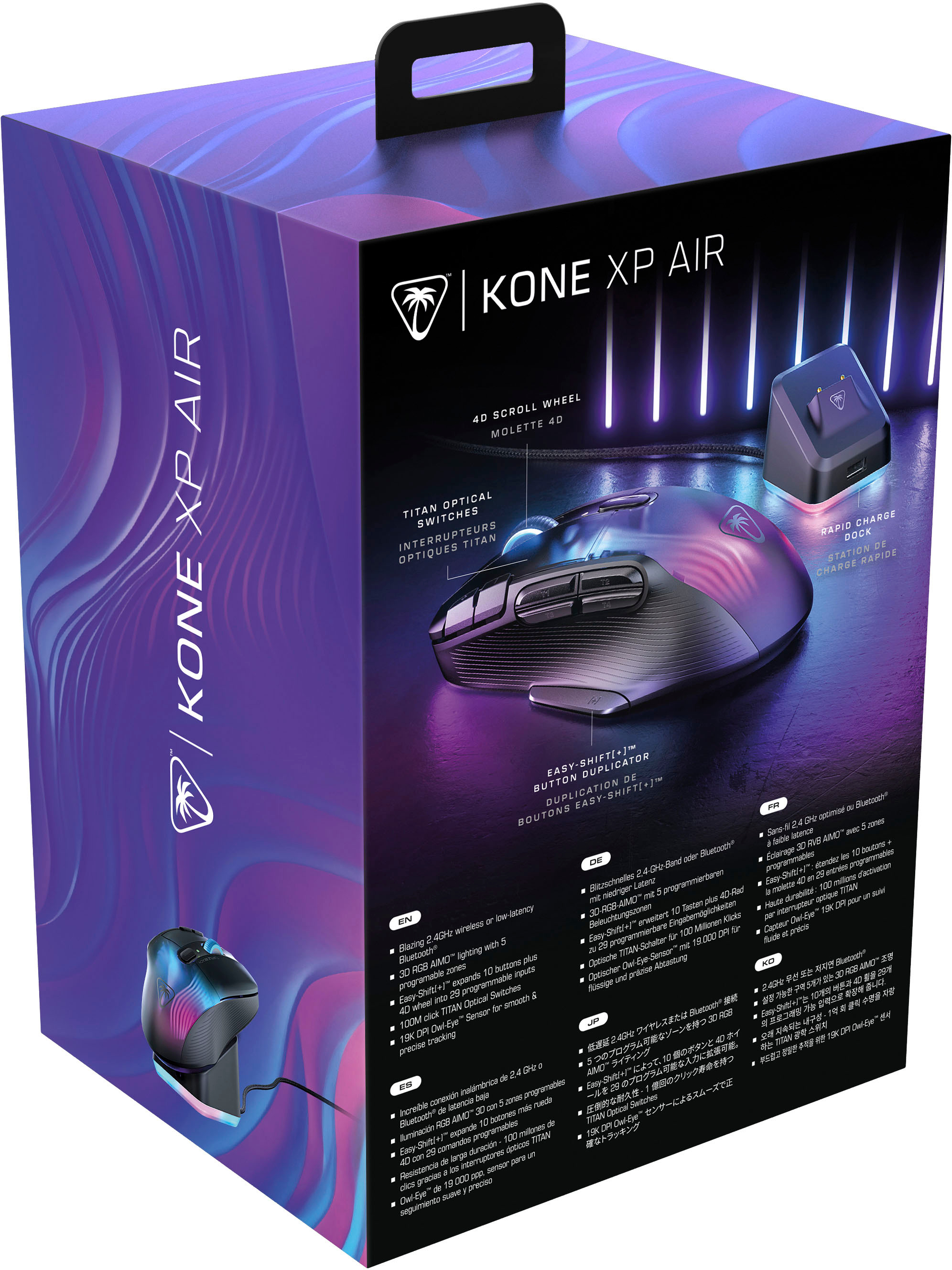
![Easy-Shift[+]TM Use the Easy-Shift[+] button to access up to 29 programmable inputs.](https://pisces.bbystatic.com/image2/BestBuy_US/images/products/e4971d3b-6a34-48fc-b99c-635bcdc1cb40.jpg)
- Model:
- TBM-1101-05
- SKU:
- 6579387
Rating by feature
- Value
Rating 4.1 out of 5 stars
- Quality
Rating 4.4 out of 5 stars
- Ease of Use
Rating 4.3 out of 5 stars
Customers are saying
Customers are pleased with the excellent battery life, convenient wireless design, and comfortable ergonomics. They also appreciate the additional buttons for gaming, stunning RGB lighting, and the included charging dock, contributing to an overall terrific performance and outstanding response time. However, some customers have experienced issues with the software and the scroll wheel, and a few noted initial lag.
This summary was generated by AI based on customer reviews.
- Cons mentioned:Scroll wheel
Love all the buttons and options
||Posted . Owned for less than 1 week when reviewed.This reviewer received promo considerations or sweepstakes entry for writing a review.I like all the buttons and amount of options the Swarm software gives you. I can remap every button, customize the lighting, save multiple profiles with different buttons, DPI settings, and lighting, and even set it to automatically switch profiles when you launch a program or game. It's pretty awesome. The mouse feels super light compared to my old mouse, the Razer Naga. The left and right click buttons feel weird, since I'm used to mechanical switches, but these optical switches are supposed to get rid of the double click problems, which is why I had to replace the Naga. Hopefully this one lasts longer. I guess I'll get used to them. Some of the small complaints I have are related to switching from dongle connectivity to bluetooth. I've been switching between 2 PCs, both with the Swarm software installed, and all the settings disappear from the software when you're only connected with Bluetooth. Everything seems to work the same, but you have to connect with a cable or through the dongle to see and change the settings. Also, the switch to switch between the 2 wireless modes is on the bottom of the mouse, so you have to pick the mouse up and carefully hold it so you're not pressing any buttons to switch, which is not super convenient. I'd like it better if the switch was on top of the mouse, by the scroll wheel or something.
I would recommend this to a friend - Pros mentioned:Charging dock
Comfy and Light
||Posted .This reviewer received promo considerations or sweepstakes entry for writing a review.For the size, this mouse is very light and very comfortable. Having the charging dock is a great addition. The buttons are not too loud but still have a nice click to it that is more on the smoother side. The app is easy to use and being able to change the buttons on the fly is a huge plus. My only personal downside is the battery life. I used it 1 day for work to see how long it would go and it lasted about 10 hours which for a gamer could be an issue. If you game 1-3 hours then this is perfect. If you game all day, you will have to charge it every day since there is not option to add a battery. This does feel good in my hand as its just under 5in in length, but I am a hybrid claw/palm holder. If your hands are on the bigger side then you might find this a bit small.
I would recommend this to a friend - Pros mentioned:Battery lifeCons mentioned:Software
Good Mouse But Has Amnesia
||Posted . Owned for 1 month when reviewed.This reviewer received promo considerations or sweepstakes entry for writing a review.TLDR: Pretty nice mouse with unique button options, but the price is impossible to justify with how bad the software is. Let's get the negative out of the way: Mouse profiles will randomly reset. This means your dpi changes are gone, your lighting changes are gone, your re-bound keys are gone. Usually either the lights or dpi, but my re-binds have disappeared twice now in less than 6 months. The mouse itself is pretty nice. Battery lasts plenty long enough and having the charging dock means I can just leave it on the dock when I'm not at the computer. Clicks on top and side buttons are a bit 50/50. I thought they felt and sounded cheap or hollow at first, but I actually like them now. I use 1 dpi setting/profile so I rebound those to a hotkey and also the thumb shift to a hotkey. This is a decently long mouse, so people like me with small hands will find the rearmost of the 2 side buttons, and rearmost of the buttons next to left click unusable.
No, I would not recommend this to a friendBrand response from Turtle Beach Support
Posted .Hello! We are sorry to hear about the experience you've had with your Turtle Beach Product. Our products are each sold with a manufacturer's warranty, and we have a dedicated Support Team available to provide assistance as needed. Please reach out directly to our dedicated Support Team so they can lend a hand. They’re always happy to help and can be reached right from the support section of the Turtle Beach website. Thank you and have a great day

- Cons mentioned:Software
Good mouse, bad software
||Posted . Owned for 3 weeks when reviewed.This reviewer received promo considerations or sweepstakes entry for writing a review.Great feeling mouse, very responsive. Wish better software, it is a 10/10 mouse with a 3/10 software. Leds are bright with decent customization, but sometimes forgets to turn on. Stand is great but a little large. Got it on sale would recomend if on sale. If full price maybe avoid
I would recommend this to a friendBrand response from Turtle Beach Support
Posted .Hello! We are sorry to hear about the experience you've had with your Turtle Beach Product. Our products are each sold with a manufacturer's warranty, and we have a dedicated Support Team available to provide assistance as needed. Please reach out directly to our dedicated Support Team so they can lend a hand. They’re always happy to help and can be reached right from the support section of the Turtle Beach website. Thank you and have a great day!
- Pros mentioned:Buttons
Awesome mouse
||Posted .This reviewer received promo considerations or sweepstakes entry for writing a review.Best mouse to ever exist!!! It has ever button you need. Love the thumb button great for sliding or crouching in games.
I would recommend this to a friend Great mouse
||Posted . Owned for 3 months when reviewed.This reviewer received promo considerations or sweepstakes entry for writing a review.Skeptical at first, but this is a terrific mouse, a great replacement for the Logitech 700g I had. I'd love for the thumb buttons to be a little better placed, but it's a great gaming mouse.
I would recommend this to a friend- Cons mentioned:Software
software no mi gusta
||Posted . Owned for less than 1 week when reviewed.This reviewer received promo considerations or sweepstakes entry for writing a review.honestly a solid mouse, besides the software. all the buttons work well and are easy to reprogram, howeverrrr the software hasnt worked in my favor, but it could for you. it tells me to update my mouse and make sure the doc and mouse are plugged in and i did, but when i use 2.4 connectivity it doesnt let me open my mouse settings “until updated” in order to update i need to plug in the mouse, and as soon as i do all the settings pop up. so the software does work and i can update my button mapping, but only when connected via usb. wish i went with the g502 x instead
No, I would not recommend this to a friendBrand response from Turtle Beach Support
Posted .Sorry to hear about the experience you've had Angel.
Please take the time to reach out directly to ROCCAT's dedicated Support Team with details about the experience you've had with your Kone AP Air. The team there would be happy to look in to this for you and lend a helping hand under the manufacturer's warranty all of ROCCAT's products are sold with. That team can be reached directly from ROCCAT's website via their Contact Form.
Thank you and have a wonderful day!
- Pros mentioned:Ergonomics
Great Rechageable Mouse
||Posted .This reviewer received promo considerations or sweepstakes entry for writing a review.Love it. It feels good in the hand, it has great reaction time.
I would recommend this to a friend Awesome Gaming Mouse!
||Posted . Owned for 1 month when reviewed.This reviewer received promo considerations or sweepstakes entry for writing a review.Great mouse! Love the RGB customization and how responsive this is for gaming. It’s lightweight and fits in my hand comfortably. Don’t hesitate to grab this, worth every penny!
I would recommend this to a friend- Pros mentioned:Ergonomics
Love it!
||Posted . Owned for 2 weeks when reviewed.This reviewer received promo considerations or sweepstakes entry for writing a review.Super customizable and love their software it’s very simple to use. Also a very comfortable mouse in your hand. Great purchase!
I would recommend this to a friend A great mouse
||Posted . Owned for 4 months when reviewed.This reviewer received promo considerations or sweepstakes entry for writing a review.The mouse is a bit larger than most mice on the market. This is great for big hands like my own. It’s easy to customize and set up buttons. It feels super light.
I would recommend this to a friend- Pros mentioned:Battery life, Buttons, Charging dock

Wireless DeLight
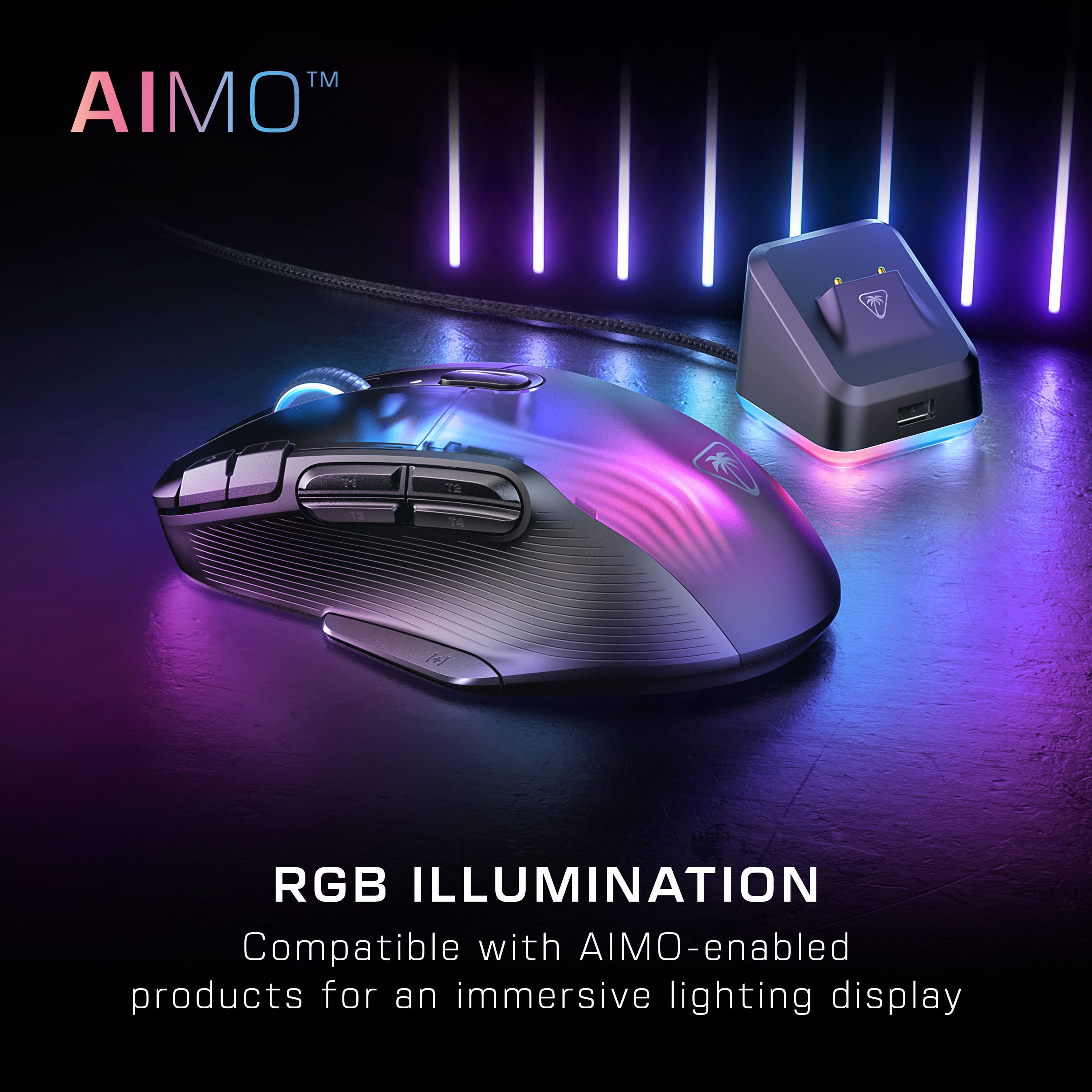
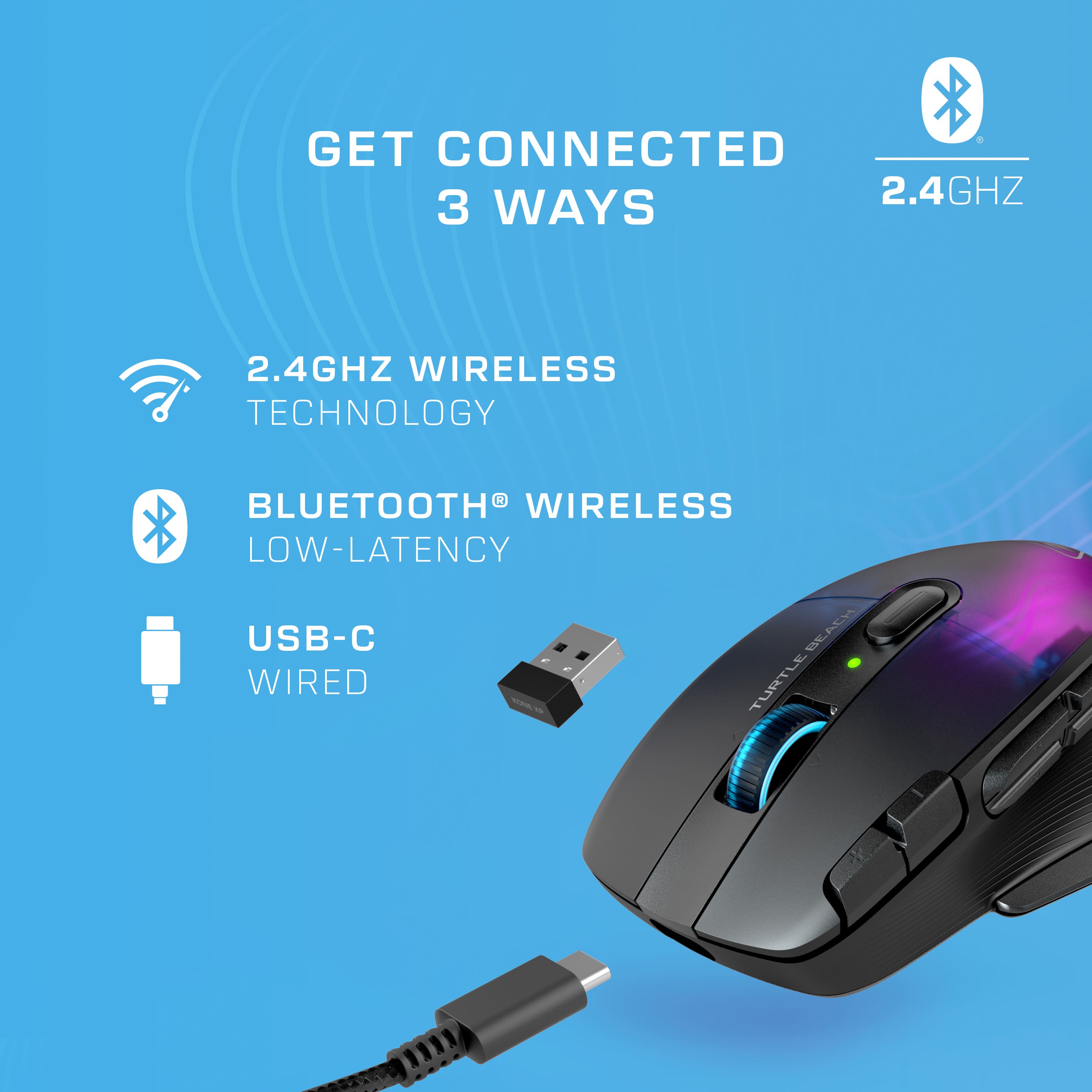
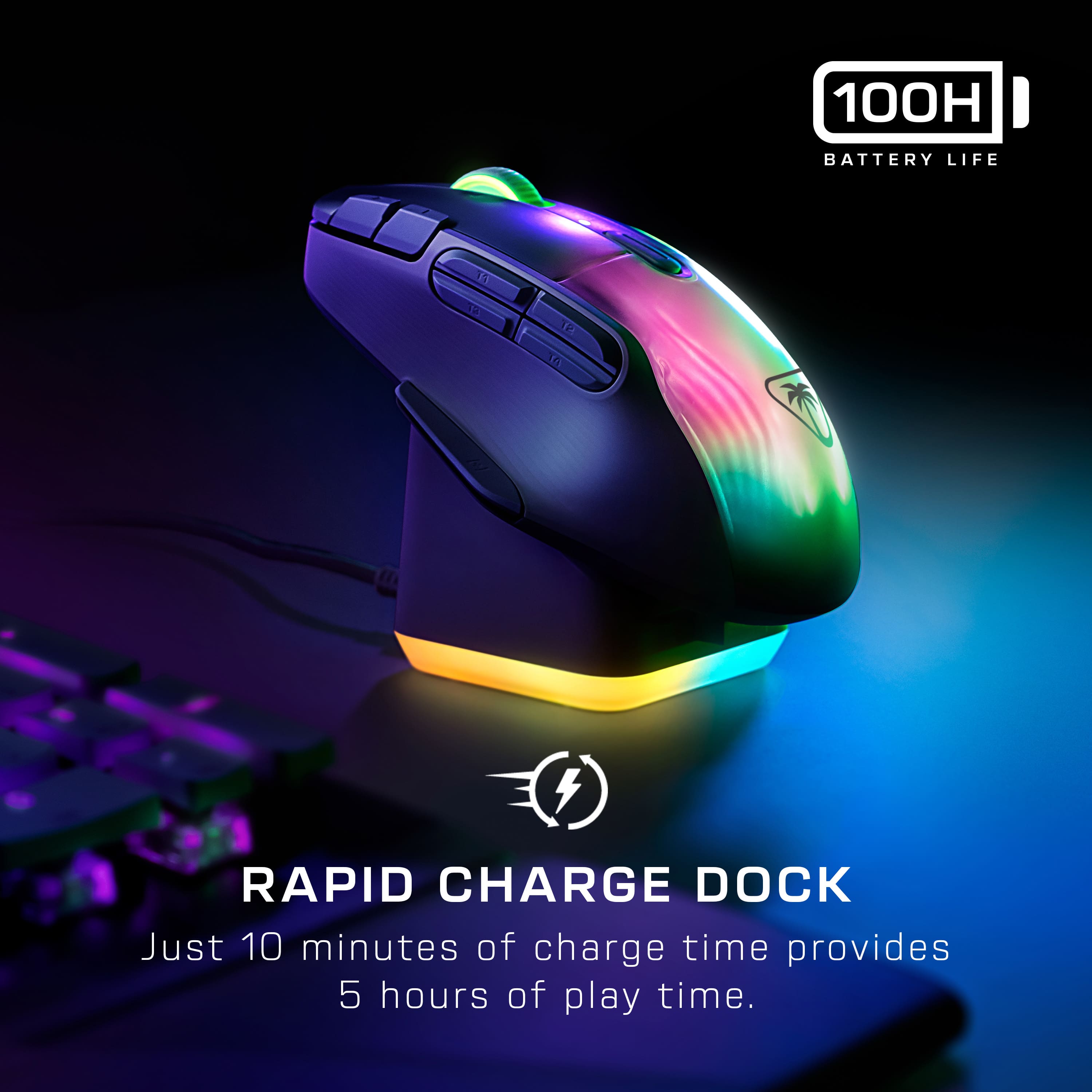
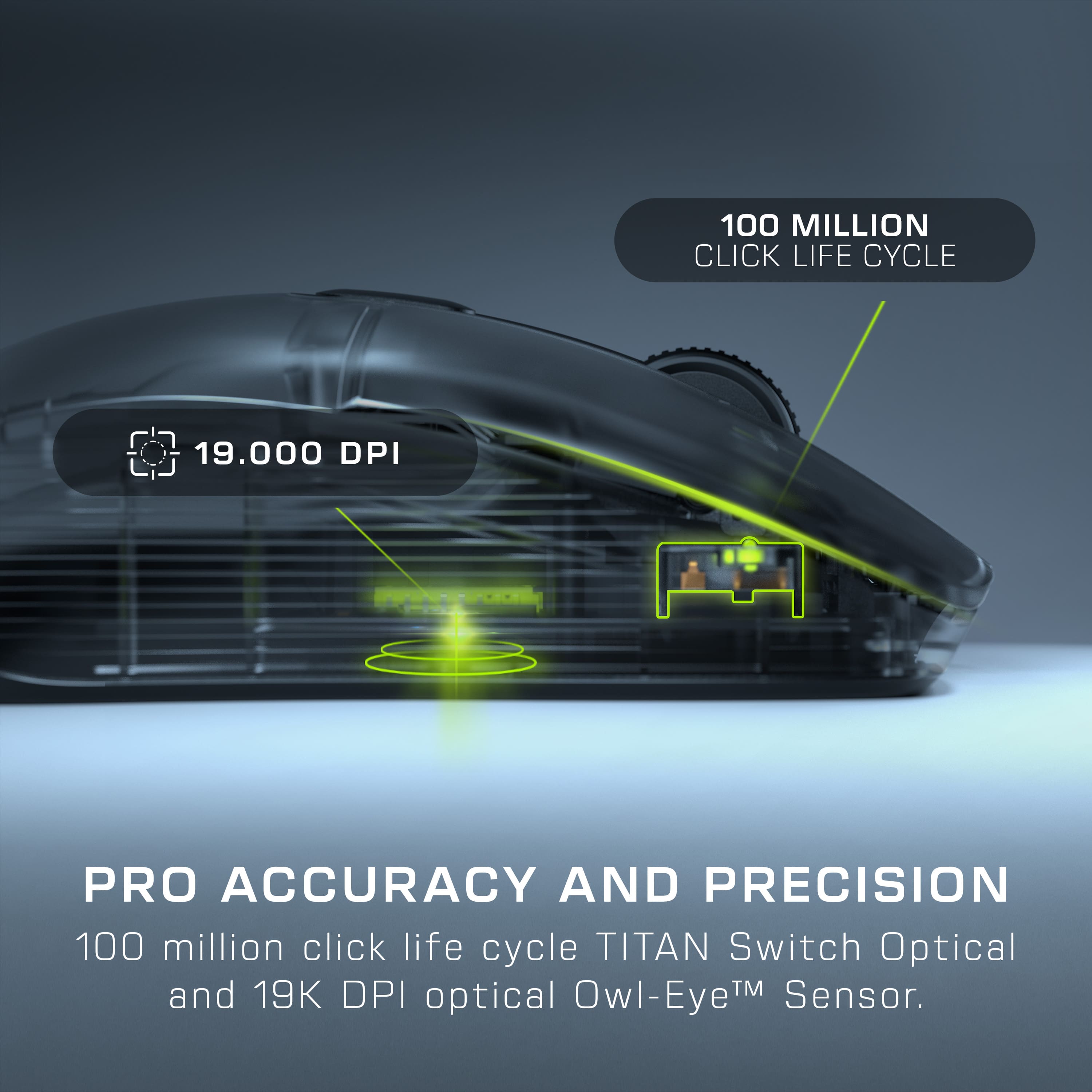
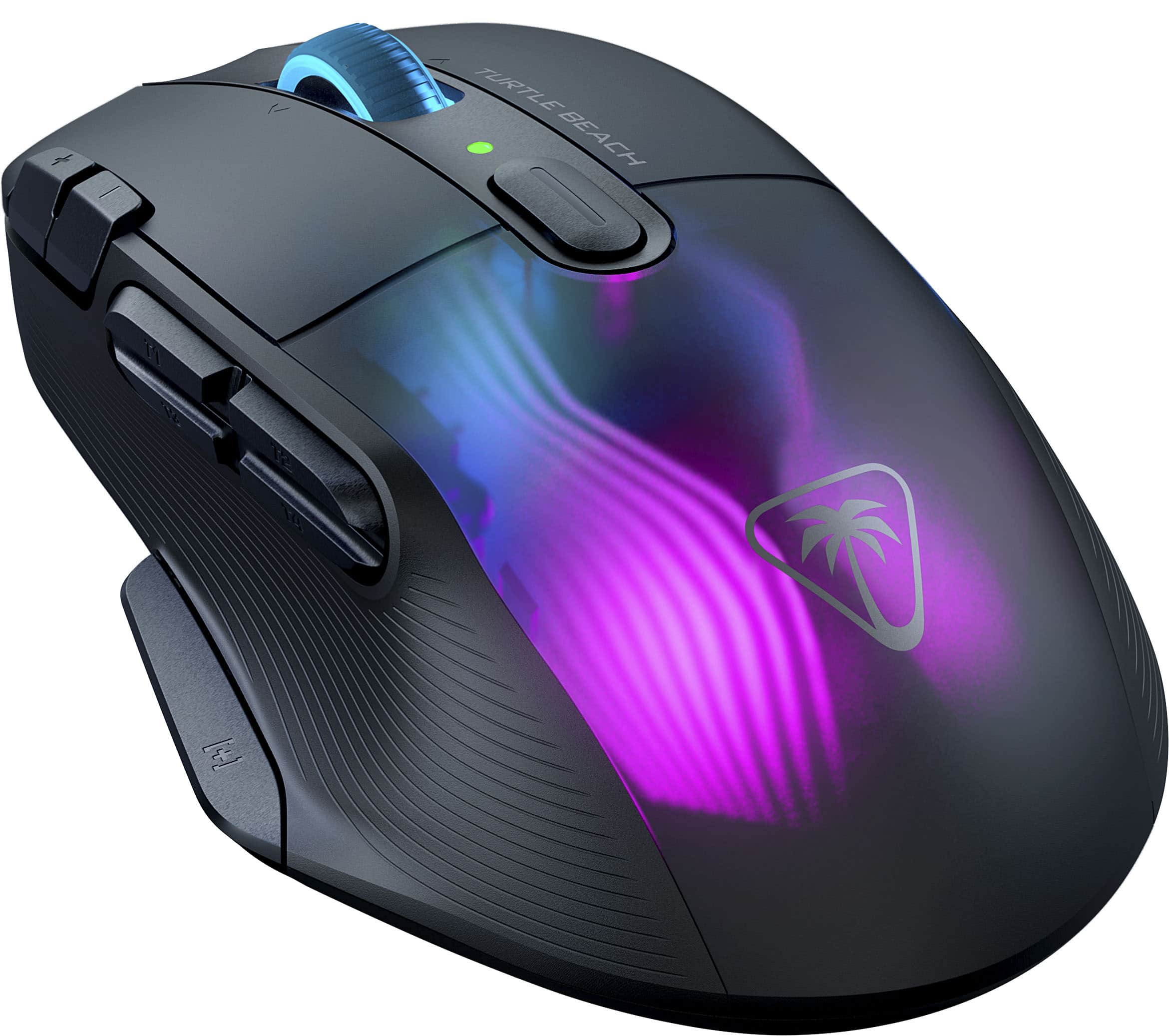
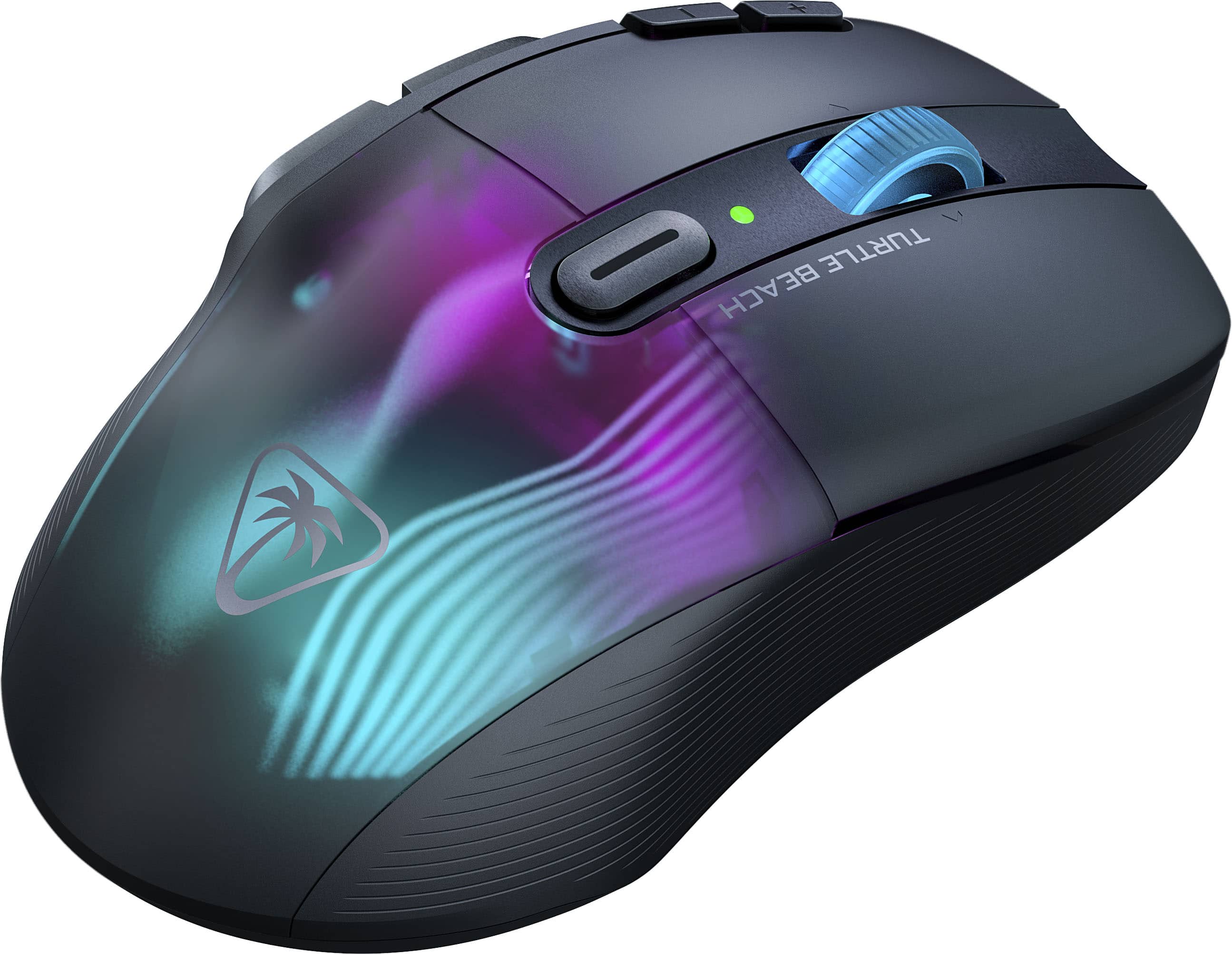
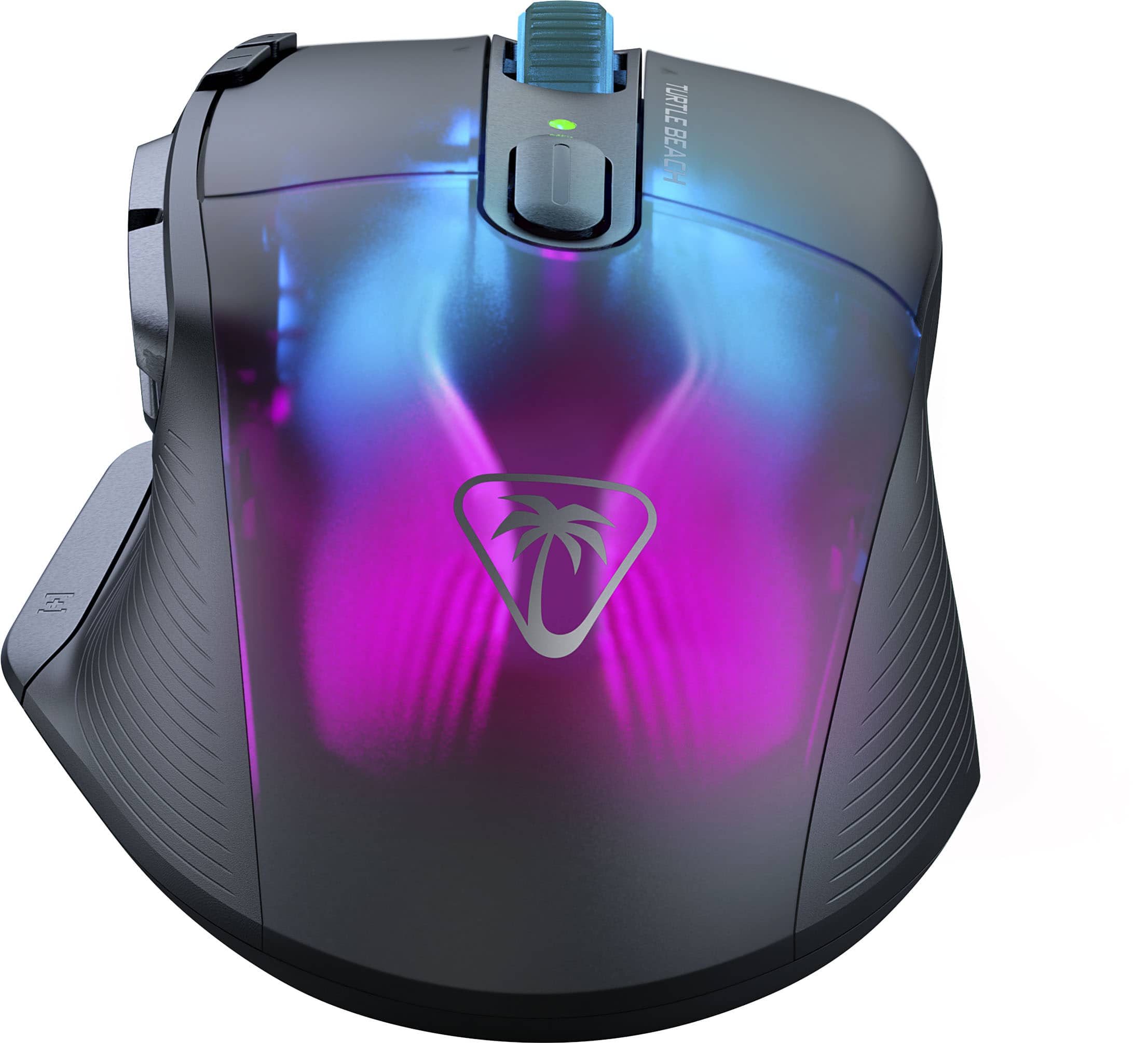
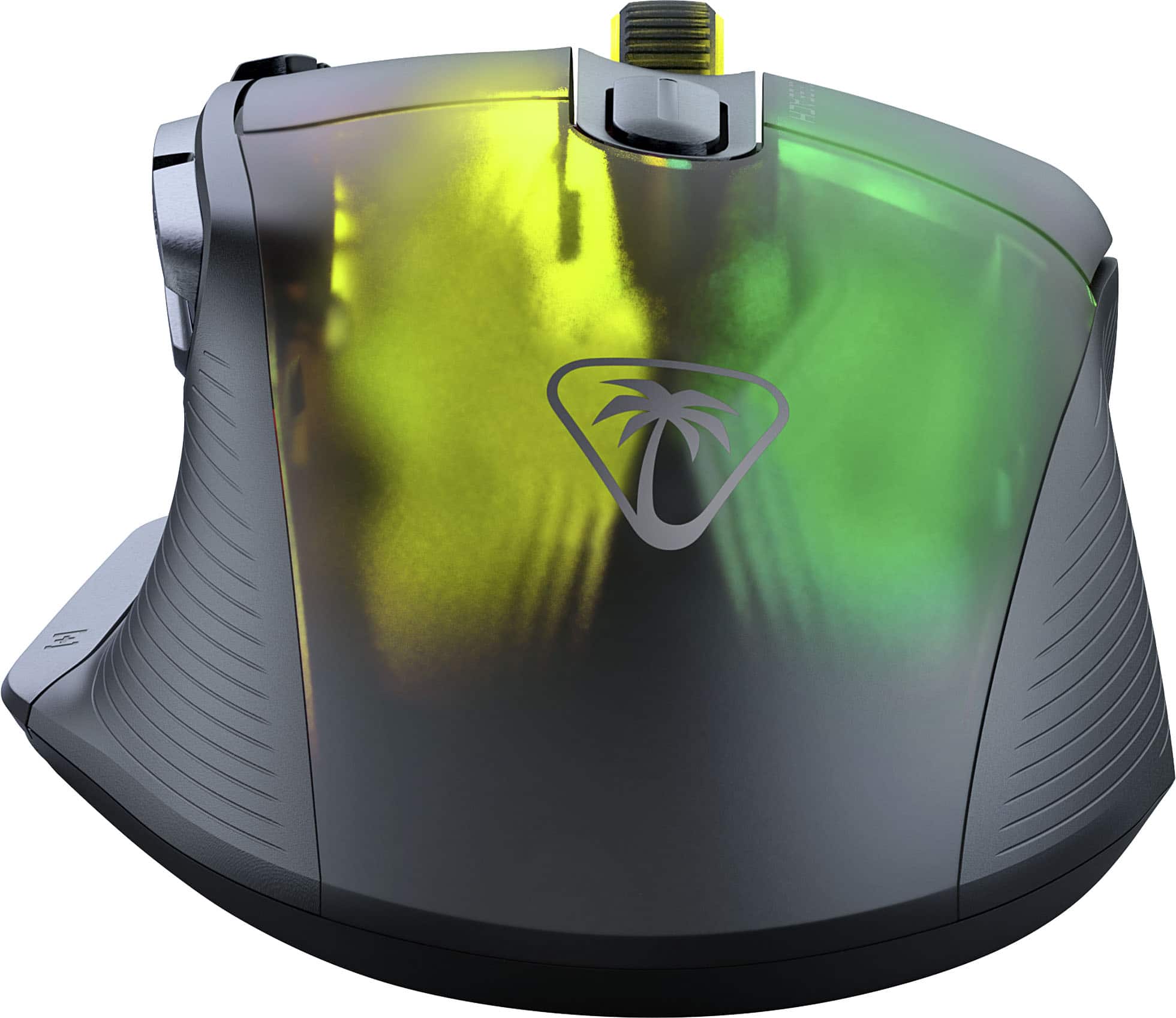
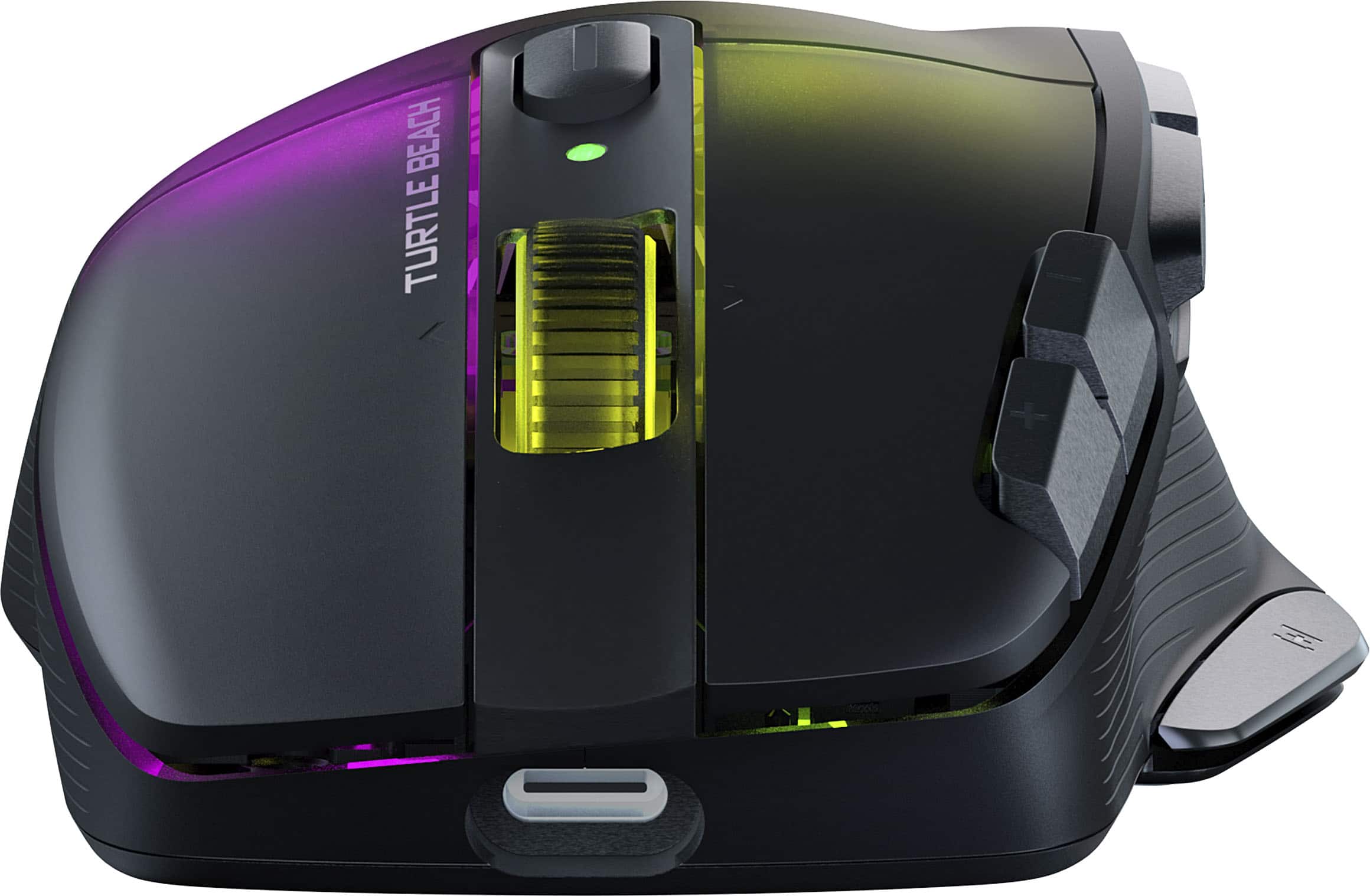
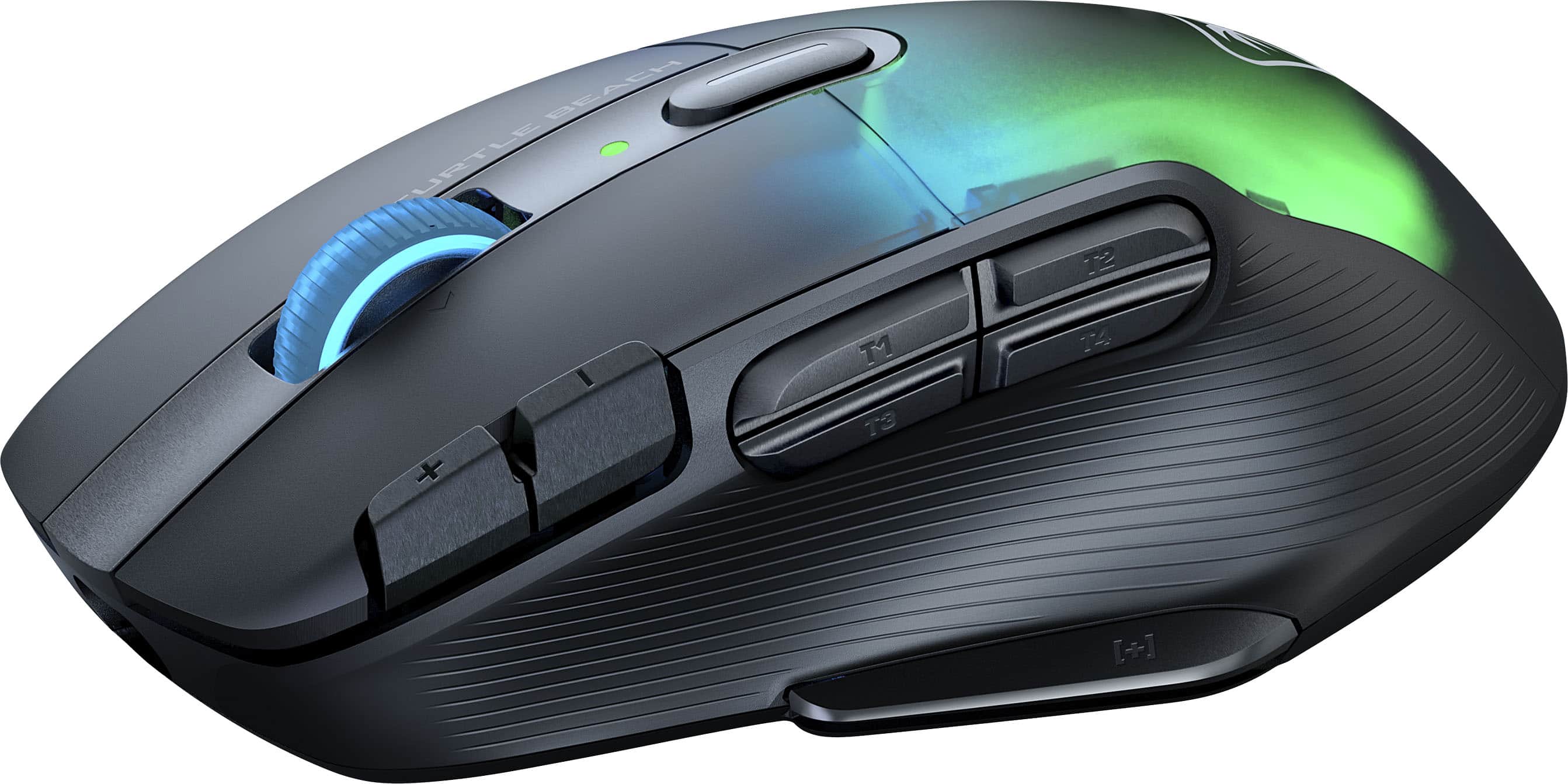
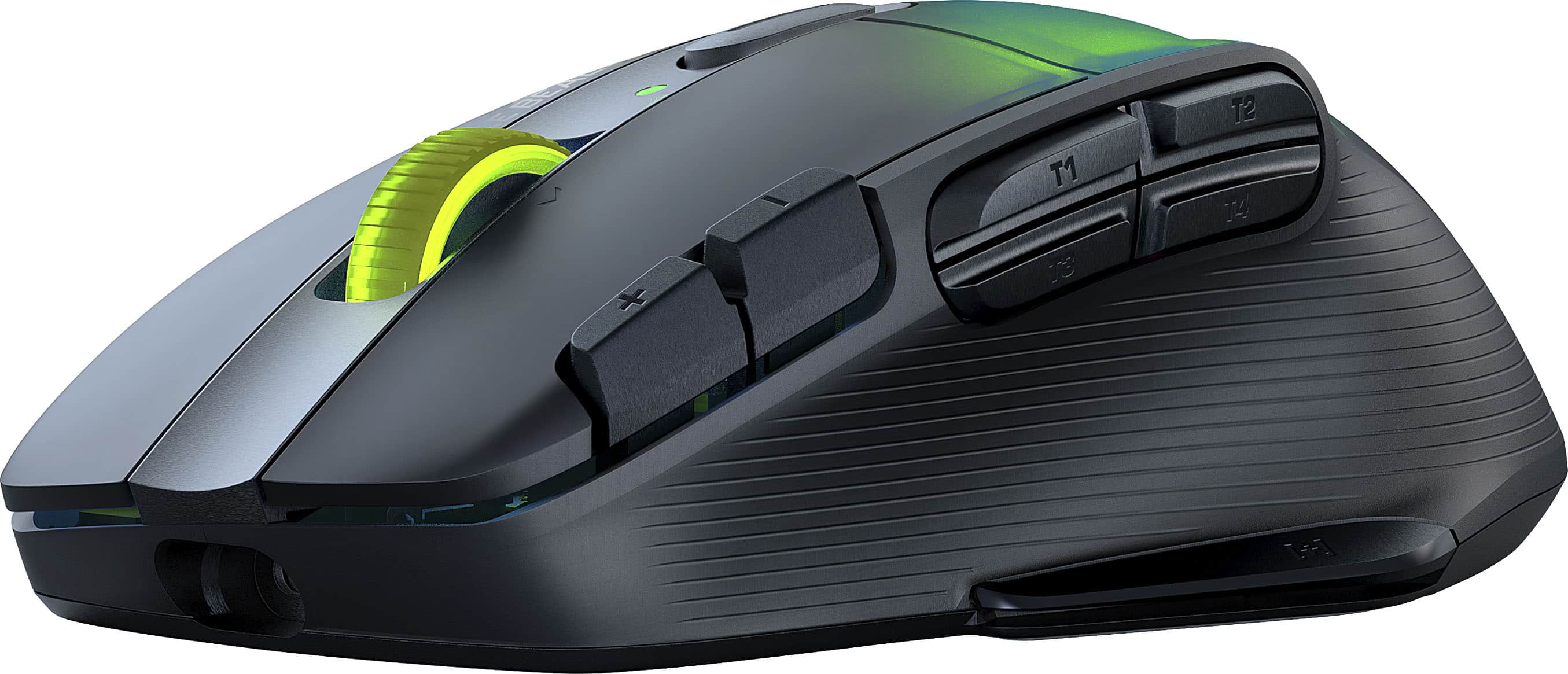
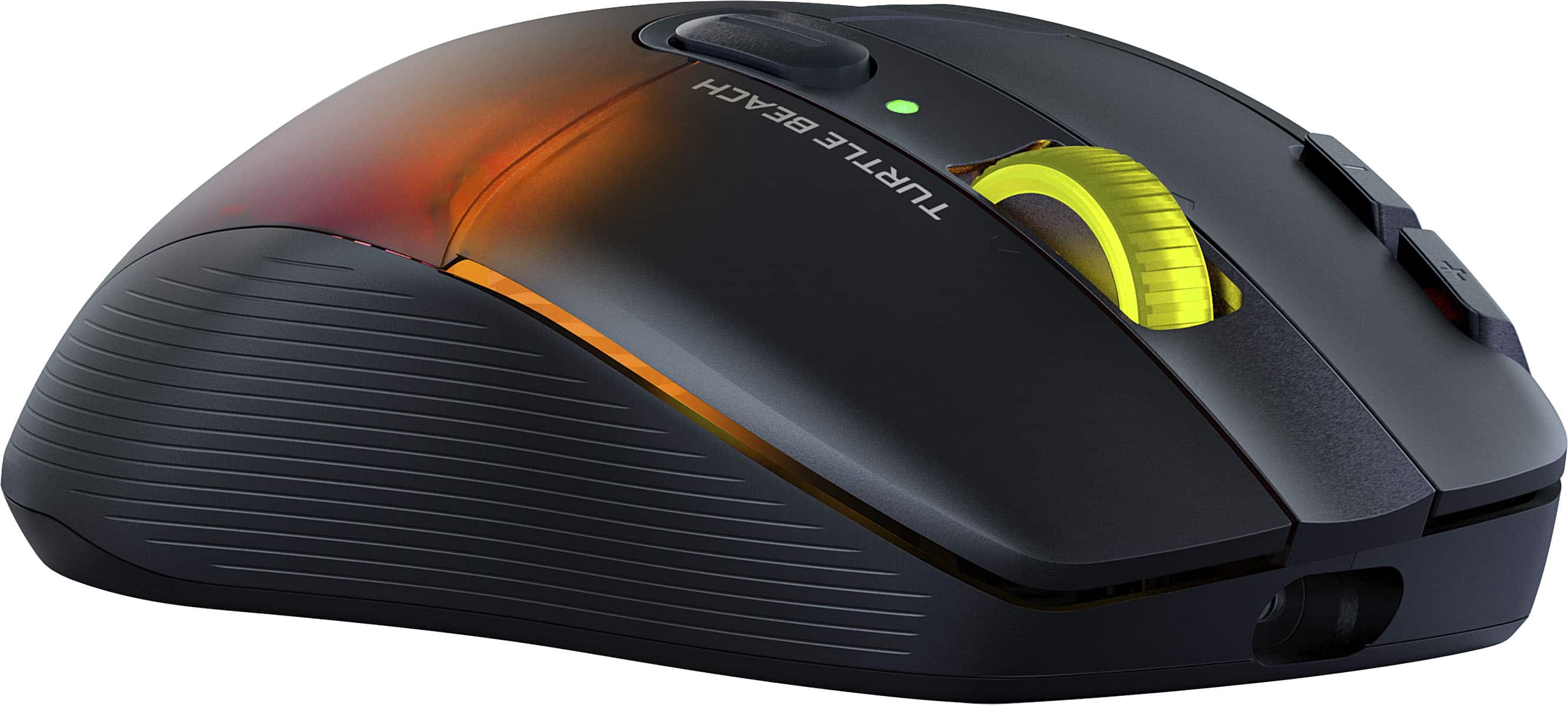
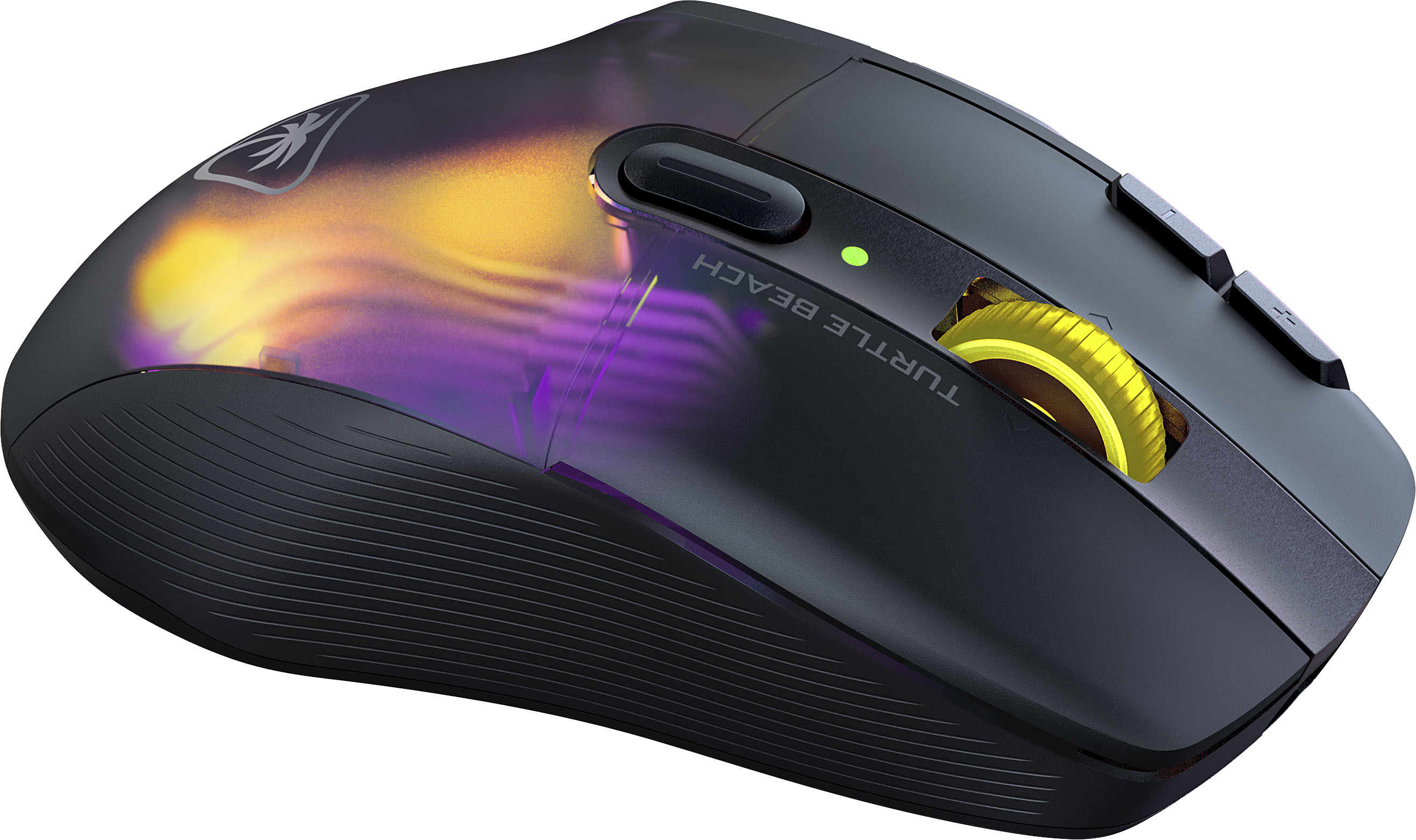
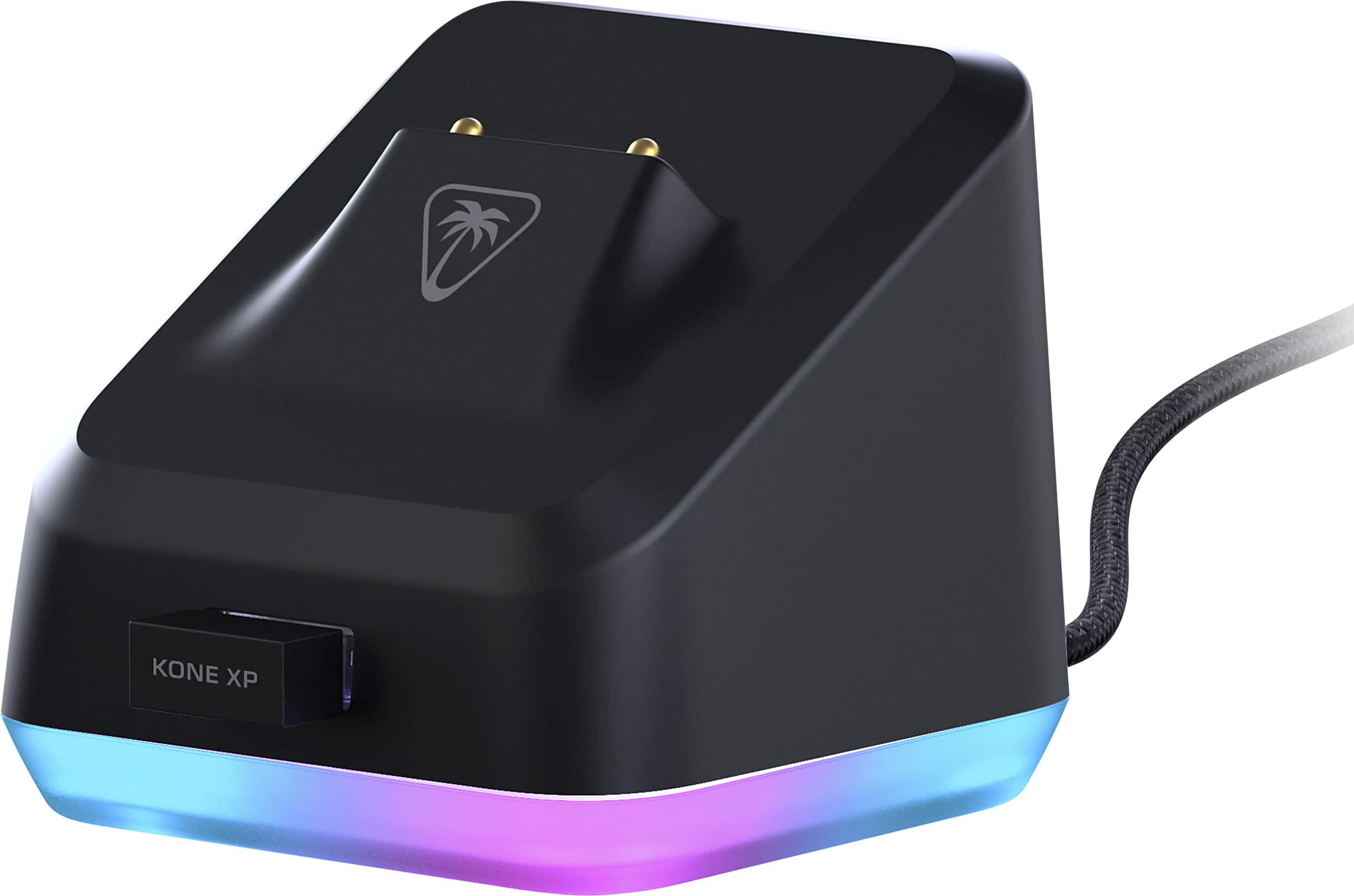
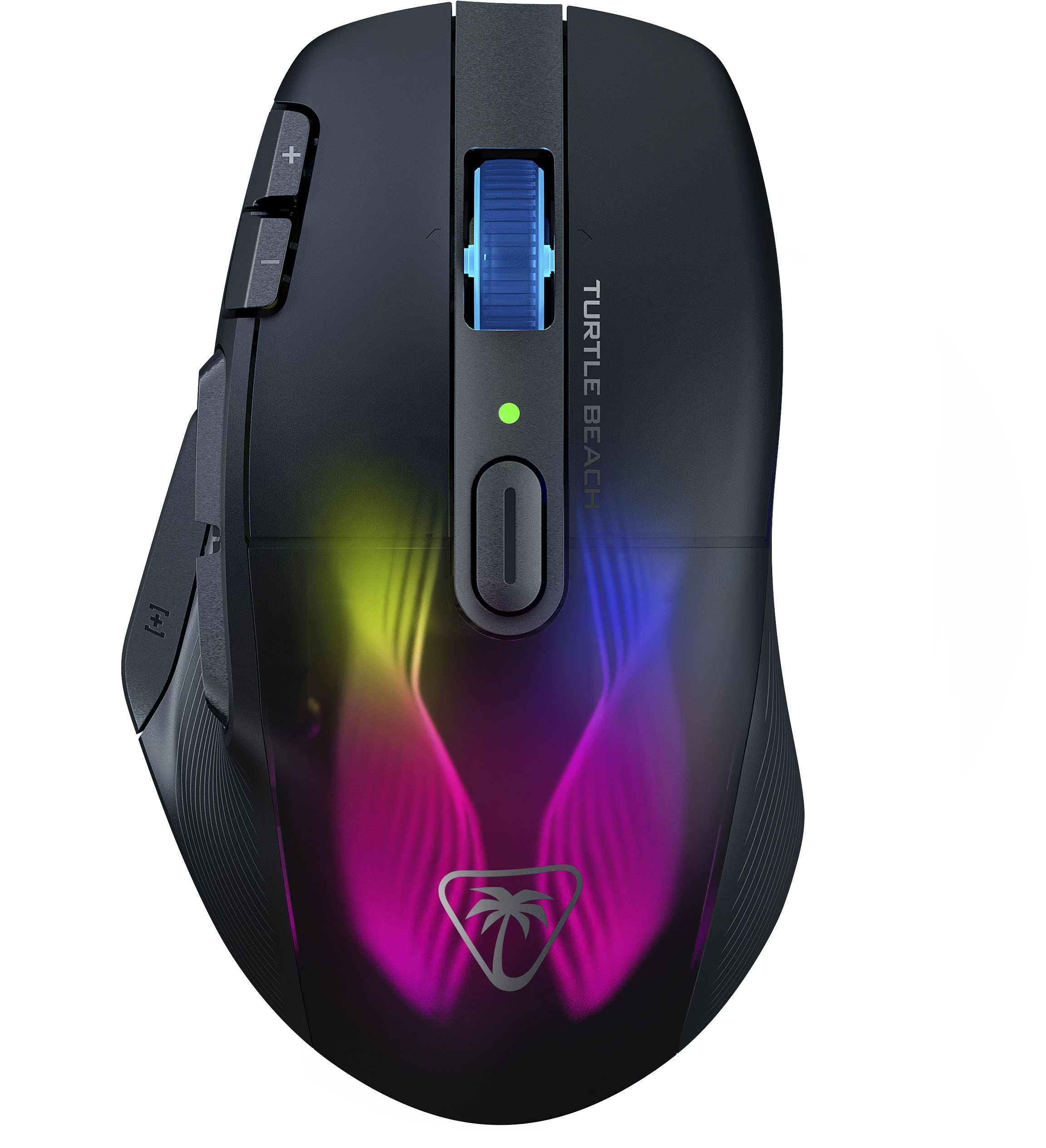
|Posted .This reviewer received promo considerations or sweepstakes entry for writing a review.This gaming mouse has to be the most configurable and colorful mouse out there. Because it has so many easy to reach configurable buttons I am able to perform functions that I would otherwise have avoided. No more reaching for a key on the keyboard when changing weapons, views or functions. I can use my right hand to hit a mouse button much faster to perform that function and my left hand never leaves the WASD keys. For me this alone has improved my game play and allowed me to be more responsive. The curvature of the mouse feels ergonomic and the thumb rest and thumb indent make holding this mouse feel balanced and very natural. The sides of mouse don’t have rubberized pads but there is some texturing that helps with the grip. It has all the right specs with a max DPI of 19,000, Titan optical switches, polling rate of 1000 hz, respectable battery life and a colorful rapid charging dock. This makes keeping the mouse charged easy as well as making a very noticeable RGB statement on your desk. The mouse supports USB cabling which is included, Bluetooth and 2.4 ghz connectivity with the included USB receiver. Other than the wireless capabilities this mouse is nearly identical to the wired version of the Roccat XP mouse. There are 15 physical buttons on this mouse. There are five buttons that can accessed by your thumb, there are five buttons on the top of the mouse and five functions tied to the scroll wheel (left, right, forward, backward and press down). When you use the Easy Shift button which is on the thumb rest you can get an additional 14 programable functions on those same buttons. So basically you get 29 logical buttons which is most probably more than most people will ever use. Just using the 15 physical buttons takes some planning to figure out what functions you want on which buttons. This mouse uses Titan Optical switches which feel solid and provide good feedback when engaged. There are five RGB lighting zones in the mouse and they are fully configurable in the Roccat Swarm app. In the app you can select the RGB mode and any color you like. The app also allows you to configure the mouse buttons as well as set up macros. They also include some preconfigured macros for the more popular games. You can create 5 gaming profiles which are stored in the mouse hardware. In the settings tabs you can configure everything from the polling rate to the debounce time of the switches. The Swarm app really gives you total control over the mouse and the lighting.
I would recommend this to a friend Not a deadmou5!
||Posted . Owned for 3 weeks when reviewed.This reviewer received promo considerations or sweepstakes entry for writing a review.Very happy with how easily you can program the buttons, as well as programming options. The DPI adjustments are solid as well. My only complaint is that to reprogram it, it must be connected by USB. Not a deal breaker though.
I would recommend this to a friendJust cause the engineering is dumb
||Posted . Owned for less than 1 week when reviewed.This reviewer received promo considerations or sweepstakes entry for writing a review.I like the tactile feel of the buttons and scroll wheel. That is why i purchased it over others. I may return it, but havent decided yet. My issue is with the docking station, which is designed and touted by Turtle Beach. Dumb engineers didnt give clearance for the charging port and the mouse, so it doesnt allow it to properly dock, and ya know… charge. After an hour of my time I found the solution. Use the front C port instead of the one supplied. *facepalm* dumb.
No, I would not recommend this to a friendBrand response from Turtle Beach Support
Posted .Hello Jo! We are sorry to hear about the experience you've had with charging your Turtle Beach Mouse on the supplied dock. Our products are each sold with a manufacturer's warranty, and we have a dedicated Support Team available to provide assistance as needed. Please reach out directly to our dedicated Support Team so they can lend a hand. They’re always happy to help and can be reached right from the support section of the Turtle Beach website. Thank you and have a great day!
- Pros mentioned:Battery life, Buttons, Charging dock
Best mouse I have ever owned!
|Posted .This reviewer received promo considerations or sweepstakes entry for writing a review.Summary: This is the best gaming mouse I have ever owned. I started using it for everyday use and work as well due to its high level of comfort and usability. Plus, it looks cool! Pros: - Style! - Lights - Buttons - High DPI - Convenient charging dock Cons: - Software UI could use some work Unboxing / setup: The package includes the mouse, a charging doc, the USB RF dongle, a braided USB cable, documentation and that's about it. Set up is pretty much plug and play if you plan on using the USB RF dongle. If you intend to pair with bluetooth, you will need to go into your computer settings. There is only 1 computer profile for the mouse so you will only pair it with one computer at a time. You can optionally install the Roccat SWARM software from their website which allows for full customization of buttons, colors and profiles. The first time you plug it in with the software, you will plug in the dongle and the mouse directly into the computer to ensure both are on the most current firmware. Gaming: My first test was with Overwatch. I set up the buttons to the assignments I prefer and it was a great experience compared to other gaming mice I have owned. All buttons are logically placed and the feel of the mouse was simply “right”. The high DPI allows for quick movements and all buttons are easy to reach. Playing a few RTS titles, it was great to customize all buttons to my liking for quick access and also be able to switch a profile at the press of a button. You can also up and down the DPI as needed for accuracy vs speed. When using a computer for work, I set up a specific profile with Office buttons and photoshop buttons. These are baked into the software to make it easy and it turns this mouse into a productivity powerhouse. Extras: The docking station is cool. It has a breathing glow to the base which adds to the coolness factor. Battery life seems long, I have only lost 10% since I started using it a few days ago. Durability is decent but it is lightweight and made out of plastic. I suspect it is sufficient but not built like a tank. For me, this is the perfect mouse.
I would recommend this to a friend - Pros mentioned:Battery life, Ergonomics
Comfort-29 ProgramableFunctions-Beautiful Lighting
|Posted .This reviewer received promo considerations or sweepstakes entry for writing a review.I’ve played around with several different gaming mice over the past few year and I’ve never really got comfortable with any, nor have I really tried a wireless one. I always had the opinion that wireless meant the high possibility to lag out when you needed absolute precision. Let’s start with comfort. My hands sweat terribly at times especially when resting on surfaces for long periods of time. The material that the mouse is made of where your palm rests has not caused my palm to sweat like they usually do so the mouse doesn’t slip out of my grasp. The mouse is arced perfectly while keeping your wrist at a comfortable angle. The buttons on the left side are positioned so that they are not in the way when you aren’t using them and the top/bottom sections are position so you don’t accidently click the ones above or below them. Function. With the SWARM software, you can customize the key functions for 29 options and customize the lighting of both the dock and mouse. The first thing that I always do with a new mouse is program the browser Forward and Back options to be the left and right clicks. Once you’ve customized the lighting and keys to your desire, you can store the profiles on the device. This was a plus for me since my work life is in finance and I like having the left/right clicks on the side to save stress on my index and middle finger and I can’t install any programs on my work laptop. Most of the mice I’ve had do not save configurations on the device themselves so this is a plus for me that this does. I also love that the scroll wheel can be clicked to the left or right to scroll horizontally, a plus for navigating spreadsheets. Okay….enough about work. You can also create customized profiles that are specific to games. Want a specific layout for a game, program it and it automatically applies when you launch the game. The device is lightweight and easy to move around. Connectivity. There are three ways to connect. Direct USB-C wired connection where the wire is very lightweight and flexible so it doesn’t get in the way. Wired connection to the docking base with a dongle plug into the dock, wireless connectivity. Bluetooth wireless connectivity. With the lighting on at full brightness without energy saver on (dims the lighting while it is moving), the mouse held up for 12 hours of mostly constant use to 40% through the dongle connection. Charged it overnight and toggled the energy saver option which ran for maybe 19 hours total between two days before I plugged the wire into the mouse to finish up a level. I took that opportunity to see how different the wireless connection was from the wired, I actually didn’t notice a difference. Overall I am amazed at the number of customizable keys and how the lighting is laid into the body of the mouse. Great trackability giving just the edge you need in gaming.
I would recommend this to a friend - Pros mentioned:Battery life, Buttons, Ergonomics
Elevate Your Game: Kone XP Air Wireless
||Posted . Owned for 3 weeks when reviewed.This reviewer received promo considerations or sweepstakes entry for writing a review.The world of gaming peripherals is awash with a plethora of choices, but ROCCAT's Kone XP Air Wireless stands out like a beacon for those looking for a top-tier gaming experience. Design and Build Right out of the gate, the Kone XP Air Wireless impresses with its sleek black design, which seamlessly integrates with any gaming setup. Its ergonomic build accommodates various grip styles, including claw, palm, and standard grip, catering to a broad spectrum of gamers. Performance With a staggering sensitivity range from 50 to 19,000 DPI, this mouse offers unparalleled precision. Whether you're lining up a headshot or working on detailed graphics, the Kone XP Air promises a smooth and responsive experience. Its impressive 11 buttons, including 5 thumb buttons, bring functionality to the fingertips. And with 29 programmable buttons, customization enthusiasts are in for a treat. Wireless Capabilities Offering both Radio Frequency (RF) and Bluetooth connectivity, this mouse ensures lag-free gameplay, essential for those nail-biting moments in FPS, MMO, MOBA, RPG, and RTS genres. The absence of cables means a clutter-free desk, which is always a plus. Lighting The RGB AIMO lighting isn't just for show. It provides an immersive gaming experience, and the customizable lighting lets you set the right mood for every session. Battery Life & Charging Powered by a lithium-polymer battery, the Kone XP ensures long gaming sessions without constantly reaching for the charger. And while it lacks wireless charging, the inclusion of a USB Type A charging interface keeps things simple and efficient. Extras Though it doesn't come with a mouse pad, the on/off switch ensures you can conserve battery life when the mouse isn't in use. Plus, ROCCAT's promise of a 2-year warranty for both parts and labor instills confidence in this product's longevity. In Conclusion The Kone XP Air Wireless Optical Gaming Mouse isn't just another addition to the gaming market; it's a statement of intent from ROCCAT. A combination of impeccable design, versatile functionality, and top-notch performance makes it a must-have for any serious gamer. While it might be an investment, it's one that promises returns in the form of an unmatched gaming experience.
I would recommend this to a friend - Pros mentioned:Battery life, Charging dock, Ergonomics
Excellent Gaming Mouse with Premium Features
||Posted . Owned for 3 months when reviewed.This reviewer received promo considerations or sweepstakes entry for writing a review.I’ve been using the Turtle Beach Kone XP Air Wireless Optical Gaming Mouse, and it’s exceeded my expectations in every way. Here’s why it stands out: 1. Ergonomic Design: The mouse fits perfectly in my hand, providing a comfortable grip for extended gaming sessions. The build feels premium and well-balanced. 2. Performance: The wireless optical sensor is incredibly precise, and the low-latency connection ensures smooth, responsive gameplay without lag. It’s a perfect choice for competitive gaming. 3. Charging Dock: The included charging dock is a fantastic addition. It keeps the mouse charged and ready to go while also adding a sleek aesthetic to my gaming setup. 4. RGB Lighting: The AIMO RGB lighting is stunning and customizable, allowing me to sync it with my other peripherals. It adds a vibrant touch to my desk. 5. Customizability: With plenty of programmable buttons, it’s easy to set up macros and shortcuts for various games or productivity tasks. The software is intuitive and user-friendly. 6. Battery Life: The battery life is excellent. A single charge lasts for hours, and the charging dock makes it effortless to keep it powered. If you’re looking for a gaming mouse that combines top-notch performance, aesthetics, and convenience, the Kone XP Air is worth every penny. Highly recommended for both casual and competitive gamers!
I would recommend this to a friend - Cons mentioned:Software
good, but not for me
|Posted .This reviewer received promo considerations or sweepstakes entry for writing a review.I have had several gaming mice. I am not super picky, but I do know what I like and do not like. Out of the box, you can just use this by Bluetooth. There is a switch on the bottom of the mouse to control this. Obviously you have a lack of control over what the buttons do and the colors etc. But if you want a basic mouse that lights up, you can. The software is called Roccat Swarm, and you can download is from the website. For the software to work, I had to plug in the cable from the charger to my computer. This lets you charge the mouse and lets you control the features from the software to the devices. There are 2 pieces of hardware you can control the base and the mouse. I was able to change the settings on the dock for the mouse but not the mouse itself. This was pretty disappointing. I do not have a super large hand, but my thumb rests on 2 of the buttons and I cant turn them off. For me, I dont like to rest my hand to low. it just starts to not feel good. I have a mouse pad with a wrist-wrest I use and use the rest portion more than my previous mice.
No, I would not recommend this to a friend - Pros mentioned:Battery life, Charging dock, Rgb lighting
Great mouse for Productivity.
||Posted . Owned for 3 weeks when reviewed.This reviewer received promo considerations or sweepstakes entry for writing a review.Great Mouse. Wireless works really well on the 2.4 ghz setting. I haven't tried the Bluetooth, but its nice to have that option. The charging dock works great to top off the battery. Battery life has been excellent. The RGB lights are nice. I'm using this as a productivity mouse and it works great for that purpose. I am able to program the buttons for shortcuts. So far so good.
I would recommend this to a friend